📻 DIY Digital FM Radio With Arduino + 3D Printed Case
by TylerDDDD in Circuits > Arduino
152 Views, 4 Favorites, 0 Comments
📻 DIY Digital FM Radio With Arduino + 3D Printed Case

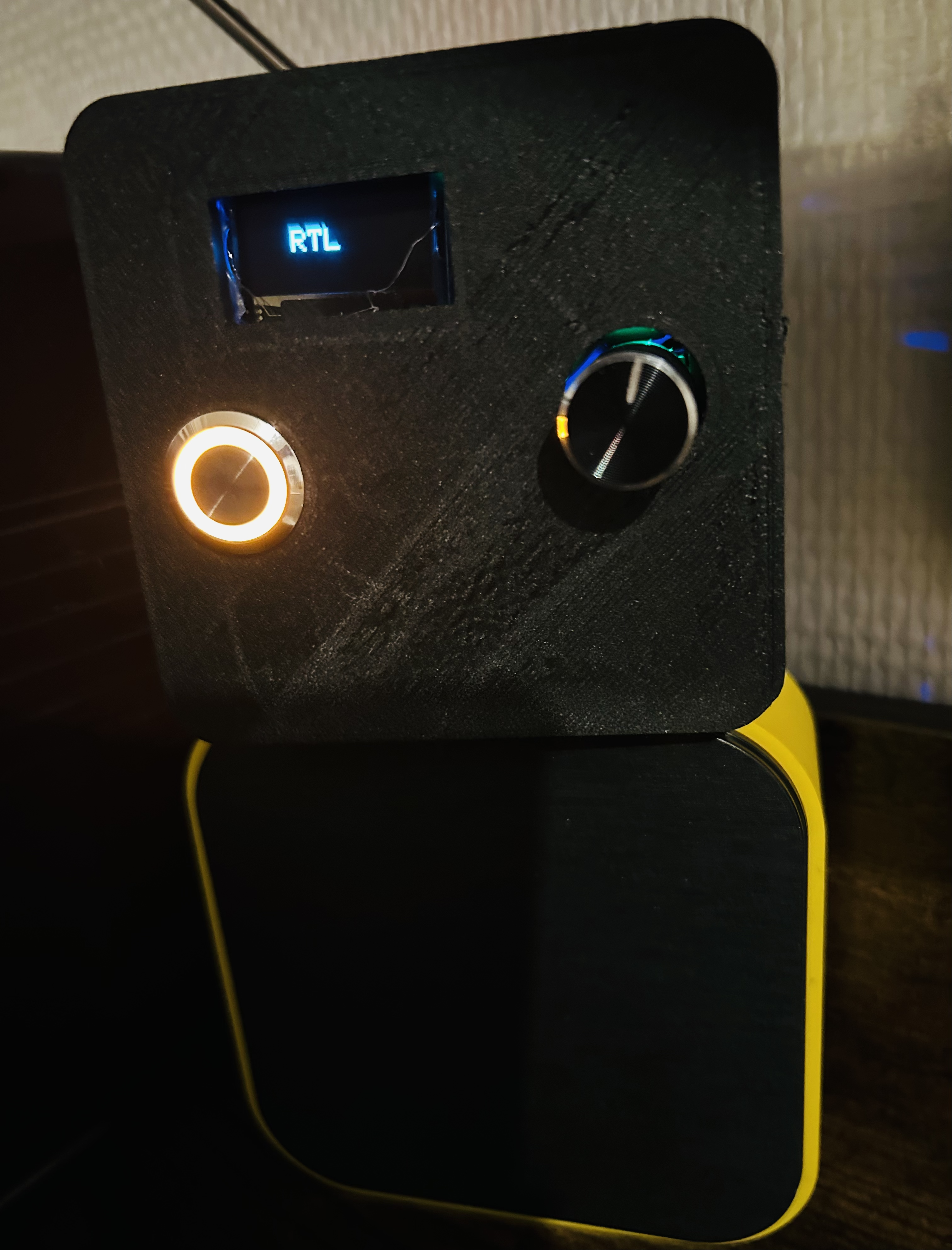

Build your own digital FM radio using an Arduino Uno, a TEA5767 FM module, and a custom 3D printed enclosure. This radio:
* 📡 Receives FM stations digitally
* 🎛 Tunes using a button
* 🎧 Works with headphones
* 🔊 Connects to vintage radios or external speakers
* 📲 Can transmit to Bluetooth audio receivers
* 🖨 Has a fully custom 3D printed case
Perfect for beginners and makers who love audio projects!
Supplies
Electronics
* TEA5767 FM Radio Module (choose an already wired, to avoid soldering the small module)
* LM386 Audio Amplifier module (or similar)
* Optional: Bluetooth audio transmitter module
* Optional: Vintage radio or powered speaker
* Jumper wires
* Breadboard
* Power, I used a cable converting 220V to 5V.
Tools
* 3D printer .. or ask a friend :)
* Soldering iron
* Computer with Arduino IDE
⚙️ Upload the Arduino Code (DO THIS FIRST)
Before wiring everything permanently, upload the code.
Install Required Library
In Arduino IDE:
* Go to **Sketch → Include Library → Manage Libraries**
* Search for **TEA5767**
* Install a compatible TEA5767 library
Arduino Code
Download the latest version on GitHub
Important : change the frequency of the radios according to your location :) You can preset 10 different radios and frequencies.
Upload to your Arduino Uno. If it uploads successfully, you’re ready for wiring.
🔌 Wiring the FM Module, OLED Display, Etc

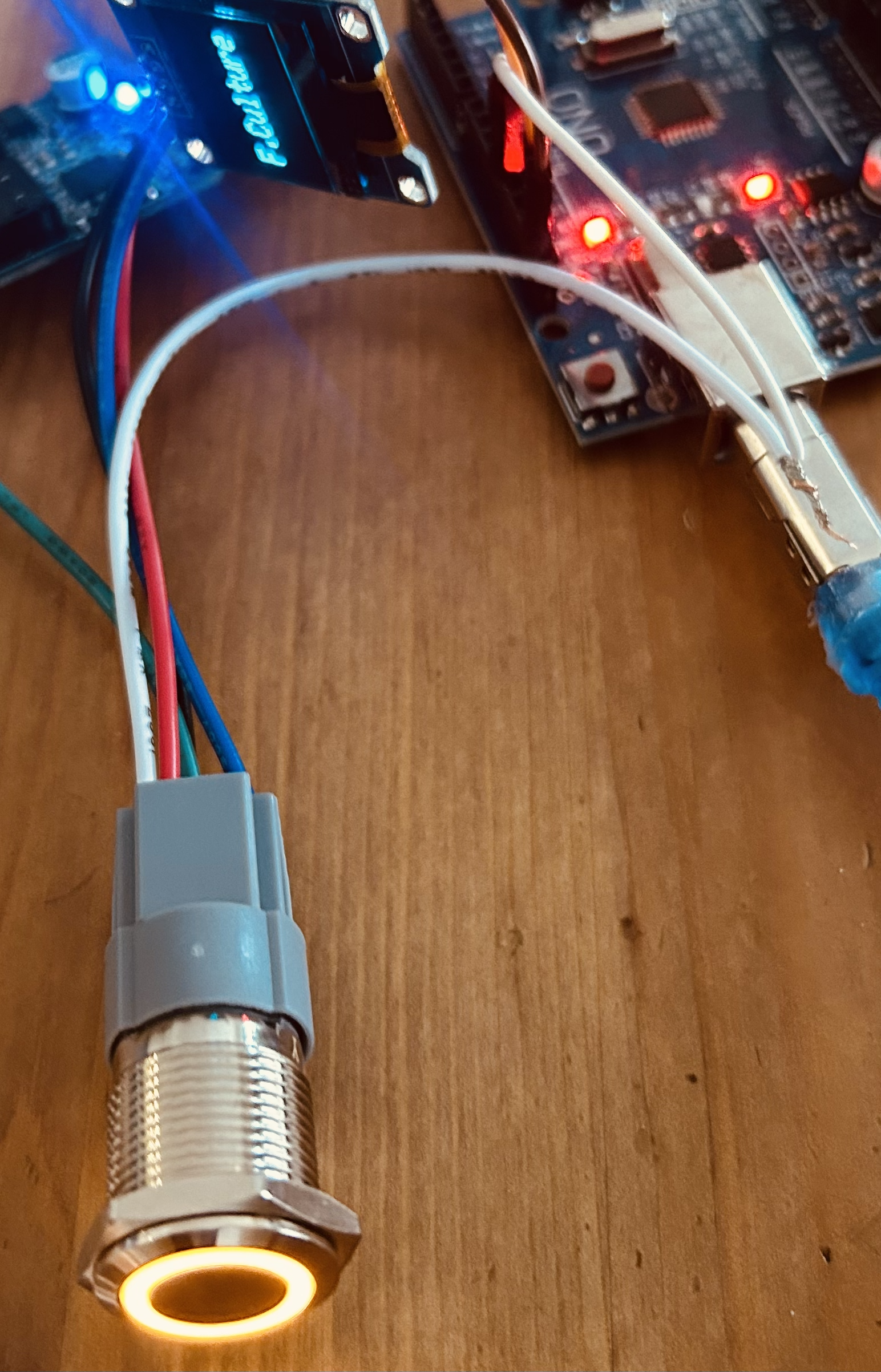
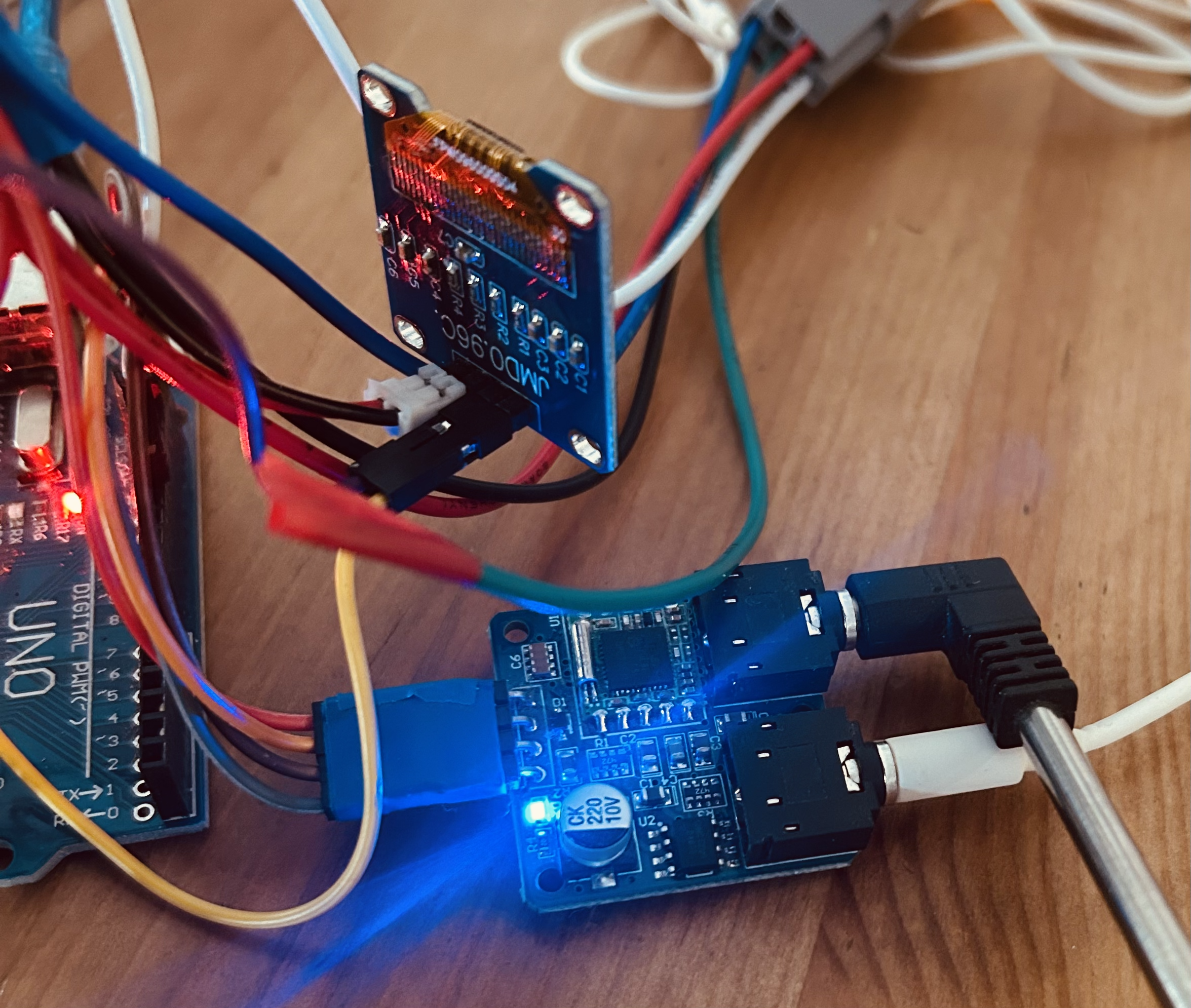
TEA5767 Wiring
| TEA5767 Pin | Arduino Uno |
| VCC | 3.5V |
| GND | GND |
| SDA | A4 |
| SCL | A5 |
The TEA5767 communicates using I2C.
LCD Screen Wiring
| LCD Pin | Arduino Uno |
| VCC | 3.5V |
| GND | GND |
| SDA | SDA Uno |
| SCL | SCL Uno |
Push Button Wiring
* One side of button → Pin 12
* Other side → GND
We use Arduino’s internal pull-up resistor.
🔊 Add the Audio Amplifier (LM386)

The TEA5767 outputs low-level audio, so we amplify it.
Connections:
* TEA5767 Audio Out → LM386 Input, mine was jack to jack
* LM386 VCC → 5V
* LM386 GND → GND
* LM386 Output → 3.5mm jack OR speaker. In my case it was cable connections
Now your radio can drive:
* Headphones
* External speakers
* Vintage radio AUX input
🎧 Audio Output Options
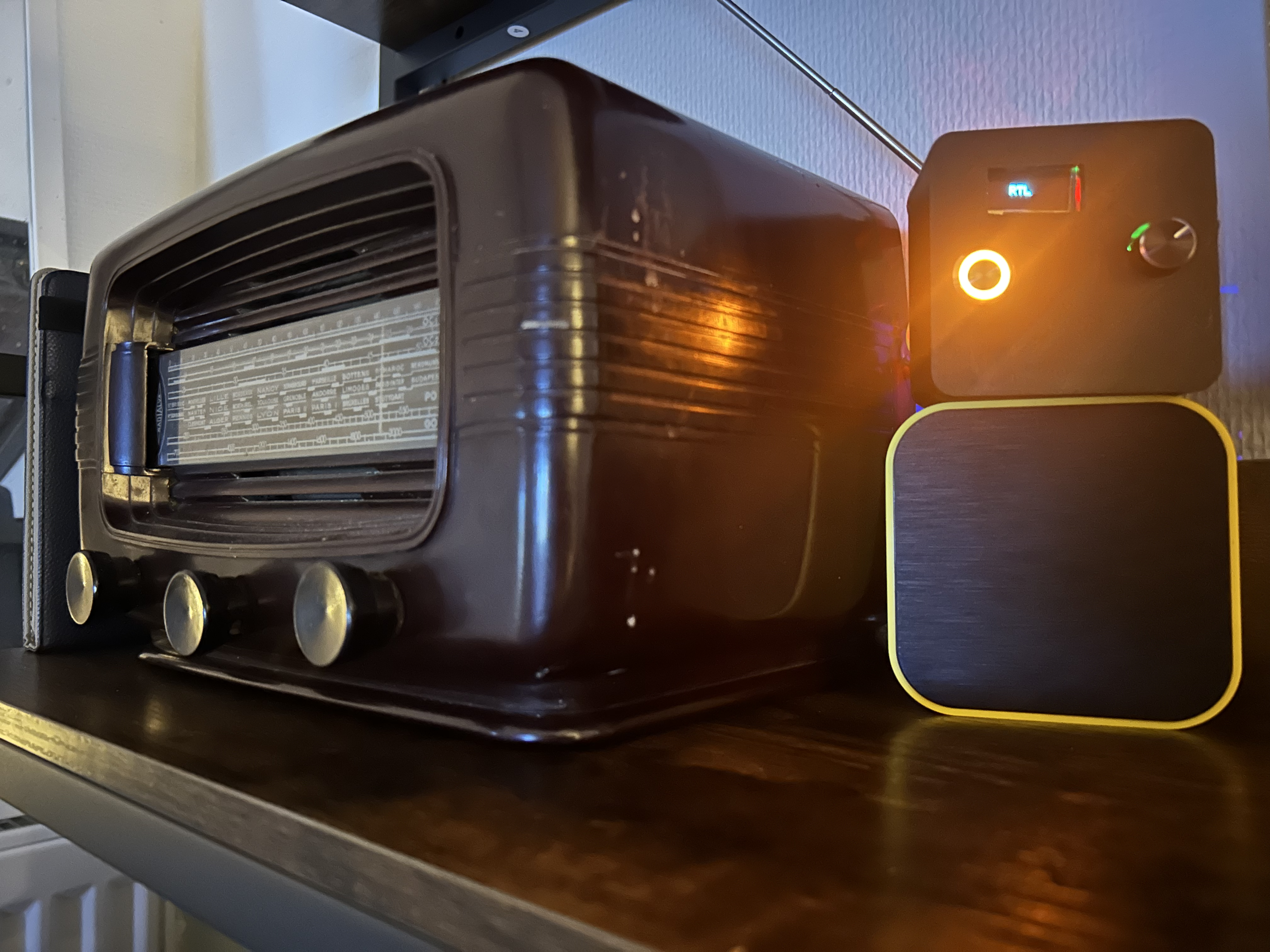
This is what makes the project unique and clickable.
Option 1: Headphones
Directly plug into 3.5mm jack.
Option 2: Vintage Radio
If your vintage radio has AUX input, connect the output.
If not:
You can connect to a small FM transmitter module and rebroadcast the signal locally.
Option 3: Bluetooth
Connect output to:
* Bluetooth audio transmitter module
* Then pair with Bluetooth speaker
Now your DIY radio is wireless.
🖨 3D Print the Case
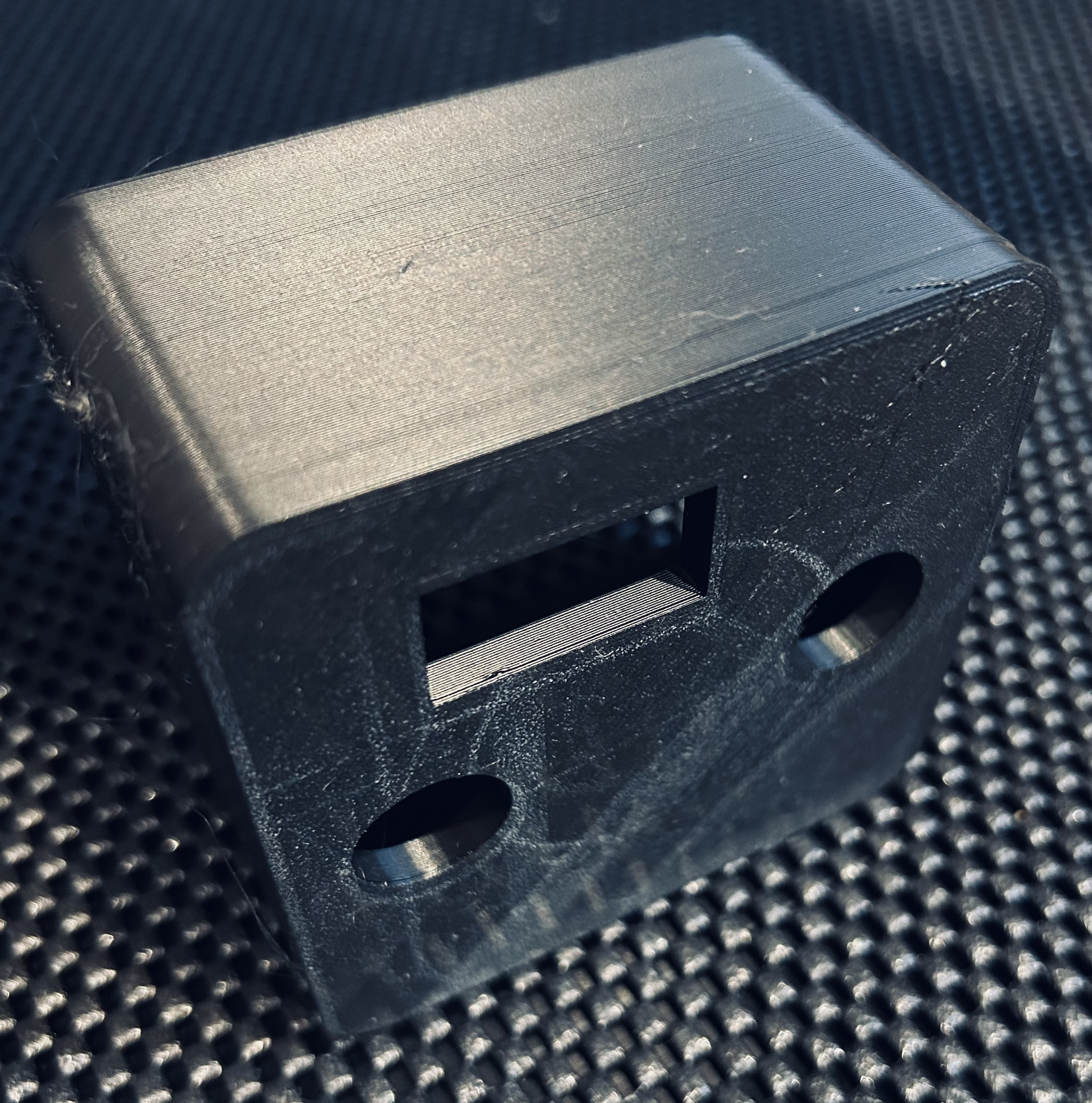
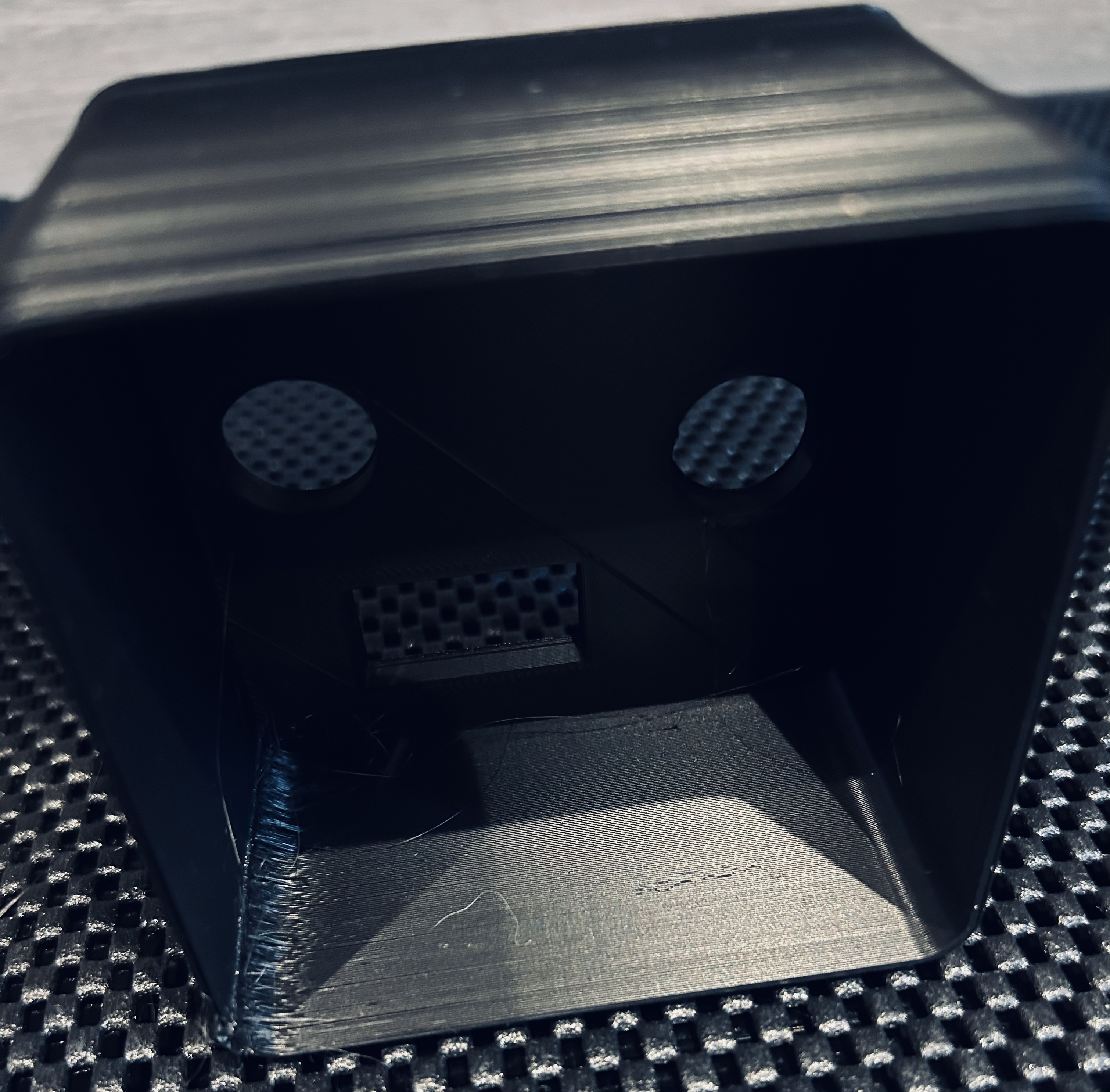
Download the stl file from GitHub : LINK
Transform to a gcode file with Cura, steps for both .stl files :
- Open in Cura
- Change XY to X=80mm, Y=80mm
- Slice and Export to .gcode file
- Transfer to the 3d printer and print
Print settings:
* PLA
* 0.2mm layer height
* 20% infill
* No supports if designed properly
Mount components with:
* M3 screws
* Hot glue (if needed)
🧪 Final Testing
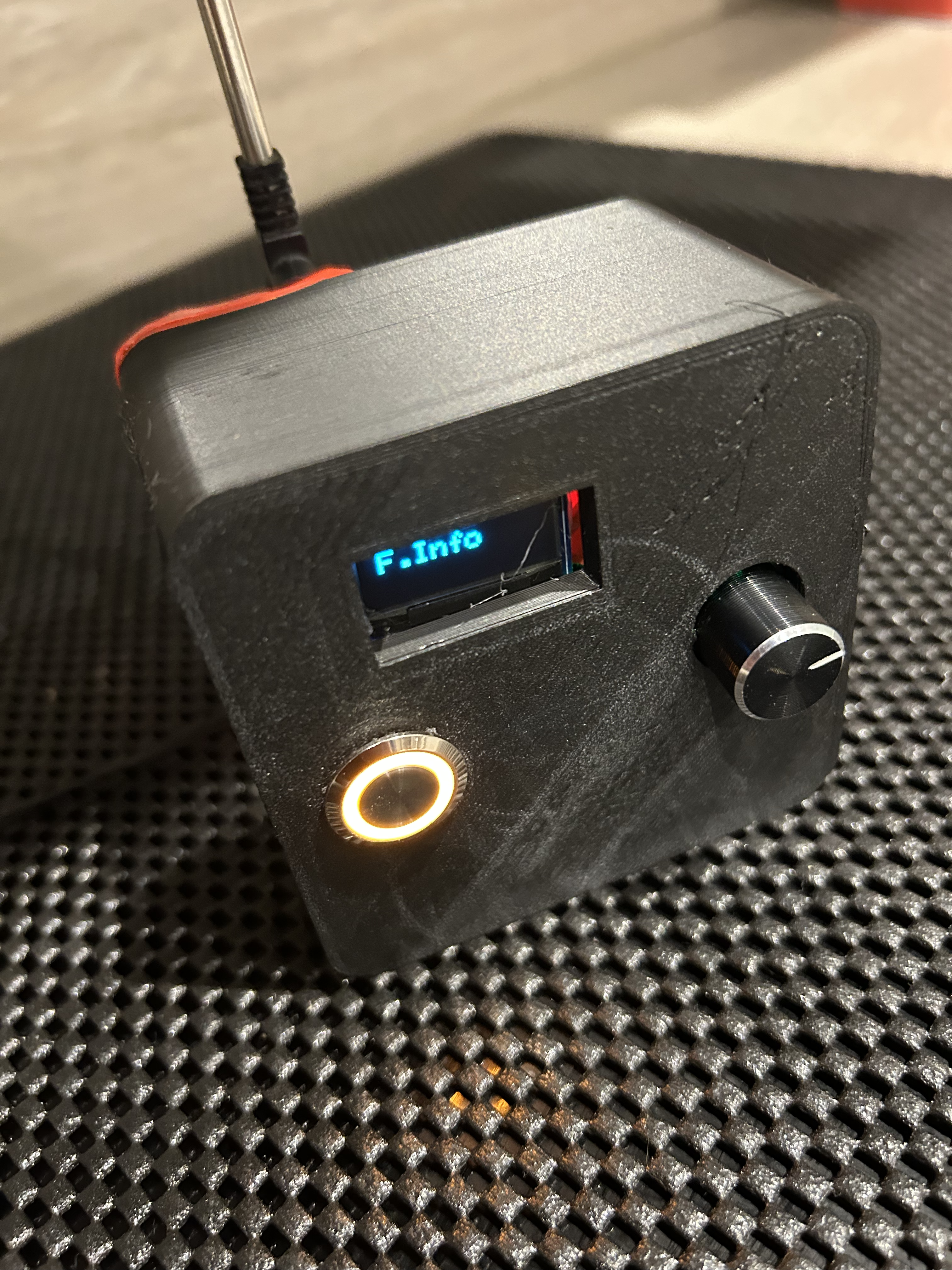
Power the Arduino.
Plug in headphones or speaker.
Press the button
If you hear static:
* Adjust antenna wire length (75cm works well)
* Keep wires short
* Avoid USB noise
🎯 Why This Project Is Awesome

* Beginner friendly
* Mixes electronics + audio + 3D printing
* Expandable
* Great gift idea
* Can be modern OR retro
Keywords
Digital FM Radio
Arduino UNO
3D Printed Case
Modern Radio
Retro Radio