3D Printed UAV With Autopilot and FPV System
by yotitote in Workshop > 3D Printing
1483 Views, 8 Favorites, 0 Comments
3D Printed UAV With Autopilot and FPV System
.JPEG)
This instructable guides you through the design and build process of a 3D-printed UAV. The complete aircraft weighs under 1 kg. It is a highly experimental platform and far from ideal, this tutorial documents my build journey and aims to inspire others to create similar projects.
Supplies
The supplies needed:
- 1kg LW-PLA
- Glue Stick
- Thick CA Glue
- Thin CA Glue
- 7mm Carbon Fiber rod
- 4mm Carbon Fiber rod
Tools needed:
- 3D printer
- Caliper
- Exacto knife
- Sandpaper
Electronics/mechanical parts (what I used):
- A flight controller (Matek F405-WING V2)
- RX RadioMaster (RP3)
- Servo cable extension 400mm x 4
- ESC (Hobbywing Skywalker 40A)
- Motor (SUNNYSKY X2216 1400kv)
- Lock on Nylon Control Horn and Clevis
- Proppeller (Gemfan Apc 7x5)
- Steel Wire Push Rod x 4
- Servos (MG90S Servo) x 4
Designing


To design this aircraft, I used Onshape 3D CAD. I began with rough sketches to explore the overall layout, proportions, and component placement, then refined them into precise drawings with exact measurements and alignment references.
The fuselage was designed first as the main structural element. It is 500 mm long with a maximum width of 80 mm, providing enough space for the flight controller, wiring, battery, and propulsion components while maintaining a streamlined shape. After extruding the body, I added structural thickness and integrated features such as servo mounts and cable routing to simplify assembly.
The wings have a wingspan of 880 mm and a chord of 170 mm. I used the E387 airfoil profile for its efficient lift and stable low-speed performance.
The V-tail was designed using a modified NACA 0012 profile, providing predictable control response and aerodynamic stability. Final details such as control surface cut lines and attachment points were added to ensure easy assembly.
3D Printing


LW-PLA Parts:
Wings
- 2 walls
- 3–5% infill (gyroid pattern)
- Supports enabled for the servo mounts
- 8 mm brim with glue for additional bed adhesion
V-tail Parts
- 2 walls
- 3–5% infill (gyroid pattern)
- Print laid flat
- Add a support blocker on the hinge cutout area
Fuselage
- 2 walls
- 3–5% infill (gyroid pattern)
- Supports enabled for the middle fuselage part
FC Mount and Hatch
- Use the same settings as the other LW-PLA parts
PETG Part:
Motor Mount
- 40% infill (grid pattern)
Downloads
Wing Assembly
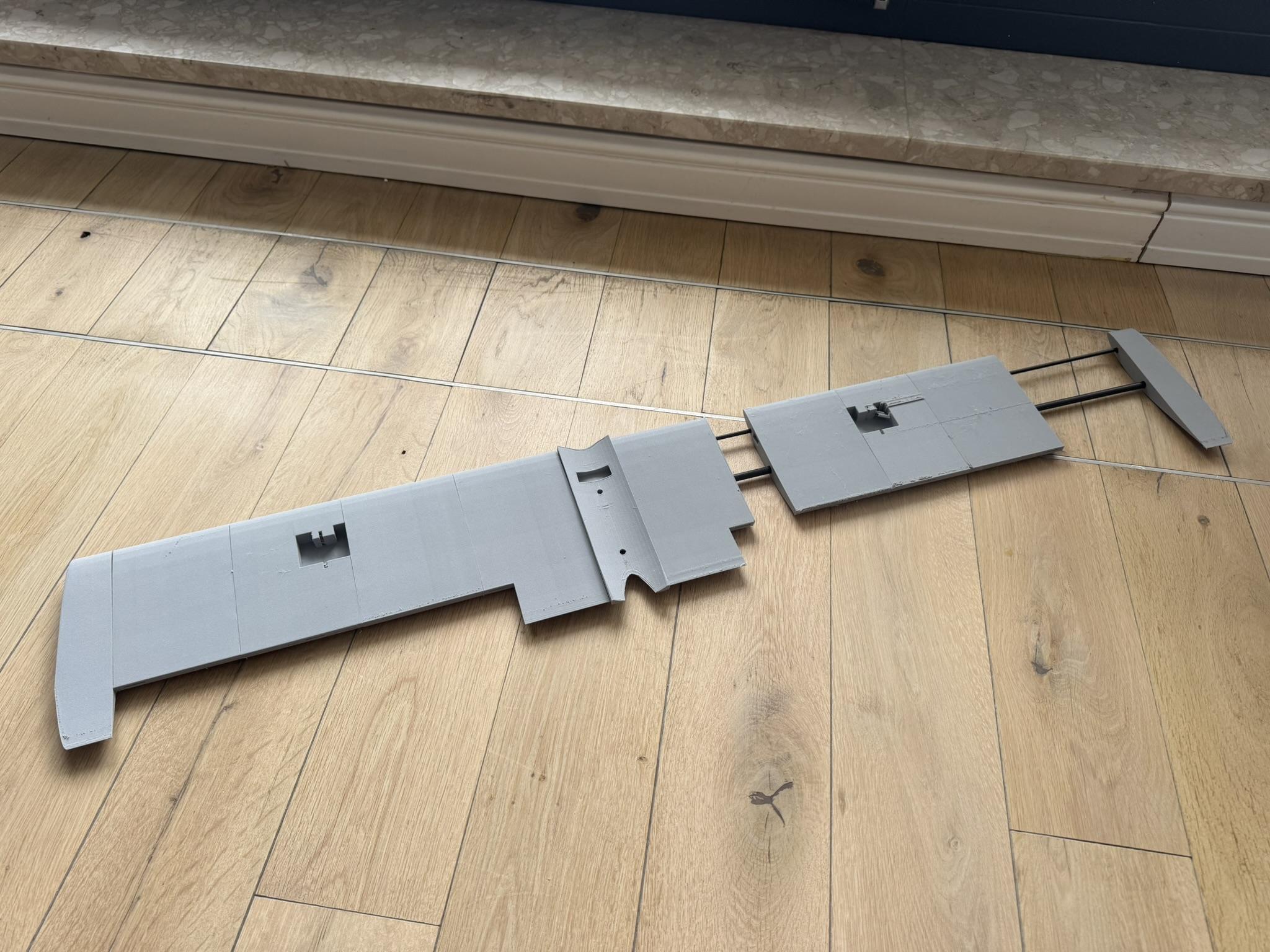


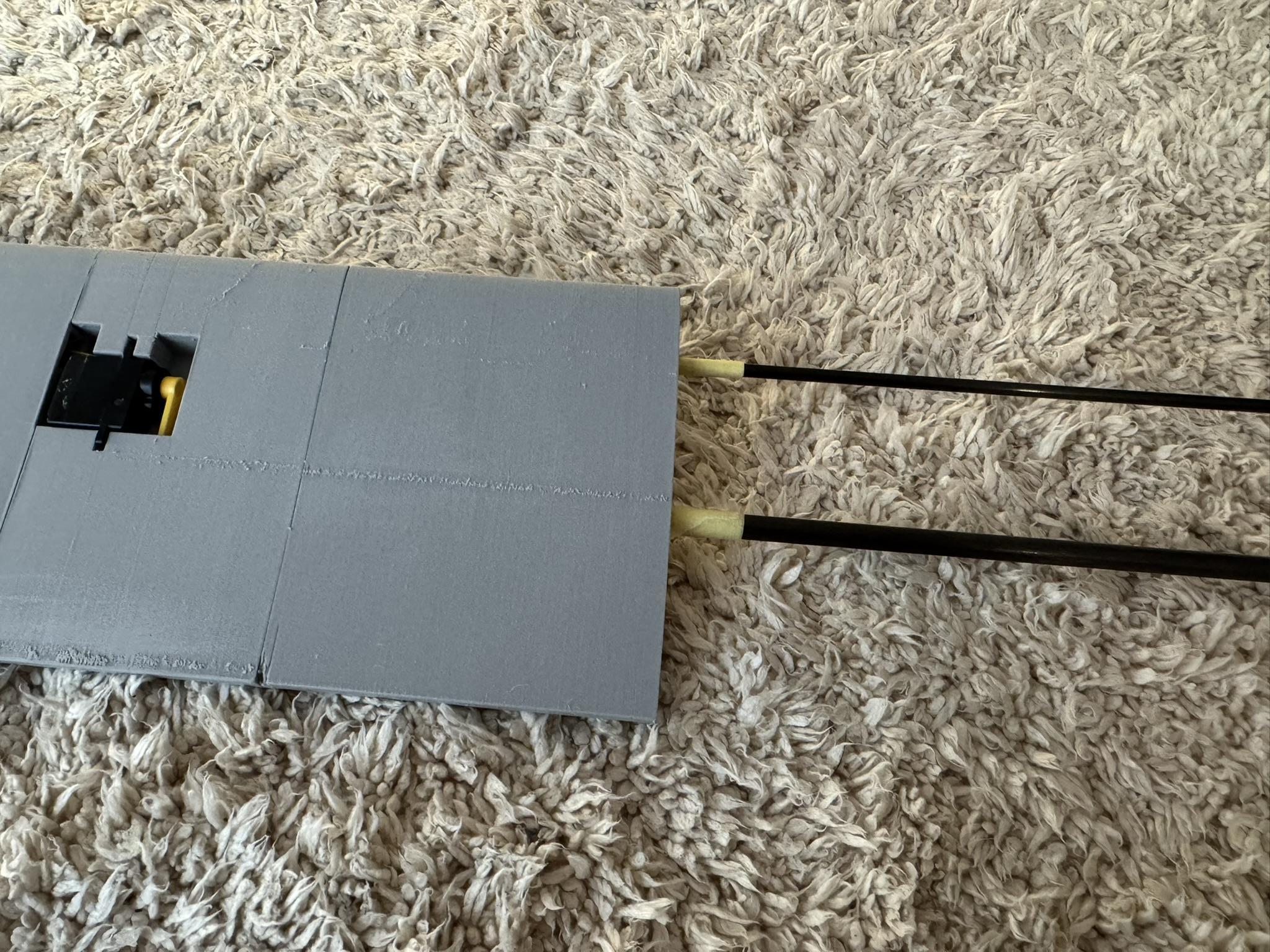
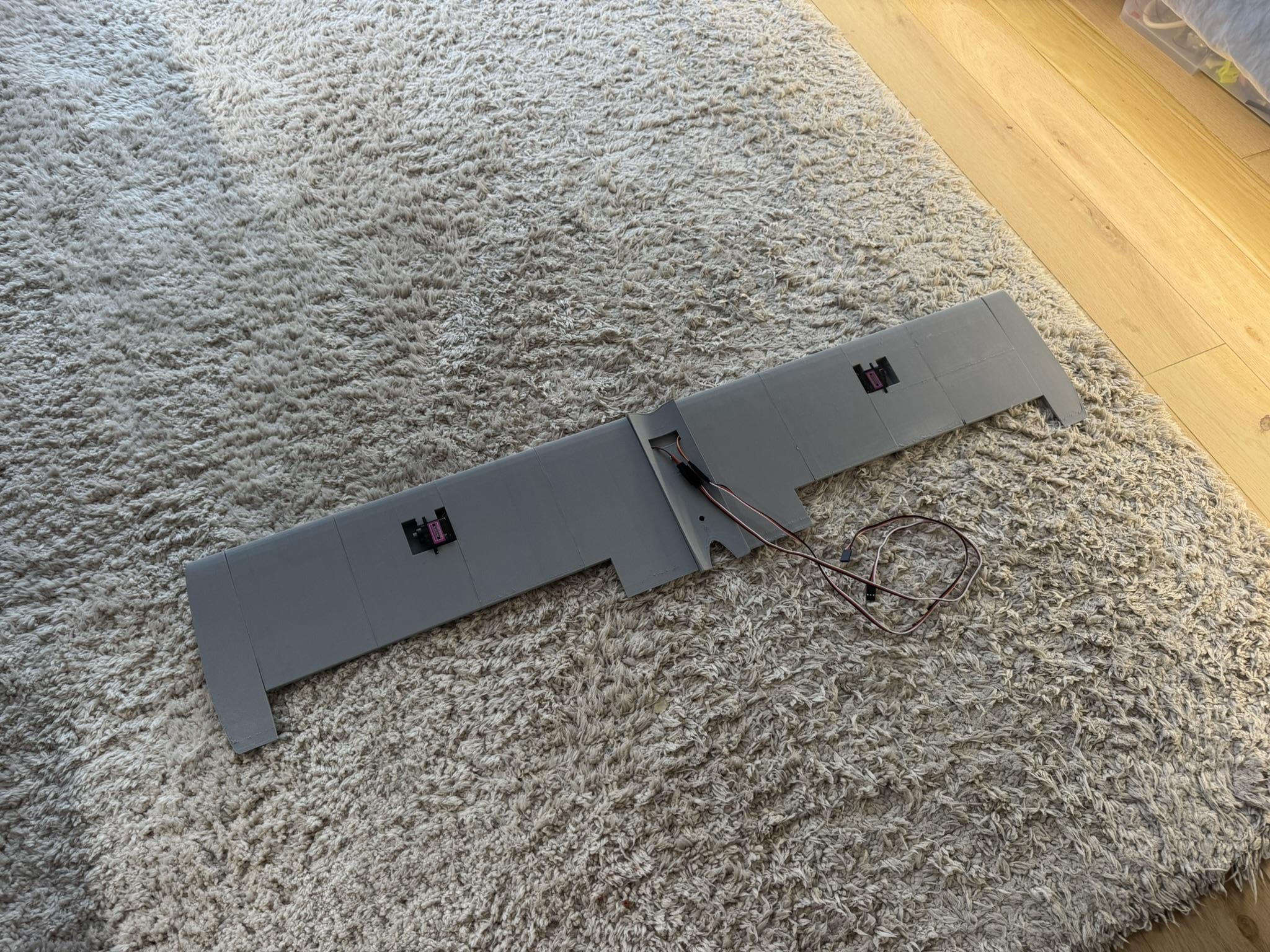
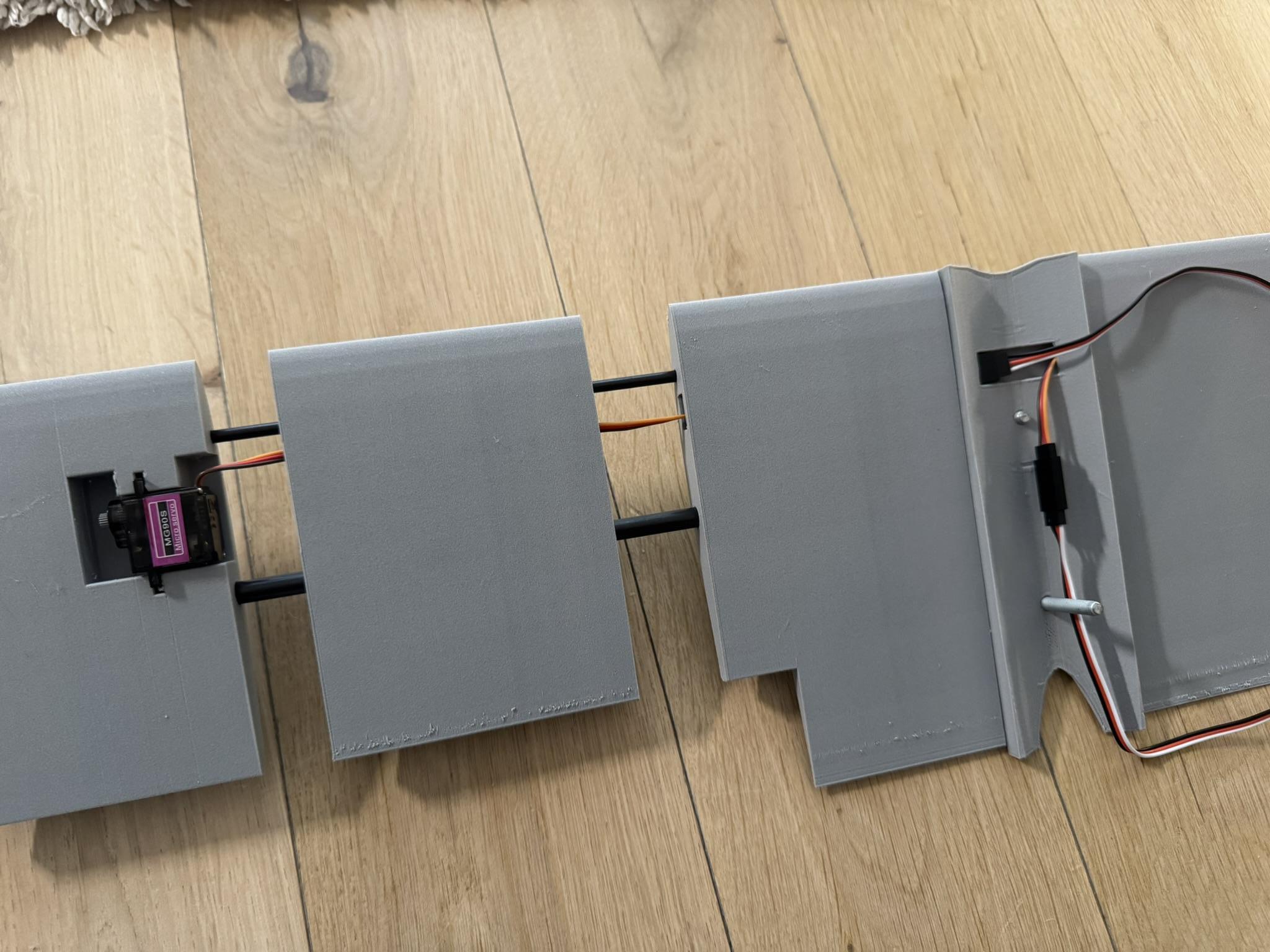
The wing parts need to be slid over the carbon rods in the correct order. At this stage, do not use glue, as the servos still need to be mounted into the wings. Make sure that the pieces sit securely and that there are no gaps between them. Then use some painter’s tape to mark the carbon rods and trim them down to size.
Make sure to do the cutting outside and use safety measures, as carbon dust is quite dangerous when inhaled. Once the carbon rods are cut to size, the servos can be installed into the wings using hot glue, and the cables can be guided through the openings in the wings. When the cables pass through the entire wing, the elements can be slid together and glued with thick CA glue.
The same process applies to the other side of the wing.
Fuselage Assembly
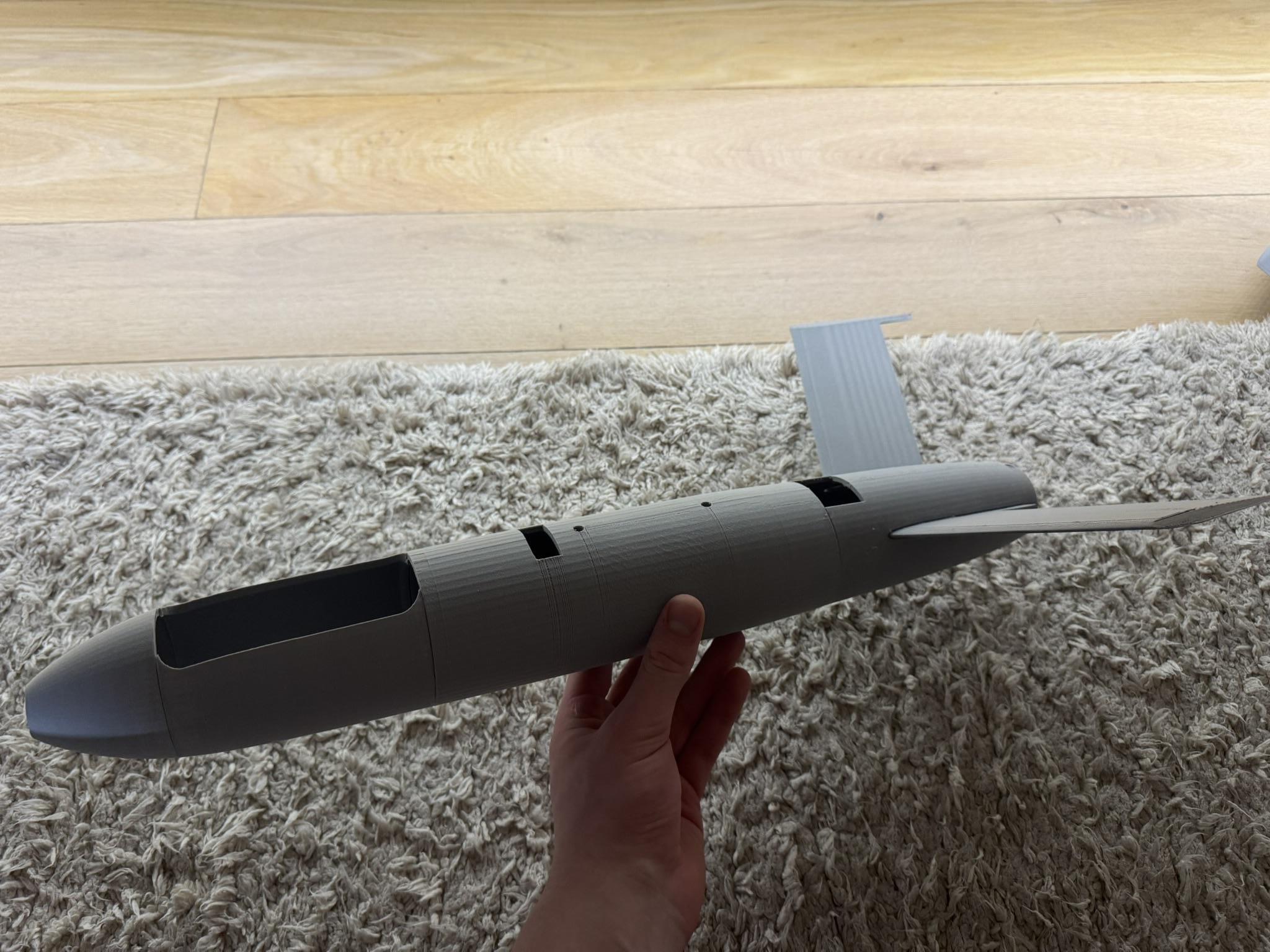
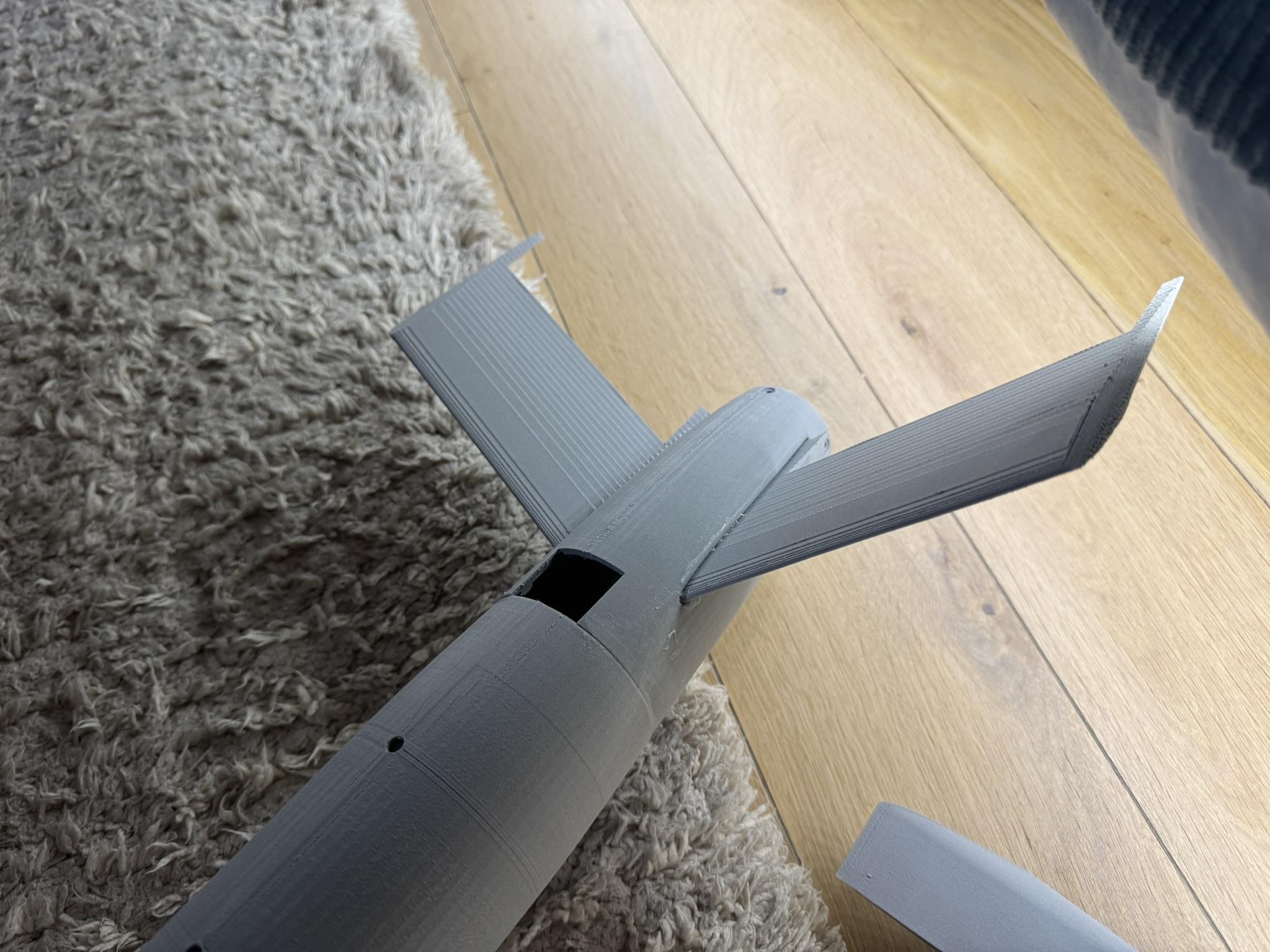
This process consists of gluing the fuselage parts together using thick CA glue. Make sure that the rotation of the parts is aligned correctly. An easy way to check whether the parts are lined up is to use the 3D printing seam as a guide, which works if the parts were all printed in the same orientation with the same seam positioning.
The more challenging part is installing the V-tail, as each of the ruddervators needs to be mounted at a right angle to the fuselage. Use thin CA glue to quickly mount them in place, as they will be secured more firmly in the next step of the build.
Wing and Fuselage Connection

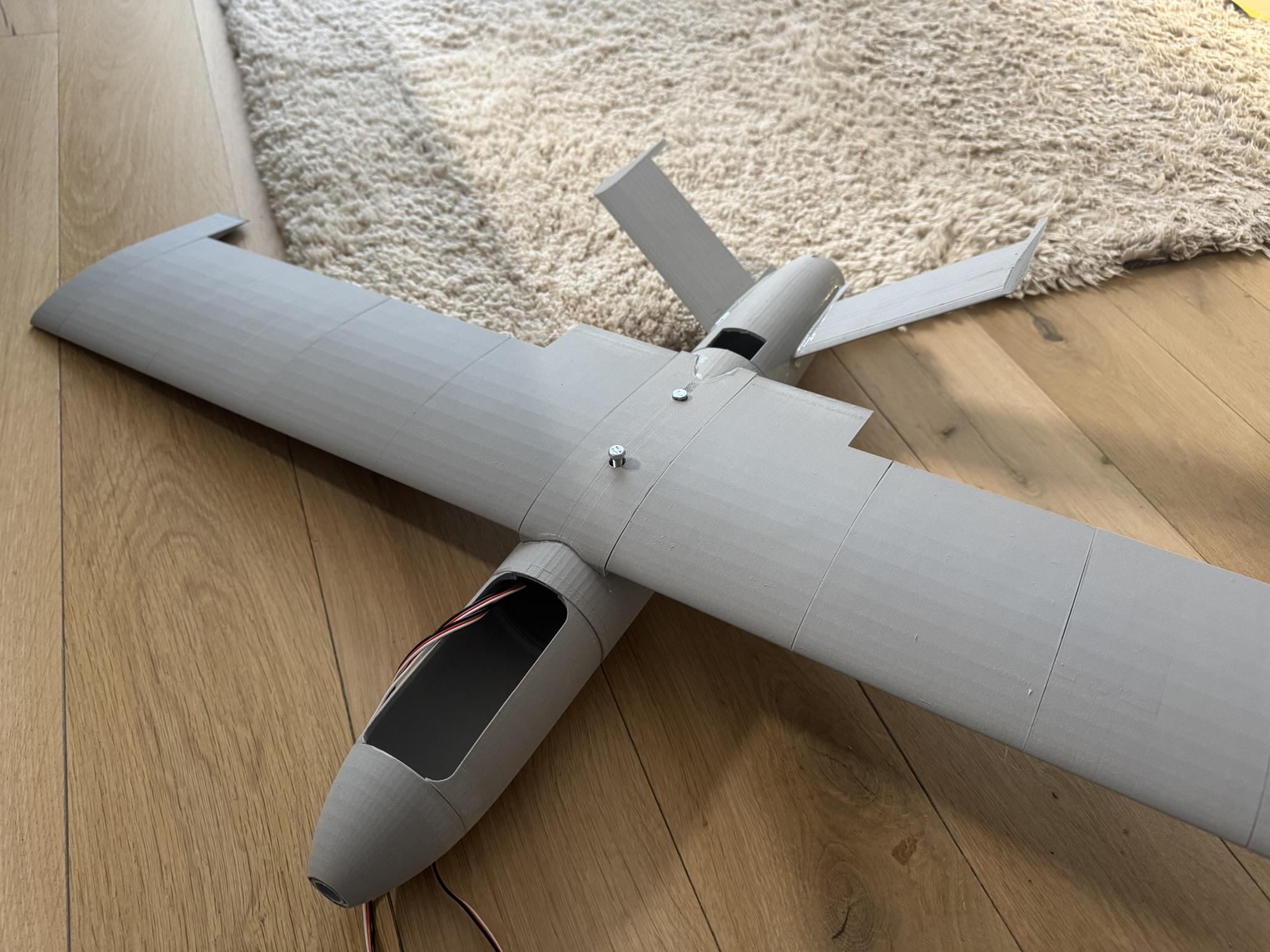
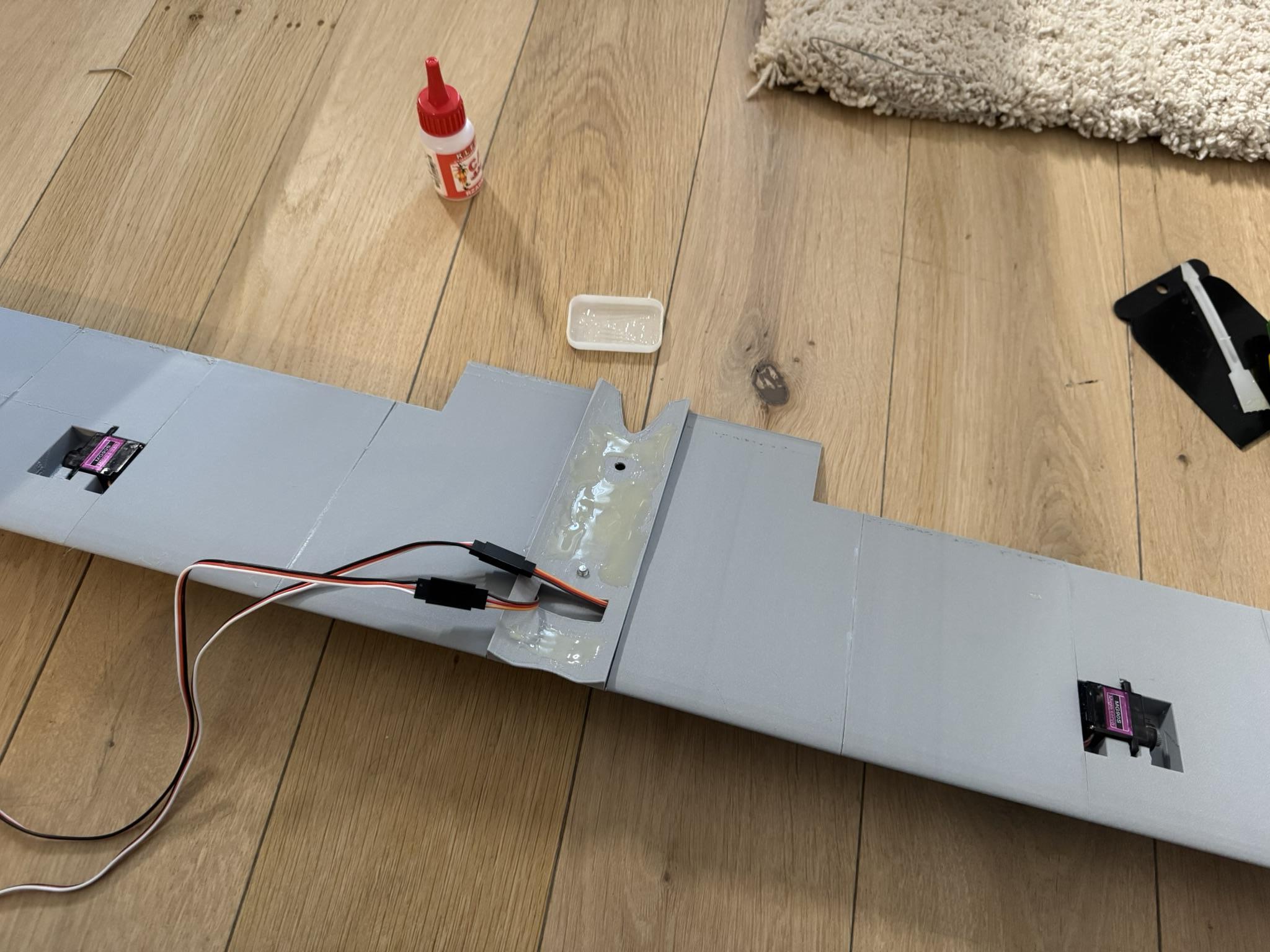

When both the wing and the fuselage are ready, it is time to mount them together. Use two M5 screws as guides for the attachment points. For the mounting bond, I used a two-part epoxy glue and applied it to the backside of the wing, making sure to cover most of the available area and not touch the servo cables with the glue.
You can now place a heavy object on top of the wing or lay the plane upside down to ensure that the two parts bond well. During this step, I also used the glue to further secure the V-tail to the fuselage by applying a generous coat around the edge where it connects to the fuselage.
Filler and Sanding
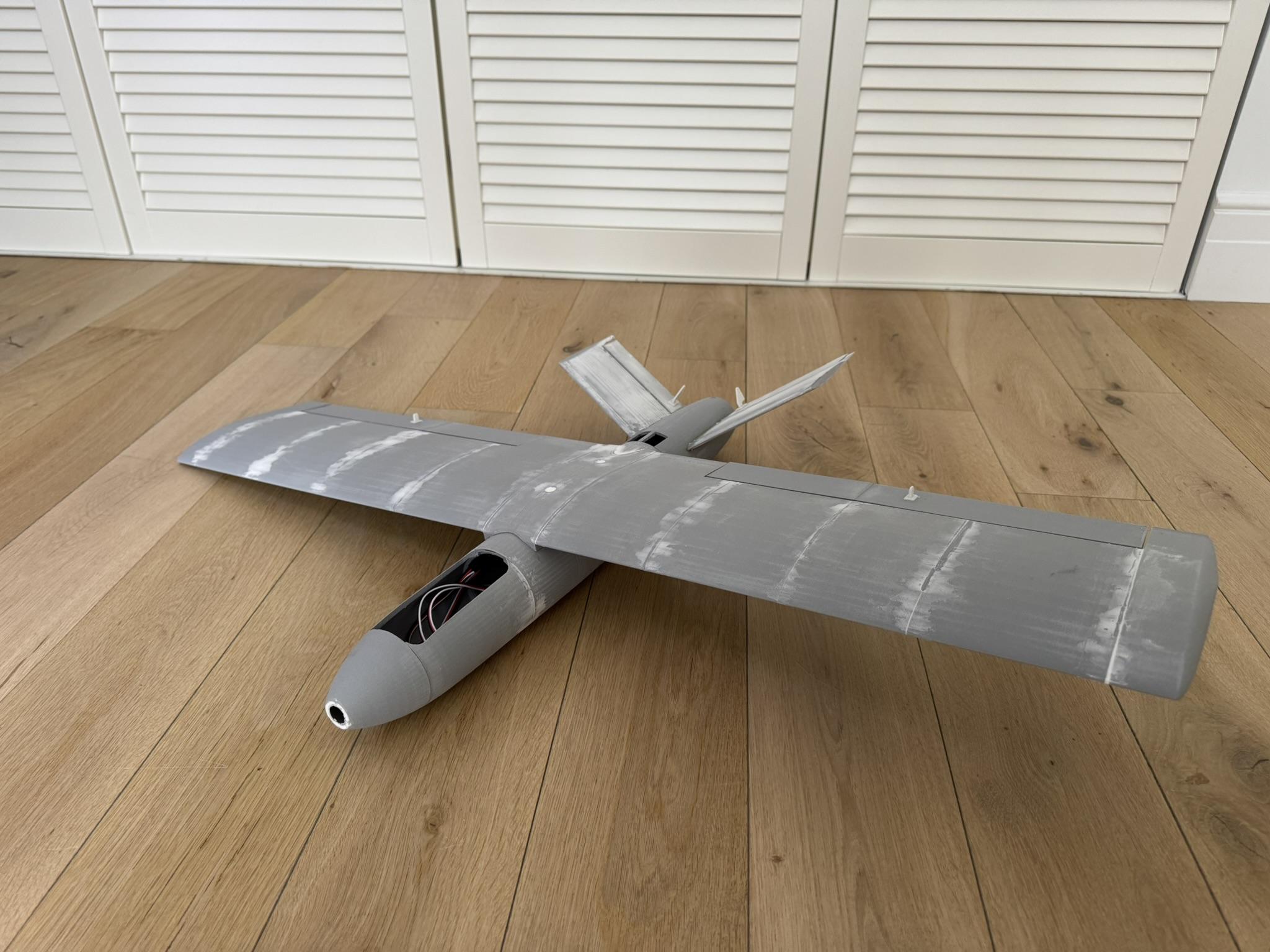
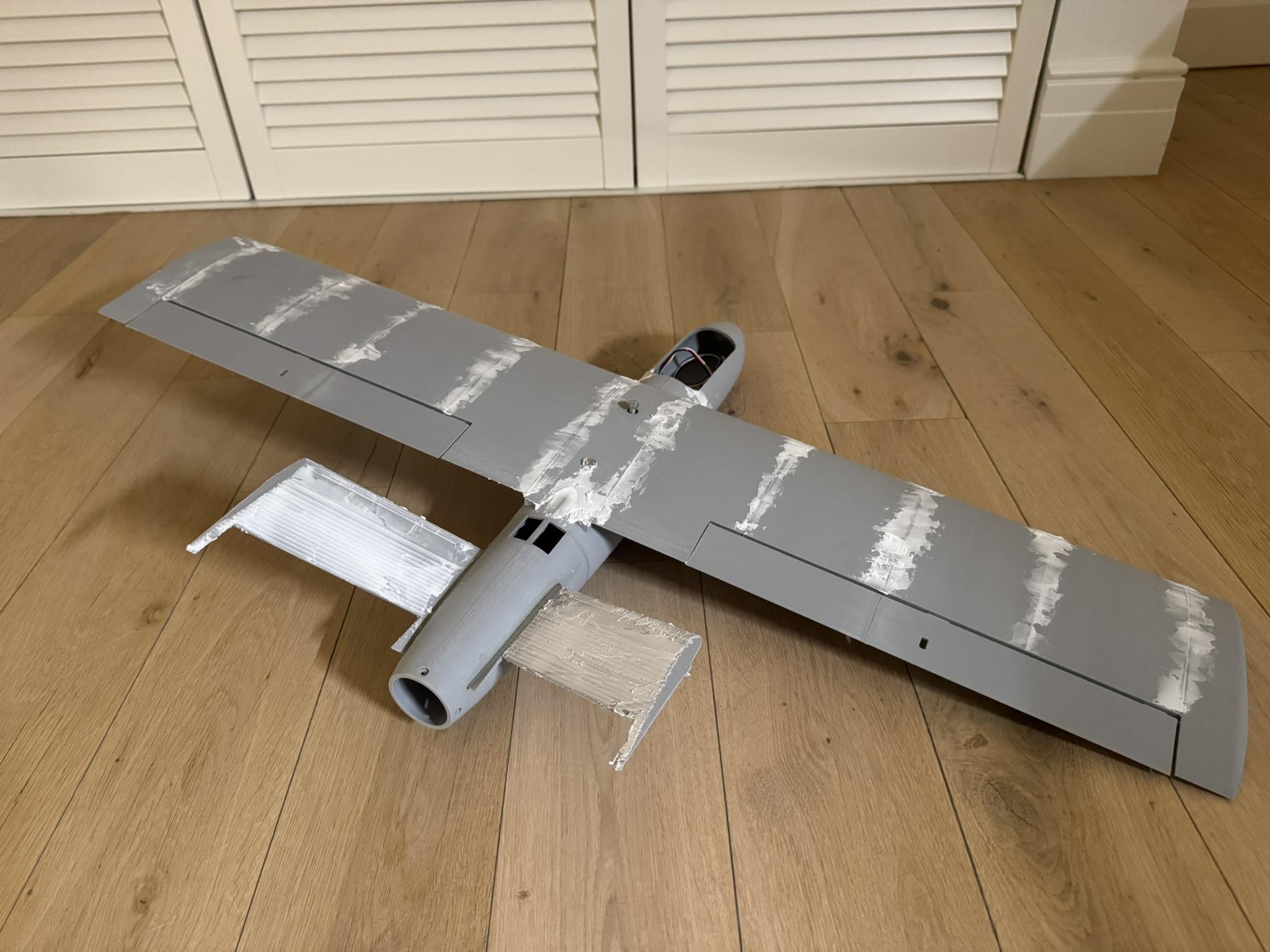
To create a more aerodynamic and uniform surface, I used a filler compound to fill the gaps and small imperfections between the wing panels. After allowing the filler to dry completely, I used 120-grit sandpaper to smooth the excess material and blend the joints into the surrounding surface. In this step, I also removed the M5 screws from the wing and filled the holes left behind.
This step improves airflow over the wing and gives the finished structure a cleaner, more refined appearance.
Flaps Assembly
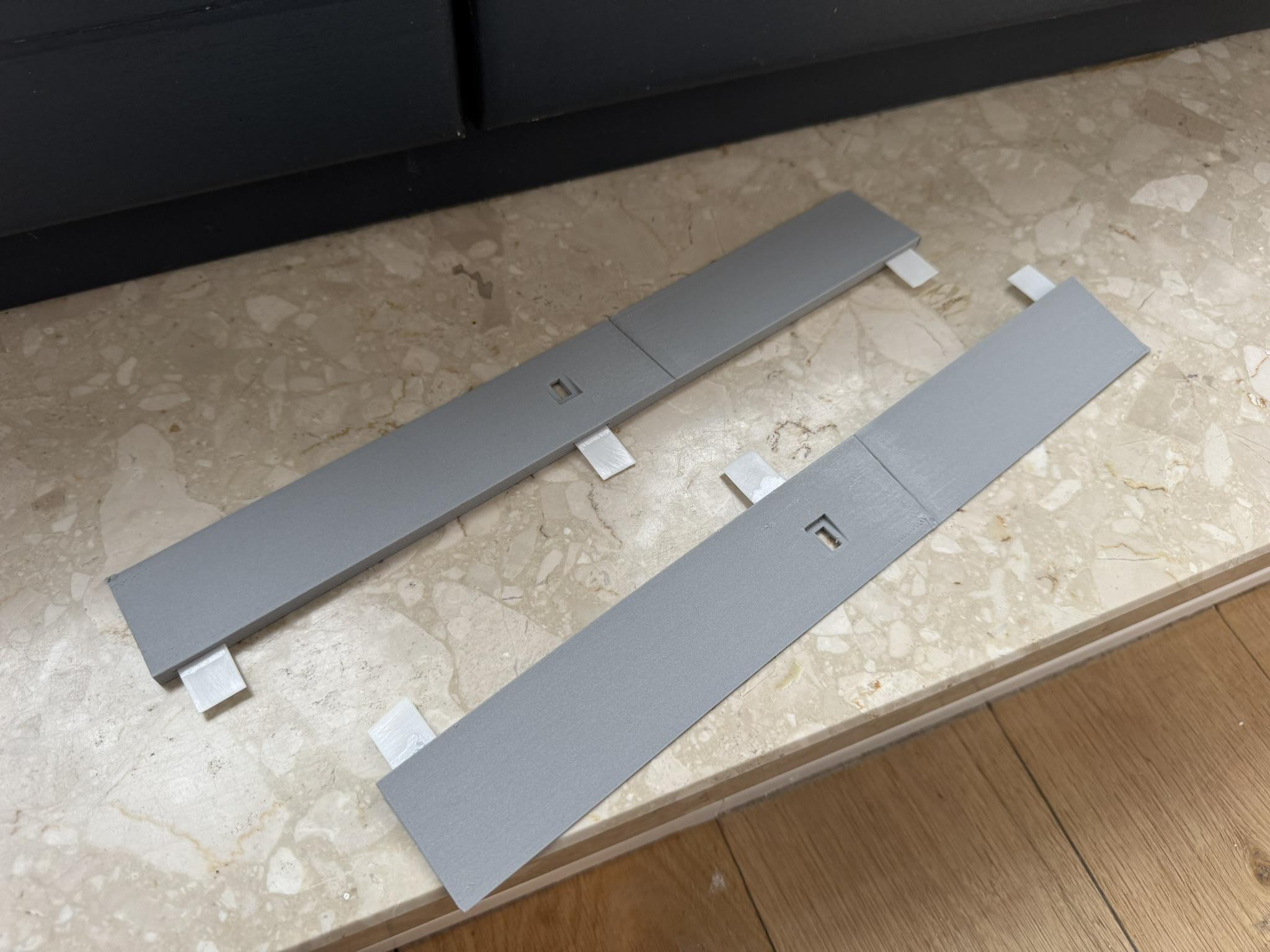
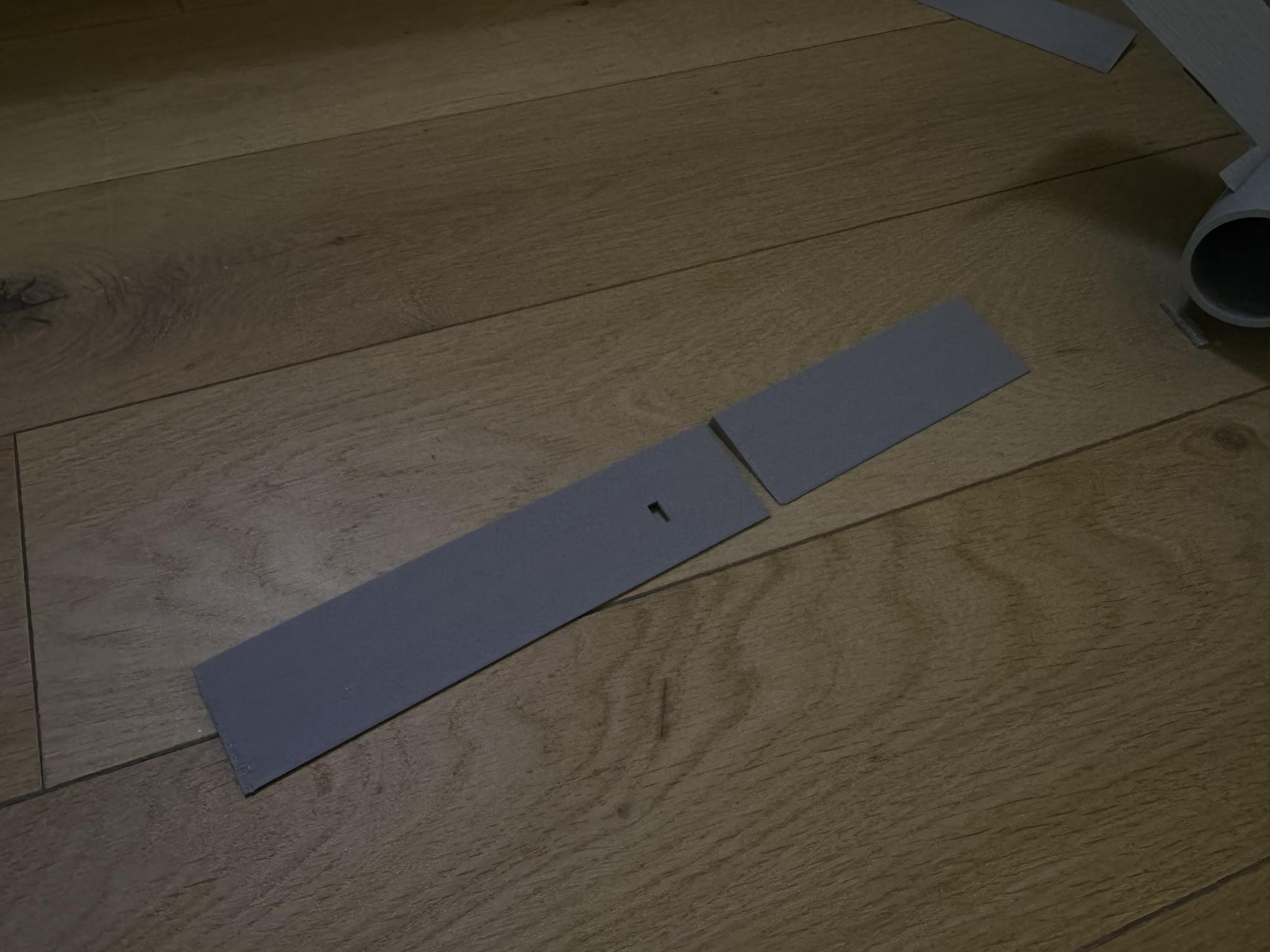
To assemble the flaps, line the two parts up and use CA glue to secure them together. A bit of sanding may be needed to smooth out the connection point between the two pieces.
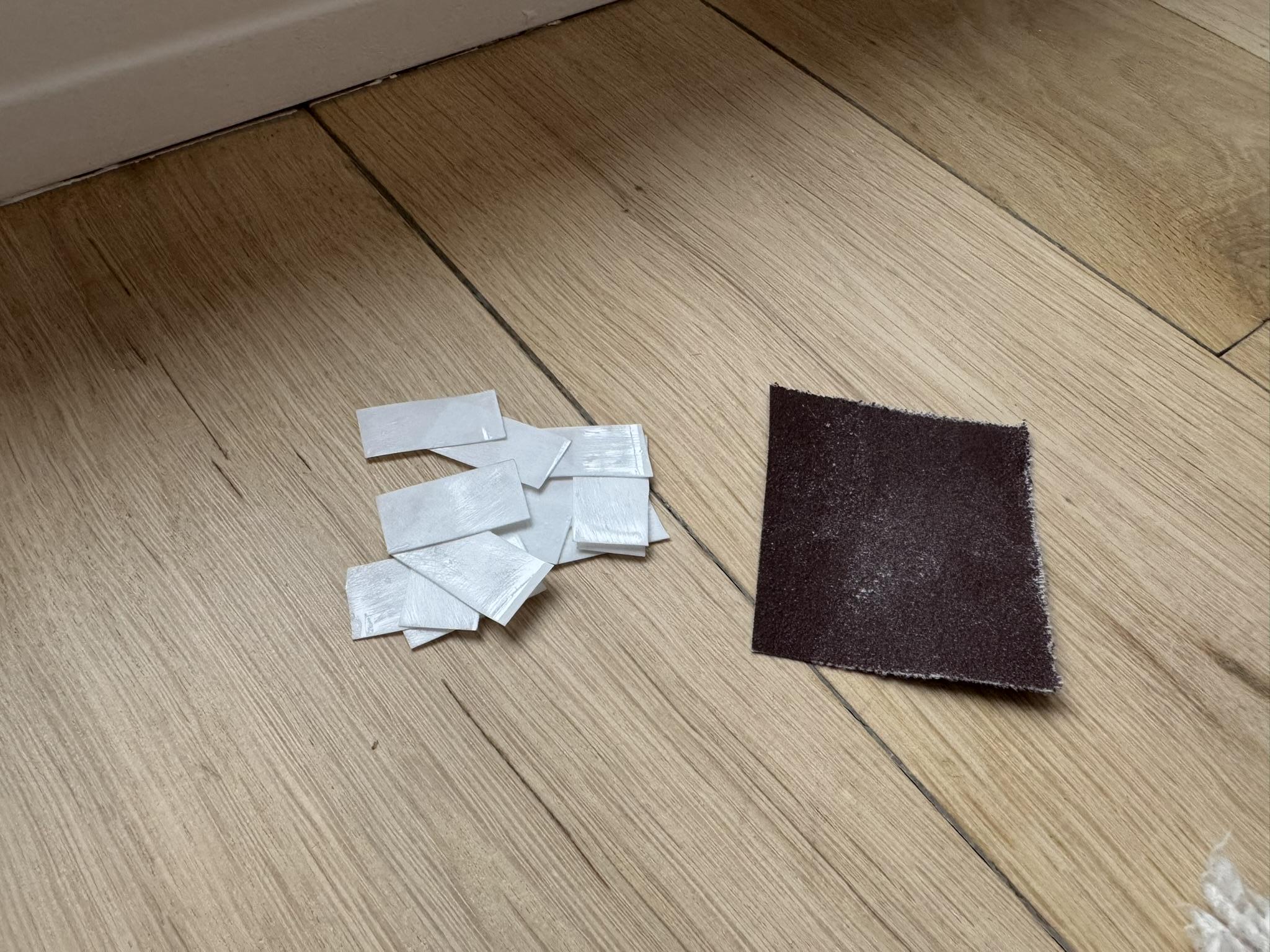
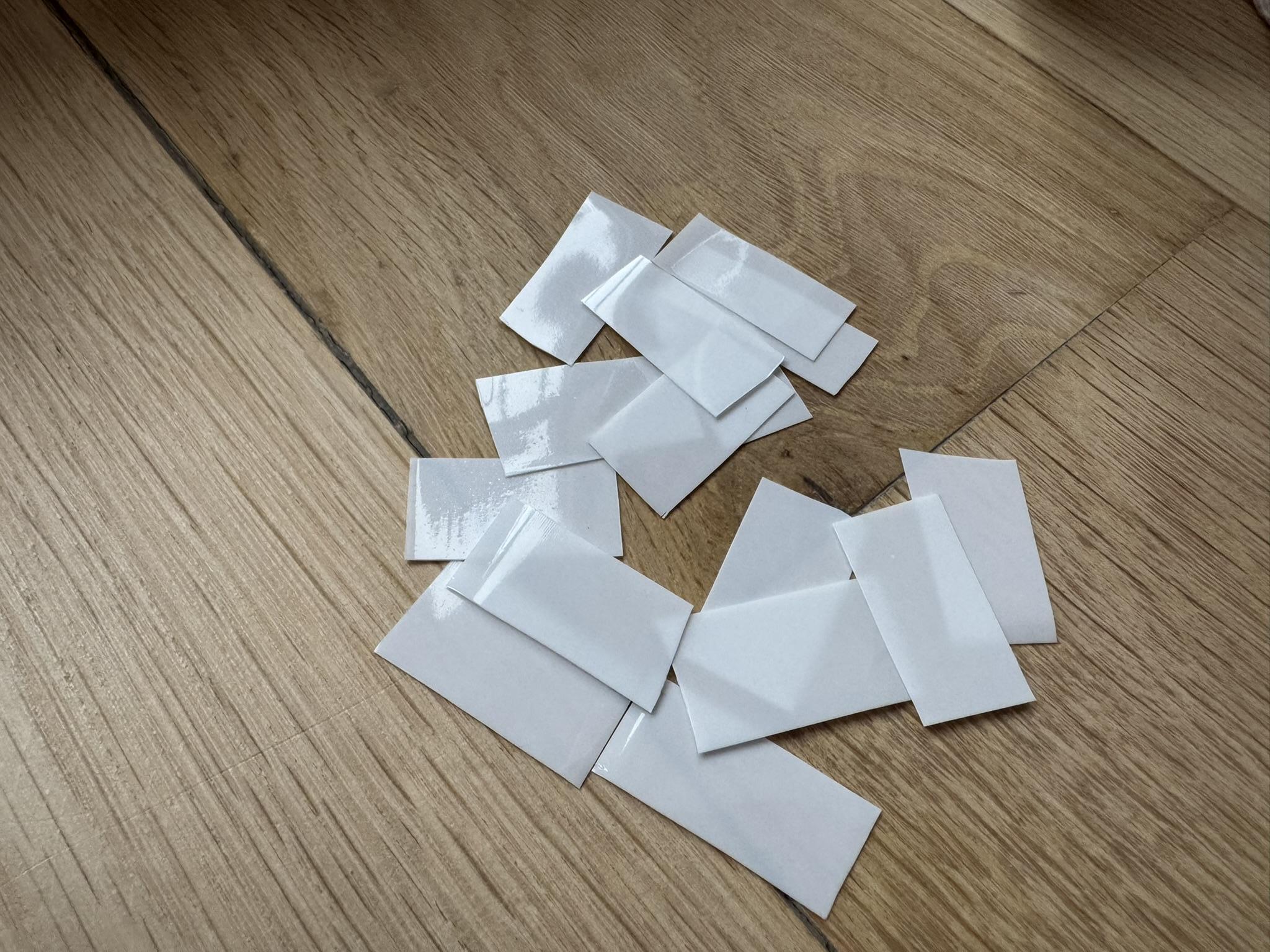
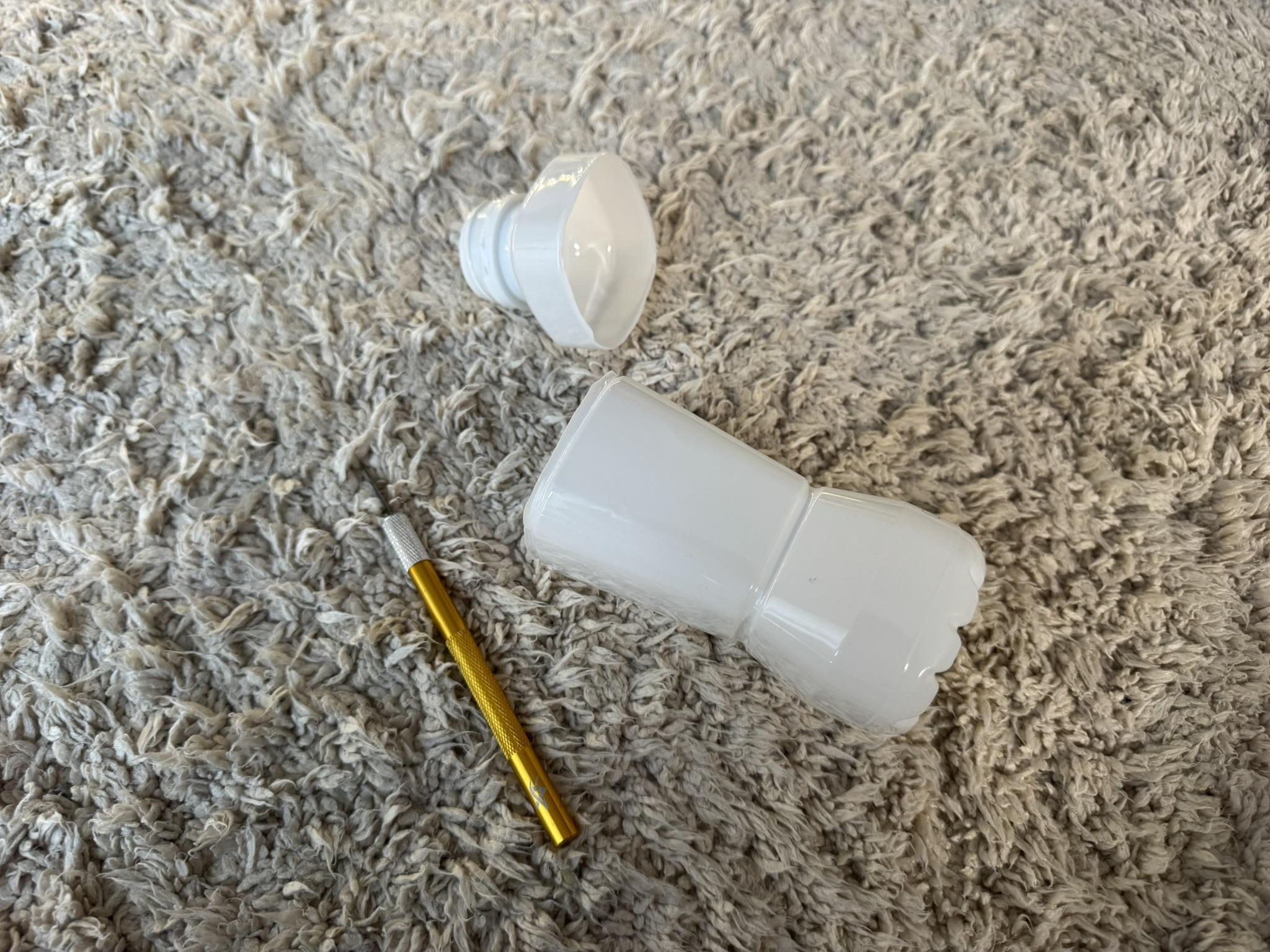
To create hinges for the flaps, I cut up a cleaned yogurt container into rectangles approximately 12 × 24 mm in size. These pieces need to be sanded to create a better surface for the glue to bond to. Make sure not to oversand these elements, as they are crucial for the proper functioning of the flaps.
Once the hinge pieces are ready, they can be glued into the flaps and left to dry.
Final Assembly
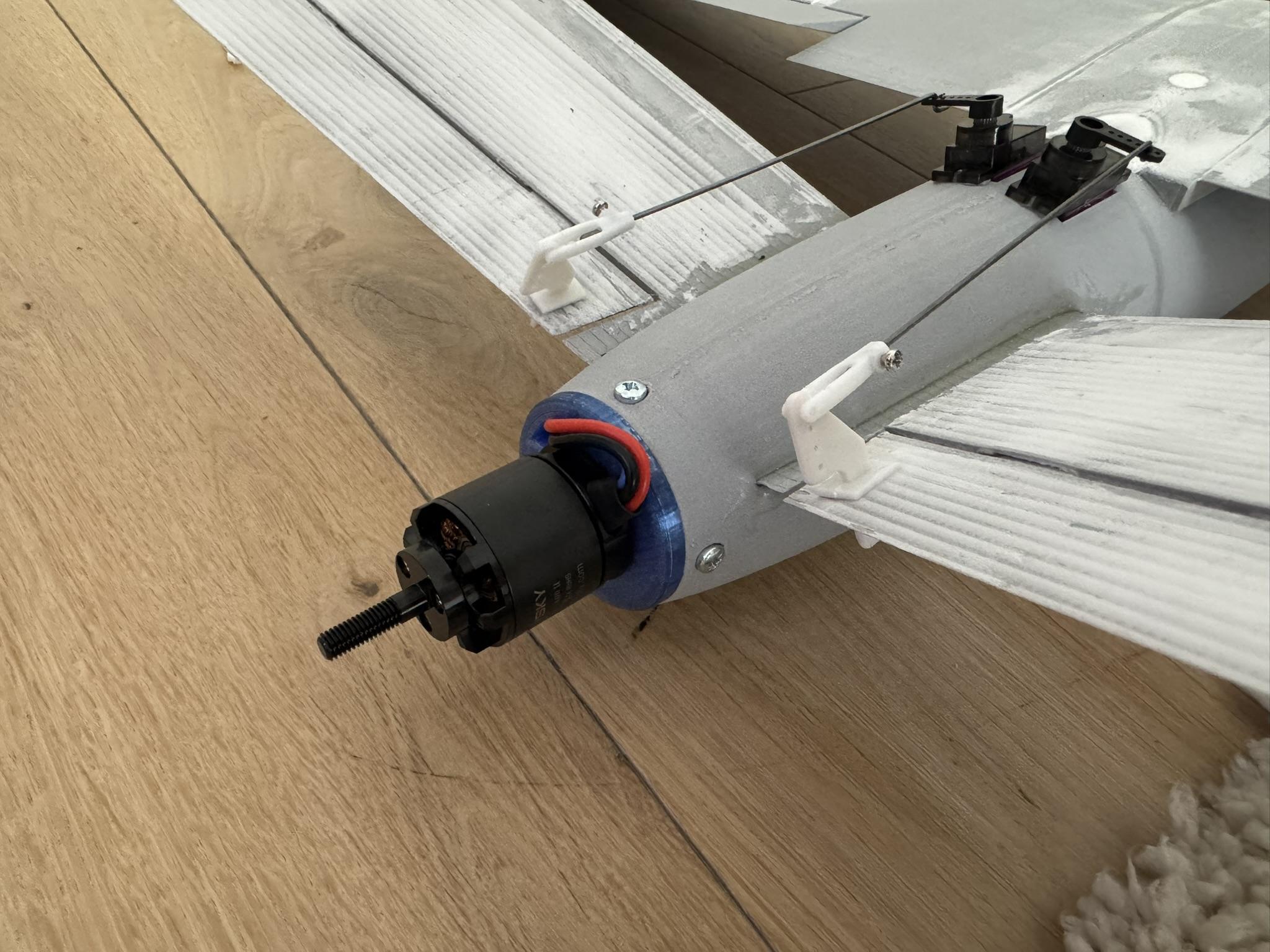

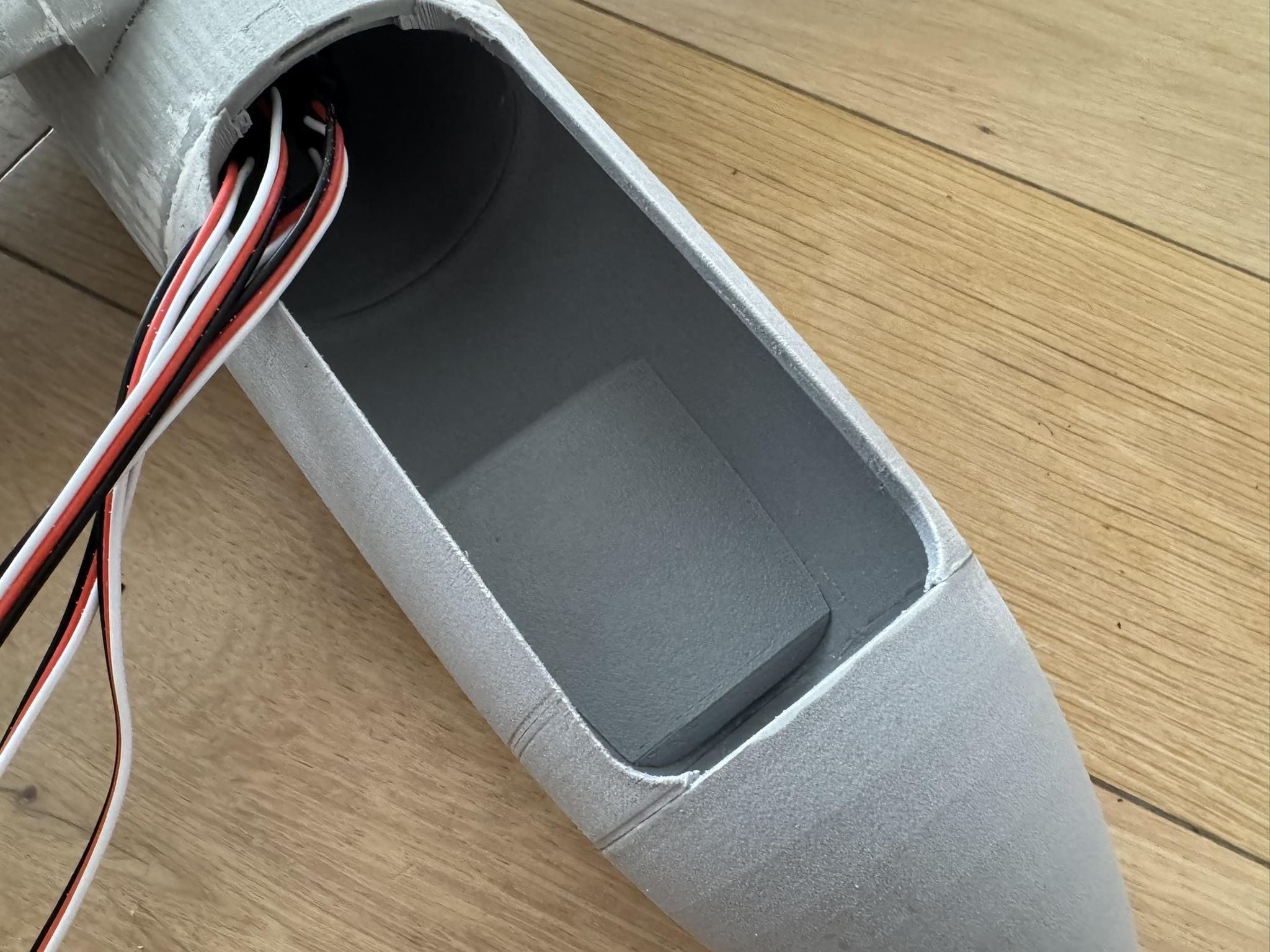
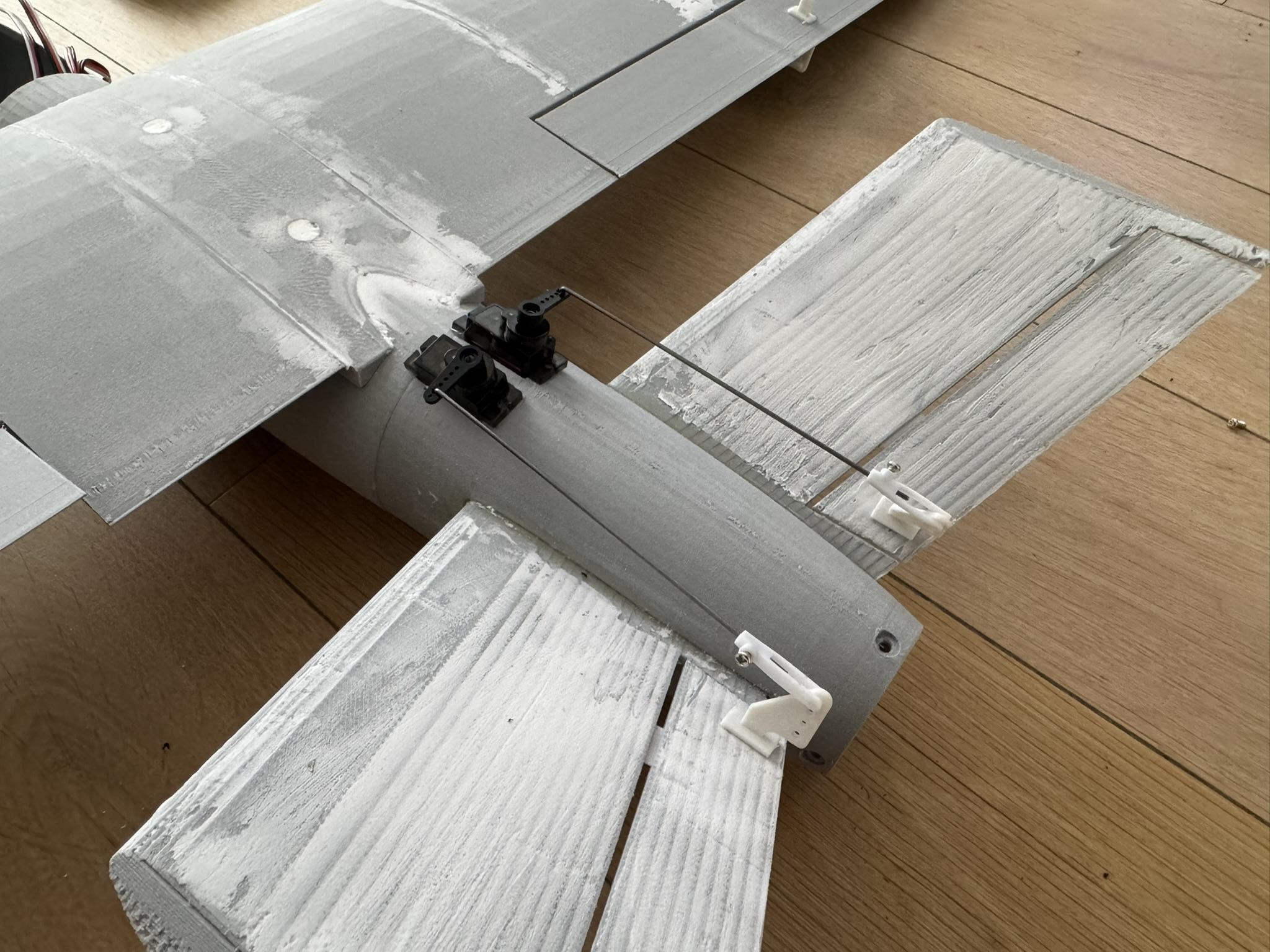
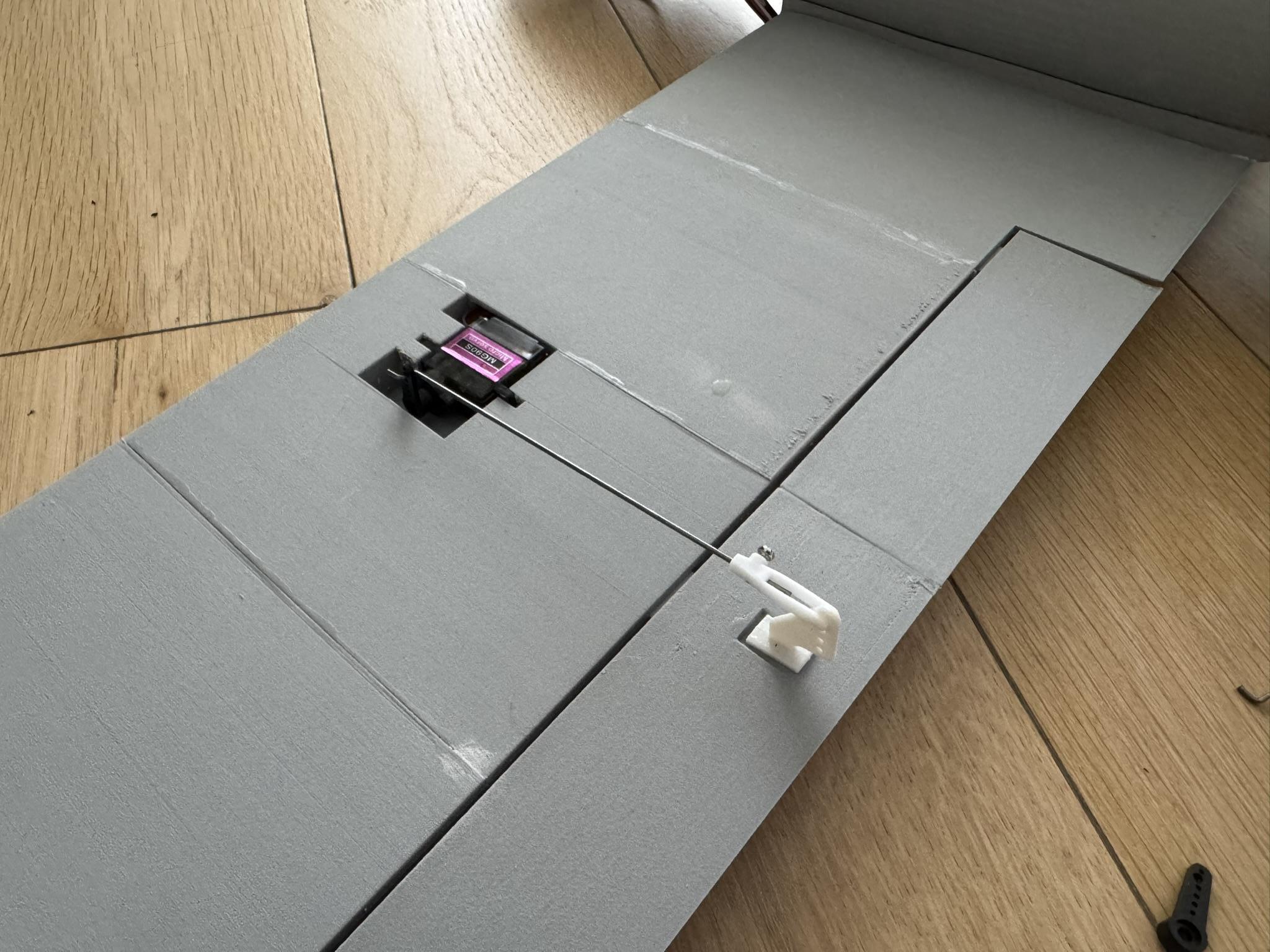
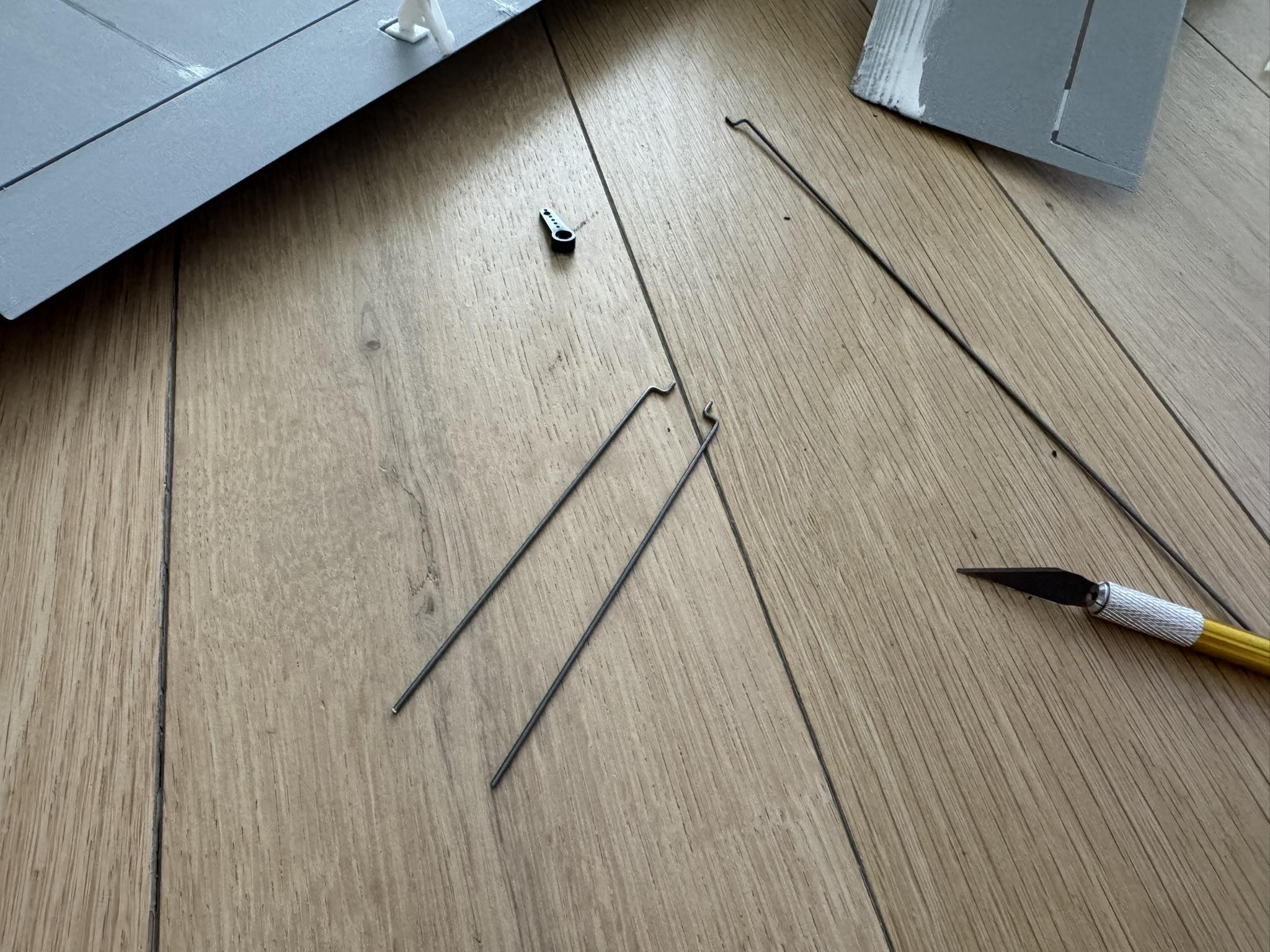
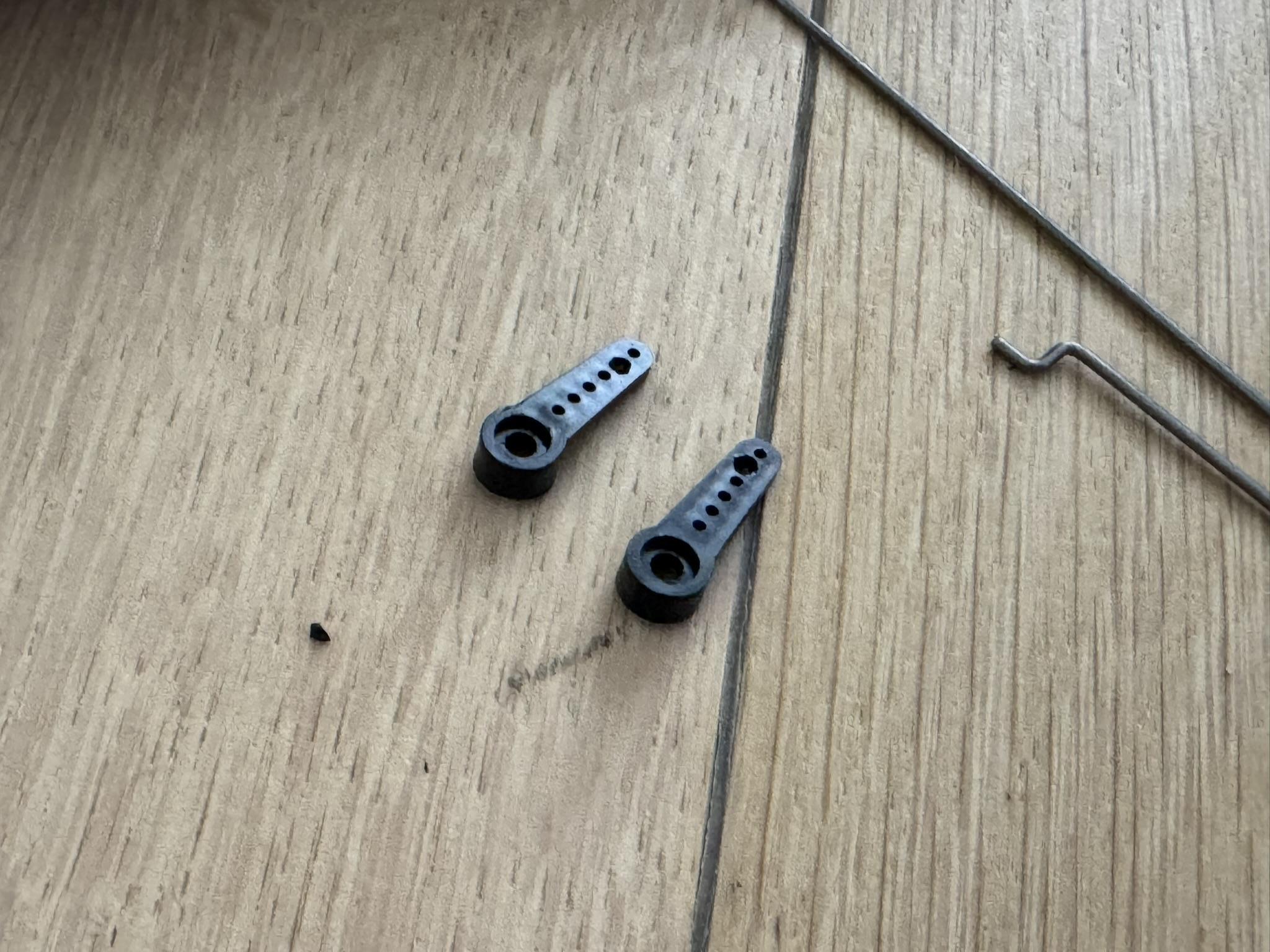
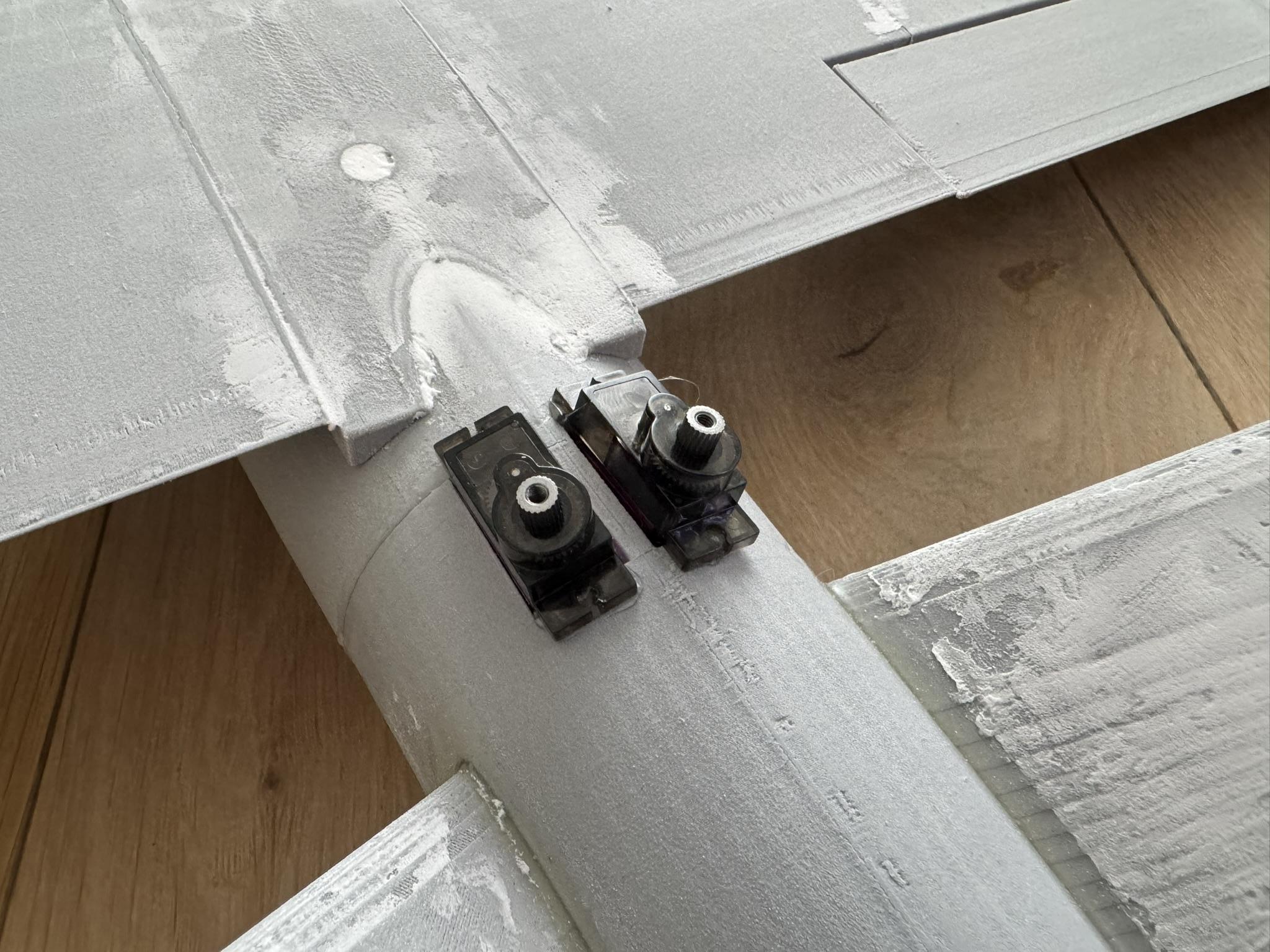
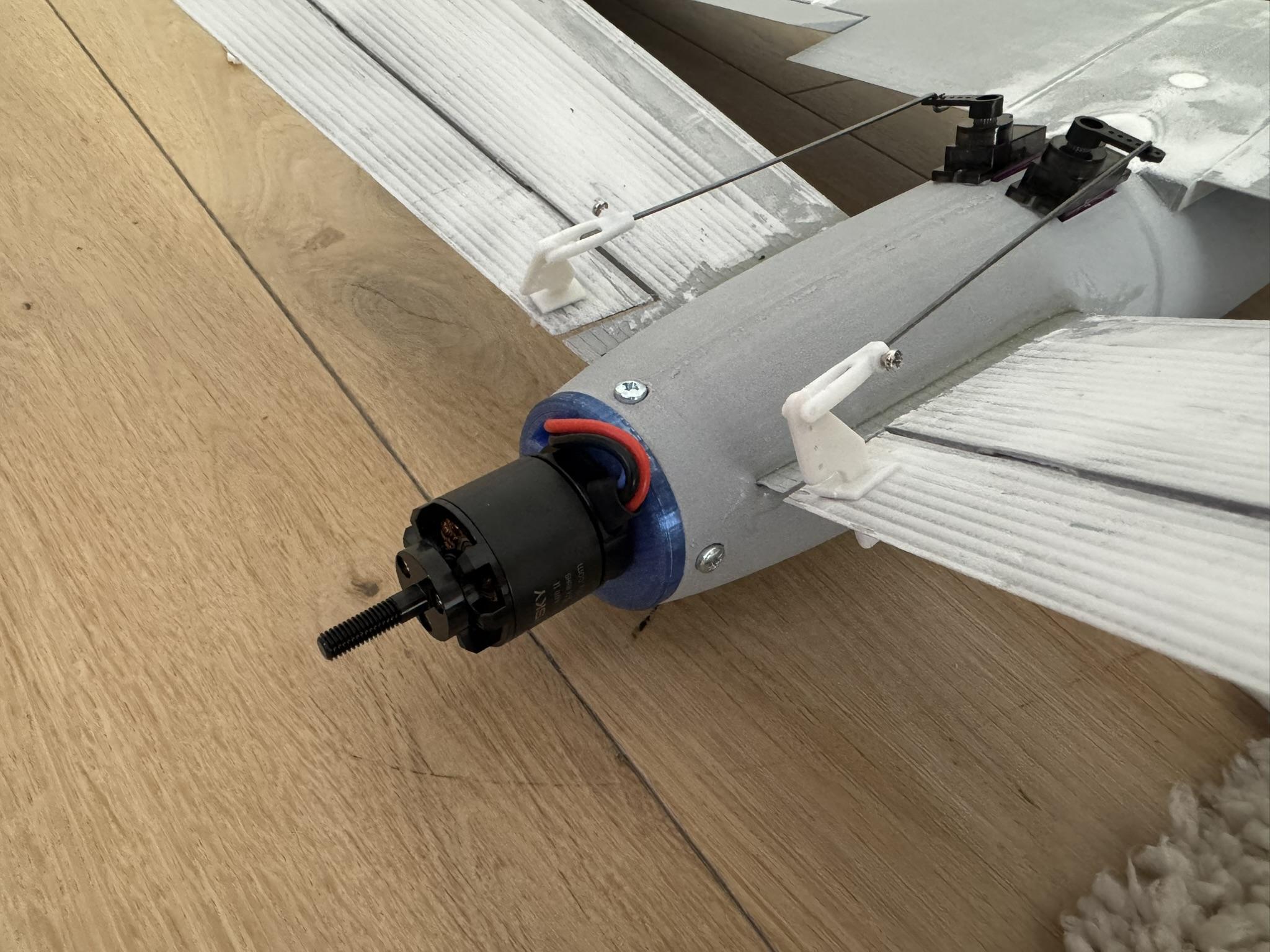
The final assembly includes adding the remaining two servos, the linkage system, and installing the electronics. Before installing the flight controller, make sure to glue the flap support part into the fuselage to create a surface for the FC to rest on.
To install the flaps prepared in the last step, first insert the hinges into the wing without glue and check whether the flap lines up properly and can move through its full range of motion. If there are any imperfections, the hinges can be trimmed down. When everything is properly aligned, the hinges and flaps can be glued into the wings. Make sure to hold these parts steady for a moment to ensure proper alignment before the glue hardens.
If your linkage rod is too large to fit through the servo arm holes, use a scalpel knife to carefully enlarge them, making sure to leave enough material on the arm to maintain a strong connection. To cut the linkage rod to the correct size, set both the servo and the flap in the neutral (middle) position, insert the linkage through the servo arm, and estimate the length needed to reach the flap linkage point. Remember that it is always safer to cut less than more, as you can always trim the rod further if needed.
The same process applies to the servos on the top of the fuselage, which can be secured in place using hot glue.
Electronics



For easier connection management, I created the diagram shown above. All of the required connections are visible in the image. If your GPS includes a compass module that uses I²C for communication, you will need to connect two additional wires for the SDA and SCL signals according to the manufacturer’s instructions.
To simplify assembly and disassembly, I soldered XT60 connectors onto the ESC power line. This allows me to slide the ESC, connected to the motor, in from the back of the fuselage and connect it to the flight controller through the main hatch.
I used INAV for configuration with a standard V-tail airplane mix, but the remaining settings can be adjusted according to personal preference. Remember that to reverse the motor’s rotation direction, you need to swap any two of the three wires connecting the motor to the ESC.
To firmly install the FC in the fuselage, I 3D printed a flat stand and added velcro to hold the FC in place.
Ready to Fly!
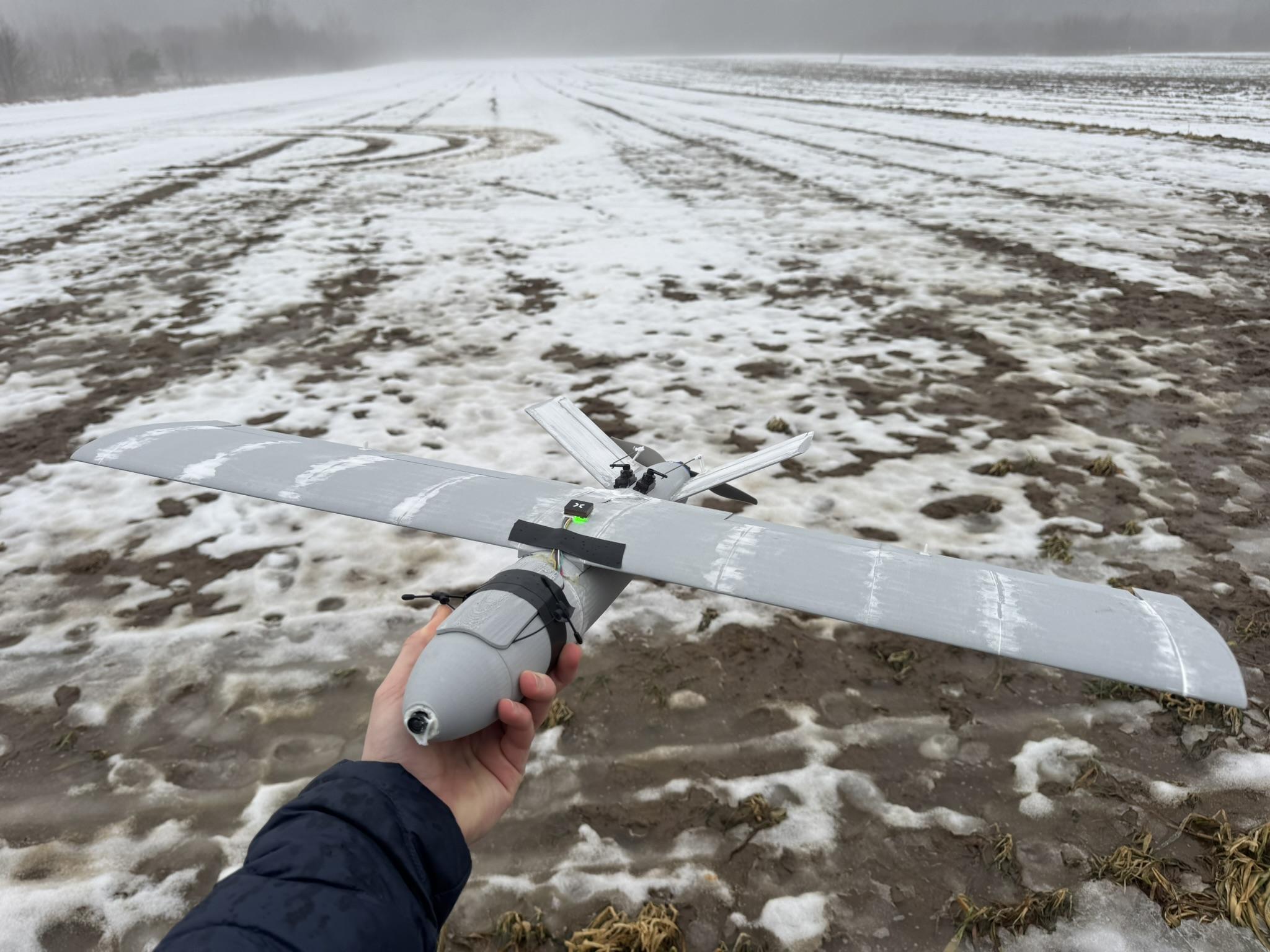
With all components installed and the electronics properly configured, you can perform the necessary ground tests and prepare for the maiden flight. Once everything is verified and functioning correctly, your fully 3D-printed aircraft is ready to take to the sky!