A Pinball Clock With ESP8266
by henkvansambeek in Circuits > Arduino
40 Views, 0 Favorites, 0 Comments
A Pinball Clock With ESP8266

I bought my first electromechanical pinball machine when I was 20 years old, and I've had my 1964 Bally Big Day for about 45 years now.
To do something in Corona time I tried to build a similar pinball clock.
I was also very interested in programming an ESP8266 and I started with programming simple light switches (I used a small ESP01). Later I made a matrix clock with an ESP12F and at that time, I saw a, in my opinion, too difficult design of a pinball clock from Elector (1-03-2019), and thought this could be simplified by using the existing switches on the score reels.
Supplies
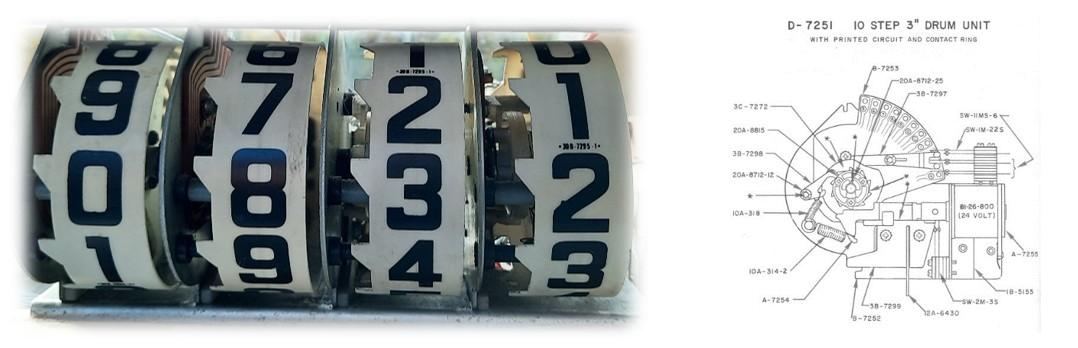
Williams 4 digit scoring reel
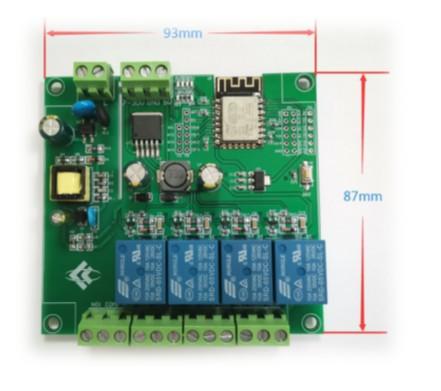
ESP8266 board with relays or with solid state N-MOS FET drivers
Relay Driver

At this point I bought a Williams 4 digit scoring reel assembly.
Resetting the reels to 0000 is done in up to 9 steps via the existing "0" break switches for each digit.
To set the time I used a single minute pulse with overflow to the next digits via the "9" switches (available at the first three digits).
My first design has a few flaws: the maximum current needed from the 24 Volt power supply is to power all 4 reels simultaneously (ca 12 Ampère max: on reset and on digit overflow).
The next issue is to set the correct time after reset. This is done by moving the minute reel step by step. I noticed that setting the correct time took too long. Also, a transition from XX:59 to XX+1:00 was taking 41 minute steps. With 4 steps per second, this took 10 seconds each hour.
FET Driver

The next improvement was to replace the cheap relays on my development Board. I noticed that the current was far too high for the onboard relays, so I replaced them with solid state N-MOS FET drivers that can handle a maximum current of 70A. This is enough to power all coil magnets, even at the same time.
Software
In the appended ino file, the Pinball Clock sketch has the following characteristics:
A WiFi manager for setting a username/password for each WiFi Access Point (with a browser connected to the internal Pinball AP for initial configuration. The internal Pinball AP will start if no WiFi found).
A NTP server to synchronize the pinball clock. This NTP time takes care of time zones and daylight-saving time and adjusts the correct time on the reels.
If no WiFi or NTP server is available, the clock is still usable: the internal ESP clock is used to move the reels every minute (less accurate).
Clock modes: 12H / 24H mode and silent mode.
With a solid-state driver, you can use PWM to reduce the current to the solenoids.
(With relay drivers the End of Stroke switch can be used to add a resistor in series with the reel coils to reduce the current. Note the absence of EoS at the fourth reel.
If you use relay drivers don’t forget to add a snubber circuit to extend the life of the relay contacts.).
Downloads
Backglass

I adapted the pinball playfield glass to be used in a pinball clock. I copied a small part of the glass, removed the player indicator, added “Pinball clock”, and ordered this design on 3mm plexiglass. Transparent printing was not possible, so I removed the ink at the four reel-squares. Note the difference between the Bally and Williams reel spacing.
Assembly
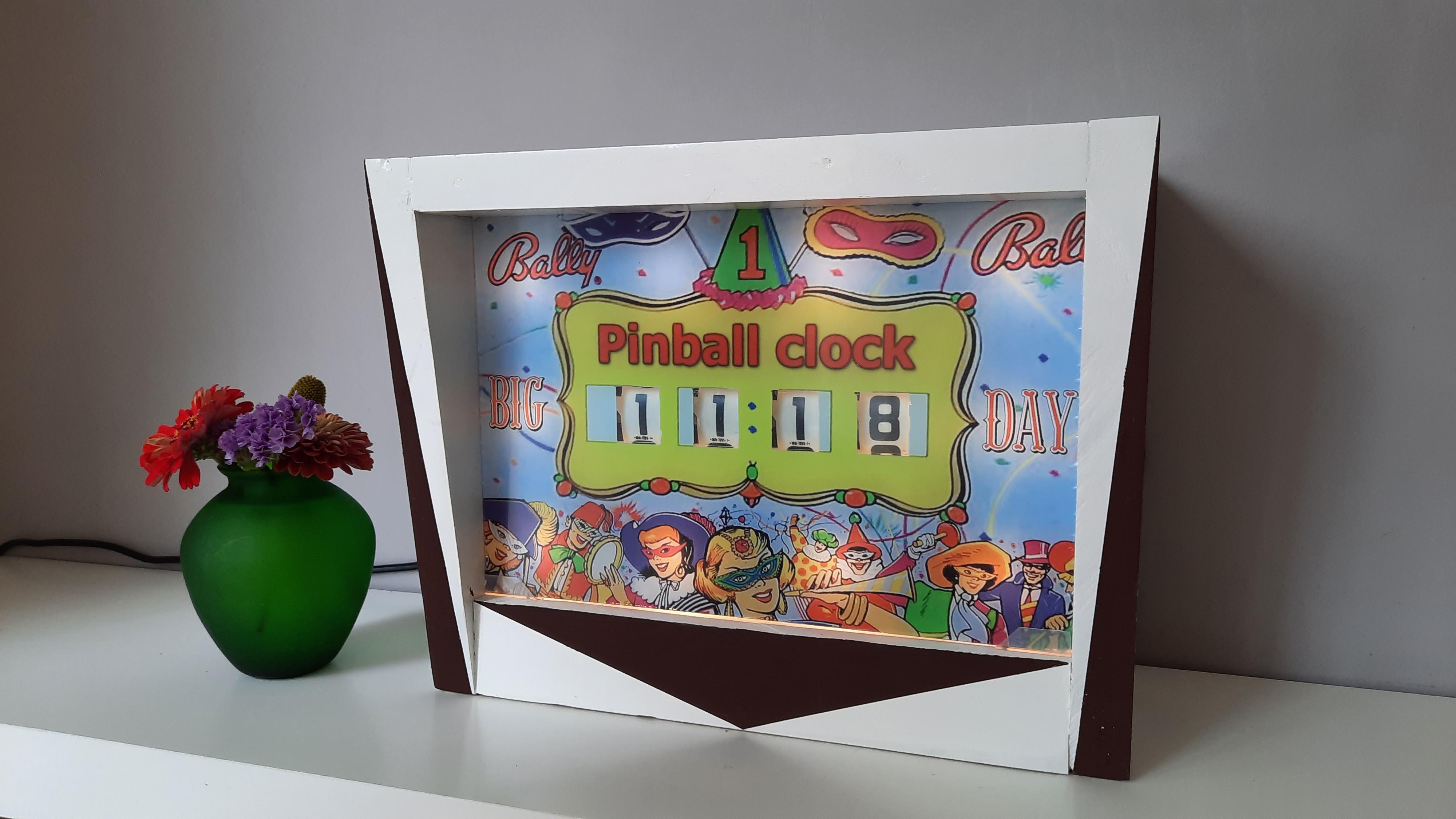
Last step is to assemble the score reels in a mini-Pinball head, connect the drivers/ESP8266 and start the clock.