Affordable DIY Quad Stick for Limited Mobility
by margaret_reed23 in Circuits > Assistive Tech
406 Views, 4 Favorites, 0 Comments
Affordable DIY Quad Stick for Limited Mobility
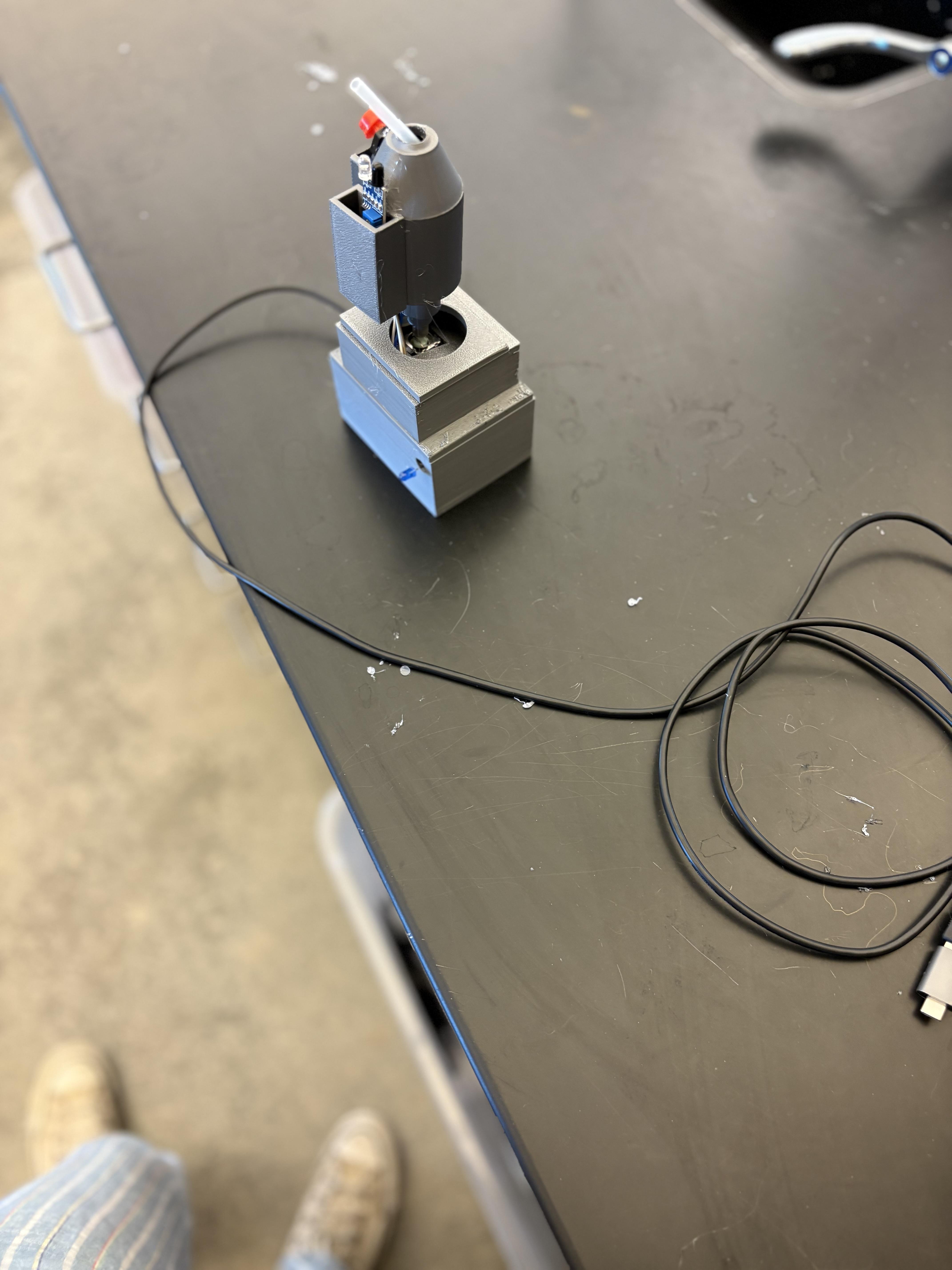
I made an affordable DIY mouth controller for people with limited mobility, that allows them to control devices such as a game on a computer, using only head movements. It includes a sip and puff sensor connecting to a mouth controlled joystick, an IR sensor allowing the user to activate a key with their tongue, and a small tactile button to be pressed by the nose. This device efficiently uses many different head movements for fast and easy control of games and computer. The 3D printed base makes it affordable, efficient, able to customize and a quick process.
Supplies
Print and Adjust

Print the STL file and gather supplies, Adjust the base if needed with sand paper or x-acto knife and remove supports.
Downloads
Assemble the PCB and Arduino
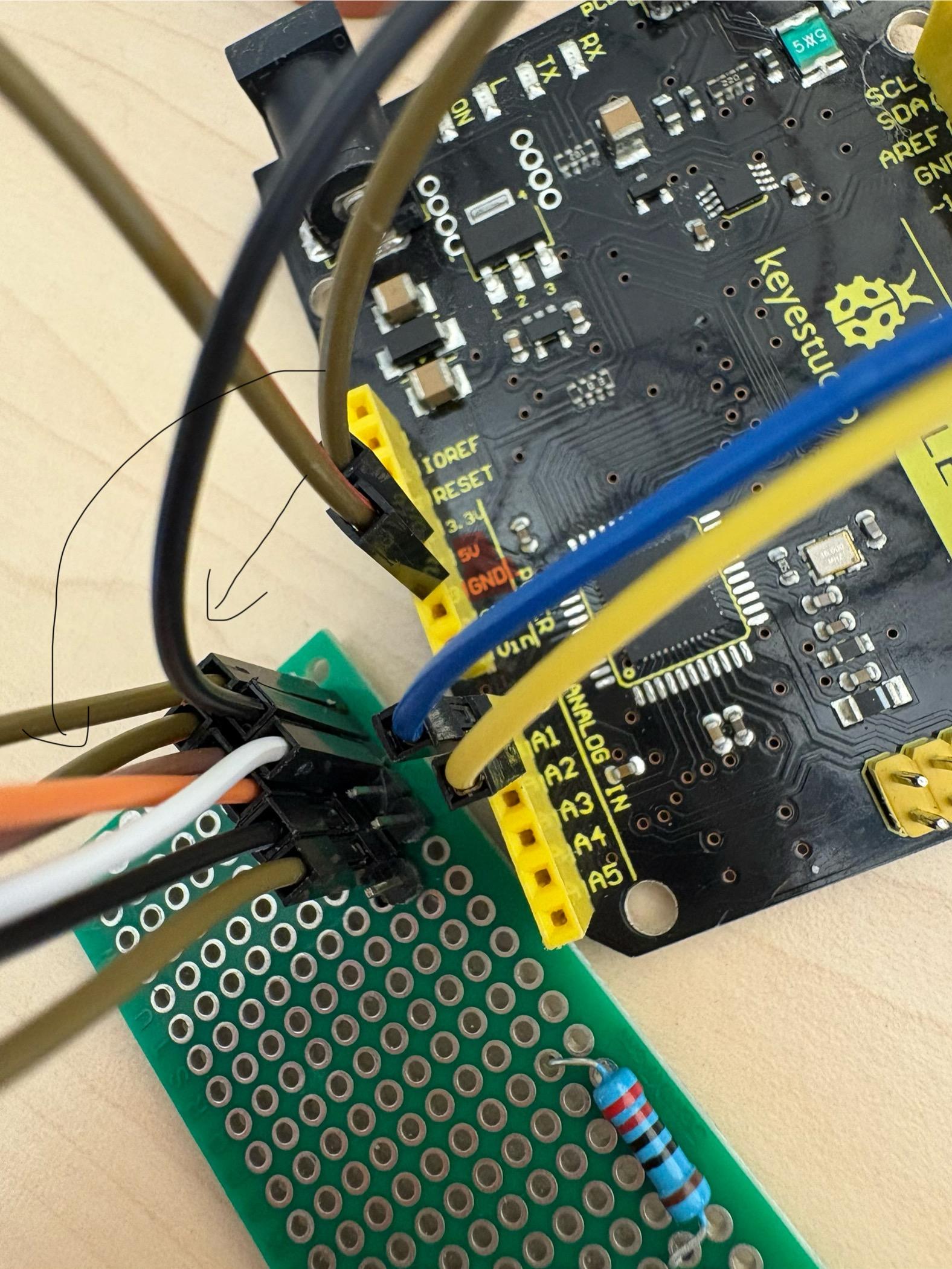

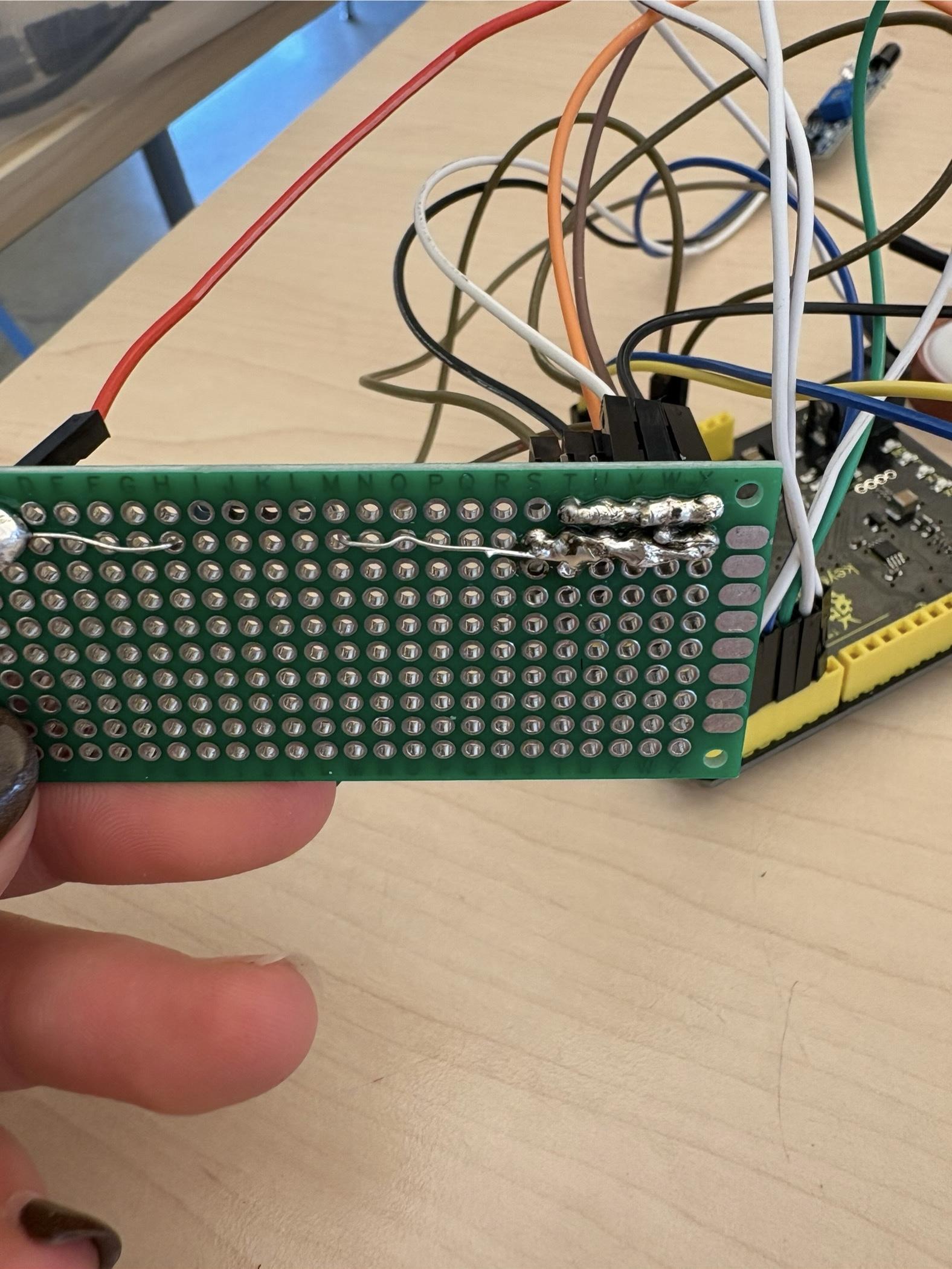
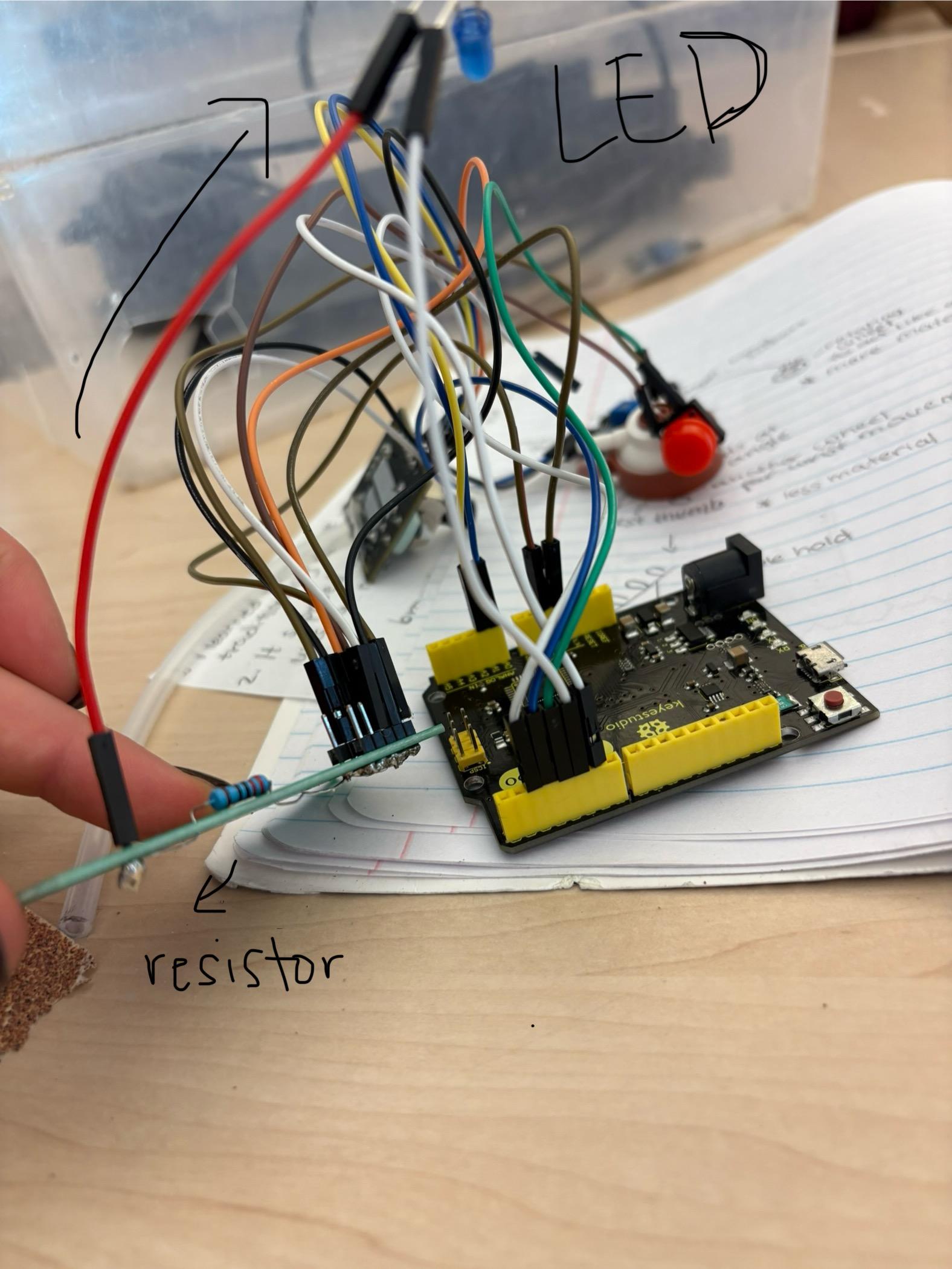
Begin by soldering two rows (of 6) of PCB pins onto the PCB: one for 5V and one for GND. These pins provide shared power and ground for all components mounted on the PCB. Connect the 5V pin on the PCB to the 5V pin on the Arduino Leonardo, and connect the GND pin on the PCB to GND on the Arduino. All components on the PCB draw power and ground from these two pins only. Each component’s signal wires are then routed directly from the device to their assigned pins on the Arduino. This approach keeps the PCB simple while allowing the Arduino to handle all input and output processing. Once powered, each device operates independently through its dedicated signal connection.
Pin Connections for Each Device
Joystick Module (5-pin)
- VCC → PCB 5V
- GND → PCB GND
- VRx → Arduino A0
- VRy → Arduino A1
- SW → Arduino D2
IR Sensor (3-pin)
- VCC → PCB 5V
- GND → PCB GND
- OUT → Arduino D3
Pressure / Vacuum Switch (2-pin)
- One pin → PCB GND
- Other pin → Arduino D4
Small Pushbutton
- One side → PCB GND
- Other side → Arduino D6
LED with Resistor
- Arduino D5 → 220 Ω resistor → LED positive (long leg)
- LED negative (short leg) → PCB GND
Assemble the Quadstick
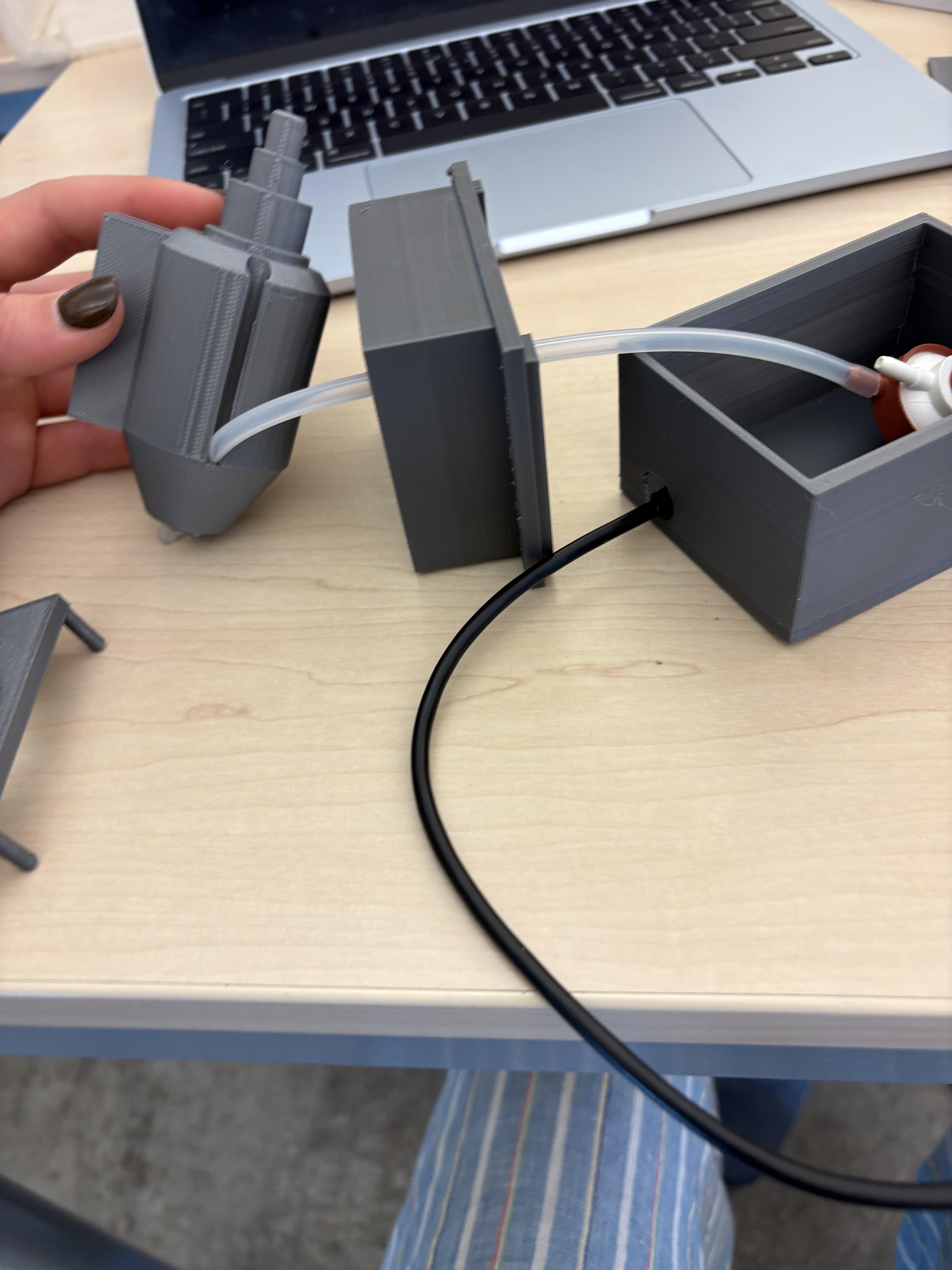
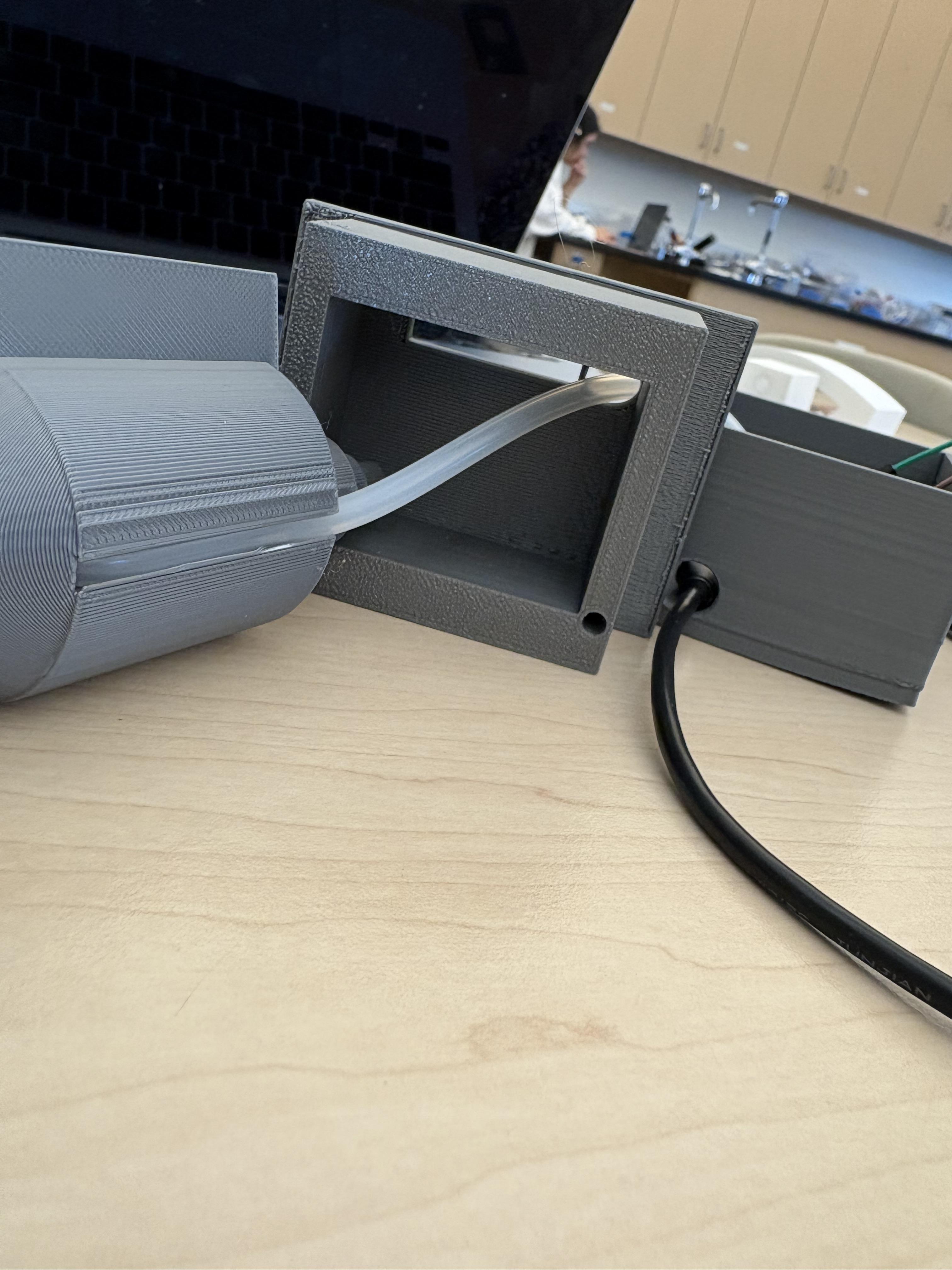
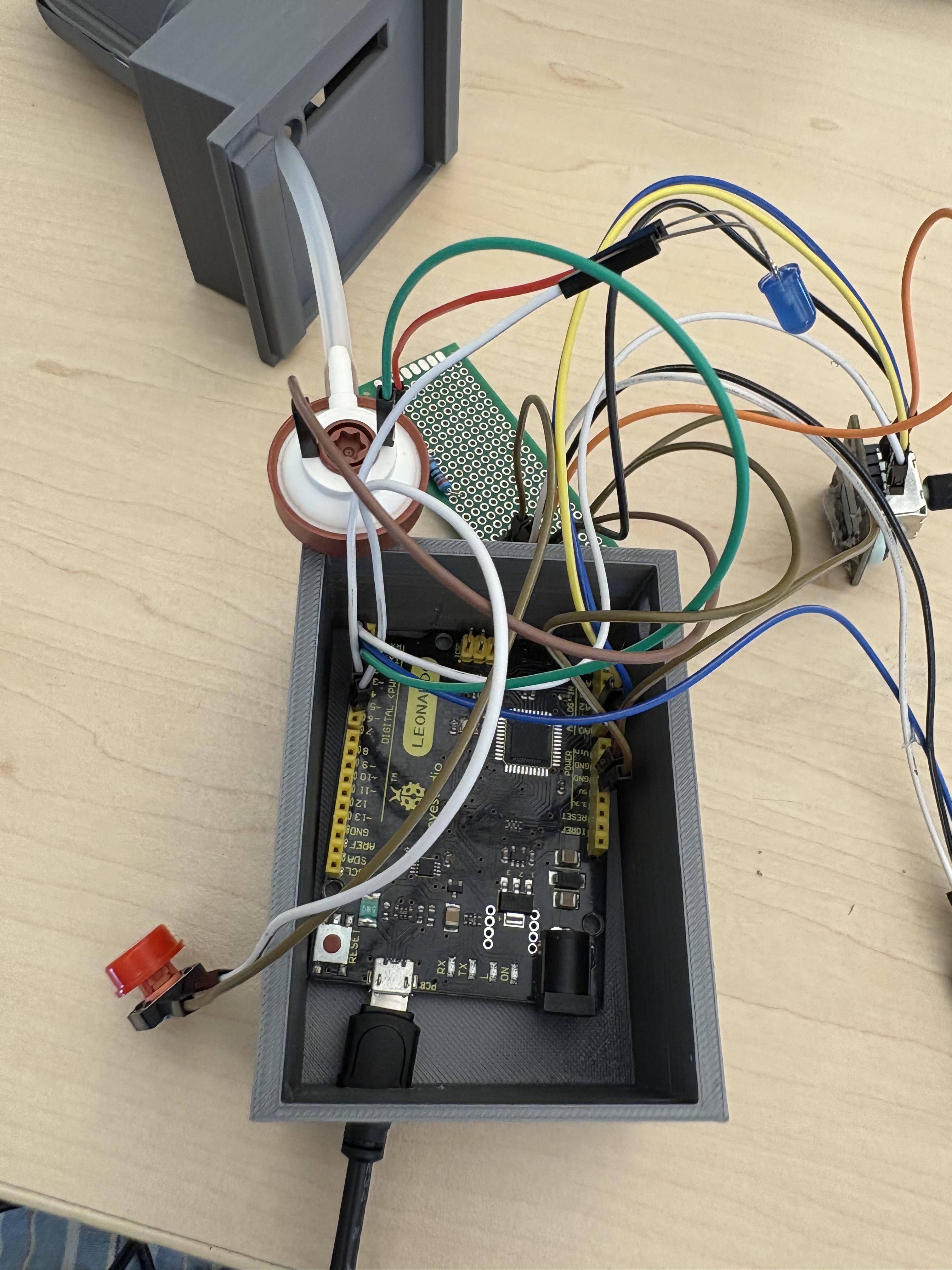
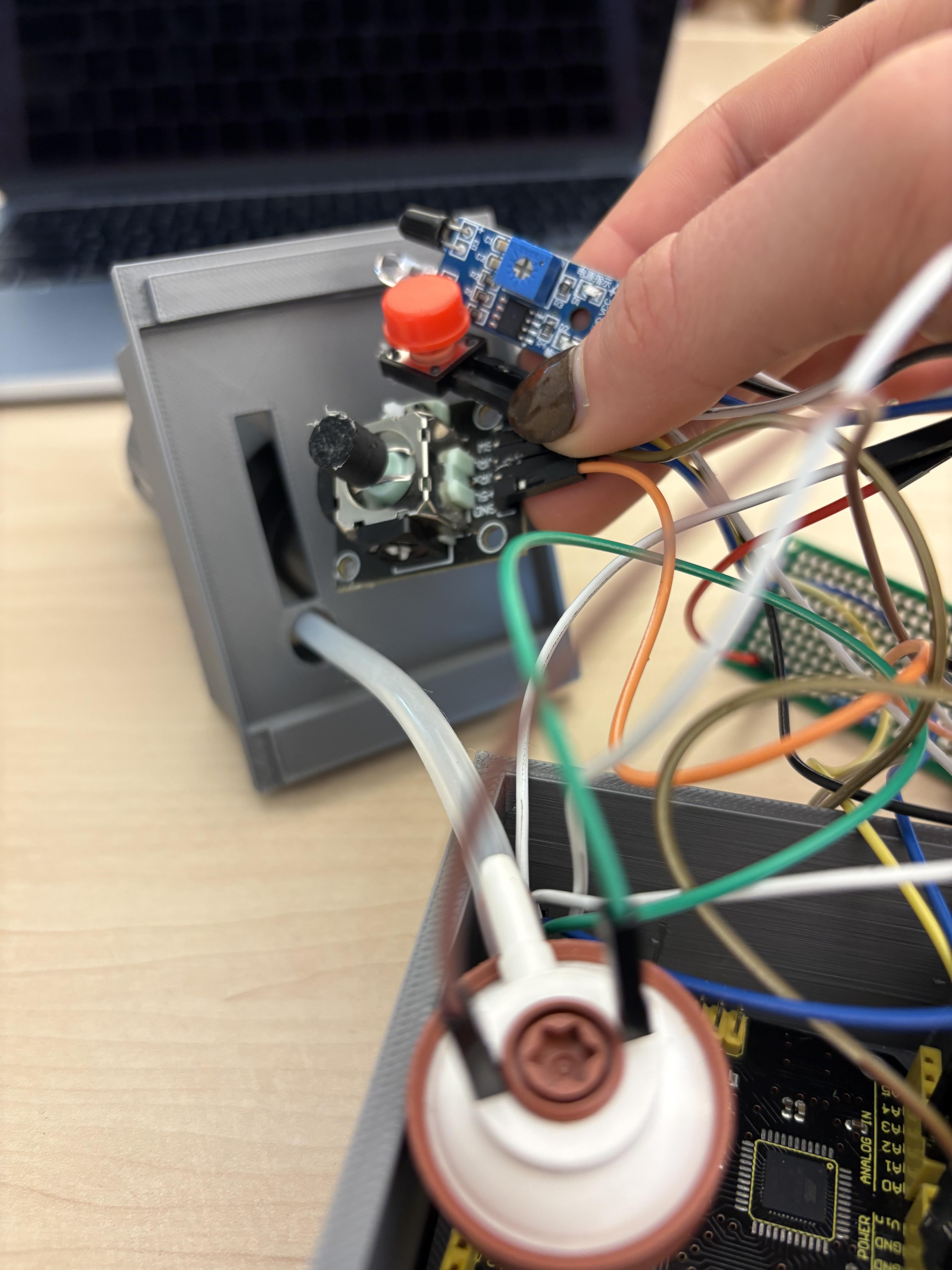
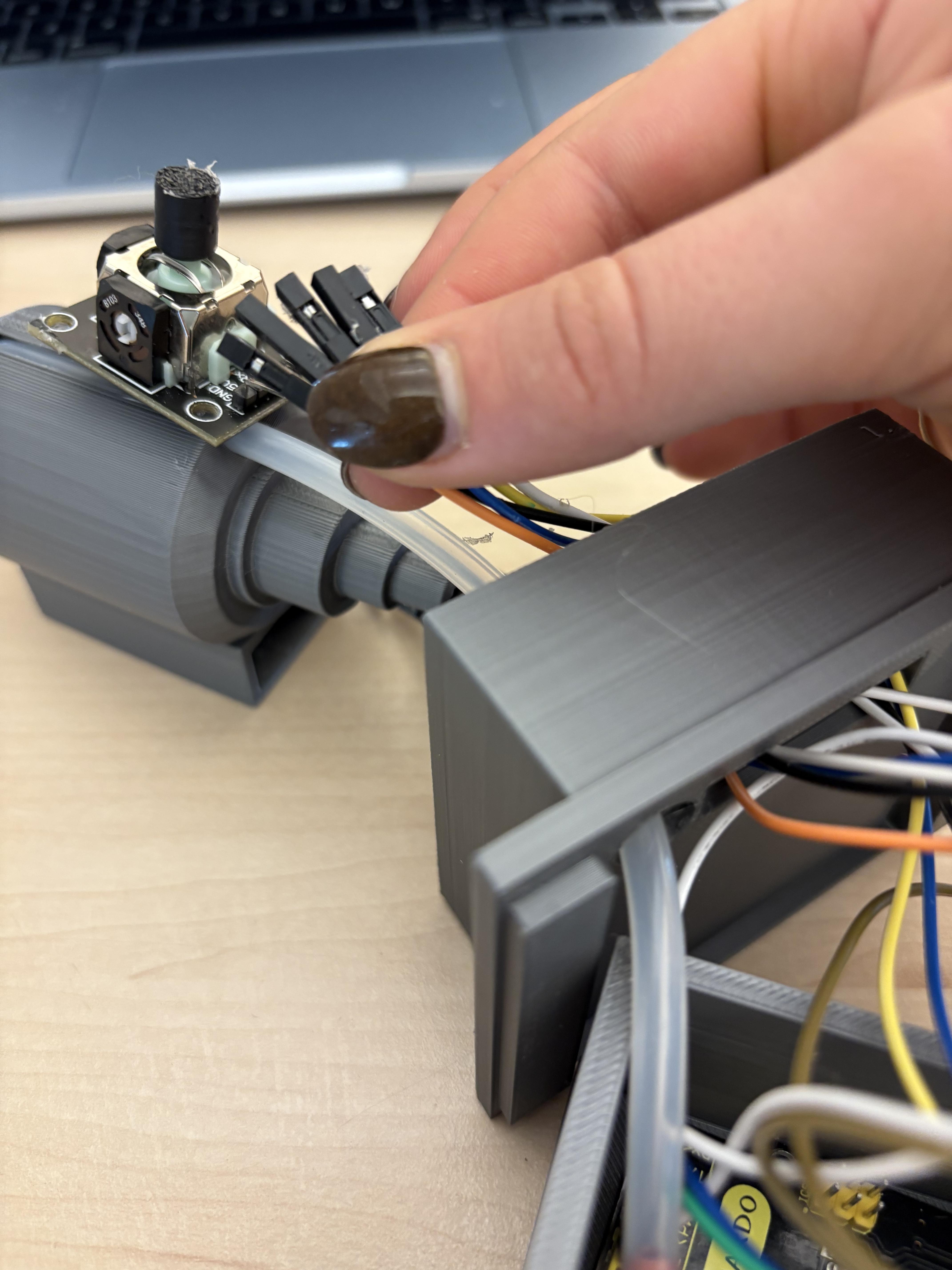
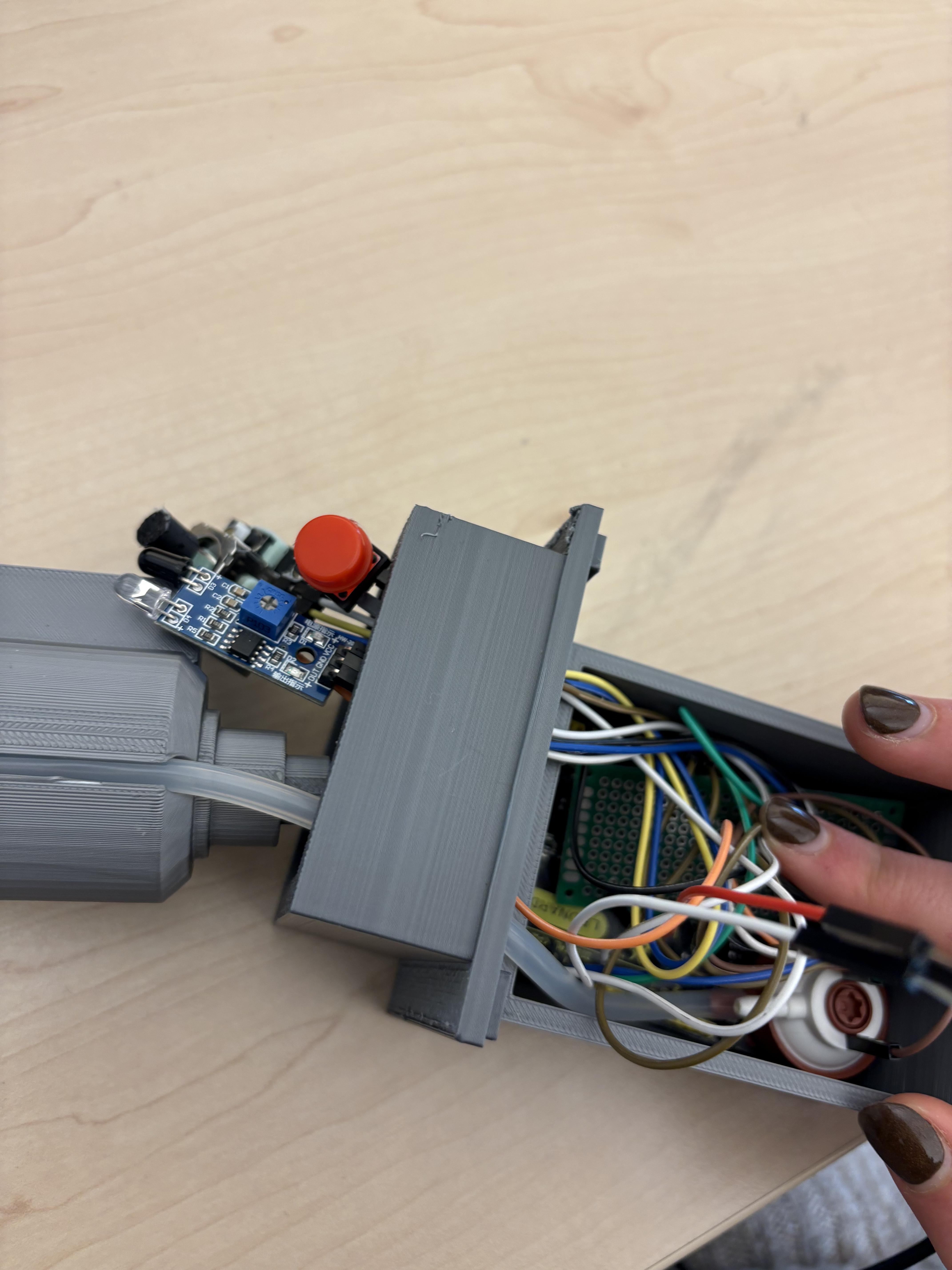
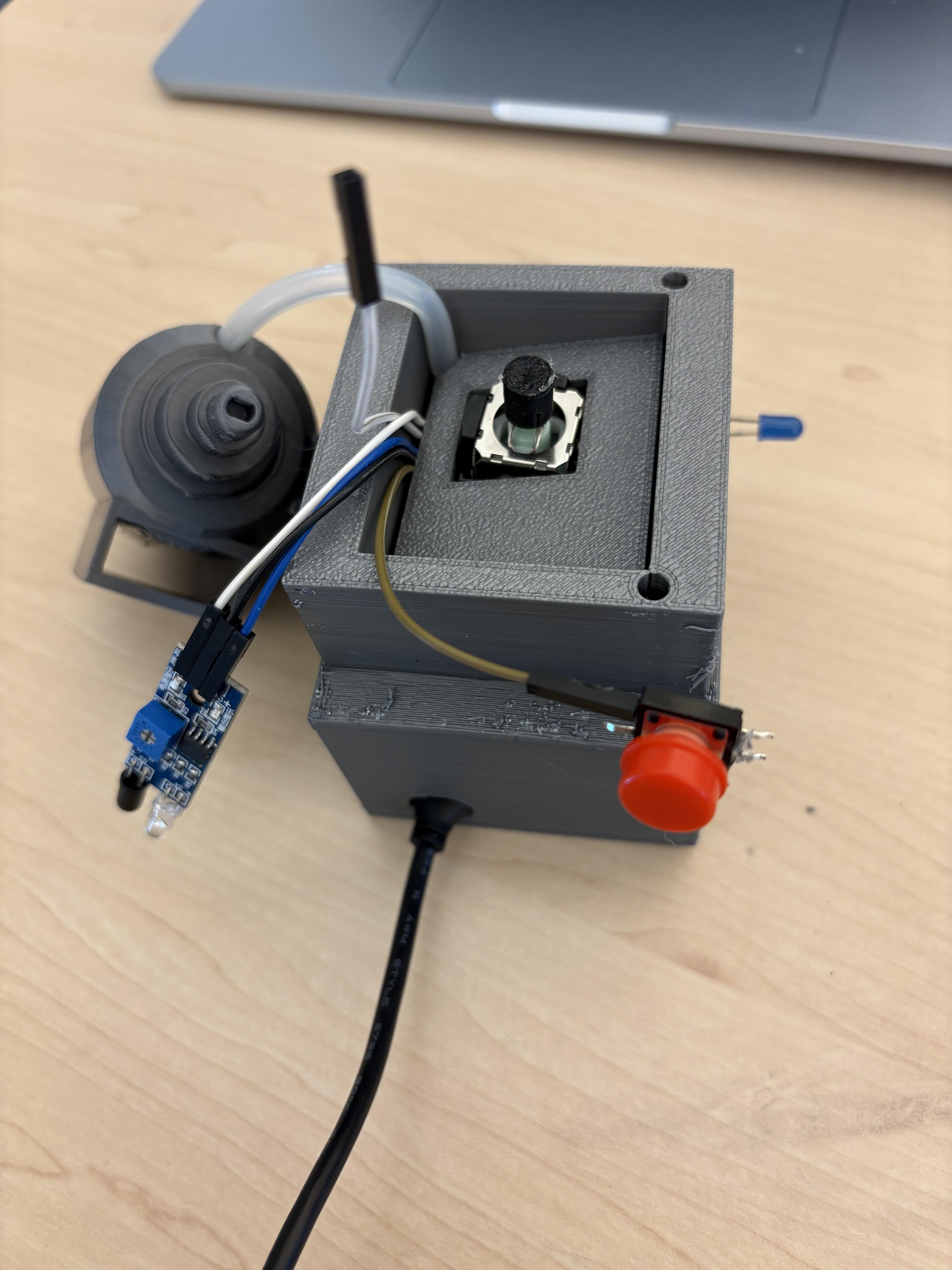

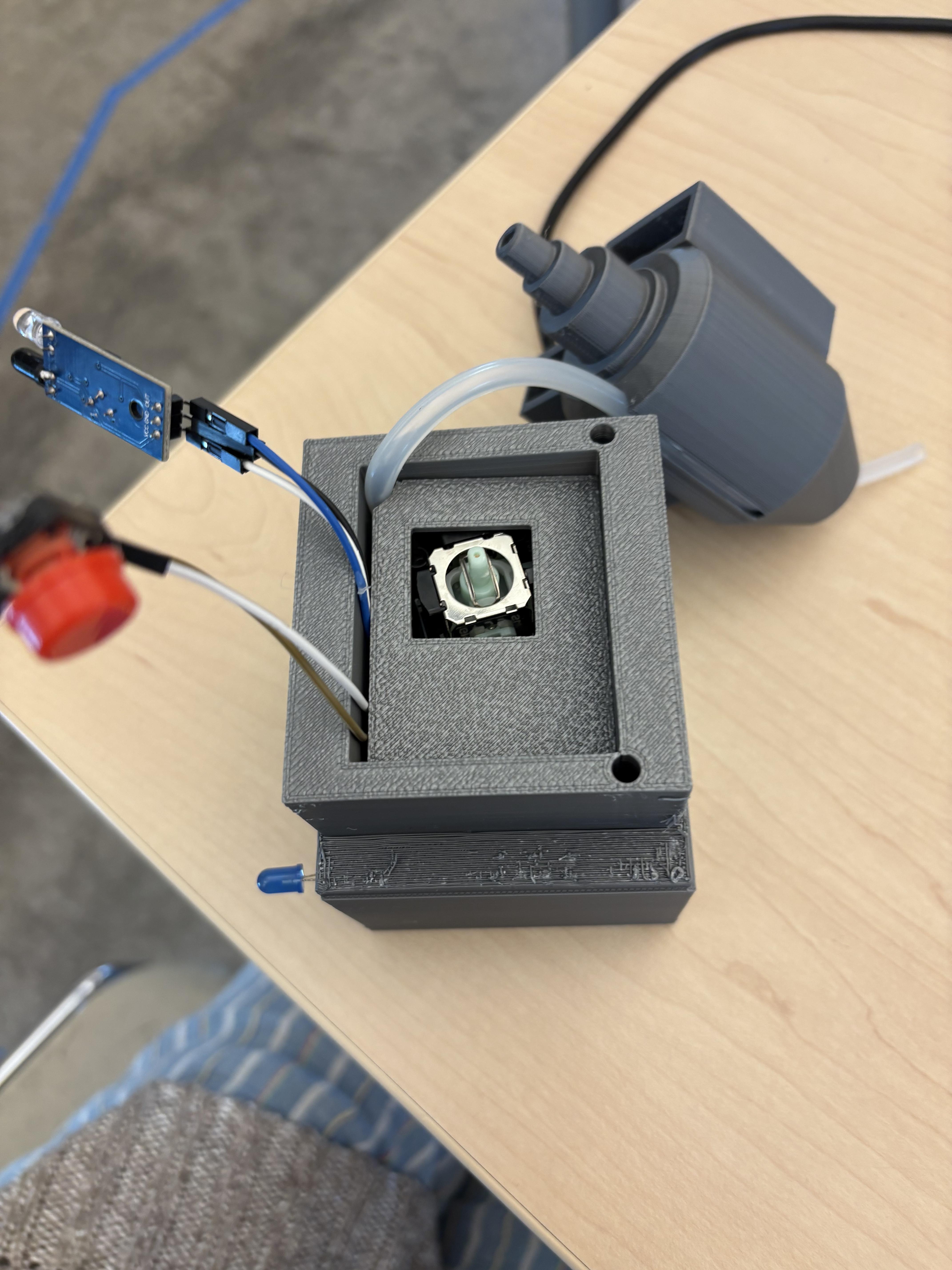

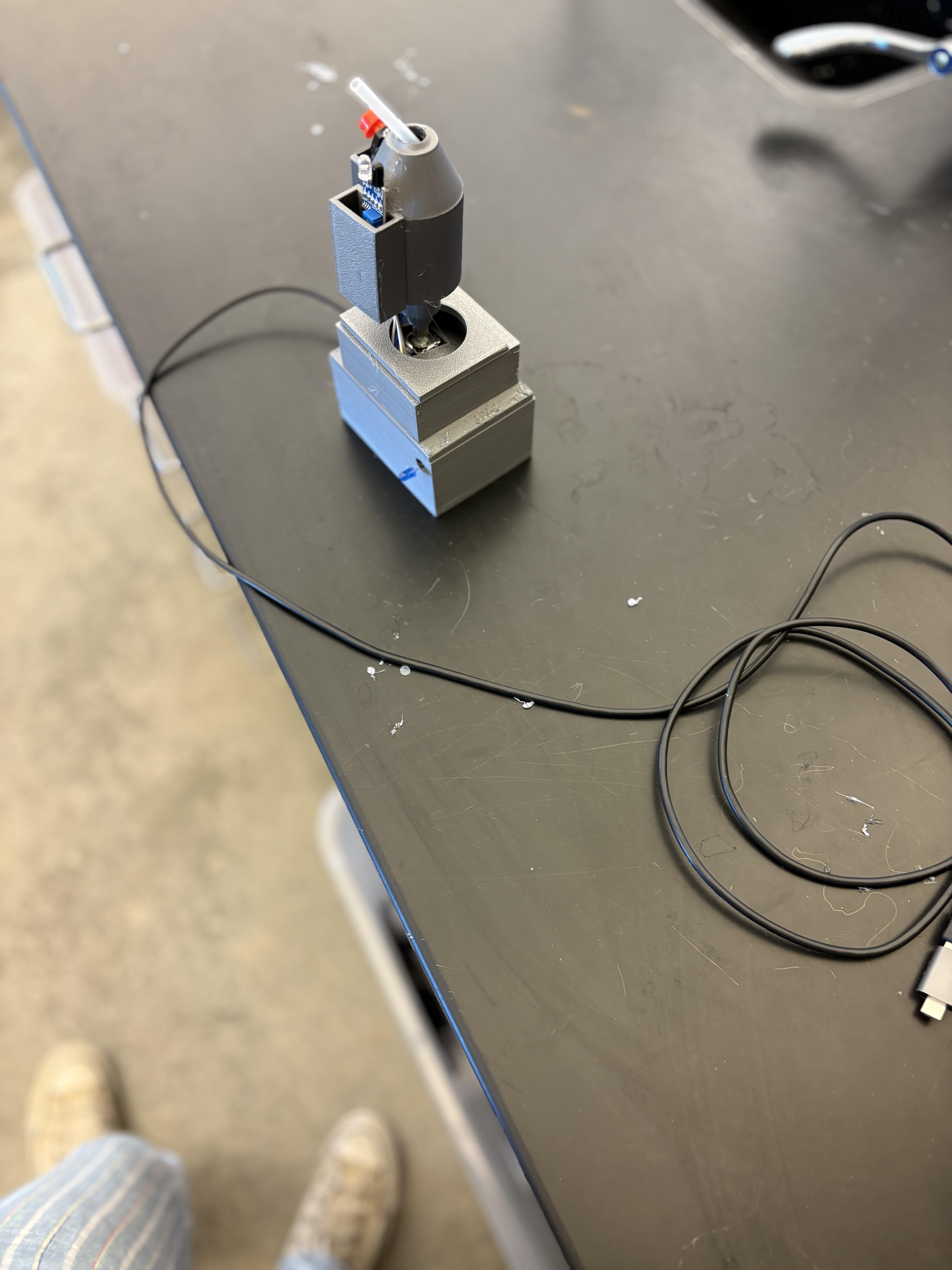
Install the Arduino Leonardo/Micro
Slide the Arduino board into position inside the case where there’s space for the USB port. Make sure the USB port lines up with the opening in the case, so you can plug in the cable after assembly.
Mount the PCB
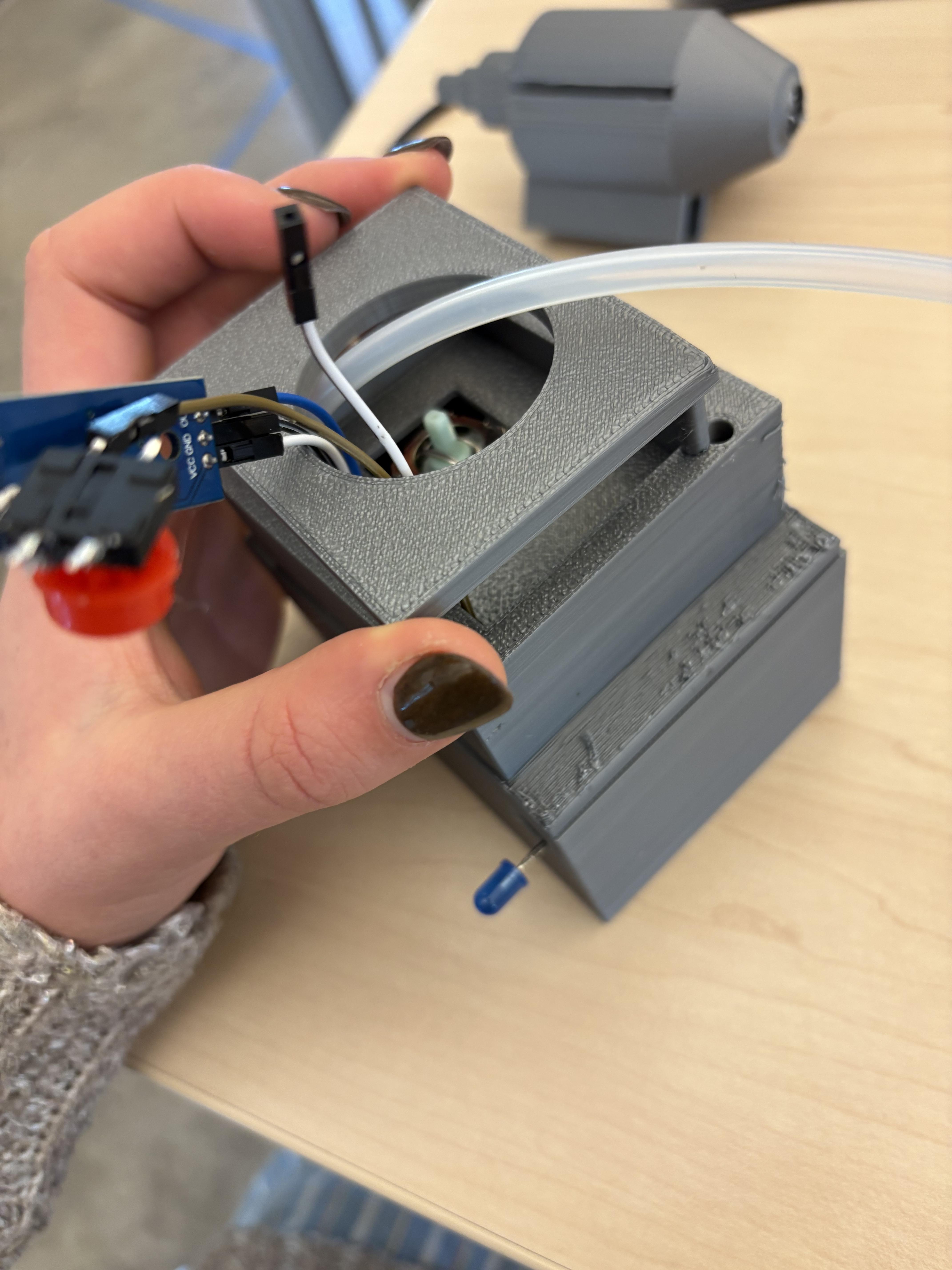
Place your PCB (with only the 5V and GND pins soldered as power rails) into the location on the case that fits it best. The PCB should sit flat and not interfere with the Arduino or sensors. Use hot glue or small screws to fix it in place so it won’t move.
Install the Joystick and Sensors
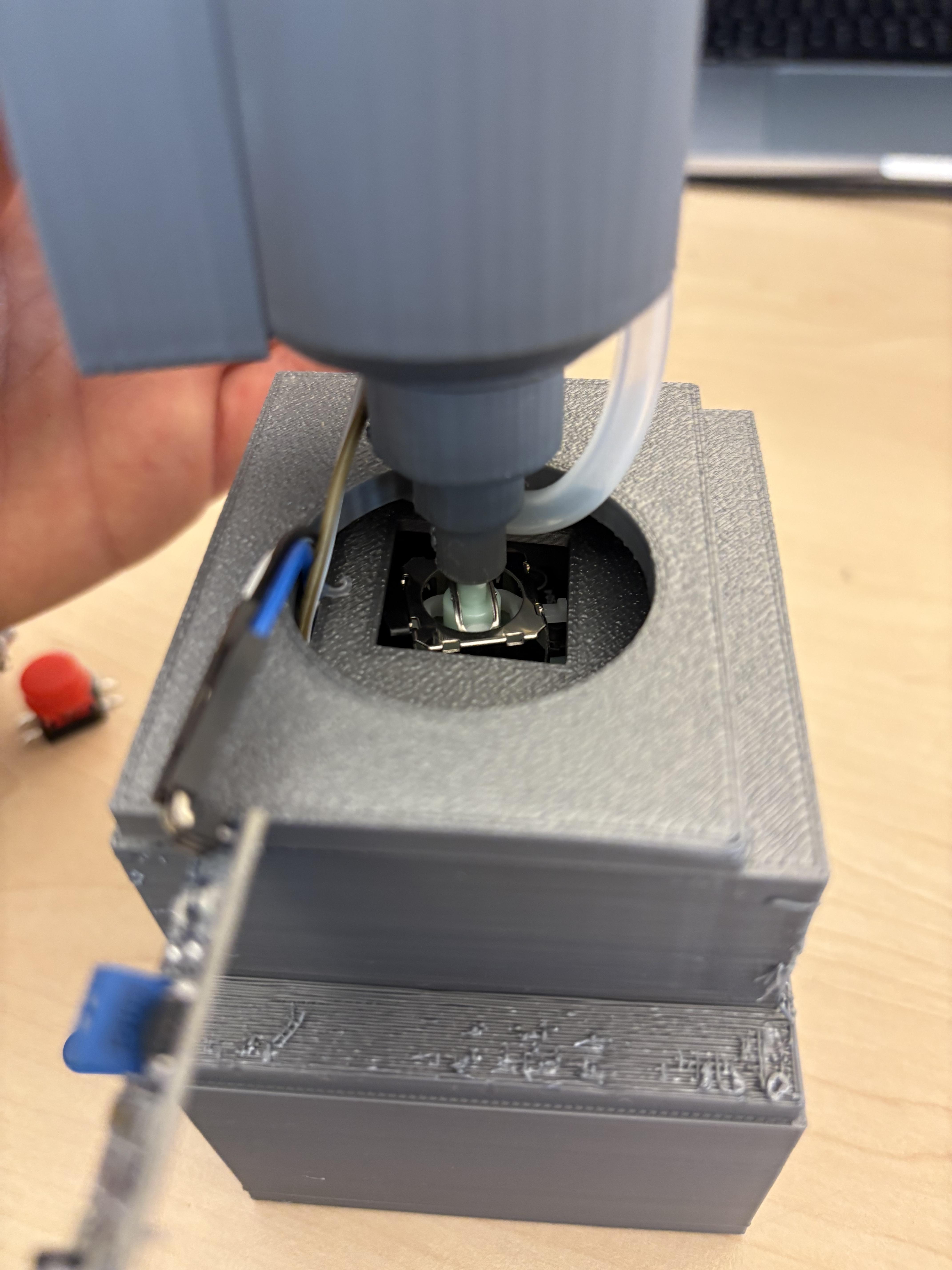
- Joystick: Thread the joystick through the cutout on the case front. Align it in the top box
- IR Sensor: Push the IR module through the opening so the sensing end is exposed.
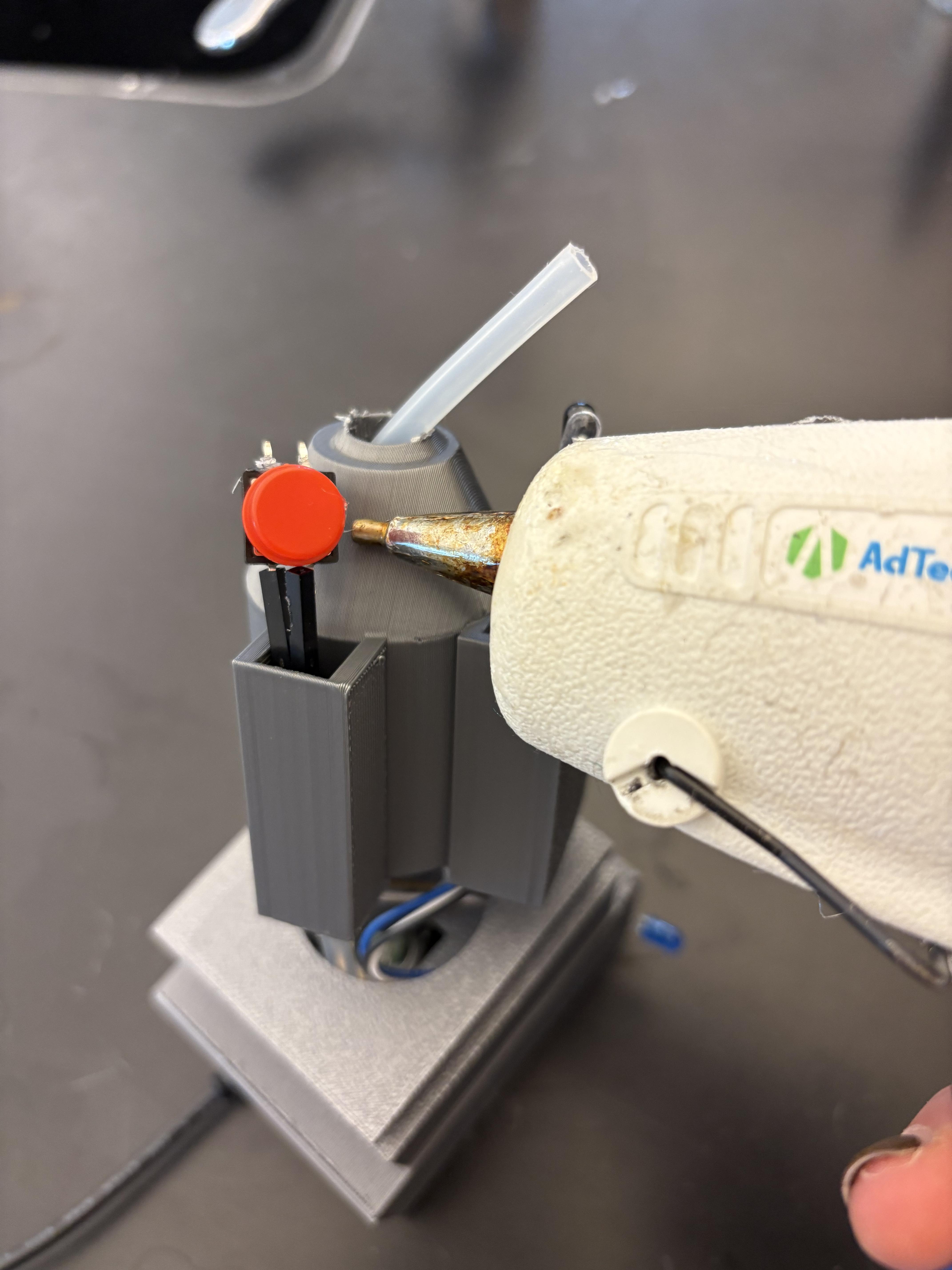
- Pressure Switch and Button: Place the silicone tubing and small pushbutton into the designated slots/ holes, ensuring they sit flush and are accessible from the outside.
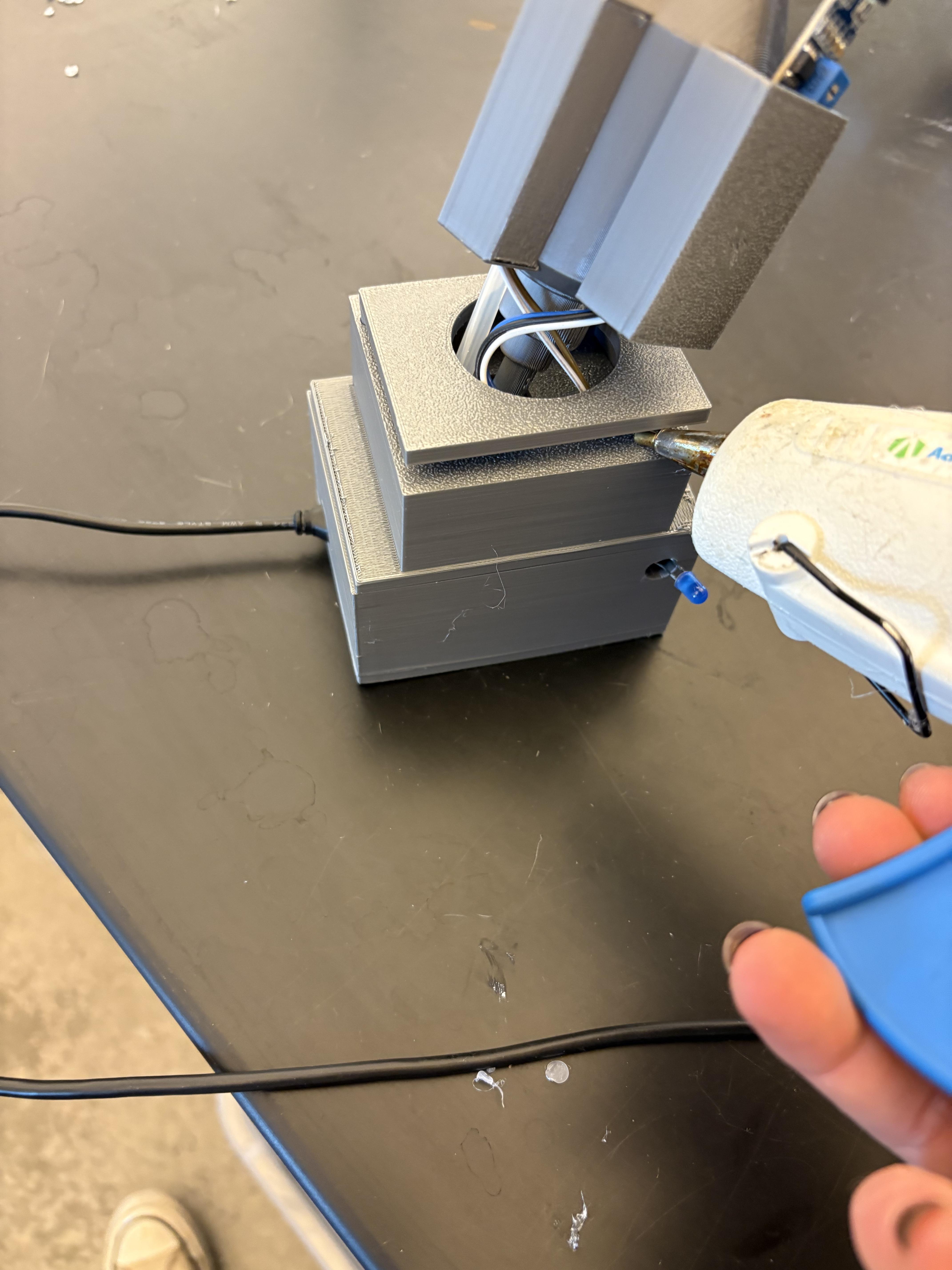
Next slide it the small rectangular piece in the top box, over the joystick to hold it in place, when that is completed connect the mouth piece with slots onto the joystick. Thread the Ir sensor and Button into their designated slots and the silicone tubing in its slot and out of the top.
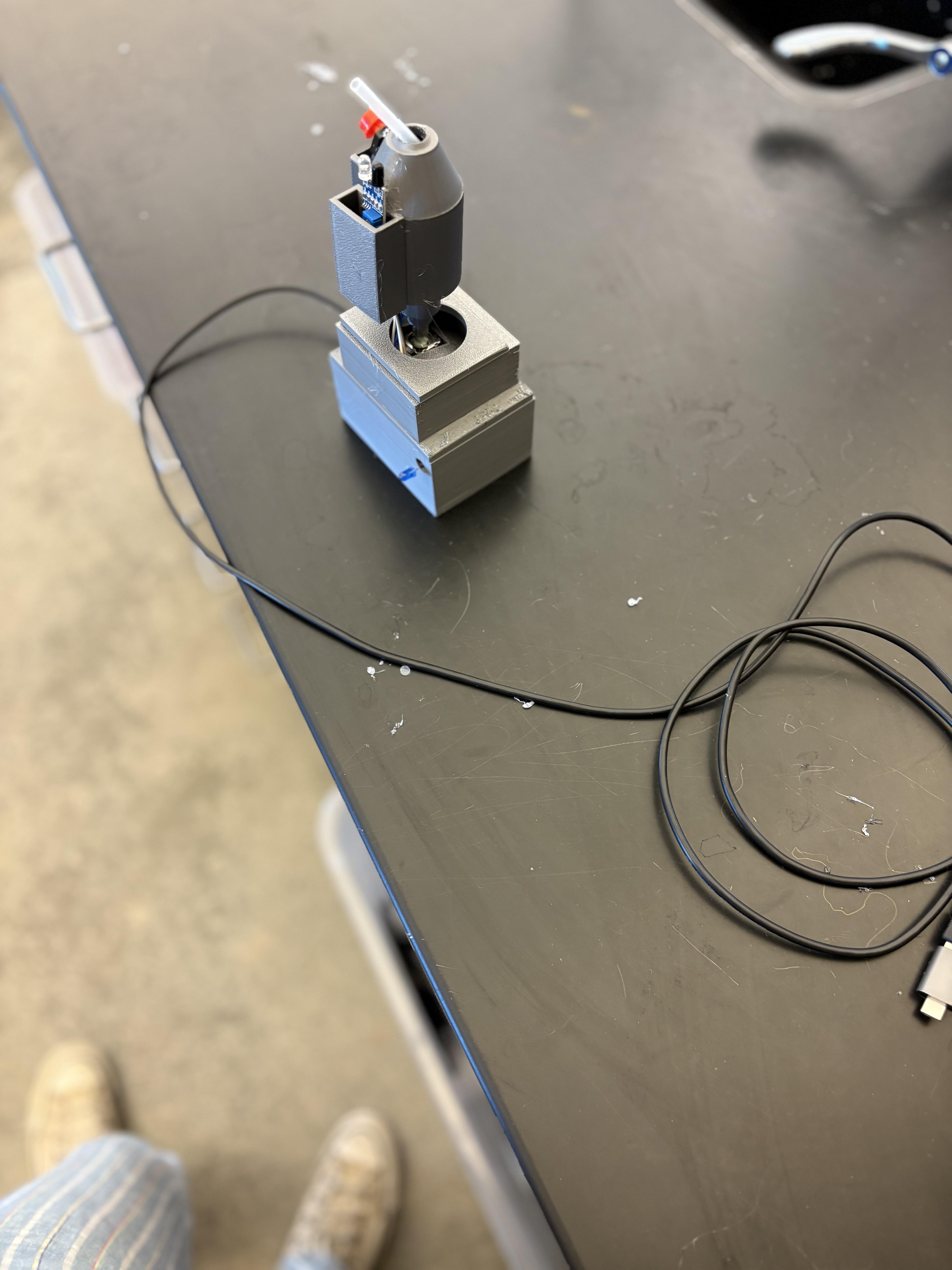
Download and run the Leonardo code