Arduino Card Shuffler
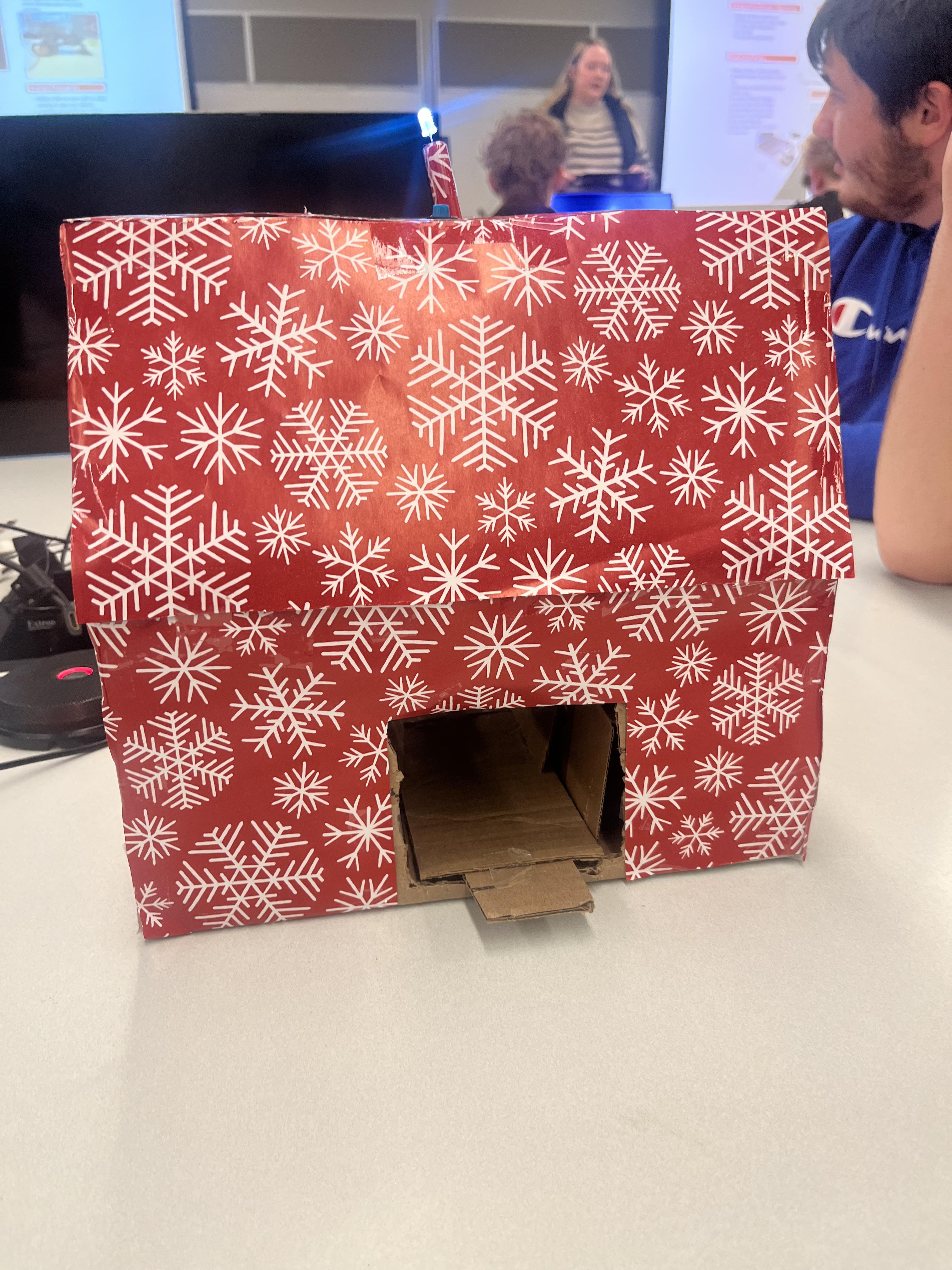
The general design of the card shuffler consists of a box with two shelves and motors in the middle that shoot two halves of a deck towards each other. As a result, this will shuffle the complete deck of cards.
Supplies

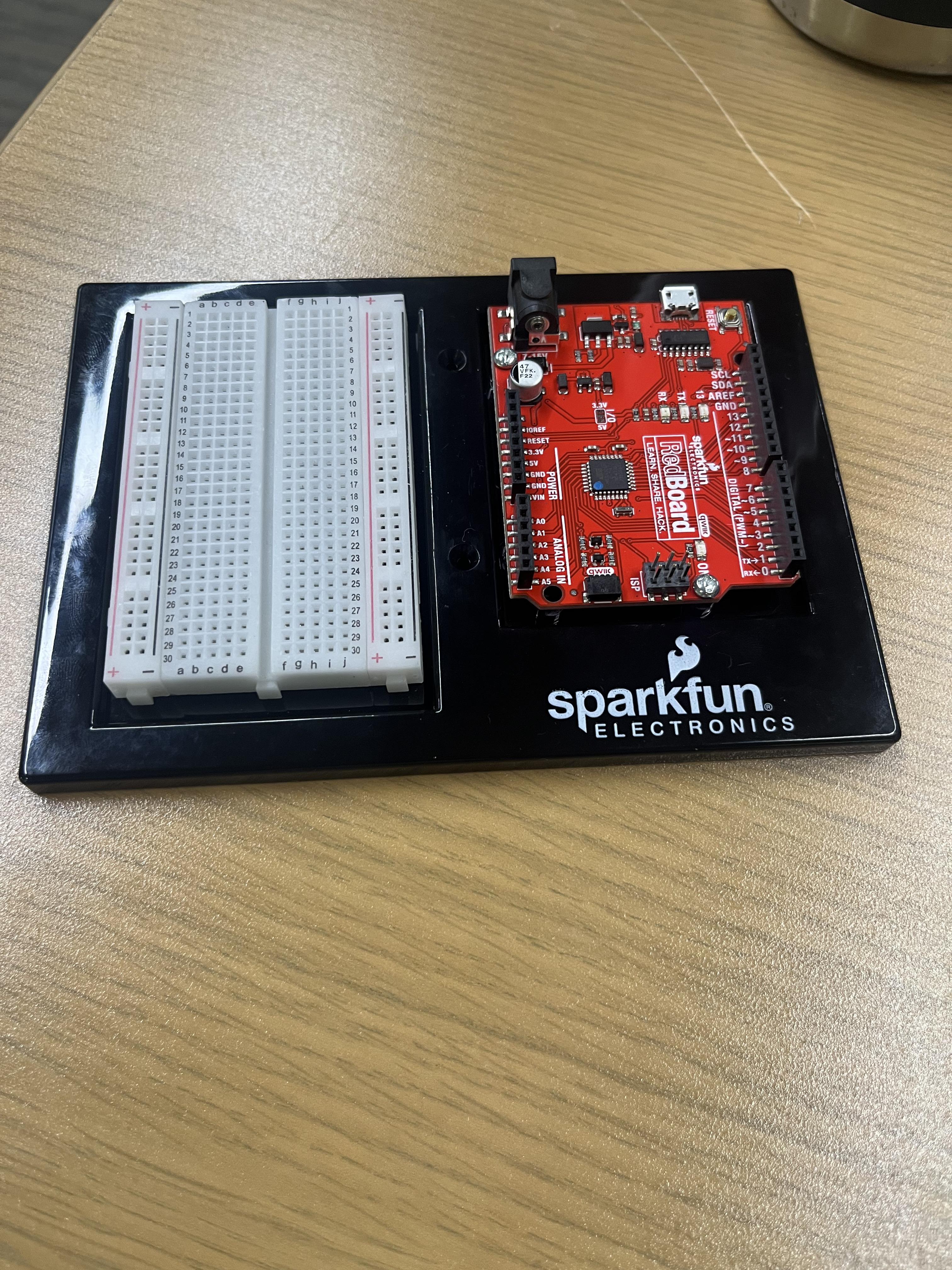
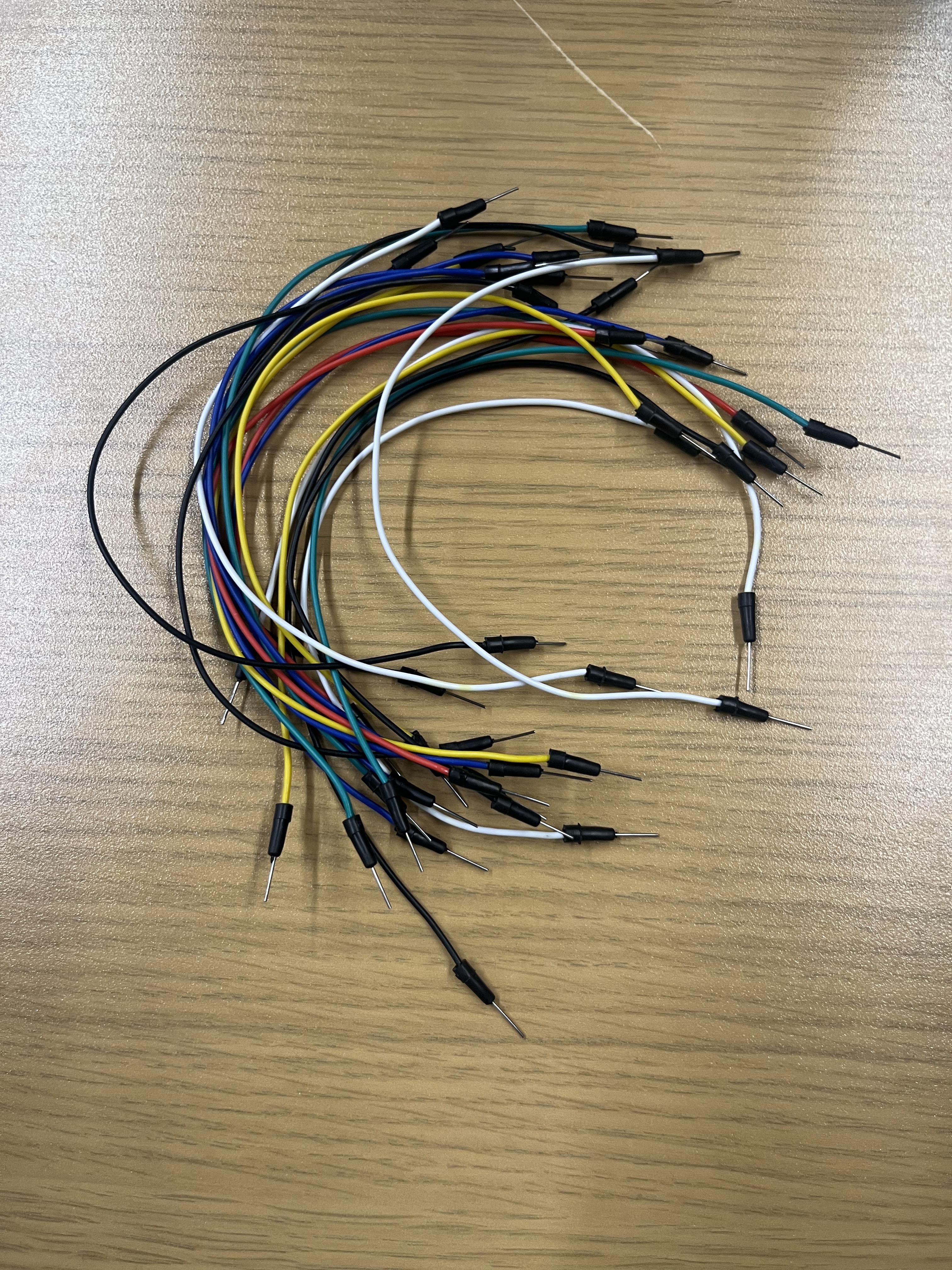
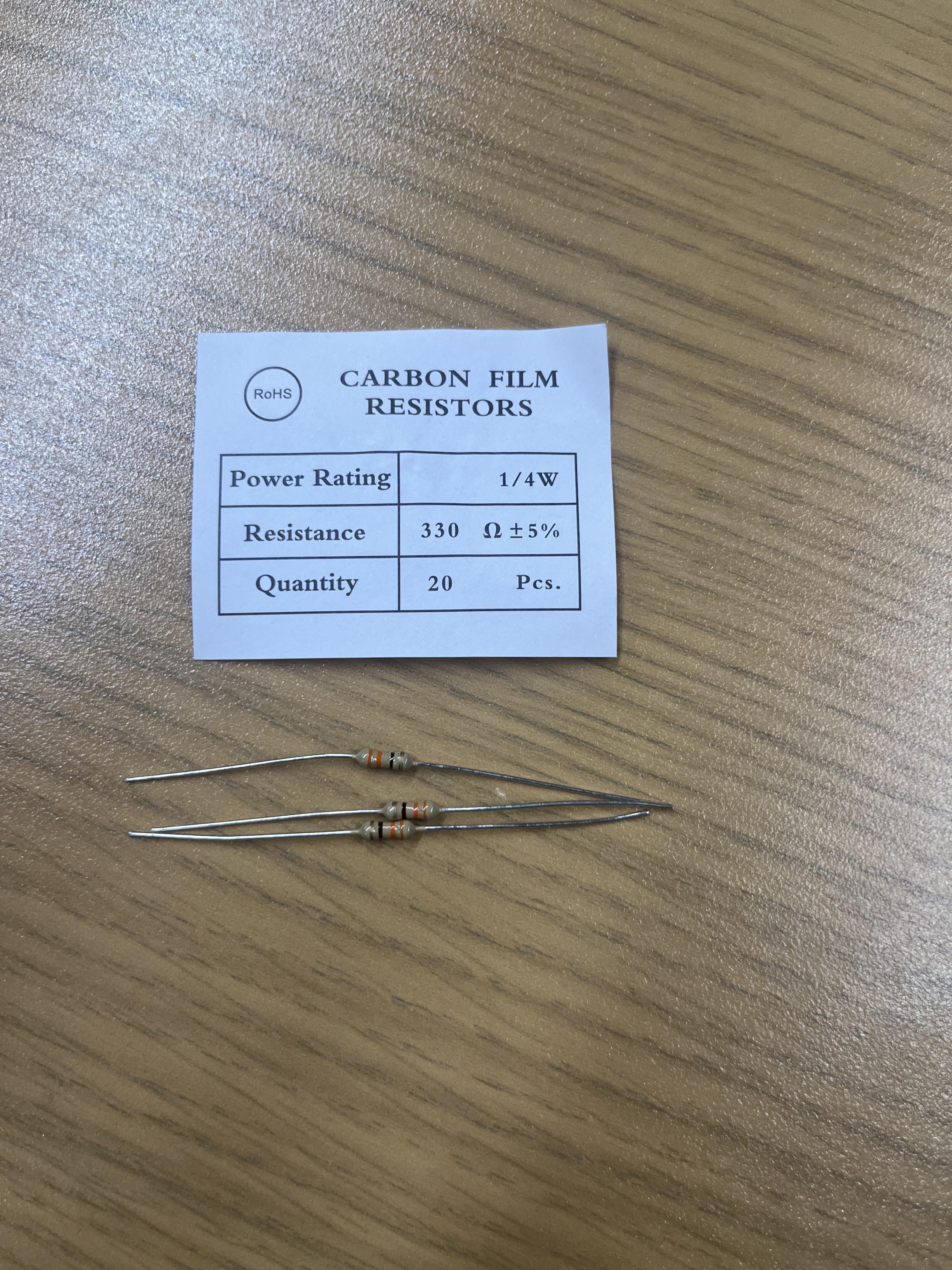
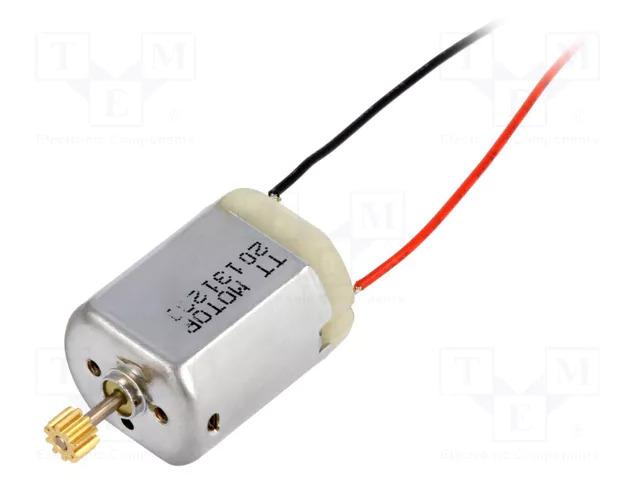
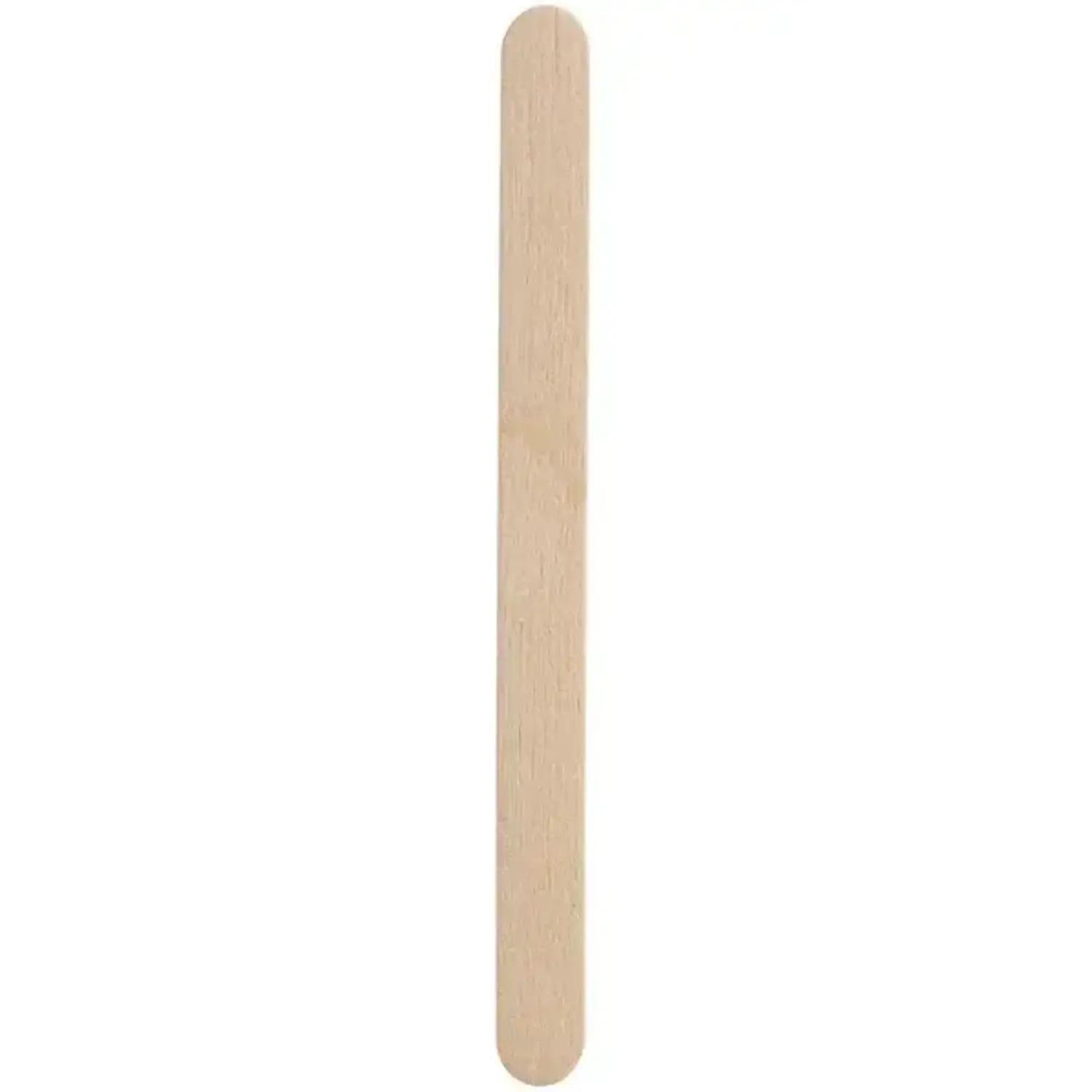
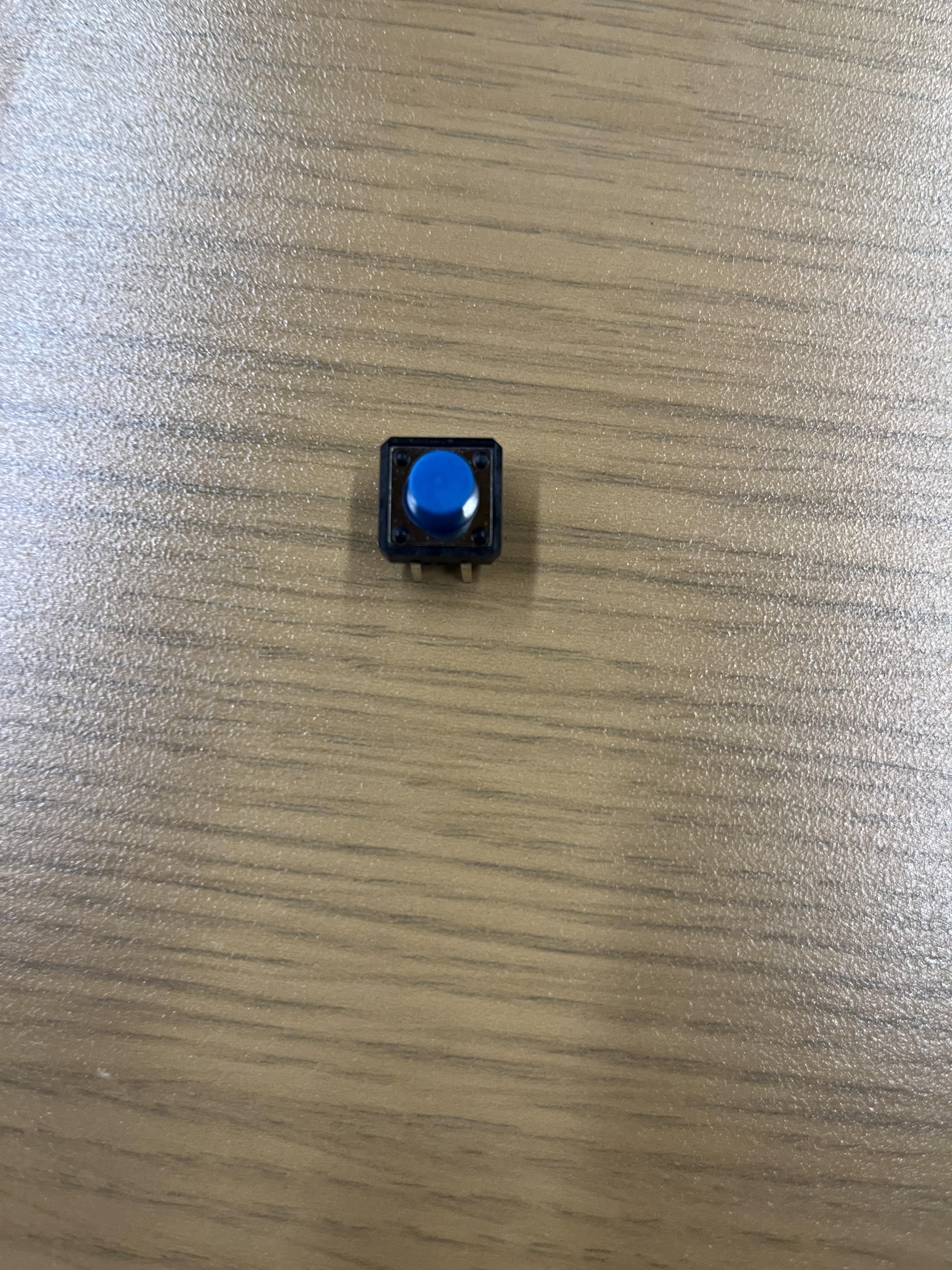
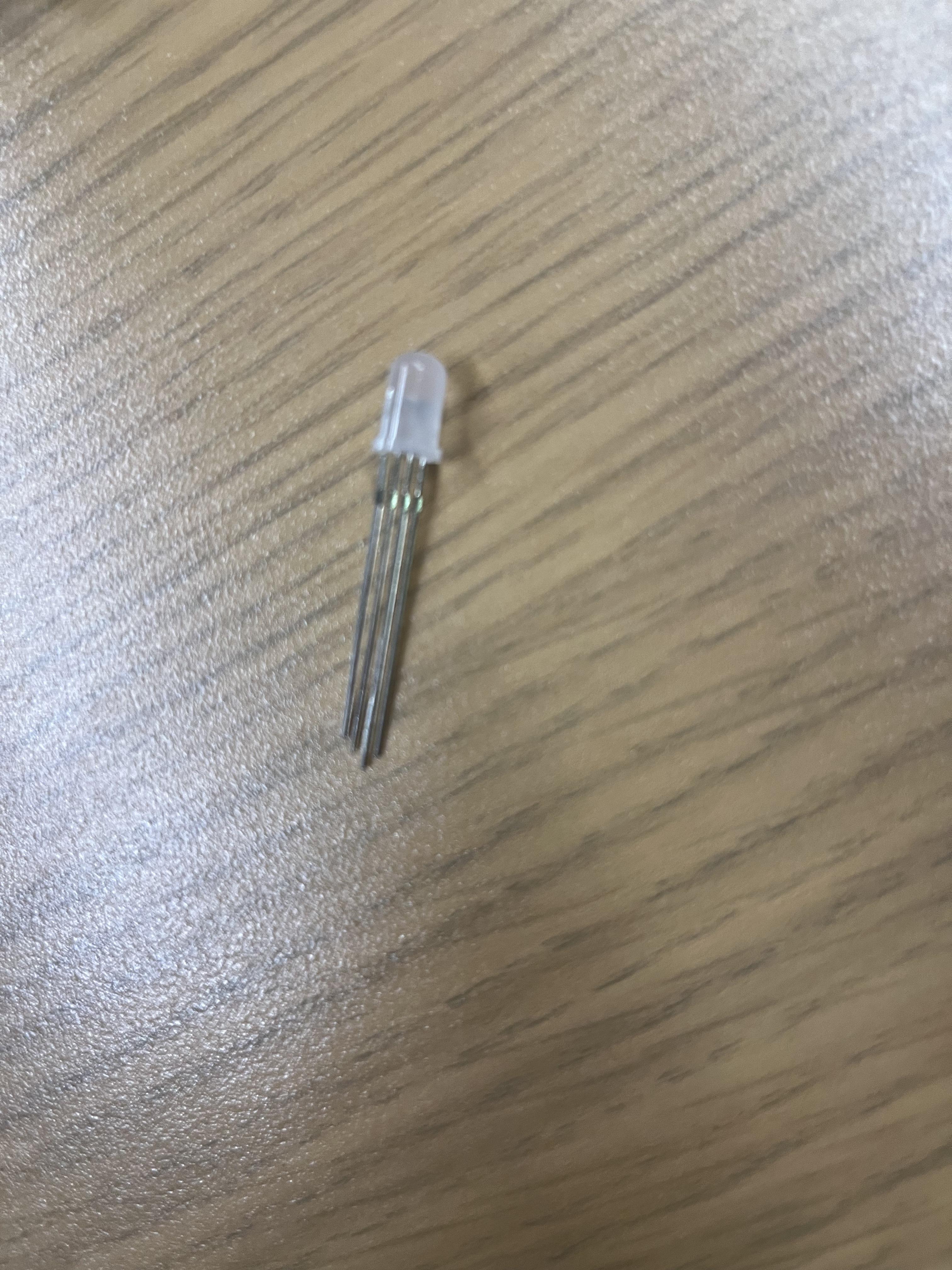
- Popsicle Sticks
- Cardboard
- Arduino and Breadboard
- Wires
- 2 DC Motors, Push-Button, RGB Light,and 3 Resistors.
- 3M Velcro
Find a Box to Fit the Inside



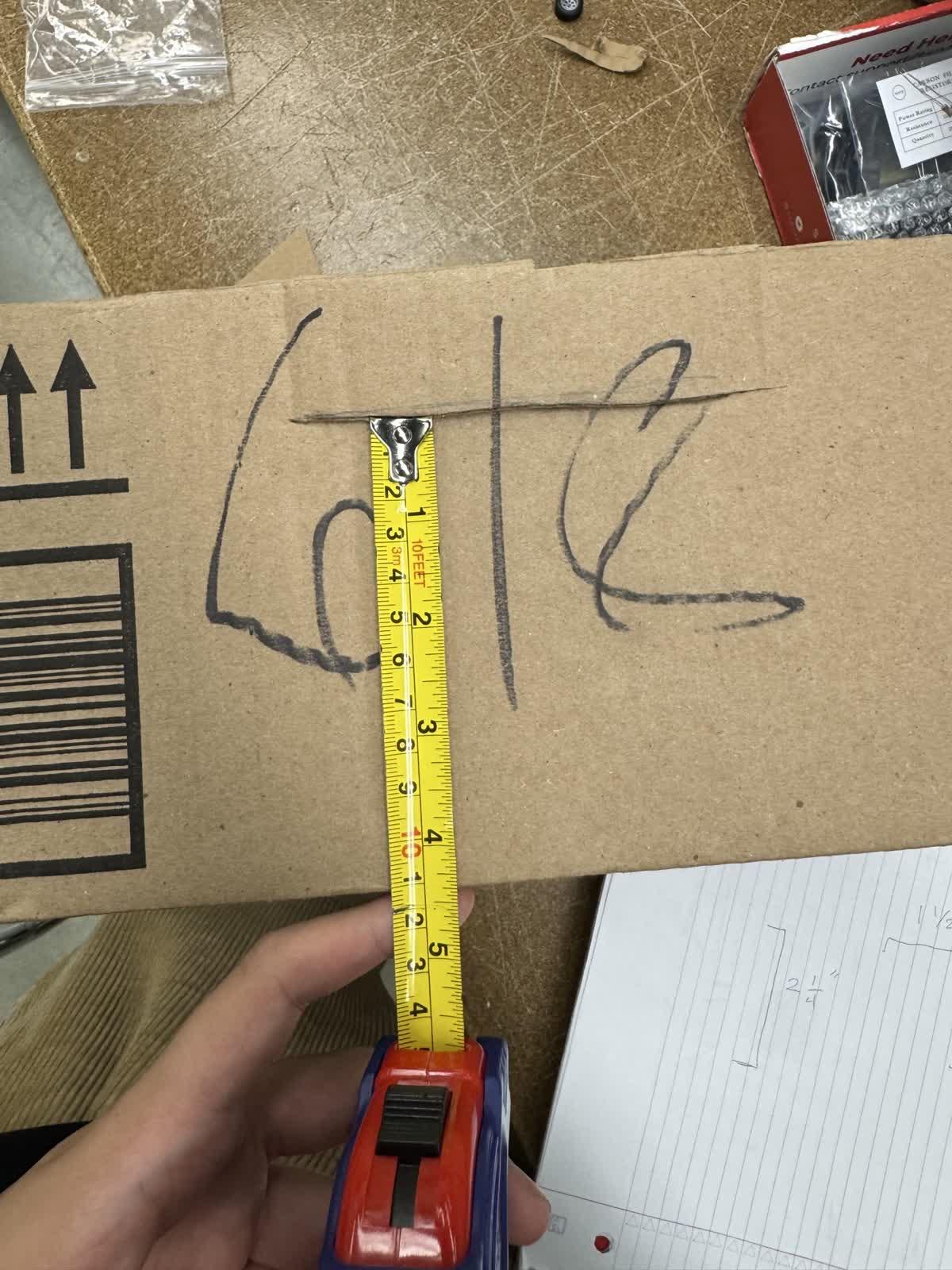
The measurements we used above worked fine for us, but you can adjust based on your given situation (bigger motors, bigger deck of cards etc.)
Create Supports for the Cards Within the Box
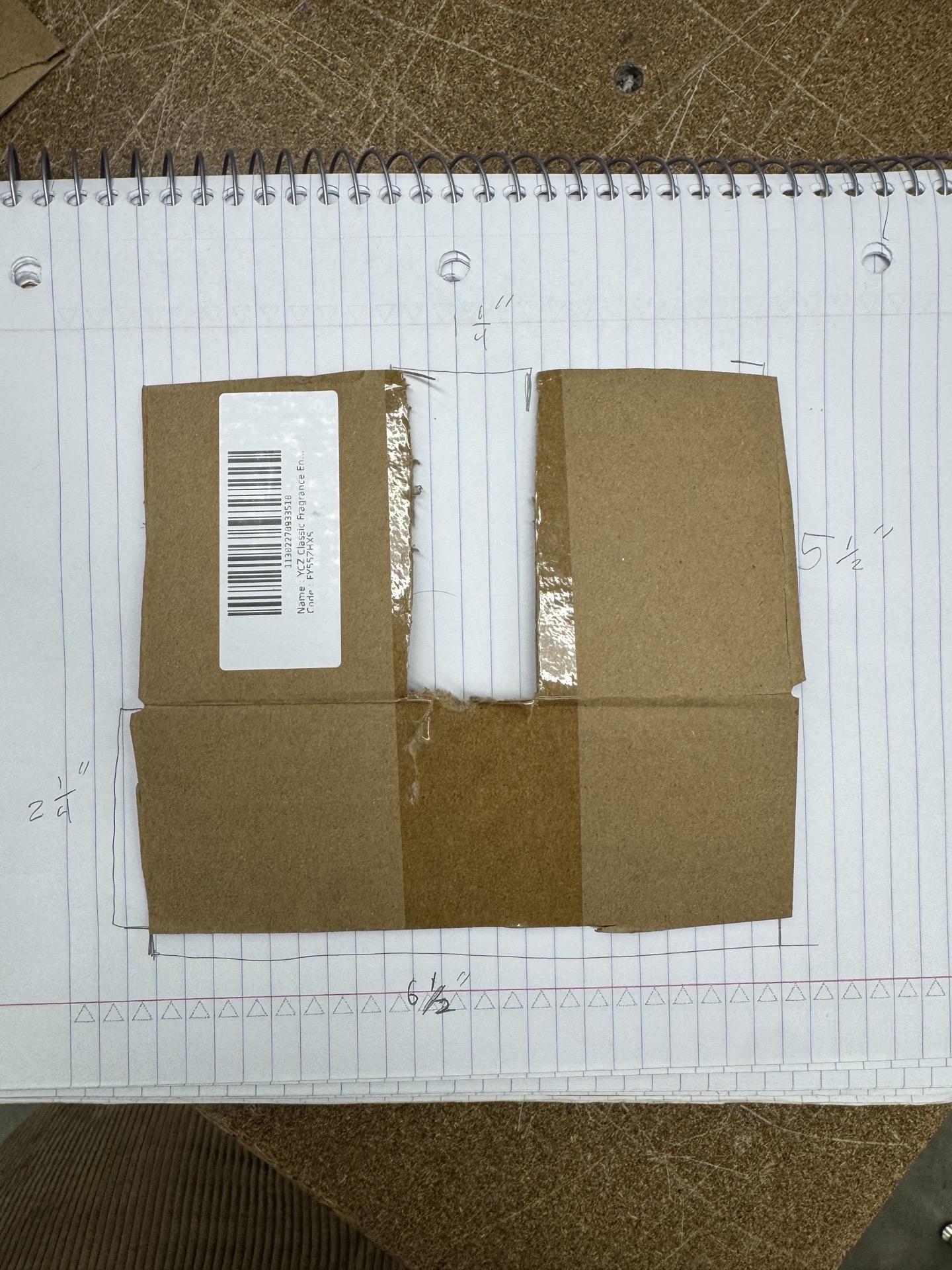
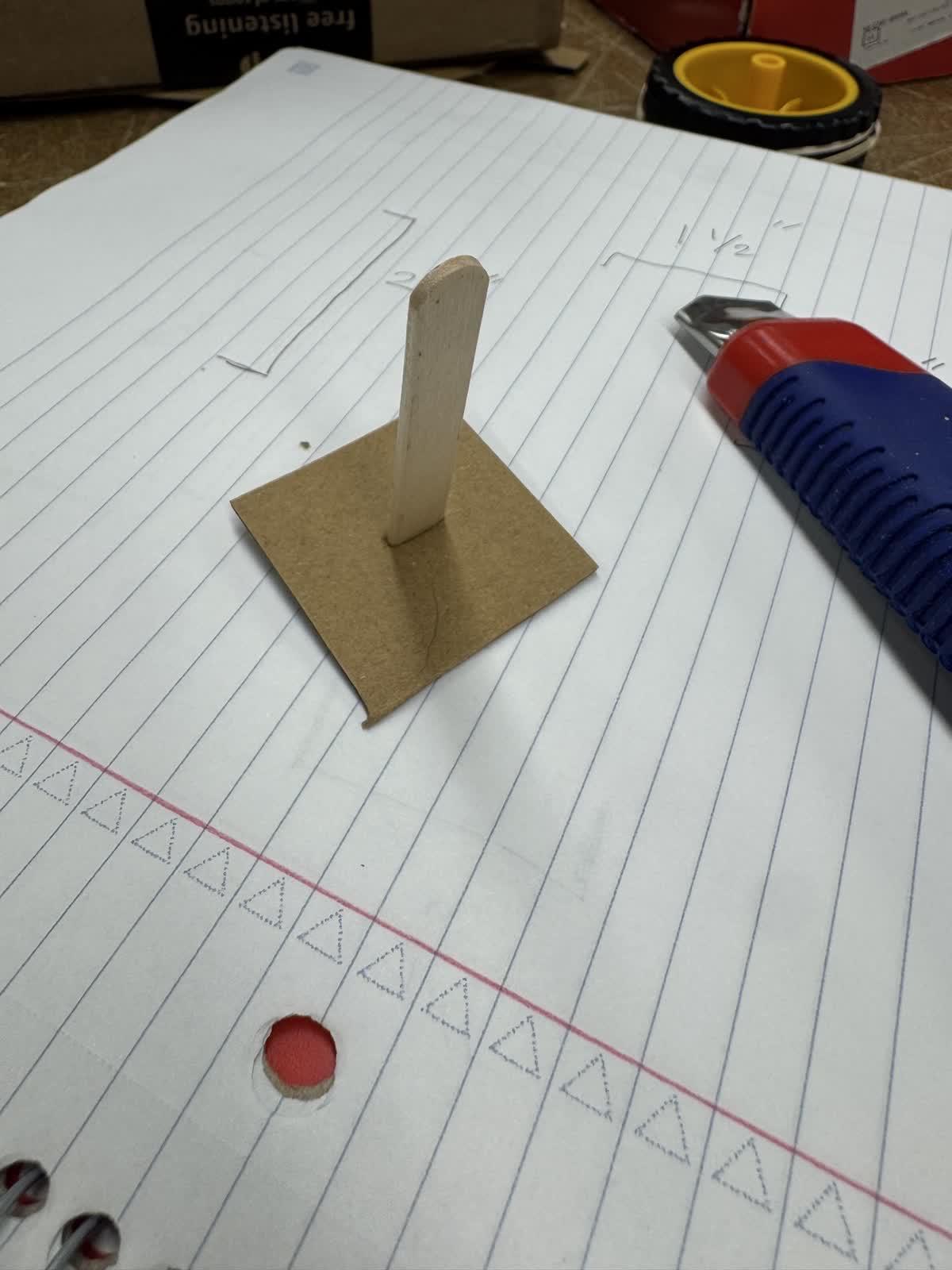
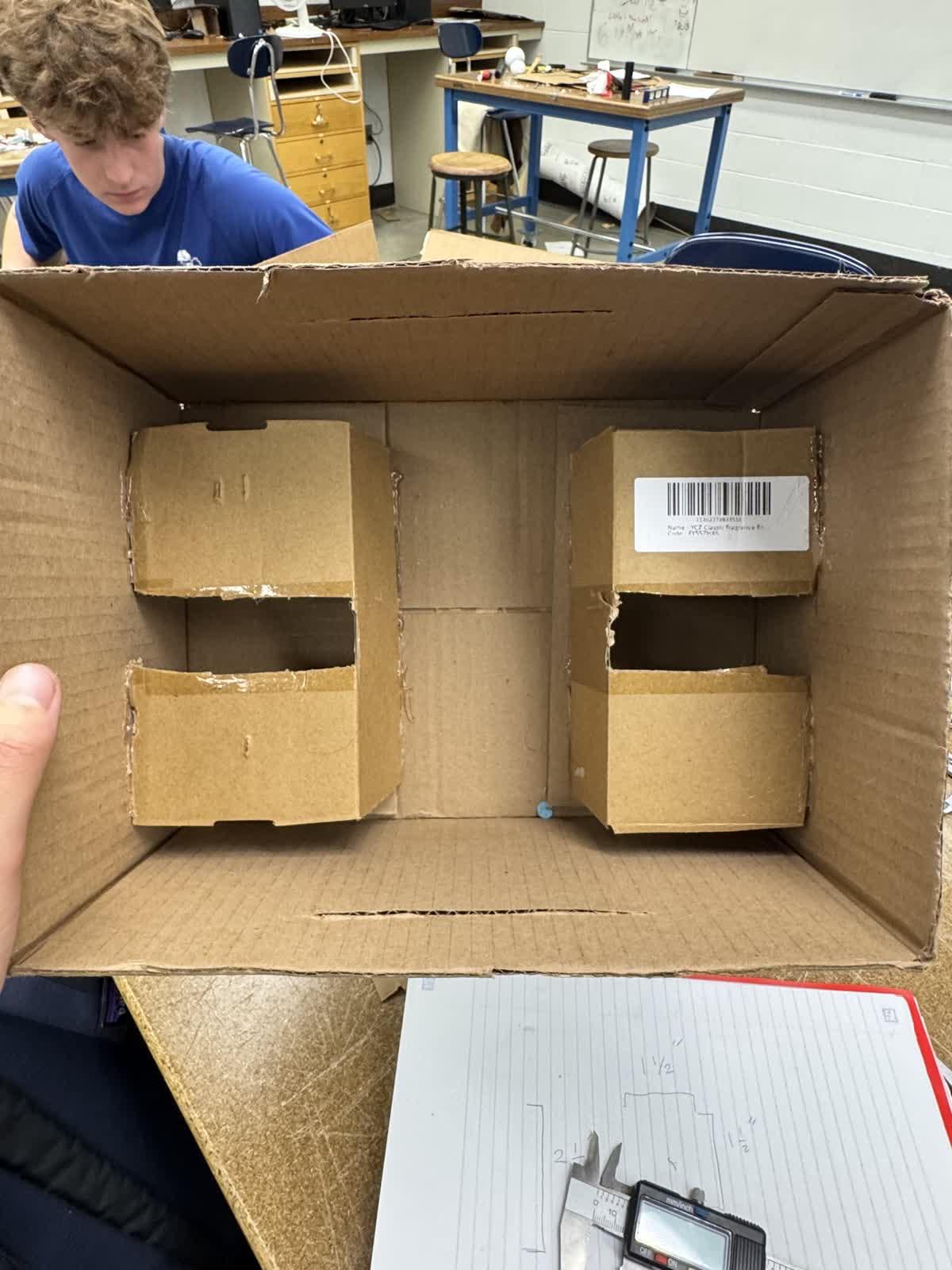
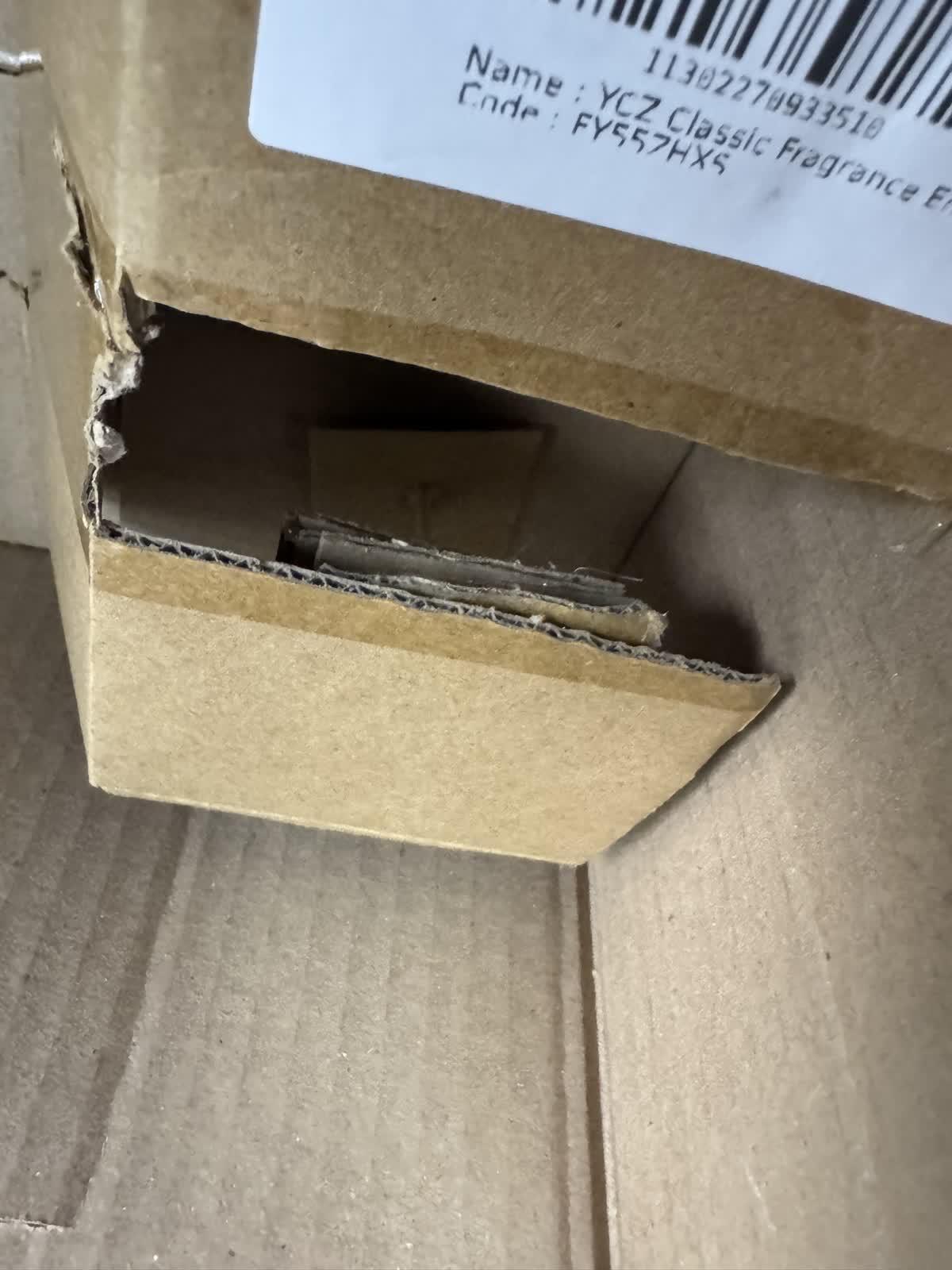
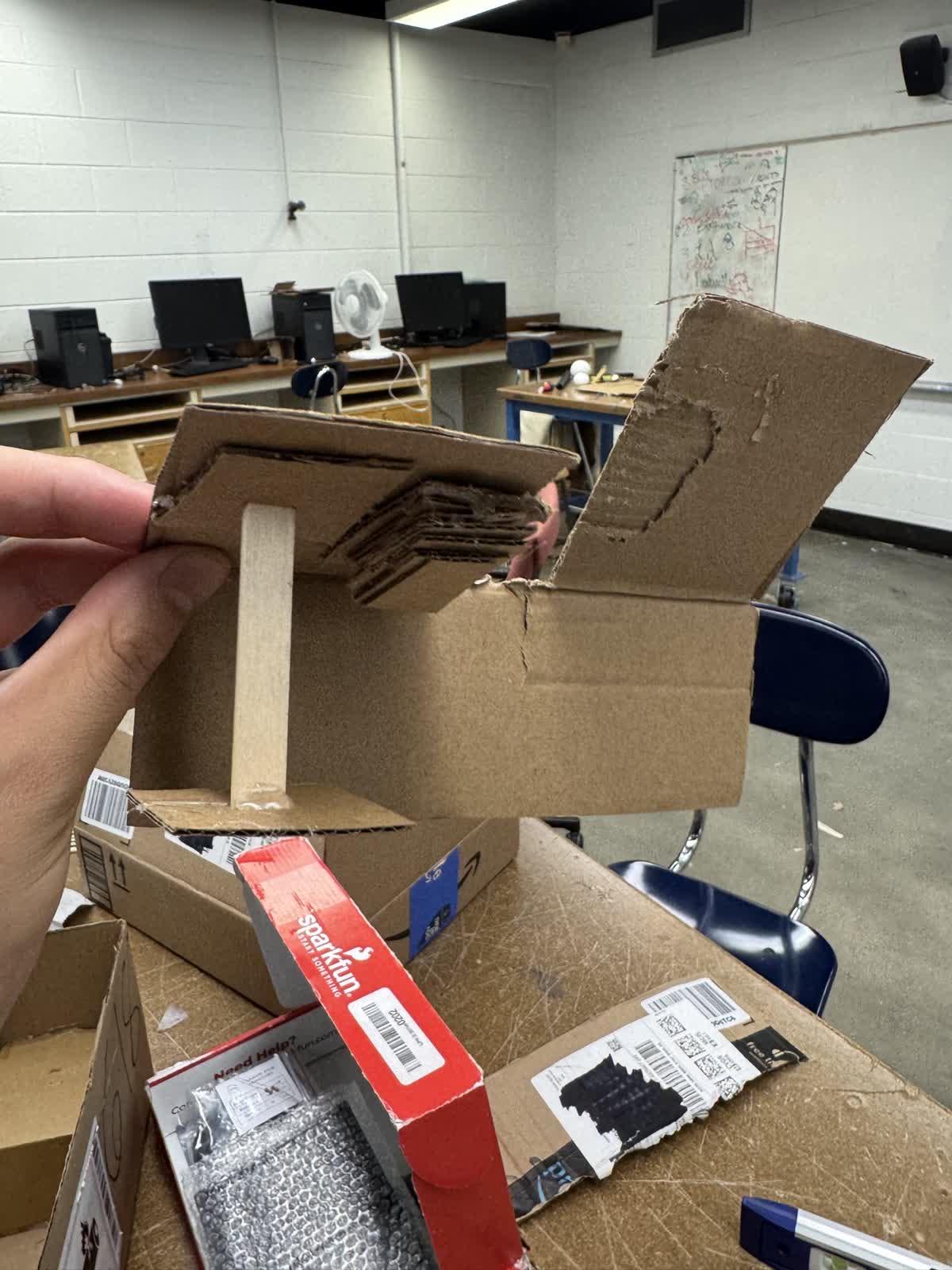
Using a popsicle stick and cardboard, assemble supports that will go under the card shelves in order to add structural integrity.
Mount Motors Using Velcro (or Whatever You Have Avaliable)
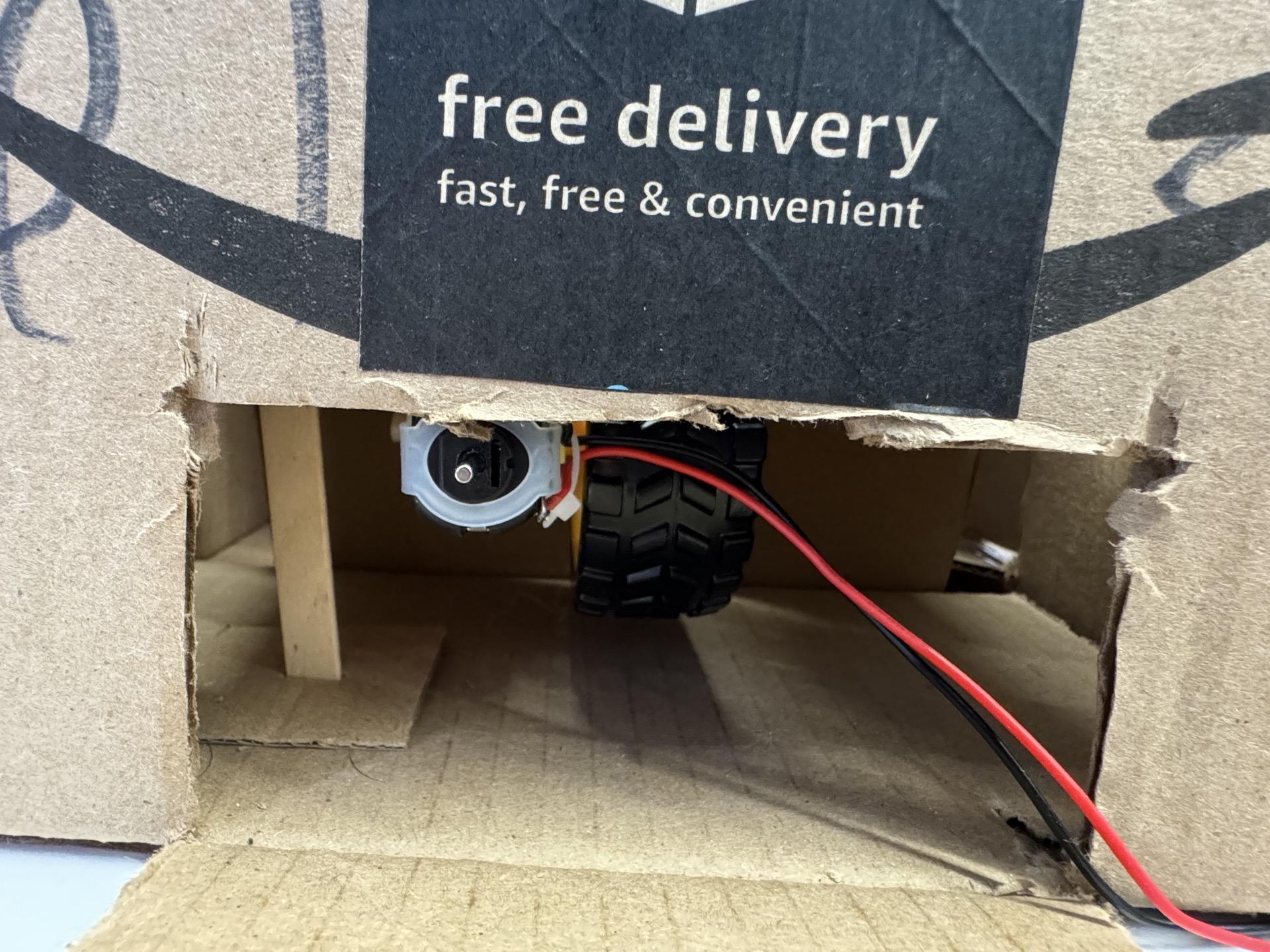
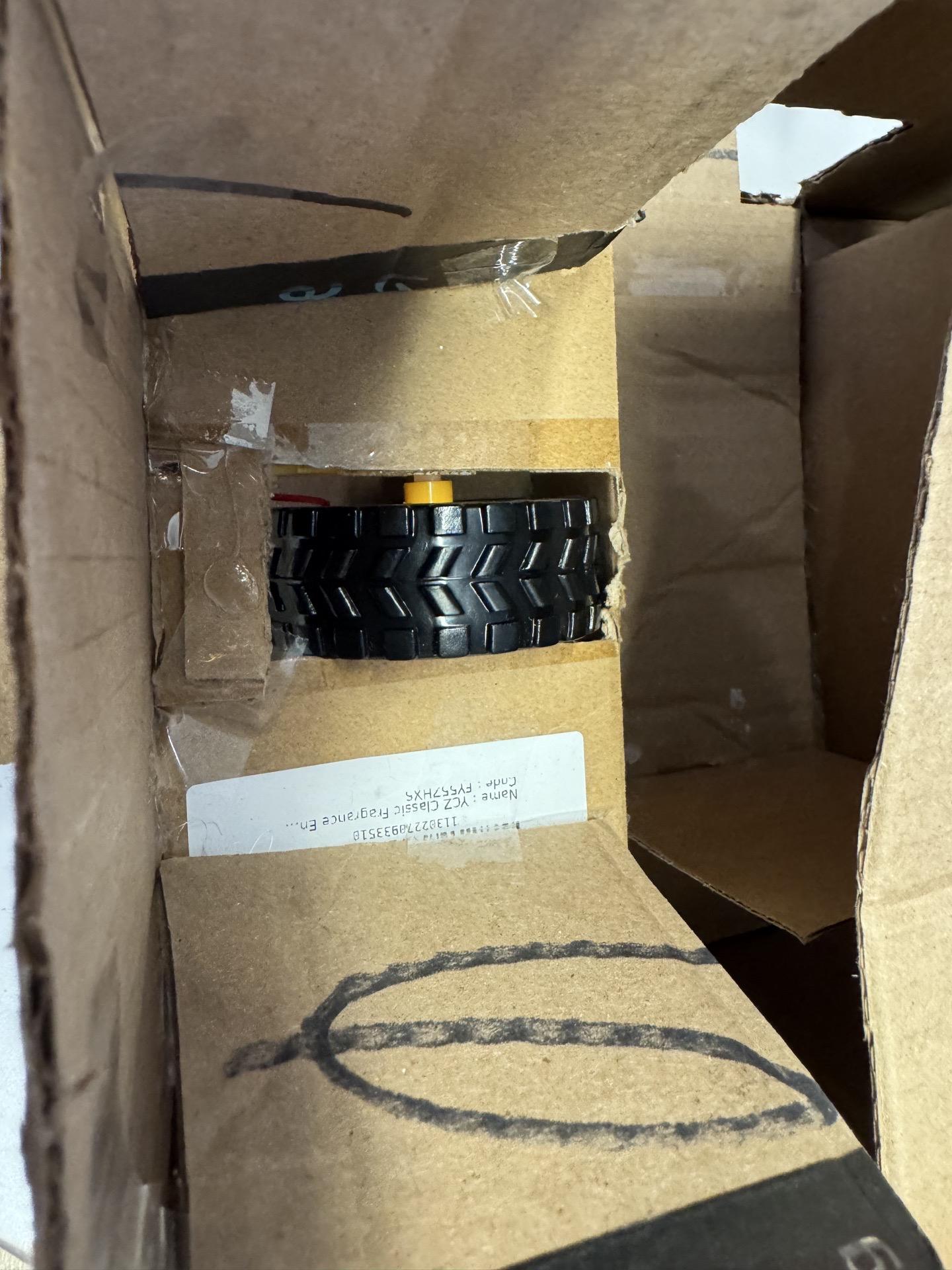

We recommend making a "service door" of sorts in case something goes wrong with the mounting.
Card Holders
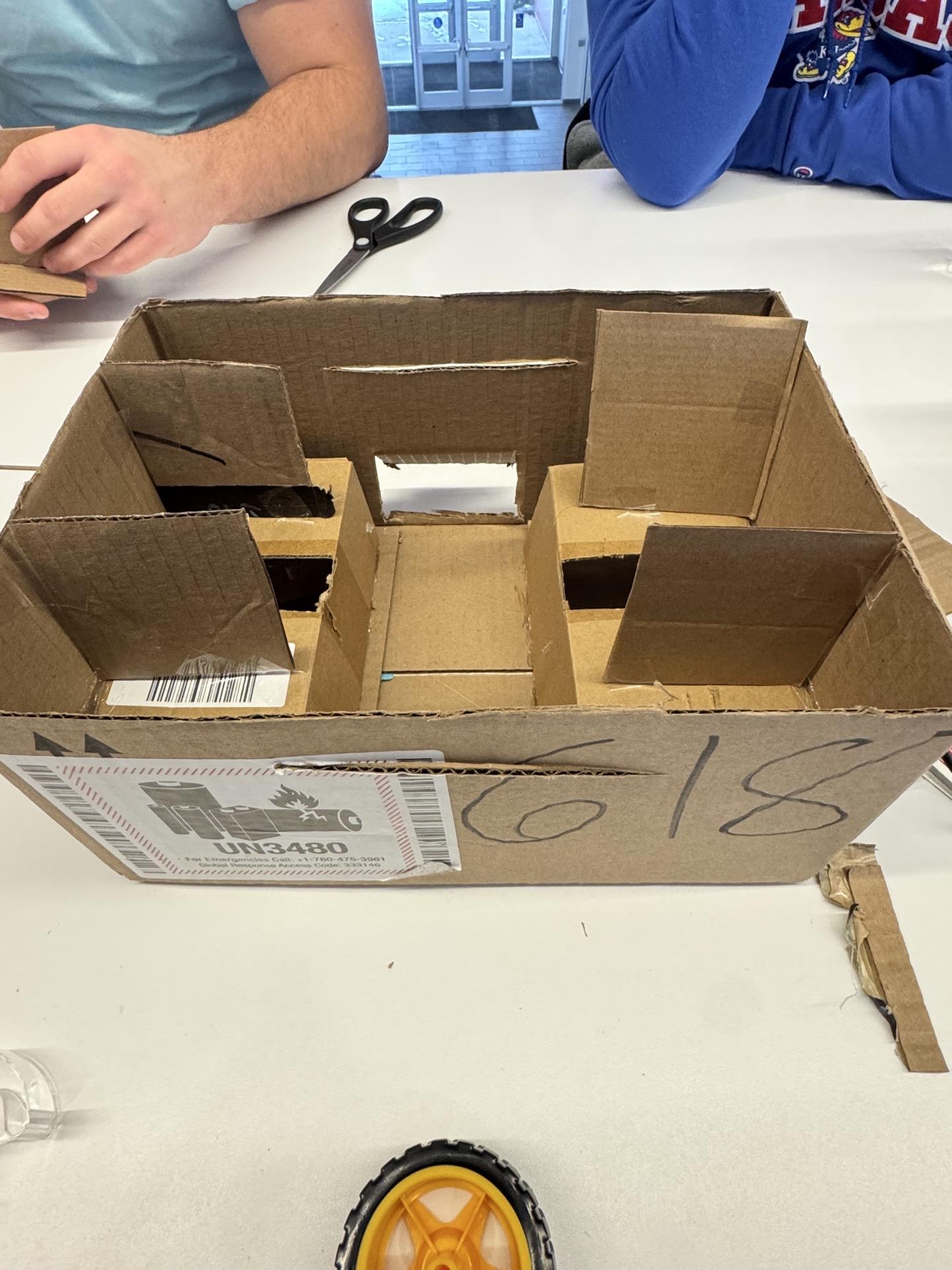
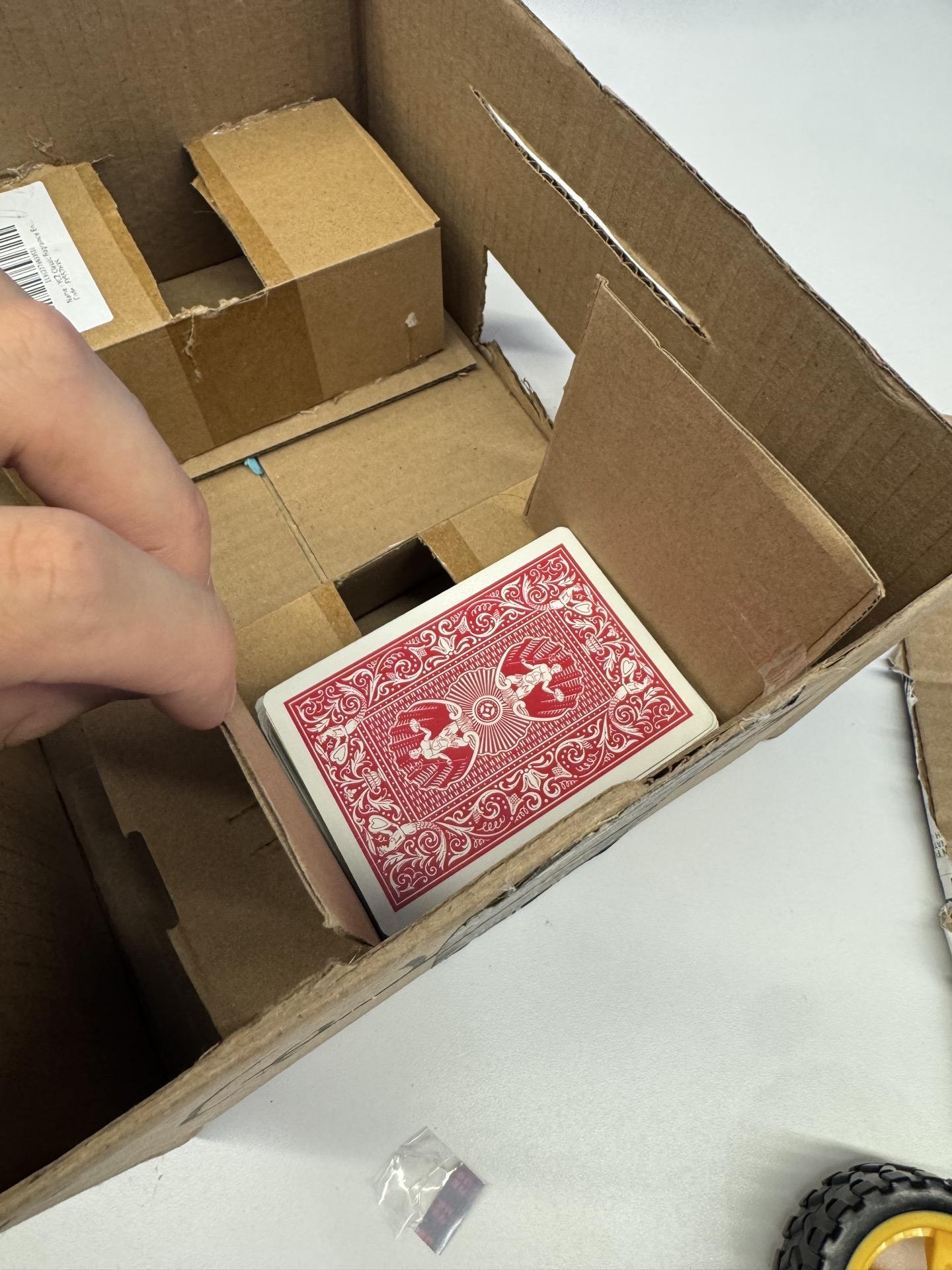
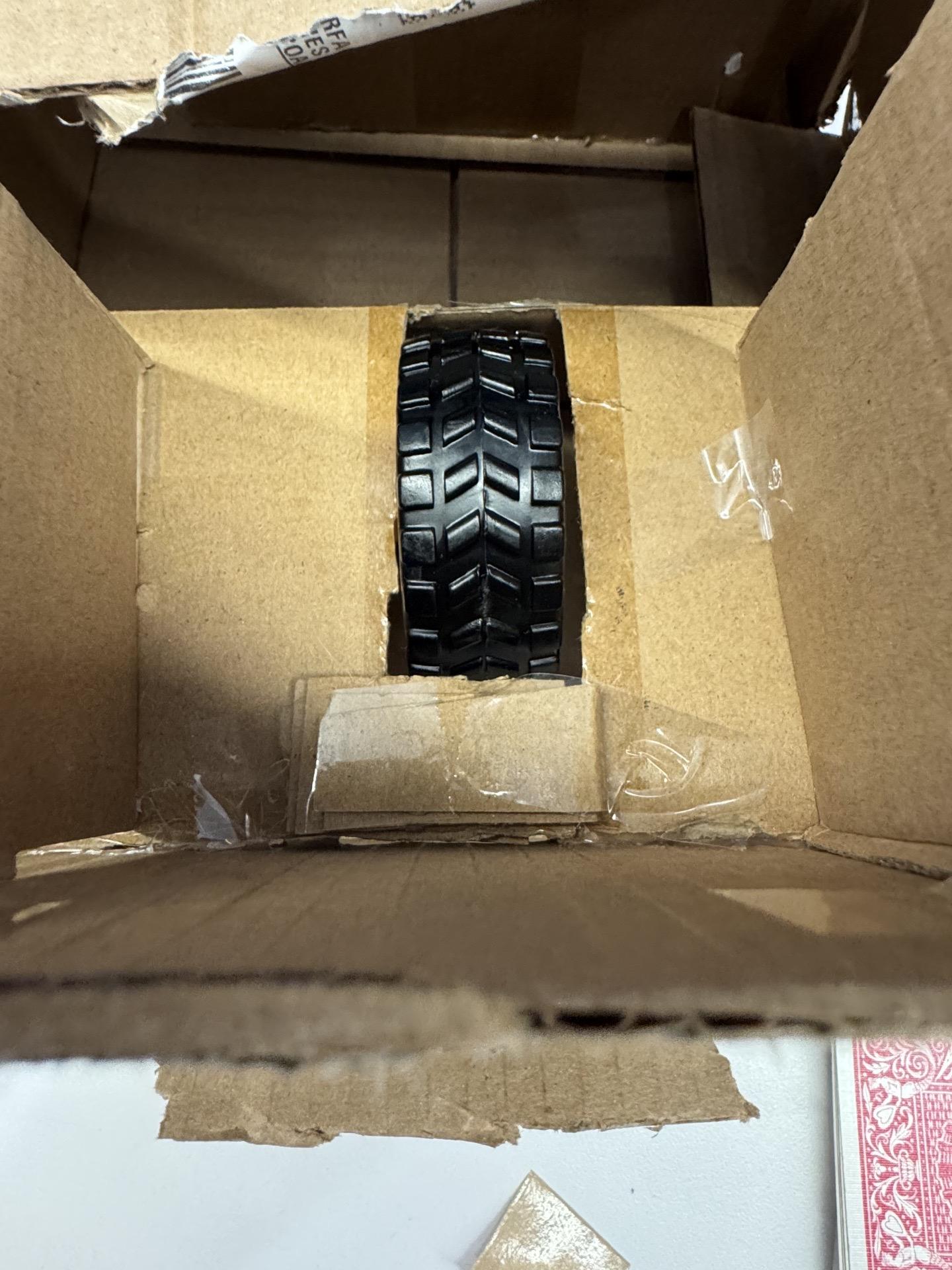
add supports on the shelves in order to guide the cards to where they need to go. We also recommend using cardboard at the back of the shelf in order to adjust the angle of the cards, so they shuffle as intended.
Roof, Buttons, Decorate
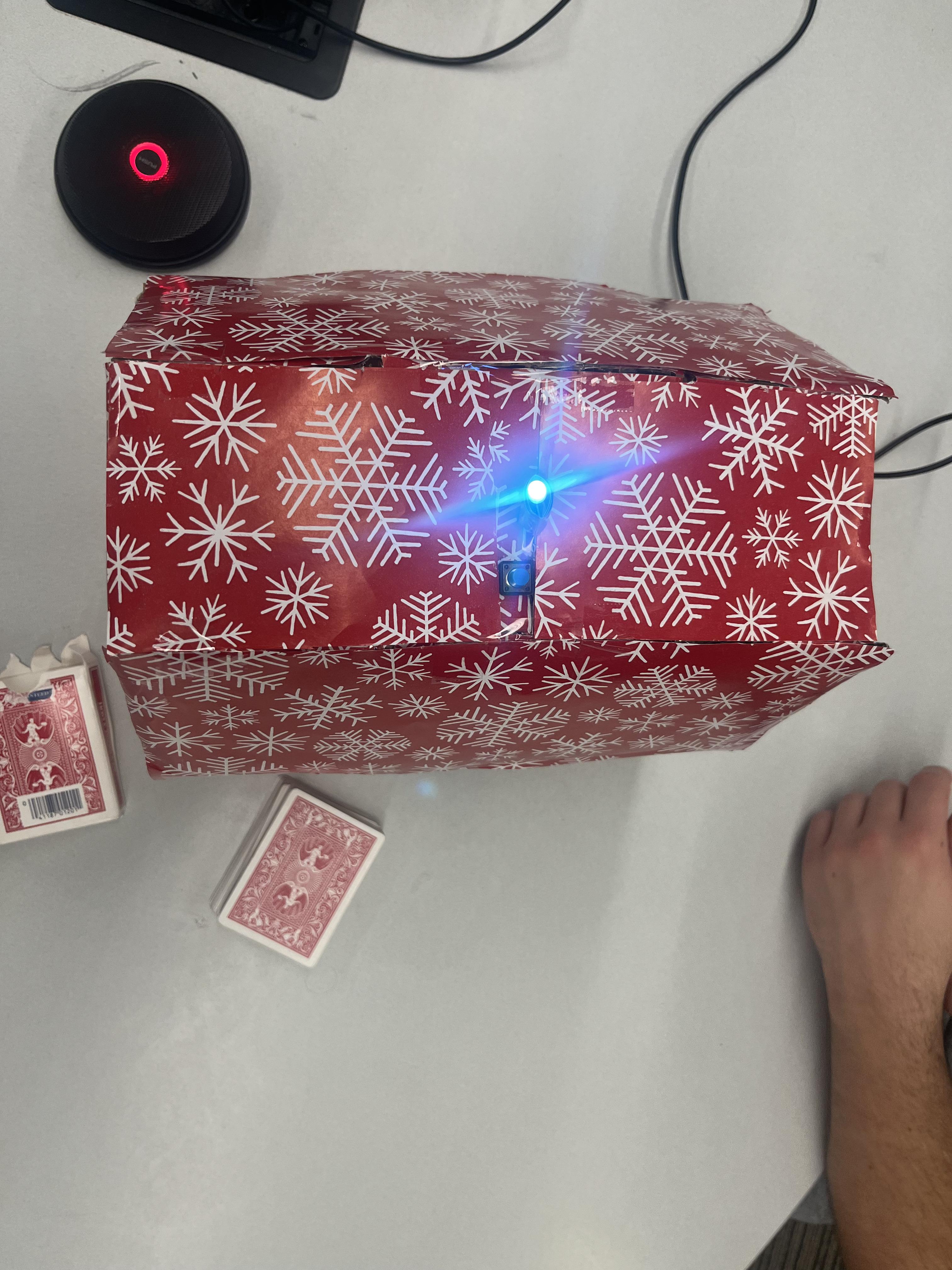
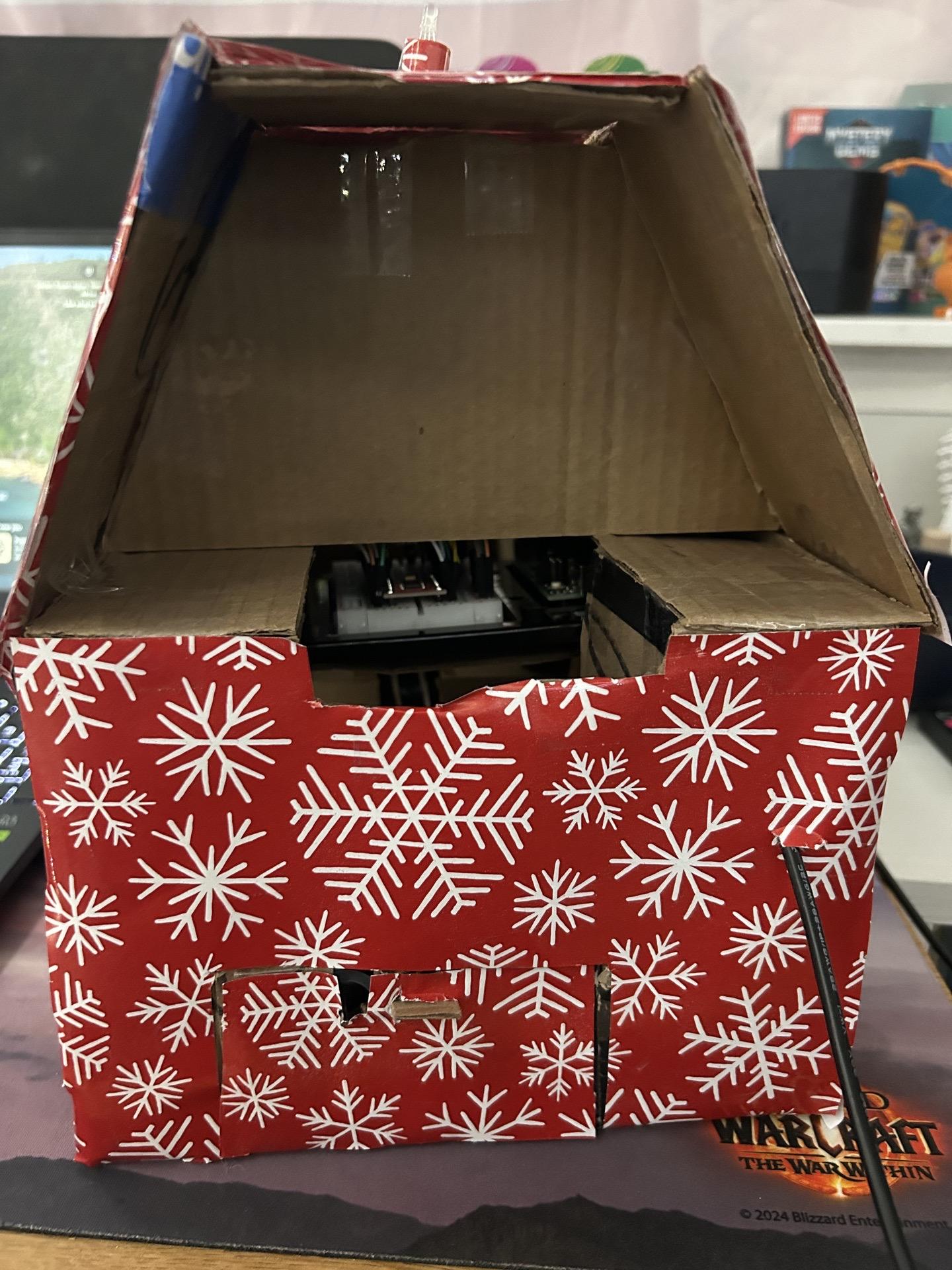
Cover your board and parts with a roof of sorts. Mount the button and RGB on the outside (we used female to male jumper cables for this part, but use whatever you can). Then decorate as you want--we did wrapping paper to be festive.)