Arduino Ultrasonic Sensor Height Meter With LCD Display (in 2 Steps)
by Tinet Hacker in Circuits > Arduino
3 Views, 0 Favorites, 0 Comments
Arduino Ultrasonic Sensor Height Meter With LCD Display (in 2 Steps)

still using old cardboard rulers to measure your height.Na....It;s too old now.Here I'm going to tell you a new way.
Supplies
1) LCD 16x2
2) Arduino uno (in this case I'm using an uno)
3) 27 jumper wires female-male
4) 9v battery
5) 10k variable resistor
6) 220ohm resistor
7) solder less mini bread board
8) ultrasonic sensor module 4 pin HC-SR04
9) Arduino board holder
Program Your Arduino
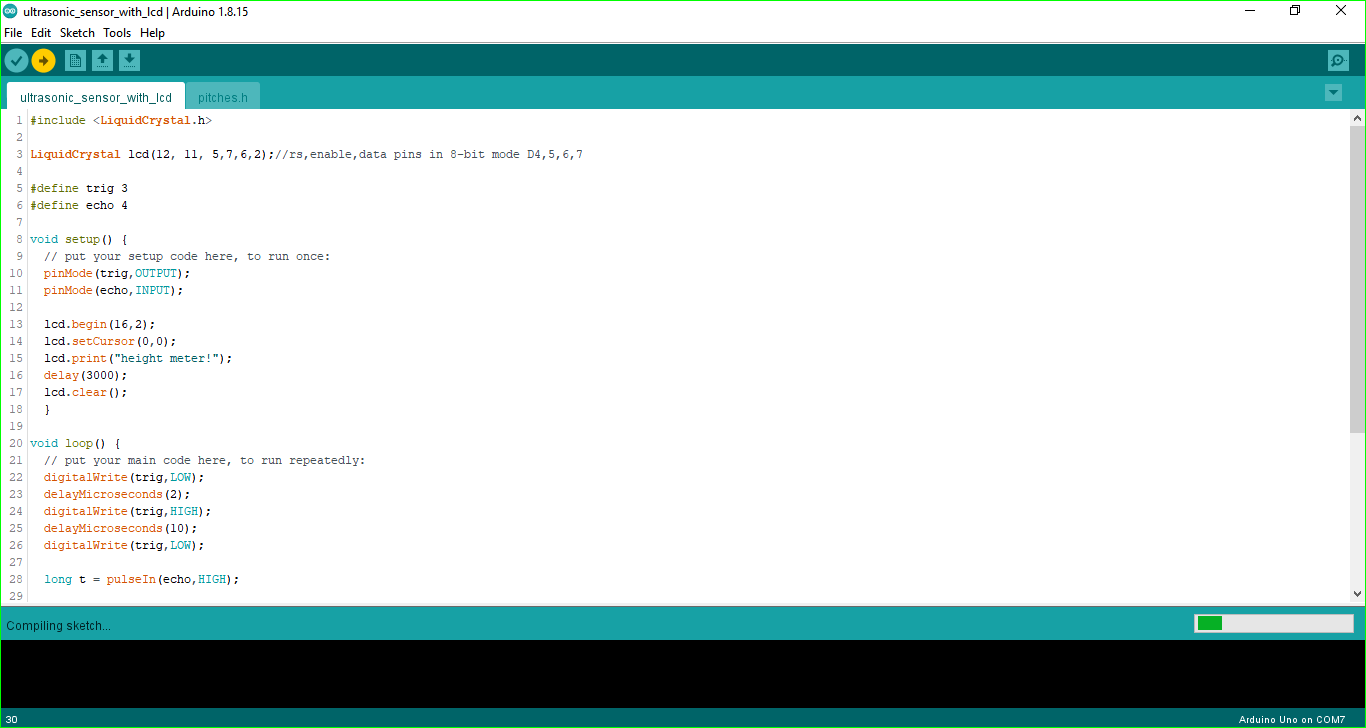
copy and paste the below code in arduino ide
#include <LiquidCrystal.h>

LiquidCrystal lcd(12, 11, 5,7,6,2);//rs,enable,data pins in 8-bit mode D4,5,6,7

#define trig 3
#define echo 4

void setup() {
  // put your setup code here, to run once:
  pinMode(trig,OUTPUT);
  pinMode(echo,INPUT);

  lcd.begin(16,2);
  lcd.setCursor(0,0);
  lcd.print("height meter!");
  delay(3000);
  lcd.clear();
  }

void loop() {
  // put your main code here, to run repeatedly:
  digitalWrite(trig,LOW);
  delayMicroseconds(2);
  digitalWrite(trig,HIGH);
  delayMicroseconds(10);
  digitalWrite(trig,LOW);

  long t = pulseIn(echo,HIGH);

  long inches = t / 74 /2;
  long cm = t / 29 / 2;

  lcd.setCursor(1,0);
  lcd.print("cm = ");
  lcd.setCursor(7,0);
  lcd.print(cm);
  lcd.setCursor(1,1);
  lcd.print("inches = ");
  lcd.setCursor(9,1);
  lcd.print(inches);
  delay(500);
  lcd.clear();
}
Downloads
Connect Components

connect the wires like above diagram.
Note:the variable resistor controls the contrast of the LCD.
now make a casing for all that stuff to be putted in.