Creating a Web Browser Chrome
by 321brennankoehler in Design > Software
56 Views, 0 Favorites, 0 Comments
Creating a Web Browser Chrome

this is about how to create a web browser
Supplies
a computer
Set Up Safe Browsing
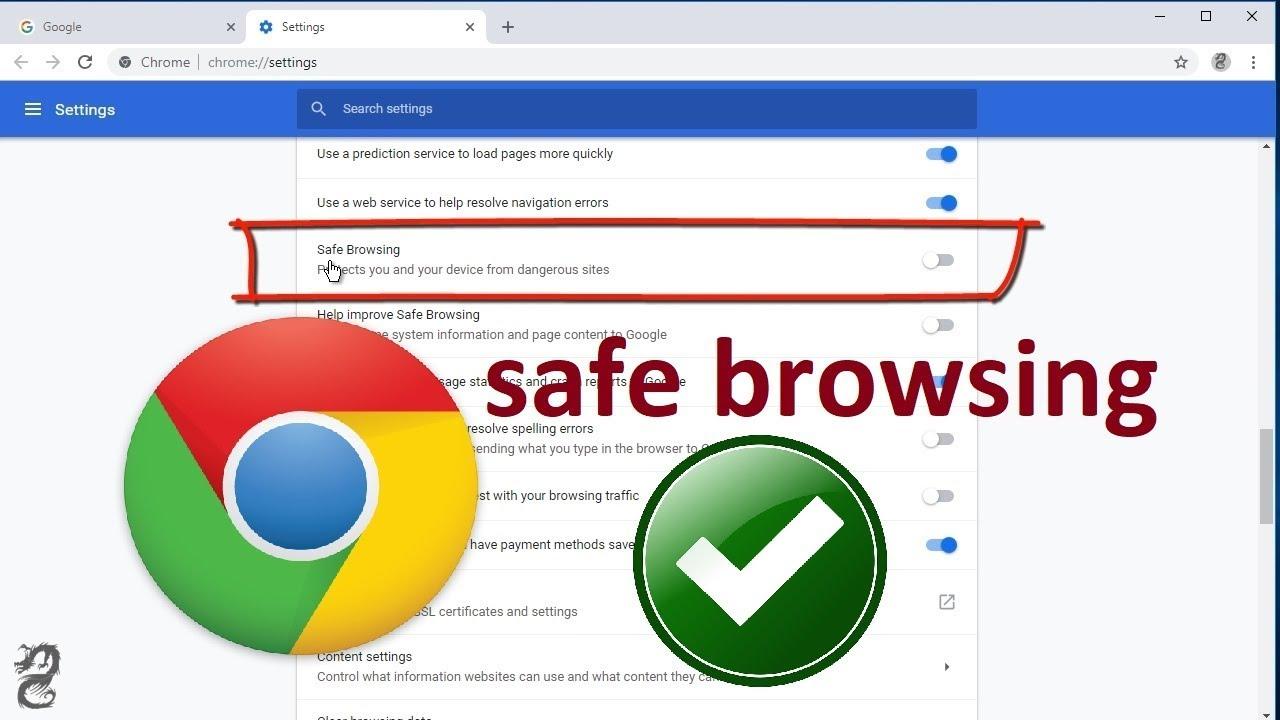
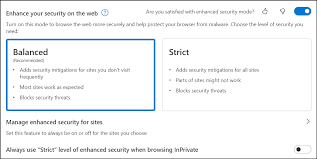
Google Chrome: Click the three dots (top right) > Settings > Privacy and security > Security. Select Enhanced protection.
Why it helps: It automatically blocks most "bad" websites before they even load.
Clearing Cache and Cookies
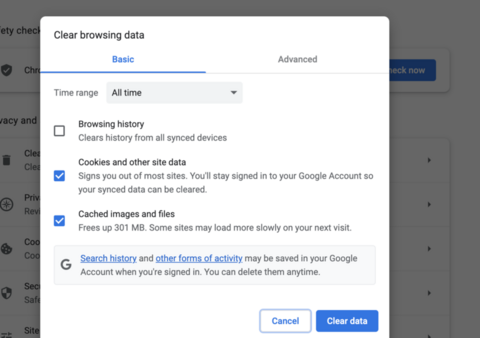
Both Browsers: Press Ctrl + Shift + Delete on the keyboard at the same time.
Action: Change the "Time range" to All time. Check the boxes for Cookies and Cached images. Click Clear data.
Visual Cue: Think of this like washing the dishes after a meal so the kitchen is ready for next time.
Manage Extensions
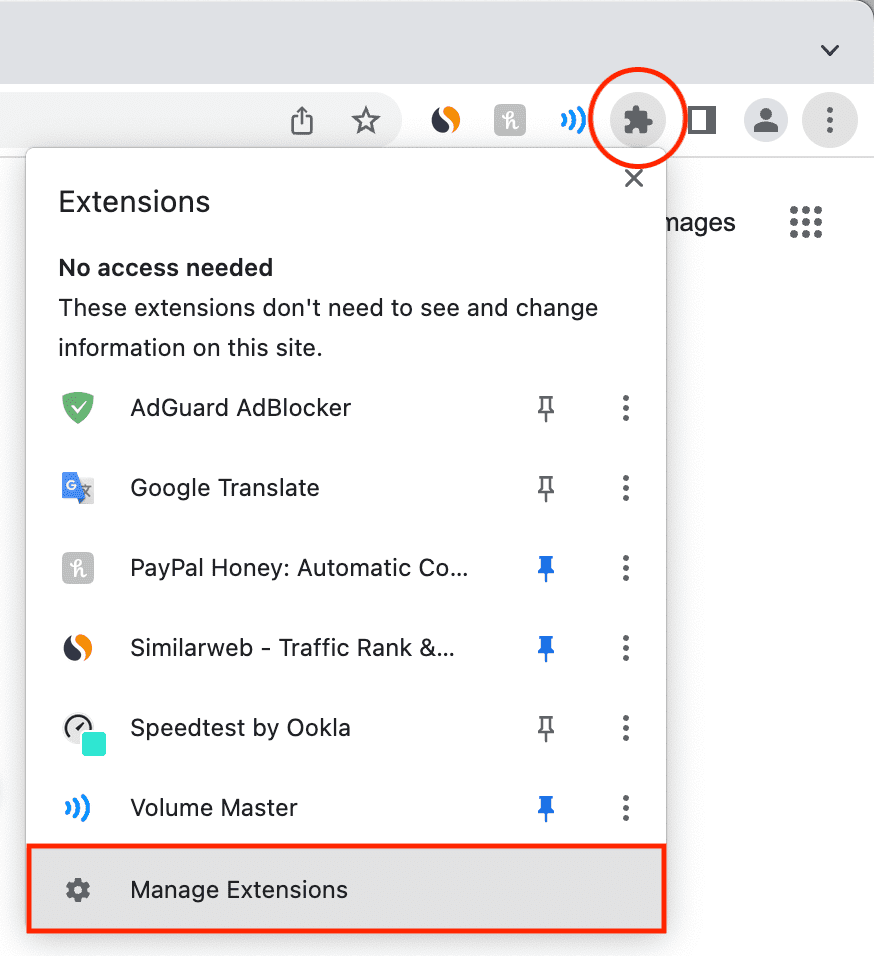
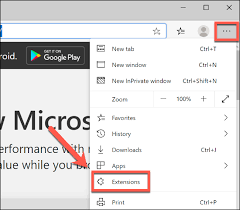
How to check: Click the Puzzle Piece icon (Chrome) or the three dots > Extensions (Edge).
Action: Click Remove on anything they didn't personally ask for.
Safety Tip: If you don't know what it does, it's safer to delete it. You can always add it back later if needed.
Organize With Bookmarks
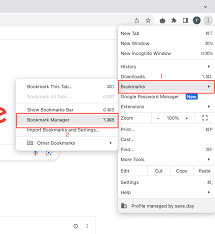
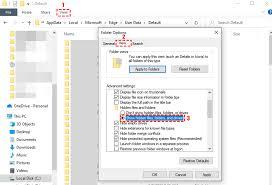
How to do it: Visit their bank, email, or news site. Click the Star icon in the address bar to save it.
The Rule: Tell them, "If you need to go to the bank, always click your Bookmark. Never click a link inside an email."
Organization: Drag the bookmarks onto the Favorites Bar (just below the address bar) so they are always visible.
Password Managment and Syncing
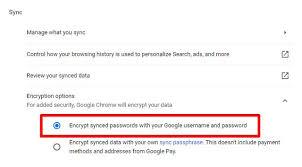
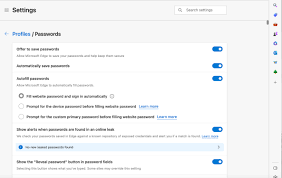
- Chrome: Settings > Google Password Manager. Turn on Offer to save passwords.
- Syncing: If they have a Google or Microsoft account, signing in allows their bookmarks and passwords to be saved. If the computer breaks, they won't lose their access.
Make It Readable
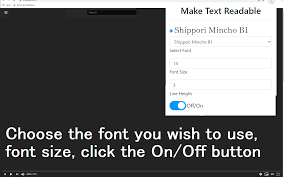
- How to change: Go to Settings > Appearance.
- Font Size: Change "Font size" to Large or Very Large.
- Zoom: Set the Page Zoom to 125%. This makes every website look bigger and easier to navigate without squinting.