Custom 3D Penguin Cookies
This three-dimensional cookie started as a challenge to combine my love for baking with my love for 3D printing.
In this Instructable, I’ll show you how to create custom cookie cutters that allow flat cookie pieces to slot together into a three-dimensional penguin.
I use Fusion 360 and an Ender 3, but any CAD software and 3D printer will do.
No 3D Printer?
If you do not own a 3D printer, many public libraries allow you to use their printers to print things for a very low cost. My local library charges $0.15 CAD per gram of filament, and the entire project, following my exact designs, costs about $3 CAD worth of filament.
If you’d rather focus on baking and skip the design process entirely, you can download the STL files from Thingiverse and print right away.
Note: The cookie recipe is an adaptation of Allrecipes: The Best Rolled Sugar Cookies
Link: https://www.allrecipes.com/recipe/10402/the-best-rolled-sugar-cookies/
STL - Thingeverse Link: https://www.thingiverse.com/thing:7253692
Supplies
Cookie Cutter Supplies:
Access to a 3D printer, filament (~3 grams), and optionally a Food Safe Resin (see note).
Cooking Supplies: (1/2 of the All Recipes recipe)
1 cup white sugar
¾ cup butter, softened
2 large eggs
½ teaspoon vanilla extract
2 ½ cups all-purpose flour
1 teaspoon baking powder
½ teaspoon salt
Note about the Food Safe Resin:
While PLA is naturally food safe, because FDM printing has layer lines, food can get stuck in between the layers and cause bacteria to grow. It is not recommended to use 3D prints with food for extended use; however, if you are fine with disposing of the print after use, then as long as your nozzle and bed are clean, there are no serious health concerns. That being said, I am not a 3D printing expert nor a doctor and am not at liberty to give statements on the topic and am not liable for any reason. You should do your own research and acknowledge the risk before starting the process.
Form the Outline
The first step in creating a cookie cutter is getting the rough shape. If you want to create something truly unique, you can start playing around with different shapes and lines and see what your imagination can muster up. For the rest of us normal folks, I suggest using a template and tracing around it using the spline point tool. Navigate to Inset>Canvas and then insert the photo of your choosing. Next, create a sketch plane above the canvas and trace out the shape to the absolute best of your abilities.
For the feet, I recommend tracing one foot, moving it near the origin and mirroring it across so you don't have to draw it twice. Then space them out ~3 cm apart from each other. Following that, add a connector between the feet so that they are one piece, then add a slot (1.05 cm x 1 cm) so that the connector on the body can fit inside. (see photos in the next step if you're confused)
Extrude the Object
Next, we need to turn the 2D drawing into a three-dimensional object. Extrude the object by using the extrusion tool. Create>Extrude, and then in the extrusion dialogue box select Thin Extrude. Set the distance to 1 cm, the wall thickness to 0.2 cm and the wall location to be outside (side 2) of the sketch. Use these settings for both the body and the base. Make sure you select both the foot cutter and the slot cutter when extruding
Final Touches
Finally, add a bar to connect the slot cutter to the rest of the base, make a small bar (the size doesn't matter that much) to connect the two, as seen in the photo, and extrude 0.2 cm. Some users may have an issue where the feet are a separate piece from the connector. In this situation, draw a small rectangle to allow the cookie to be one piece, and Cut using the extrude tool until it is one.
If you would like, you can add a rim around the cutters to make for easier pressing and/or a bar across the cutter for more stability.
Finally, I suggest filleting some of the corners. This step is optional, but it will make removing dough easier and make sturdier cookies, as they tend to break at sharp edges.
Slicing
Download the completed STL files and import them into your slicing software. Place the models with the support bars on the bottom, touching the build plate. Additionally, if you are worried about bed adhesion, add a brim.
Print Settings:
20% infill
4 walls
5 Top & Bottom layers
0.2 mm layer height
Print the files! When the print is done, take it off the bed and remove any stringing. If you decide to use food-safe resin to make the prints completely food safe, now is the time to do so.
Preparing the Dough
Make Dough
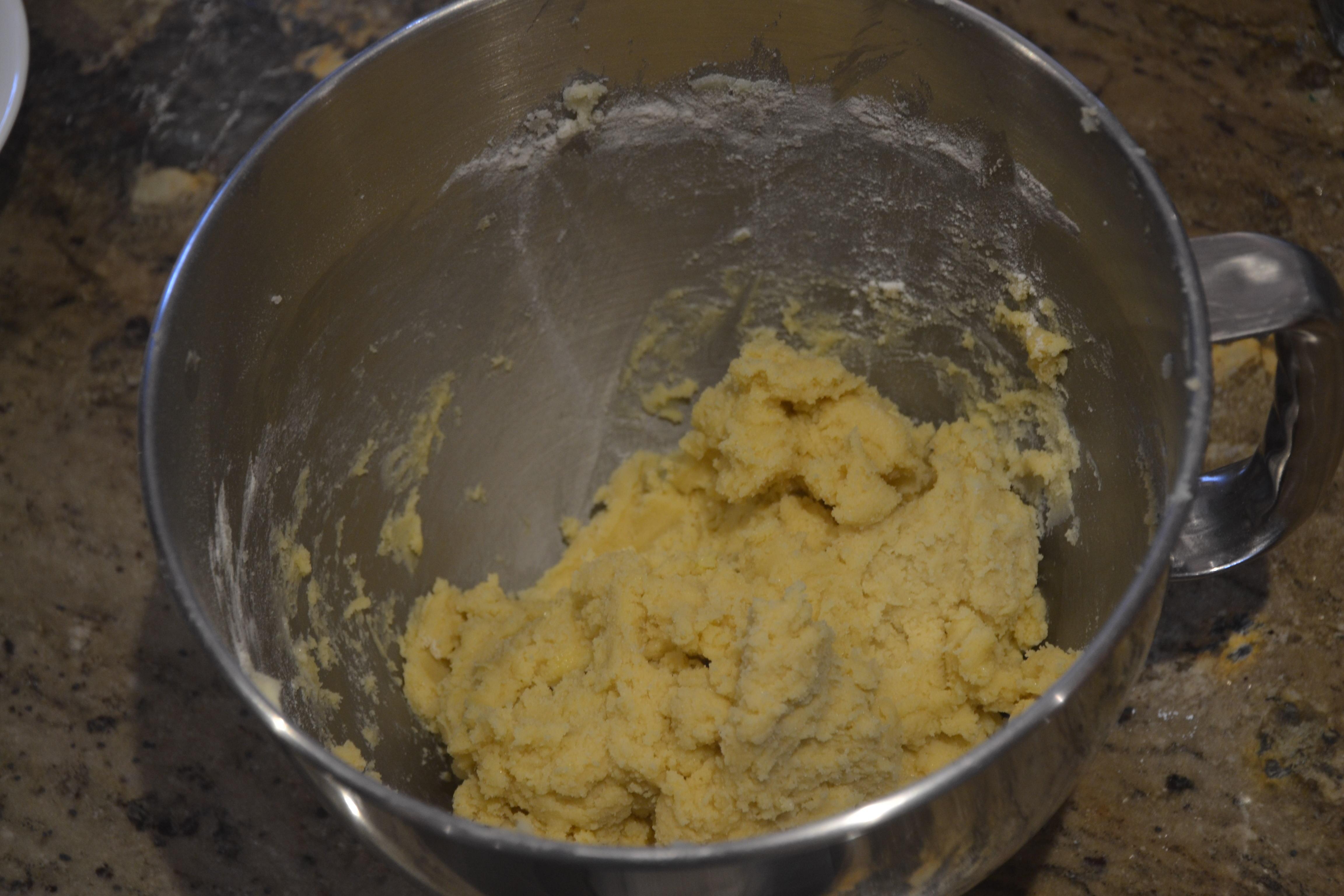
- Cream the butter and sugar until light and fluffy, or 4-5 minutes
- Mix in the eggs and vanilla
- Add flour, baking powder, and salt
- Cover with plastic wrap and let chill in the refrigerator for an hour or overnight
Shaping the Cookies
Roll the dough out to roughly 3/8" thickness. If this is tough to eyeball, aim for something between 1/3" and 1/2" thick. While the exact thickness is not super important, if it's too thick, then the connector won't fit in the slots, and the cookies will not fit together properly.
Bake the Cookies
Bake the cookies for 6-8 minutes at 400 deg F or until cookies are lightly browned. When the cookies are done, take them out of the oven and lay them to rest on a wire rack.
Assemble and Frost
Frost the cookies using any buttercream icing. I used white, black and orange. To make yours identical to mine, ice the belly using the white icing first, then outline in black and add the facial details. Finally, place the connector in the slot in the feet. If it doesn't hold on its own, try adding some icing.
Enjoy
Congratulations, you just made your very own custom 3D cookies from a cookie cutter you designed and printed on a 3D printer. Enjoy the cookies!