DHT11 Sensor With Arduino - Lesson #20
by lucascreator in Circuits > Arduino
8 Views, 1 Favorites, 0 Comments
DHT11 Sensor With Arduino - Lesson #20
.png)

What if your Arduino could measure the environment around it and actually interpret the air inside a room?
In this tutorial, we'll build a simple weather station using the DHT11 sensor and an I2C LCD display. But this is not just about wiring components and uploading code. You will also understand what happens inside the sensor at the physical level.
This is lesson 20 of my 24-part series called Arduino for Beginners. The goal of the series is simple: move beyond copying code and start understanding how Arduino systems really work.
Before building the circuit, let's look inside the sensor.
Supplies
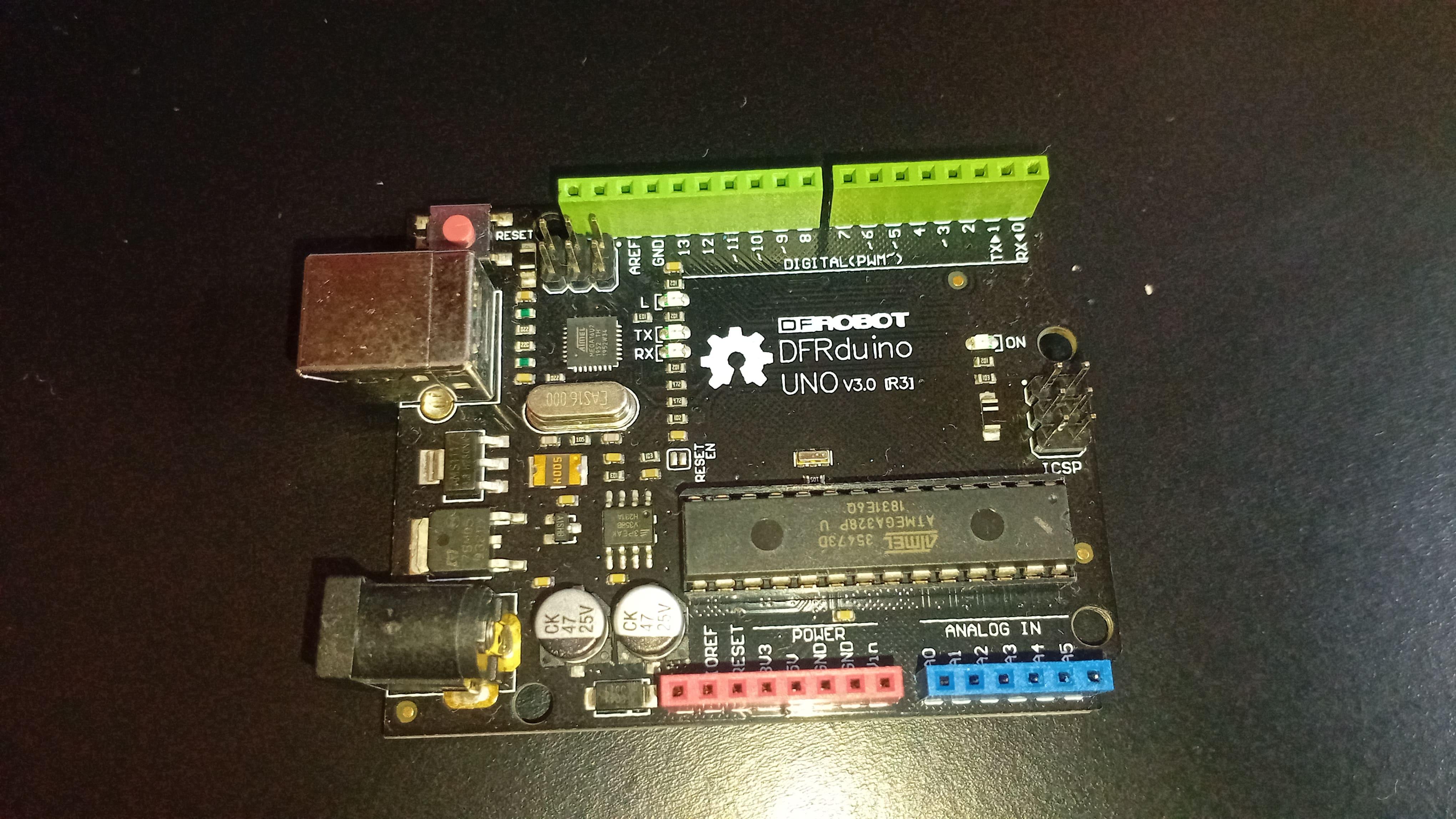
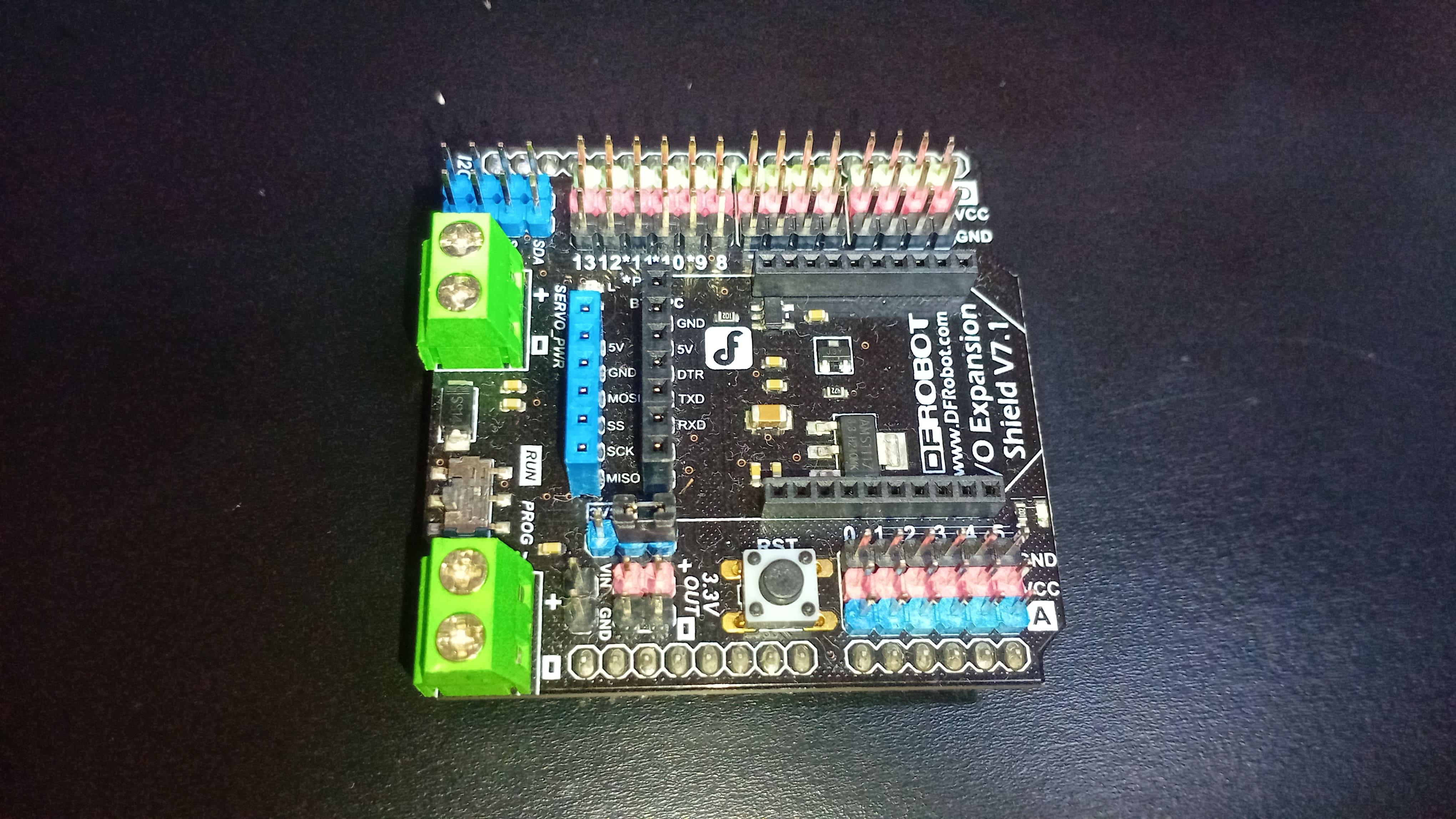


For this project, you'll need:
- DFRobot MindPlus Arduino Coding Kit
- Arduino UNO
- I/O expansion shield
- DHT11 sensor
- I2C LCD screen
- And jumper wires
YouTube Tutorial
I've recently posted a tutorial about this project on YouTube explaining everything you can read on this article. You can watch it right above.
How the DHT11 Works


Inside the DHT11, there are two sensing elements and a small integrated circuit that processes the measurements and sends digital data to the Arduino.
Humidity Measurement
The DHT11 measures relative humidity using a capacitive sensing element.
Inside the sensor, two electrodes are separated by a moisture-sensitive polymer layer. When the surrounding air becomes more humid, this polymer absorbs water vapor.
As the moisture content increases, the dielectric constant of the polymer changes. In electrical terms, its ability to store charge is modified. This alters the capacitance between the two electrodes.
Higher humidity results in greater moisture absorption and a measurable capacitance variation.
The internal electronics detect this variation and convert it into a relative humidity value that can be transmitted digitally.
Temperature Measurement
For temperature, the DHT11 uses an NTC thermistor. NTC stands for Negative Temperature Coefficient, meaning the resistance decreases as temperature increases.
The thermistor is integrated into a measurement circuit inside the sensor. The internal chip measures its resistance and converts that value into temperature using calibration data stored at the factory.
Instead of tracking changes over time, the sensor directly measures the current temperature each time a reading is requested.
Internal Signal Processing
A built-in chip handles the complete signal processing.
It reads the humidity and temperature signals, converts analog measurements into digital values, applies factory calibration, and sends a formatted digital signal to the Arduino through a single data pin.
This internal processing is why the DHT11 is simple to use. The complex signal conditioning and conversion steps are already handled inside the module.
Specifications and Limitations
The DHT11 measures temperature from 0 to 50°C with an accuracy of approximately ±2°C.
It measures relative humidity from 20% to 80% with about ±5% accuracy.
It is not a precision laboratory instrument, but it is affordable, reliable for educational purposes, and well suited for beginner environmental sensing projects.
The pinout is straightforward. One pin is for power (VCC), one for ground (GND), and one data pin for digital communication.
One important limitation is sampling rate. The DHT11 can provide a new measurement roughly once per second. In today's project, readings are taken every five seconds to ensure stable and readable updates on the display.
Now that you understand the sensor at the physical level, let's build the weather station.
Sponsor


This project is supported by DFRobot.
DFRobot is a global provider of open-source hardware and STEM education tools.
For this series, they provided the MindPlus Arduino Coding Kit, which includes a curated selection of sensors and modules designed for step-by-step learning.
Using a structured kit simplifies the learning process because the components are designed to work together reliably, so you won't waste time just to figure out how things work.
Thank you again to DFRobot for sponsoring this course and helping make STEM education more accessible to everyone.
Project Overview - Simple Weather Station
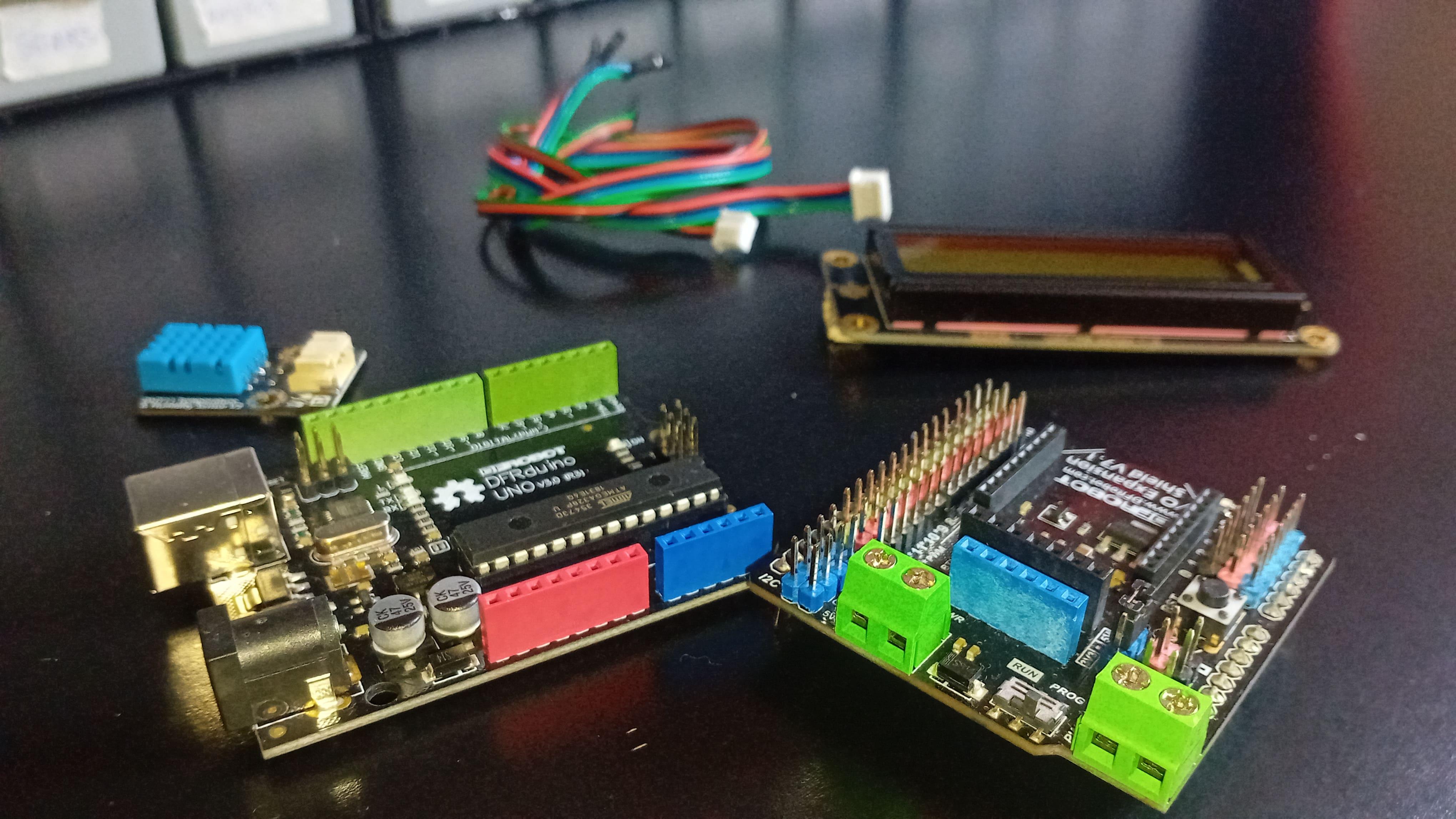


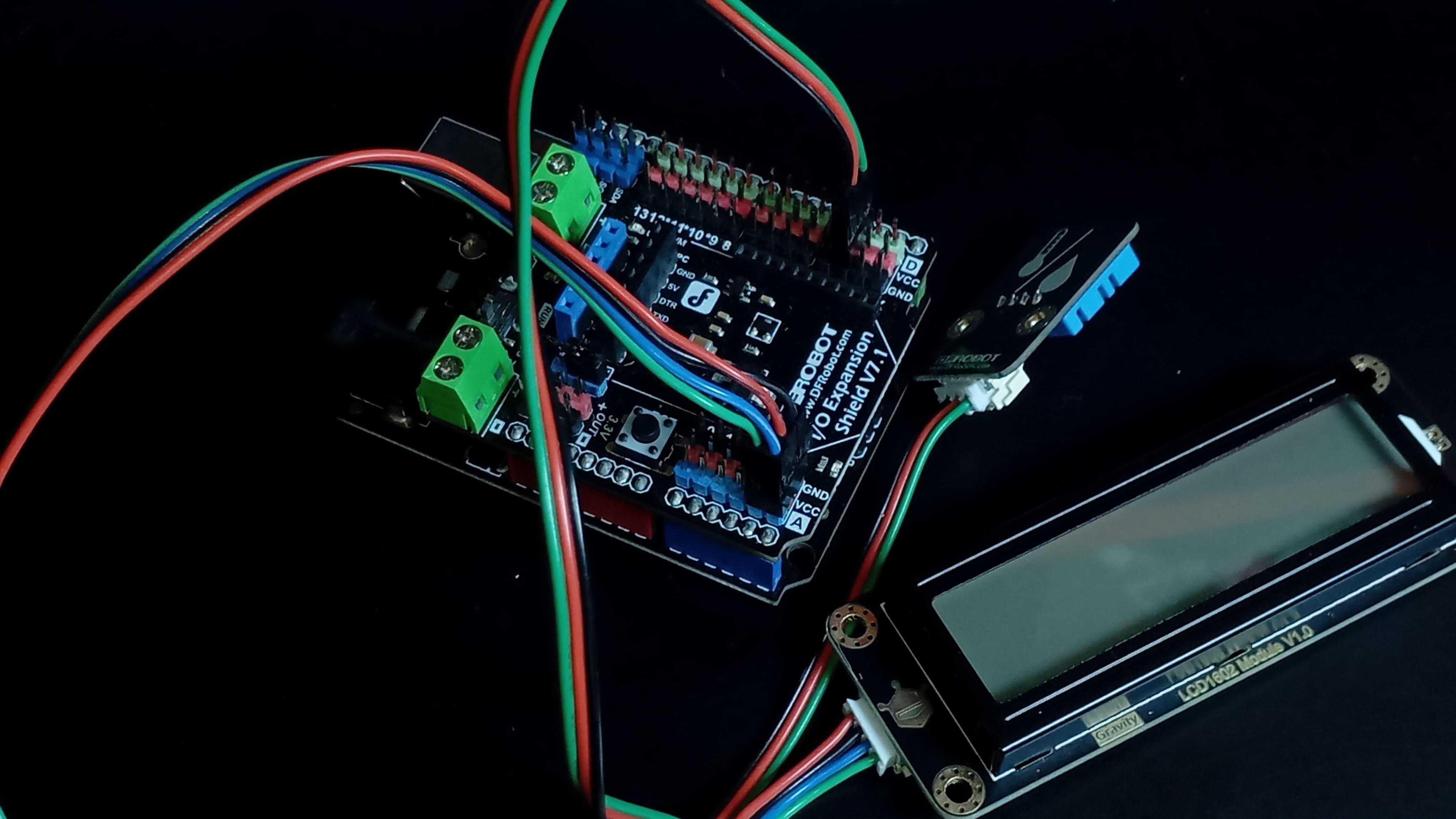

In this project, the DHT11 measures temperature and humidity, and the readings are displayed on an I2C LCD screen.
Start by mounting the I/O expansion shield on top of the Arduino board to simplify connections.
The DHT11 sensor is connected to digital pin 2. This must match the pin defined in the code.
Then attach the screen. The LCD module uses I2C communication. The SCL line connects to A5, and the SDA line connects to A4 on the Arduino Uno. VCC is connected to power, and GND to ground.
After completing the wiring, download the project code from the lesson 20 folder of the series repository and open it in the Arduino IDE.
Before uploading, install the required libraries:
- Adafruit DHT sensor
- DFRobot_RGBLCD1602
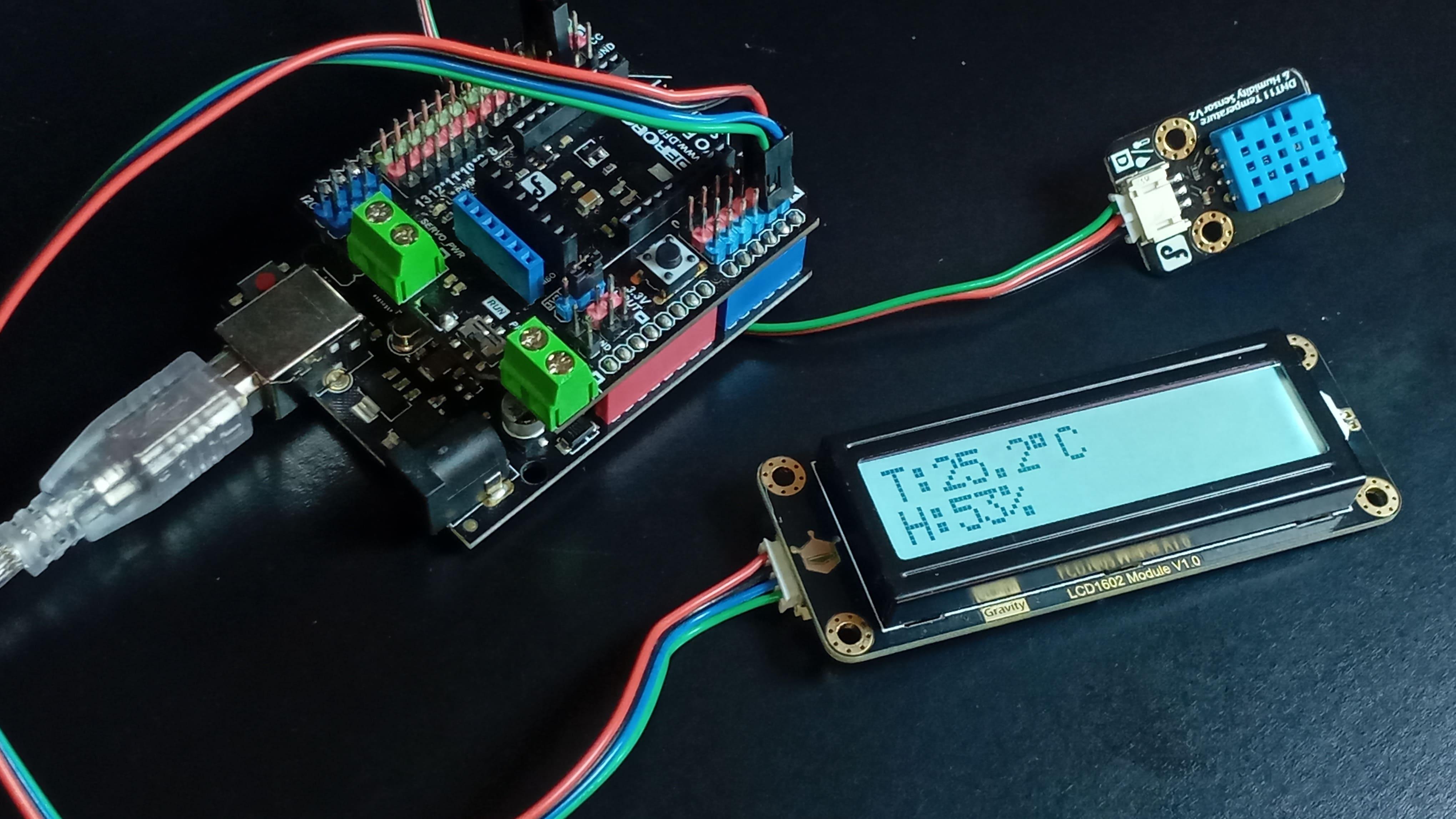
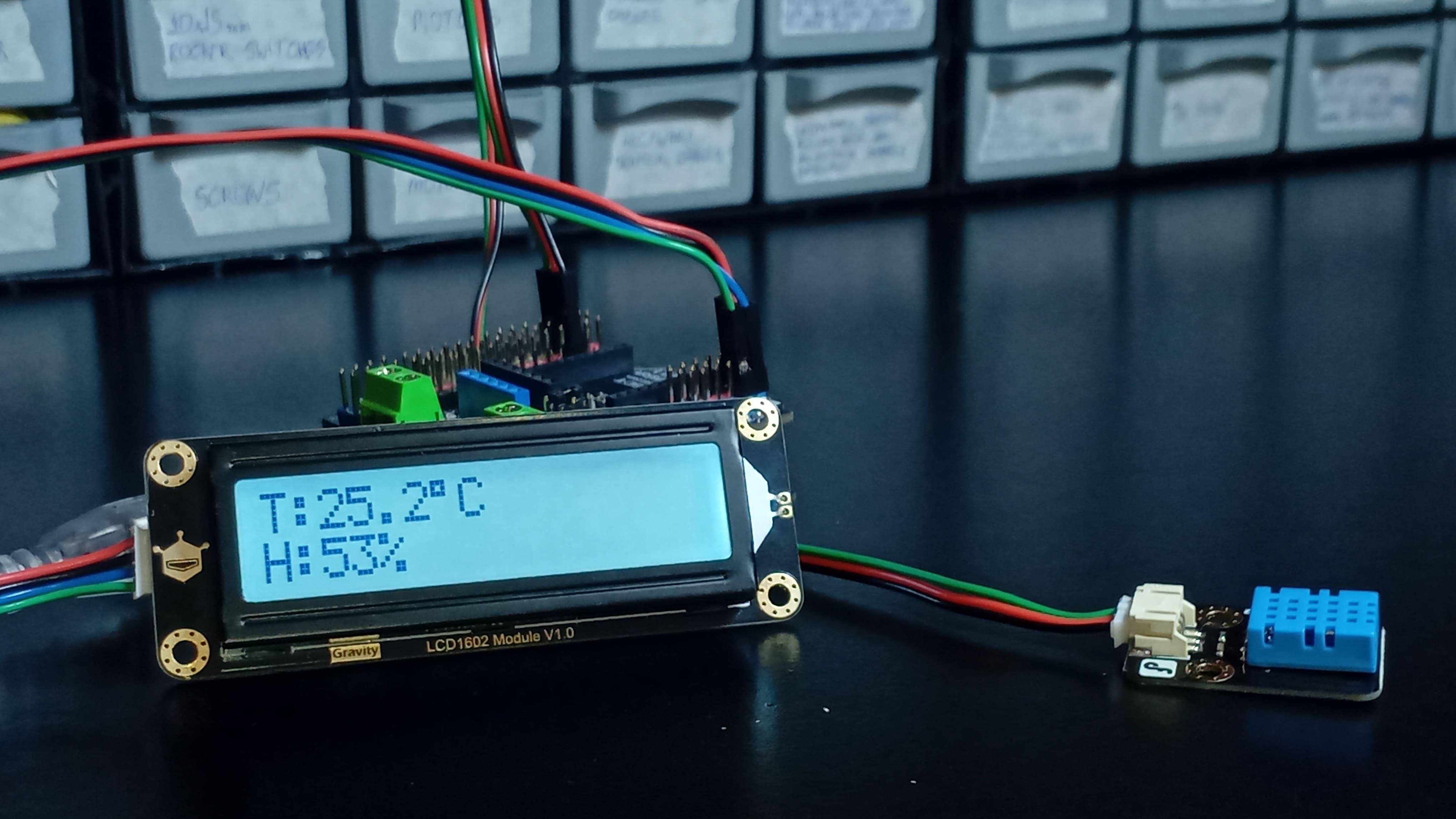
Once uploaded, the LCD will display temperature in degrees Celsius on the first line and relative humidity on the second line.
Although the DHT11 can measure once per second, the system updates every five seconds. This slower refresh rate improves readability and avoids unnecessary display flickering.
Code

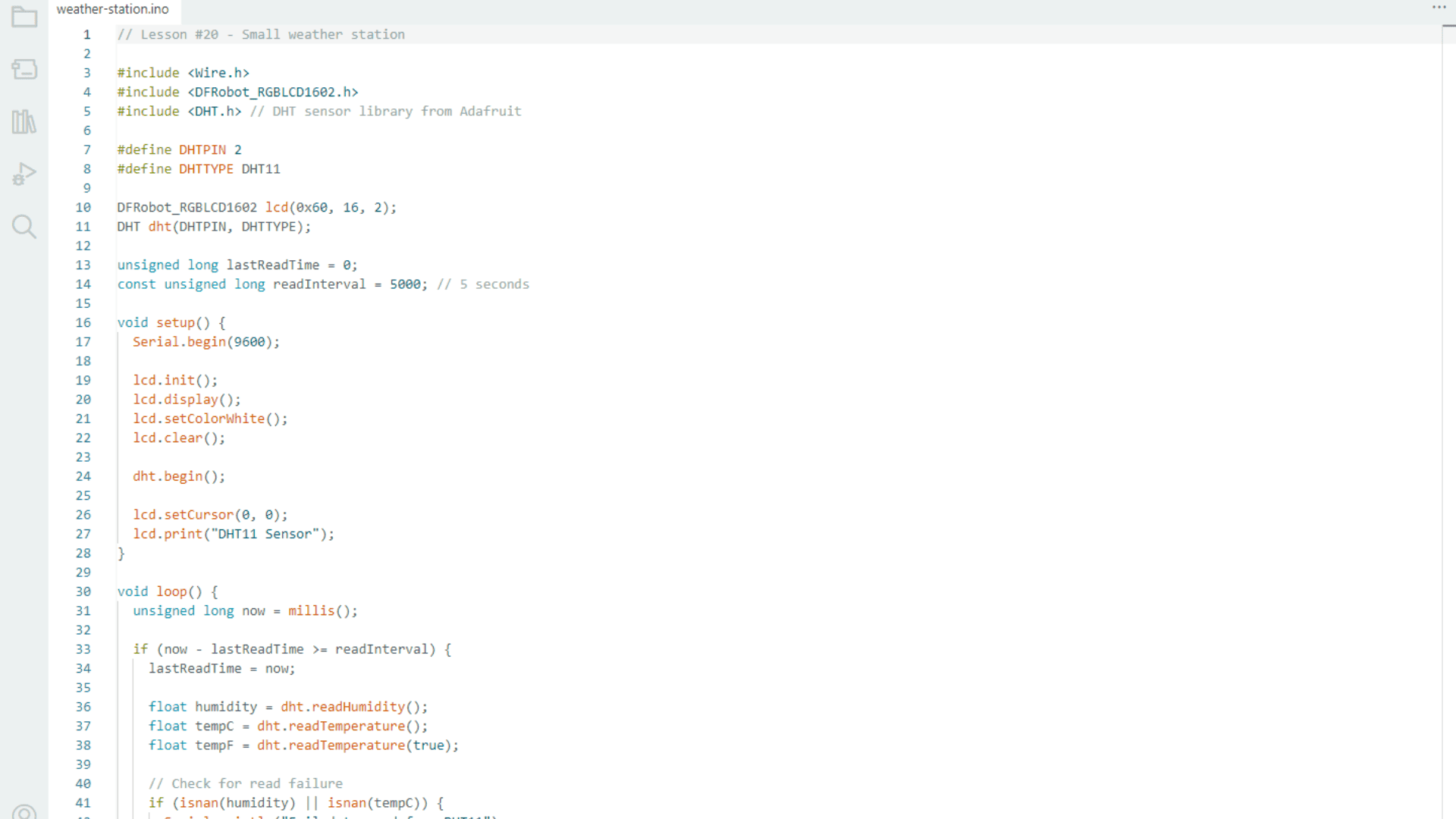
The sketch begins by including the necessary libraries and defining constants, variables, and object instances.
In the setup function, the program initializes communication with the LCD module, the DHT11 sensor, and the Serial Monitor.
Inside the loop function, the program checks whether five seconds have elapsed. If the interval has passed, it reads humidity and temperature from the sensor.
The code verifies whether the readings are valid. If the sensor fails to return proper data, an error message is printed on both the LCD and the Serial Monitor.
When the readings are successful, the Arduino prints detailed information to the Serial Monitor and updates the LCD with formatted temperature and humidity values.
This structure clearly separates sensing, validation, and display output. It is a modular design pattern that can be reused in more advanced embedded systems.
Conclusion
In this project, you learned how the DHT11 measures humidity and temperature at the physical level and how to use it to build a functional weather station.
You moved beyond simply connecting wires. You examined the sensing mechanisms, the internal signal processing, and the software structure that transforms raw data into meaningful information.
This is the transition from assembling components to engineering systems.
And before the next lesson comes out, I recommend you read this one about basic electronics principles with Arduino. I'm sure it'll help you take your maker skills to the next level.
Thanks for reading this article, and I'll see you in the next one.