DIY Papercraft Horse Wall Art — 3D Model + Printable Coloring
by Rostislav48 in Craft > Paper
688 Views, 9 Favorites, 0 Comments
DIY Papercraft Horse Wall Art — 3D Model + Printable Coloring
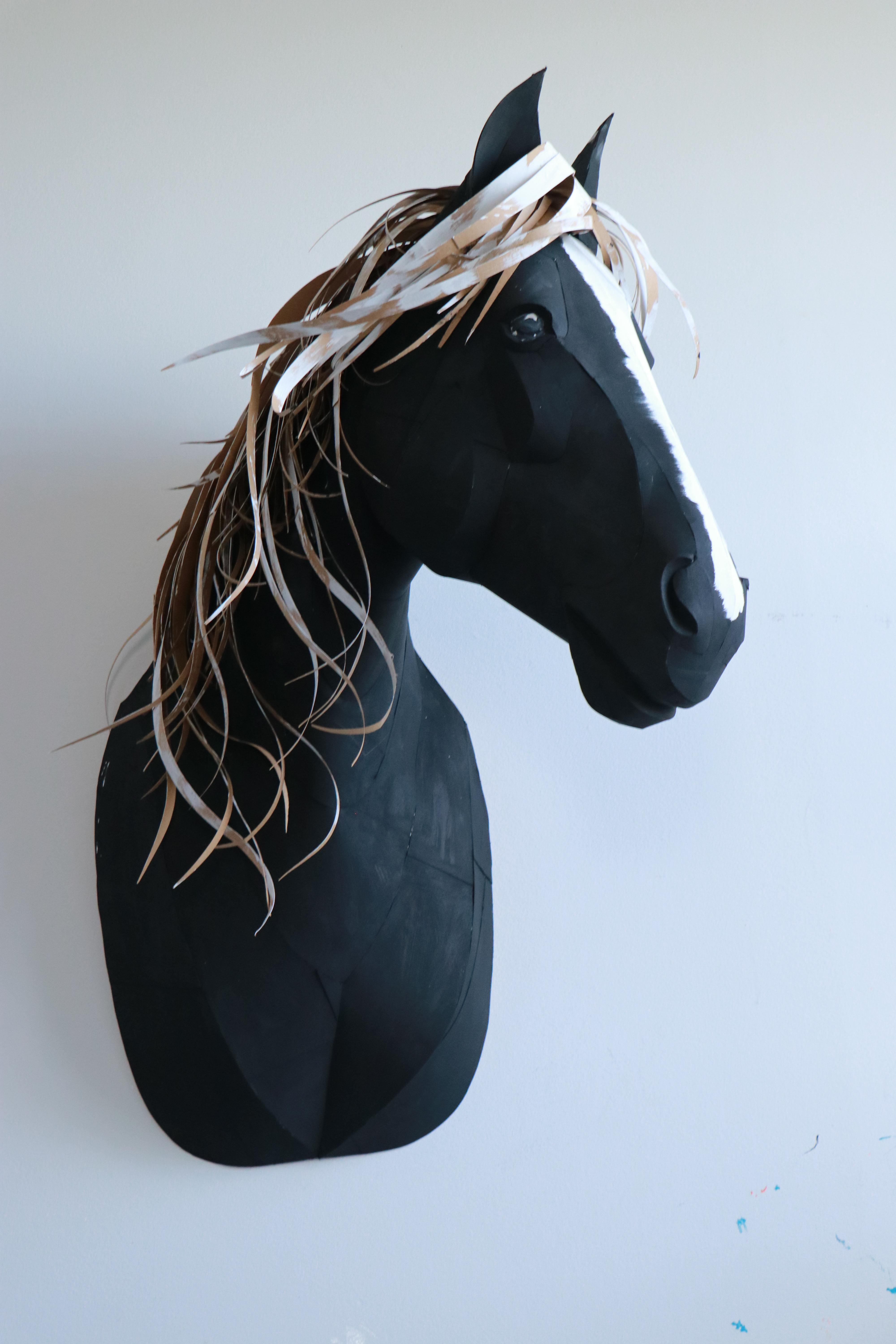


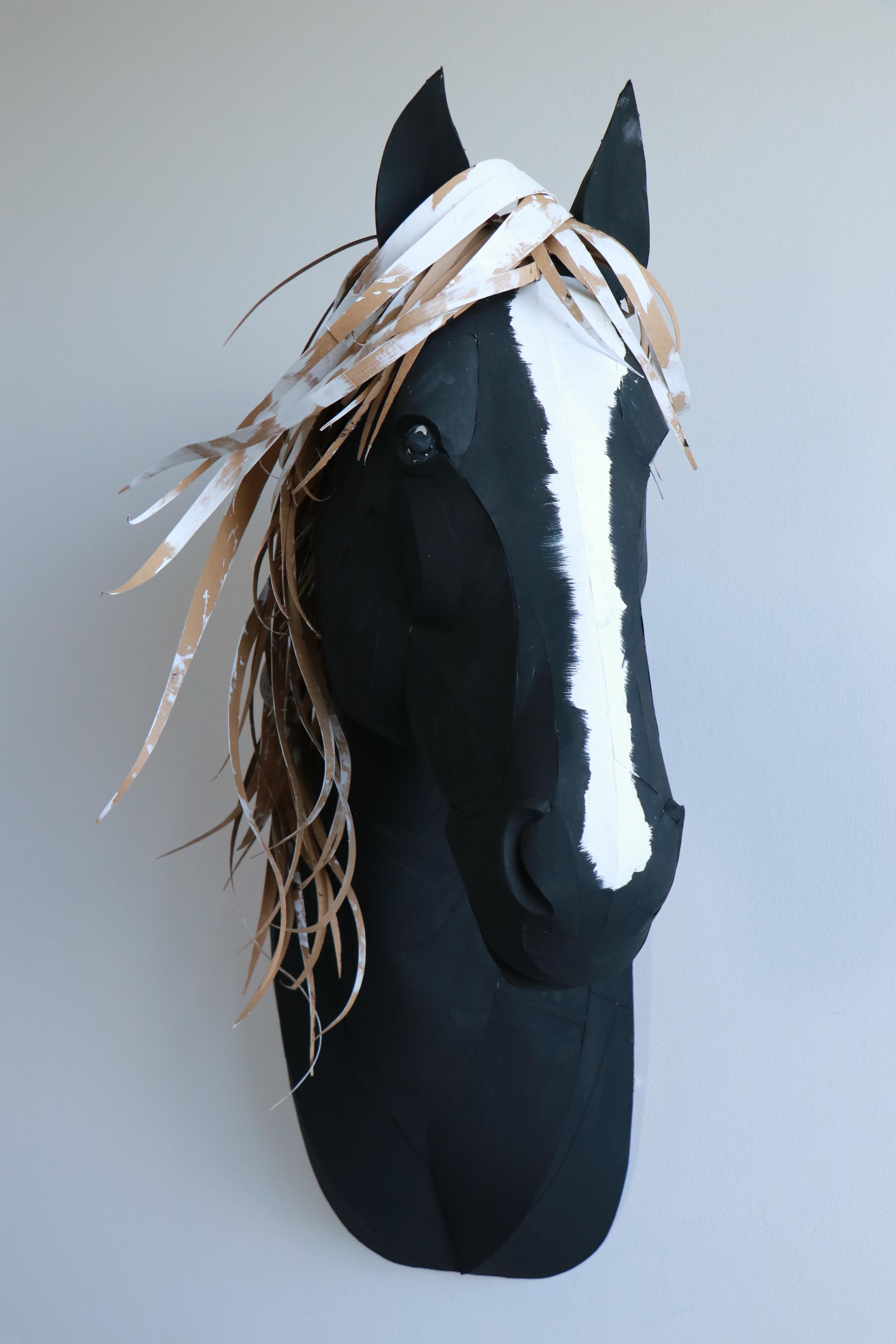
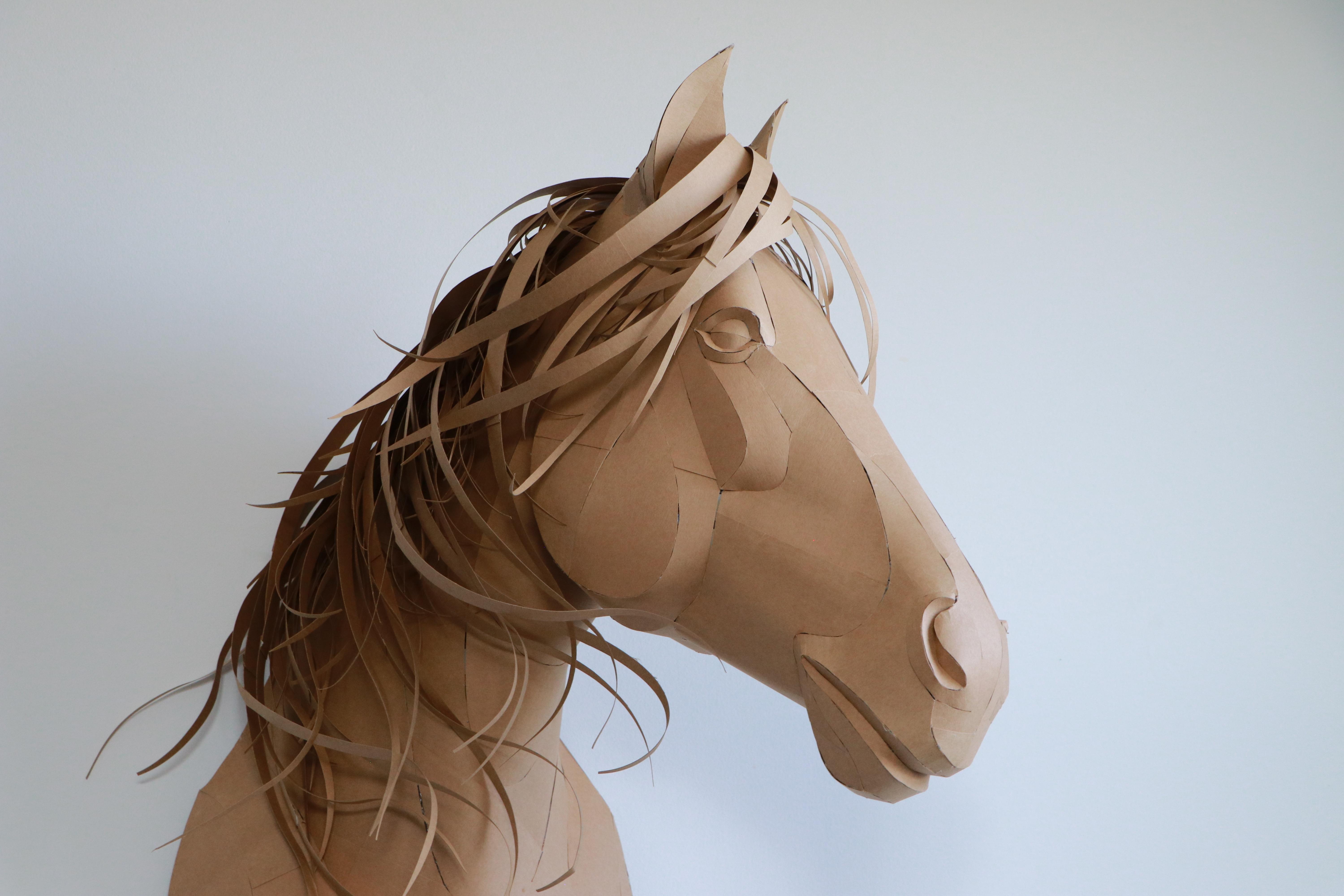
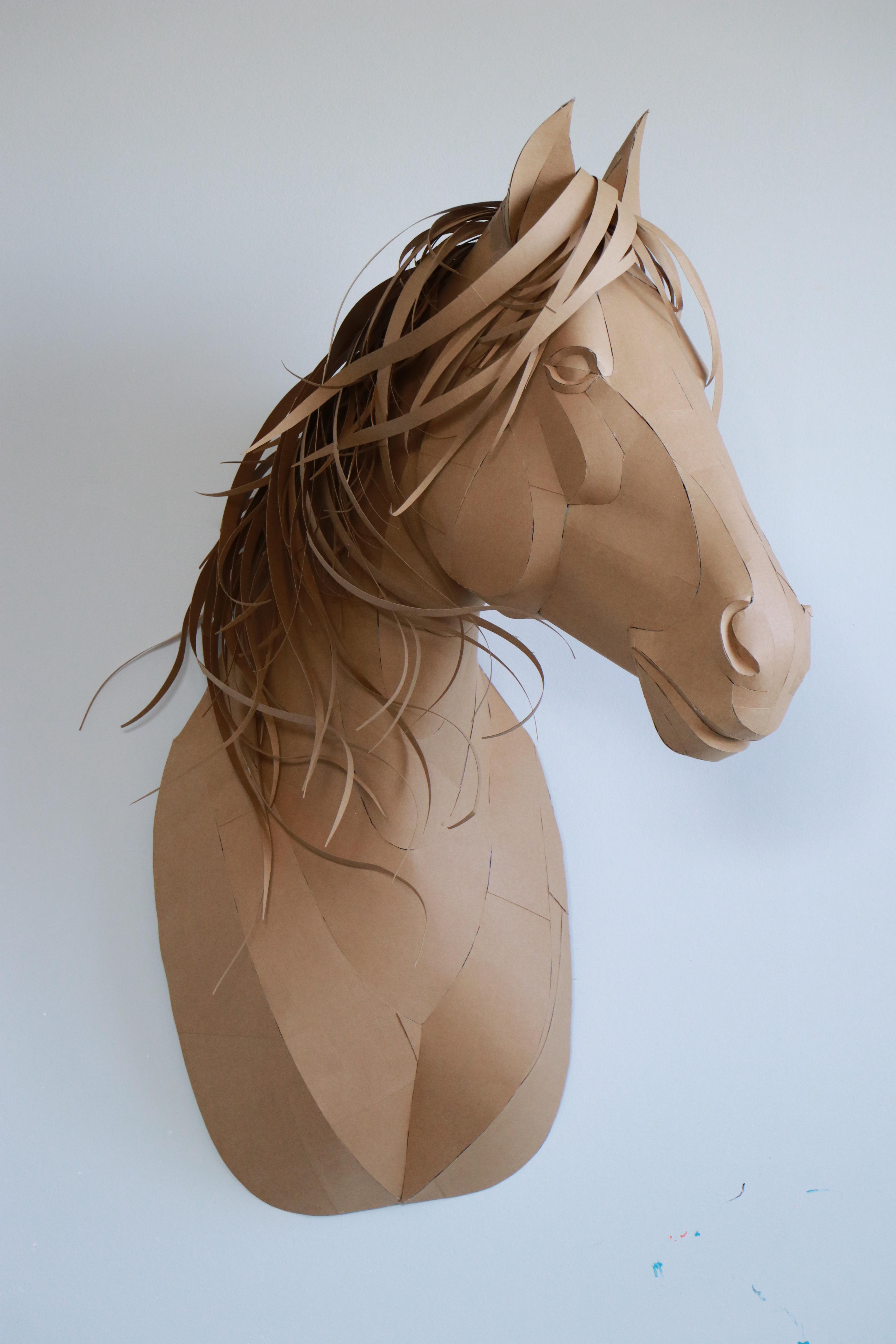
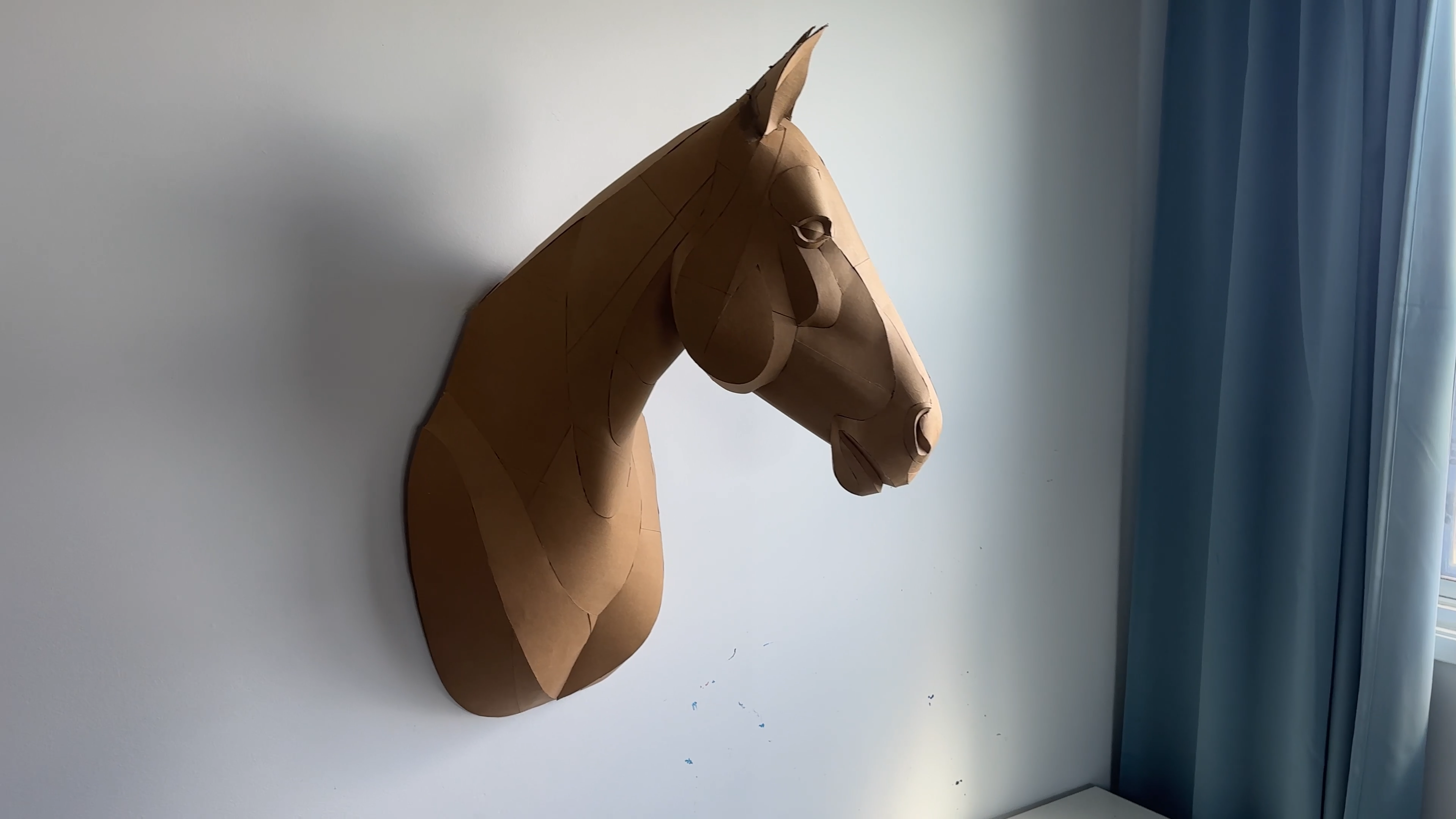
In this project, I’ll show you how to create a vibrant 3D papercraft horse wall sculpture — a lightweight, artistic, and eye-catching piece that you can easily make at home.
This model combines smooth polygonal design with expressive hand-painted colors, making it both modern and playful.
The template is simple to assemble, beginner-friendly, and perfect for practicing fine motor skills and creativity.
You can customize the colors, add flowers, or even turn the horse into a unicorn for a kids’ room — the possibilities are endless.
What I love most about this project is how affordable it is:
I spent only a few dollars on materials, used about 10 cm of tape, a few sticks of hot glue, and just a bit of acrylic paint — and the result exceeded my expectations.
It feels like creating a real three-dimensional painting on canvas, but in the shape of a horse.
Dimensions
86 × 65 × 28 cm (34 × 25.5 × 11 in)
Let’s begin this fun and inspiring build!
Supplies
1) The cardstock I used was purchased at Michaels.
2) The template can be downloaded on the website.
3) Designed and unfolded in the early beta version of Lacriator.
The file set includes:
- 30-page PDF version in Letter format
- 30-page PDF version in A4 format
- 500 x 1540 mm PDF version for poster printing on any format
- DXF and SVG vector formats for cutting on a plotter or laser cutter
- Visual instructions
- Printing and scaling recommendations
Print the Template
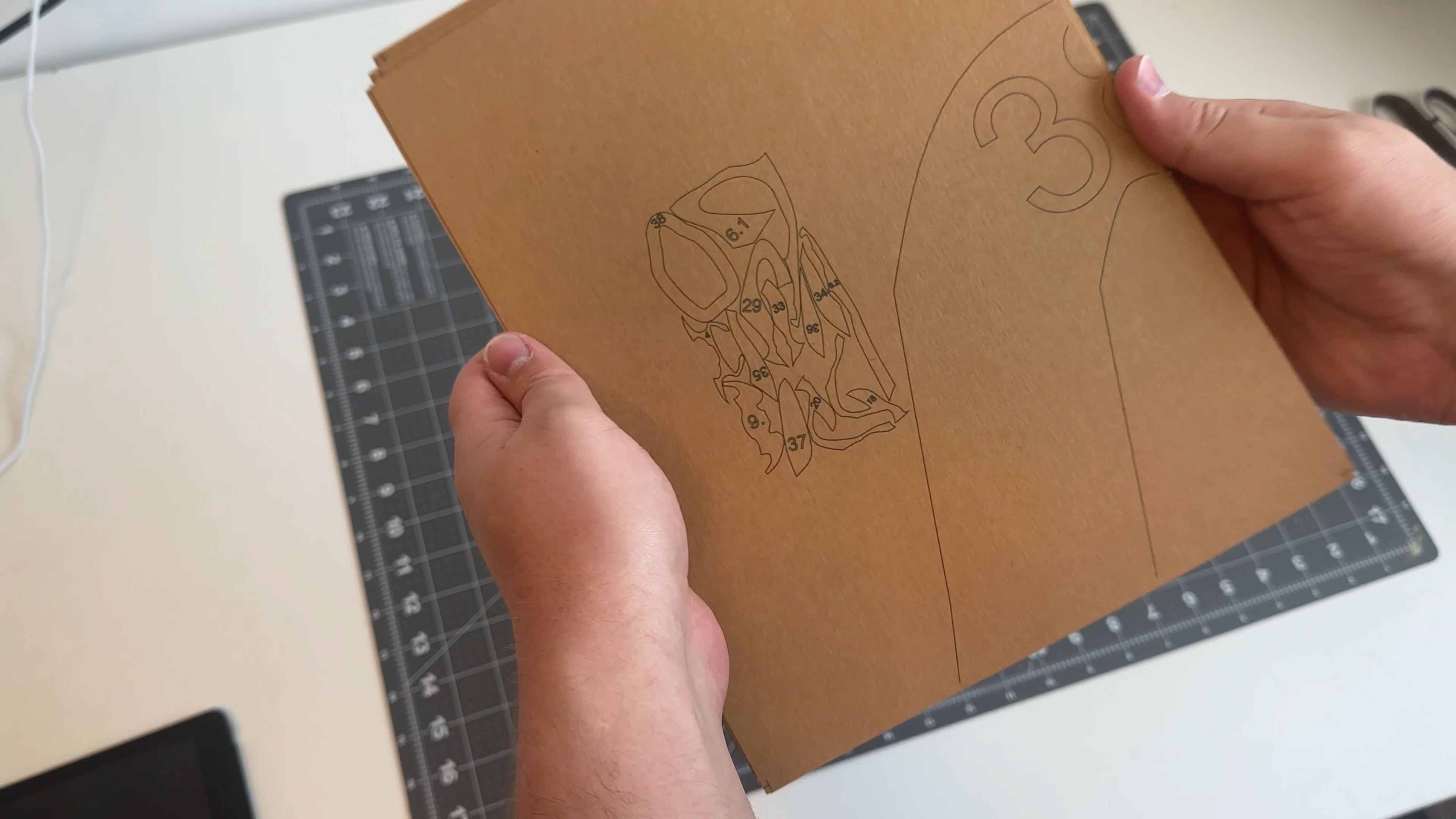
Print the template on thick cardstock.
I used kraft cardstock (250–350 gsm), which works perfectly for papercraft wall decor
For printing on thick cardstock, a photo printer works best. However, you can also use a regular home printer to print the templates and then transfer them onto your final material to create clean and accurate patterns.
Printing Tip:
Use the “Borderless” printing mode to avoid white margins.
This ensures all corner markers are printed cleanly and accurately.
Borderless mode is usually available under photo printing settings.
Match the Template Pieces and Glue Them Together
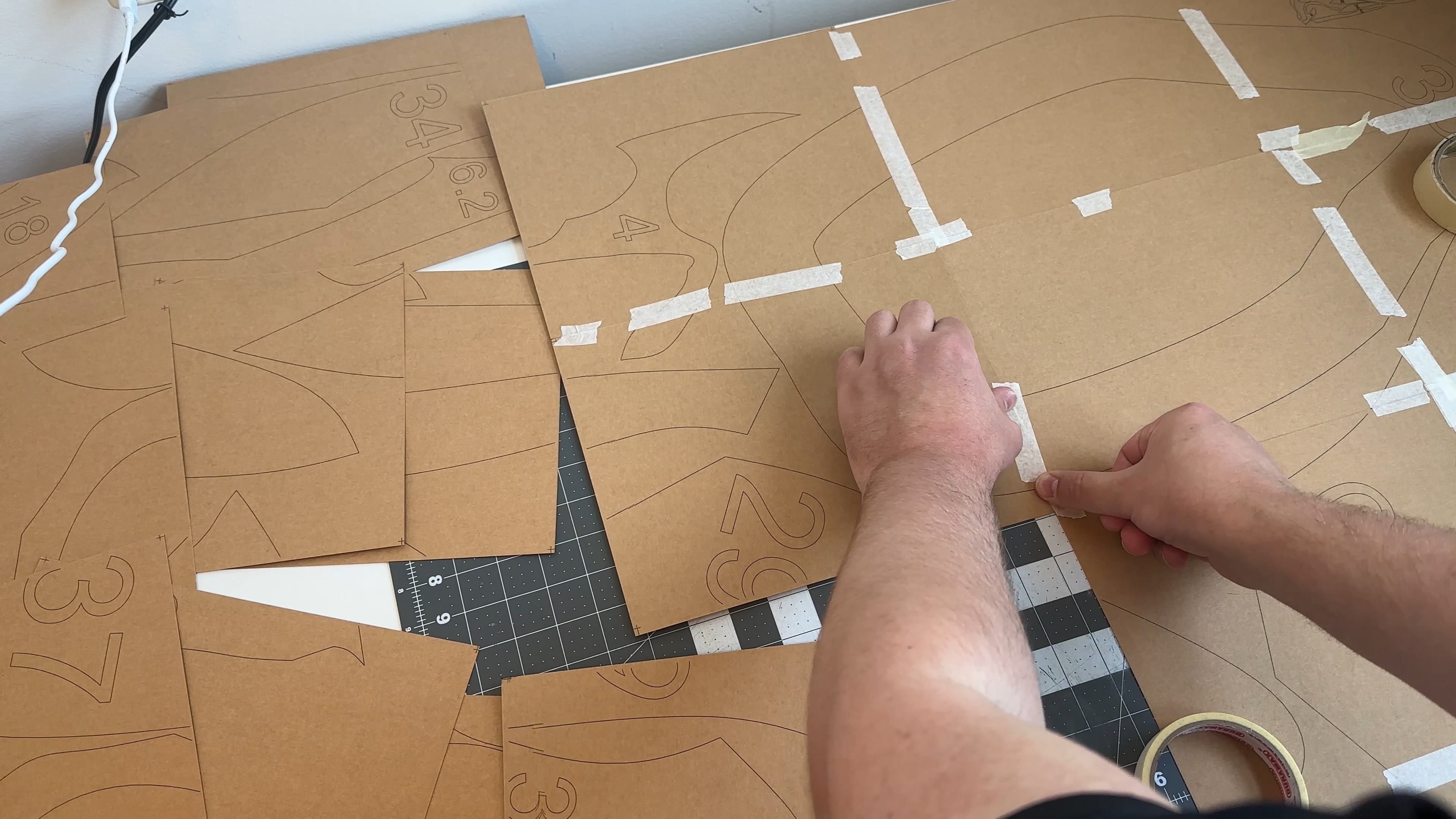
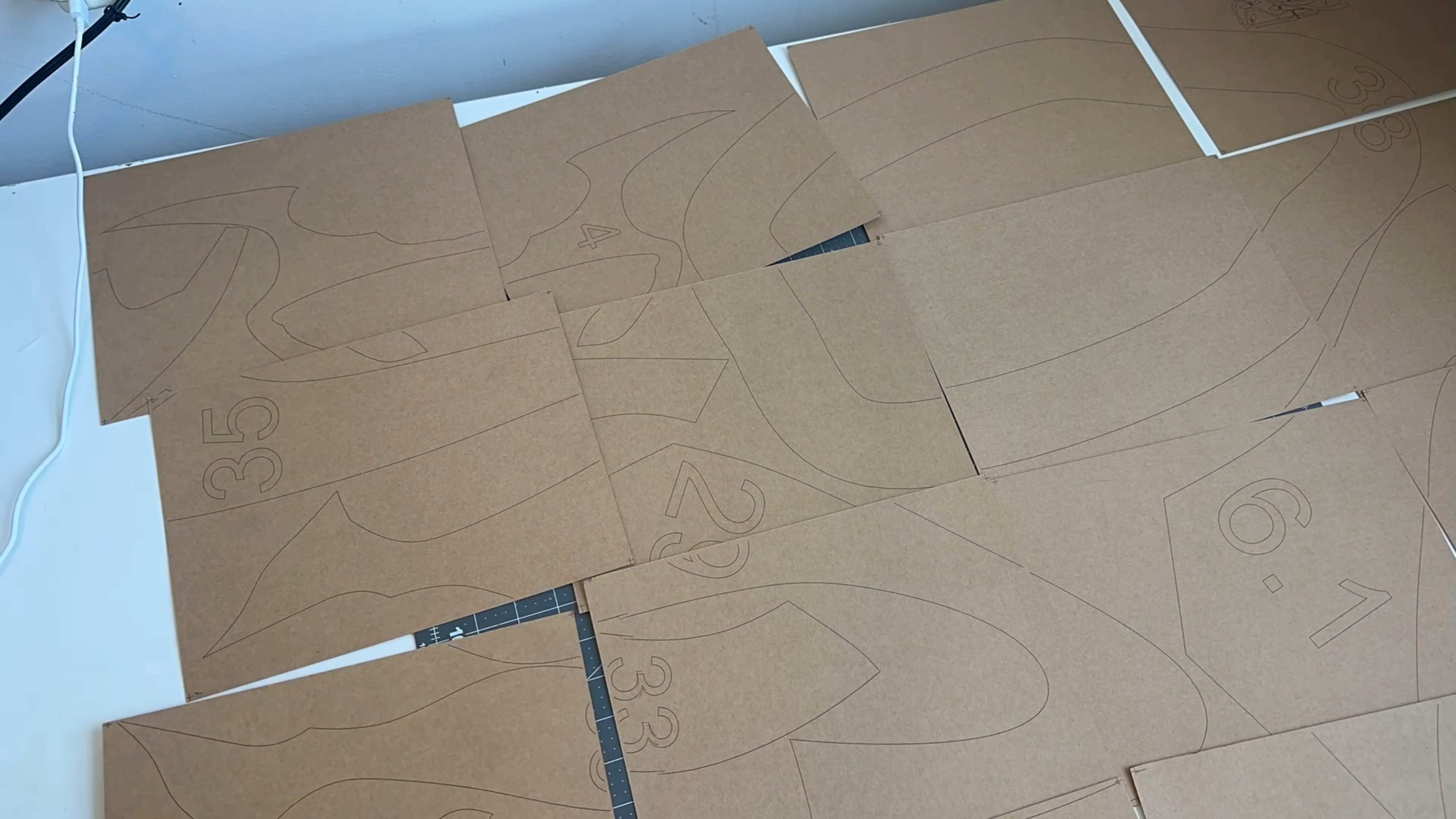
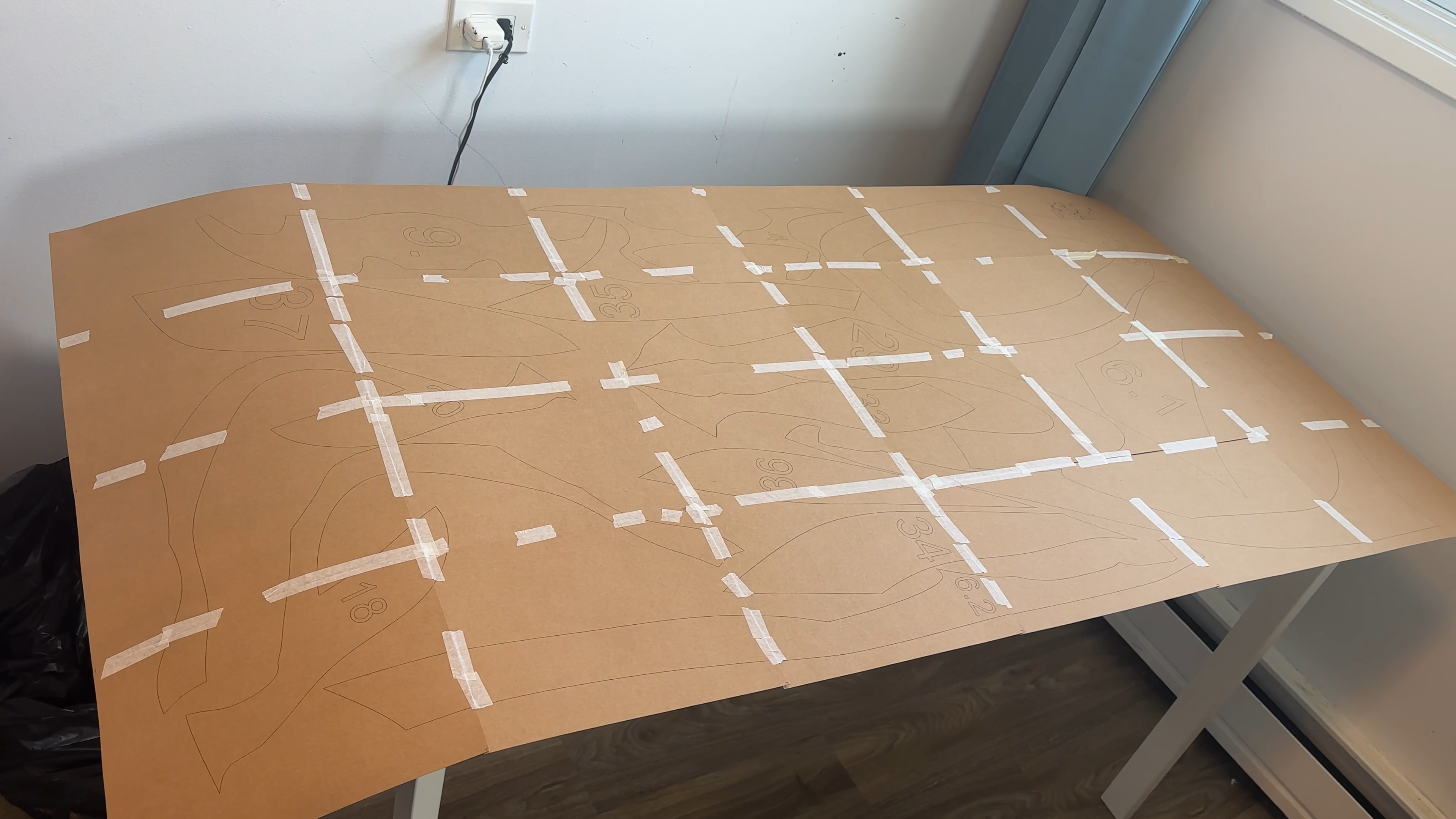
Match all template parts using the corner markers and glue the sheets together to form the full layout.
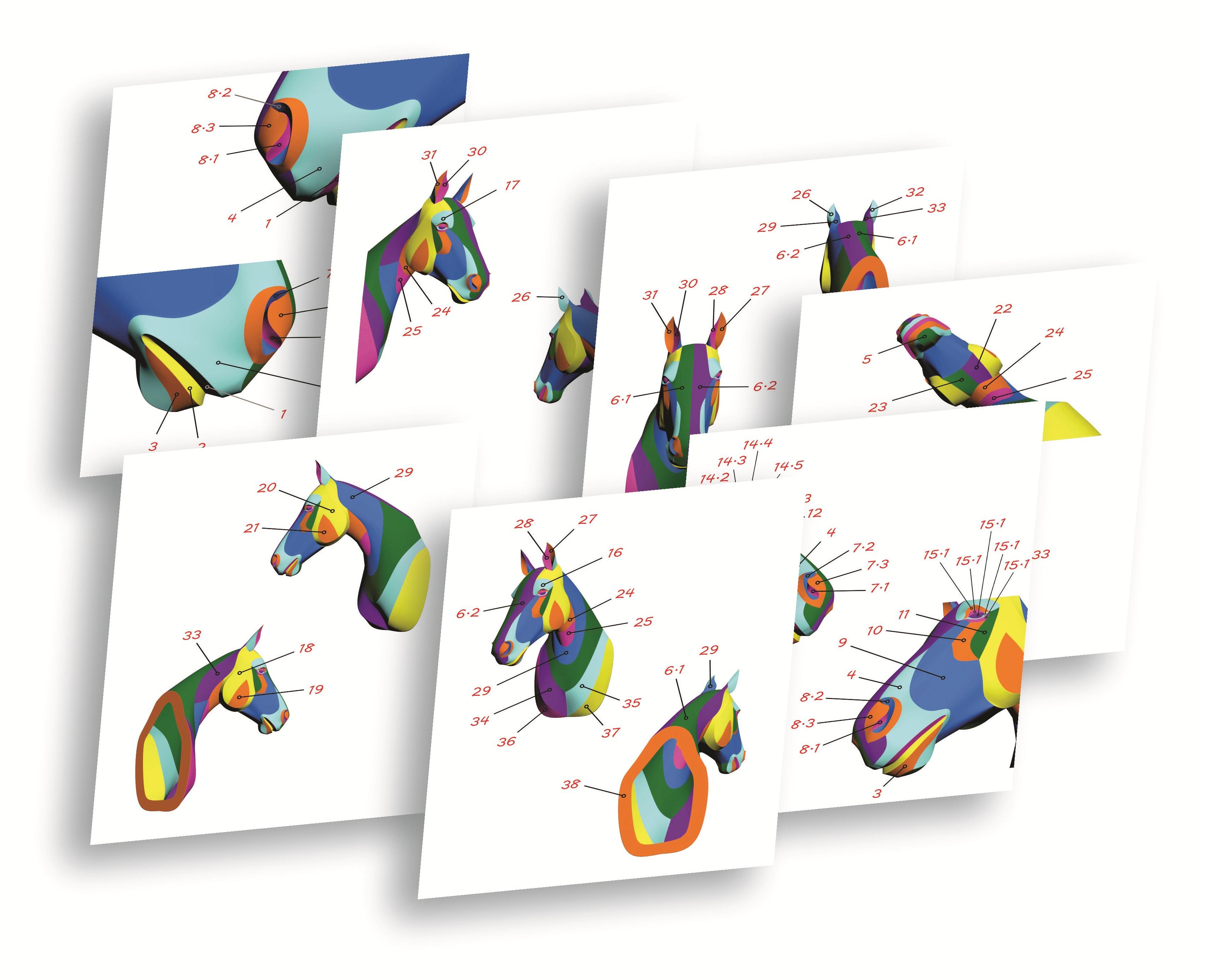
One of the pages includes a small project map, which helps you understand the structure and makes the assembly process much easier.
Cut Out All the Pieces
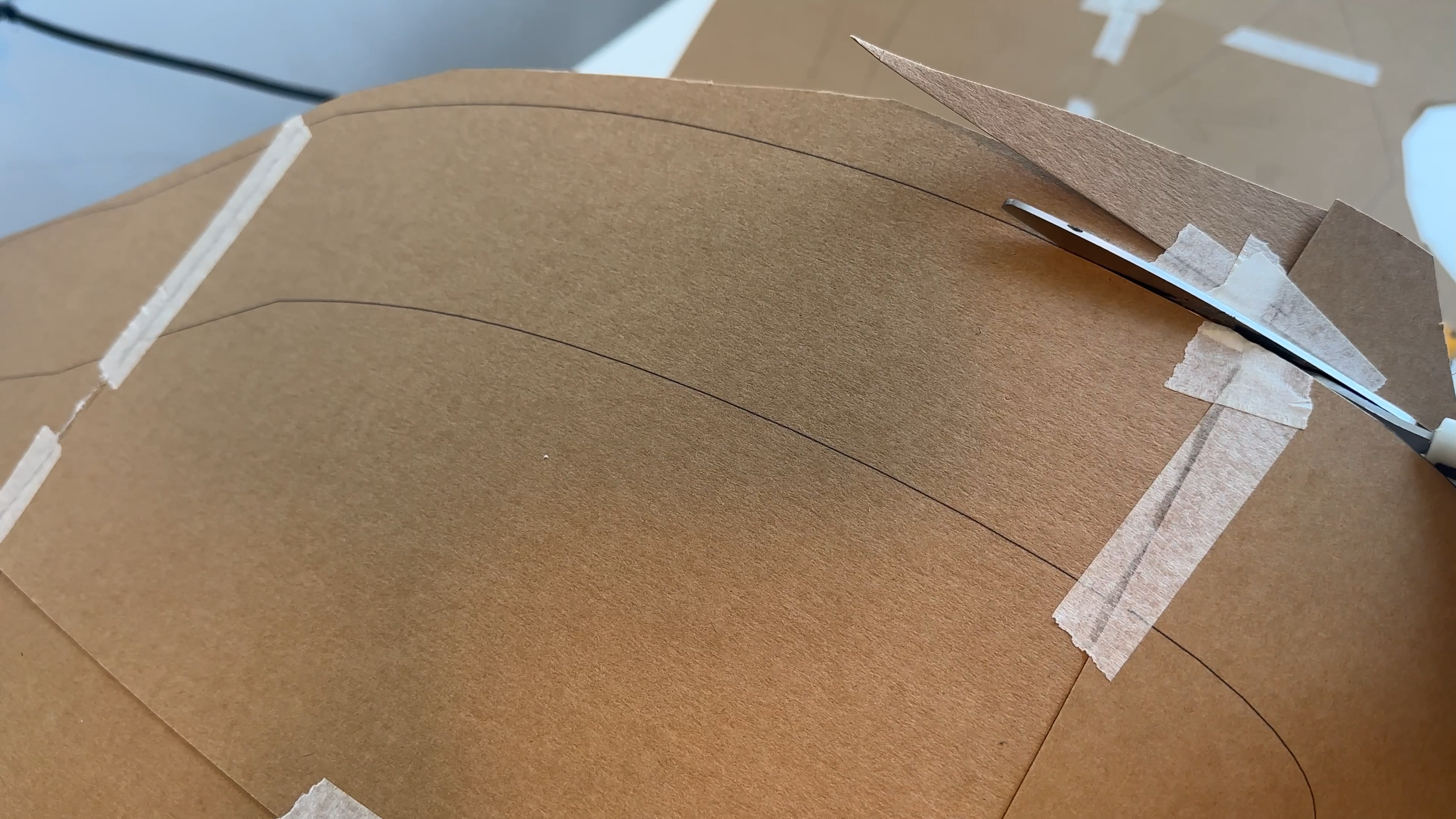
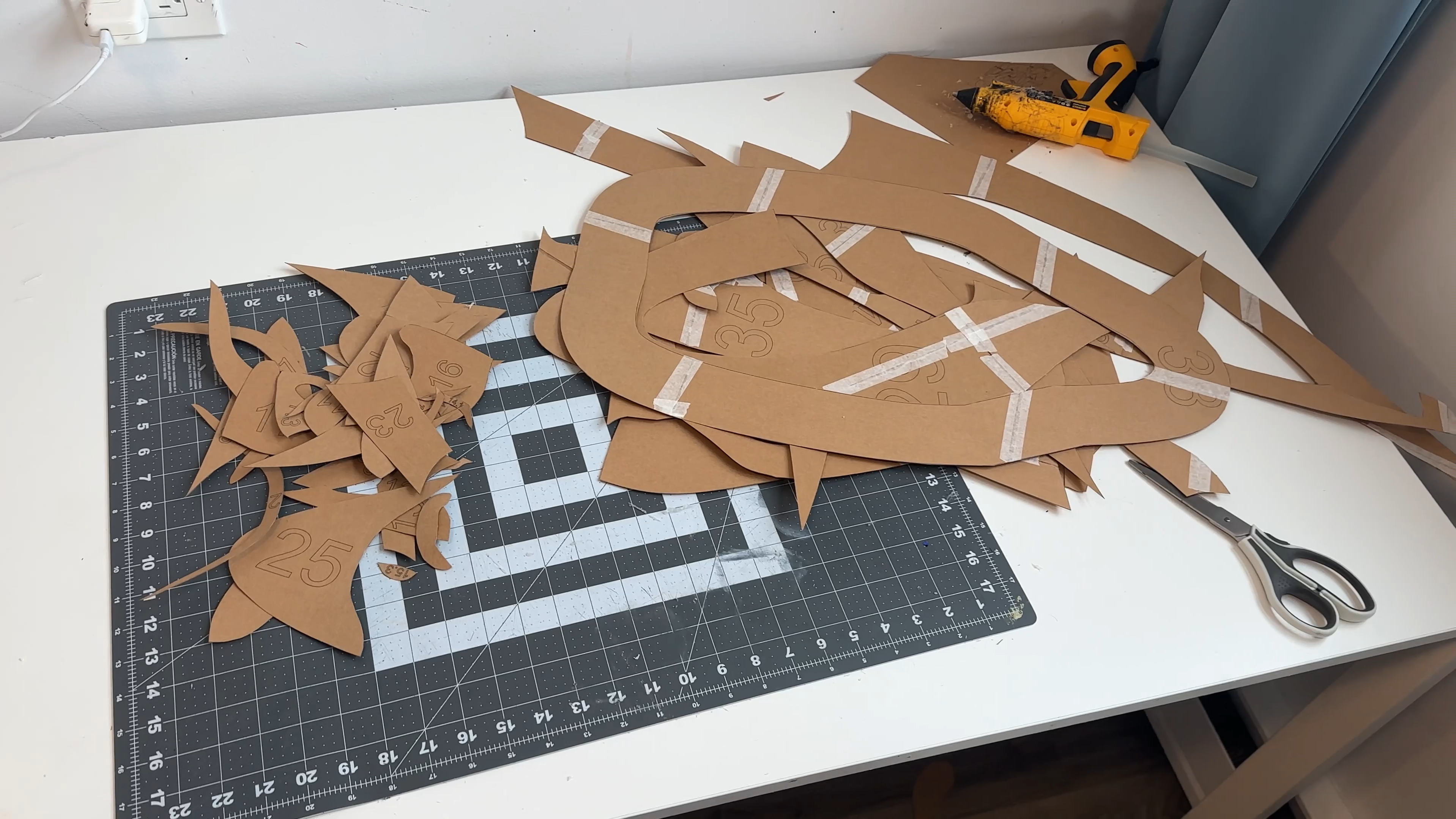
Carefully cut out all the parts following the lines on the template.
Clean, accurate cuts will make the final assembly much easier and give the sculpture a polished look.
Prepare the Curvature
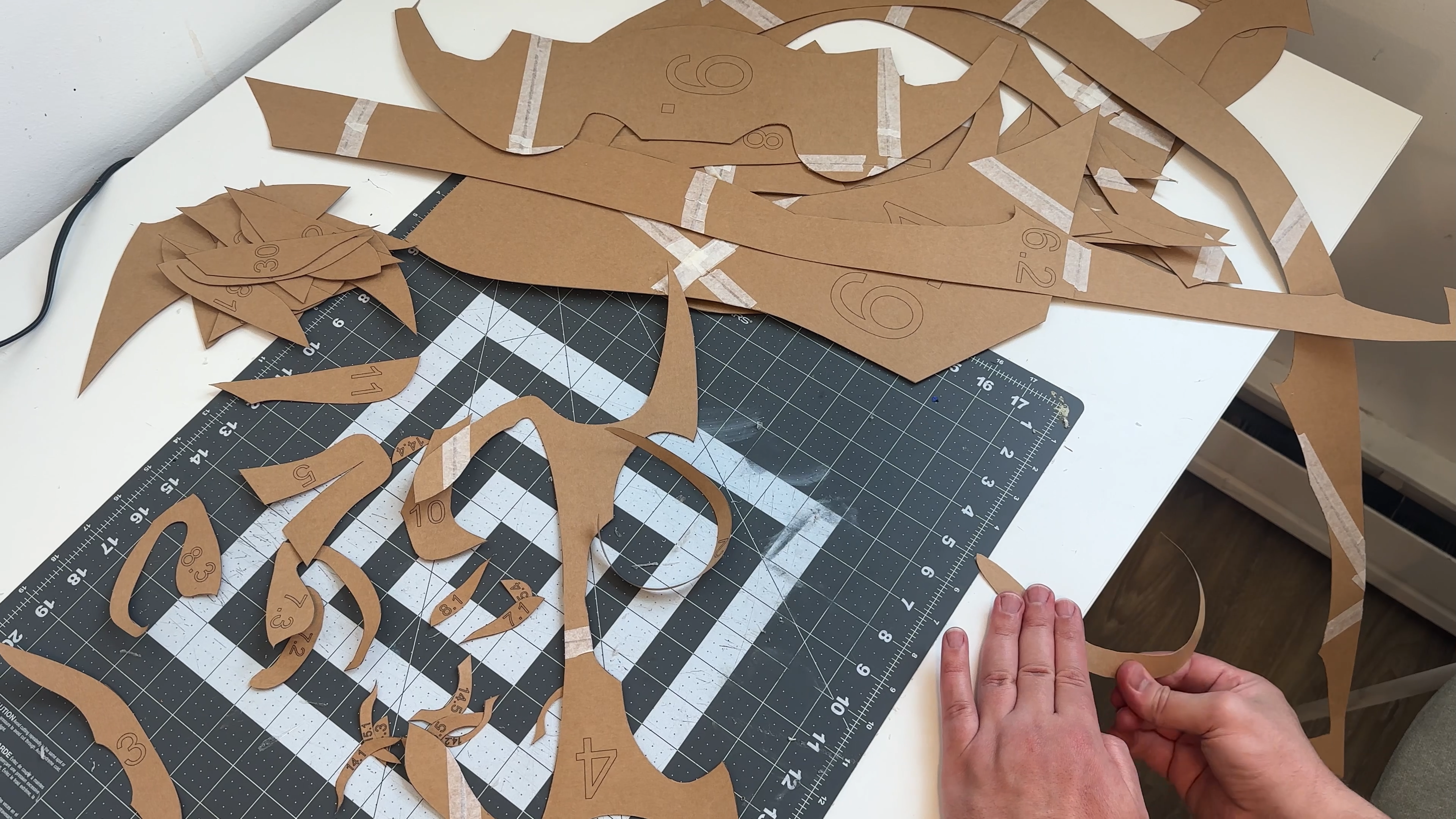


Perfect accuracy isn’t required here — gently curve the pieces by following the visual guide.
An easy way to do this is to pull each piece along the edge of a table, which helps create smooth, natural bends.
Glue the Figure Together Step by Step
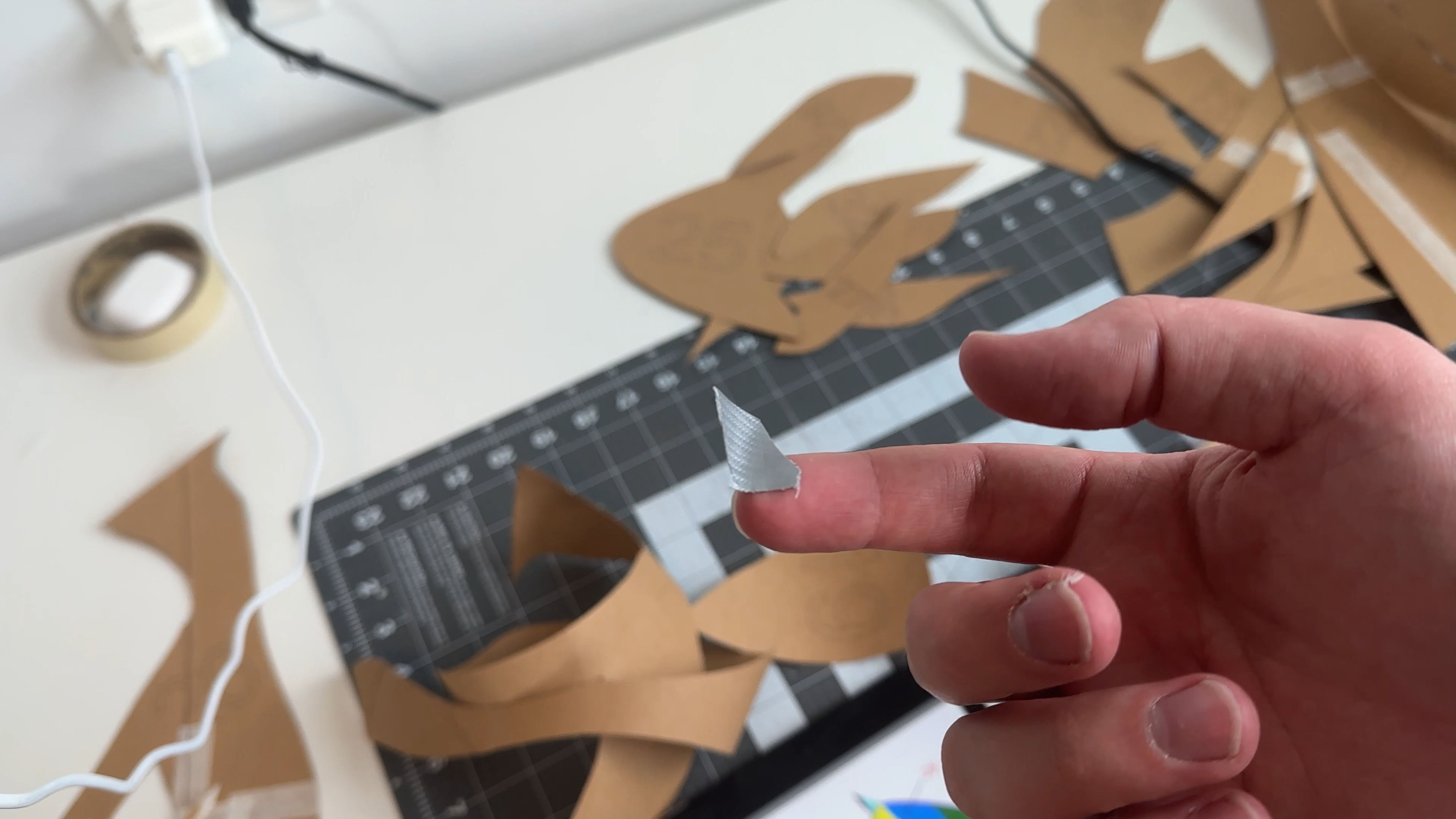
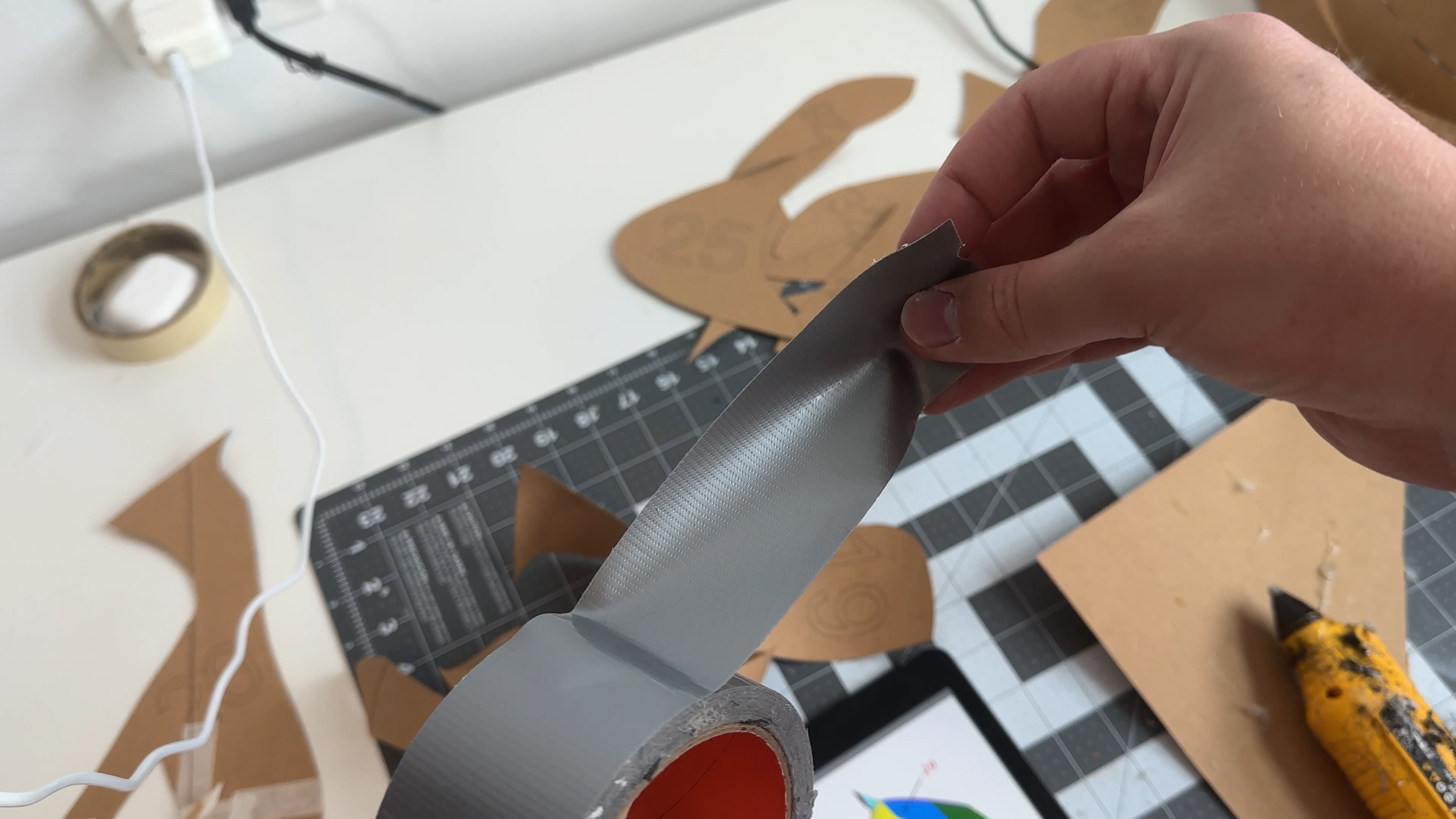
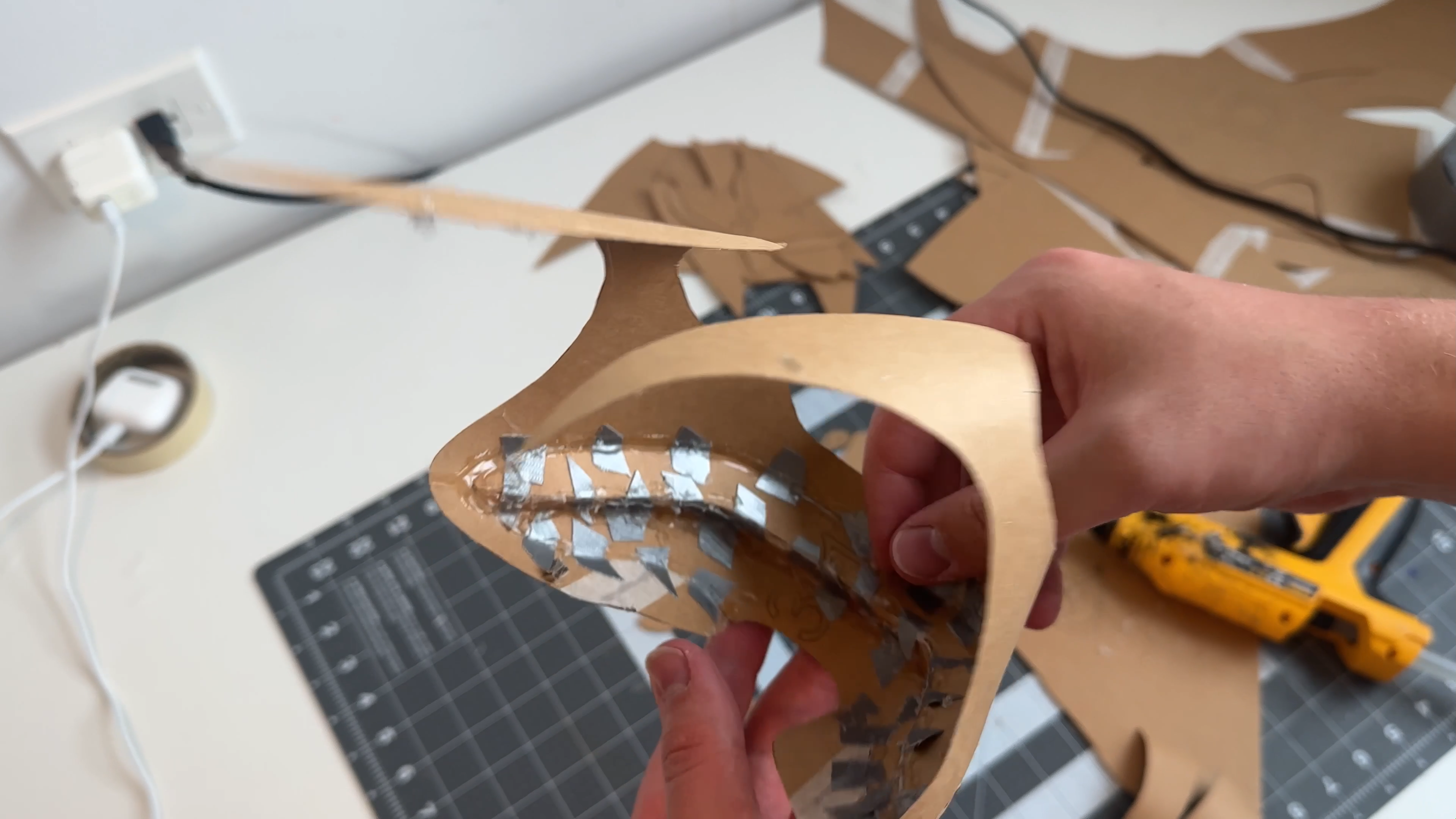
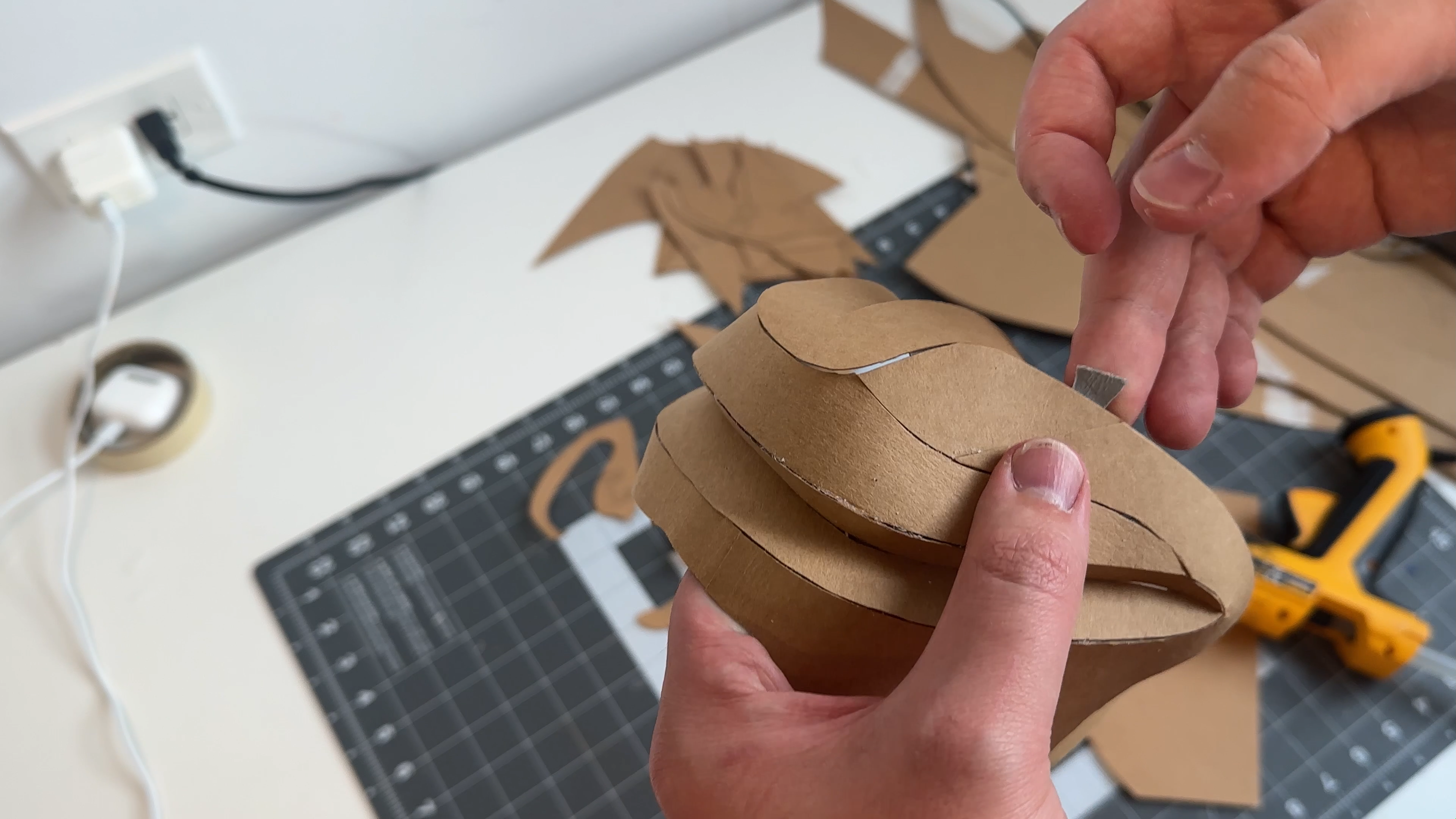
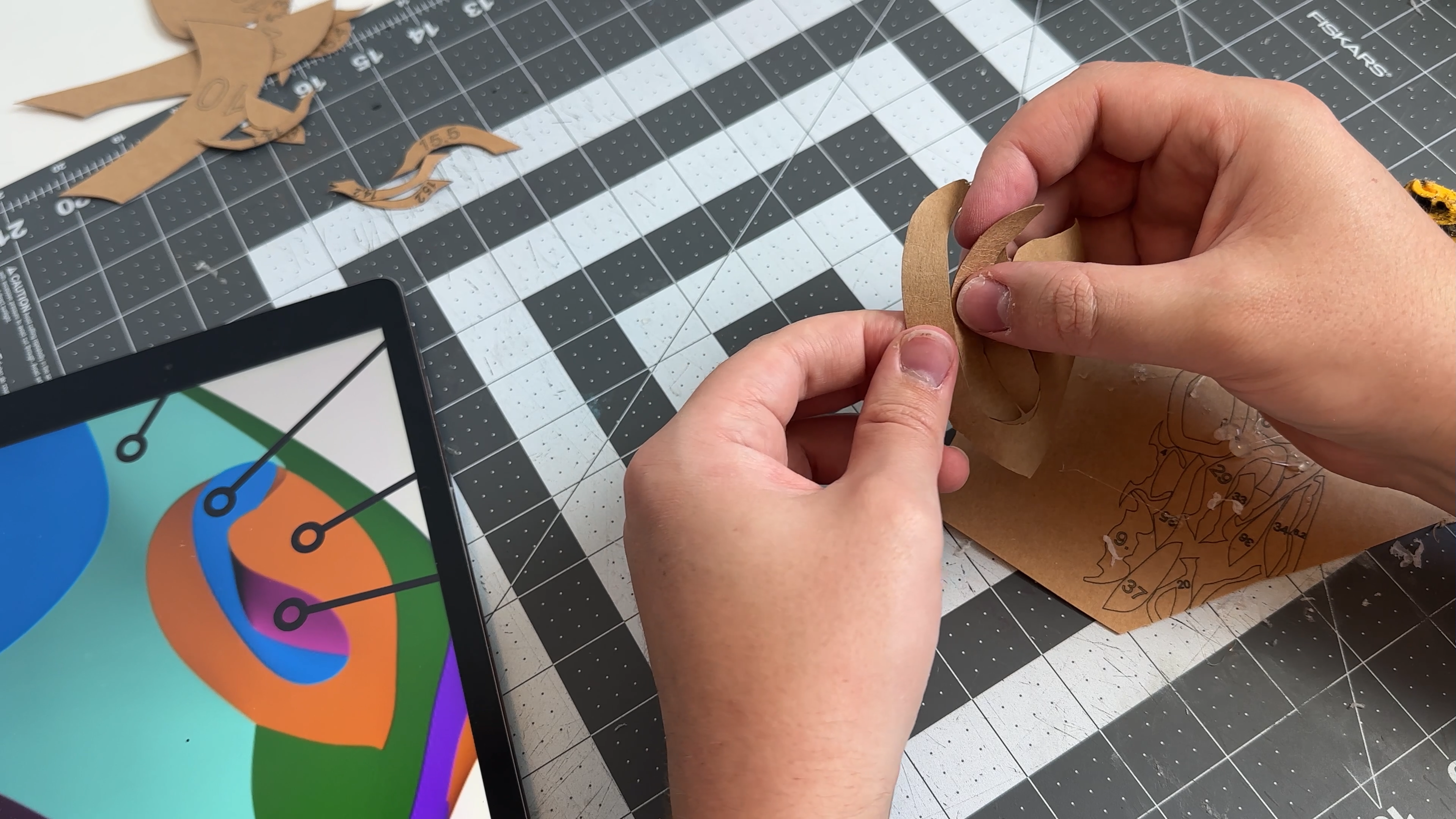
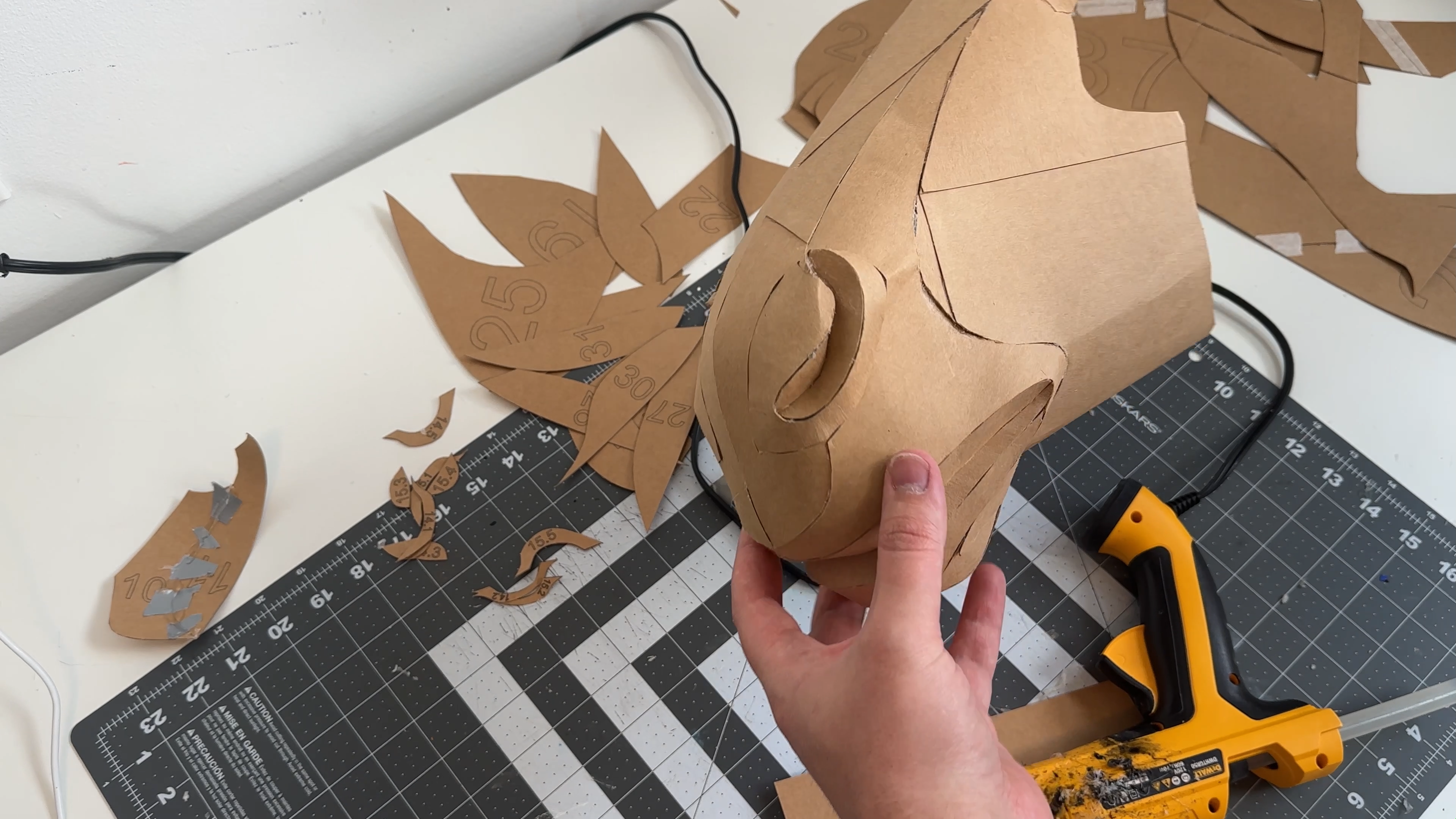
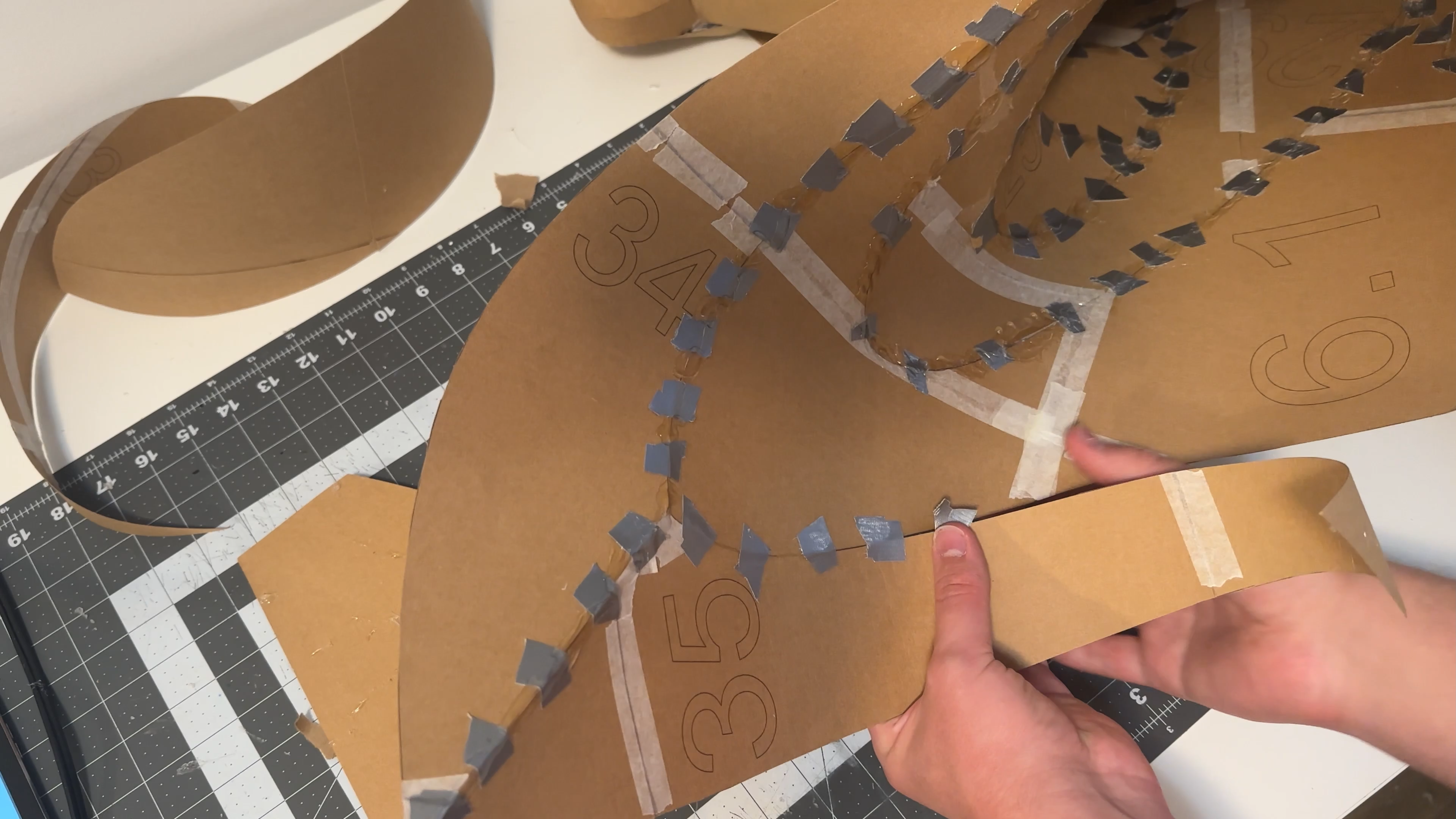
Follow the numbering on the parts: start with piece 1, then continue with 2, 3, and so on in ascending order.
The placement of each part is shown in the visual guide.
For assembling, I use silver tape together with hot glue.
Work gradually:
– lightly attach each piece with tape,
– secure it with hot glue,
– then move on to the next piece.
Precision is important at this stage, as it ensures the final shape looks clean and accurate.
Downloads
Add the Mane
.gif)
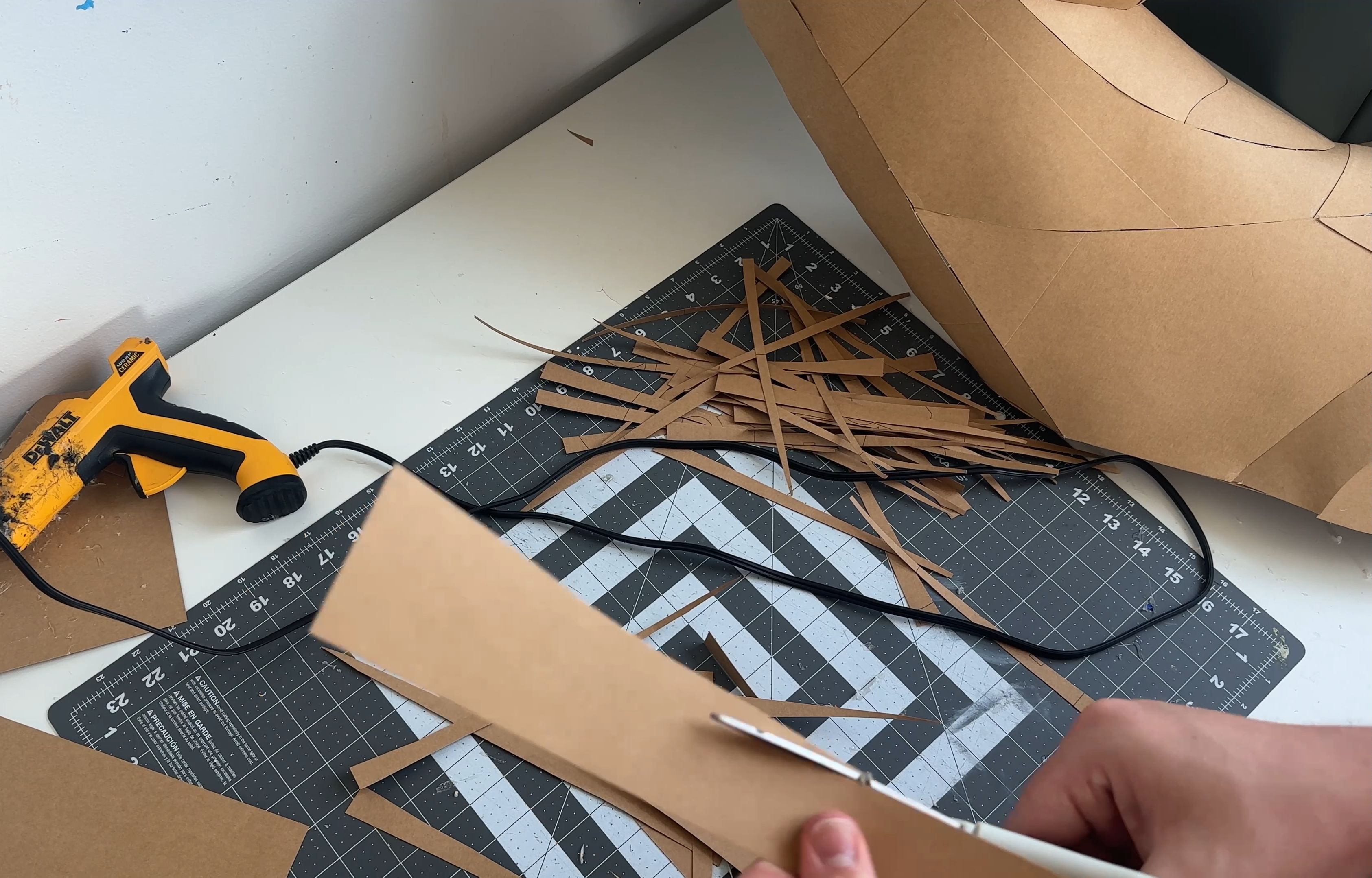
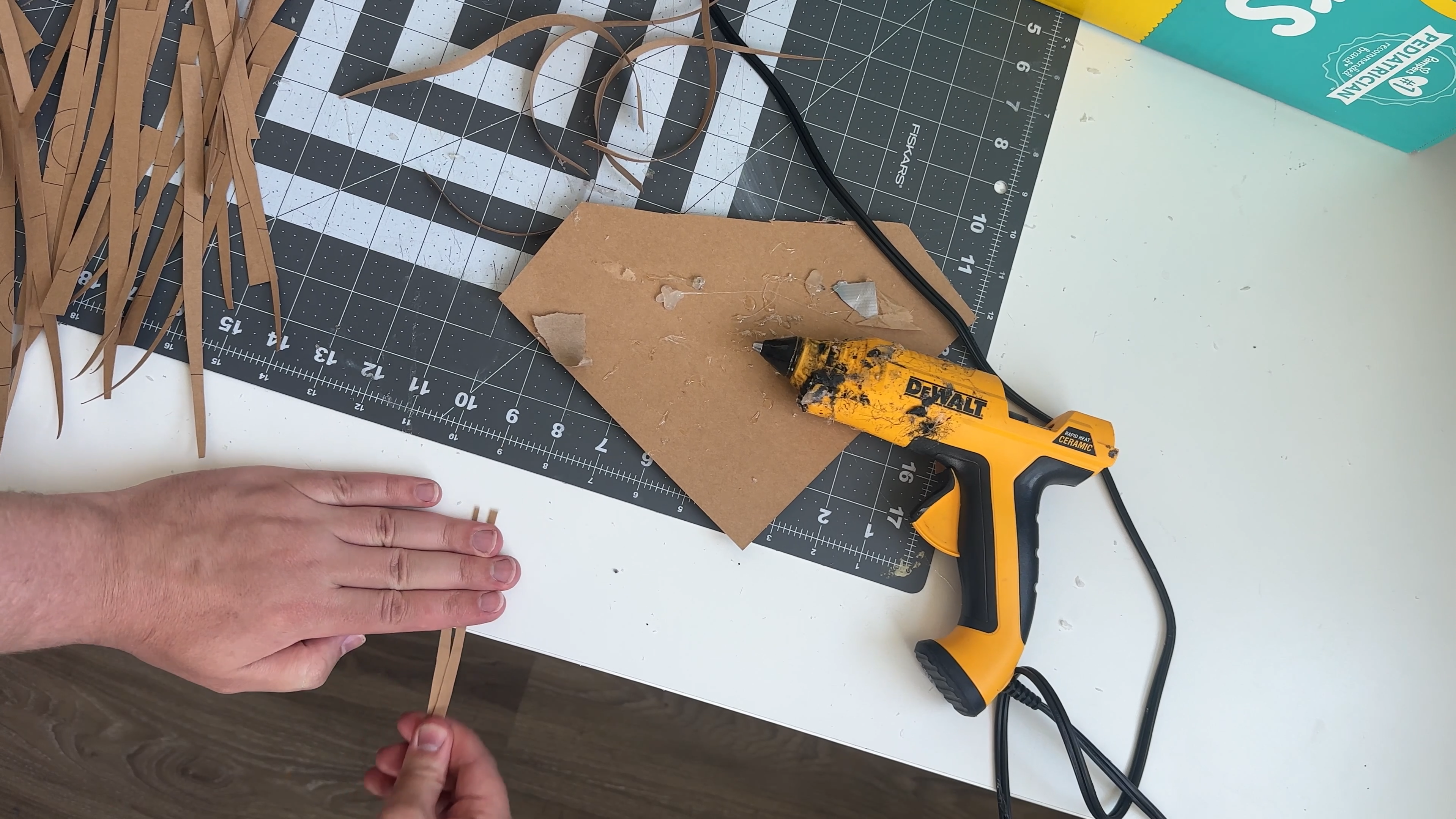
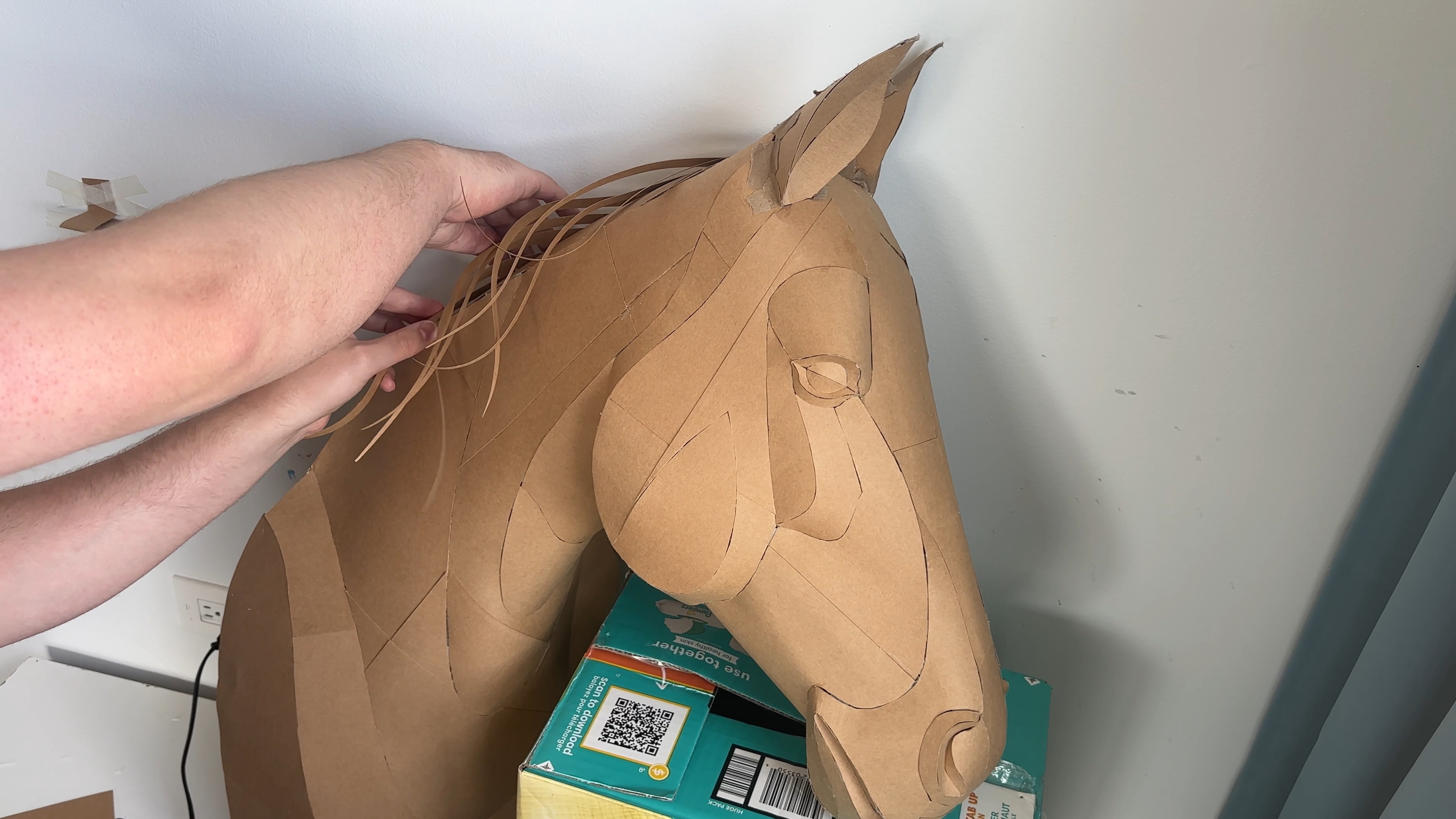
Cut the mane strips following the template and gently curve them, similar to the previous step, to create a natural hair flow.
Then attach the strips on top of the head, positioning them so the mane falls forward toward the viewer, giving the sculpture a dynamic and realistic look.
Apply the Base Colors
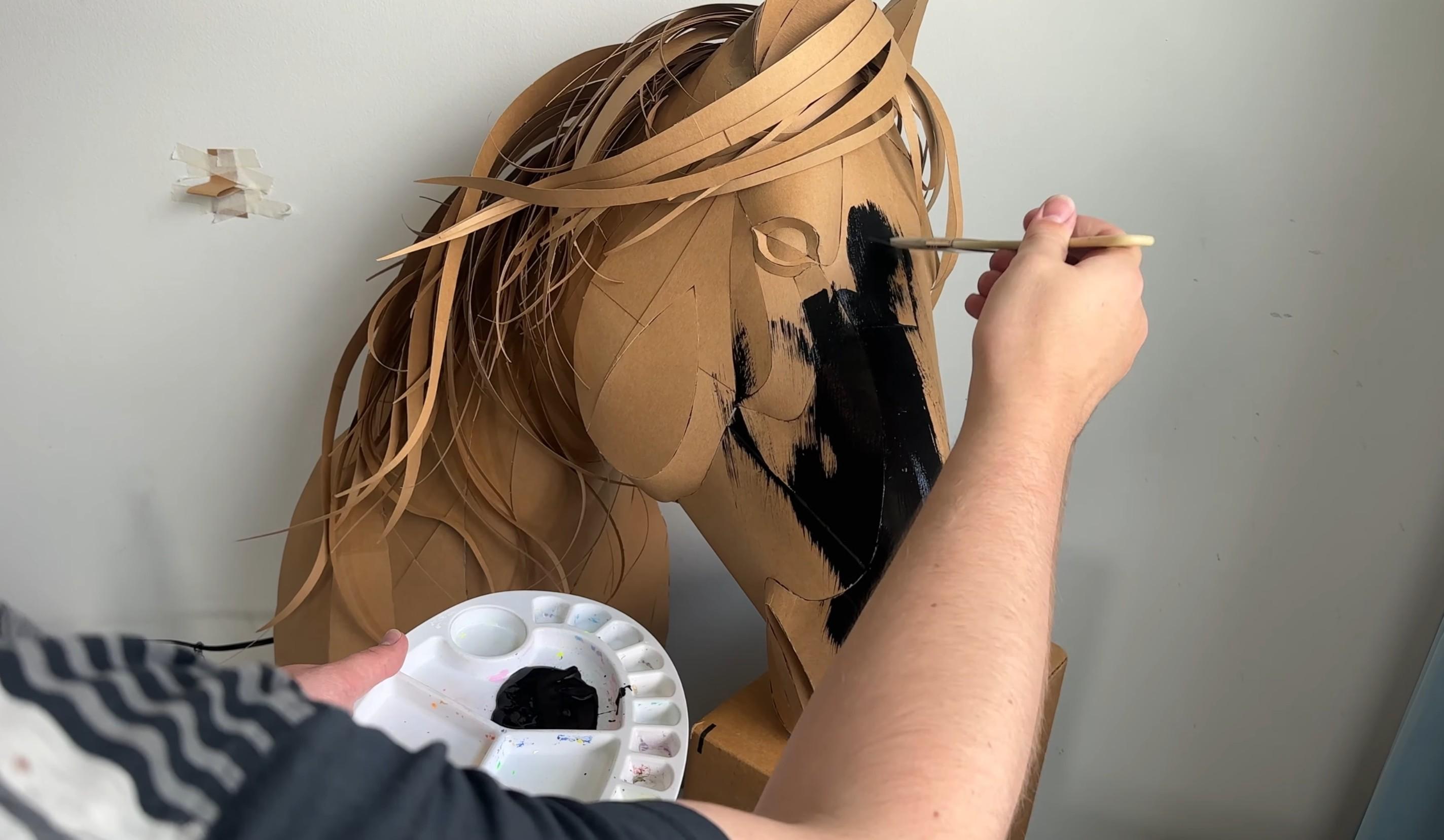
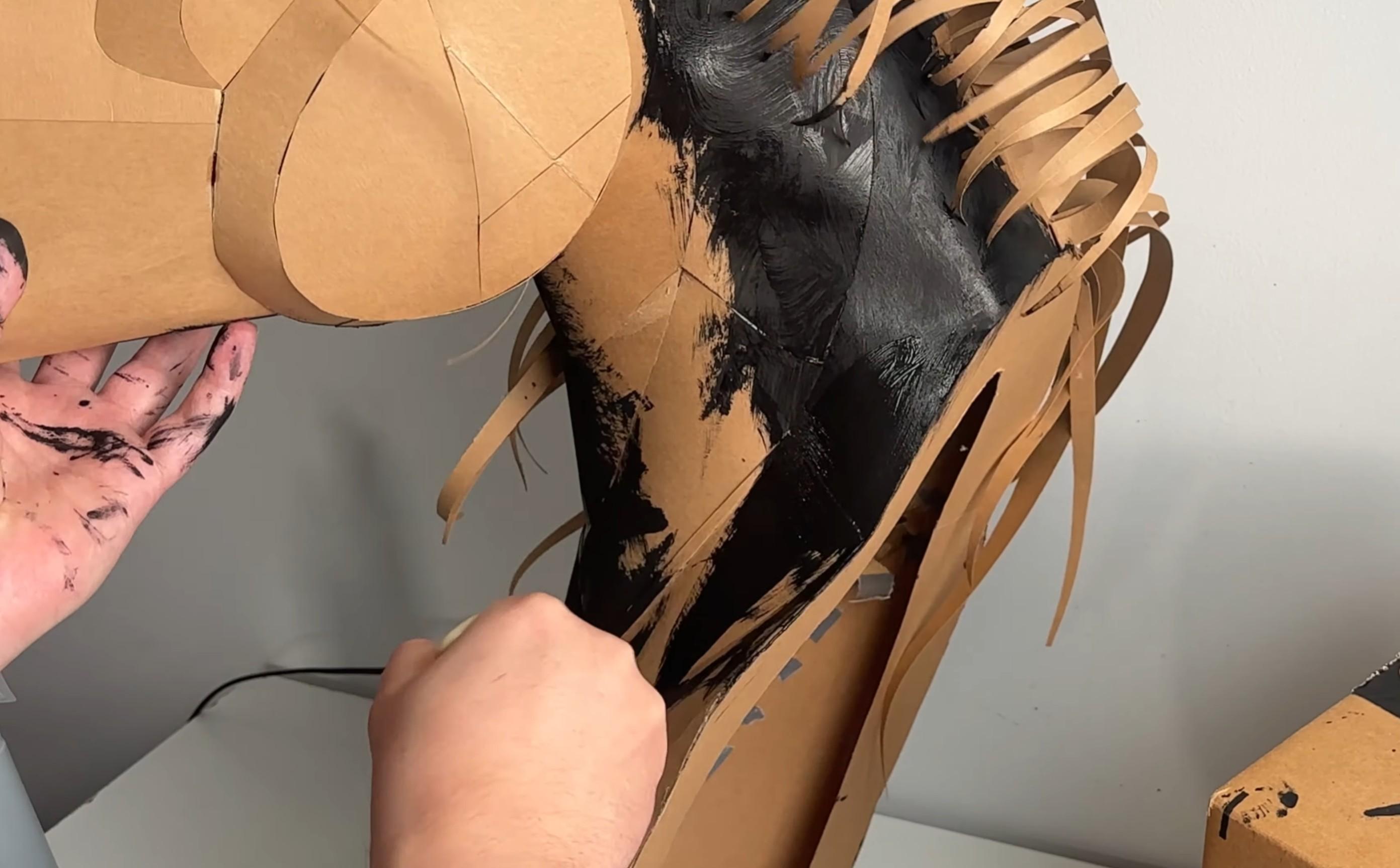
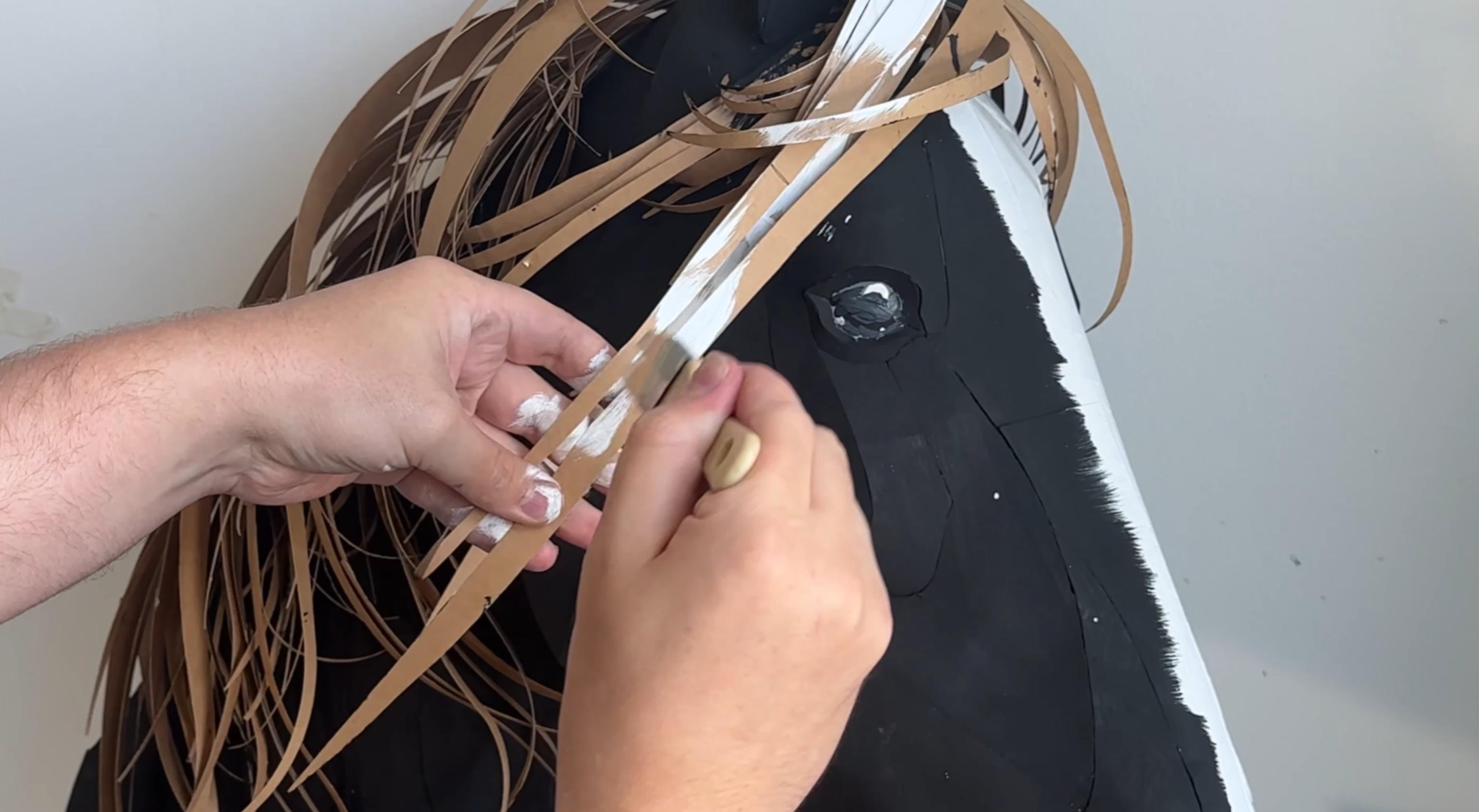
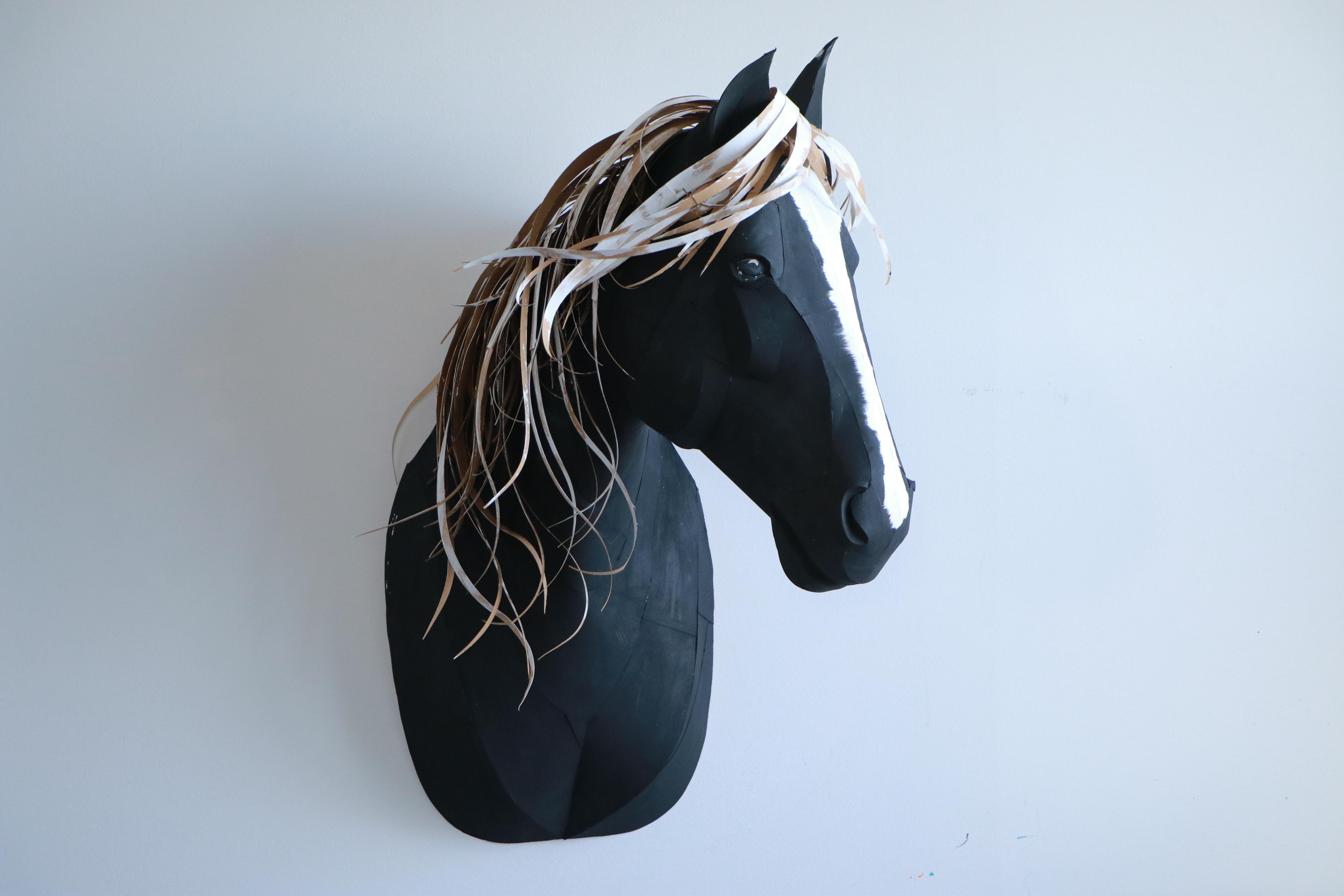
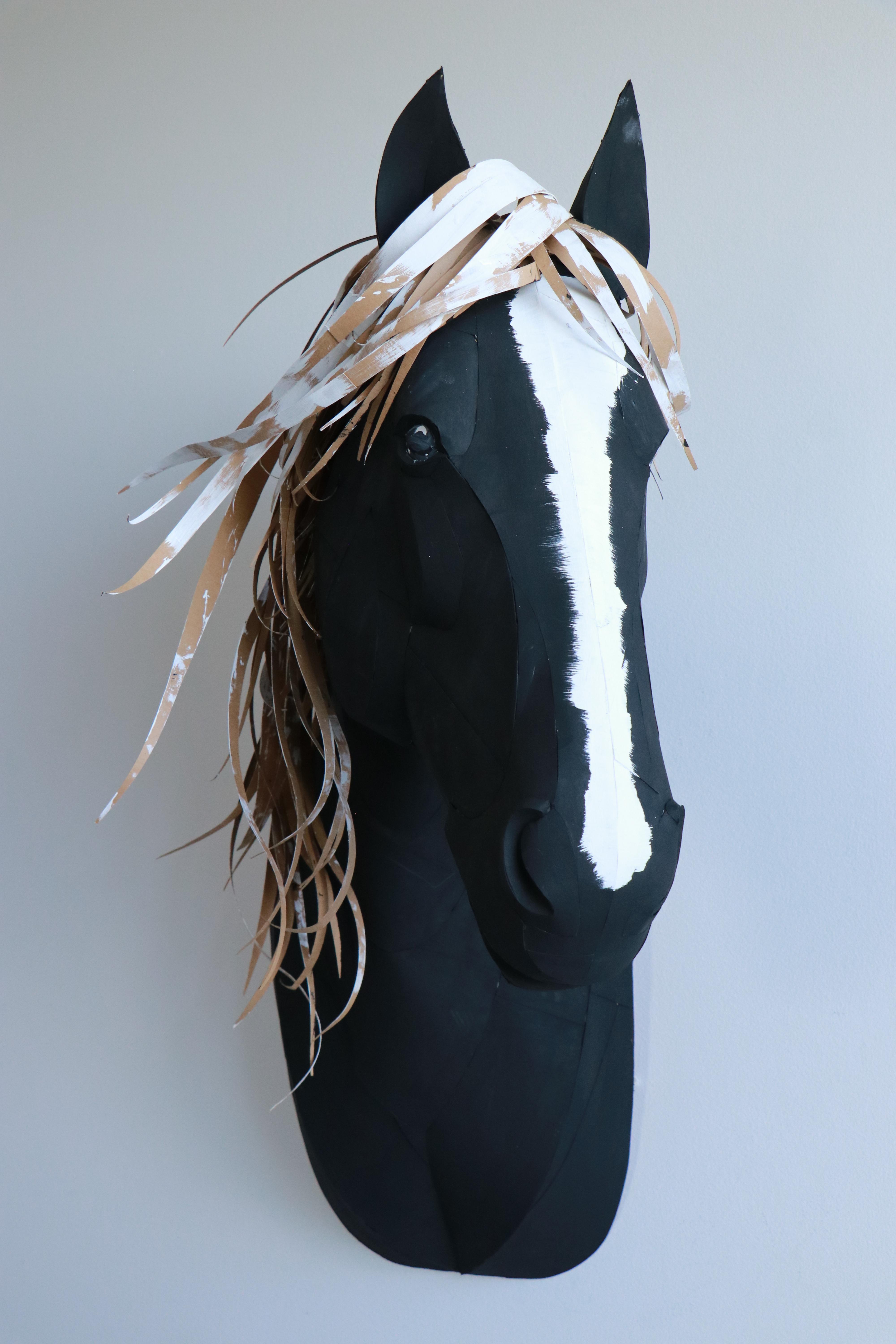
Start by applying the black and white base layers.
Use white for the nose stripe and the mane — this gives a clean foundation for the final coloring.
Apply the Second Layer of Color
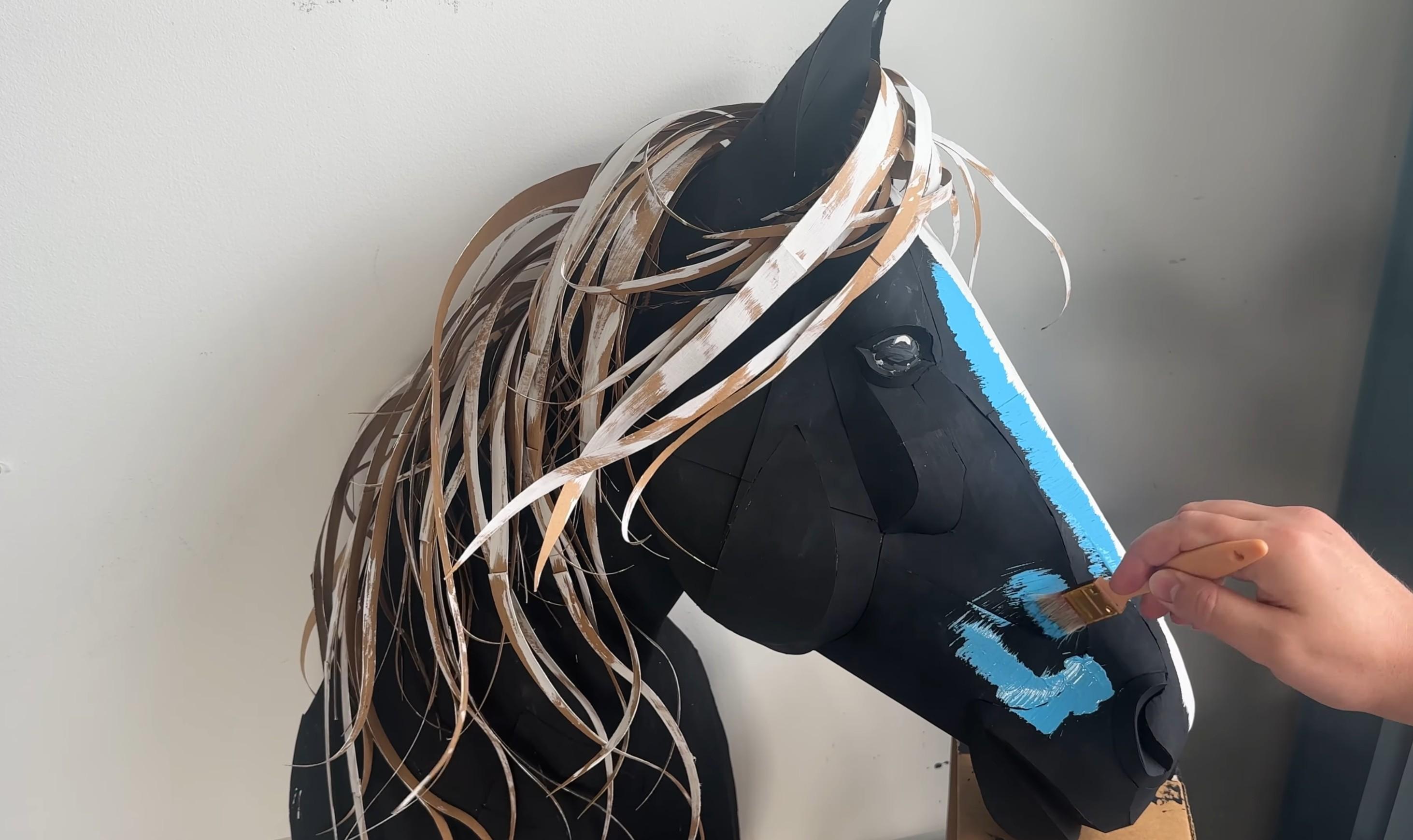
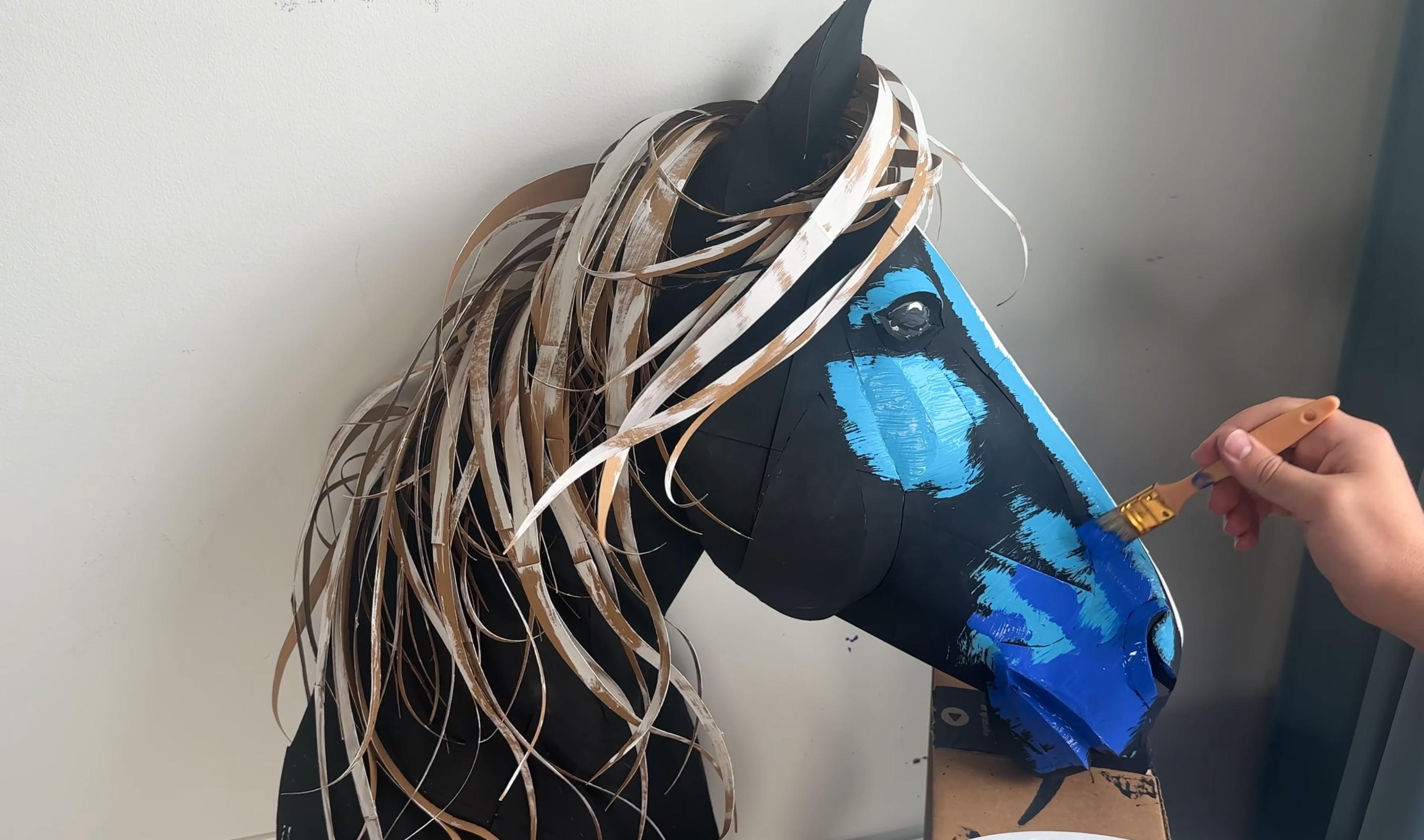
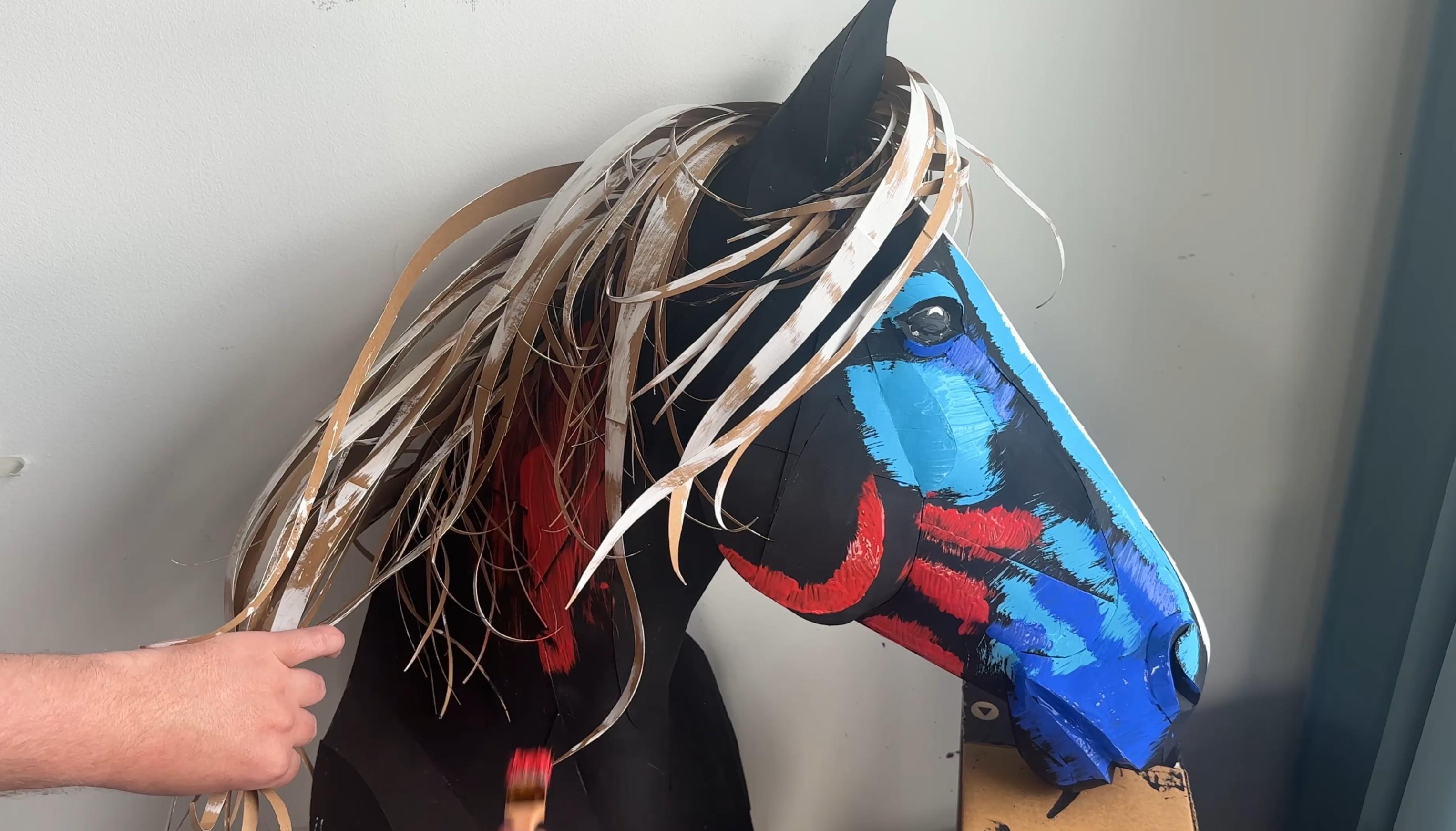
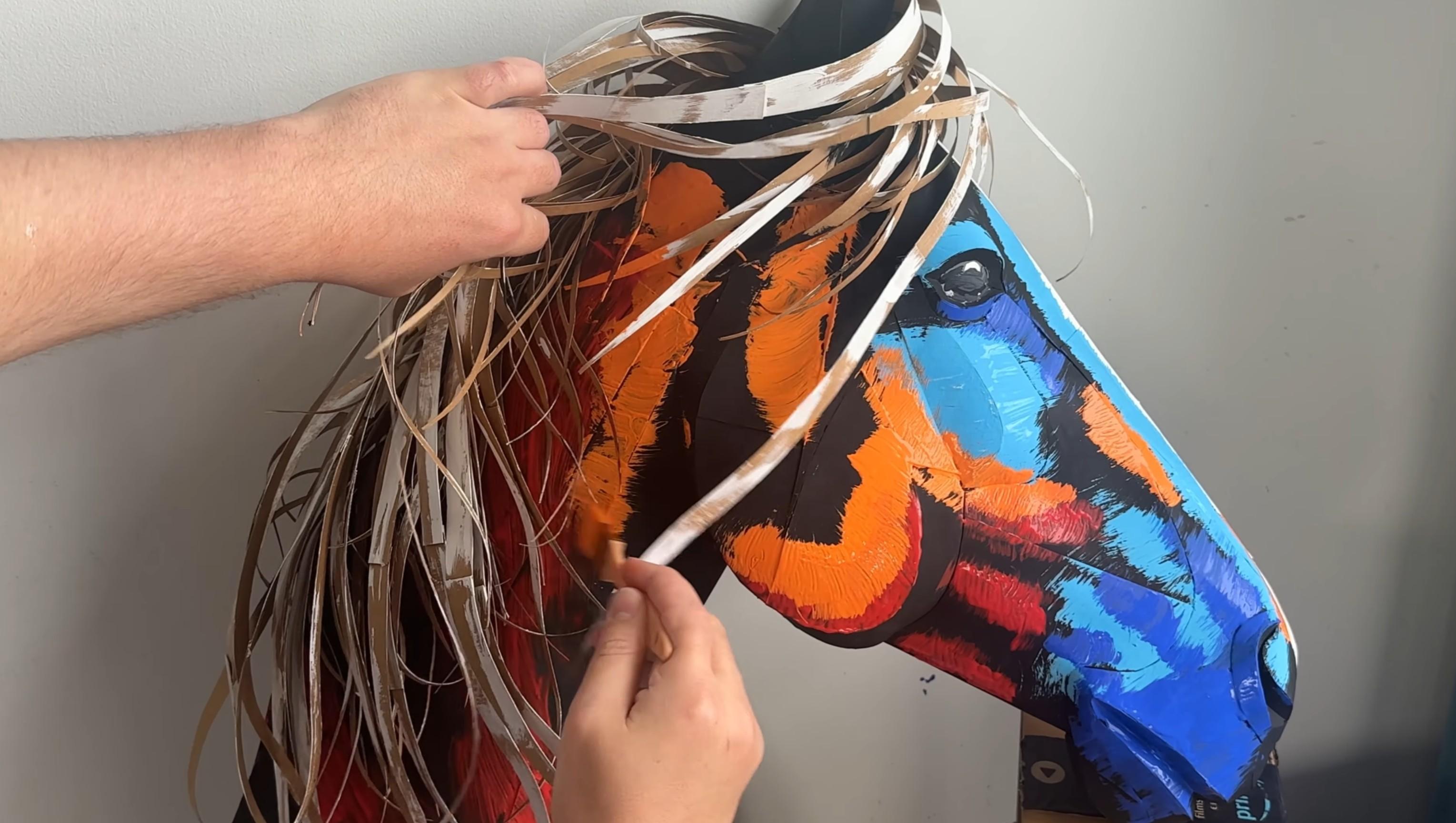
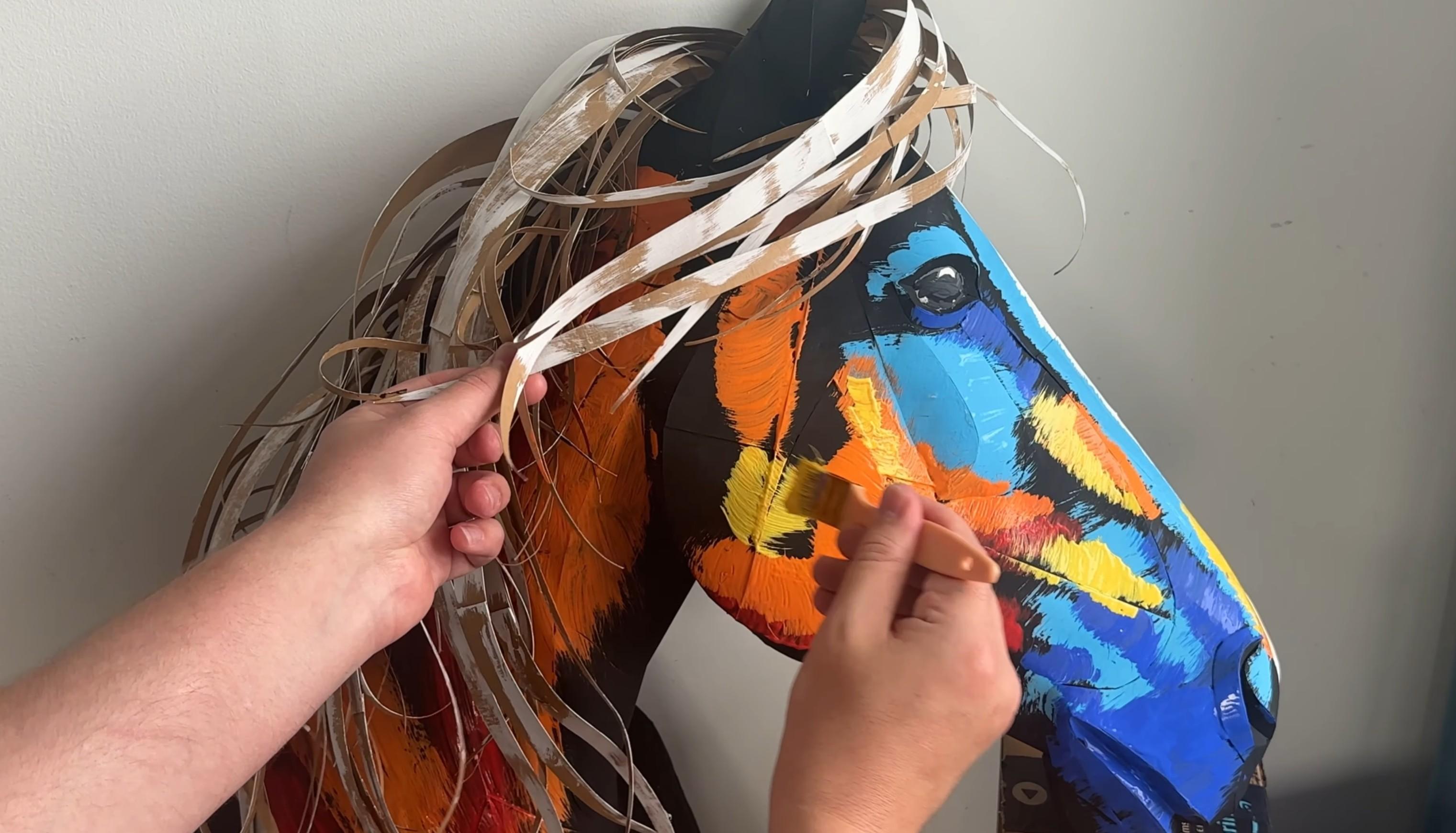
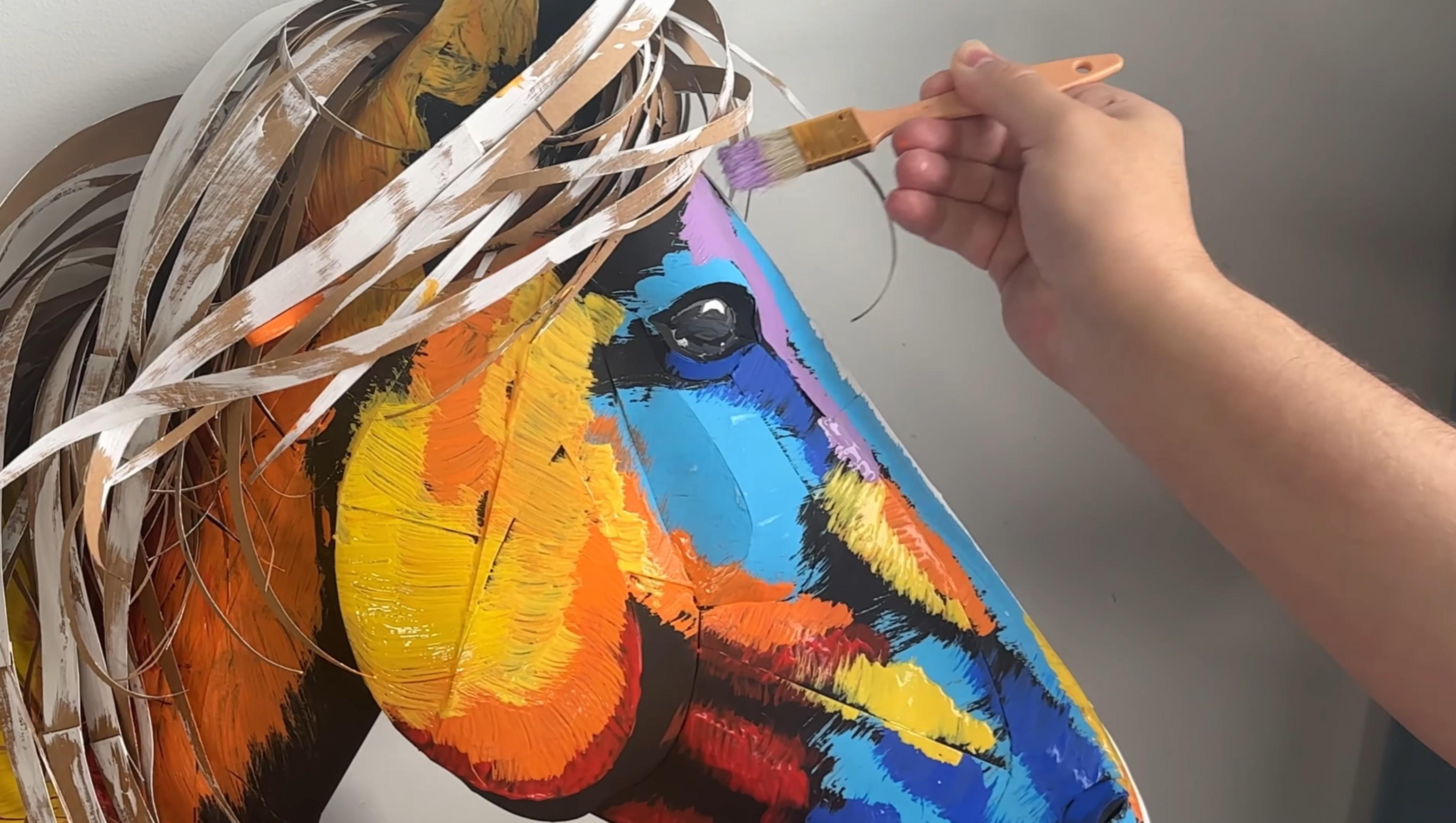
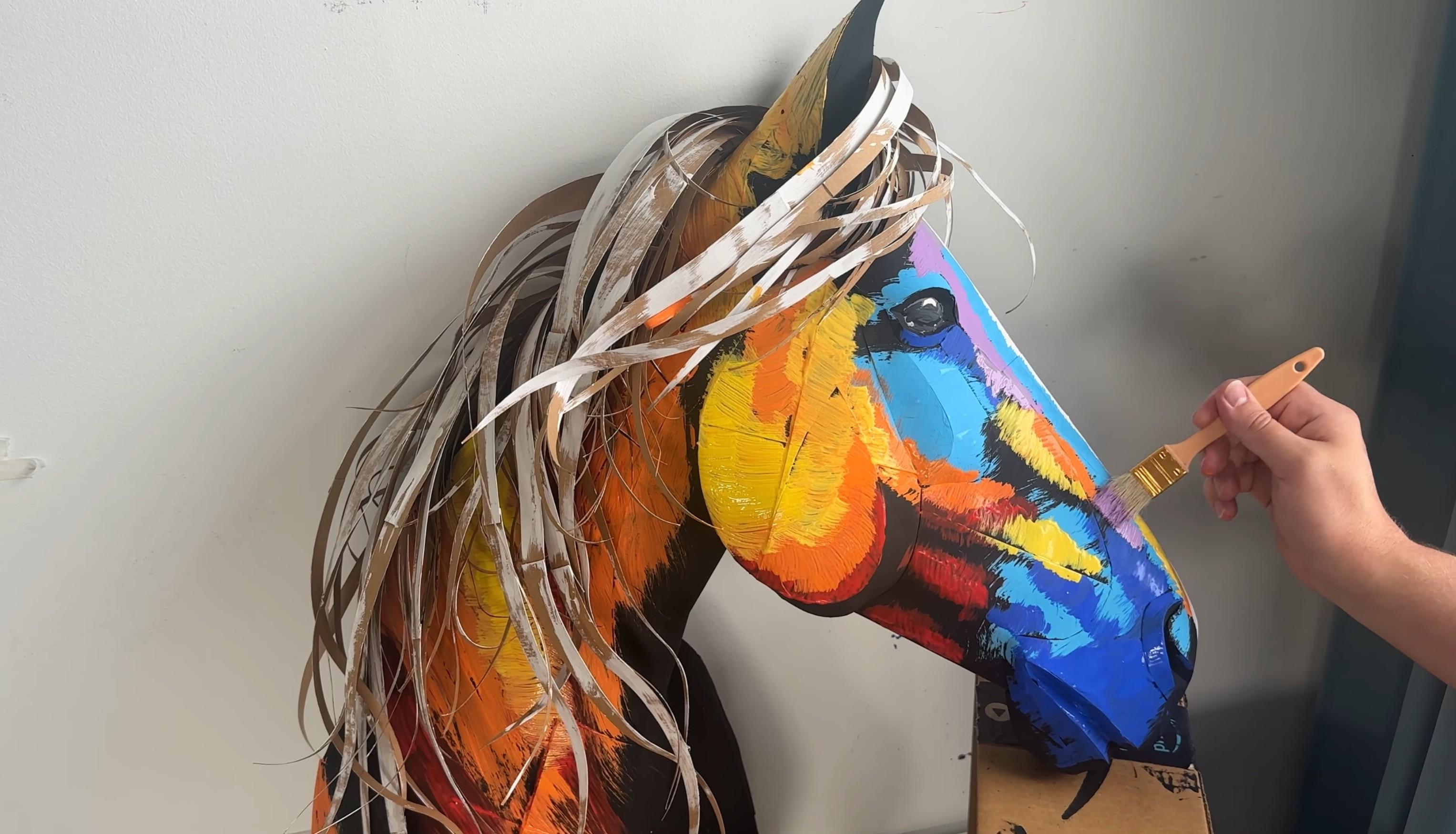
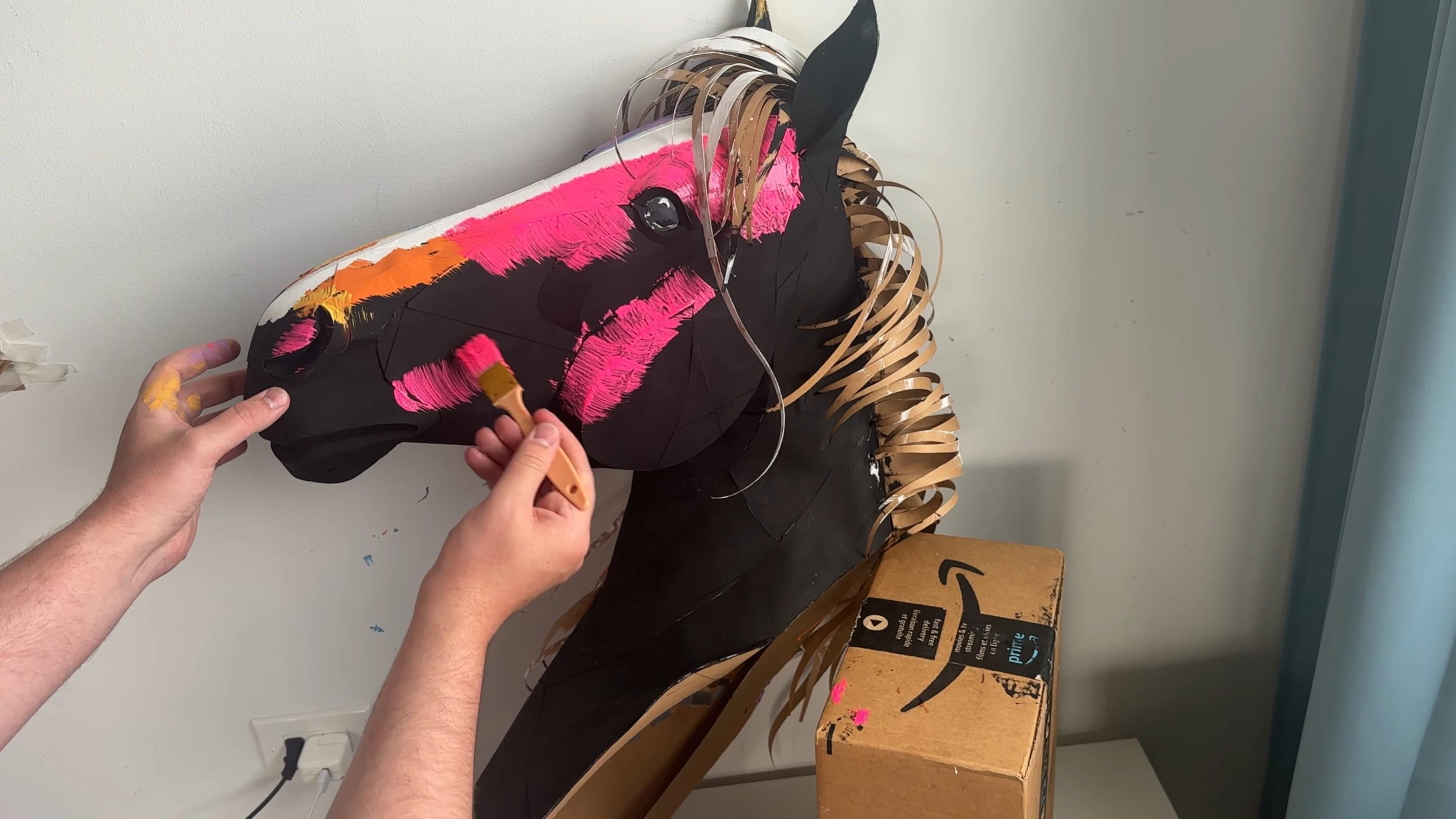
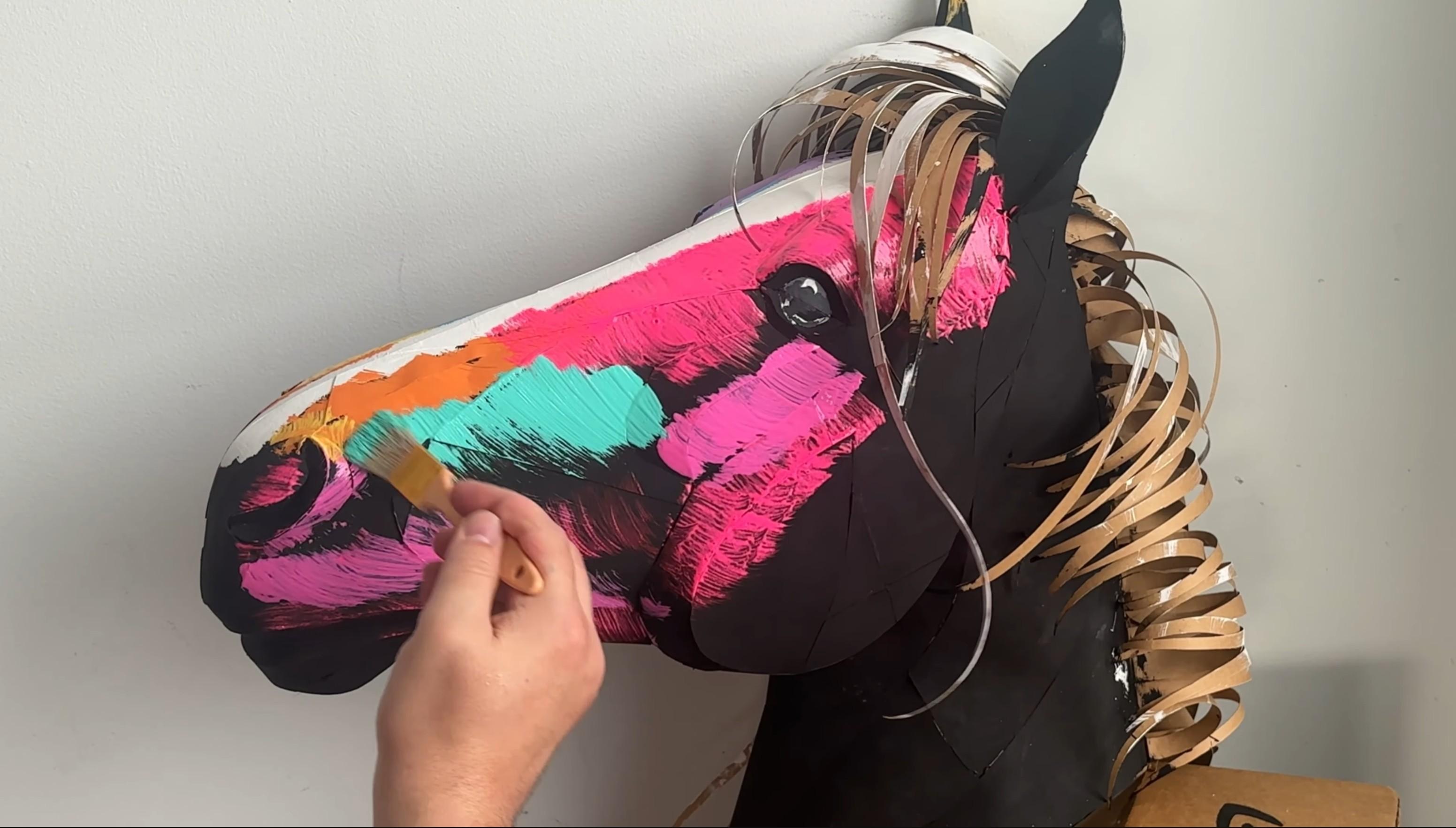
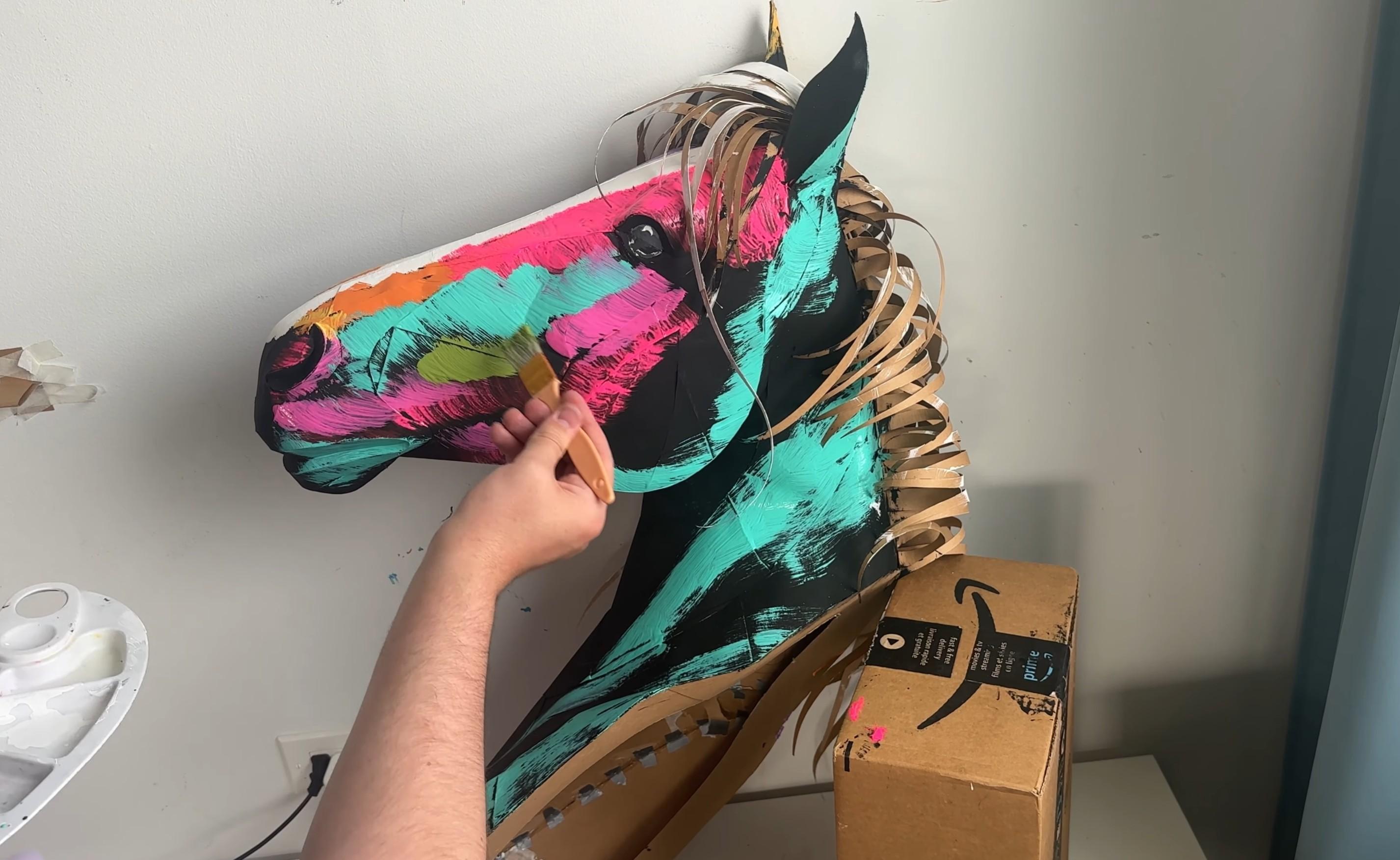
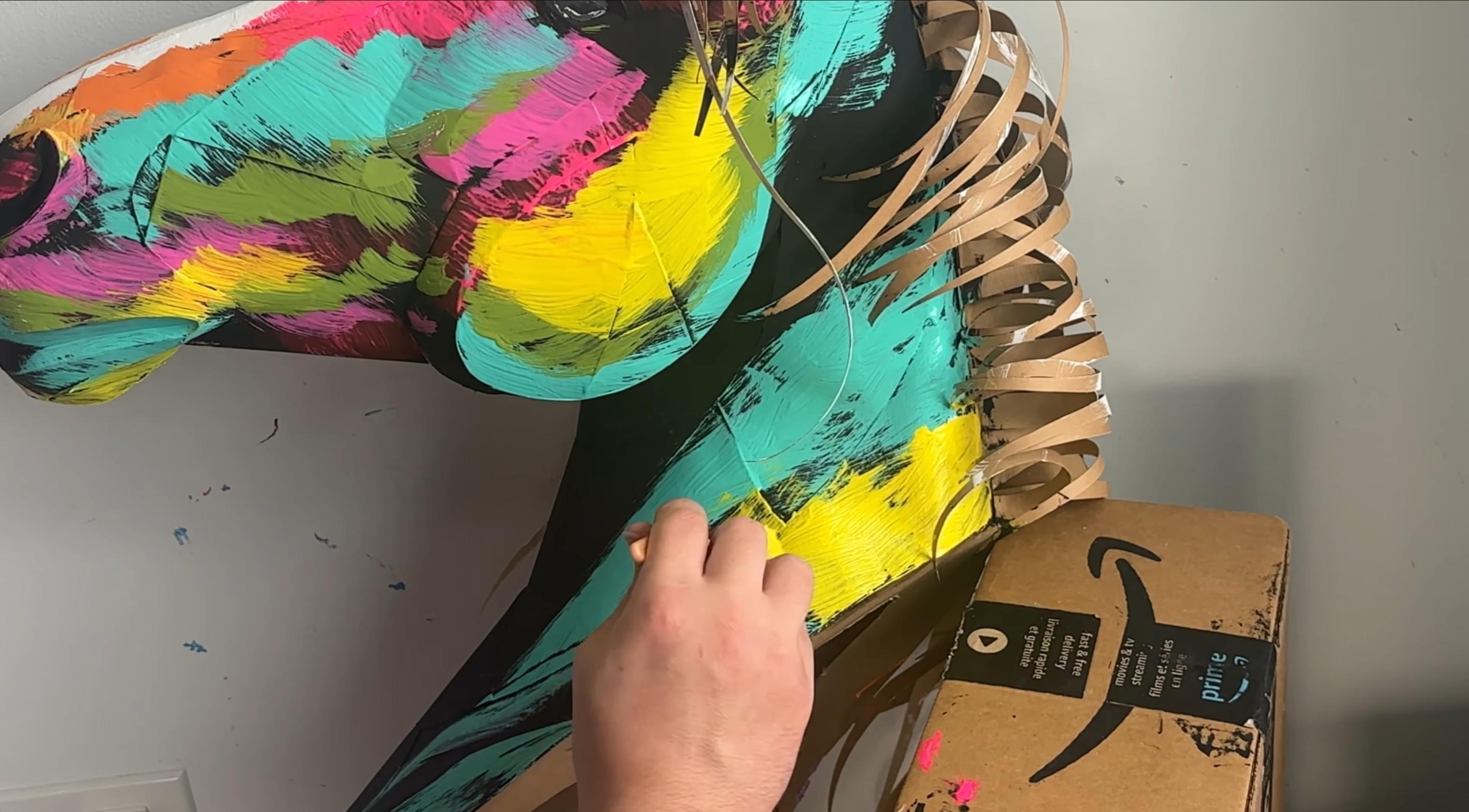
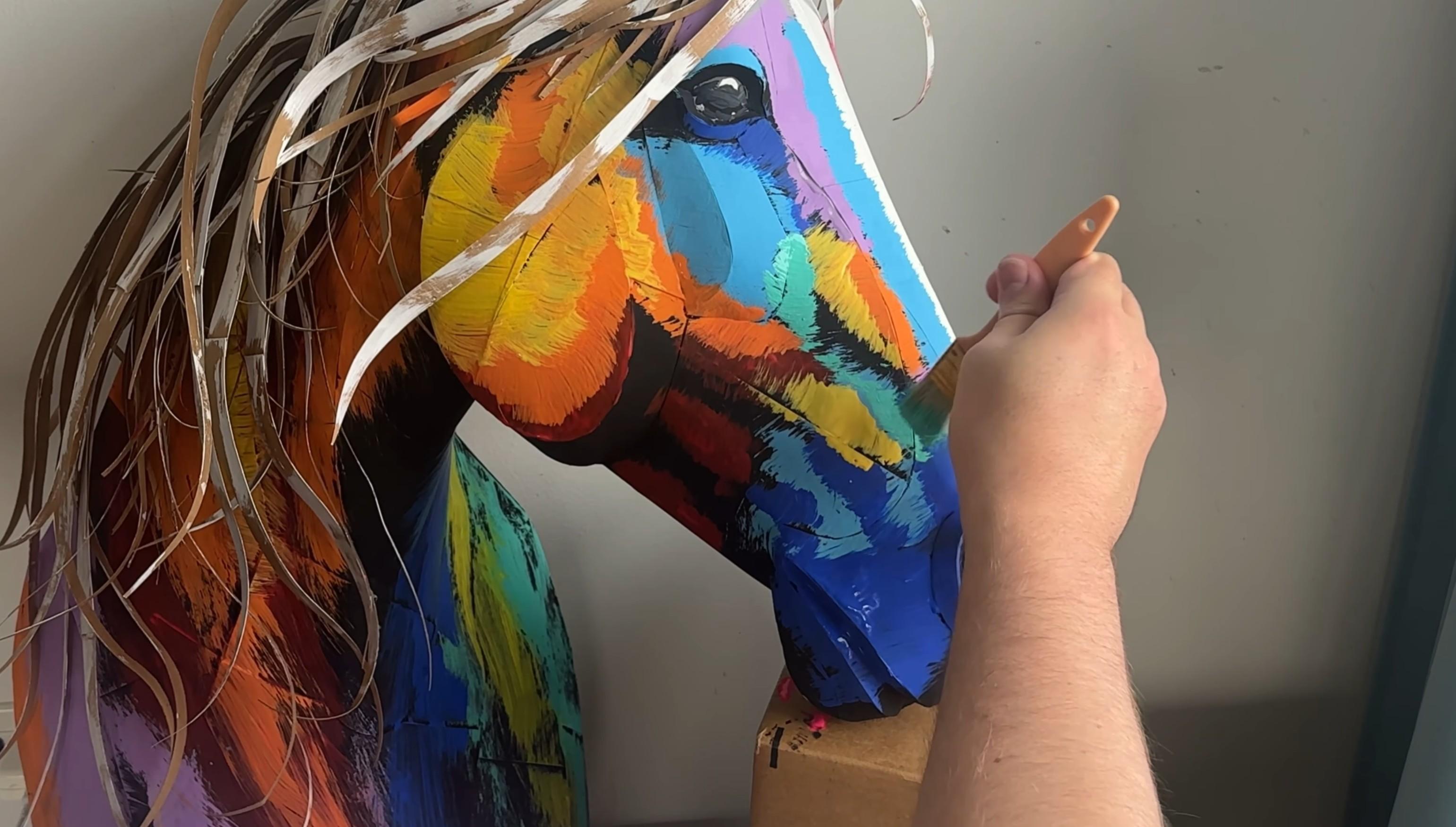
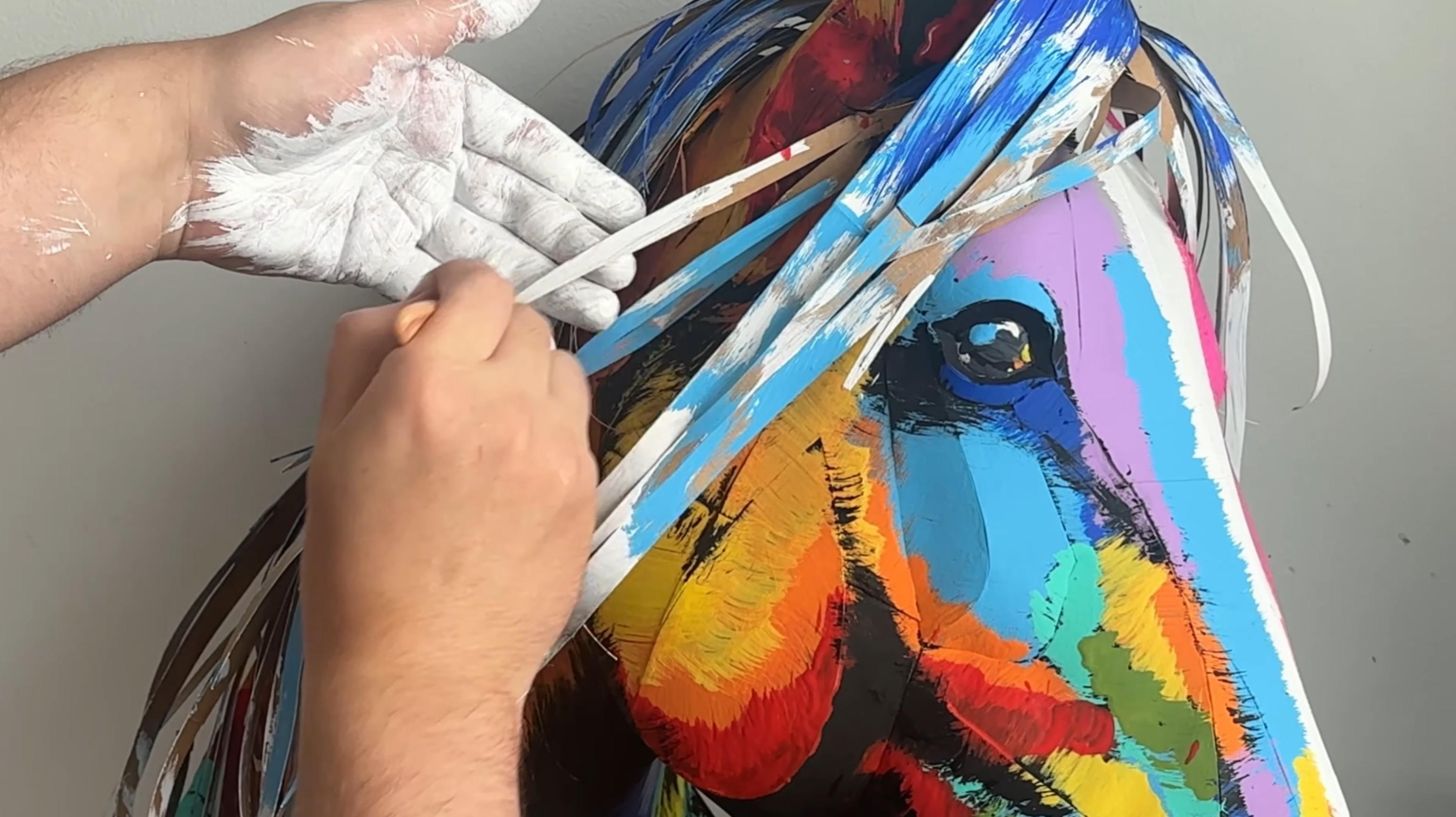
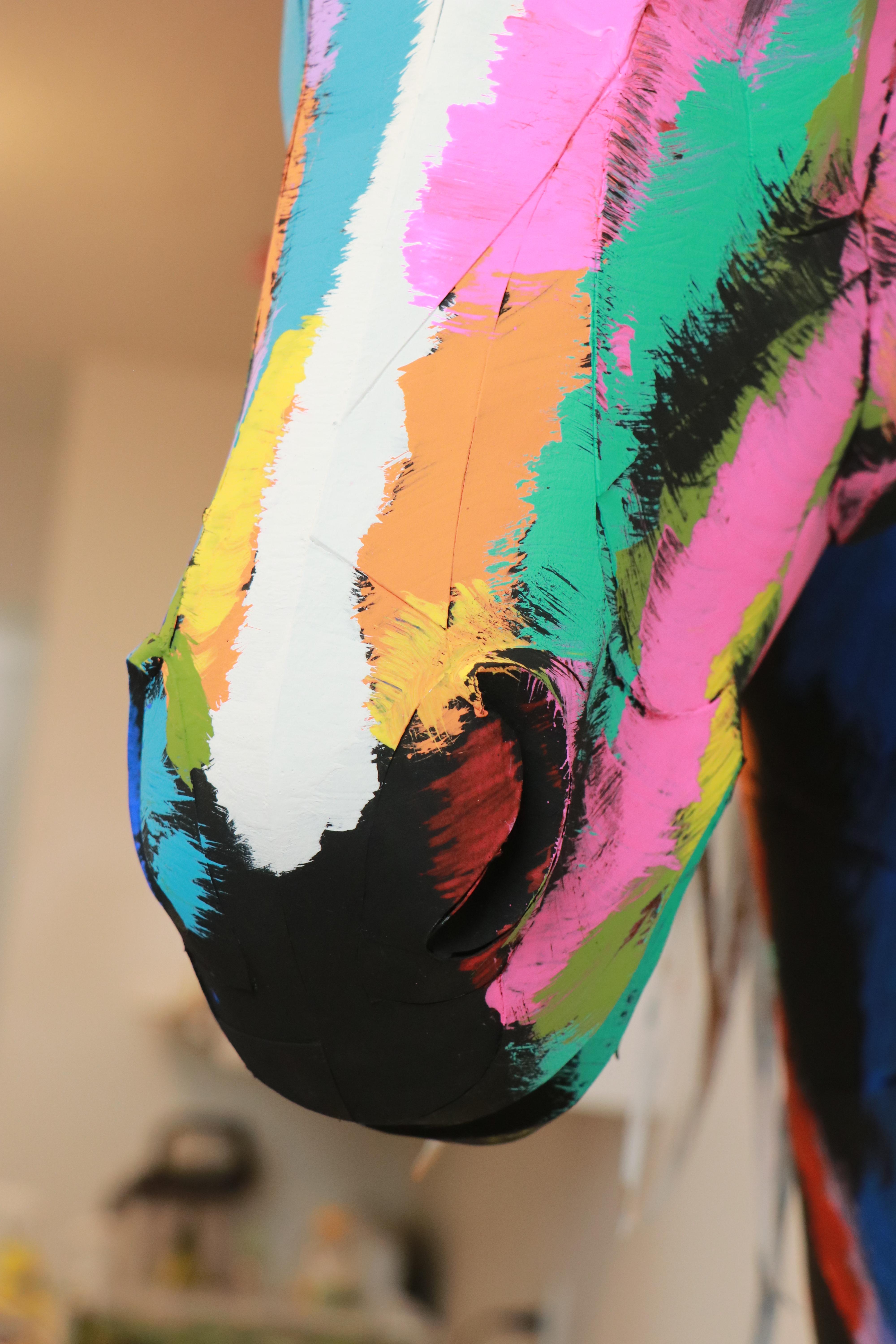
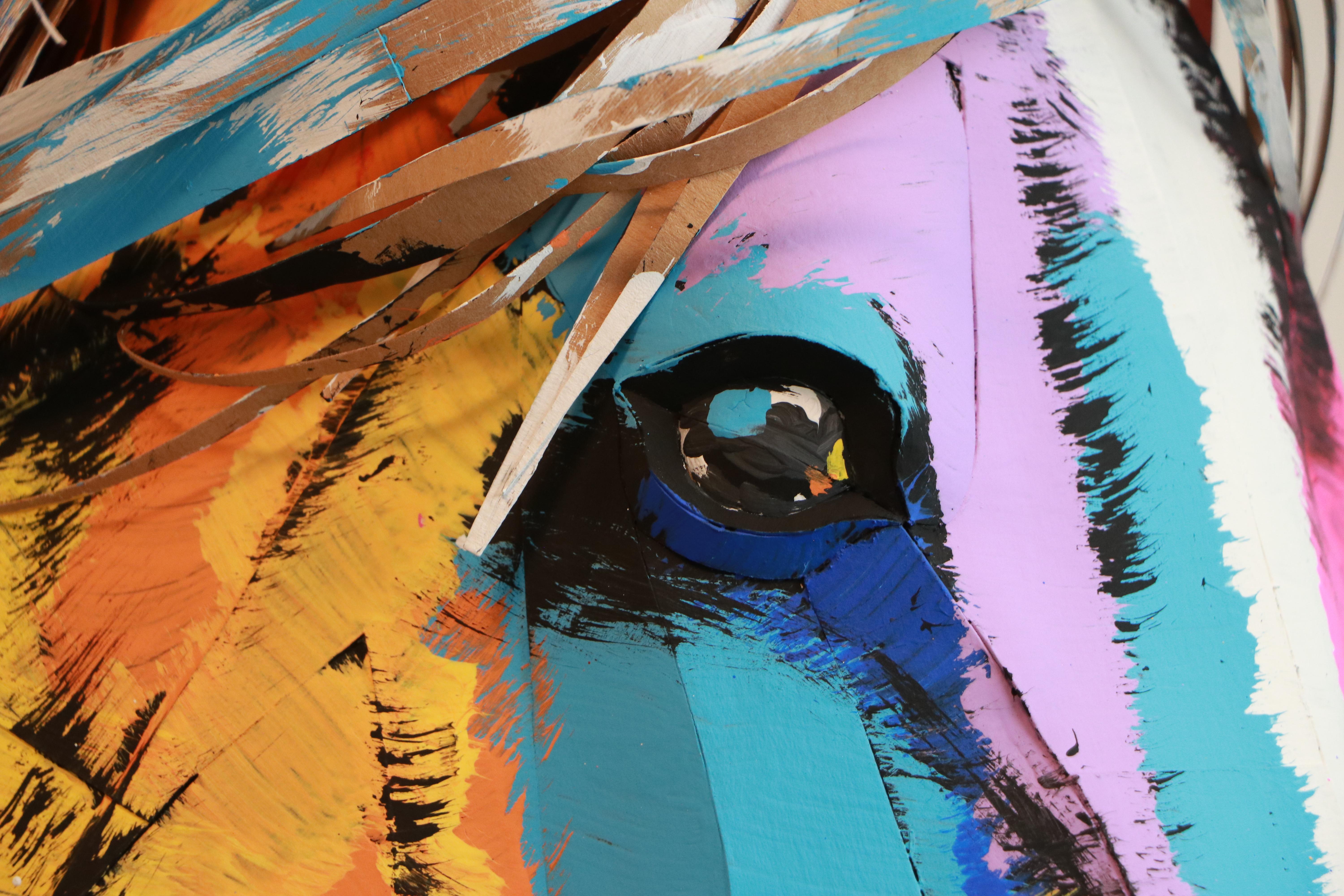
I use acrylic paints for this step. It’s a completely creative process, so don’t be afraid to experiment and be bold with your choices.
I prefer bright, pure colors without mixing, applied with a large, stiff brush.
This technique doesn’t require precision — just a bit of focus. The process is fun, simple, and very enjoyable.
Apply each color one by one, using smooth, consistent brush strokes.
Here is the sequence I use:
- Light blue
- Dark blue
- Red
- Orange
- Semi-yellow tone
- Purple
- Pink
- Aqua / Azure
Result

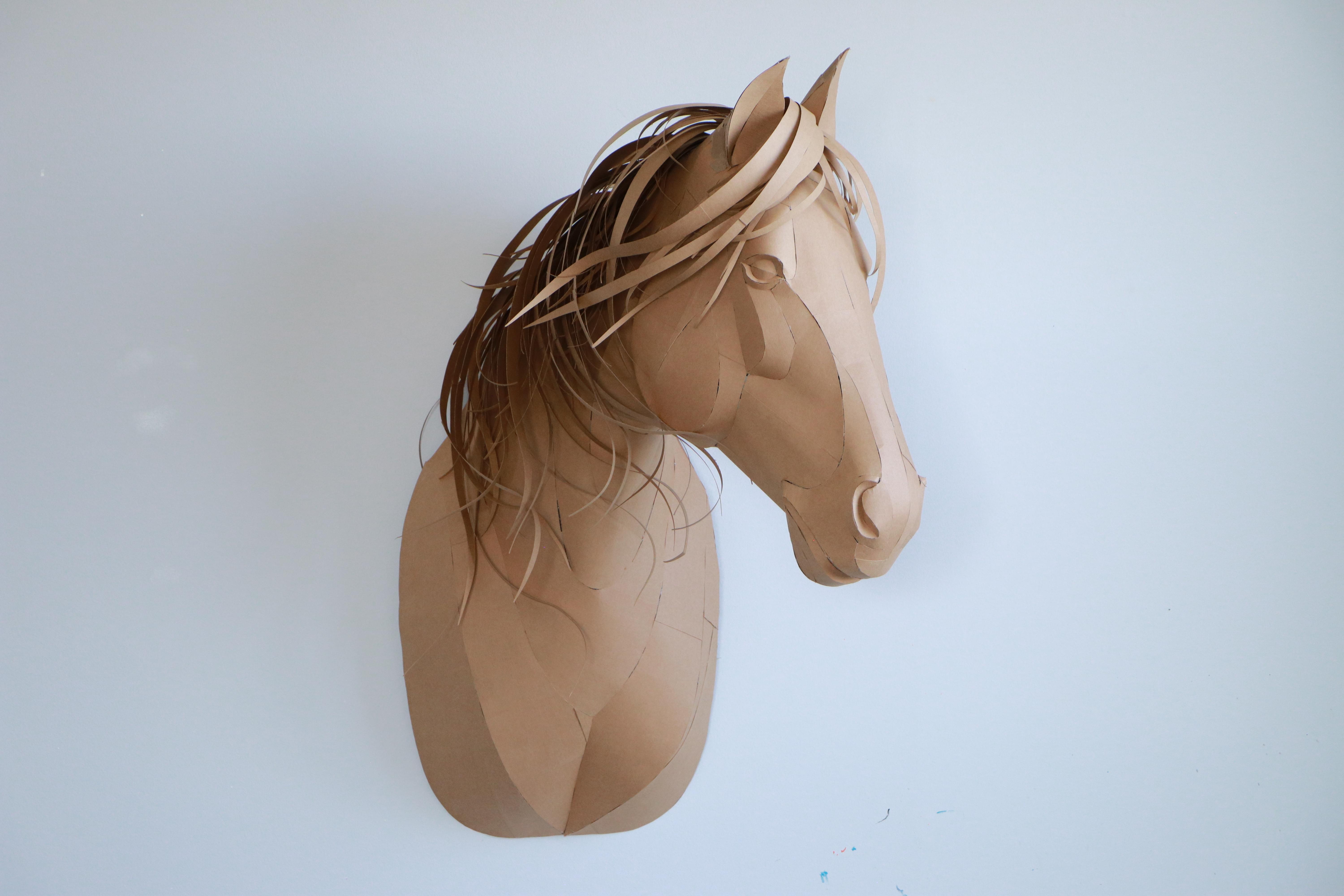
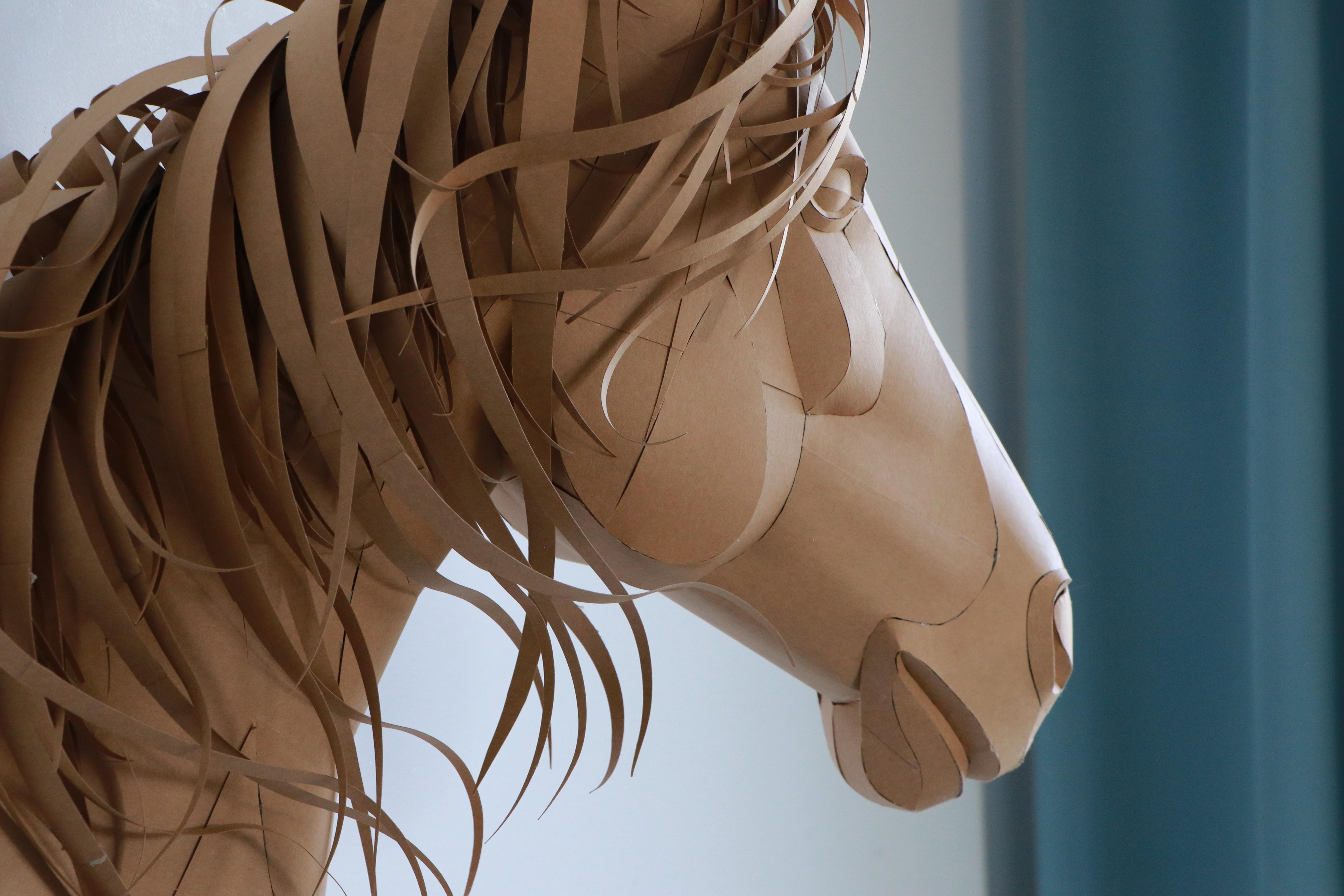
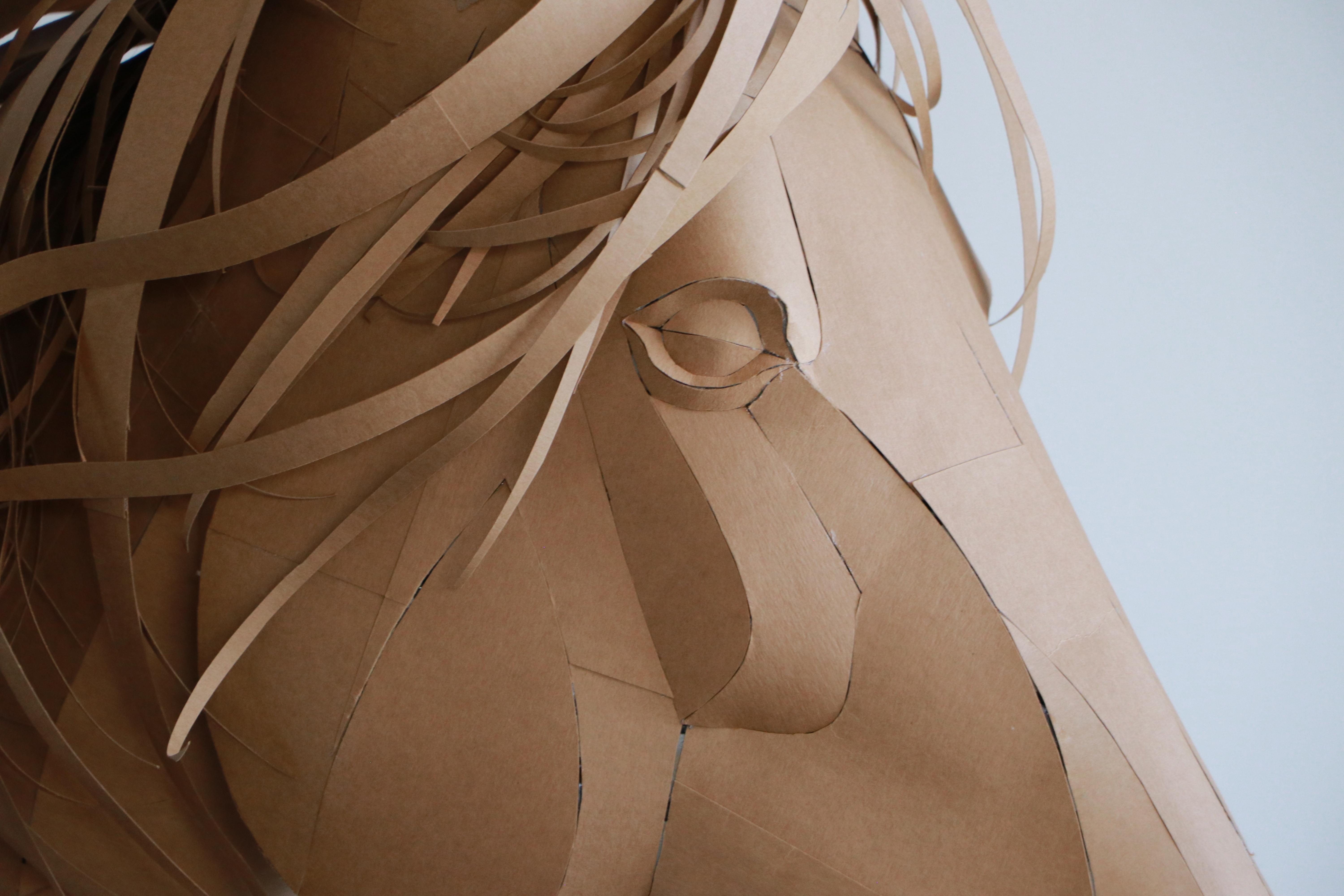
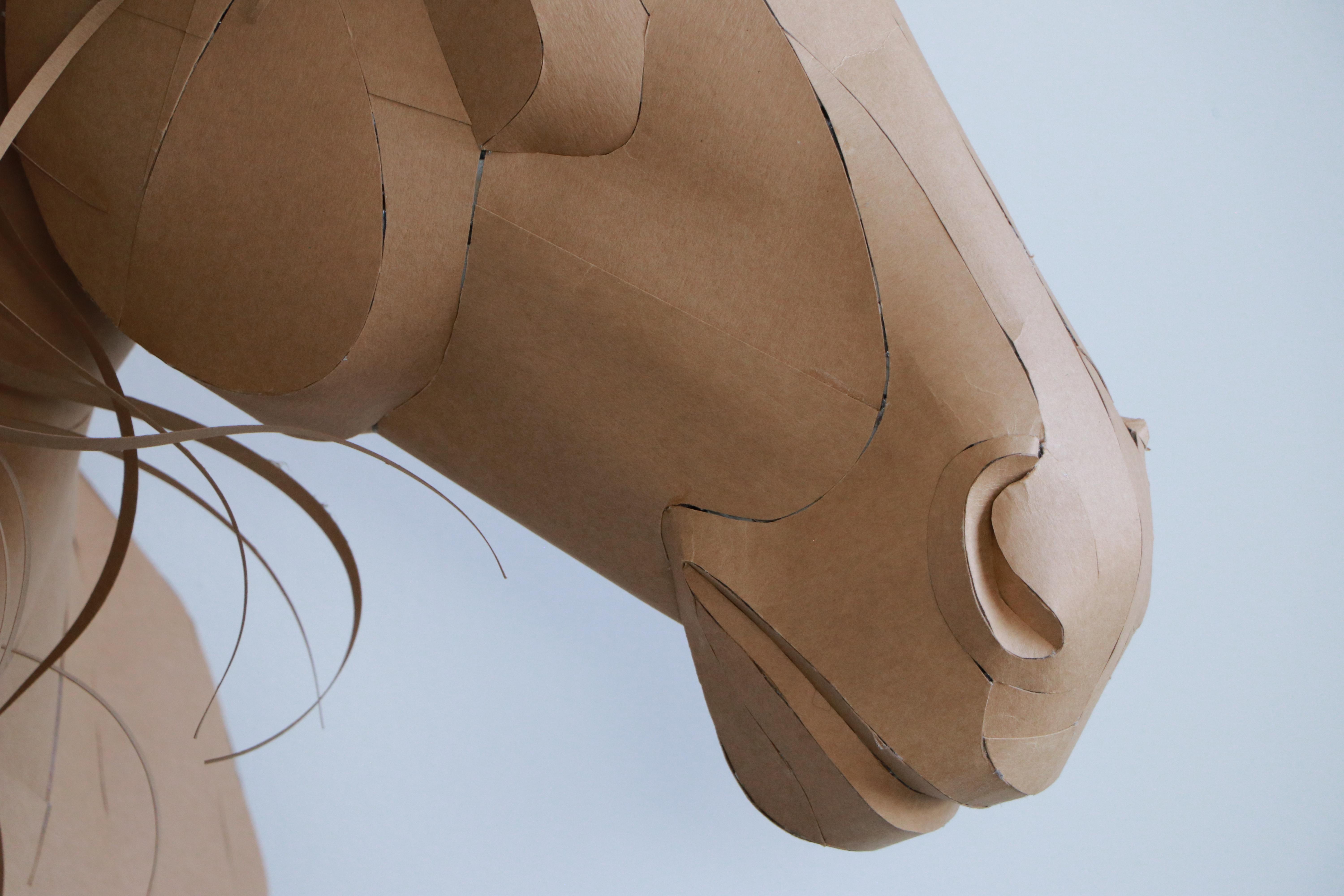
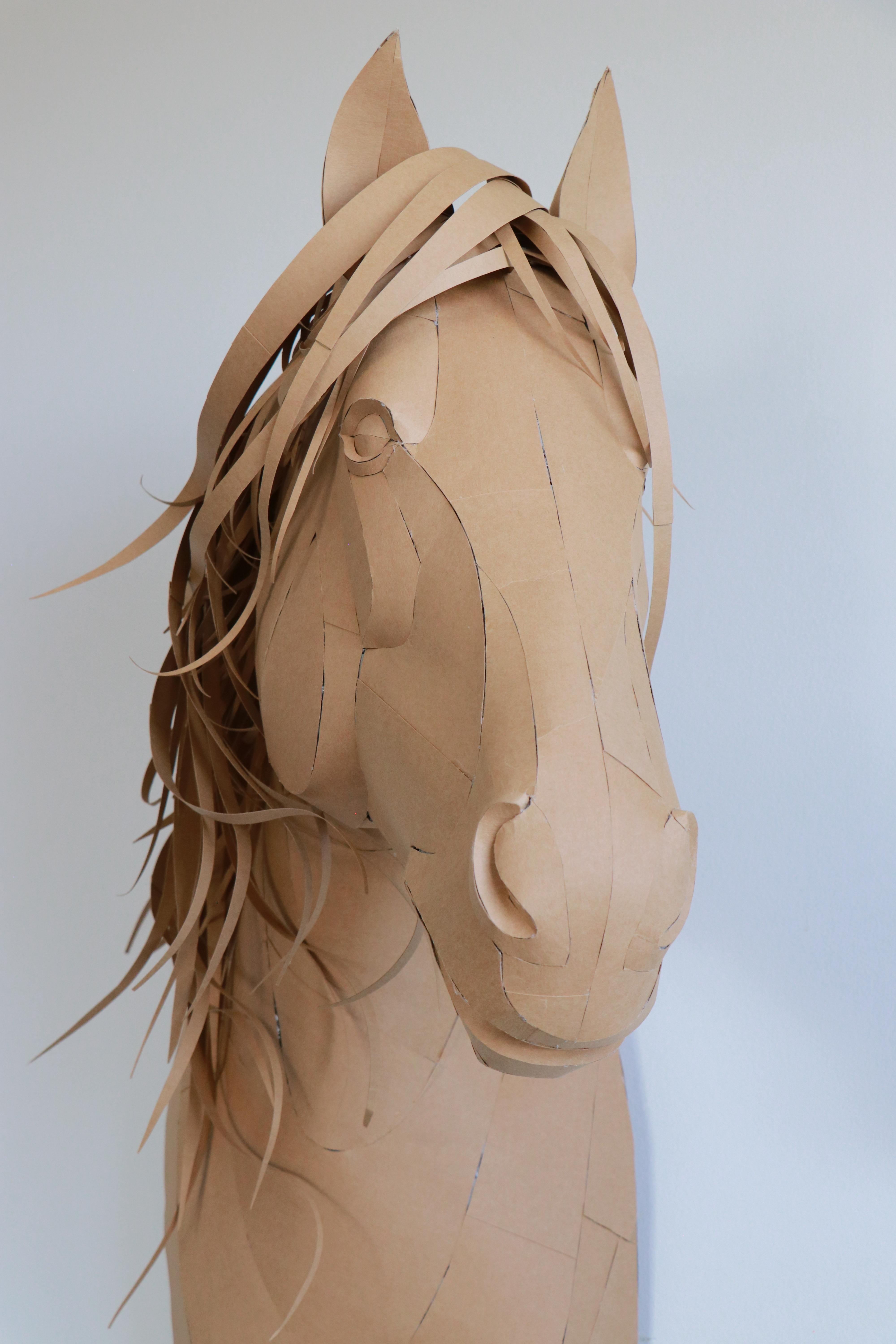
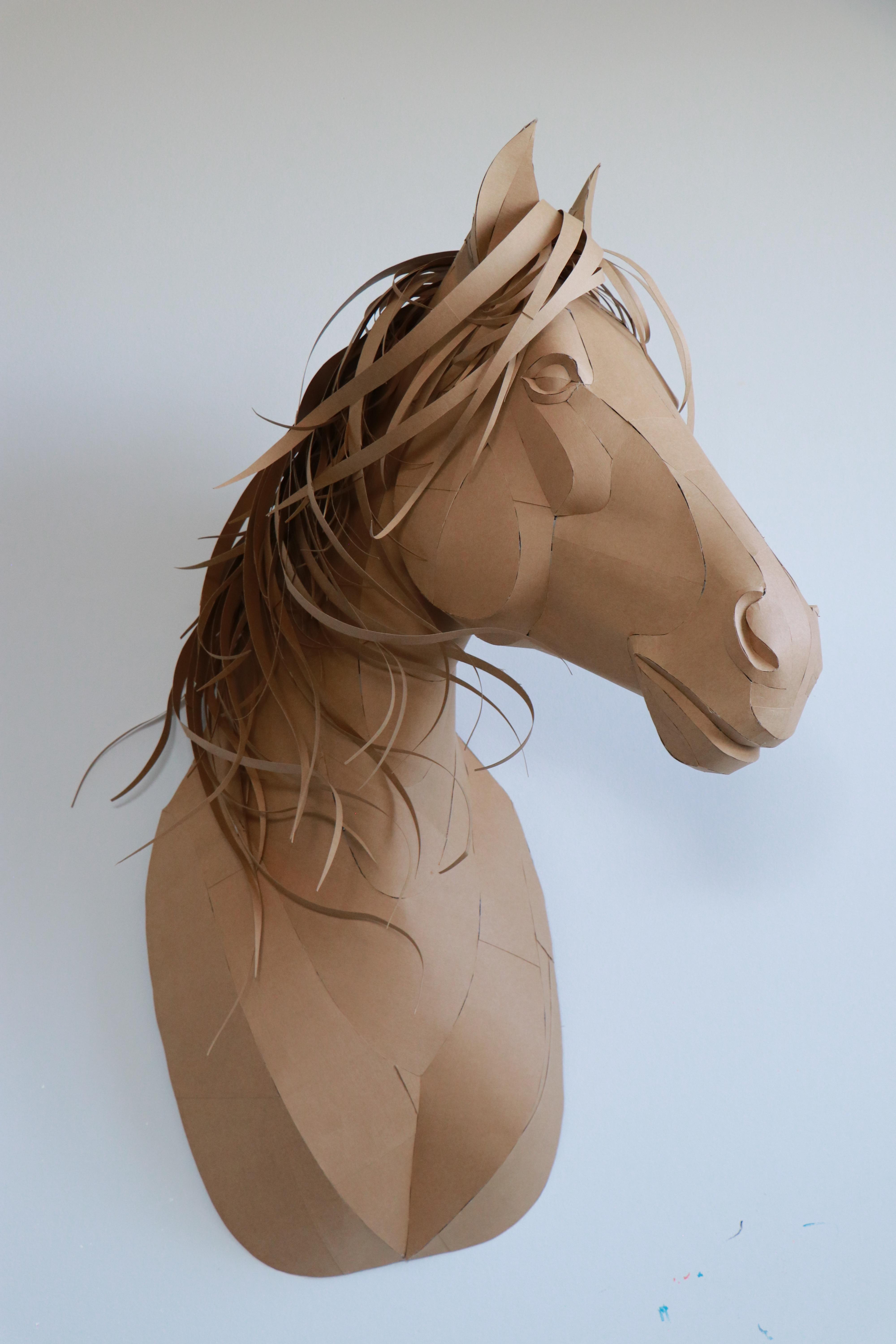
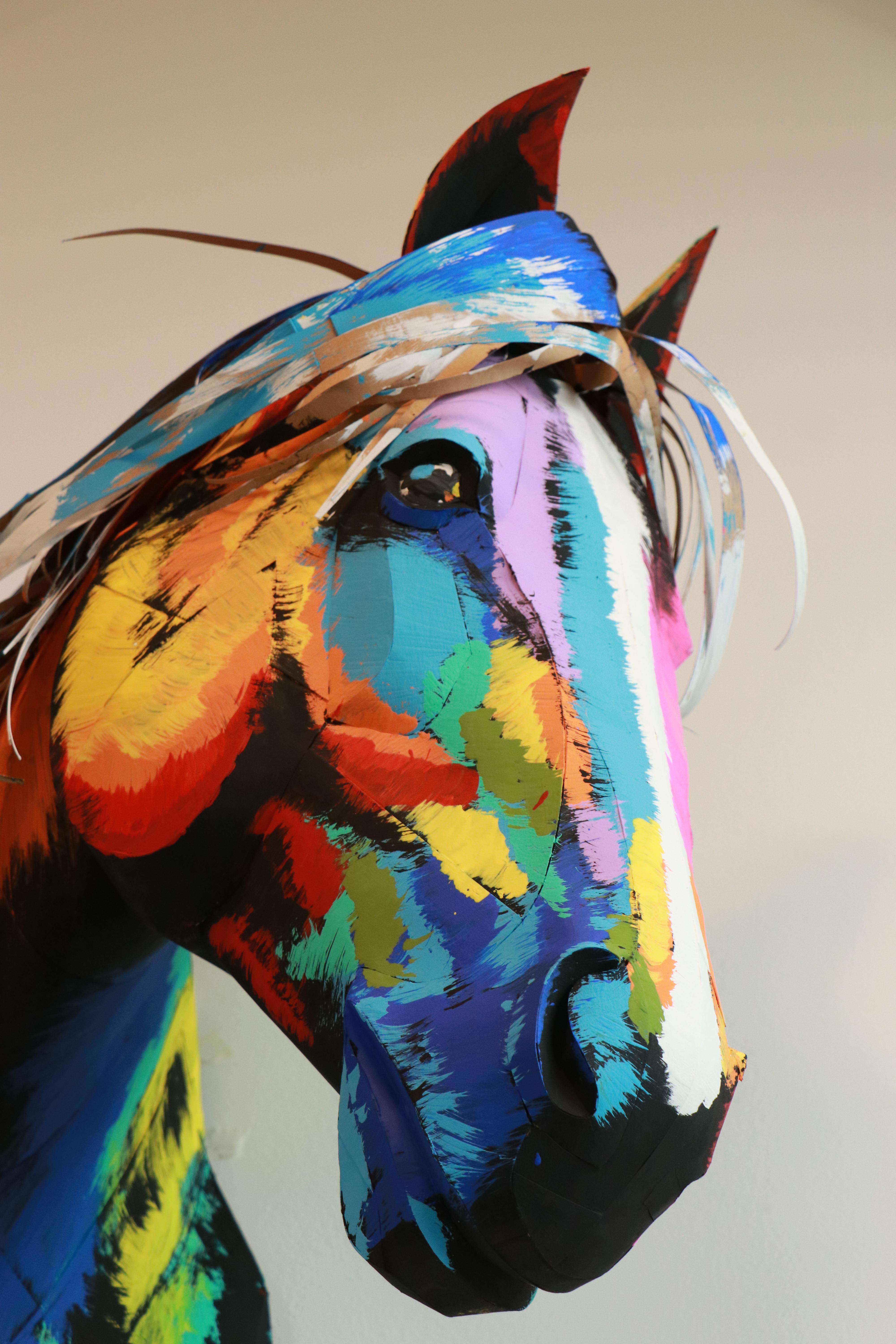
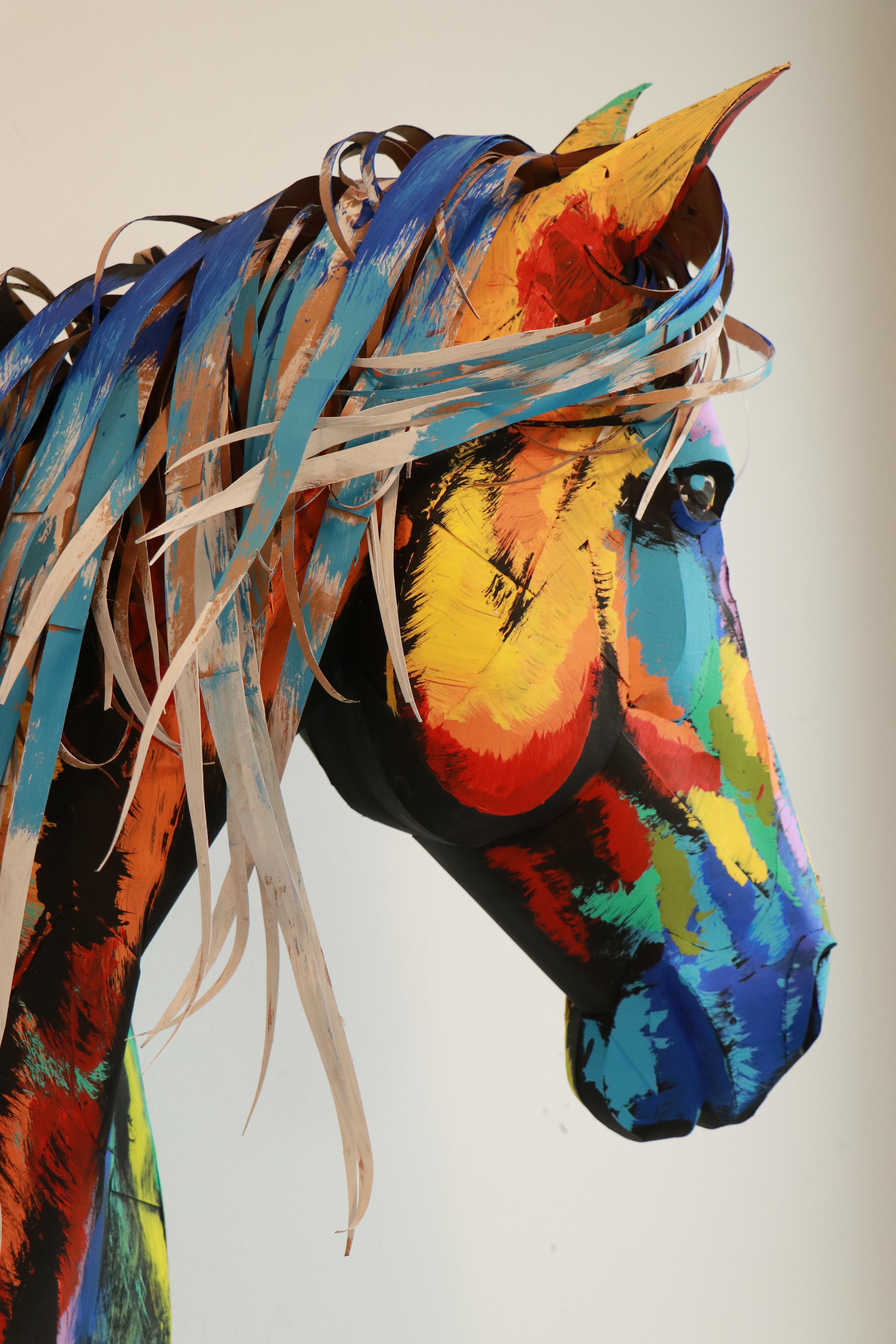
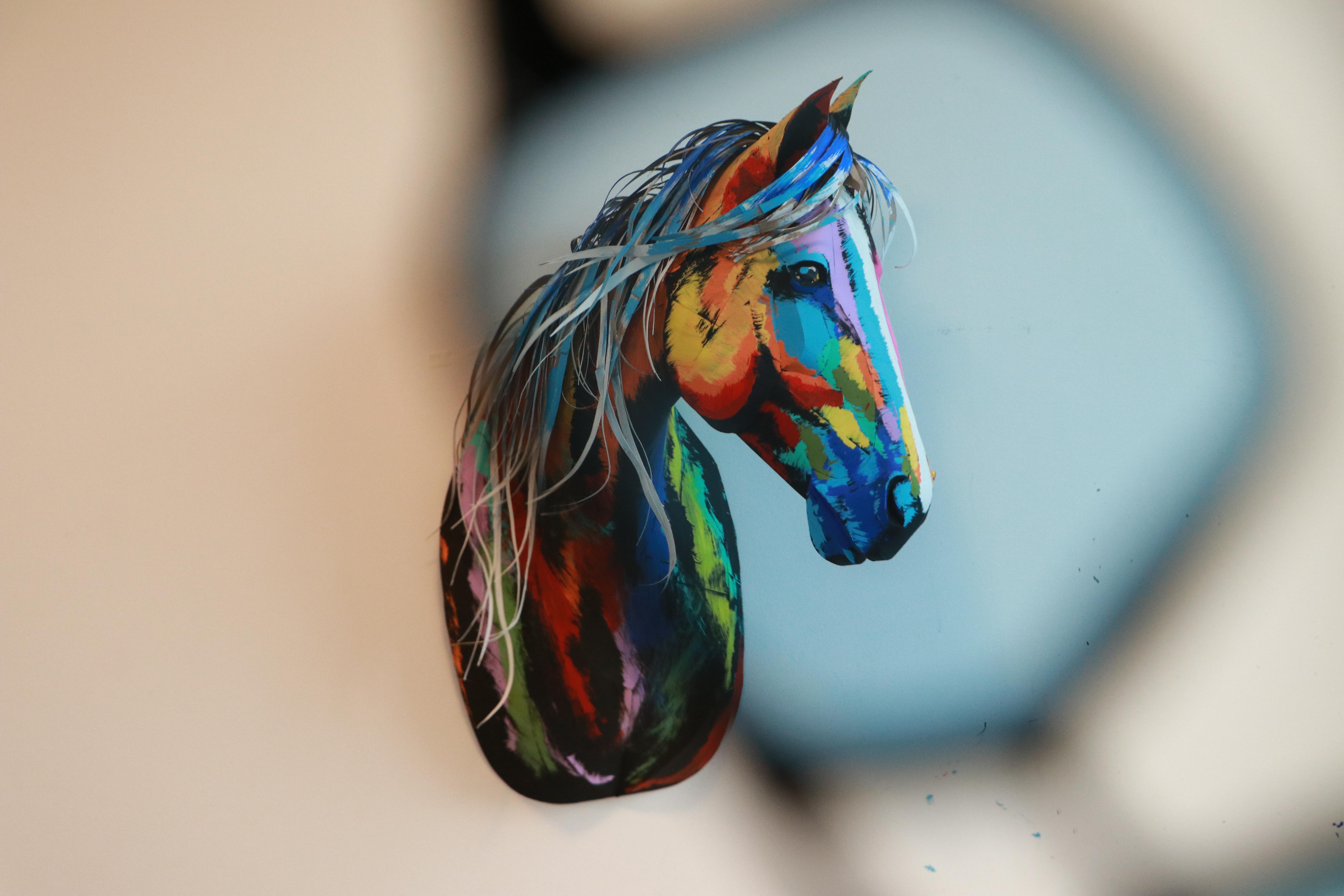
The finished 3D horse sculpture looks lively and stylish. You can customize it by adding decorative flowers or placing it into a themed wall composition.
Next time, I plan to paint it in pastel colors and even add a horn to create a unicorn version—perfect for a kids' room.
1) The cardstock I used was purchased at Michaels.
2) The template can be downloaded on the website.
3) Designed and unfolded in the early beta version of Lacriator.