DIY Wind Tunnel With Drag and Lift/Downforce Measurement
by sathwikE in Workshop > Science
320 Views, 6 Favorites, 0 Comments
DIY Wind Tunnel With Drag and Lift/Downforce Measurement
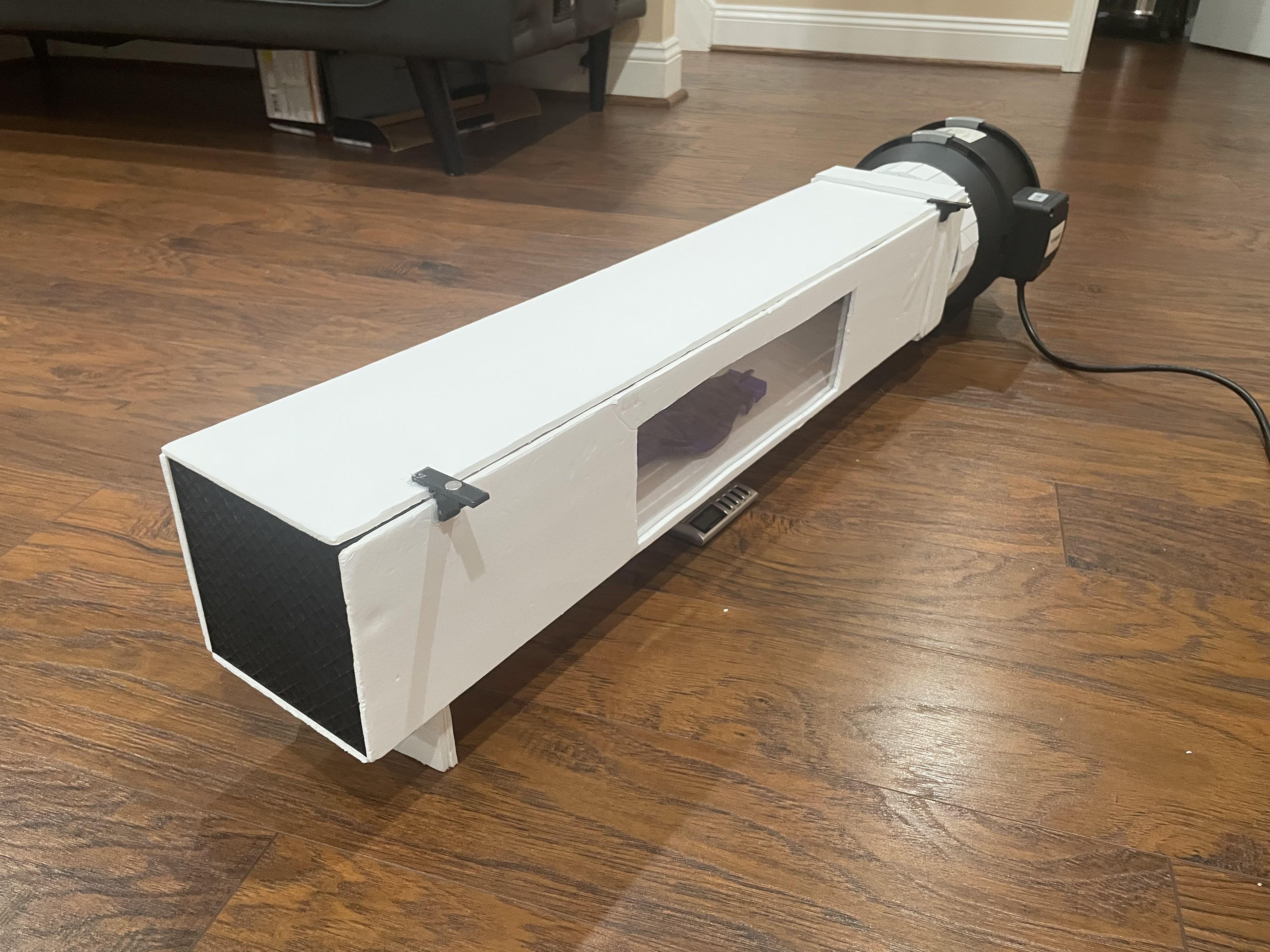
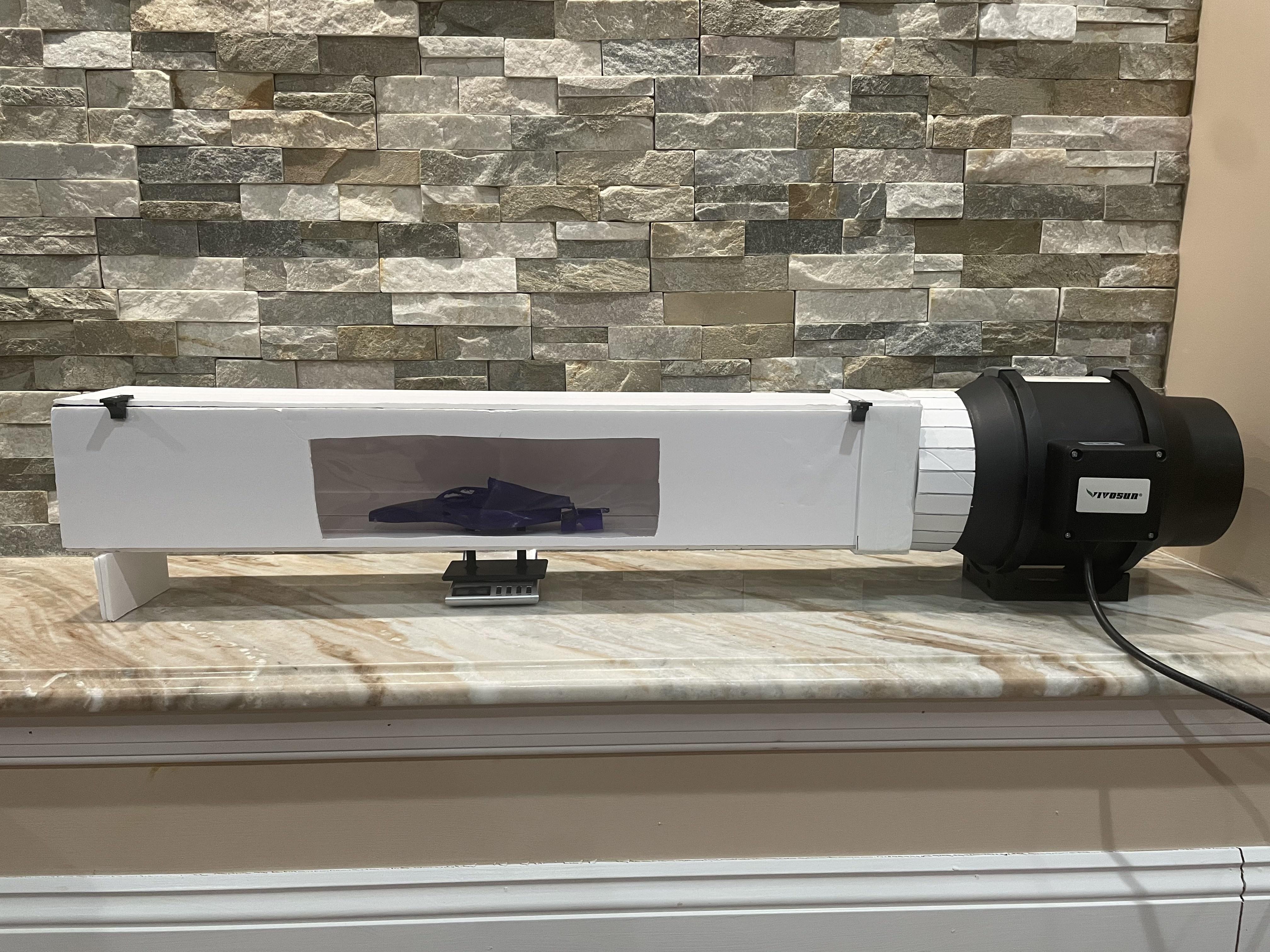
Hey! I'm Sathwik, nice to meet you. I'm basically a rocket scientist 🤪
Ever wondered how engineers test cars, planes, or even buildings to see how air flows around them? They use wind tunnels! And guess what? You can build one too!
In this Instructable, I'm going to show you how to make a fully working wind tunnel that can actually measure drag and lift/downforce on your models. This isn't just for show. It gives you real numbers that you can use to compare different designs and see what works best.
I built this using mostly foamboard and some 3D printed parts, making it very cost effective. The coolest part? It uses a suction design (pulling air instead of blowing) which makes the airflow way cleaner and your data more accurate.
You can test pretty much anything that fits: RC car bodies, wing designs, 3D printed models, whatever you want! I included an F1 car model to get you started, but feel free to test your own stuff.
This was my first Instructables project and I had a blast making it. I hope you enjoy building it as much as I did!
Supplies
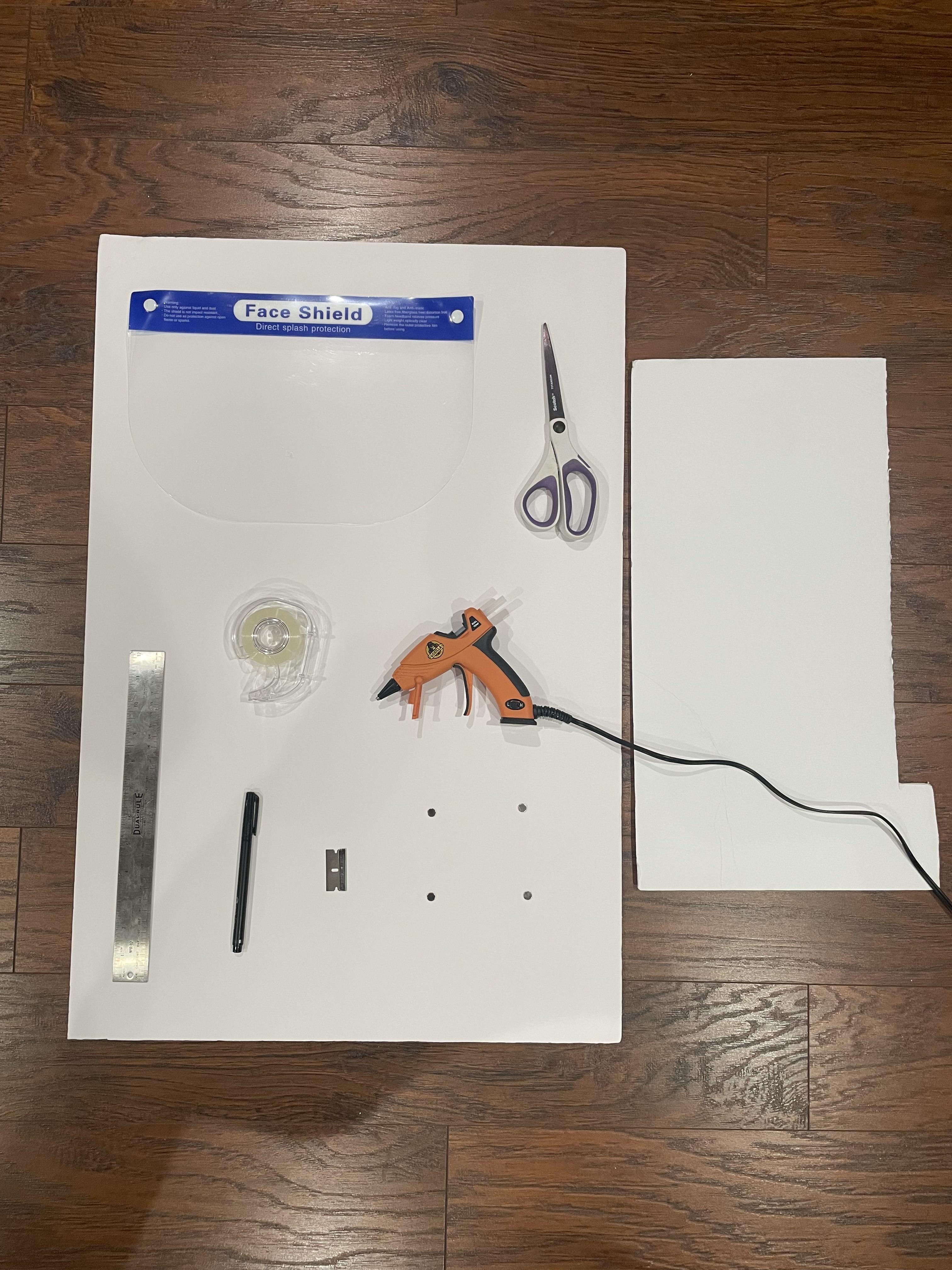
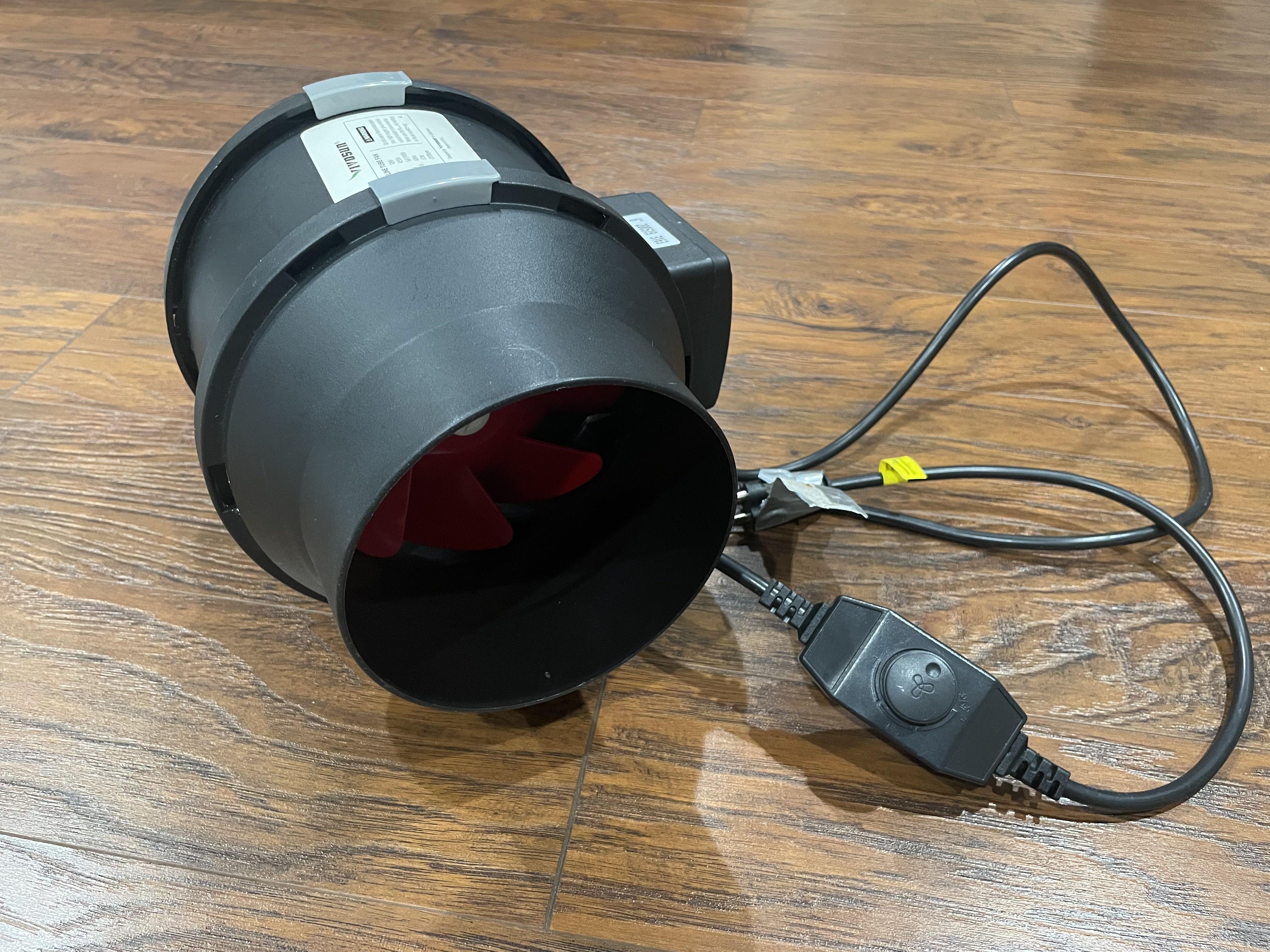

What you'll need for this Instructable:
Wind Tunnel
- A sheet and a half of 20x30" foamboard
- Clear face shield (or equivalent thin see-through plastic)
- Tape
- Four 8x2mm neodymium magnets
Tools
- Ruler
- Pen/Pencil
- Razor blade/X-Acto knife
- Hot glue gun and hot glue sticks
- Scissors
Aerodynamic Testing
- Inline tube fan (that can suck air, not just blow) with an intake of around 6" in diameter, preferably with variable speed (this is the most expensive part of the build)
- Milligram scale(s)
- Thin string
3D printed parts are necessary for this build!
Parts of a Wind Tunnel
We are going to be creating a wind tunnel today, so first we have to understand what that even means!!
A wind tunnel flows air over a test subject (could be a plane, car, dinosaur, etc.) to simulate many aerodynamic characteristics of said subject.
You can measure things like drag (how much the object resists the air), lift (how much the object wants to go up), downforce (how much the object wants to go down), and many other things.
For our purposes today, we're going to build a tunnel that can measure drag, lift, and downforce all in one.
In a wind tunnel, the fan (that moves the air) can be found either in front of the model (blowing air at the model) or behind it (sucking air from in front of the model). We're going to build our tunnel to suck air to reduce turbulence (unsteady movement of the air) in order to get better readings in our data. This design pulls a slight vacuum inside the wind tunnel, and the only place that air can fill in that reduced pressure is from the front, so air flows through the tunnel towards the fan which expels it at the end.
To stabilize the air as much as we can, we use a flow straightener at the front of the tunnel, which is usually a grid or honeycomb pattern that basically "files" the air (from outside the tunnel that's being sucked in) into straight lines.
Our tunnel will be approximately 30" long with a 5"×5" test section, which is perfect for testing RC car bodies, small aircraft models, or 3D printed prototypes up to about 12" in length.
Foamboard Structure
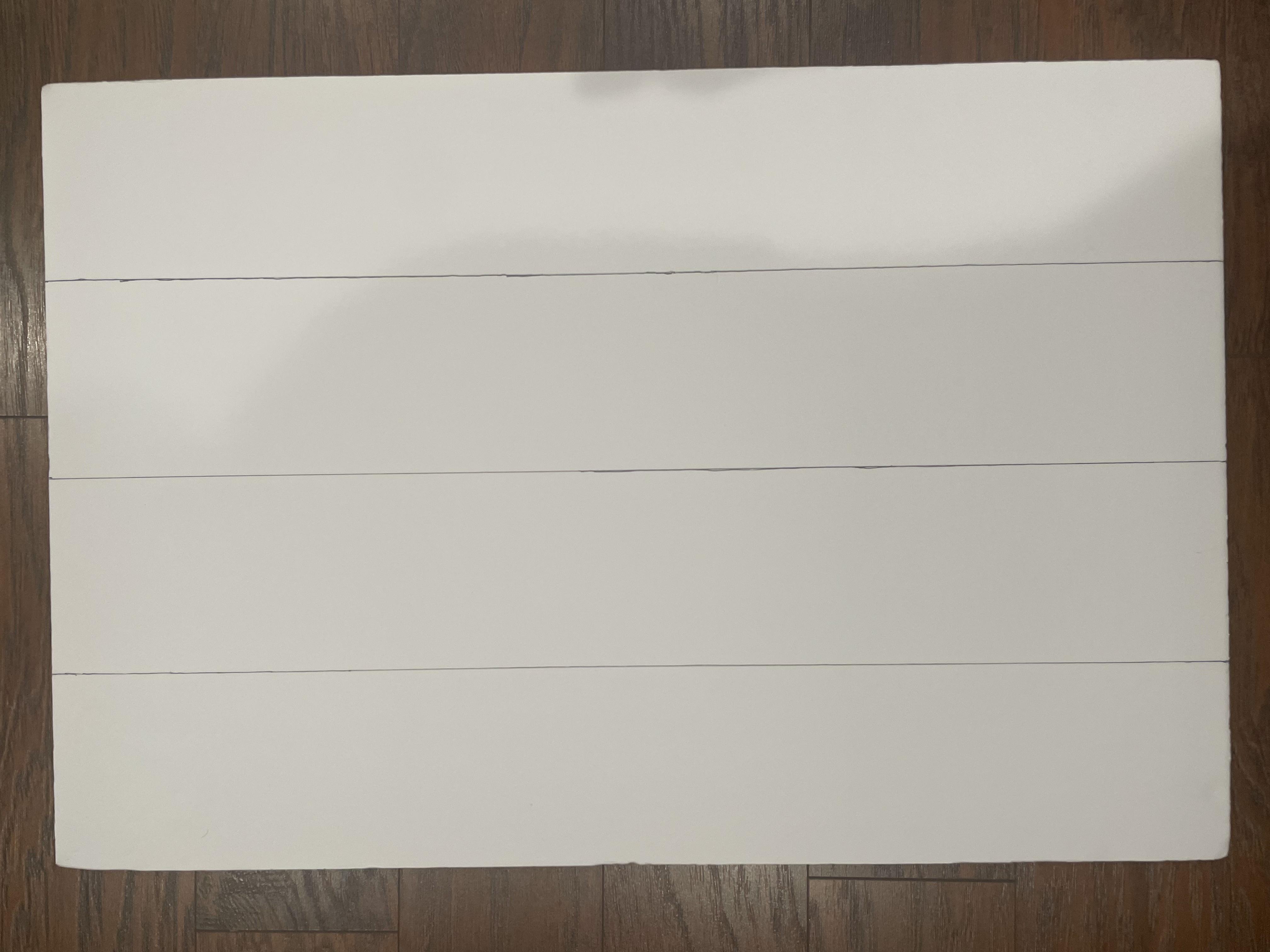
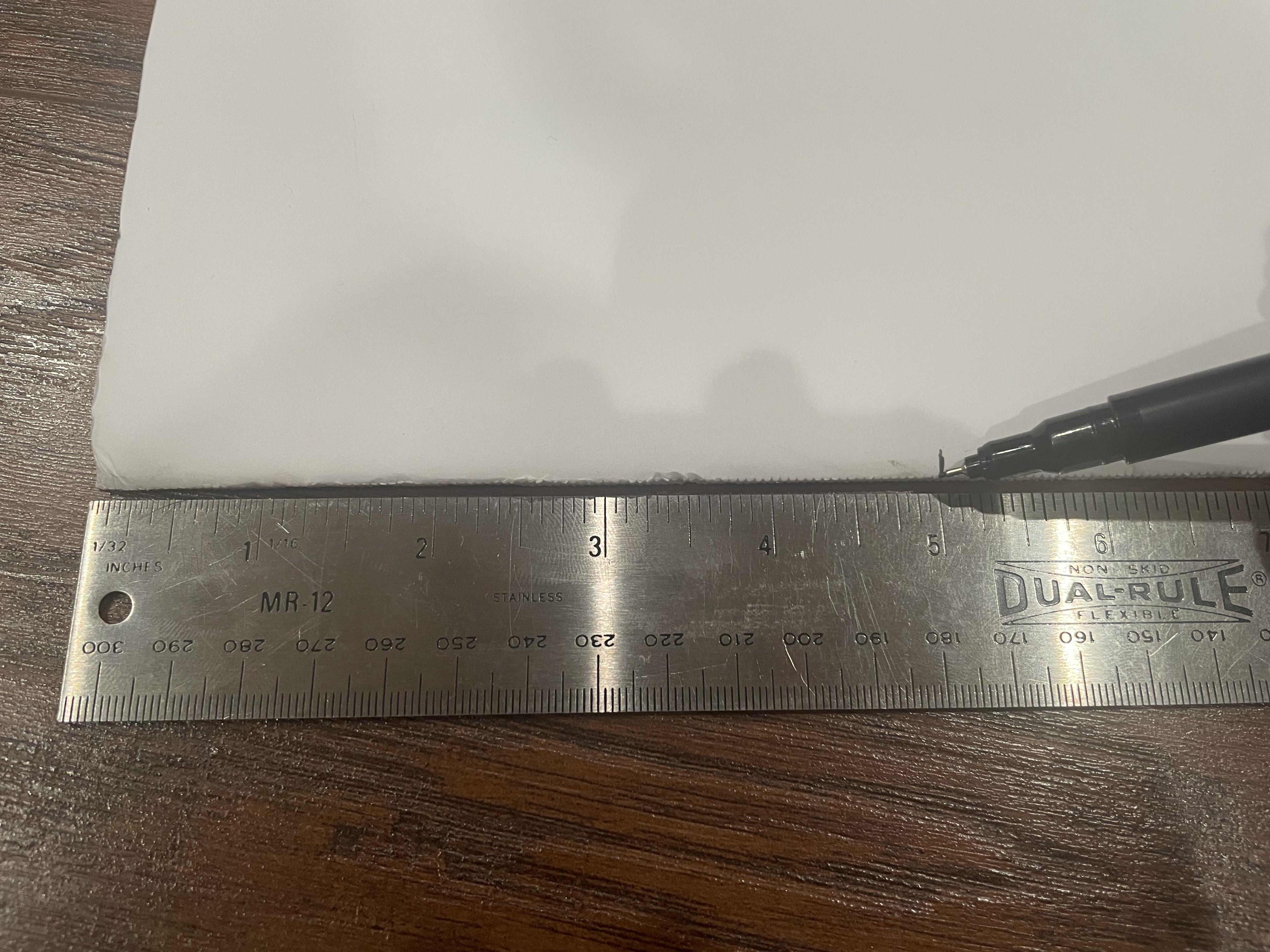

Mark every 5" on the 20" sides of one side of the foamboard sheet with your pen/pencil. Connect the lines across the sheet, staying parallel with the 30" side of the sheet. *use another piece of foamboard to help you draw these lines*
These 4 rectangles will be the walls for your wind tunnel.
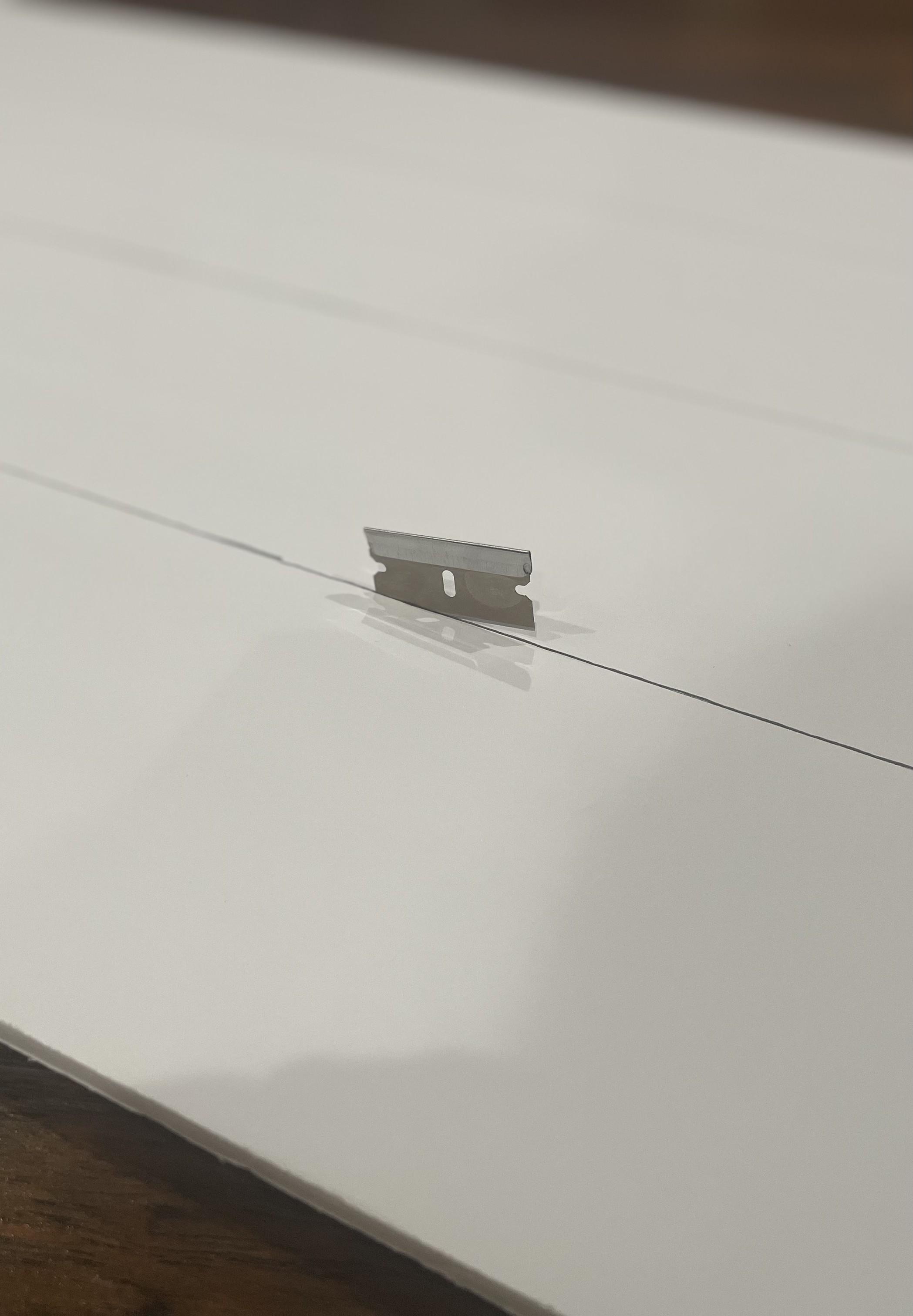
Using your blade, score the paper along all 3 of those lines, cutting just the top paper but making sure not to go through to the bottom paper.
After all 3 lines are cut, bend the foamboard gently and you should feel the foam give way. You should end up with 4 "separated" rectangles held together with one side of the paper.
3D Printing Flow Straightener
Let's get some 3D printing started!
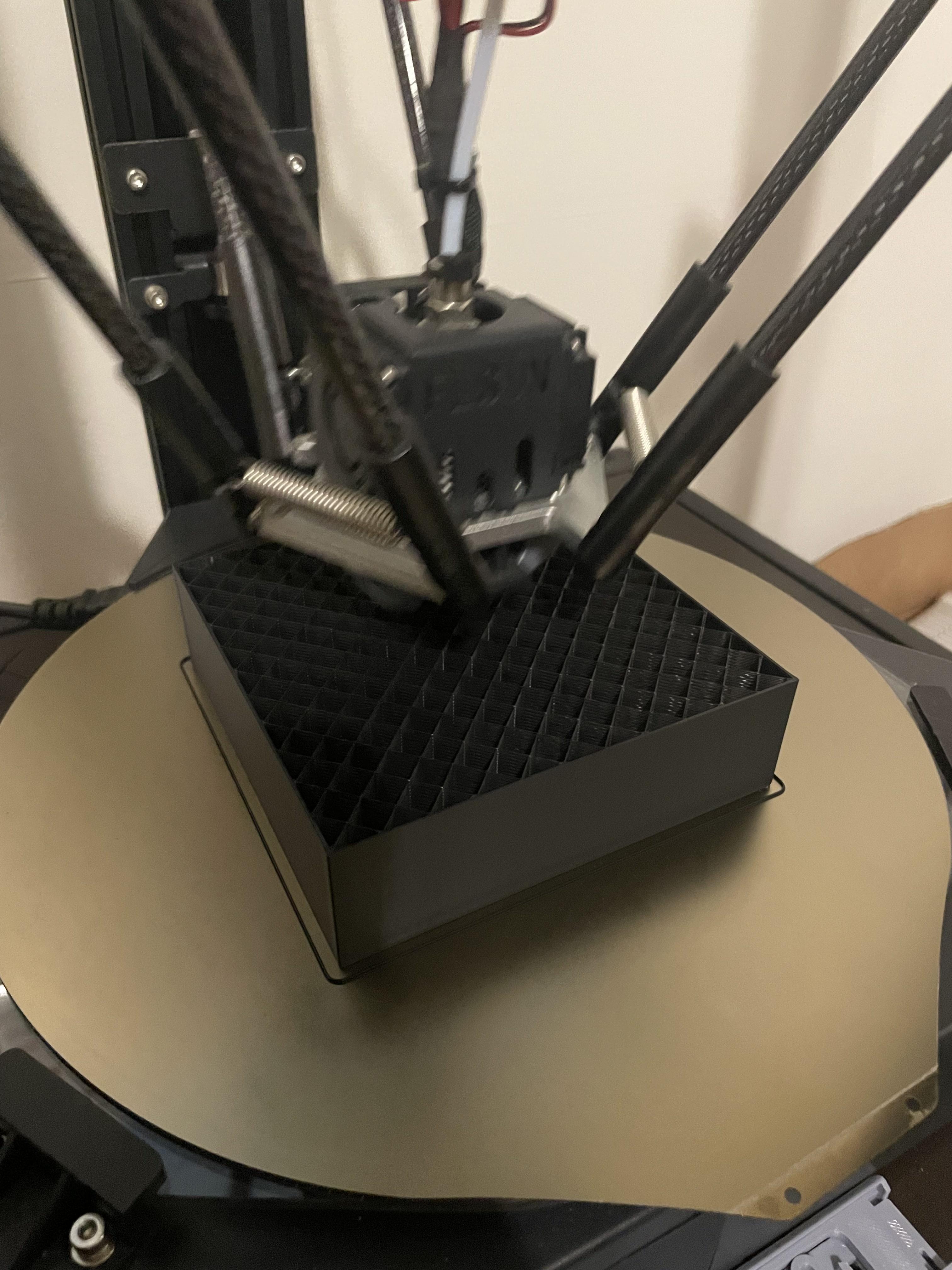
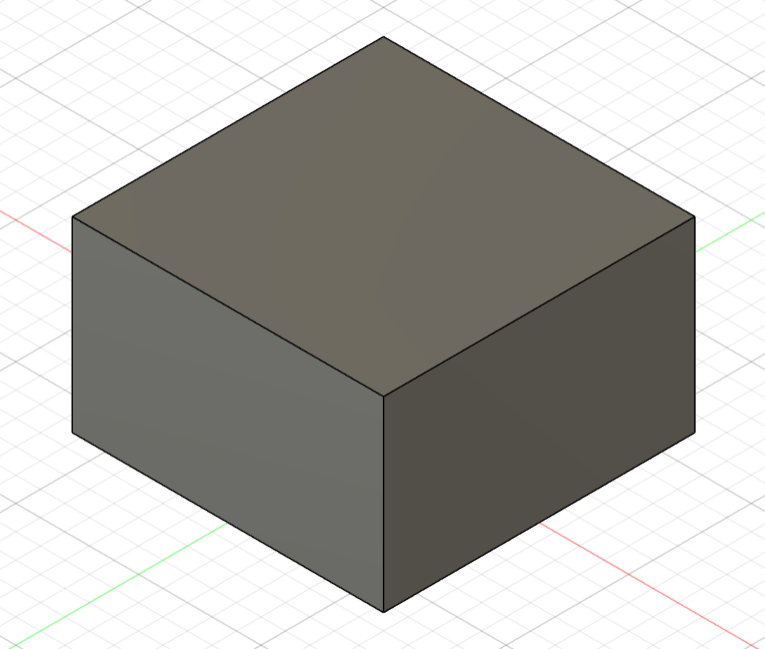
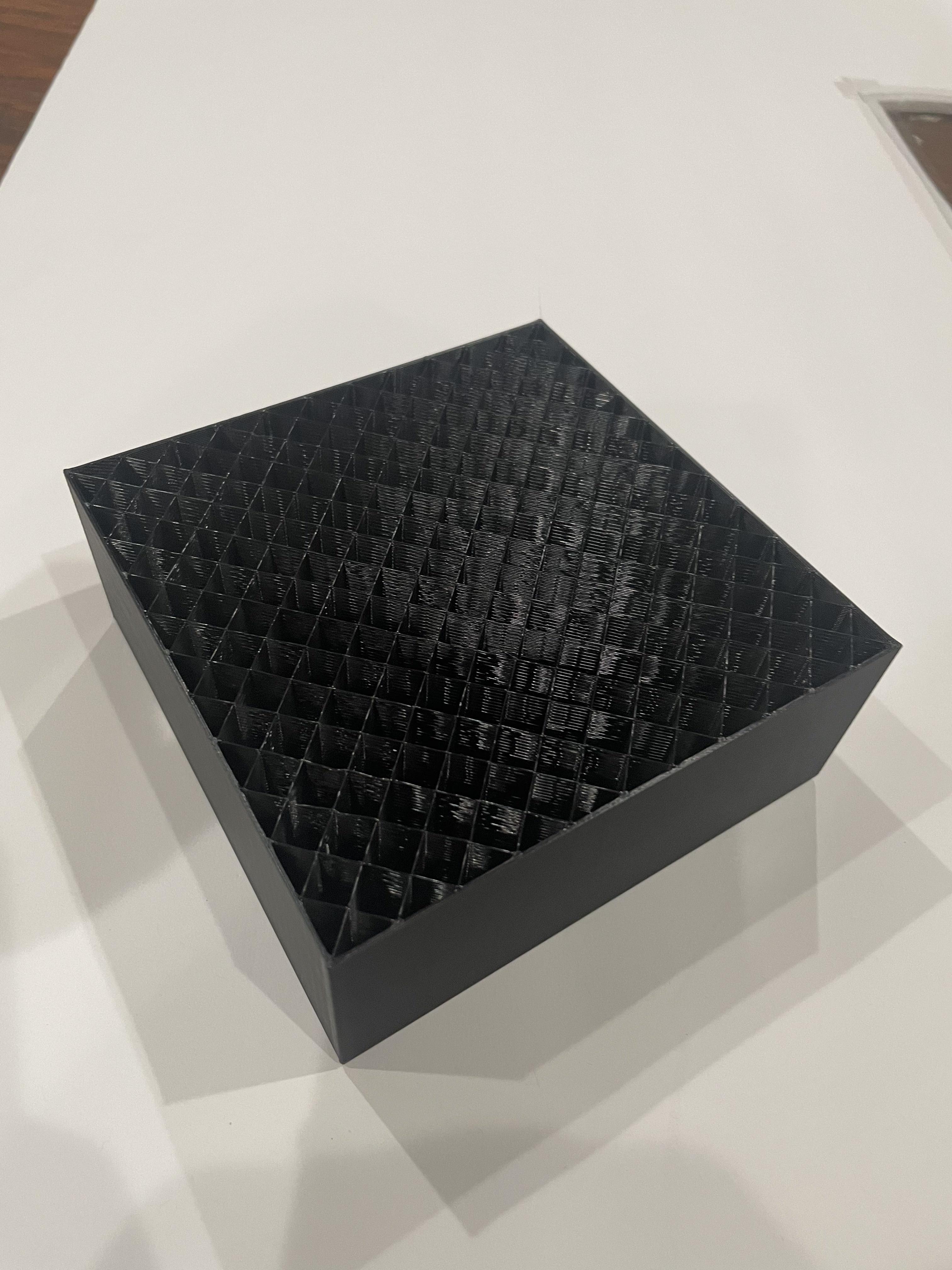
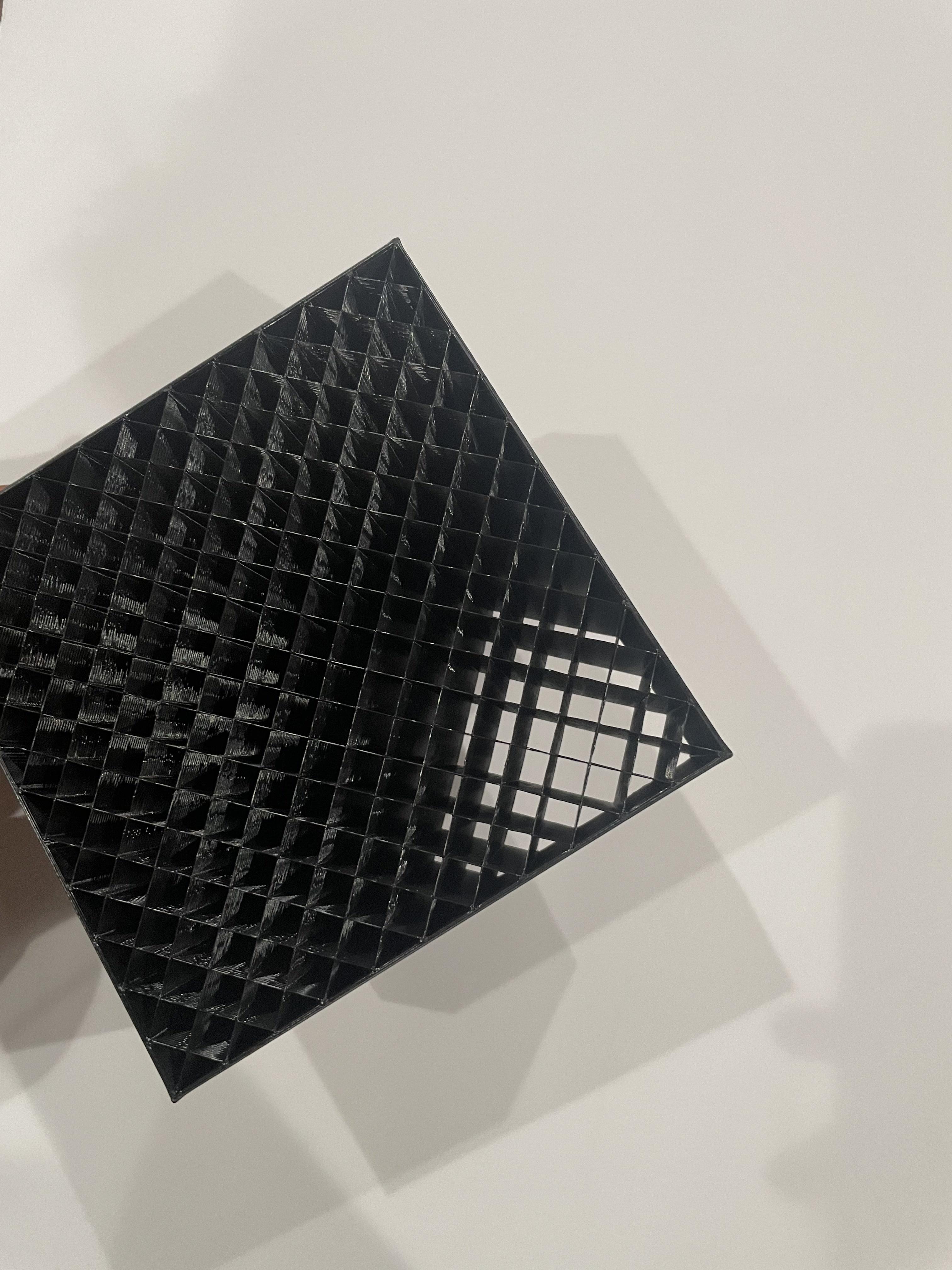
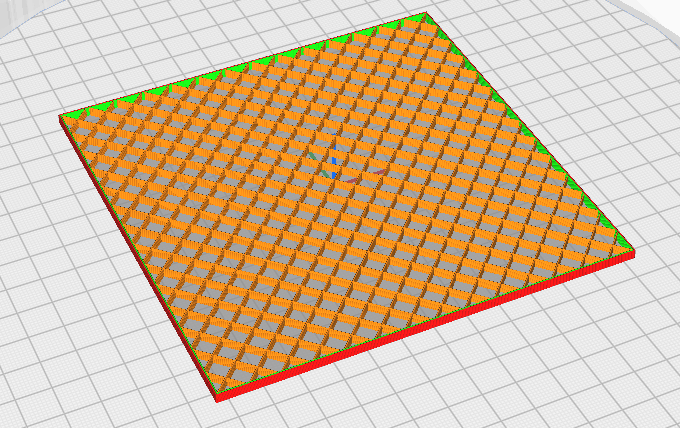
This is the flow straightener. The CAD model STL I've provided doesn't look like much, but the real magic happens in your slicer.
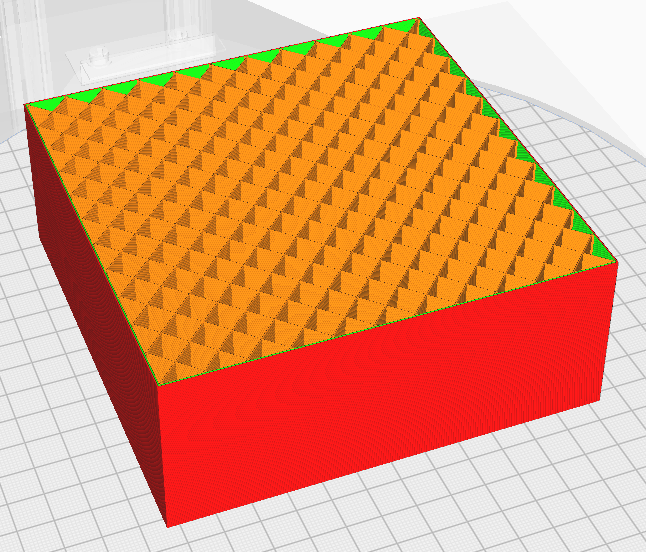
Open up the model in your slicer and place it down on the bed as shown in the picture (with the square 5"x5" side down and the 3" side running vertically). Use the following settings:
Settings
2 walls
0 top and bottom layers
Grid/lines/hexagon infill (~10%; make it match the picture)
0.2-0.25 resolution
What this'll do is just keep the infill, which IS our flow straightener.
Downloads
3D Printing Fan Grid Guard (optional)

.jpg)
If you don't want any parts of your model flying off into the fan behind (which I certainly don't want), print this model the same way you did the Flow Straightener and attach it at the end of the tunnel in front of the fan intake.
Use the same settings. This time, do anywhere between 10-15% infill to your liking.
Downloads
Adding a Viewing Window
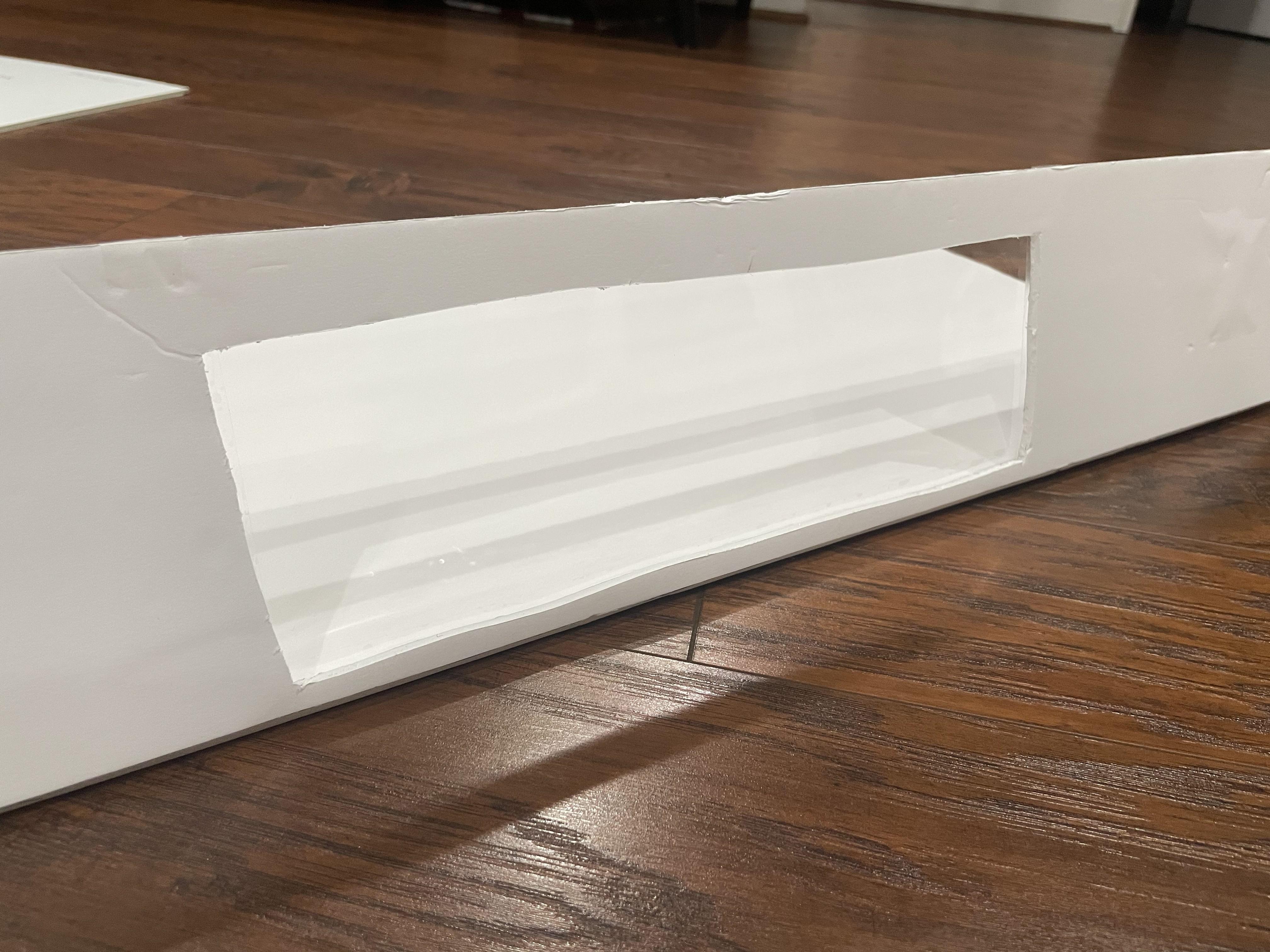
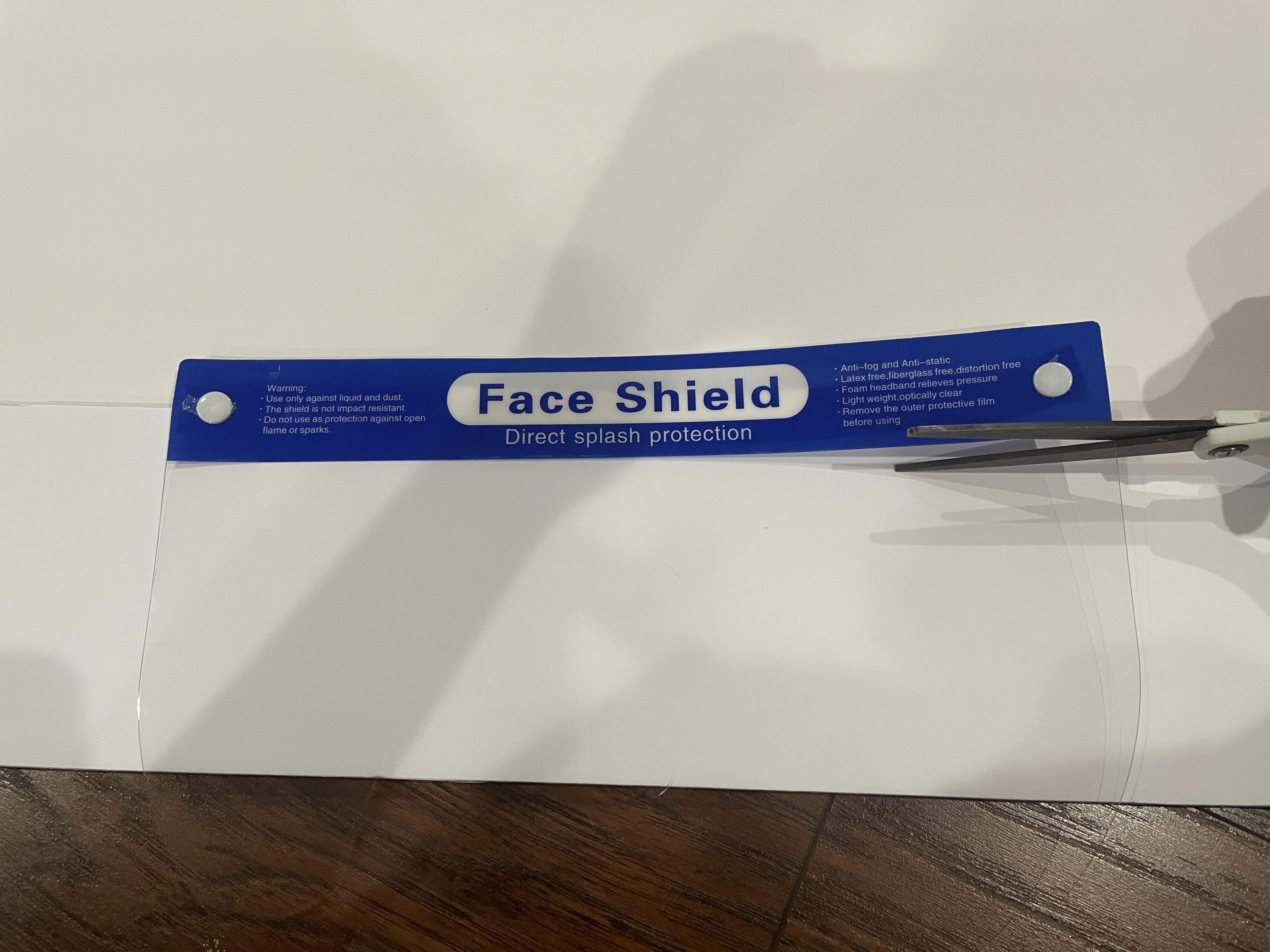
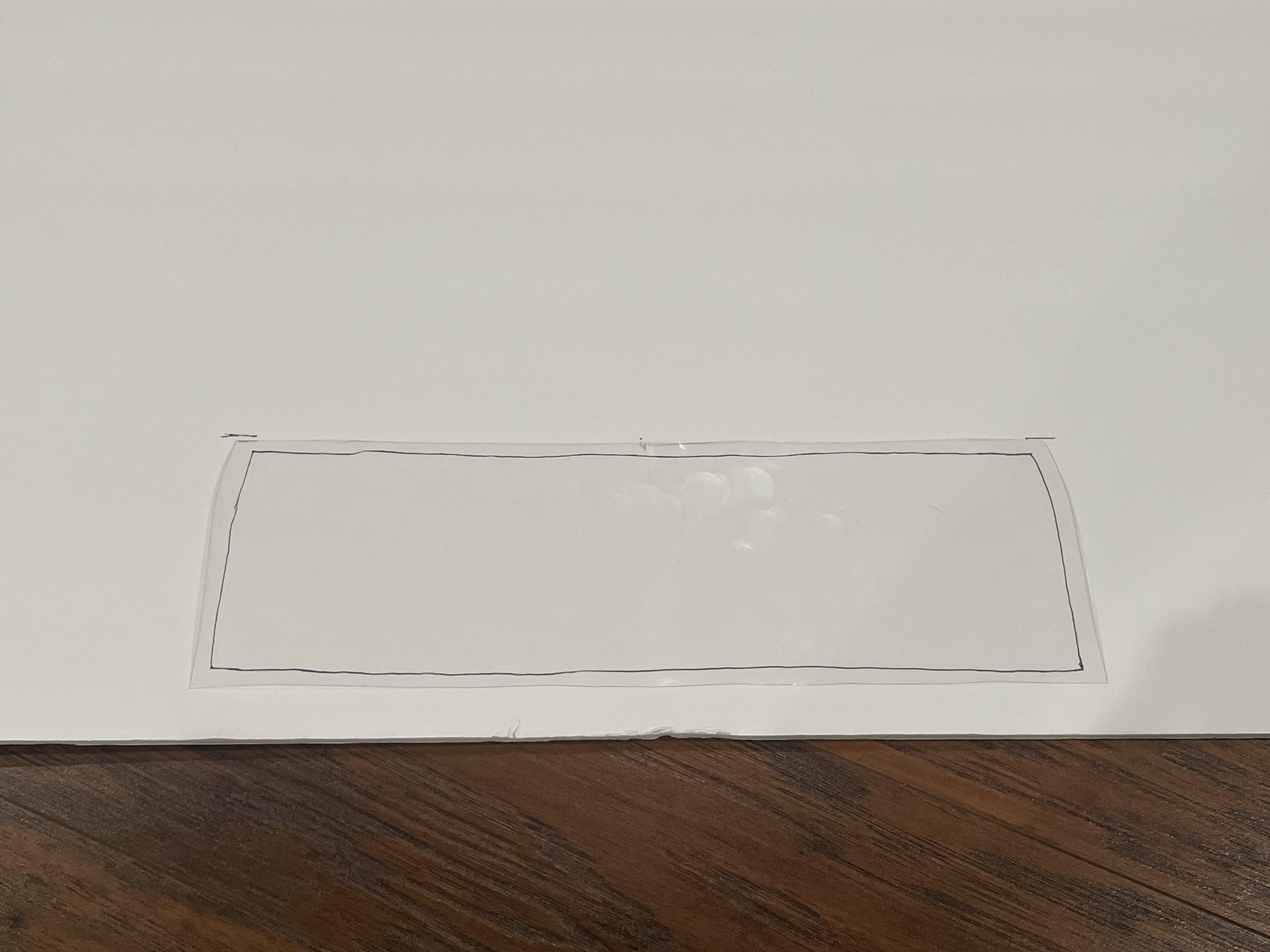
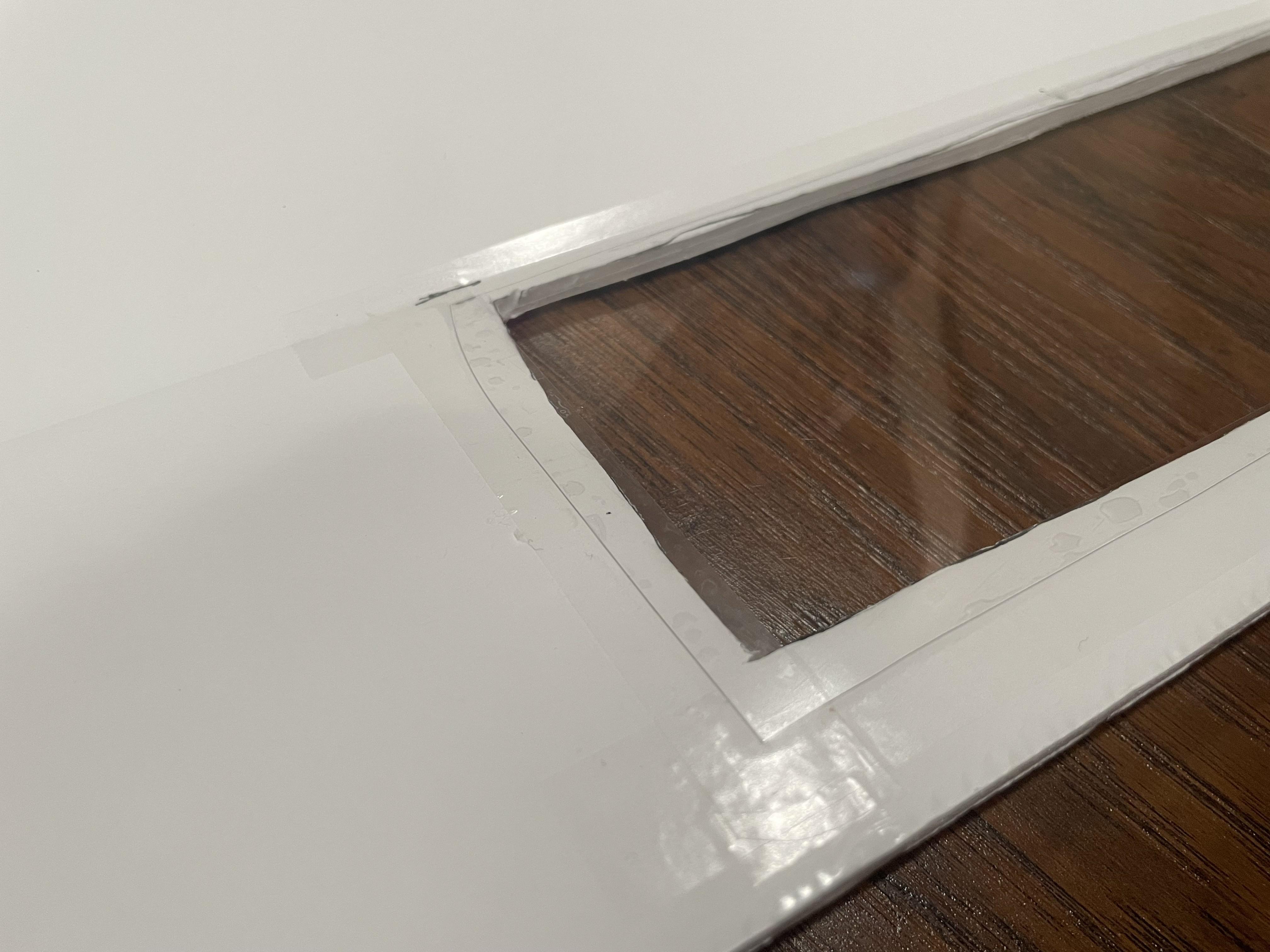
Back to the wind tunnel we go.
We'll be adding a viewing window now. This'll let us see the model while it's in the wind tunnel!
Take your face shield and cut it to your desired size. Next, lay it on one of the edge rectangles on the foamboard at around the midpoint, and trace the shape of the plastic window onto the foamboard with an offset of around 5mm in all the way around. This helps the window have support when we tape it in.
Cut out this section of foamboard completely.
Lastly, tape some tape and attach the plastic window to the inside of the wind tunnel (side where paper is still intact) on top of the cut out part. Make sure the tape is flush and is on all sides.
Voilà! You now have a viewing window to watch your glorious model while testing.
Magnetic Latches
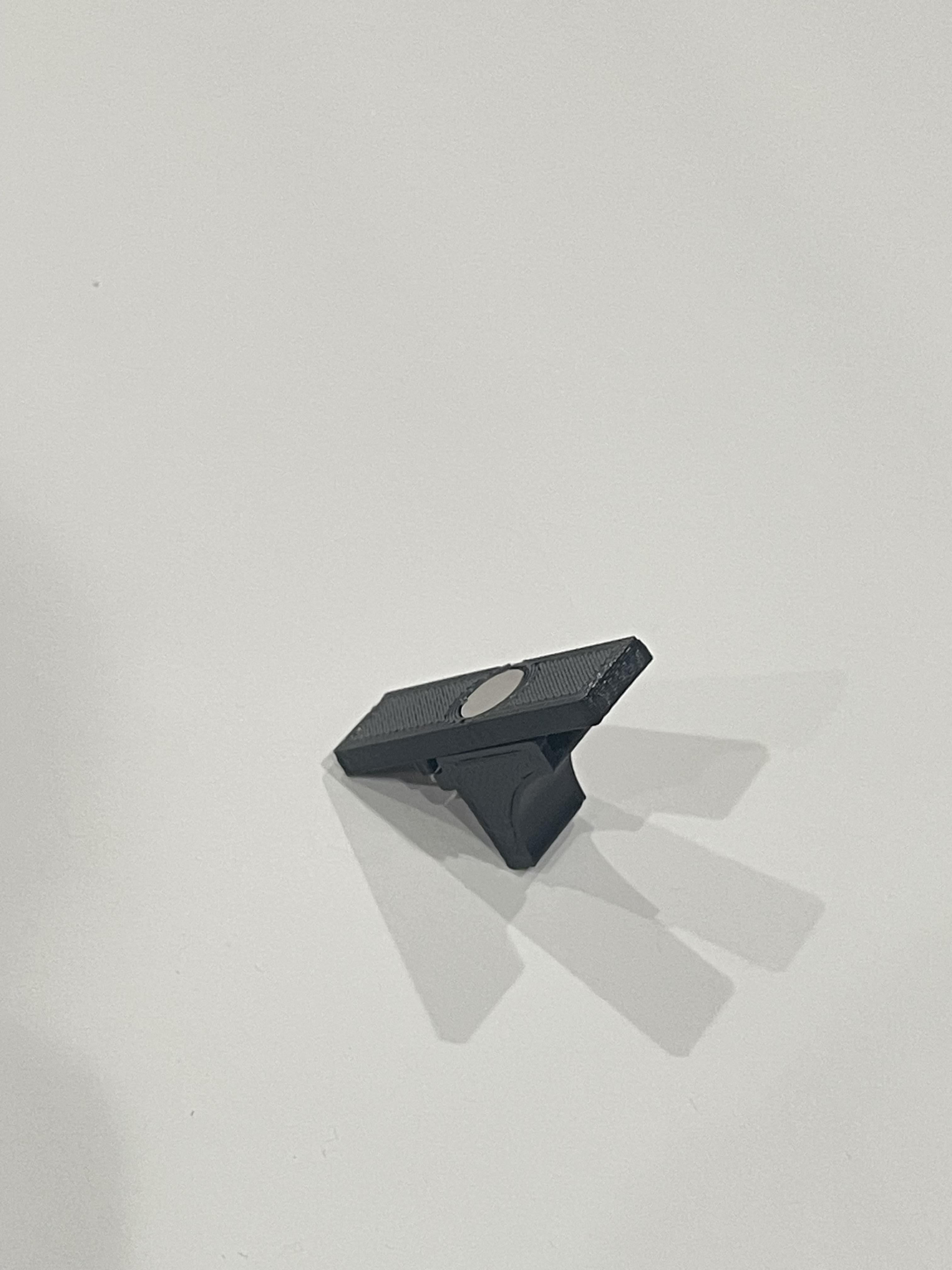

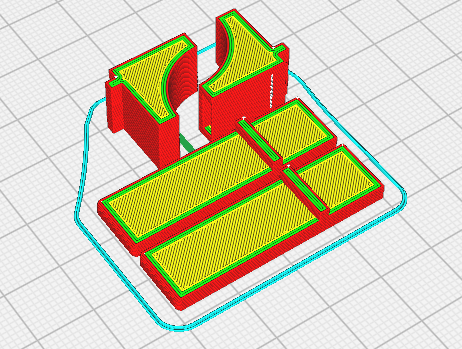
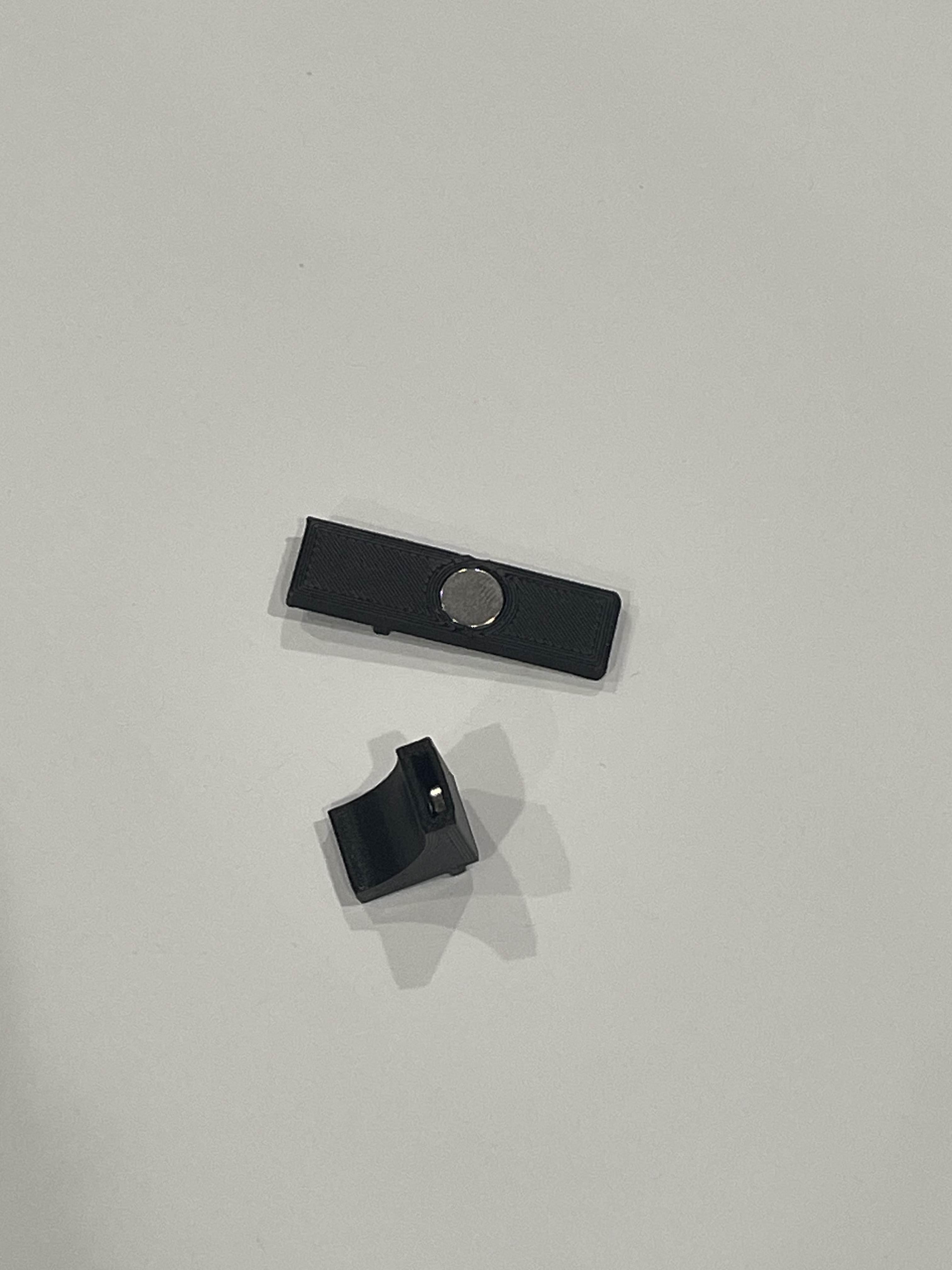
To make the wind tunnel as air tight as possible, we're going to add these magnetic latches that'll keep all the sides shut together, while also allowing you to open up the tunnel with ease.
Print out two pairs of latches in the orientations shown in the slicer image.
Make sure your printer can handle overhangs properly.
Insert the magnets into the slots all the way; you may need some pressure from a flat object like the floor. Make sure polarity is correct for each part to ensure both parts interface properly (as shown in the CAD render).
Glue in Flow Straightener and Fan Grid Guard
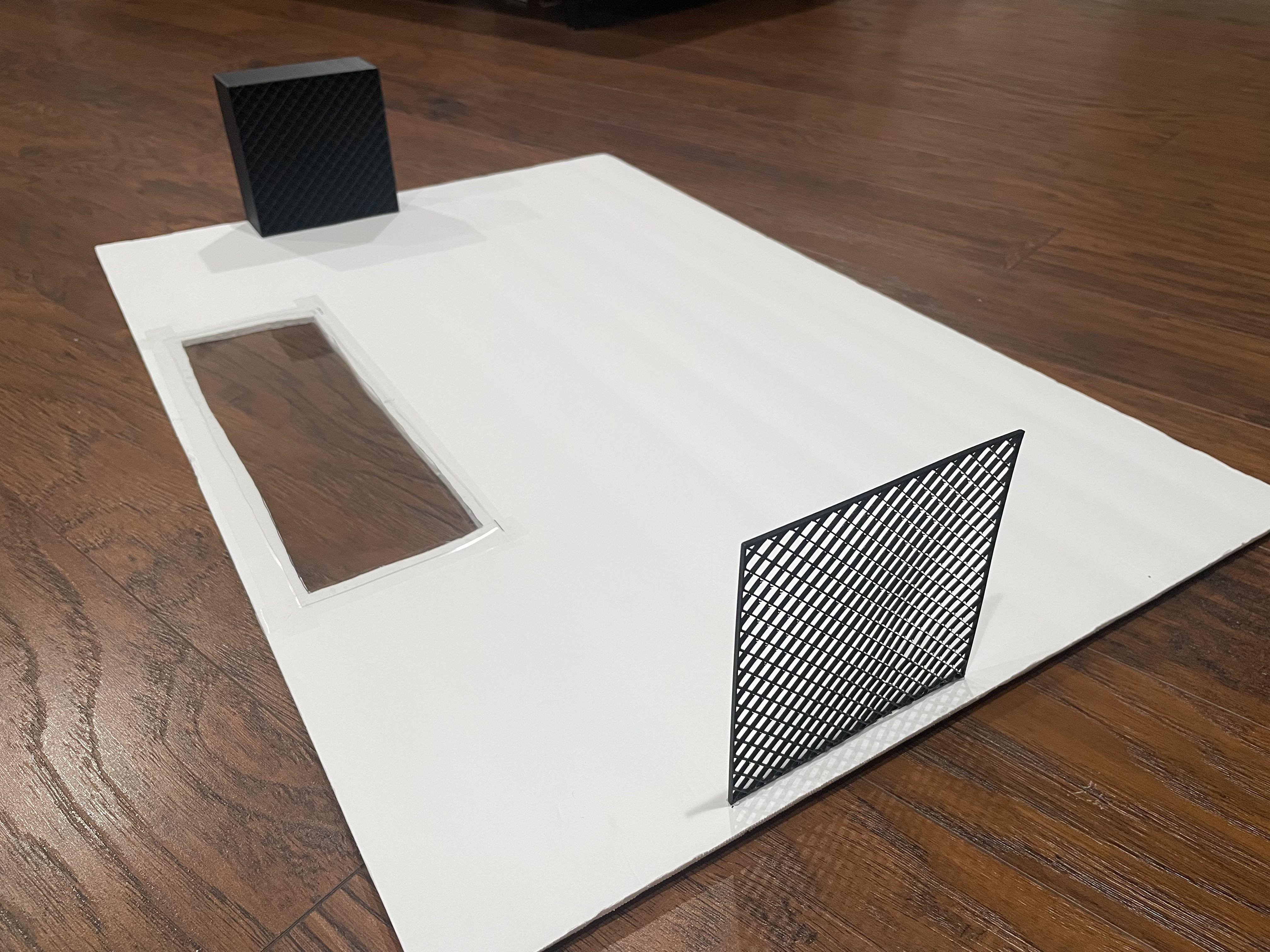

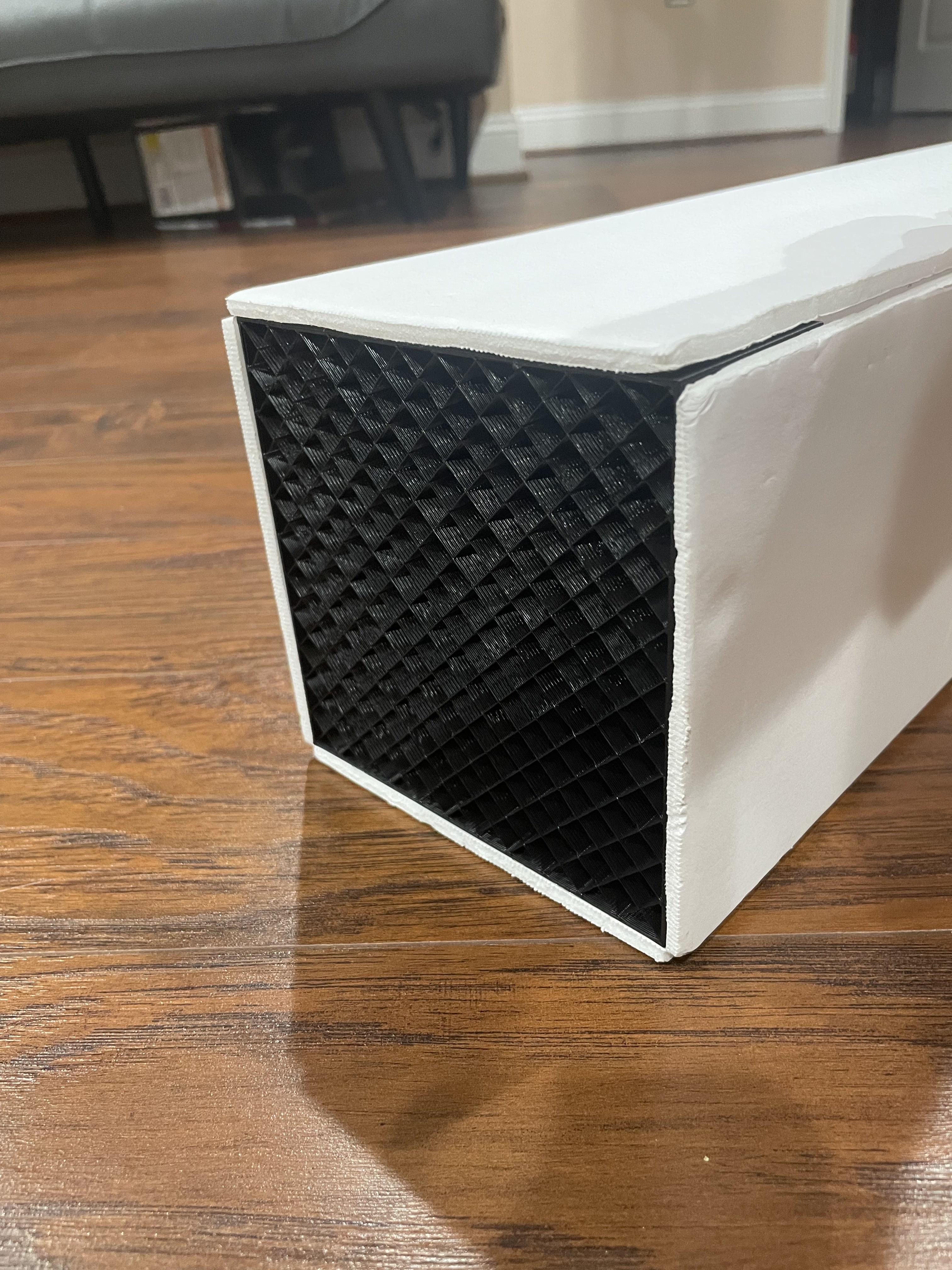
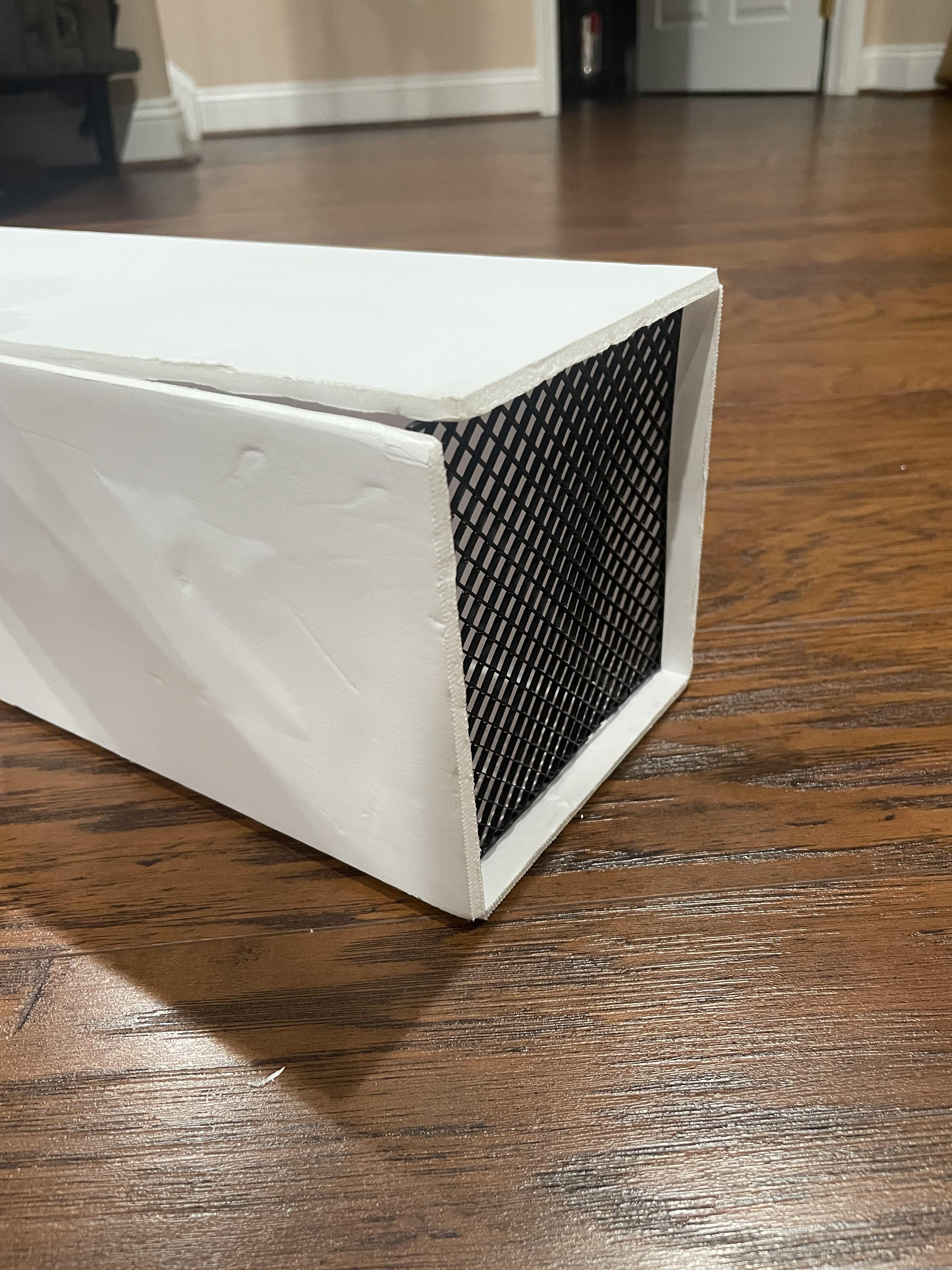
In the rectangular panel next to the one featuring the viewing window, hot glue both the flow straightener on the left end and the fan grid guard (if you chose to include this) on the right end.
Glue just the bottom side of them both to allow the other sides to open up, as shown in the picture. This'll be useful when testing to set up models and data collection methods.
Add Magnetic Latches to the Mix
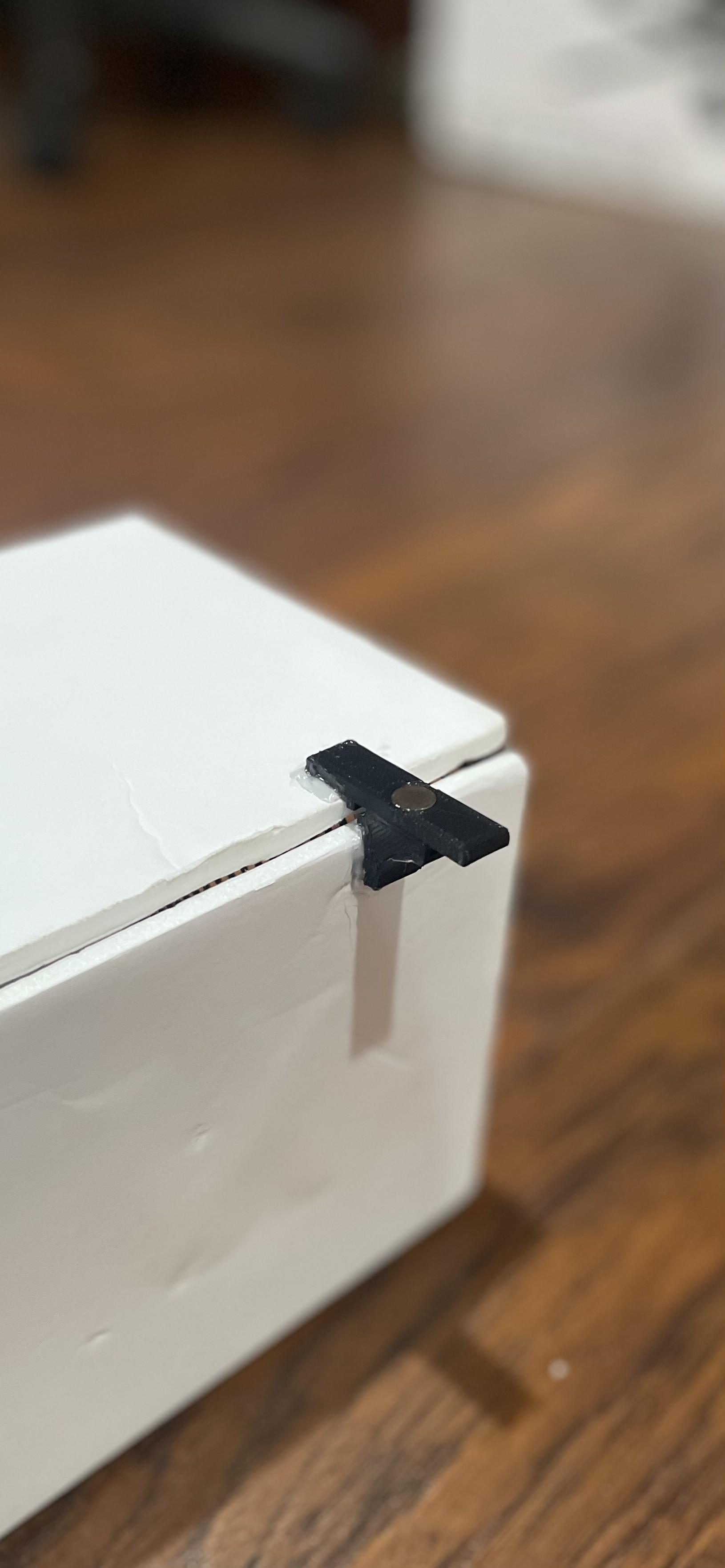
Hot glue in both pairs of the magnetic latches around an inch or two from each end of the wind tunnel, as seen in the image. Make sure both parts of the latch are flush with each other for maximum security.
Fan Adapter - Wind Tunnel Side
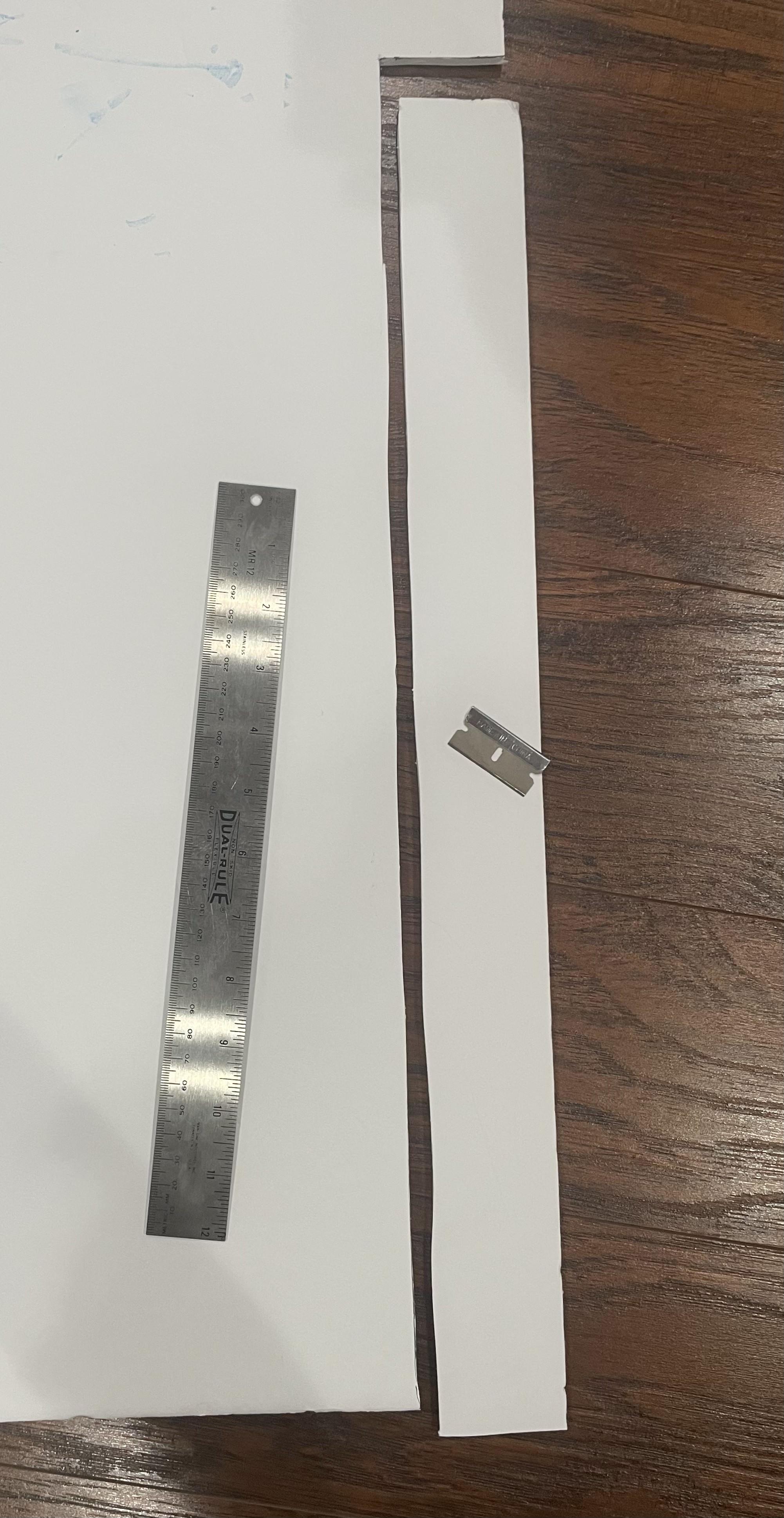

Using your additional piece of foamboard, cut a 2"x54.8cm rectangle out.
On that piece, mark every 13.7cm and cut the top paper, just like you did the main foamboard.
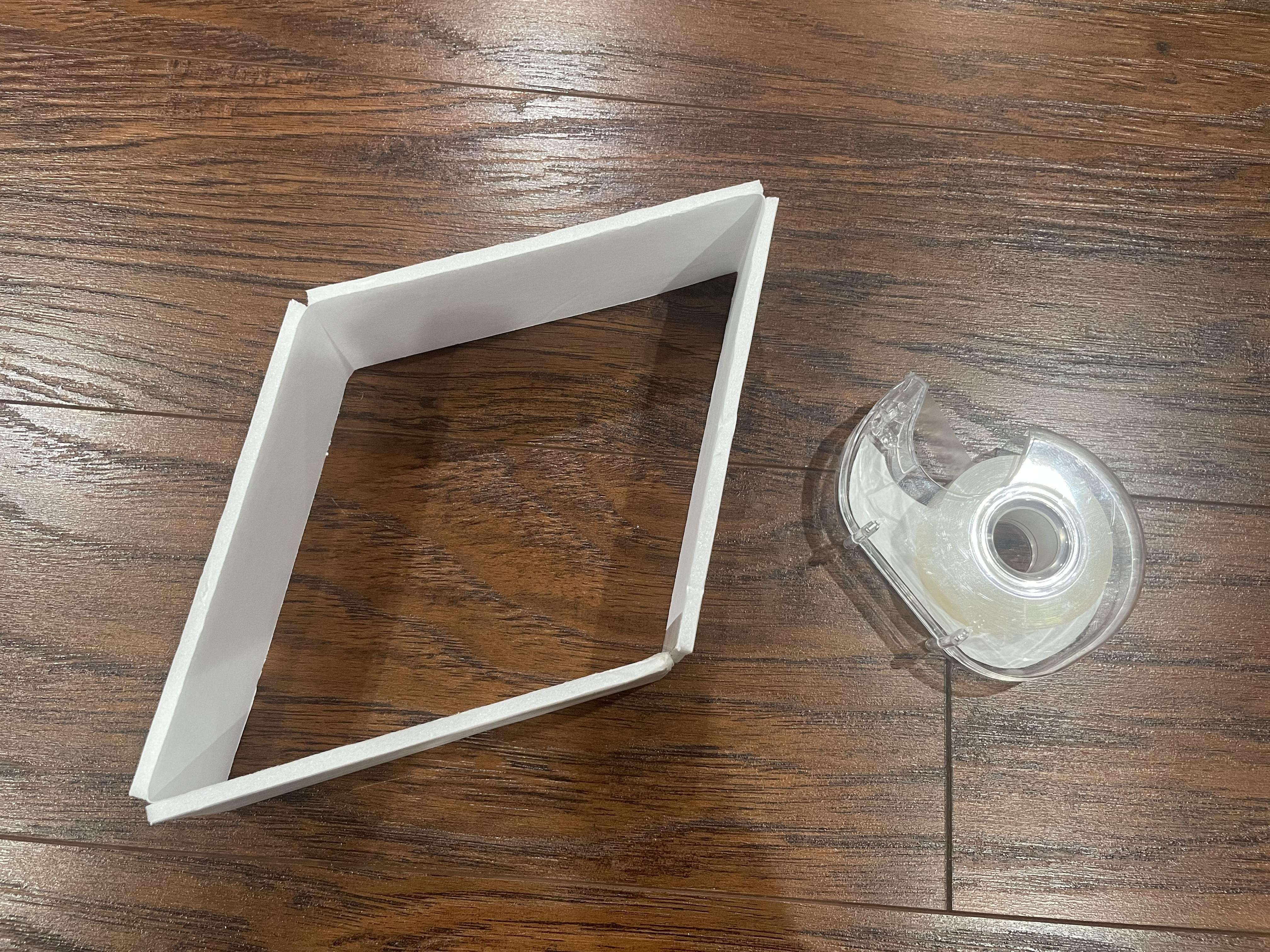
You should end up with a piece that's made of 4 rectangles connected by one side of paper. Tape the loose ends together using some tape on the inside to create a closed quadrilateral.
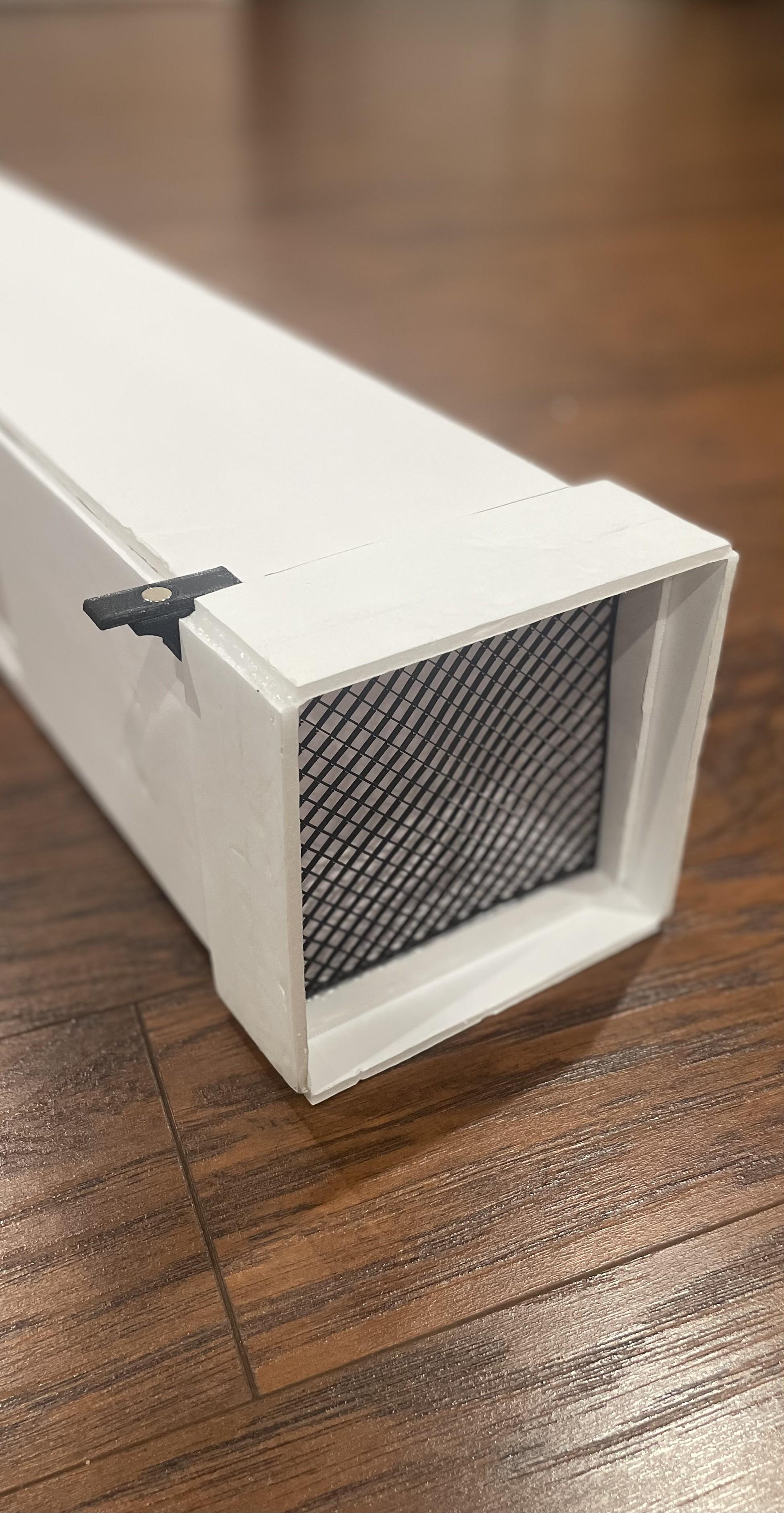
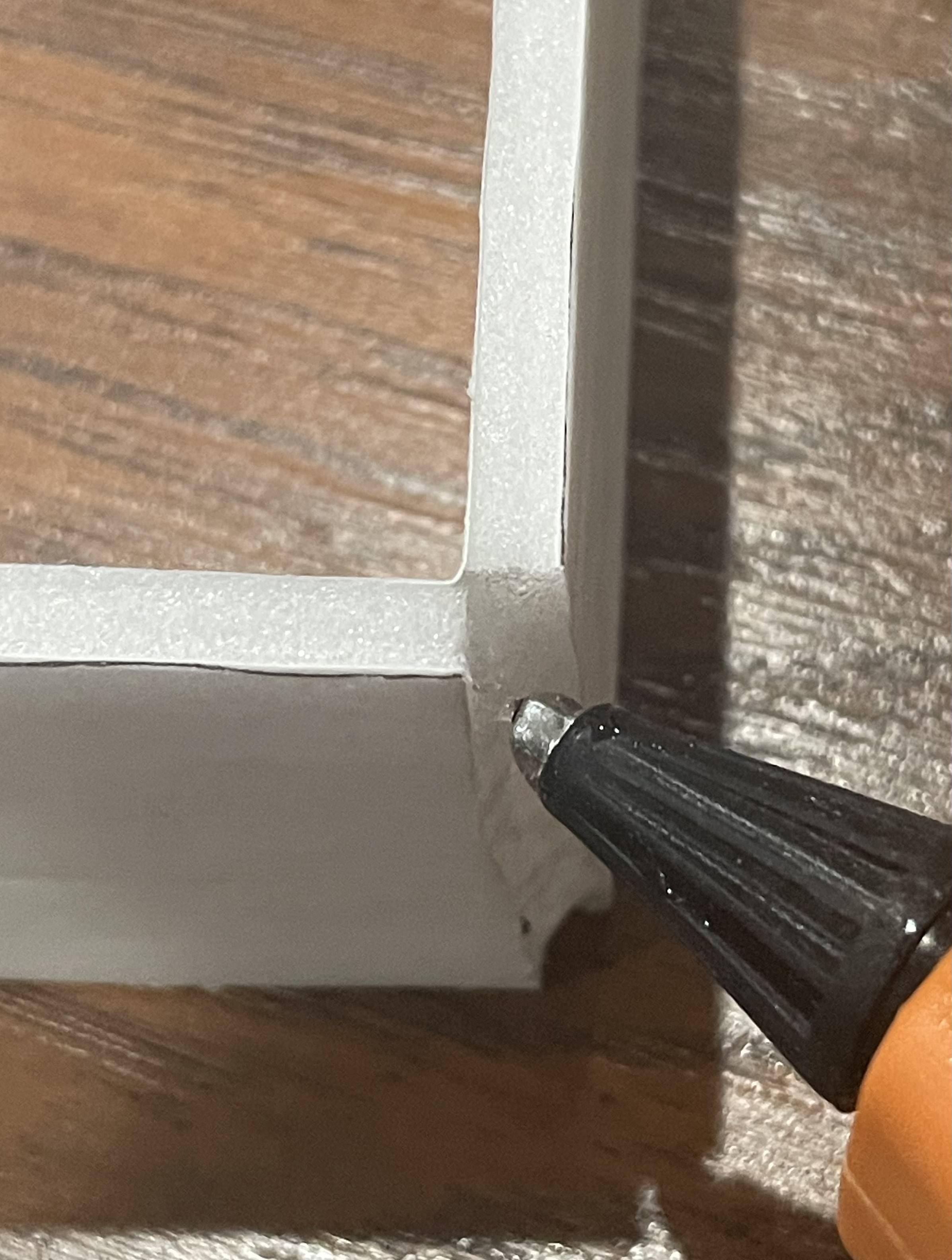
Next, using your hot glue gun, glue all 4 corner edges to secure the shape into a square. You should end up with a square that can snugly slide onto the right-side end of the wind tunnel. This shape will be part of our fan adapter to attach our fan. The rest of the adapter is made in the next step.
Fan Adapter - Fan Side
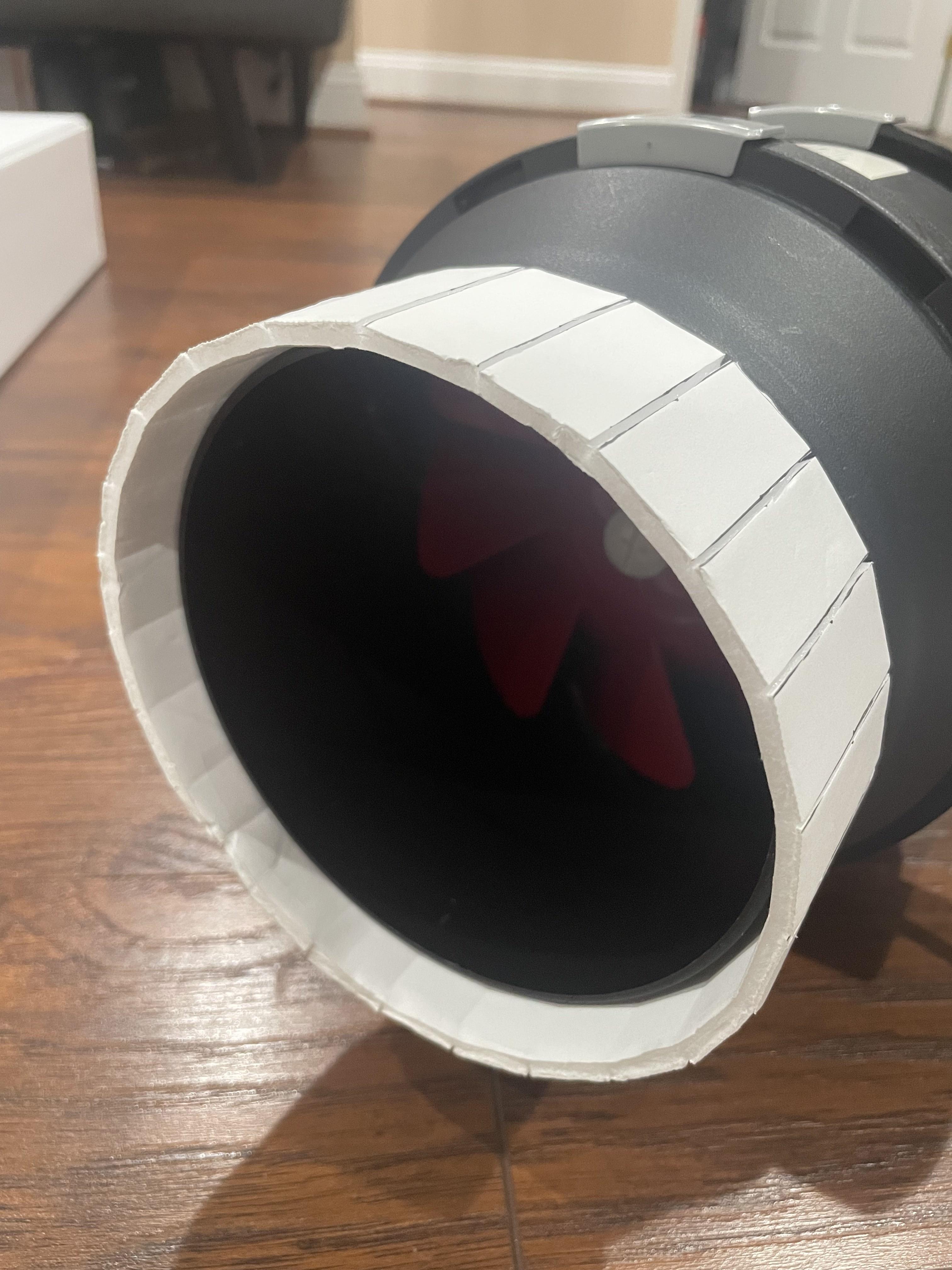
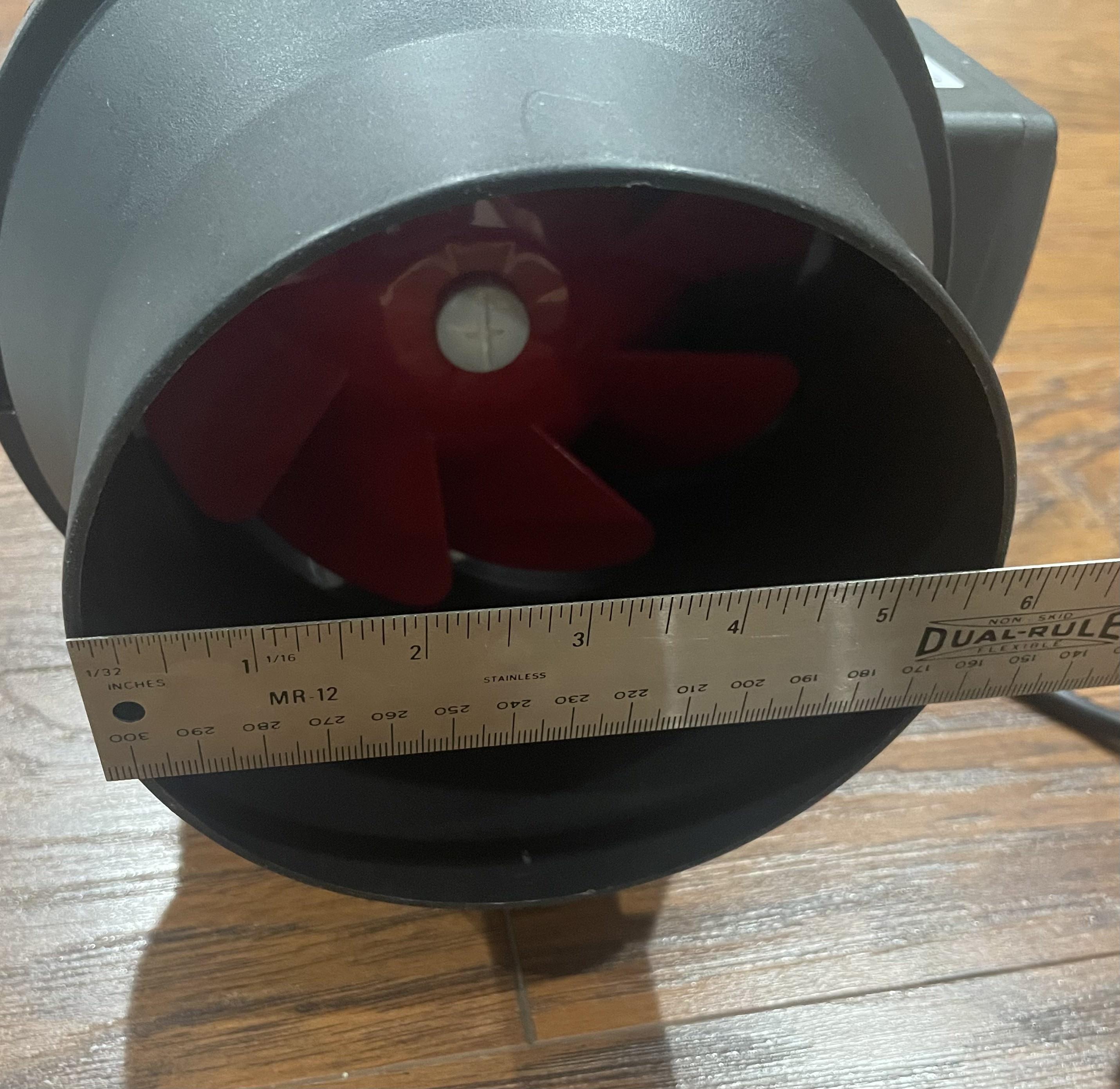

Noting which side sucks air in, find the intake's diameter.
Either take some string, wrap it around the circumference, and measure that length, or just measure the diameter using a ruler and multiply that value by pi (π).
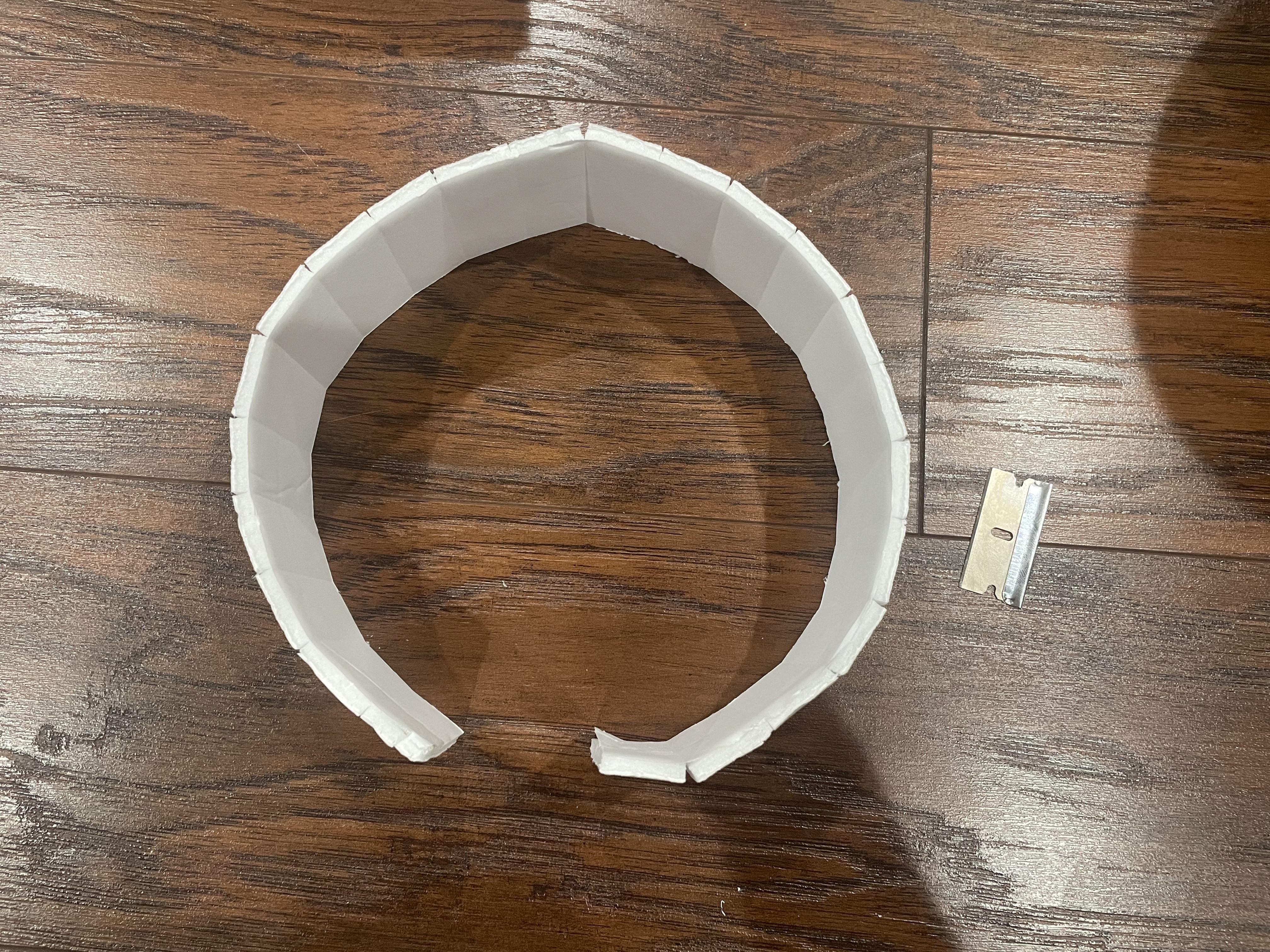
Using your spare foamboard, cut out a rectangle that's 2" in width and however long the circumference of your fan is. Then, mark every 2cm on this rectangle and cut through the top paper.
You can now bend this piece into a circle shape, tape the loose ends together, and slide it on the fan intake.
Putting the Adapter Together
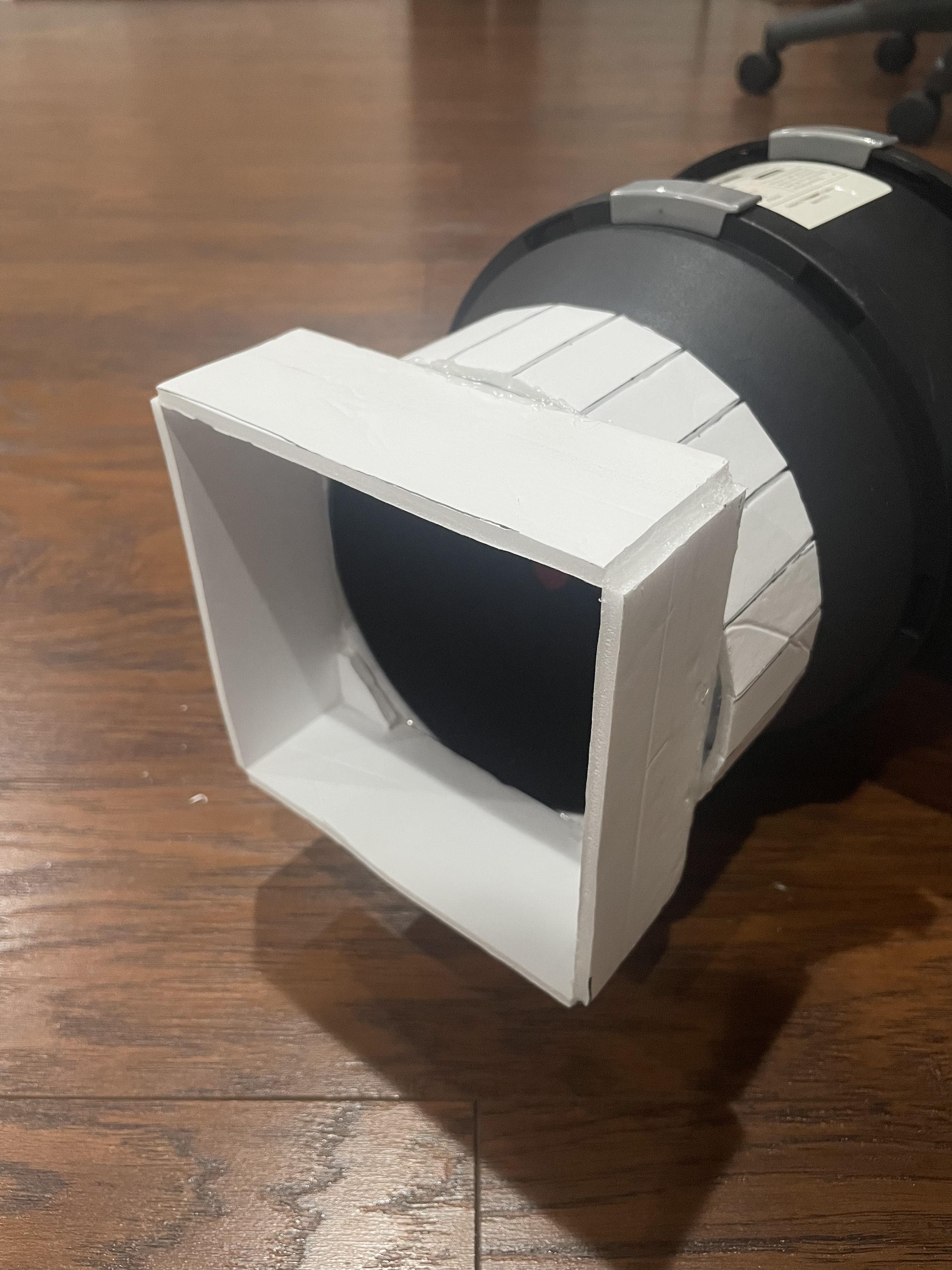
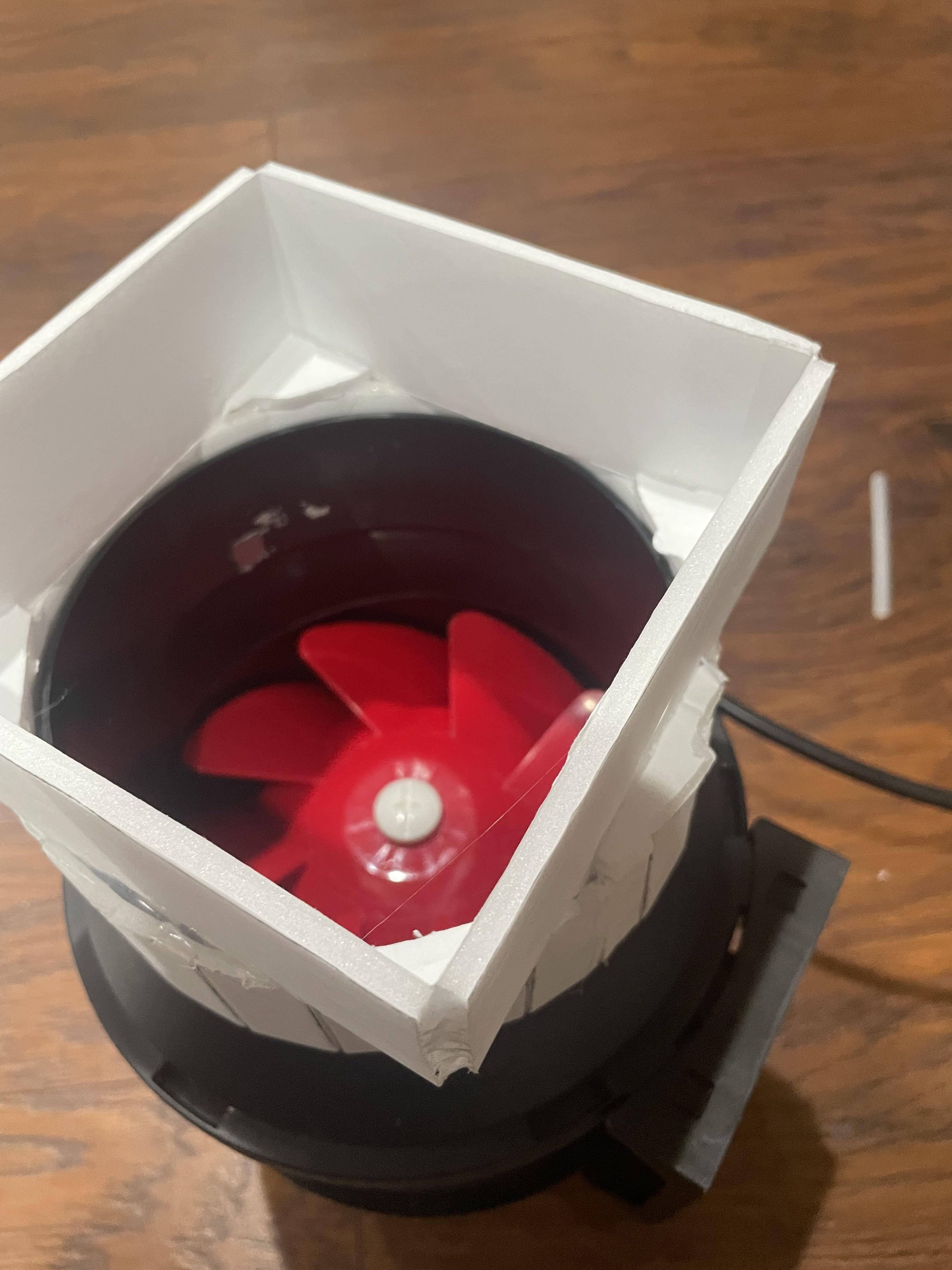
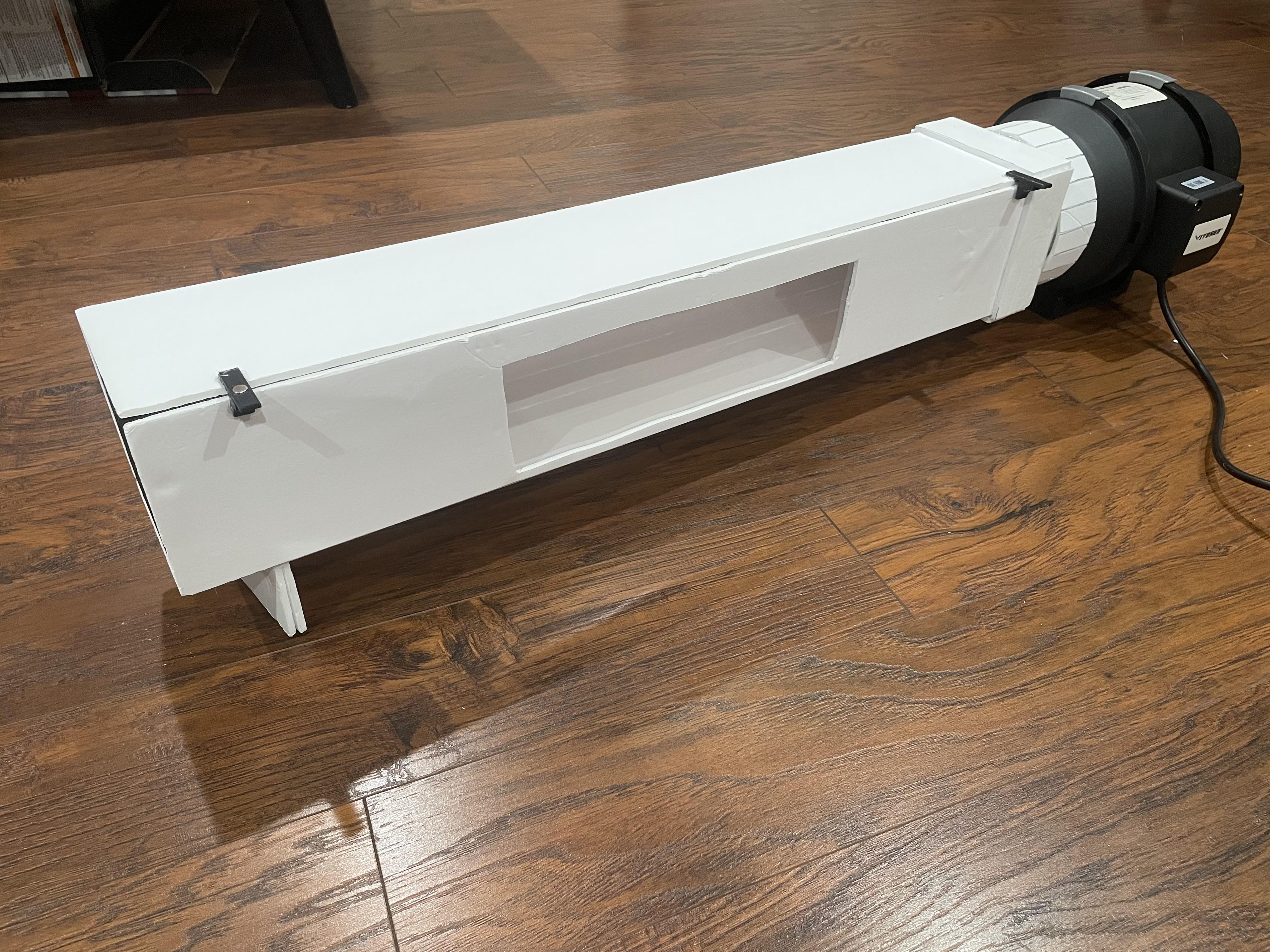
With the fan side adapter piece still on the fan, take the wind tunnel side adapter piece and hot glue it to the fan side adapter piece centered.
Use pieces of foamboard and hot glue to fill in all the gaps between the two adapter pieces. Try and make it as airtight as possible.
That's the whole adapter! Place each side of it on their respective sides, and add a little piece of foamboard at the front end of the tunnel to support it if your fan lifts your tunnel up like mine does.
Choosing and 3D Printing Model Stands
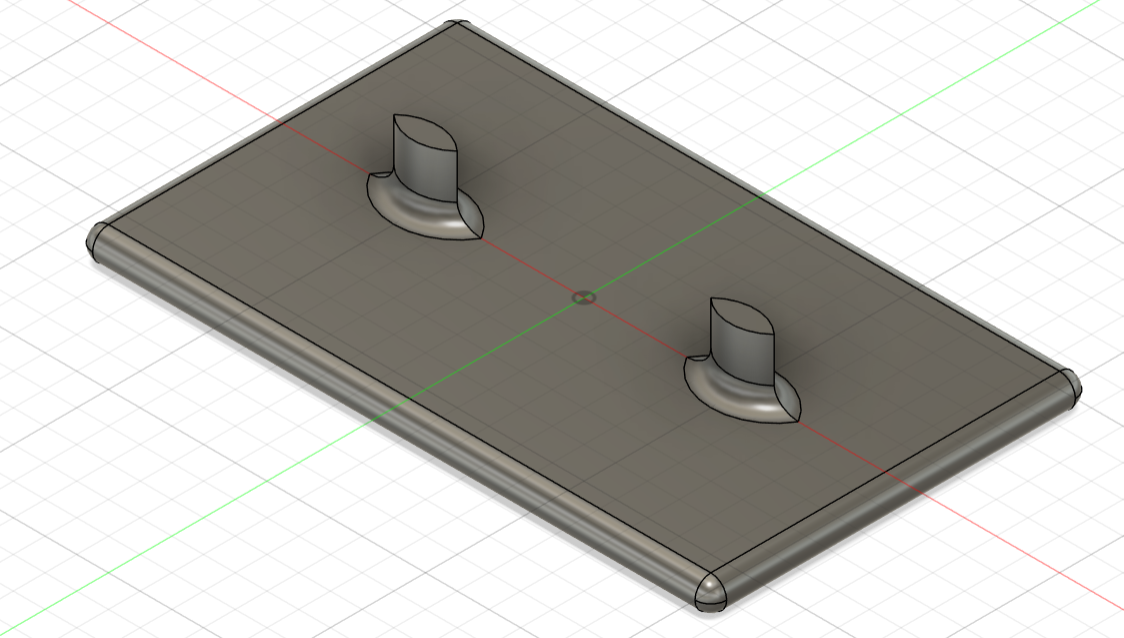
To carry your model while in the wind tunnel, we have to incorporate a model stand.
I have created multiple different versions that you can download below. They are sorted from shortest to tallest, with the mm measurement being the height of the two pillars only. So the total height (including the base of the model stand (which is 5mm)) is the said measurement plus 5mm.
You can test multiple different heights to find which one works best for your needs.
If you feel the need to modify the model stand for your needs, follow this Fusion link to my model: https://a360.co/4suprLM
Or you can always design your own!
For printing, just print like normal with the flat base side down.
Downloads
Setting Up for Lift and Downforce
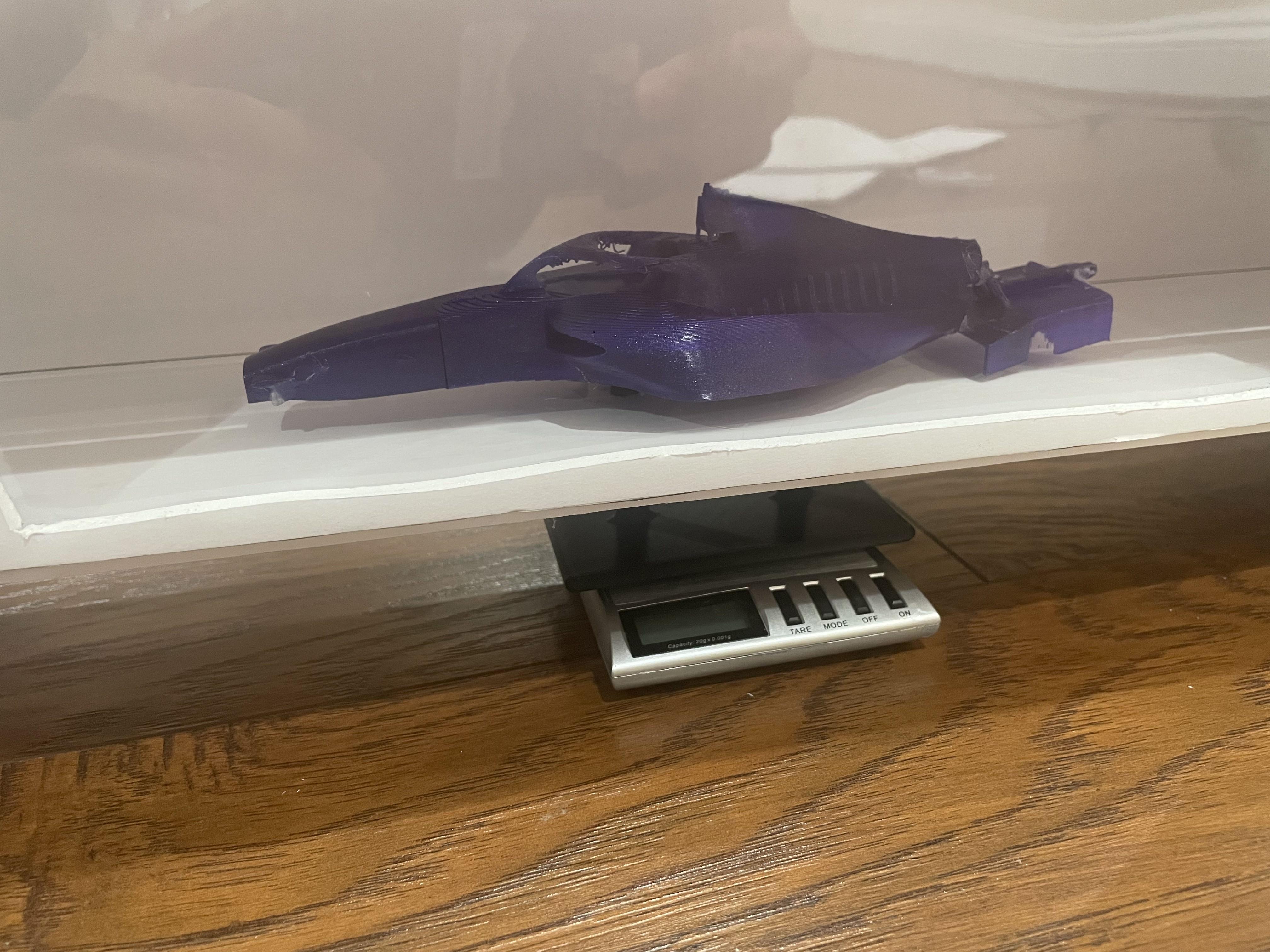
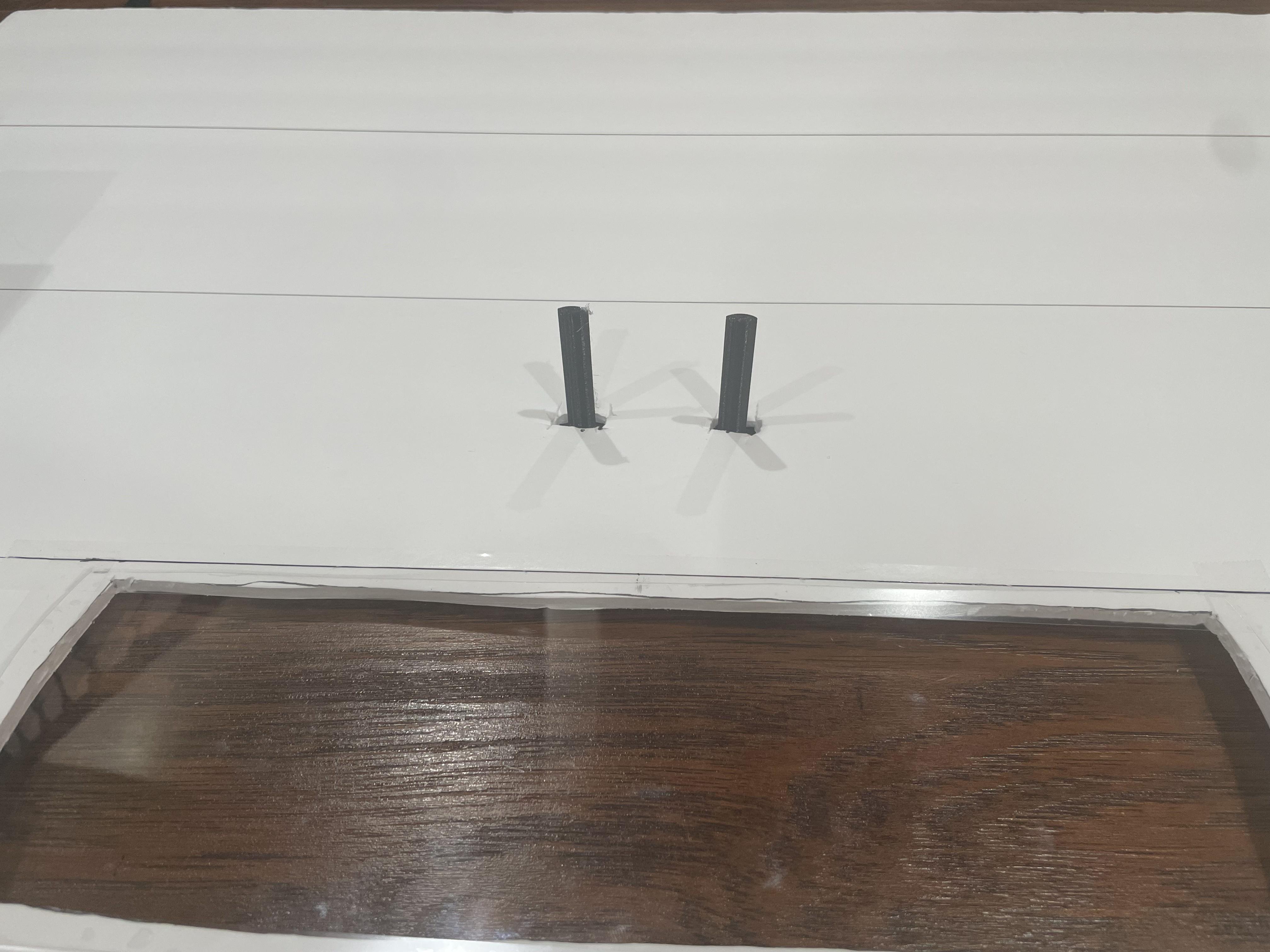
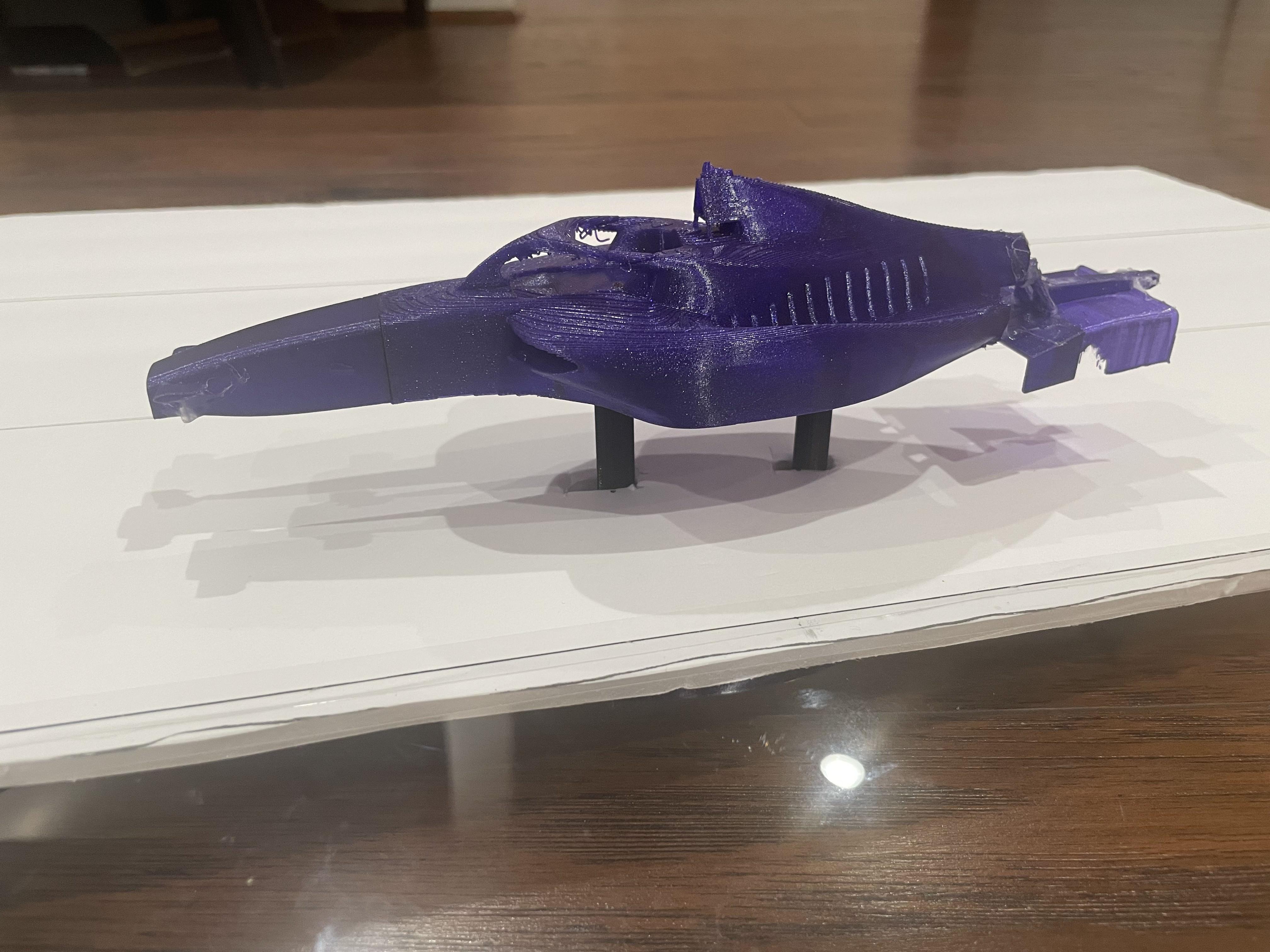
Open up the wind tunnel, and in the middle of the wind tunnel where you want you model to be, cut two holes in the bottom side of the tunnel spaced 4cm apart. These holes should allow the model stand pillars to pass through with space to spare.
Pass the model stand pillars from under the wind tunnel up into it through those holes. Place the model stand's base on the measuring platform of the milligram scale, which should be under the whole wind tunnel.
Attach your model to the model stand pillars with hot glue or any other method, and close up the wind tunnel.
Turn on your milligram scale and tare/zero it.
When testing, any negative value showed on the milligram scale is lift. Any positive value is downforce.
Setting Up for Drag
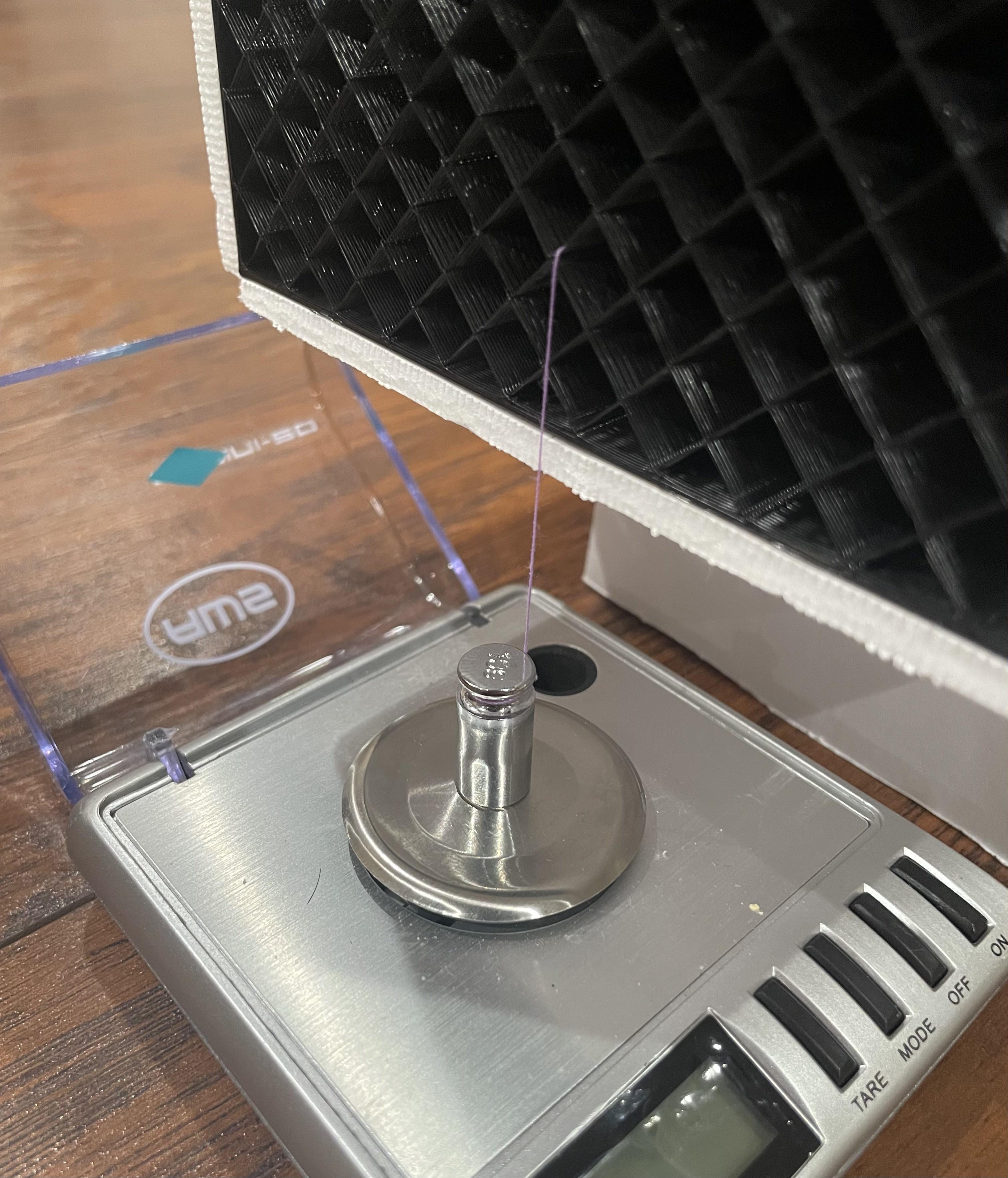
If you only have one scale, remove the lift/downforce and replace that spot with something the same height.
Place your milligram scale in front of the wind tunnel, under the front of it. Place an object with weight on the measuring platform of the milligram scale, turn it on, and tare/zero it.
Open up the wind tunnel, and tie/glue some thin string to the front of the model. Pass that string all the way to the front of the tunnel and through one of the "holes" in the flow straightener. Try and keep the string level and straight from between the model and flow straightener, so pick the correct "hole."
Pass that string down in front of the wind tunnel, and attach it to the object that's on the milligram scale. Make sure to cut the string to the right length so the string is barely taut when the object is at it's resting position with the fan off. This whole system acts as a pulley system where drag causes your model to pull on the string, which lifts the object on the scale.
When testing, any negative value showed on the milligram scale is drag.
Finished Product
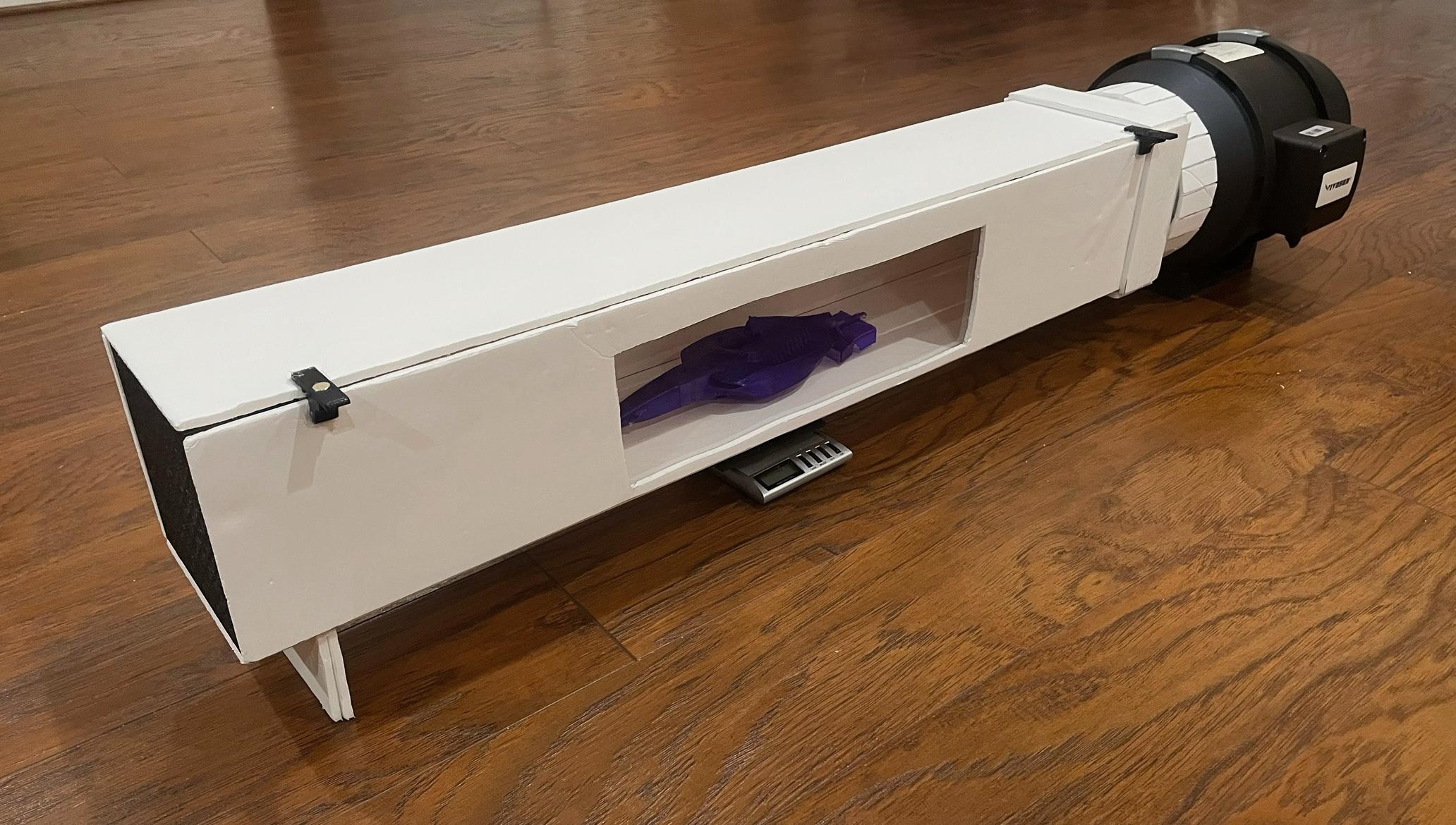
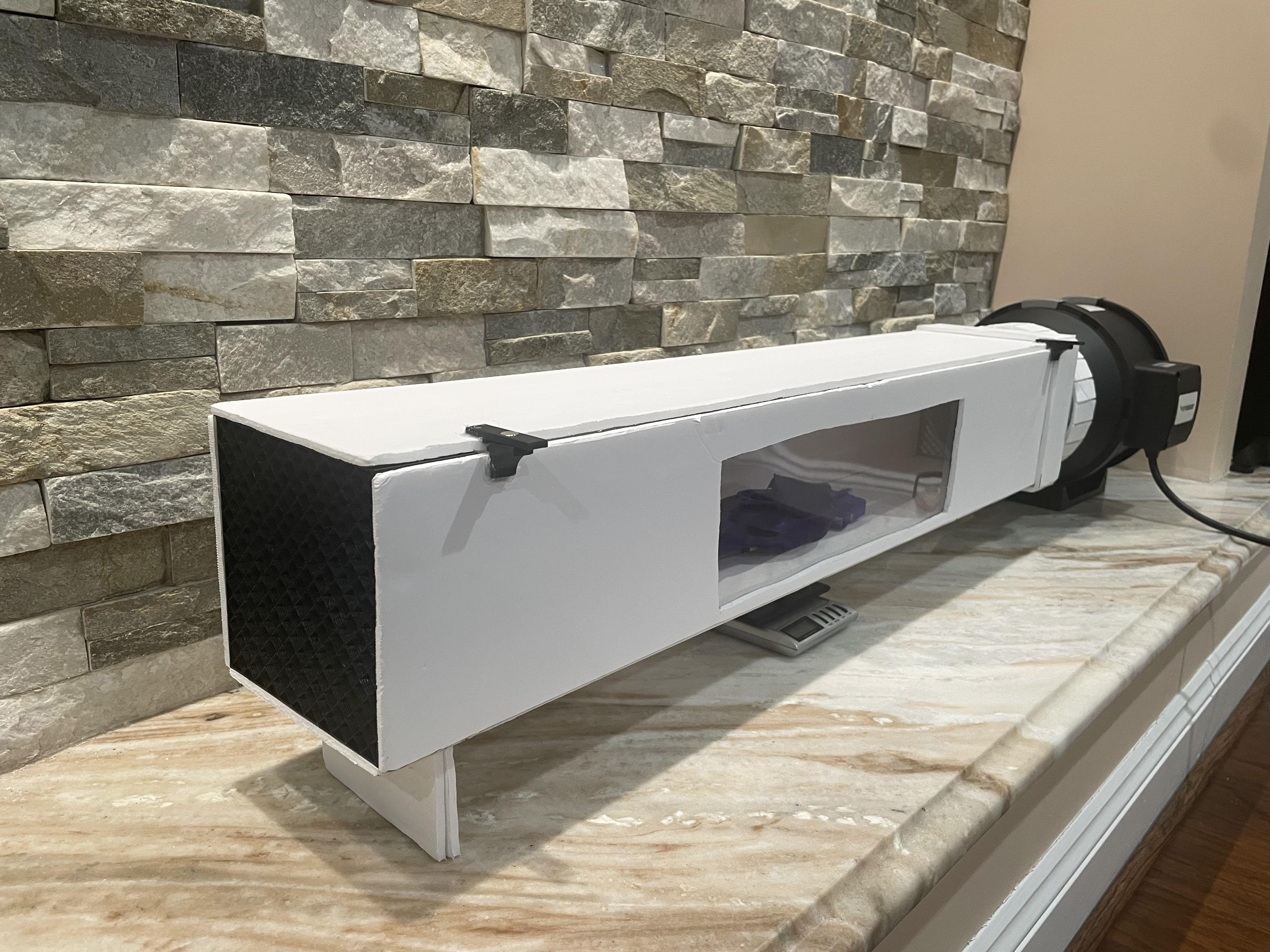
That's it!!!
You now have a ready-to-use DIY Wind Tunnel With Drag and Lift/Downforce Measurement that you made with your own hands. Isn't that great!
Just keep in mind that this is your wind tunnel, so you can make as many modifications that you want. I just showed you my way of making this, but you can definitely change things to make this wind tunnel match your needs.
Keep reading to find one of my testing models and how to actually test models!
Models
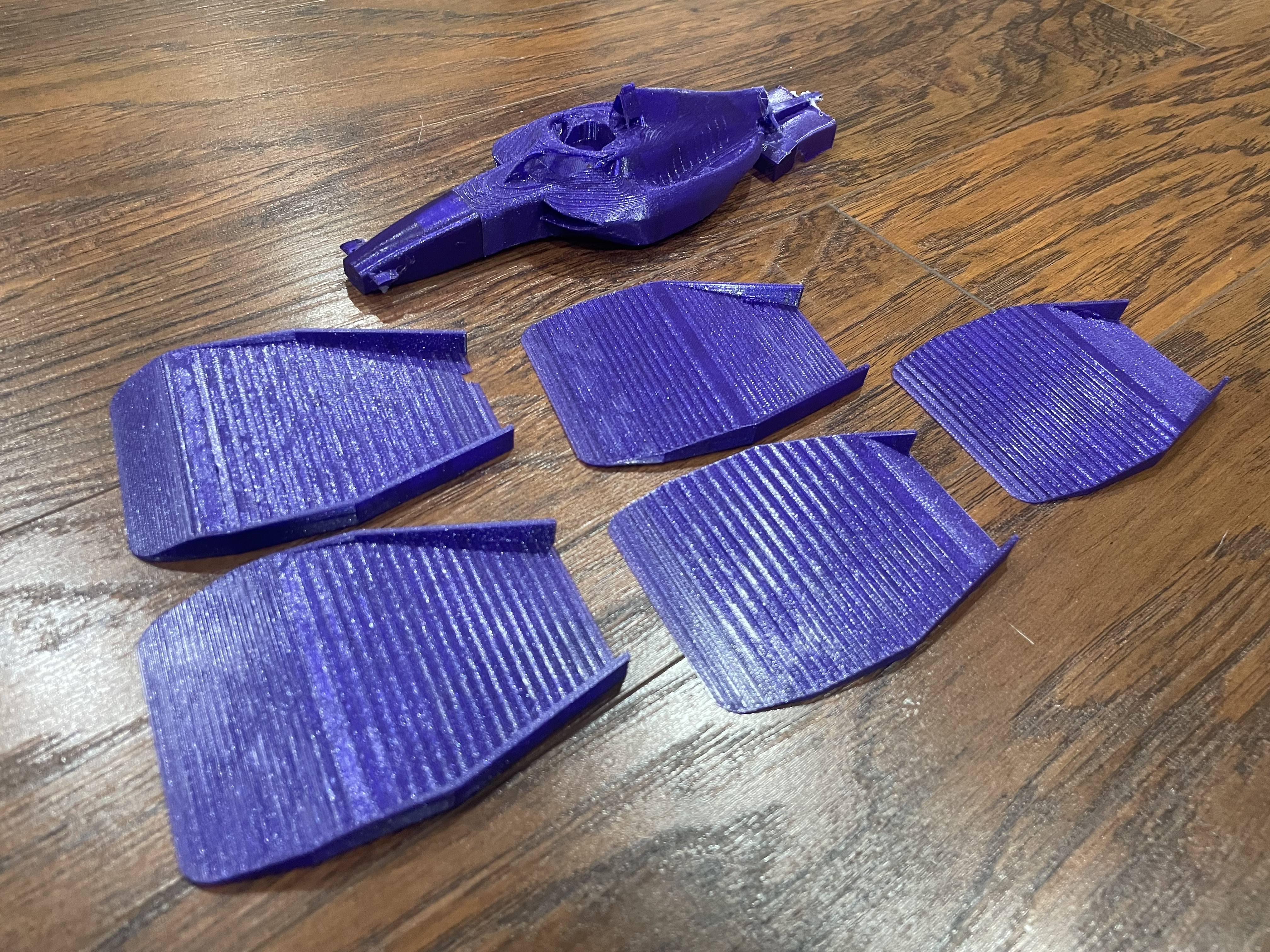

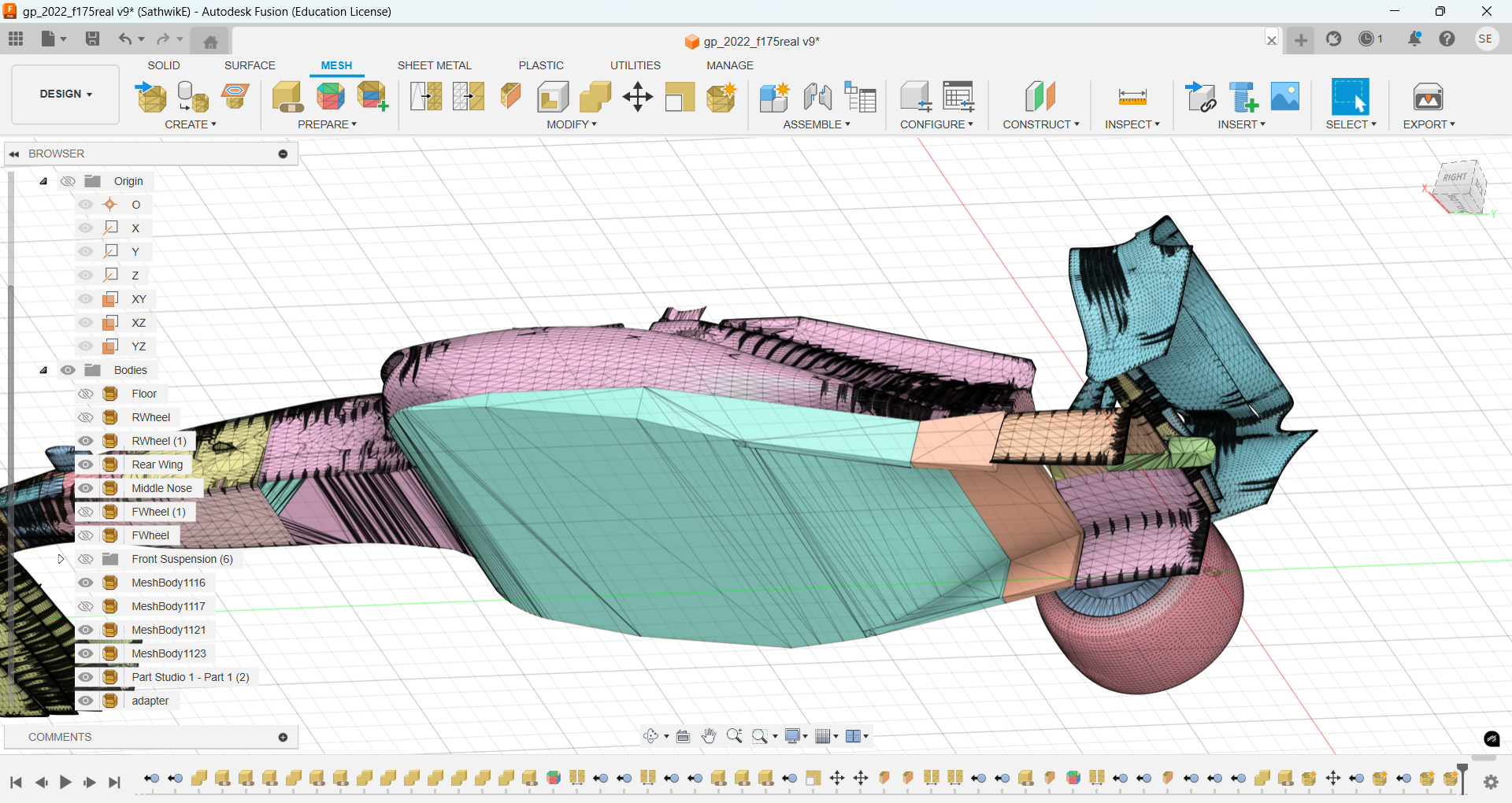
You can test almost any model that can fit into this tunnel. You can find 3D models online, design your own model, find something random in your house, or use mine to get started!
My model is an F1 car model I found that I took and modified so I could 3D print it and test the effects of differently shaped floors on the F1 car, namely downforce and drag. You can print the main body, the 5 floors, and swap out each floor and learn more about F1 aerodynamics like the venturi tunnels being tested here!
My model's files are found in the link below. You are free to modify these files as much as you want!
https://drive.google.com/drive/folders/1kHb09au3CqD04i_NaAfm0hayqrAh2U3C?usp=sharing
Testing
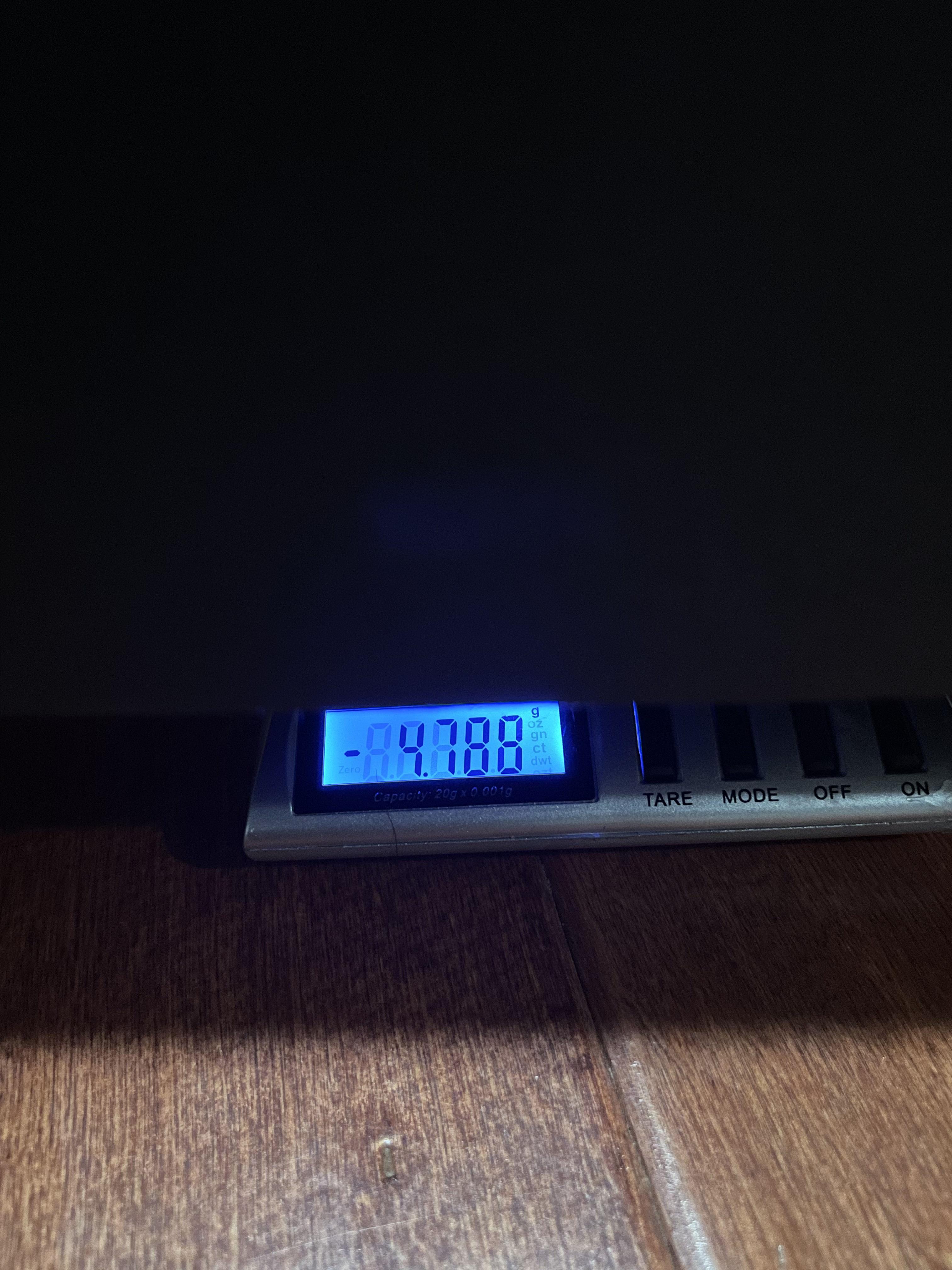
Set up your lift/downforce and/or drag scales as described in Steps 13 & 14.
Testing is simple: turn on the fan (to a desired speed), and watch as numbers pop up on the milligram scale(s).
You can record these numbers and get meaningful data on your model's aerodynamics with this simple wind tunnel setup.
Troubleshooting
Here are some quick fixes for common issues:
Numbers jumping around everywhere? You probably have air leaking somewhere. Check your tape/hot glue seals and make sure the magnetic latches are closed tight. Also, let the fan run for around 30 seconds before taking readings, as the airflow needs time to stabilize.
Drag reading shows zero? Your string is probably too loose. Tighten it up a bit so it's barely taut when the fan is off. Also check if the string is rubbing on the flow straightener. If it is, use a different hole.
Only getting downforce, no lift? Try a different model stand height. The airflow might be hitting your model at a weird angle. Make sure your model is at your expected angle relative to the floor of the tunnel.
Fan not pulling much air? Make sure it's facing the right way (sucking, not blowing). Also check for big air leaks in your tunnel. If this doesn't solve it, maybe your fan doesn't pull enough air for use in this big tunnel.
Model shaking or vibrating like crazy? Your model might be too light or the stand is too tall. Try adding some weight to the model stand or use a shorter stand to keep it more stable in the airflow.
Don't worry if things aren't perfect right away. A little tweaking is totally normal and expected!
Reflection
I really enjoyed creating this DIY Wind Tunnel With Drag and Lift/Downforce Measurement from scratch. I just love the idea that you don't need big fancy pieces of equipment to do awesome things like aerodynamic testing, you can just do it at home with a few household materials.
This is my first Instructable, and I really loved making it for you guys. I've always loved teaching others, and I just find it so intuitive to explain creating things like this to others. I'll definitely be creating more Instructables projects in the near future, so keep an eye out for those...
Happy building!
-Sathwik