DMX512 Lighting Control With Arduino UNO R4
by Zihatec in Circuits > Arduino
394 Views, 1 Favorites, 0 Comments
DMX512 Lighting Control With Arduino UNO R4
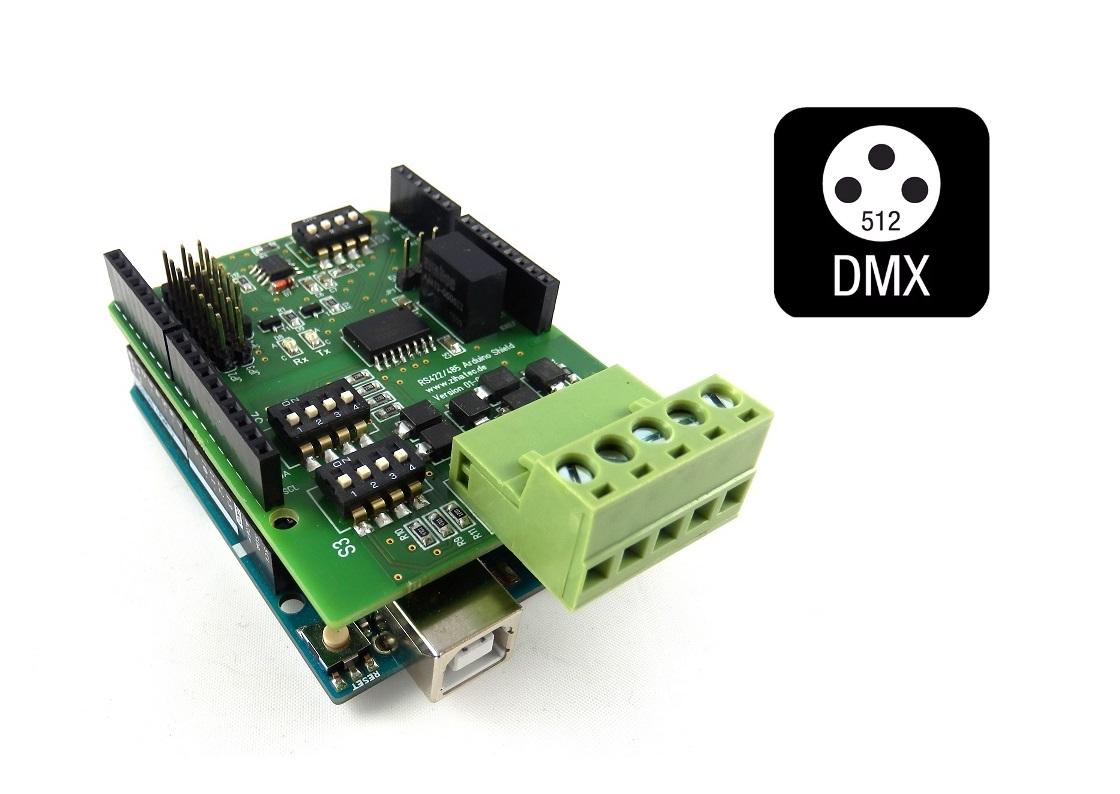
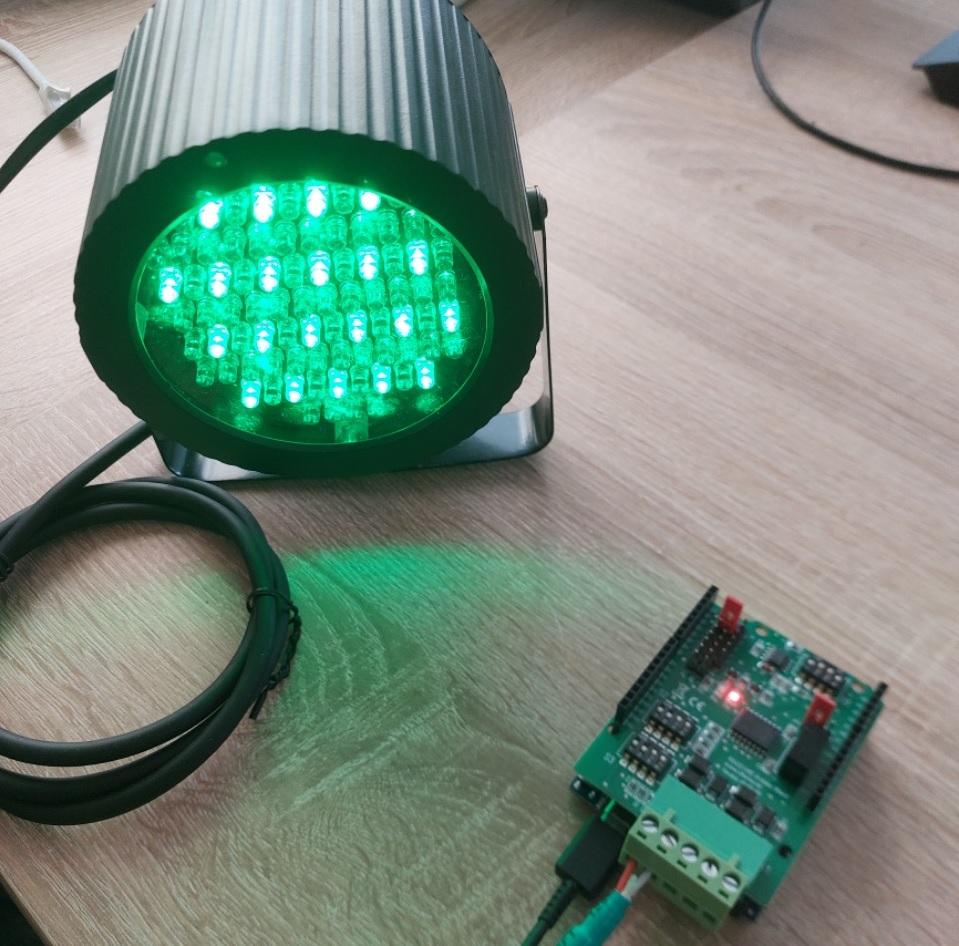
DMX is generally an industry standard for controlling lighting technology and is used in stage and event technology. Areas of application for DMX range from simple control of lighting technology such as dimmers to ‘intelligent’ spotlights such as moving heads and effect devices.DMX stands for Digital Multiplexing. The most widely used DMX protocol is DMX512, as it is the oldest.
DMX uses RS485 as its physical layer. With an RS485 shield, you can control DMX devices with an Arduino.
Supplies
Needed components:
- Arduino UNO R4 or R3
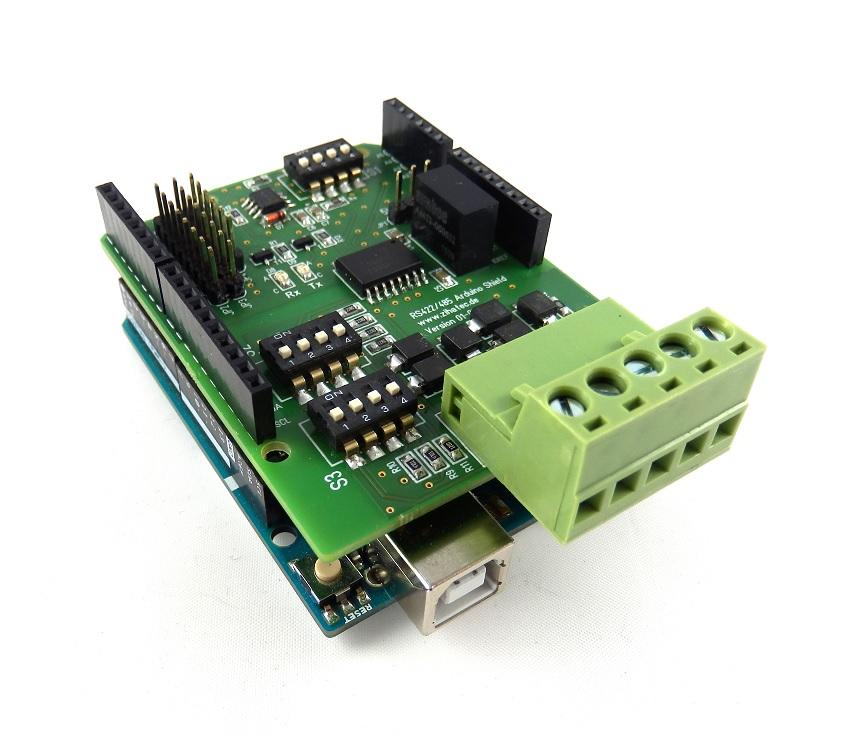
- RS485 Shield
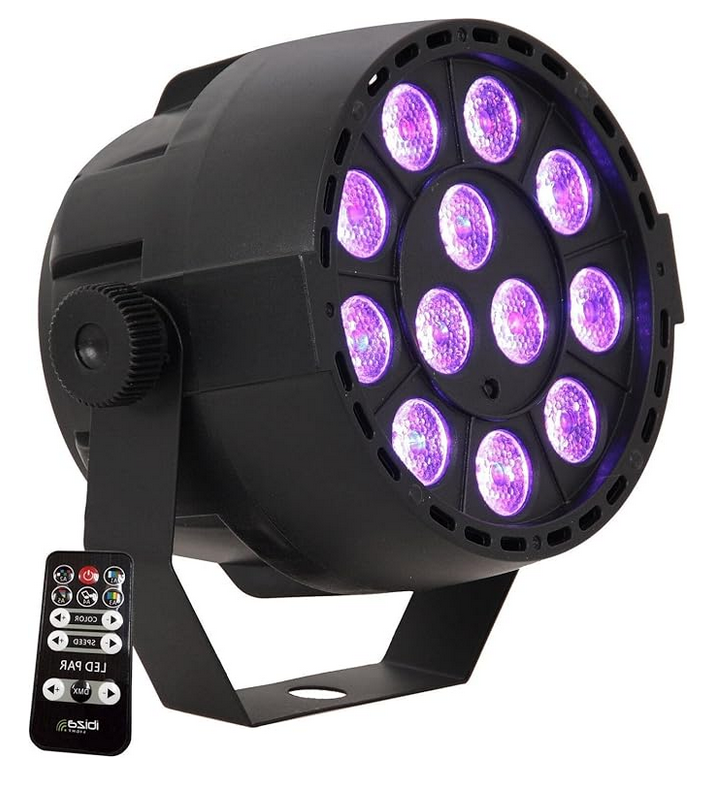
- spotlight with DMX interface*
*) LED spotlights with DMX connections are available from specialist retailers starting at around £35. These spotlights are usually called ‘LED MINI PAR LIGHT’ or something similar. There are usually two 3-pin DMX connections (old DMX standard) on the back of the spotlight. Connections A (also known as the hot connection), B and shield are connected to our RS422/RS485 module with the connections of the same name on the screw terminal strip.
Wiring
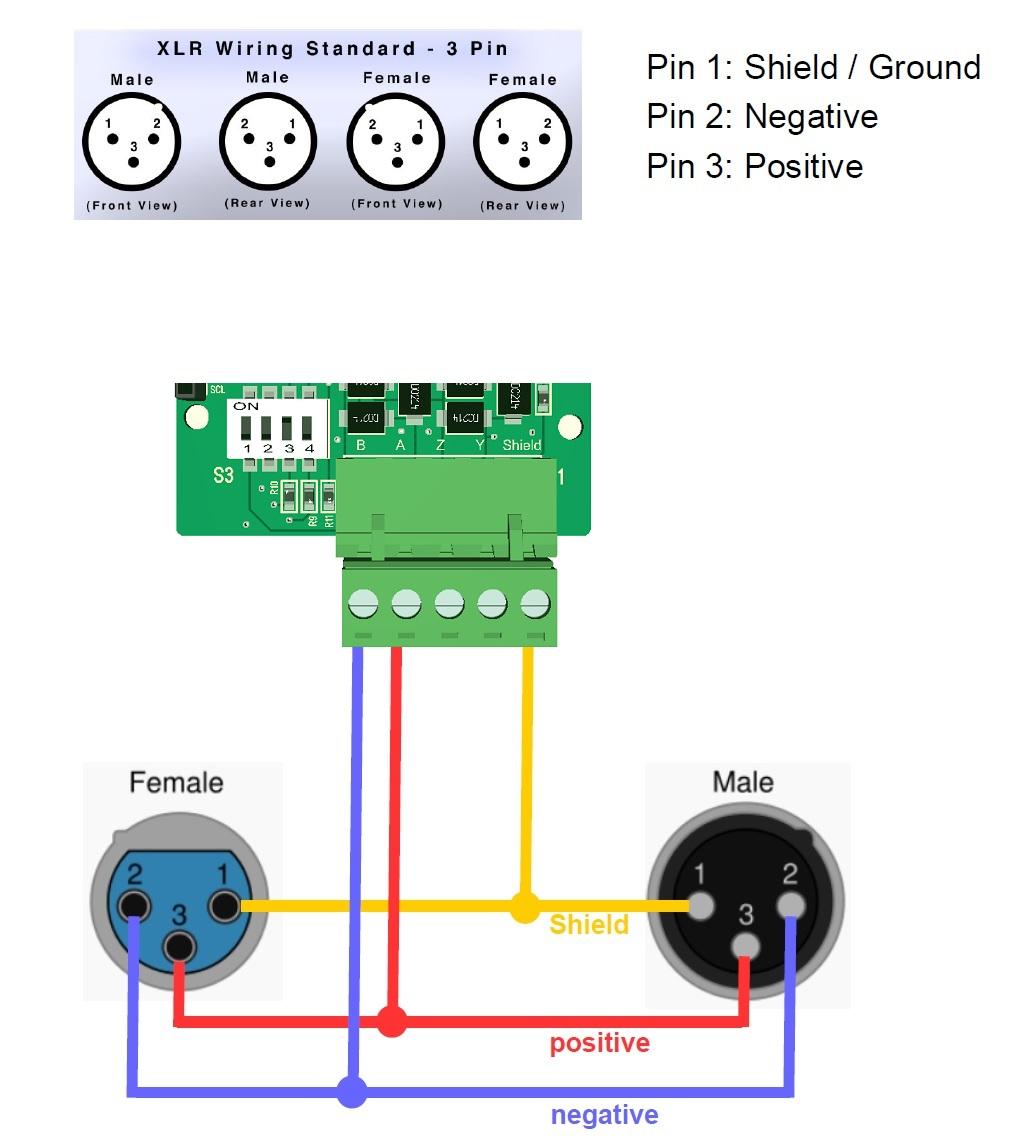
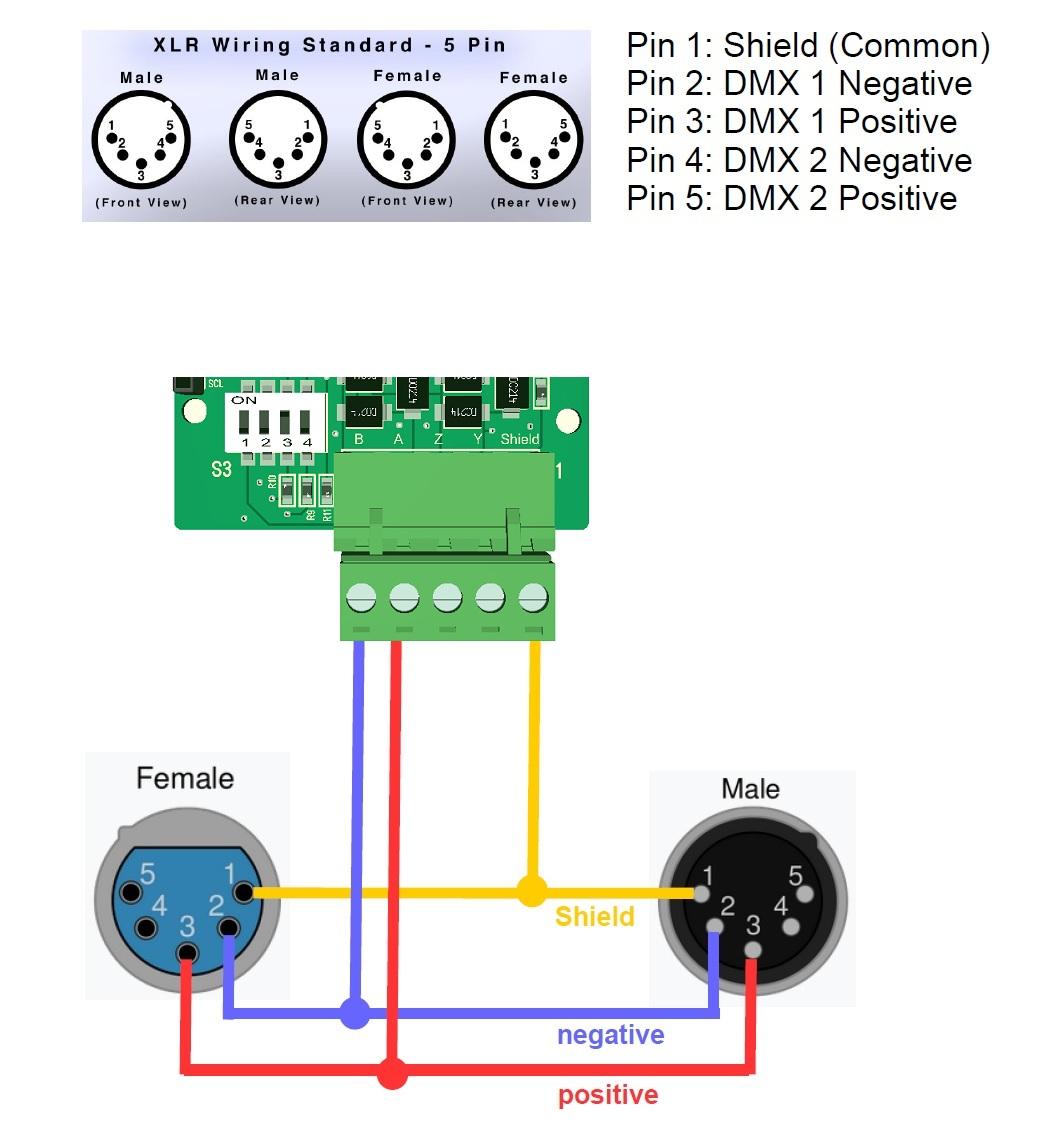
The current DMX standard specifies five-pin XLR connectors. From an electrical point of view, however, these function in exactly the same way as the three-pin connectors, provided that the DMX device still supports the DMX512 standard. (The free contact pair pins 4 and 5 are only used in the DMX512-A standard.)
The connection to the RS485 shield is made according to the connection diagrams below.
Jumper and DIP Switch Setting
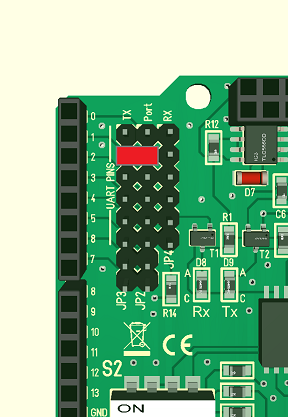
For DMX512 communication, the DIP switches and jumpers on the shield must be configured correctly.
First, we set the DIP switches as follows:
- S1: OFF - ON - ON - OFF
- S2: OFF - OFF - ON - ON
- S3: ON - OFF - ON - ON
Now the jumpers must be set correctly. Jumper JP1 is set to the 5V position. The jumpers JP2 - JP4 for communication are set as shown in the figure below.
Please Note: Only one jumper is required for TX. The jumper for RX is not required.
DMX Library for Arduino
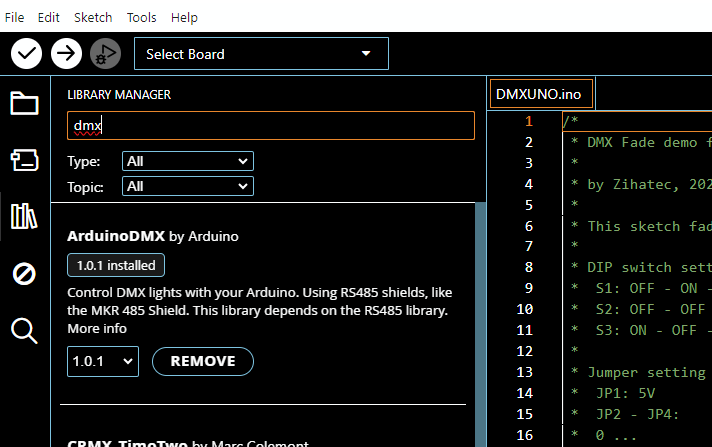
Many examples refer to the DMXSimple library by Peter Knight. Unfortunately, this library does not support the Arduino UNO R4 and appears to no longer be maintained. However, this is not a problem, as Arduino itself offers its own DMX library that supports both the Arduino UNO R4 and the R3.
When compiling for the UNO R3, you will receive a warning. In my experience, however, the programme still works on the UNO R3. Since the UNO R3 only has one serial interface, you will have to do without debug output in this case.
Demo Program

Unfortunately, there is no standardisation of channel assignments for DMX512 devices, so each manufacturer assigns channels to their DMX devices slightly differently. I use an LED MINI PAR Light 86, which has the following DMX channels:
- CH1: total dimming (0-255)
- CH2: Red (0-255)
- CH3: Green (0-255)
- CH4: Blue (0-255)
- CH5: CH2-4 is valid (0-5) / Strobe (6-255)
- CH6: turn off lights (0 - 50)
A look at the manufacturer's data sheet/operating instructions for the respective spotlight reveals which DMX channels are assigned to which functions.