ESP32 Self-Balancing Quadruped Robot With ROS 2 Wireless Control and 3D GUI
by xprobyhimself in Circuits > Robots
1537 Views, 20 Favorites, 0 Comments
ESP32 Self-Balancing Quadruped Robot With ROS 2 Wireless Control and 3D GUI
.png)
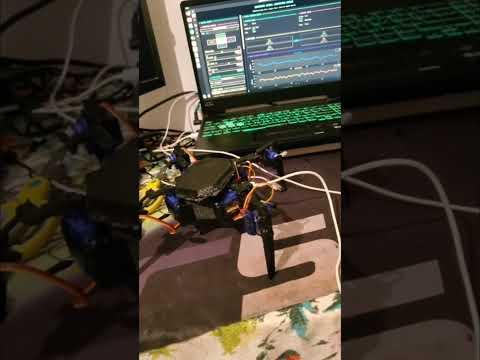
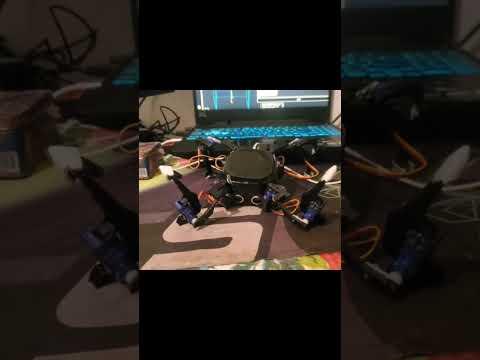
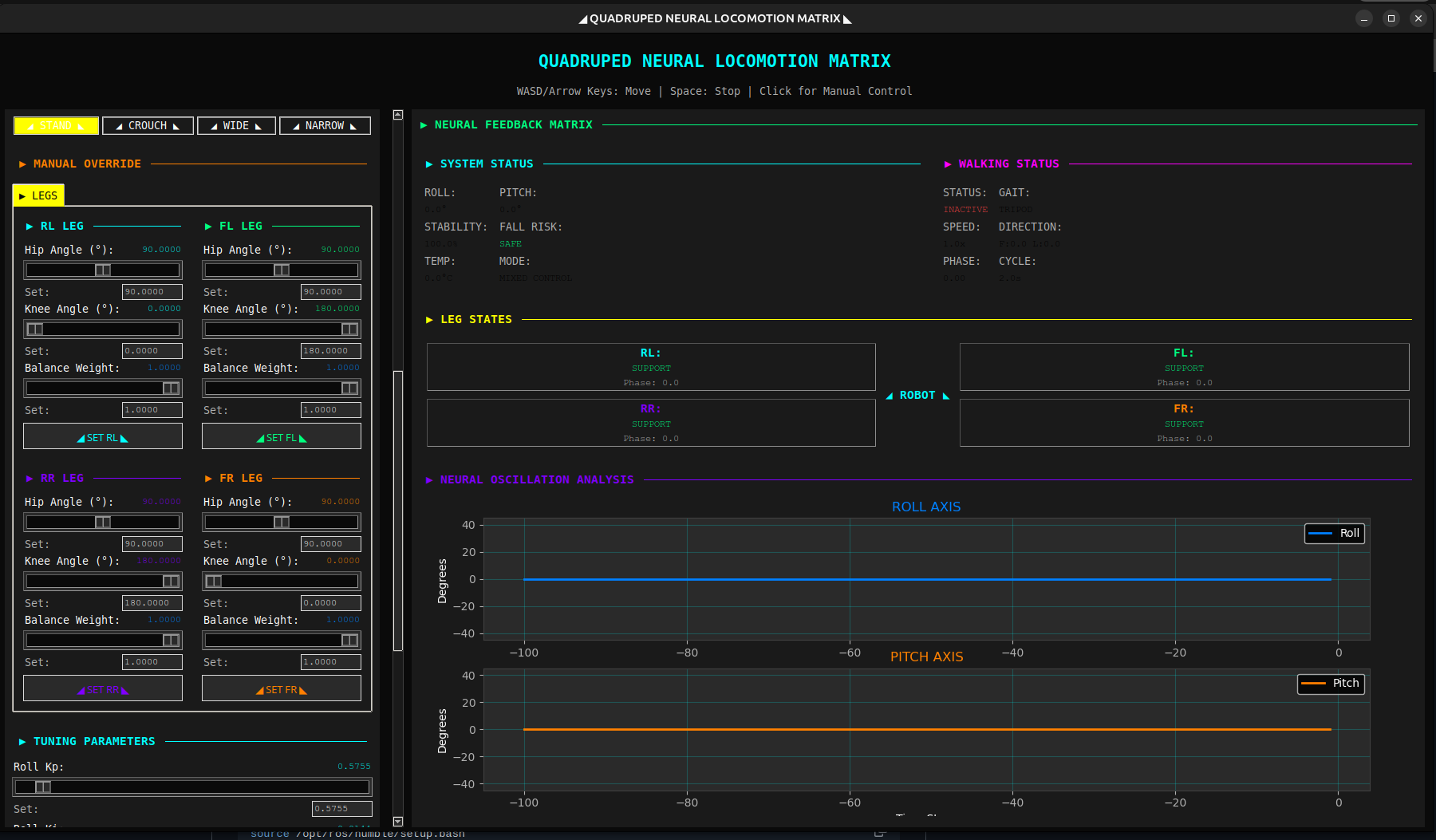
This DIY quadruped robot uses an ESP32, micro-ROS, and ROS2 for advanced self-balancing with PID control, smooth walking gaits, and obstacle distance sensing via ultrasonic. It includes a stunning cyberpunk-themed GUI with real-time 3D orientation visualization, roll/pitch plots, PID tuning, and manual/keyboard controls. Perfect for robotics enthusiasts!
Capabilities:
- Auto-balances on uneven surfaces using MPU6050 IMU
- Walks forward/backward/left/right with adjustable speed and gait
- Publishes distance data from HC-SR04 (ready for future obstacle avoidance)
- Cyberpunk GUI with neon styling and 3D robot attitude cube
- Keyboard or button control, per-leg overrides, sensor calibration
Downloads
Supplies

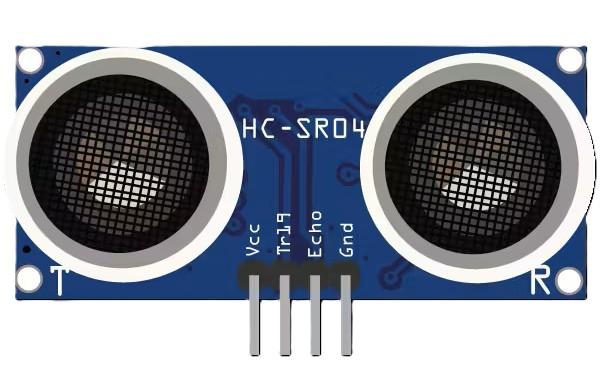
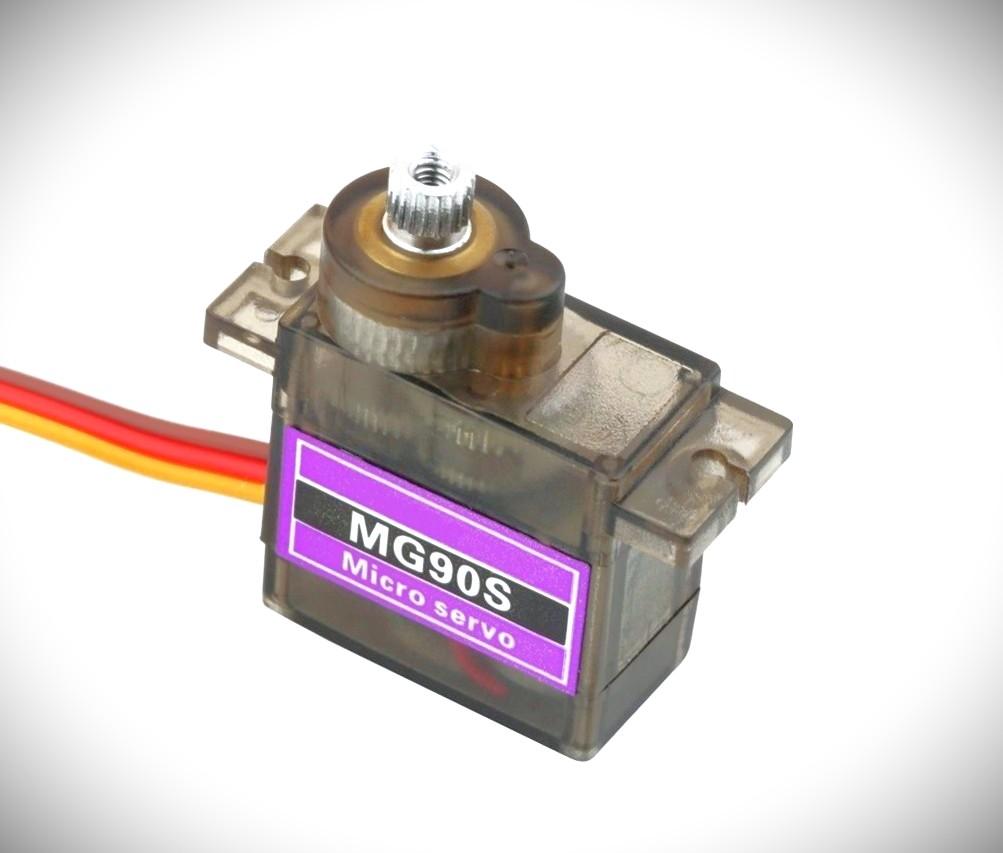
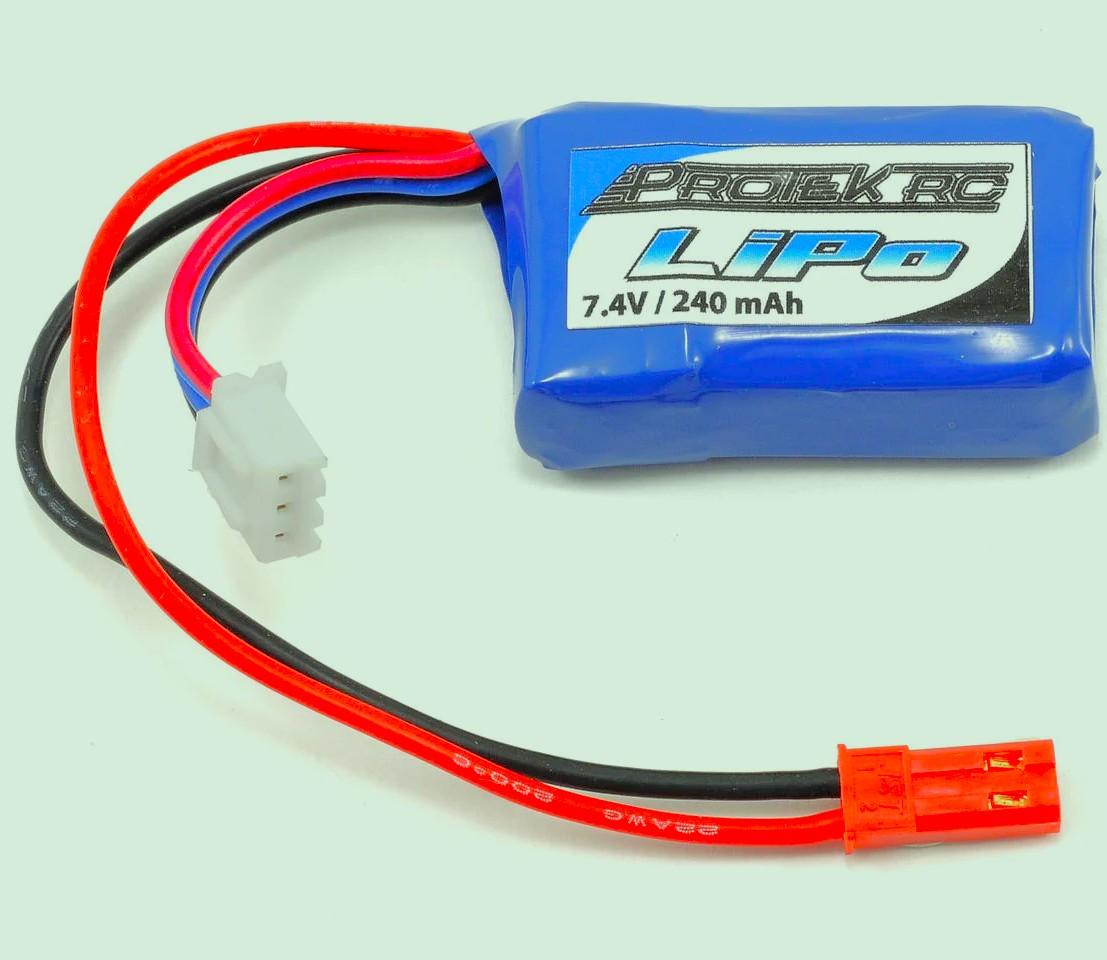

Materials
- ESP32 development board
- PCA9685 16-channel PWM servo driver
- 8 × MG90S or similar metal gear servos (180° range)
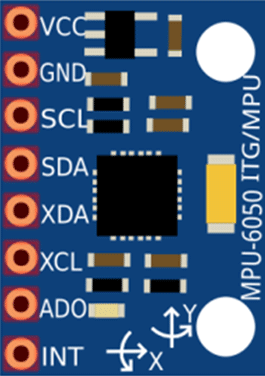
- MPU6050 IMU module
- HC-SR04 ultrasonic sensor
- 3D-printed quadruped frame (4 legs, 2 servos per leg)
- 5–6V power supply/battery for servos (separate from ESP32)
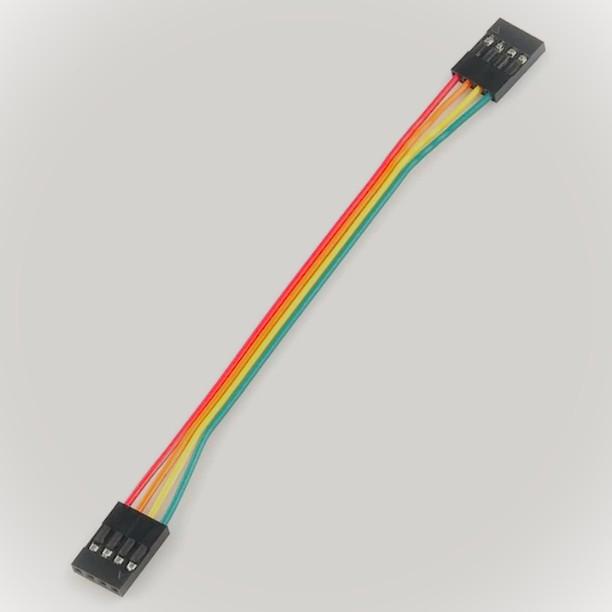
- Jumper wires, breadboard or PCB
- Computer running Ubuntu 22.04 (for ROS2)
3D Print the Frame


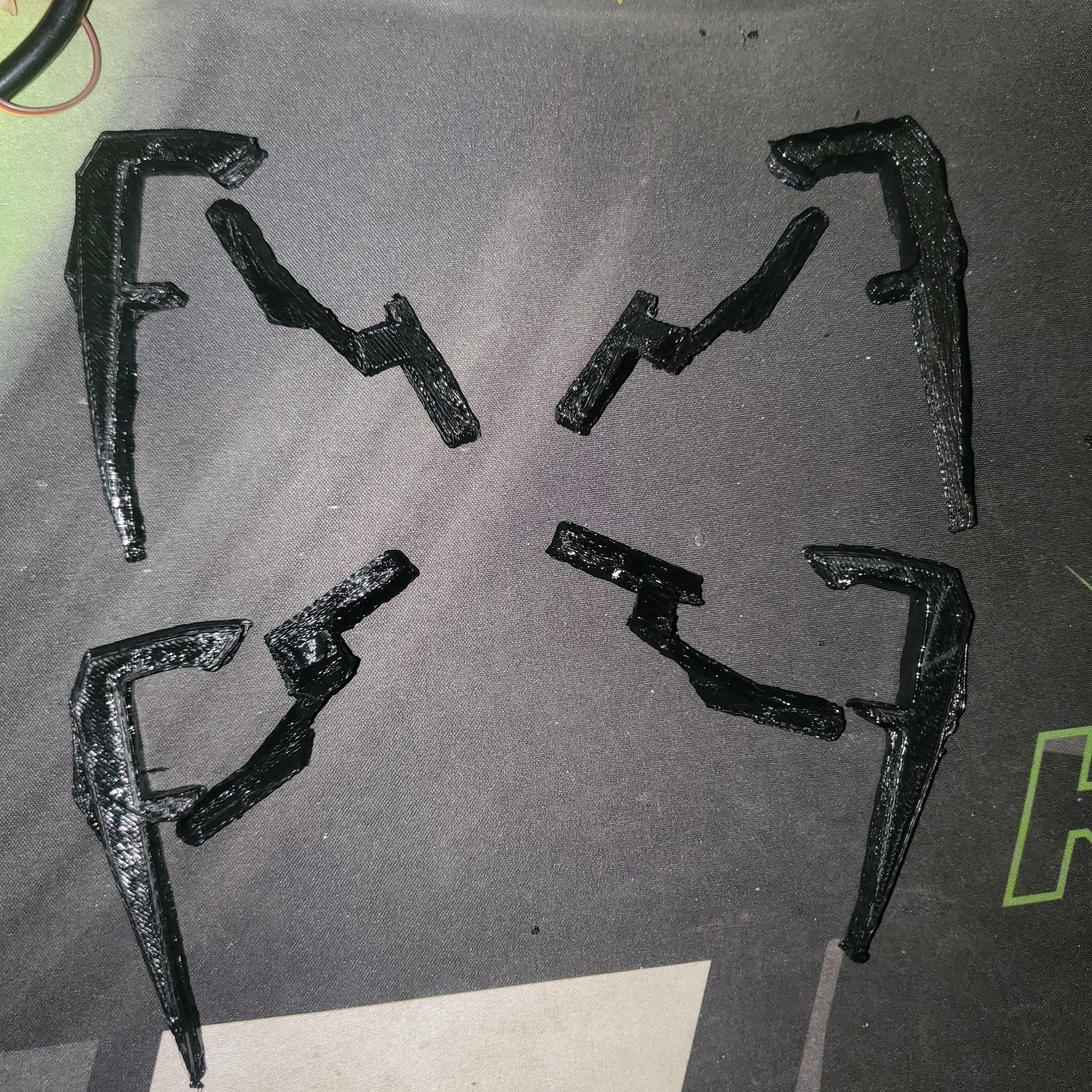



Slicing Settings (Cura, PrusaSlicer, or similar)
- Layer Height: 0.2 mm (0.15 mm for smoother joints)
- Infill: 25–40% (Gyroid or Grid)
- Walls: 3–4 (1.2–1.6 mm thickness)
- Supports: Tree supports where required (overhangs on legs/mounts)
- Adhesion: 8–10 mm brim
- Temperatures: Nozzle 200–210°C, Bed 60°C
- Orientation: Body flat on bed; legs positioned to minimize supports
Printing Sequence
- Print the body first (monitor initial layers).
- Print the Top.
- Print upper legs.
- Print lower legs.
Post-Processing
- Carefully remove supports with pliers or cutters.
- Sand joints (220–400 grit) for smooth servo fit.
- Test-fit servos (no screws initially); ream holes if needed.
- Assemble using servo horns and screws (no glue required for joints).
The frame is now ready for electronics integration.
Assemble the Robot
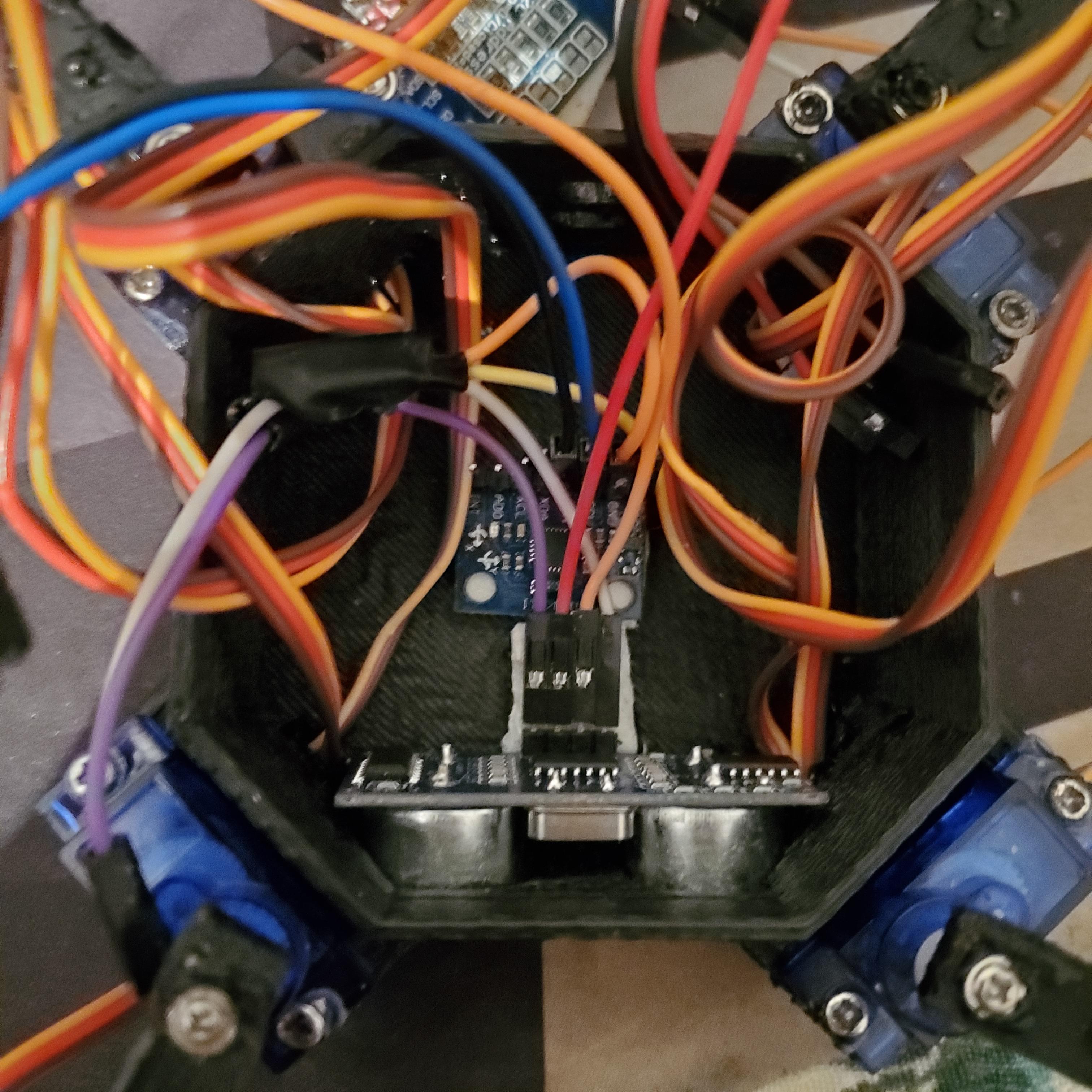
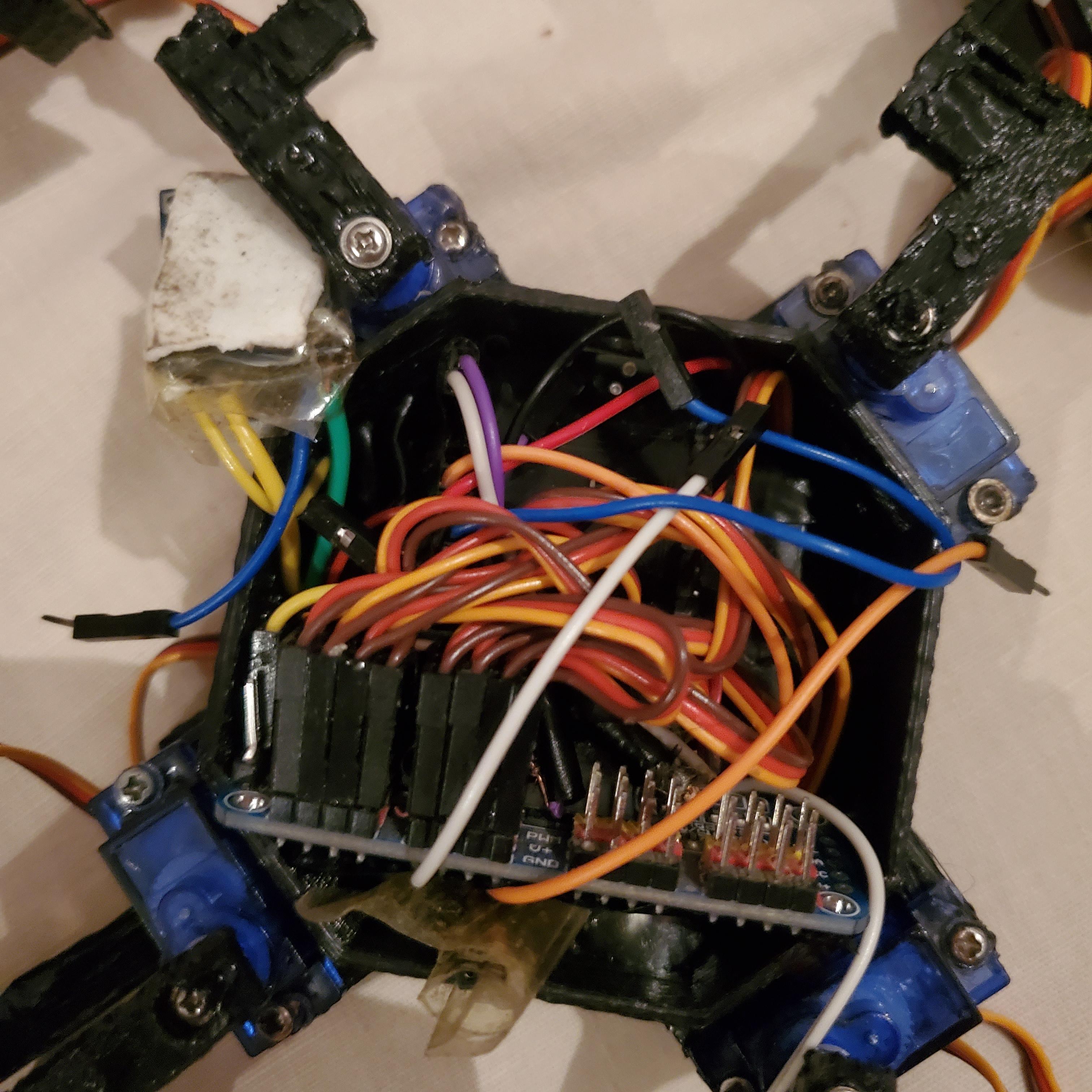
- Attach hip servos to the body (one per leg corner).
- Connect knee servos to the lower leg parts.
- Mount legs to hips — ensure symmetric layout (front-right, front-left, rear-right, rear-left).
- Secure the ESP32, PCA9685, MPU6050 (centered), and HC-SR04 (front-facing) on the body.
- Test servo fit — horns should allow full leg movement without binding.
Wire the Electronics
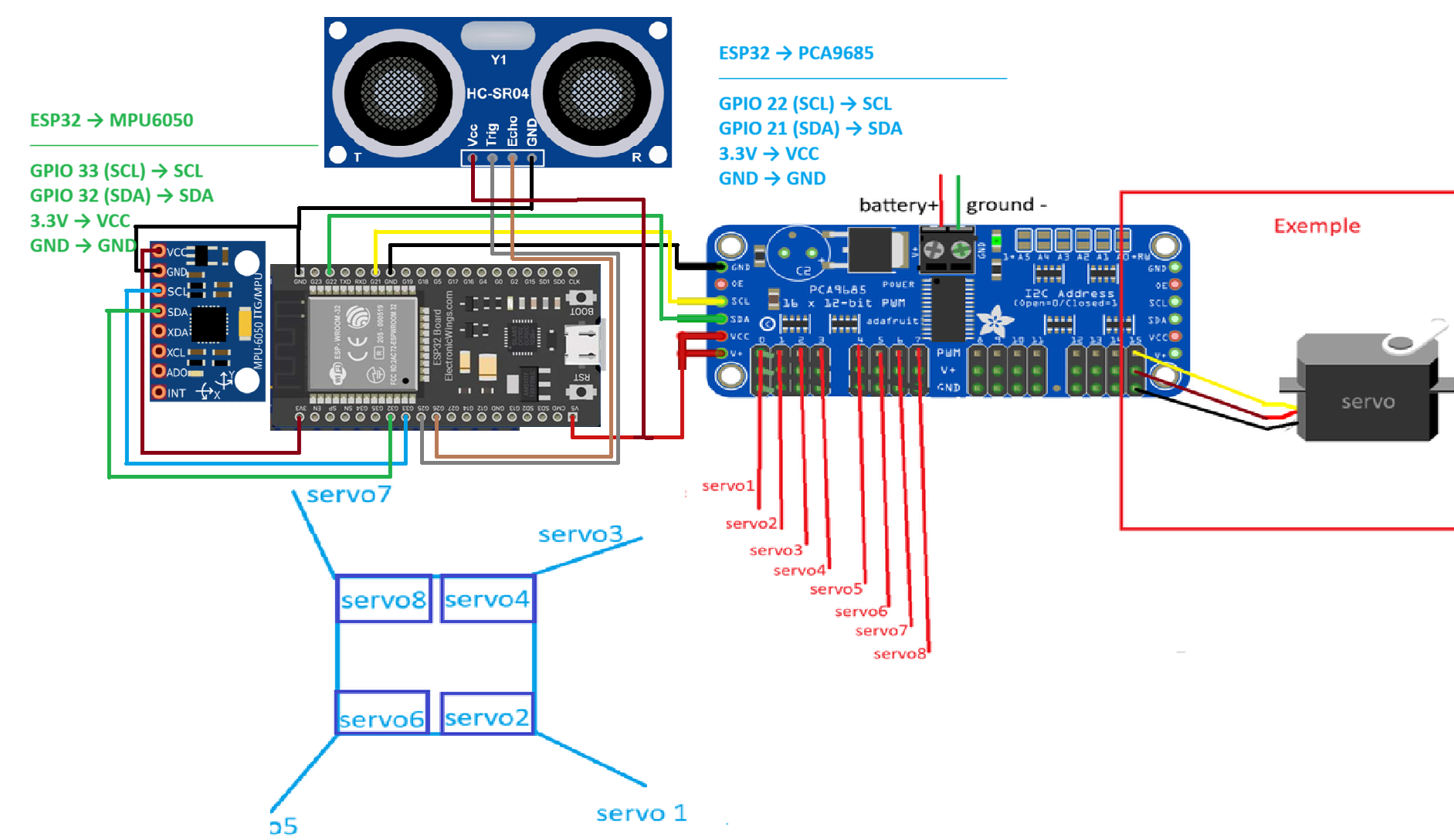
- Connect PCA9685 to ESP32 default I2C (SDA=21, SCL=22).
- Wire all 8 servos to PCA9685 channels 0–7.
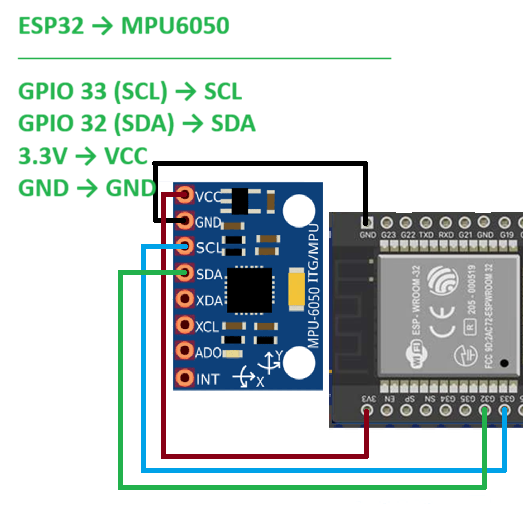
- MPU6050 to secondary pins: SDA=32, SCL=33.
- HC-SR04: Trig=25, Echo=26.
- Power servos separately (common ground with ESP32).
Example wiring:
Upload Firmware to ESP32

- Install PlatformIO (VS Code extension).
- Clone the repo:
- Open the project, edit main.cpp: update WiFi SSID/password and agent IP (your PC's IP).
- Upload to ESP32. LED should light up when connected.
Install ROS2 and Dependencies
On Ubuntu 22.04:
Setup and Run Micro-ROS Agent

Setup and Run micro-ROS Agent
- Install micro-ROS agent (use Docker for ease):
(Or build from source if needed.)
Run the Controller and GUI
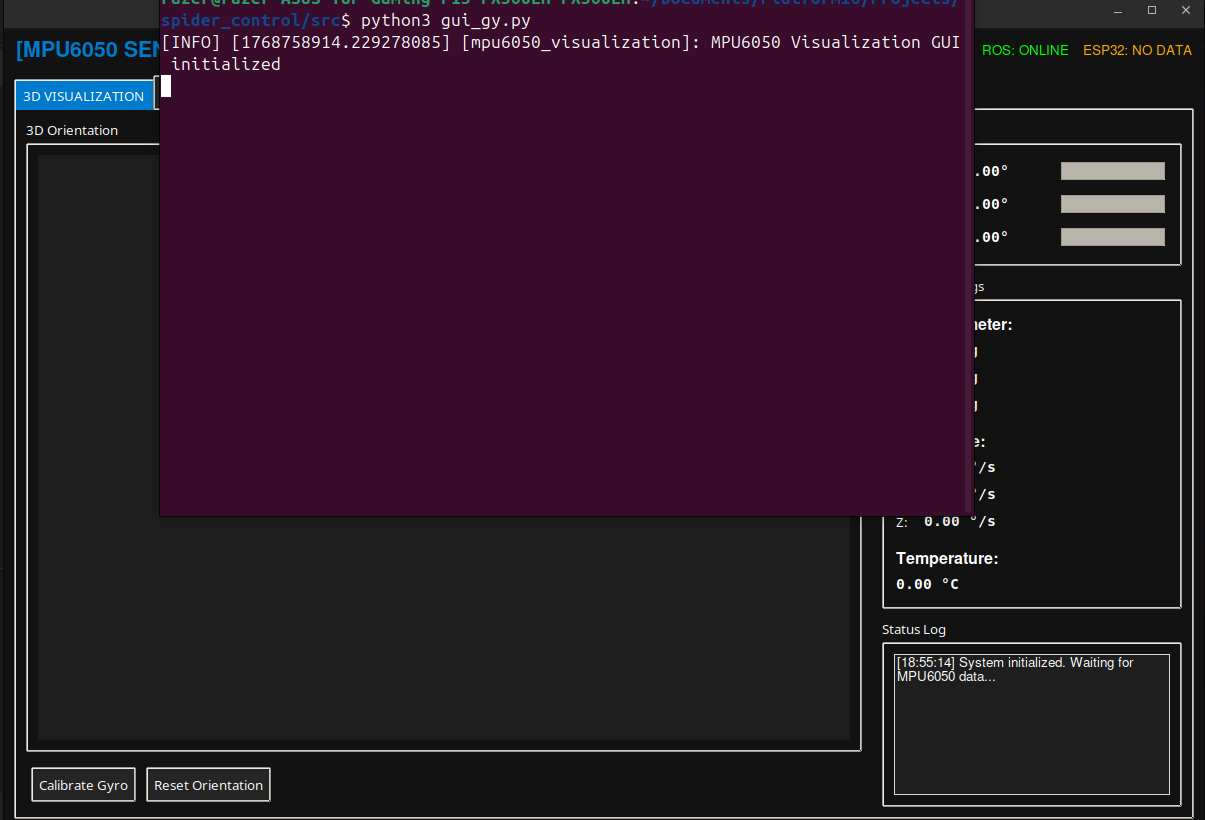
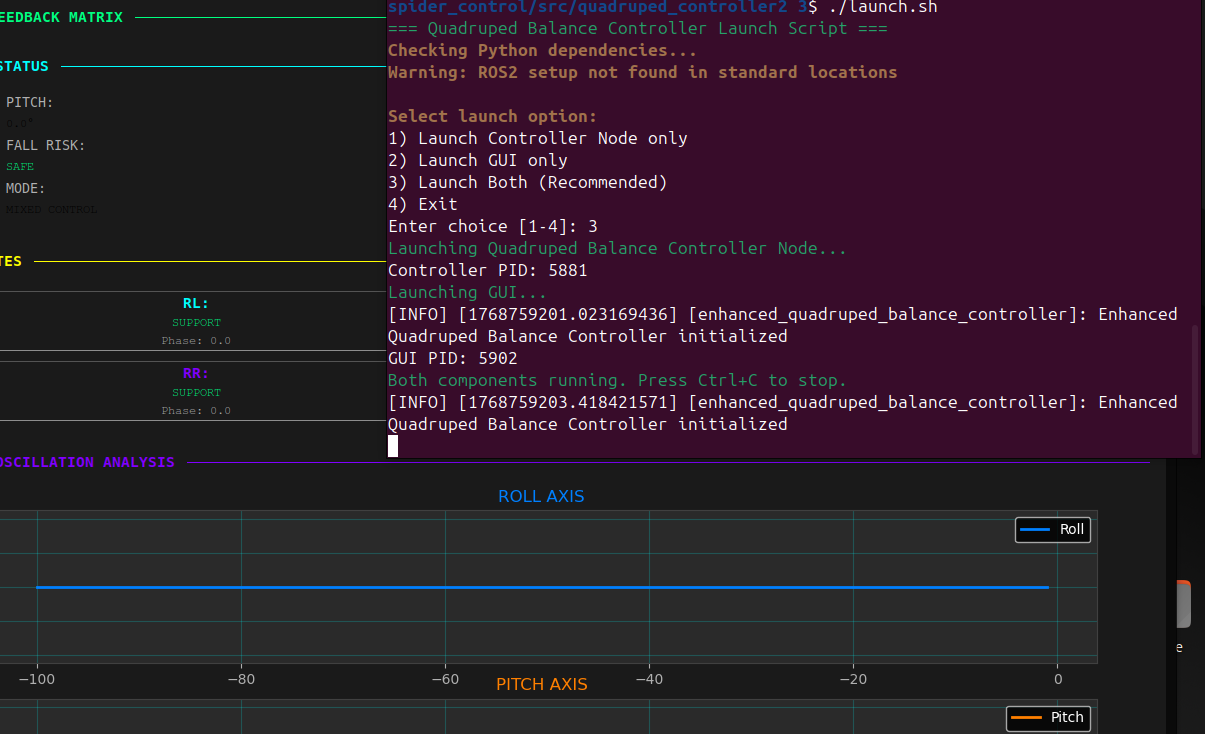
In separate terminals (source ROS2 each time: source /opt/ros/humble/setup.bash):
Terminal 1 (Controller):
Terminal 2 (Main GUI — recommended):
Optional: Standalone IMU visualizer
GUI example :
Calibrate and Test
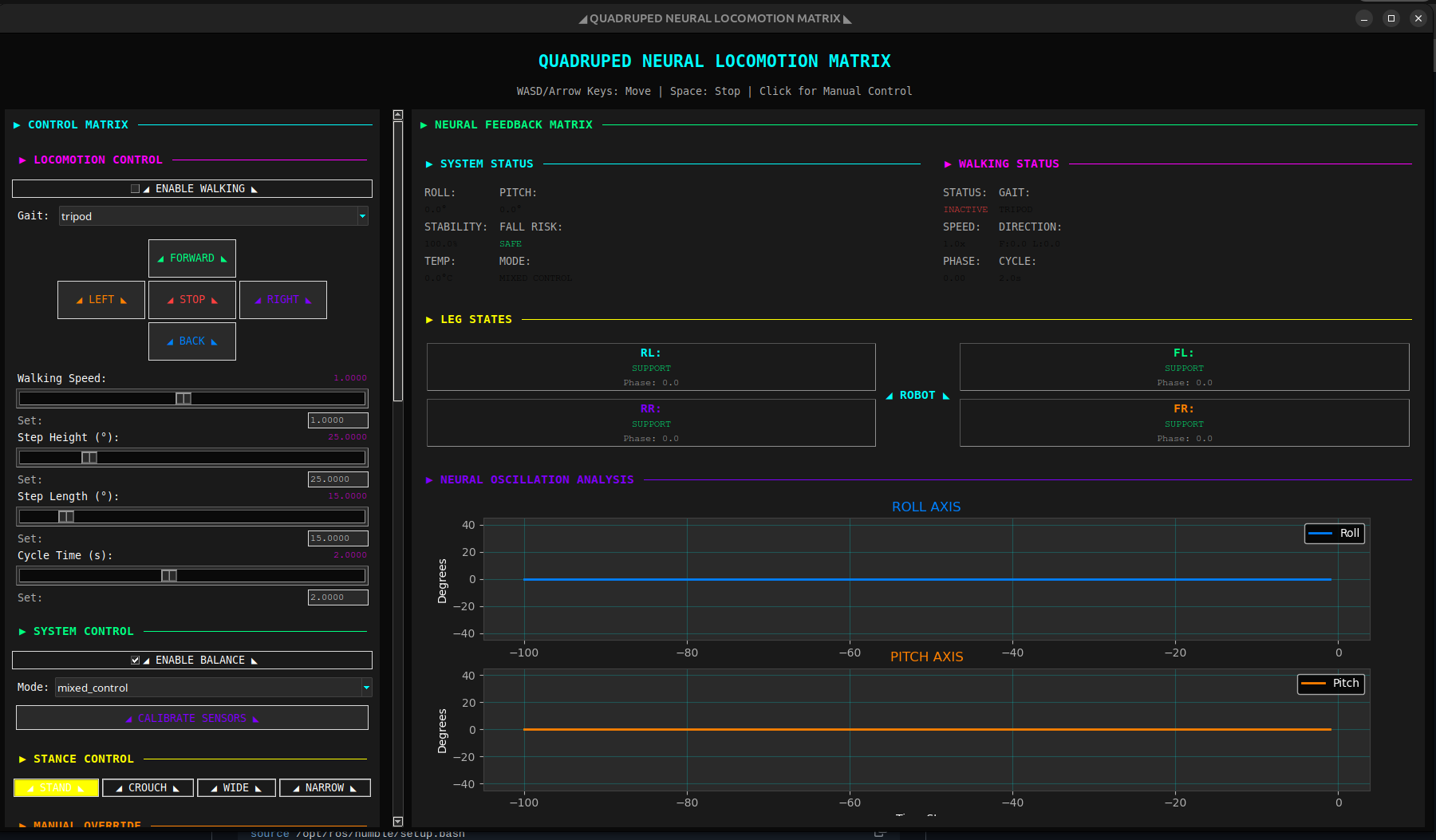
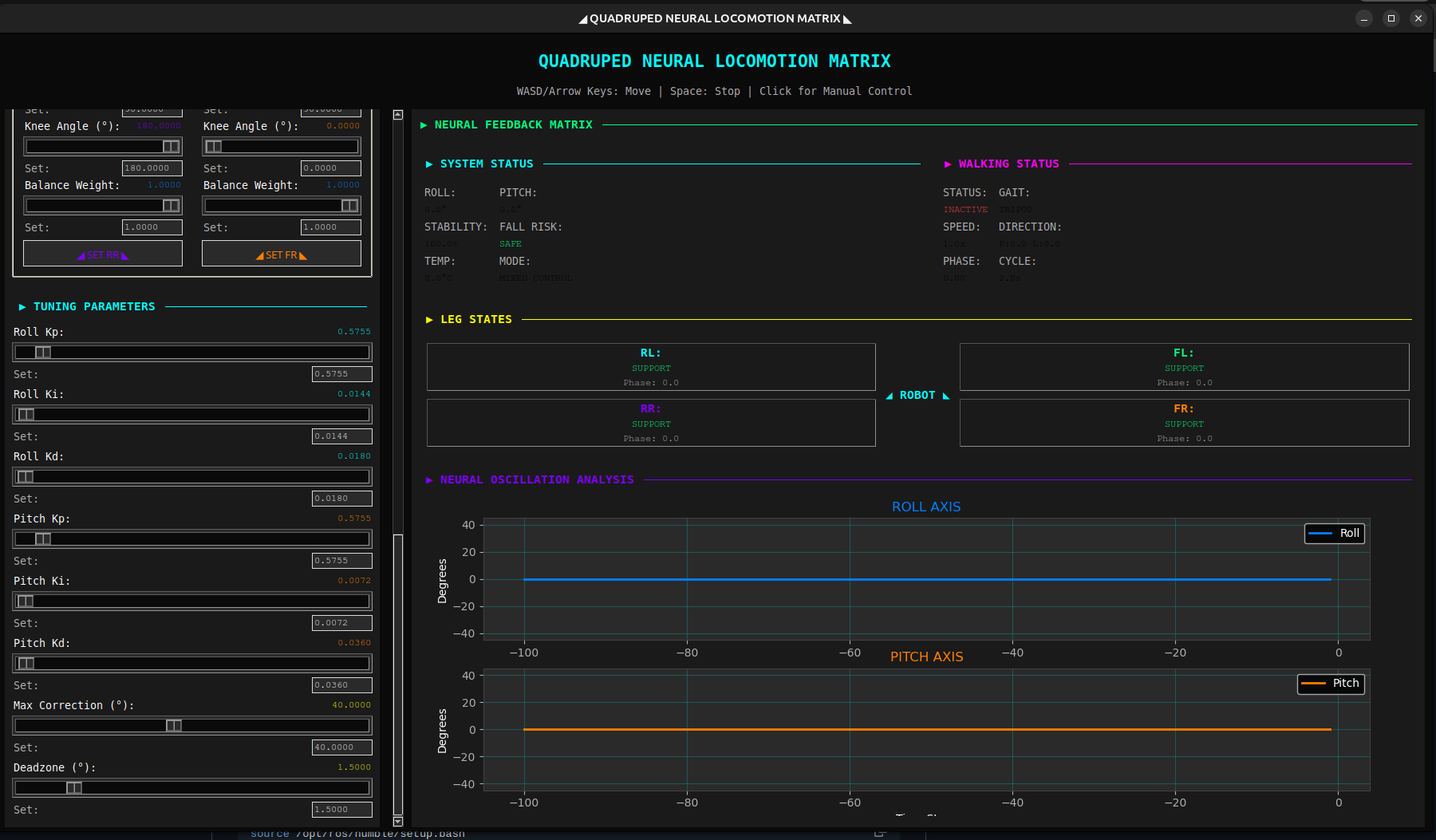
Calibrate and Test
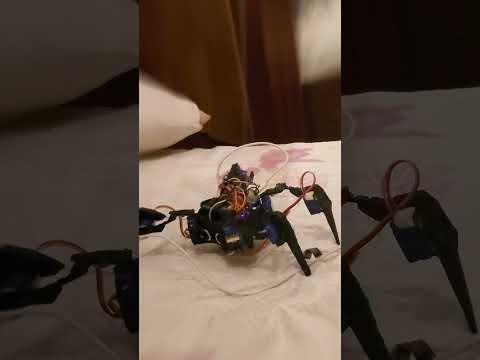
- Place robot on flat surface.
- In GUI, click "CALIBRATE SENSORS".
- Use stance buttons to stand up.
- Tune PID (start low Kp ~0.2) while gently tilting.
- Enable walking — use WASD/arrows or buttons!
Enjoy your SpiderBot — it balances, walks, and looks futuristic! Share improvements on GitHub, Instructables .