Egg Chair Created in Blender

For this contest I wanted to create a chair is in the shape of the most common shape in nature and thats a sphere. A lovely cozy knook style chair perfect to curl up in.
Supplies
.png)

I use Blender for this project with Photoshop for some editing. However, I will show how to edit an image in Blender.
Inspiration


As all projects start, I gather some inspiration for the look I am going for.
My top picks were this more round blue egg chair and this more pointed red egg chair.
I decided to do a mixed design of both.
Base Pt1
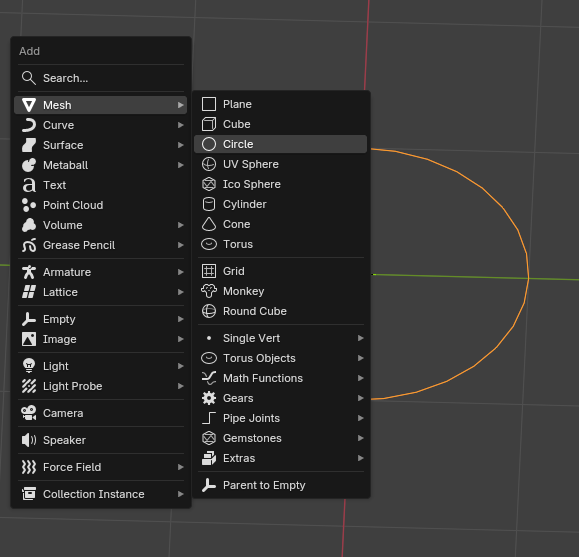
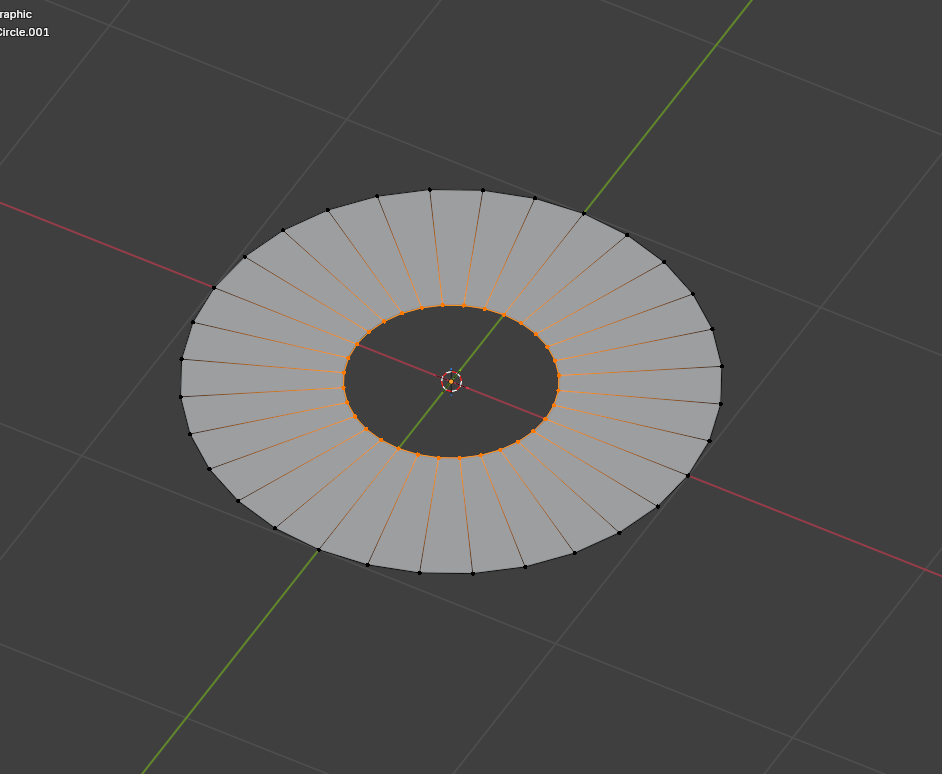
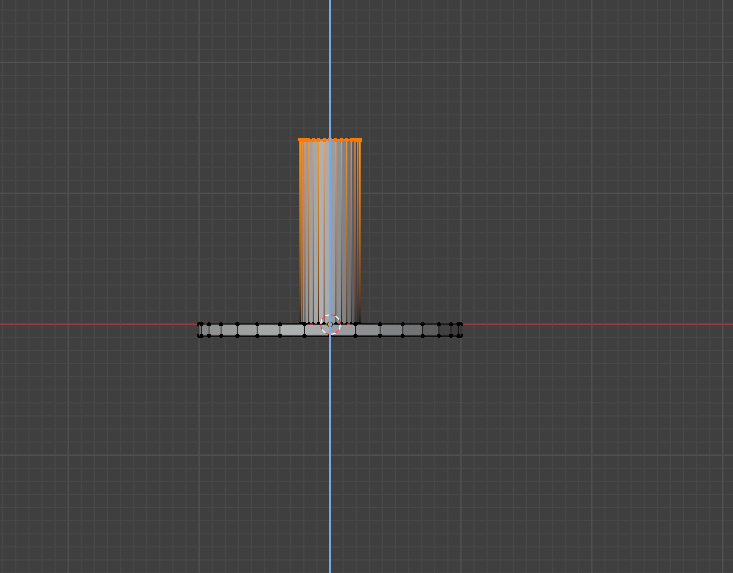
Shift + A and create a circle
Press tab to enter edit mode and press E to extrude the vertices
Then press E again to extrude the inside circle upwards
Base Pt2
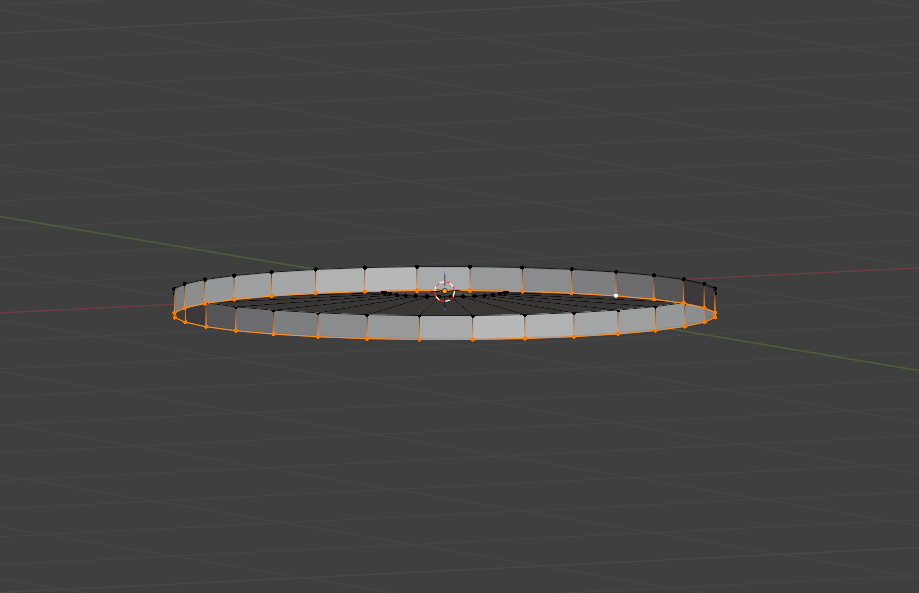
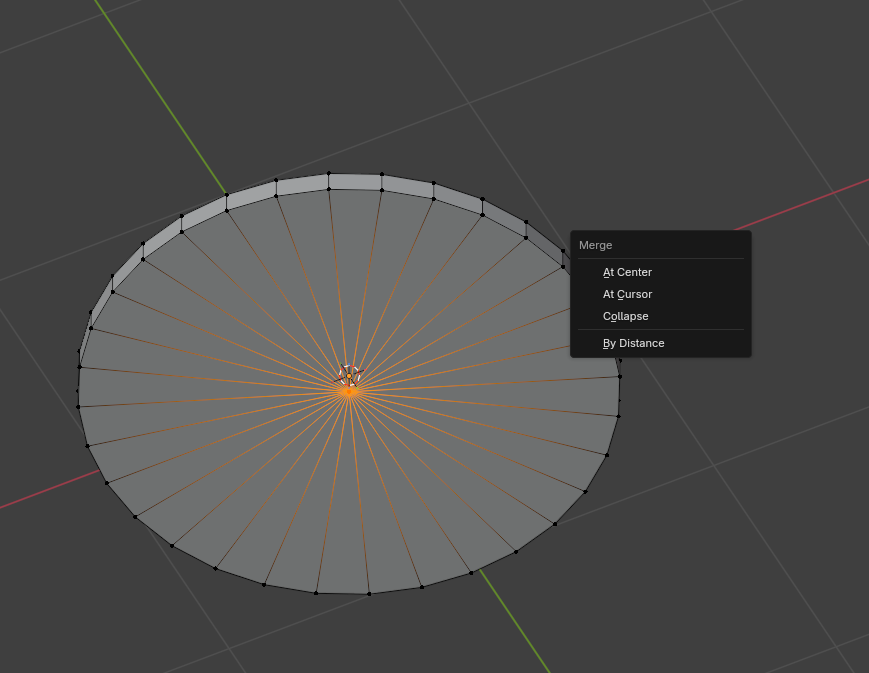
Select the bottom vertices and extrude again, then hit M and merge the new vertices to finish the base
Egg Shape Pt1
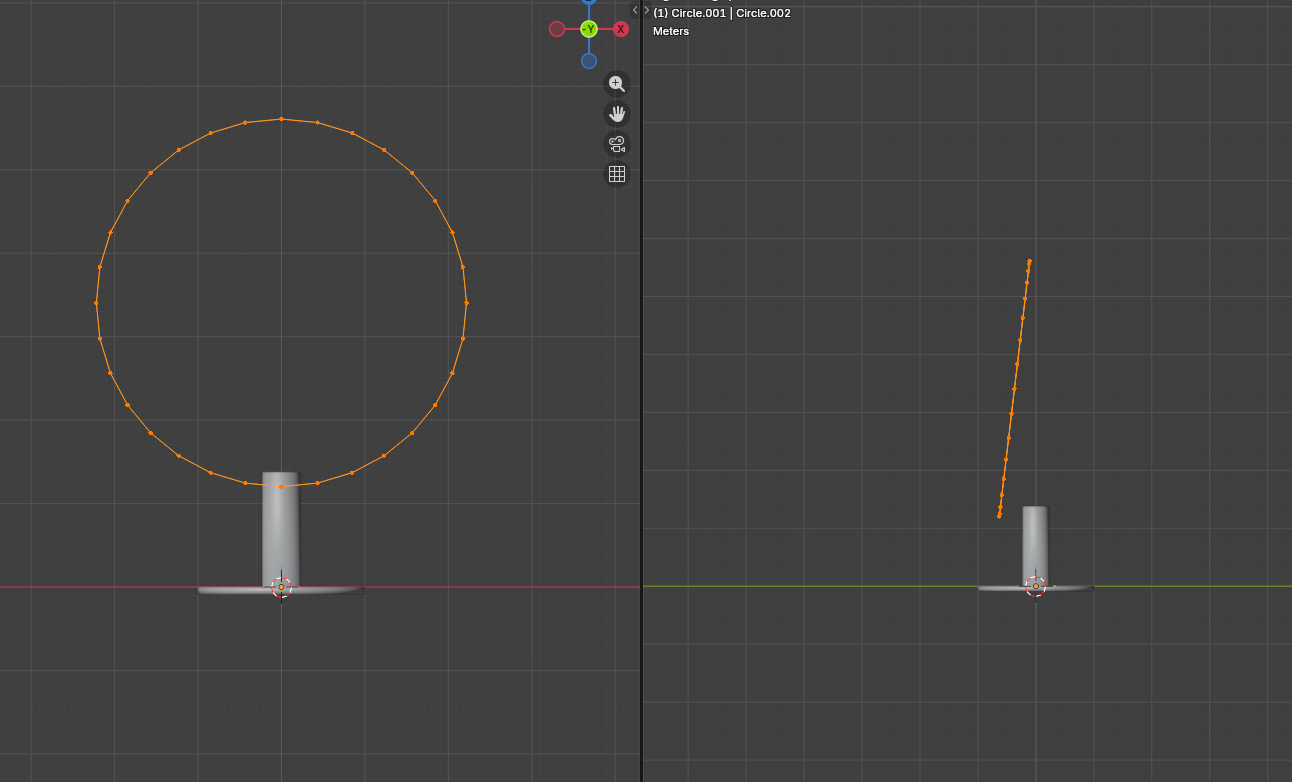
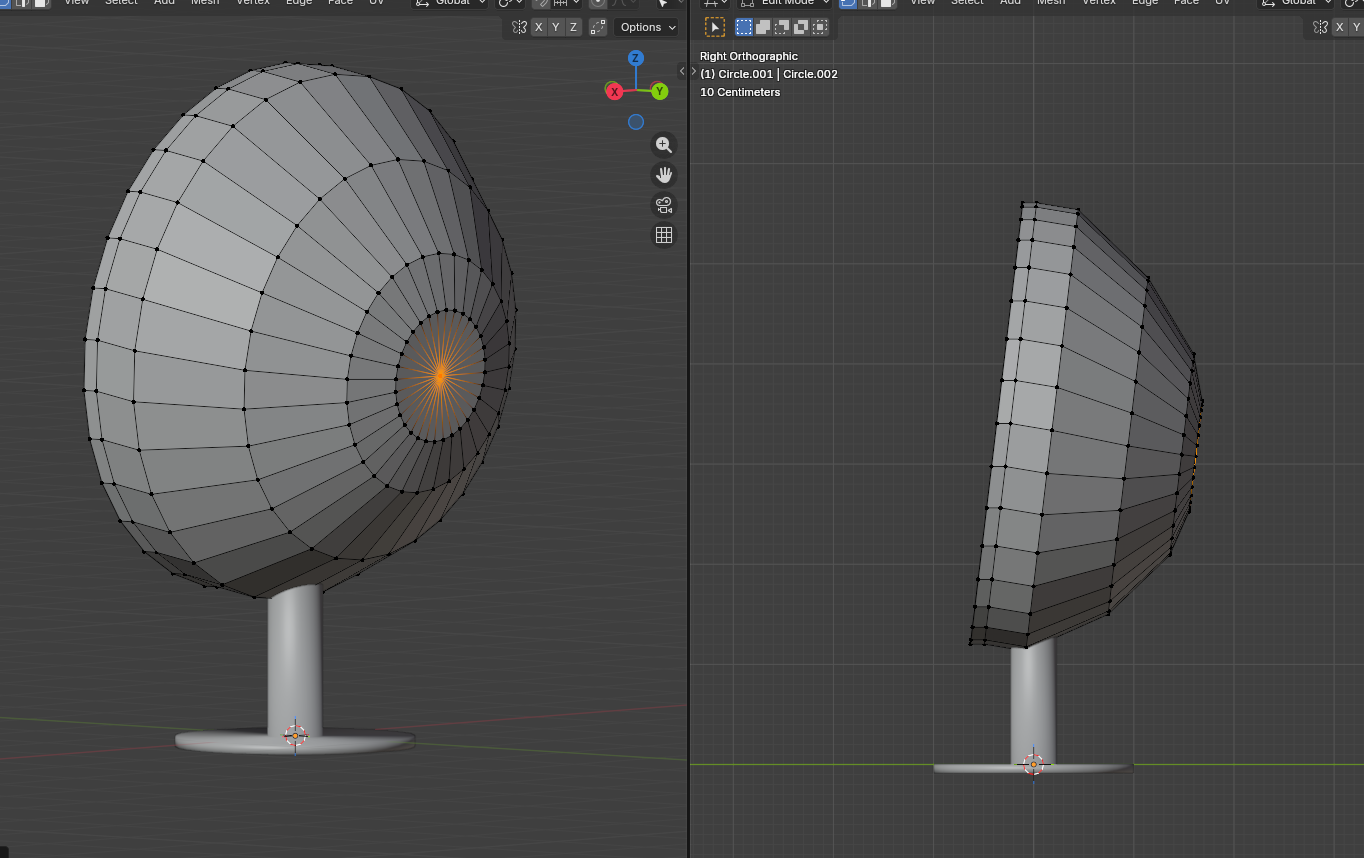
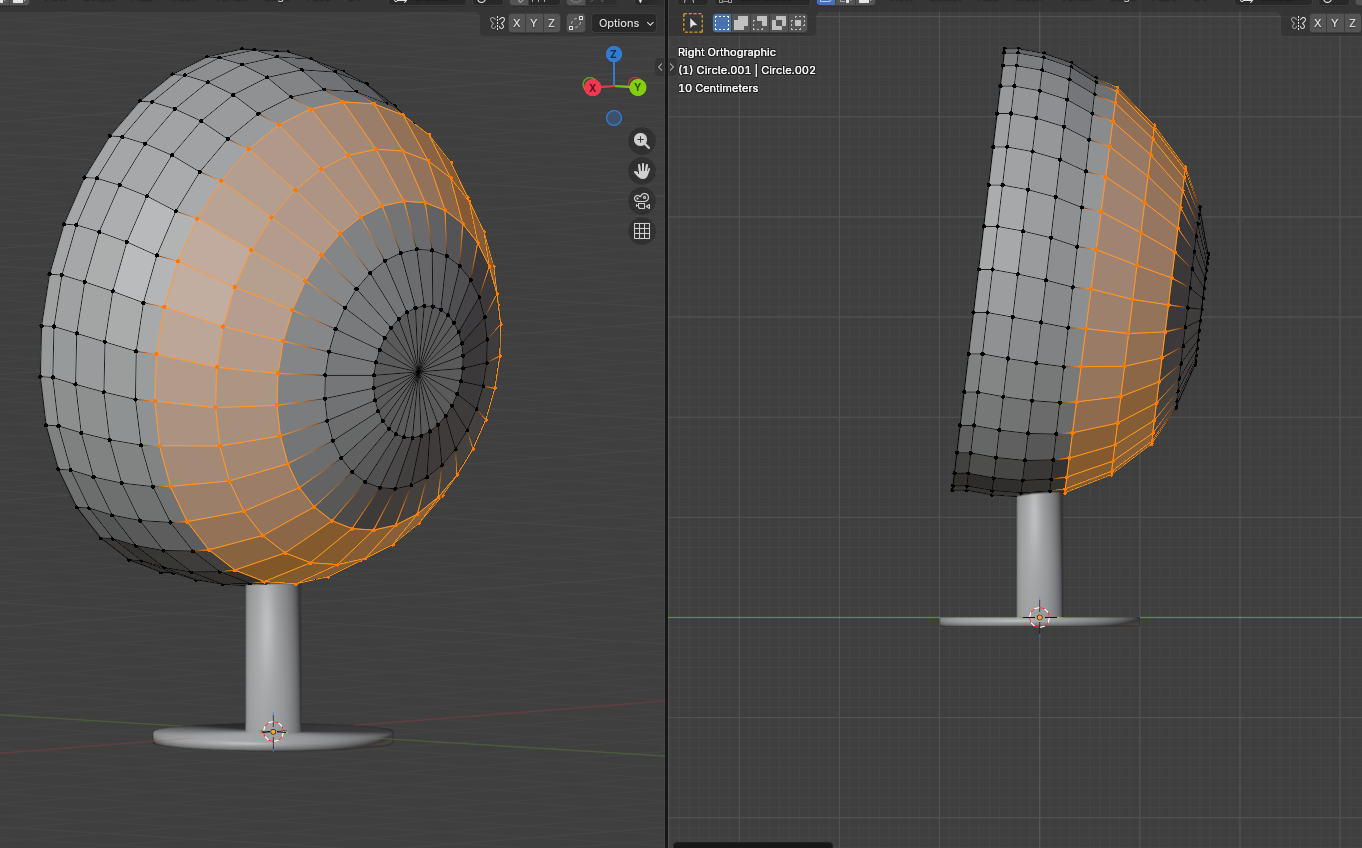
Create another circle, extrude it similarly to the base, and form a general shape.
After I'm happy with the shape, select the edges and press Ctrl+B to bevel and add more edges to smooth it out.
Egg Shape Pt2
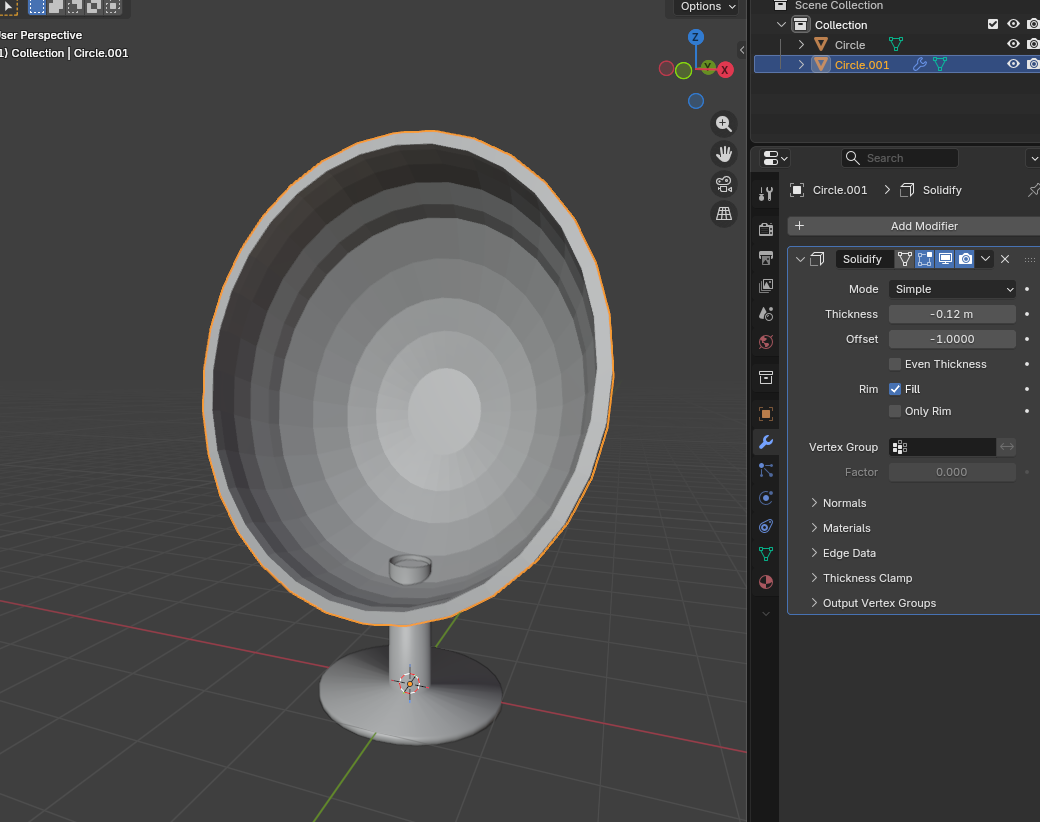
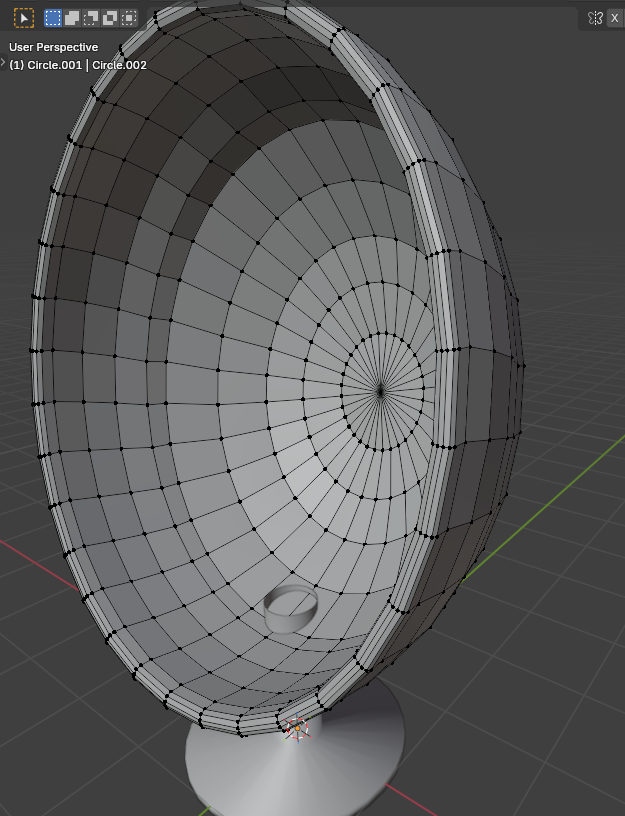
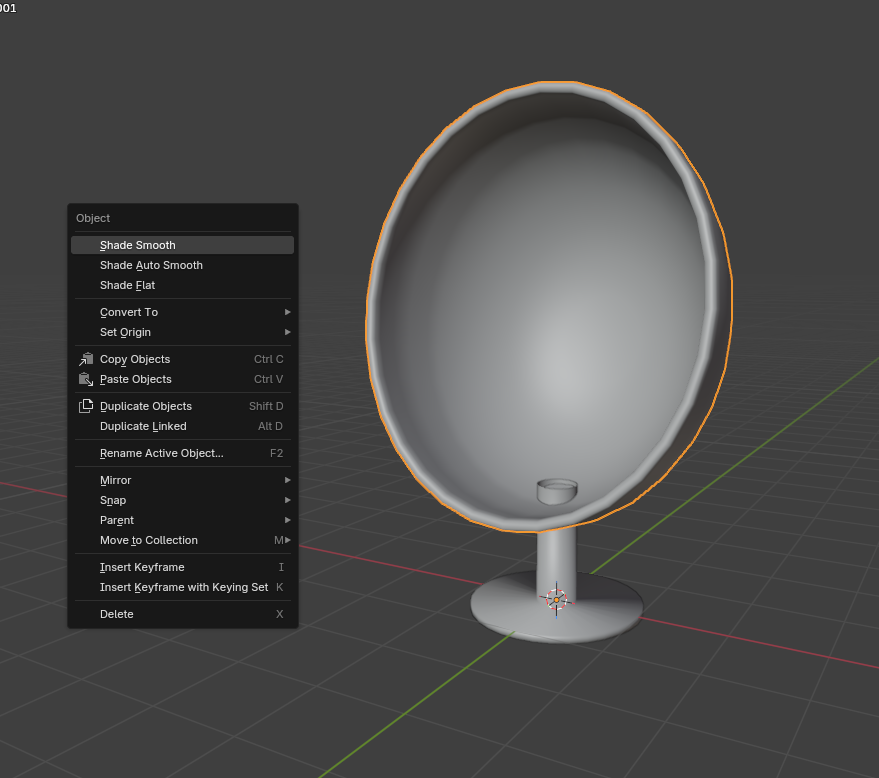
To make the shape thicker, I simply add a solidify modifier, apply it, and then bevel the edges in the front so they are less sharp.
Pillow
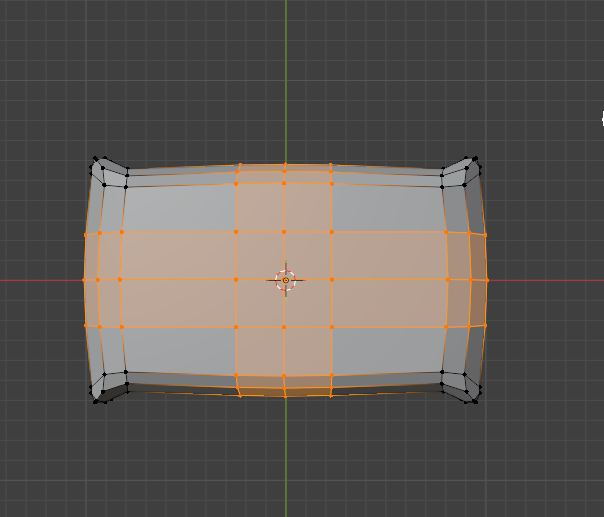
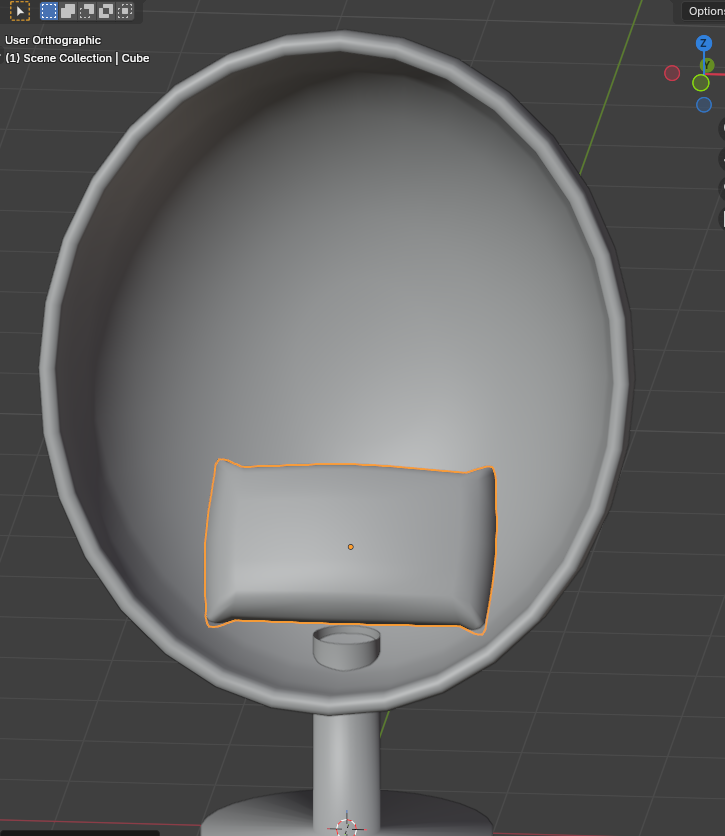
To make a simple pillow, I cut in certain areas while beveling to make the pillow look softer.
Inside Cushioning
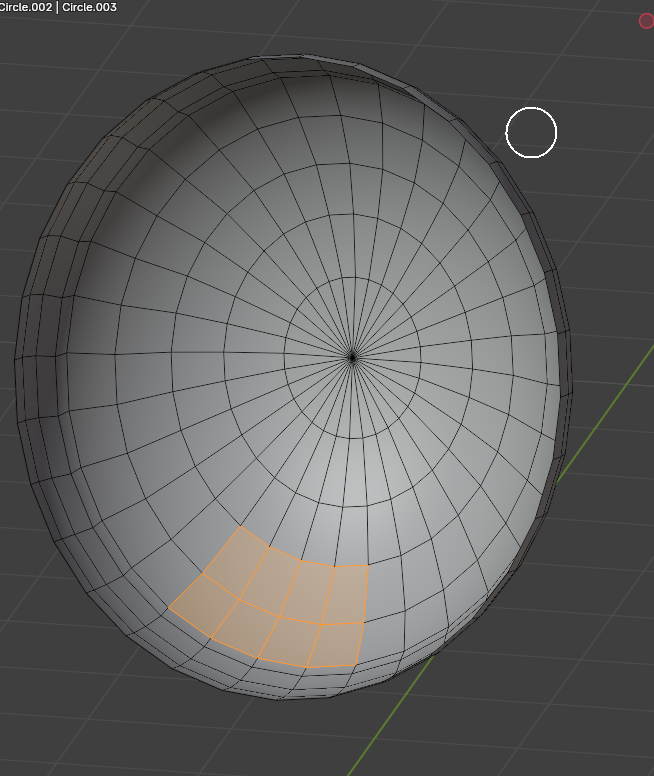
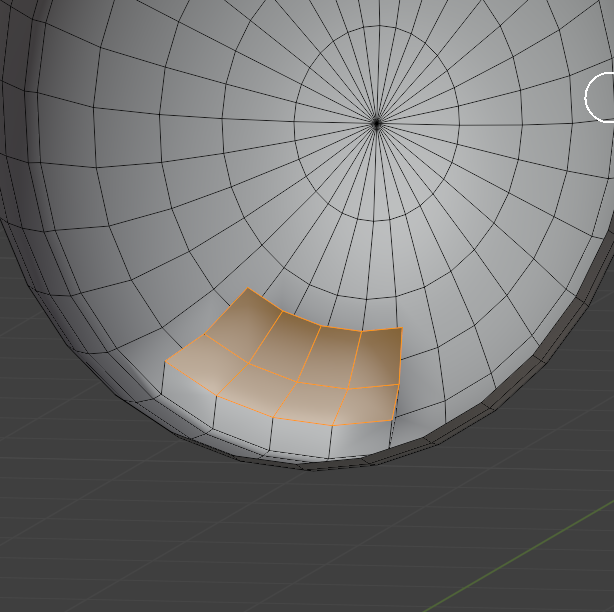
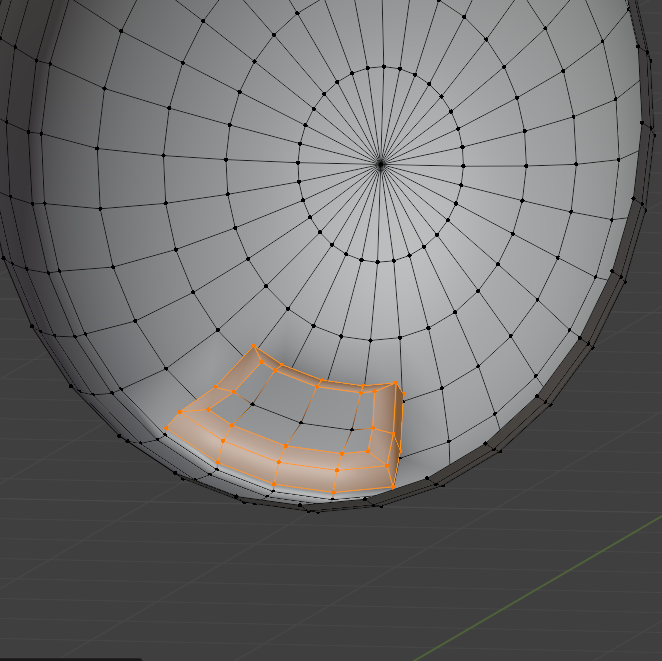
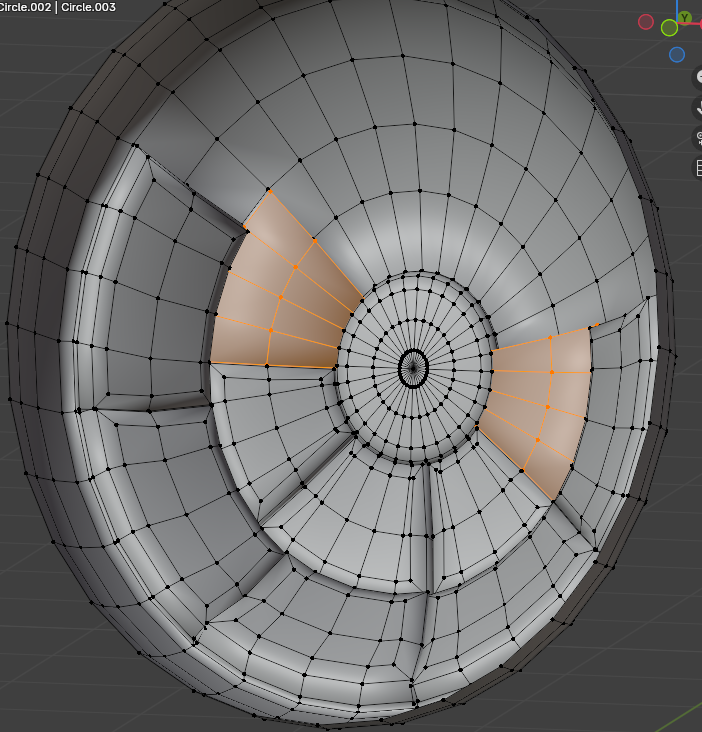
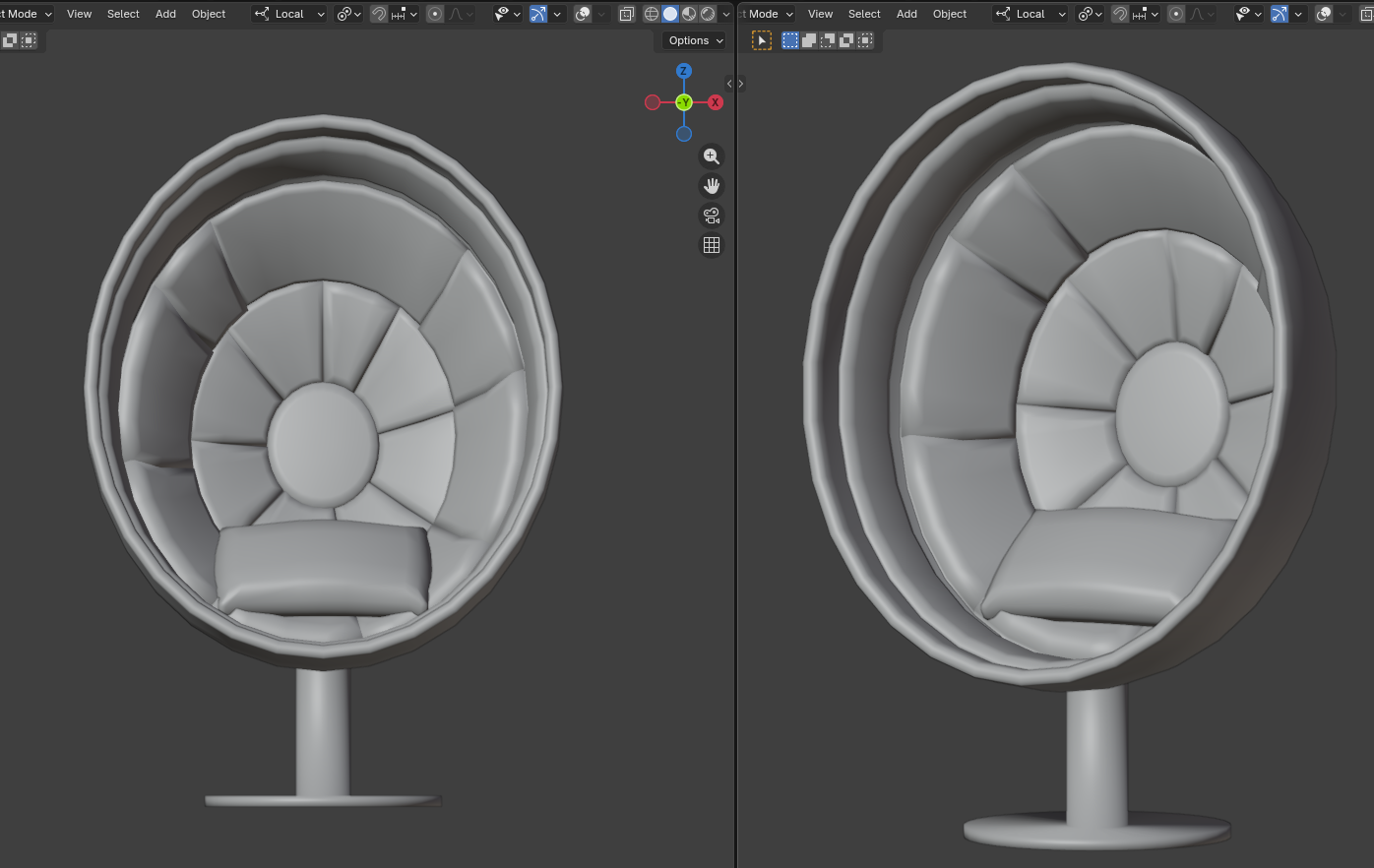
To create cushioning inside the chair:
Select a few faces at a time, extrude them as we've been doing so far, then bevel the edges to smooth them out.
I repeat the same throughout the inside of the model
Texture

I don't do anything complicated with the materials or textures. Since the chair's pieces are separate, I decided to use different materials with different shades of blue for each part, using the default Principled BSDF material setup.
Simple "room"

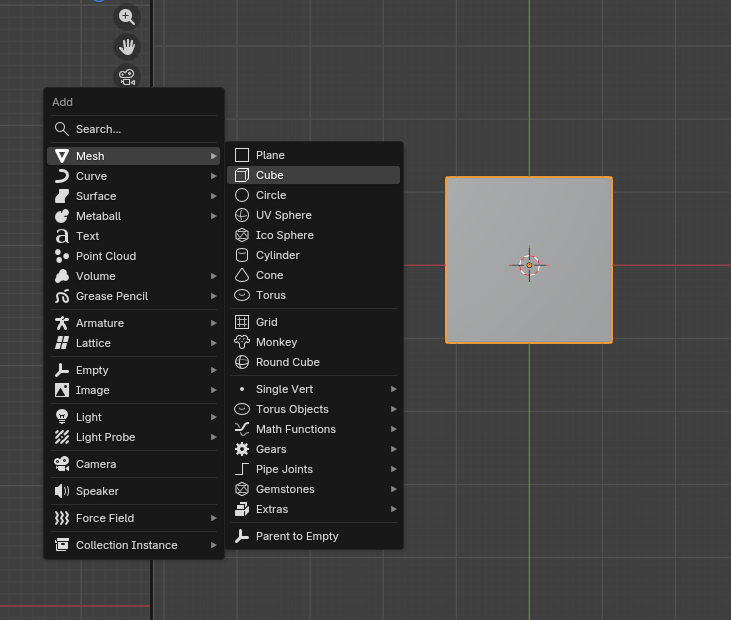
I create a cube and scale it until it surrounds the chair. I then delete a vertex in the top corner to create an opening, giving it a diorama-like appearance.
Raw Renders


I render a few different renders and move the camera in each one.
Editing Version 1

VERSION ONE: Photoshop
I adjusted the images in Photoshop using the curve adjustment layer
While Photoshop is a paid software, many free editing software also include a curve adjustment layer or similar to edit the values, which I have included below.
Editing Version 1

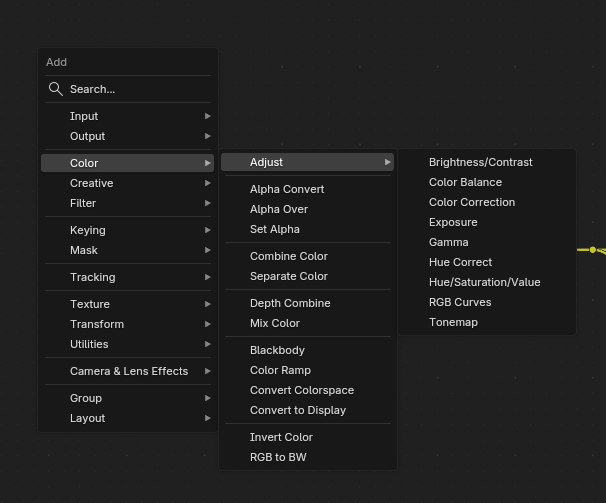

VERSION ONE: Blender
If you don't have access to Photoshop, Blender includes its own compositing features.
By default, the compositor is disabled, so go into the shading tab, click camera of always to turn on to view the effects made in the compositor
Head down the tabs on the top bar until you see the Compositing tab and click new
Hit Shift-A, click search, and type RGB curves, or simply hover the cursor over the tabs to view the options.
Final


Voilà, an egg chair made in Blender entirely from scratch!