ExtrudeX: DIY Filament Recycler (Turn Failed Prints Into New Filament)
by creative3dp in Workshop > 3D Printing
1487 Views, 3 Favorites, 0 Comments
ExtrudeX: DIY Filament Recycler (Turn Failed Prints Into New Filament)
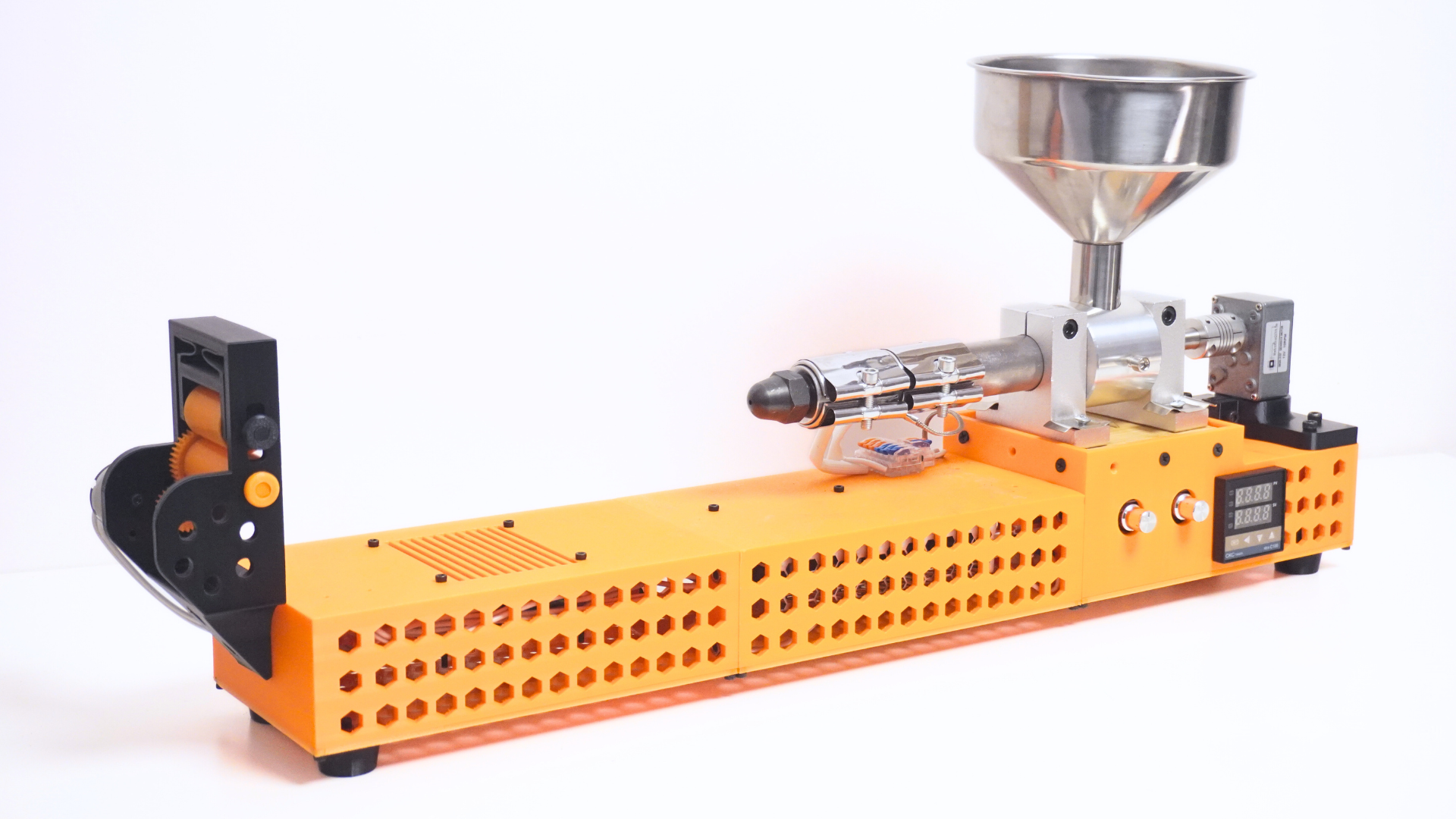
If you own a 3D printer, you’ve probably collected a pile of failed prints, purge lines, supports, and scraps that feel too wasteful to throw away. ExtrudeX is a DIY filament recycler designed to convert that waste into fresh, usable 3D-printing filament at home.
This Instructable focuses only on how to assemble ExtrudeX and how to run it in a simple, repeatable way. If you want to support the project and grab the files, ExtrudeX is live on Kickstarter right now
Print the Parts
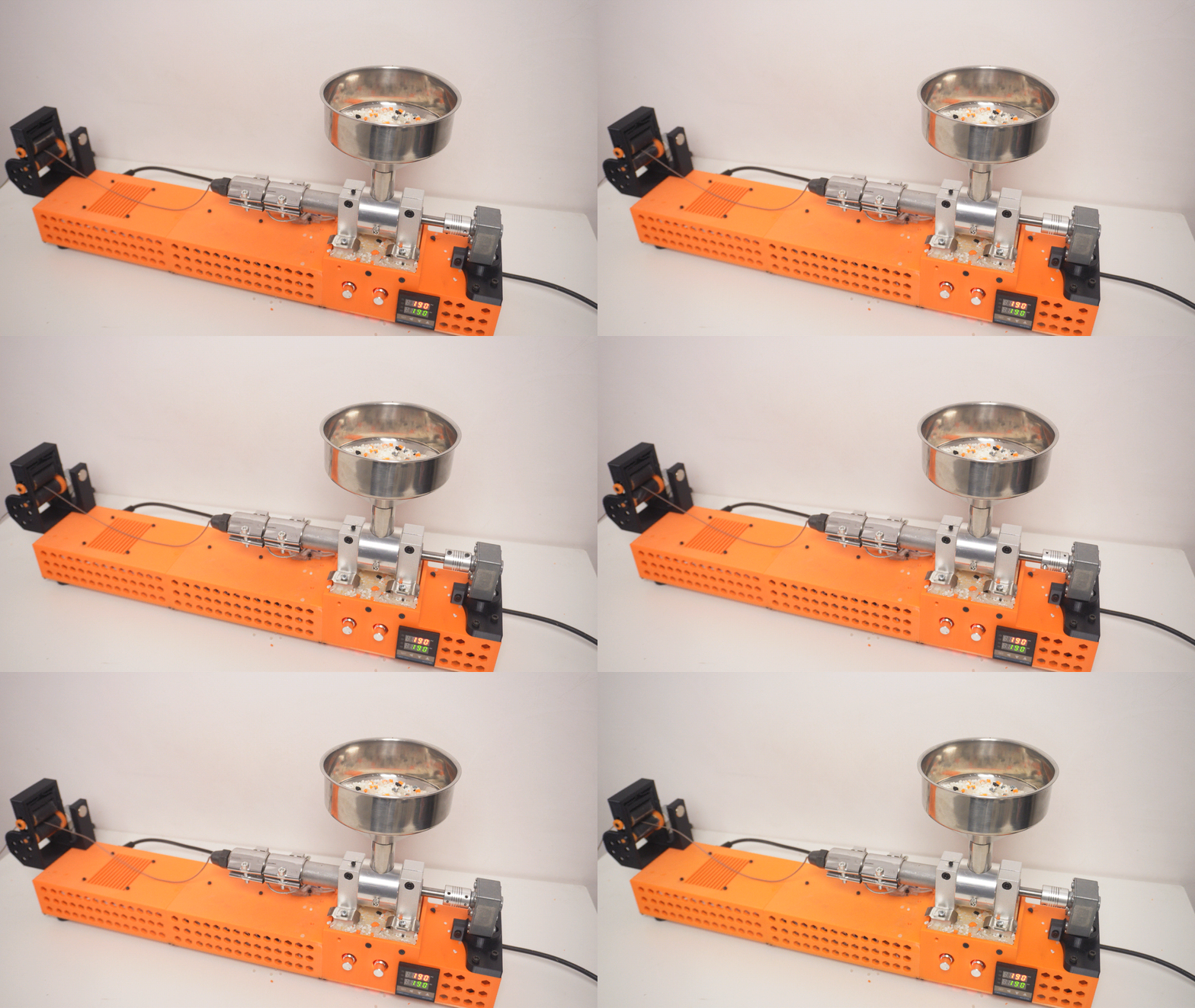
Print all ExtrudeX parts from the provided STL pack. Remove supports, clean edges, and do a quick test-fit on parts that slide or bolt together. Keep your prints neat and accurate—clean fits make assembly much easier. ExtrudeX is live on Kickstarter right now
Sort and Prep Everything
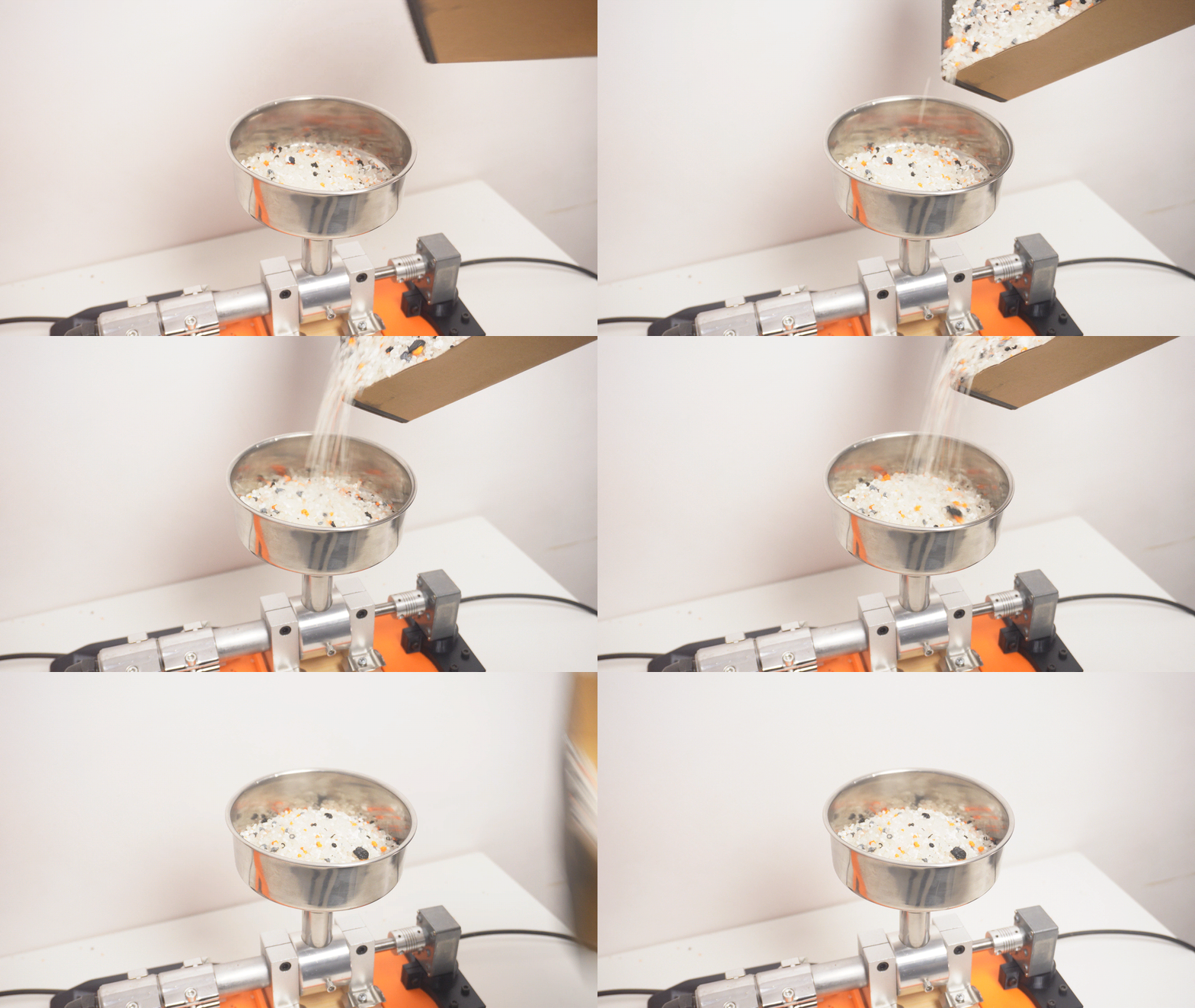
Lay out all printed parts and group them by section (main body, hopper area, puller area, covers). This saves time and prevents missing steps later. If any holes are tight, lightly clean them so bolts pass through smoothly.
Assemble the Main Body
Start with the main frame/body assembly. Bolt the core structure together first, then add the external covers. Make sure the body sits flat and stable on the table before moving on.
Install the Hopper Section
Attach the hopper and its mounting parts. The goal is simple: the feed path should be clear, centered, and smooth so material drops consistently without snagging.
Build the Filament Puller
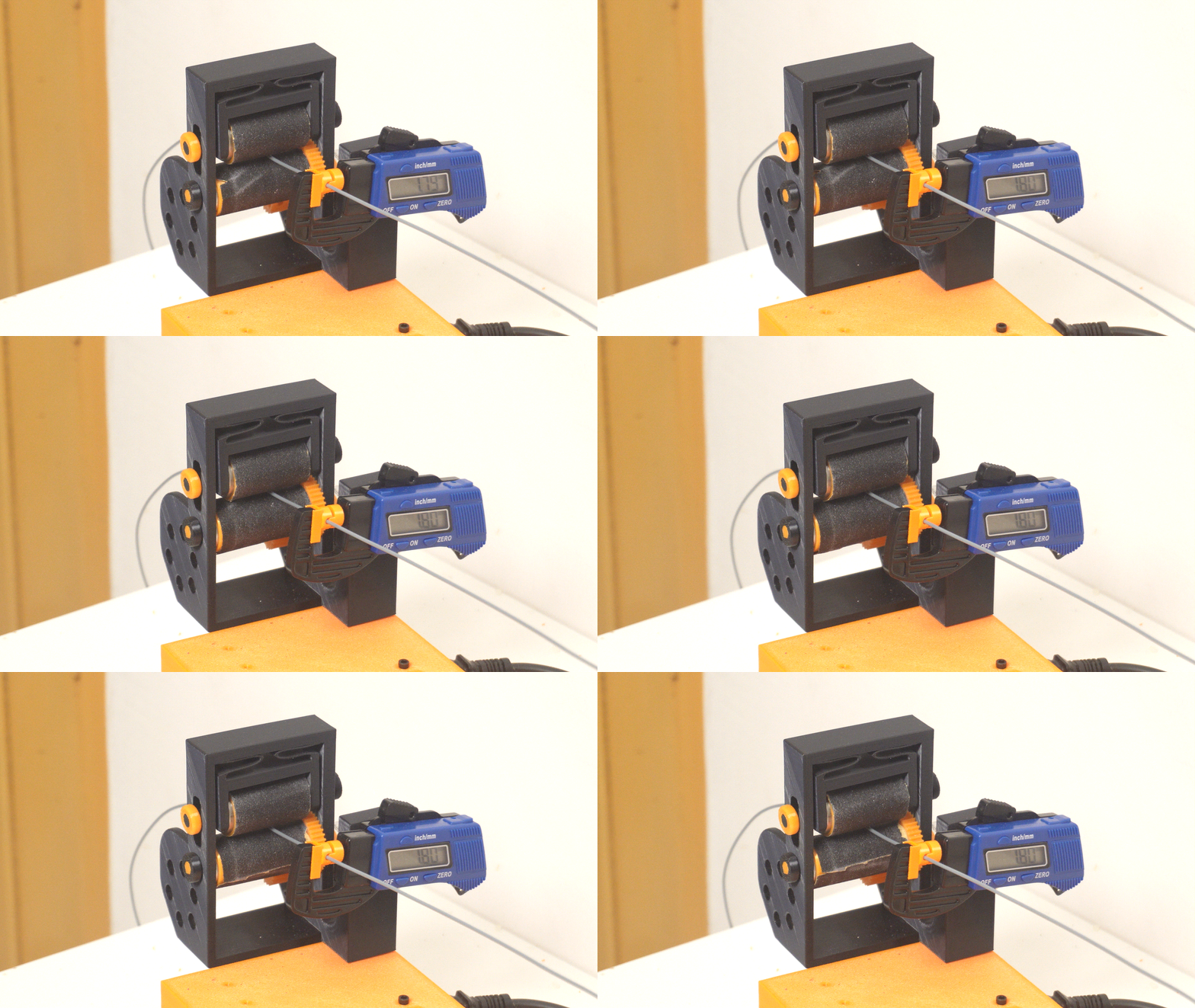
Assemble the puller mechanism and mount the rollers. Before continuing, manually rotate the rollers to ensure they spin freely and stay aligned. The filament should be able to pass through straight without rubbing on edges.
Add the Cooling Path
Install the cooling fan and the printed airflow guide. Aim airflow at the filament right after it exits, so it solidifies smoothly before reaching the puller. This improves stability and consistency.
Optional: Mount the Digital Gauge
If you’re using a digital gauge, mount it on the puller so it can lightly touch the filament. This lets you see real-time filament diameter while extruding, making tuning much faster and easier.
Final Checks Before Running
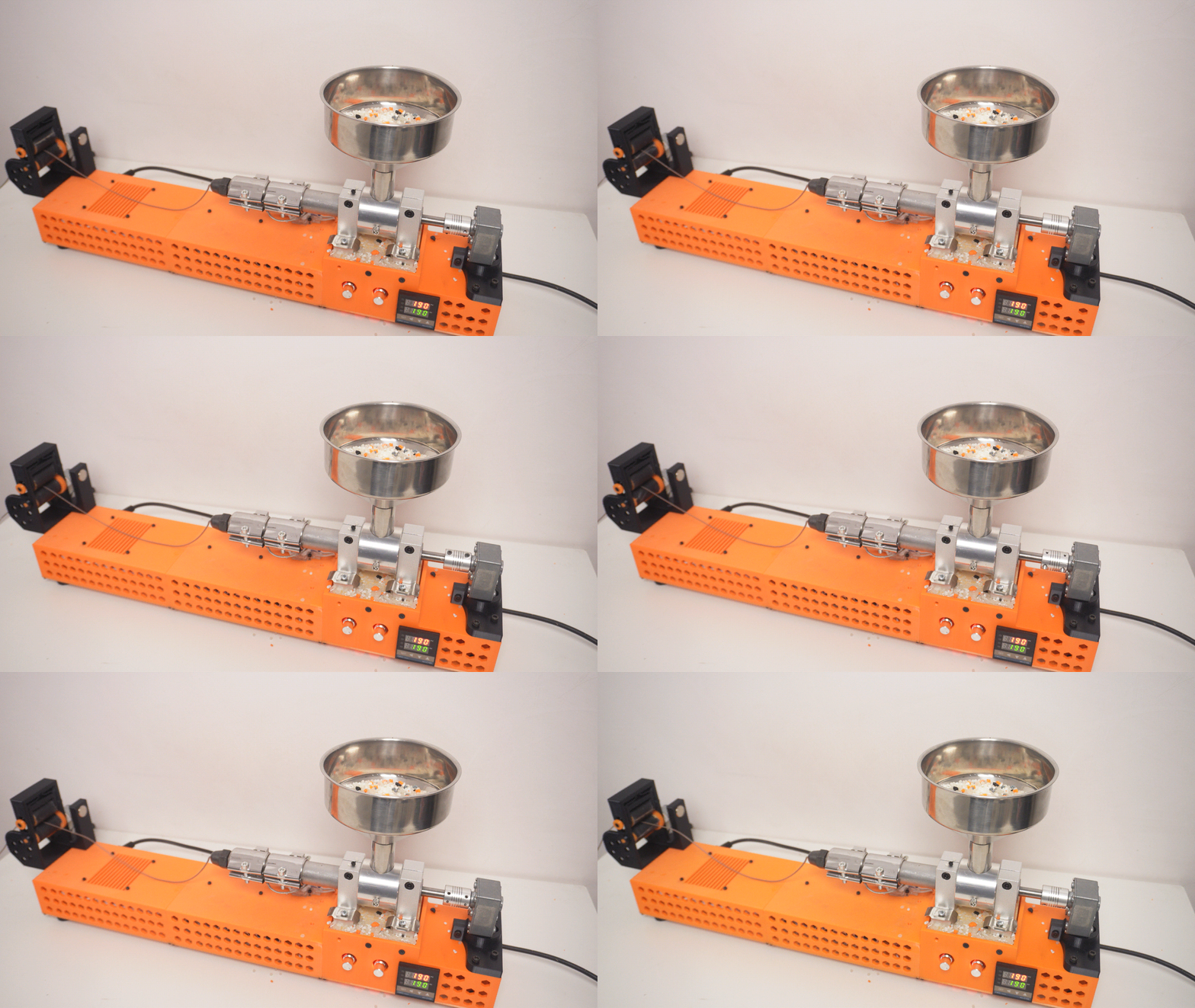
Before heating anything up, do a quick check:
- Everything is tightened properly
- Nothing is rubbing or misaligned
- The puller rollers spin smoothly
- The filament path is clear from exit to puller
This is the step that prevents most “first run” issues.
How to Run ExtrudeX (Operation)
- Shred your waste prints into small pieces.
- For best results, mix 60% virgin pellets + 40% shredded waste.
- (You can also try 100% waste depending on material consistency.)
- Turn on ExtrudeX, set the temperature, and let it fully heat up.
- Pour the mix into the hopper and start the motor.
- Once filament begins to come out, use pliers to gently guide it forward.
- Turn on the puller and feed the filament between the two rollers.
- Let the fan cool the filament as it exits for a stable, even output.
Quick Tuning for Better Filament
- If diameter is too thick, slightly increase puller speed.
- If diameter is too thin, slightly reduce puller speed.
- If you mounted the digital gauge, use it to dial in the output live.
Spool and Print
Once the filament output becomes stable and consistent, spool it up. Load it into your 3D printer and run a small test print to confirm smooth feeding and consistent extrusion.
Common Mistakes to Avoid
- Don’t mix different material types (keep PLA with PLA, PETG with PETG, etc.).
- Avoid oversized chunks—more consistent shred size gives more consistent filament.
- Let the machine fully heat before feeding material.
- Make small puller adjustments instead of large jumps.