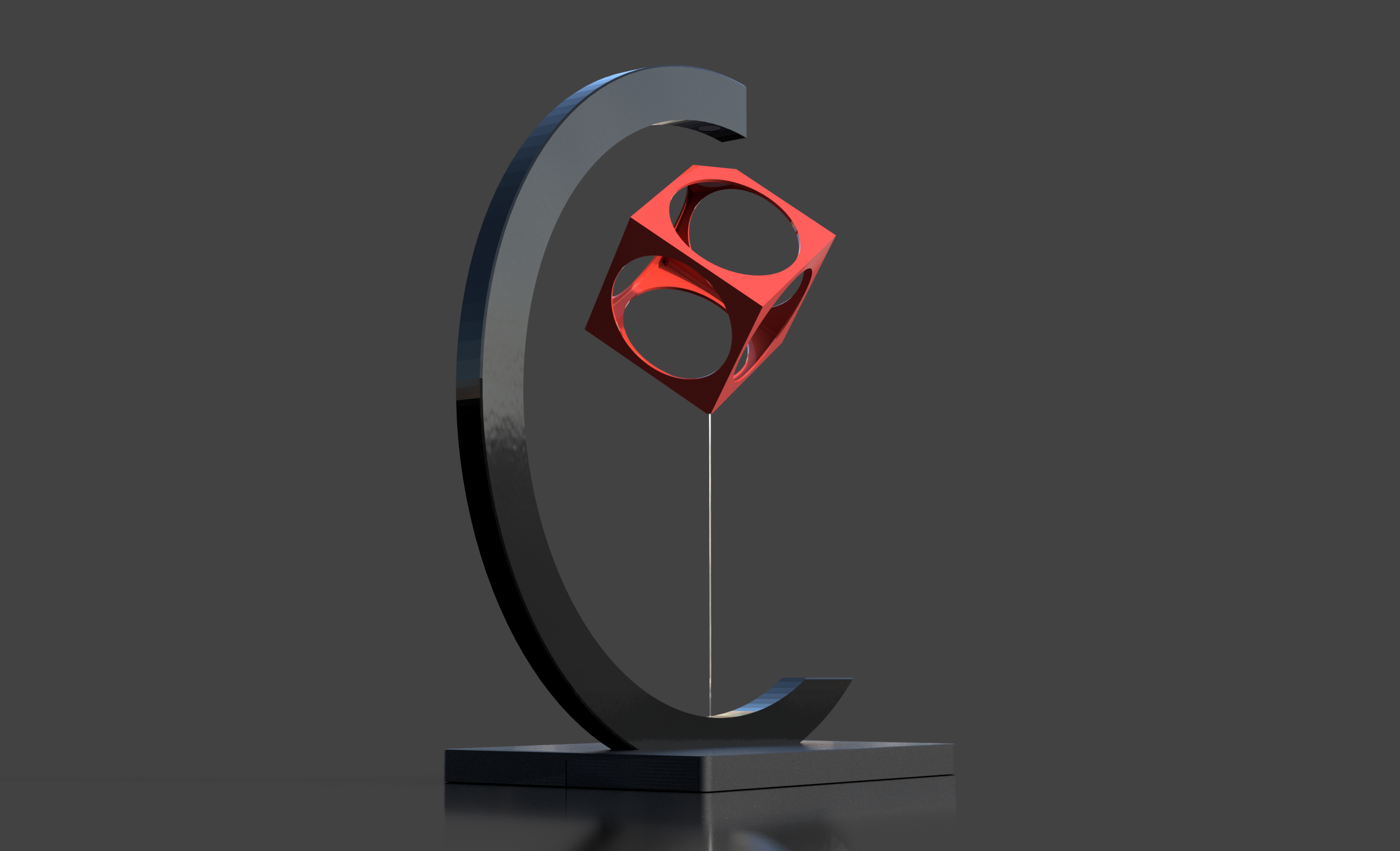
FLOATING CUBE - a Magnetic Illusion
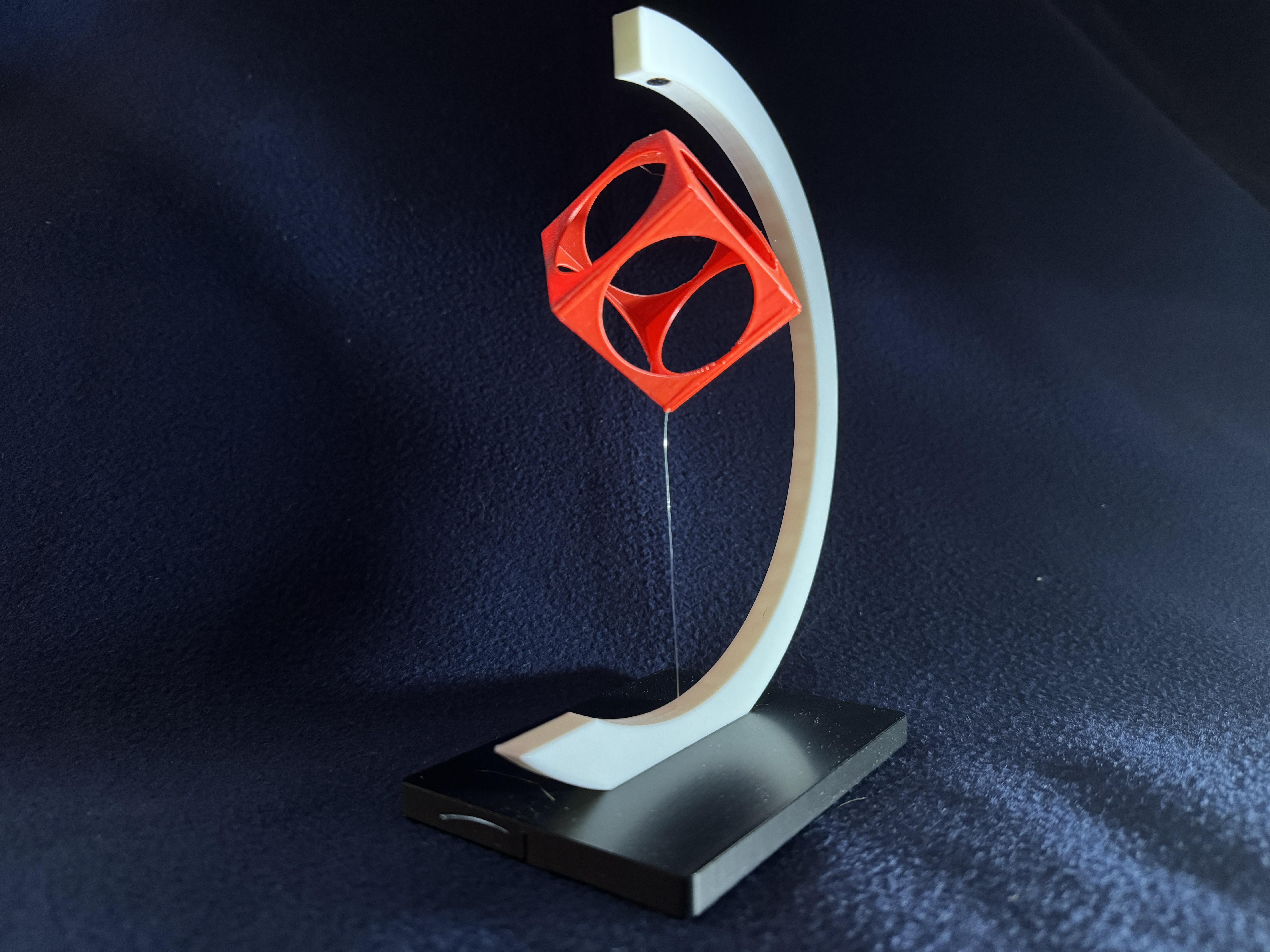
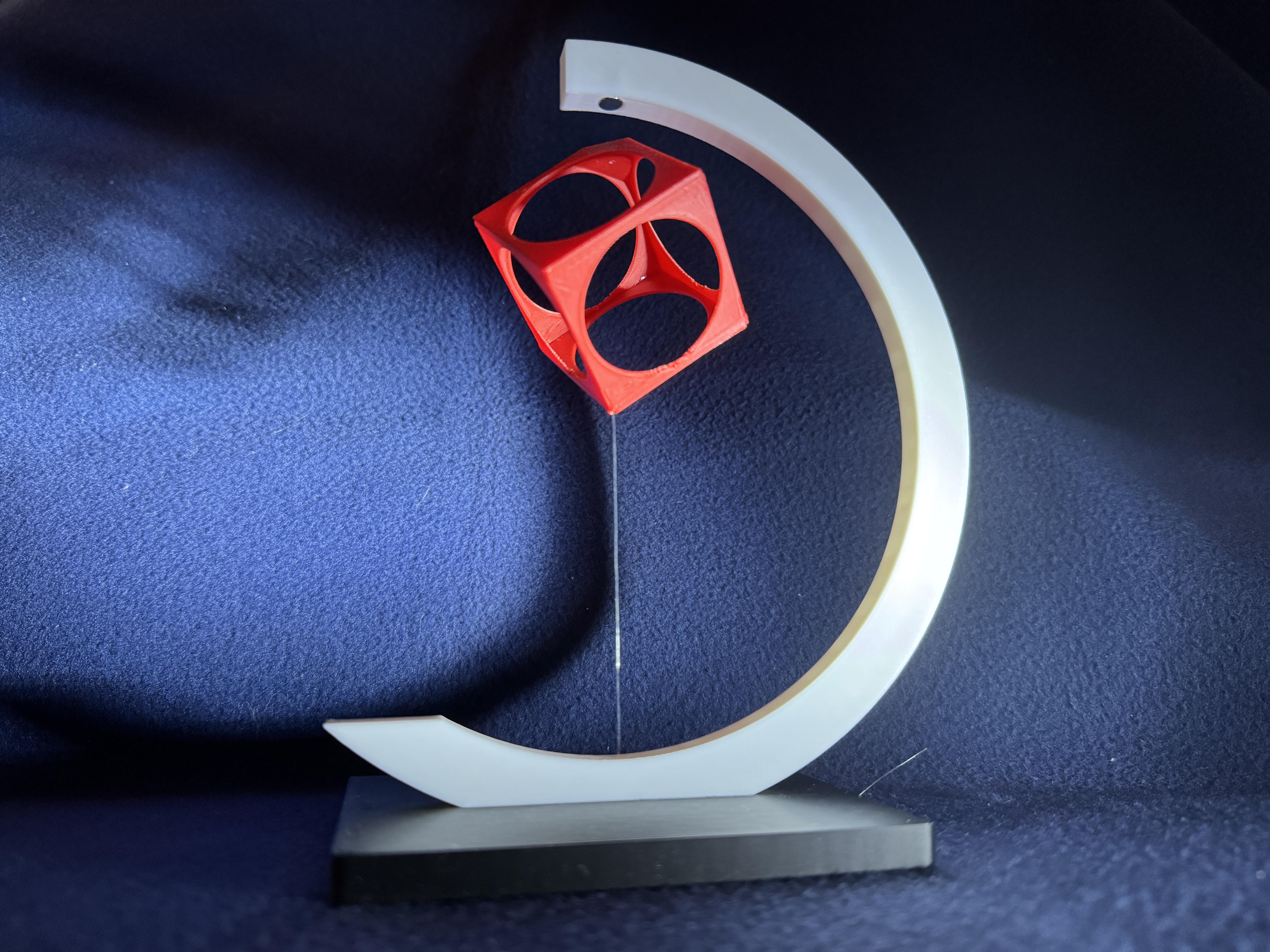
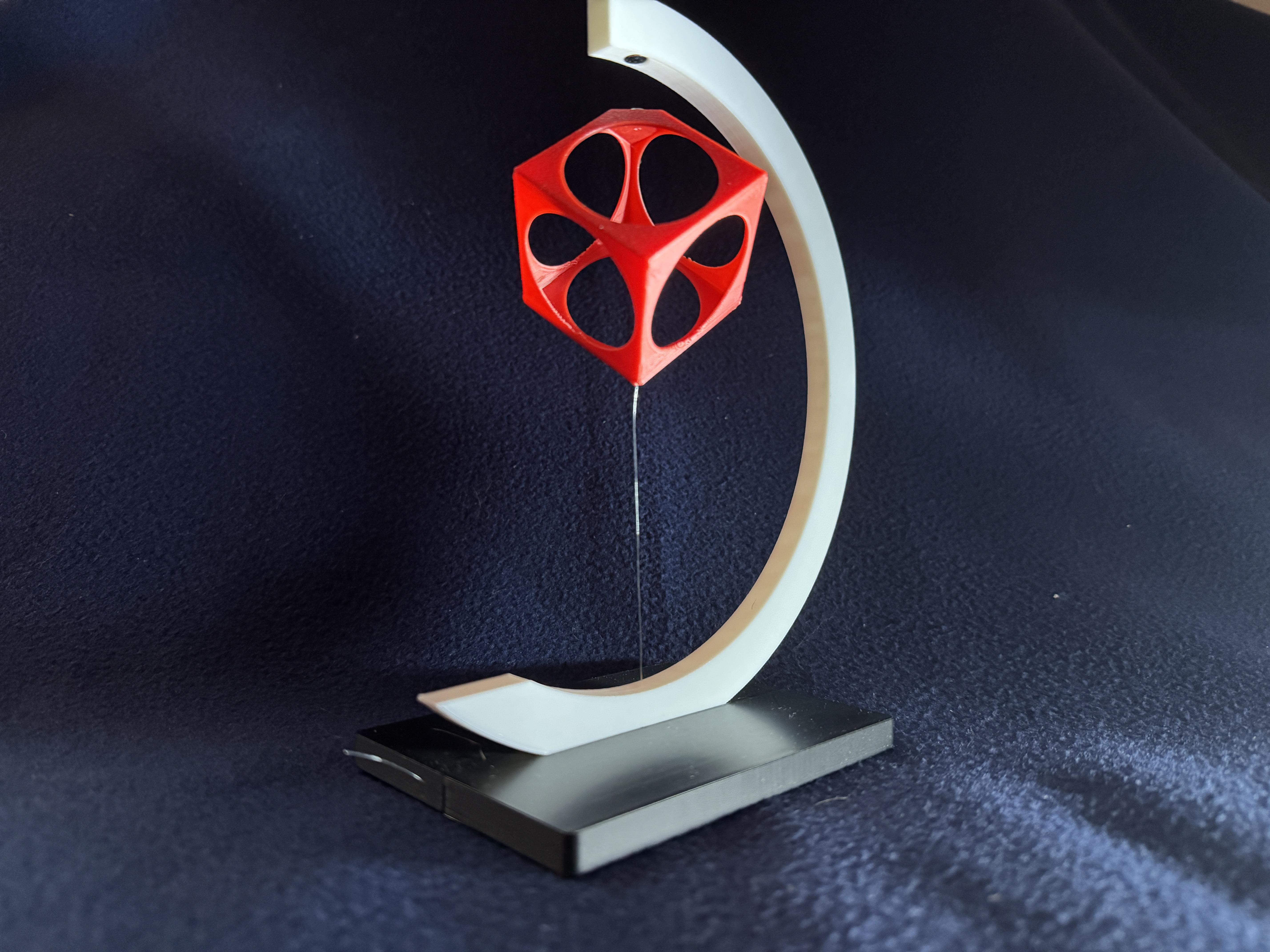
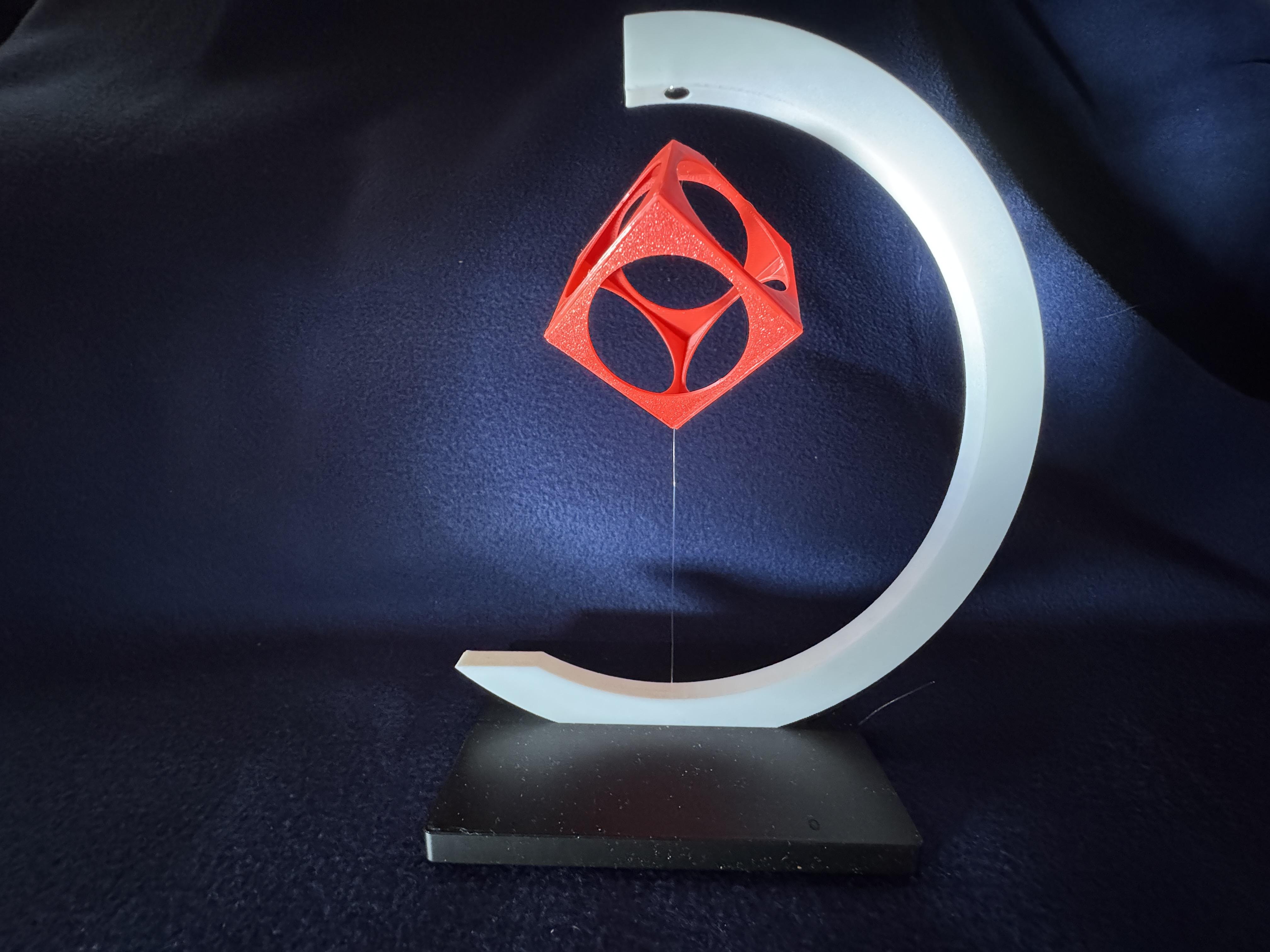
A relatively large cube is balanced on a wafer-thin thread. How is that possible? Through magnetism, of course. To achieve this effect and maximize the distance between the magnets, I carefully designed the block to keep its weight as low as possible while still making it printable. A thin nylon cord (Ø 0.25 mm) underneath the block secures the distance between the two magnets and ensures lateral stability.
The project is easy to replicate and requires a 3D printer, filaments, three magnets, and a nylon thread.
Dimensions: L 15 x H 18 x W 8 cm
Supplies
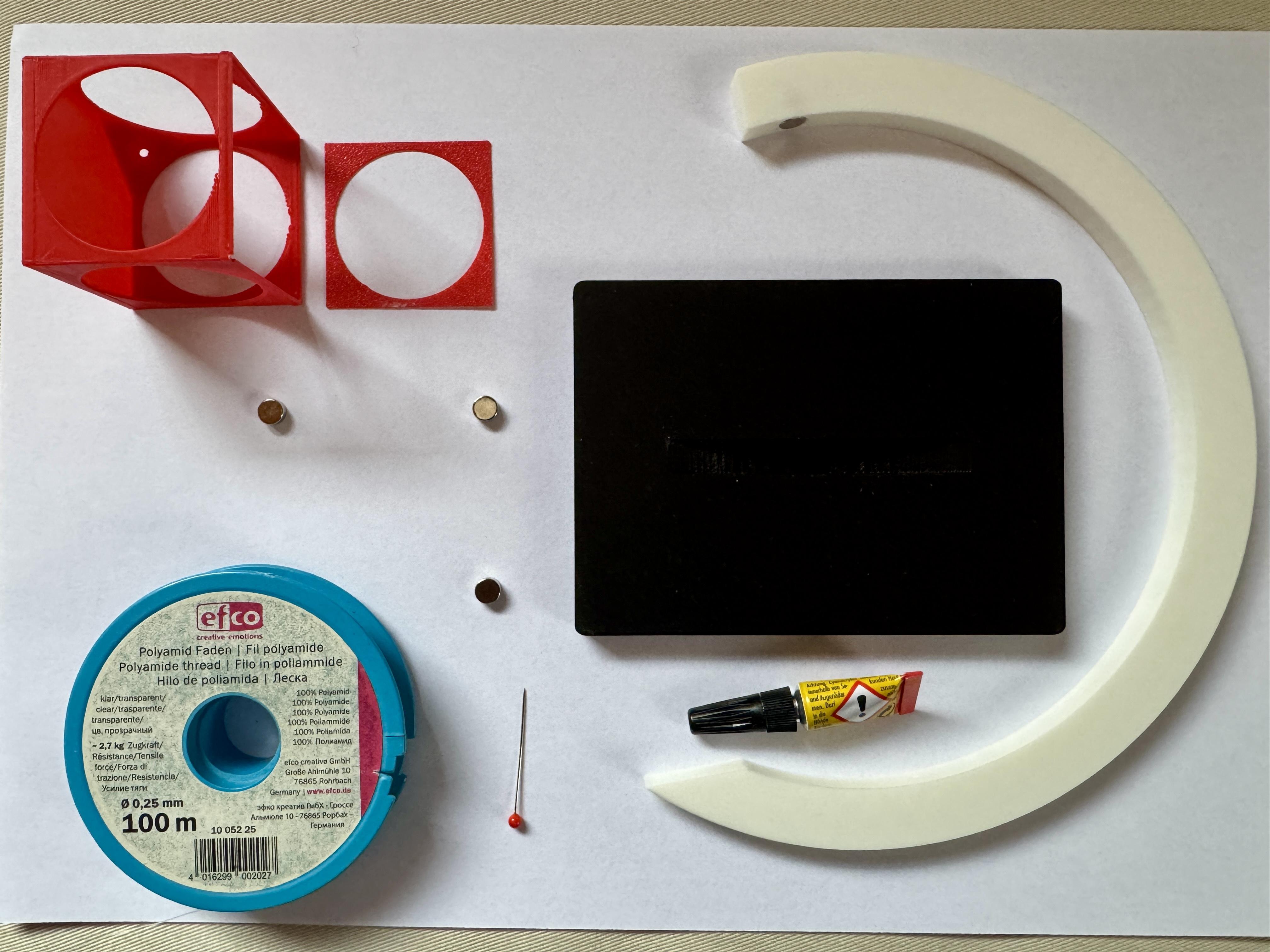
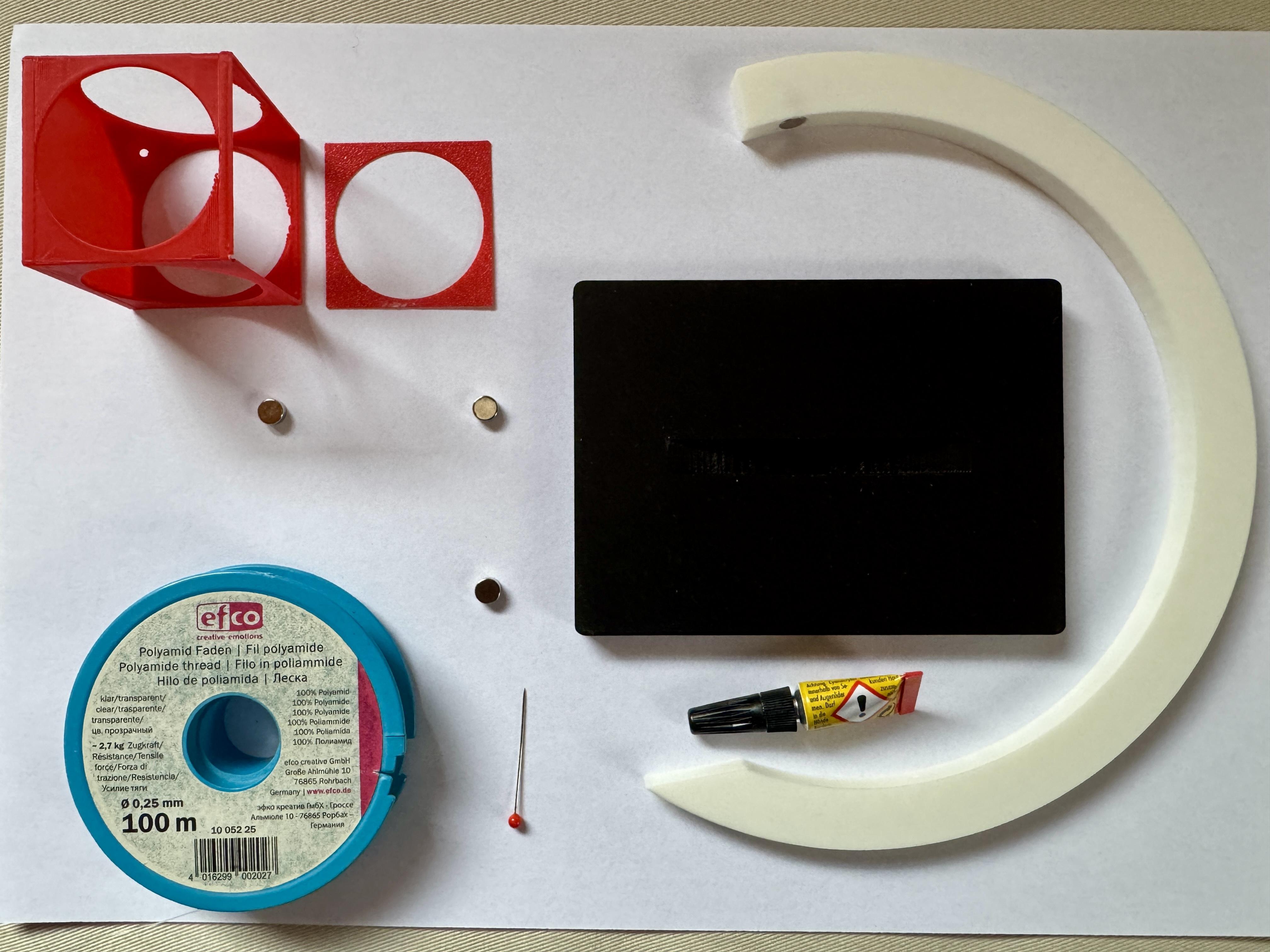
For this project you need
- a 3D printer
- filaments
- 3 neodym magnets, Ø 6 x 3 mm
- nylon thread (about 30 cm, Ø 0,25 mm)
- super glue
- a pin
- scissors
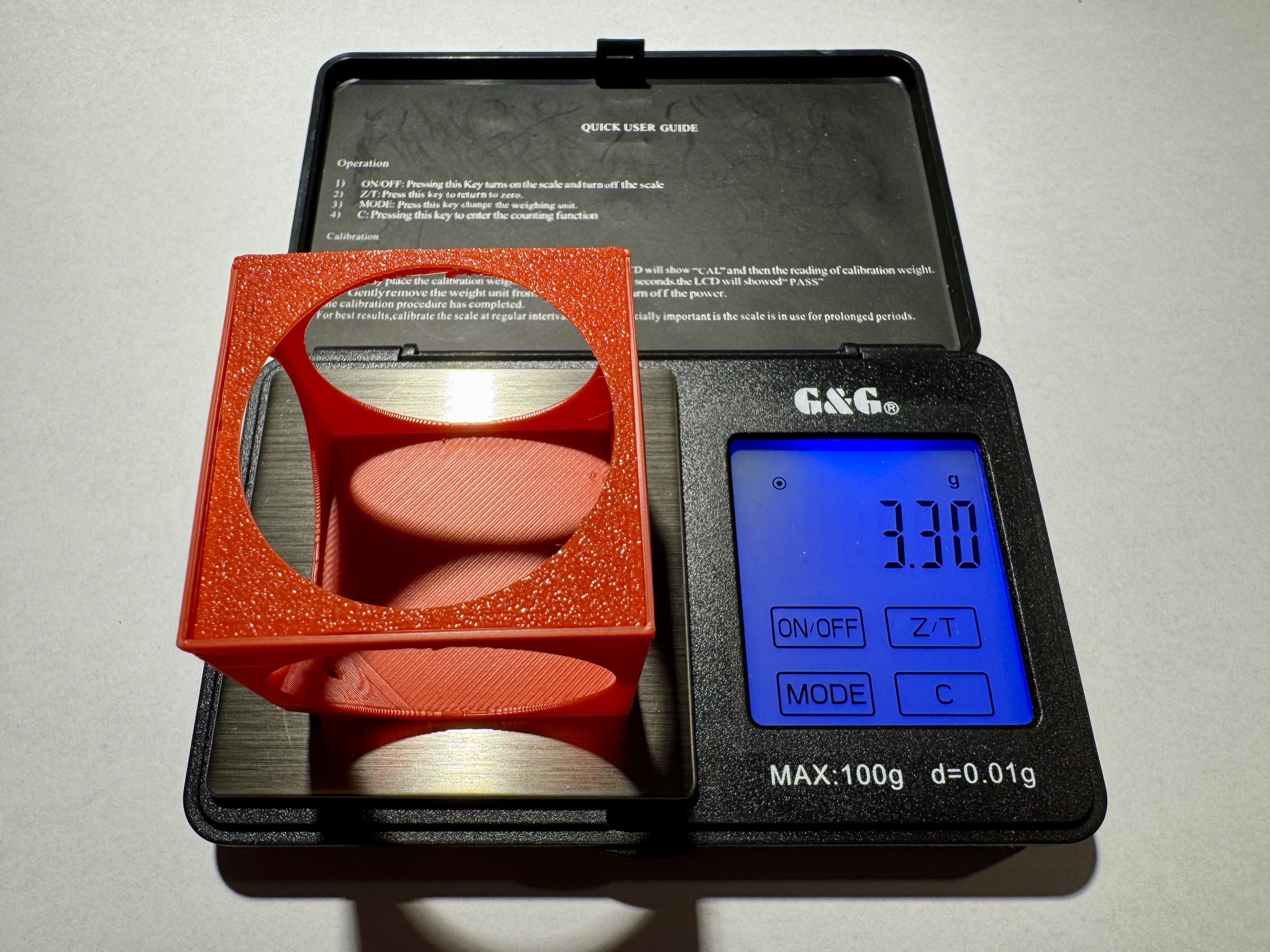
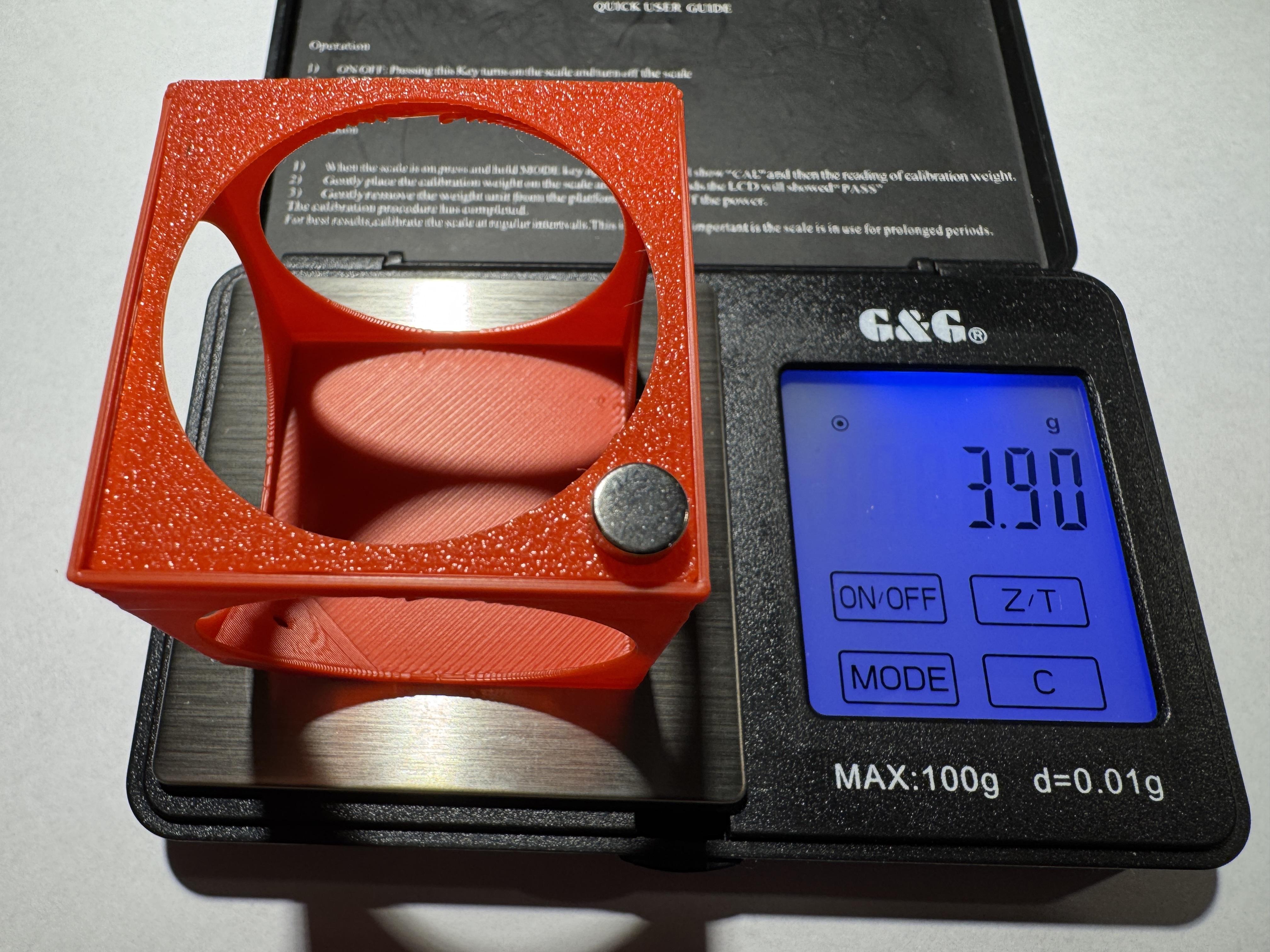
As I mentioned above, the task was to design a relatively voluminous but lightweight object. I used a coin scale to demonstrate the weight of the cube, once without the magnet and once with it (see photos). The weight of the cube including the magnet is only 3.9 grams!
Printing
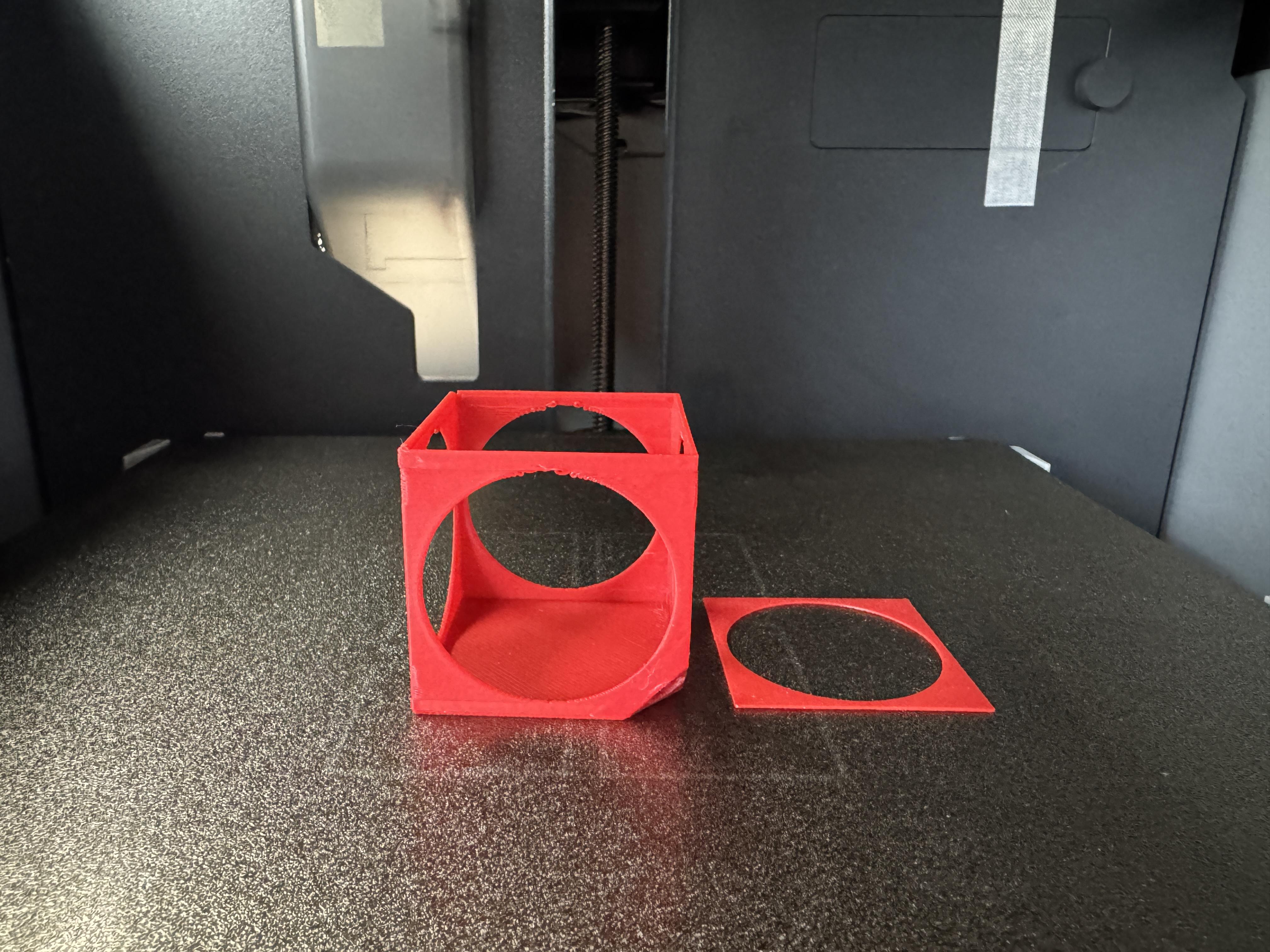
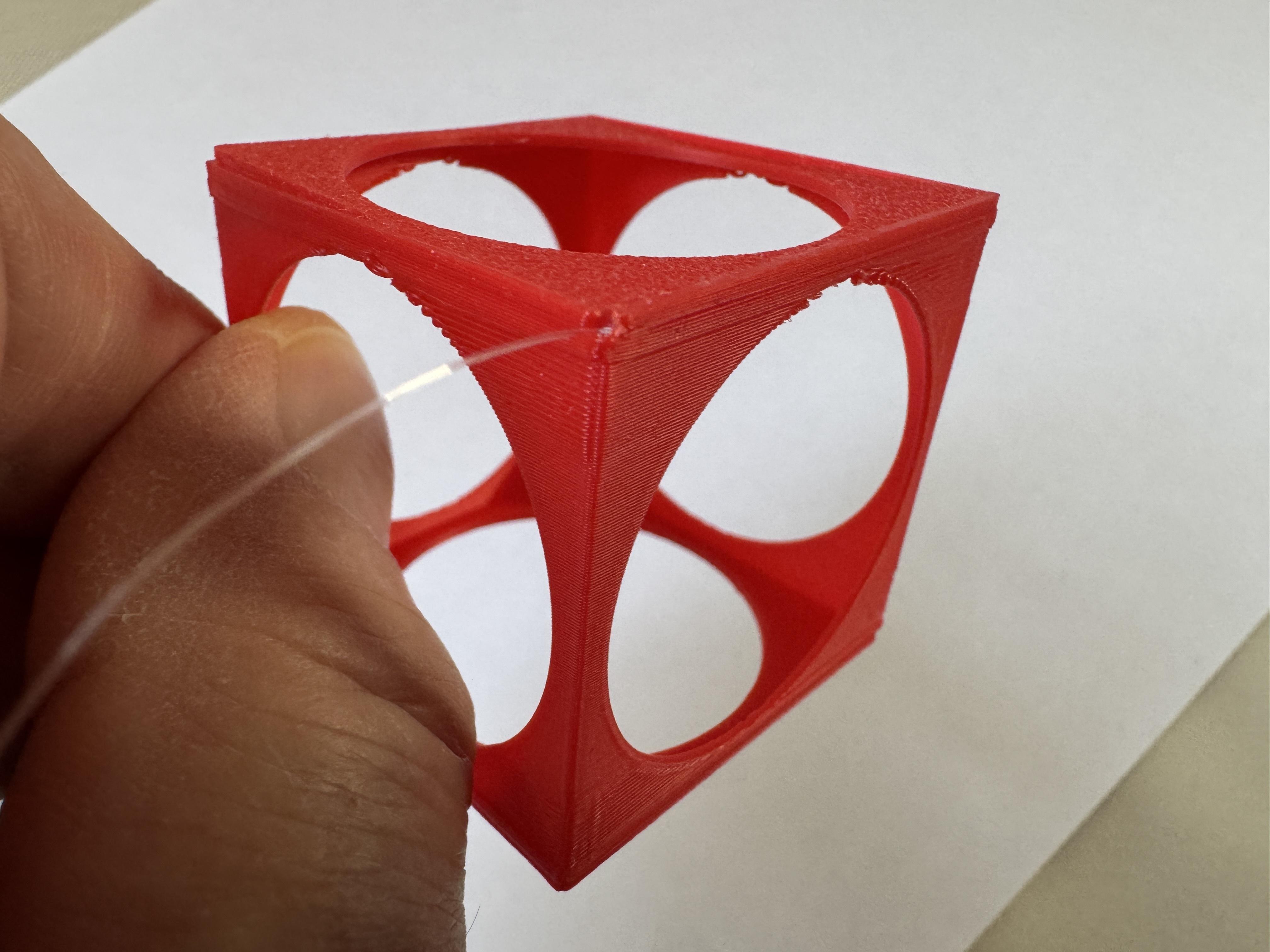

Print settings:
- printer brand: BambuLab
- printer: X1 Carbon
- supports: No
- resolution: 0,2
- infill: 15%
- filament brand: BambuLab
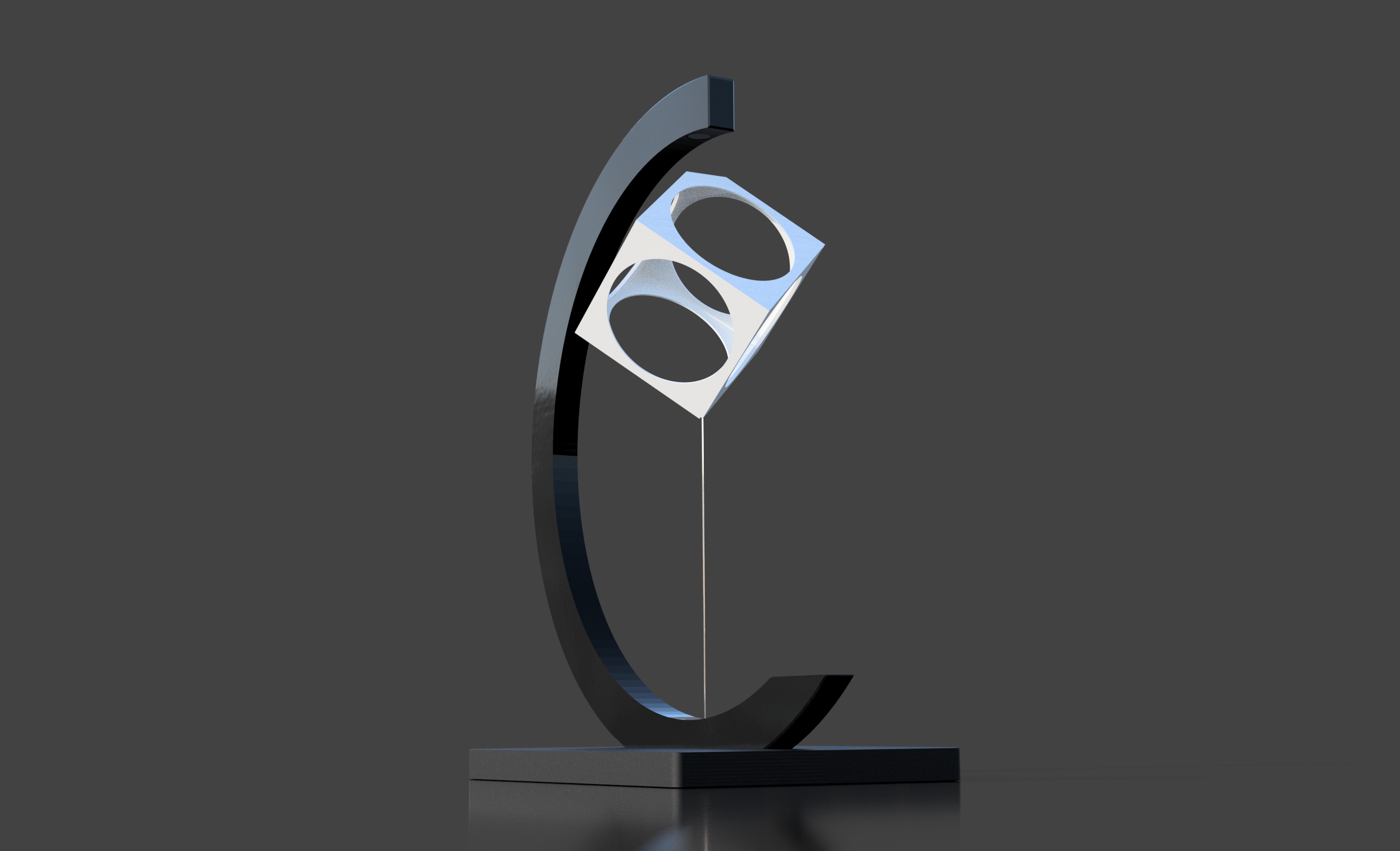
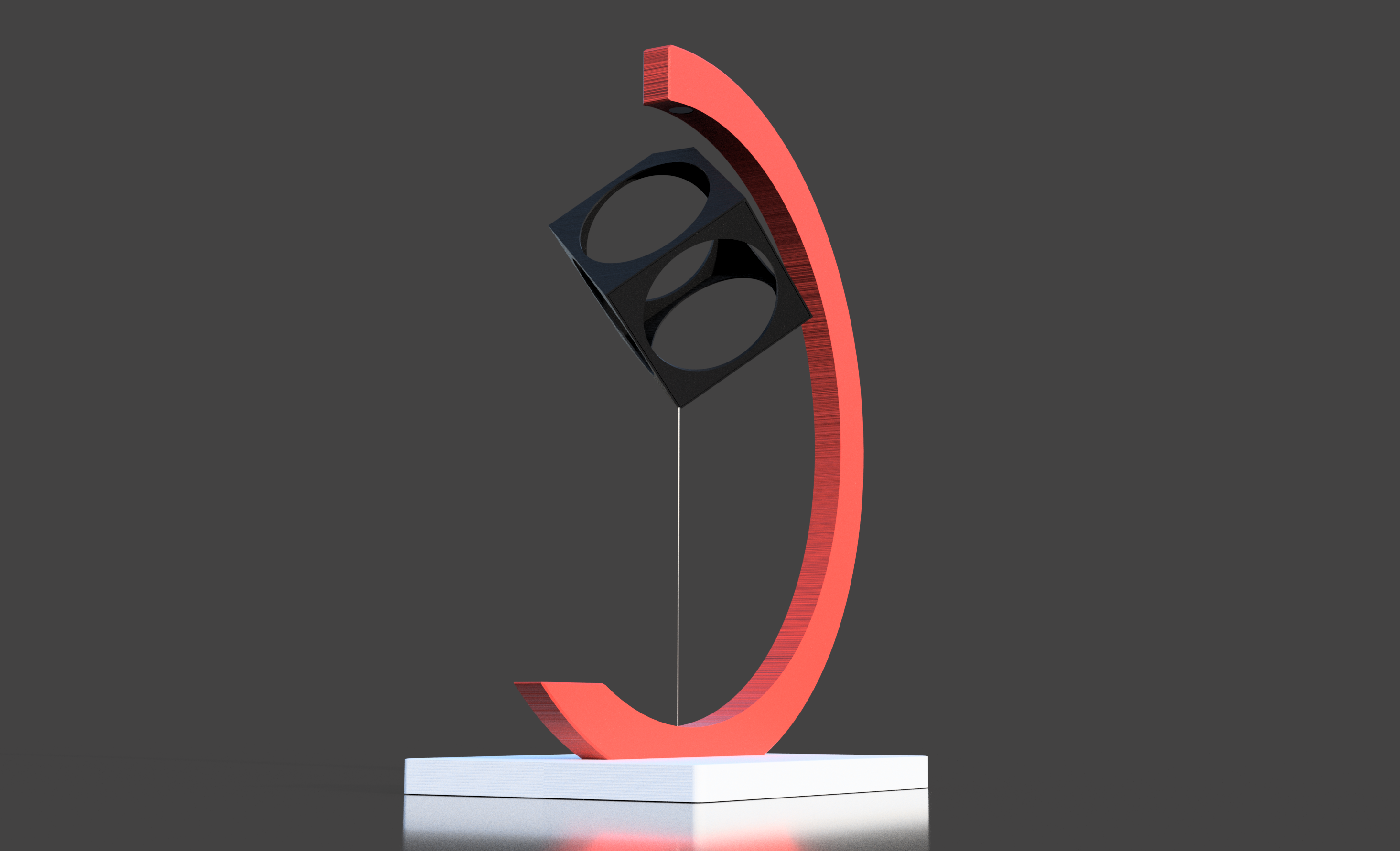
- filament color: Scarlet Red, Charcoal, White
- filament material: PLA
Note on FC_cube.stl. : Printing such a delicate object is problematic. The wall thickness is only 0.5 mm. The Prusa Mk3s printer reported a problem during slicing. The BambuLab Carbon X1, on the other hand, printed without any warning messages. I printed it with no supports. The result is not impressive, but when looking at the object as a whole, it is not noticeable and fades into the background. That's the price you pay for low weight!
Remark: As all parts are designed to fit very precisely, it may happen that you have to rework one or the other part a bit with sandpaper and/or cutter due to different dimensional accuracy of the printers and the different behavior of the filaments
Assembly Cube
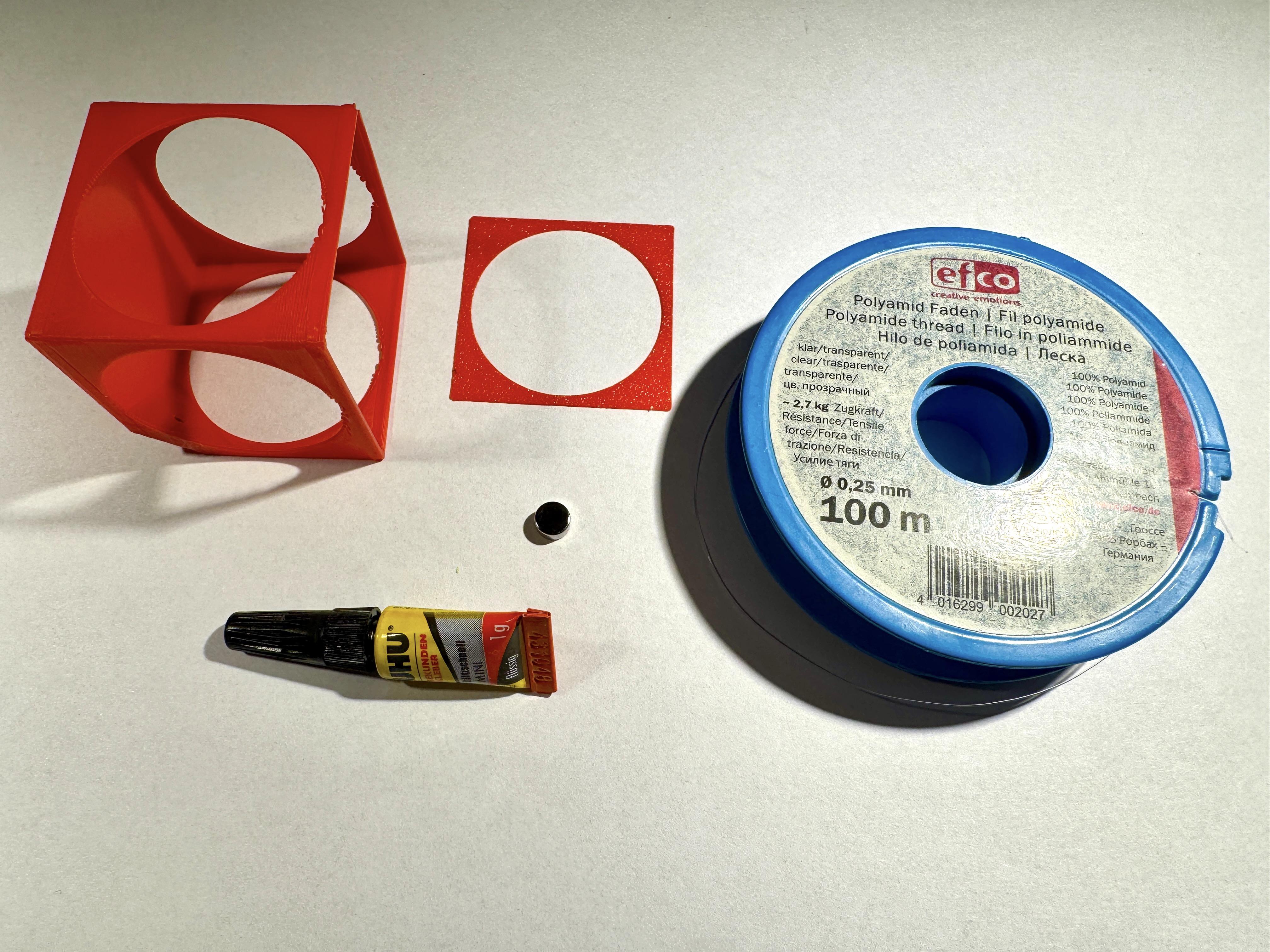
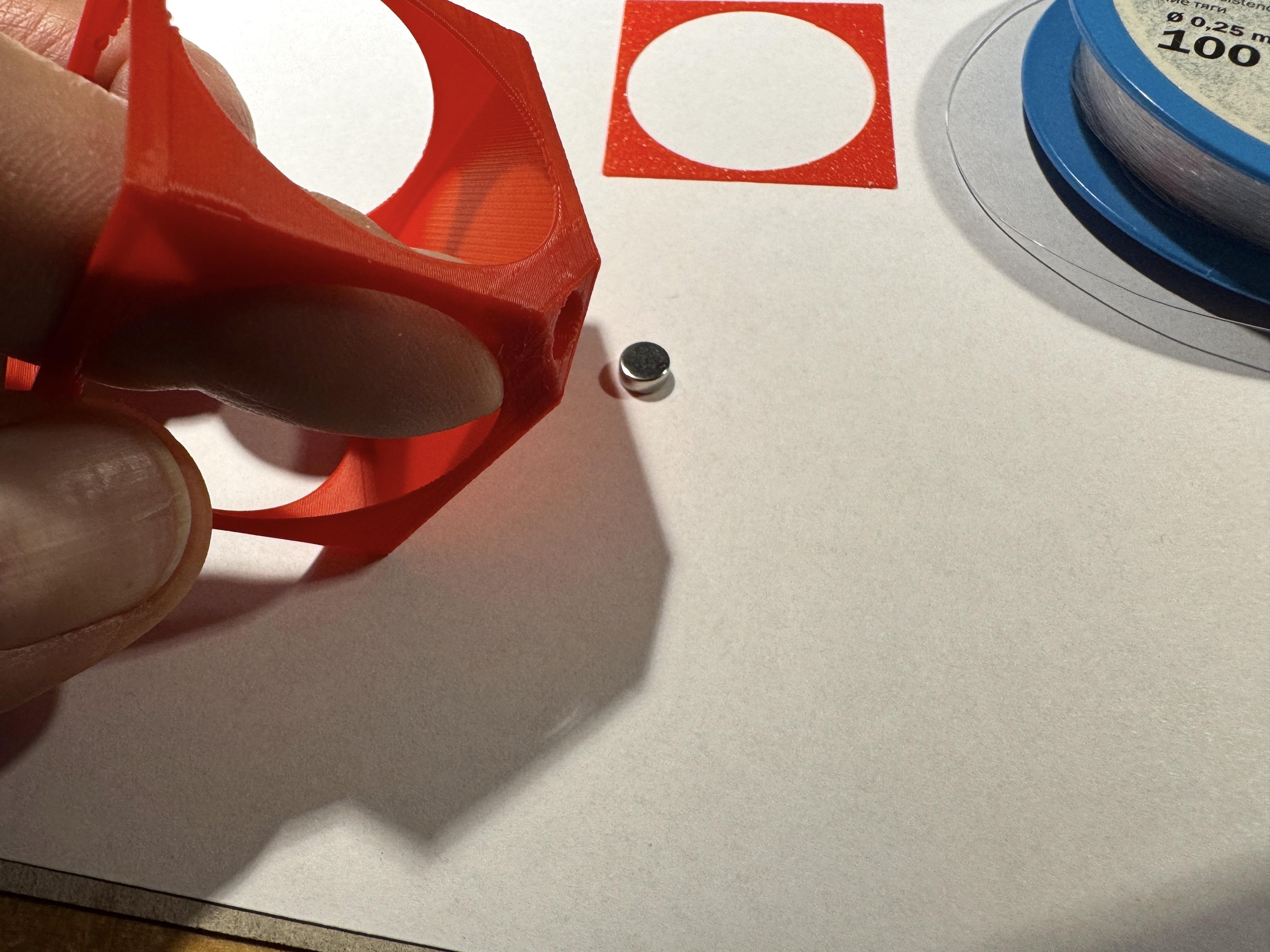
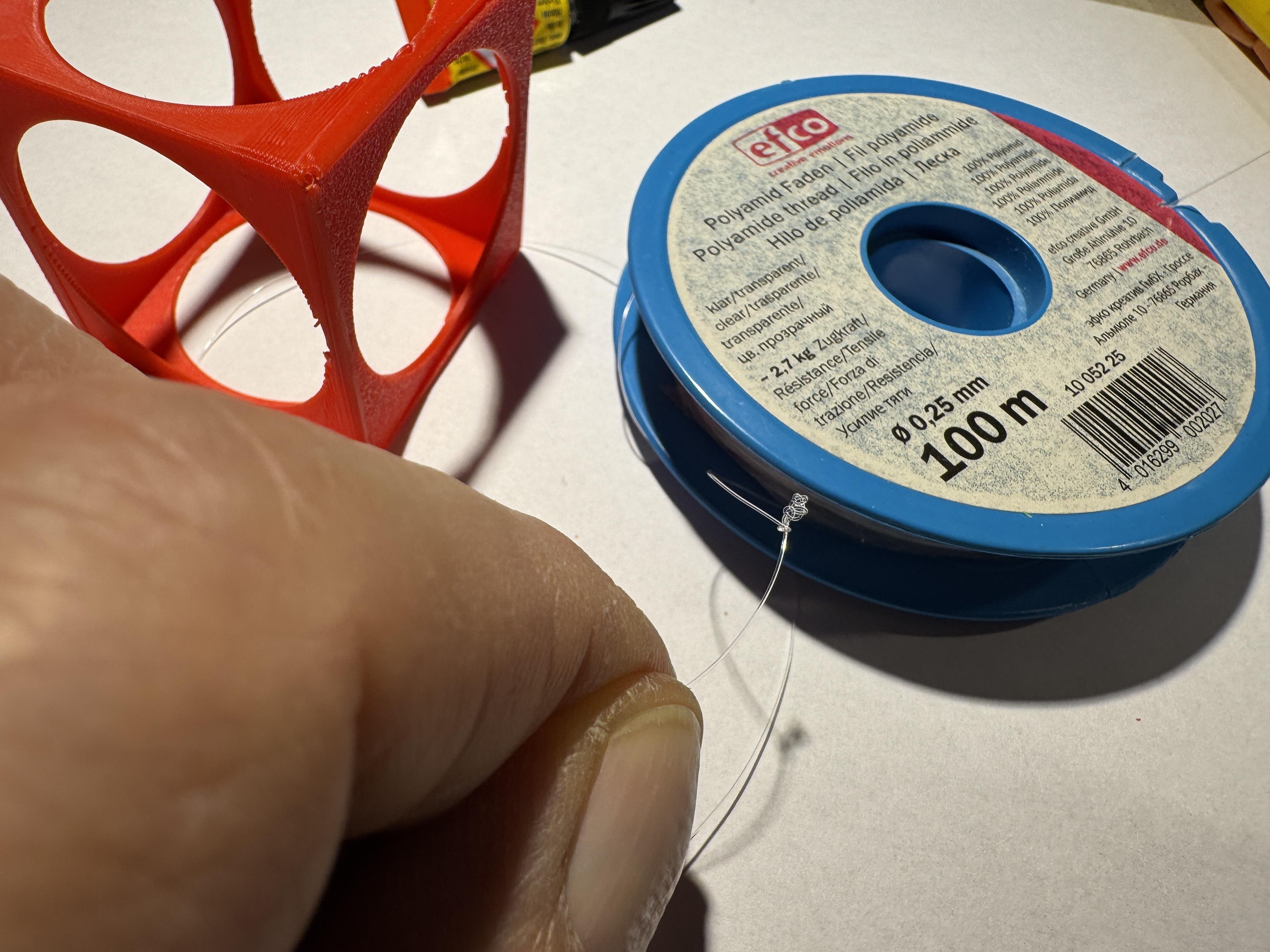
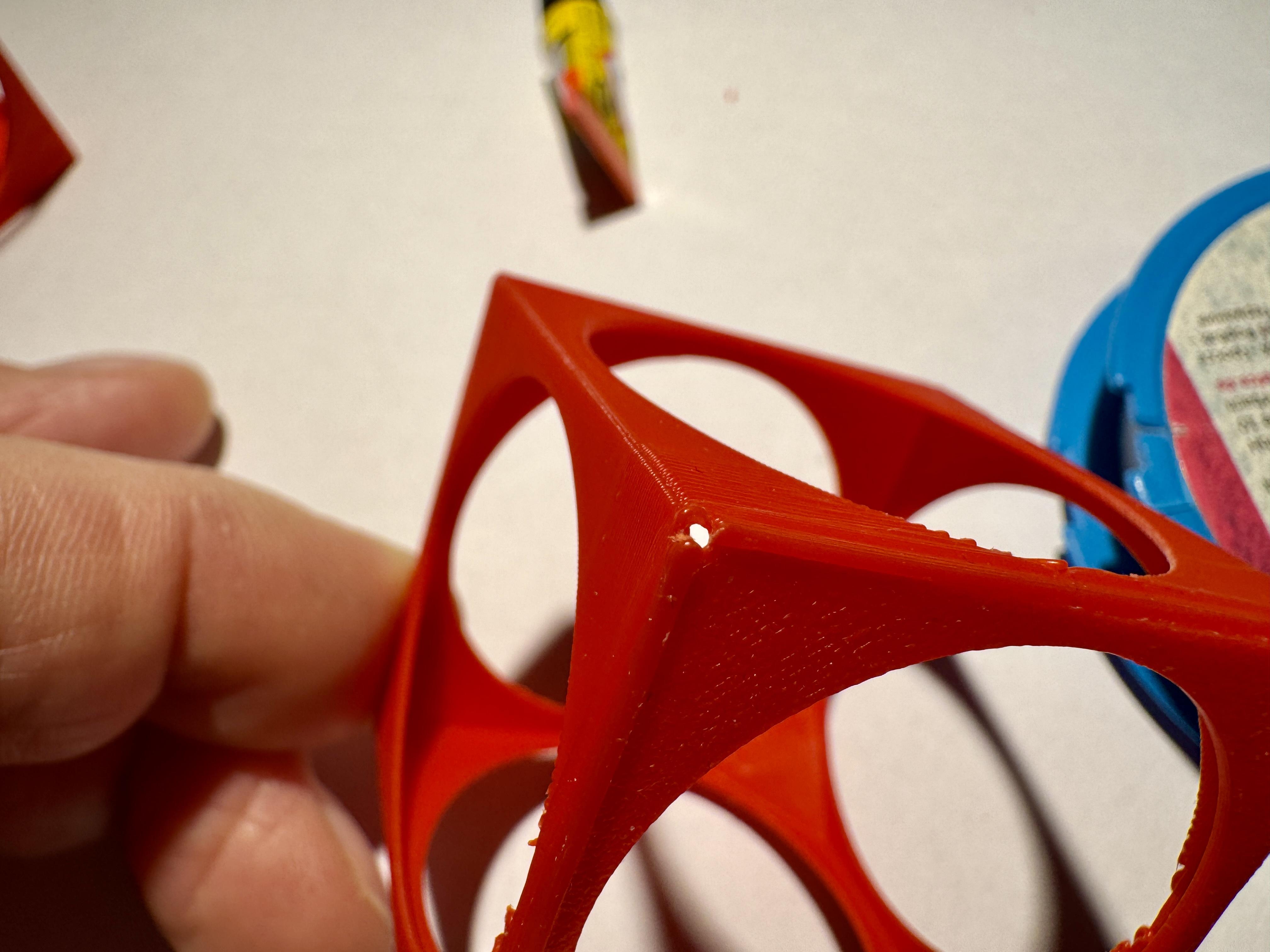
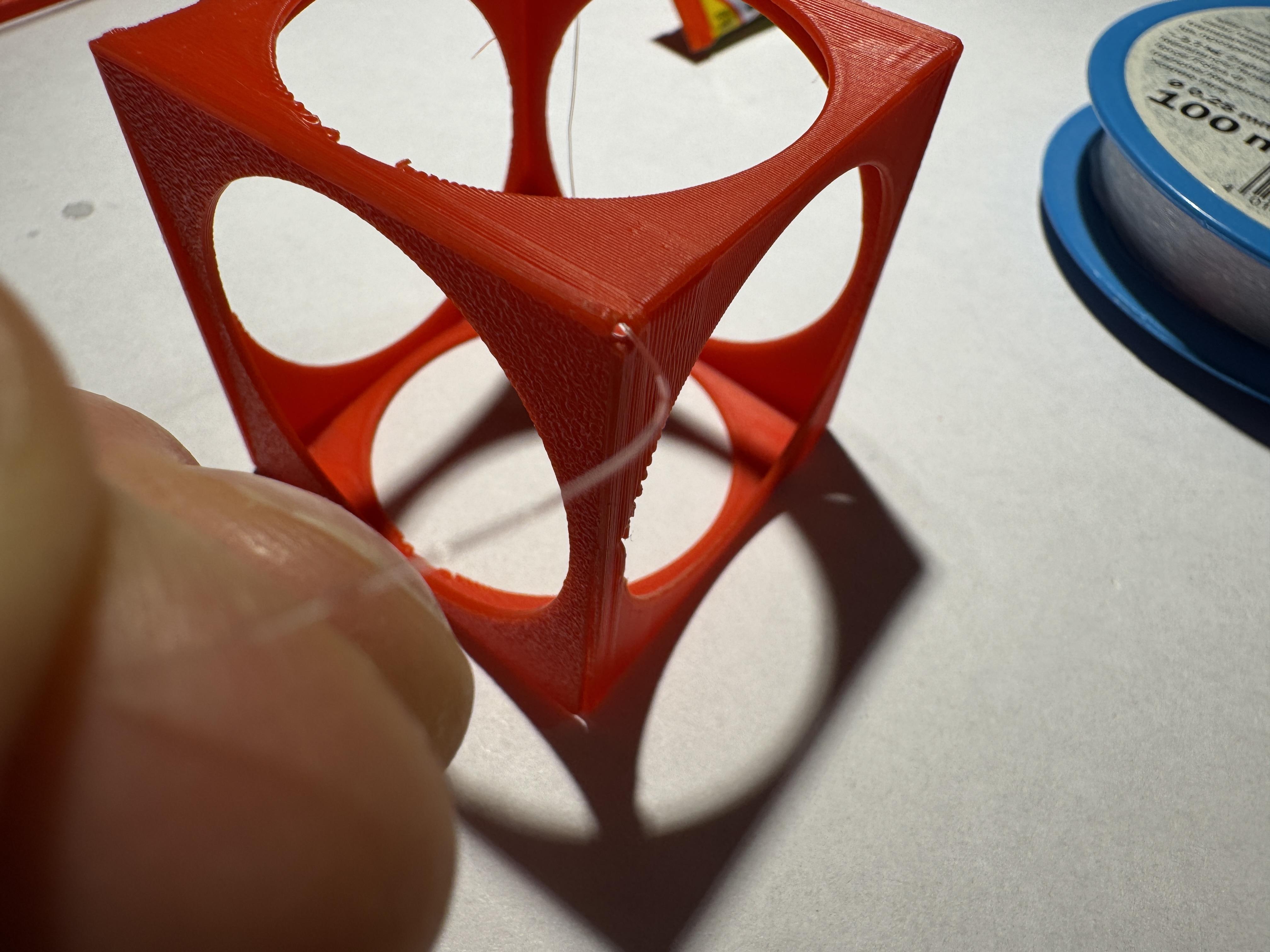
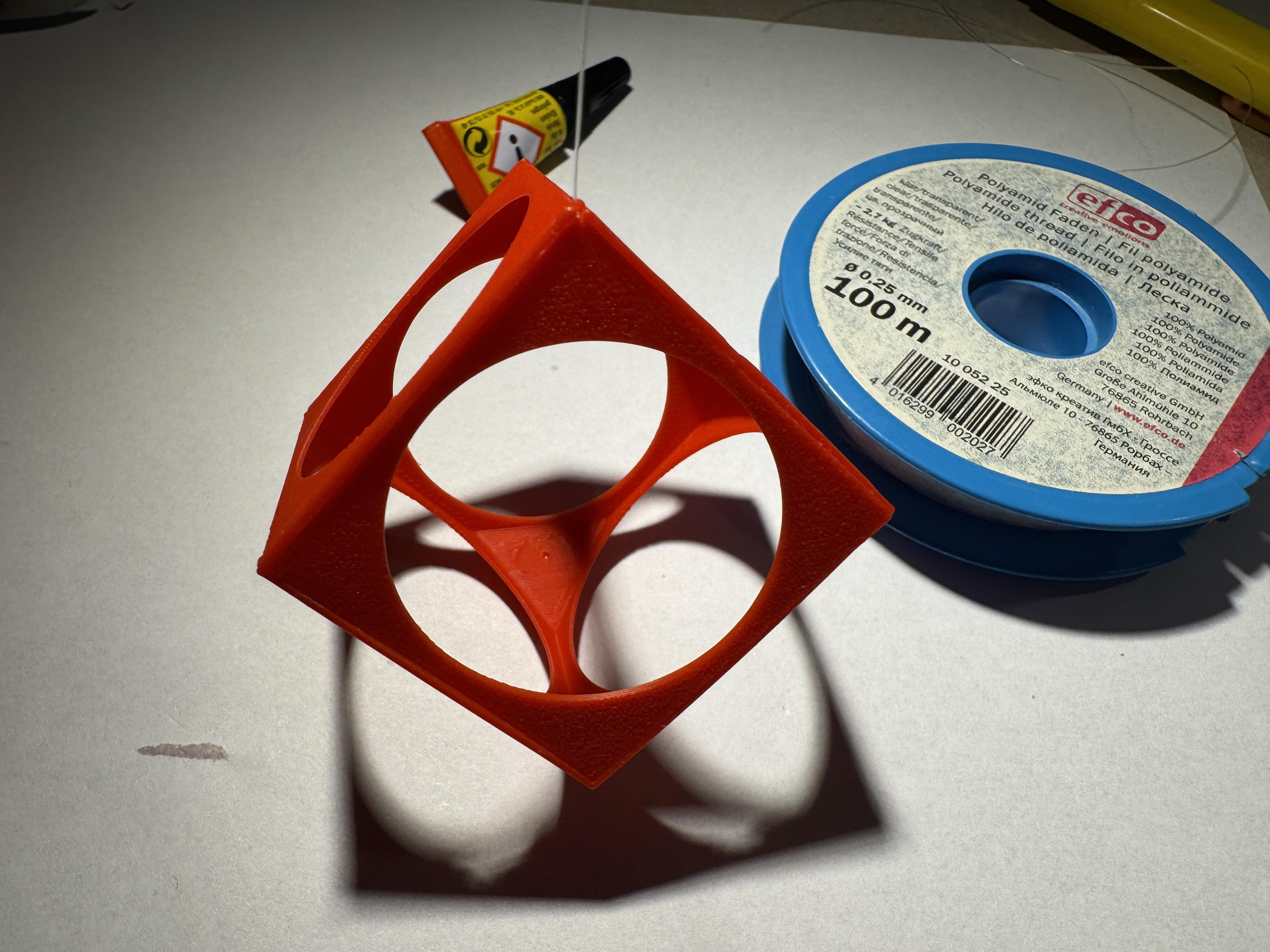
We start with
- FC_Cube+sidepart.stl
You need
- superglue
- nylon thread, about 30 cm (Ø 0.25mm)
- scissors
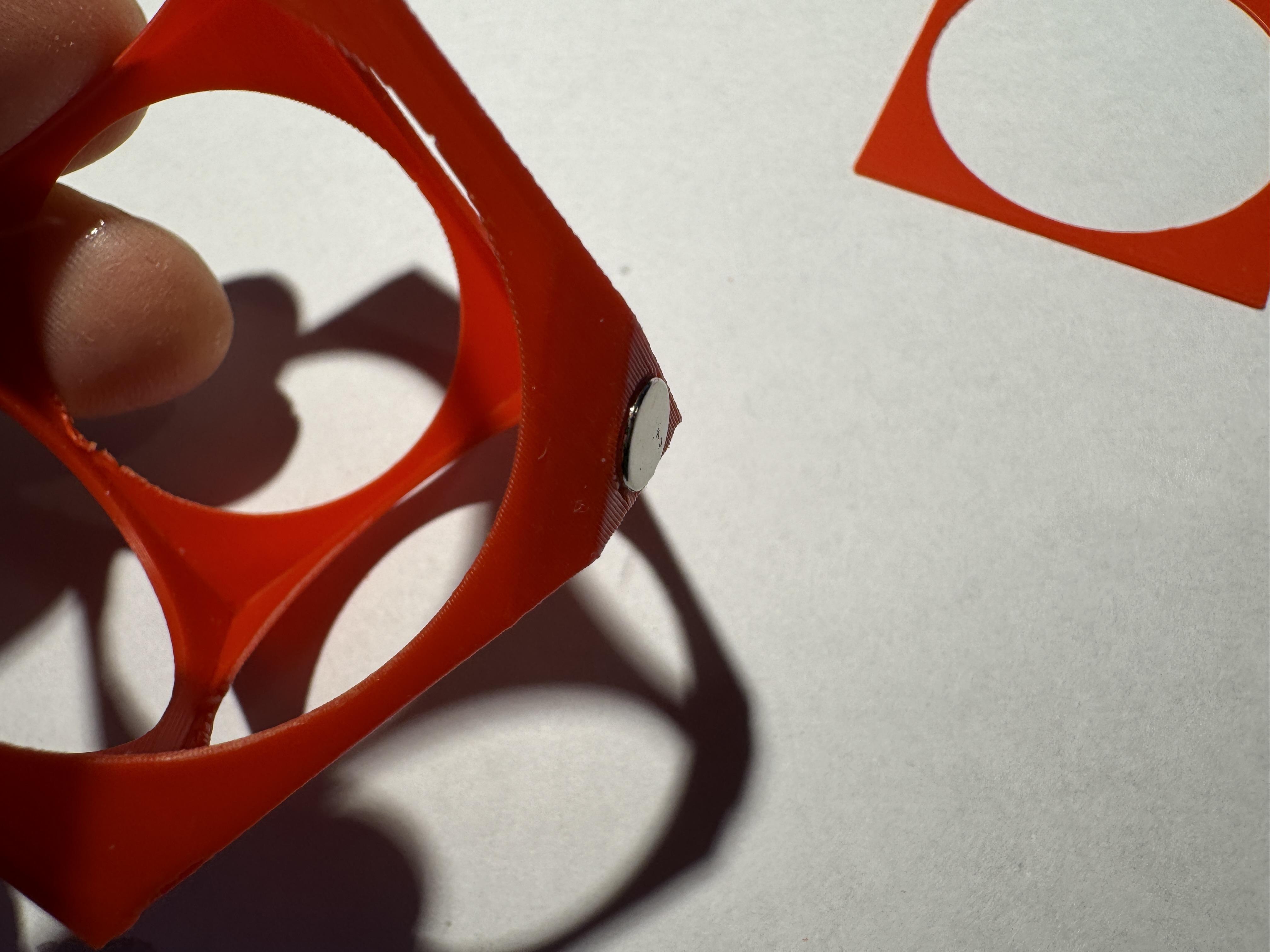
Before we close the cube, the magnet must first be inserted. Otherwise, it is not possible to apply sufficient pressure with your finger to the inner corner.
The recess for the magnet in one corner of the cube is sized so that the magnet can be pressed in without glue. It's tight, but it works!
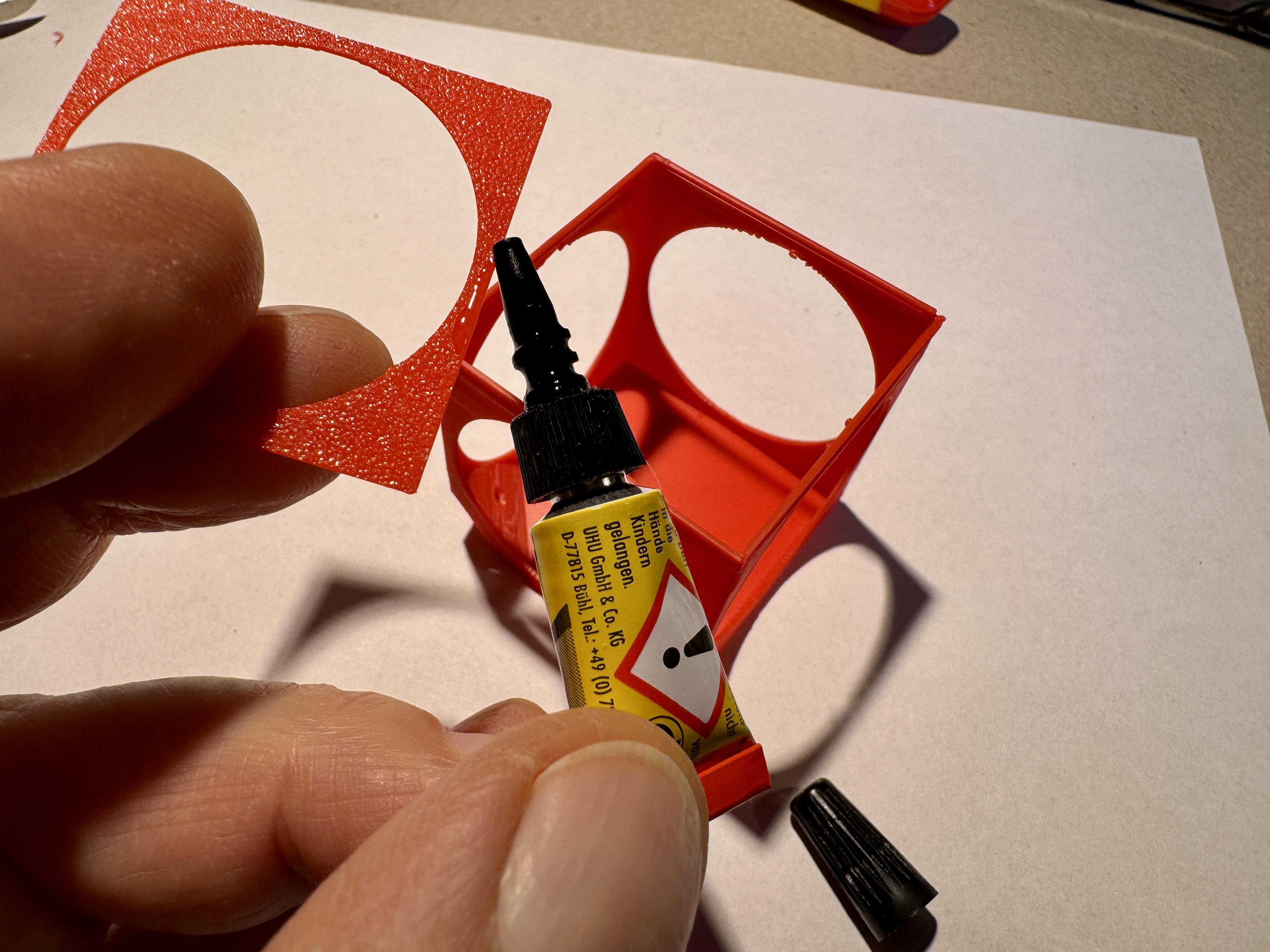
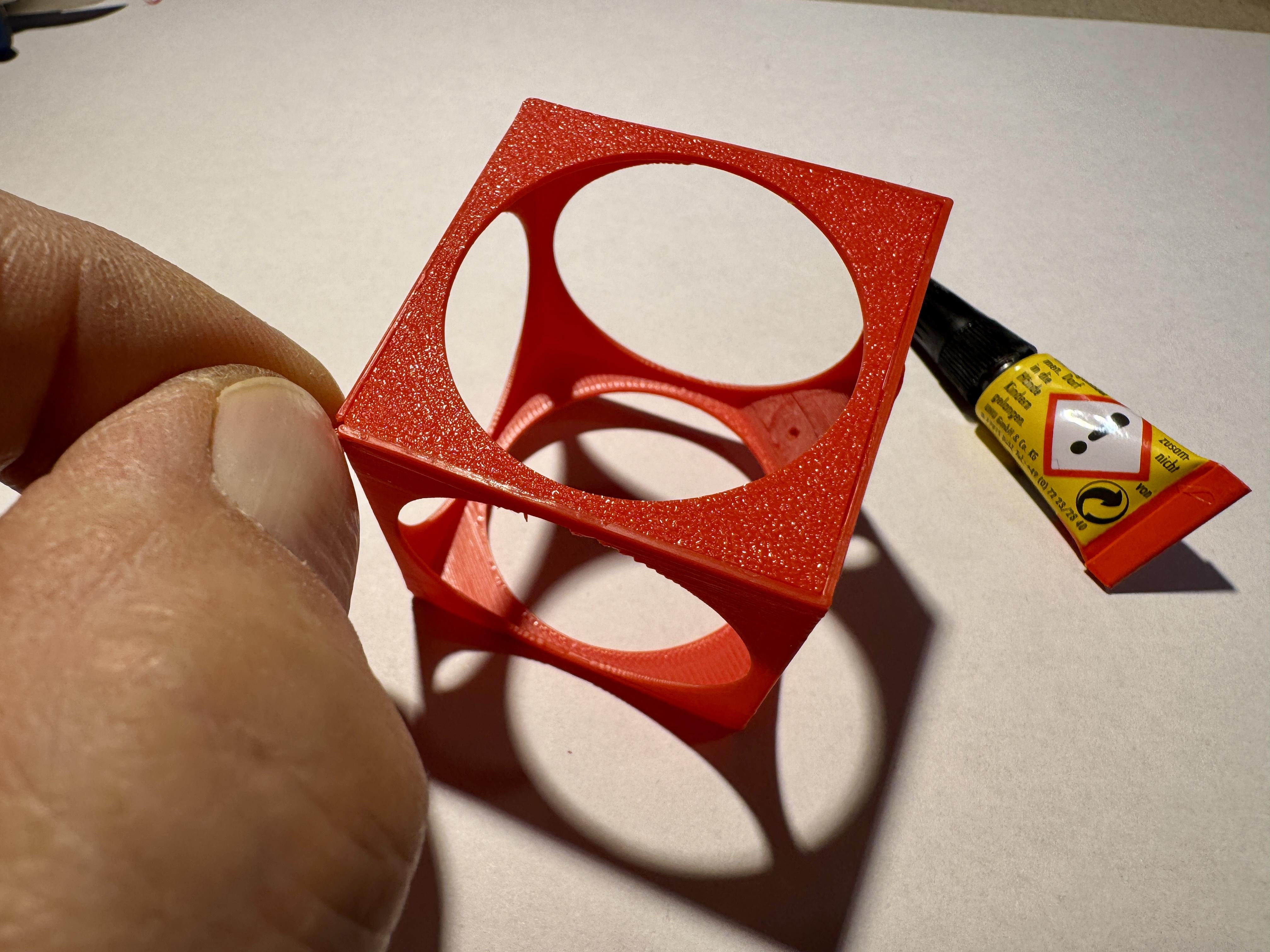
Next, we will now replace the missing side part.
To do this, we need the side part and superglue. Only a very small amount should be used.
Note: on the opposite side of the magnetic corner, there is a very small recess for the nylon thread. This recess must not be glued shut. However, it is so small that it may not have been printed correctly.
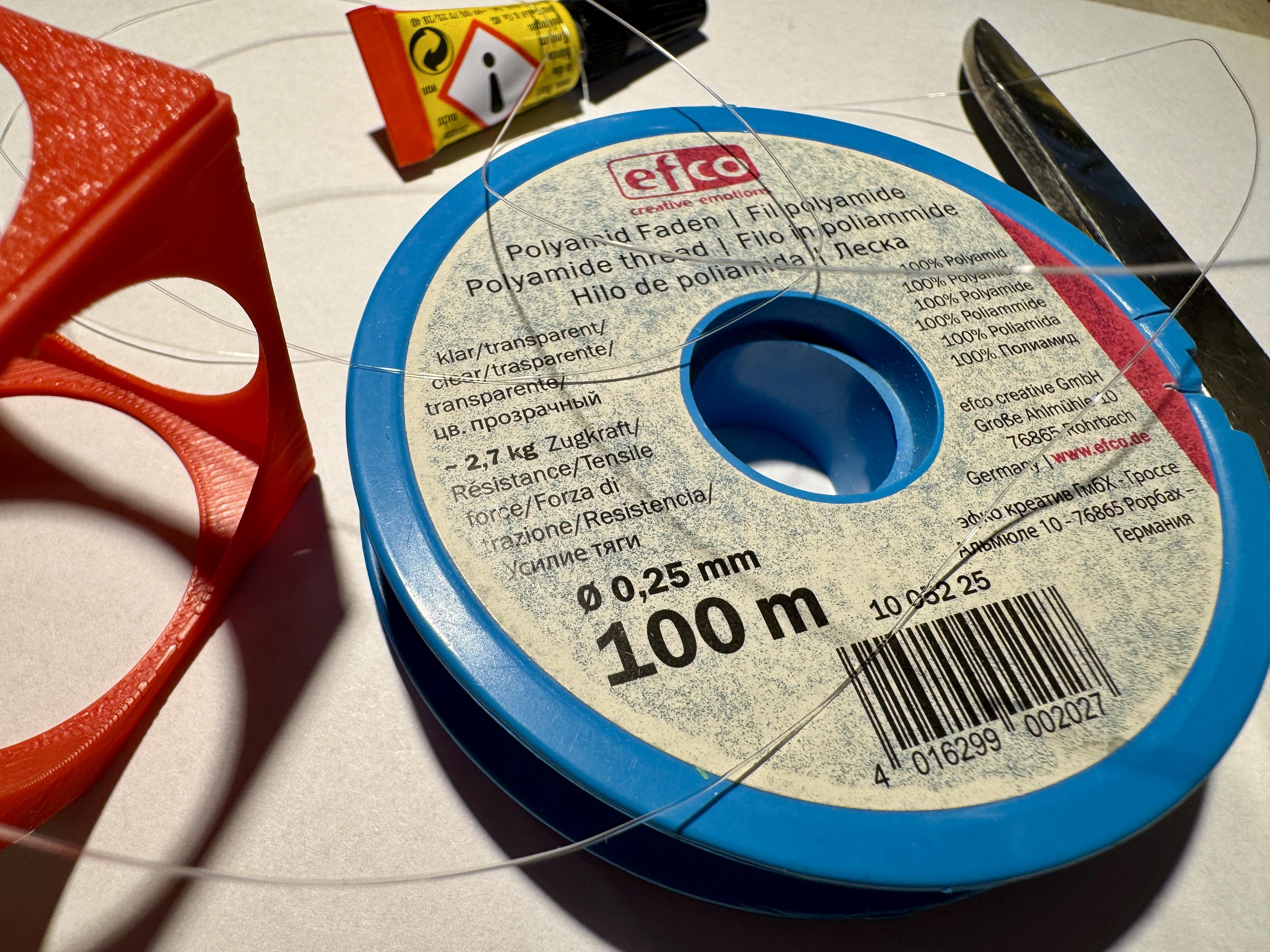
Next, we need a 30-40 cm long nylon thread (Ø 0.25 mm). We make a multiple knot at one end and cut off the excess end. Now we have to check whether the small hole in the opposite corner of the magnet is present and can be passed through. If not, then you have to carefully help it along with a needle or a Ø 1 mm drill bit. Now that that's clear, we pull the nylon thread through the hole. The cube should now be able to hang from the thread.
The hardest part is now done!
Assembly Stand

For this step we need
- FC_base.stl
- FC_arch.stl
- 2 neody magnets
- a pin
- super glue
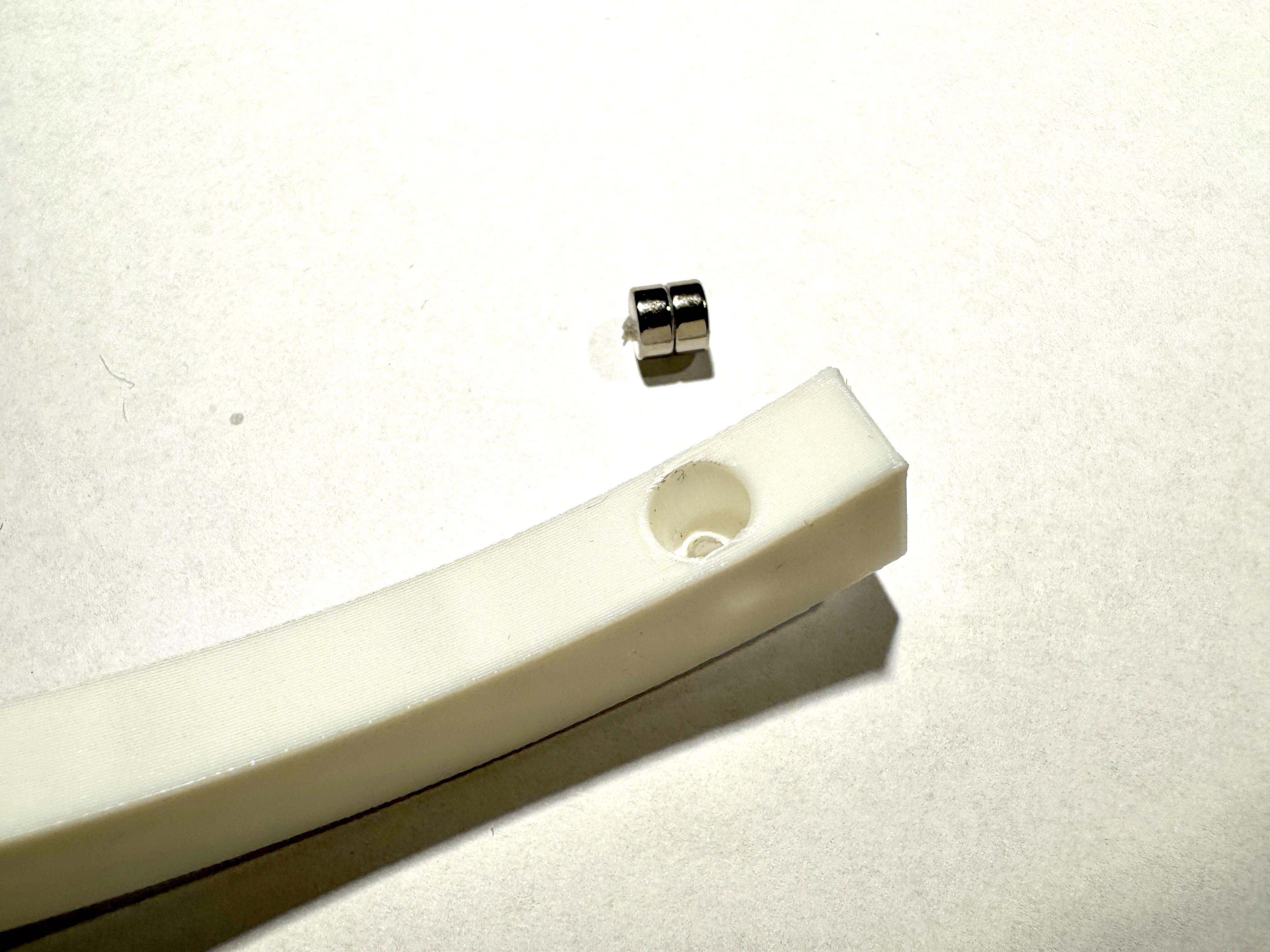
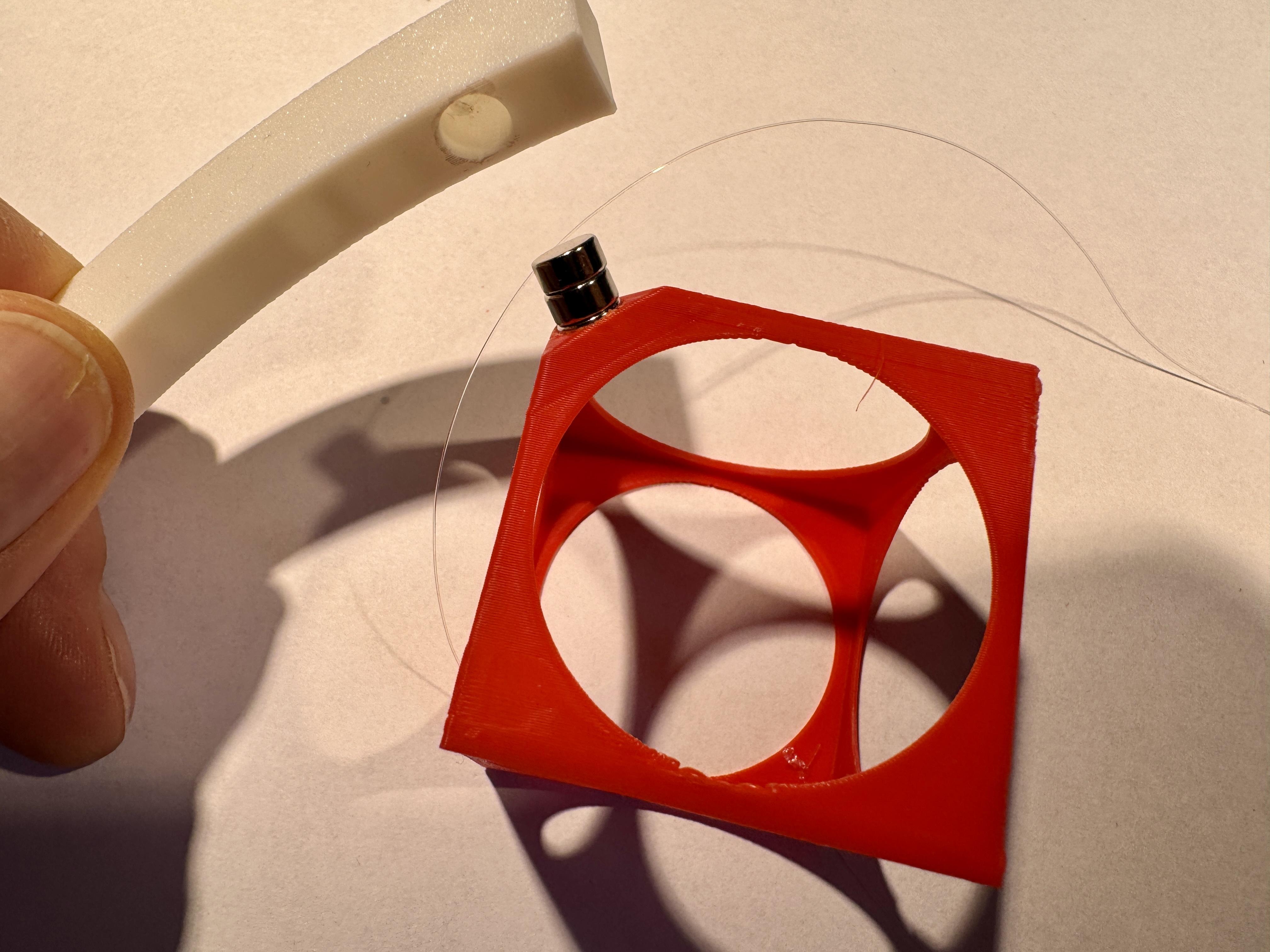
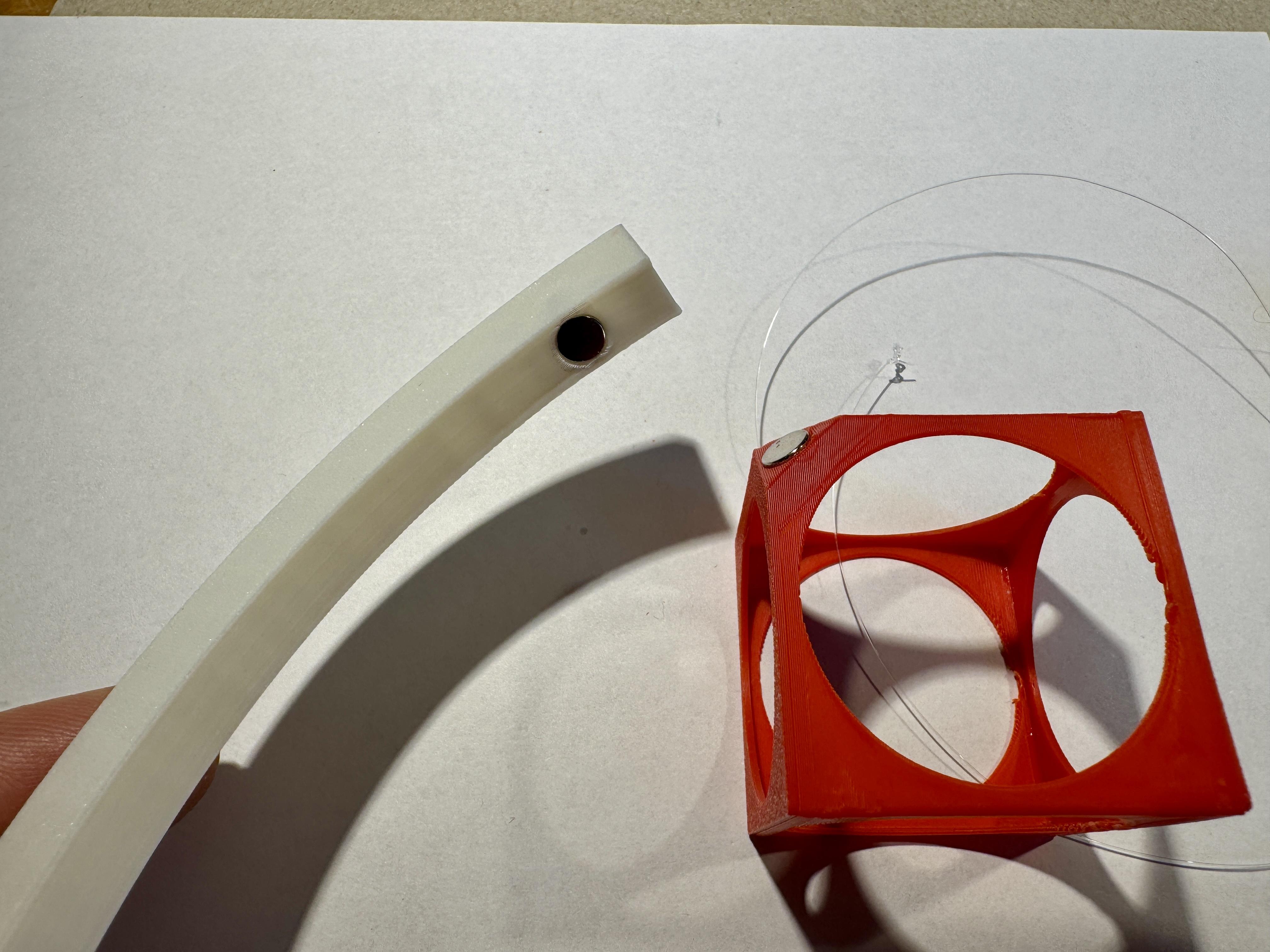
To achieve a greater magnetic range, we insert 2 magnets (stacked) into the arch. Pay attention to the polarity when inserting them! This now depends on the magnet's alignment in the cube. However, if you make a mistake, you can push the magnets out again via an access point on the top.
To avoid making a mistake, let the two magnets be attracted by the magnet in the cube and then push them carefully into the hole in the arch. Now you can slide the cube to the side.
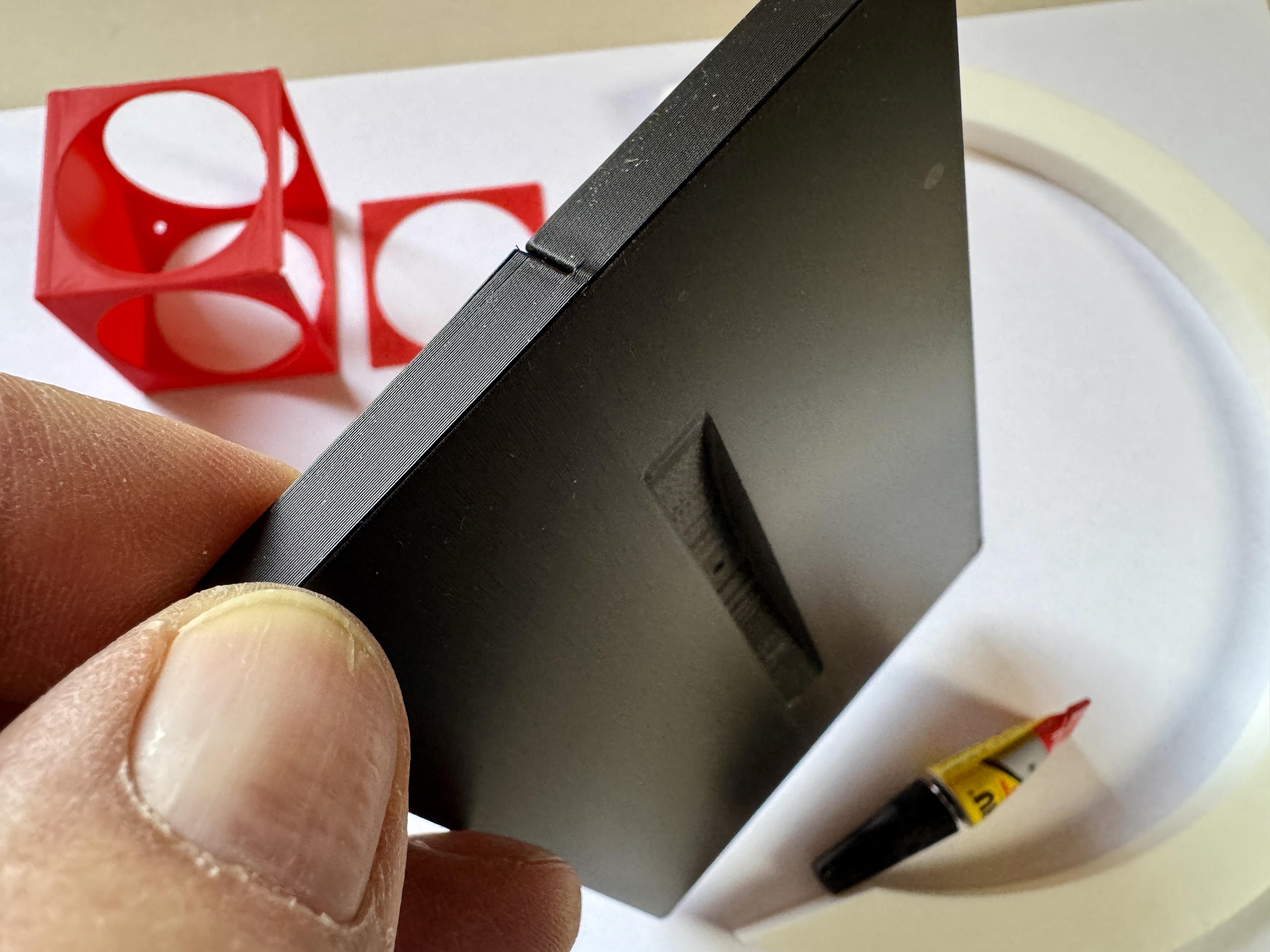
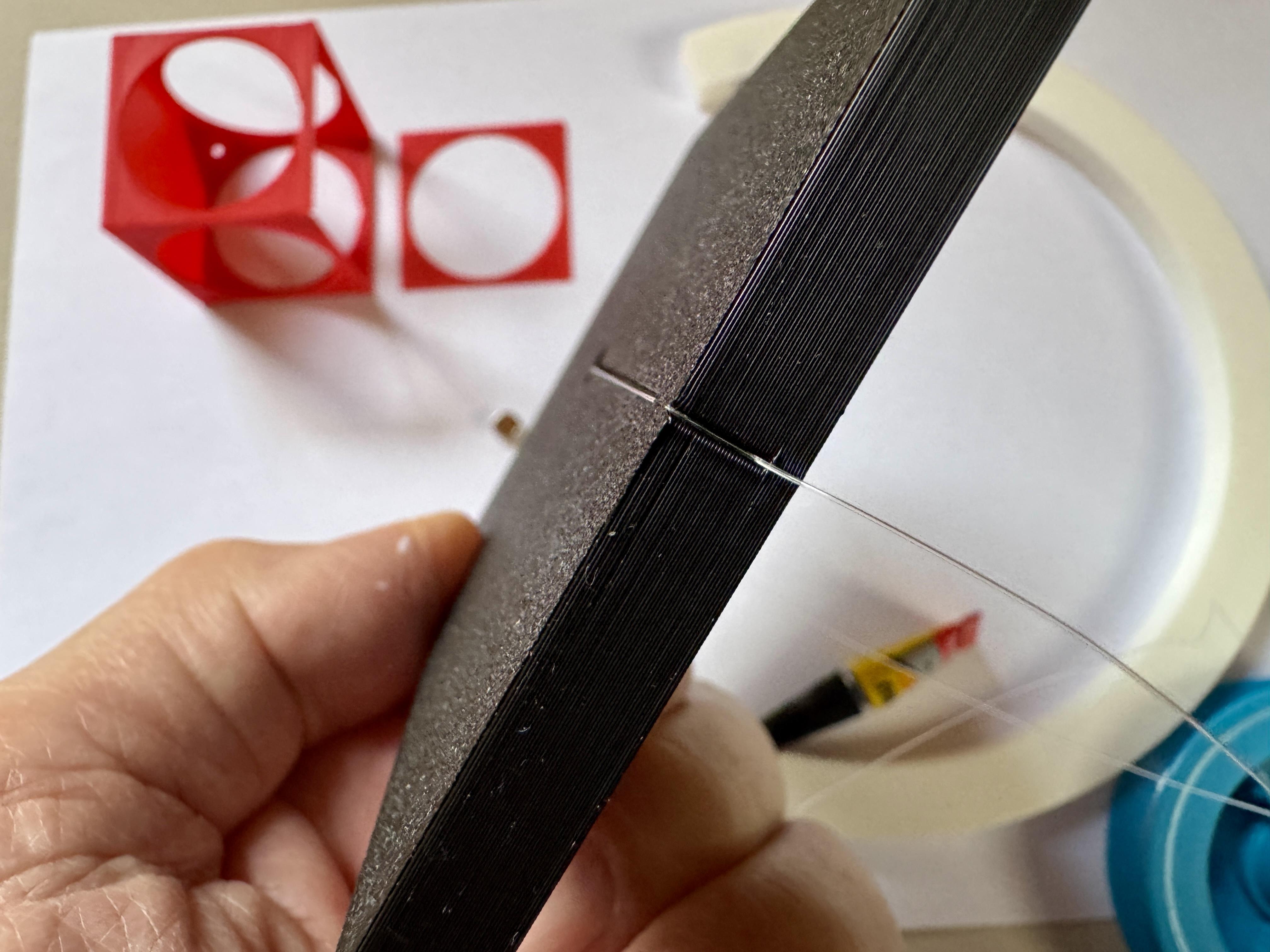
If we look at the base from below, we see a narrow channel that tapers towards the end. This serves as a clamping device for the nylon thread. But first, we need to connect the arch to the base.
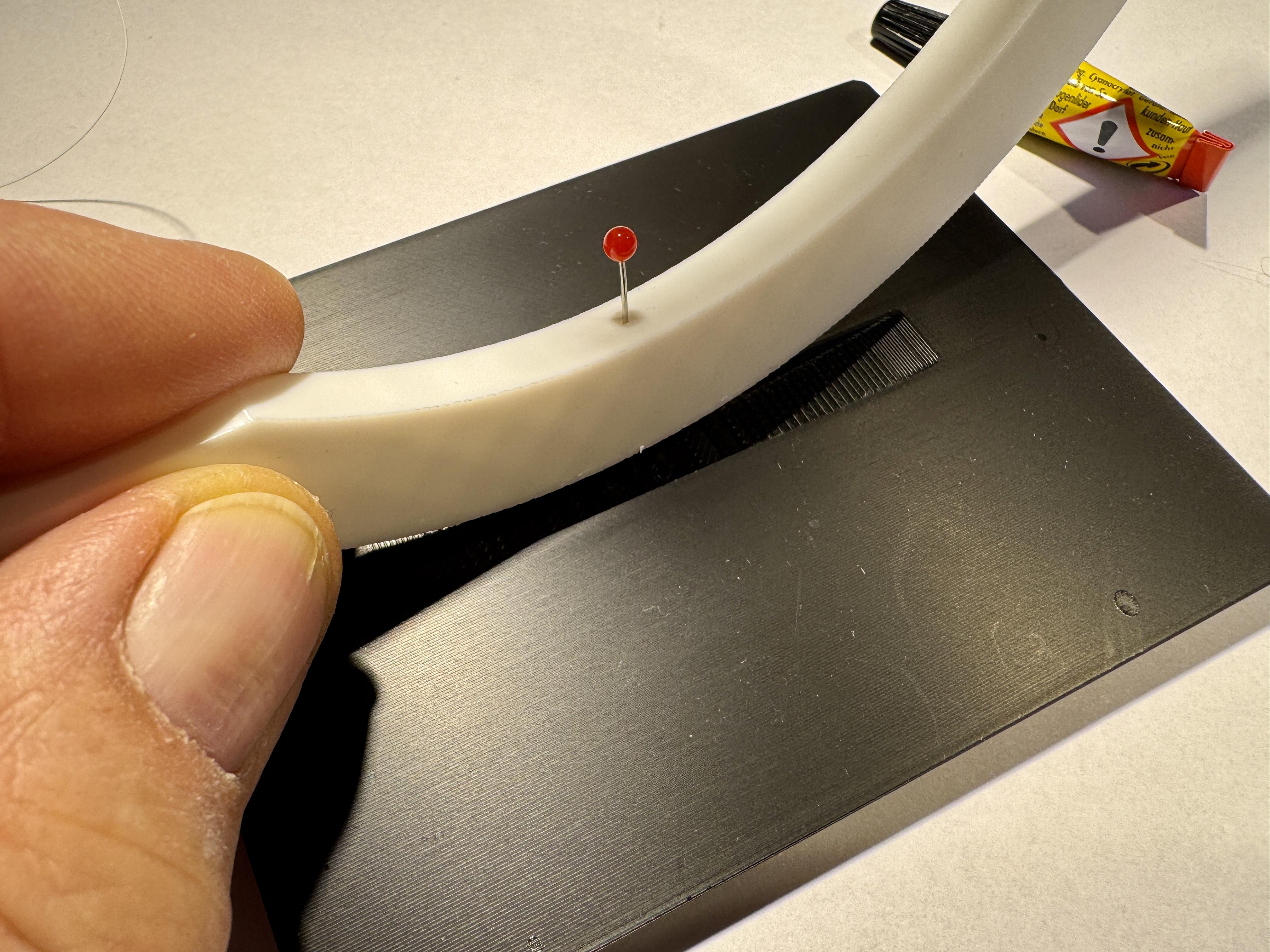
We put some superglue in the recess for the arch. No glue in the area of the hole! To position the hole in the arch exactly over the hole in the base, we use a pin to help us.
Setup
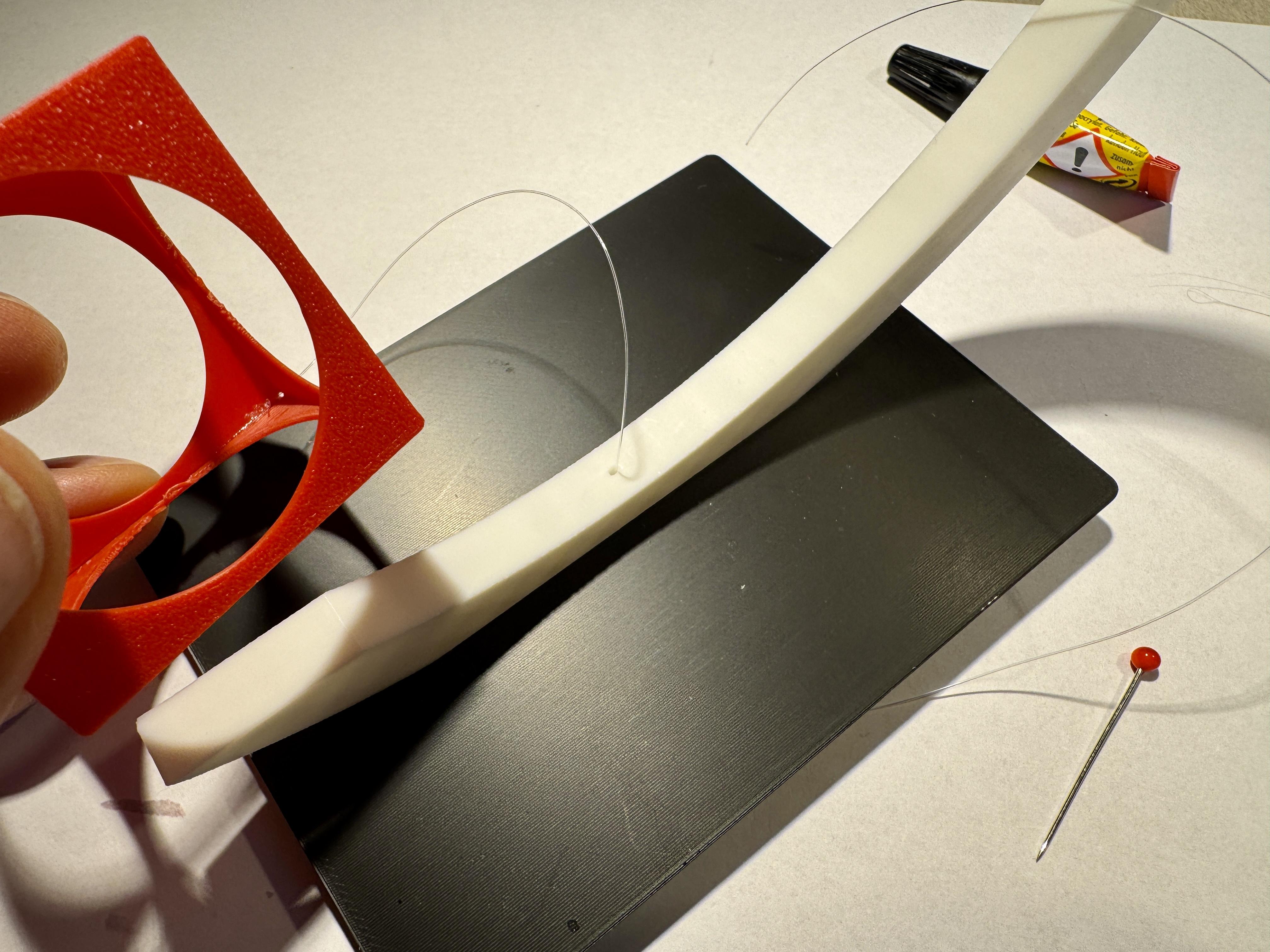
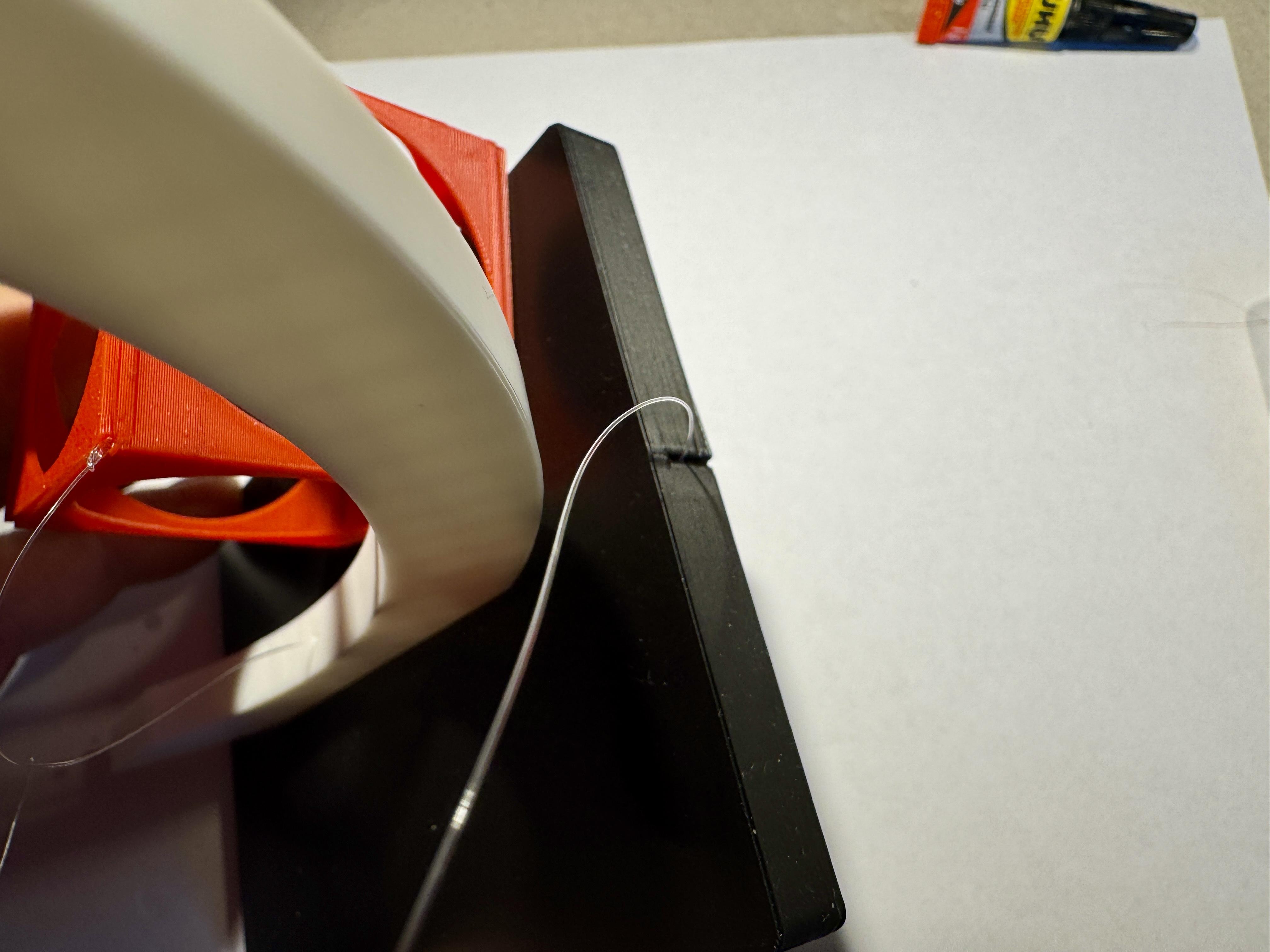
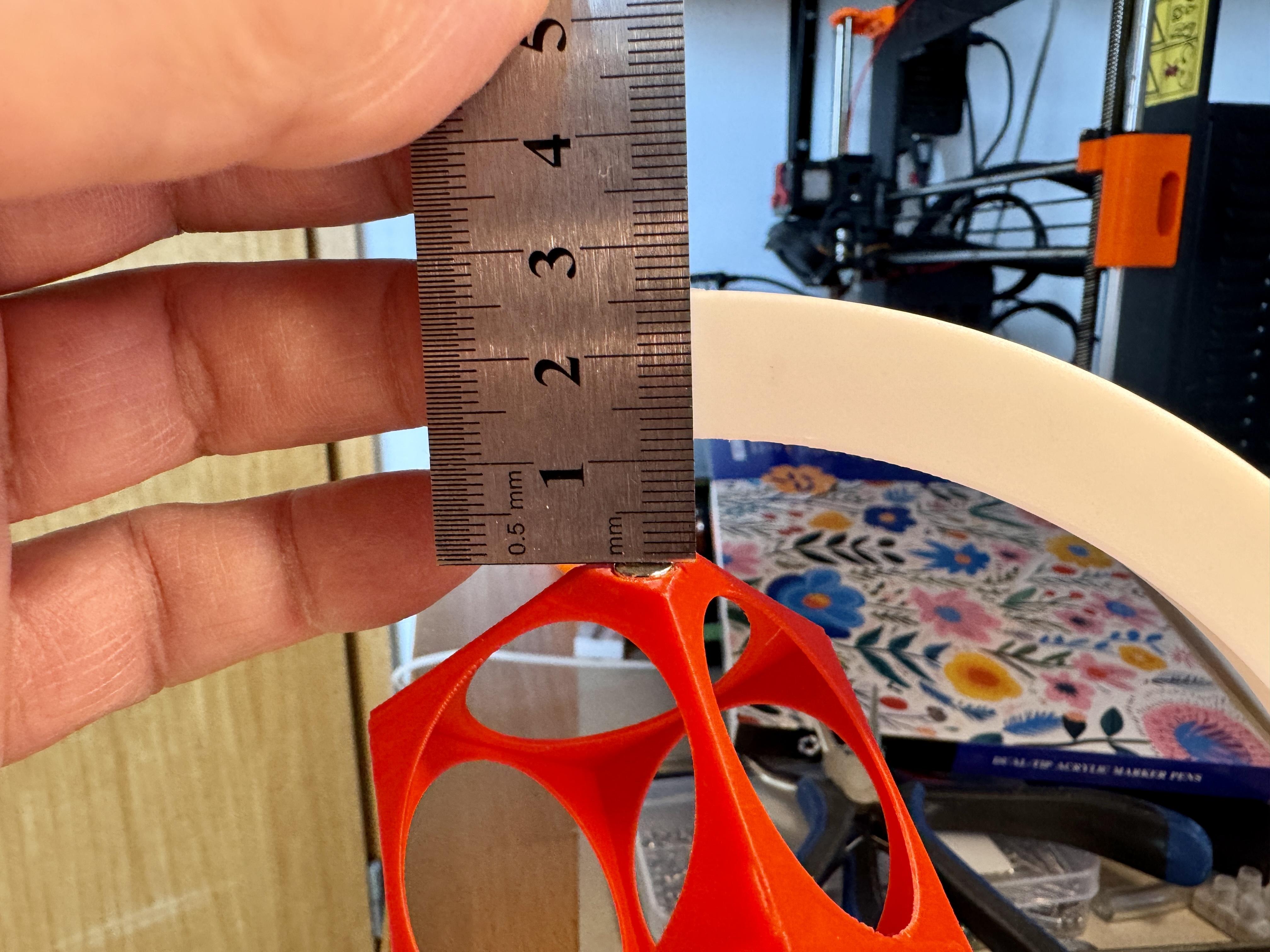
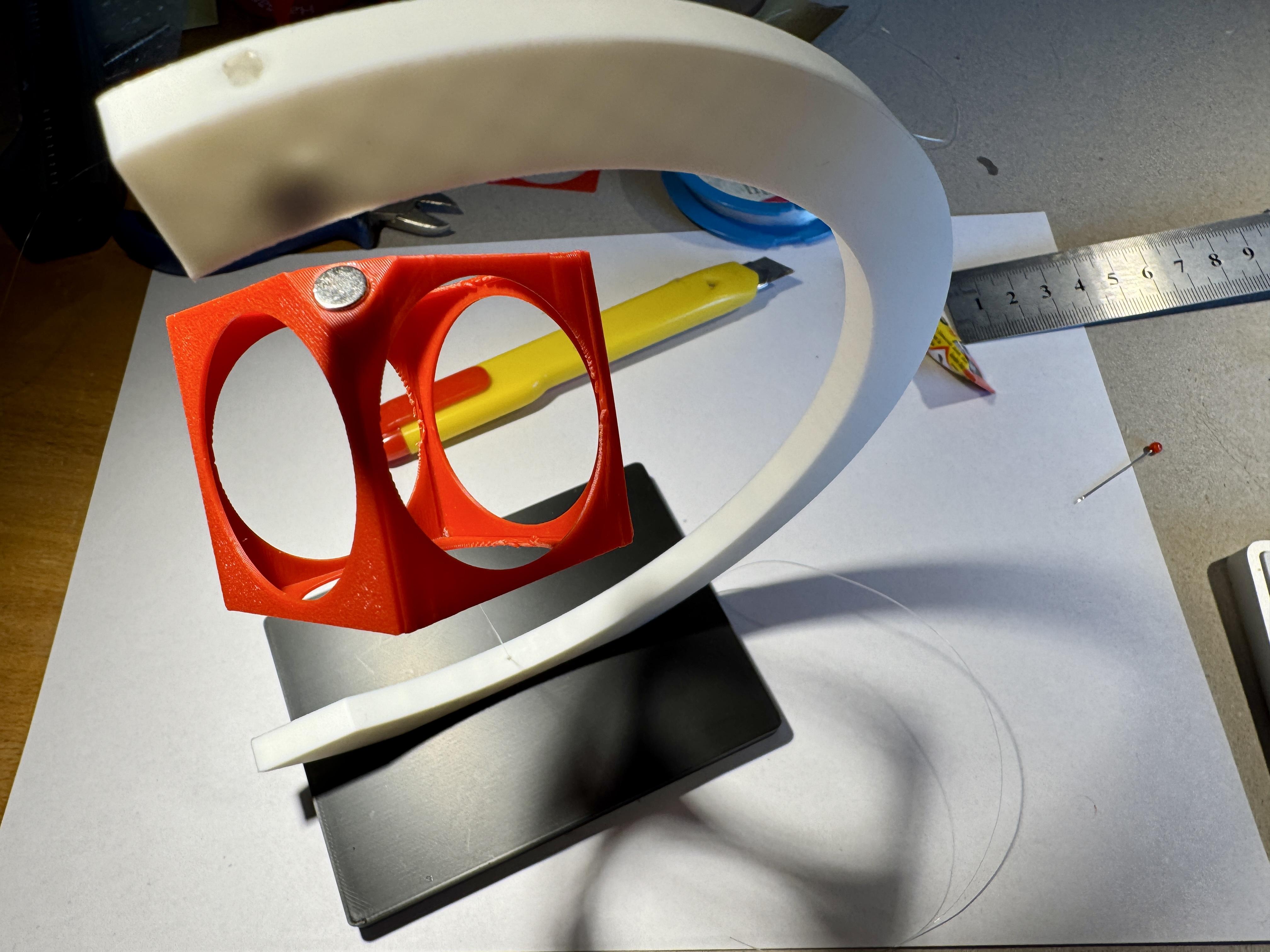
Now we can pull the end of the nylon thread through the hole in the arch and the base and clamp it to the side end of the base.
The thread is now clamped in place, but can be pulled forward or backward with a little force when aligning the cube. With a little skill, the cube can be aligned so that there is a gap of about 12 to 13 mm between the magnets. Pull only on the thread if possible, as otherwise the cube could be damaged.
Done!
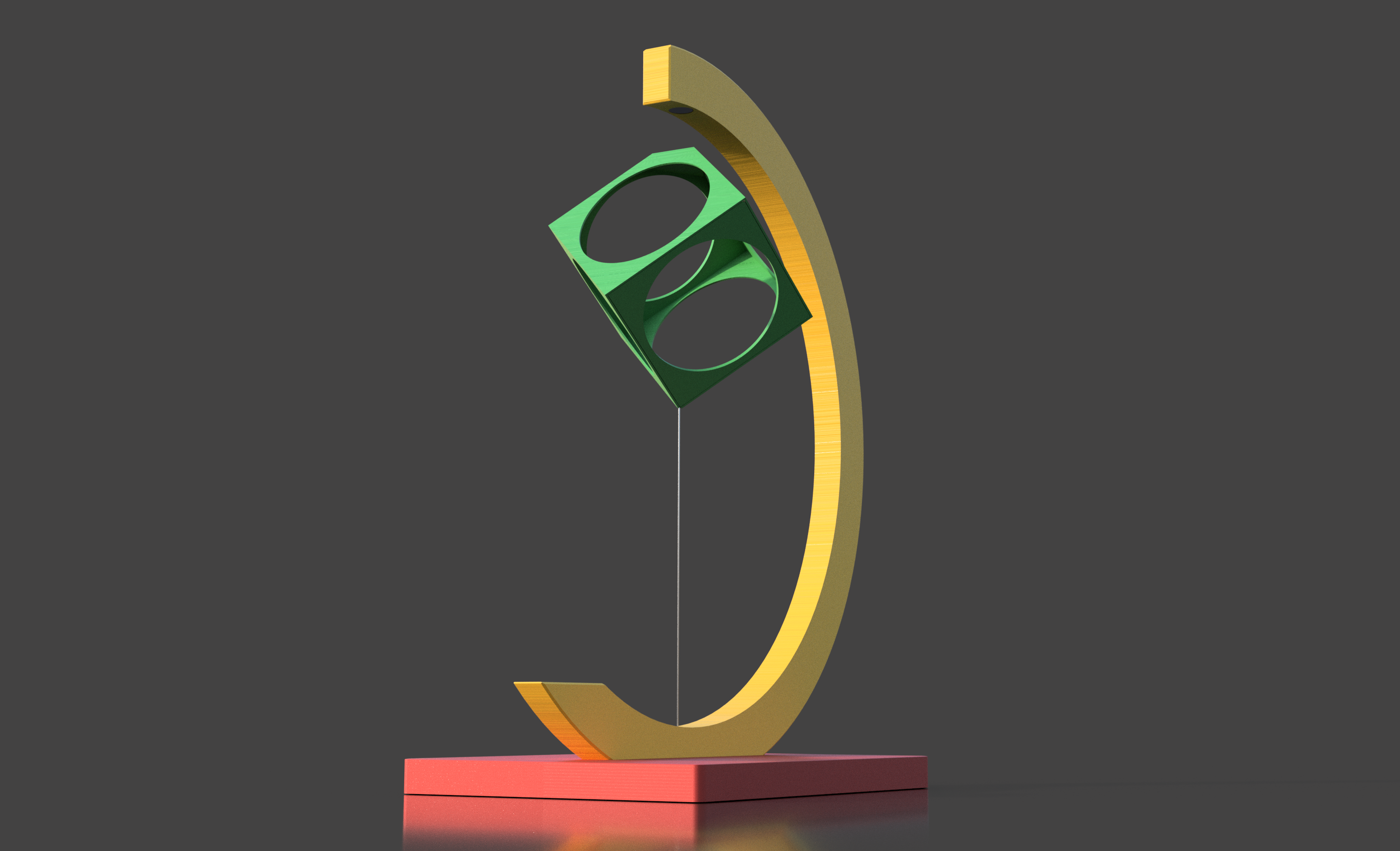
Color Variations