Family Houses: a 3D Printed Christmas Village
by vanweb in Living > Christmas
326 Views, 2 Favorites, 0 Comments
Family Houses: a 3D Printed Christmas Village
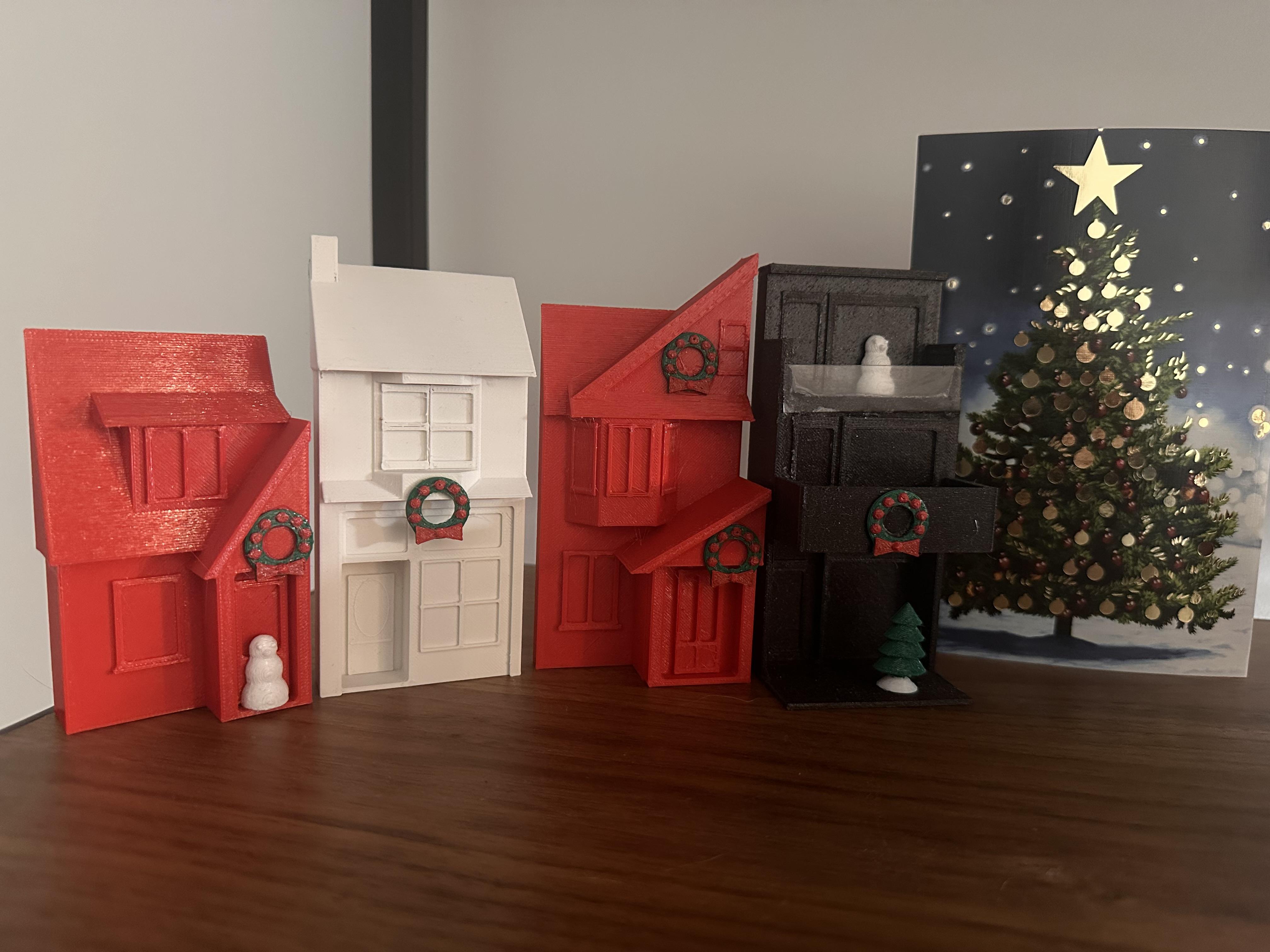

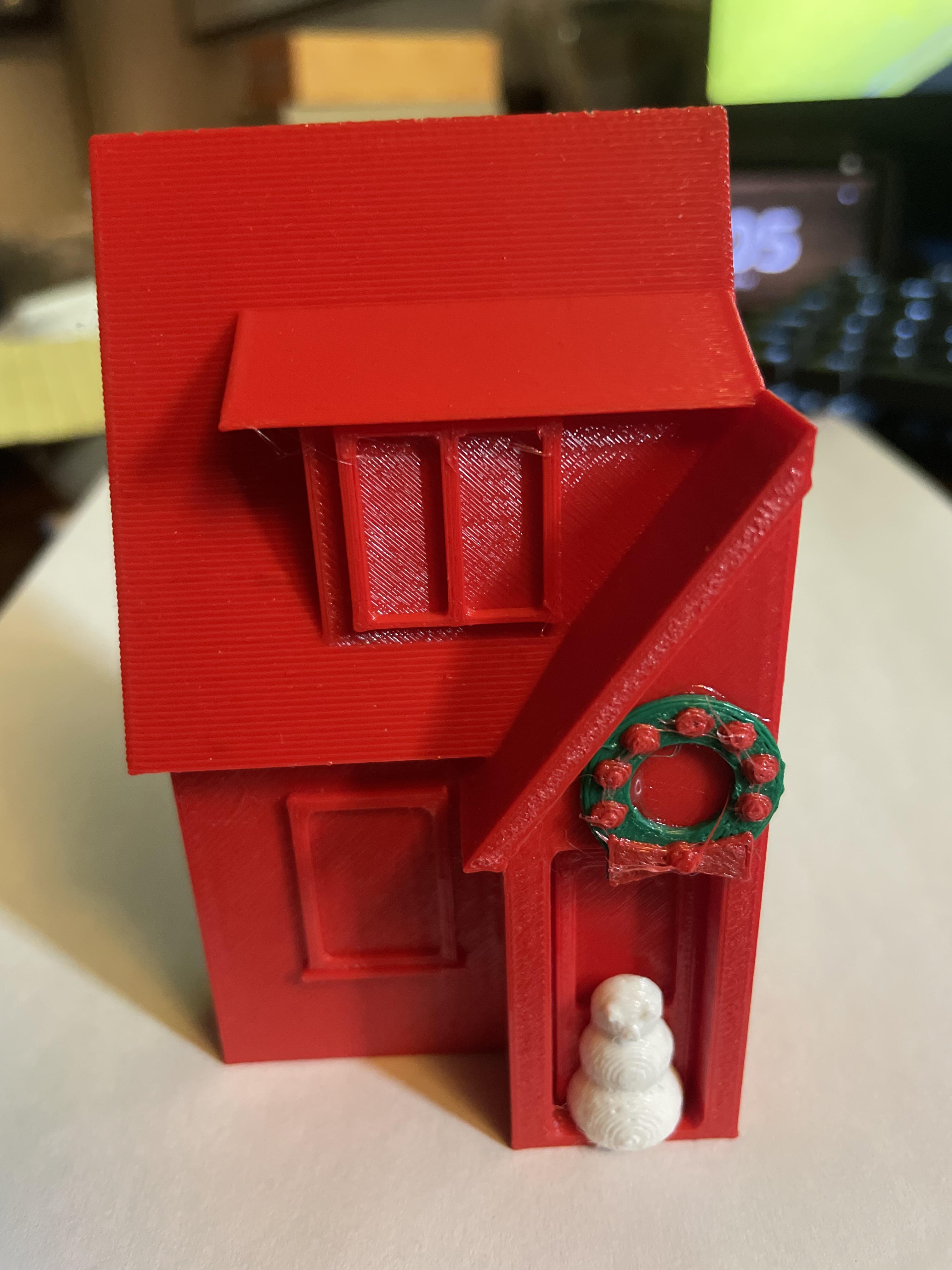
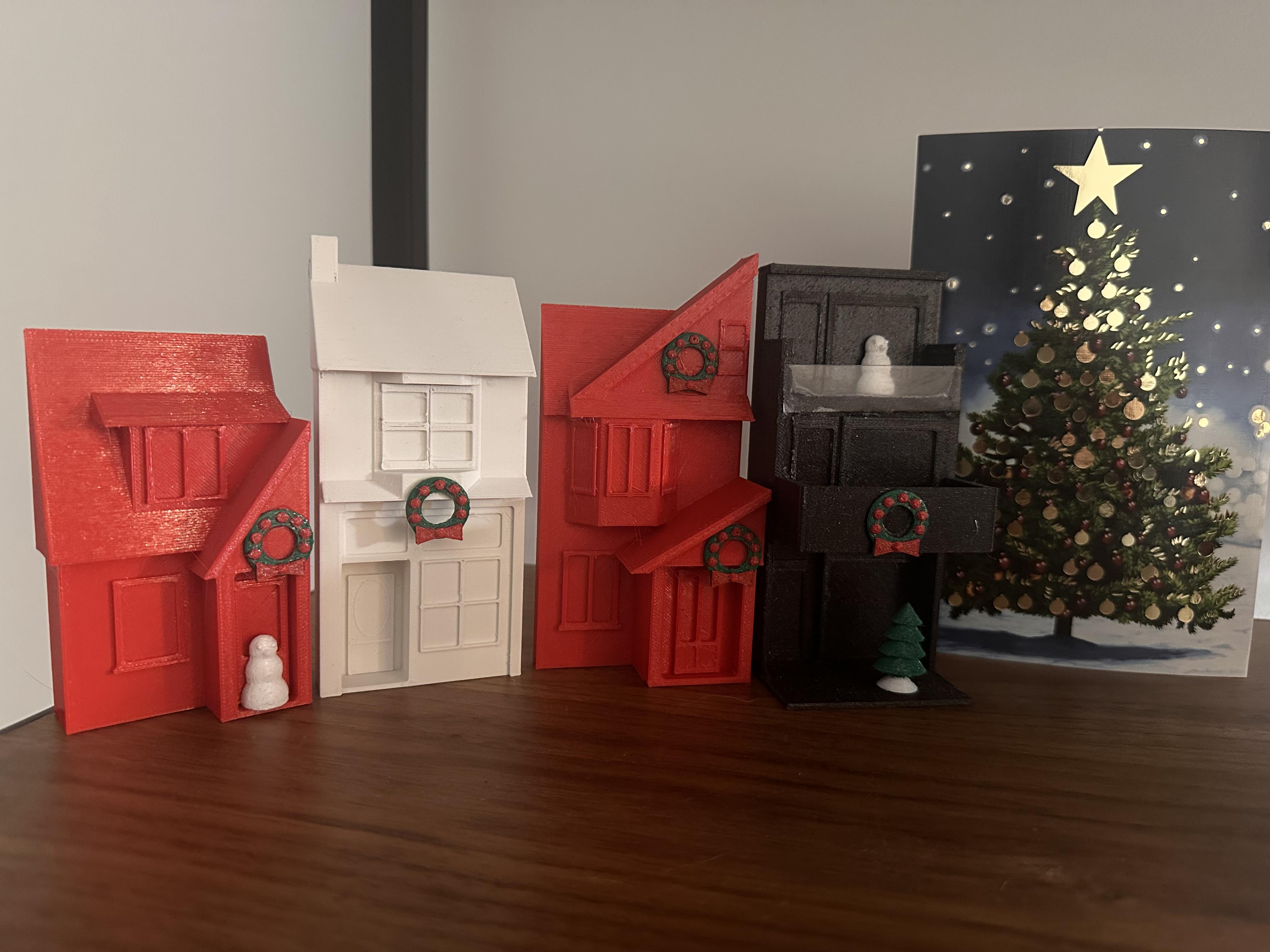
What could be better holiday décor than a Christmas village made up of your extended family’s homes? Using Tinkercad, I created simple 3D representations of the facades of my house and those of close family members. The dimensions don’t need to be exact, and there’s no need for fine details or textures - just clean, primary shapes printed in a single colour. The result is instantly recognizable and makes for a meaningful, personalized holiday display.
The Squares...
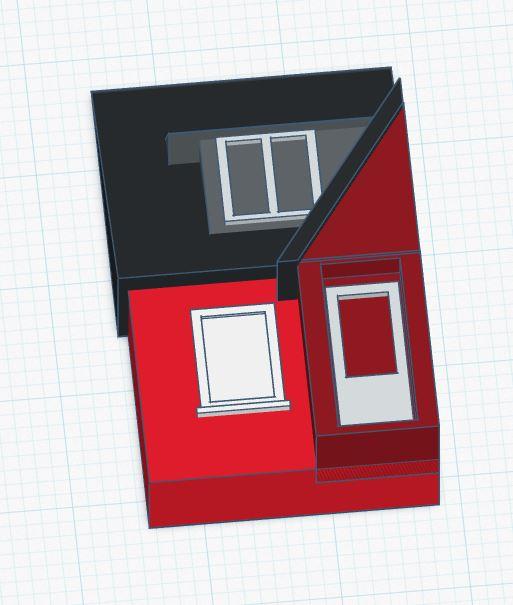
Since every house is different, I won’t be including design files. Instead, I’ll outline the high-level steps I used to recreate a house as a small (~6") model.
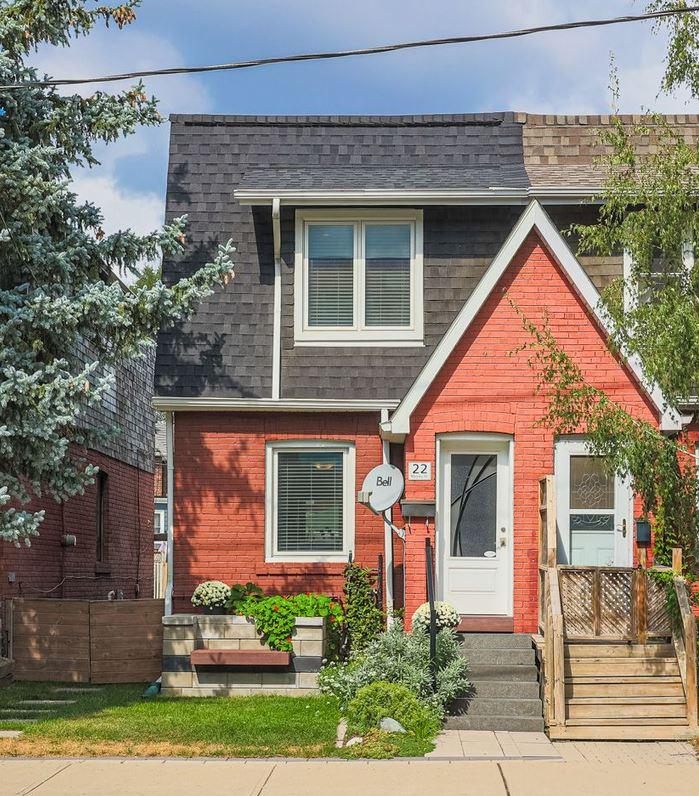
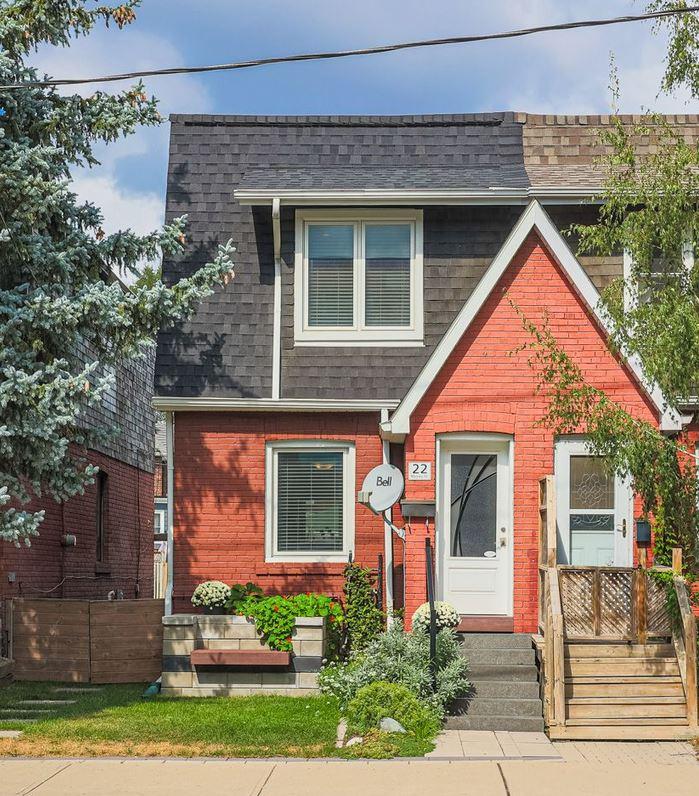
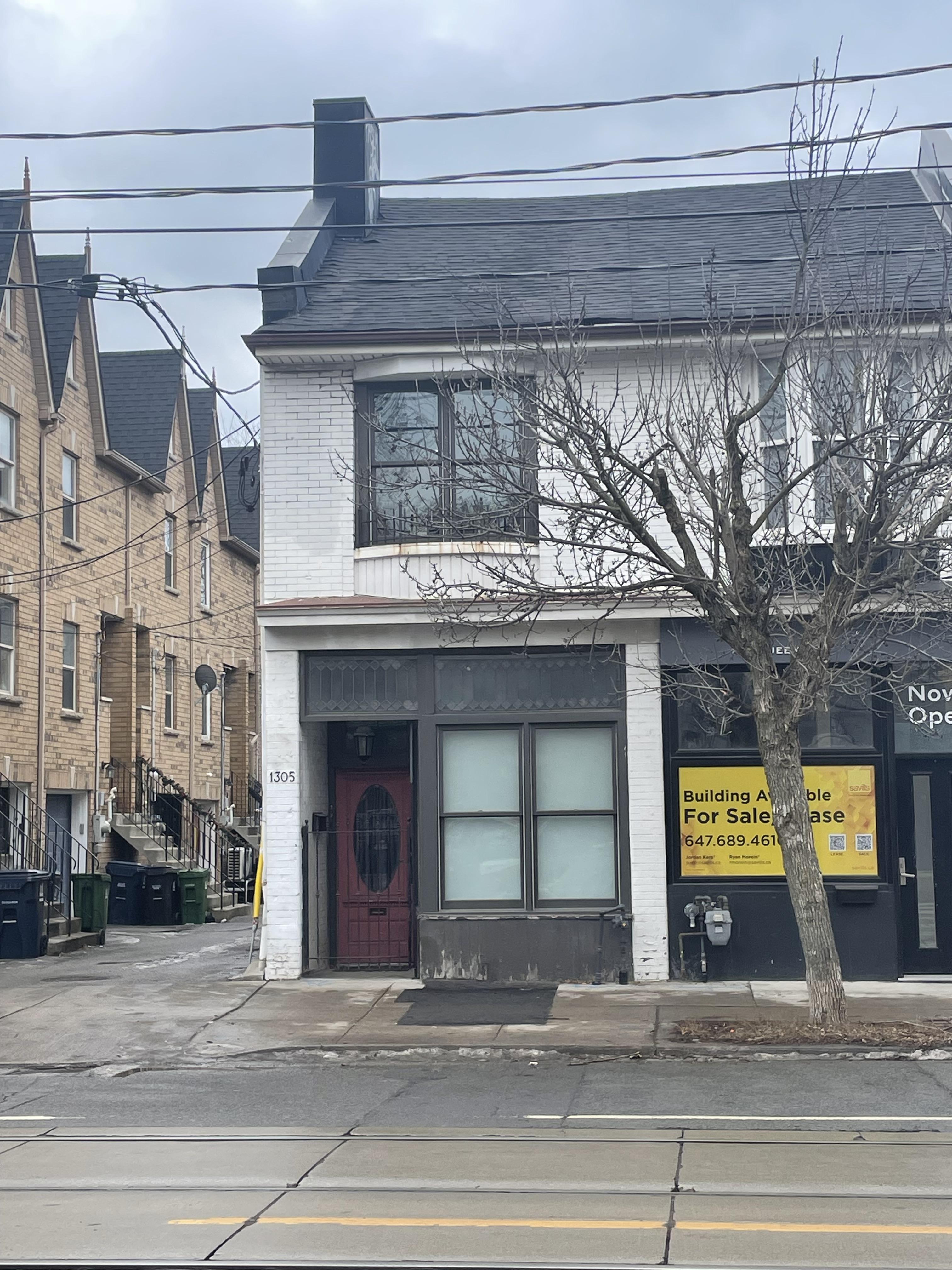
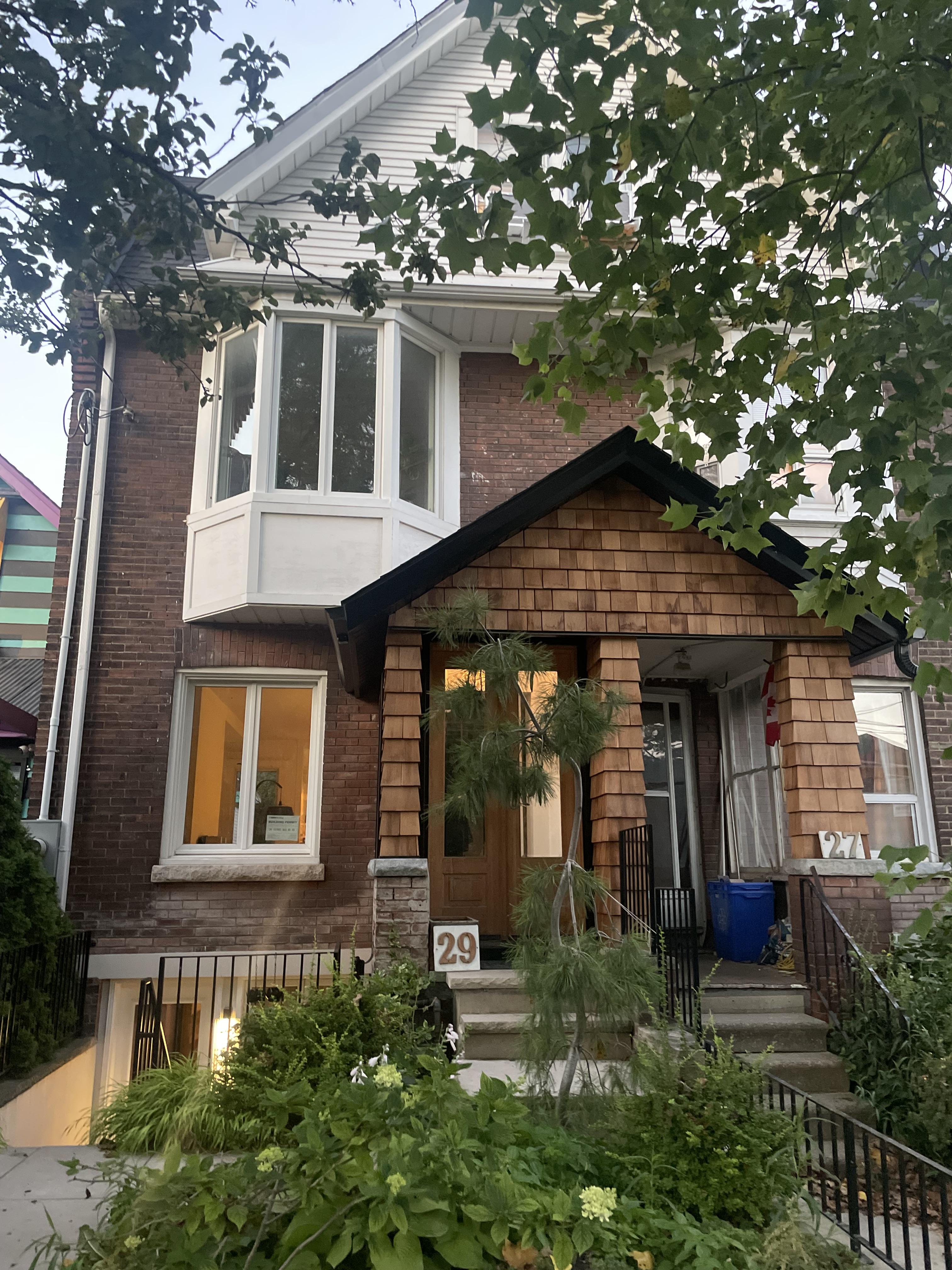
First, I found a front-on photo of my house so the main angles and proportions were clearly visible.
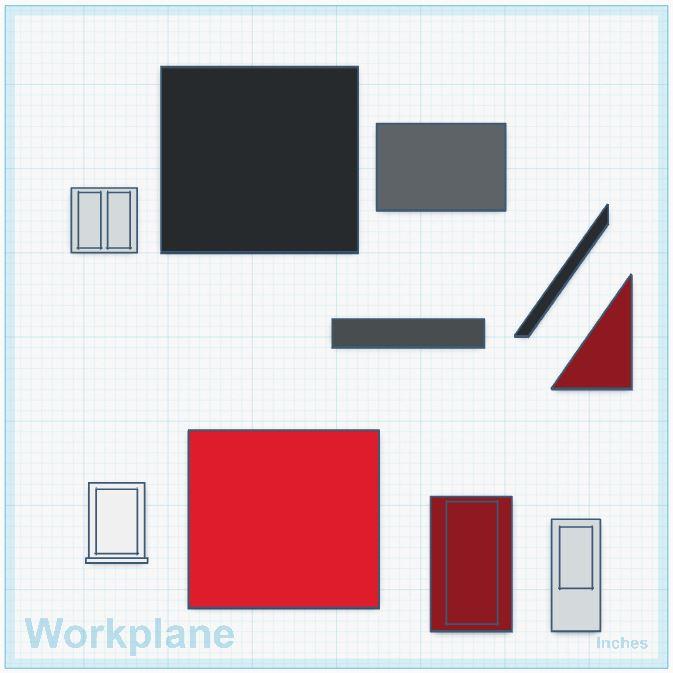
Next, I mentally broke the image down into its basic components: walls, windows, doors, rooflines, overhangs, and so on.
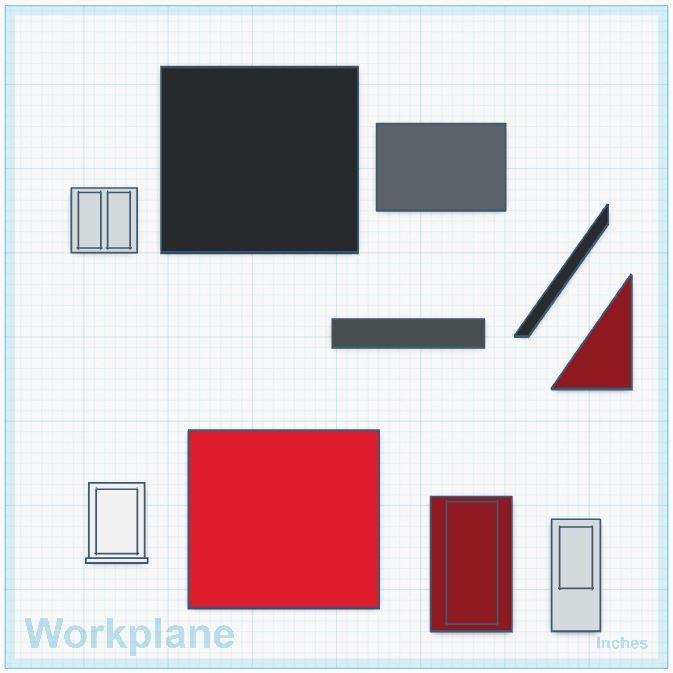
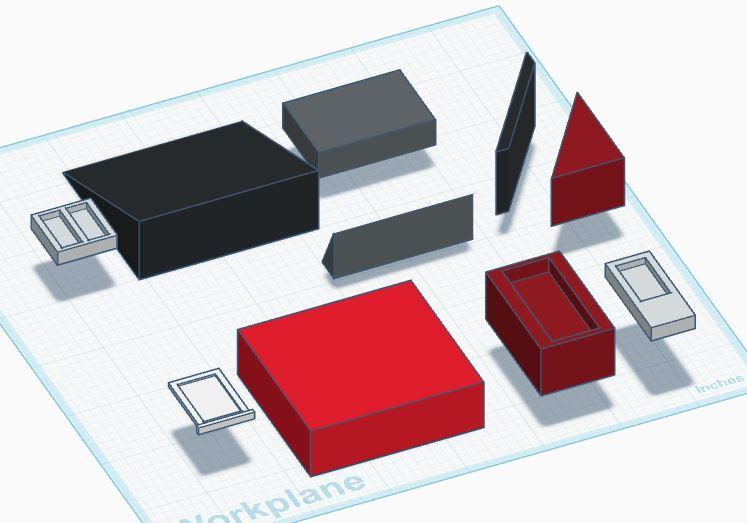
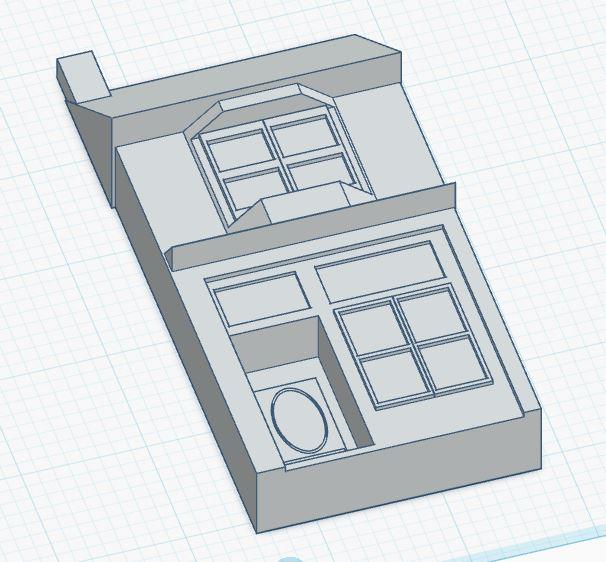
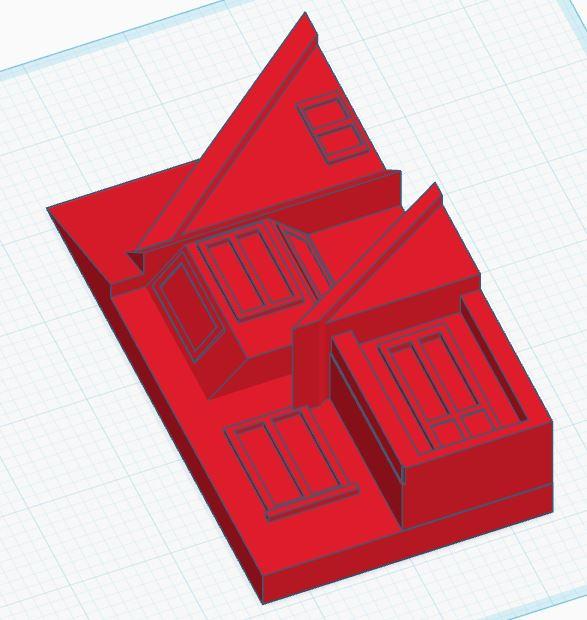
In Tinkercad, I started by dropping a rectangle onto the workplane and roughly sizing it to the overall dimensions of the house. Because this is only the front façade, the depth just needs to be sufficient for the model to stand on its own once printed. For a 6"-tall house, I made the depth about 1.5 inches.
At this stage, I coloured the blocks with approximate colours to make visualization easier—red for brick, black for the roof, white for windows. I also used a slightly darker red for the front entrance vestibule, as a single colour tended to make everything blend together.
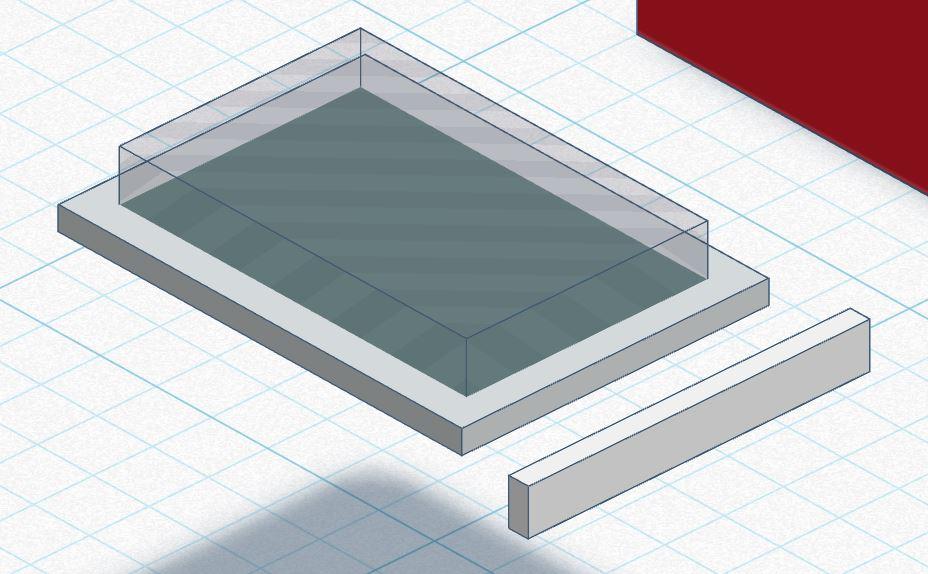
For the windows, I created a thin white block for the frame and combined it with a transparent block to represent the glass. This allowed the window to be raised slightly, adding depth and detail even when printed in a single colour. I then added another thin white block below as the window sill.
Once the initial window shape was complete, I duplicated it. By replacing the single transparent pane with two narrower transparent blocks, I created a dual-pane window. By stretching the original window frame, but not the transparent panes, I was also able to convert this shape into a door.
The Triangles..
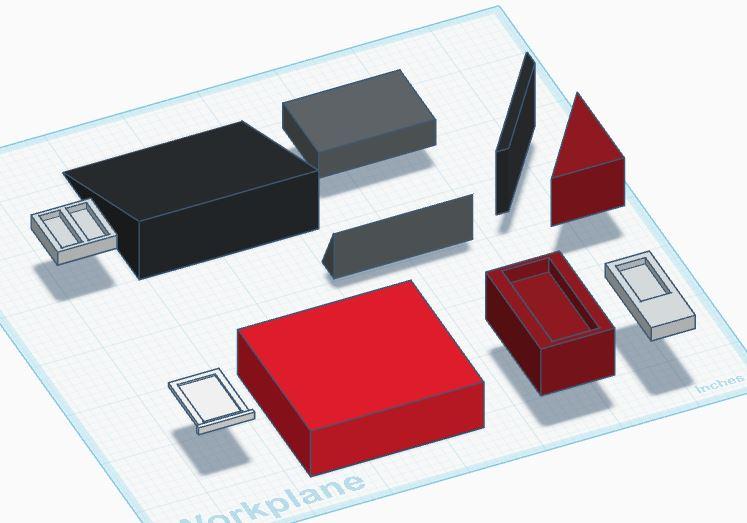
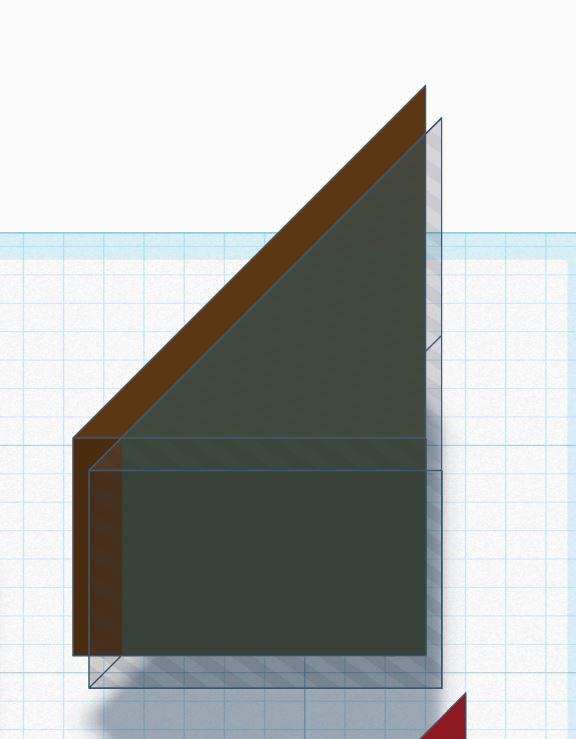
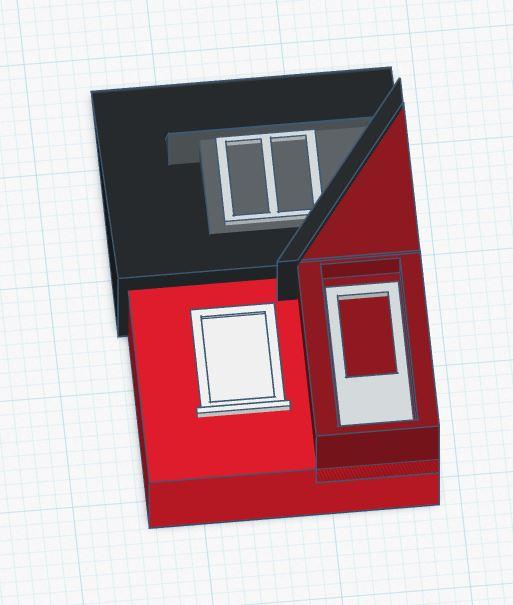
Now it’s time to build the roof sections.
The main roof is straightforward: add a triangular block and resize it by eye until the proportions match the reference photo.
To create the half-gable roof on the front vestibule, I started by making a triangular block at the correct width and height. I then duplicated it and set the copy to transparent. By overlapping the two halves and merging them, I was able to form the required roof shape for the vestibule.
There is also a small “eyebrow” roof over the upper window. This was created using another triangular block, adjusted to the appropriate height and depth.
Below is a video showing all of the pieces “floating” into place to form the completed house. The initial design process is largely trial and error: adjusting angles, heights, and depths until the overall shape closely matches the original home.
Print It...
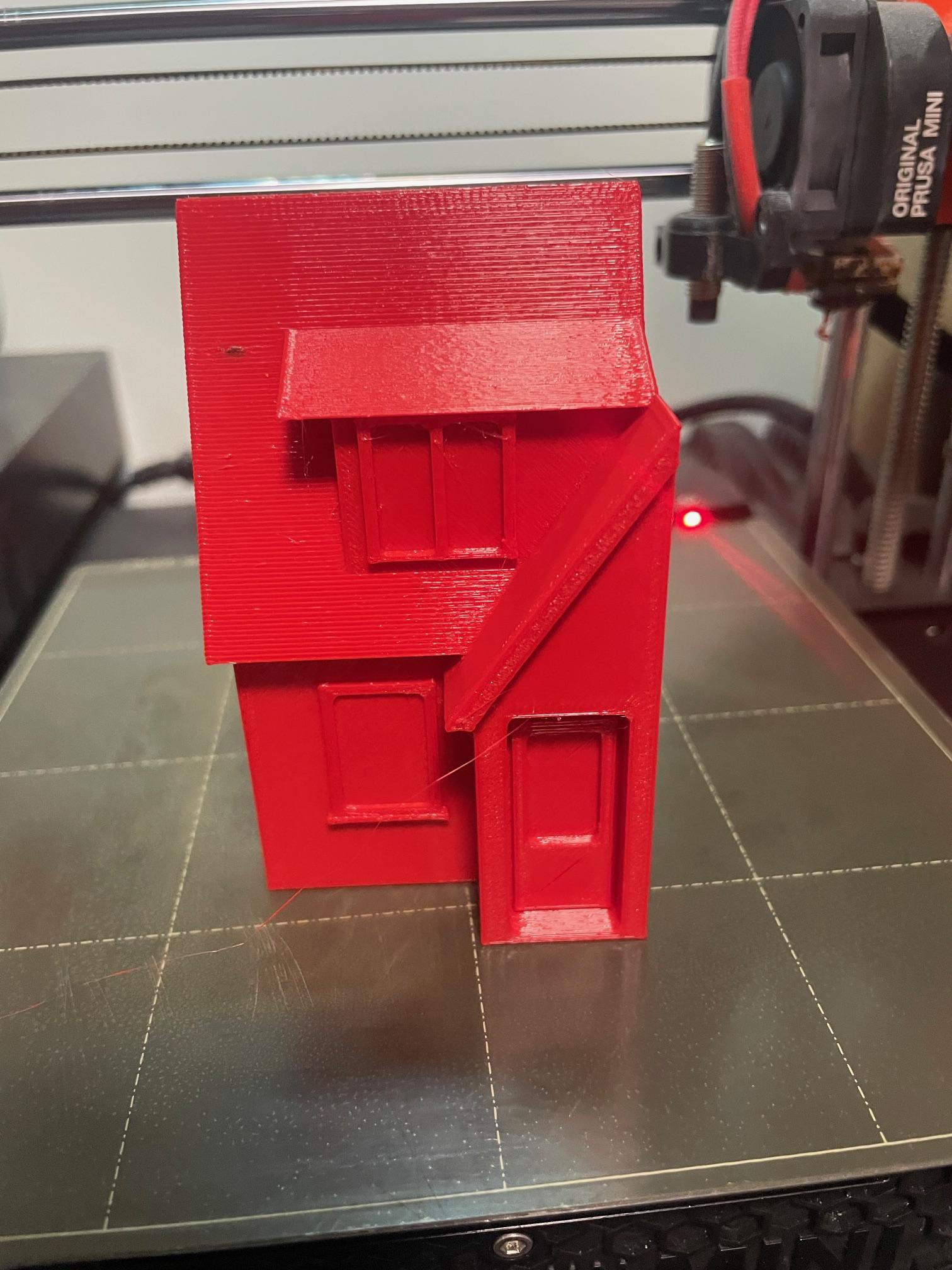
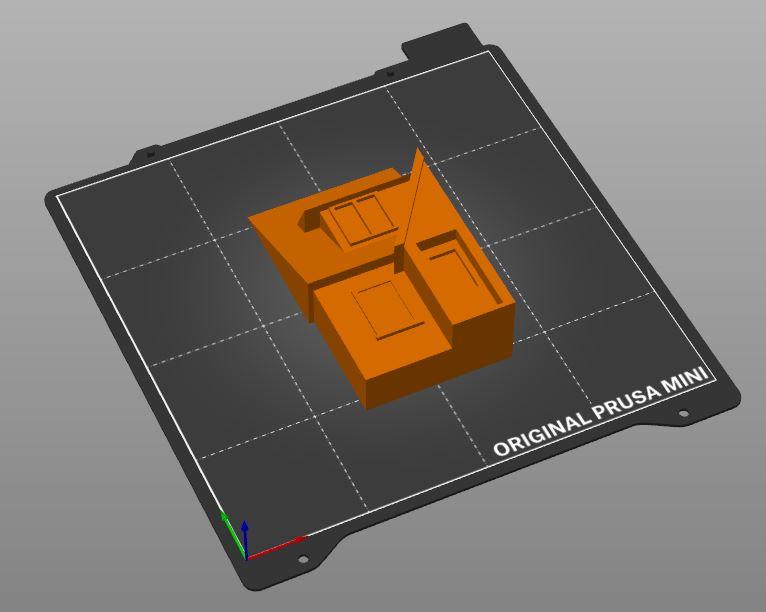
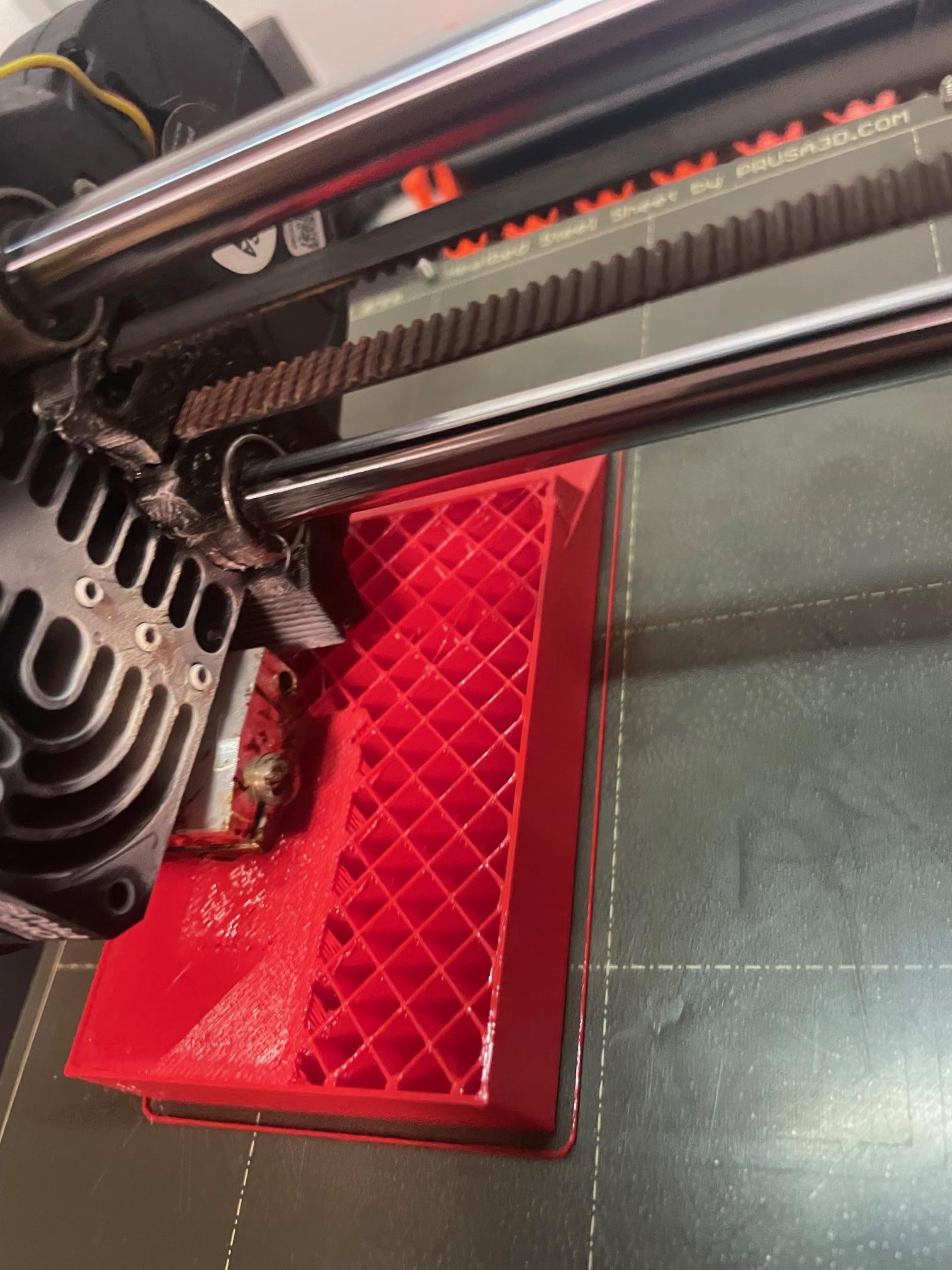
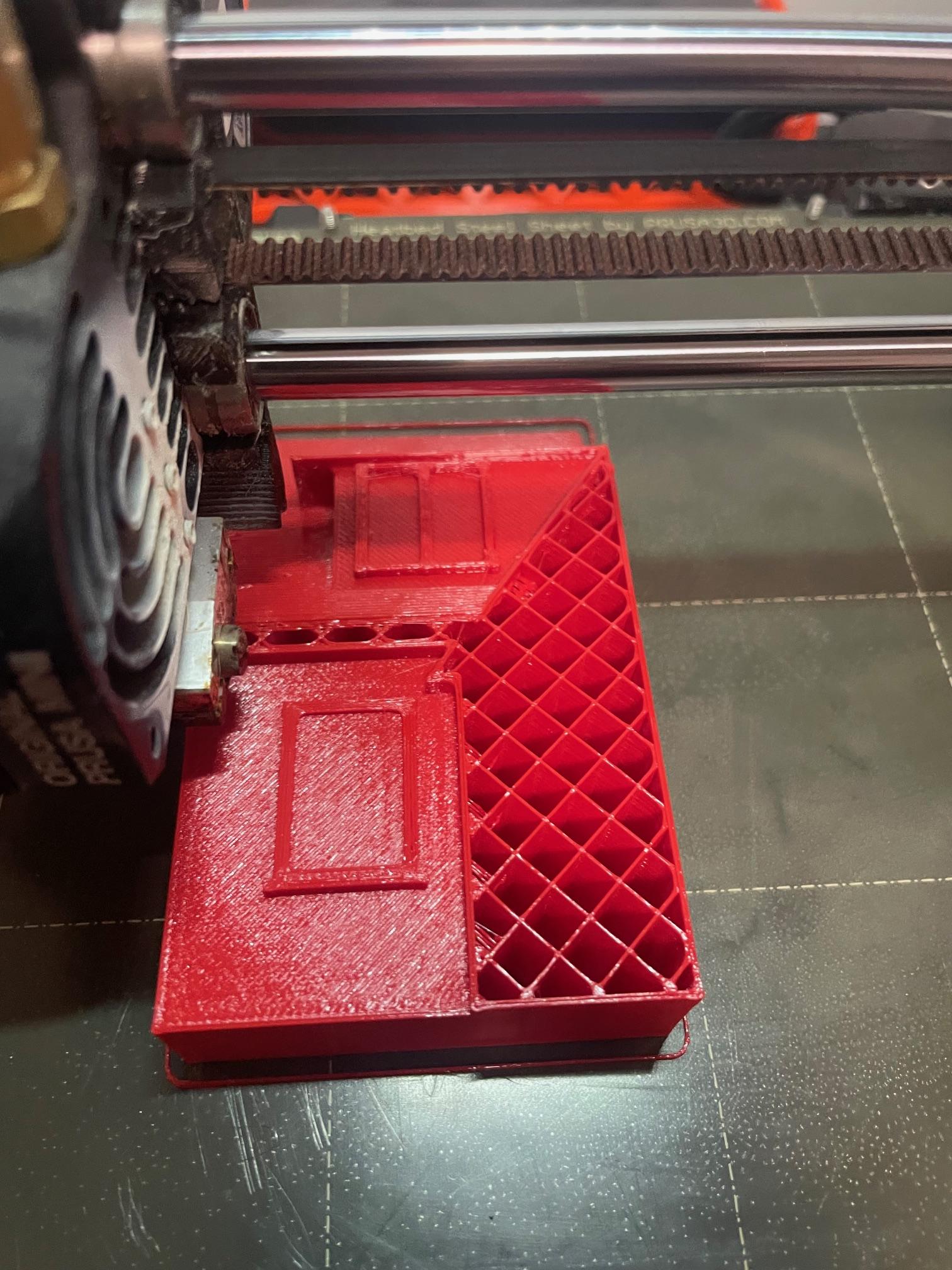
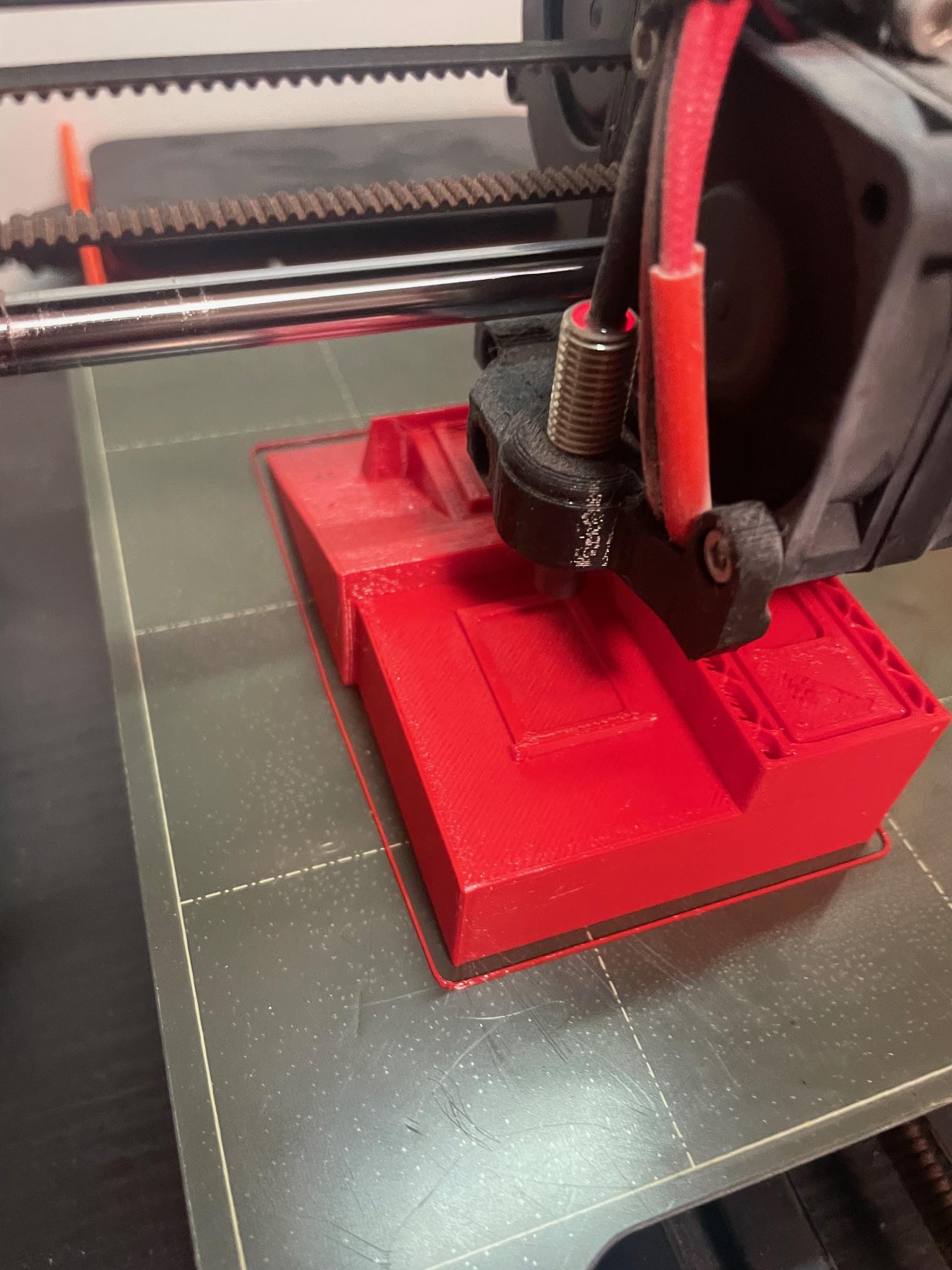

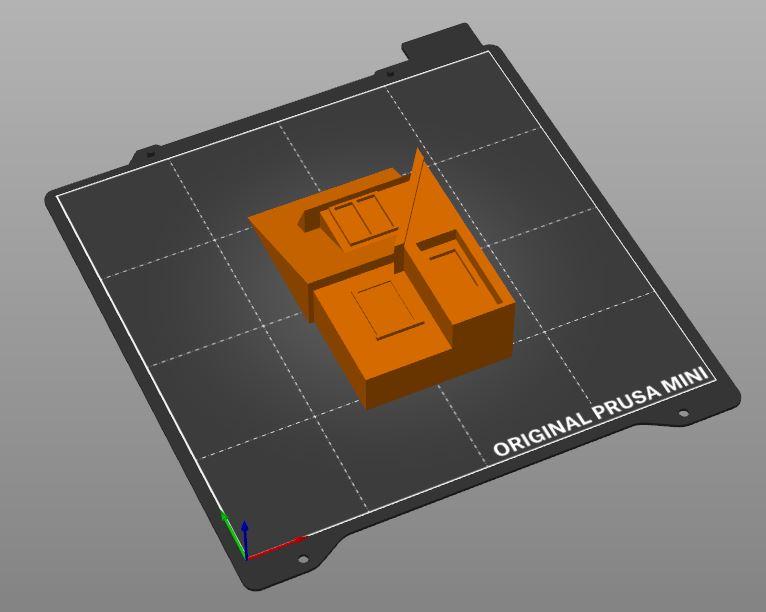
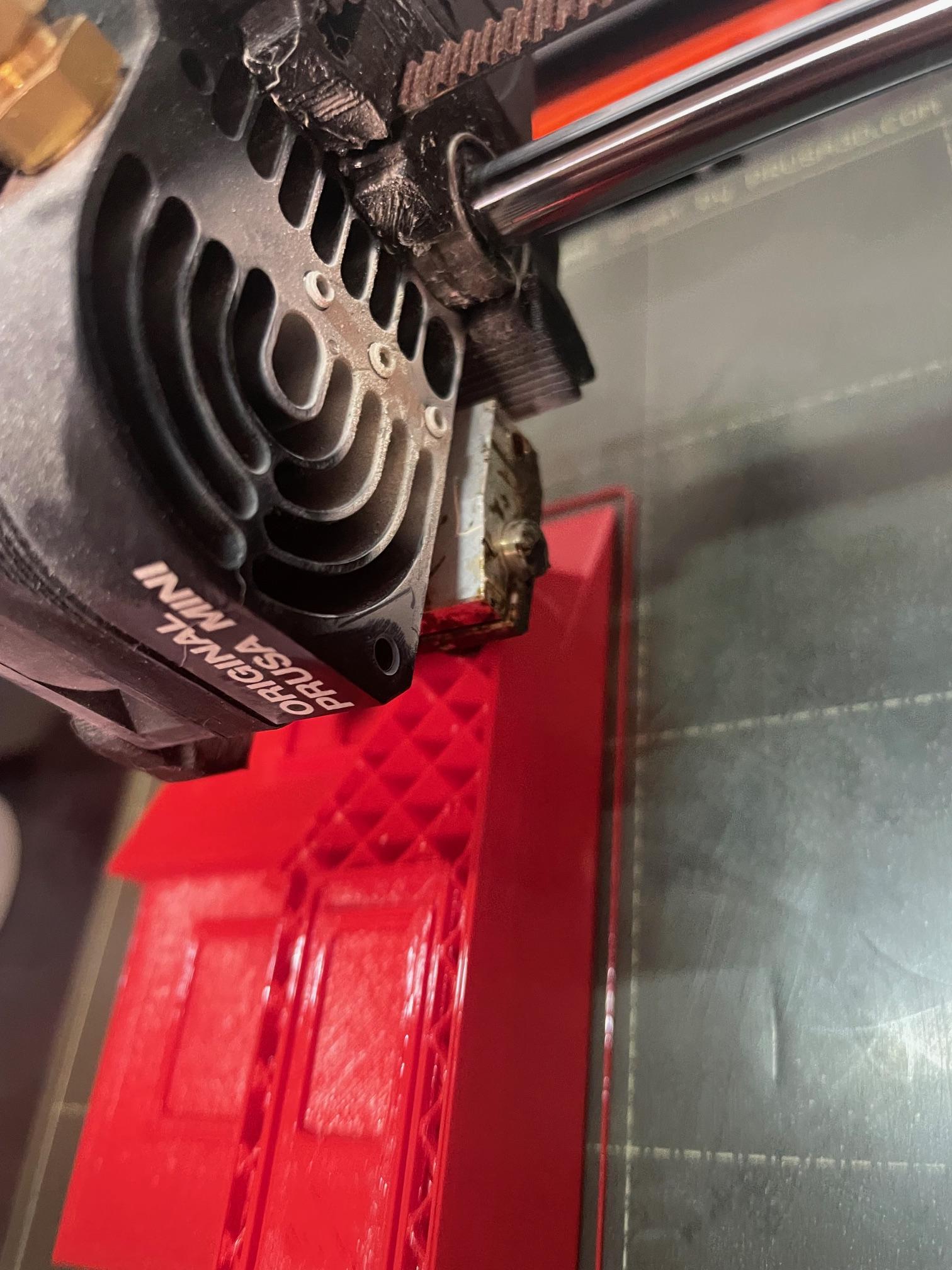
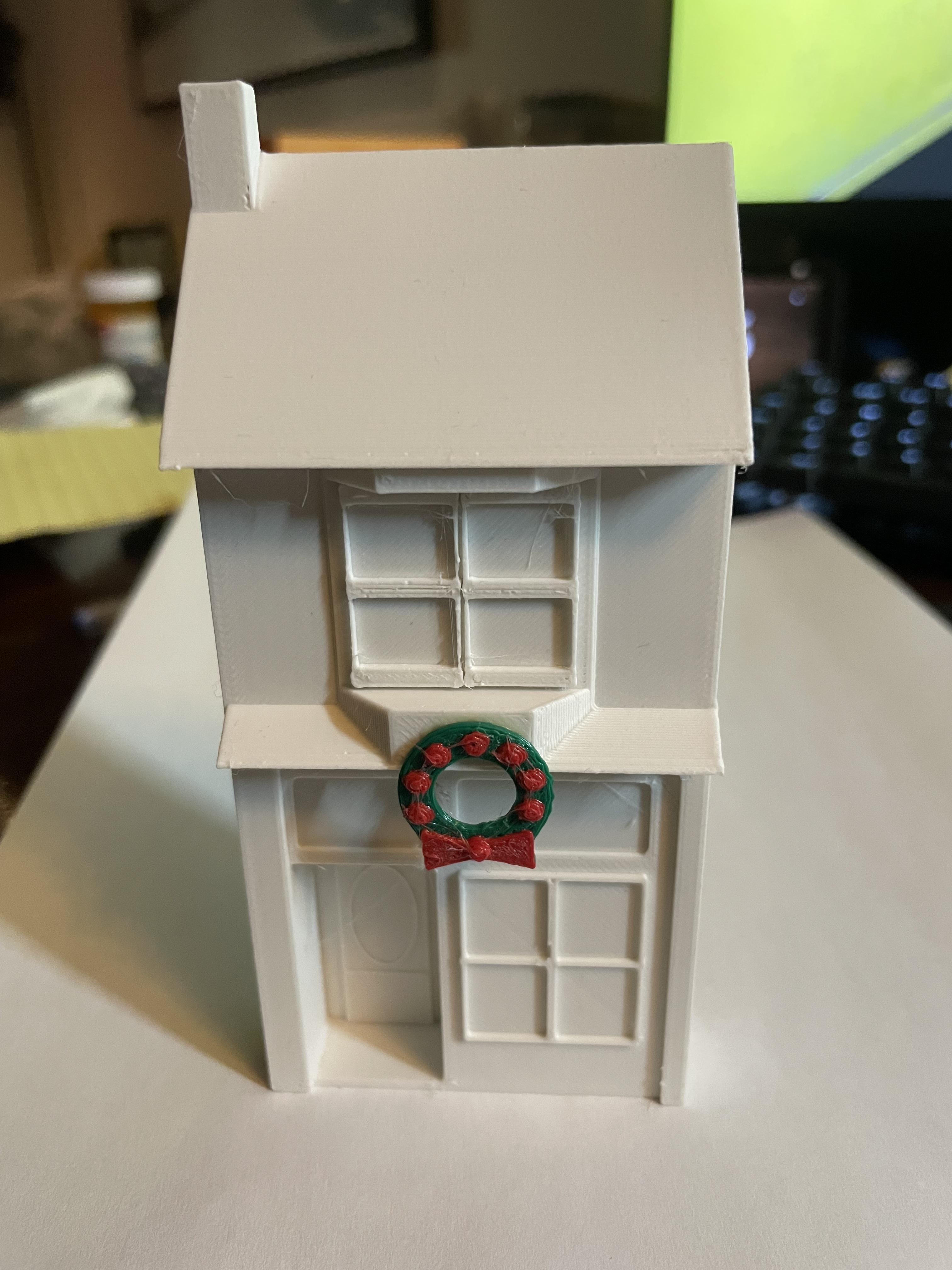
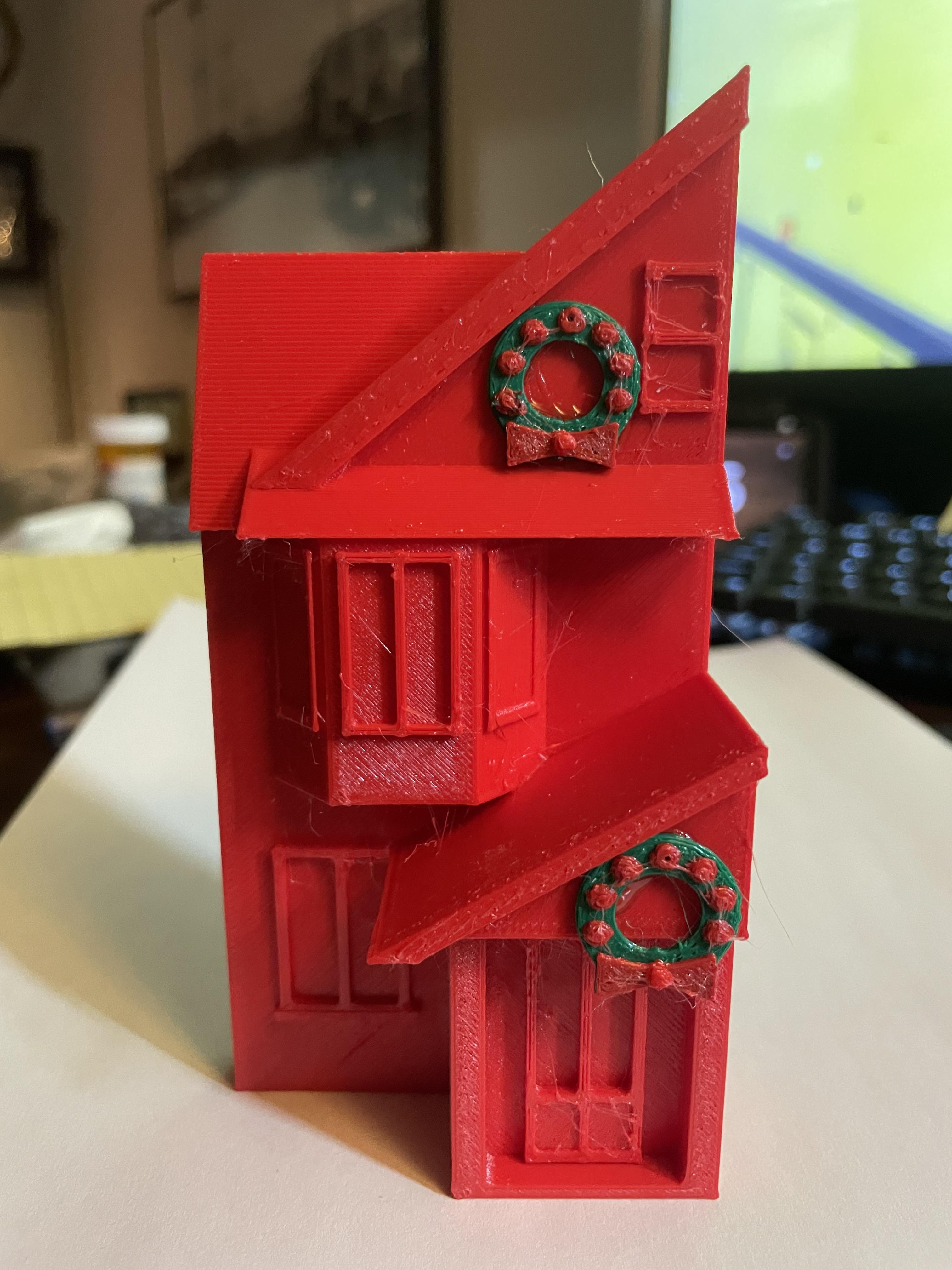
Once the design was complete, I exported it from Tinkercad and sliced it for my Prusa Mini. Since my 3D printer only prints one colour at a time, a full-colour version wasn’t practical. In the end, I preferred the single-colour look anyway, with the Christmas decorations adding a bit of contrast and personality to each house (as you’ll see in the next step).
Deck the Halls...
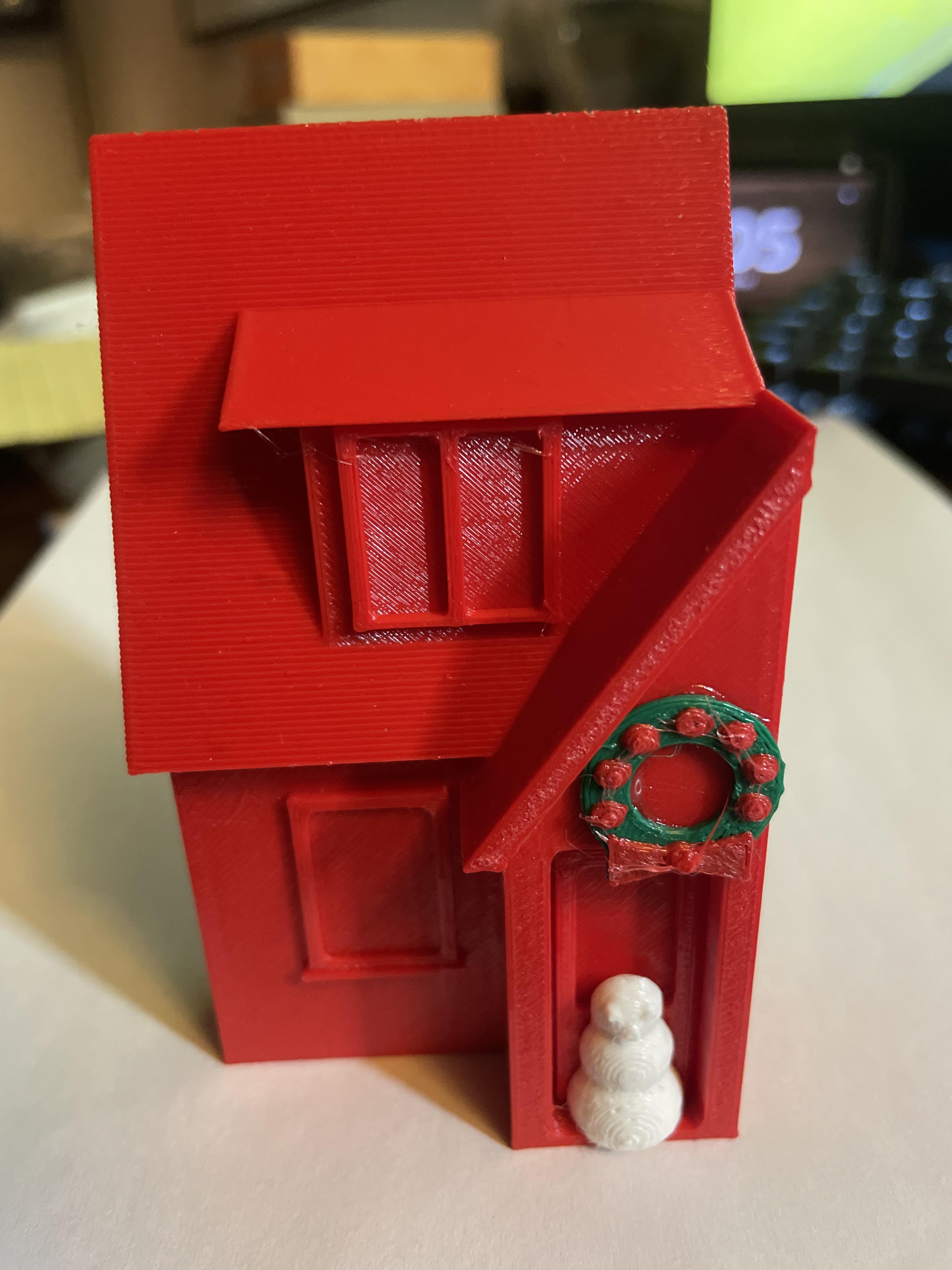
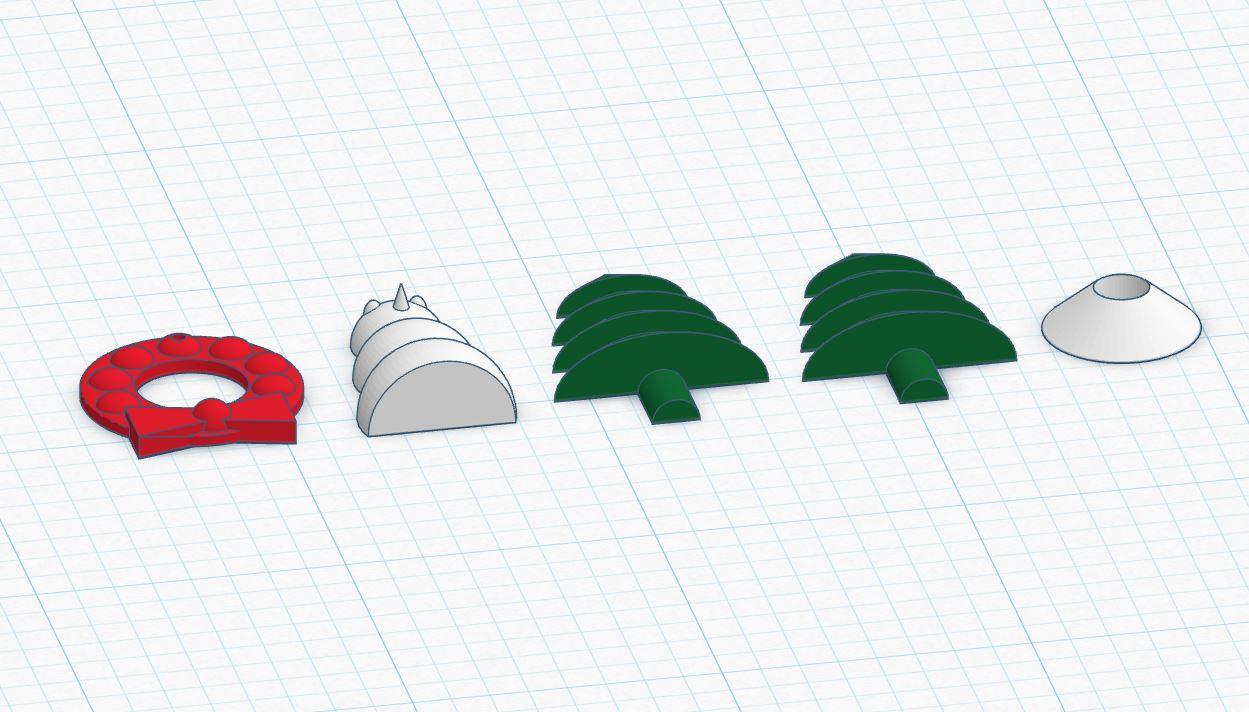
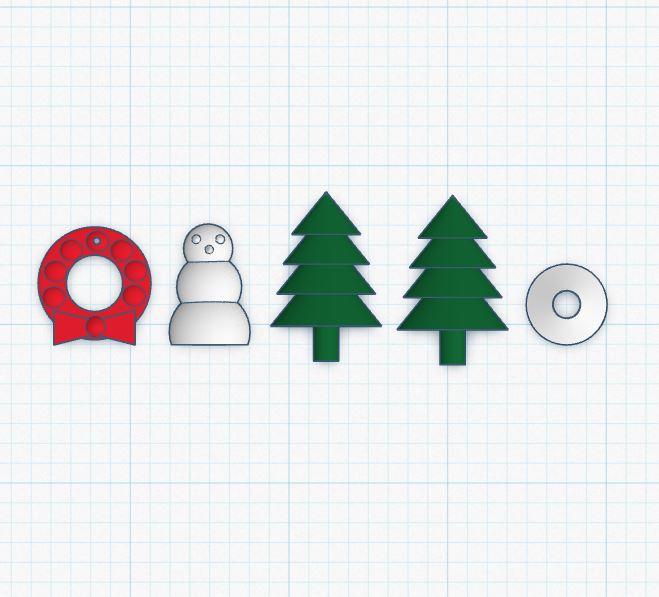
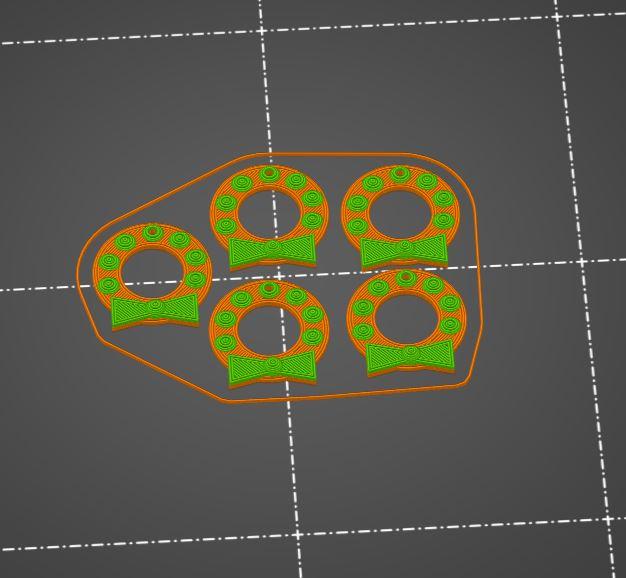
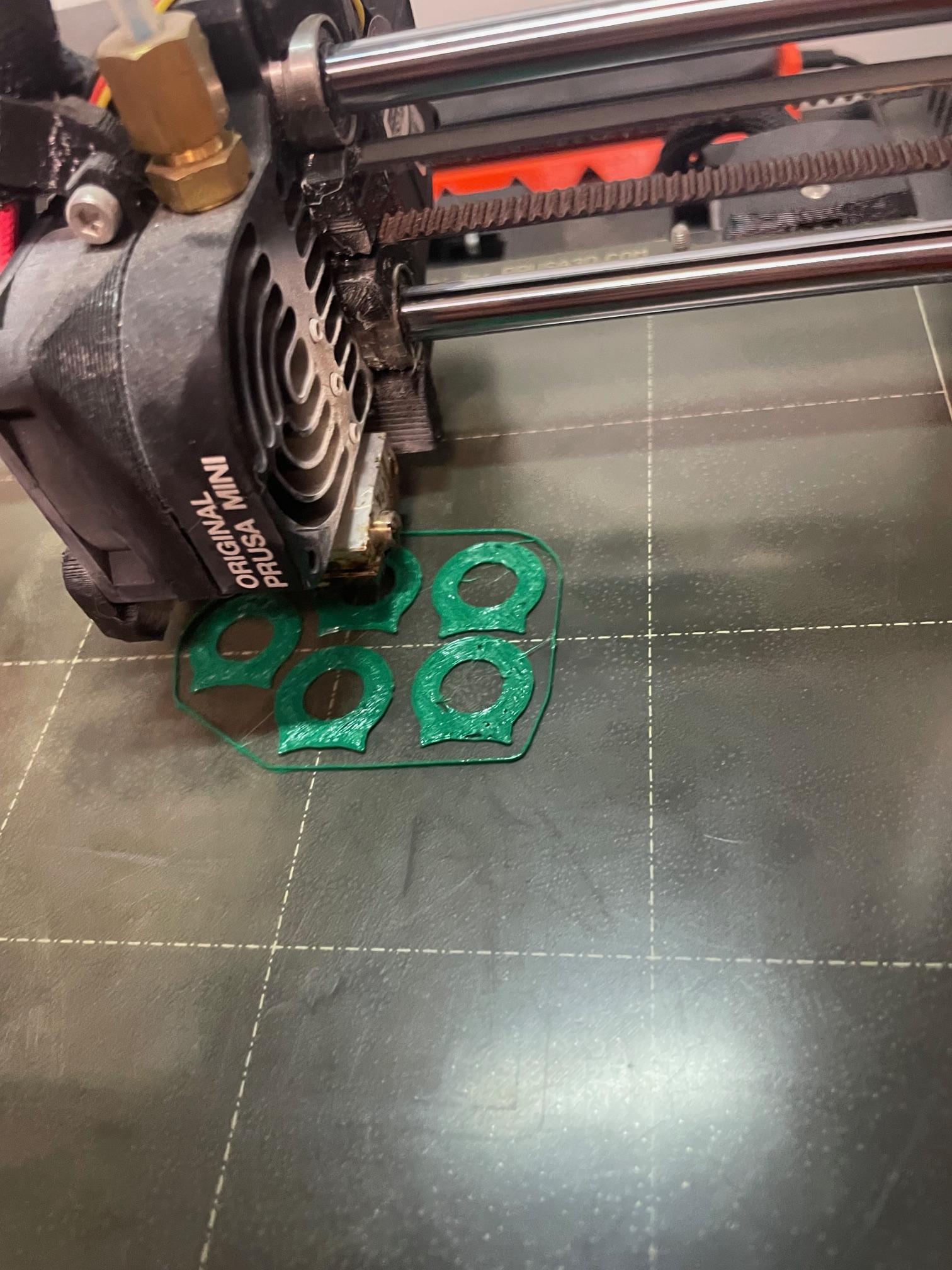
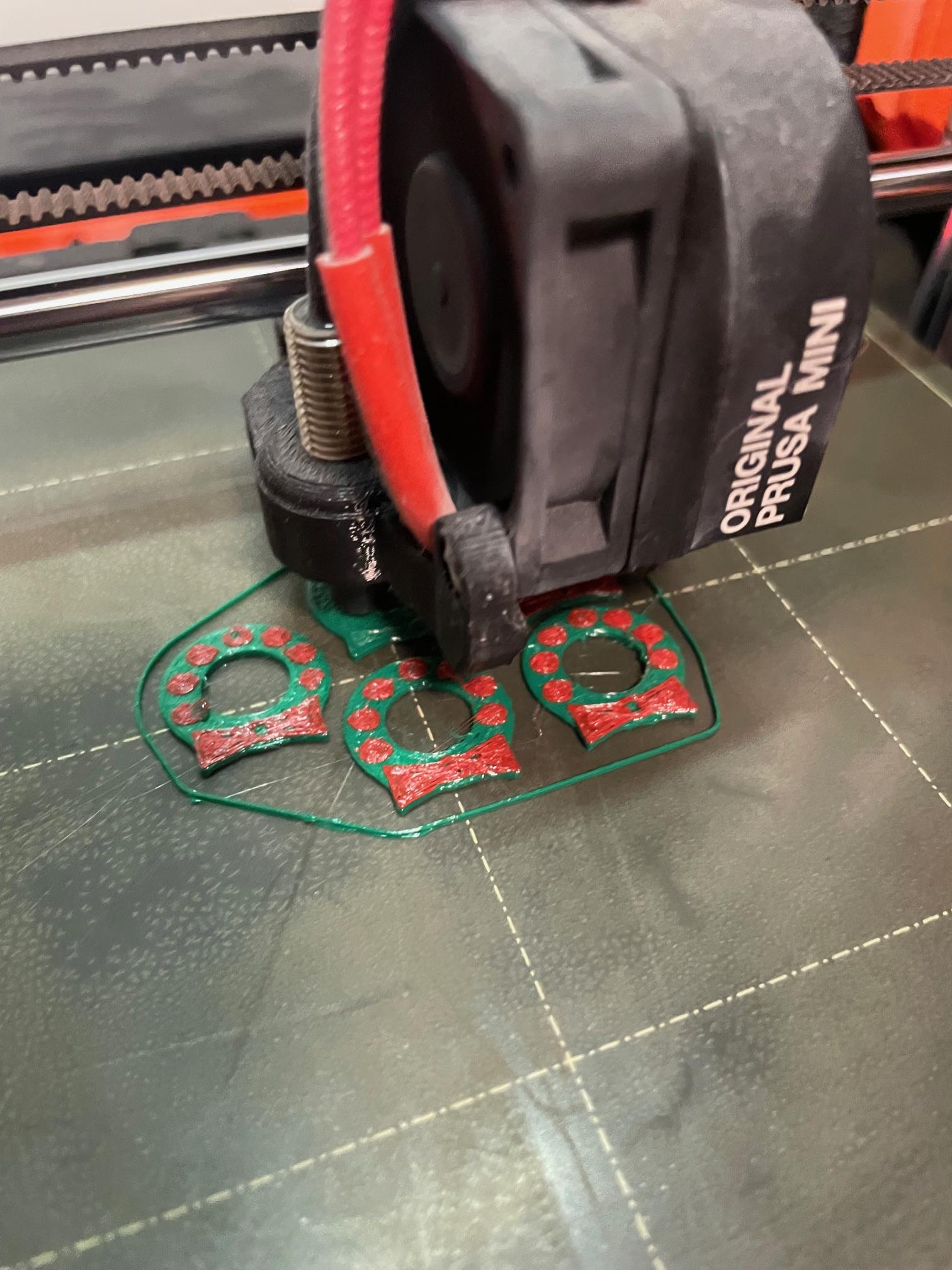
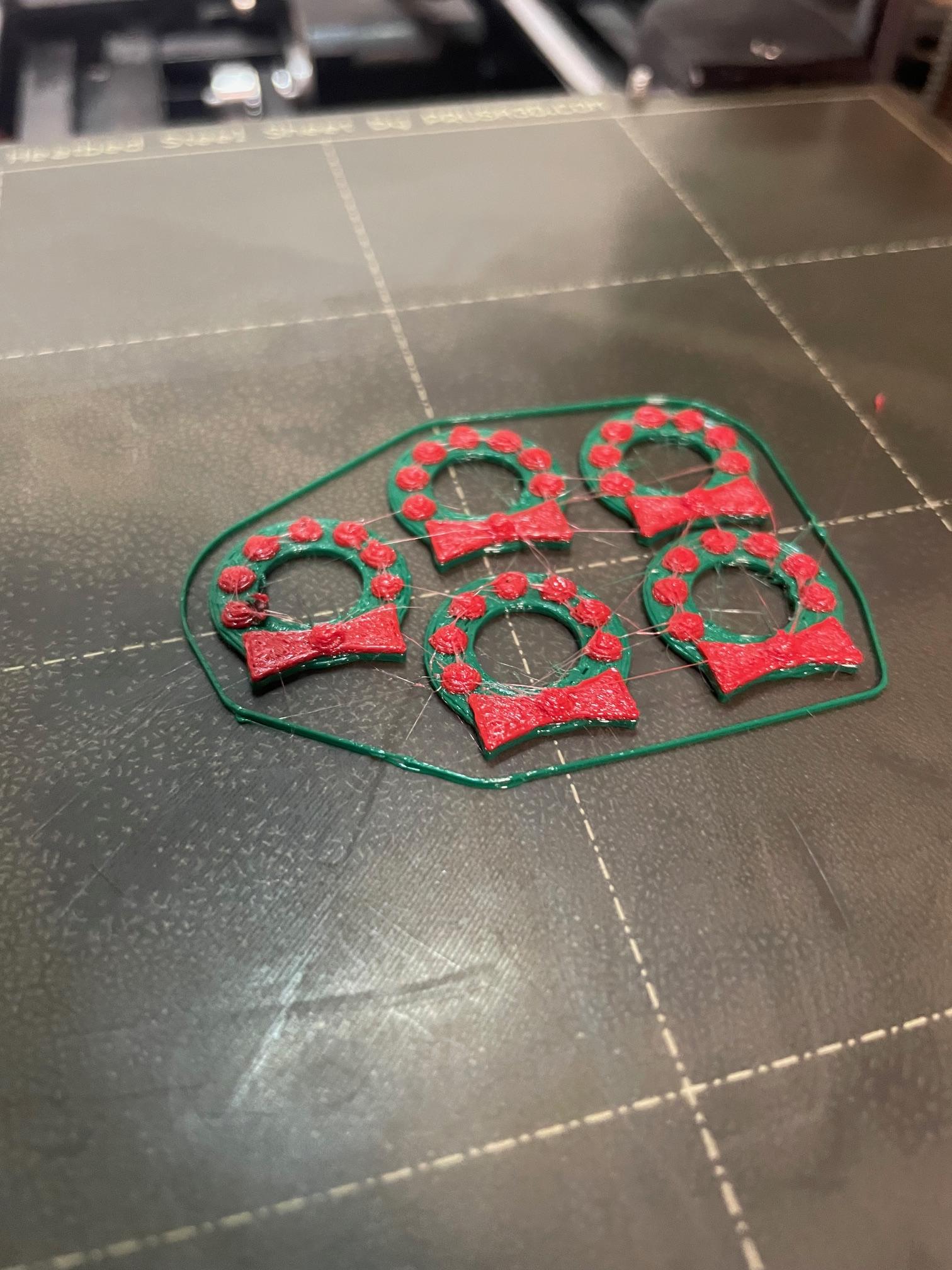
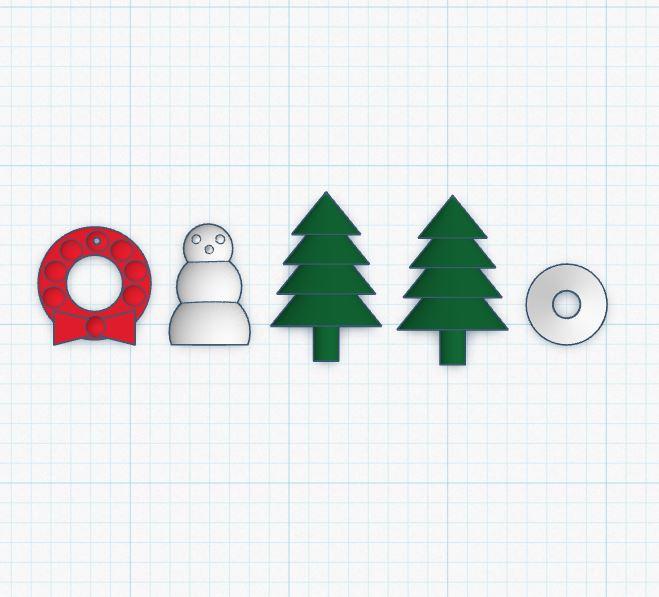
To add some holiday spirit and colour to the houses, I designed three small accessories: a wreath, a Christmas tree, and a snowman.
The wreath was created using a simple circle, with small raised dots for texture and a bow on top. I printed this piece in two colours by pausing the print at the appropriate layer and swapping the filament.
The snowman was built from three half-spheres of different sizes stacked vertically, with small cones added for the eyes and nose.
The Christmas tree consists of four stacked half-cones and a half-cylinder trunk. It also includes a half-sphere base with a centered hole sized to hold the two tree halves securely when assembled.
I’ve included the Tinkercad link to these designs for anyone who would like to use or modify them.
The Rest of the Family...
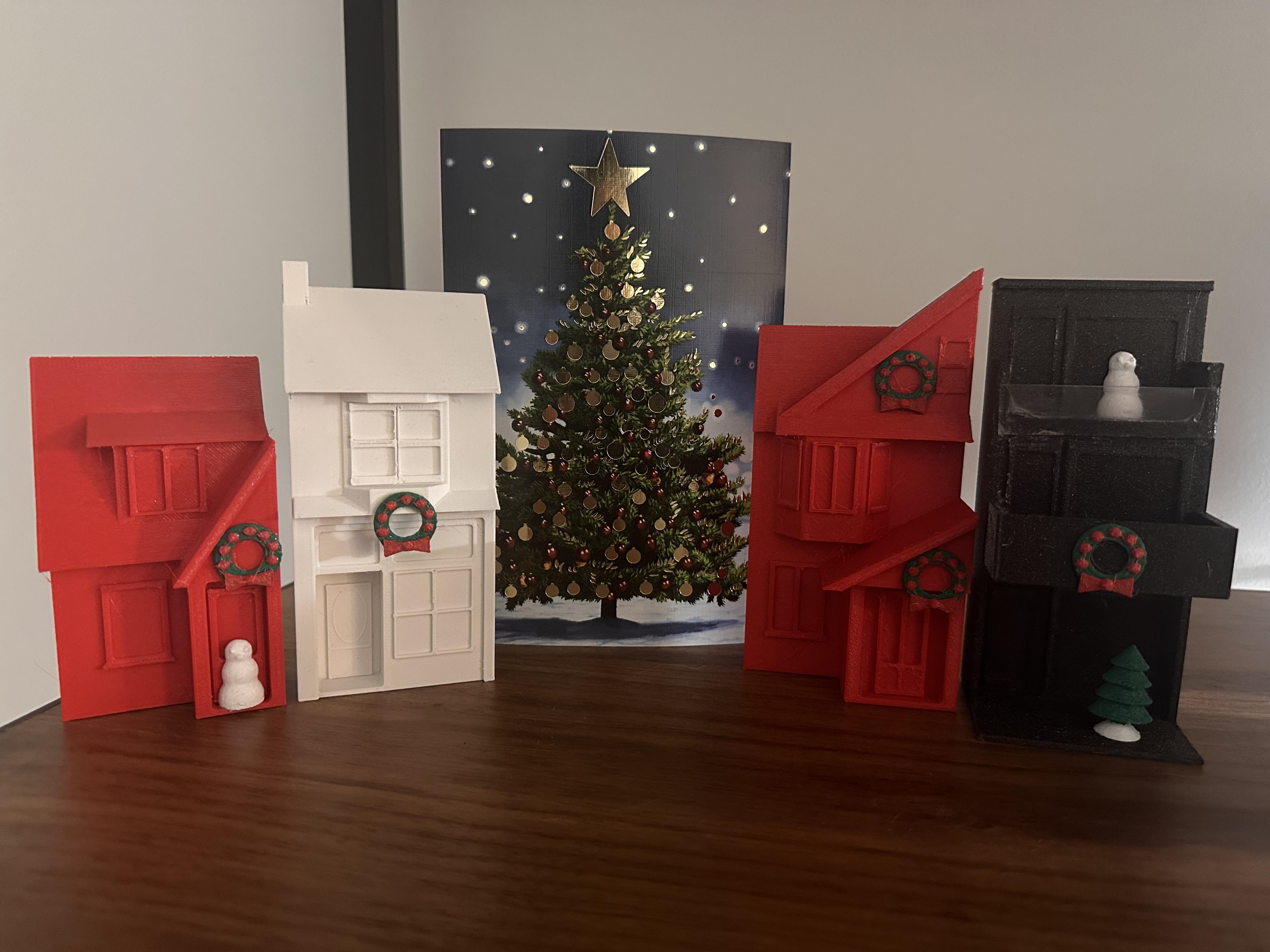
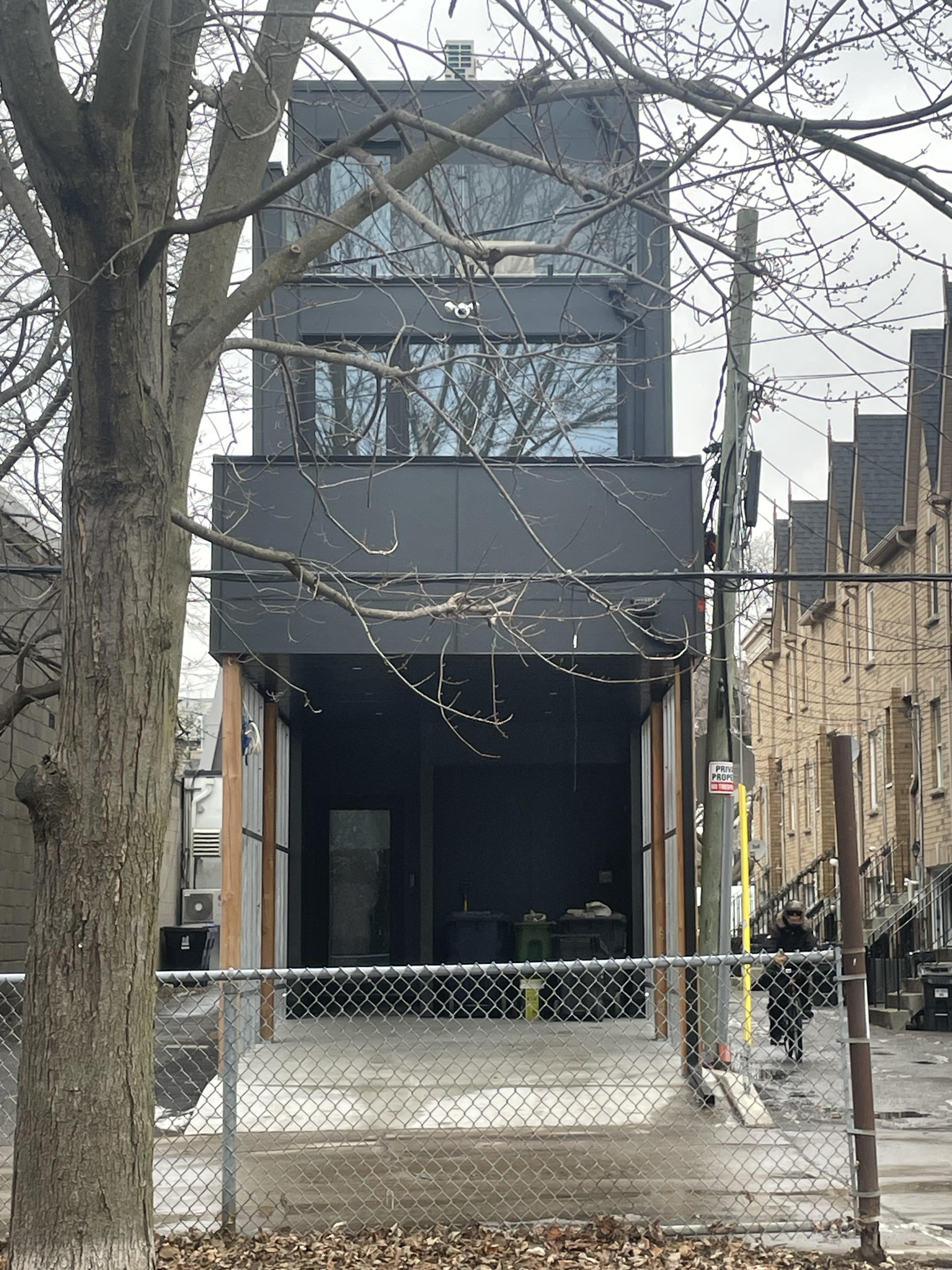
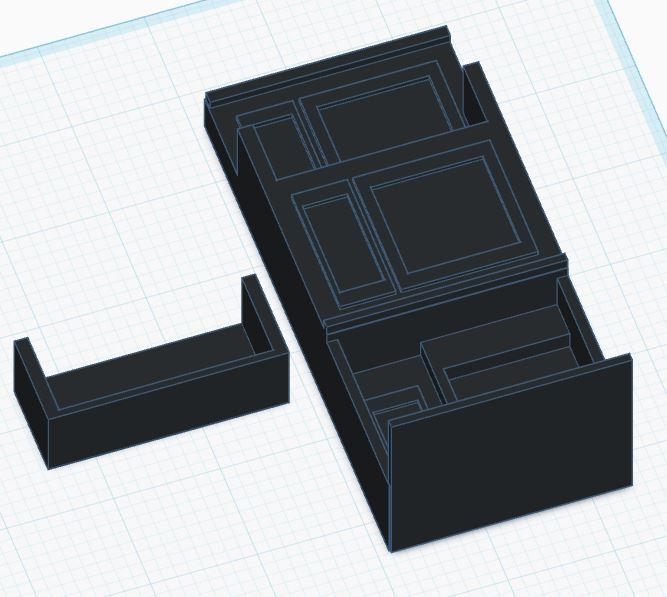
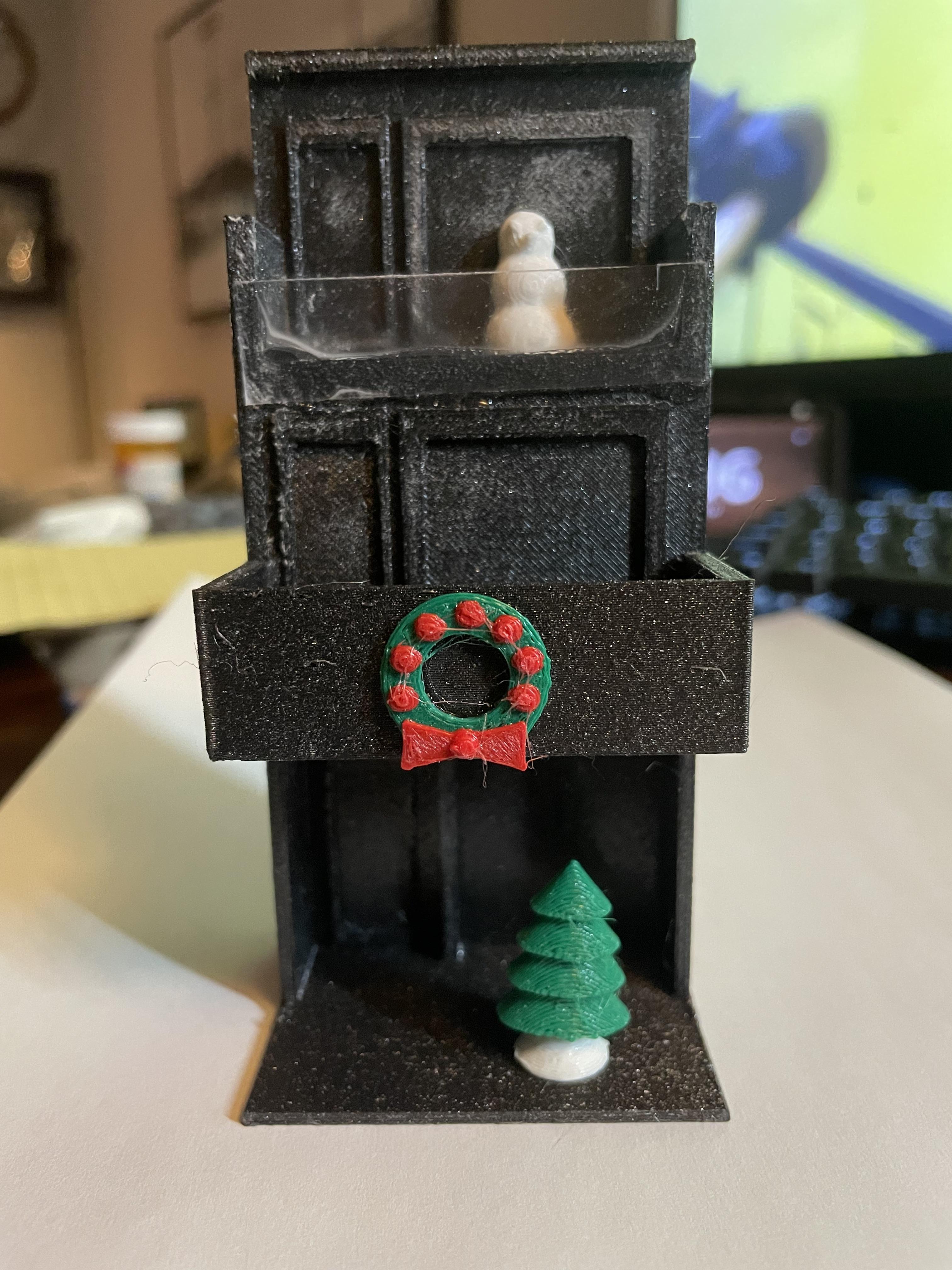
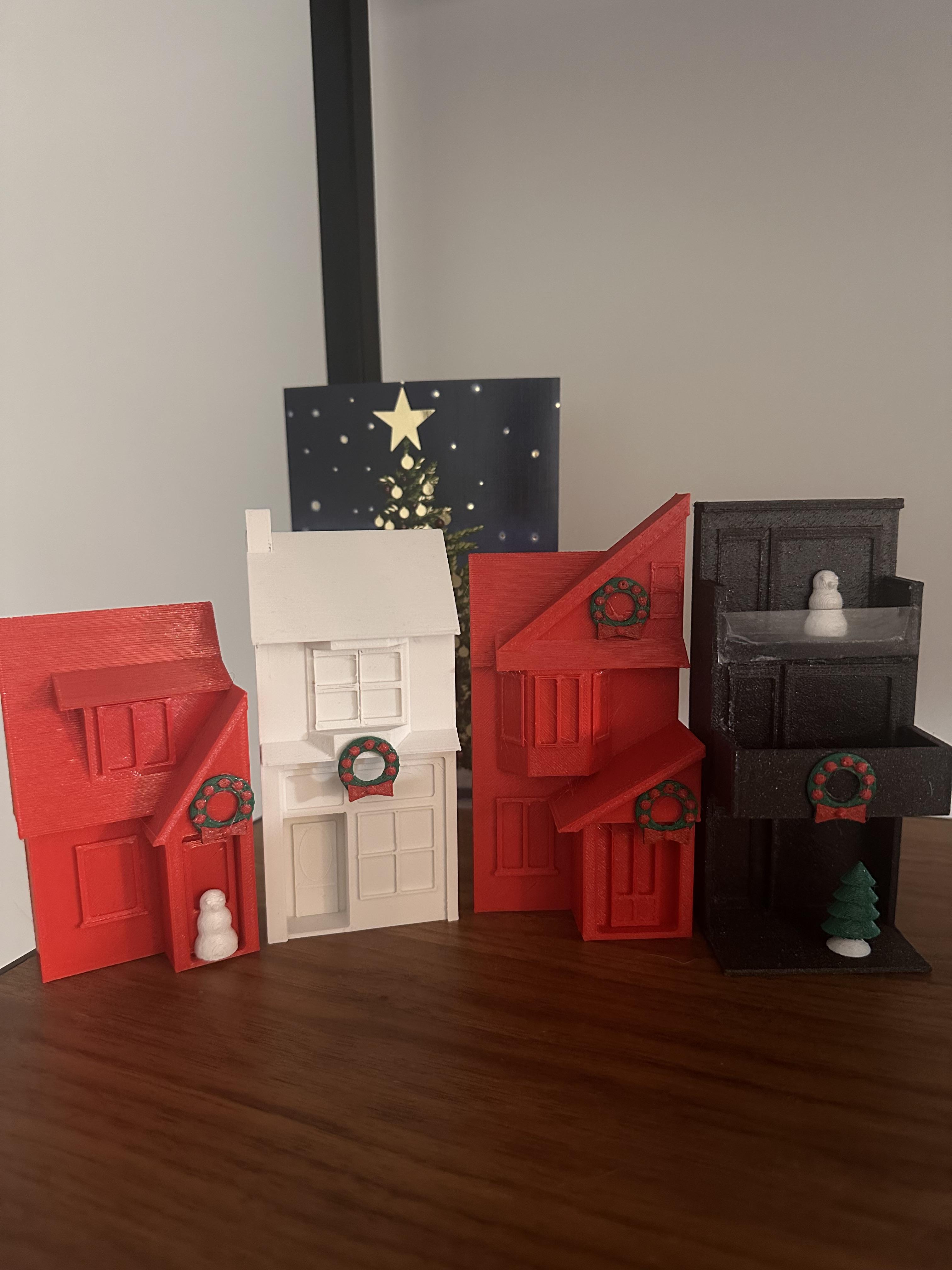
Using the same process, I expanded the village to include the homes of other family members. Over time, I plan to continue adding past and future homes, as well as locally significant storefronts, to grow the village into a more complete and personal display.
I hope you enjoy and Happy Holidays!