Floating Magic Disaster
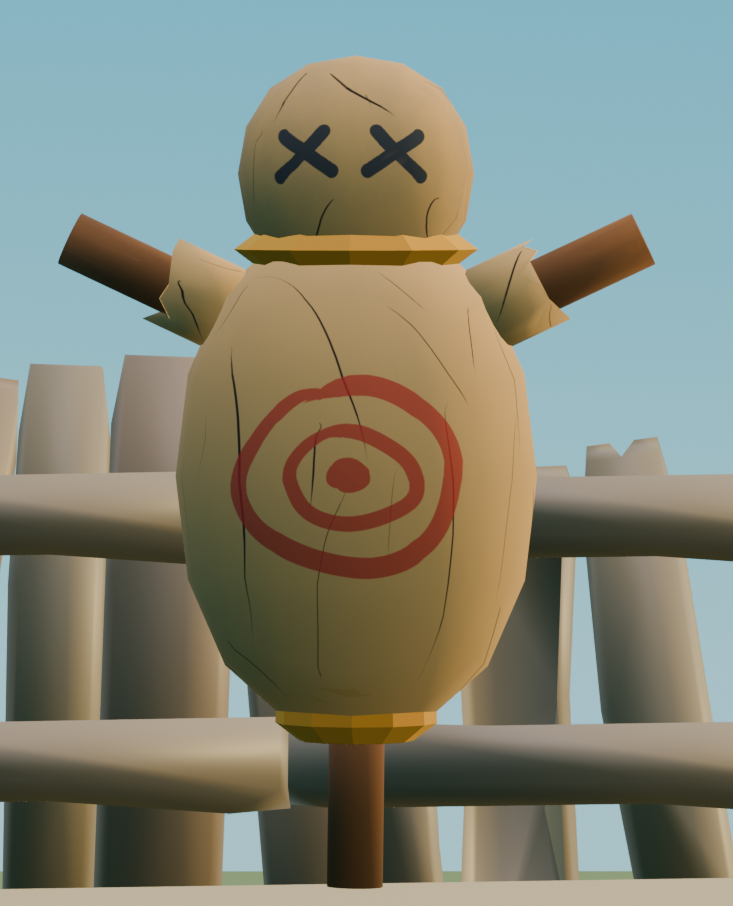
Hello, today I am sharing my short animation and how I made it using primarily Blender and Substance painter
Supplies
Like mentioned earlier, for this project, I used Blender and Substance Painter. With the former as my main animation and modeling software, and the latter as my texturing software.
Cameras, Lighting, Framing
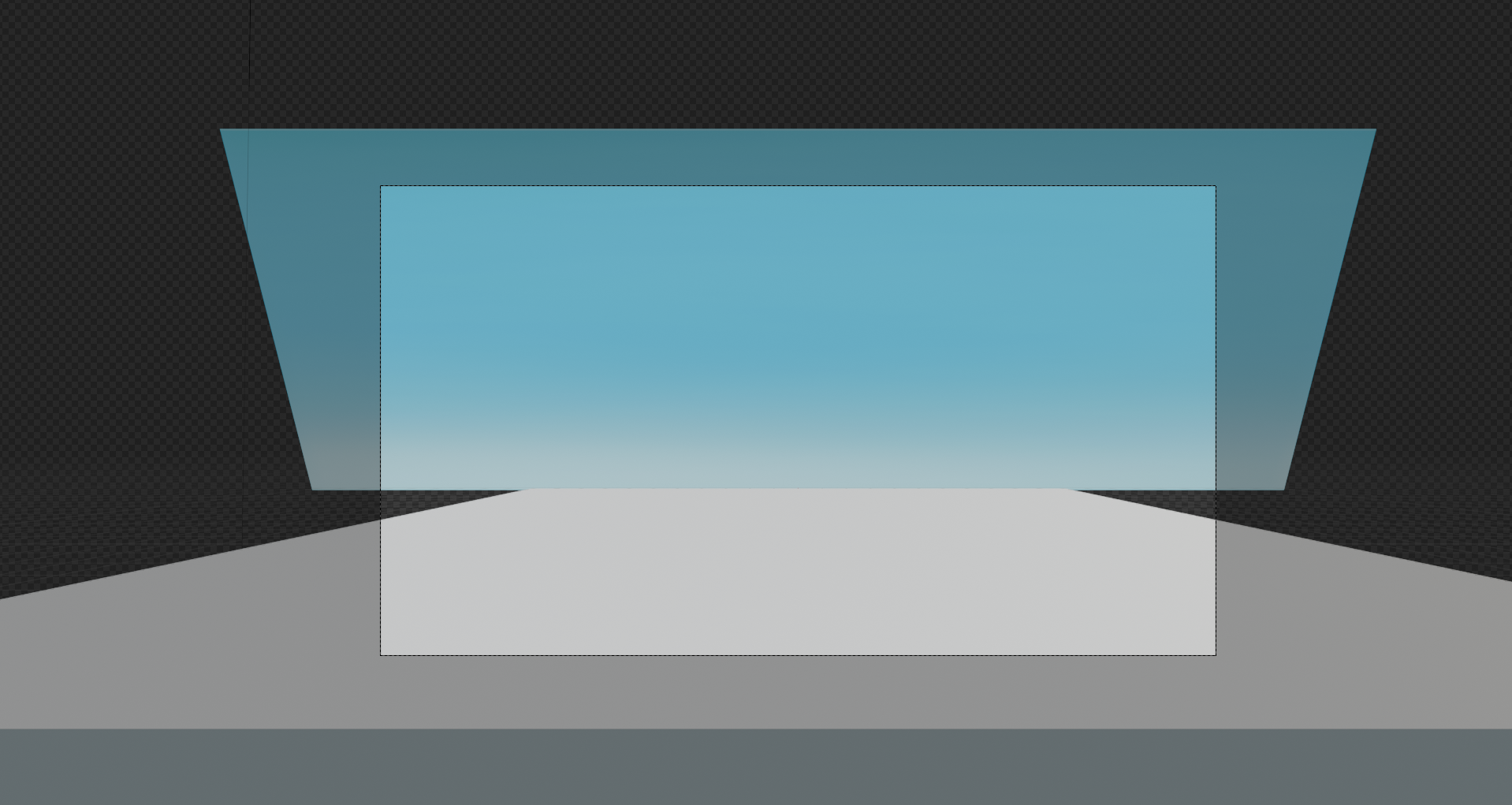
From my brief experience animating before, I learned that one of the most crucial steps for a successive film are cameras, lighting, and framing. That is because good camera placements and framing allow you to quickly get a grasp on what you should and shouldn't model/animate, and good lighting elevates all your models and textures.
In my project specifically, I decided on a using simple camera with a basic framing, alongside with HDRI and Blender's built in "sun" to be my lighting.
Environment
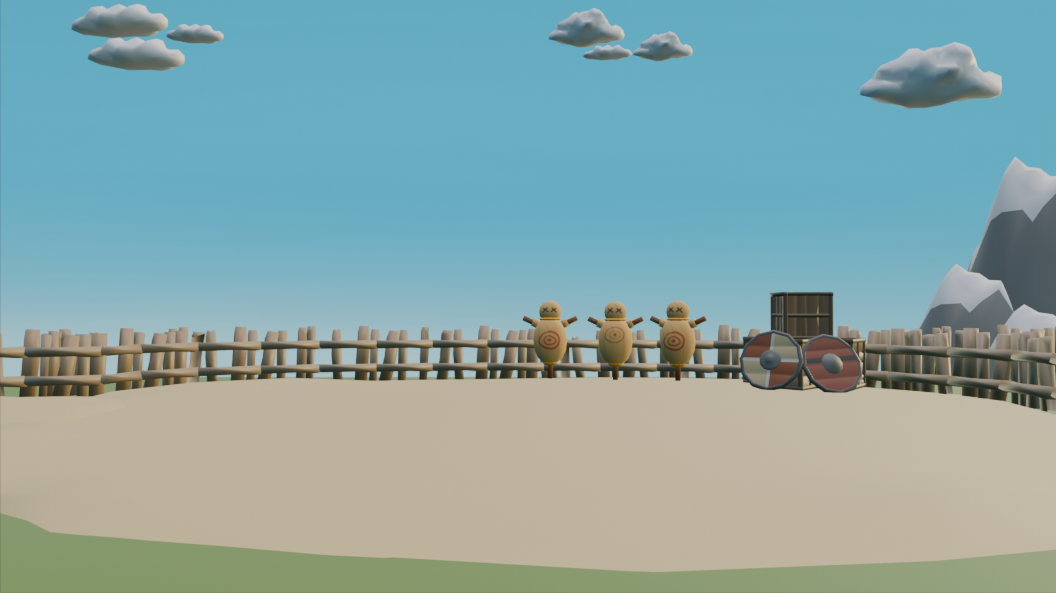
After handling cameras, framing, and lighting, the next step I like to take is to set up my environment. I found that in my past experiences creating a environment that you find interesting is often the catalyst for great animation ideas, and for this project, this has remained the case.
Animation Sketch Board
Now, after creating your environment, lighting, cameras, and framing shots, this is the part where you start animating (kinda of). More specifically, this is the time to draft out your entire animation sequence from start to finish. Whether you do it on paper or a digital software, it doesn't matter. Just drawing out your animation in 2d before doing it 3d is a massively beneficial, as it allows you to focus entirely on animating during animation time and avoid the dangerous loop of animating, deleting, animating, and deleting.
Character Models
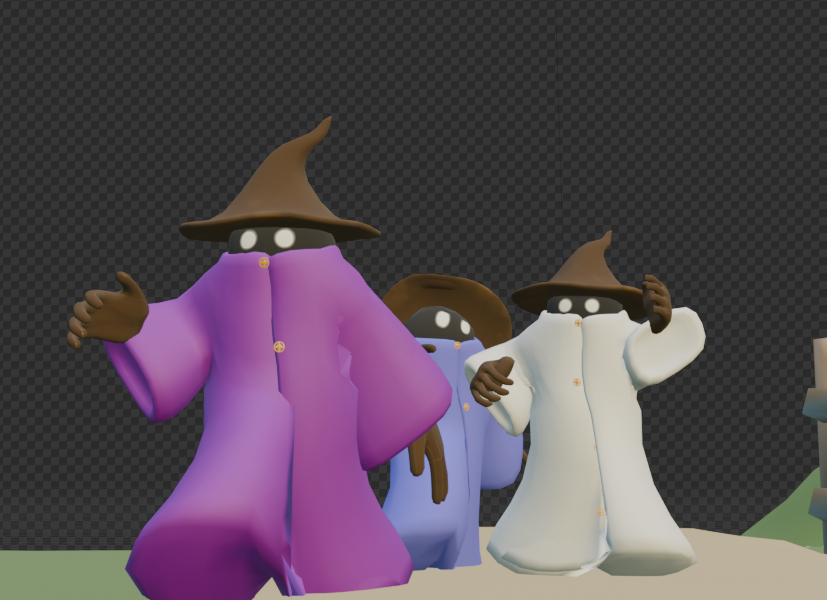
In my past instructable, I made my project a lot more difficult because of my ambitious goal of creating a detailed and fully clothed humanoid, and as such, this led me to have no time to actually spend on animation. Learning from my past mistake, this time, I decided to settle on simple but effective character models for my animation.
For modeling, I completed it entirely in Blender, while for texturing, I did it entirely in Substance Painter.
Animating
Now, finally, after you have all your key ingredients prepared and in your scene, now is the time to animate. From this point forward, my workflow consisted mainly of following my animating sketch board, while changing and pivoting when I found my past ideas to be inadequate or when I came up with a better idea.
Together, this slow and arduous process led to the final animation you see above.