Giant Wooden Oreo on CNC


If you are like me, I love Oreo Cookies. So i decided to make a Wooden one on my CNC router.
I have also included a video from my YouTube channel
Supplies

You will need the following:
CNC Cad Software ( I used Vectric Aspire)
CNC Router ( I used the X-Carve CNC with a 90 degree V-Bit and a 1/4" Endmill)
Wood ( I used a piece of White Pine 27" long by 9" wide by 3/4" thick)
White Paint
Black Paint
WoodGlue
Clamps
Design


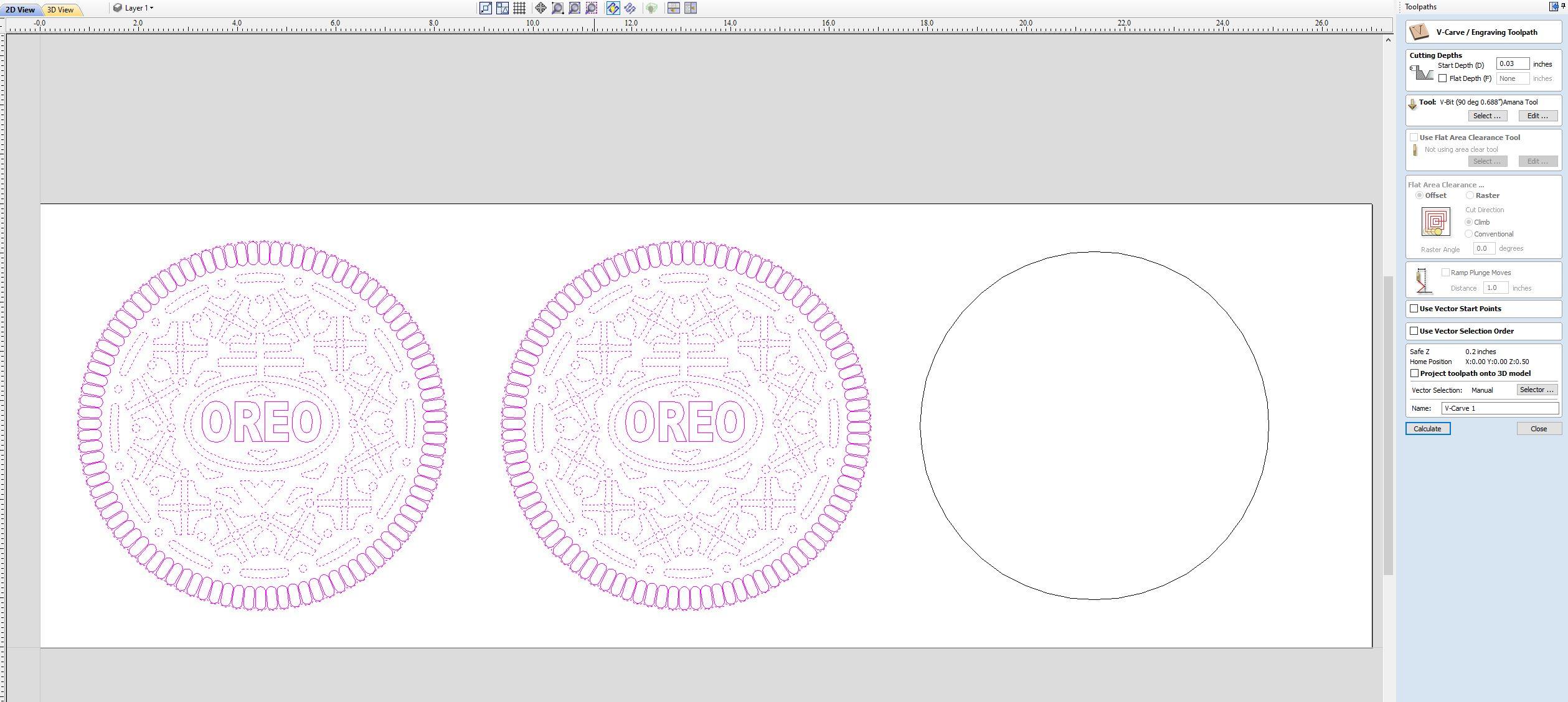

First design the Cookie, searched for good picture of Oreo Cookie. Imported the picture in Vectric Aspire, or other CAD program. Used the Trace function to trace the picture. From there we had to work on the vectors, making sure everything look good. Then we made a duplicate of the image, plus made a circle a little smaller for the center. Add toolpaths, one using a 90 degree V-Bit and another 1/4" endmill to cut the file out.
Save the Toolpaths and import them into Gcode Sender
I have included the DXF file for you to download and use
Downloads
Carve


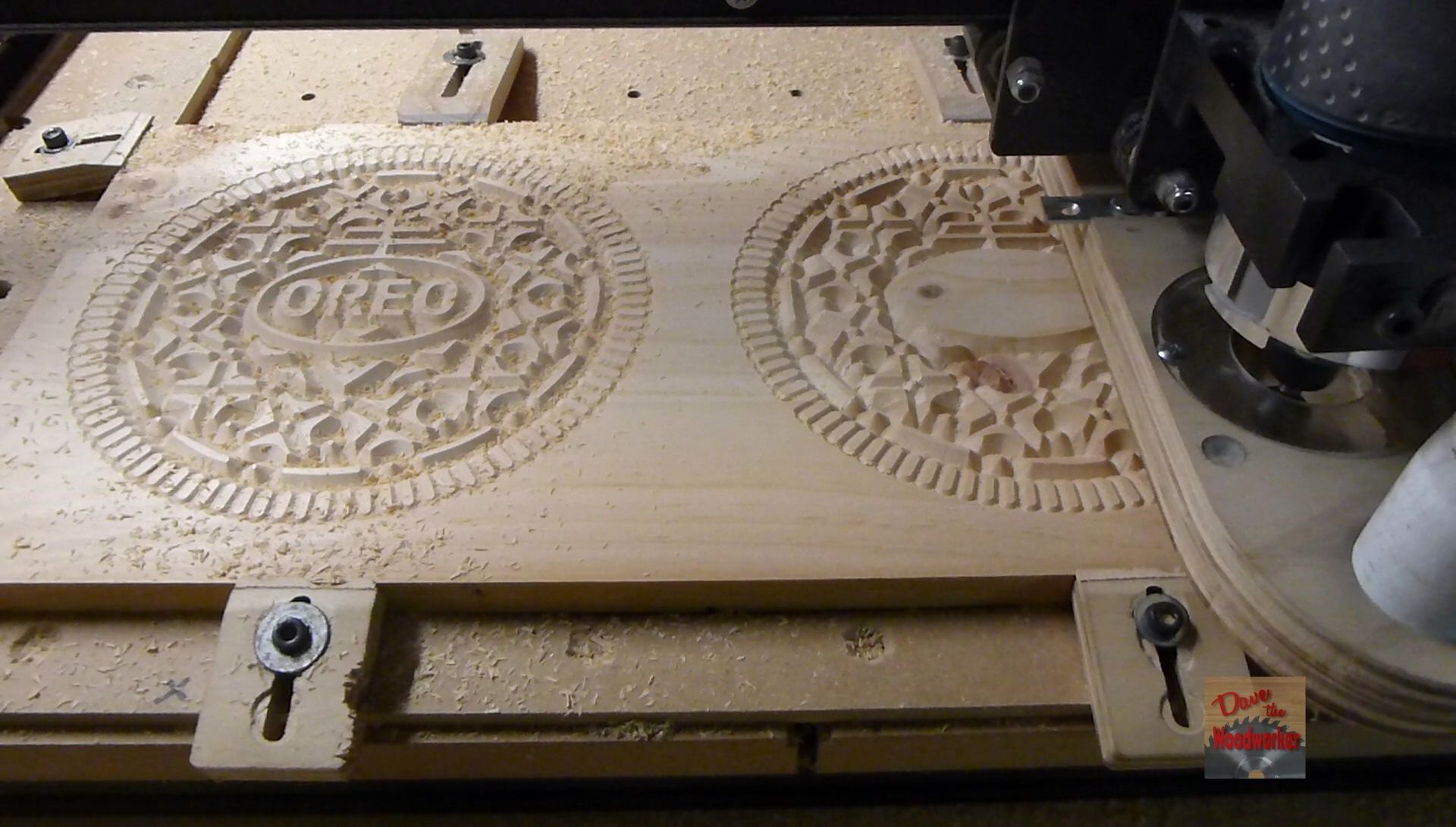

Load your wood in your CNC, and clamp it down real good. Begin carving first with the 90 degree V-Bit, then the 1/4" Endmill to cut them out
Sand


Take the pieces out and use a file or sandpaper to clean up the edges
Paint

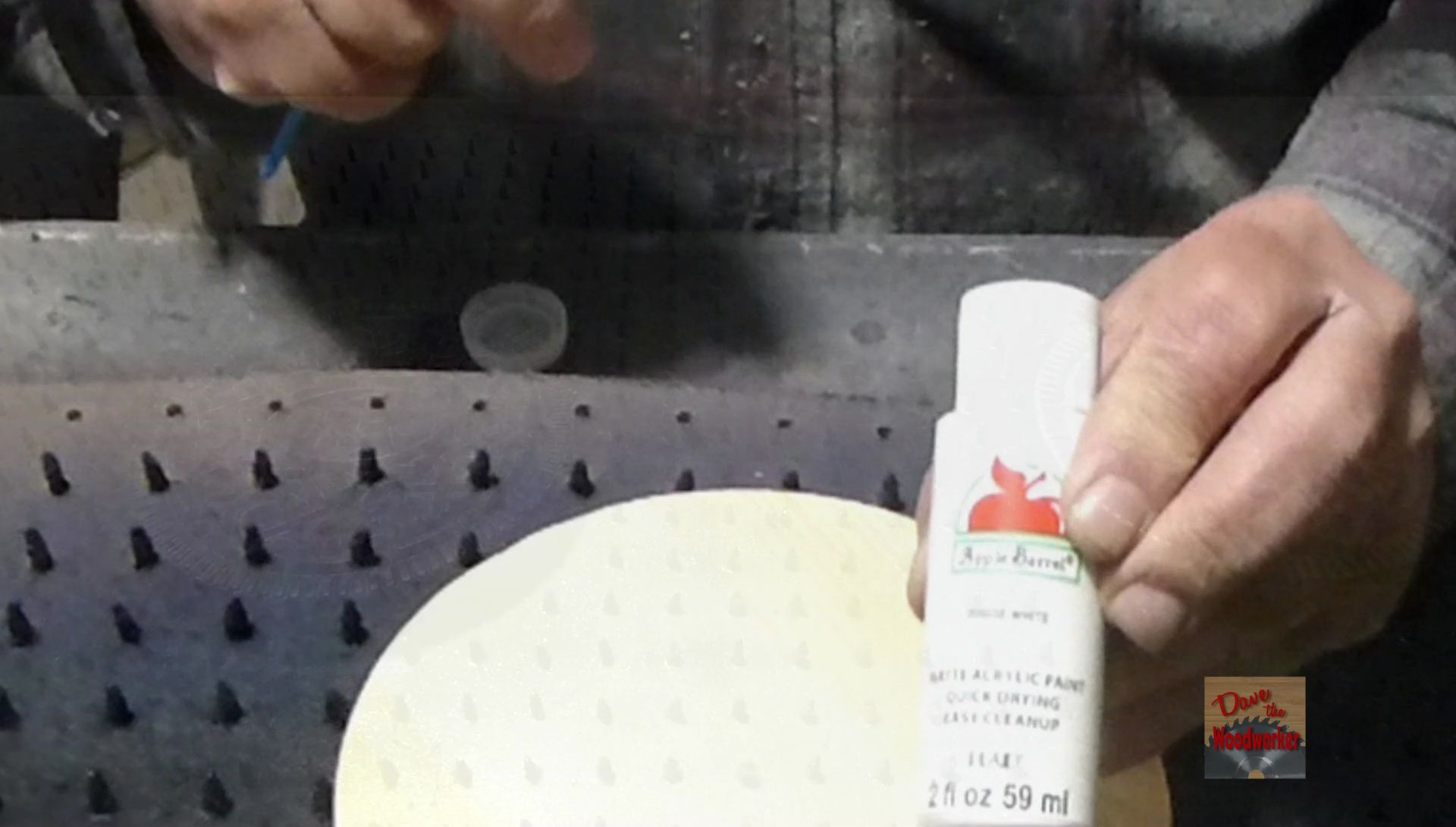


Now we need to paint the pieces, I only painted the circle on the edge, which is the only part that will be showing. I then spray painted the Oreo cookie parts with Black spray paint, used a couple coats.
After drying sprayed a couple coats of Matte Clear finish
Glue Up


Glued the parts together after the paint dried. When clamping try to center up parts the best as you can, I used a couple of paper towels on the outside


After letting the glue dry over night, I took the clamps off, and just like that I have a Giant Oreo cookie. Looks good enough to eat. Thanks for checking out my Instructable, be sure to watch the video in case I missed a step