How to Add Sound to the CrowPanel ESP32 HMI DIsplay
by vinvout-io in Circuits > Audio
128 Views, 0 Favorites, 0 Comments
How to Add Sound to the CrowPanel ESP32 HMI DIsplay

If you have seen the speaker port on Elecrow CrowPanel and wondered how to use it, then read this blog post
Supplies
Elecrow CrowPanel 2.4"-ESP32 HMI 320x240 SPI TFT LCD Touch Screen Compatible with Arduino/LVGL/ Esphome-Homeassistant/PlatformIO/Micropython

Speaker: 3W, 4 ohms
Today, we are adding sound to this Elecrow 2.4-inch CrowPanel ESP32 HMI display.

If you have seen this tiny speaker jack on the CrowPanel and wondered how to make it play music, then this Blog is for you. The crowpanel has a built-in speaker output, but it's not an amplifier but simply exposes the ESP32's DAC pin, which means you can play tones, beeps, wave files, and even music, as long as you use the right library and wiring.

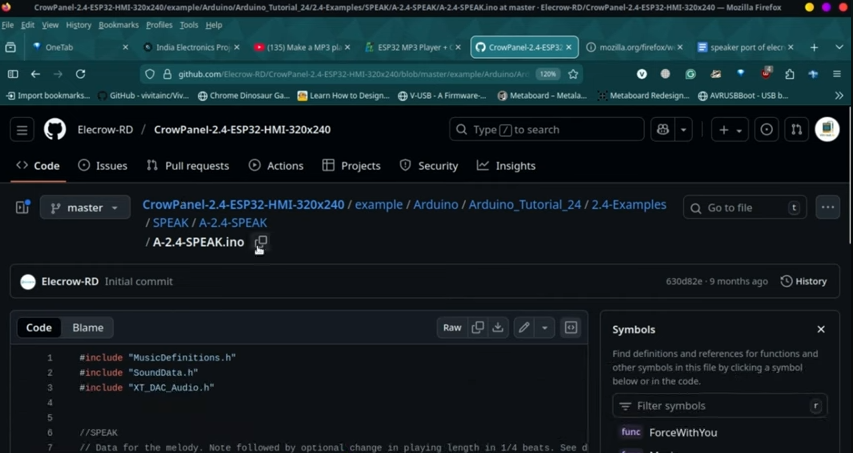
Elecrow provides an example using the XT_DAC audio library,
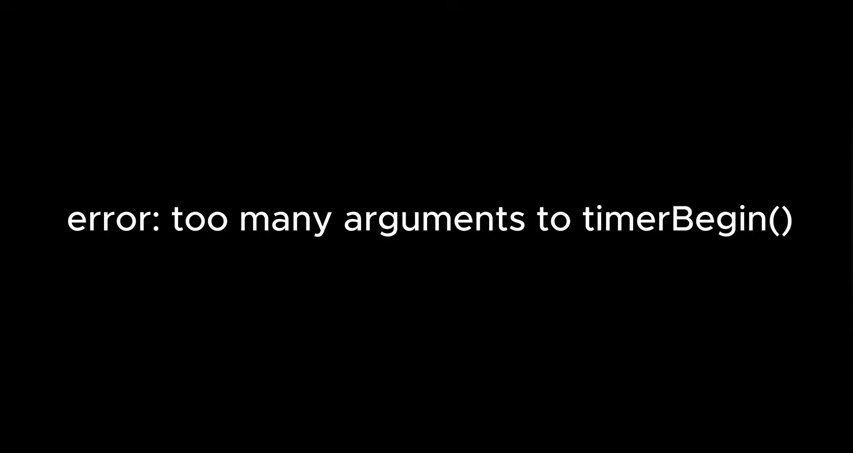
But if you're trying to compile it on the newer ESP32 boards packages, especially ESP32 wroom DA or ESP32 core 3.x, you probably saw this error.
That's because the ESP32's Arduino core updated the timer API. So all the libraries break. So here is the fix.
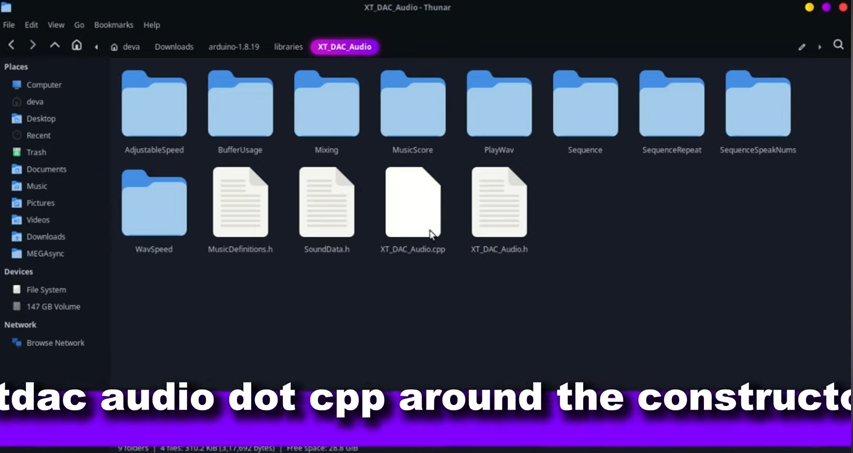
Inside the library file XT_DAC audio.cpp andaround the constructor, replace the old timer code with this snippet.
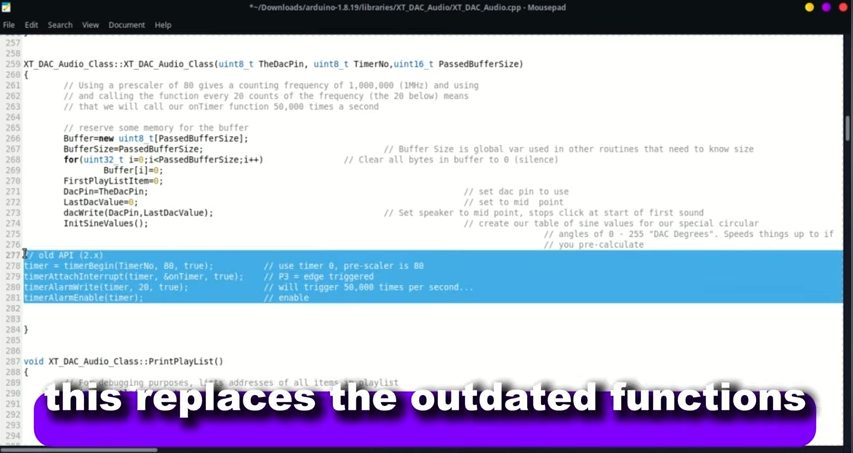
This replaces the outdated functions like the timer begin and timer alarm(around line 277).
Once you make this change, the library compiles perfectly on the Crowpanel.

Now let's upload the example. I'm using GPIO 26 for DAC audio. That's the pin elecrow wired to the speaker pads.
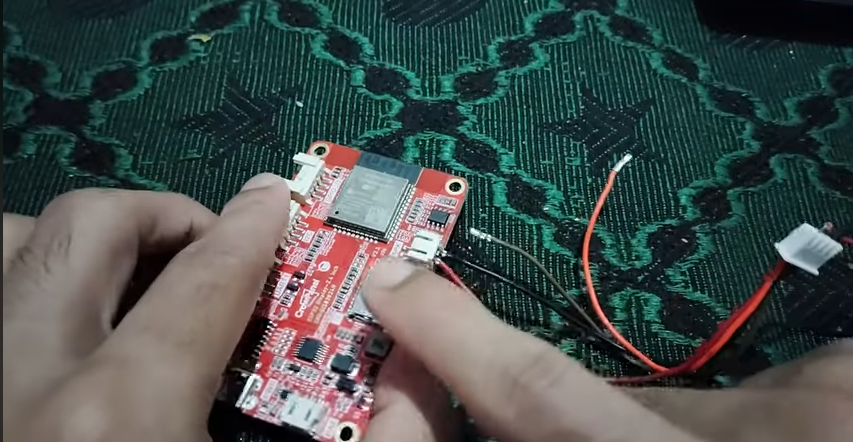
I just improvised this JST connector to easily plug into this because I don't have the exact connector for that port
If you look inside the library, you can also see some other Arduino sketches; you can try them out.
Downloads
So, if I go to the nums sequence in the XT_DAC audio library and upload the sketch, I will be able to hear from the speaker connected to the CrowPanel the same number sequence that I typed into the Serial Monitor.
You can also try other examples, such as mixing.
You can watch this video starting at 1:28 to see all the demos.
And that's how you play an audio on this. It is not that good sounding, but still it's ok, keep in mind it is not dedicated player or amplifier.