How to Open EPUB Files Online

Reading digital books doesn’t have to mean installing heavy programs or juggling multiple apps. A free online ebook reader lets you enjoy content straight from your browser.
Everything runs on the web, so you can begin in seconds and choose the format that feels right for you - single page, continuous scroll, and more.
This guide explains how to upload your EPUB file, open and navigate your book, personalize the display, and use other features.
Supplies
What you’ll need:
- A modern desktop browser (Google Chrome, Microsoft Edge, Mozilla Firefox, or another compatible option)
- An active internet connection
- An EPUB file saved locally on your device
Open the Online Ebook Reader

Open the EPUB reader in your preferred desktop browser.
Upload Your Book in the Viewer
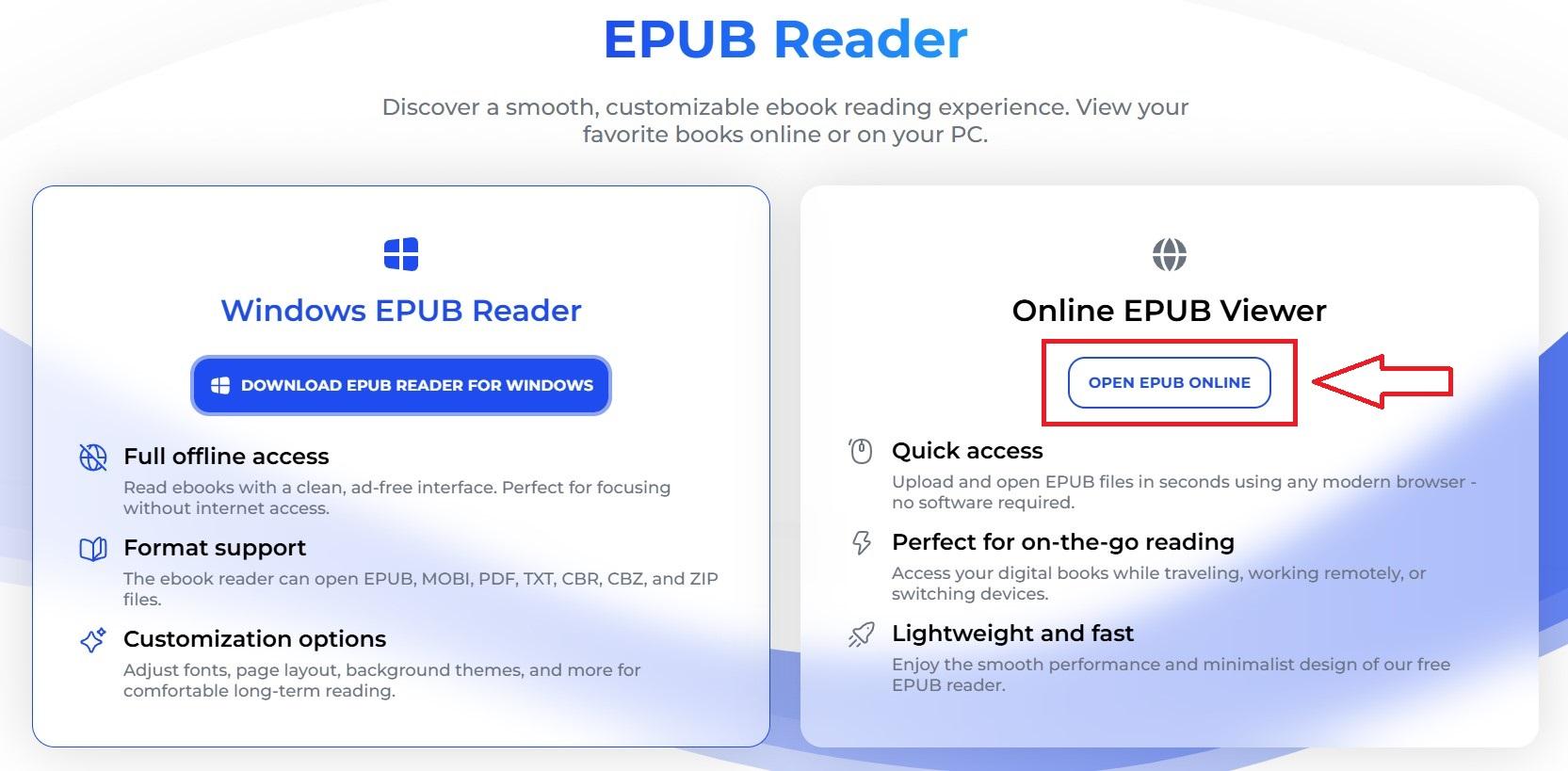
Click the "Open EPUB Online" button. When prompted, select an EPUB file from your device.
Adjust Reading Preferences

- Theme: Choose between Day, Night, or Sepia for a softer background.
- Page Layout: Switch between the modes - Automatic, Single Page, or Two-Page spread.
- Navigation Style: Pick Auto, Document Flow, or Continuous Scrolling.
- Text Size: Change the font scale for easier reading.
Start Reading the Book

Use arrows or scrolling to move through the book sections. Jump to specific chapters with the "Contents" menu. Set up a flipping interval for a more flexible process.