How to Replace a Broken Charging Port With a USB-C Upgrade
by taste_the_code in Circuits > Electronics
473 Views, 3 Favorites, 0 Comments
How to Replace a Broken Charging Port With a USB-C Upgrade
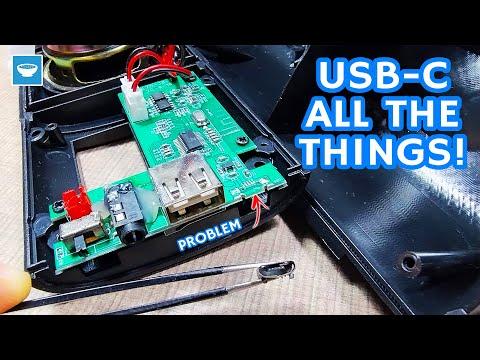
If you’ve ever had a Bluetooth speaker or some other device stop charging because the port broke off, you know how frustrating it can be. The device itself still works fine, the battery is usually okay, but without a charging port, the whole device becomes useless. That’s exactly what happened with the two identical speakers a friend gave me. They both had completely destroyed charging ports. Instead of throwing them away, I decided to give them a second life by upgrading them with inexpensive USB-C breakout connectors.
This guide will walk you through the exact steps I used in the video above to diagnose the problem, open the speaker, trace the power lines, install a new USB-C charging port, and close everything back up. The entire repair is cheap, quick, and surprisingly simple, only two wires are needed to restore basic charging. By the end, you’ll have a modernized USB-C powered speaker that charges reliably again instead of becoming e-waste. If you want to follow along visually, be sure to check out the full video linked in the project!
Supplies
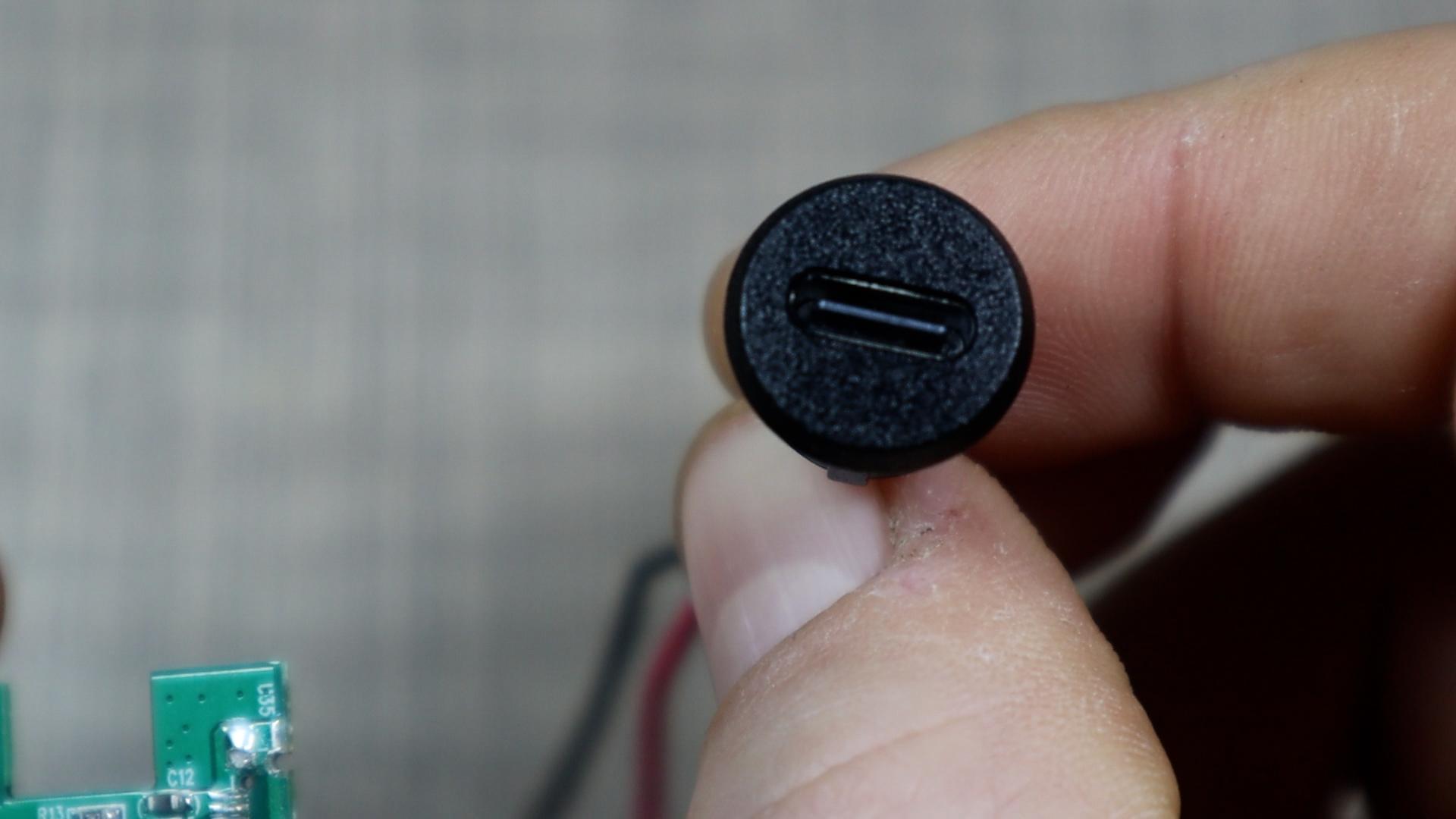
Tools and materials used in the repair:
- USB Type C Female Socket - https://s.click.aliexpress.com/e/_c3boe6cf
- USB Type C Female Socket with data wires - https://s.click.aliexpress.com/e/_c3JtavKf
- USB C Breakout Board - https://s.click.aliexpress.com/e/_c411OeCJ
- Digital Multimeter - https://s.click.aliexpress.com/e/_c33LCdlH
- Soldering Station - https://s.click.aliexpress.com/e/_c43UY8NZ
- Electronics Repair Set - https://s.click.aliexpress.com/e/_c3fdOzXv
- Bench Power Supply - https://s.click.aliexpress.com/e/_c3VU86lp
- Digital Microscope - https://s.click.aliexpress.com/e/_c3zDd1HN
Diagnose the Charging Problem
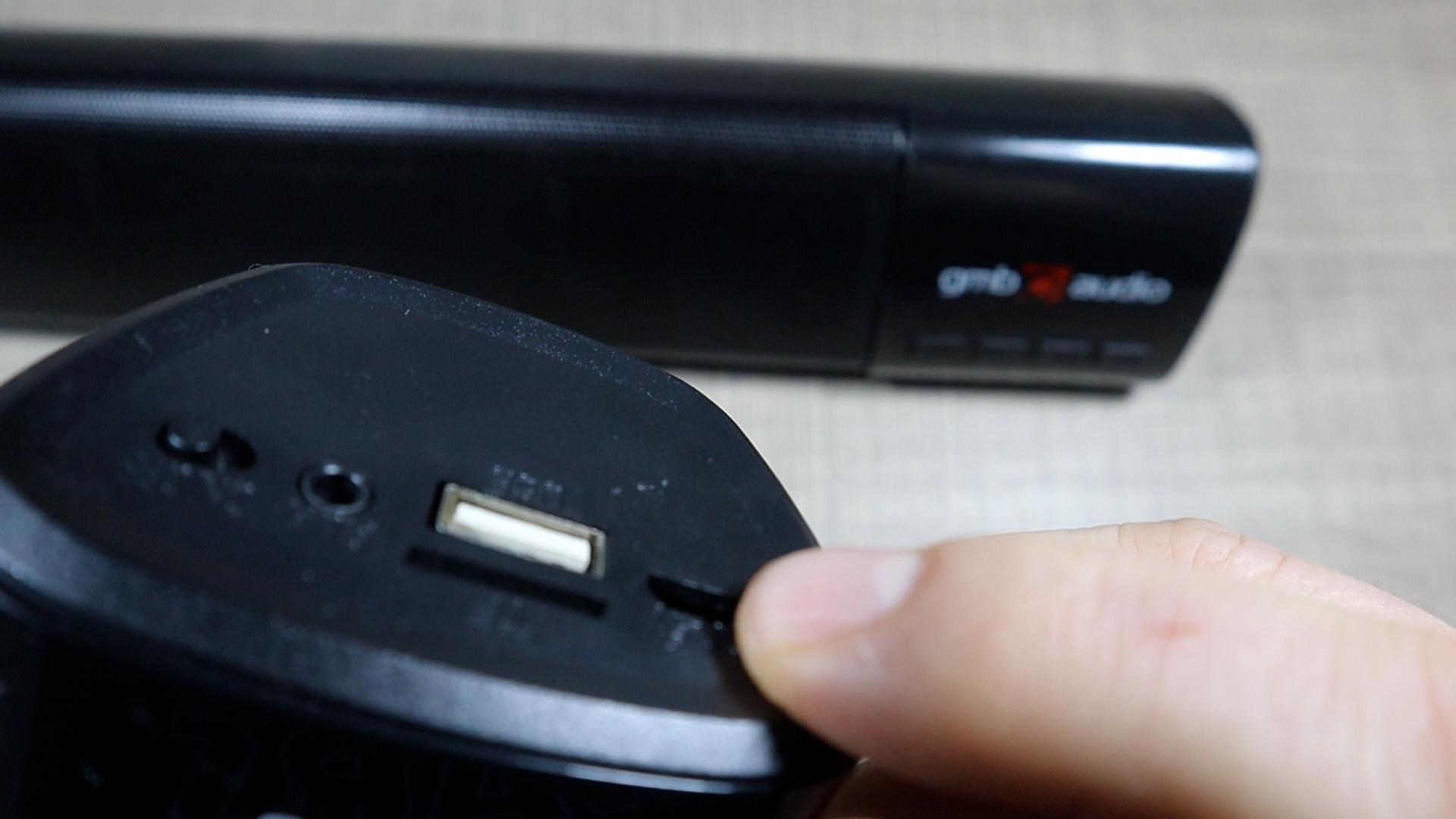
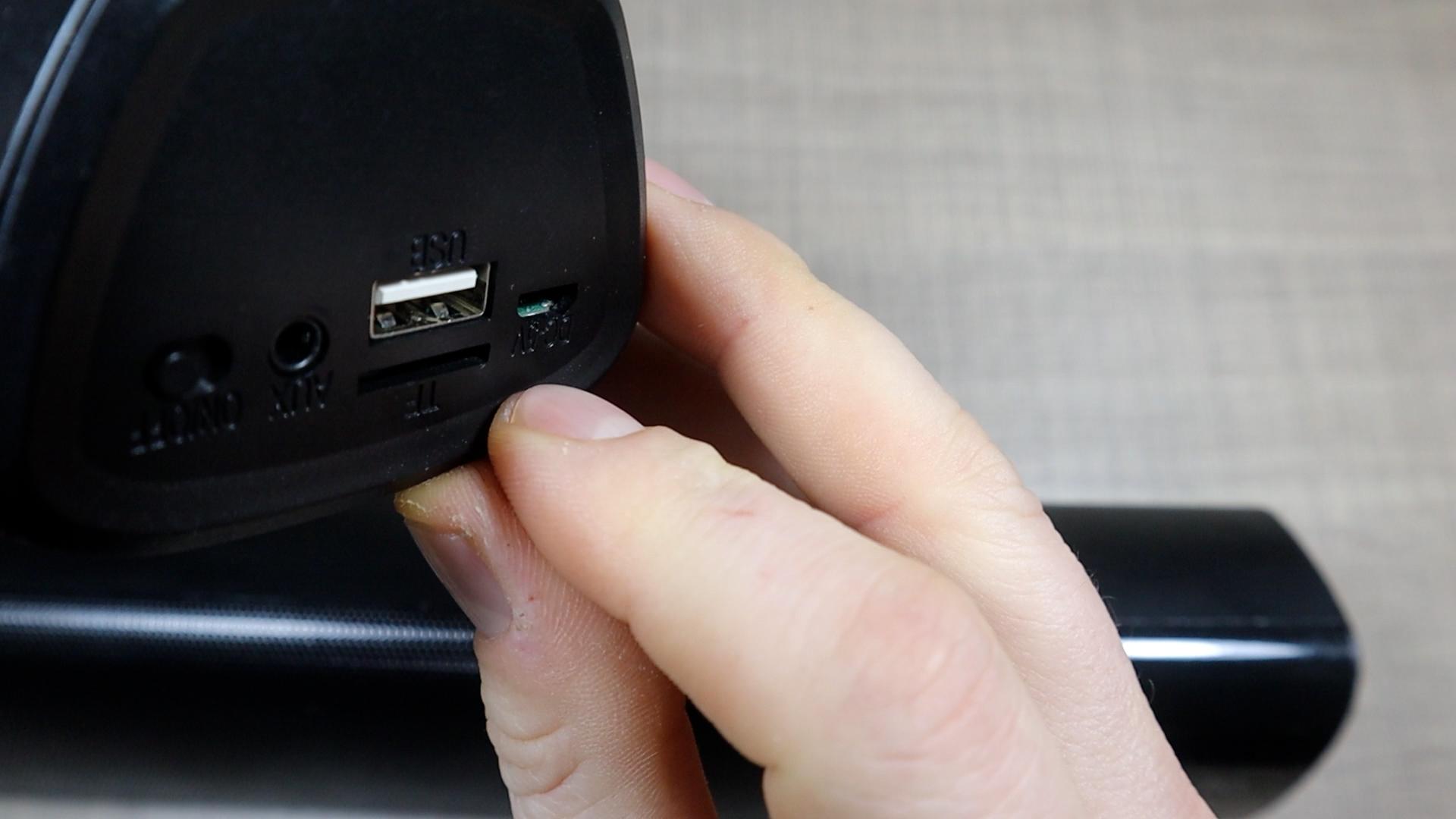
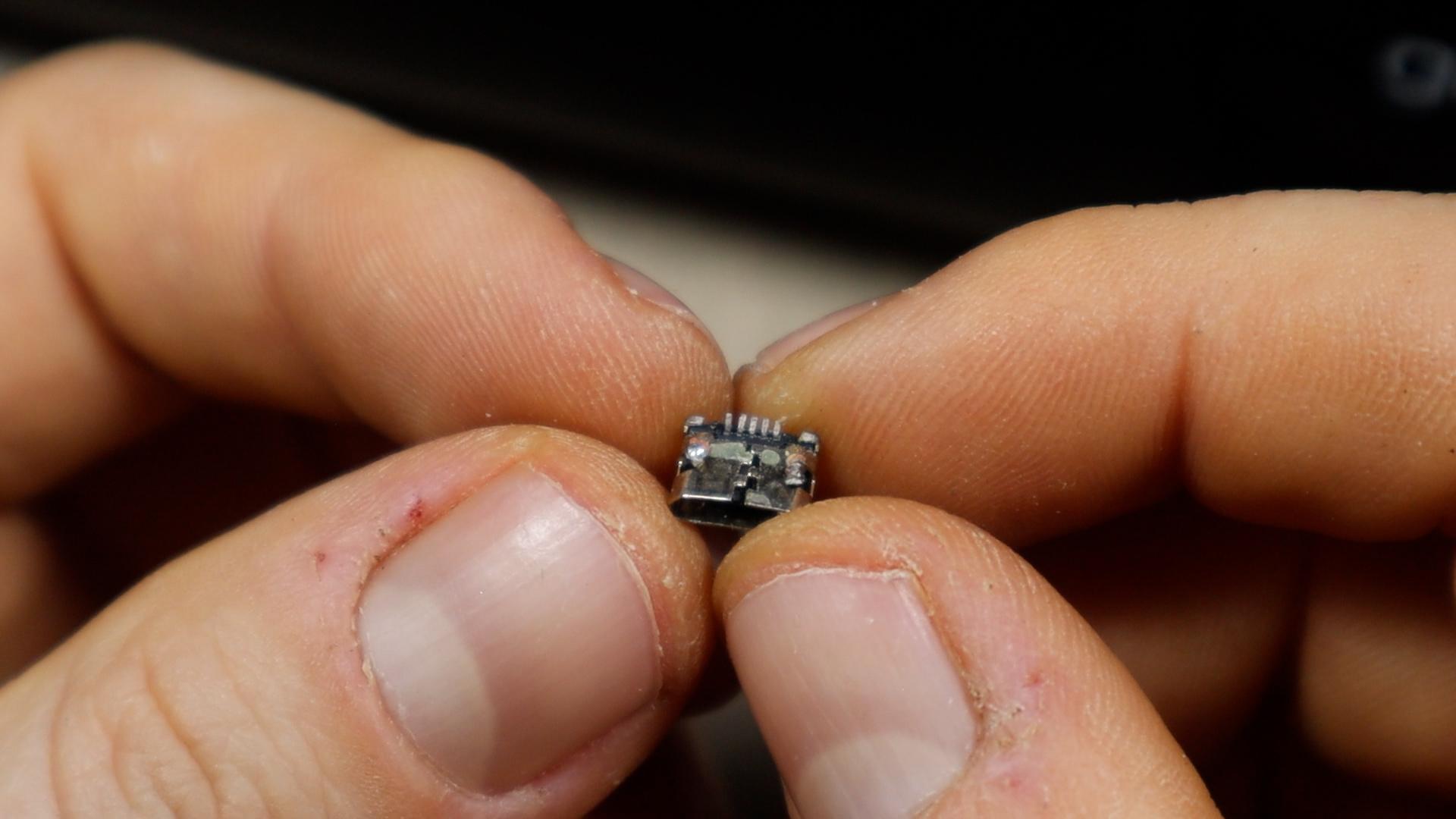
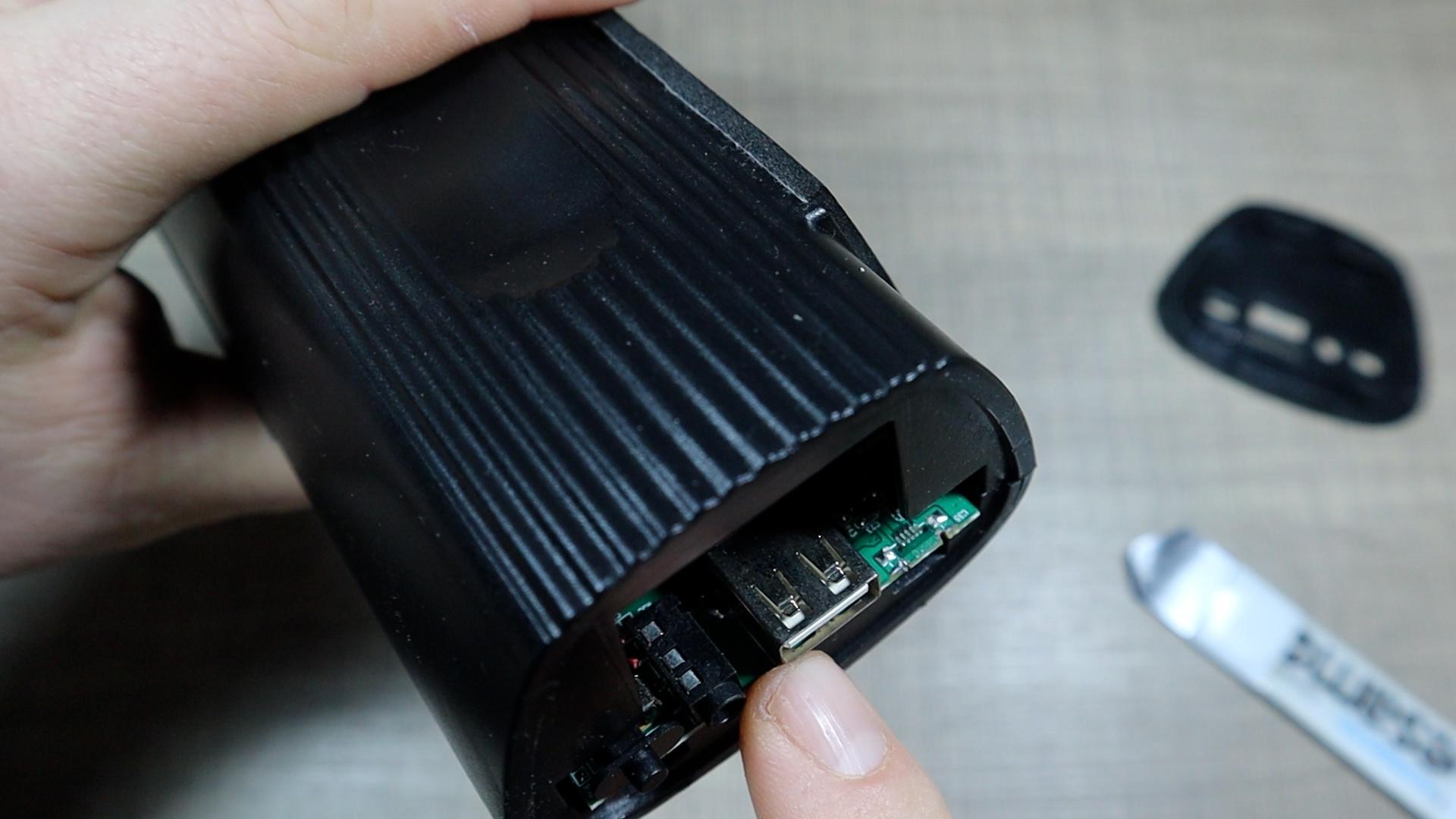
Before opening anything, check the obvious: does the charging port wiggle, fall inside the case, or fail to hold the cable? In my case, both speakers clearly had physically broken USB ports. One was still rattling inside the housing and the other was missing entirely. The speakers powered on and the batteries were healthy so the only failure was the damaged connector.
This is the ideal situation for a USB-C breakout board replacement. These inexpensive modules only require two wires for basic charging, making them perfect for simple electronics that don’t need data transfer.
Open the Speaker Housing
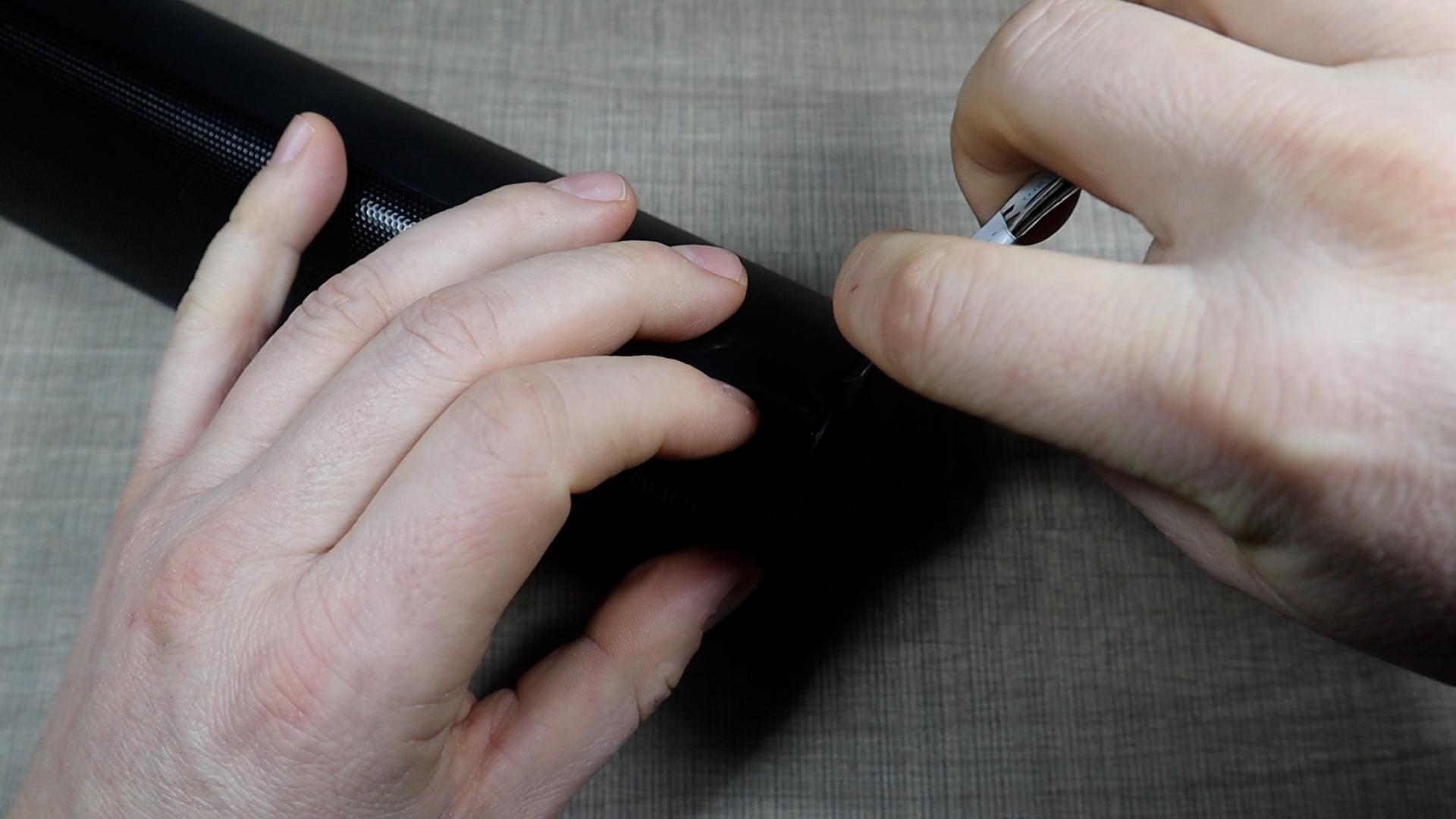
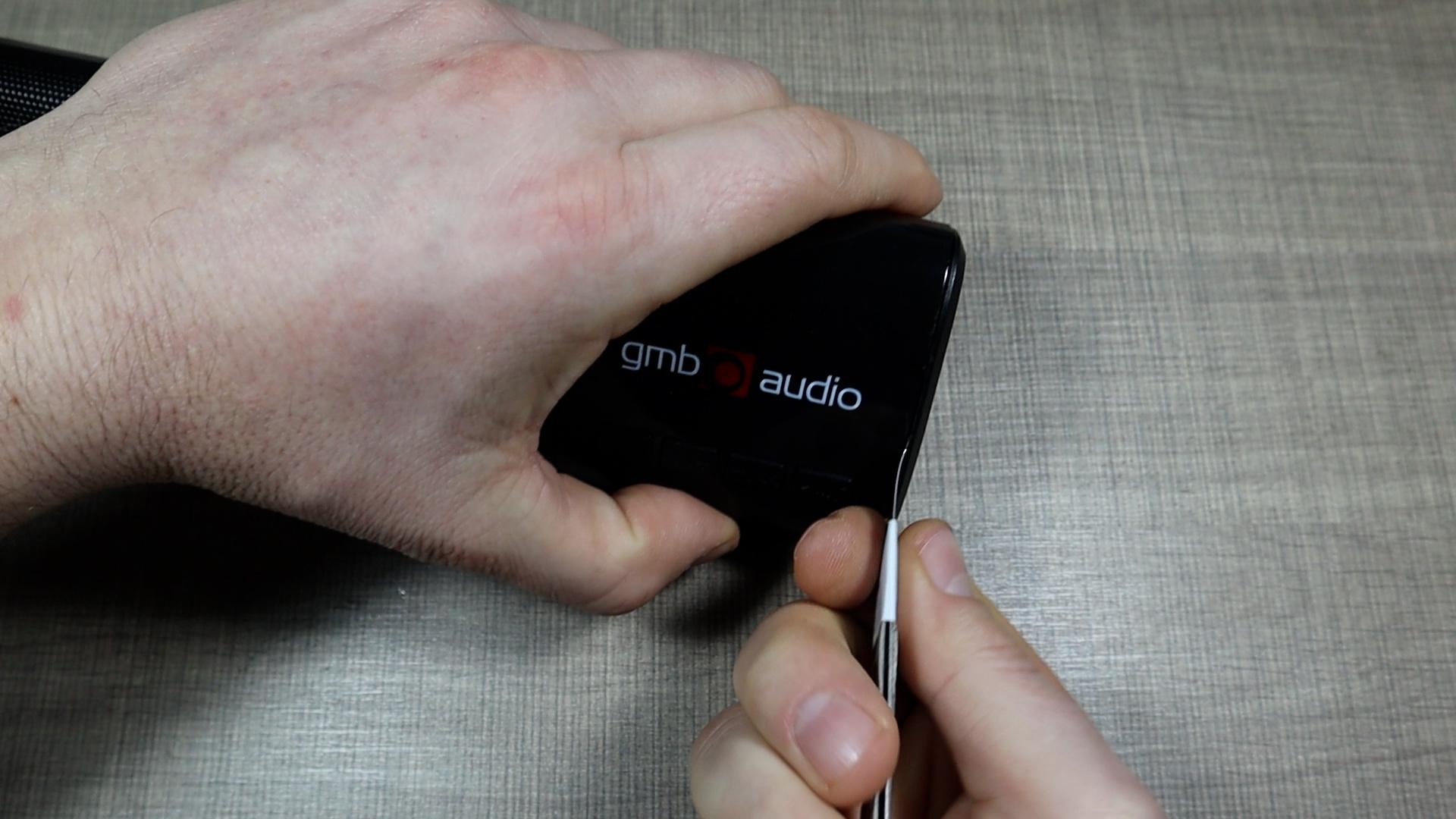
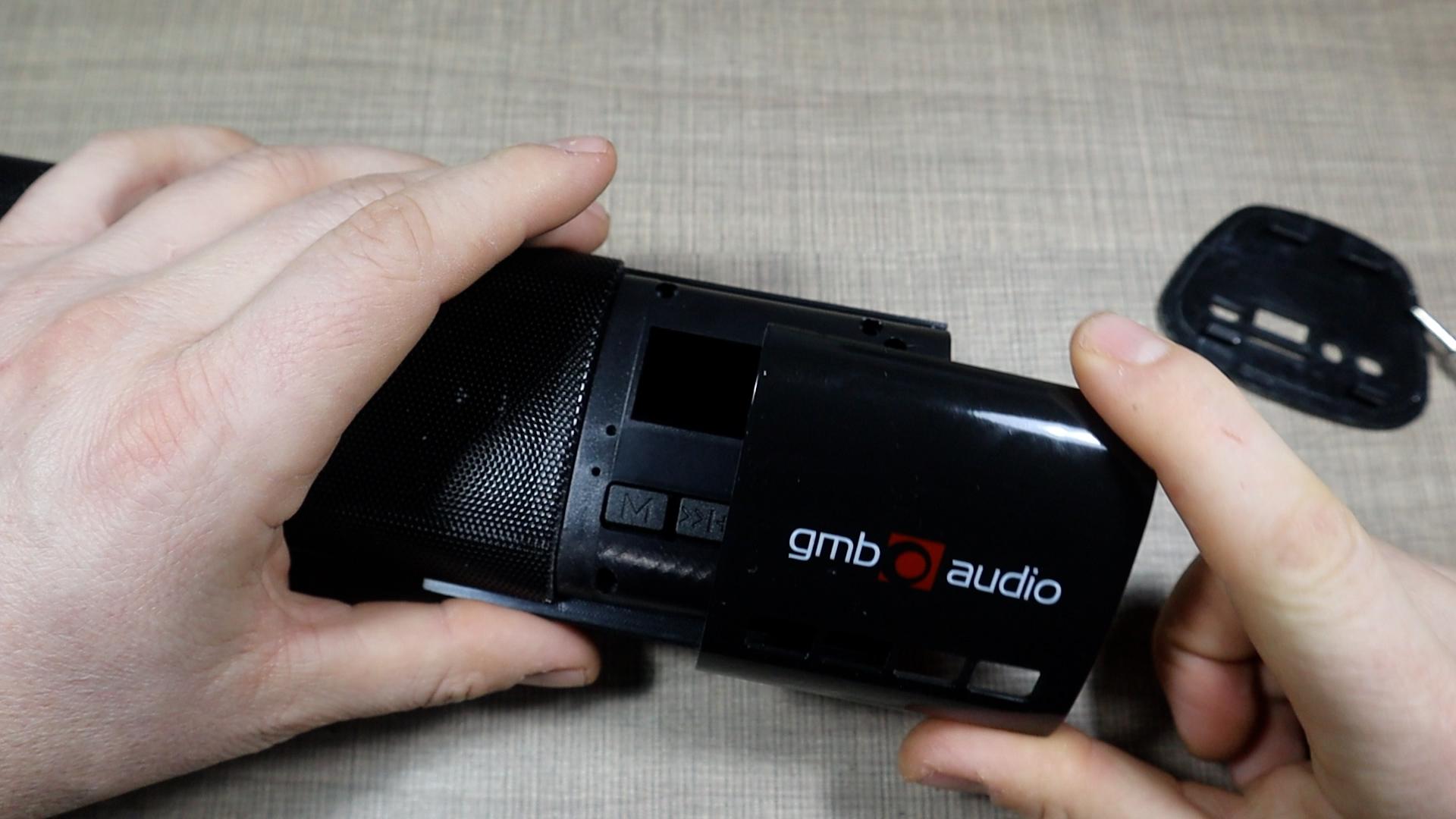

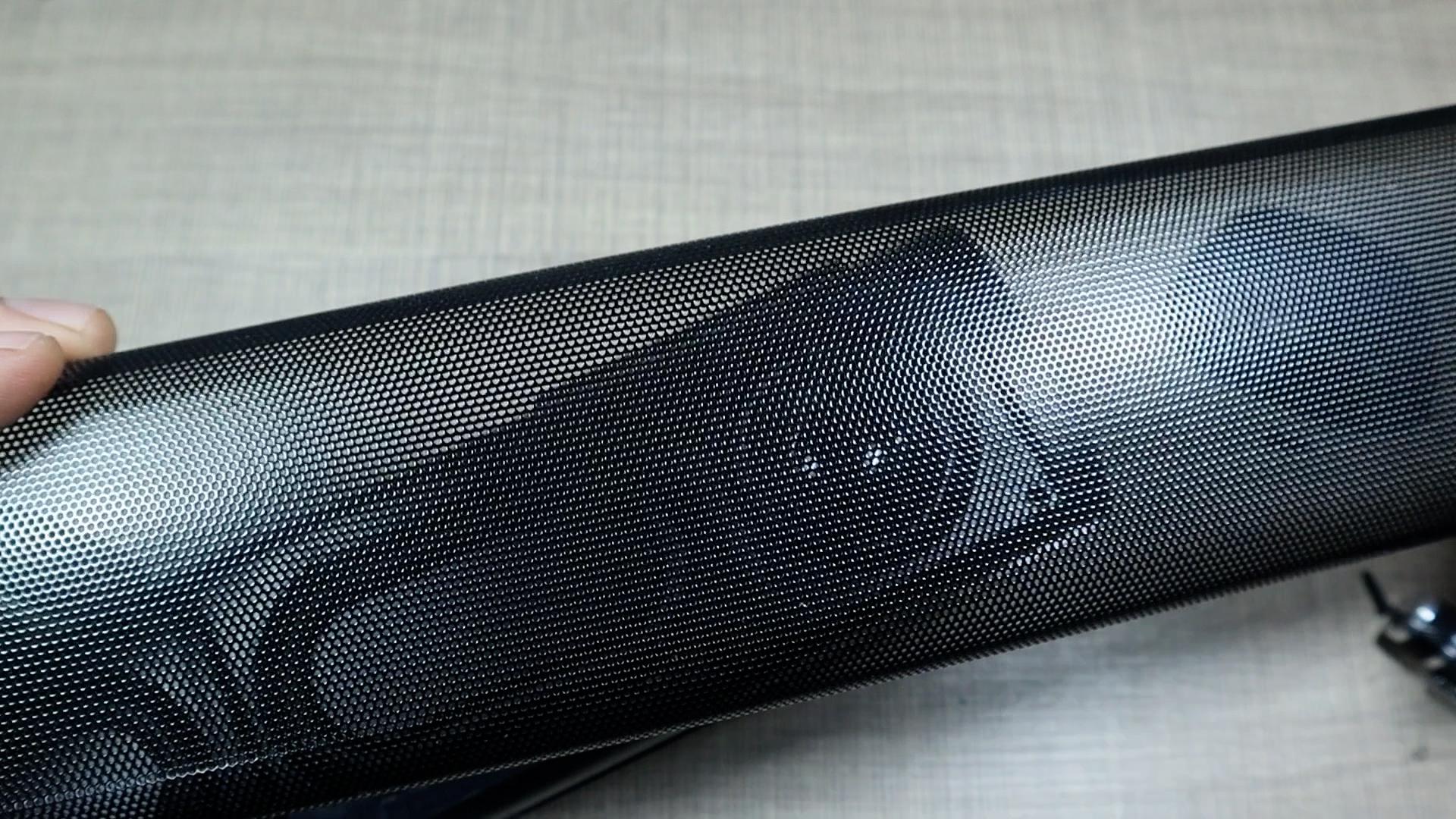

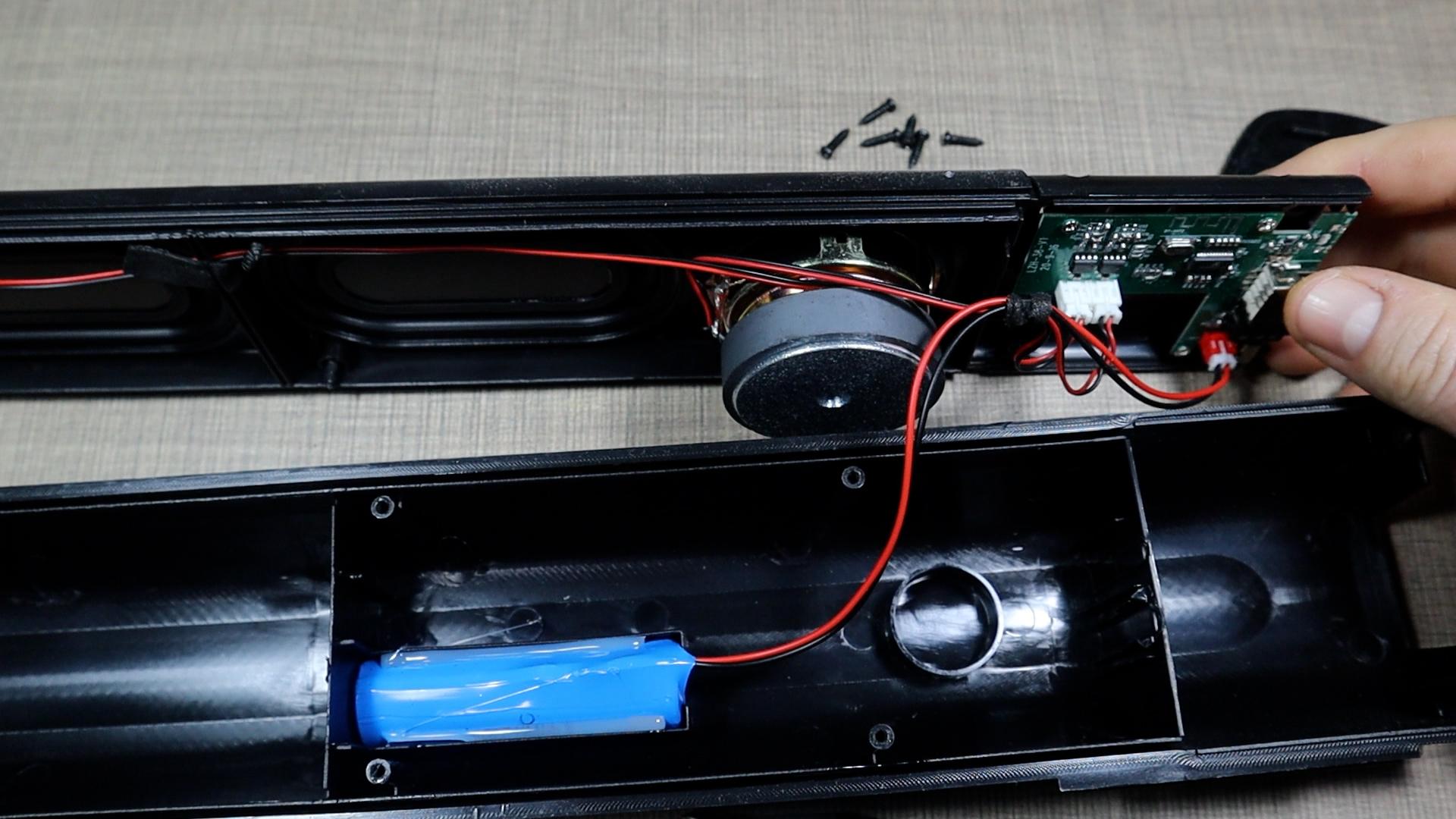
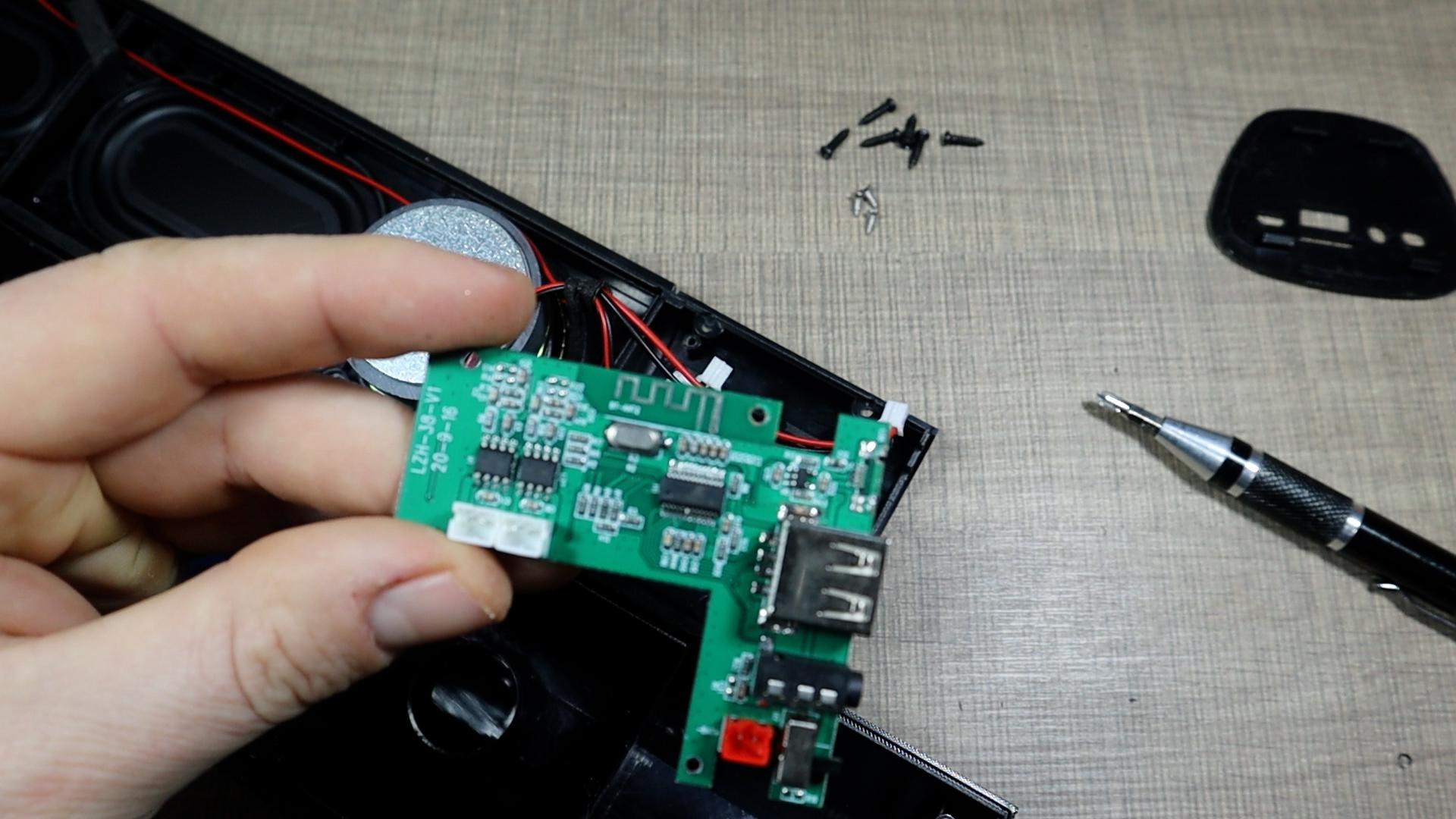
This is very dependent on the device you actually have. In my case, I had to pry open the metal mesh on the front to gain access to the screws. Once I removed the screws holding the enclosure together I gently separate the plastic halves. Most portable speakers have plastic clips that can snap if forced, so take your time. Once opened, you’ll see the main PCB where the charging port originally sat.
Lift the cover slowly and check for wires attached to the top housing. Many speakers have short internal wiring. After confirming nothing was being pulled, I fully opened the case and removed the PCB so I could access the solder pads and damaged connector area.
Inspect the Circuit and Identify Solder Points
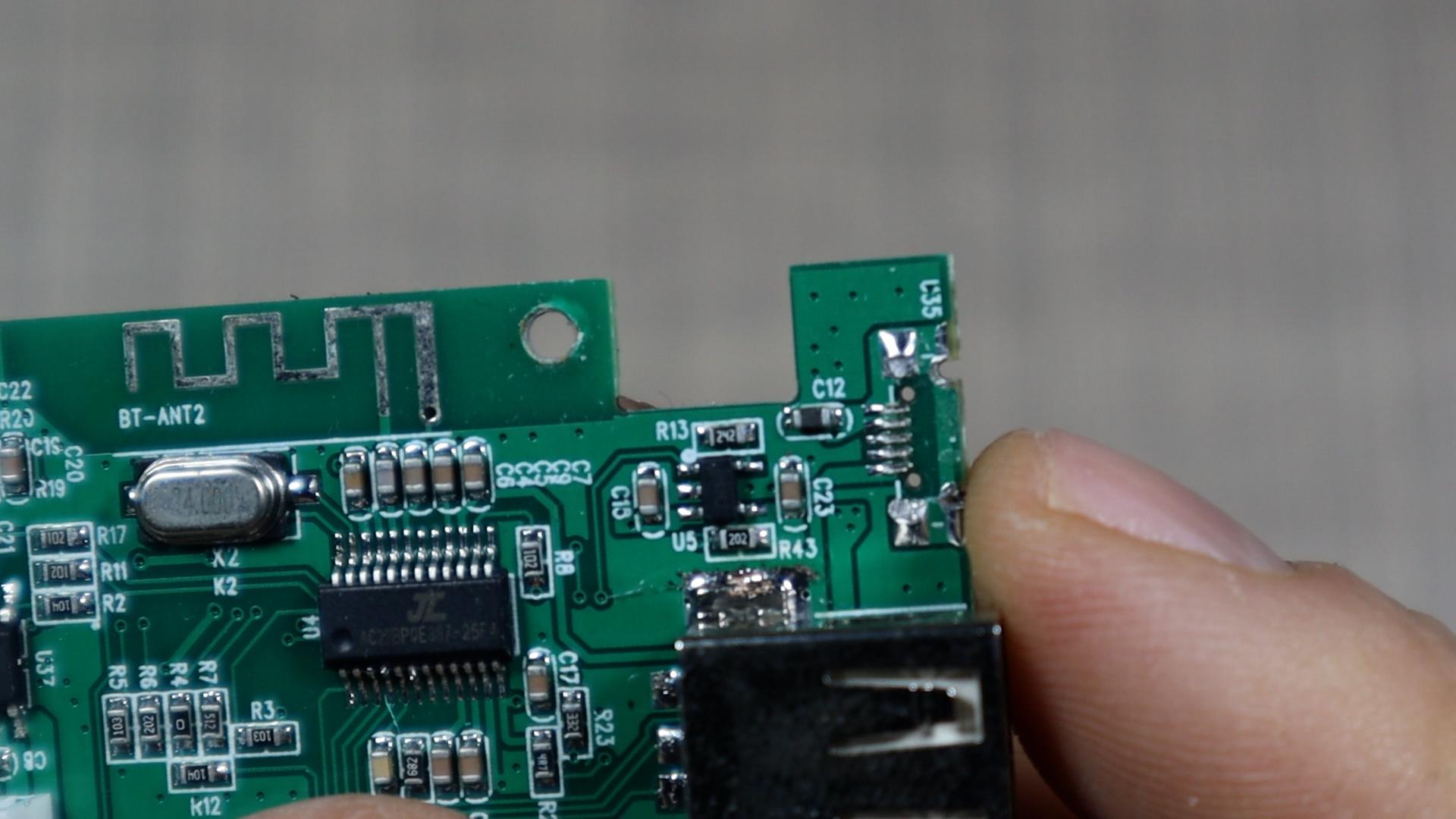

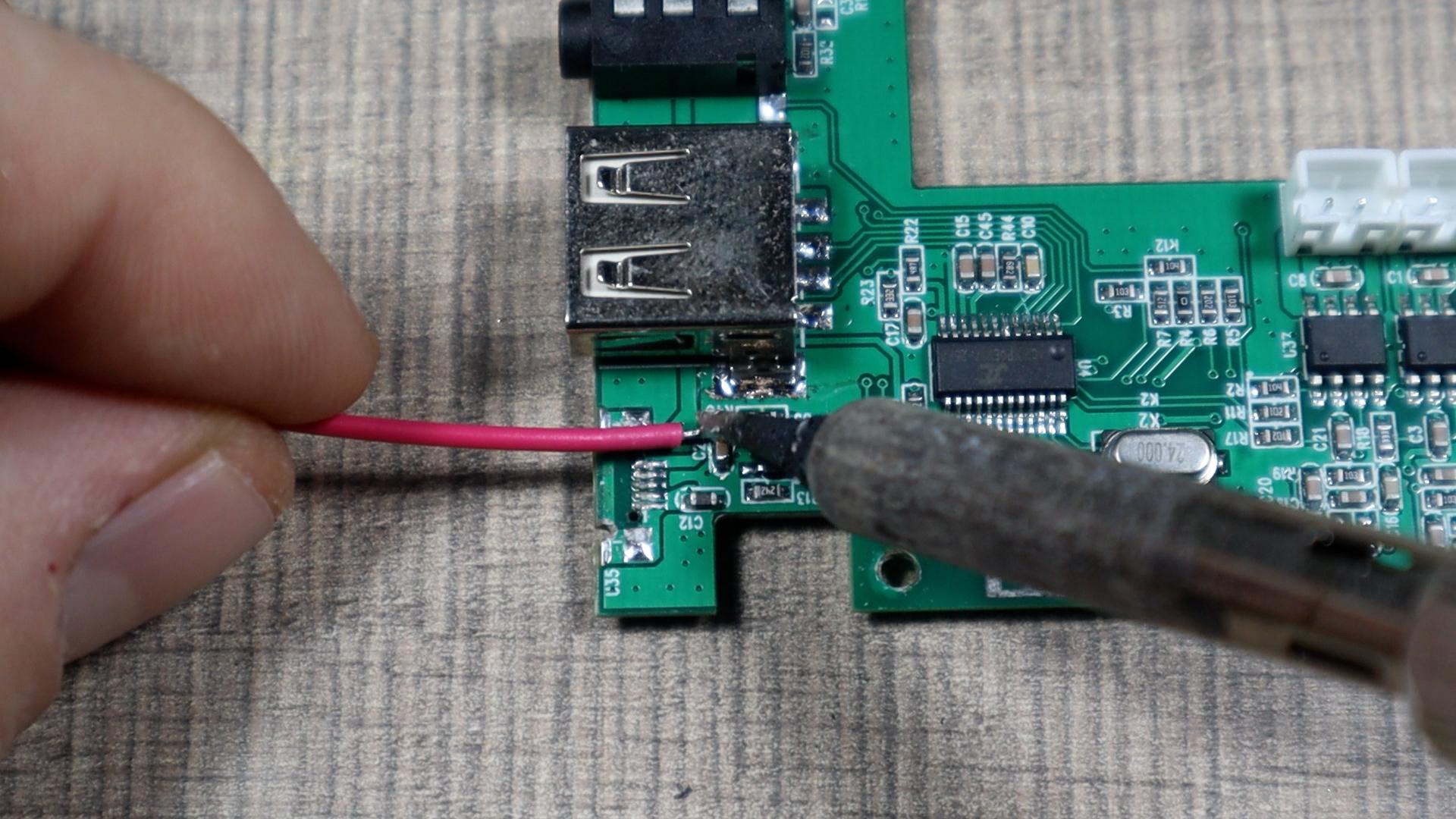

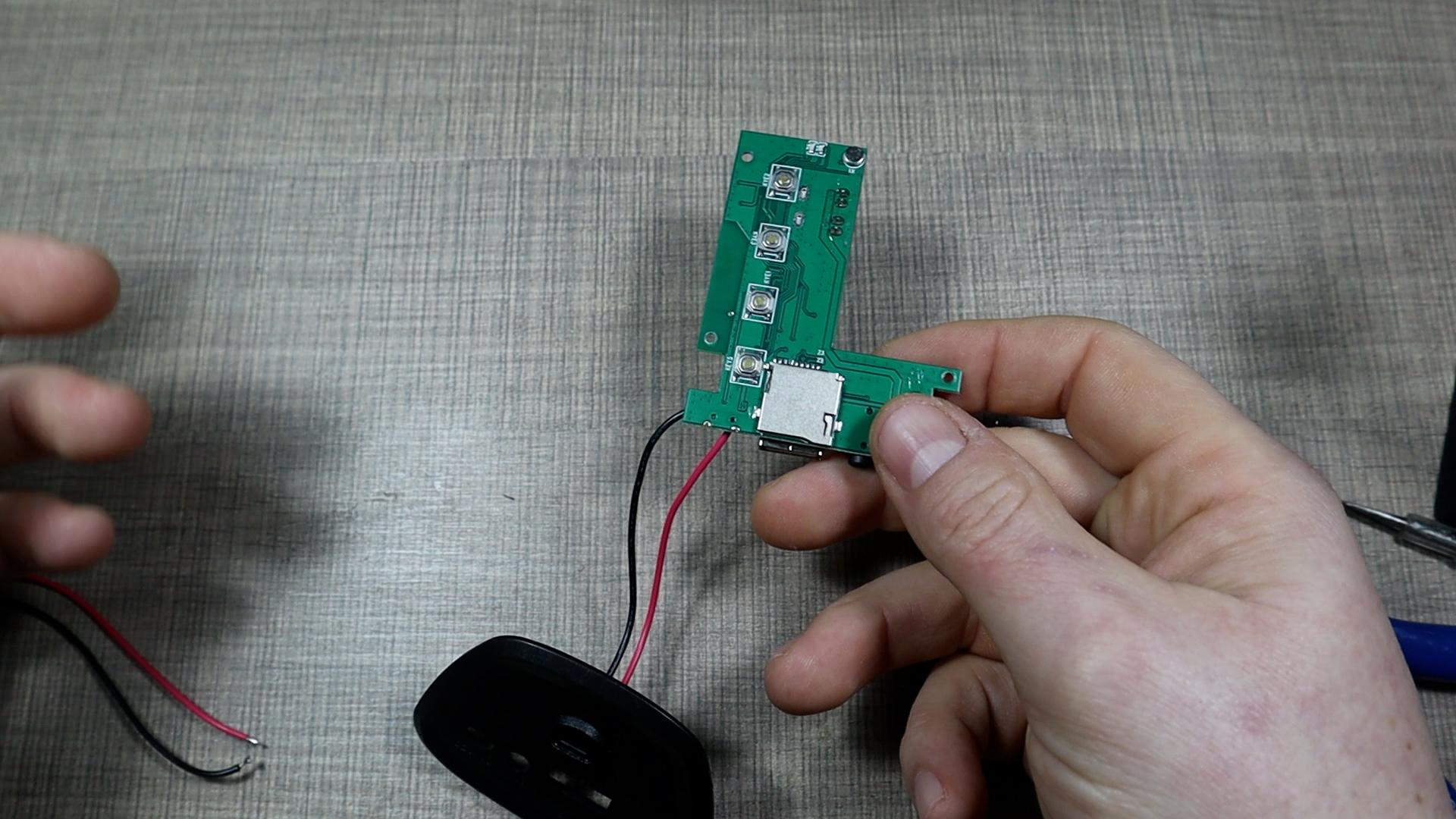
To connect the USB-C breakout board, you need to locate where the original port fed power into the circuit. On these speakers, the positive pin of the old port led directly into a capacitor on the power rail. Since capacitors sit across positive and negative lines, they’re perfect landmarks.
I soldered the positive wire from the USB-C module to the positive side of the capacitor, then traced the negative rail to an inductor and soldered the ground wire there. The traces were easy to follow, and using these test points ensured a secure, reliable connection.
Install the New USB-C Connector
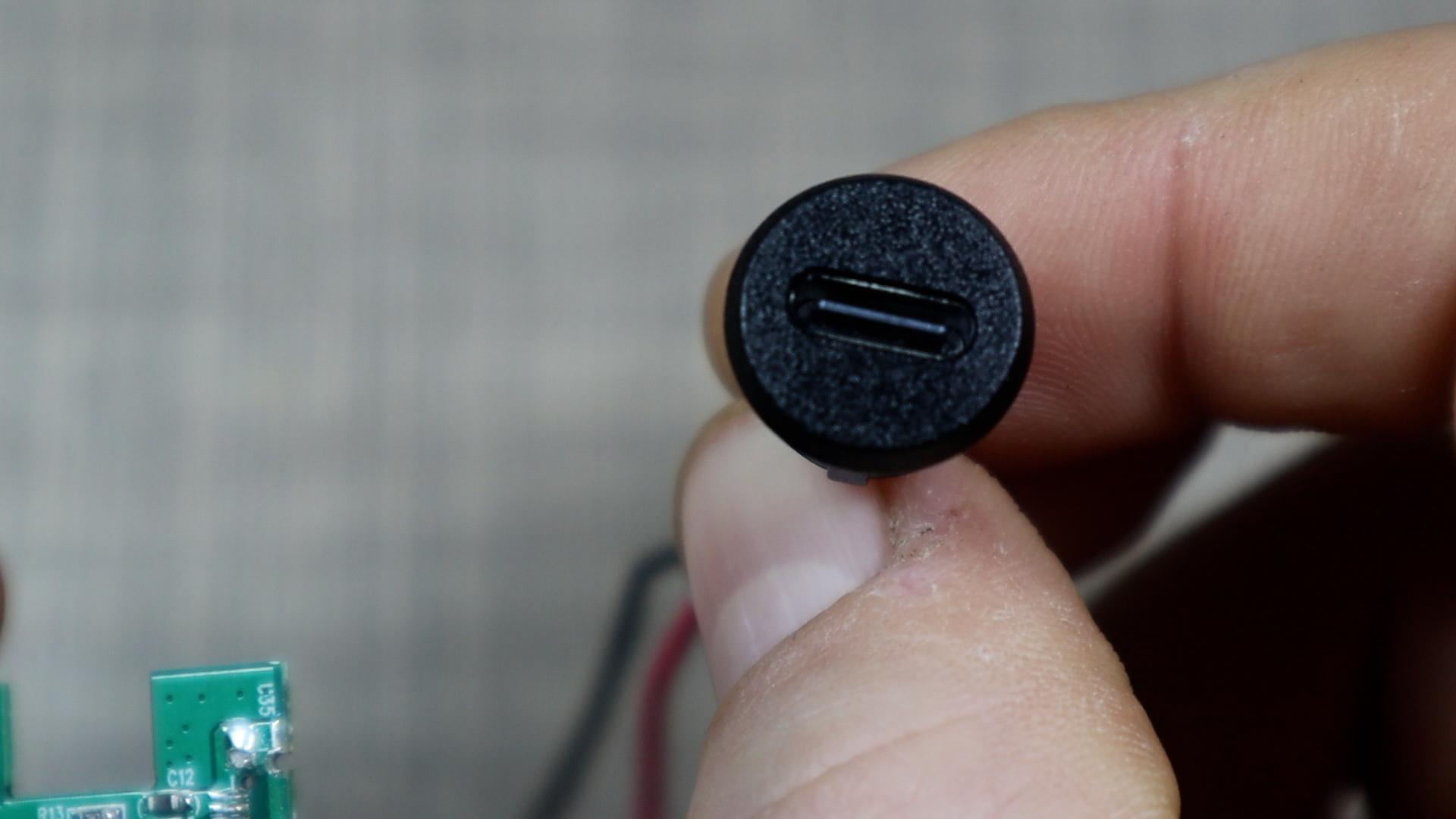

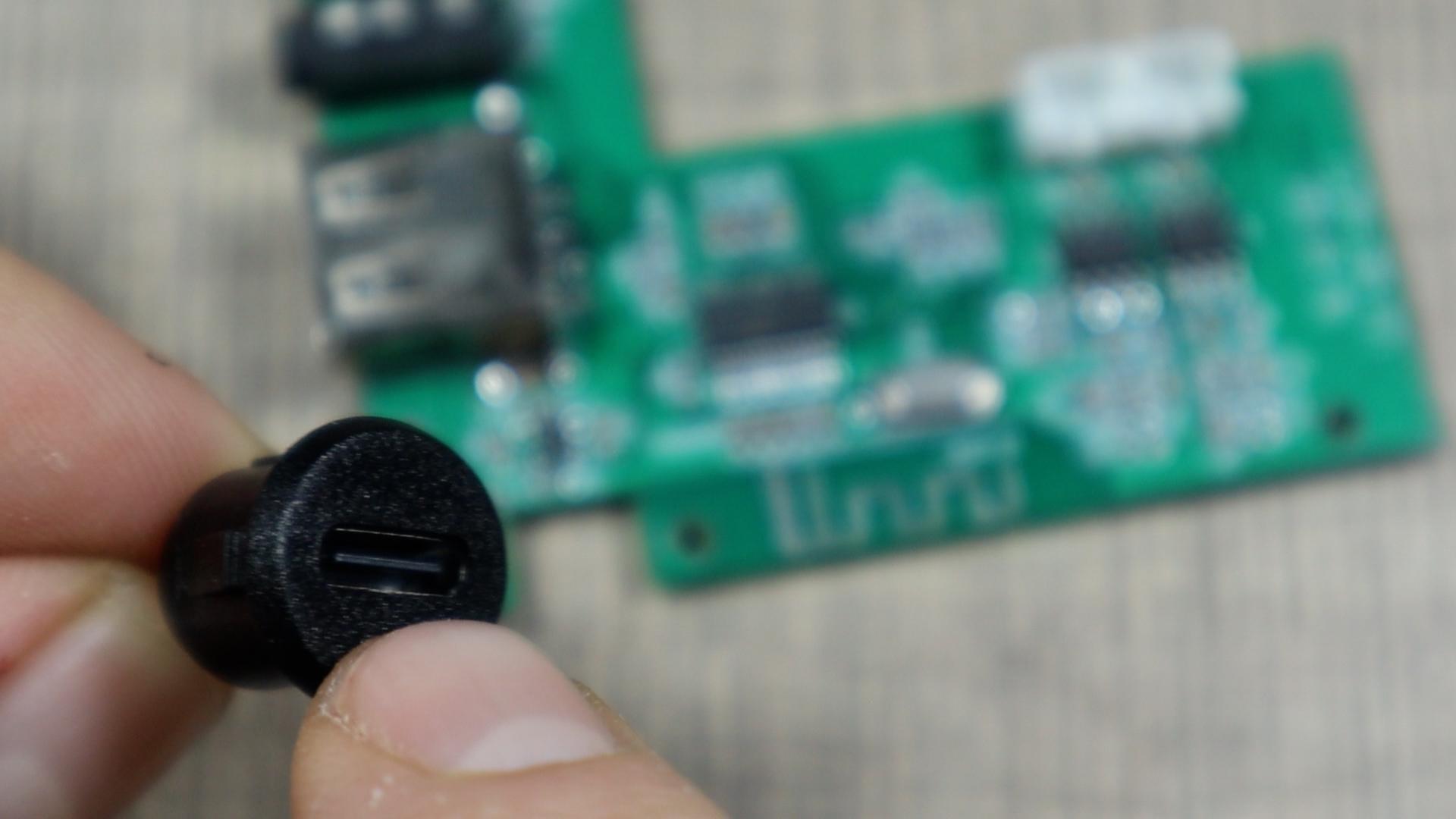
These USB-C breakout boards are enclosed in a round plastic shell that fits cleanly through a 12 mm drilled hole. Drill a hole in the housing where the original port was located, or wherever it fits best without interfering with internal components.
Pass the connector through the hole before soldering because once the wires are attached, you won’t be able to feed it through. With the breakout placed in its final position, solder the wires to the PCB. A quick test with a USB-C cable should now show power flowing. In my build, the tiny onboard LED lit up immediately, confirming charging had begun.
Close the Enclosure
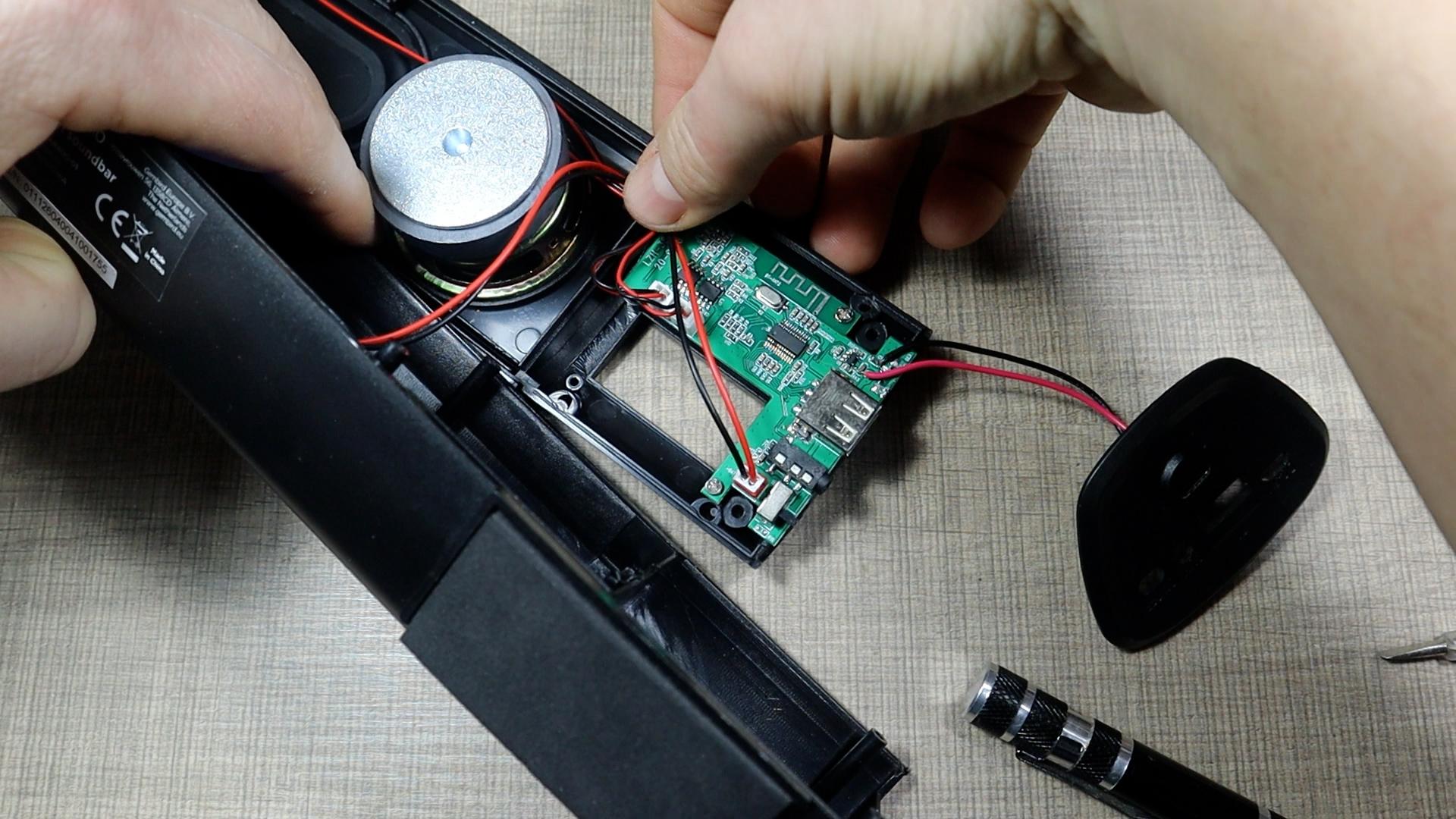
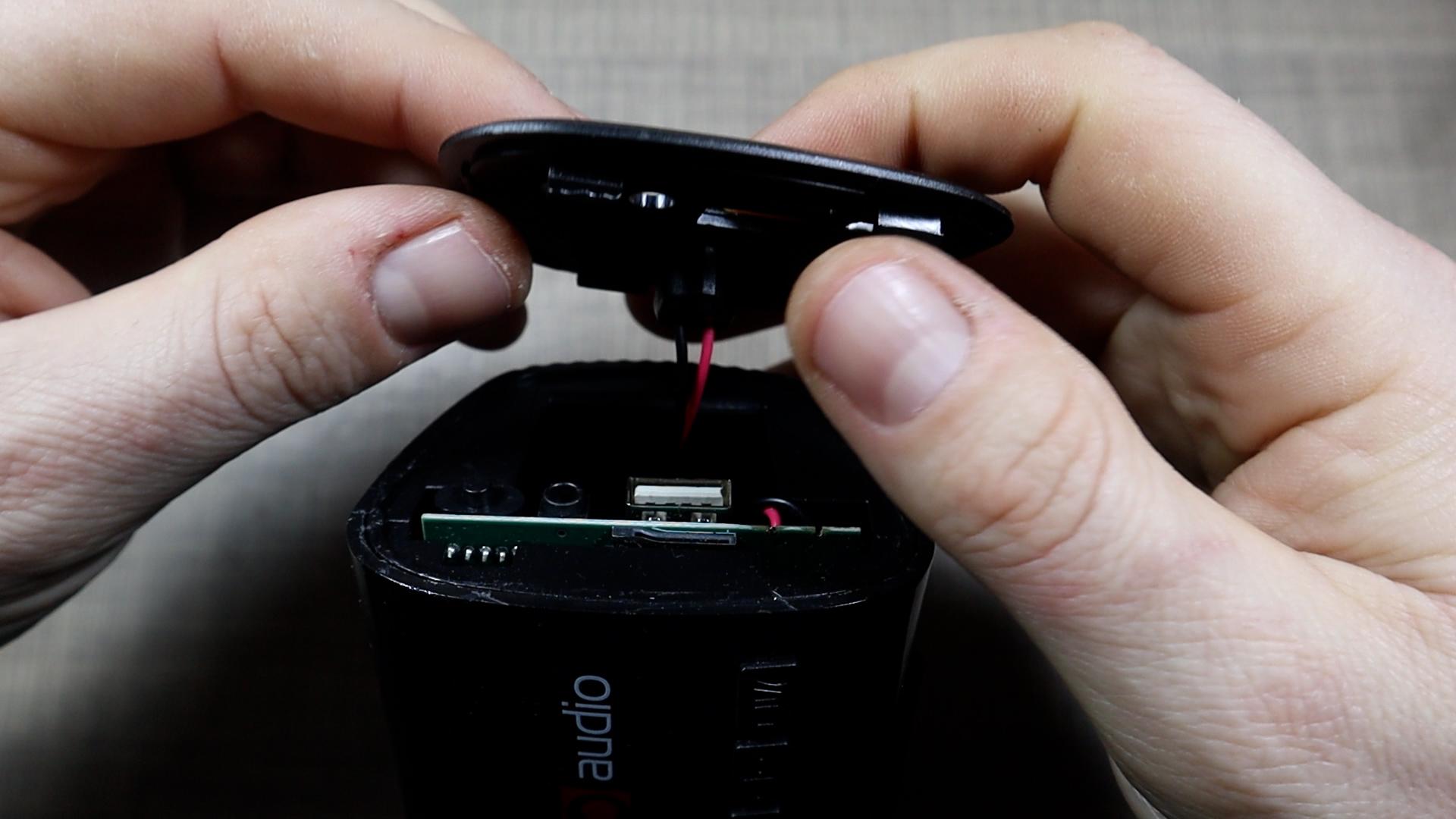
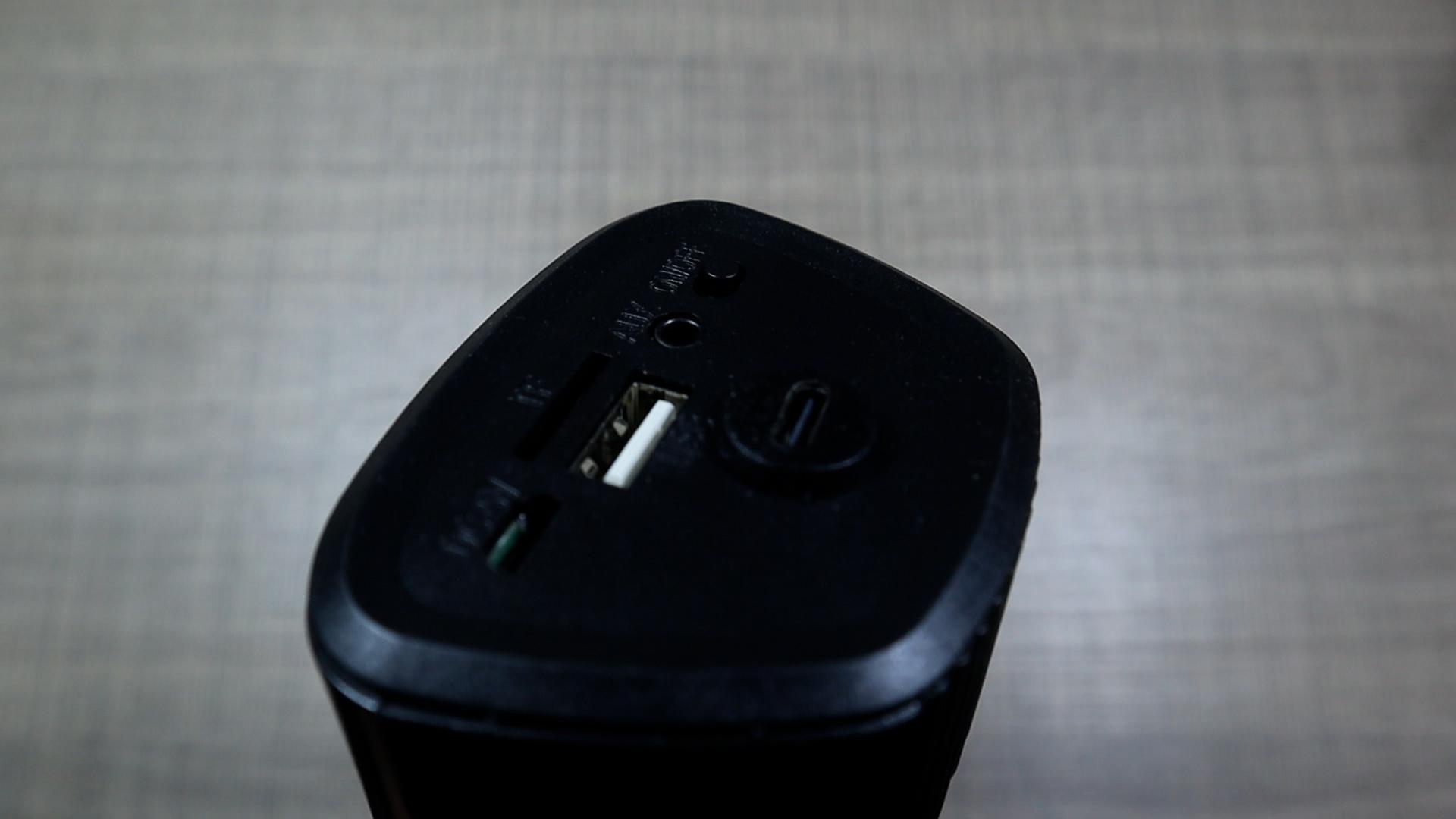
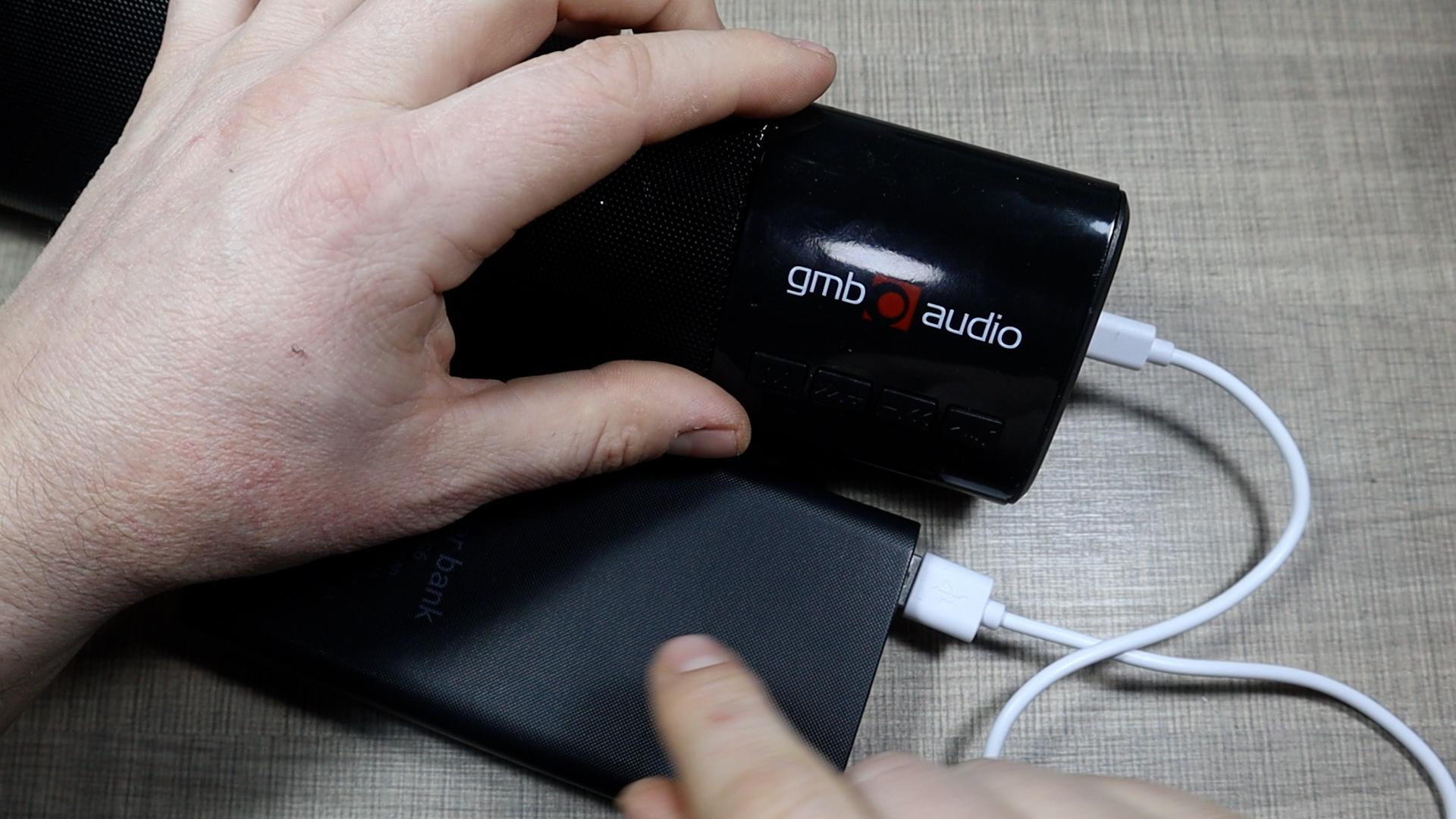
Once the charging function is verified, begin tucking the wires neatly back inside so they don’t get pinched. Carefully realign both plastic halves of the speaker and reinstall the screws. Make sure the USB-C connector sits snugly and doesn’t rotate or loosen.
After closing the speaker, plug it in again to double-check. The LED indicator should glow through the case (as seen in the video), proving everything is working even with the shell secured. It’s always worth this final check before calling the repair complete.
Repeat for Additional Speakers or Device
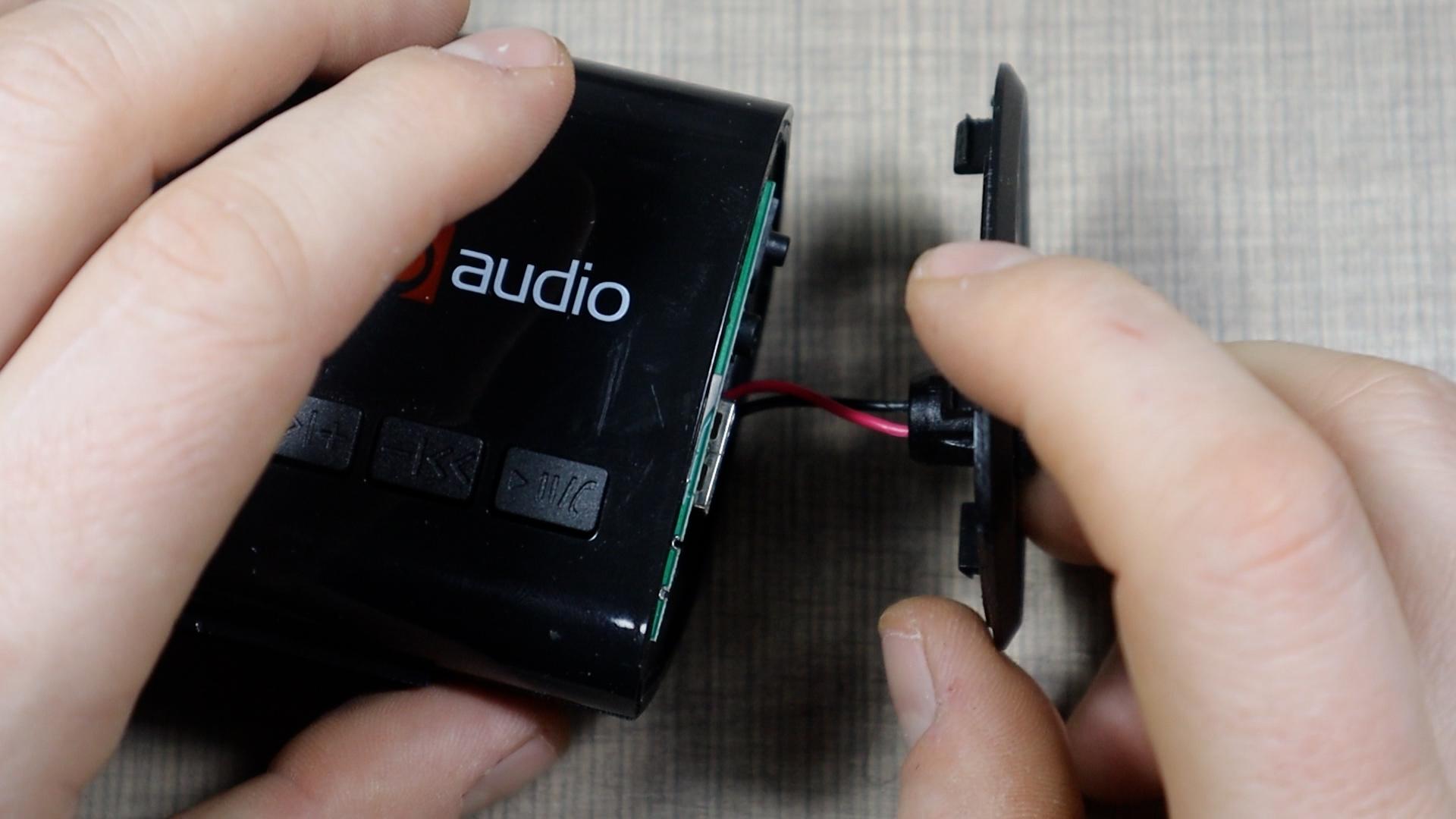
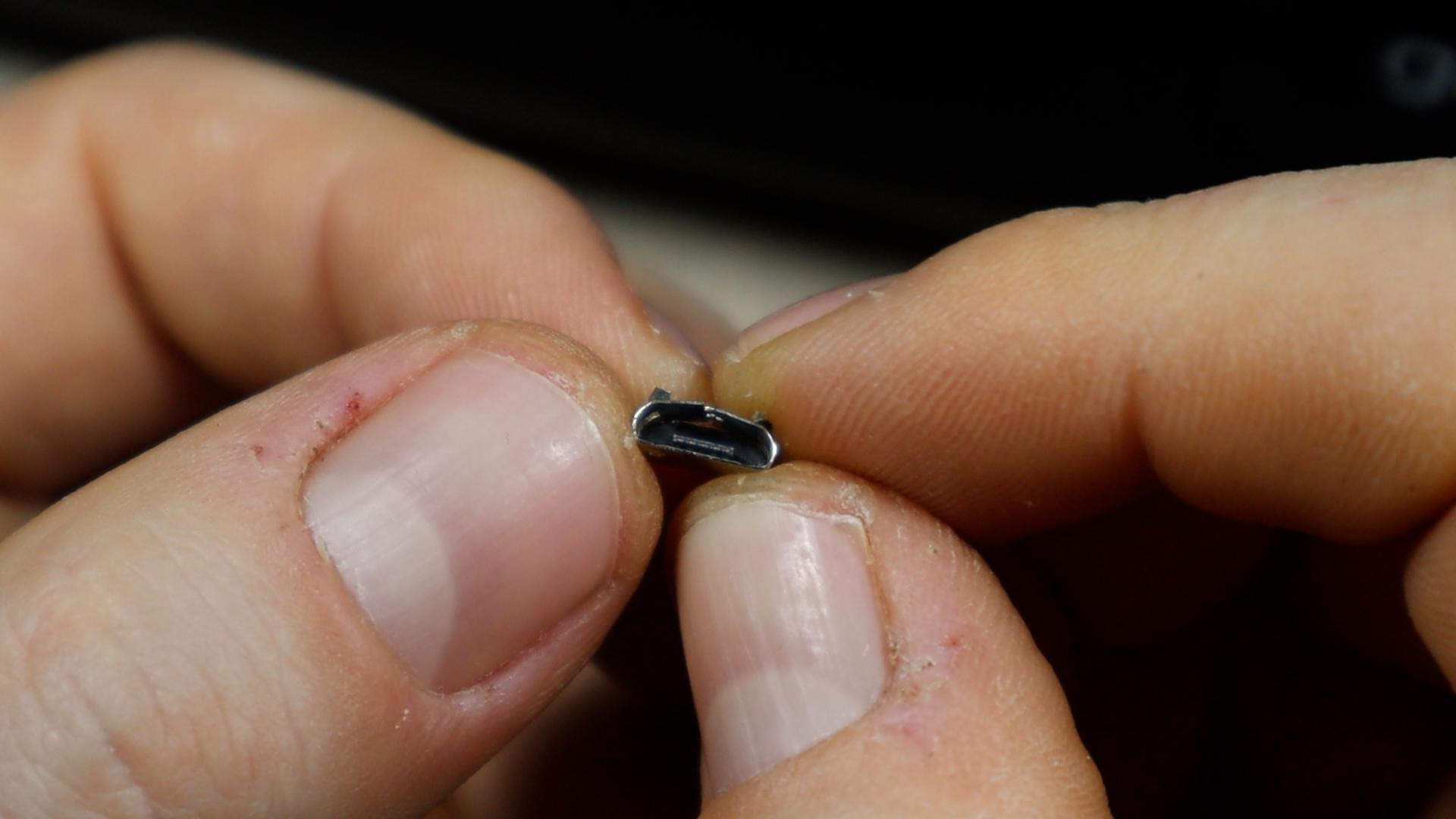

If you're repairing more than one device, repeat the identical process. On the second speaker, the original port was still inside but badly bent and unusable. Replacing it with another USB-C breakout resulted in a tighter, cleaner, and more durable charging solution than the original setup.
Doing multiple units back-to-back also makes the workflow faster since the steps and solder points are fresh in your mind. You’ll likely find the second repair goes even smoother than the first.
Why USB-C Is a Great Upgrade
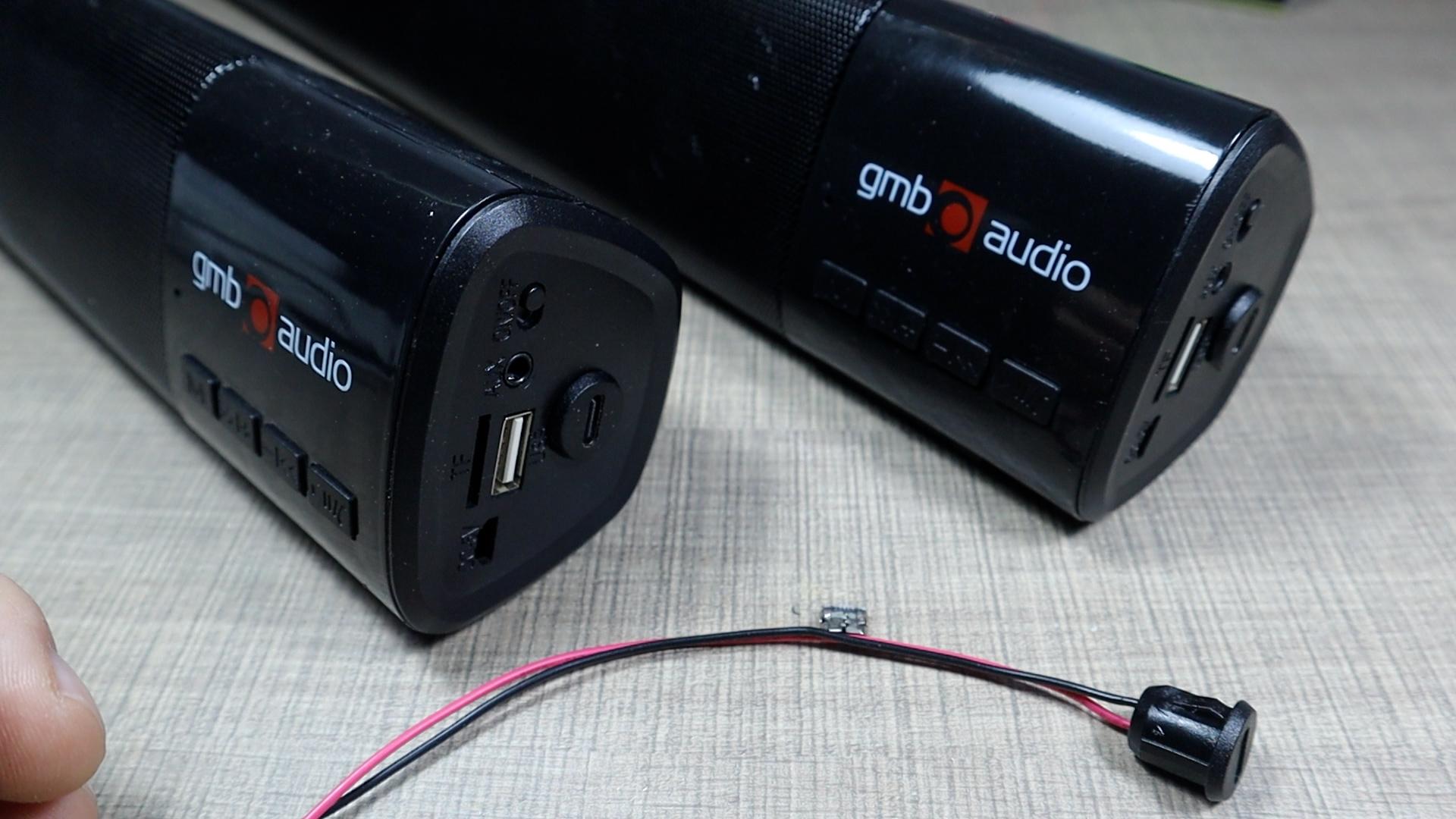
With both speakers reassembled and charging properly, the repair proved to be inexpensive, quick, and surprisingly sturdy. USB-C connectors are widely available, cost just a few dollars, and bring modern compatibility to older devices that were otherwise destined for the trash.
If you want to follow along visually, check out the full video tutorial where you can see each step in action, including live testing and the satisfying moment the LED lights up again.
If you enjoy practical electronics fixes like this, be sure to subscribe and check out future repair guides!