I Turned a Push Toy Into a Smart RC Car
by knkudari in Workshop > Cars
629 Views, 7 Favorites, 0 Comments
I Turned a Push Toy Into a Smart RC Car

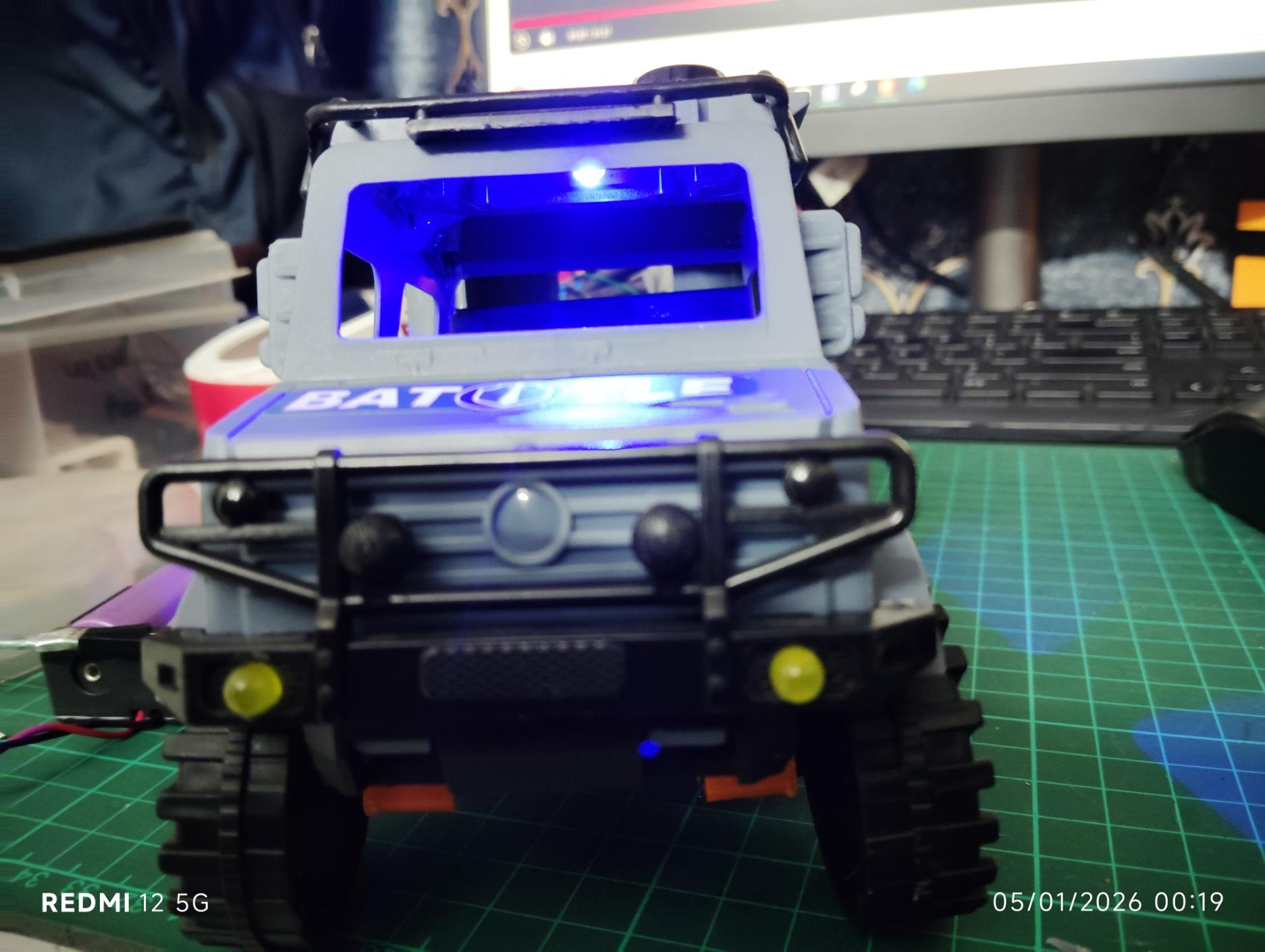
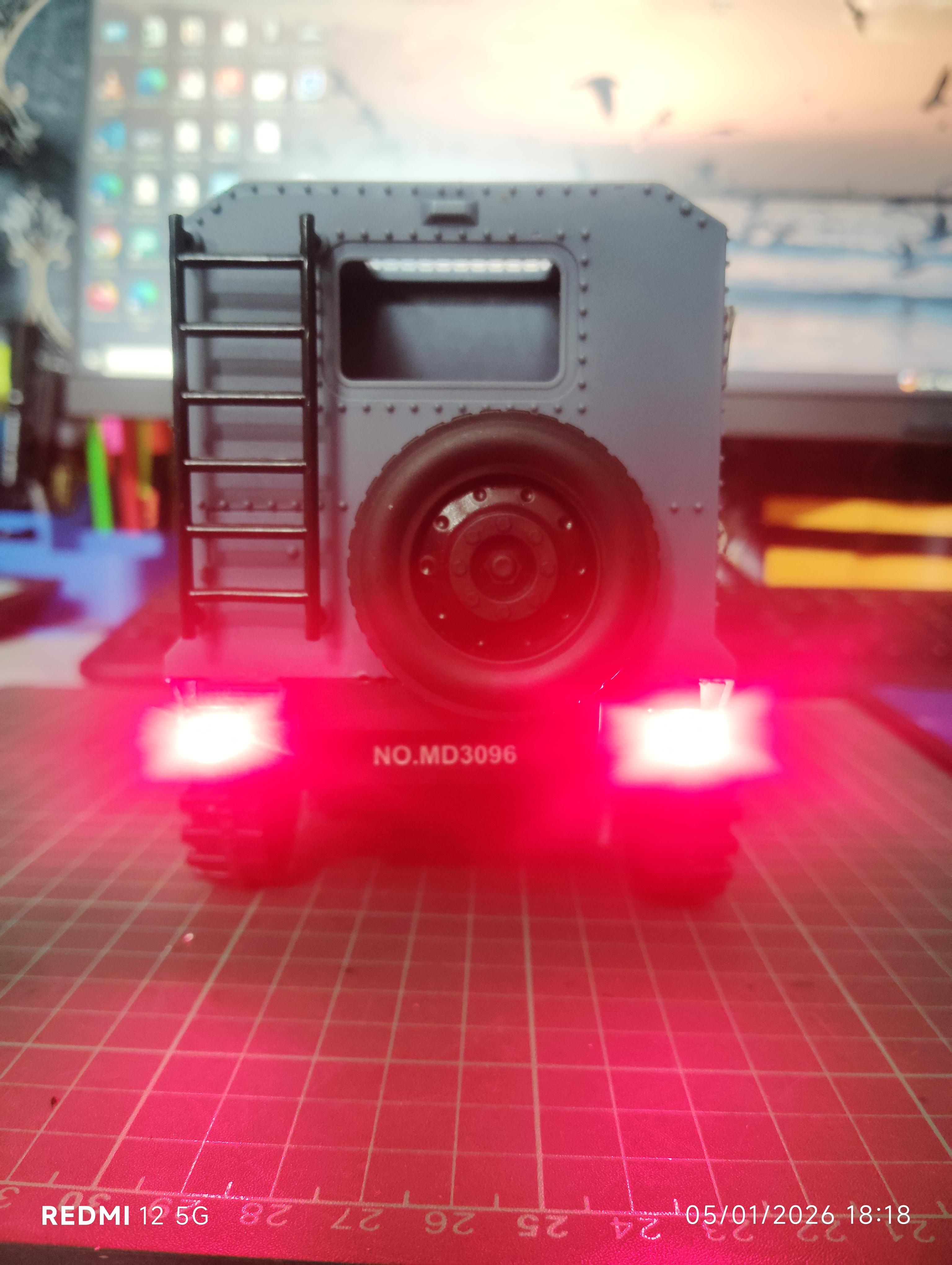
Most people buy an RC car.
I engineered one—starting from a simple push toy.
In this project, I show how I converted a basic toy car into a motorized, steerable, LED-equipped smart RC car using Arduino, 3D-printed parts, and embedded electronics. This build is perfect if you’re into DIY electronics, robotics, mechatronics, or Arduino projects.
🧰 What You’ll Learn
- How to motorize a push toy using a DC geared motor
- How to design and 3D print a servo-based steering system
- How to add realistic vehicle lighting
- How to plan Bluetooth + RC hybrid control
- Practical system integration (mechanics + electronics)
Supplies
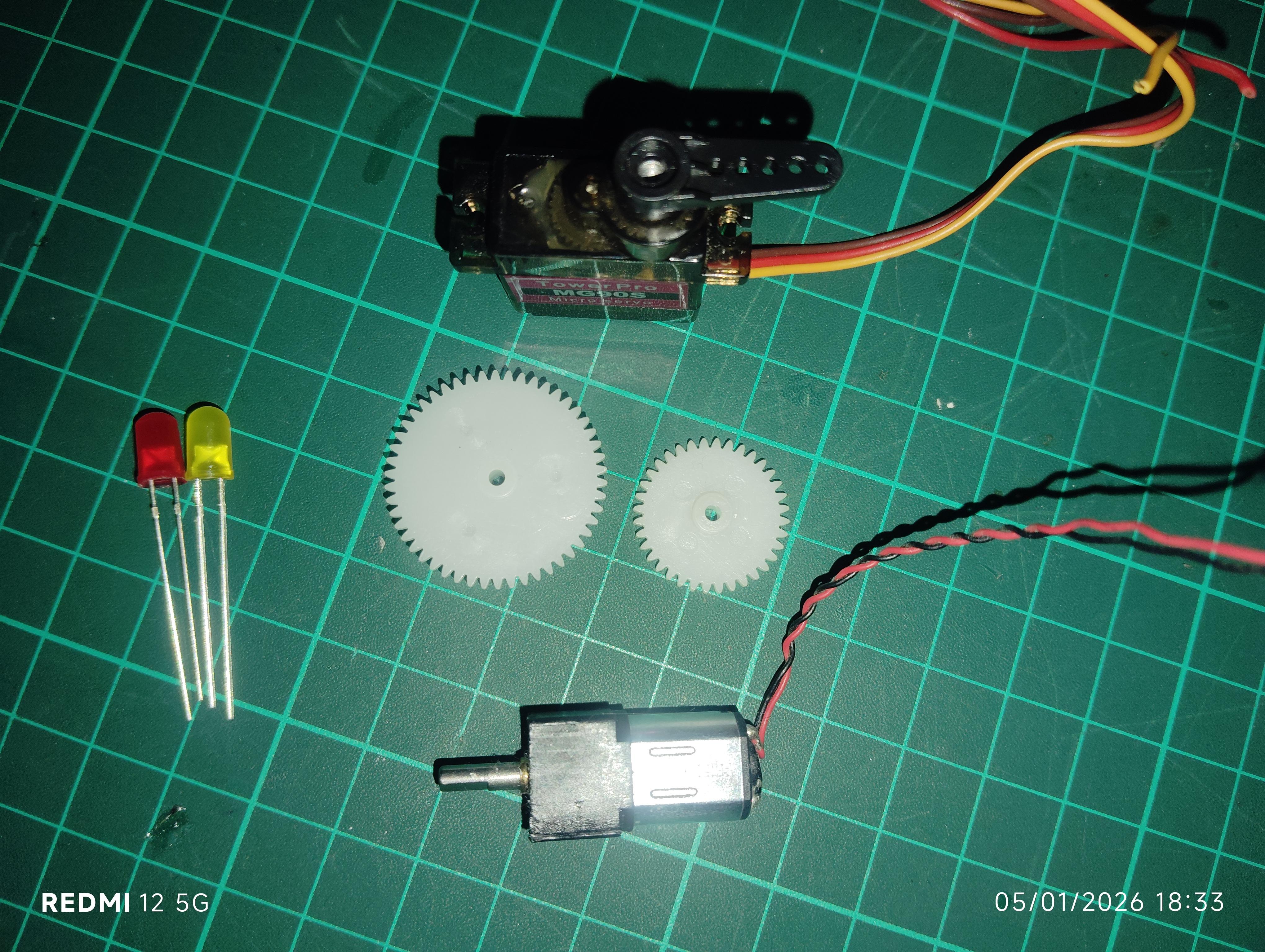
Electronics
- Small geared DC motor
- SG90 micro servo motor
- Arduino / NodeMCU (planned control)
- 5 mm LEDs:
- Yellow (headlights)
- Red (rear lights)
- Blue (interior)
- Resistors for LEDs
- 7.5 V battery pack
- Wires, connectors
Mechanical
- Spur gears
- 3D-printed steering components
- Screws, shafts, couplers
Tools
- 3D printer
- Soldering iron
- CAD software
- Basic hand tools
Convert the Push Toy Into a Motorized Car

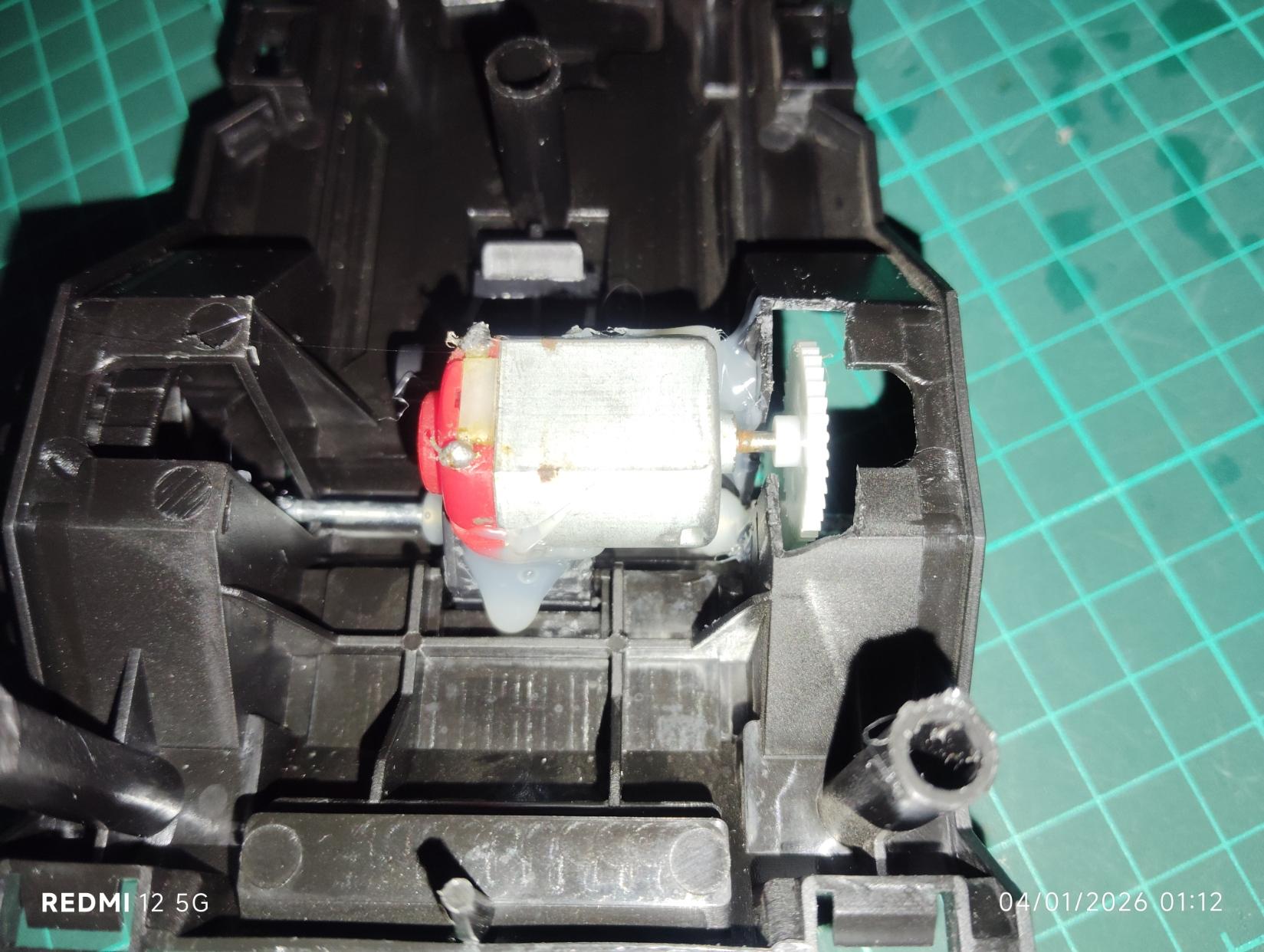
The original toy relied entirely on hand push.
I removed the push mechanism and:
- Installed a small geared DC motor
- Used a spur gear system to rotate the wheel
- Ensured good torque for smooth motion
This single step transforms the toy into a real RC platform.
Design & 3D Print the Steering System
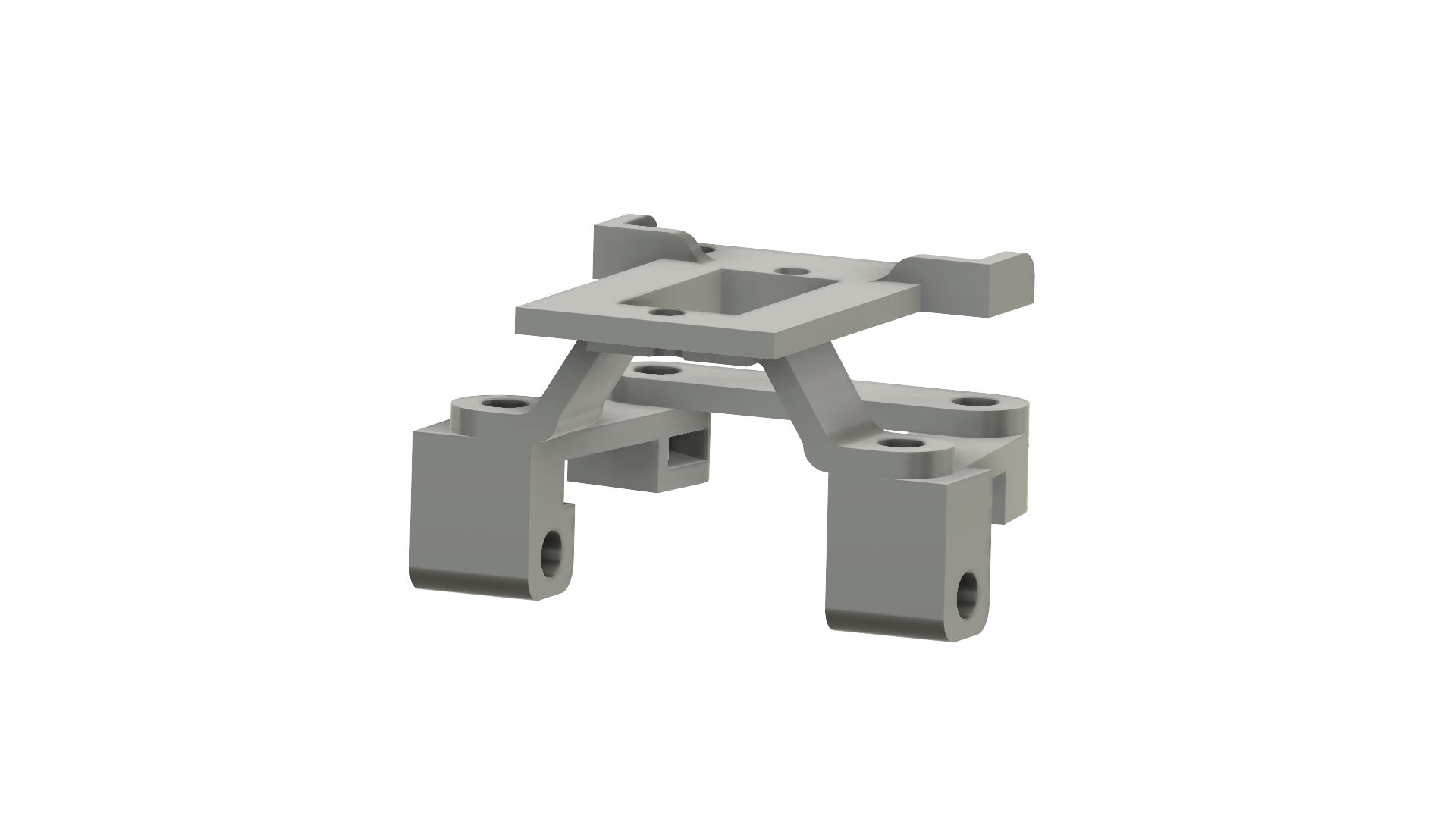
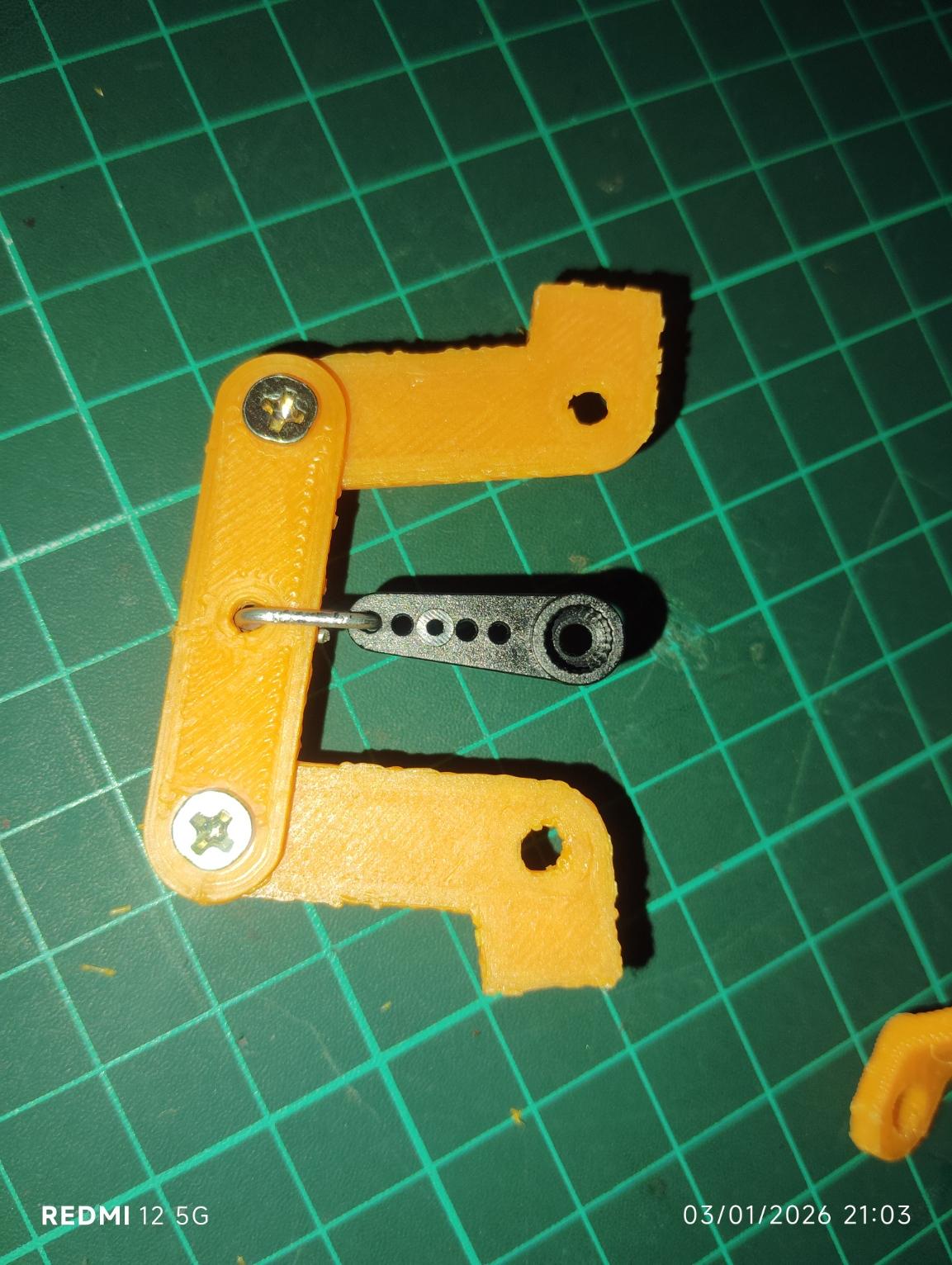

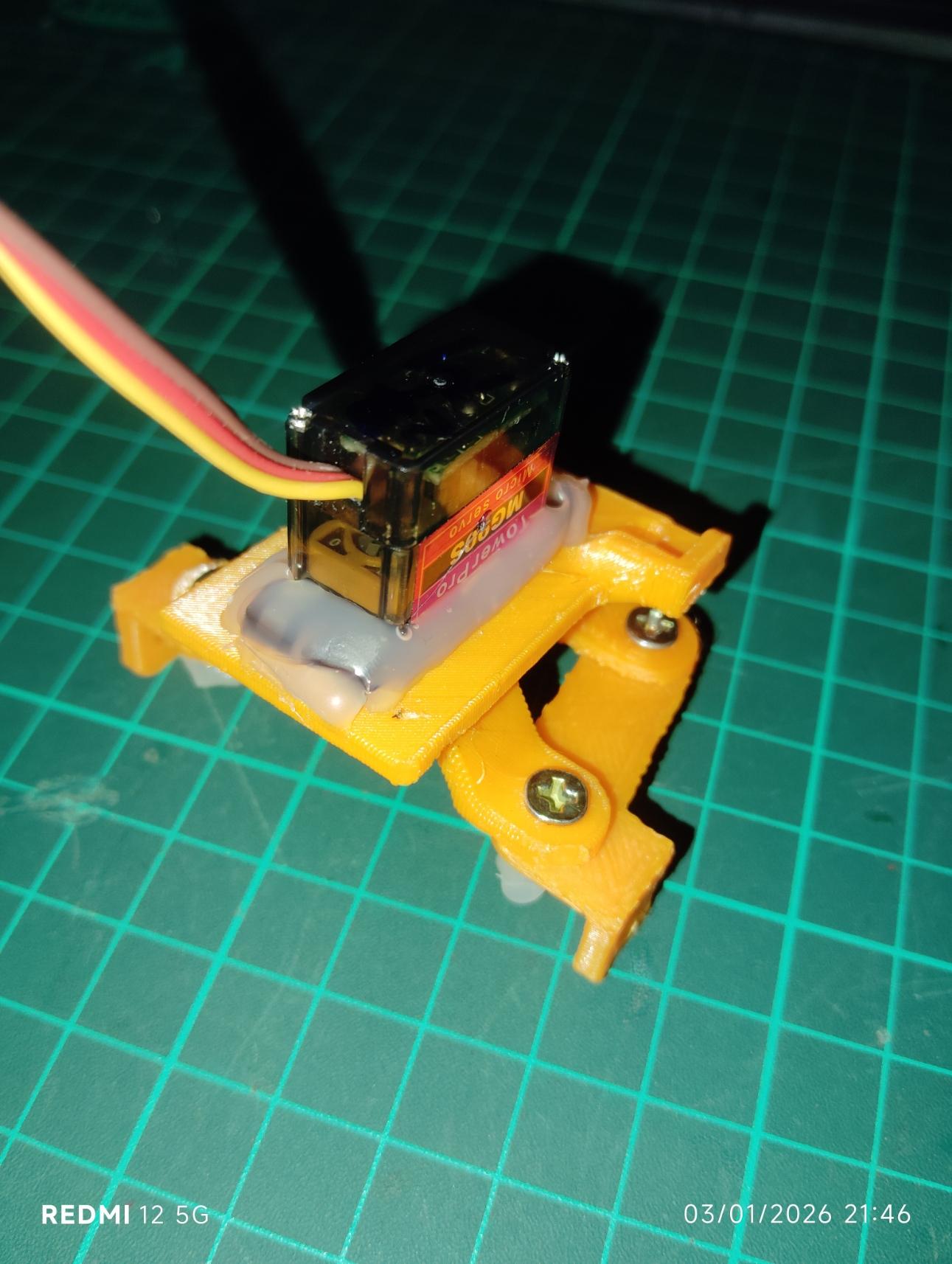
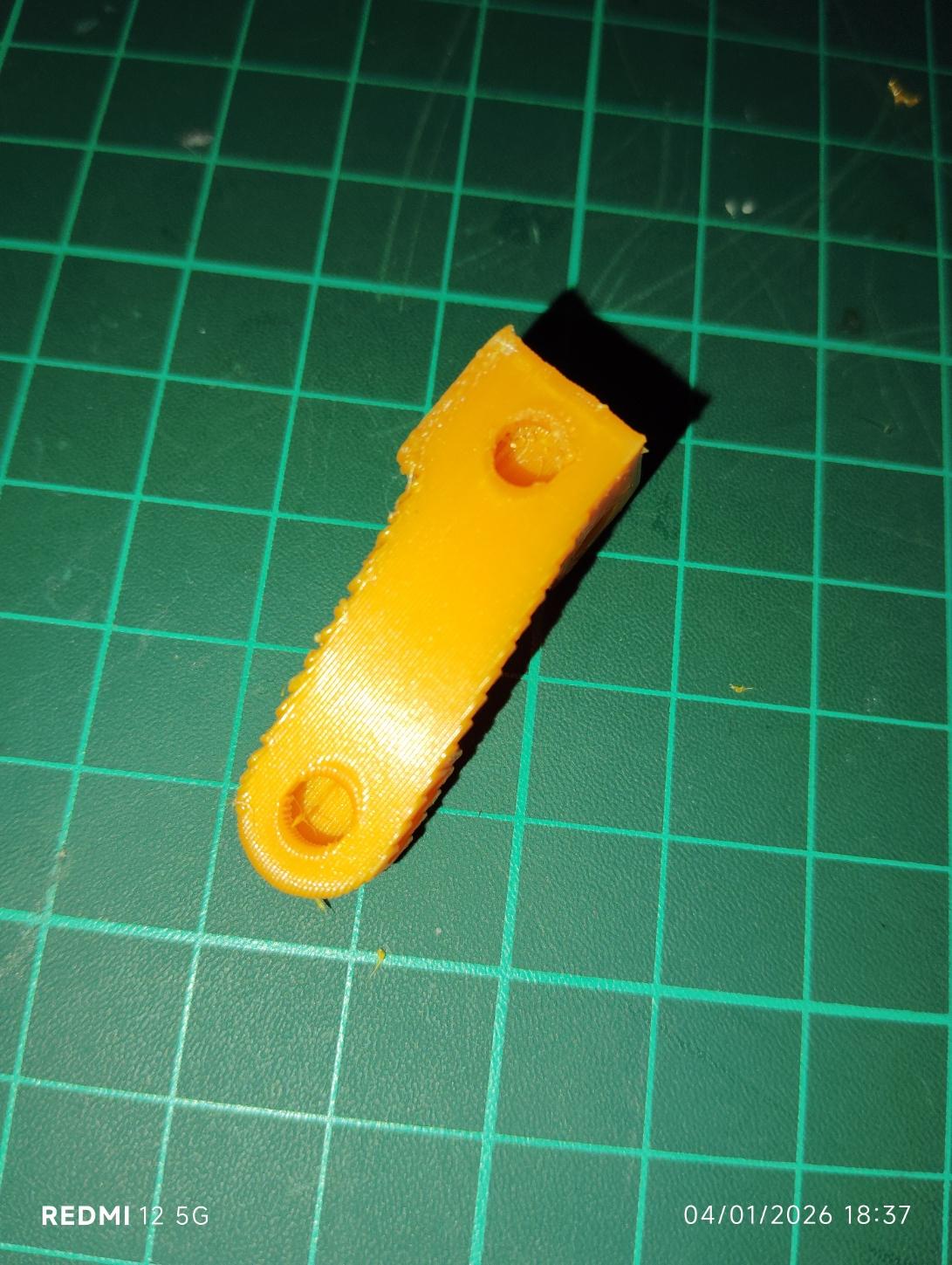

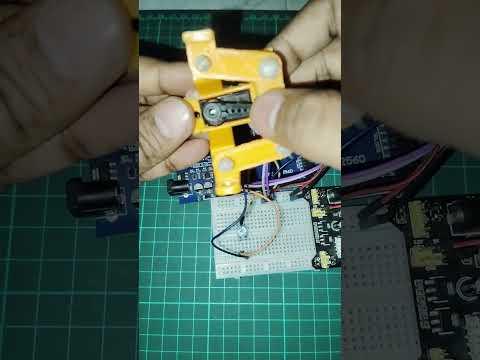
Instead of using ready-made RC steering parts, I designed my own using Fusion 360 and then 3D printed it. The steering has been made via following steps:
- Steering geometry designed in Fusion 360 software
- Parts 3D printed for easy iteration
- Steering controlled using an SG90 servo
- Servo motion converted into left–right wheel steering
This is where 3D printing really shines—custom parts, fast testing, low cost.
Add Vehicle Lighting (Looks + Learning)
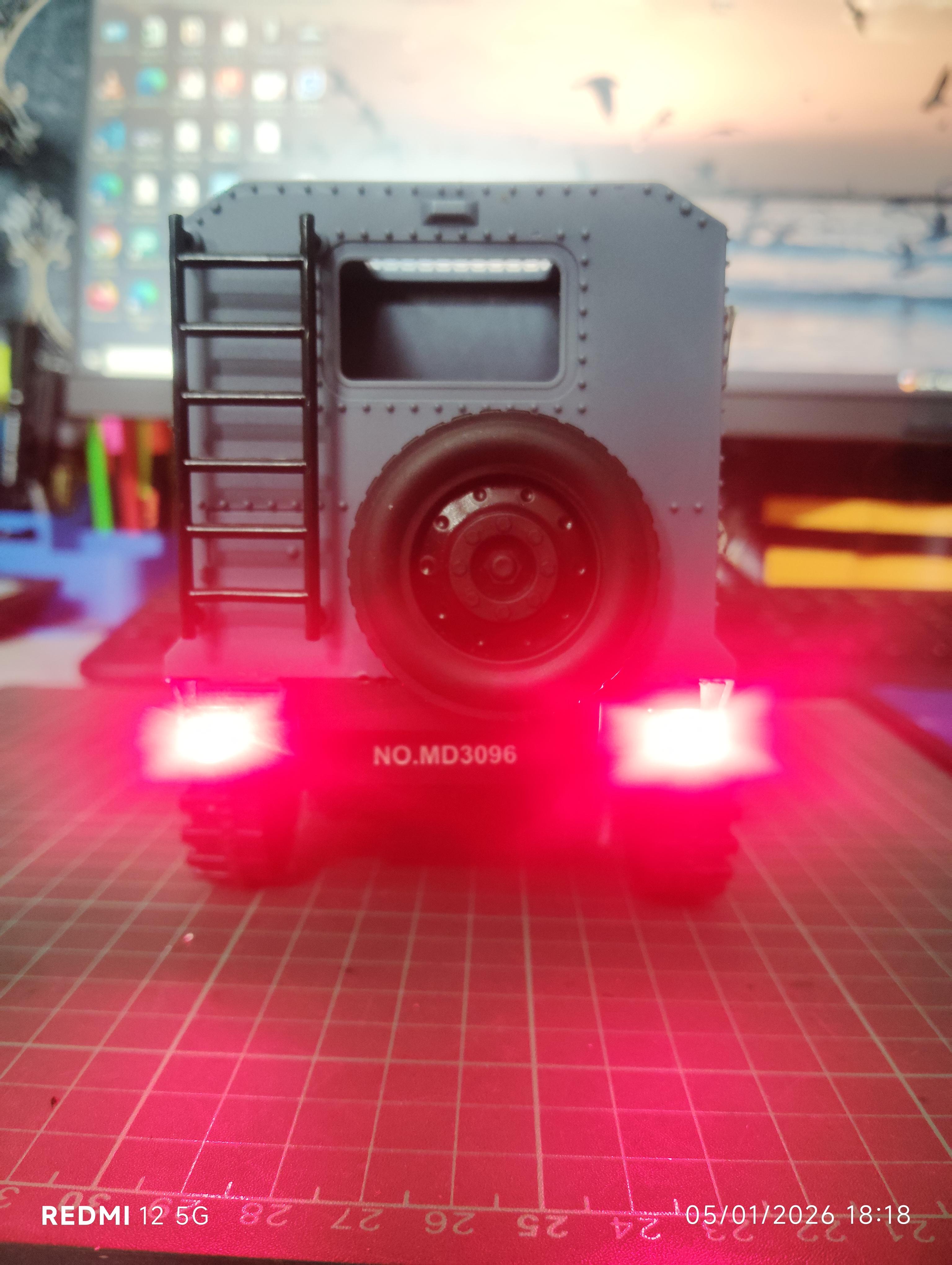
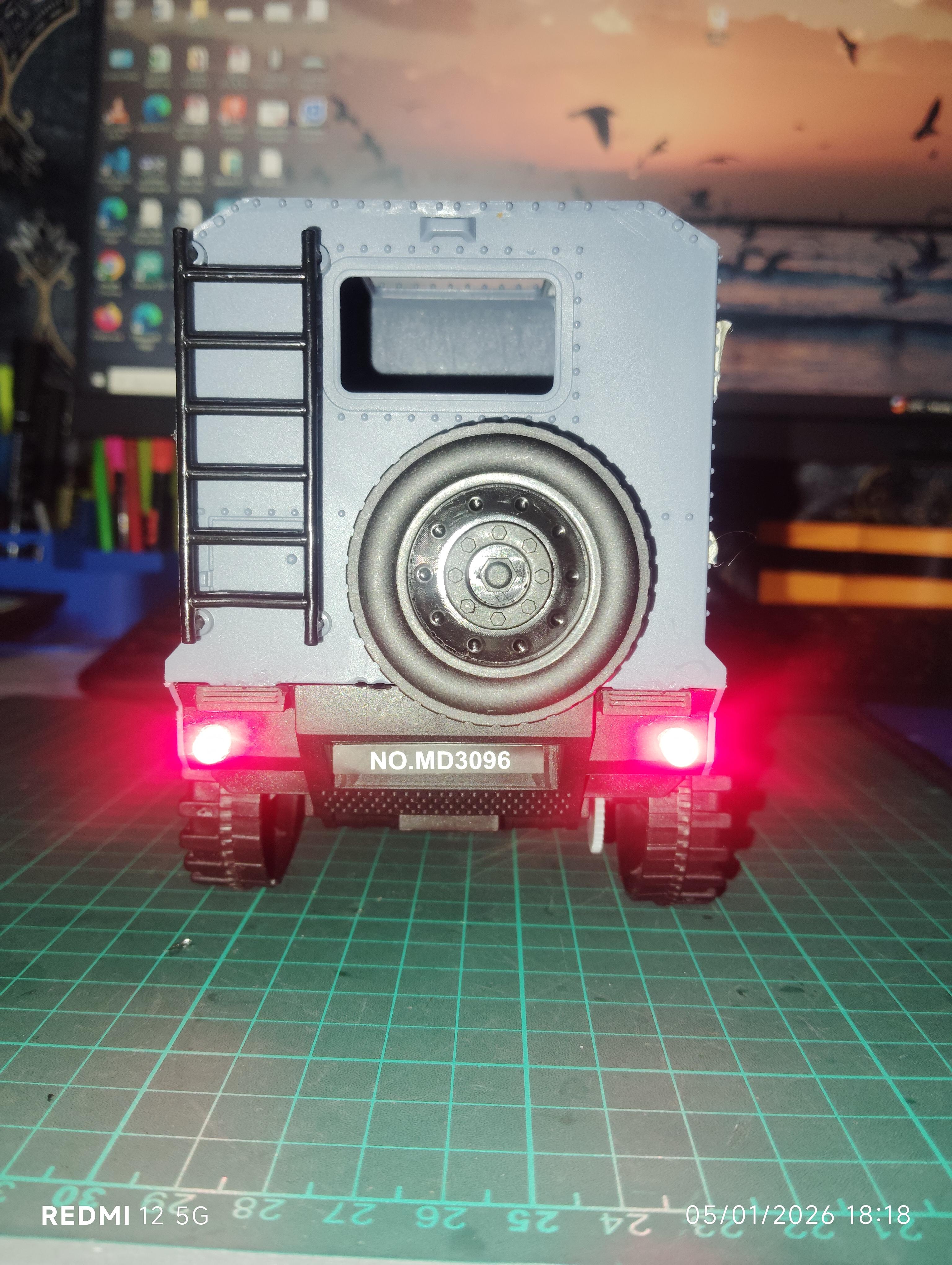

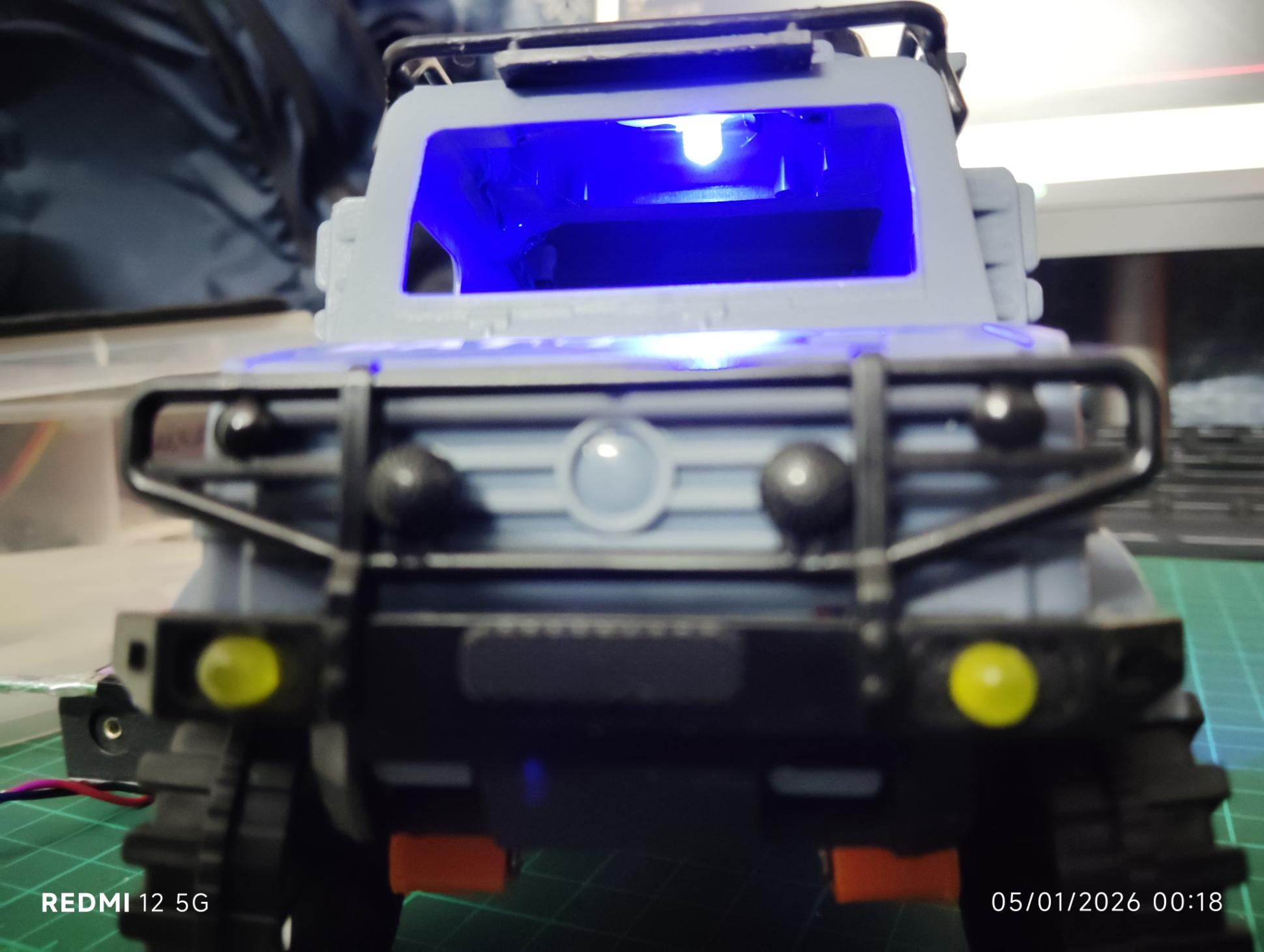
To make the car look realistic and more fun, I added LEDs:
- 🚘 Yellow LEDs as front headlights
- 🔴 Red LEDs as rear lights
- 🔵 Blue LED as interior lighting
This step is great for learning:
- LED wiring
- Current limiting
- Microcontroller output control
Power System
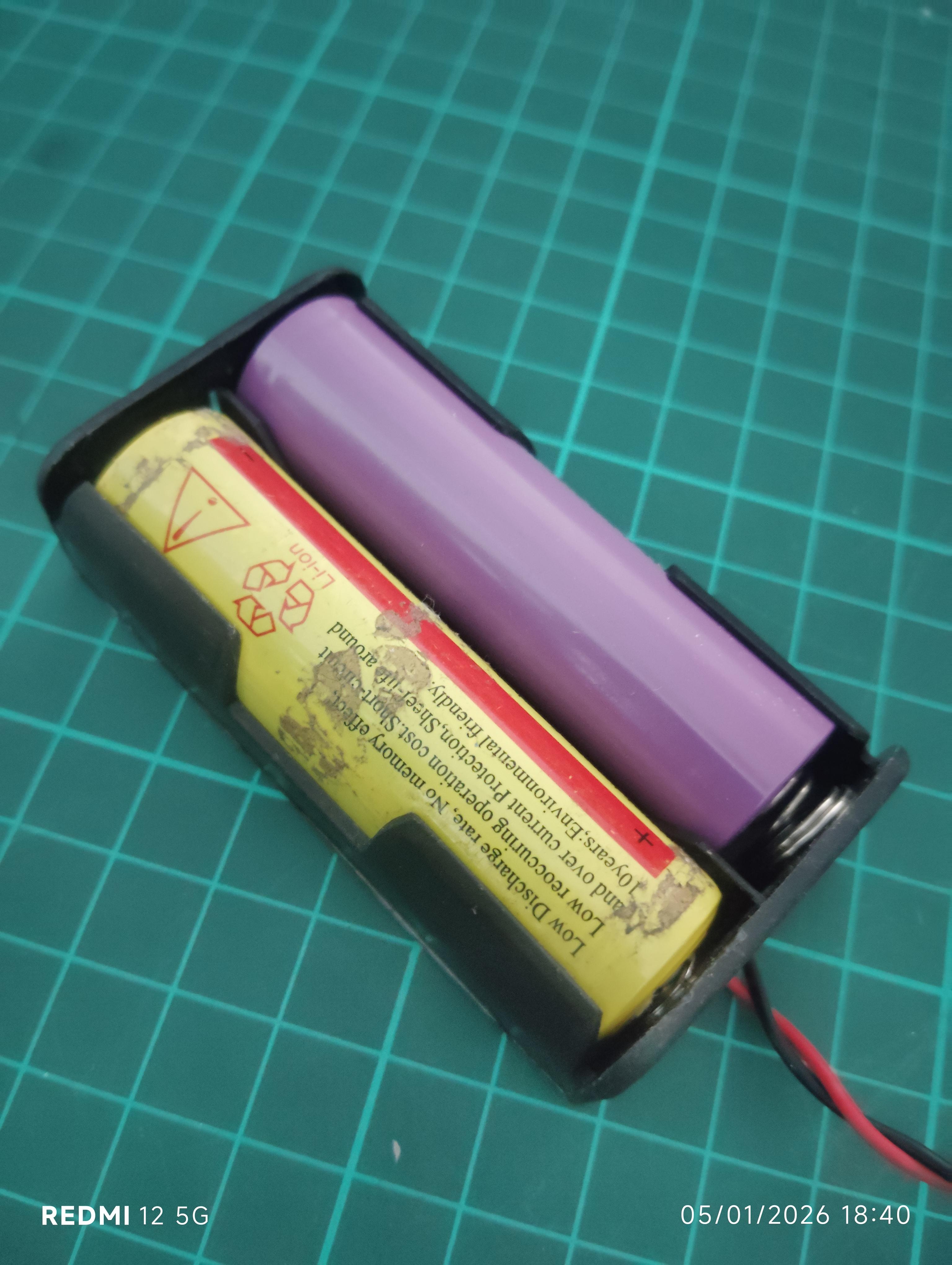
The entire system is powered using a 7.5 V battery pack, chosen to handle:
- DC motor load
- Servo current spikes
- LED circuits
- Microcontroller regulation
Proper power planning keeps the system stable and safe.
Control System (RC or Bluetooth)


Planned Control Methods:
- RC transmitter–receiver control
- Traditional RC driving experience
- Parallel control option for learning comparison
- Bluetooth control using Arduino / NodeMCU
- Smartphone or Bluetooth remote
- Control motor, steering, and lights
Right now RC controller is being used to control this car.
Why This Project Is Worth Building
This isn’t just a toy hack—it’s a complete mechatronics learning project.
You’ll gain hands-on experience with:
- Mechanical power transmission
- Servo-based steering
- Embedded systems
- Arduino robotics
- 3D printing for functional parts
Perfect for:
- Students
- Makers
- Robotics beginners
- STEM educators
Final Thoughts
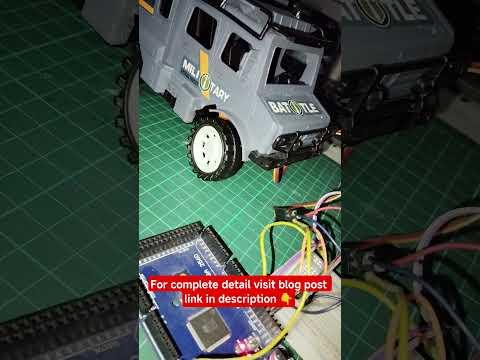
If you’re looking for a DIY Arduino RC car project that combines electronics, mechanics, and 3D printing, this build is a great place to start.
If you enjoyed this project, check out TechKnowLab for more hands-on tutorials and real-world prototyping ideas.
👉 Full design explanation, STL files, and future upgrades are documented on my blog:
🔗 https://techknowlab.com/diy-smart-rc-car-using-arduino-and-3d-printing/