Image Capturing by ESP32-CAM Module
by mansiramteke139 in Circuits > Cameras
268 Views, 0 Favorites, 0 Comments
Image Capturing by ESP32-CAM Module

Image Capturing using ESP32-CAM :-
The ESP32-cam Module is a low-cost development board that combines an ESP32 microcontroller with a camera. It supports Wi-Fi and bluetooth connectivity, making it ideal for IOT-based image processing applications.
In this project, the ESP32-CAM is used to capture images either offline (stored in an SD card) or online (uploaded through Wi-Fi). The module used the TY-OV2640-V2.0 camera sensor to capture high-resolution images while maintaining low power consumption.
This small project demonstrates how embedded systems can perform real-time image capturing and data transmission, making it useful for applications such as face recognition system and remote monitoring.
Supplies

Components :-
- ESP32-CAM Module
- ESP32-CAM-MB Programmer
- MicroSD card
- USB Cable (Data cable)
- SD Card reader
About ESP32-CAM


ESP32-CAM:- Wi-fi and bluetooth enabled microcontroller board with an TY-OV2640-V2.0 camera module. It captures images and can store or transmit them over the internet.
About ESP32-CAM-MB Programmer

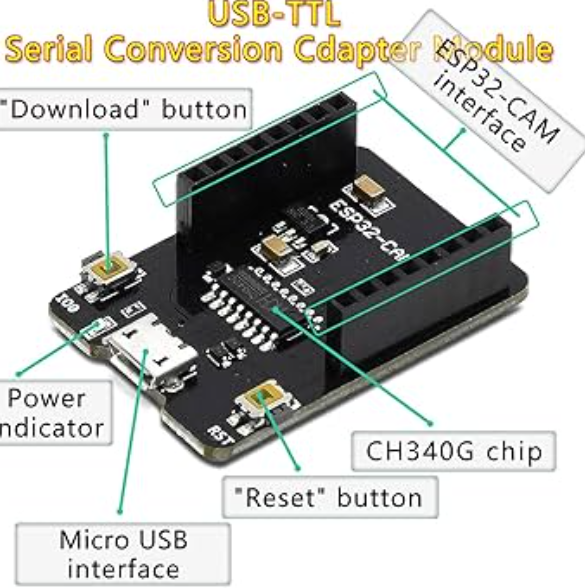
ESP32-CAM=MB Programmer:- The motherboard programer is a small UEB programmer board designed specifically for the ESP32-CAM module.
- It provides direct USB connection to the computer
- It makes code uploading eassy (no exernal FTDI needed)
- It has built-in USB-to-converter
- It provides stable 5V power supply
- Including the reset button for easy programming
Mainly it simplifies the programming process and avoids complex wiring connections.
About SD Card
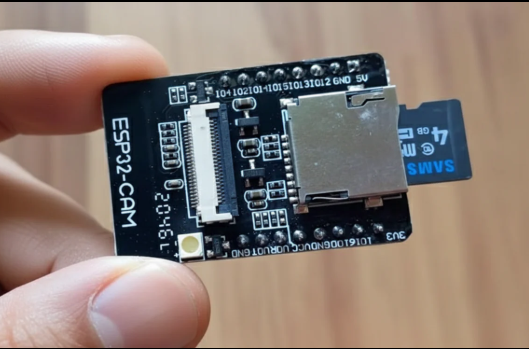
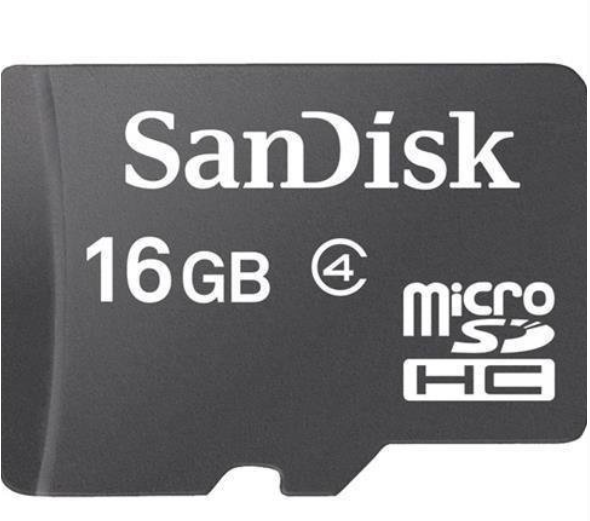
The MicroSD card is used to store captured images locally in the ESP32-CAM module.
Working :-
- When the ESP32-CAM captures an image, it converts it into a JPEG file.
- The image is saved into the microSD card through the built-in card slot.
- The stored images can later be viewed by removing the card and inserting it into a laptop/computer.
Important :-
- SD card msut be formatted in FAT32 format
- Recommended capacity: 4GB-16GB
- Useful for offline image storage without internet
-The SD card acts like a small memory storage device that saves all captures images safely for later use.
Hardware Setup
- Insert ESP32-CAM into ESP32-CAM-MB
- Insert MicroSD card in ESP32 CAM Module
- insert USB cable in ESP32 motherboard and connect with laptop
Arduino IDE Setup


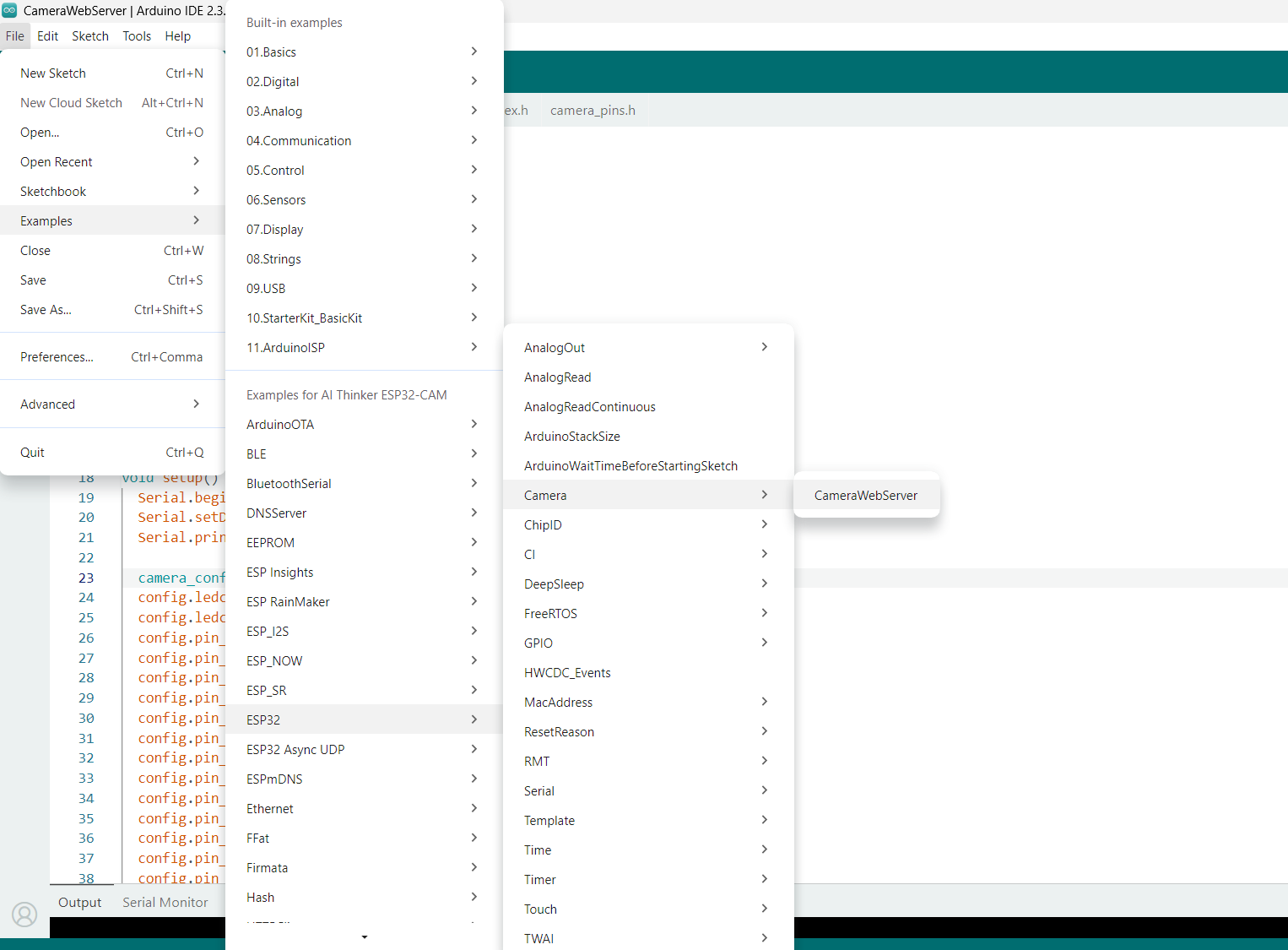


- Install Arduino IDE
- Install ESP32 Board Package
- Select- Board: AI Thinker ESP32-CAM and Port
- Install required libraries (Comes with ESP32 package)
- Upload Code
- Open serial monitor and set 115200 baud
- After Uploading:- ESP32 initializes the camera
- captures the image
- Save as image.jpg in SD card (shows in the serial monitor)
- Remove SD card-Insert into Laptop-we can see the captured image in folder
Code of Project

Here, I shared the code of Image Capturing Project (In offline mode)
Downloads


SD Card must formatted to FAT32
I have shared the step wise picture of how to format SD card into FAT32

when your serial monitor will show same as the picture I have shared here, you have to press RESET button of ESP32 CAM module once.
Otherwise, you will see the continous error while uploading the code.
After uploading if you press reset button your image will captured and saved automatically in SD card.
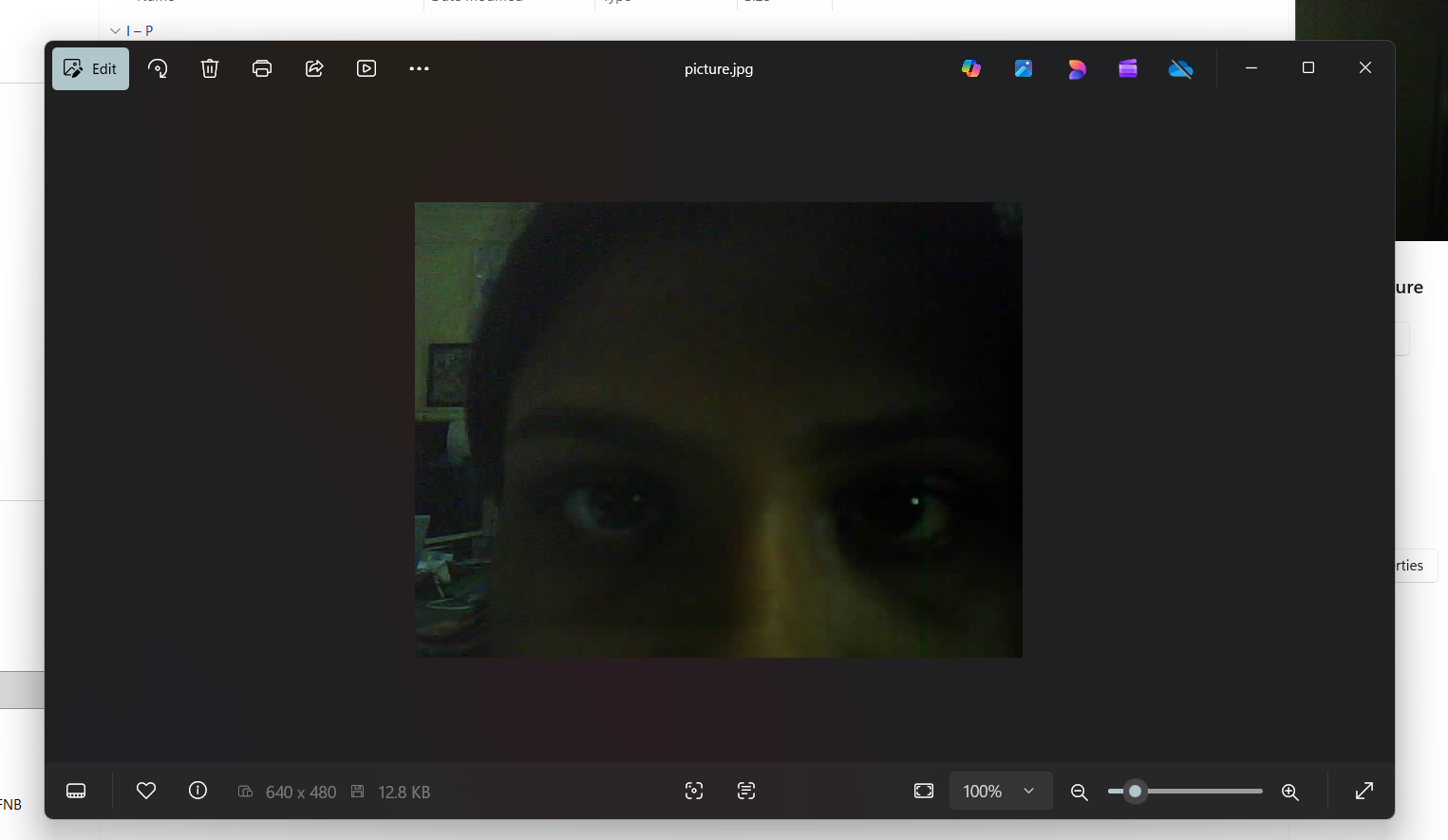
you will see the result like this.