L0Cost Robot Gripper/Jaws Selection and Resistive Object Detector
by tekyinblack in Circuits > Robots
716 Views, 8 Favorites, 0 Comments
L0Cost Robot Gripper/Jaws Selection and Resistive Object Detector
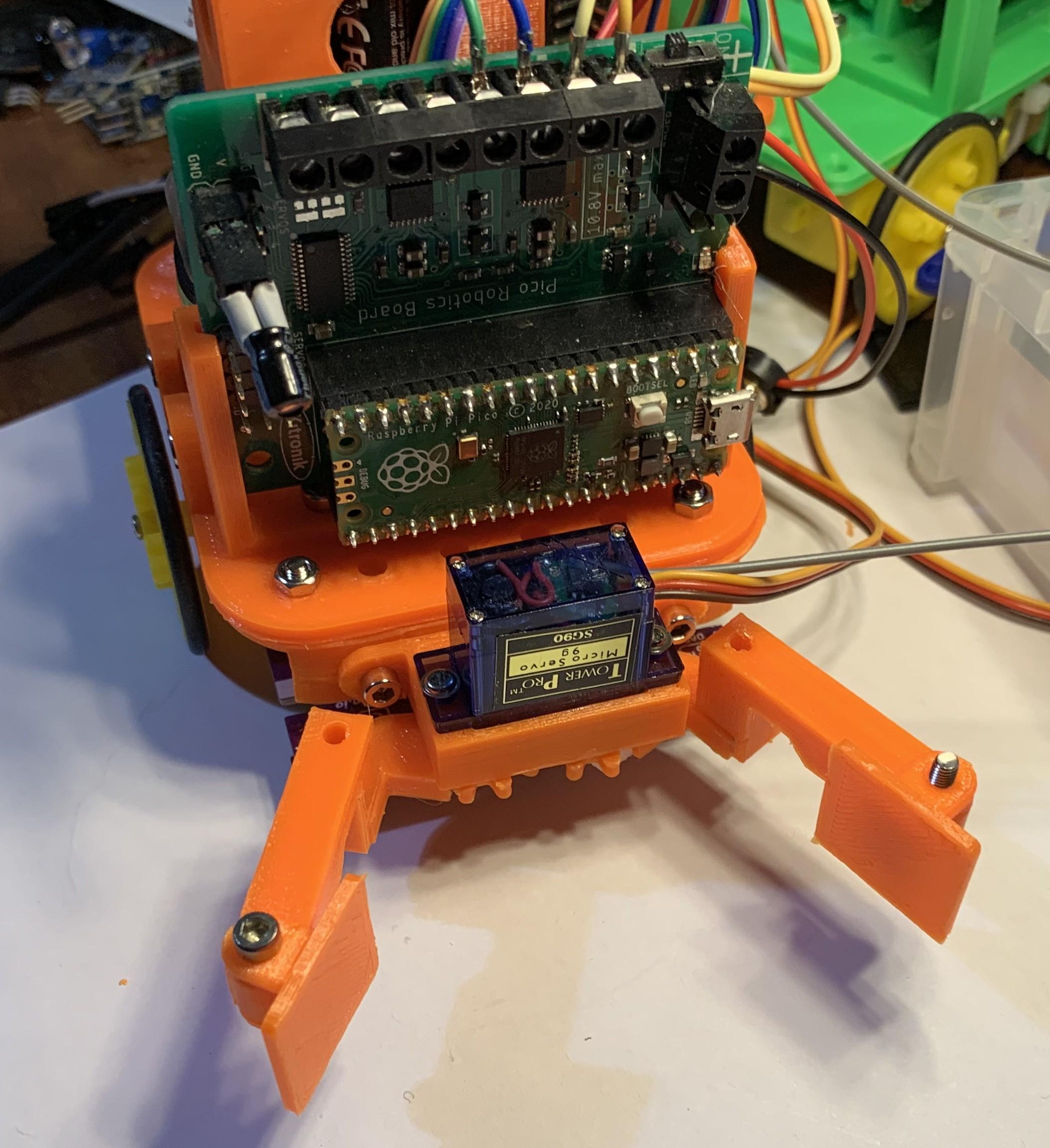
In making a wide variety of low cost robots, the addition of some type of gripping mechanism is frequently included to add interest where the robot can grab and carry an object.
Because this comes up regularly, I've adopted a basic design that can be adapted to a wide variety of small robots and this is a description of that design, partly to inspire others to make them or improve them, and partly to create a reference for other designs without having to go back over the idea again. Also improvements can be included in one place benefiting lots of designs at the same time.
There is also an idea to detect a object being grabbed by it's conductivity to add variety and reliability.
The designs only use basic geometry reducing the need for accurate construction but this also means that there is no gearing to increase the grip strength of the servo, so while the gripper can hold an object, the strength to hold while lifting is not high so is only suitable for very light loads.
The designs are all for making on a 3D printer and have been published on TinkerCad here. The designs can be copied and edited freely.
Code for running the gripper is on github here.
Supplies
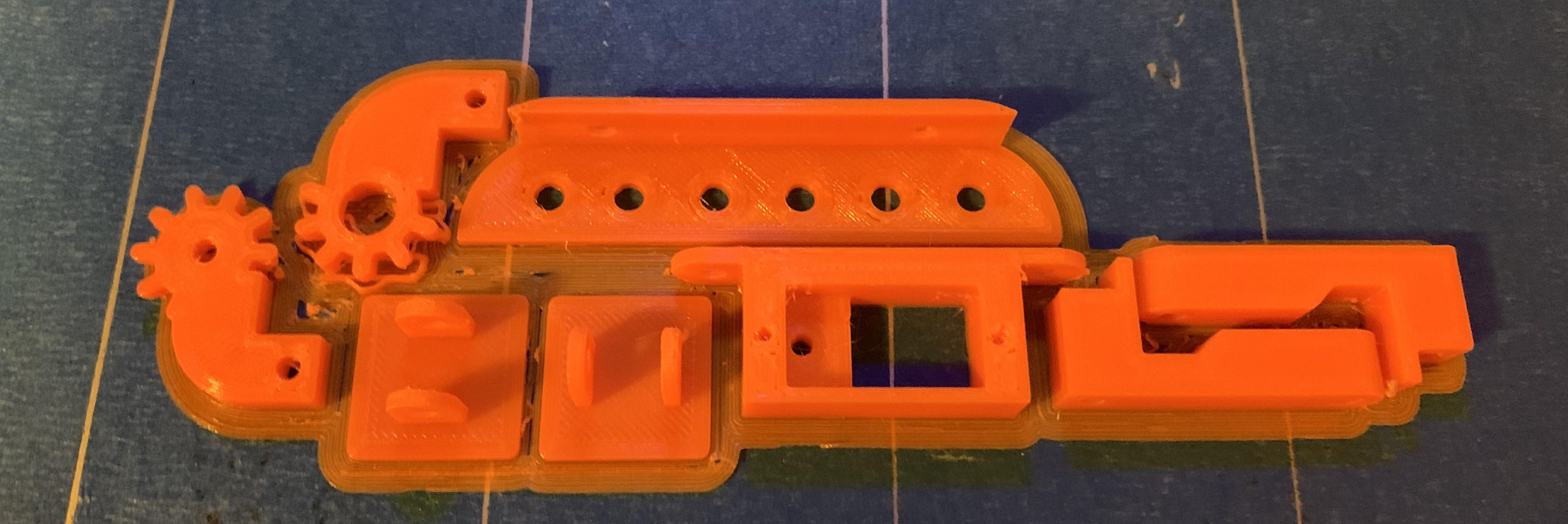
SG90 or MG90 servo, with or without feedback. Details of cheaply adding feedback is in this instructable.
3D printed parts
M3 screw bolts
M3 eyes and hookup wire if using resistive detection, resistive foam for making objects to carry
Choosing a Version
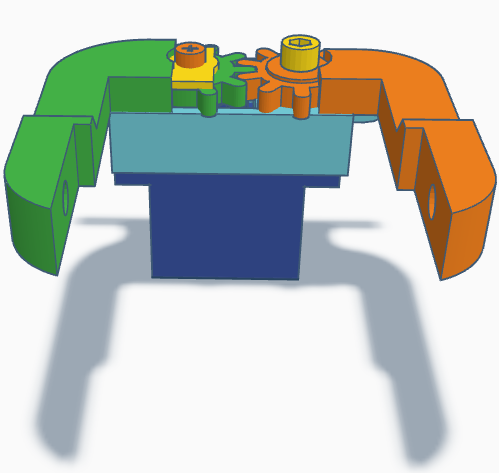
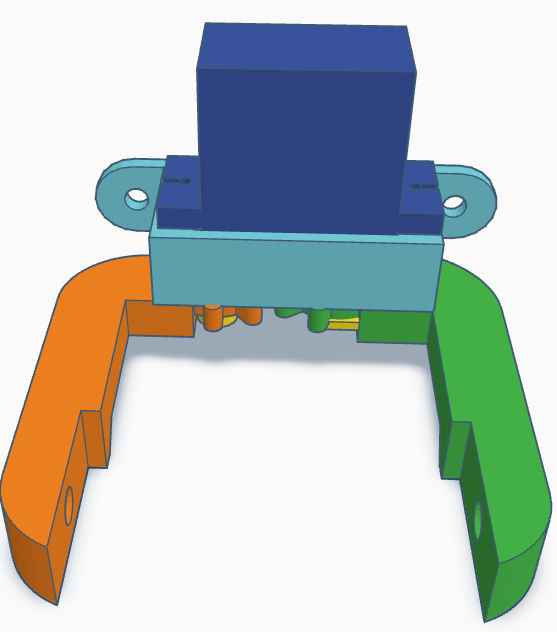
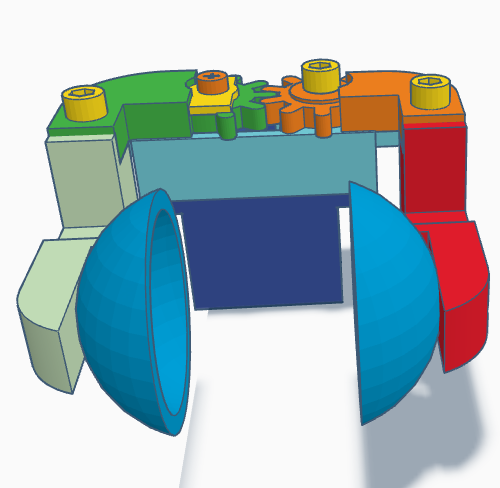
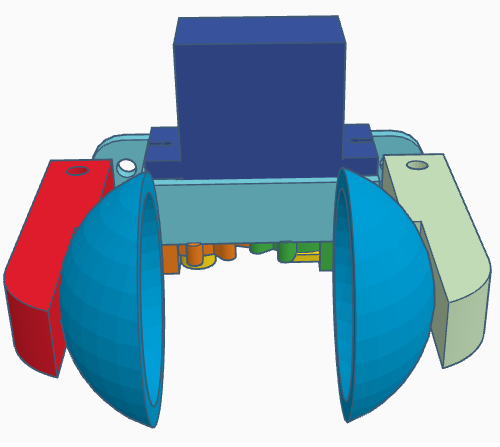
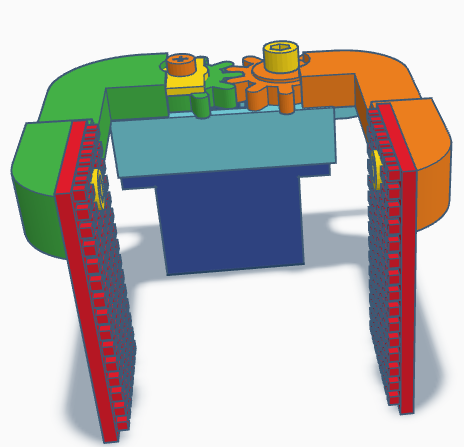
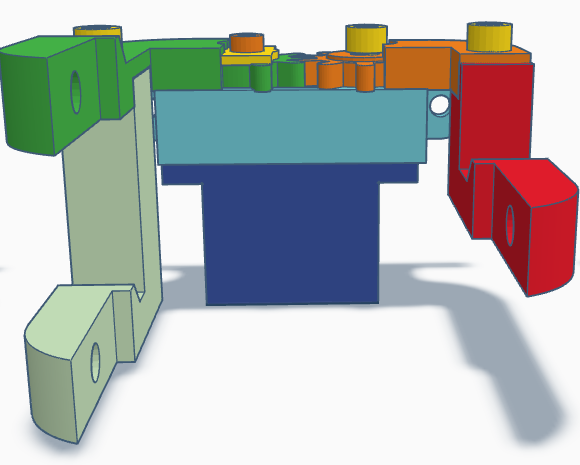
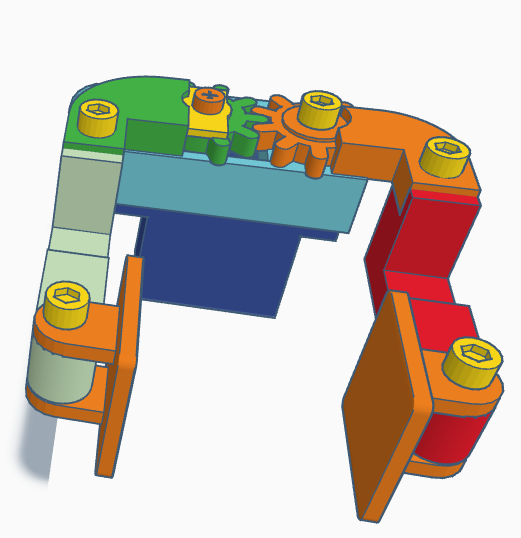
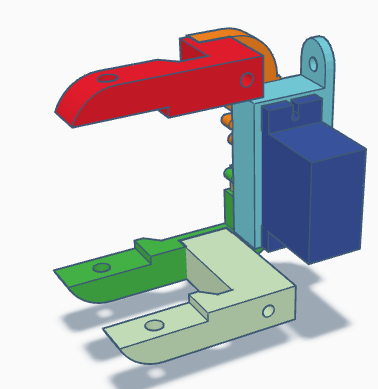
None of these ideas are definitive, but are starting points to either make as is, or customise for individual projects.
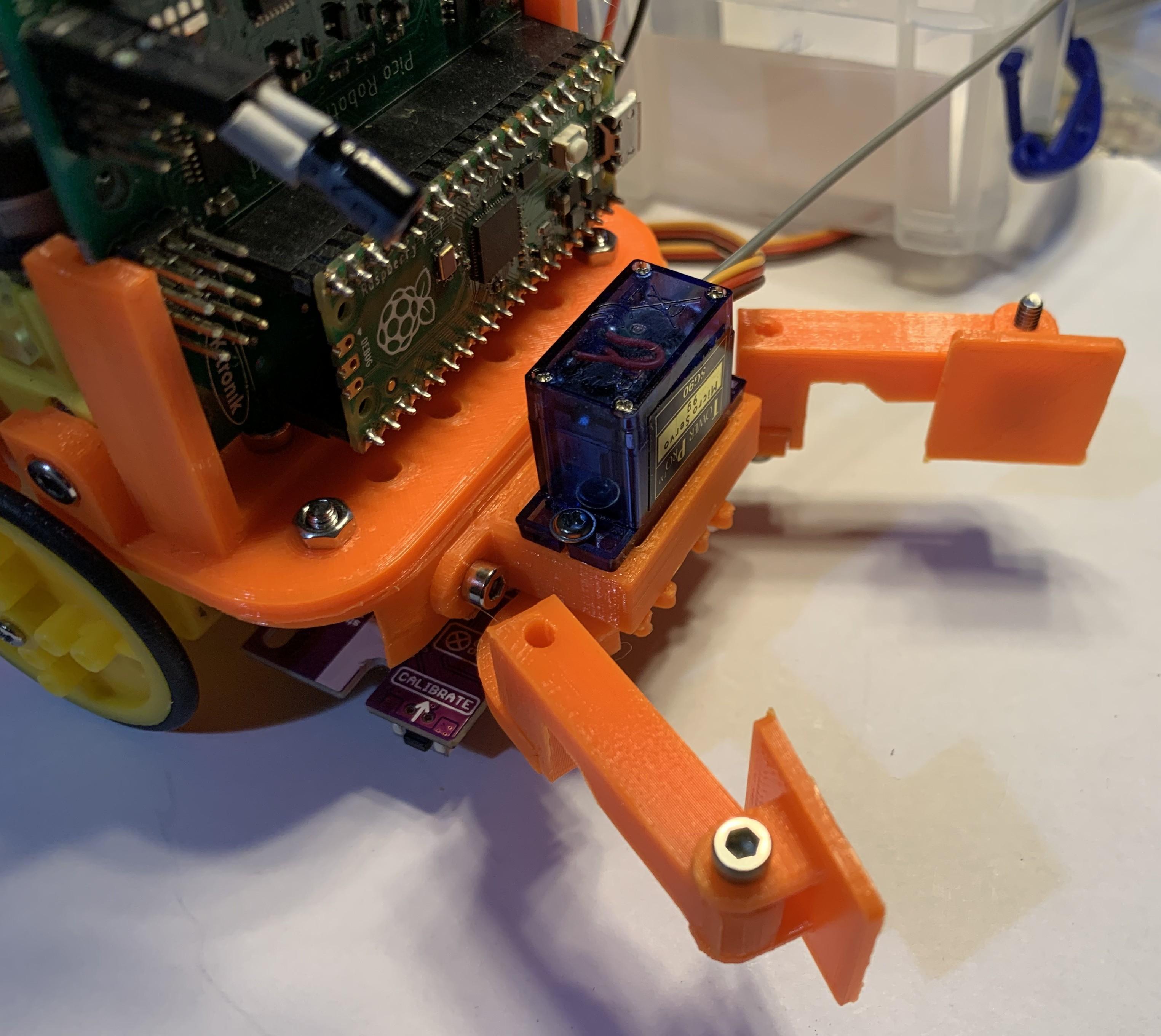
All are based around a central block into which the servo is screwed. The block has mounting ears that have holes 3.2mm in diameter and 40.6mm apart, centre to centre, and any robot using the gripper has corresponding mounting holes to make the grippers interchangeable. These aren't fixed measurements, just change them as needed. The pictures in sequence are:
- A basic gripper with arms that close together with mounting holes for paddles.
- The basic gripper but mounted upside down to allow gripping closer to a surface
- Updated gripper with cup paddles, useful for gripping round object such as foam balls
- Inverted gripper with cup paddles, useful for gripping things as small as peas
- Basic gripper with large paddles and textured surface, good for undefined objects like balls of paper
- Interlocking arms for holding tall objects
- Hinged paddles to adapt to awkward shaped objects
- Vertically orientated gripper for gripping long horizontal objects
The operating range of this gripper is about 60 degrees or 30 degrees either side of the default 90 degree servo initialisation.
The basic gripper arms have holes in the ends for fixing different paddle attachments, or also electrical contacts to detect when a conductive object is being held. For demonstrations, this could be conductive foam used for protecting electronic components which has a resistance in the 10's kilo ohms.
Assembling the Basic Robot Jaws
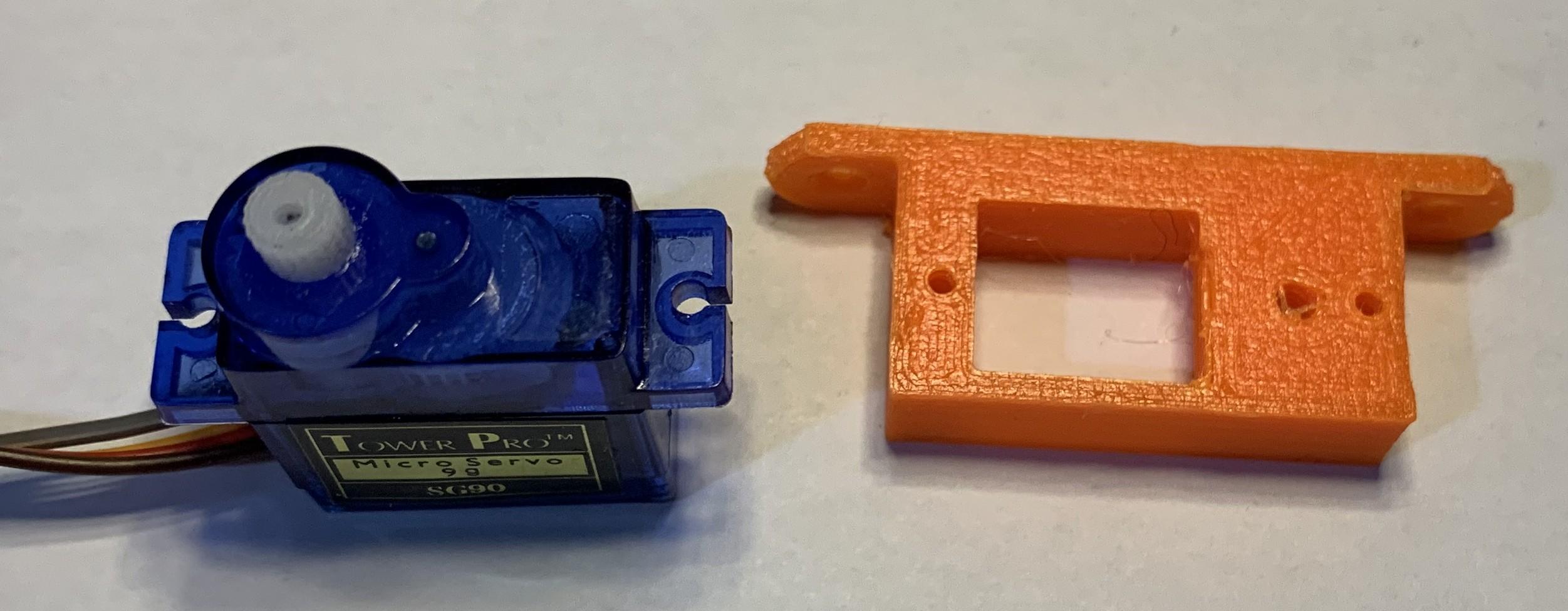
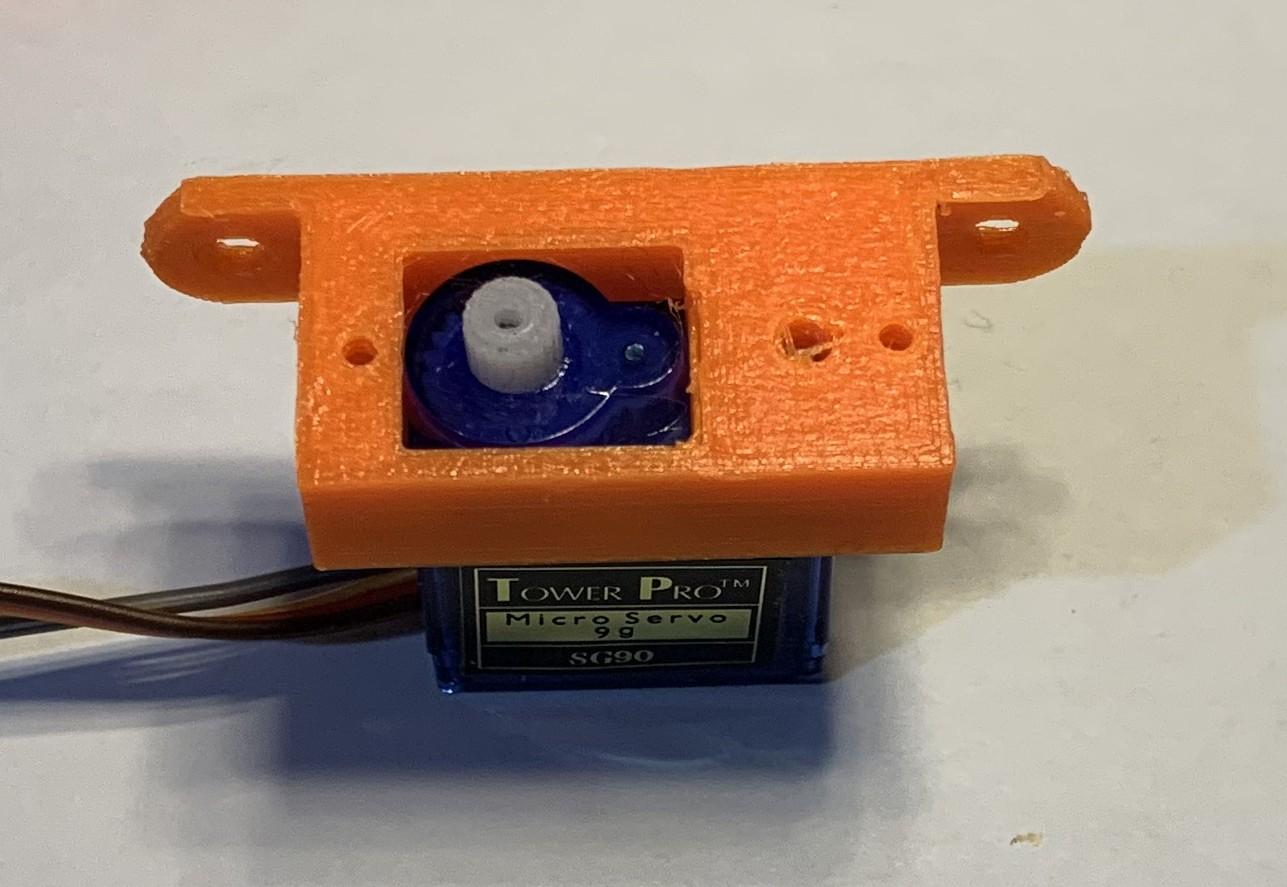
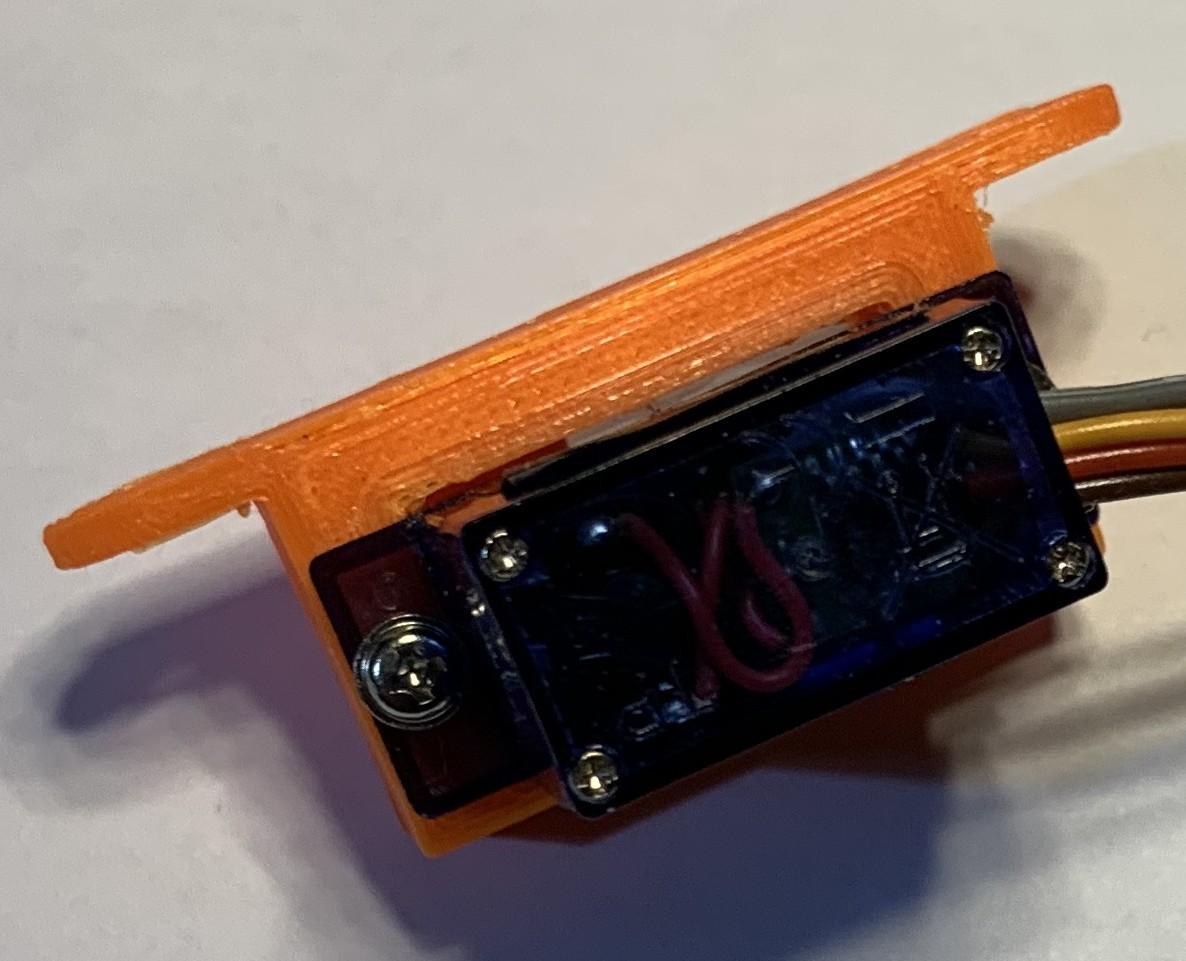
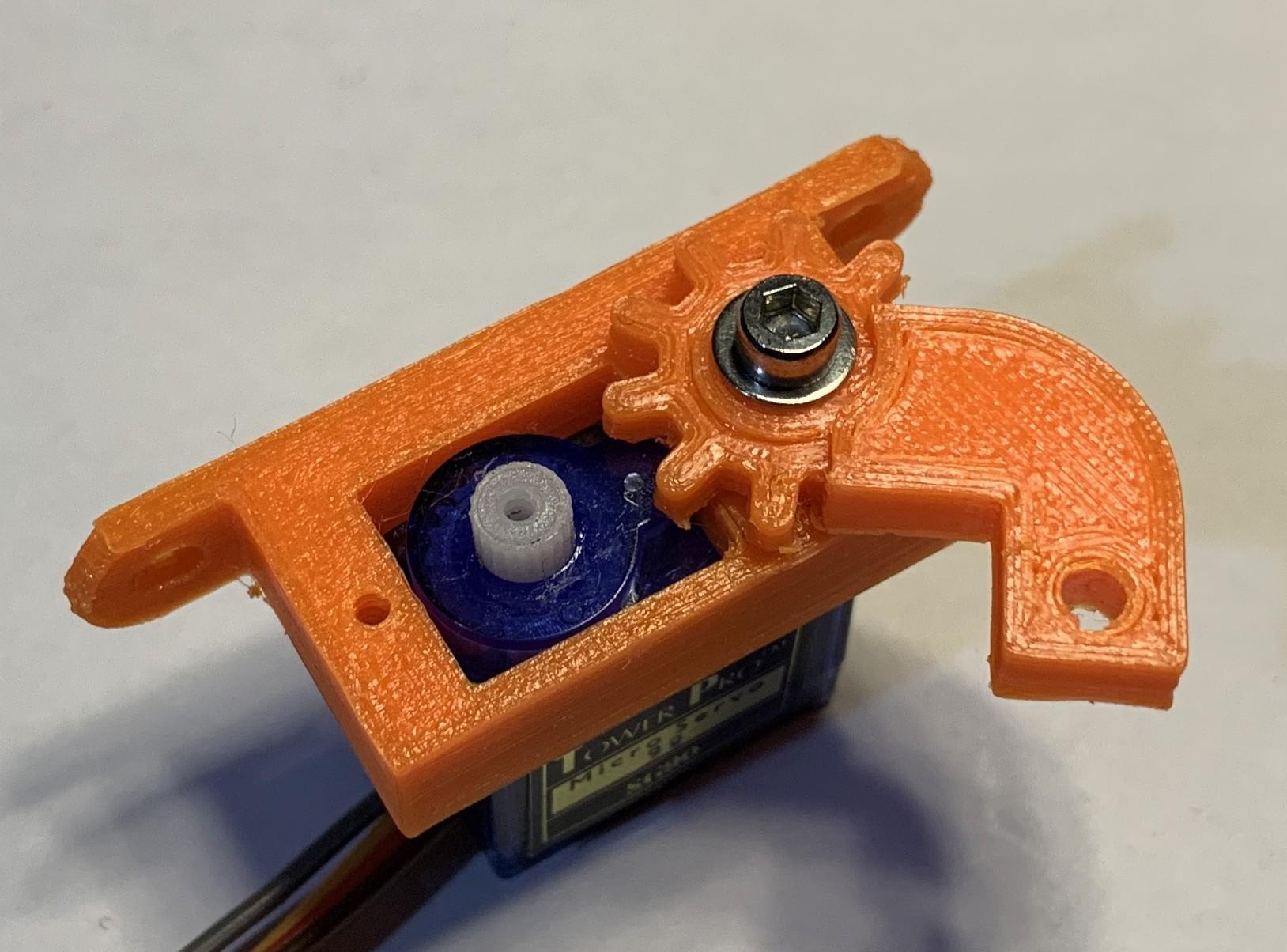
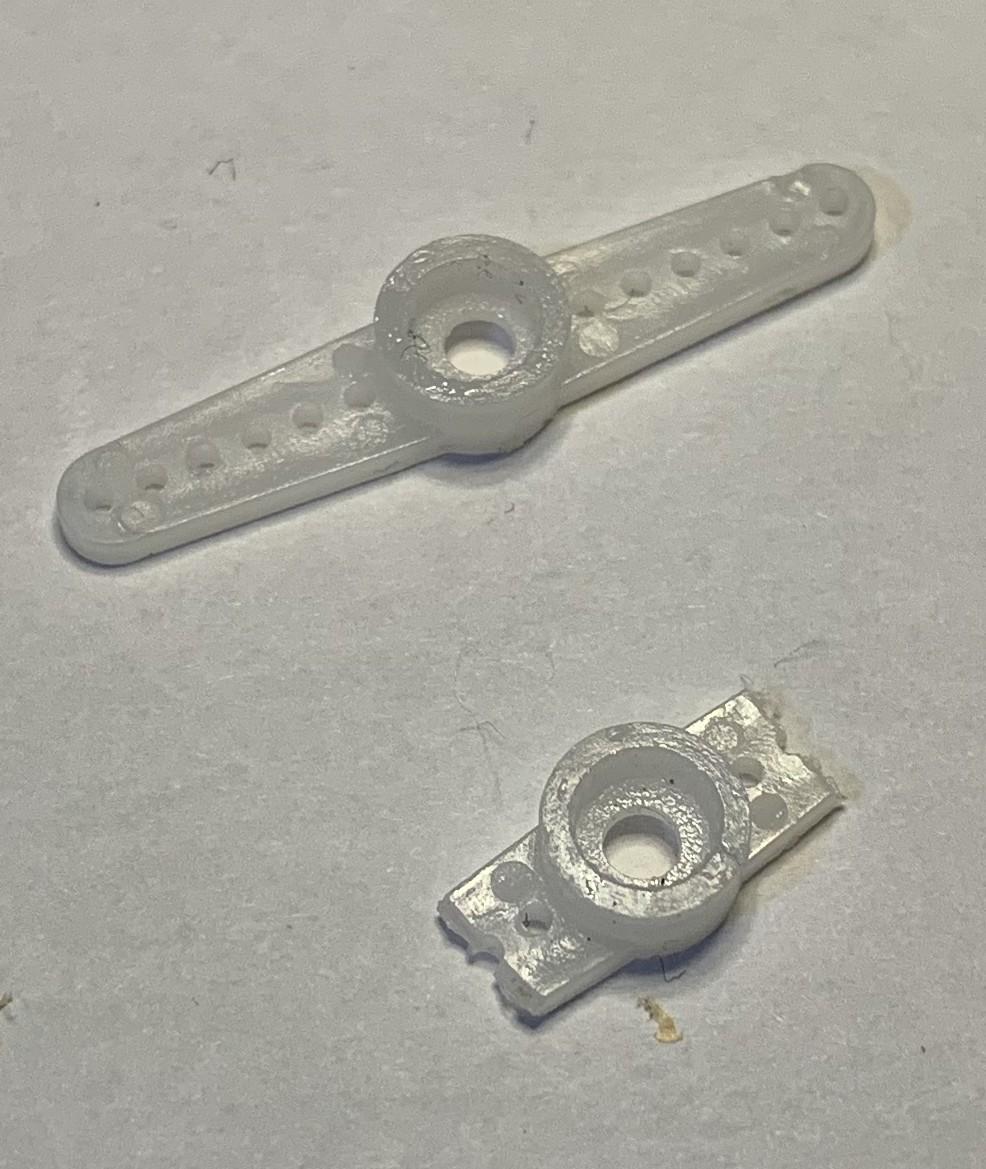
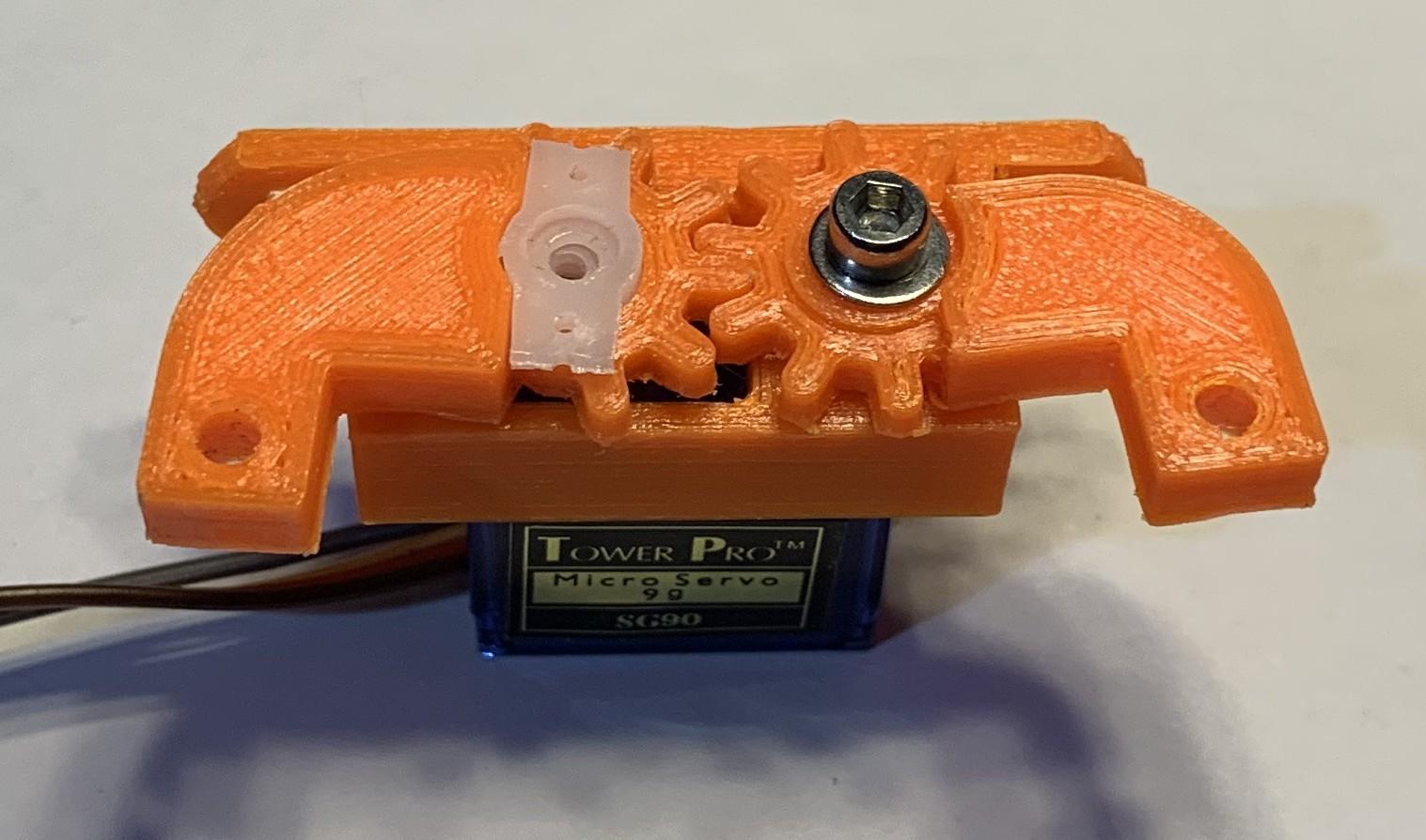
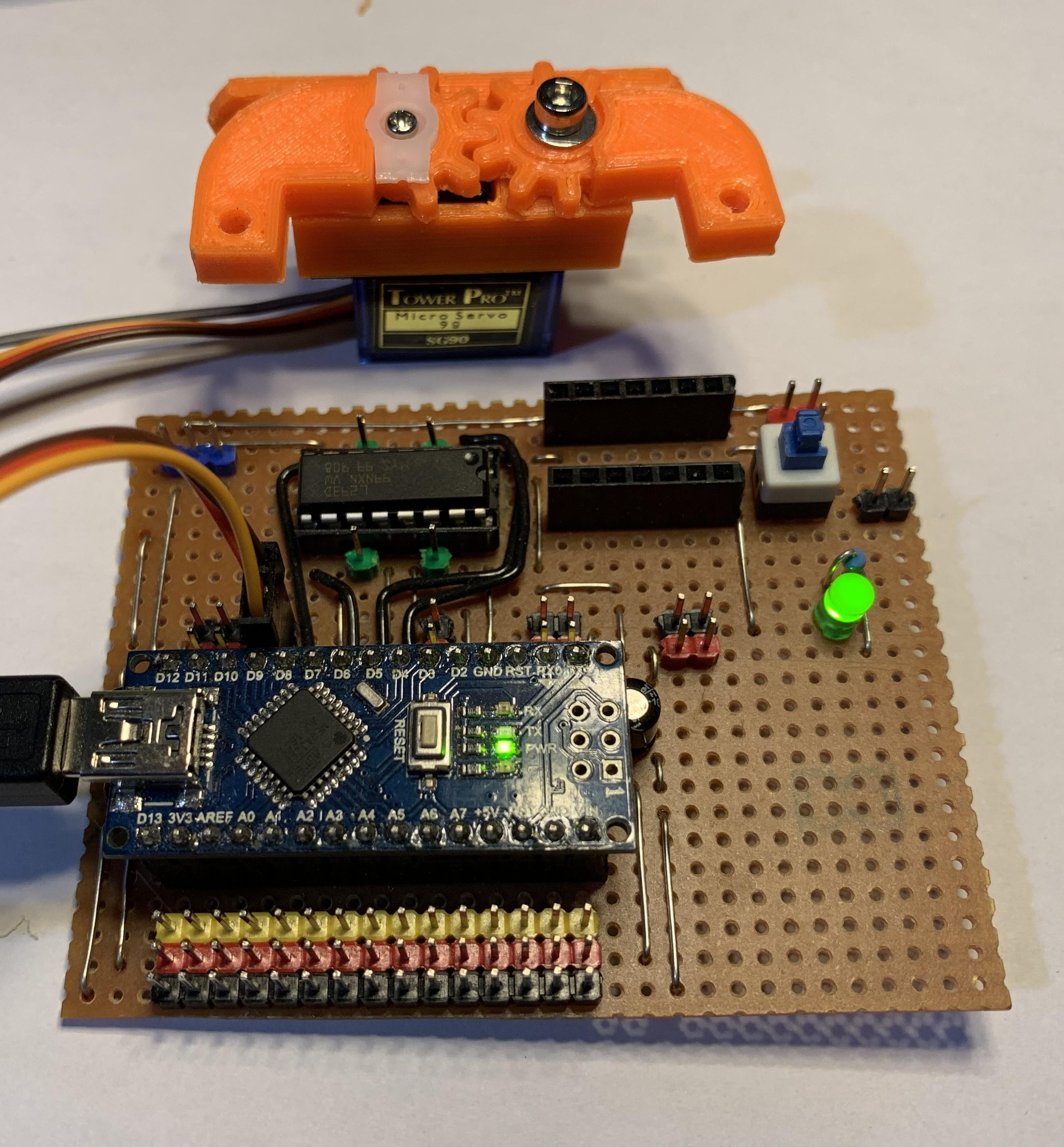
The gripper basics have been deliberately chosen to keep things simple and low cost.
- After any customisation, print off the parts on a 3D printer for the gripper required. The gears on the arms need to be cleanly printed so it may be necessary to sand them down so that they mesh exactly.
- Initialise the servo to 90 degrees by connecting to a servo tester or to an Arduino or Pico running a basic program such as this one on github.
- Screw the servo into the mounting block using the pan headed screws supplied with the servo.
- Using an 8mm M3 hex bolt and washer, attached the free arm to the mounting block by screwing the bolt through the arm hole and into the plastic block. This should be tight to hold the arm, don't be tempted to drill this out.
- Cut a double ended servo horn down so that it protrudes only 5mm either side of the central hole and insert into the hole in the driven arm.
- Move the free arm so that it points 90 degrees from the mounting block and then push the driven arm with servo horn over the servo motor so that the gears mesh with both arms parallel to each other.
- Using the screw supplied, screw the driven arm to the servo motor through the servo horn.
Test the Basic Gripper
Connect to the Arduino or Pico servo program or a servo tester and confirm that the gripper arms move freely. If not, it may be necessary to loosen the bolt holding the free arm slightly to allow freer movement or to sand down the gears more so that they mesh cleanly. Ensure that the arms don't open too wide or clash together for too long to avoid damaging the servo.
Adding Robot Arm Features
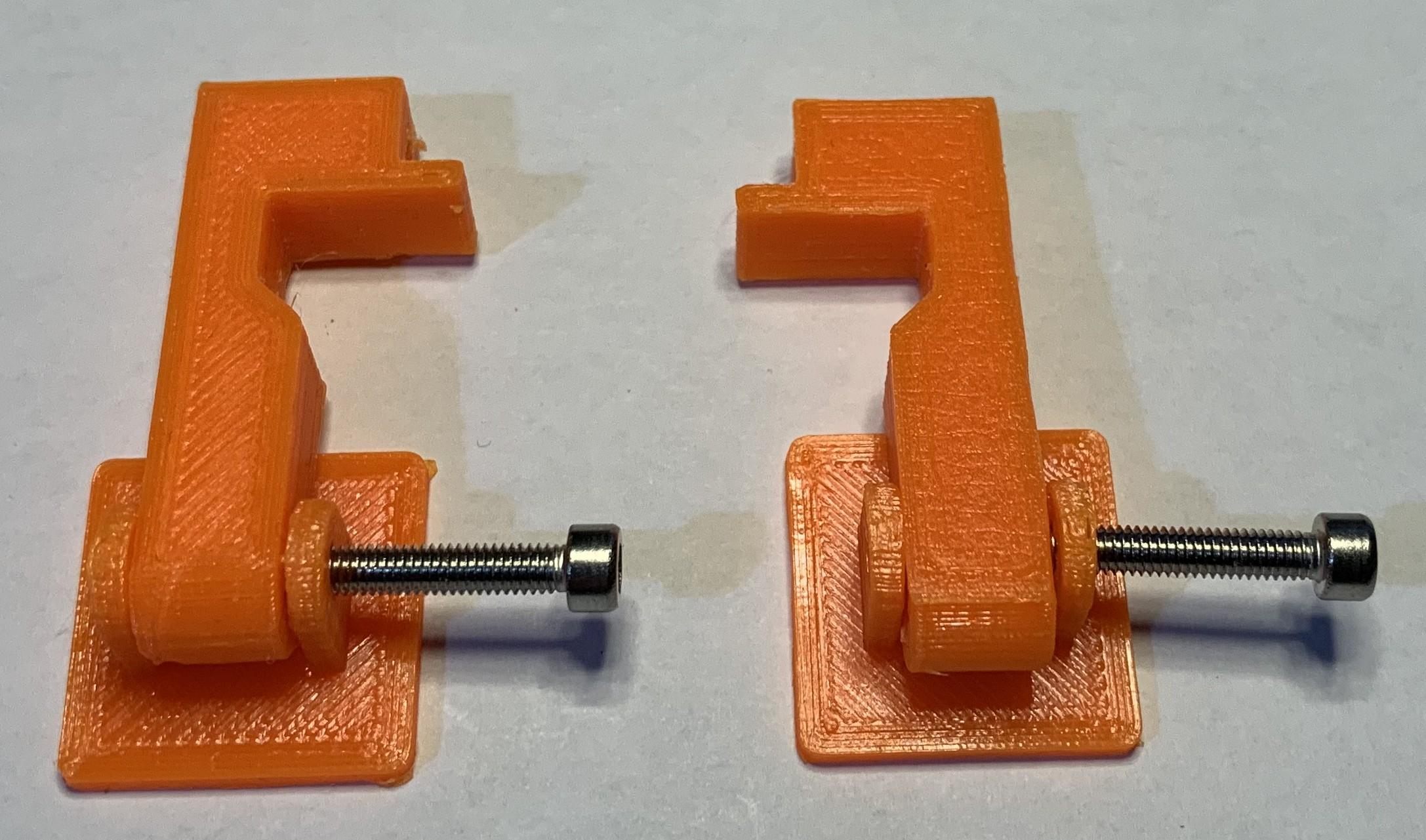
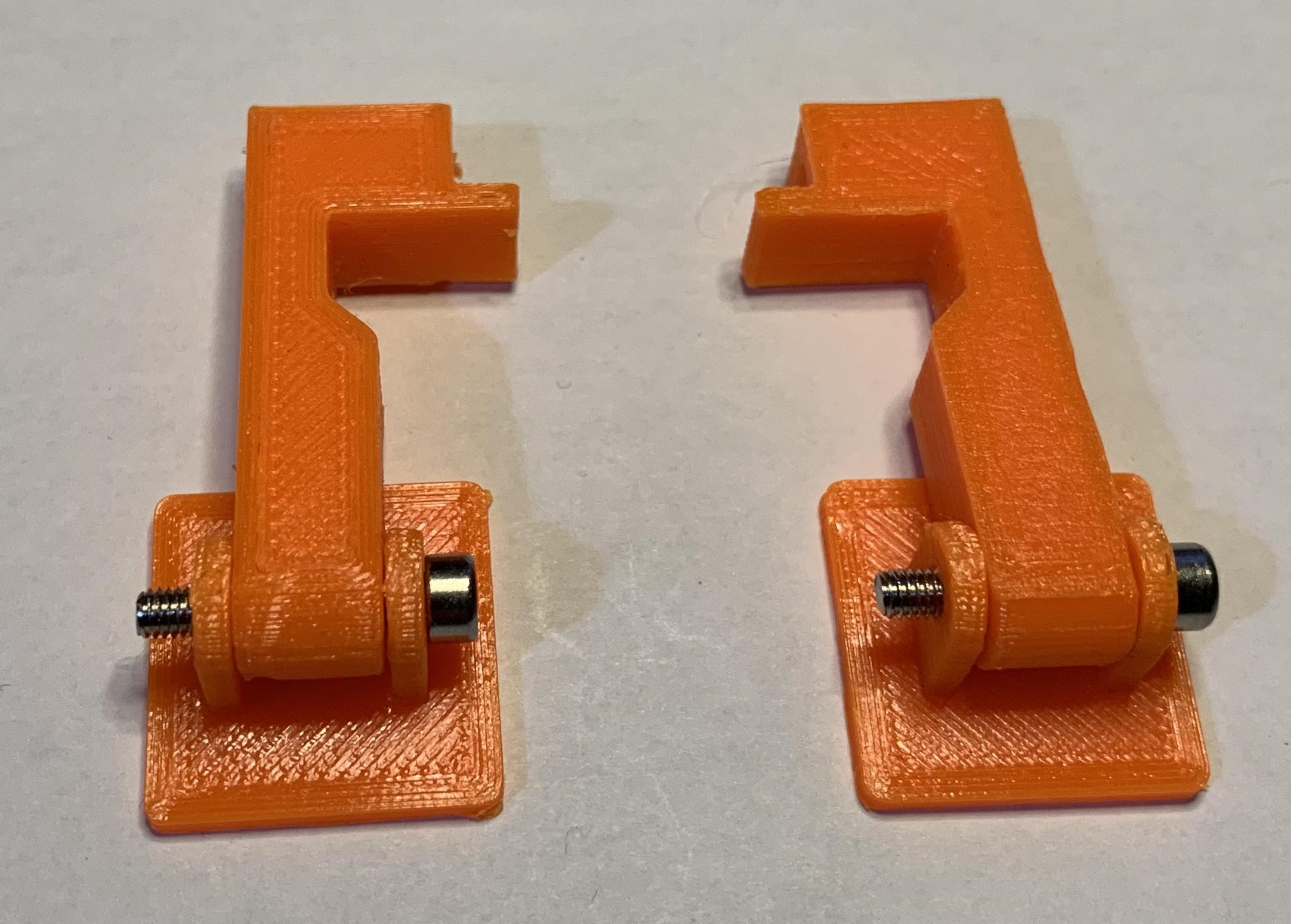
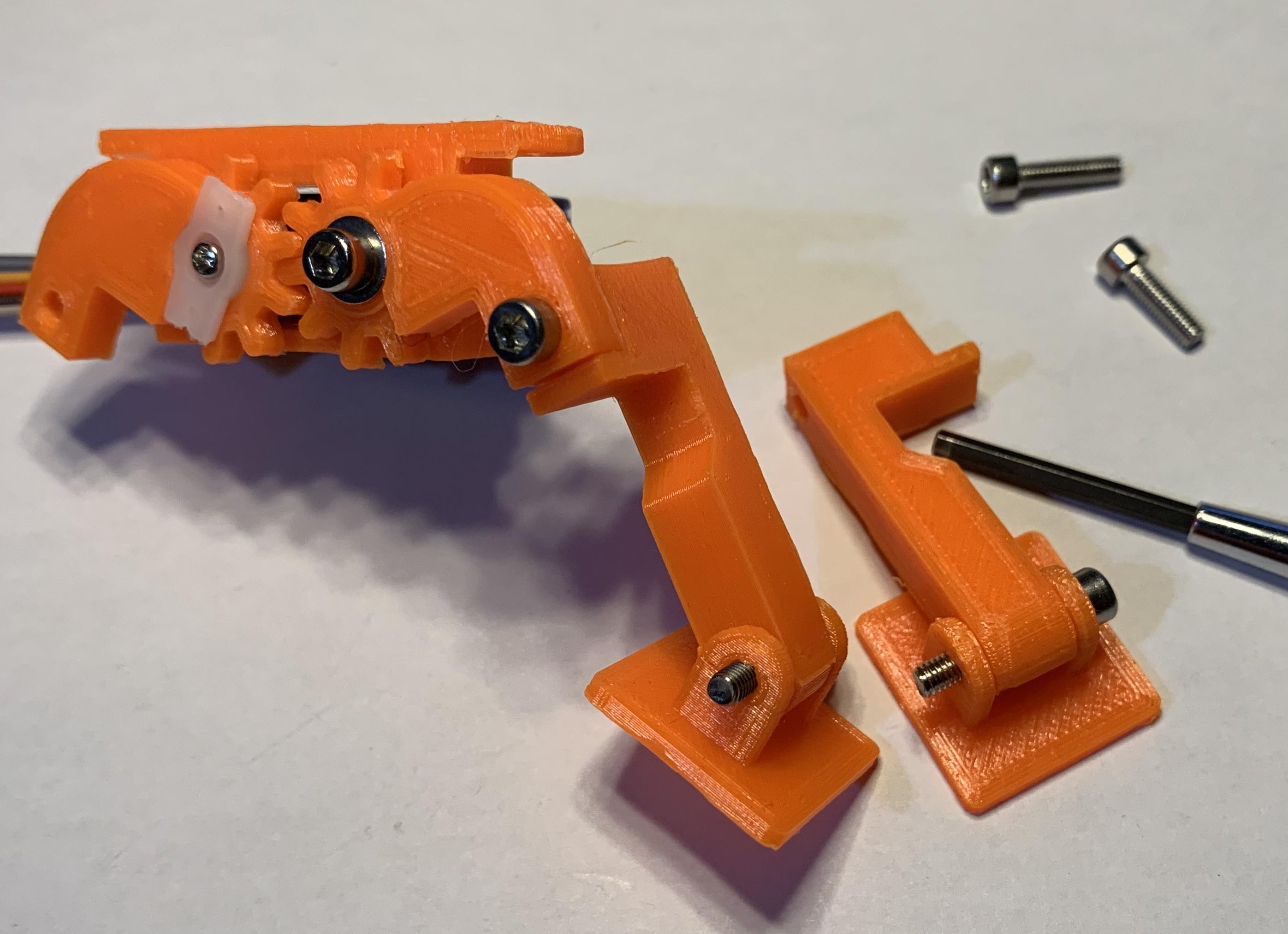
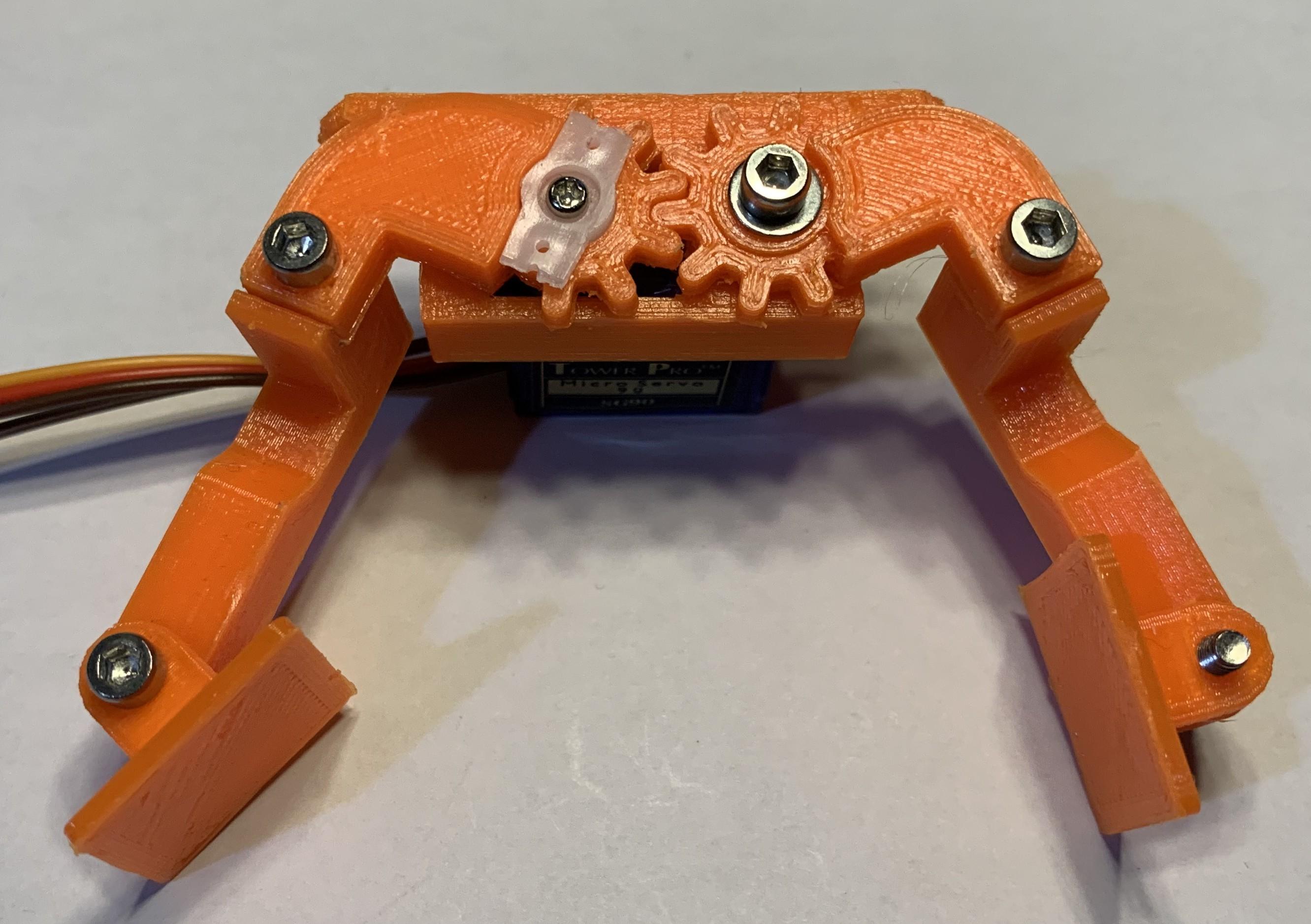
If only making the basic arm then the construction is complete unless the conduction circuit in the next step is being used.
Using Feedback
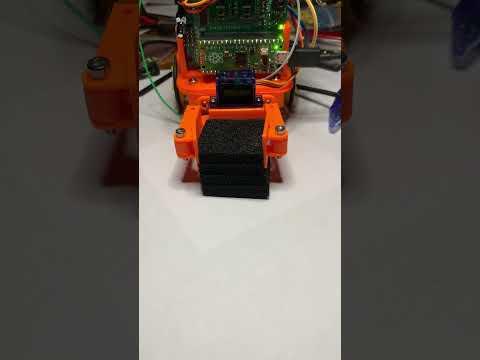
The video short shows the arms grabbing a foam block, detecting via feedback that the arms aren't moving any longer, and then backing off to a hold position. The arms then release the block.
A separate instructable goes over adding servo feedback but it's repeated partly here because making a gripper can be a very quick way to burn out a servo or damage it's gears.
By it's nature, the gripper has to be able to exert enough force on the object being gripped in order to hold it, but too much is unnecessary and the only control available to the servo is position. Therefore, the gripper will be moving to a position inside the object being grabbed, exerting a gripping force but never reaching it's end point so consumes more power trying to. Eventually it will burn out with the effort.
By using a servo with feedback, the expected position of the servo can be compared to the actual position and if there is a significant difference when grabbing an object then it can be assumed that it's already grabbed the object and is squeezing it. The position control of the servo could then be backed off to the current position, or even less, to reduce the load on the servo.
As mentioned earlier, fitting foam pads to the gripper arms can help accommodate some objects more reliably.
Conduction Feature
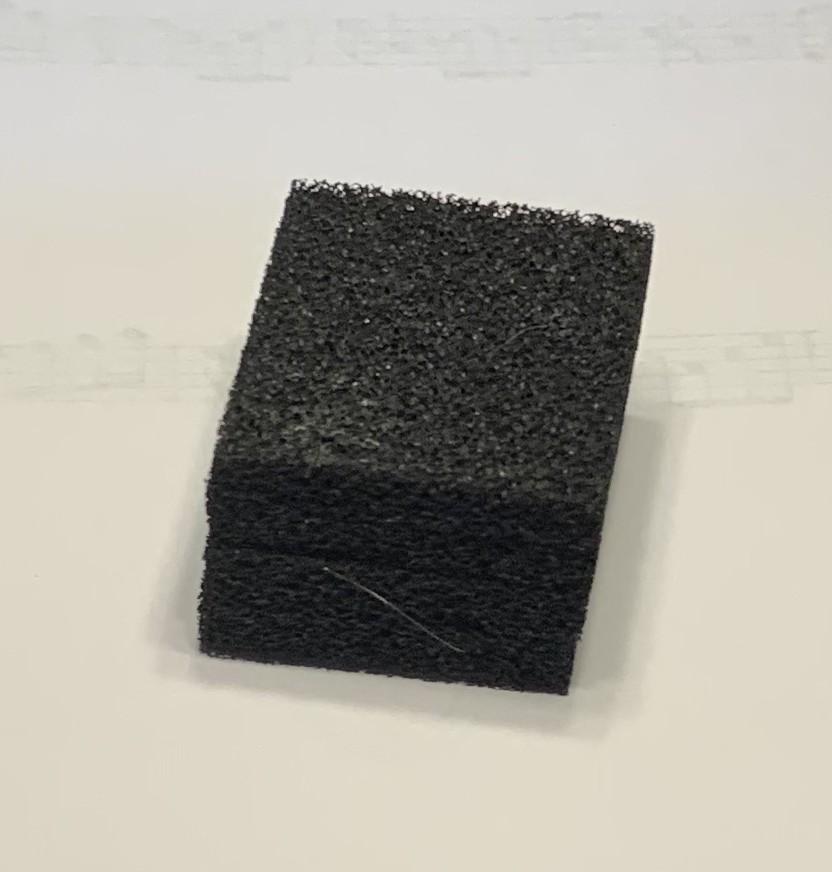
Detecting that a gripper has actually got hold of an object can sometimes be difficult but for the purposes of demonstrations where reliable operation can be very important, having a reliable indicator can be very helpful.
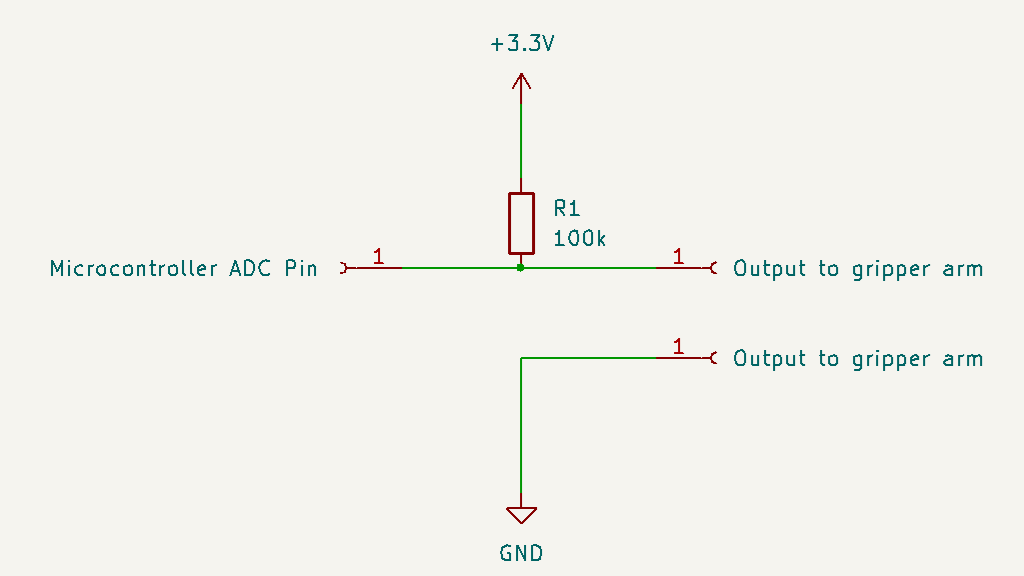
This method involves adding two electrical connections to the gripper arms leading back to the controller. The small circuit diagram indicates how they are connected.
When the gripper arms are apart, the voltage reading on the micro controller is at max. When the gripper is closed, the two contacts meet and the voltage reading drops to zero. This can be used to calibrate the closed position on the gripper, but it also indicates that if the robot was expecting to grab something, then it's missed. If damage to the gripper servo might happen, then the controller could update the servo position to backoff the jaws to a known safe position.
If a conductive foam block is grabbed, then the resistance of the foam (say 50k) drops the voltage, but not to zero, so the robot can detect that the gripper has grabbed something and has been successful.
The supply voltage to the contacts needs to be low enough not to cause damage to the microcontroller, for an Arduino Uno, the 5V output will be ok, but for a Pico it needs to be the 3.3V output and similarly for the ESP32. The diagram shows 3.3V which would be safe for all three.
Testing the Conduction Feature
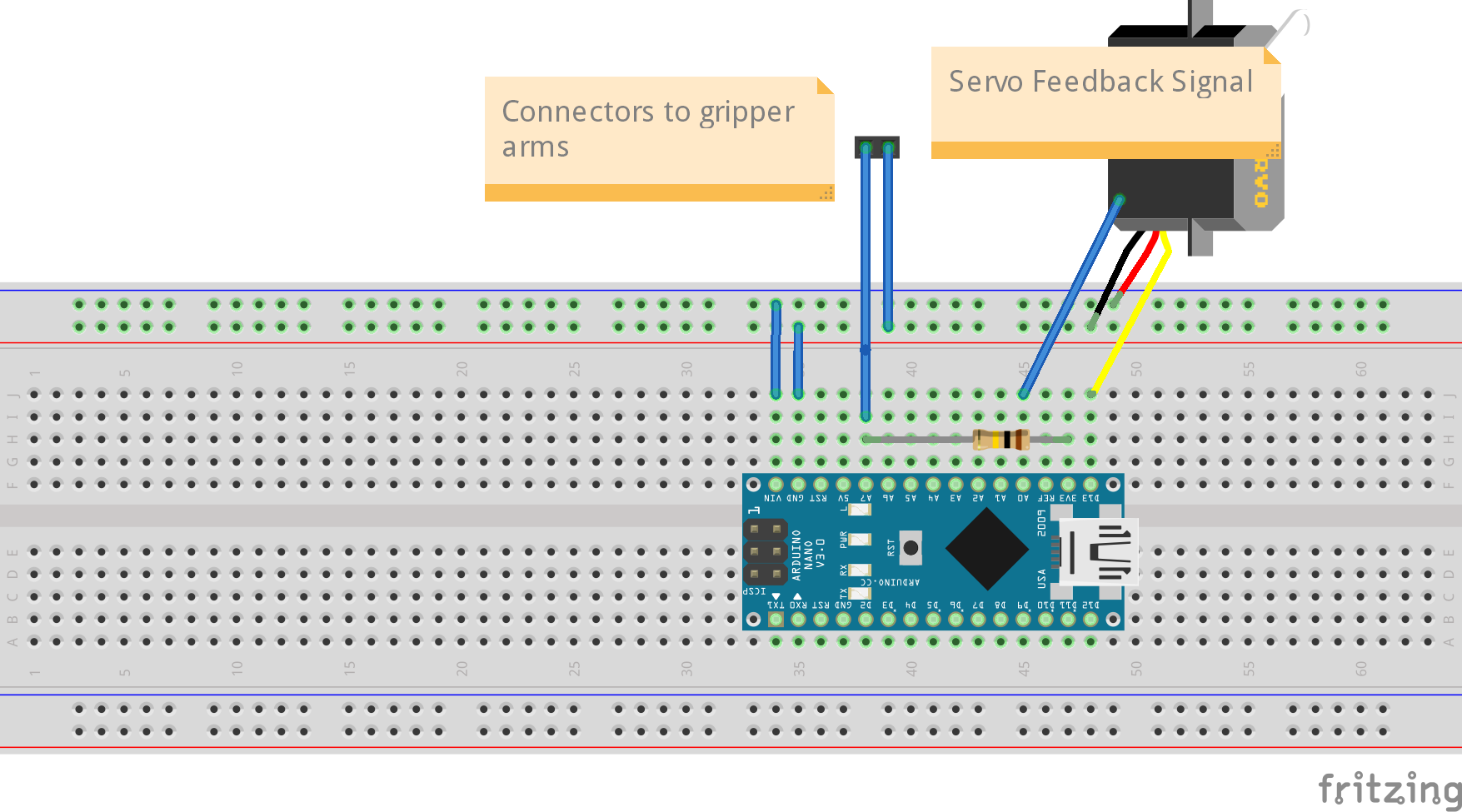
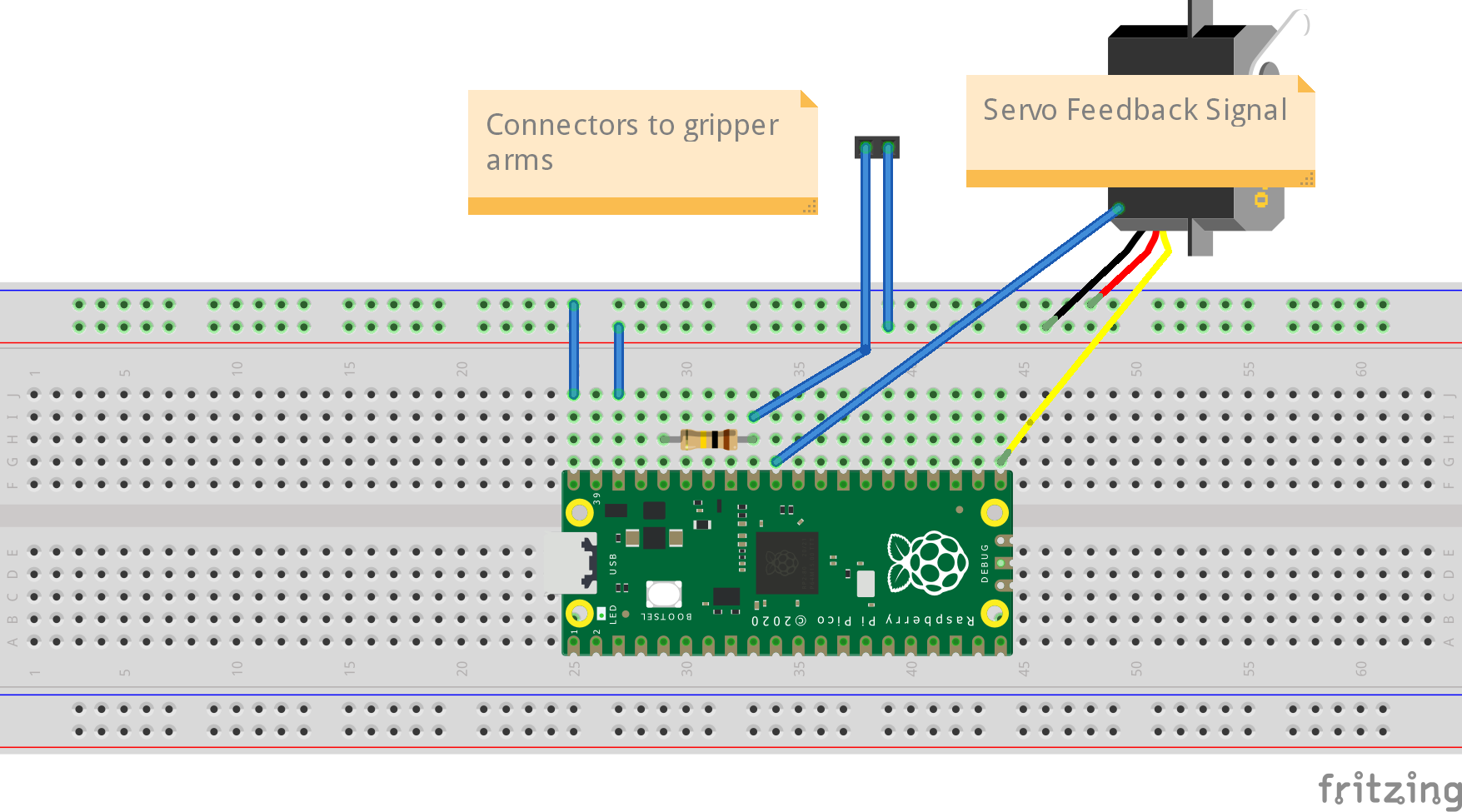
A program for testing the conduction feature with an Arduino or Pico is on github.
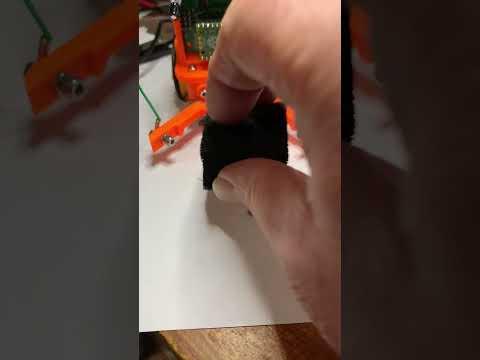
The video shows the arms closing on the conductive foam block, the conductivity drop is detected and the closure is stopped, and the onboard LED lights. After a short delay, the arms open again to release the foam at the end of the demonstration.
Using Your Robot Gripper
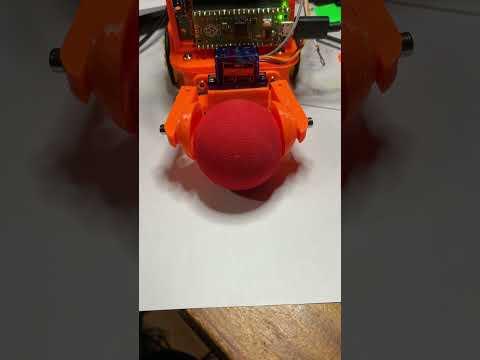
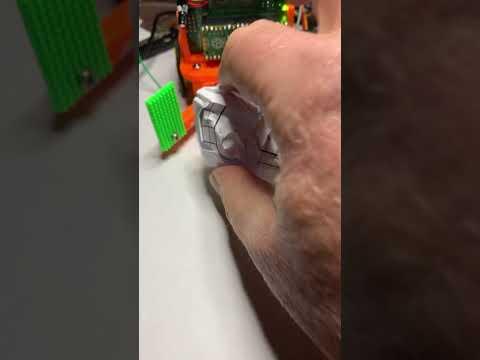
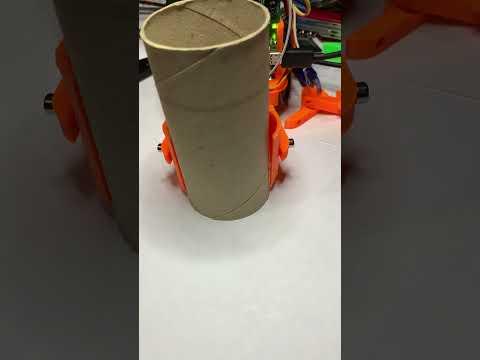
Three video examples of the various shaped attachments in action. The final cylinder holder was intended for use demonstrating the handling of 'toxic' barrels for a game.