Laser Cut Colorado Flag

How to construct a laser cut Colorado flag made from balsa wood.
Supplies

Materials:
- 3mm Balsa Wood Sheet
- Water based wood stain in blue, red, yellow, and white
- Wood glue
- magnets
- Hot glue
Equipment:
- Computer compatible with SolidWorks and Corel Draw
- SolidWorks software
- Corel Draw Software
- Thumb Drive
- VLS3.60 CO2 Laser cutter
SolidWorks Part #1
Use given dimensions to create a SolidWorks part file of each part (2 Blue stripes, White back, Sun, Red C).
SolidWorks Part #2
Assemble SolidWorks parts into an assembly file to make sure they fit together correctly.
Downloads
Drawing
Use the assembly file to make a drawing showing all important information such as the dimensions.
DXF File
Save each file as a DXF so you can open the files in Corel Draw in the next step.
Corel Draw
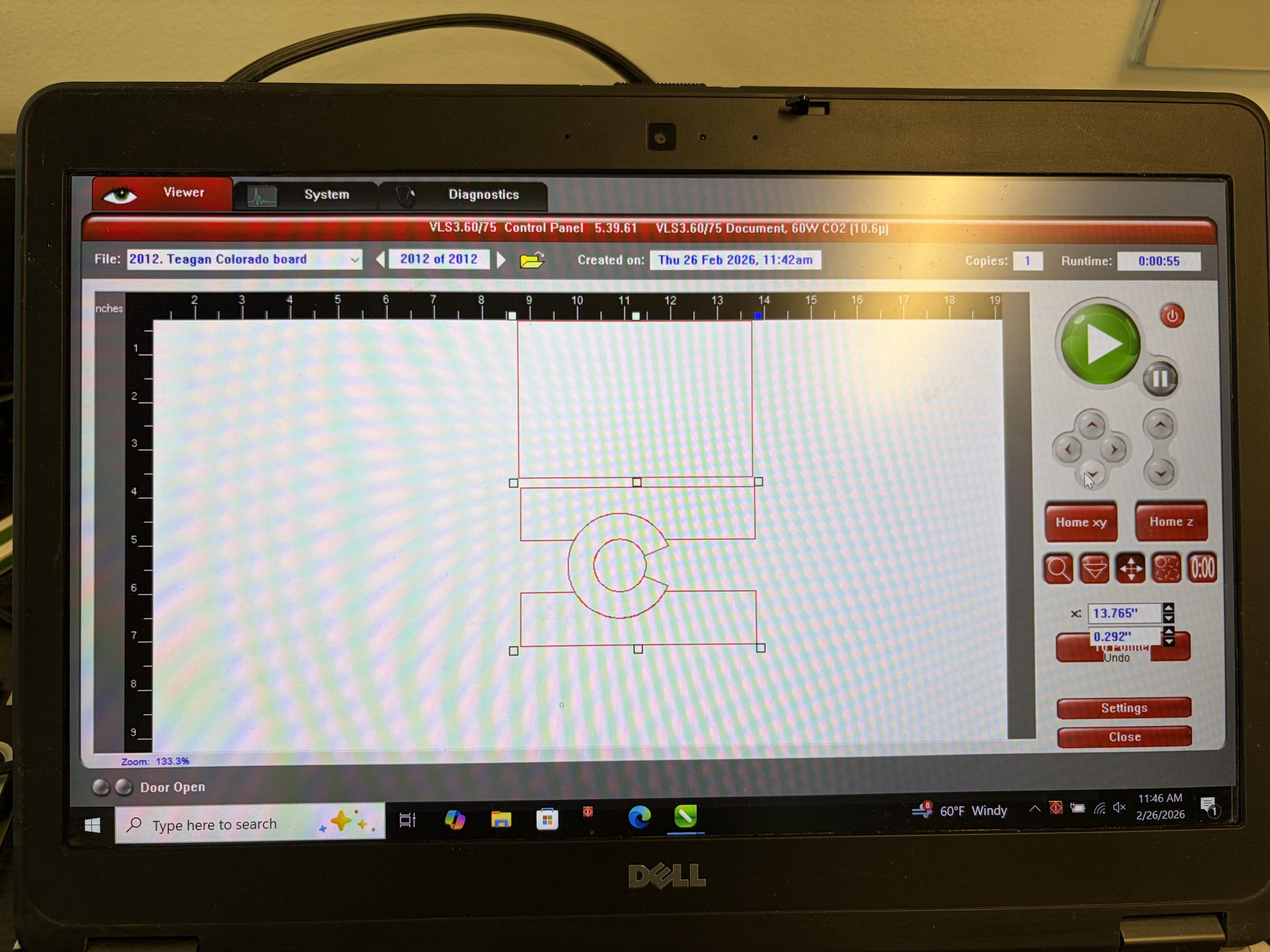
Import files into Corel Draw on the laser cutter computer.
Adjusting Laser Cutter

Adjust the height to 2 inches from the wood, power to 100%, speed to 12% and position the laser to not waste material.
Press Button

Press the big green button to start the laser.
Removing Parts

Remove laser cut pieces from laser using masking tape, do not touch other peoples parts if sharing a laser.
Printer Off

Turn of Laser cutter if finished using for the time being.
Prep

Prep pieces to be painted by sanding them.
Painting

Paint the pieces individually with water based wood stain and wait for them to fully dry.
Connecting Pieces

Use wood glue to attach together painted pieces and clamp or weigh down to dry.
Attach Magnets

Measure and mark the locations for 2 magnets. Use hot glue to attach the magnets and firmly press down.