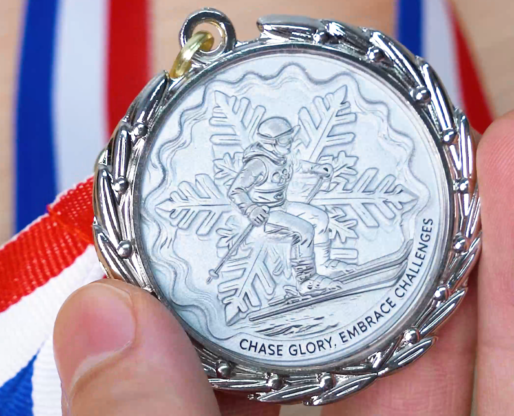
Laser Mark Winter Olympic Medals
by thunderlaser-nolan in Workshop > Laser Cutting
29 Views, 0 Favorites, 0 Comments
Laser Mark Winter Olympic Medals

Bring the excitement of the Winter Olympics to life with your own custom-made zinc alloy medals! Whether it’s for a school event, a friendly competition, or just a keepsake, this tutorial guides you through every detail of laser cutting and engraving, so even beginners can create stunning medals that feel truly professional.
Supplies
Machine Used
Aurora Lite
More details about Aurora Lite→
Material Needed
Zinc Alloy Medal
Settings
- Laser Cleaning Before Marking
- Speed: 1,000 mm/s
- Max. Power: 20%
- Frequency: 50 kHz
- Line interval: 0.02
- Passes: 200
- Laser Marking Photo
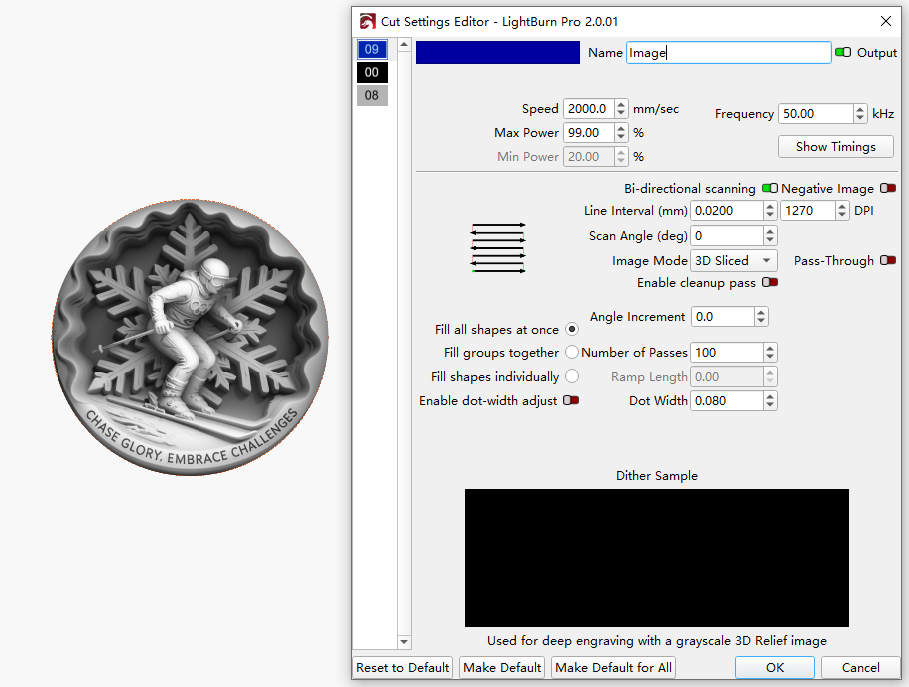
- Speed: 2,000 mm/s
- Max. Power: 99%
- Frequency: 50 kHz
- Line interval: 0.02
- Passes: 100
- Laser Marking White
- Speed: 1,000 mm/s
- Max. Power: 20%
- Frequency: 50 kHz
- Line interval: 0.02
- Passes: 200
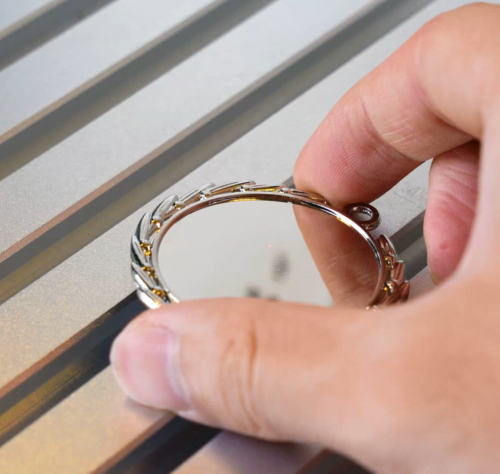
Place the Zinc Alloy Medal on the Laser Bed
Lay your zinc alloy medal flat on the laser bed. Make sure it is clean, free of fingerprints, and secured so it won’t shift during the process.
Import the Laser Mark File
Open your laser software and import the prepared design. Adjust the size and position to match the medal. For 3D relief engraving, the image should be processed as a grayscale file so the laser can translate brightness into depth. If you still have questions about making a grayscale file for 3D relief engraving, check out more information from our expert.
Focus the Laser
Set the focus precisely on the top surface of the medal. Accurate focus is essential for achieving smooth transitions and well-defined layers in 3D marking.
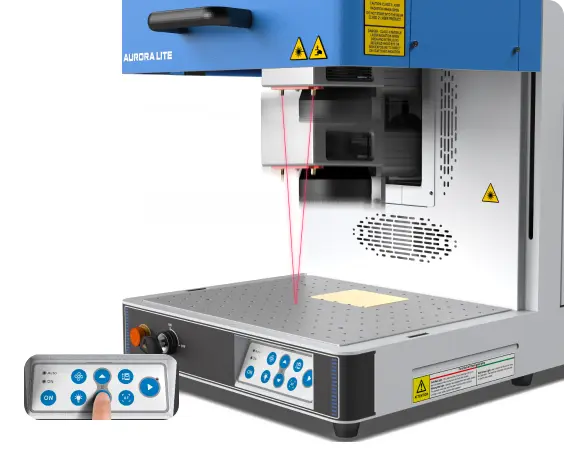
Run a Frame Test
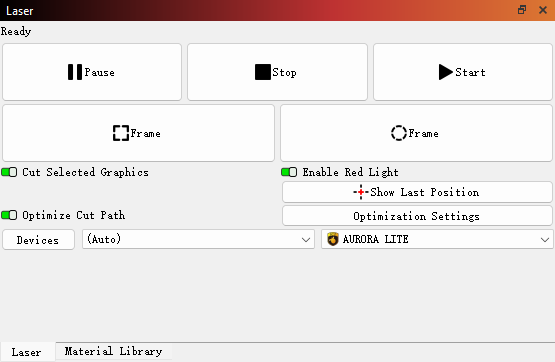
Use the frame or outline function to preview the laser marking area. This helps confirm alignment and prevents the design from marking outside the slate.
Monitor the Marking Process
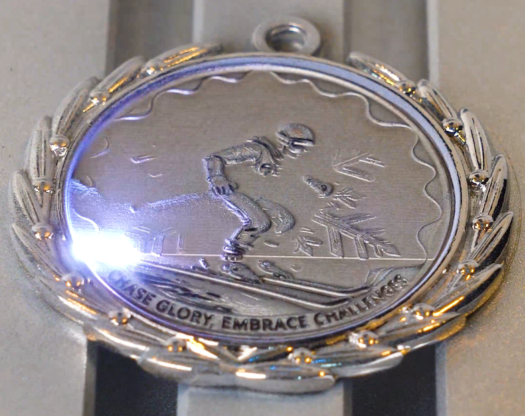
Start laser marking and monitor the process throughout. 3D relief marking on a zinc alloy medal typically takes longer than standard marking. Active monitoring is essential to maintain safe operation, protect the laser system, and address any irregular conditions immediately.
Inspect and Remove the Medal
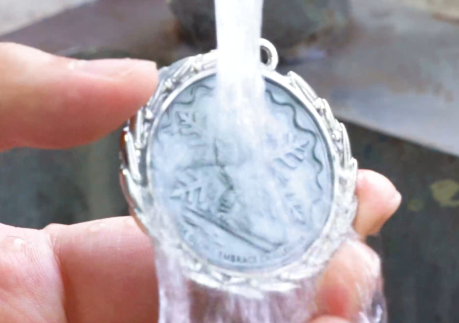
Once the laser marking is complete, let the laser-marked medal cool for a few minutes. Then, use water to clean it thoroughly.
Complete the Laser Marking
If desired, polish the medal lightly with a metal-friendly cloth or apply a protective coating to enhance shine and prevent oxidation.