Make a Biggy Bank Out of Any Model
by gubutek in Design > 3D Design
316 Views, 7 Favorites, 0 Comments
Make a Biggy Bank Out of Any Model
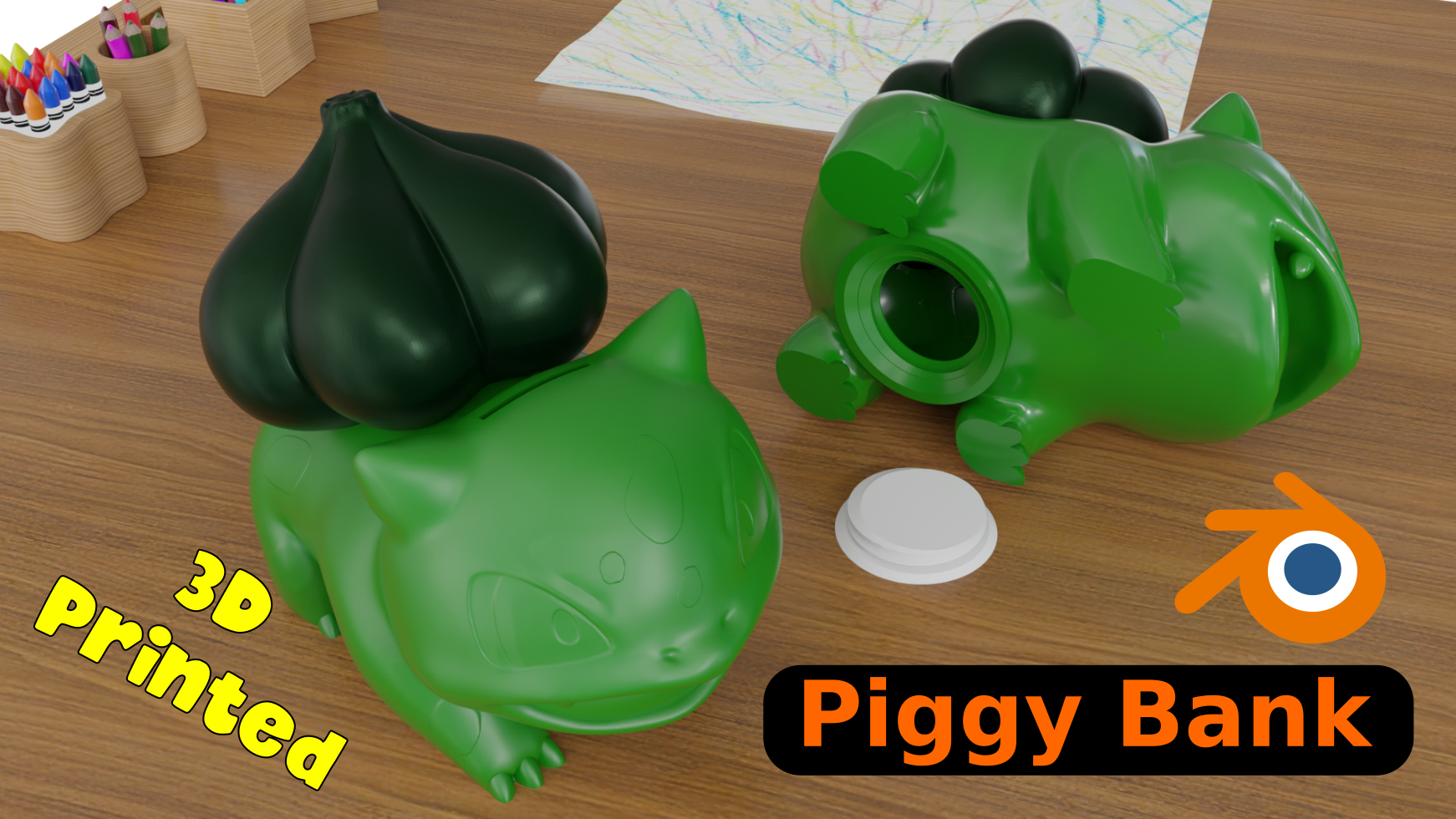
This instructable shows you how to make 3D printed piggy bank out of any model you like. The whole design process is done in Blender.
The Pokemon model is used as an example. We are not affiliated with The Pokémon Company.
Supplies
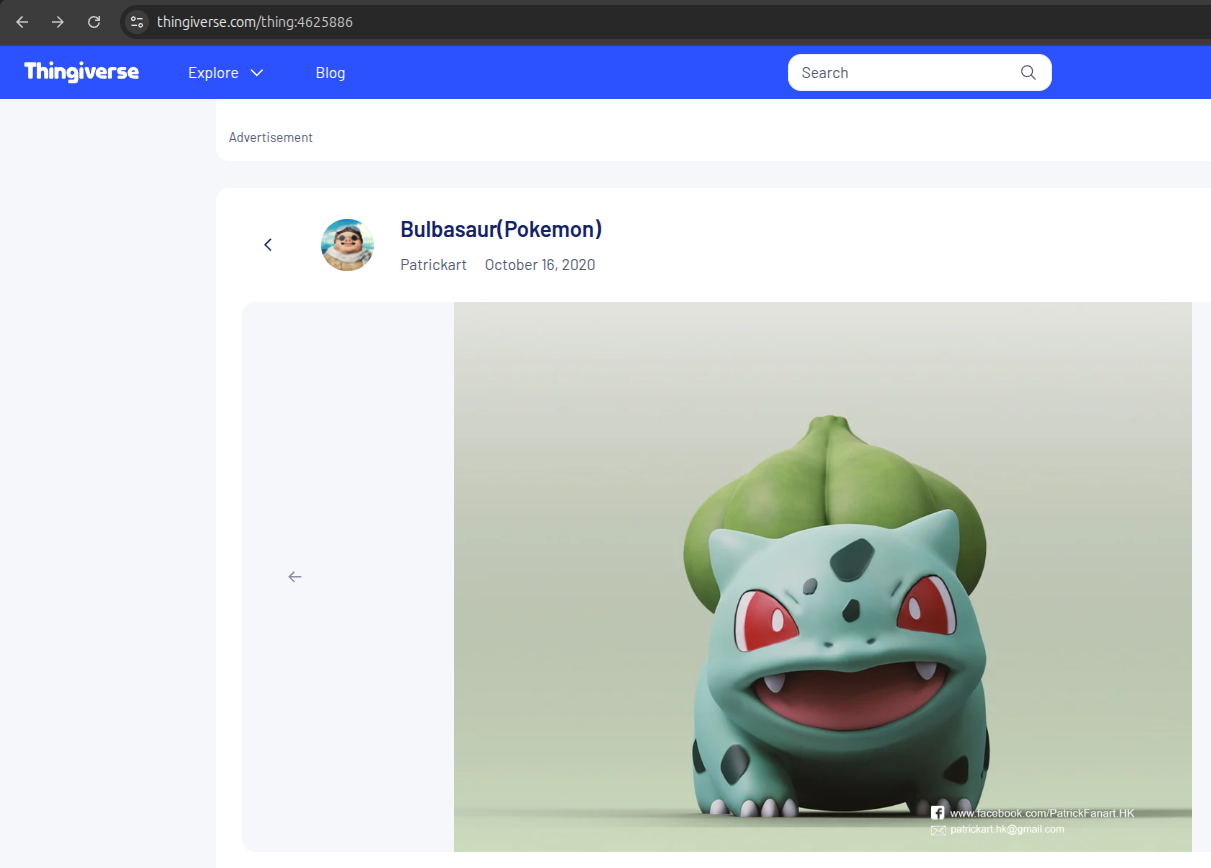
You will need to select the model you prefer to make piggy bank with. For example I chose the Bulbasaur model. You will also need the plug to take the coins out. The origin plug is here but I used the one I edited to make it simpler for the process. You can get them here https://ko-fi.com/s/cf570364c5
Model
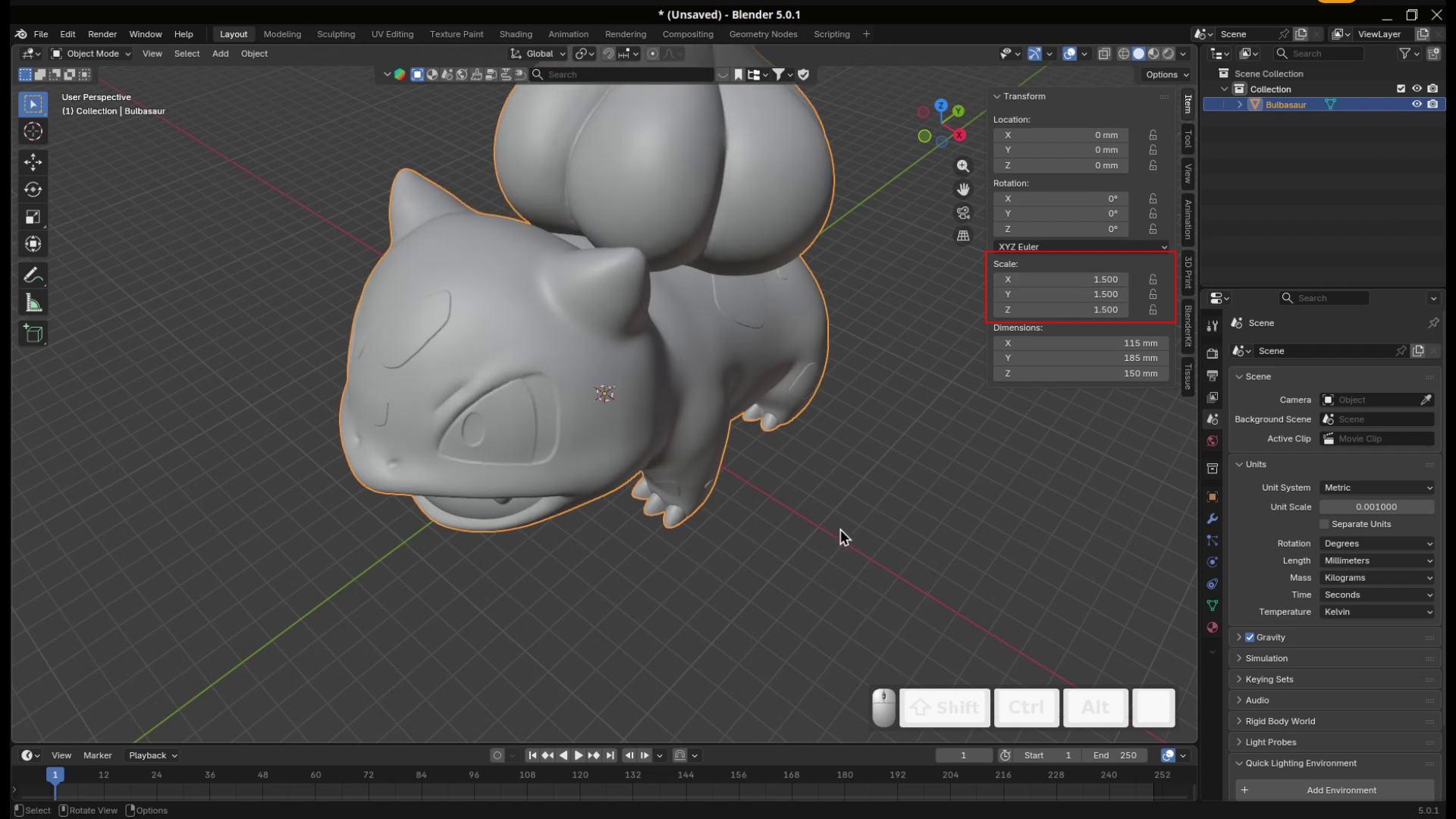

Models have different sizes. The first step after importing them to Blender is to scale them to the proper dimension that fits your 3D printers. I scales the Bulbasaur to 1.5 and use Ctrl+A to apply my modification.
Make the Model Hollow


In this step we will make the model hollow so it can store the coins. Depend on the model you choose, you may need to cleanup some vertices as a result of the Solidify modifier.
Cut the Insert Gap for the Coins
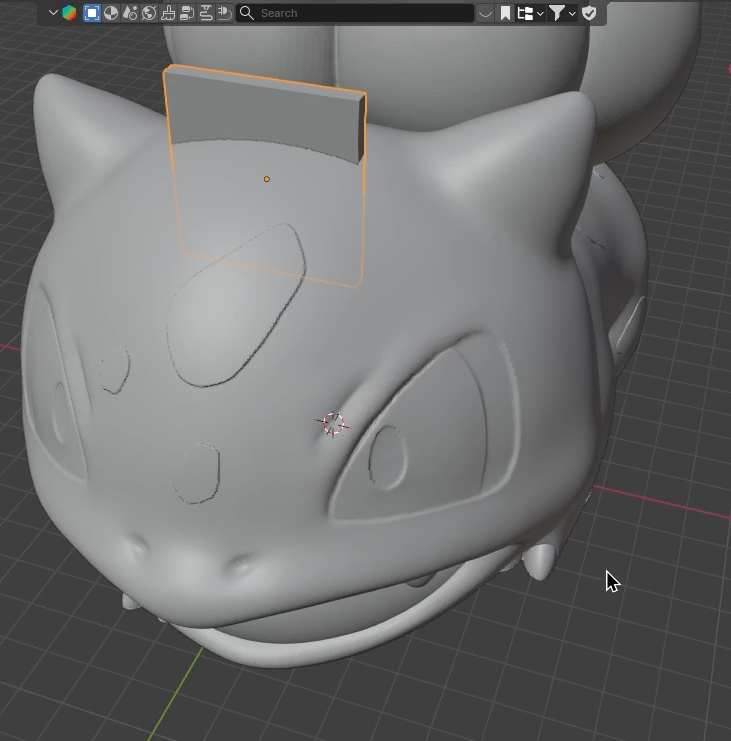

We will use Boolean modifier to cut a gap for coins. The gap sizes is about 30x3mm for my coins here but you can also change it as you prefer. You will need to add a cube with the gap's size and cut it out of the model using the Difference in Boolean modifier
Add the Plug to Take the Coins Out


The first part of this step is similar to Step 3. We will cut a hole from the bottom of the model using a cylinder and Boolean modifier.
Then you can add the thread (fillopening_F.stl) for the plug (fillopening_M.stl). You will need to adjust their postions to have a good match
Print It
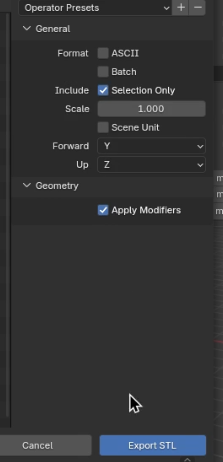
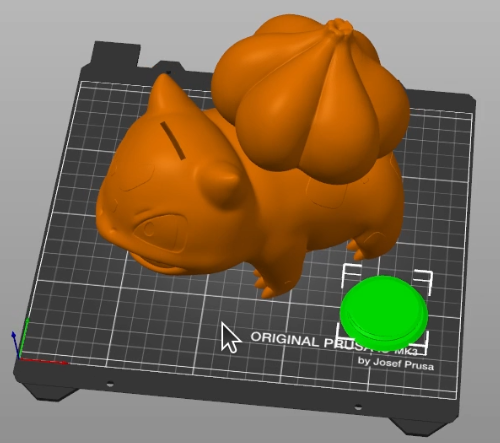

The model and the fillopening_F can be exported into one stl file (check the Selection Only checkbox).
Now you can print the the model and the plug (fillopening_M.stl) to give to anyone you love or yourself (why not?)
Happy making!