Making a Exotic Car Dealership Out of Cardboard
by CADKai in Craft > Cardboard
182 Views, 0 Favorites, 0 Comments
Making a Exotic Car Dealership Out of Cardboard

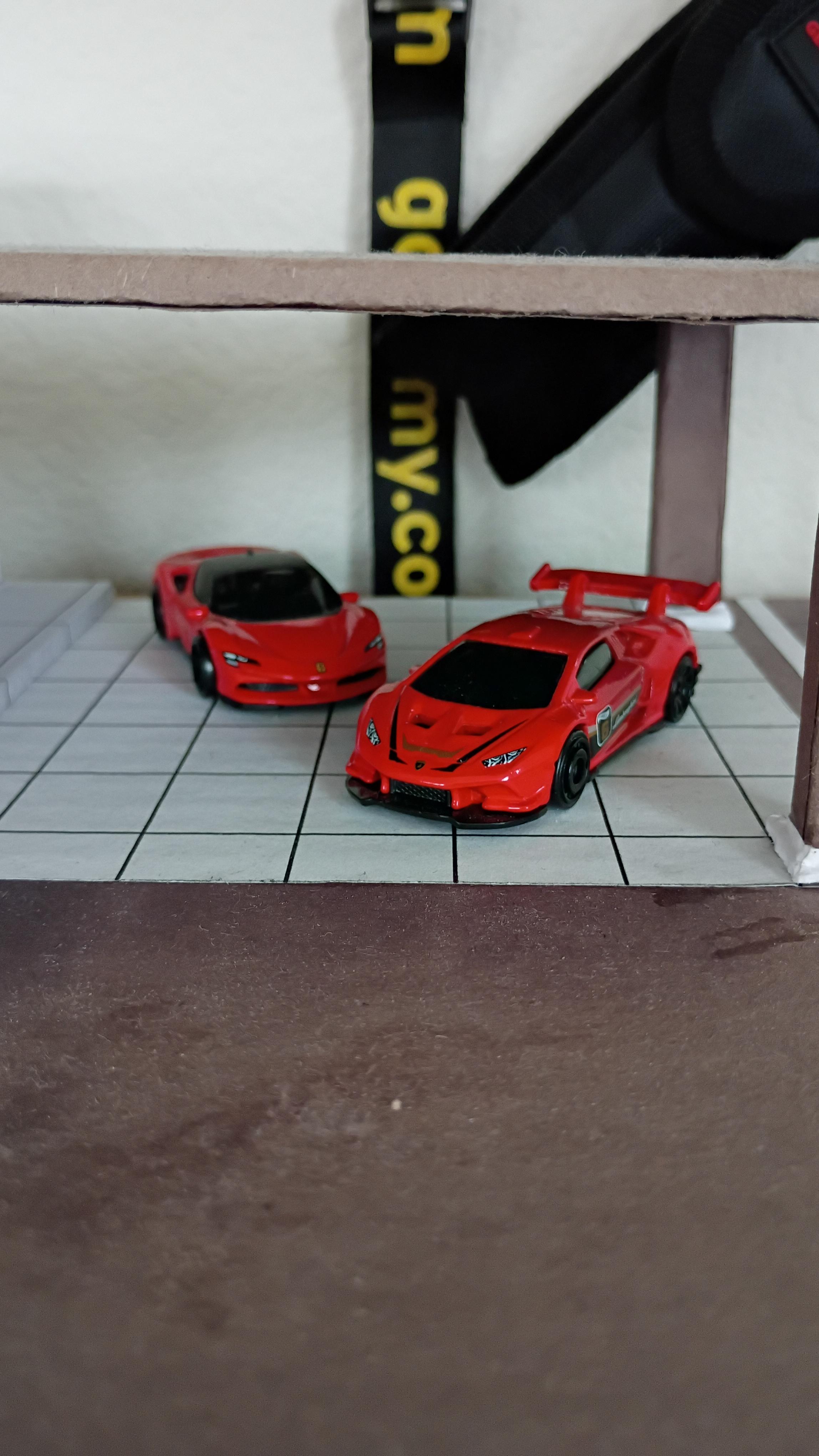
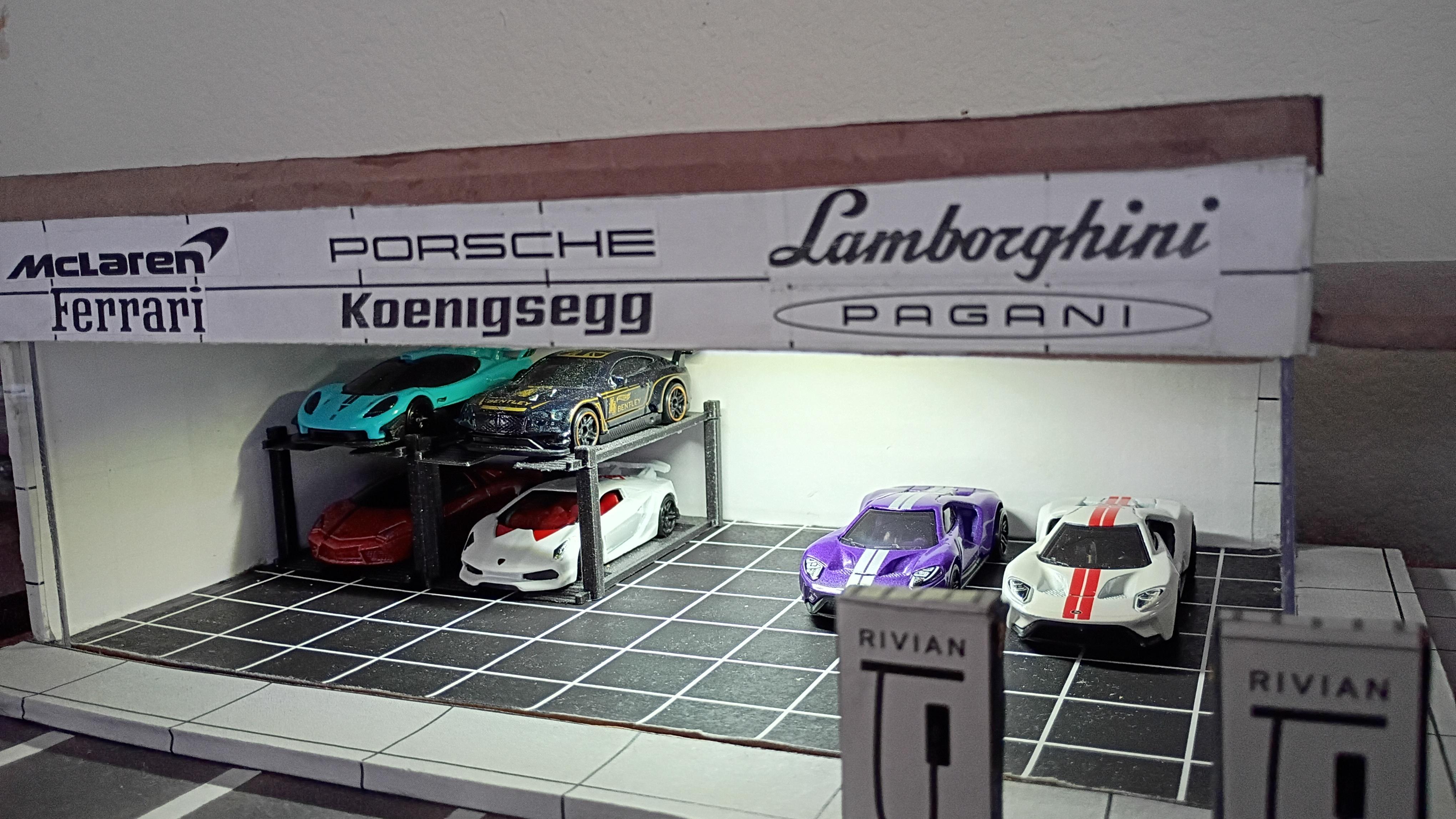
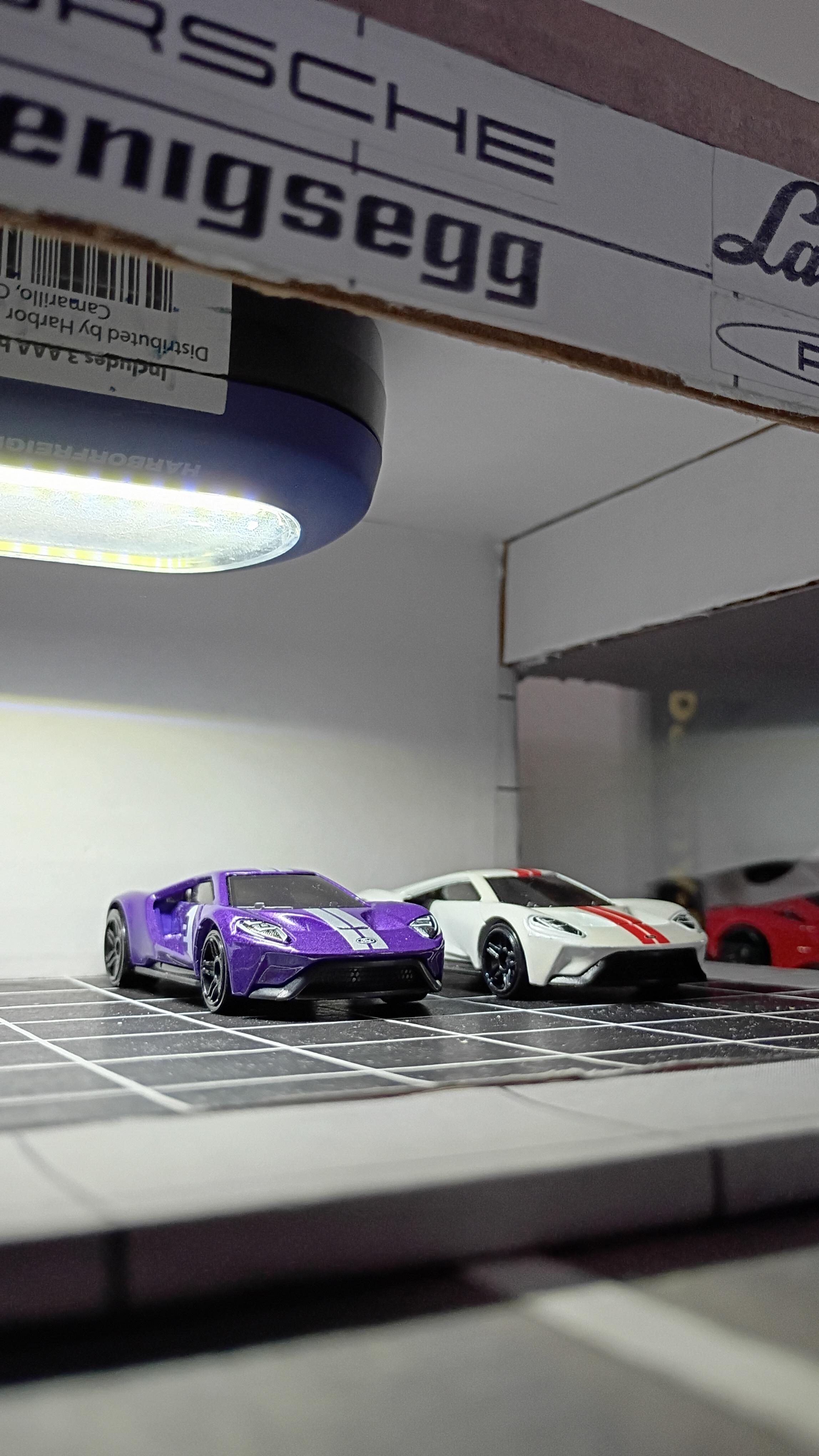

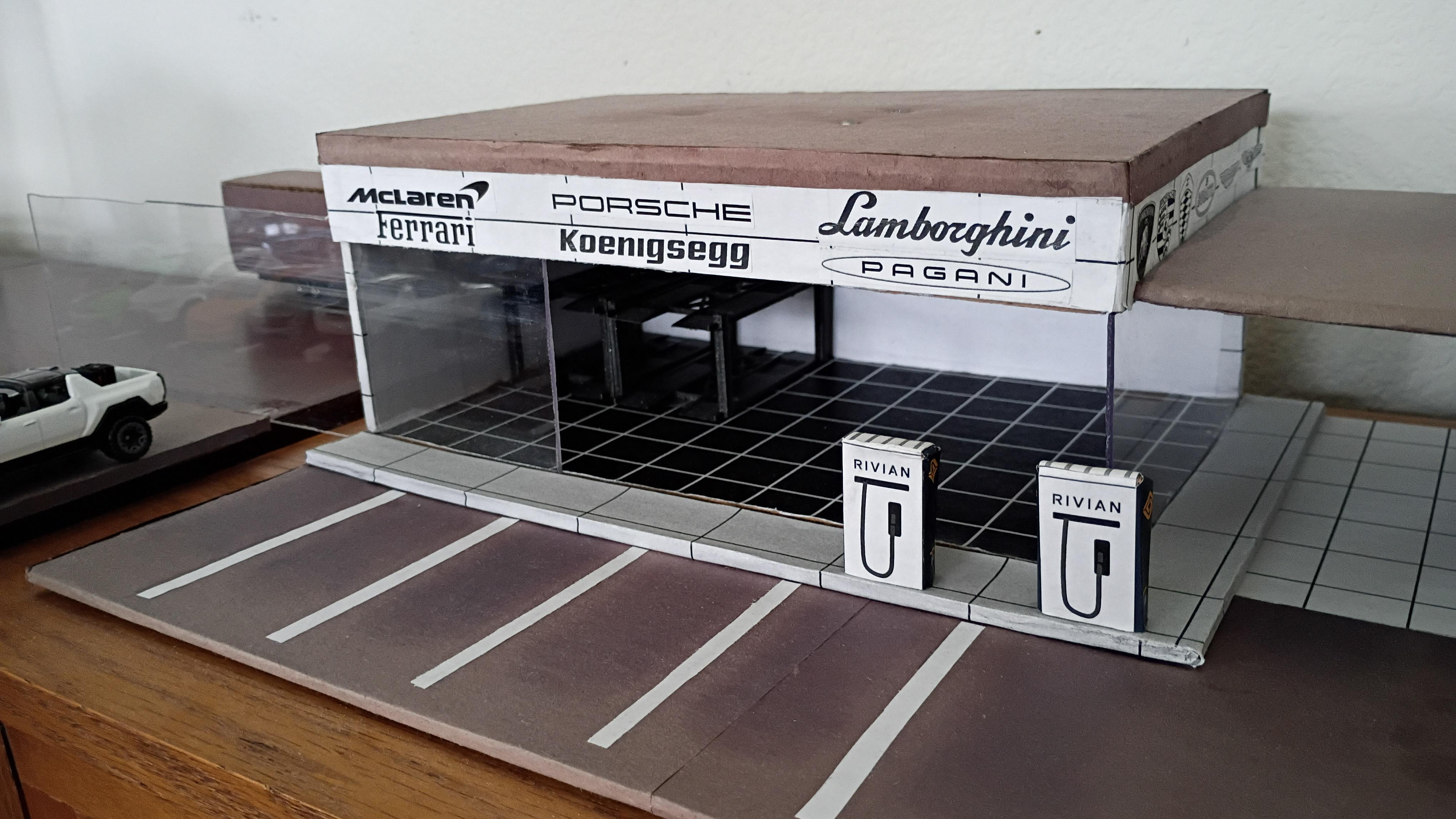
I collect Hot Wheels, and I had a problem with them just sitting on the table in an unorganized manner, so I came up with the idea to create a dealership for them to be displayed in. I wanted the dealership to be able to hold at least 20 cars and have indoor/outdoor parking.
Supplies
- Printer to print out decals
- Cardboard
- Scissors
- Glue
- Construction Paper
- Acrylic sheets
Create a CAD Model
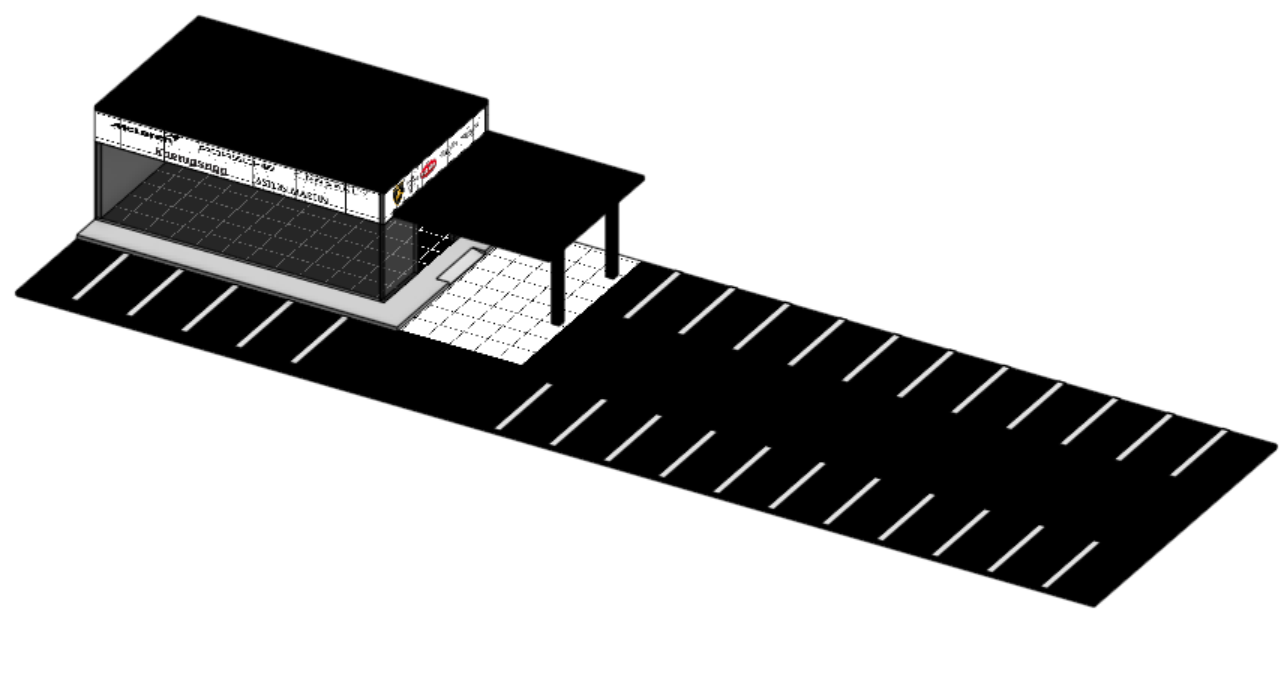

Before starting any project, I like to create a CAD model on Fusion 360 to help guide me when I am cutting or assembling. I planned to place the car dealership on the top of a cabinet that was 34.5 x 10.125 inches, so the platform of the dealership will rest on that. I also knew that Hot Wheels commonly take up at least 1.5 inches of space, so each spot in the parking lot will need to be 1.5 inches apart. The CAD model was extremely helpful in visualizing the number of parking spaces that I could fit in the space I had. I also based the dimensions of the building on what made it proportional to the size of the lot.
Make the Parking Lot

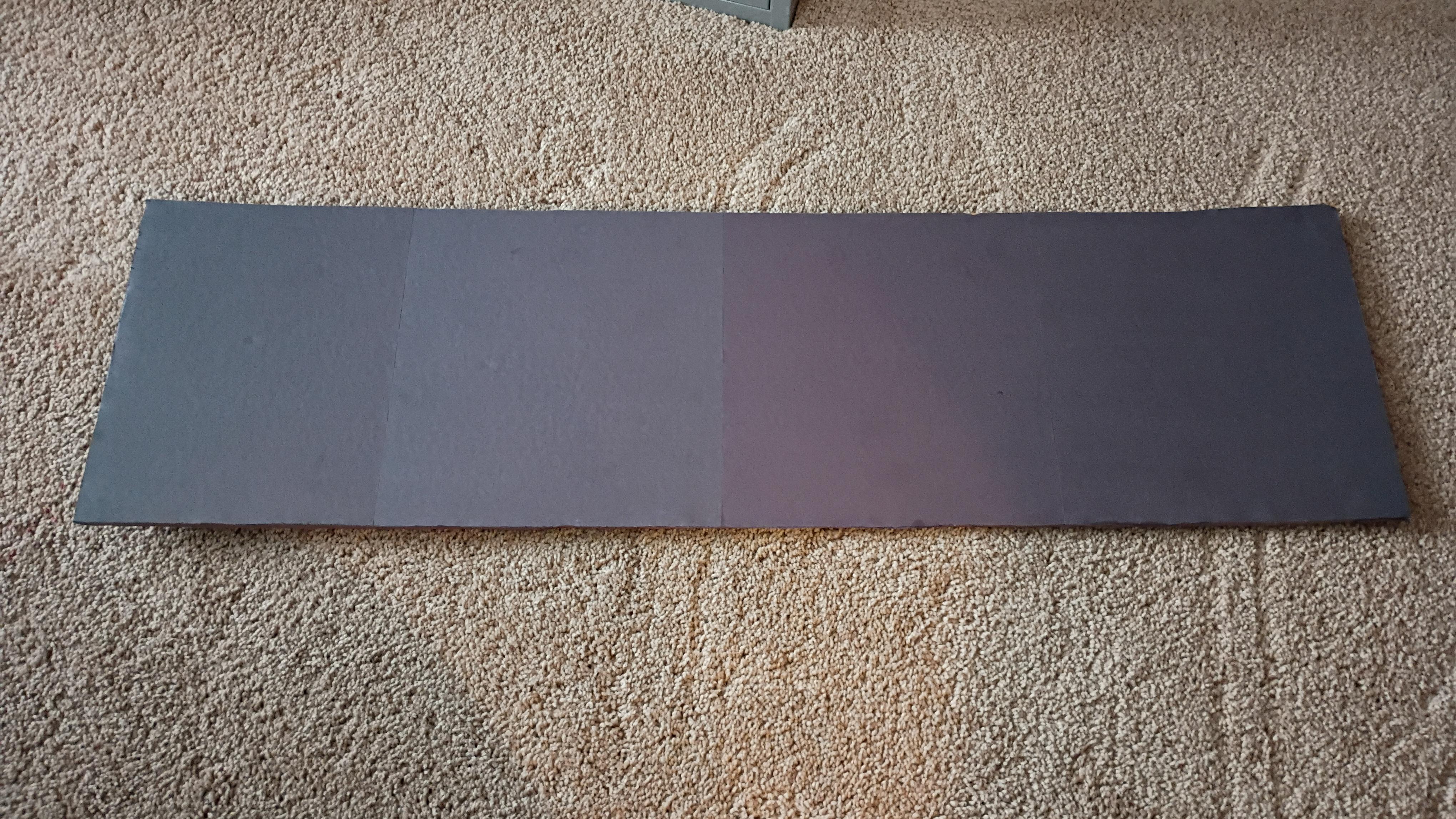

Now it's time to turn the CAD model into a reality. Starting with the parking lot. Cut out a piece of cardboard to 34.5 x 10.125 inches. Then, wrap it in black construction paper. For me, it took 4 sheets.
Make the Base of the Dealer
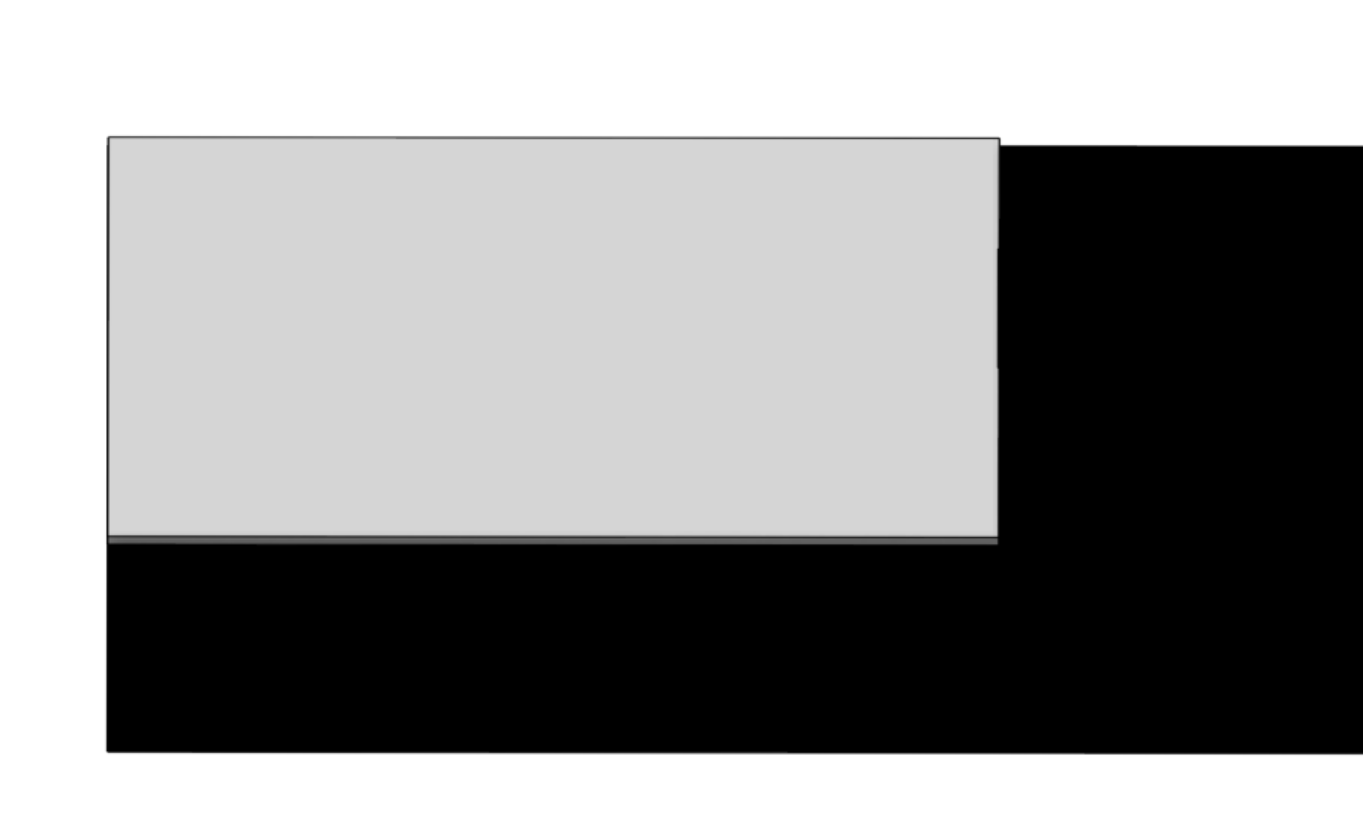
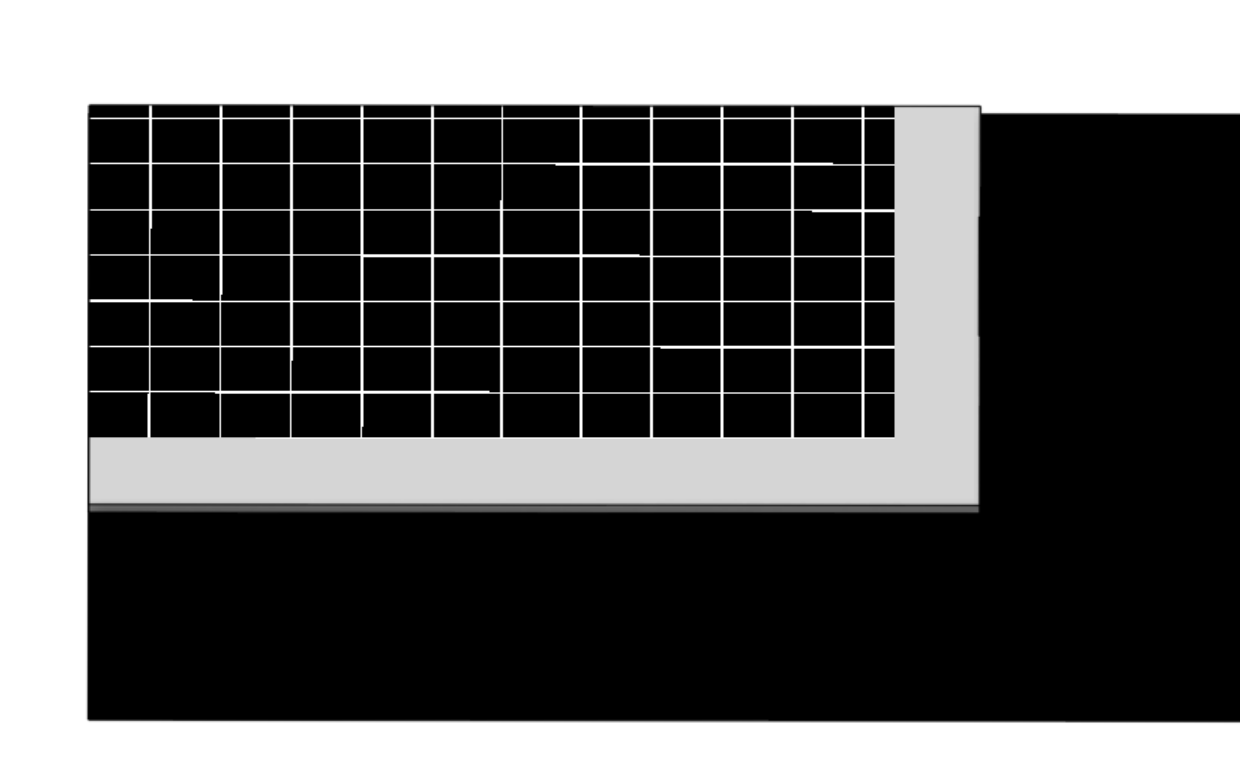

Then, cut out a 10.25 x 6.75 in piece of cardboard and glue it to the top left of the parking lot. Also, print out the dealership floor and cut out a 6 x 9 in sheet from it and glue it to the top left corner of the dealer base.
Downloads
Left Wall of the Dealer


Cut out a 5.625 x 3.5 in piece of cardboard and 5.625 x 3.5 sheet of white tiles and glue them together. Also, cut out a 5.625 x 3.5 piece of white printer paper and glue it to the other side of the piece, this will be on the interior of the dealership. Then place the wall on the left side of the dealer base.
Downloads
Acrylic Glass Walls


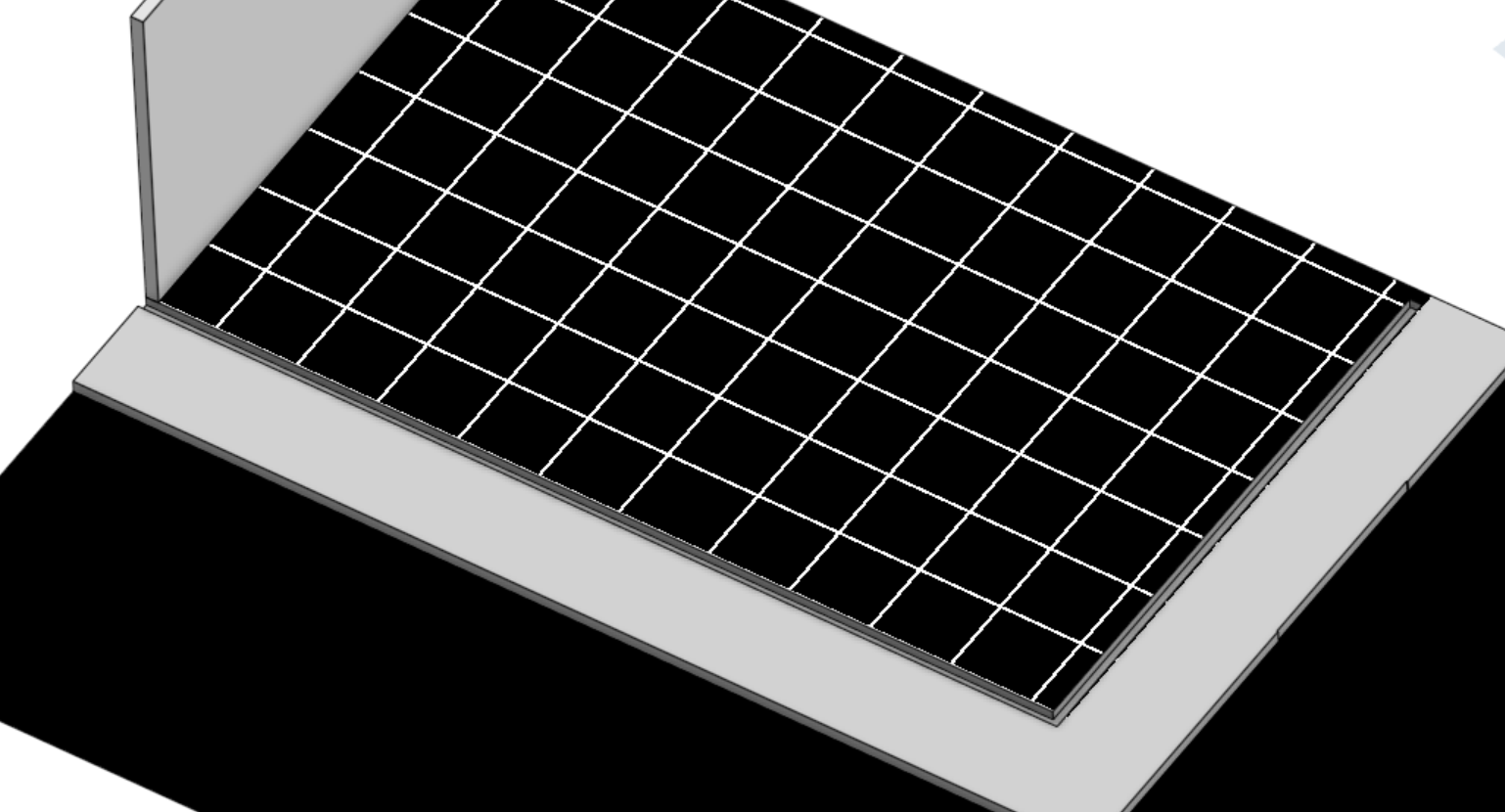

Cut out a 9.125 x 2.6 in and 5.625 x 2.6 in pieces of acrylic glass for the clear sides of the dealership. To attach these to the base of the dealer, I cut out a little notch in the base for the pieces of acrylic glass to slide into, as shown in the CAD model. I added these to be able to slide the acrylic glass out and put Hot Wheels in the building.
Back Wall of the Dealer
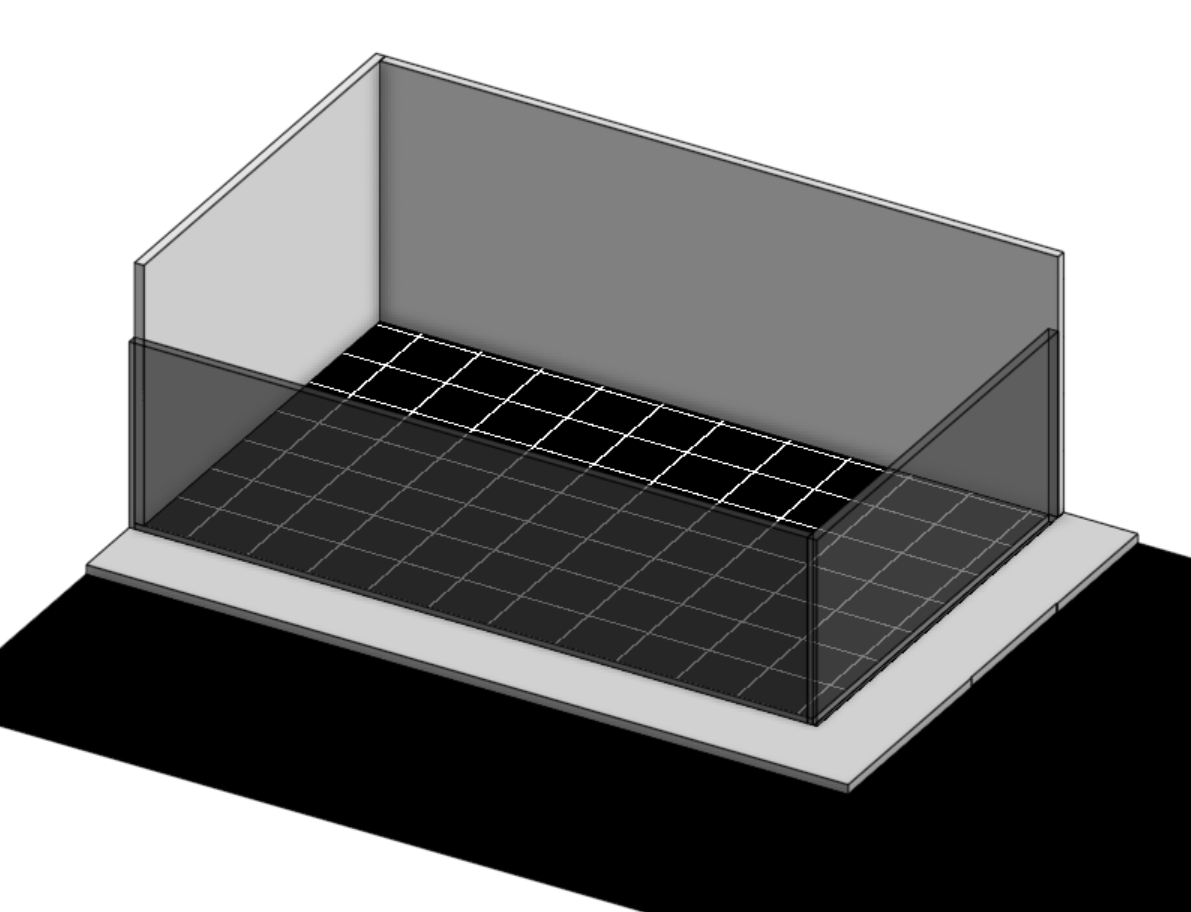
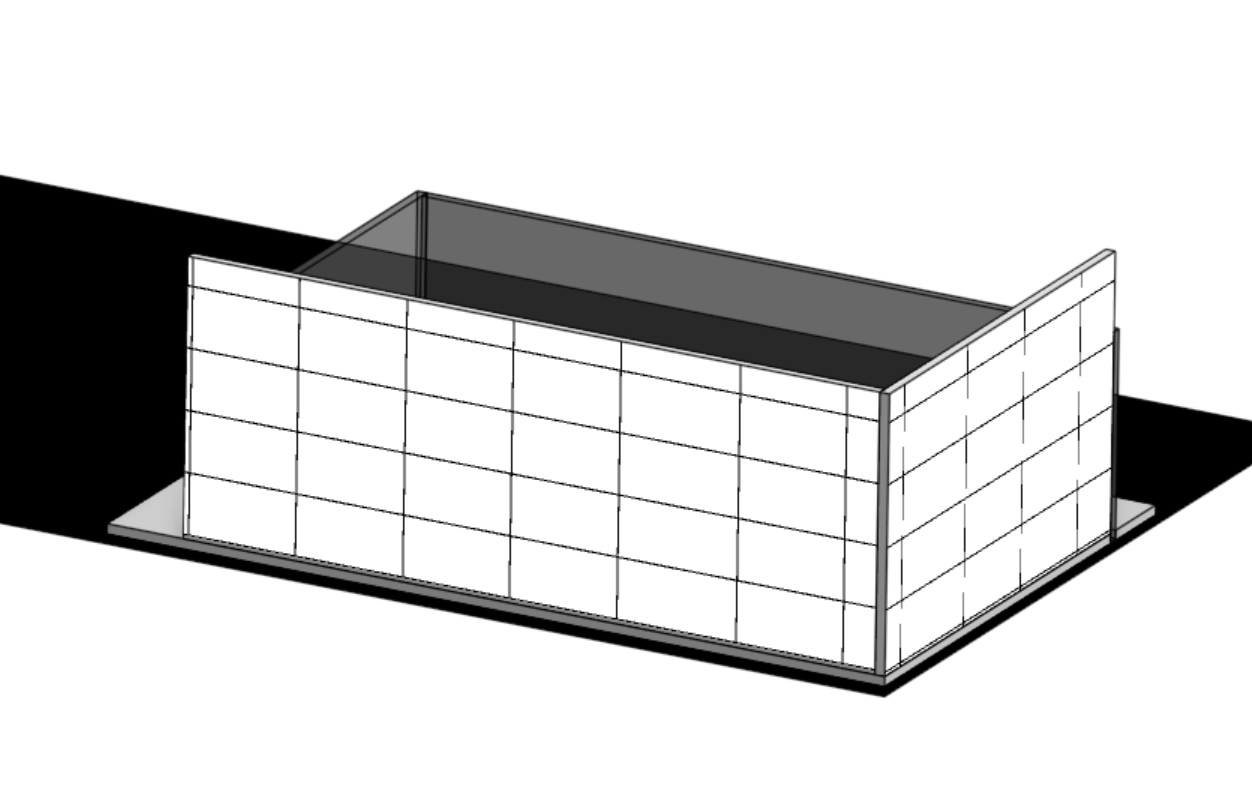

Cut a 9.125 x 3.5 in piece of cardboard and 9.125 x 3.5 in sheet of white tiles and glue them together. Also, cut out a 9.125 x 3.5 piece of white printer paper and glue it to the other side of the piece, this will be on the interior of the dealership. Then attach the wall to the base of the dealer.
Downloads
Front and Side Branding
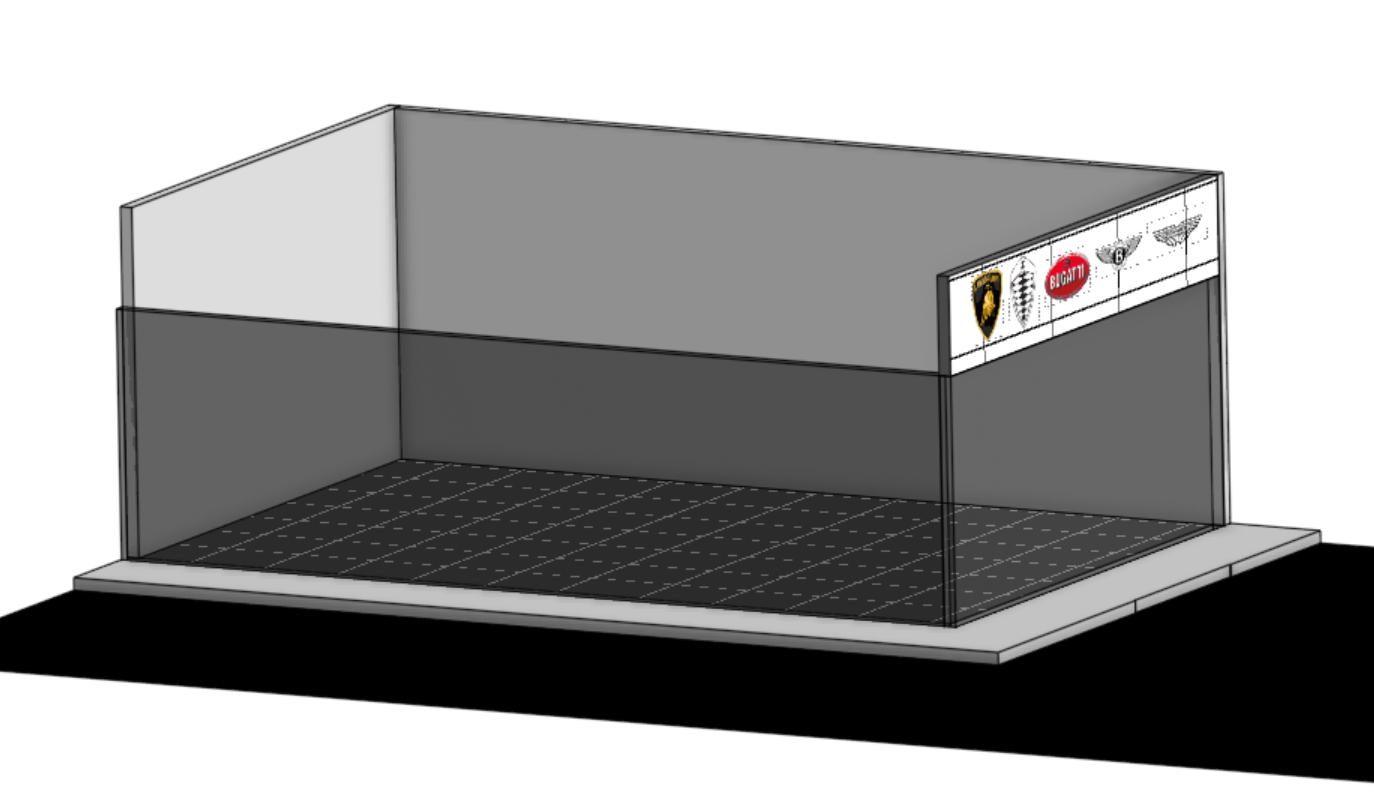

Cut 5.625 x 1 in and 9.125 x 1 in pieces of cardboard and 5.625 x 1 in and 9.125 x 1 in sheet of white tiles and glue the sheets to the pieces of cardboard. Also, as before, cut out a 5.625 x 1 in and 9.125 x 1 in sheets of white printer paper and glue it to the other side of the piece. Then, cut out logos from the brand decals and glue them to the front.
The Roof
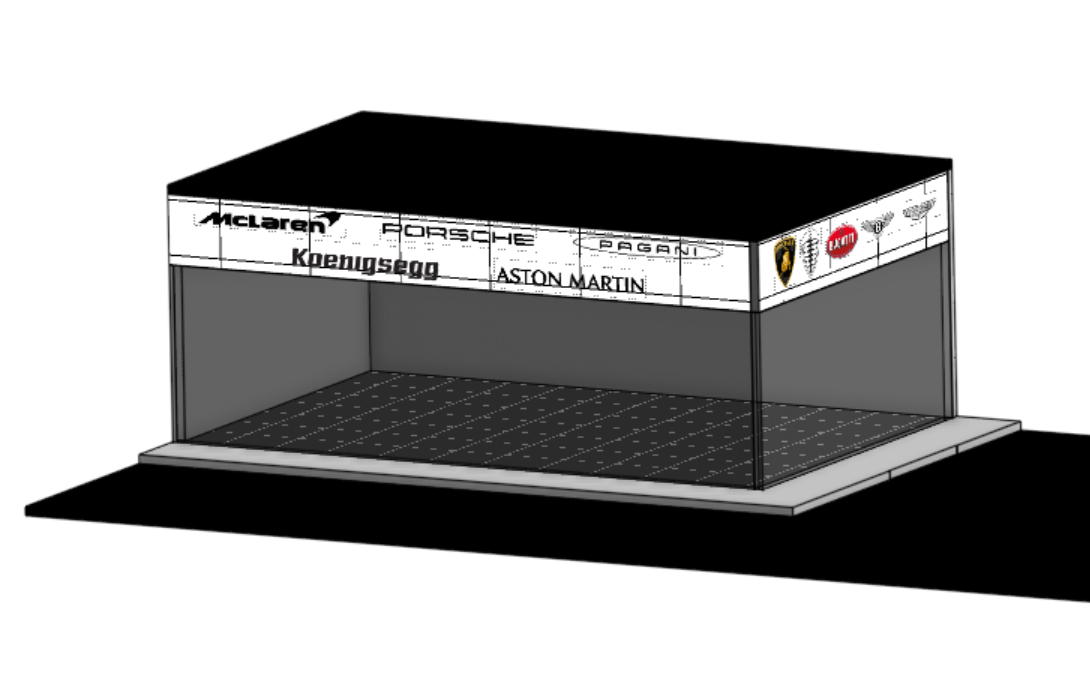
Cut out a 9.25 x 5.75 in piece of cardboard and a 9.25 x 5.75 in sheet of black construction paper and white printer paper, and glue them together. Then, glue it to the top of the dealership.
The Exterior Parking Area
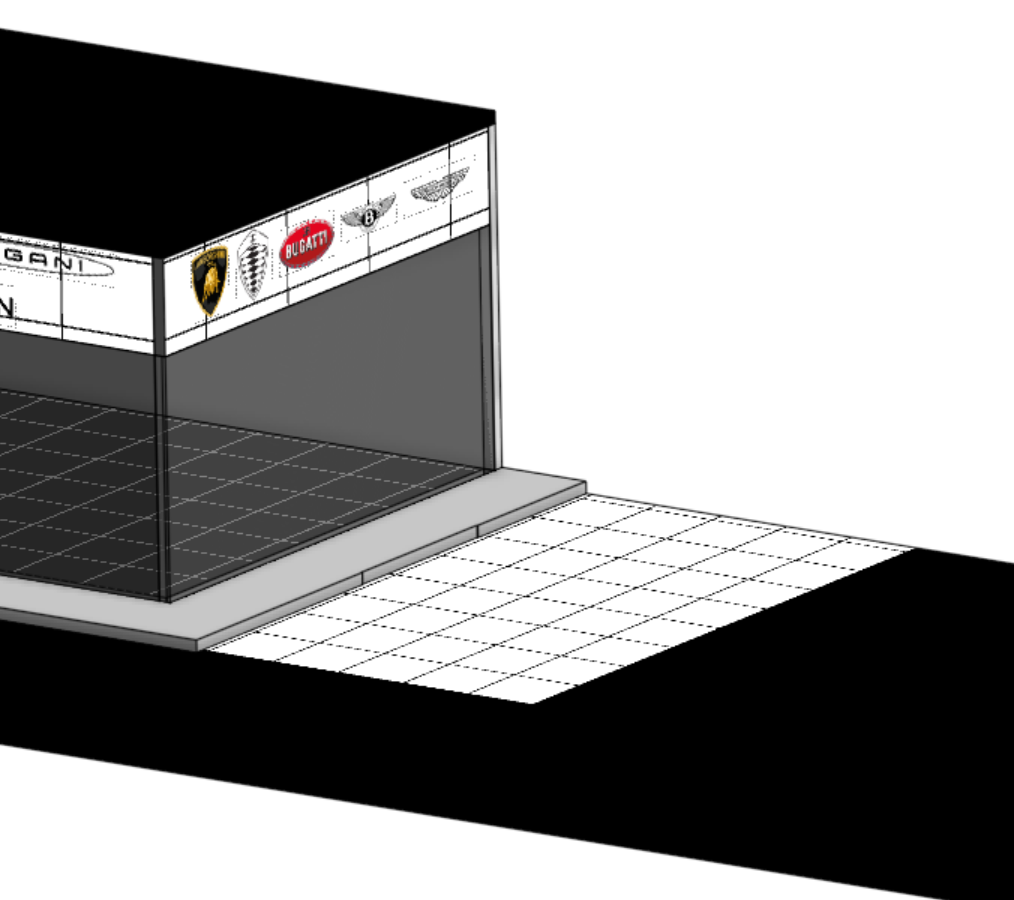
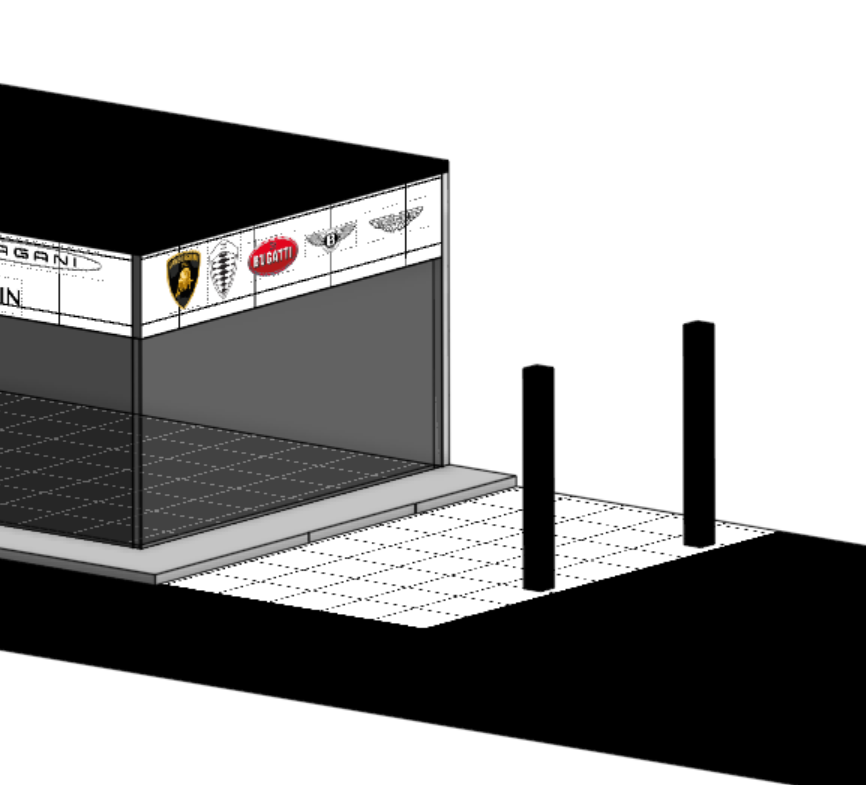

Cut out a 5 x 5.25 in sheet of exterior parking tiles and glue to the parking lot floor near the base of the dealer. Then, cut out a 5 x 5.25 in piece of cardboard and use an entire sheet of black construction paper to fold around it. Then, cut out four 2.625 x 0.25 in pieces of cardboard and glue two of them together twice and wrap them in black construction paper; these will be the pillars. Attach the pieces to the dealership as shown in the CAD model.
Downloads
Creating the Parking Lot Layout

Cut a piece of white printer paper into many strips of 0.25 x 3 in. Then, glue them 1.5 inches apart from one another, starting from the right side of the parking lot, as shown in the CAD model. You should be able to fit two rows of 11 spots from the right to the left side and 6 spots in front of the dealership.
Add Final Touches As Desired


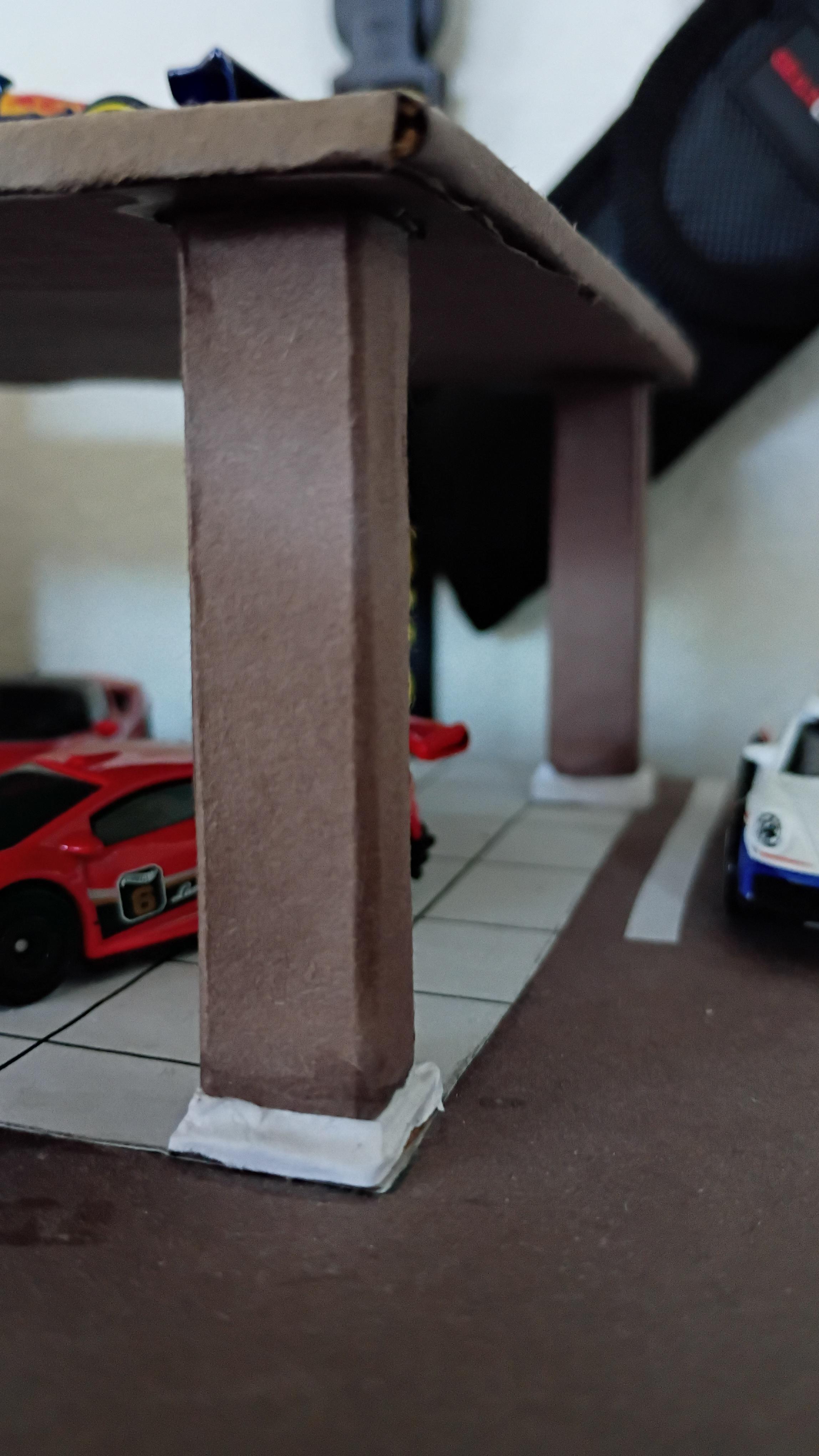
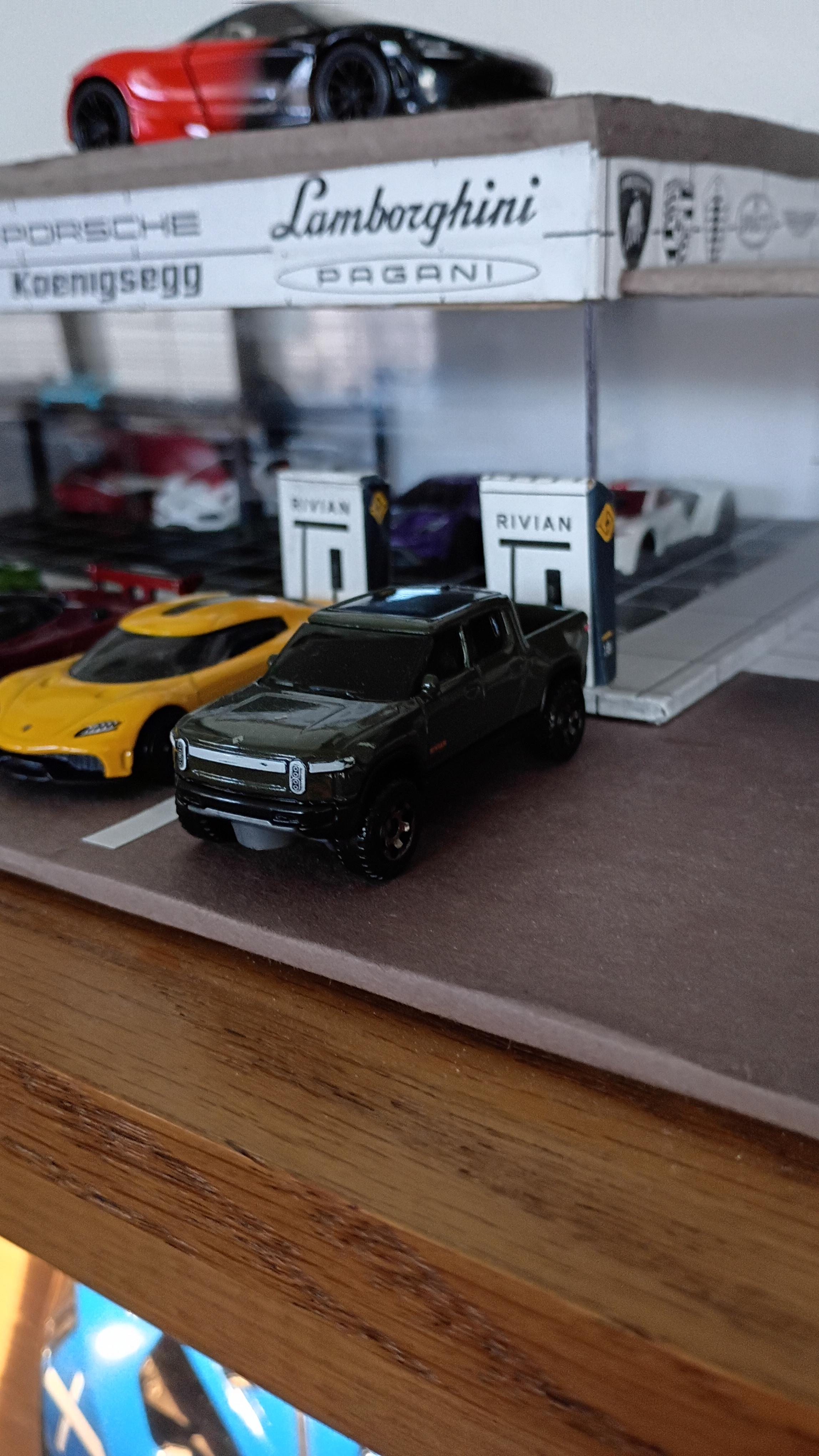
Then, I added some final touches to the dealership to make it look a bit more realistic. These included: a light source and car stands inside the dealership, white edges to the bottom of the pillars, sidewalk decals, and Rivian EV chargers.
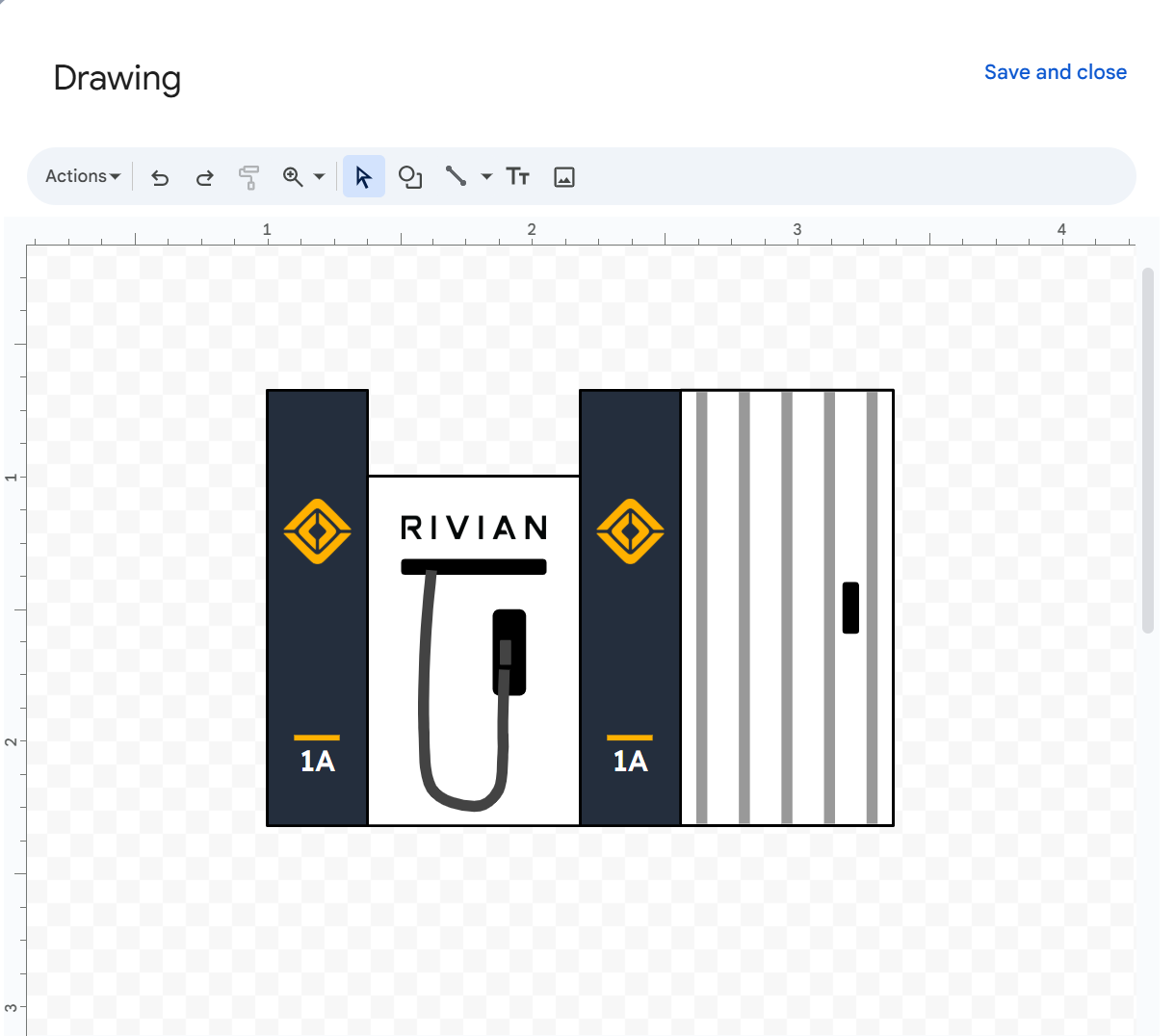
If you want to make the Rivian EV chargers, all you have to do is print out the Rivian charger sheet and cut it out. Then, cut out three pieces of cardboard, two that are 0.8 x 1.3 in and another that is 0.8 x 1.5 in. Then glue them together and bend the piece that is 0.8 x 1.5 in towards the piece that is 0.8 x 1.3 in and tape them together. This creates the curved part of the charger. Then, wrap the charger in the charger decal from the Rivian charger sheet I created.
Conclusion/Fill the Dealership With Cars :D

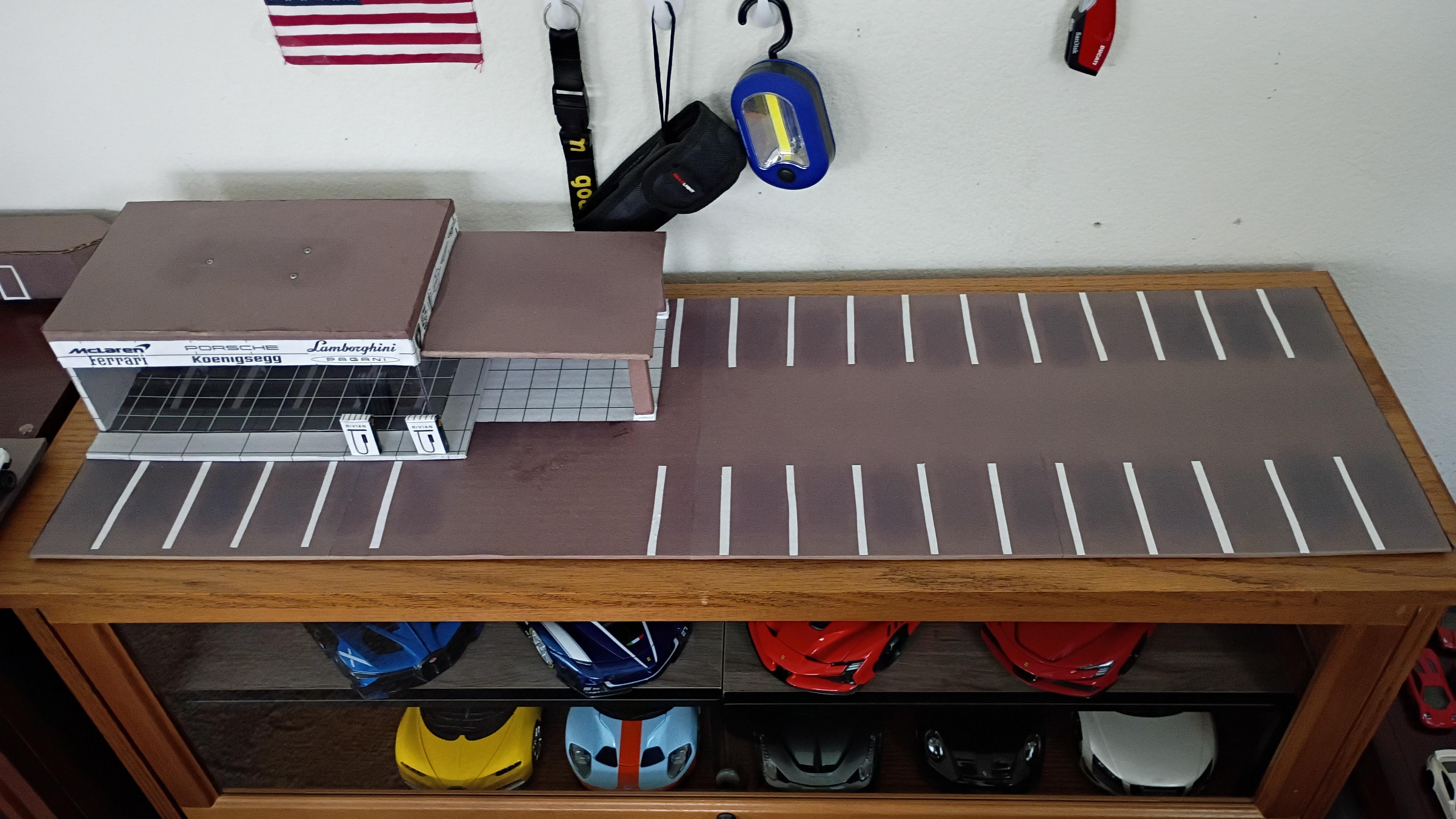
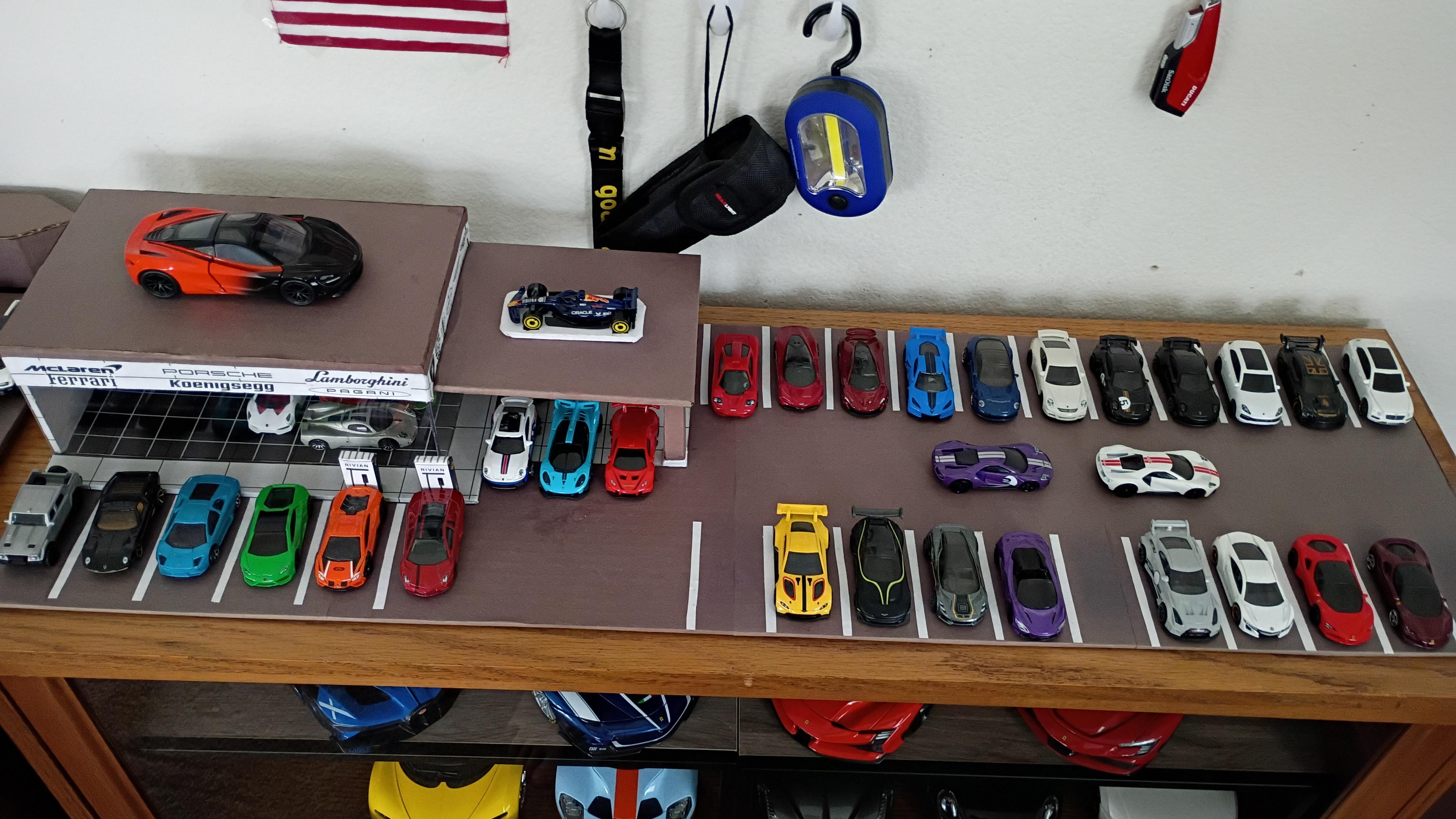
This was a really fun project, and I liked seeing my idea go from my head to CAD, then to reality. I also enjoyed creating custom decals for this project using Google Drawings.