New Toy for My Cat (Anadil)
by iryanaospinaio in Design > 3D Design
49 Views, 0 Favorites, 0 Comments
New Toy for My Cat (Anadil)
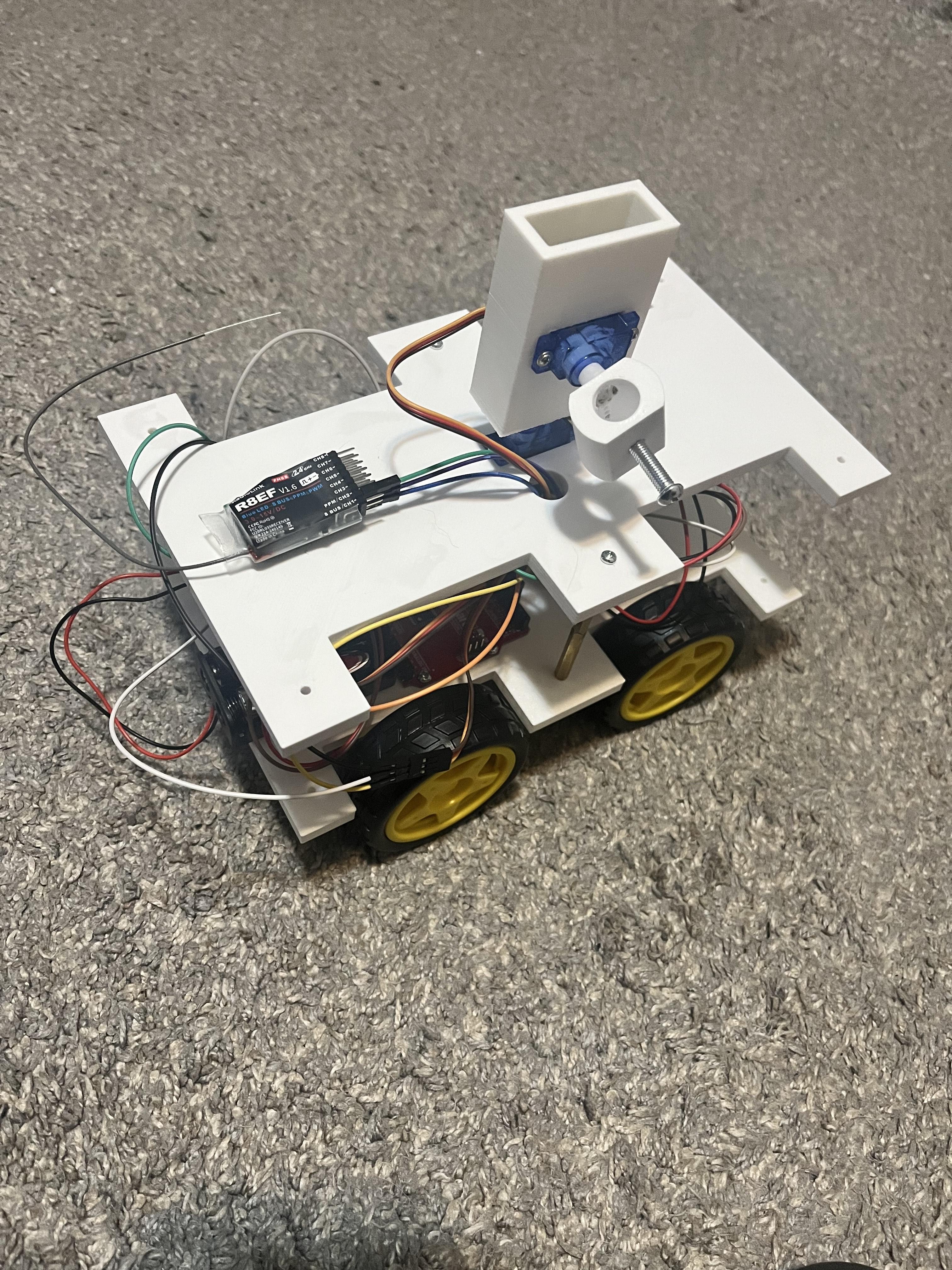
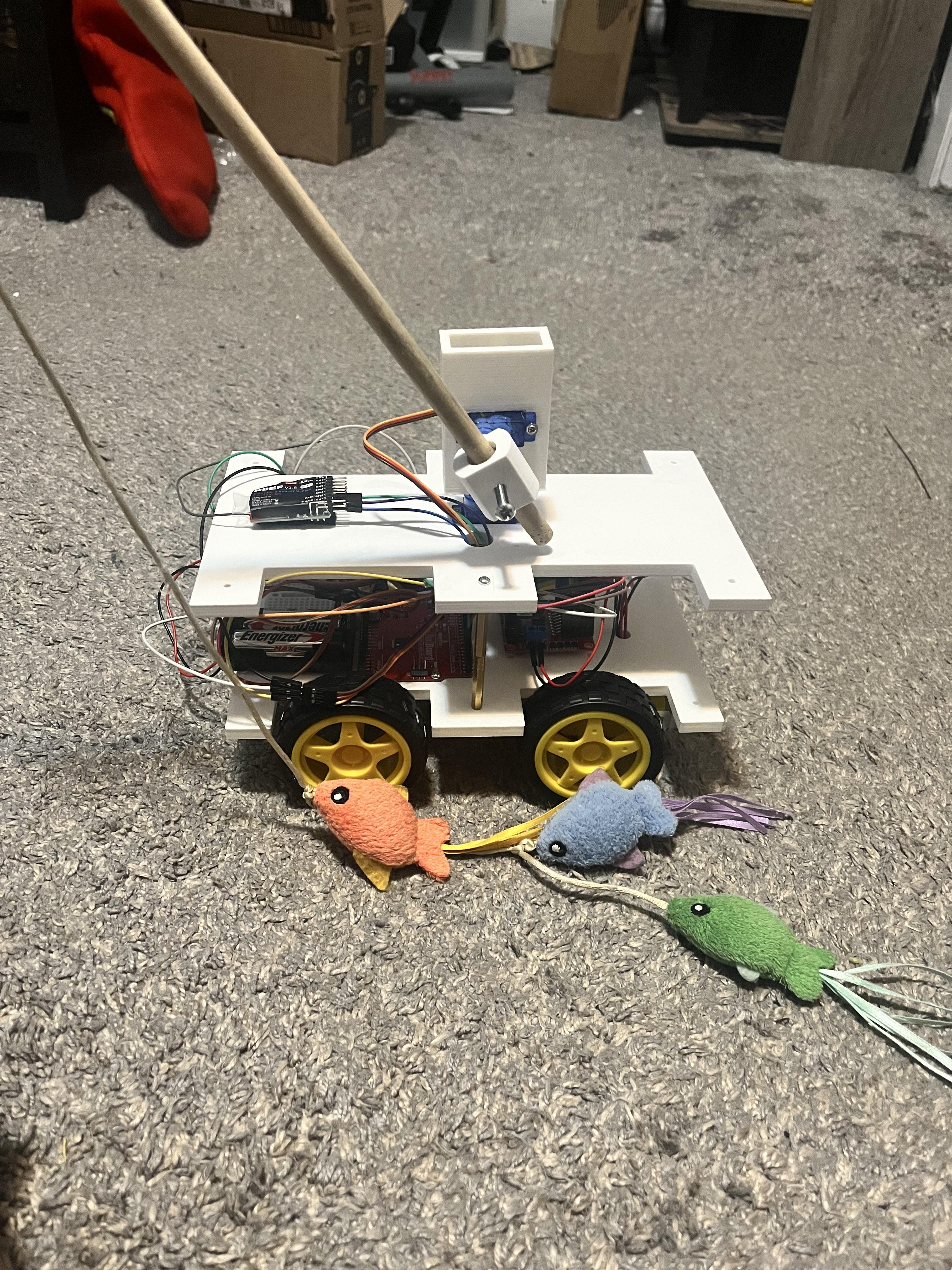
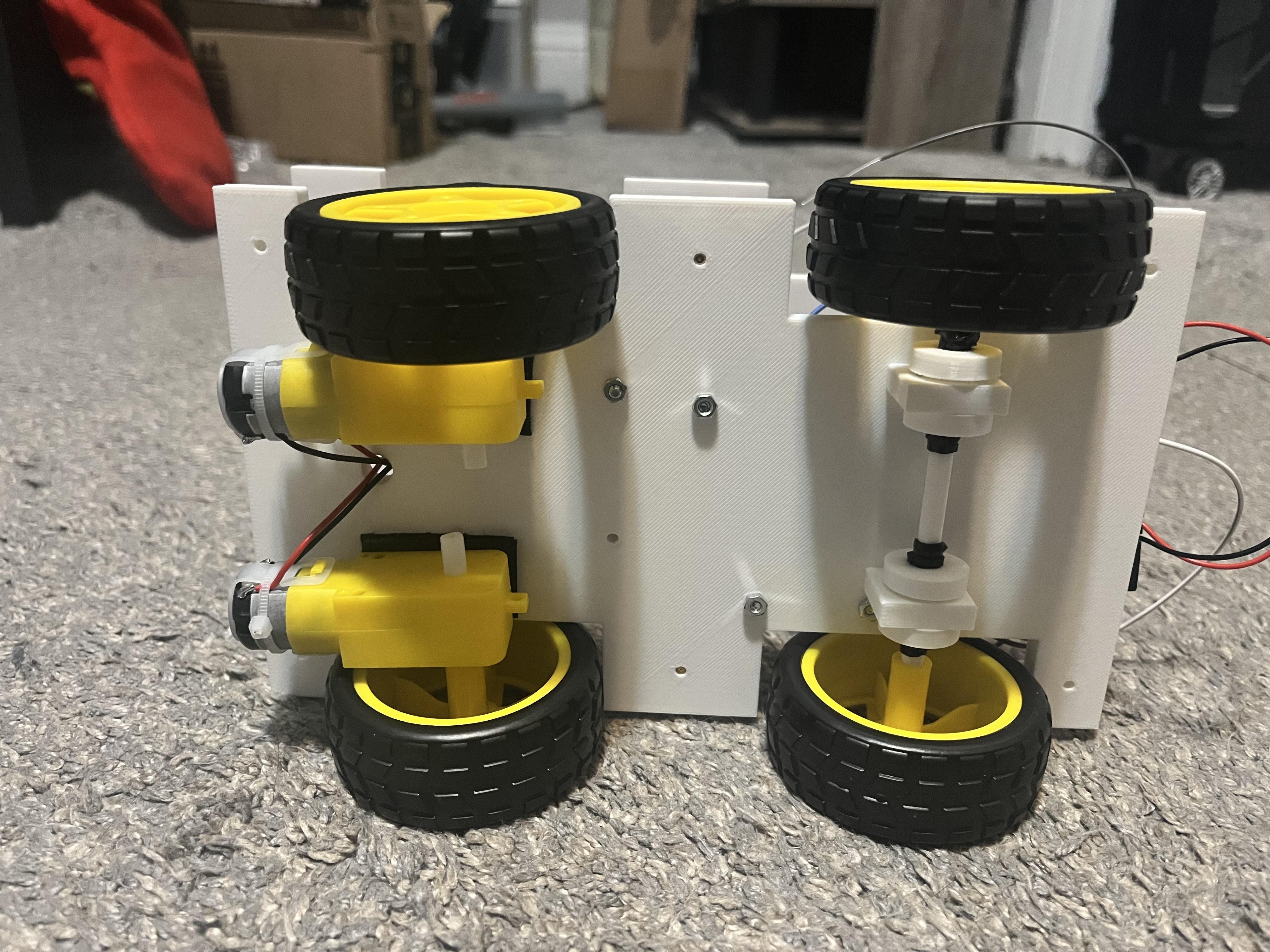

Back in October, I adopted a 4 month old kitten (Anadil) and quickly realize that she loves to play, but I would be busy or tired from my schoolwork and my job. Whenever Anadil wanted to play, she would jump on my desk knocking things over to get my attention, hoping that I would play with her. When that didn't work, she would cry until I get up and play with her.
I was told by one of my professor about this contest, and I decided to use it as motivation to make a robot that could hold a stick toy and spin around and entertain Anadil while I was busy. My first idea was to create a fully automated robot that could detect a wall and avoid them, but I couldn't find any sensors that were both affordable and reliable. So I decided to use an old controller I had from another project and to make a teleoperated robot, and later, I plan to make it fully automated.
Supplies
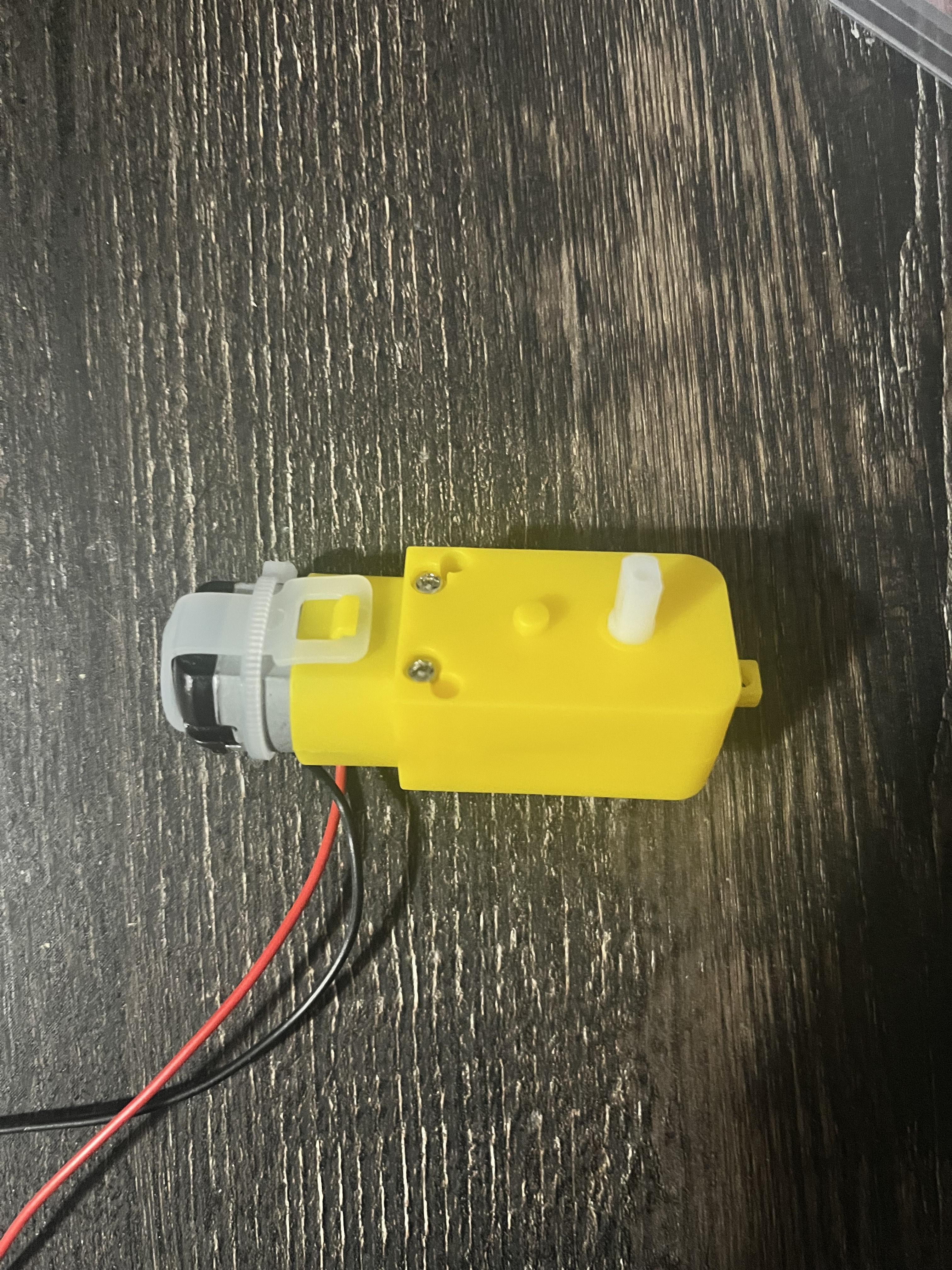
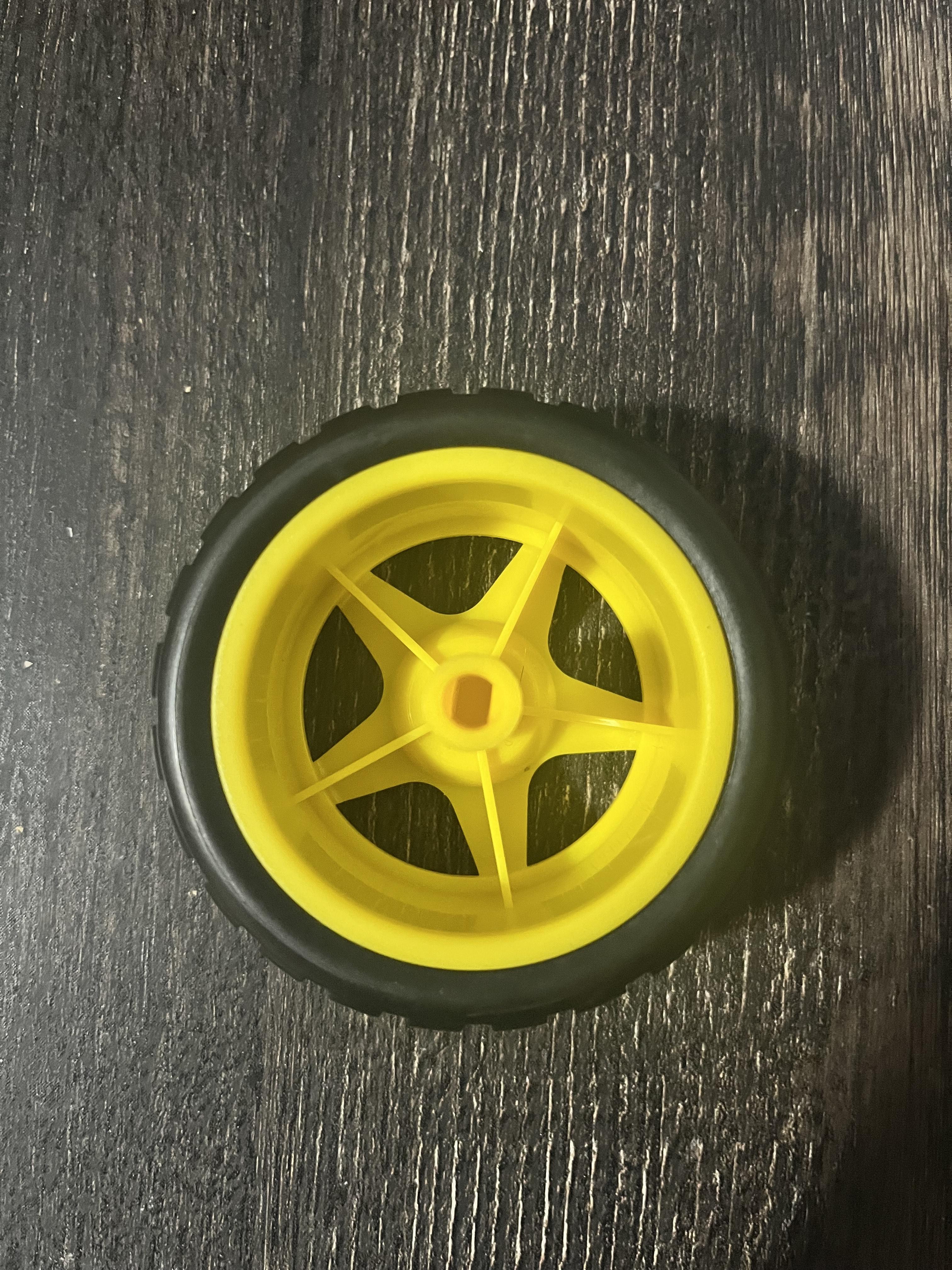
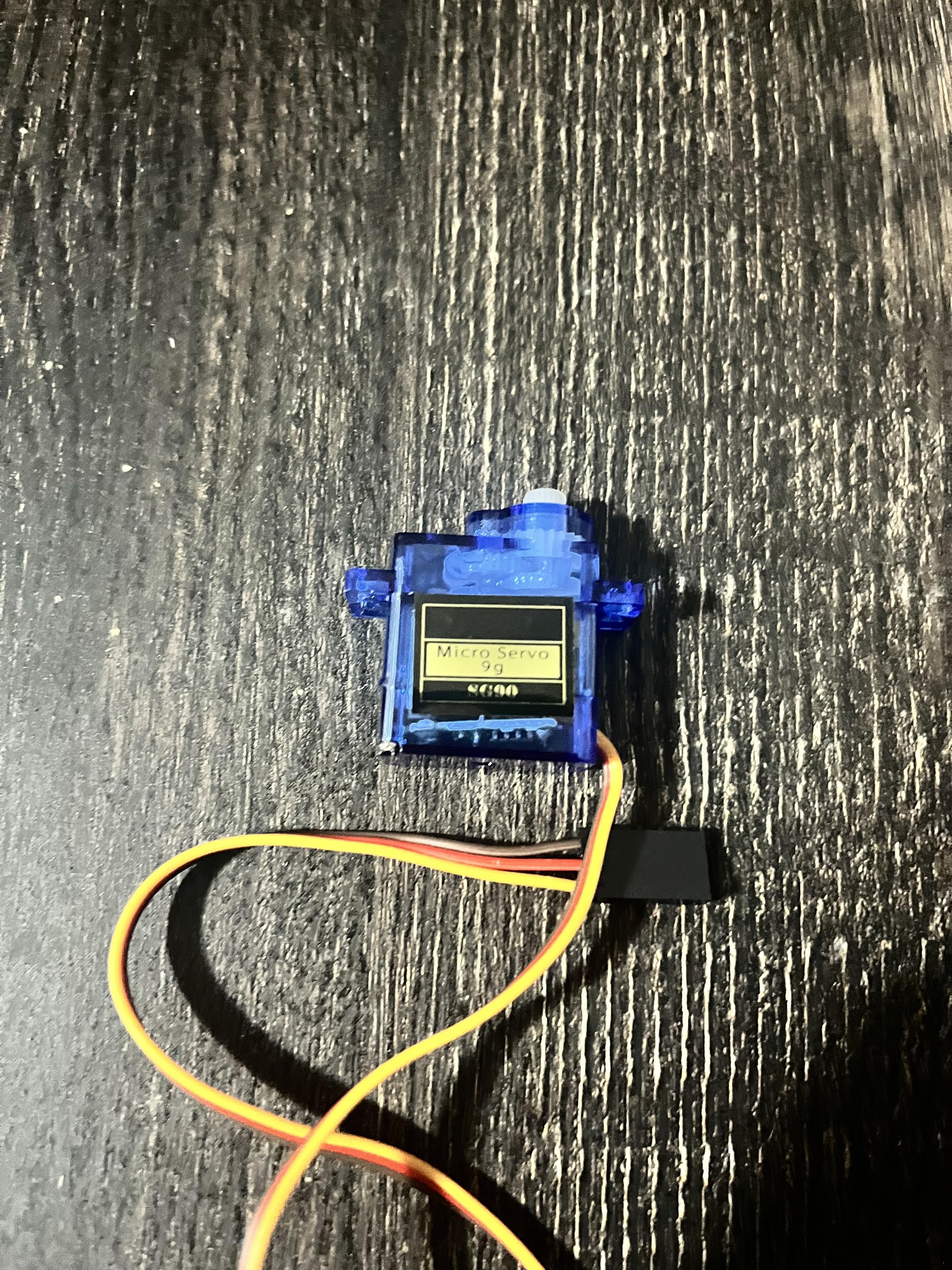
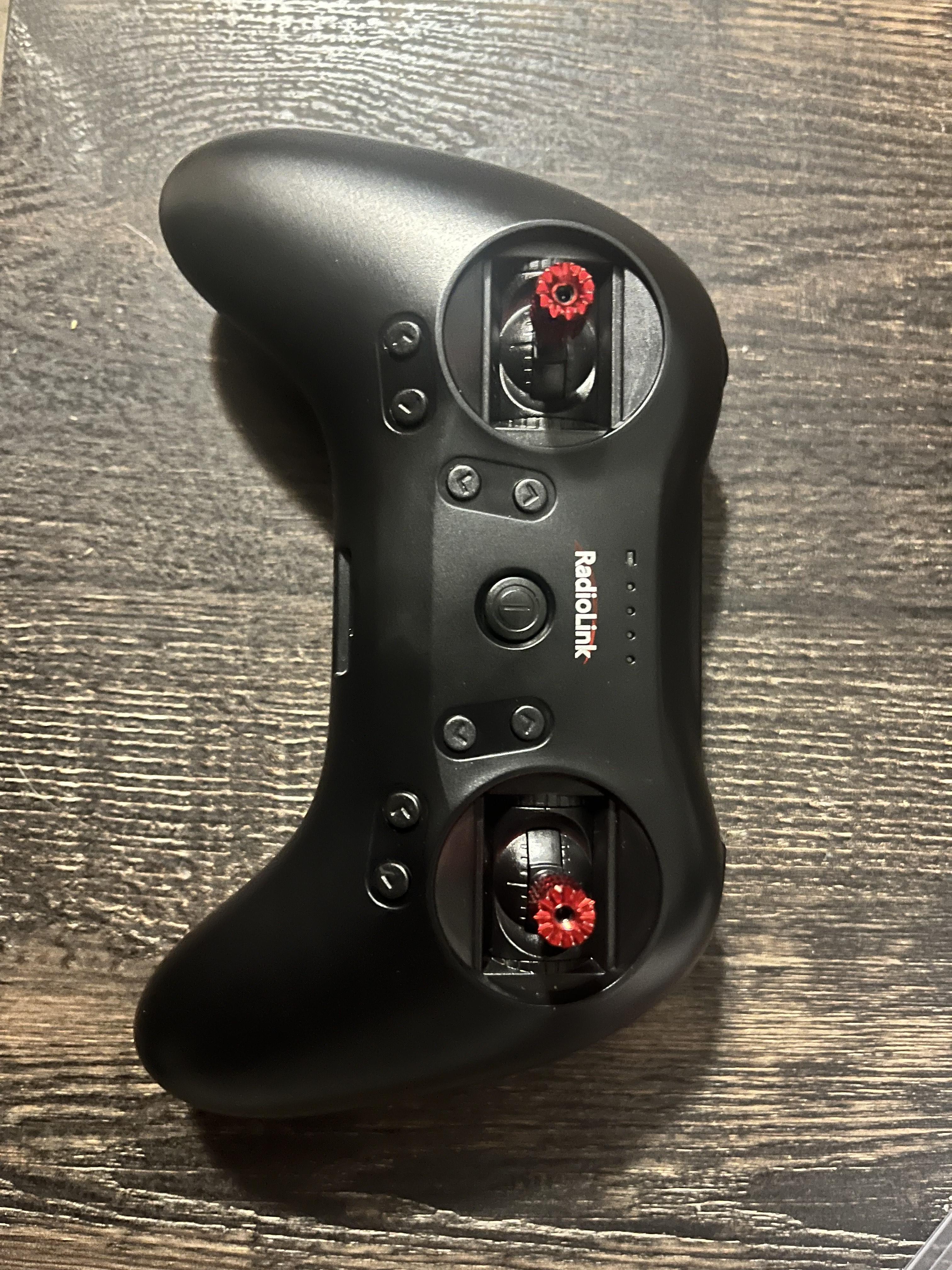
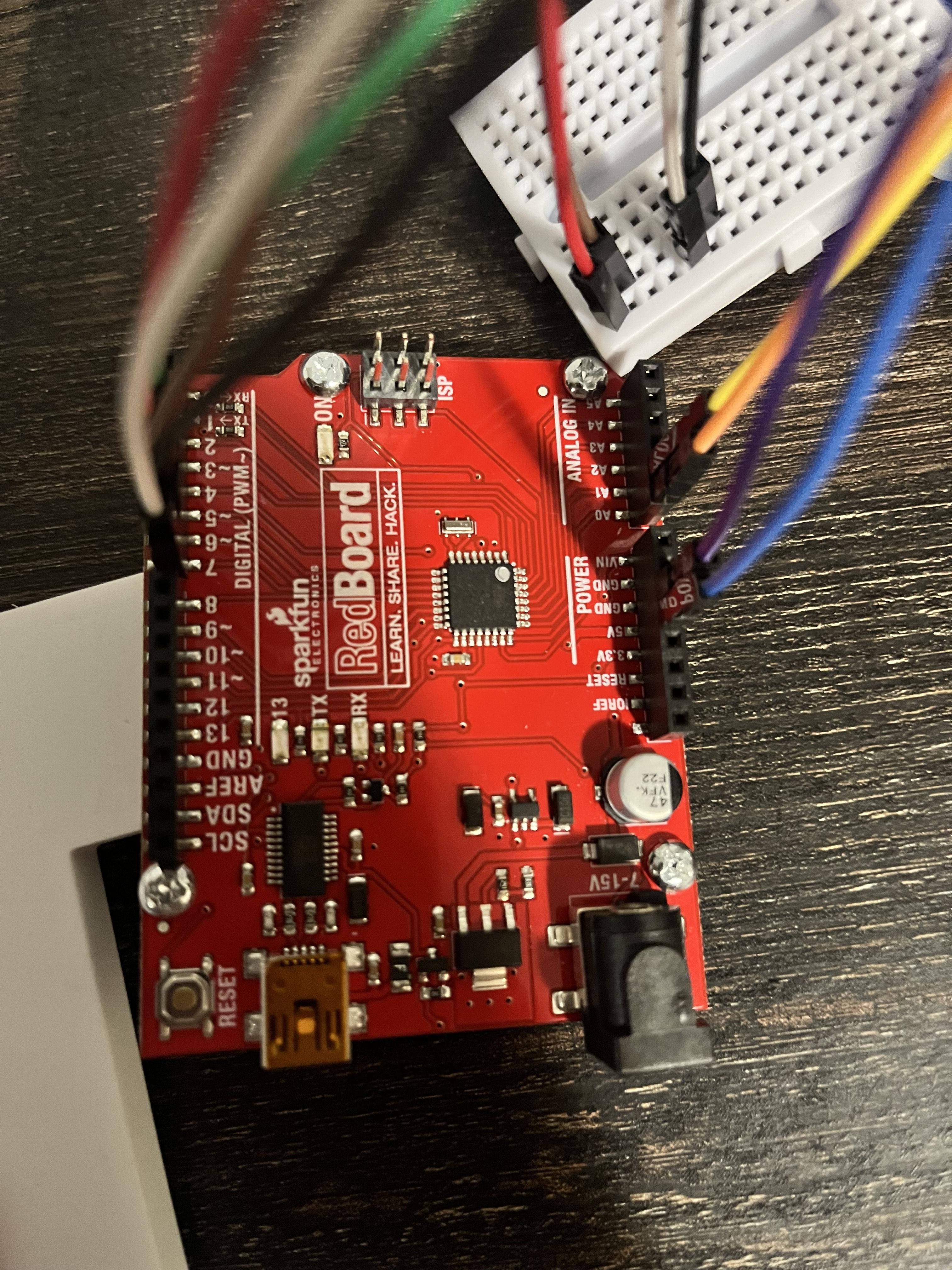
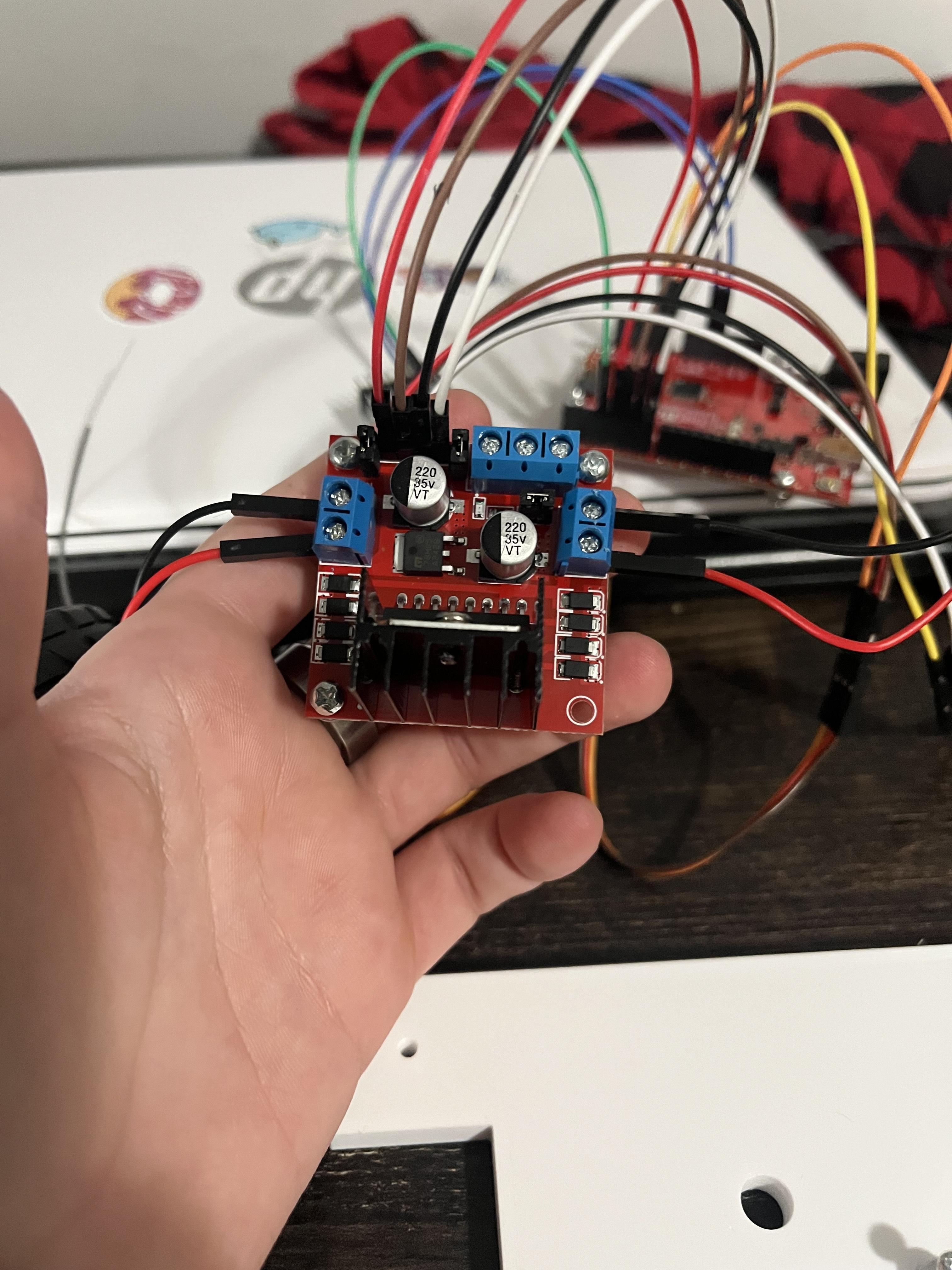
I reused old hardware I had from past project, with the only exception being a RedBoard Arduino and an L298N motor driver that my professor let me used for this contest.
The parts I reused were:
- Wires
- 1 Nuts, and bolts kit
- 1 Battery holder
- 1 Breadboard
- 2 SG90 micro servos
- 2 TT DC Gearbox Dual motors
- 4 TT motor wheels
- RadioLink T8S 8CH remote controller
The only thing I couldn't reuse were old 3d prints I had, so I had to redesign them on Onshape.
Planning Out


Since I don't have a 3d printer of my own, I would have to pay someone to print out the designs I made, so I had to be very precise with all measurements and plan everything carefully to avoid spending too much money on this project. Because I had to measure everything carefully, I first put all the electrical components together to figure out how big the base of the robot would need to be. After determining the size, I started taking inspiration from robot kits I used to build in high school for the shape of the robot. The plan was to design two different bases and connect the two parts using standoff screws. The first base was the hardest to design, as it needed premade holes for the L298N motor driver and RedBoard Arduino to be screwed into.
A big issue I ran into was trying to find a way to attach the two motors and back wheels. The two motors I own has two holes for screws, but they were too small to fit any screws I had. After trying several ideas, I decided to use Velcro, which seemed like an easy and simple solution to a problem that I was overthinking. The biggest problem I had to solve was connecting the front wheels and motors together and attach it to the base of the robot. I made two squares with circles cut out of them to extrude from the bottom of the base.
After finishing making the first base, the second one was much easier. All I had to do was copy the size, cut out a rectangle for a servo, and cut out three holes. When I moved on to designing the last parts I needed, I made a rectangle to fit a servo inside, and a circular part that has a hole cut out to fit a set screw so Anadil's toy stick could fit in, which would then be attached to a servo so it could be controlled and spin around. The final parts I made was a shift that could fit in both of the front wheels so they would move together, and two spacers that could fit the shaft and fit inside the squares on the bottom of the first base.
When I was done planning and designing everything, I went to Google to find local business that could print everything. After getting a quote of $25 to print everything, I started working on coding while I was waiting for the parts.
Coding

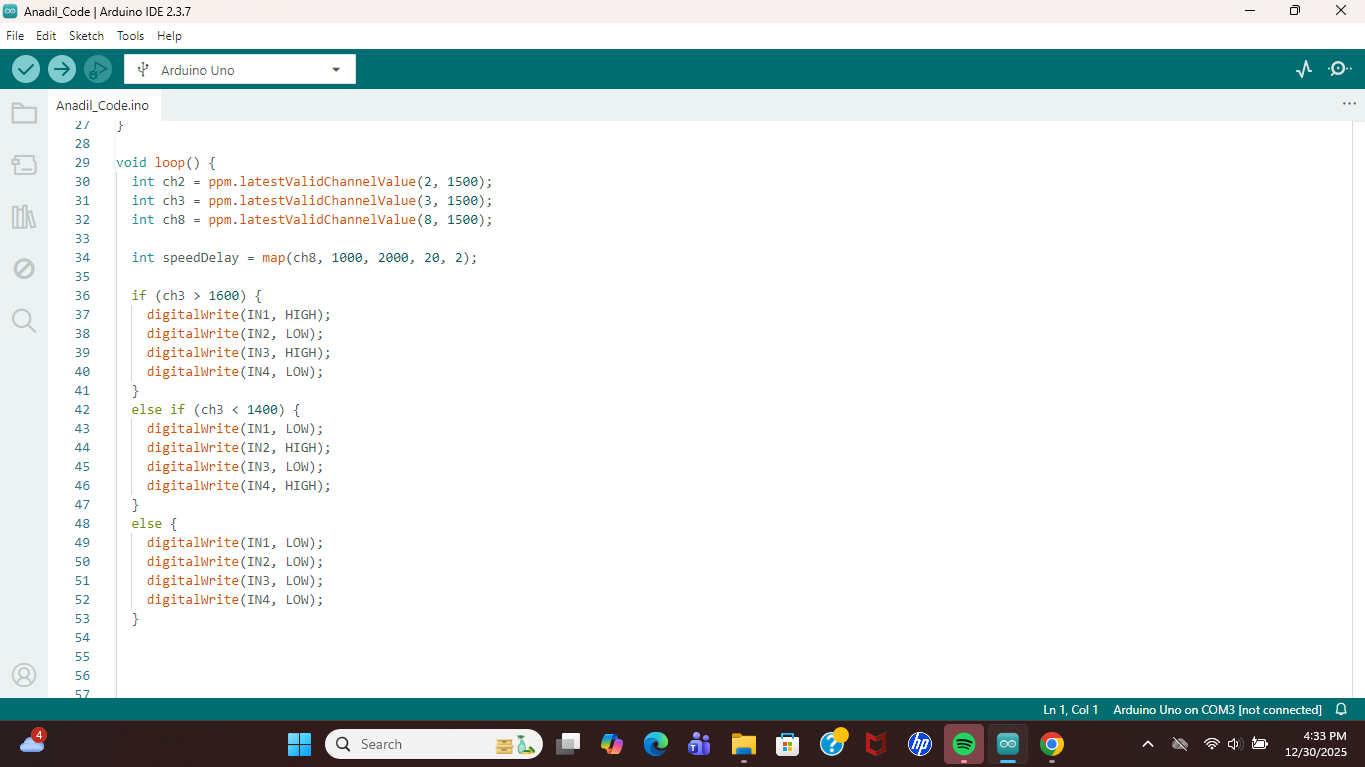
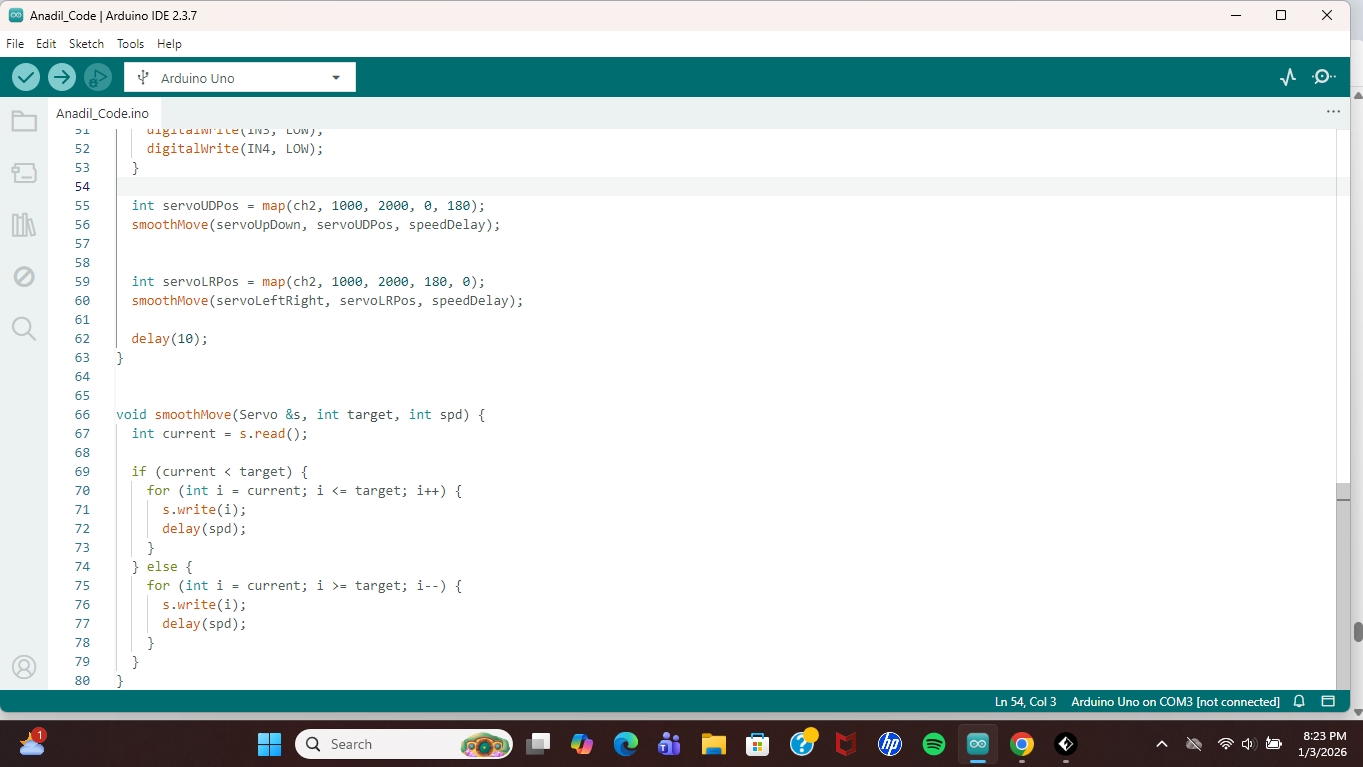
While the parts were getting printed, I decided to start mapping out some code so that once I had all the parts, I could go start testing immediately. I started by writing simple code to make the wheels move forward with the RadioLink controller and tested it on the motors. When coding with the RadioLink controller, I choose to set it to PPM mode because it allowed me to wire the channels I need through a single wire.
To coding in the PPM mode, the user must to install 'PPMReader' from the Arduino Library Manager and include the following lines at the beginning of the code:
#include <PPMReader.h>
PPMReader ppm(PPM_PIN, CHANNELS);
The rest of the program consisted of simple lines of code to make the motors and servos move when the joysticks were used, with one exception: I used channel 8 (a knob-switch located near the left trigger) to control the speed of both the motors and servos. To adjust the speed, I used the following lines of code:
int ch8 = ppm.latestValidChannelValue(8, 1500);
int speedDelay = map(ch8, 1000, 2000, 20, 2);
After making the variable, you would need to use it to set up the servos in the program.
Building
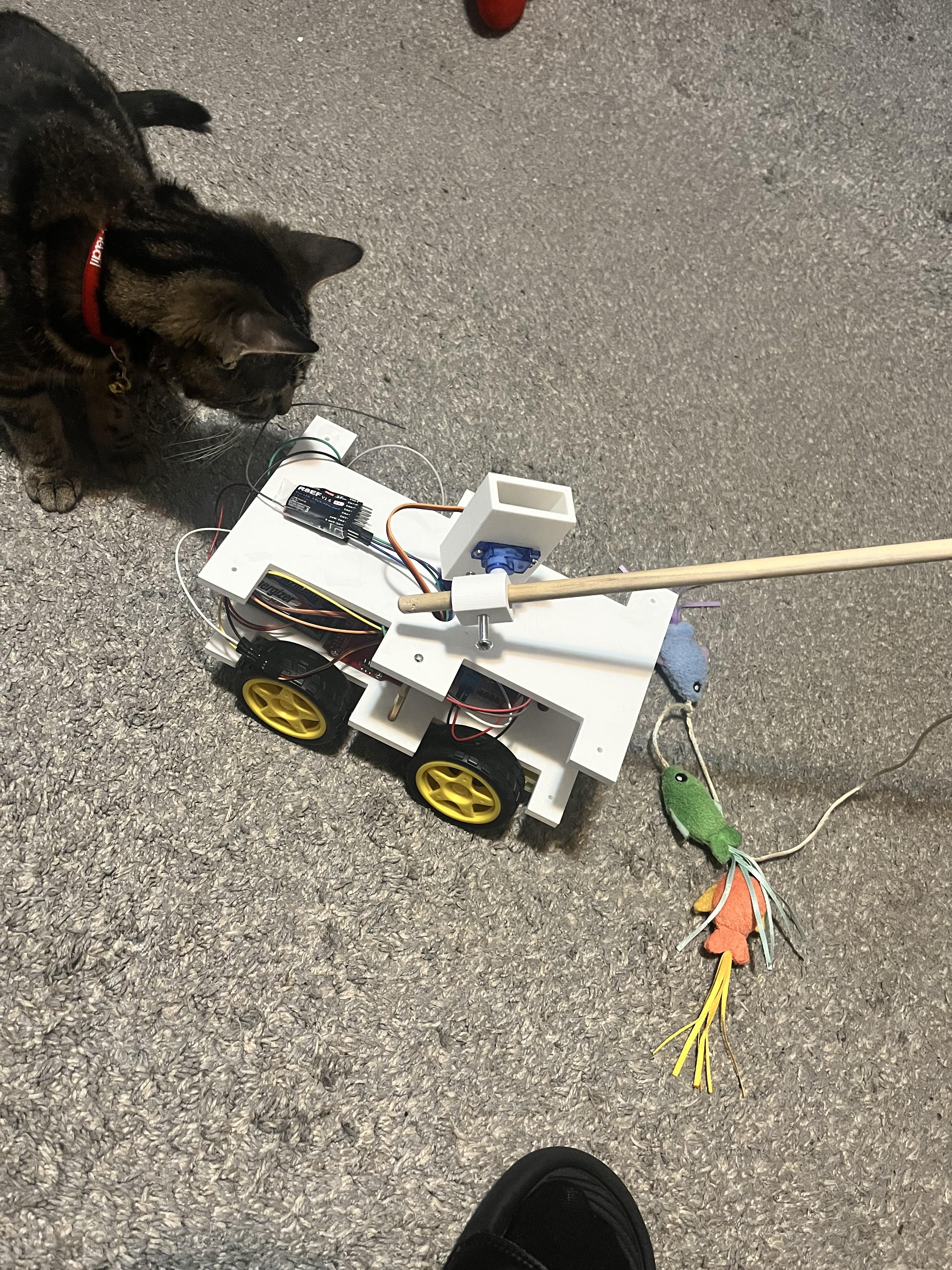
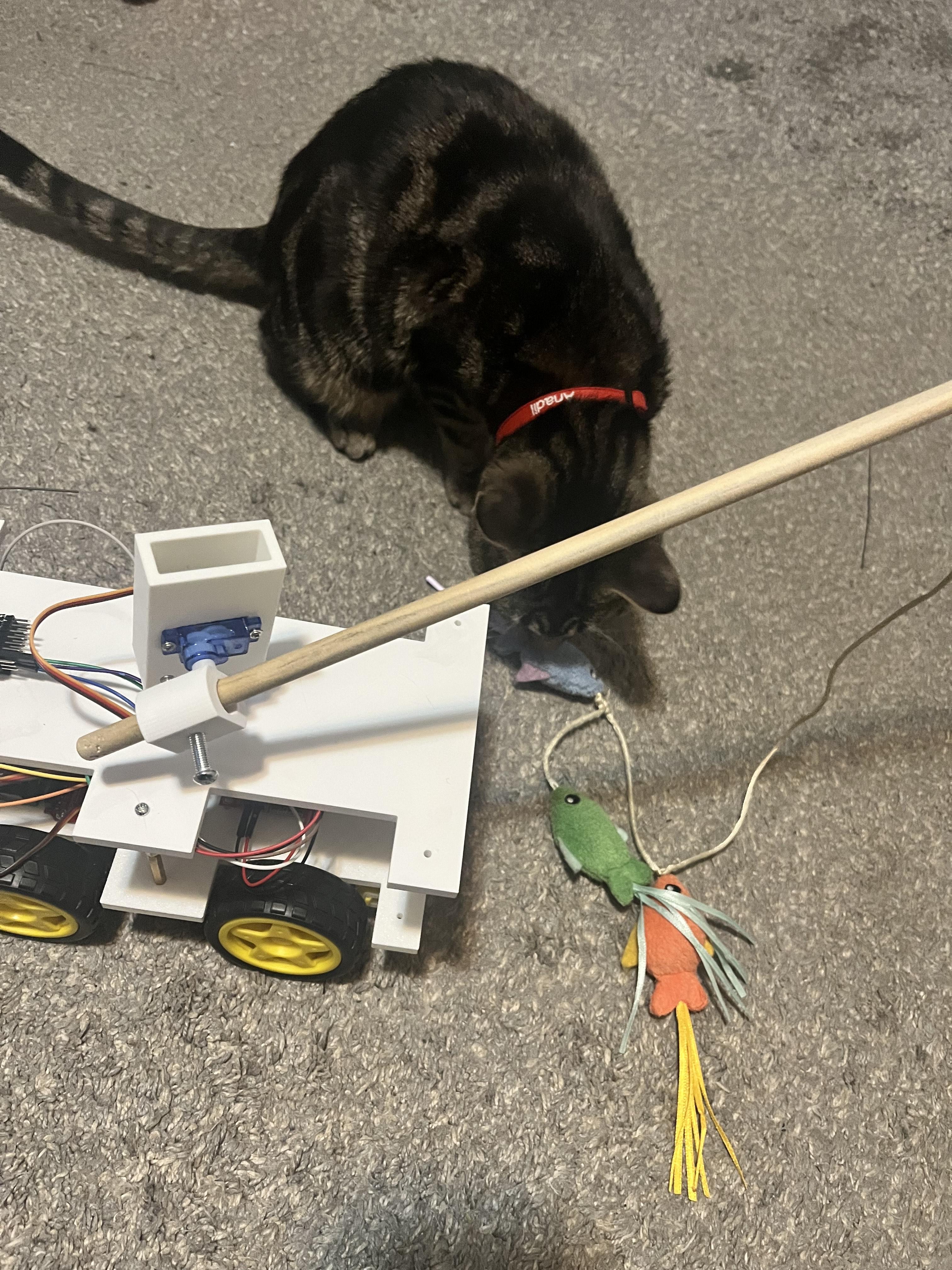
When all the parts were done printing, I started to attach the front wheels, where I ran into an issue. When I design the spacers, I forgot to make them one solid piece, so the spacers would fall out when the robot was moving. Instead of redesign and getting the part printed again, I found some black hair ties and used them to keep the spacers in place. Next, I cut out some Velcro to attach the two back motors to the base.
After I finish the wheels, I moved on to screwing in the L298N motor driver and RedBoard Arduino into the base, and then I attaching the battery pack and breadboard. I began to wire everything together to test how it moved, then I started screwing in the standoff screw. The standoff screw had both male and female parts, so when I was screwing them in, I realize that is would be hard to unplug or reattach a wire when the top base was on. So, I decided to screw in another set of standoff screws to make the robot bigger. When the second base was attached, I used the screws that came with the servo to attach a servo to the bases. Then, I used a servo attachment and super glue to connect the rectangle that had the other servo. The last part was the circular part that would hold Anadil's stick toy. I used the same method as the rectangle to connect it to the servo.
I did one last test to make sure that Anadil liked it, and she did! Now, she waits by the robot to tell me when she wants to play with it. As much as I would love to win first place to get a 3d printer or to win any of the gift cards, I feel accomplished because, win or lose, I now have a robot that will be use almost everyday.