OPTO-ISOLATED, AC POWERED DEVICE STATUS (ON/OFF) DETECTOR
by MSMFaizal in Circuits > Electronics
53 Views, 0 Favorites, 0 Comments
OPTO-ISOLATED, AC POWERED DEVICE STATUS (ON/OFF) DETECTOR
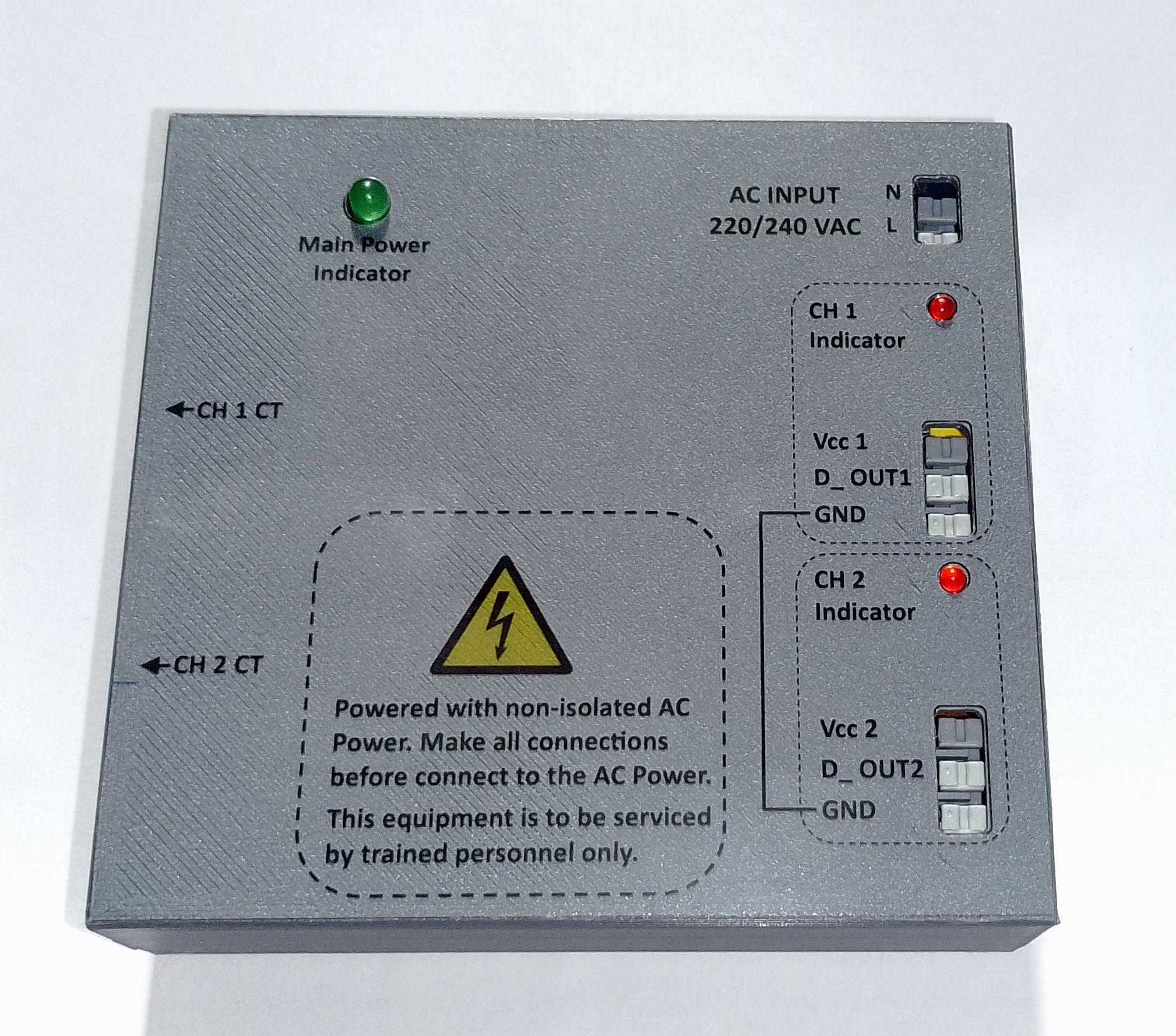
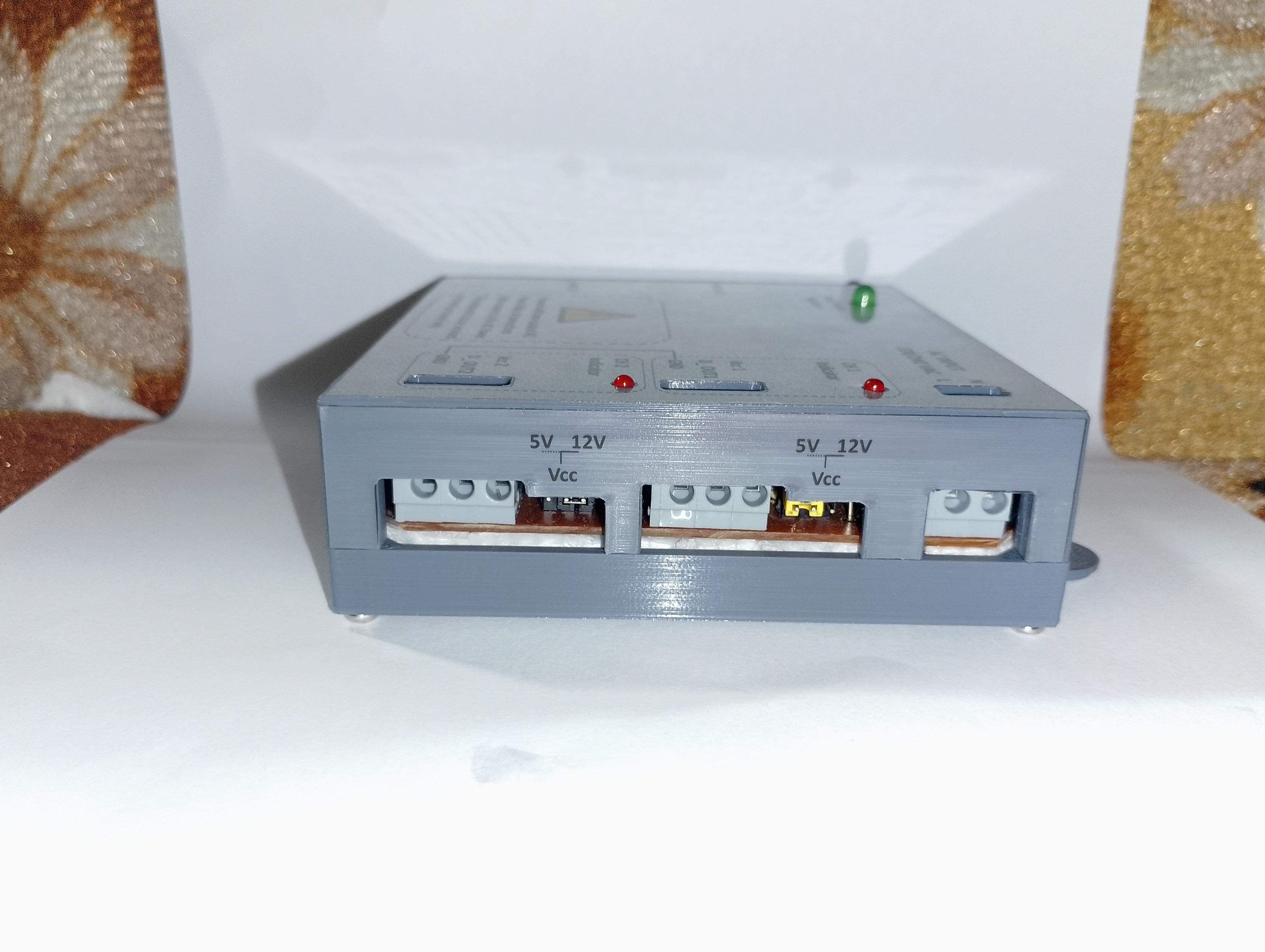
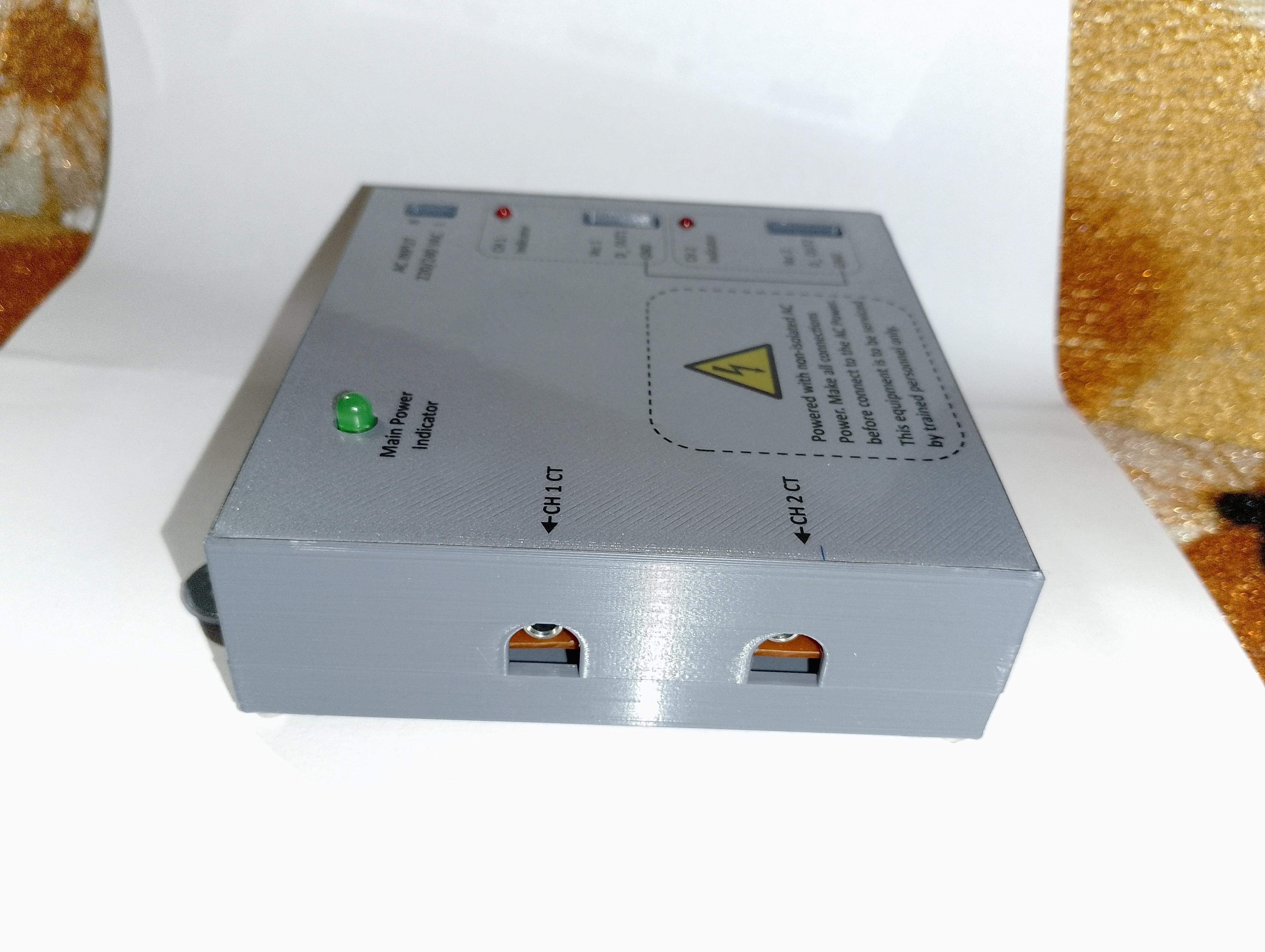
Building an Opto-Isolated AC Power Status Detector for Smart Automation
Intro: The Real-World Problem That Sparked This Project
I was working on a telecommunication tower monitoring system that needs to track whether street lamps are ON or OFF. The IoT energy meter needs a simple digital input - just a HIGH or LOW signal - but getting that signal safely from a 230V AC line isn't as simple as it sounds.
We needed to monitor lamp poles remotely, but commercial solutions had limitations: difficult sensitivity adjustments, extra power requirements, and invasive installation. This sparked an idea: What if I could create a better, more elegant solution?
Today, I'm excited to share my university project - an Opto-Isolated AC Device Status Detector that solves these problems while being cost-effective and easy to install.
Why Existing Solutions Fall Short
When we searched for off-the-shelf solutions, we found modules that either:
- Required series connection (modifying existing wiring)
- Needed separate power supplies
- Had poor sensitivity adjustment for low-power devices
Modules like the ACS712 Hall-effect sensor are great for current measurement but impractical for simple status detection in existing installations. We needed something that could be added to any system without rewiring.
The Elegant Solution: How My Detector Works
The Magic of Non-Invasive Sensing
At the heart of our device is a simple but brilliant principle: current transformers don't need direct electrical contact. Our detector uses a split-core current transformer (the SCT-013) that simply clamps around a wire - no cutting, no splicing, no disruption to existing systems.
Here's the clever workflow:
- Current Transformer senses AC current flow through induction
- Op-Amp Circuitry amplifies and conditions the tiny signal
- Comparator determines if current exceeds a threshold (adjustable!)
- Opto-Isolator provides complete electrical isolation for safety
- Clean Digital Output delivers a 3.3V-12V logic signal to your microcontroller
Key Innovation: The Transformer less Power Supply
One of my proudest achievements in this design is the transformer less power supply. Traditional designs need bulky (and expensive) transformers or separate power adapters. Our circuit uses capacitive dropper technology to power the entire detector directly from the AC line it's monitoring - elegant, efficient, and cost-effective.
Technical Deep Dive: The Design Choices That Matter
1. The Signal Conditioning Chain
The weak signal from the CT (1V at 30A) needs careful handling:
- Amplification Stage: LM324 op-amp boosts the microvolt signal to measurable levels
- DC Offset Addition: Adds a 1V bias so we can work with single-supply op-amps
- Adjustable Threshold: Potentiometer lets you set the exact current level that triggers "ON" status
2. Safety First: Opto-Isolation
This isn't just a feature - it's a necessity. The PC817 opto-coupler provides 5000V isolation between the dangerous AC side and your sensitive microcontroller. If anything goes wrong on the AC side, your Arduino/Raspberry Pi remains protected.
3. Practical Installation Features
- Split-Core CT: Can be installed on live wires without disconnection
- 3.5mm Audio Jack Connector: Standard, reliable connection for the CT
- Clear LED Indicators: Green for power, Red for detected status
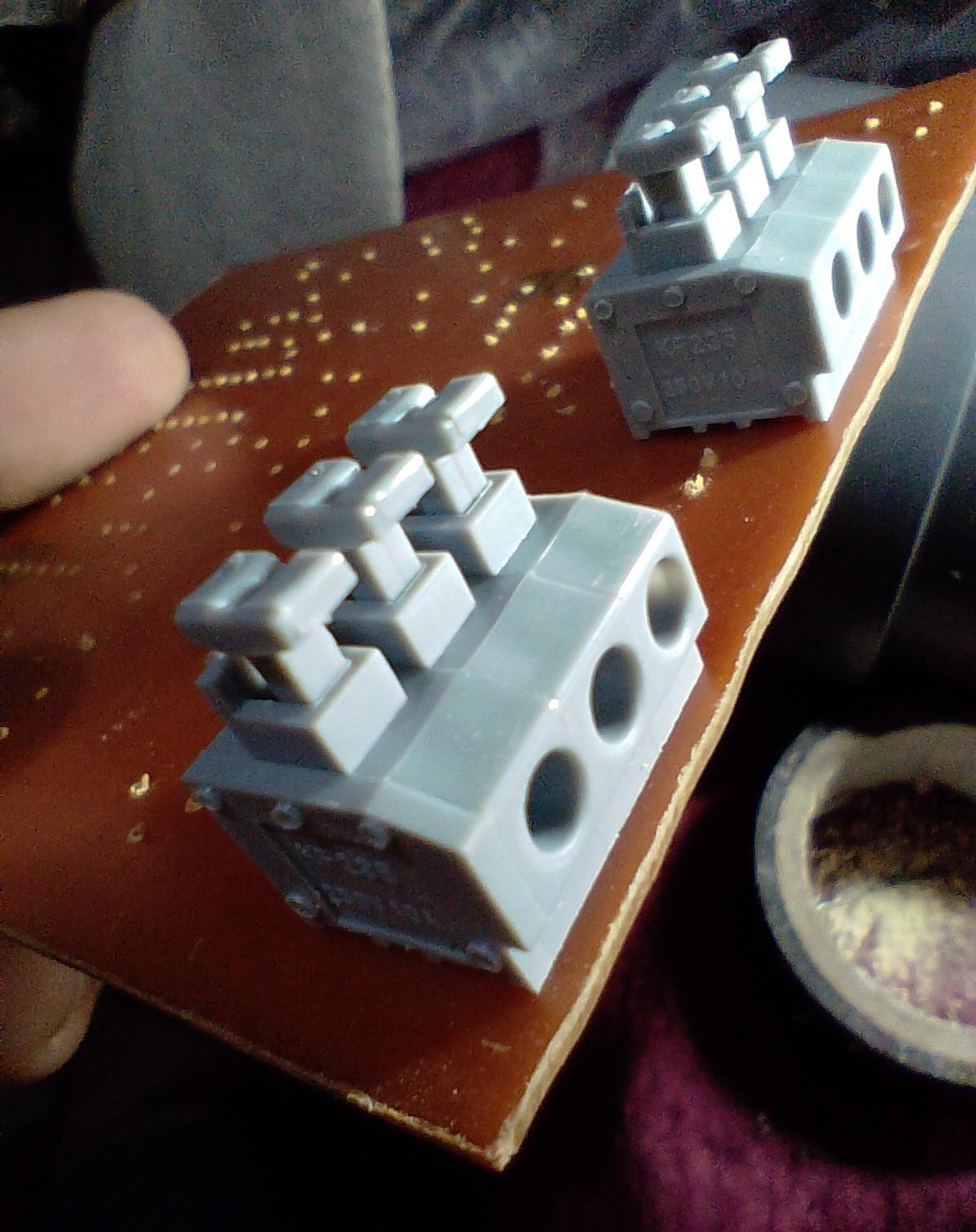
- Wire connection Terminals: Professional, secure connections
- 3D-Printed Enclosure: Custom-fit protection
Real-World Applications: Where This Shines
Home Automation
- Monitor if your refrigerator compressor is running
- Detect when washing machine cycle completes
- Track AC unit operation for energy monitoring
- Verify security lights are functioning
Industrial Monitoring
- Machine ON/OFF status for production tracking
- Pump operation monitoring in water systems
- HVAC system status in building automation
- Backup generator run detection
Smart City Infrastructure (Our original use case!)
- Street light status monitoring
- Traffic signal operation verification
- Public facility equipment monitoring
The Development Journey: Lessons Learned
The Prototyping Phase
Early versions taught us valuable lessons:
- Component Selection: The LM324 was chosen over more expensive op-amps for its robustness and single-supply capability
- PCB Design Challenges: Proper grounding and isolation distances were critical
- Enclosure Design: The 3D-printed case went through 3 iterations for optimal fit and ventilation
Safety Reminders (Cannot Stress This Enough!)
⚠️ THIS INVOLVES MAINS VOLTAGE - RESPECT IT!
- Work with a qualified person if you're not experienced with AC circuits
- Double-check all insulation and clearances
- Always use an isolation transformer during testing if possible
- Implement proper fusing and MOV protection
The Future: Where This Could Go Next
This project opens doors to several exciting extensions:
- Multi-Channel Version: Monitor multiple circuits in one unit
- Current Level Output: Add analog output proportional to current
- Wireless Integration: Bluetooth/Wi-Fi module for IoT applications
- Three-Phase Version: For industrial motor monitoring
Conclusion: More Than Just a University Project
What started as a workplace challenge became a fulfilling academic project that bridges theory and practical application. This detector embodies several key engineering principles:
- Elegant Simplicity: Solving a complex problem with a straightforward solution
- Cost-Effectiveness: Maximizing functionality while minimizing cost
- Practicality: Designed for real-world installation
Downloads
Supplies
Breadboard, Two LM324 QUAD OP-Amp ICs, Resistors, POT for sensitivity level adjustment, indicator LEDs, Connectors for CTs and wires, 3mm nuts for mountings, 3.5mm Audio female connectors for connect Current Transformers, Opto-Isolators (
Copper Clad Board and Ferric chloride for PCB making.
KiCAD PCB design software for design schematic and pcb layout of the circuit.
FreeCAD Software for 3D enclosure modelling.
Prototype Test in Bread Board
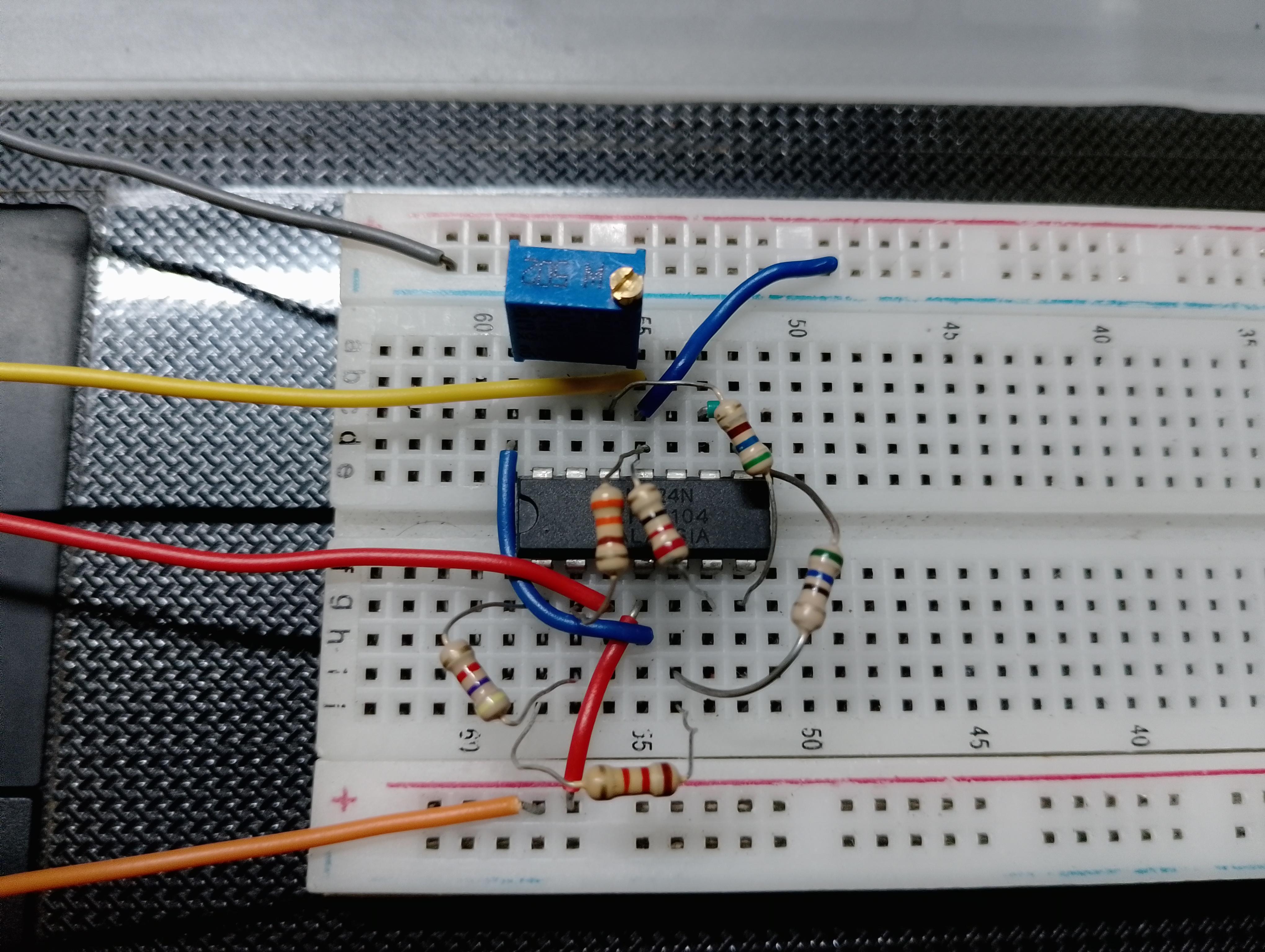
This Circuit is powered with transformers less capacitive power supply. So this circuit should be check very safely. So, the electronic circuit was made on a bread board and check with DC 5V power supply.
Here I used Non inverting, Non-Inverting summing and Comparator OP-Amp circuits for Amplify and Compare weak signal receive from CTs (SCT-013).
Schematic Circuit Diagram and PCB Layout Design Using KiCAD PCB Design Software
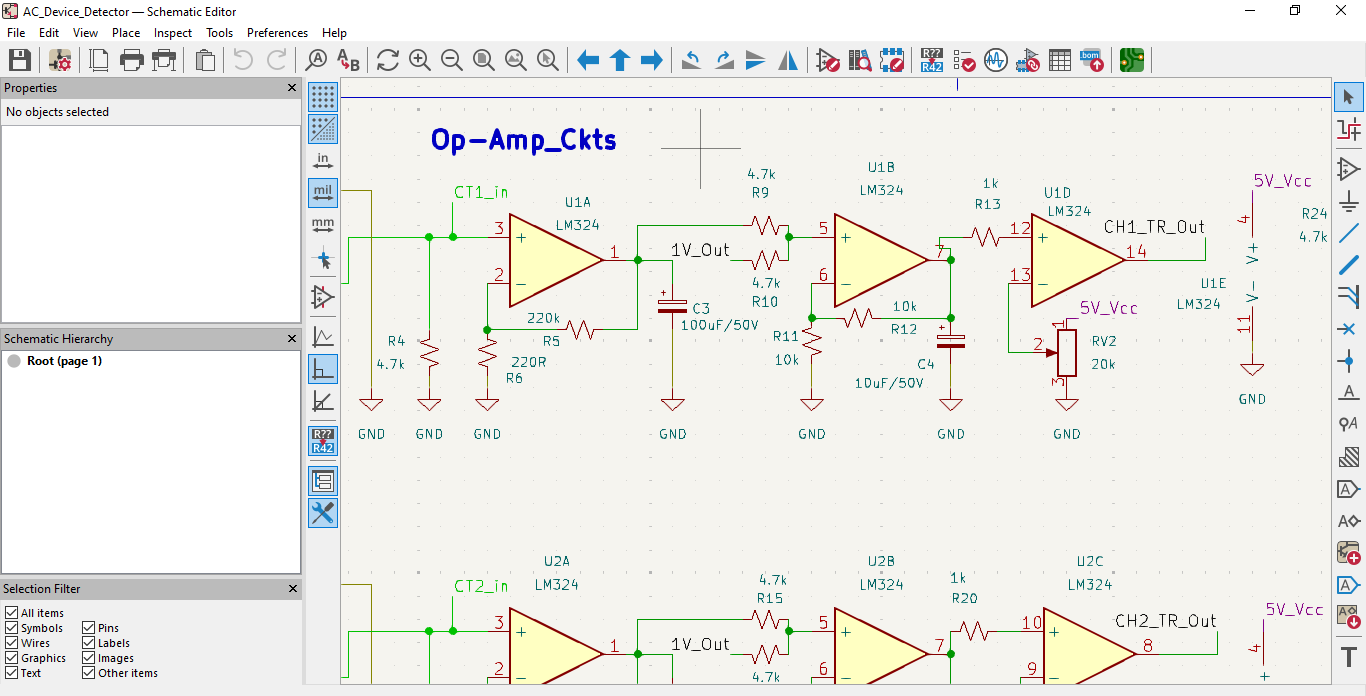
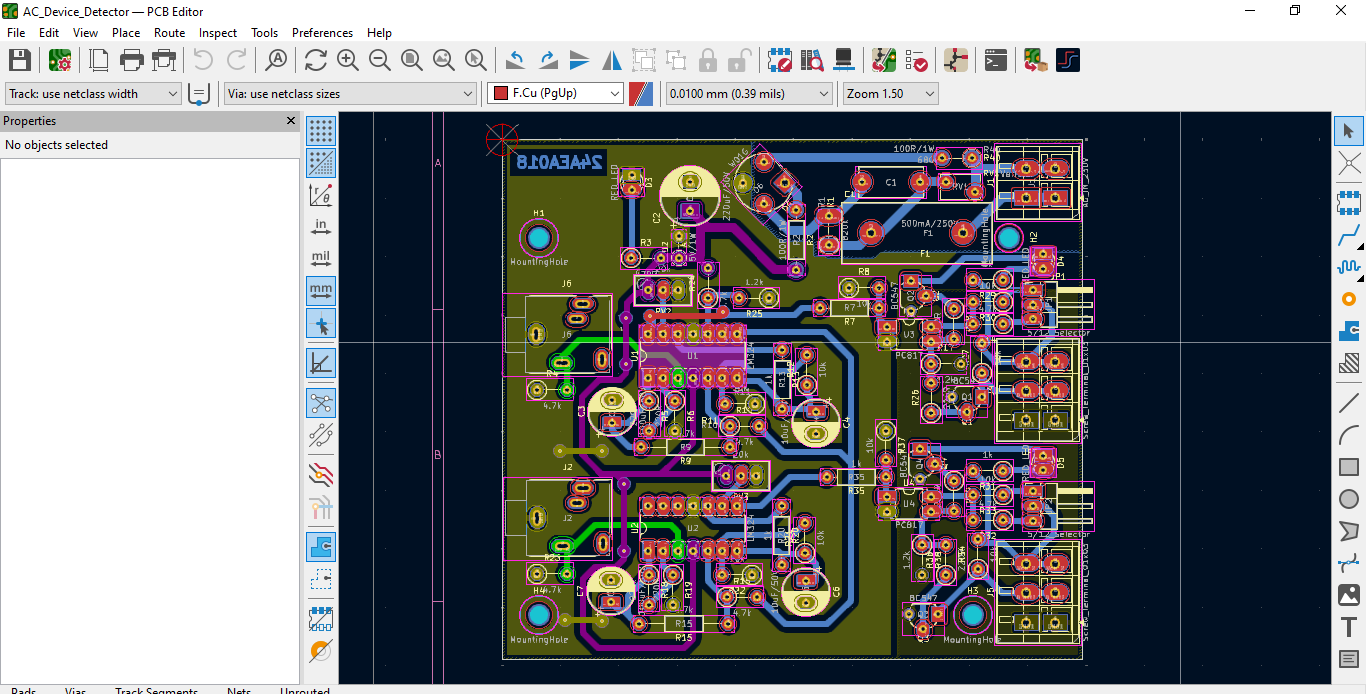
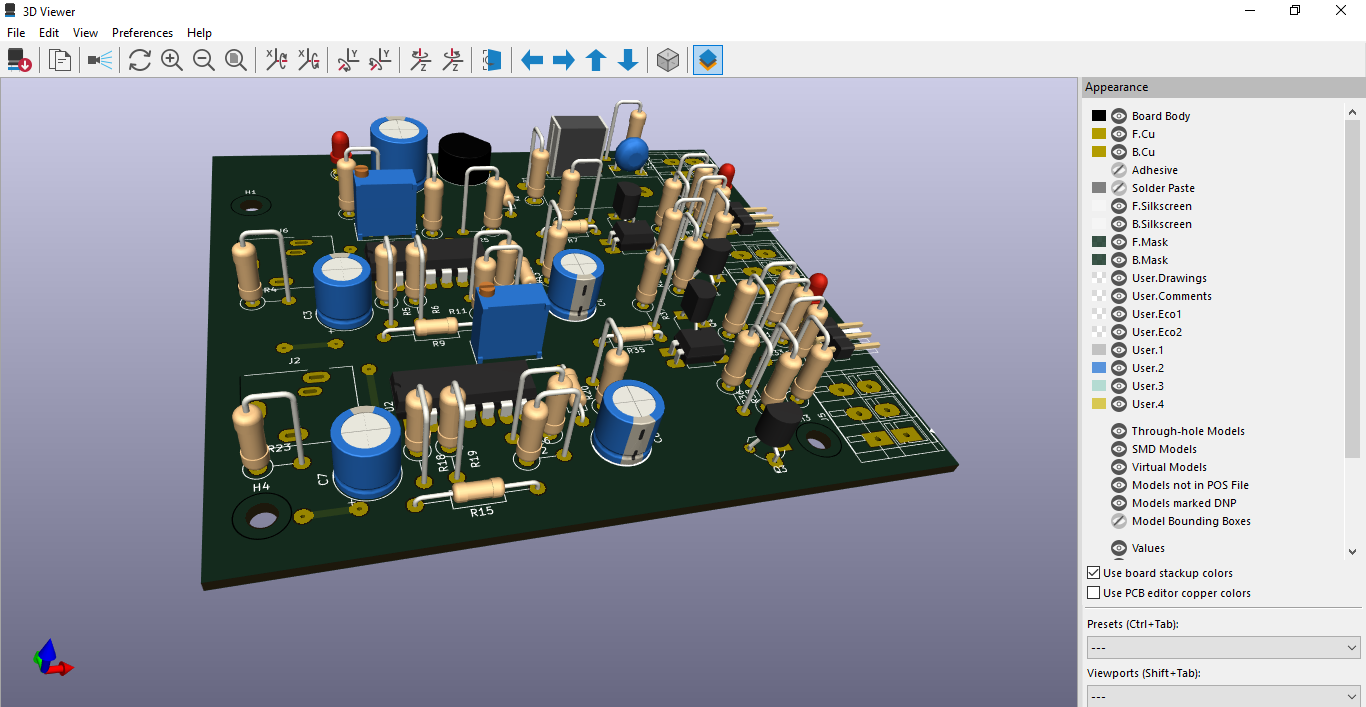
I designed tested circuit which made on breadboard, using KiCAD PCB Design software.
Then I designed single side PCB layout for schematic circuit by placing components and make routings properly.
PCB Etching and Make the PCB on a Single Side Copper Clad Board
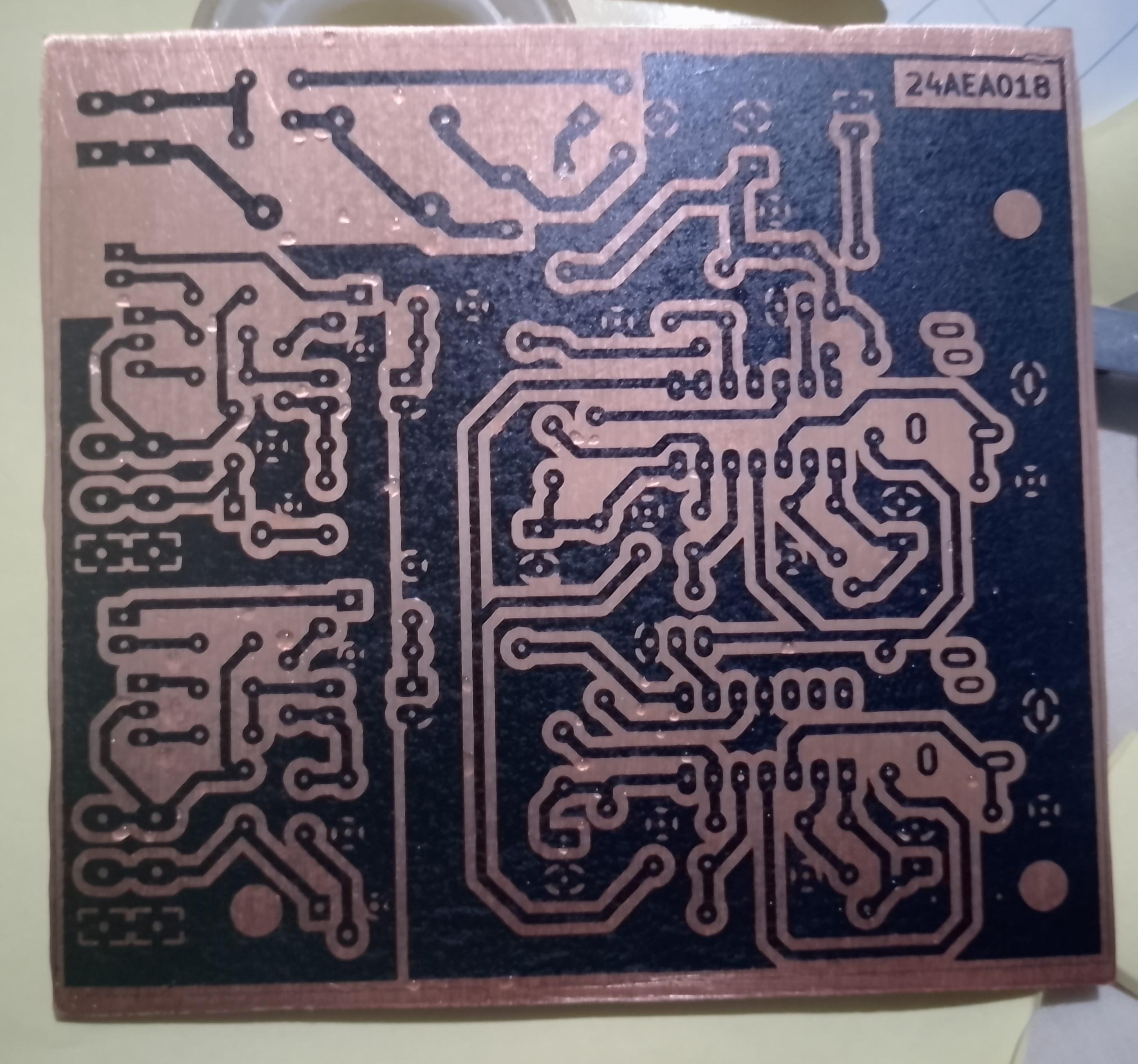
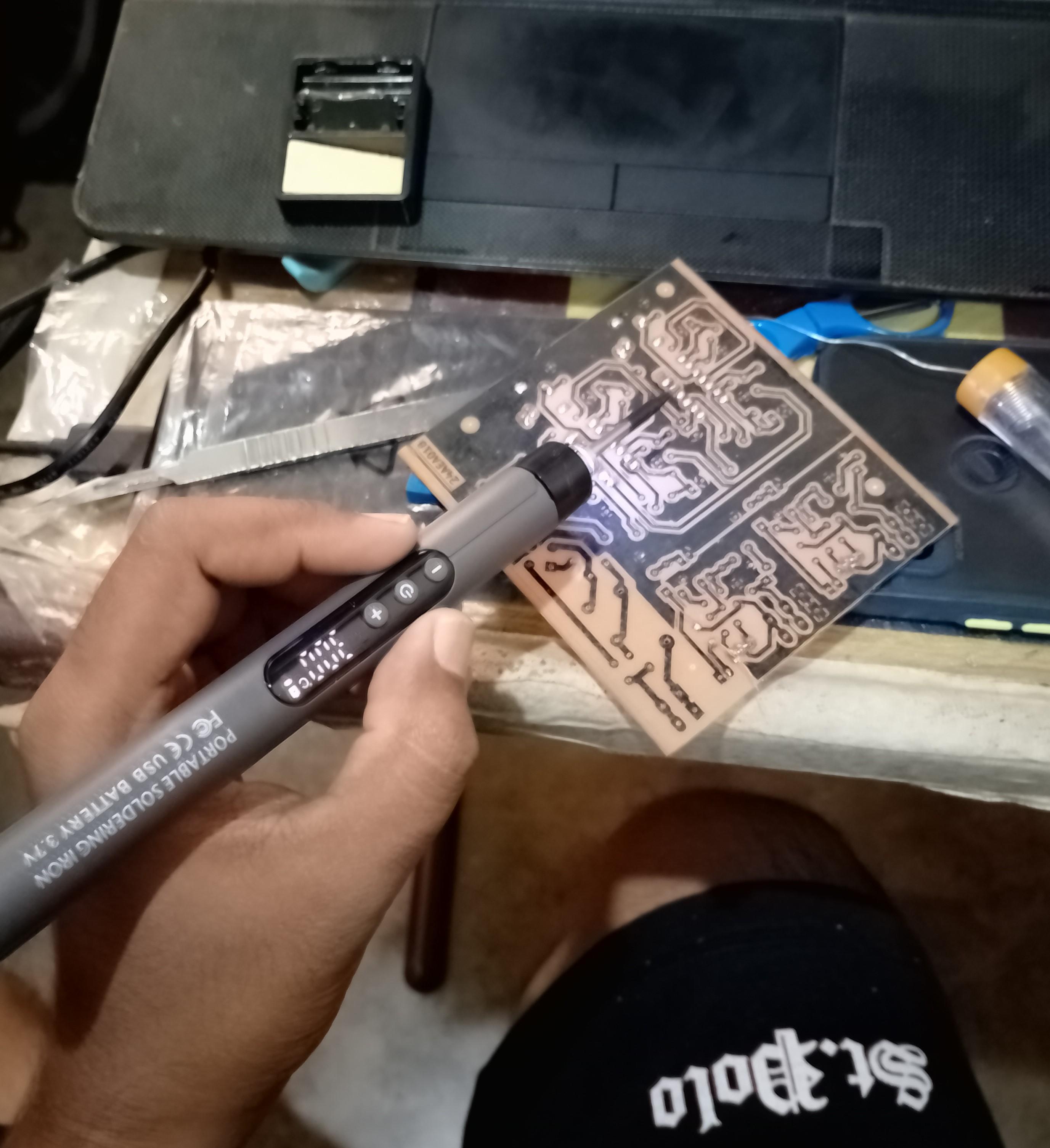
As the first step I got a printout of the PCB layout on a glossy paper. Then I used toner transfer method for transfer the printed toner area to single side Copper Clad Board. I used a cloth iron to heat the paper.
As the next step, I cleaned the board and put it into Ferric Chloride solution for remove unwanted copper area in Copper clad board. After removing all unnecessary copper areas, I cleaned the copper board properly using soap.
Finally, I make holes for mount through hole components to PCB and soldered components to PCB.
Design 3D Enclosure Using FreeCAD 3D Design Software
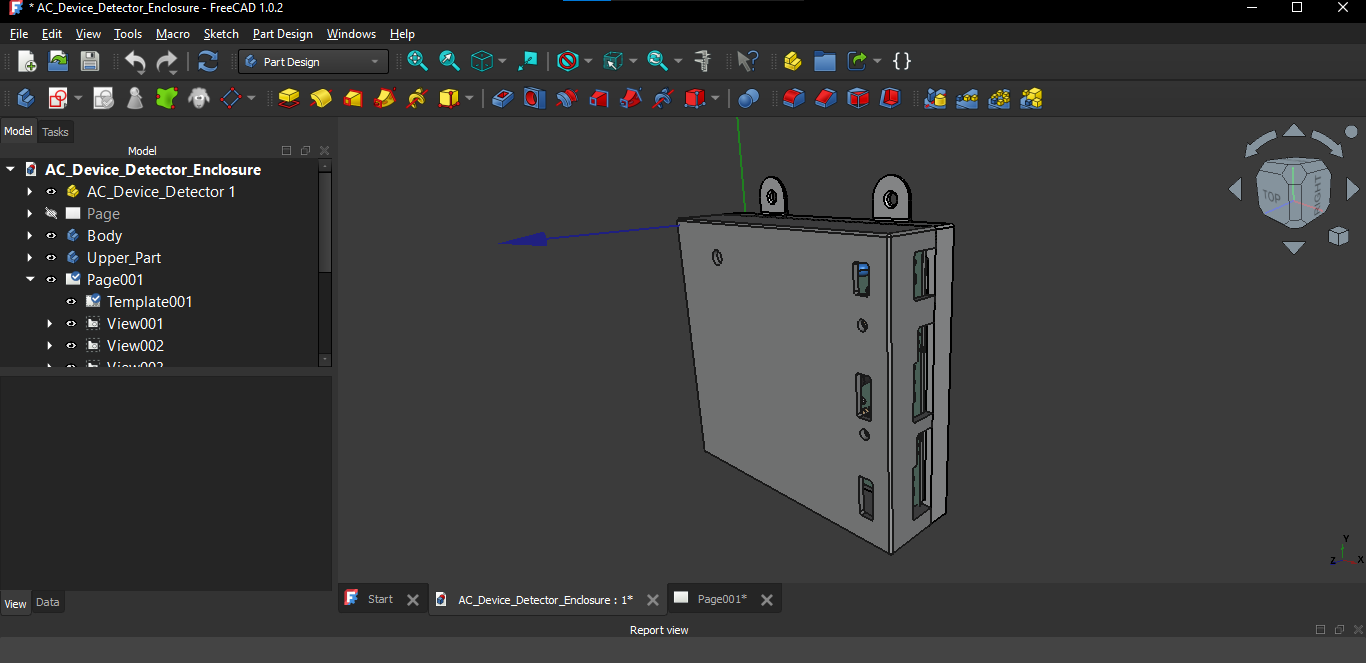
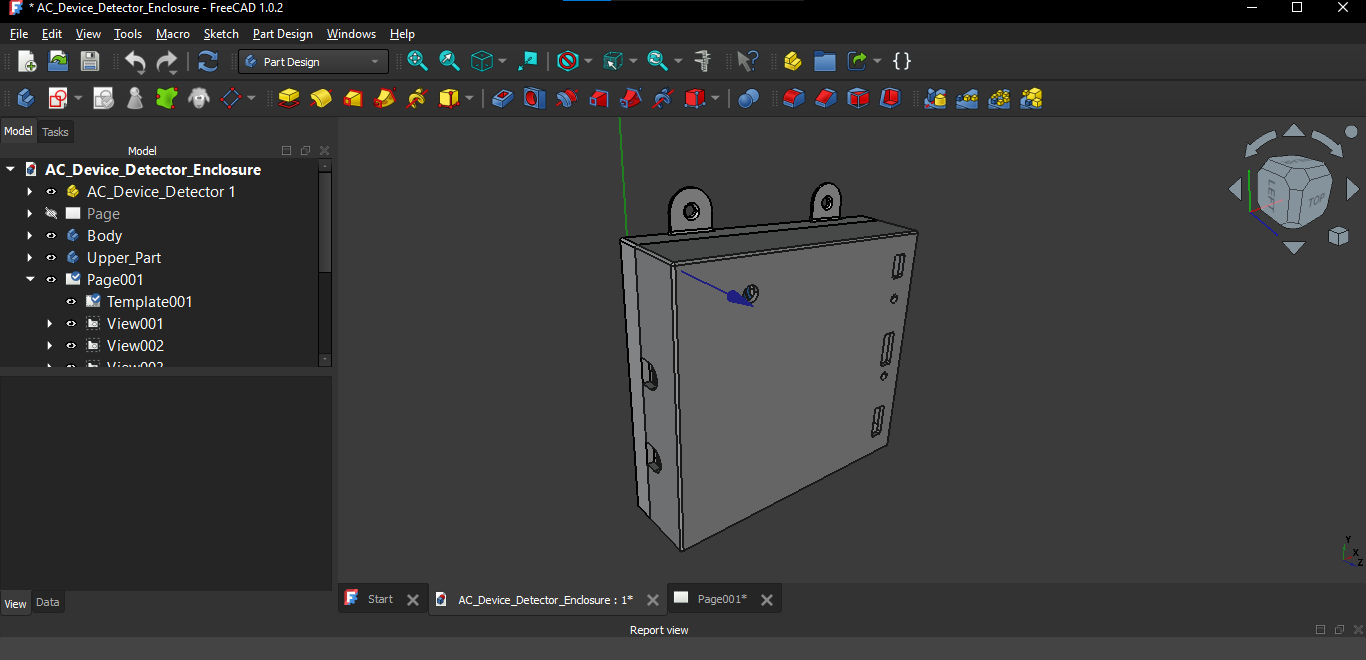
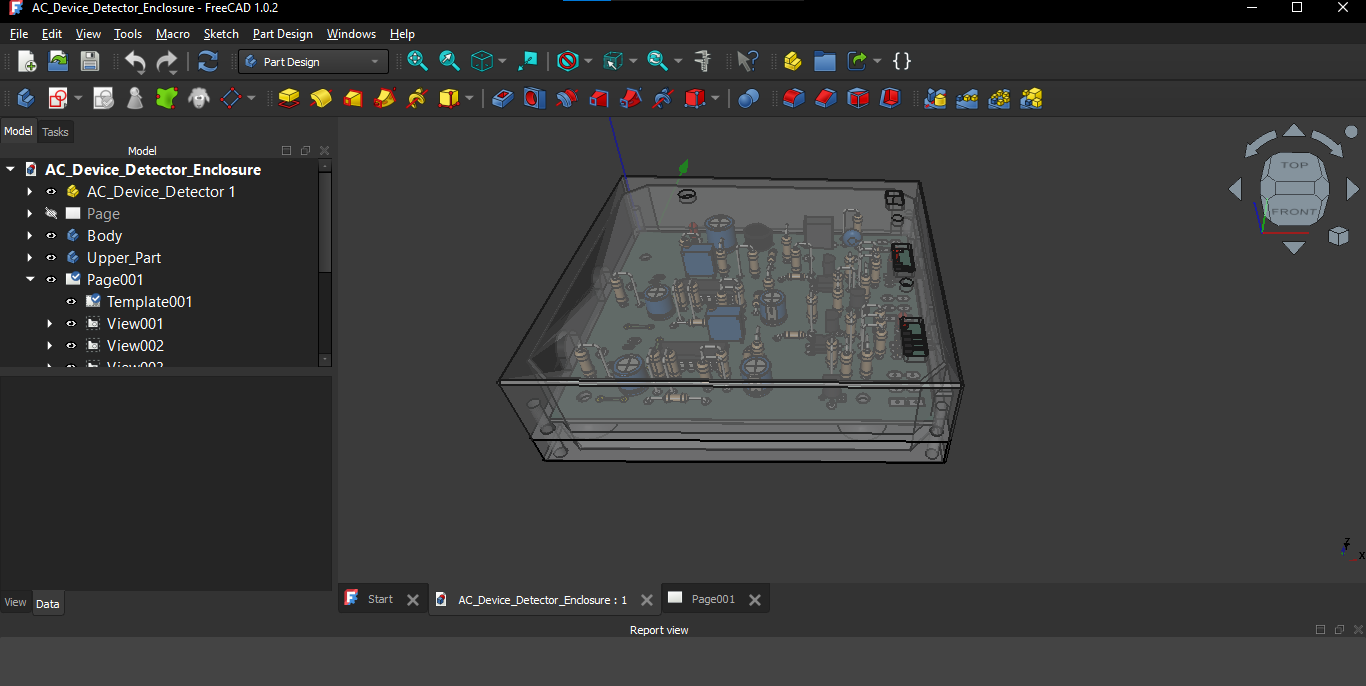
I used FreeCAD Software to Design Enclosure.
As the first step I exported the STEP 3D file of the designed PCB on KiCAD software.
Then I designed upper part and body part with the reference of that STEP file dimensions.
Finally, I sent the STL file of the 3D design objects for local 3D part printing service shop.
Mount the PCB to the Enclosure
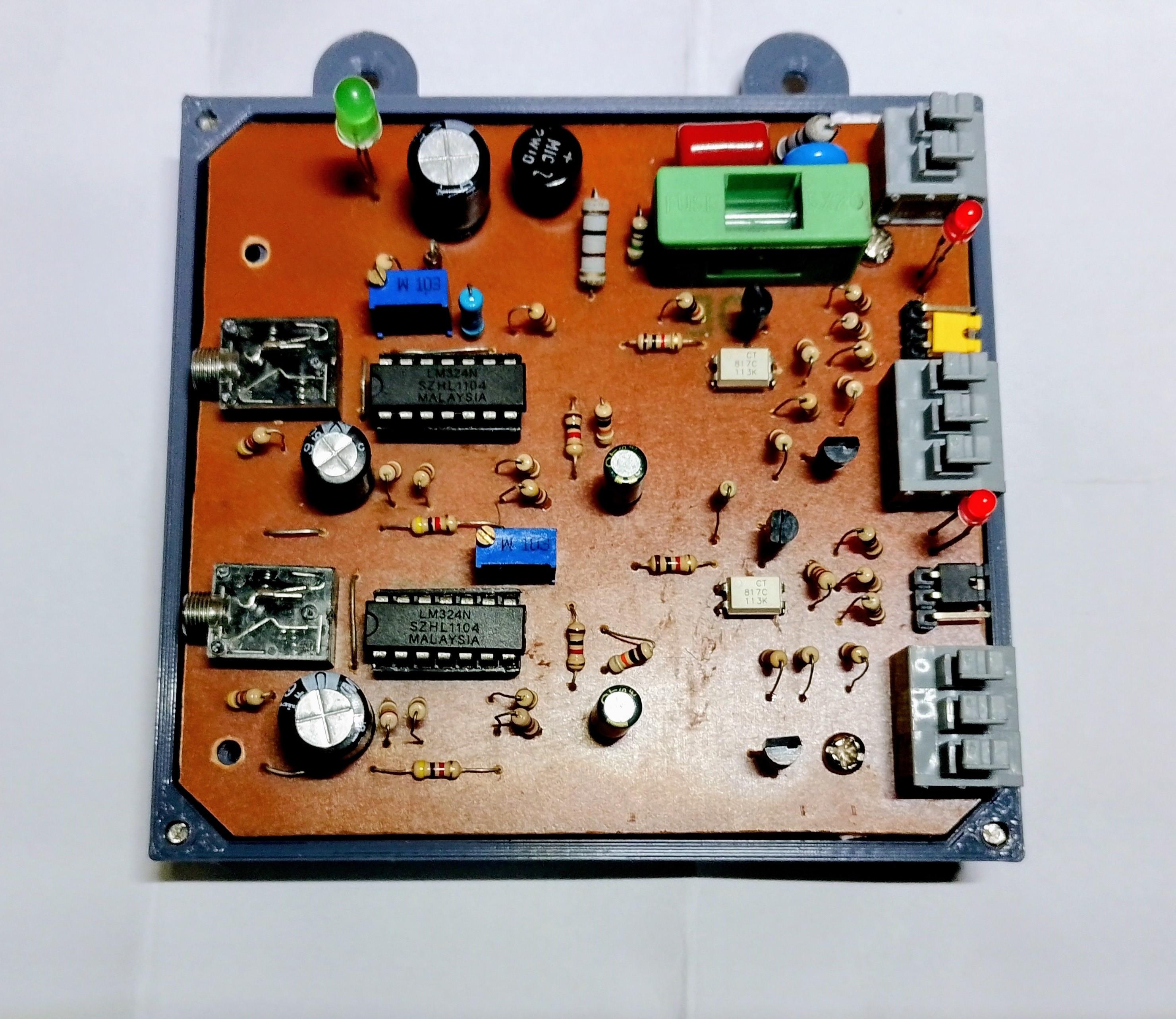
I used 3mm screw nuts for mount the PCB to the enclosure.
Testing the PCB With AC Spply
I checked the components soldered PCB (for a singe CT input) with AC supply and I used a PCB drill (which was powered with 12V Stepdown Transformer) as a Load. I connected the CT to the Live wire of Transformer. The output LED indicator light was change to "ON" state when I switched on the Drill.
Downloads
Labelling All Connectors and Safety Warnings
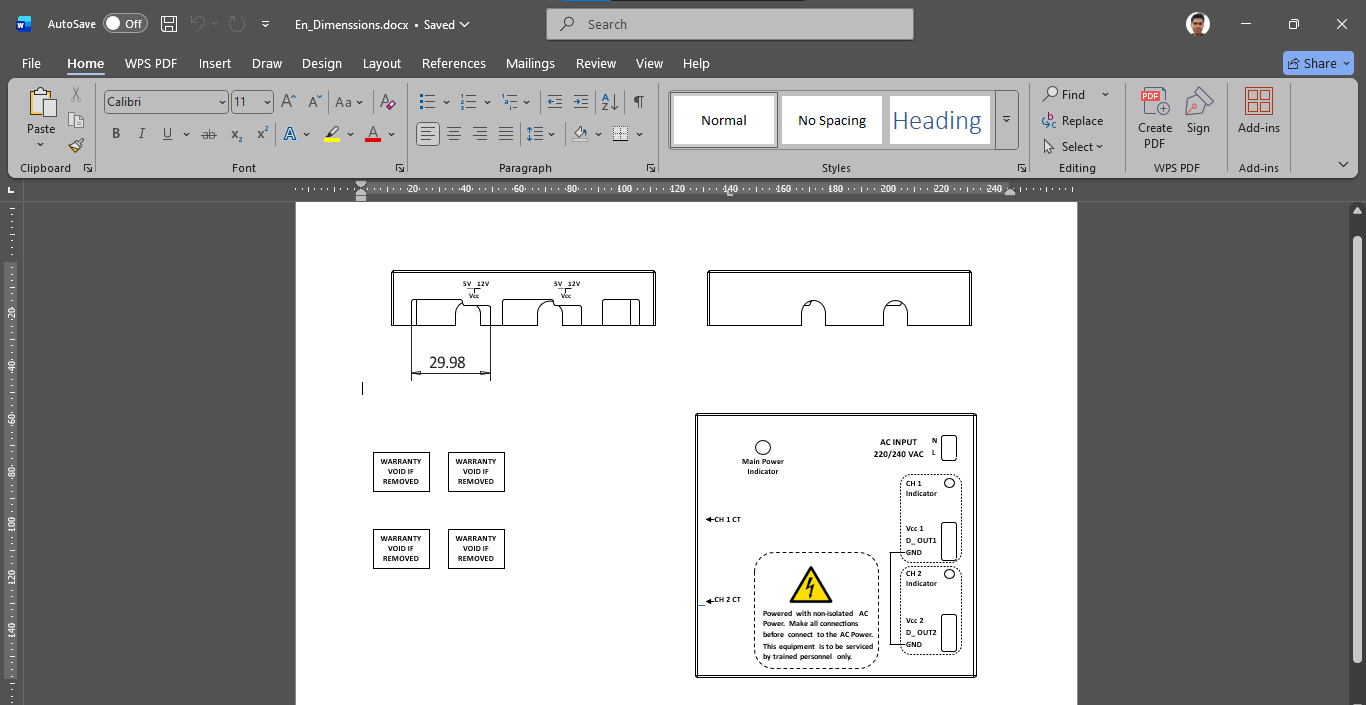
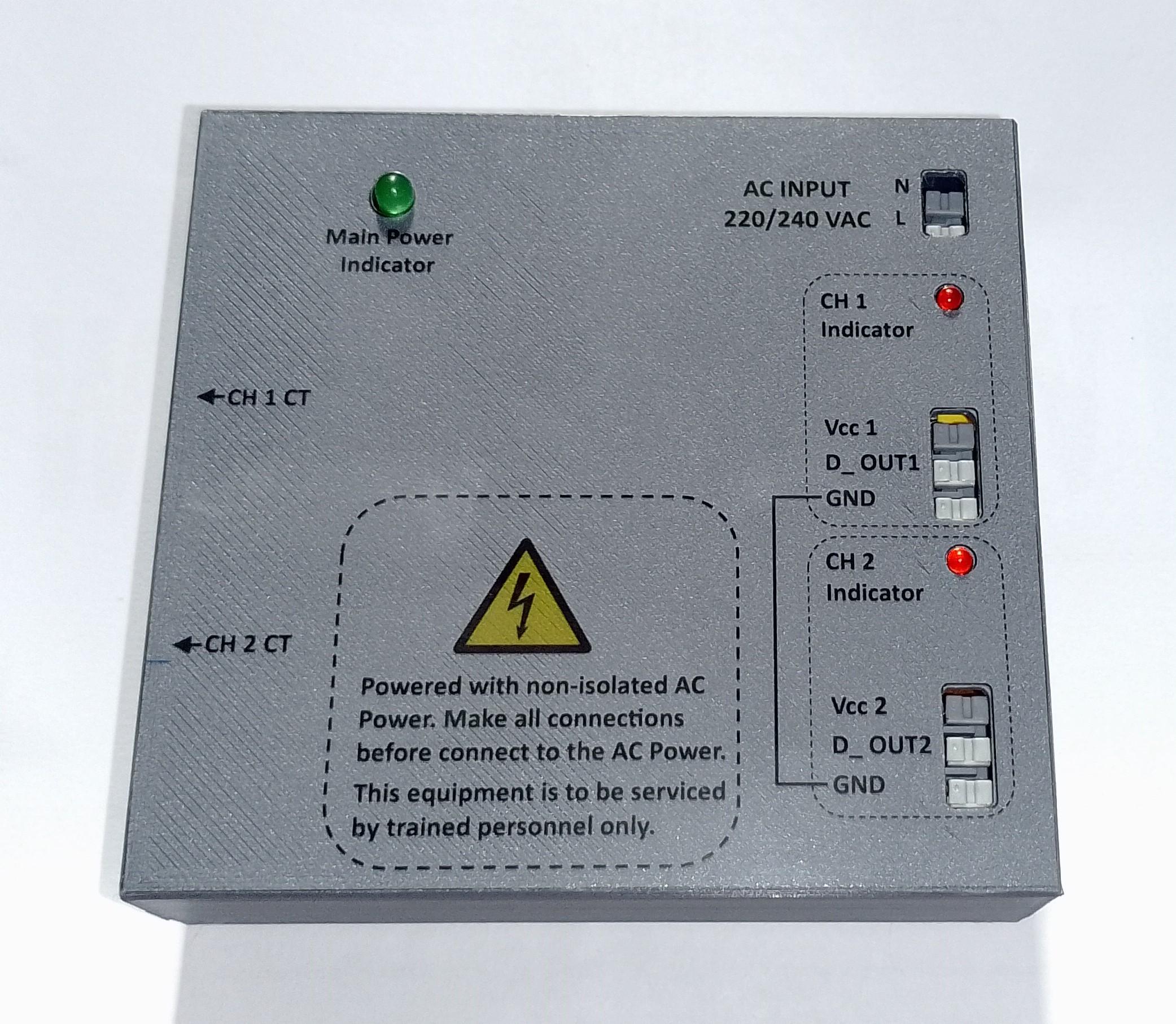
I create a labeling texts, graphics in A4 size paper on MS Word software and the I got a printout on a transparent sticker sheet.
Then I cut and paste the sticker parts to Upper lid of enclosure.
Final Testing
I tested the finalized prototype with 230V AC supply and used a 60W filament bulb as a load and connected the Current Transformers for its Live and Neutral lines.
The current flowing through the wires were detected successfully from My OPTO-ISOLATED, AC POWERED DEVICE STATUS (ON/OFF) DETECTOR.