One Wheeled GyroCar RC
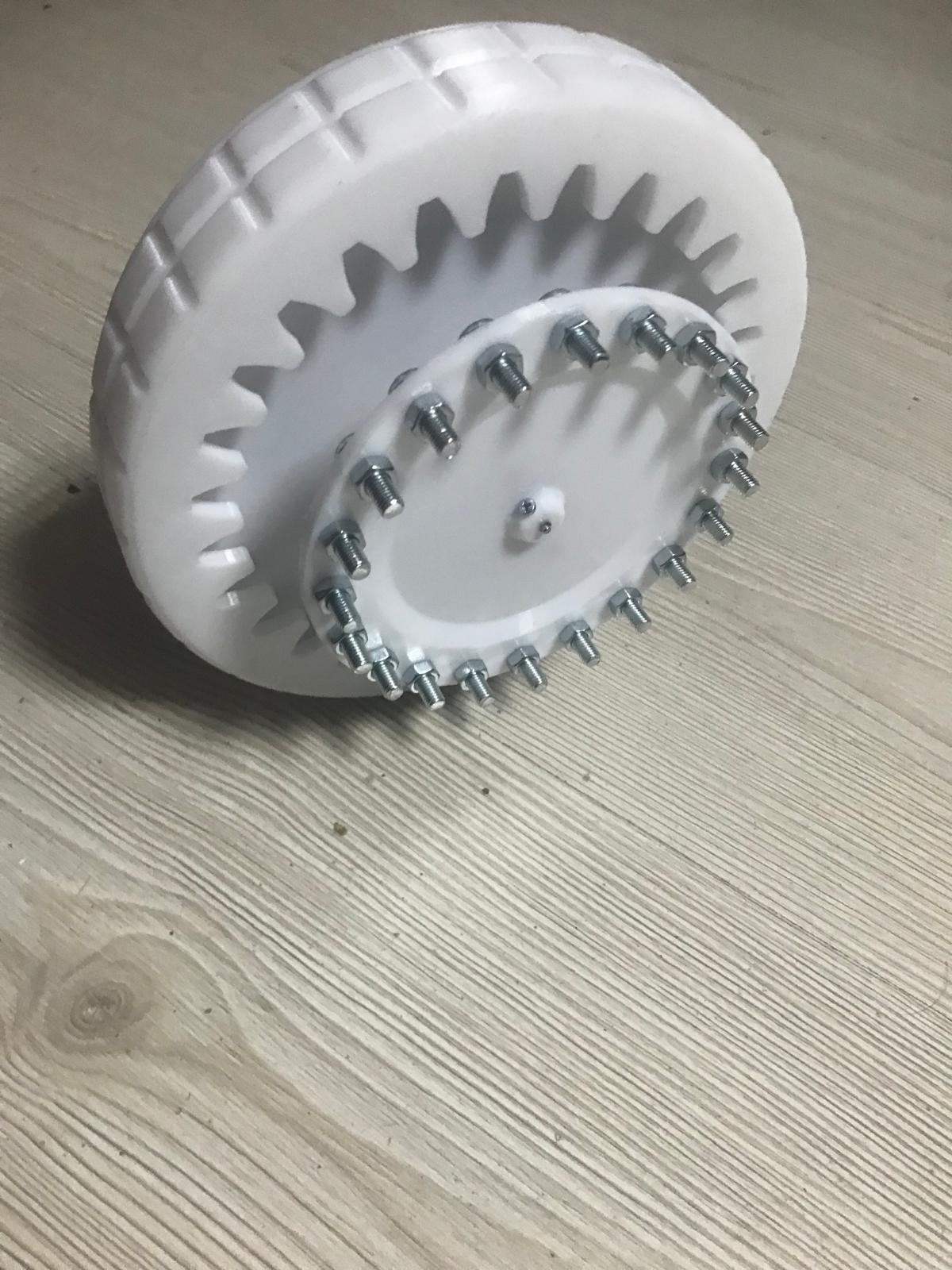
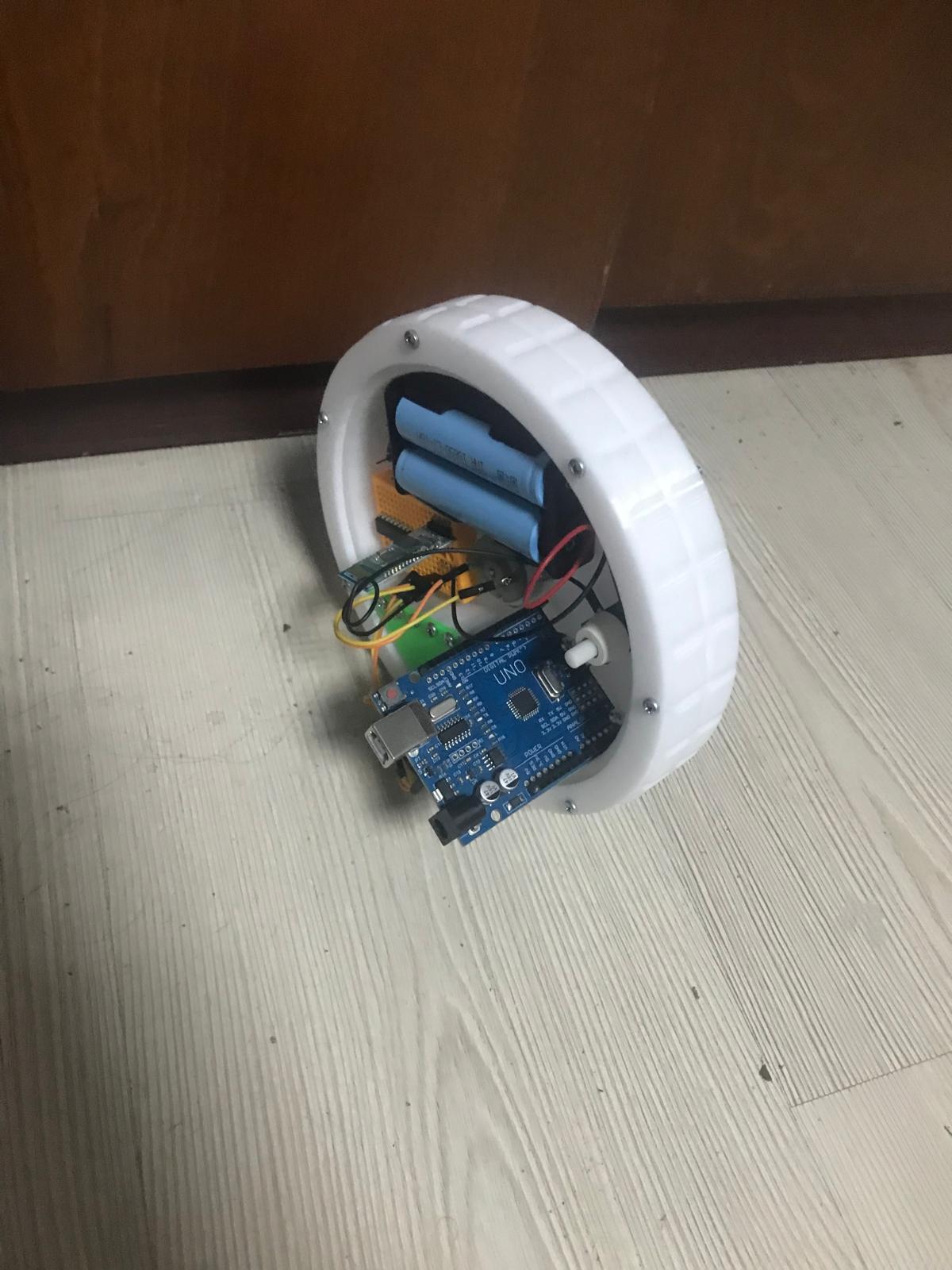
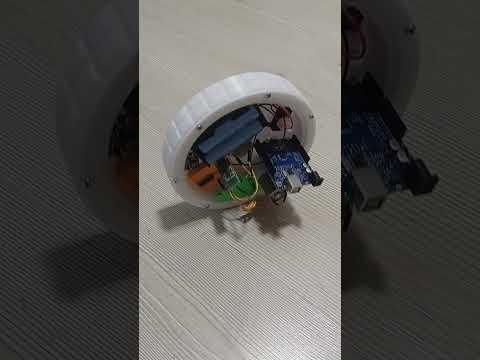
A one wheeled balancing futuristic RC GyroCar
Supplies
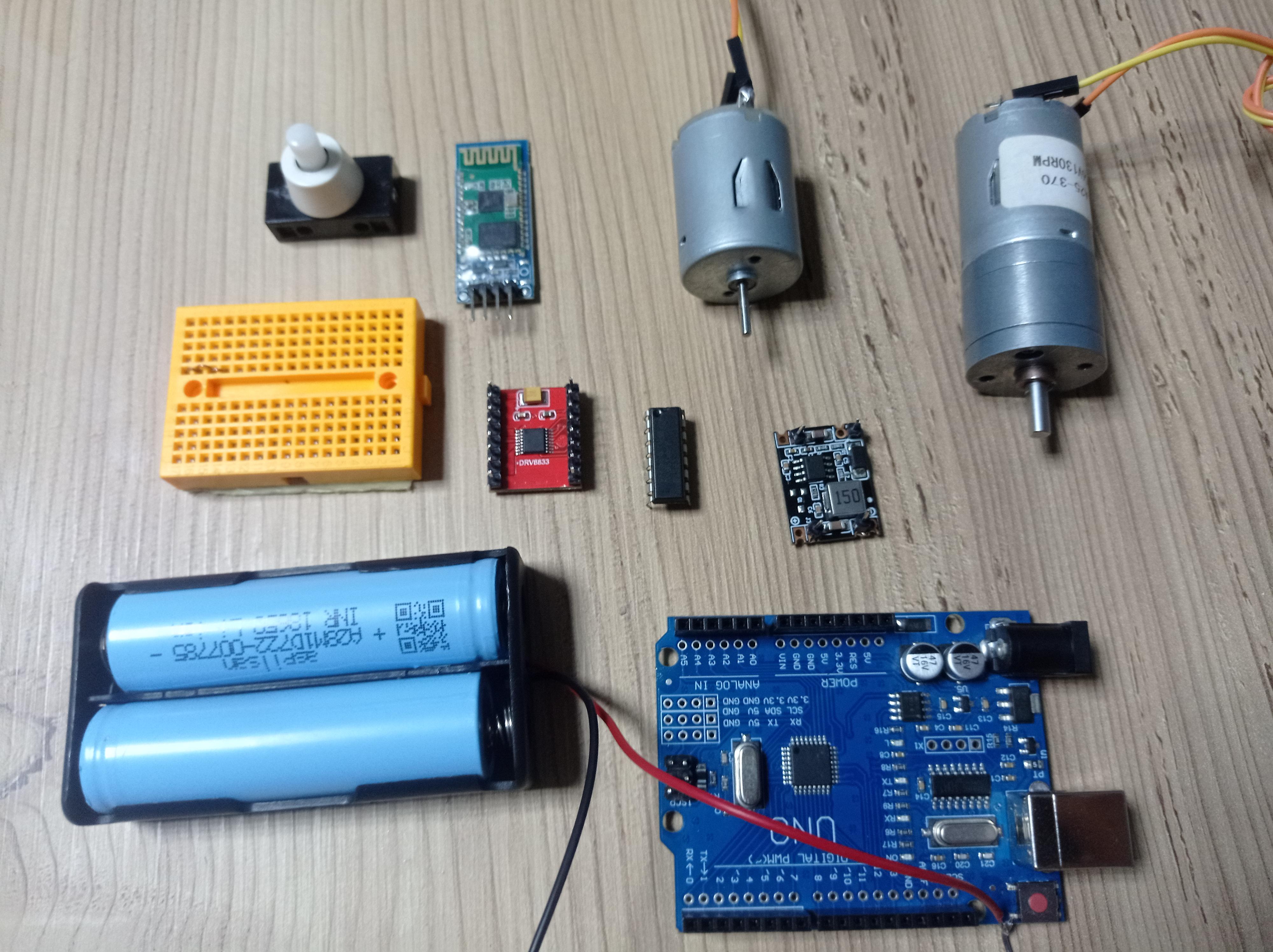


This Project is made for One Wheeled RC Gyrocar
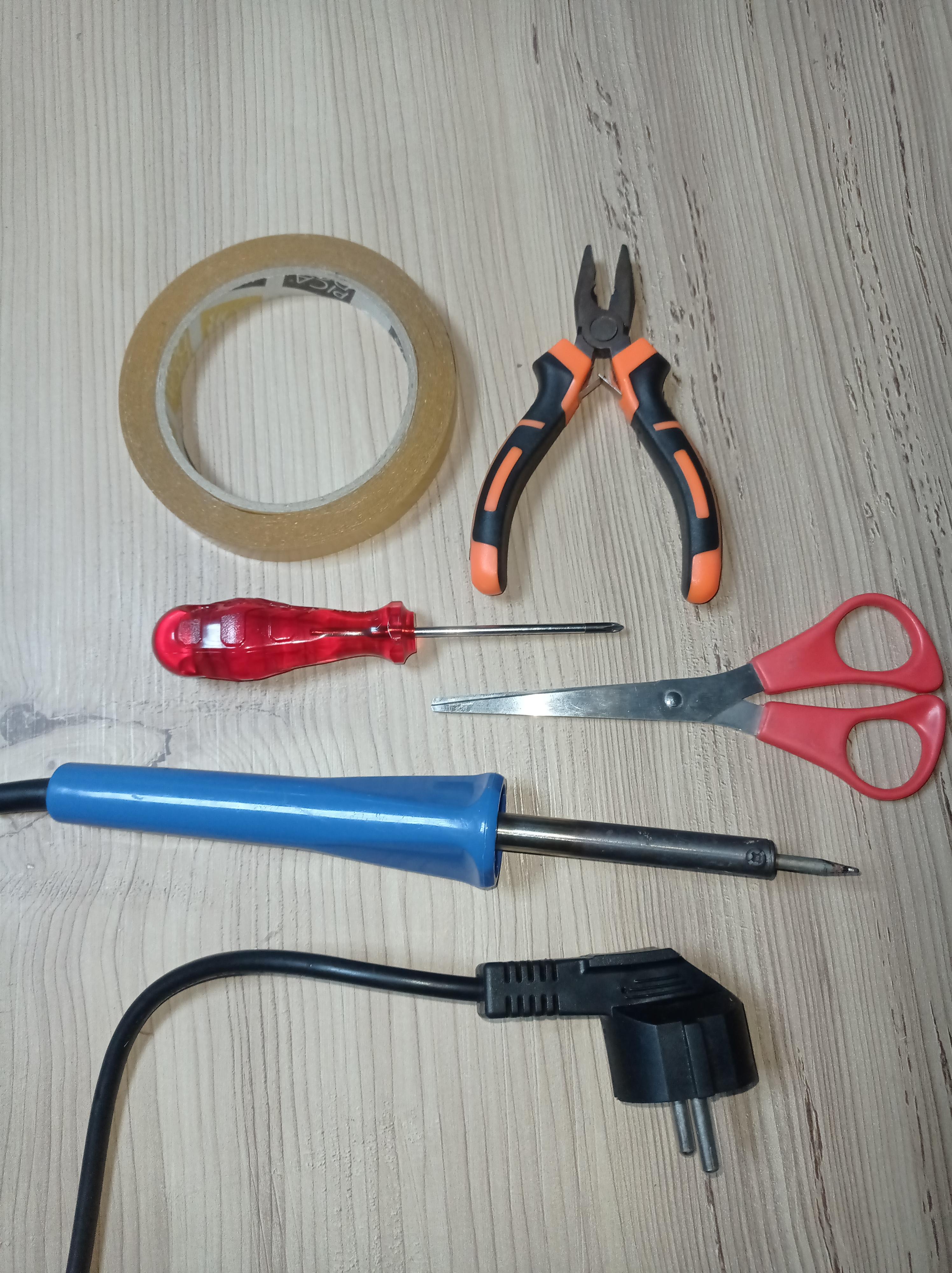
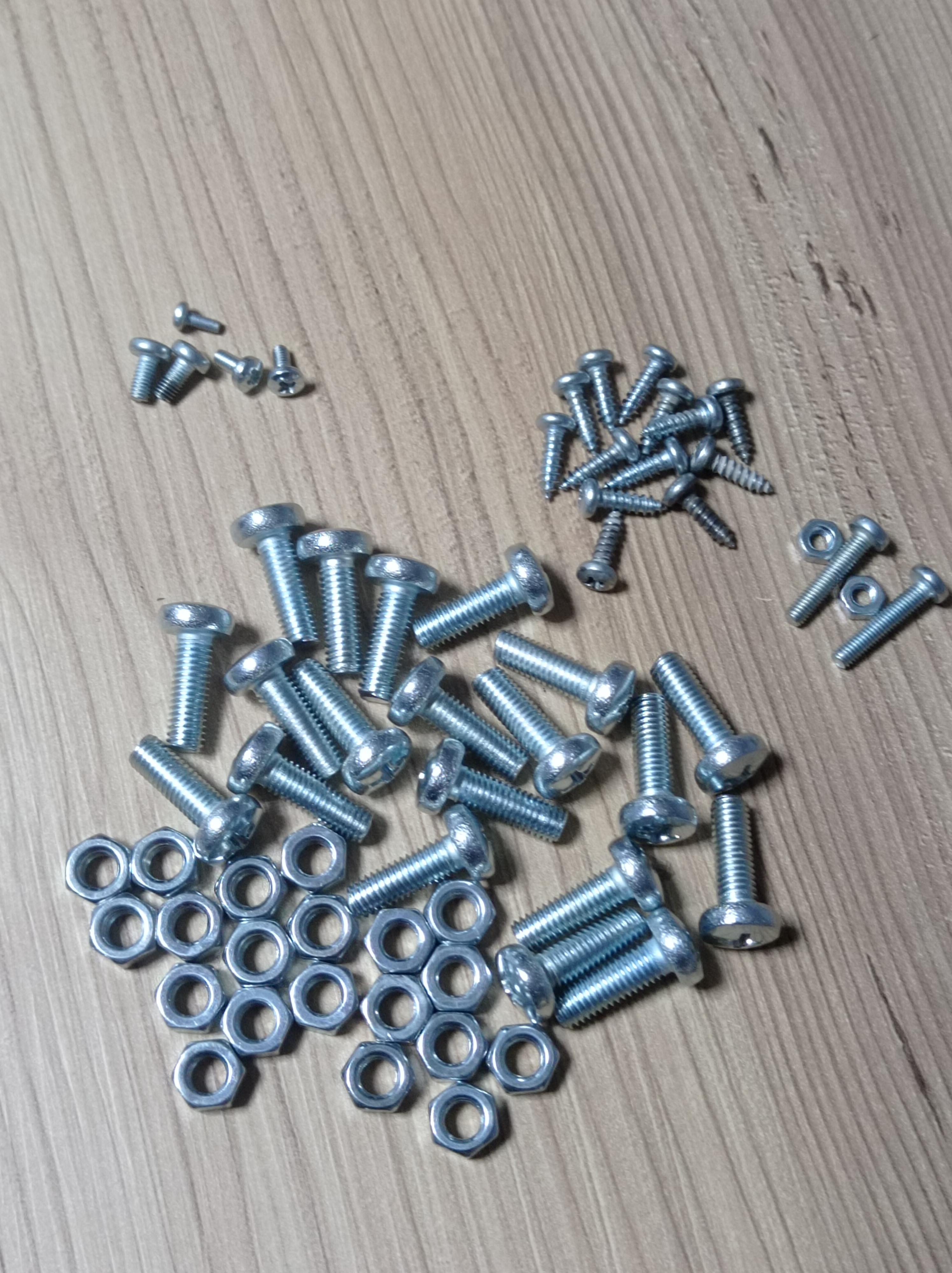
Supplies and tools needed for this project
Supplies in order;
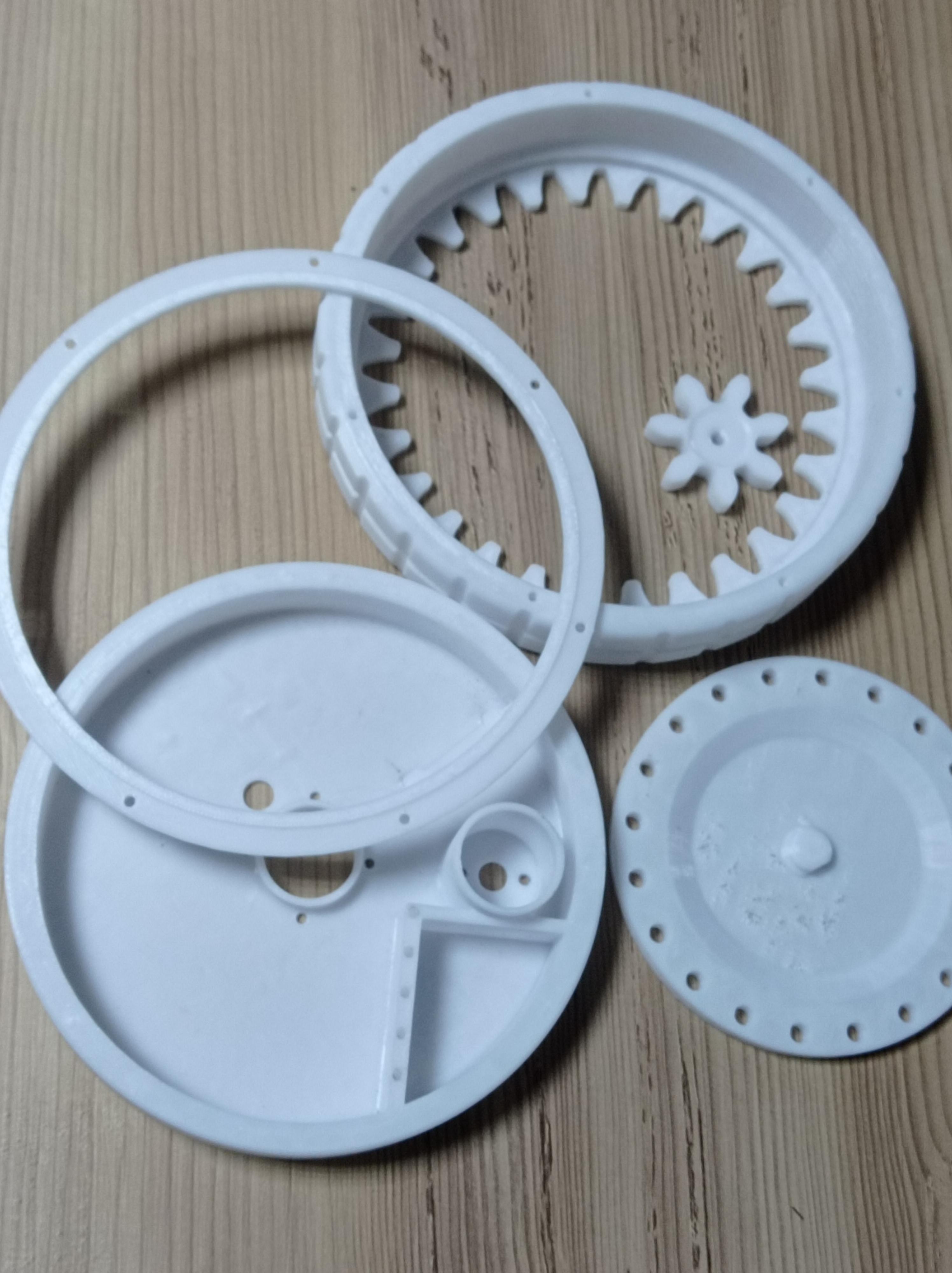
-3D Printed parts
-1x Arduino UNO R3
-2x 18650 li-ion battery
-1x small breadboard
-1x 23.8mm Dc motor 6-12V (For Gyroscope)
-1x 25mm Geared 90-200rpm(130 suggested) dc motor 6-12V
-1x TB66FNG12 or L293 integrated motor driver you could also use any other that fits onto small breadboard
-1x dc-dc 5V Voltage regulator (to feed arduino with li-ion batteries)
-1x hc05/06 Bluetooth module
-1x switch button ~suggested one is button with cable screws~
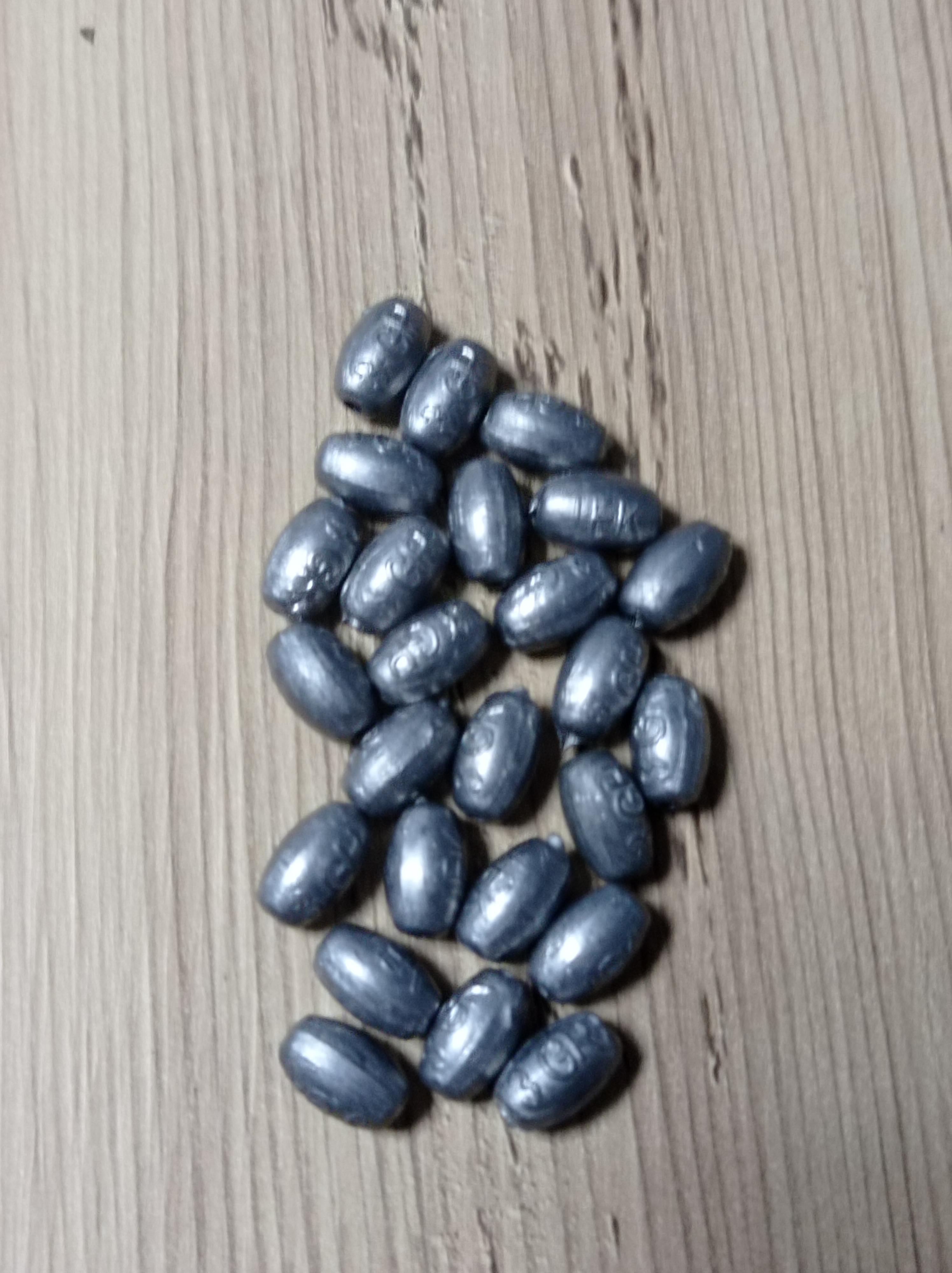
-25x 3grams fisher plummet or total 75 grams
-1x vegetable oil or any grease (Optional)
Screws and Bolts;
-20x 5mmx 15mm bolts with nuts (suggested buying amount 25 bolts, 25 nuts)
-2x 3mmx 5mm bolts (sugegsted amount 5 bolts)
-18x 3mmx 10mm screws (suggested amount 25 screws)
-2x 3mmx 15mm bolts (suggested amount 5 bolts)
-2x 2.5mmx 5mm bolts (suggested amount 5 bolts)
-1x 2mmx5mm bolt (optional)
Tools;
-Scissors
-Screwdriver
-Soldering iron& solder
-Double sided tape
-plier
3D Printed Parts
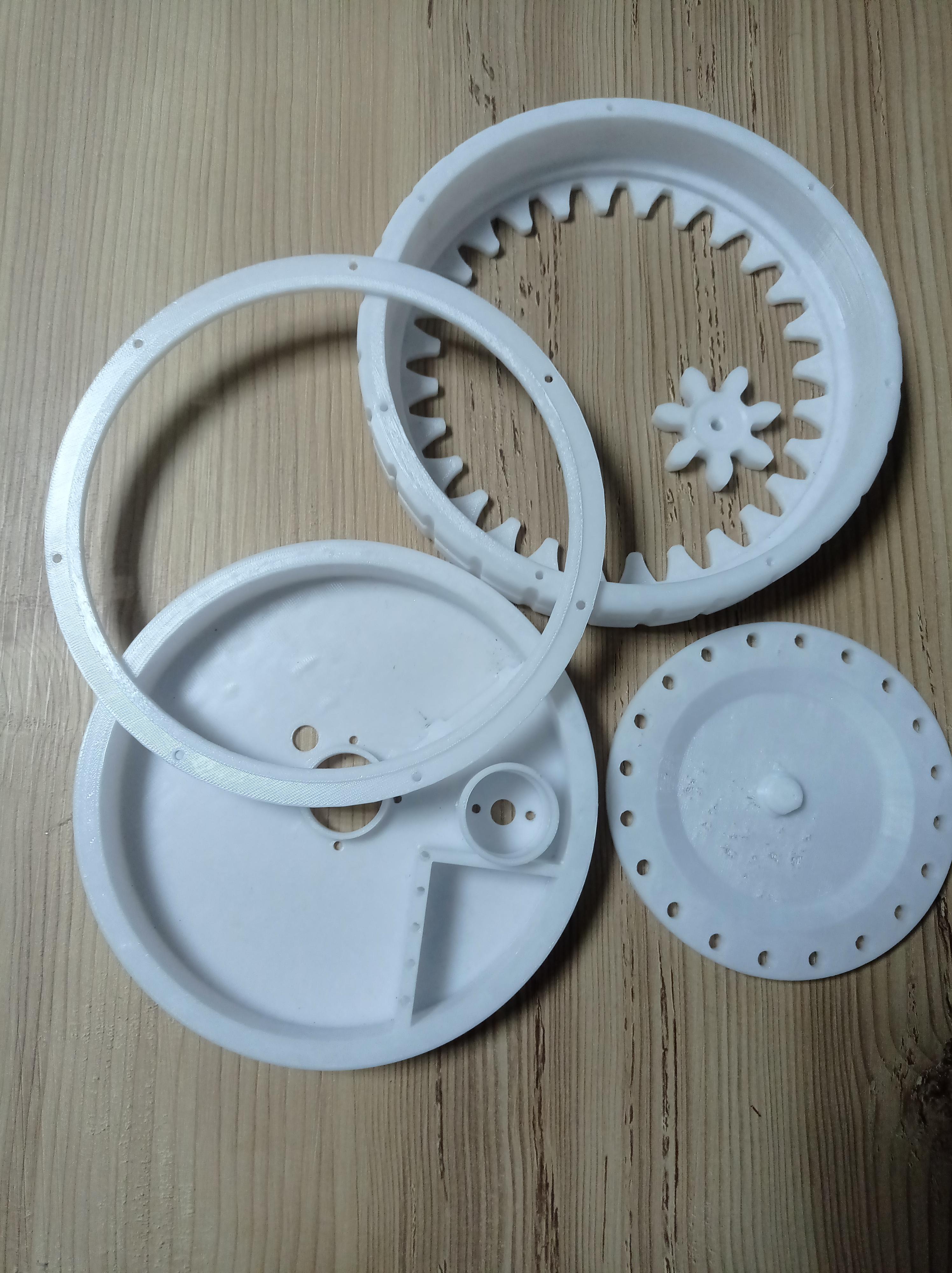
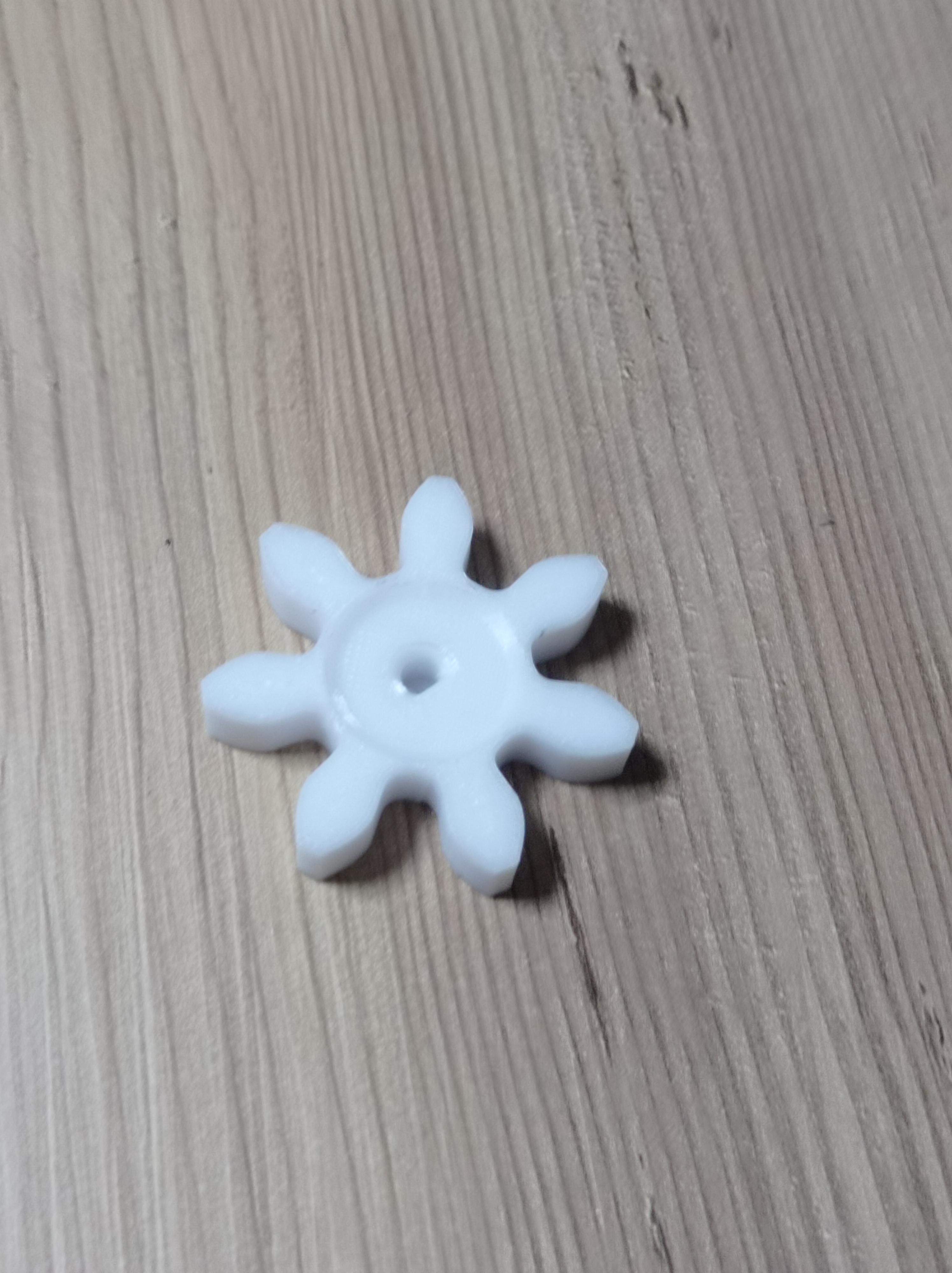
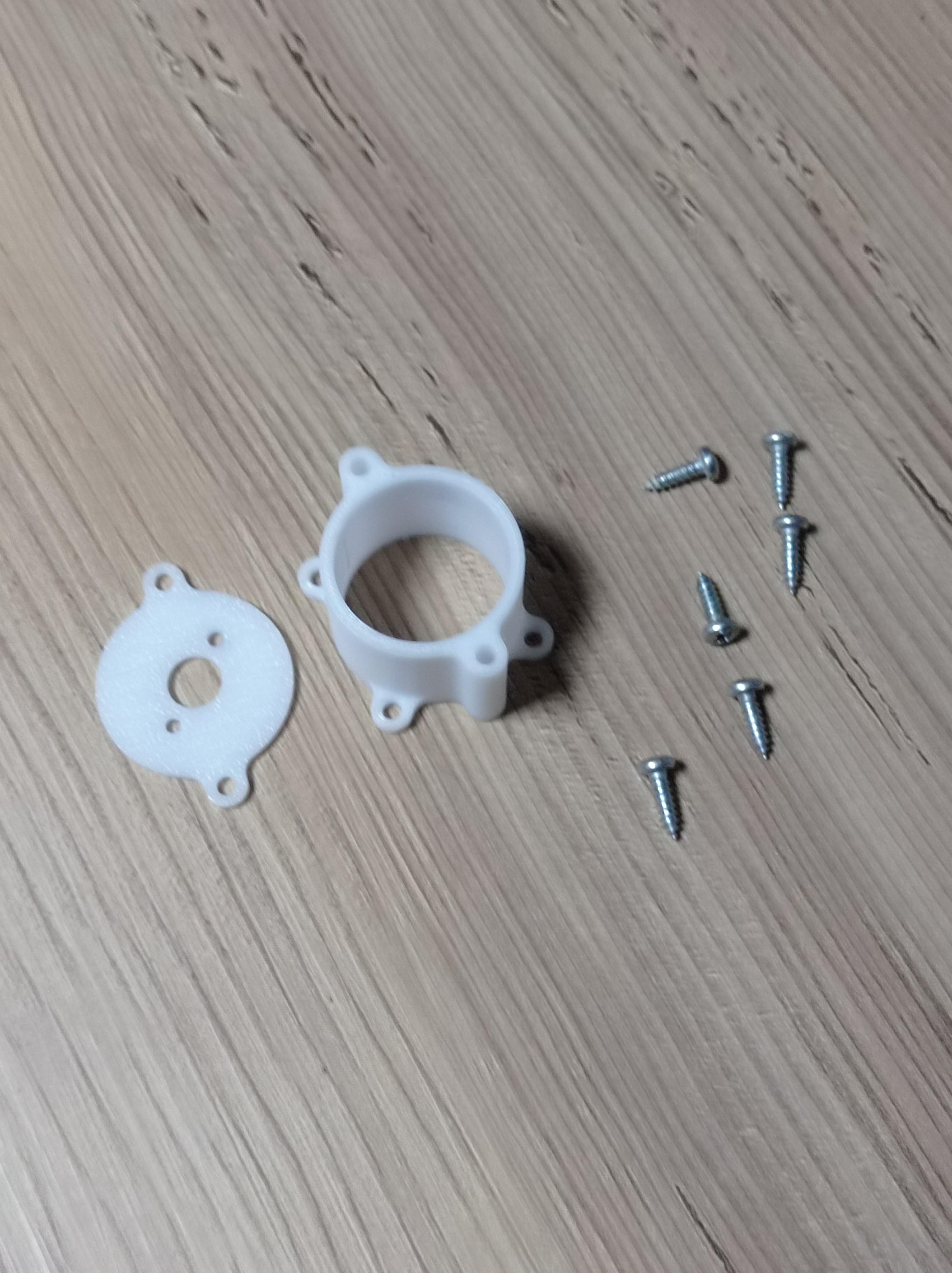
Step-1 get 3D printed parts;
Things to watchout for;
-Its better to use PETG than PLA and ABS could be even better (!remember ABS is toxic and posionous)
-Dc Motor Gear must be printed with %100 infill otherwise it will break.
-Make sure you rotate every part in a printable rotation (no part here requires support!)
Building the Body Weight Part
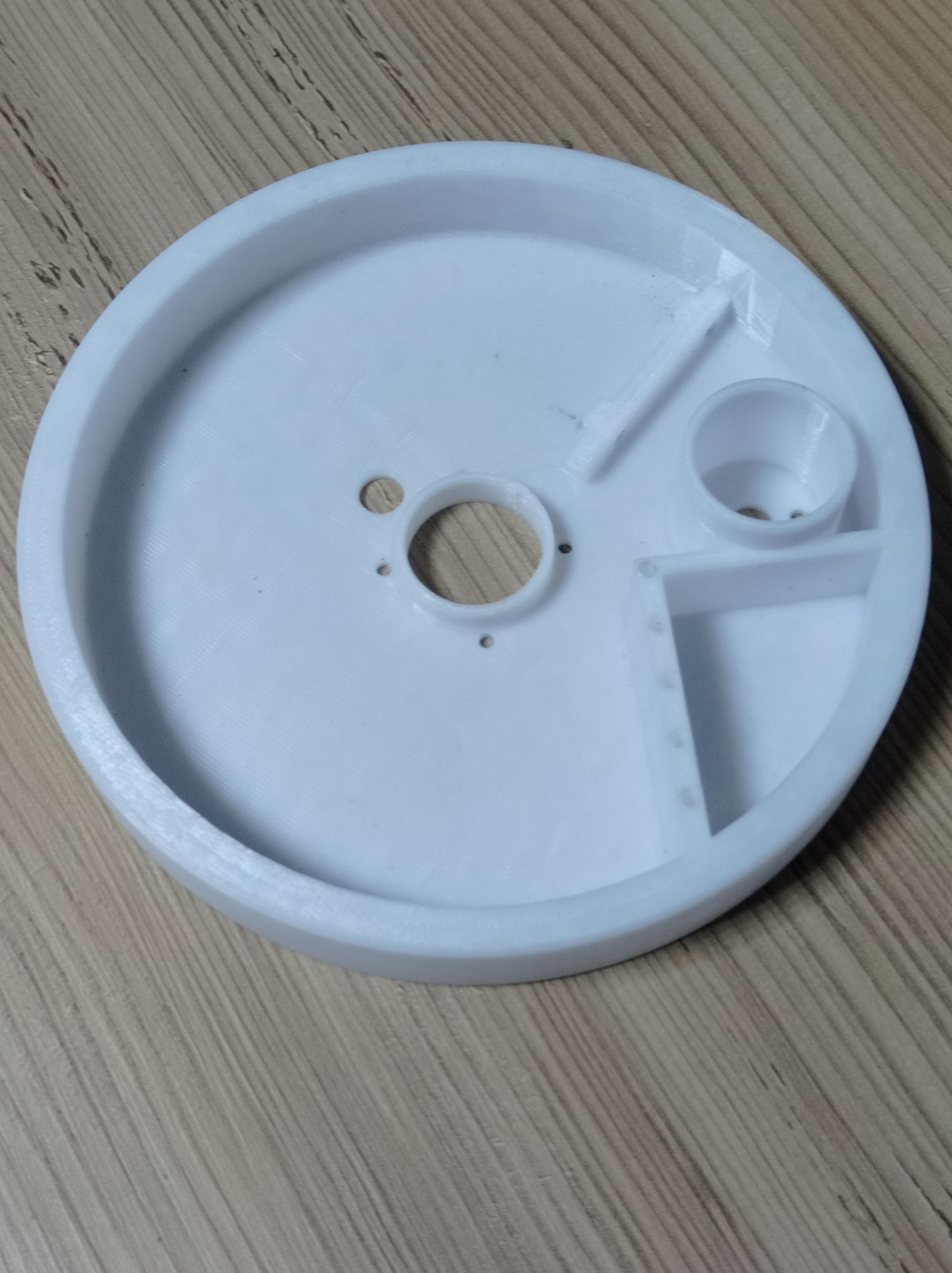
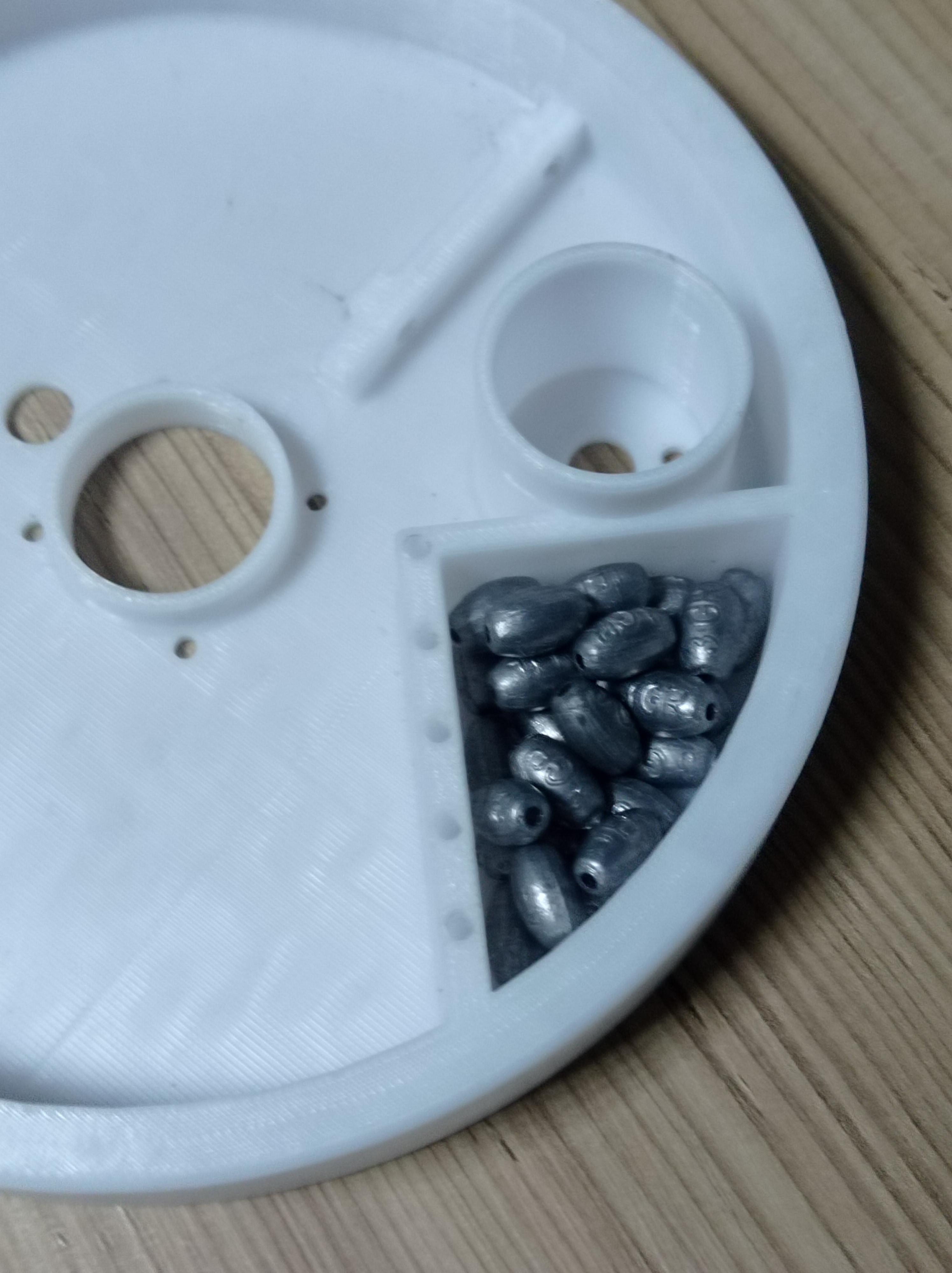
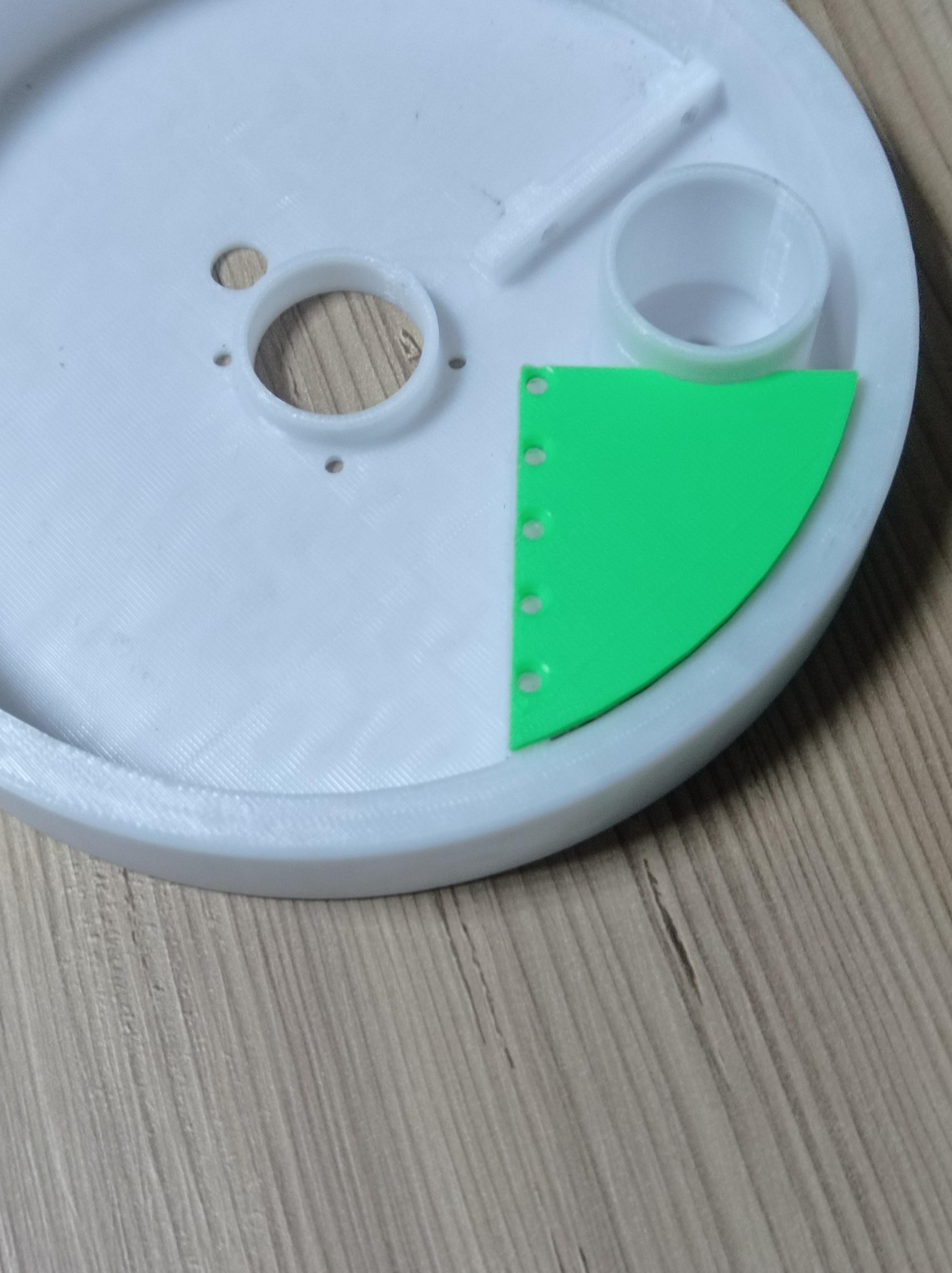
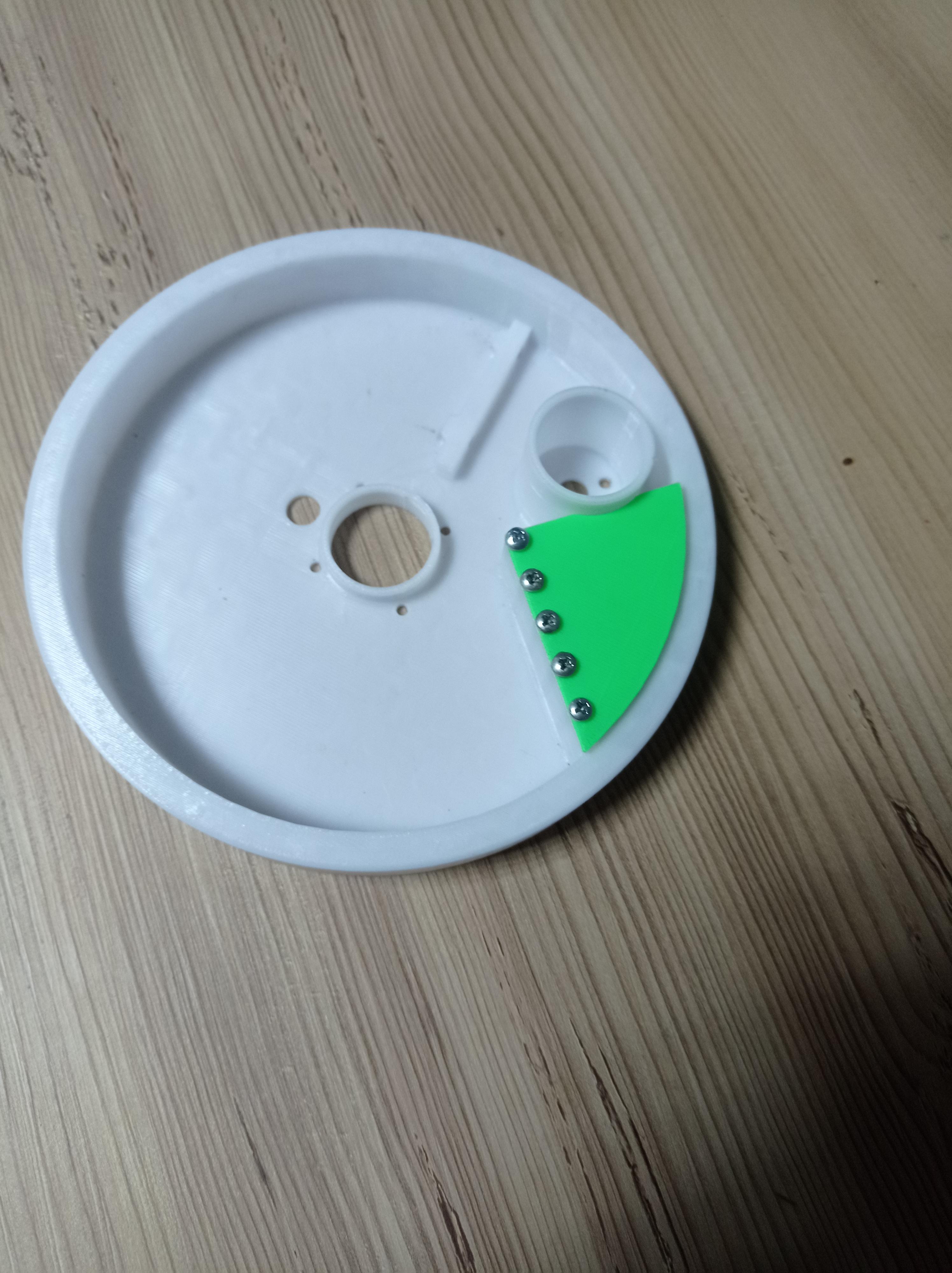
-First get the inner bearing part and add your fishing sinker (best around or above 75grams)
after adding the weights get the weight door part and screw it in place with 5x 3mmx 5mm screws.
Optional Step Greasing
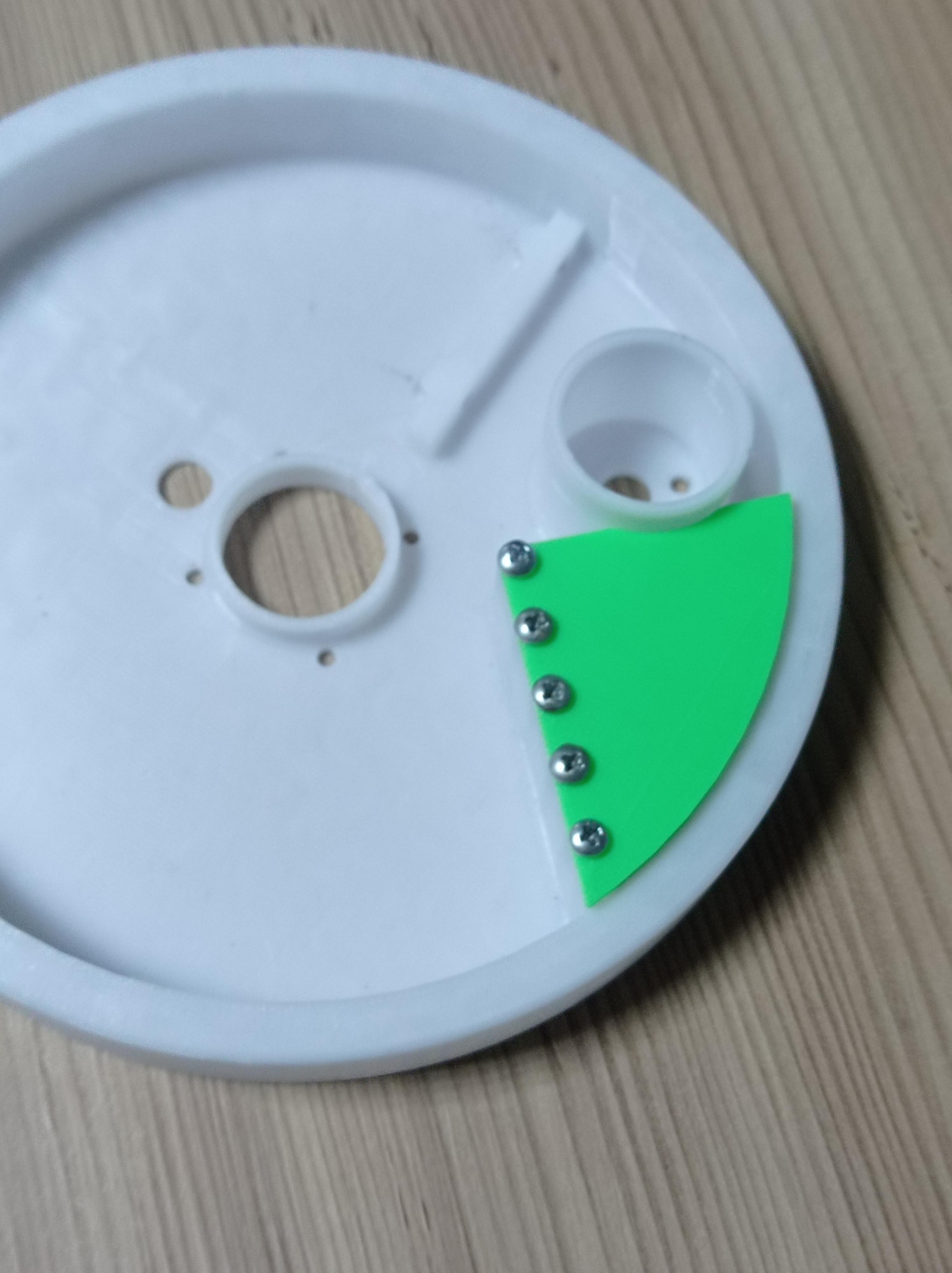

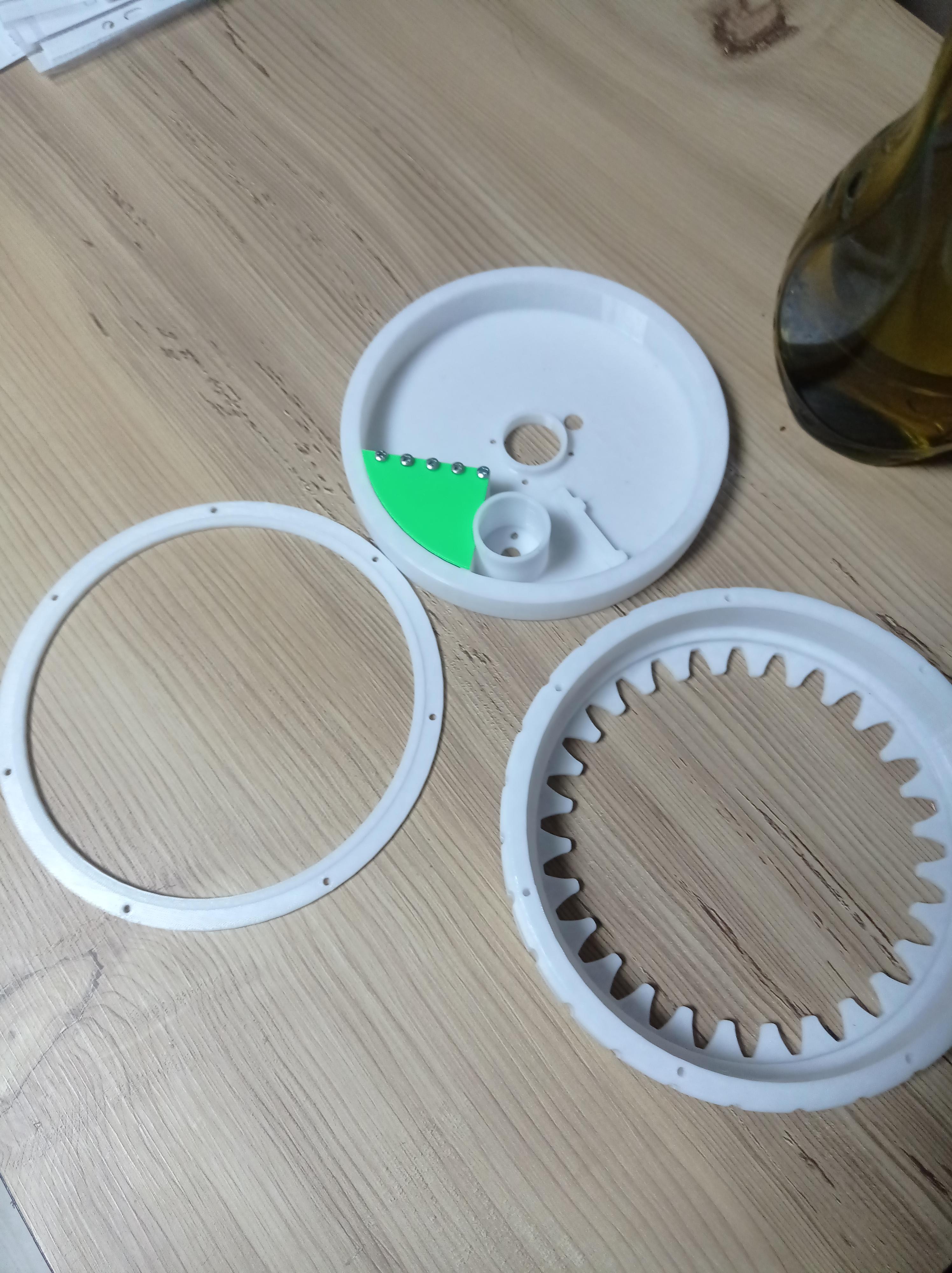
After screwing the weights you can get the Outer tire, Bearing keeper parts and oil them with any kind of basic oil or grease, not too much tho .
Making the Bearing Part
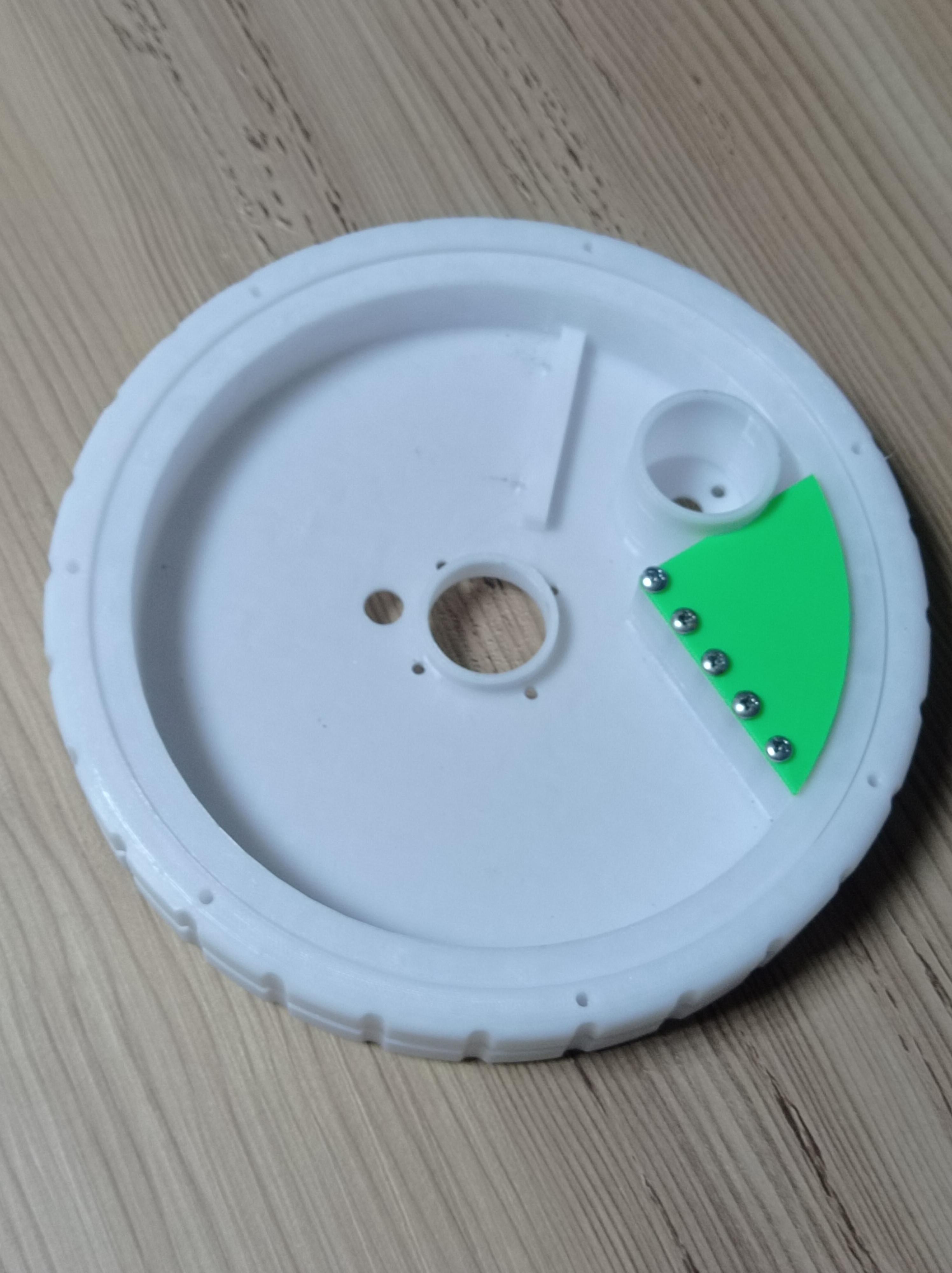
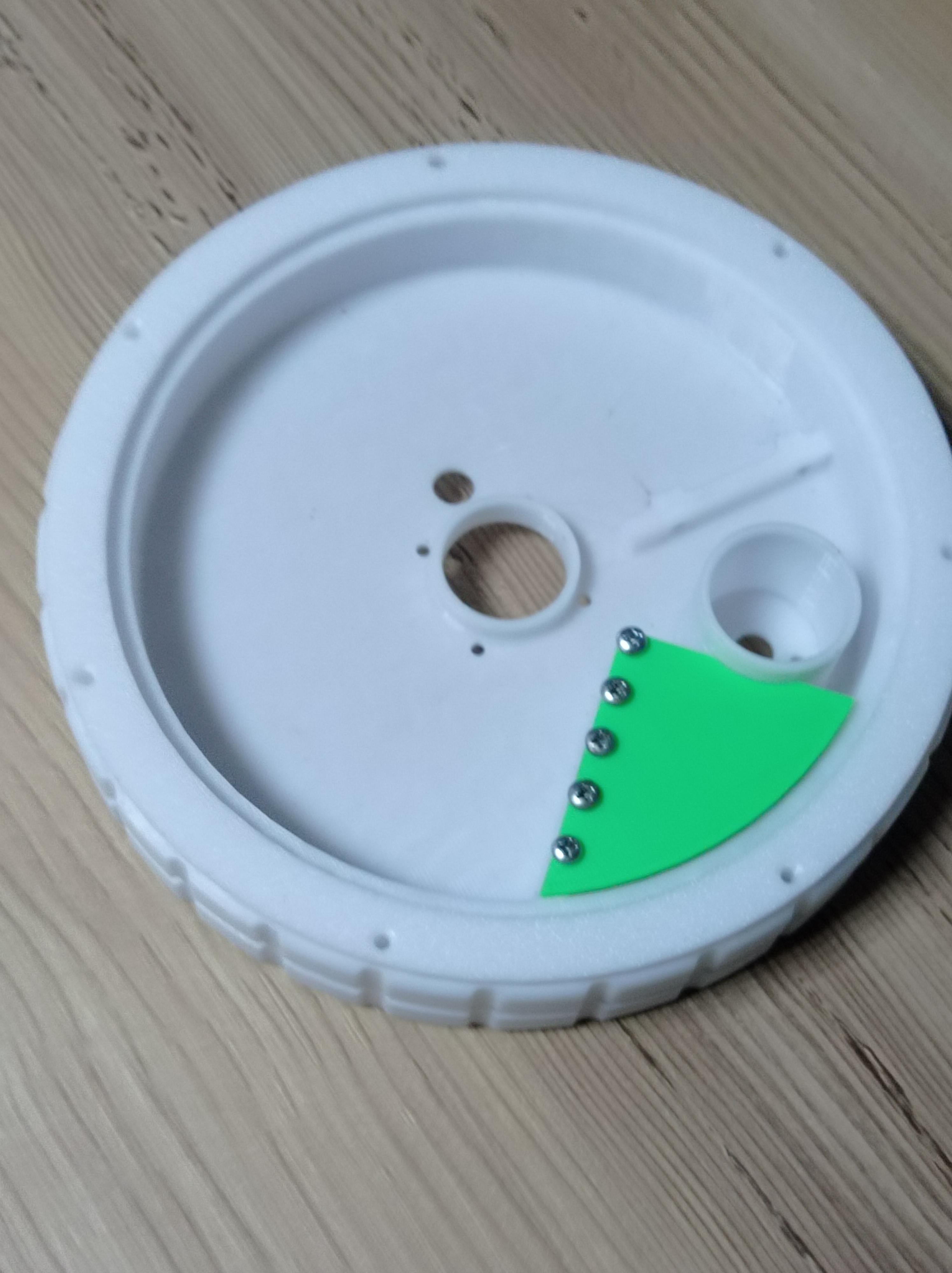
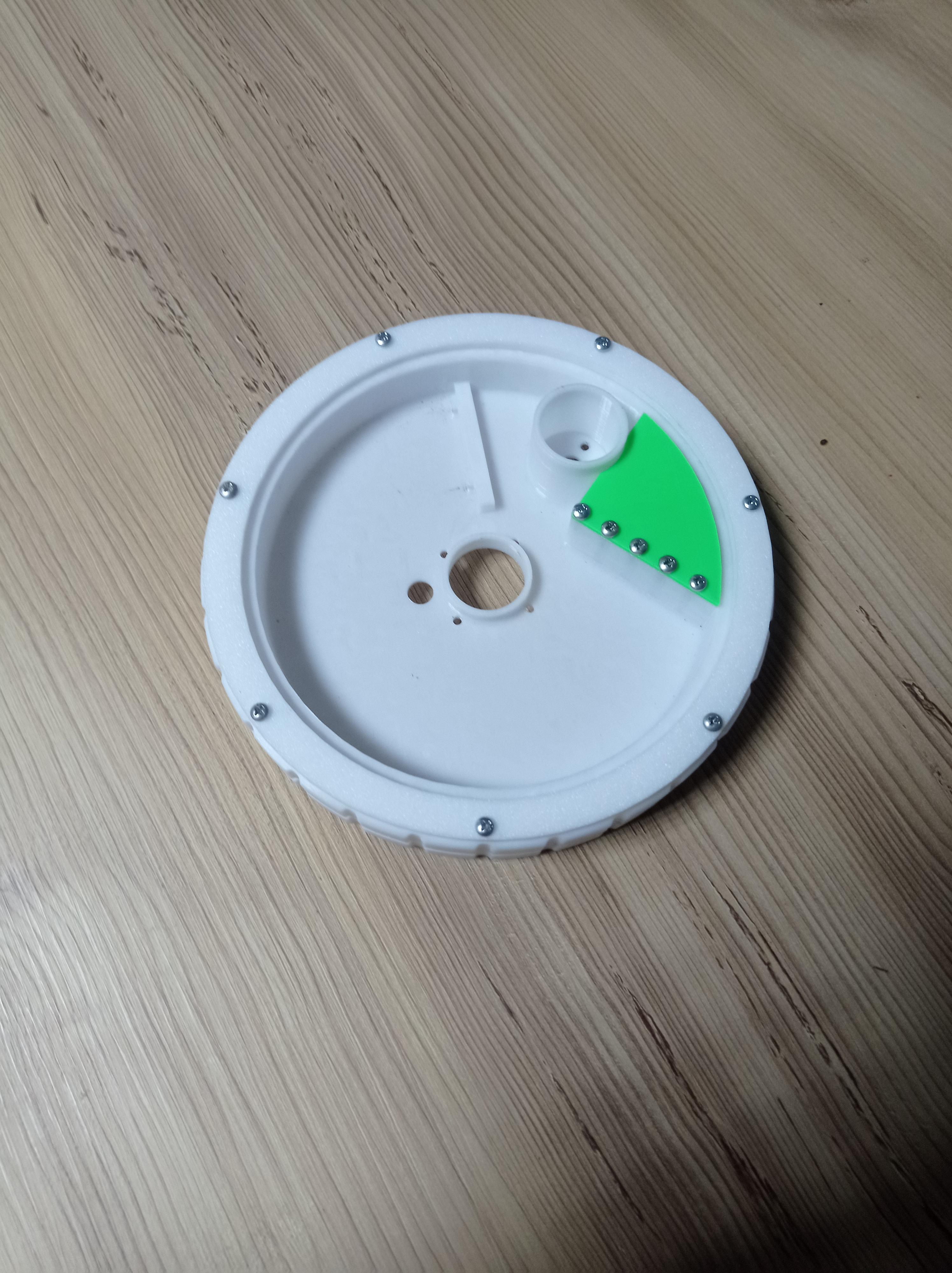
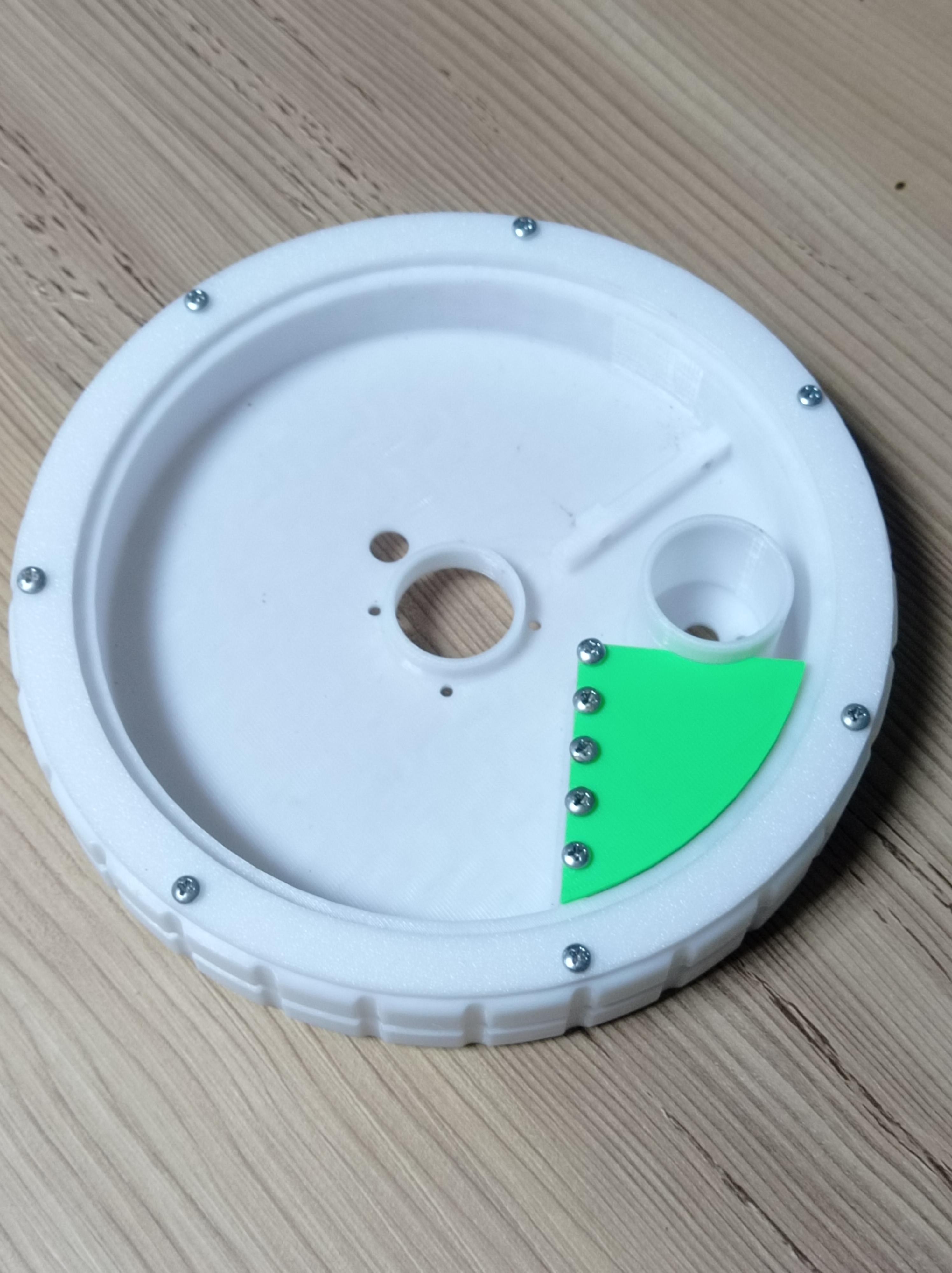
Now get Bear keeper, Inner bearing and Outer tire and fit them together, then screw them onto place with 7x 3mmx 5mm screws.
it should be able to spin freely.
Adding Geared DC Motor
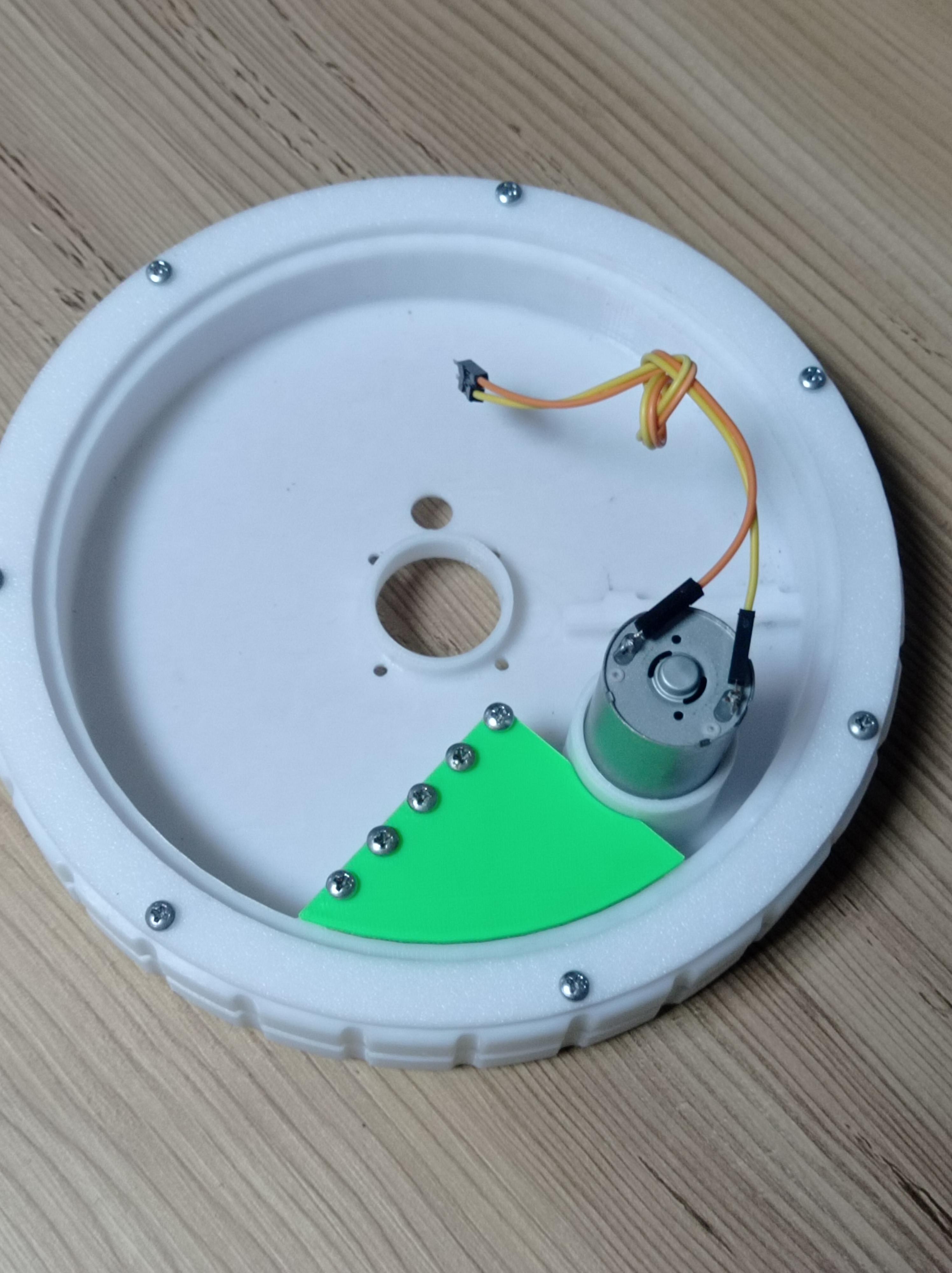
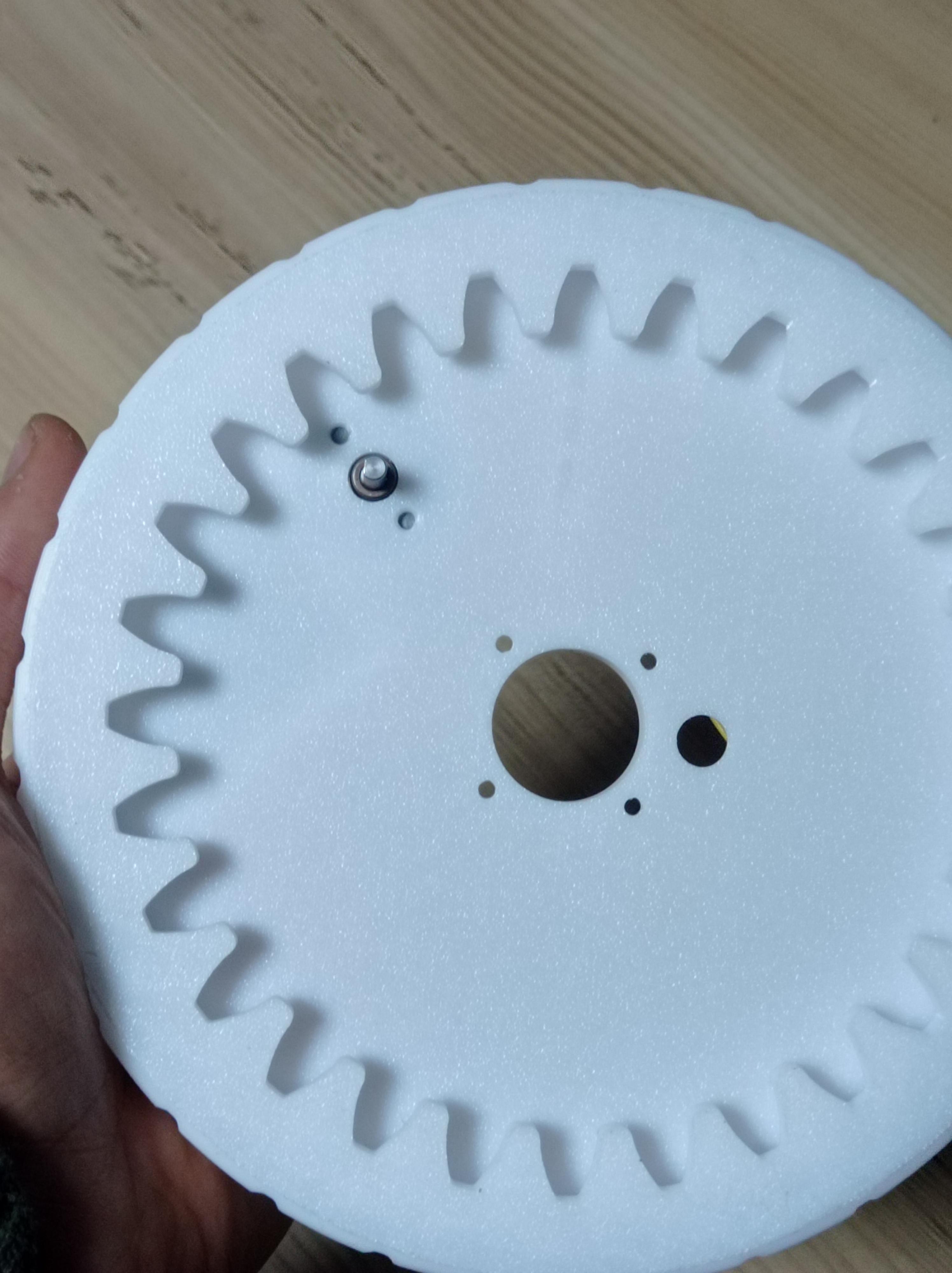

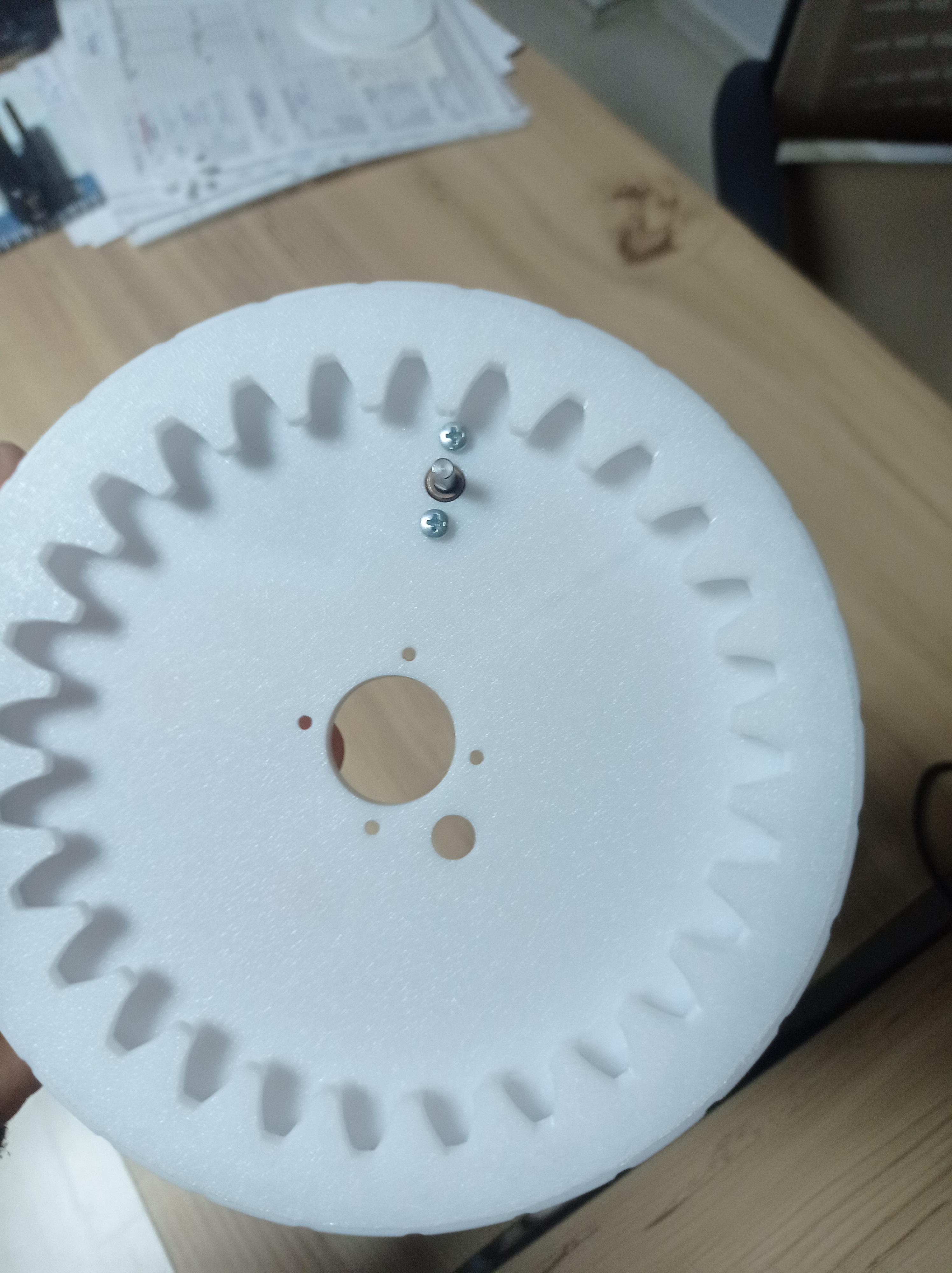
Add 25mm Geared Dc motor to the non centeral opening and align the dc motors screw holes before screwing it in place with 2x 3x5mm bolts.
Add DC Motor Gear and Outer Motor Holder
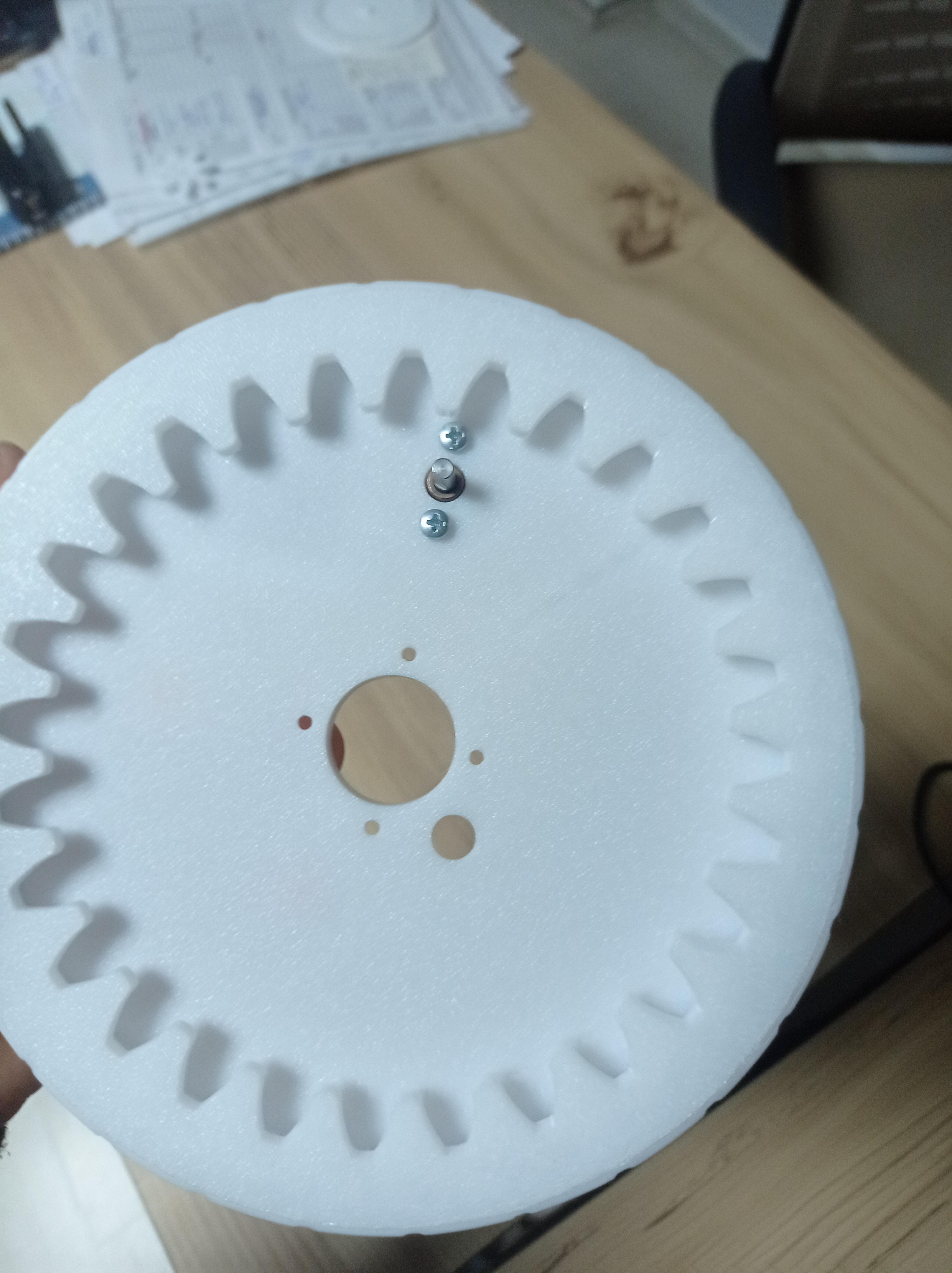
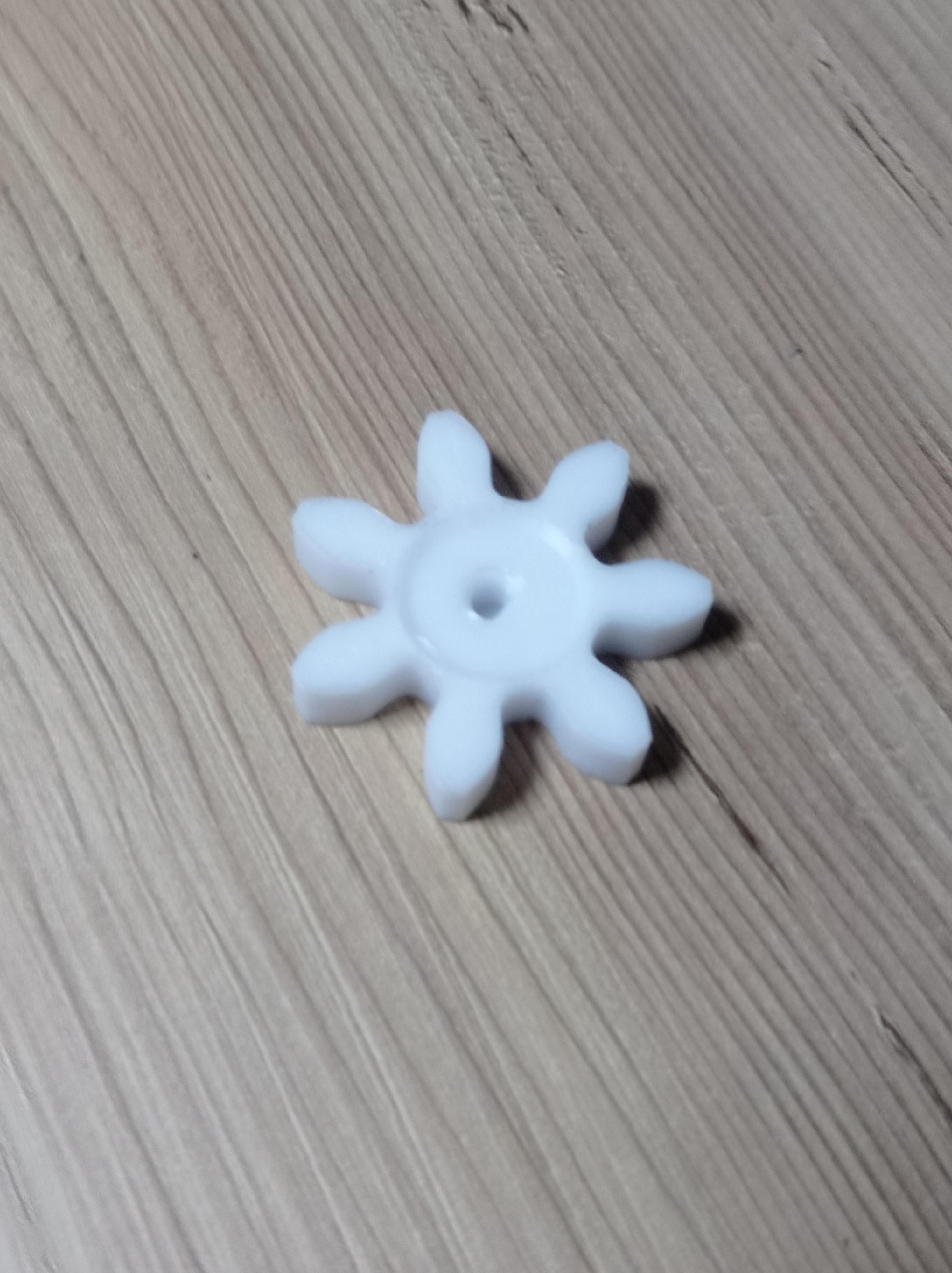
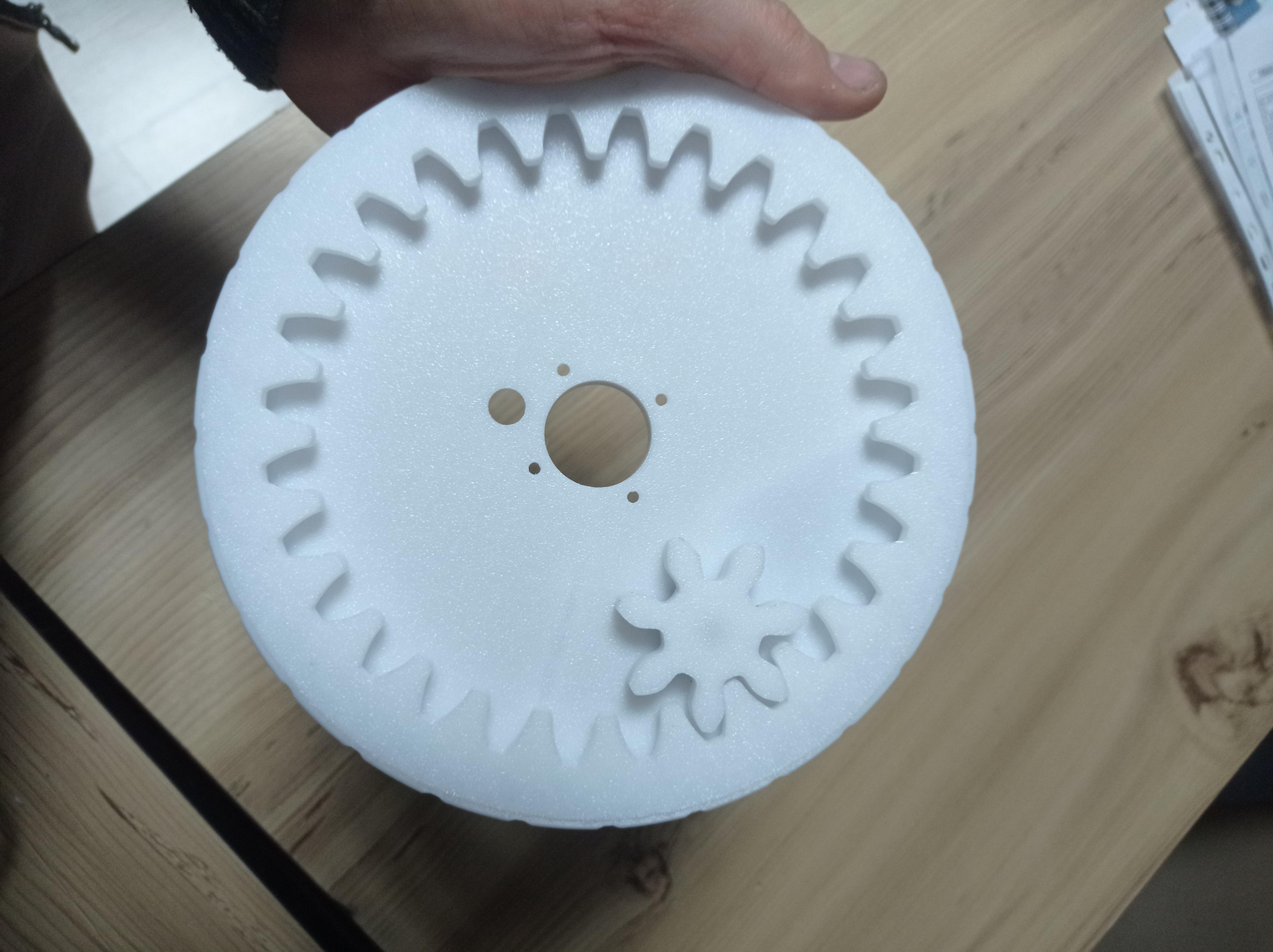

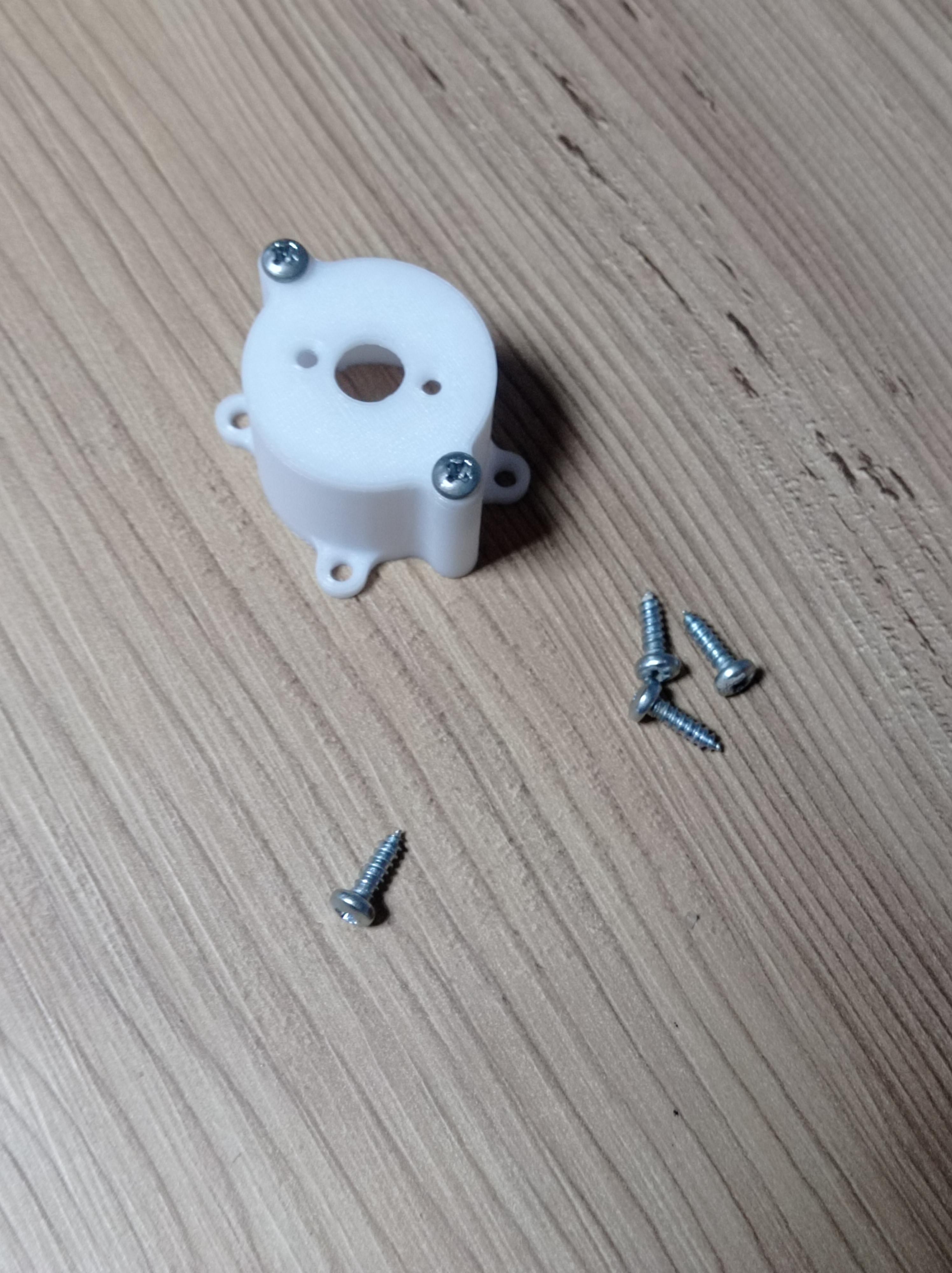
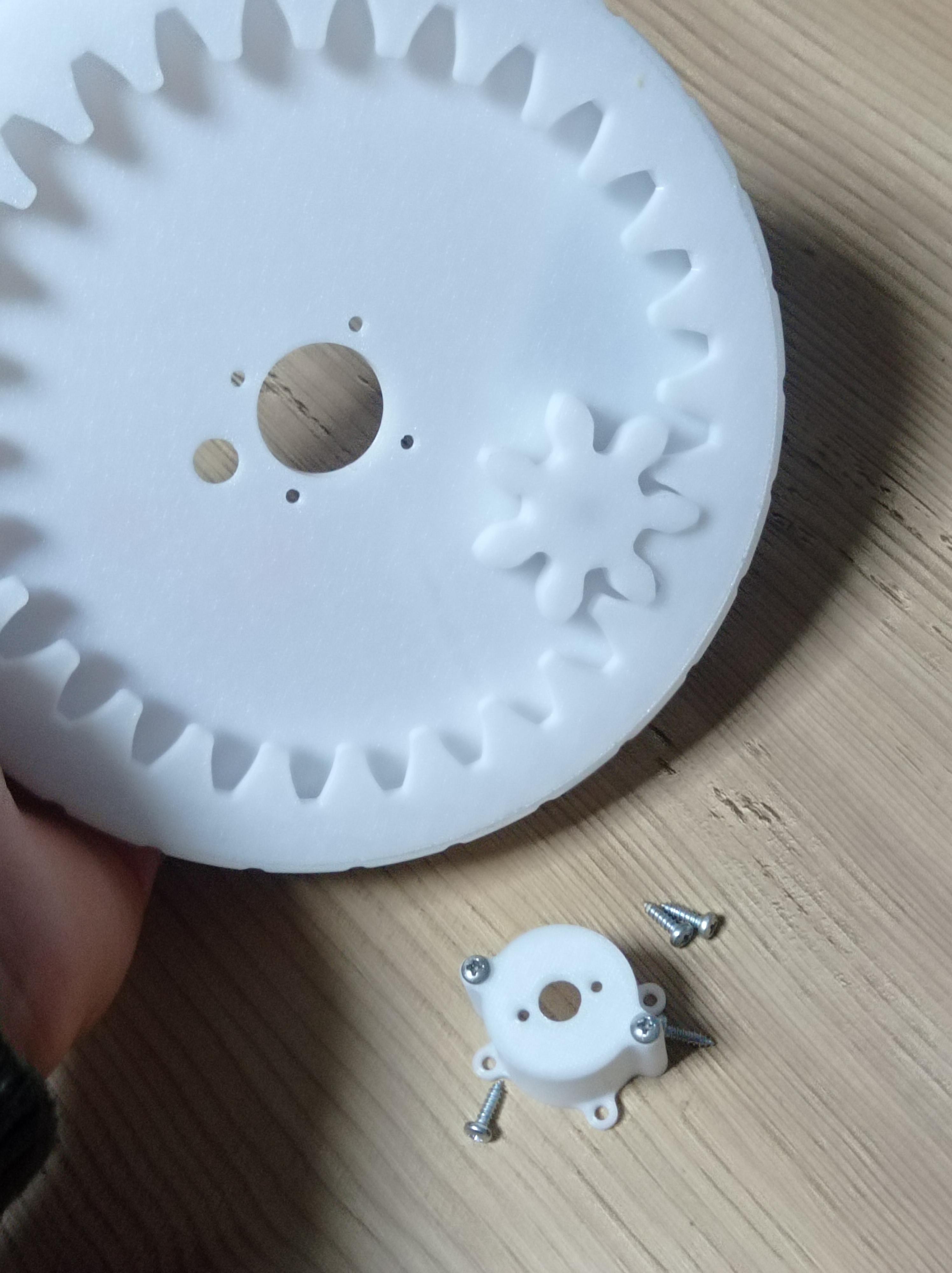
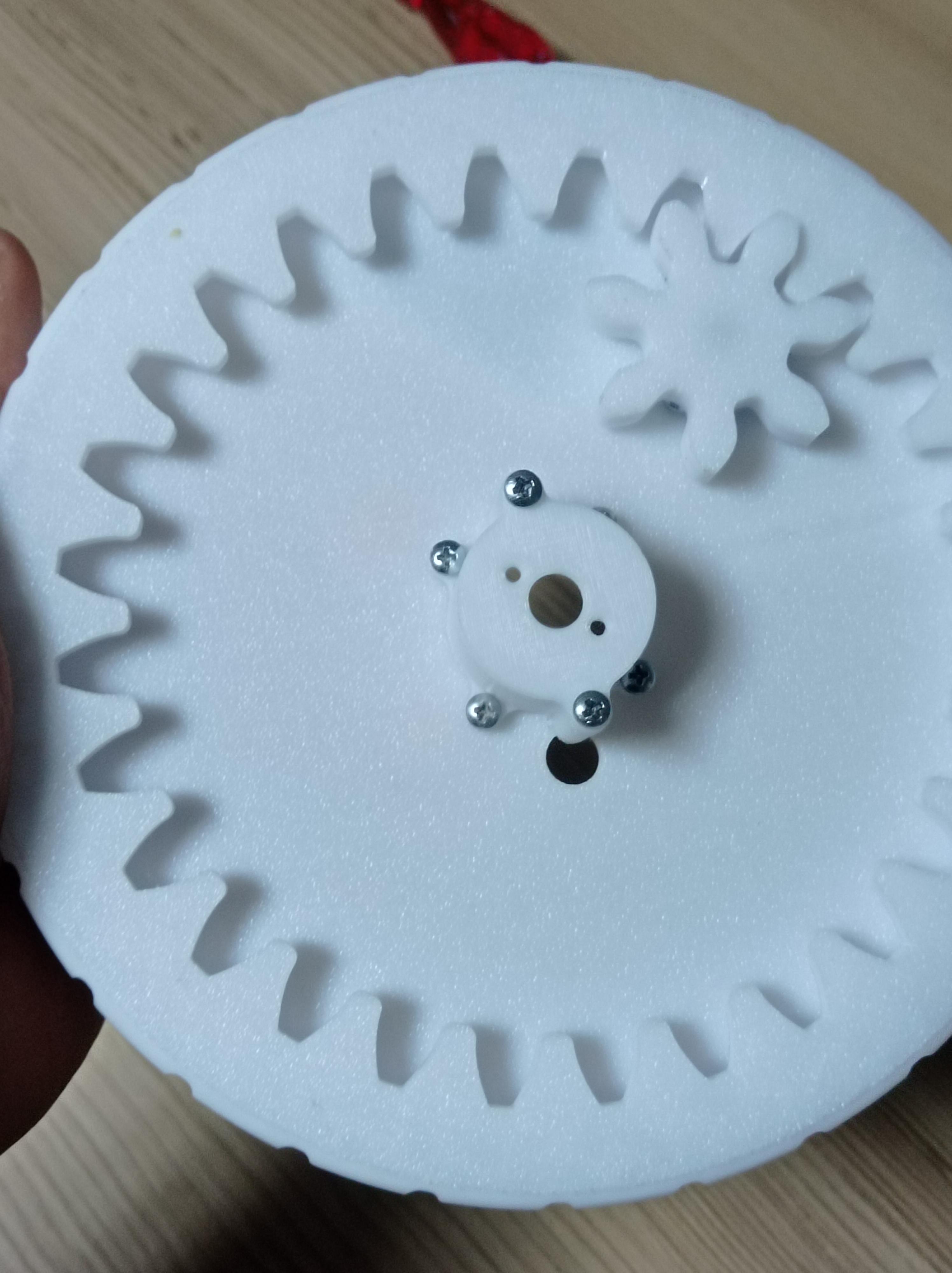
Fit the Gear part onto Dc motors shaft, it will pop right in.
Get Outer motor holder and OMH lid parts, screw them together with 2x 3mmx 5mm screws and then screw them onto inner bearings outer side with 4x 3mmx 5mm screws and it should look like the video.
Add Gyroscope DC Motor

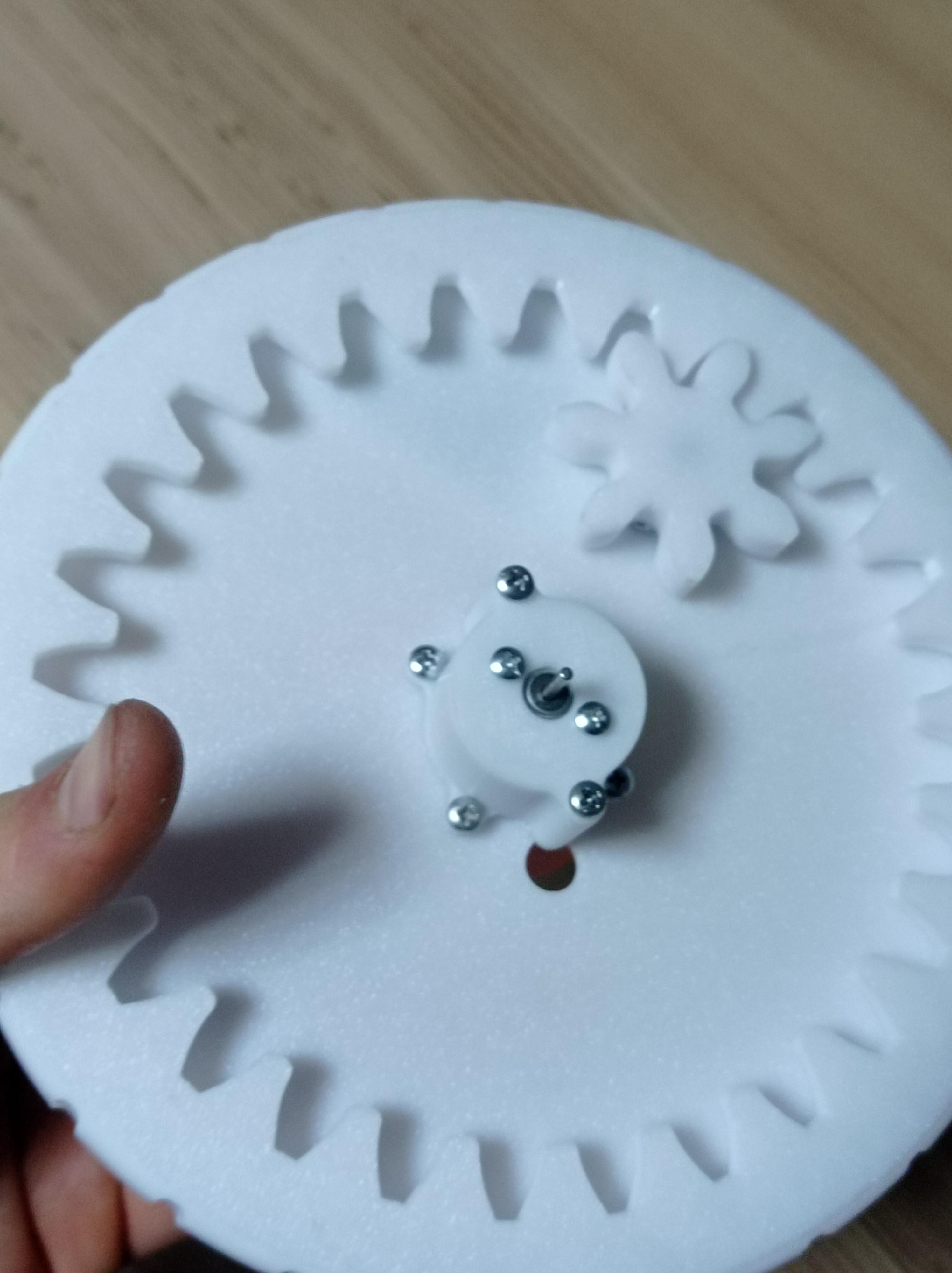
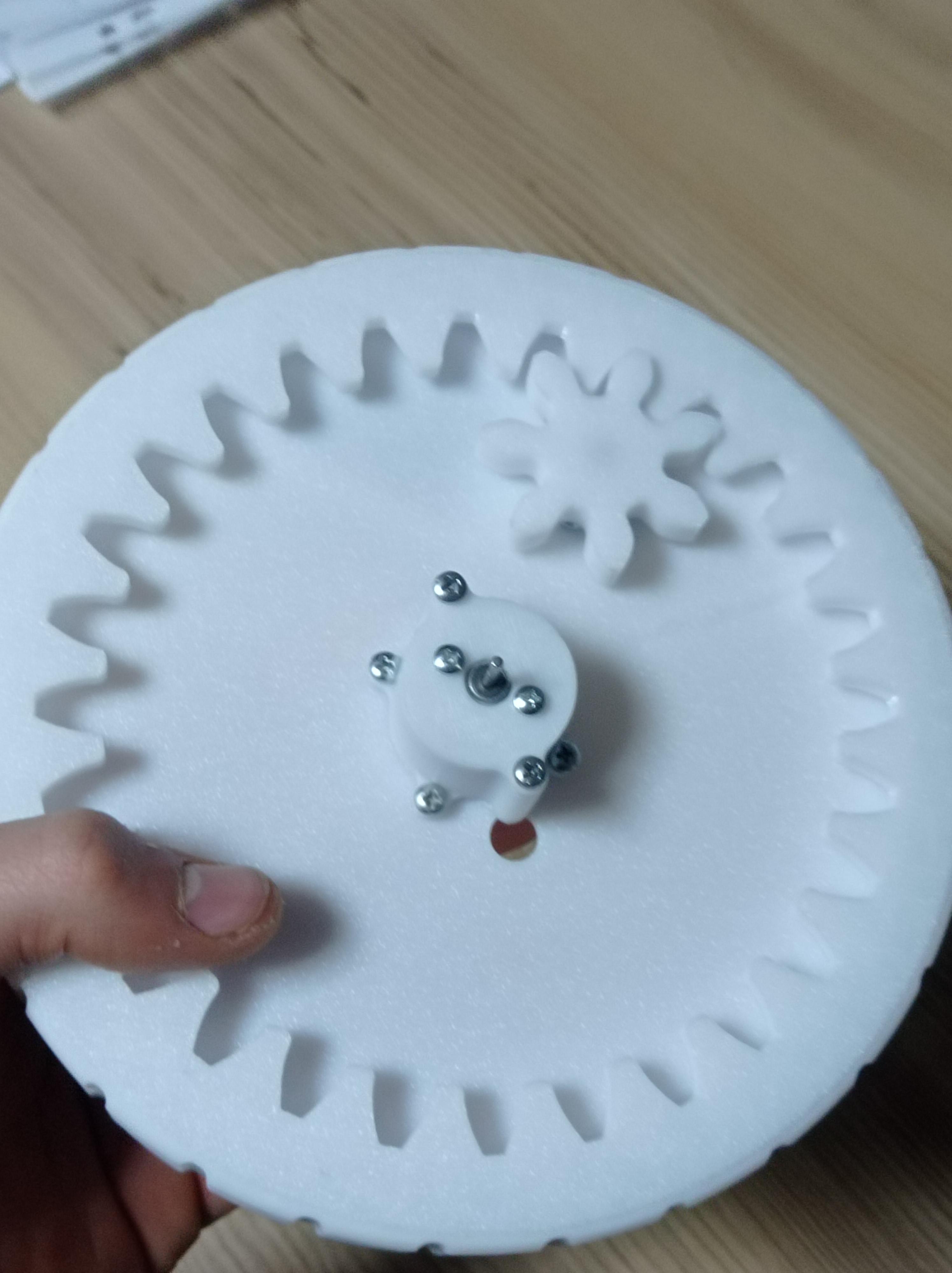
Add remaining DC motor to middle opening and screw it to Outer motor holder part with 2x 2.5x 5mm bolts
Prepare and Add the Gyroscope
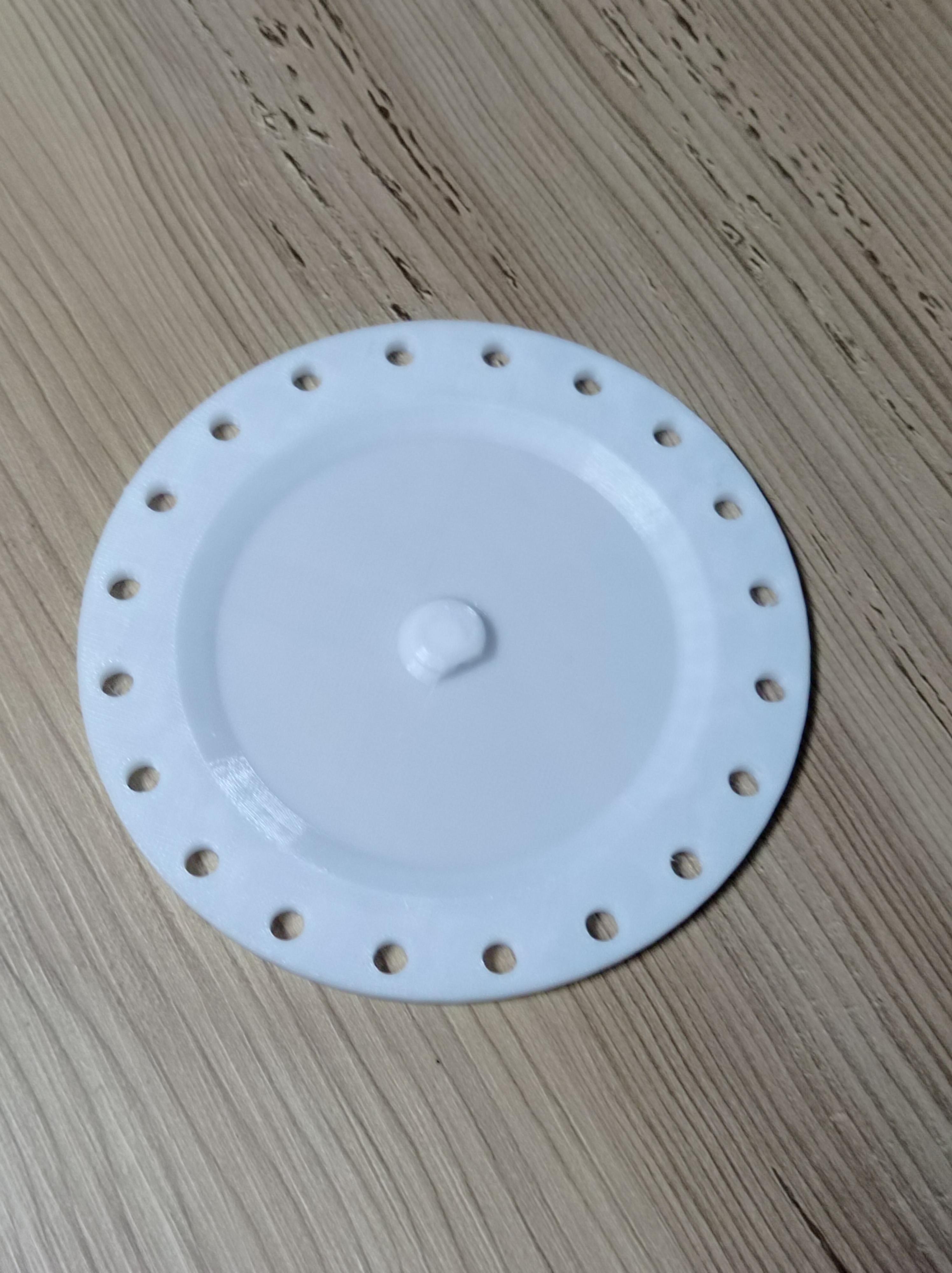
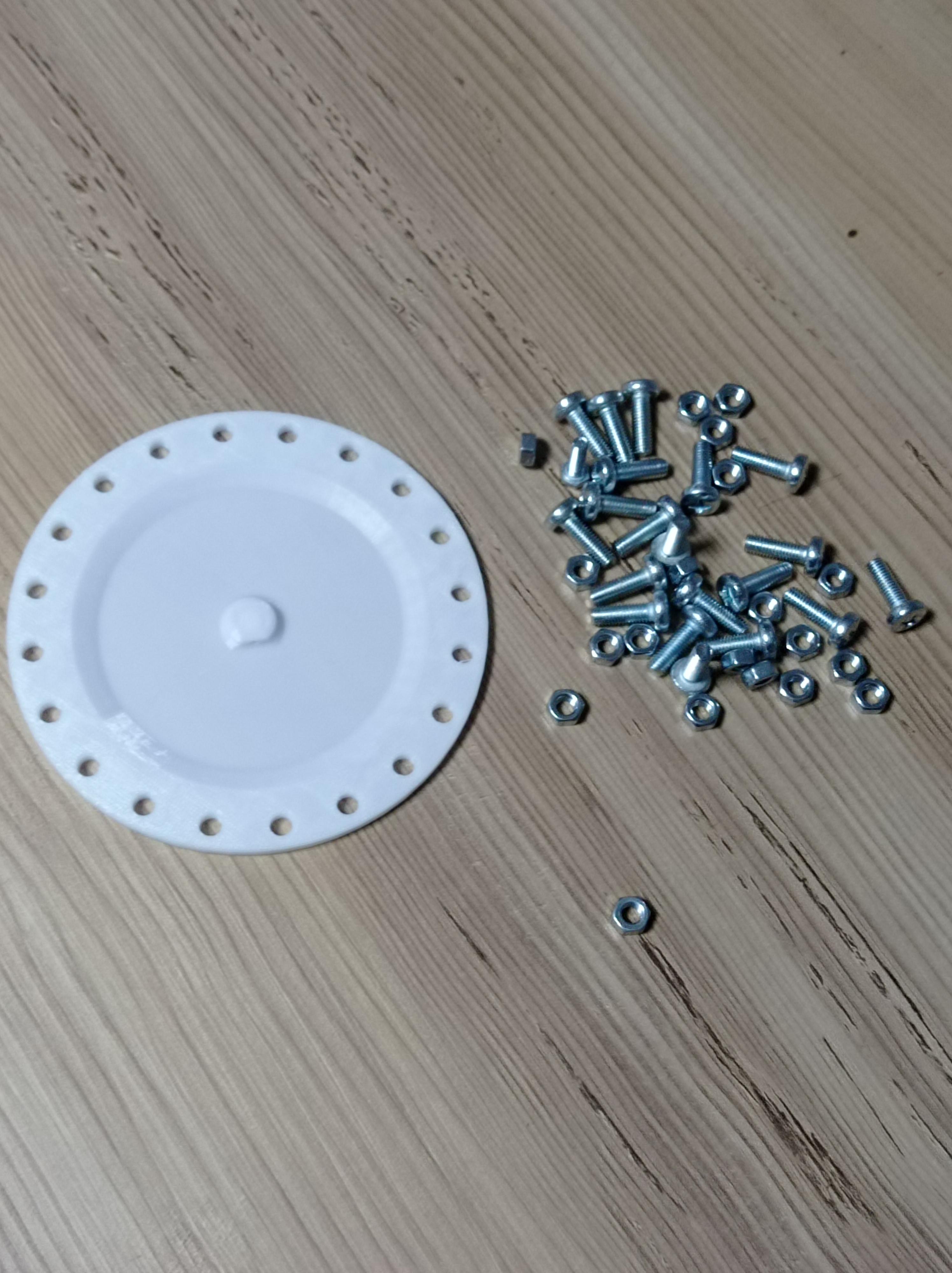
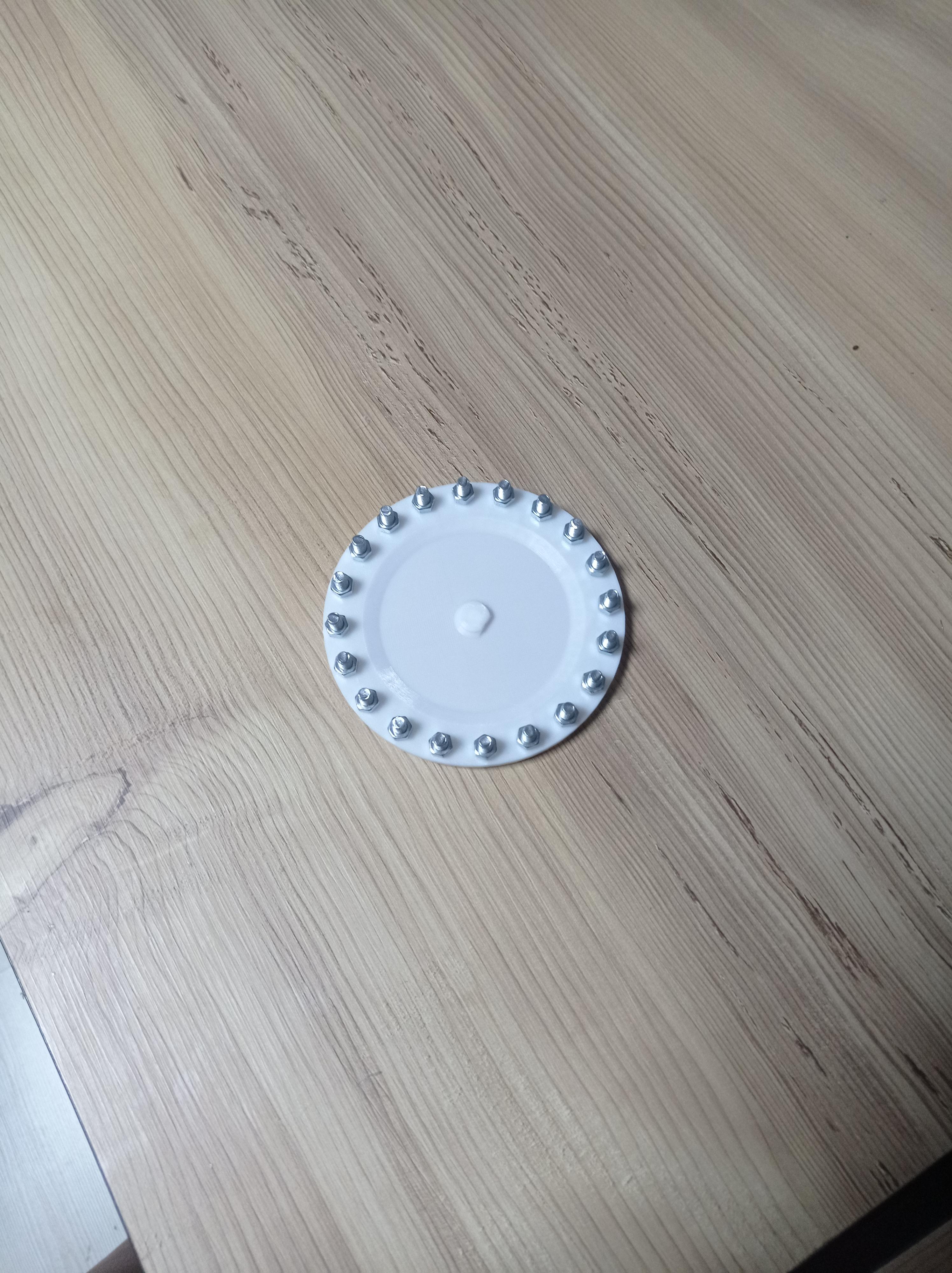

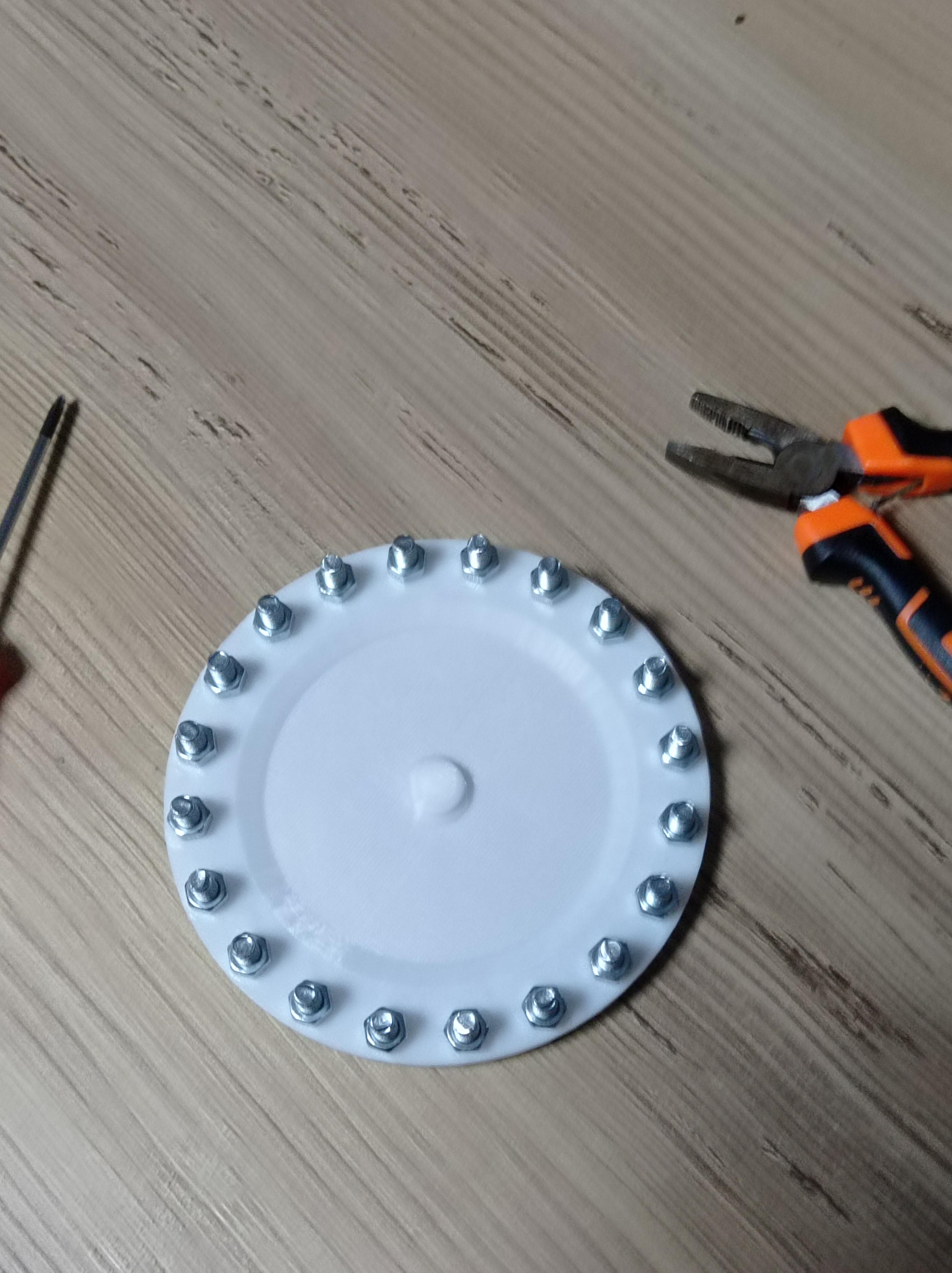


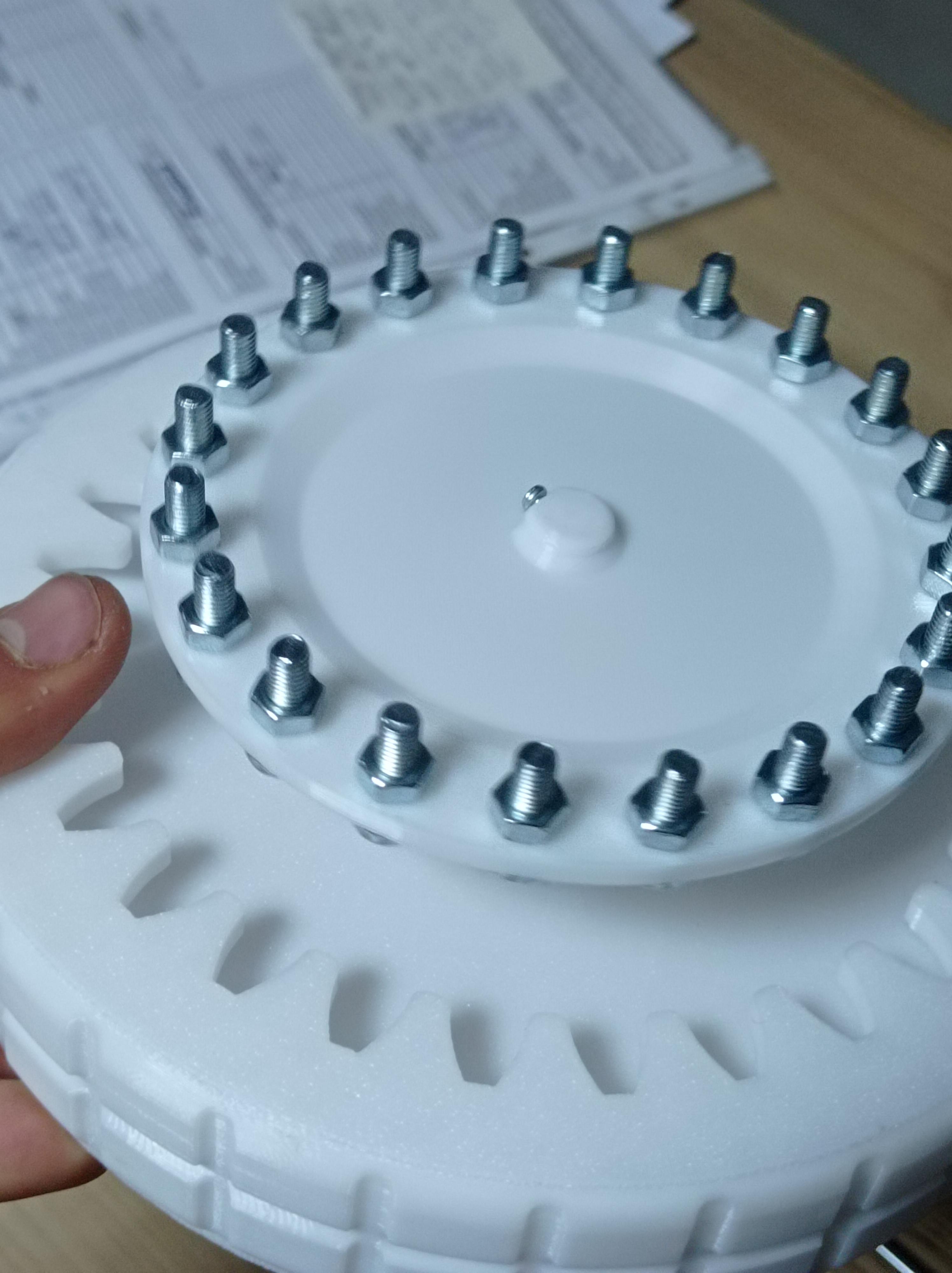
Get Gyroscope part and fix 20 Bolts with nuts facing upwards, tigthen them up with screwdriver and plier,
after that you could add motor shaft tigthener with 2mmx 5mm bolt on middle of gyroscope but it doesnt really help so its optional.
Then attach Gyroscope to DC motor's shaft.
Motor Driver
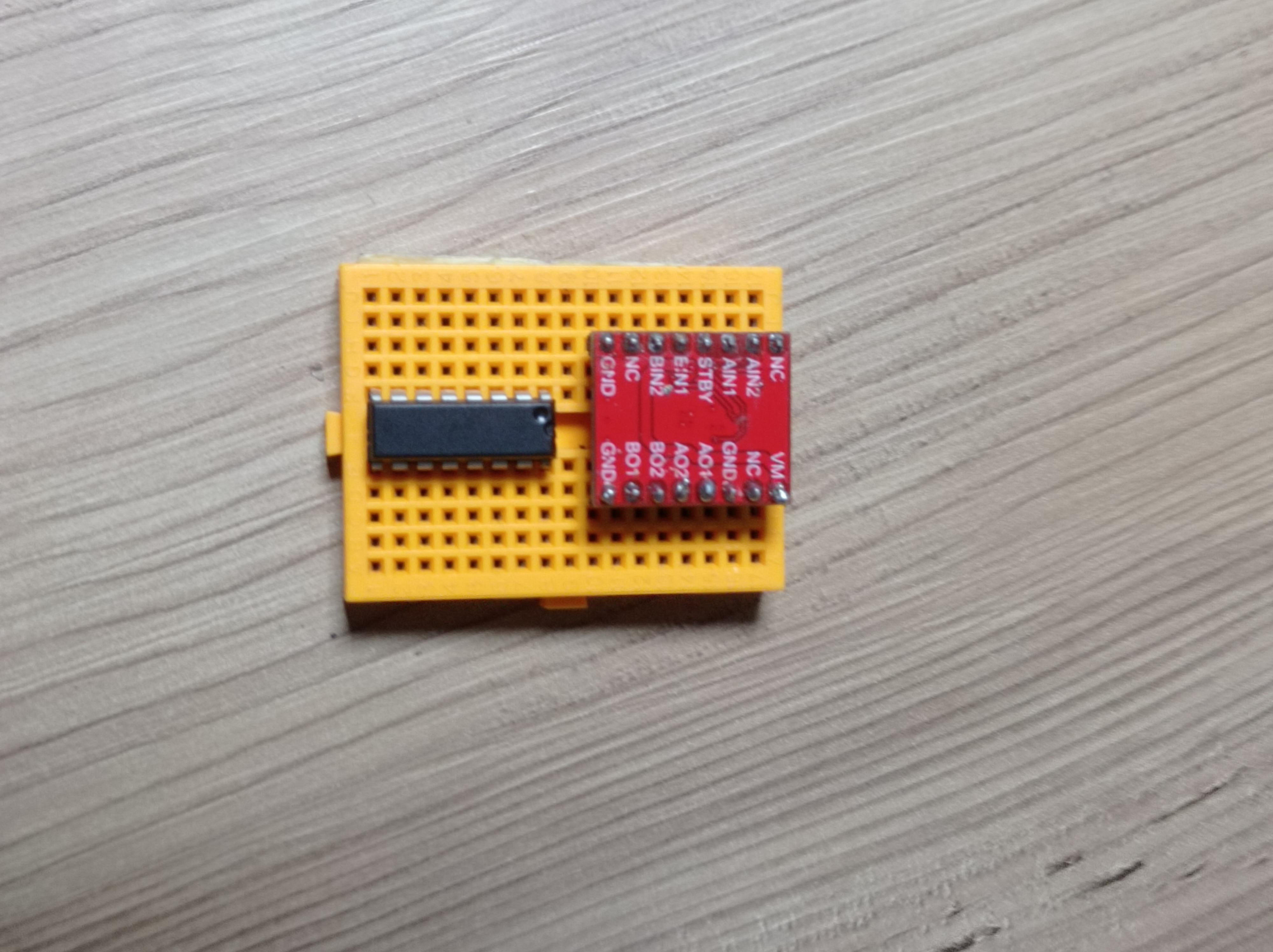
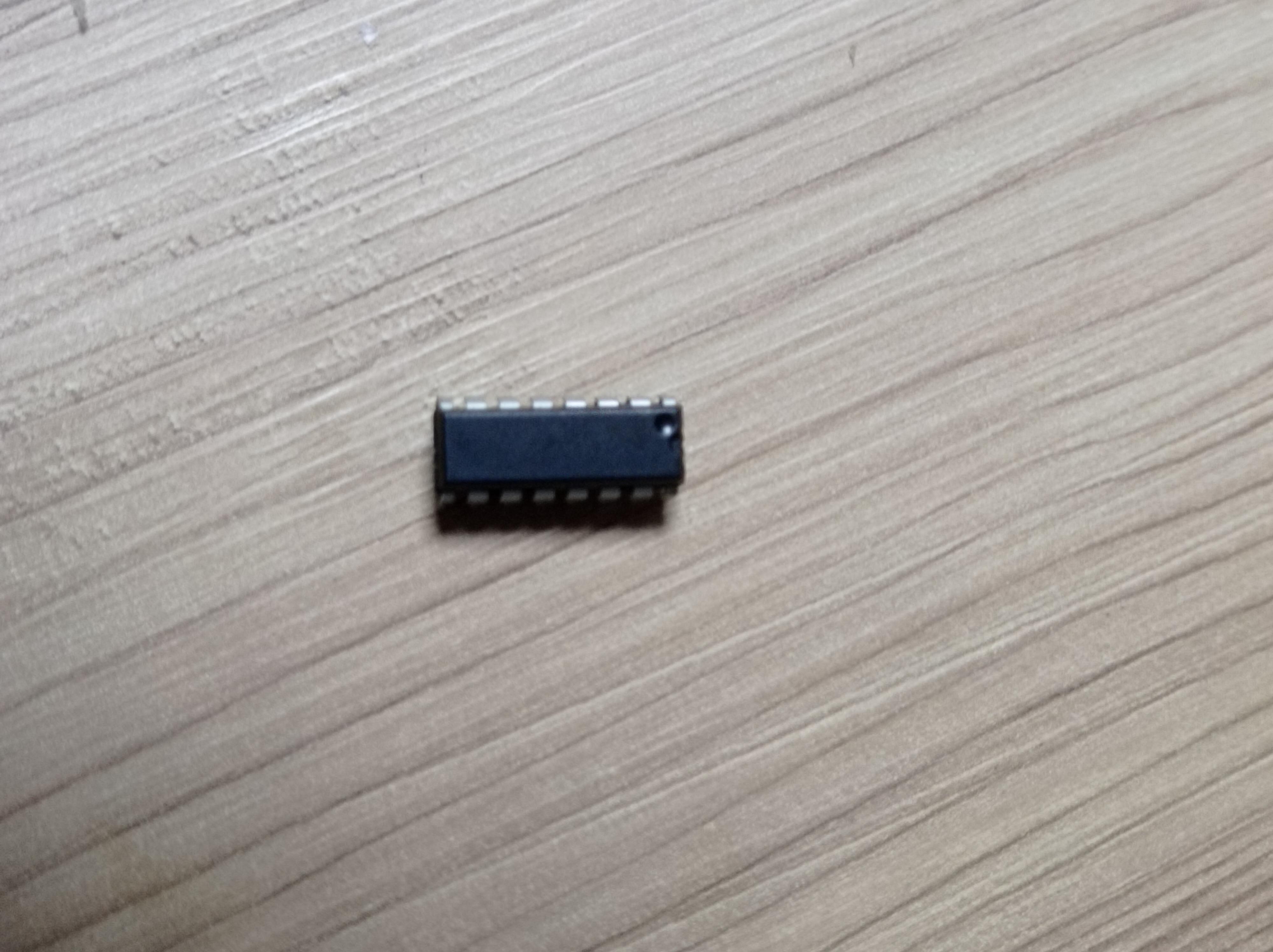
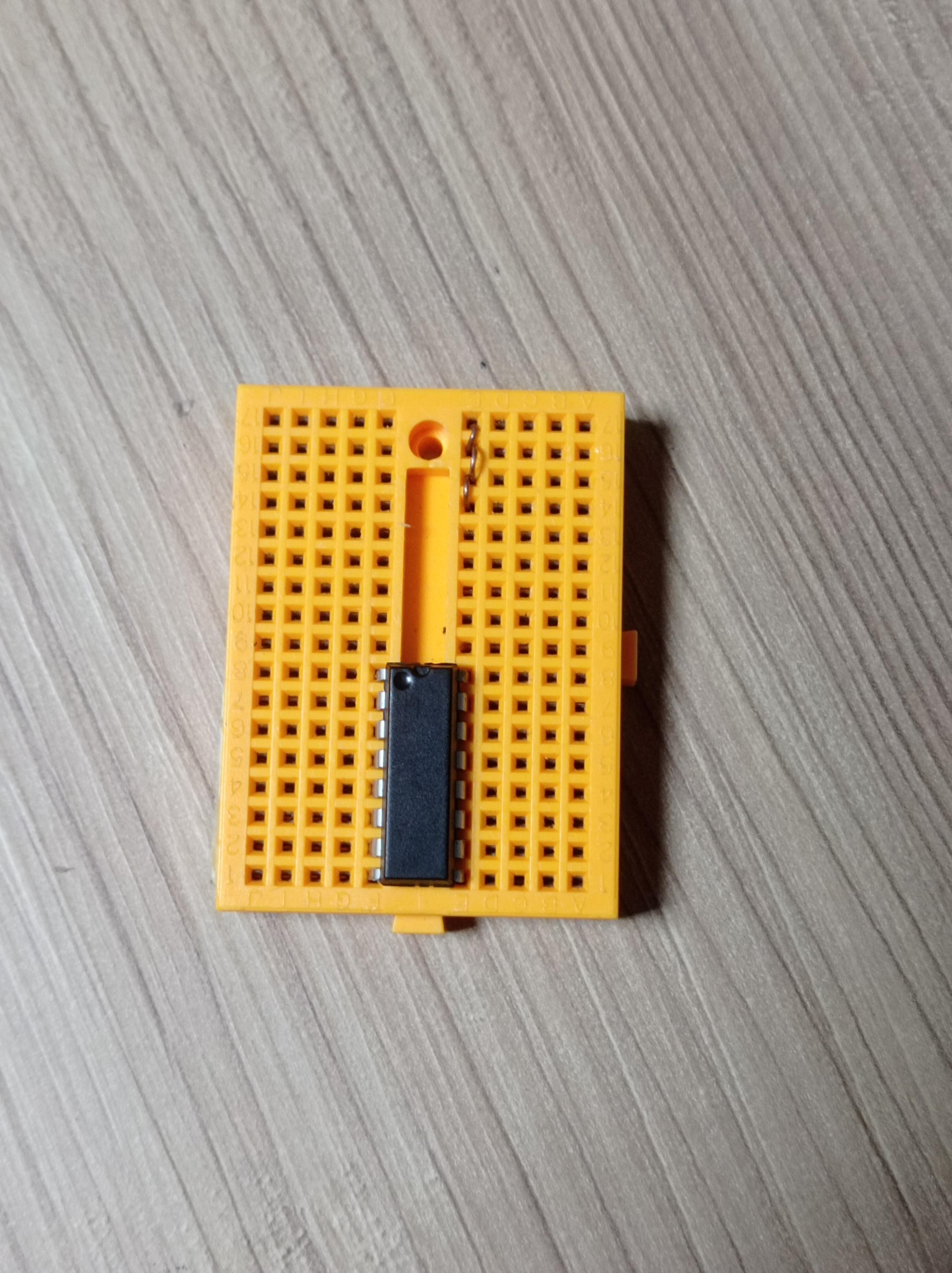

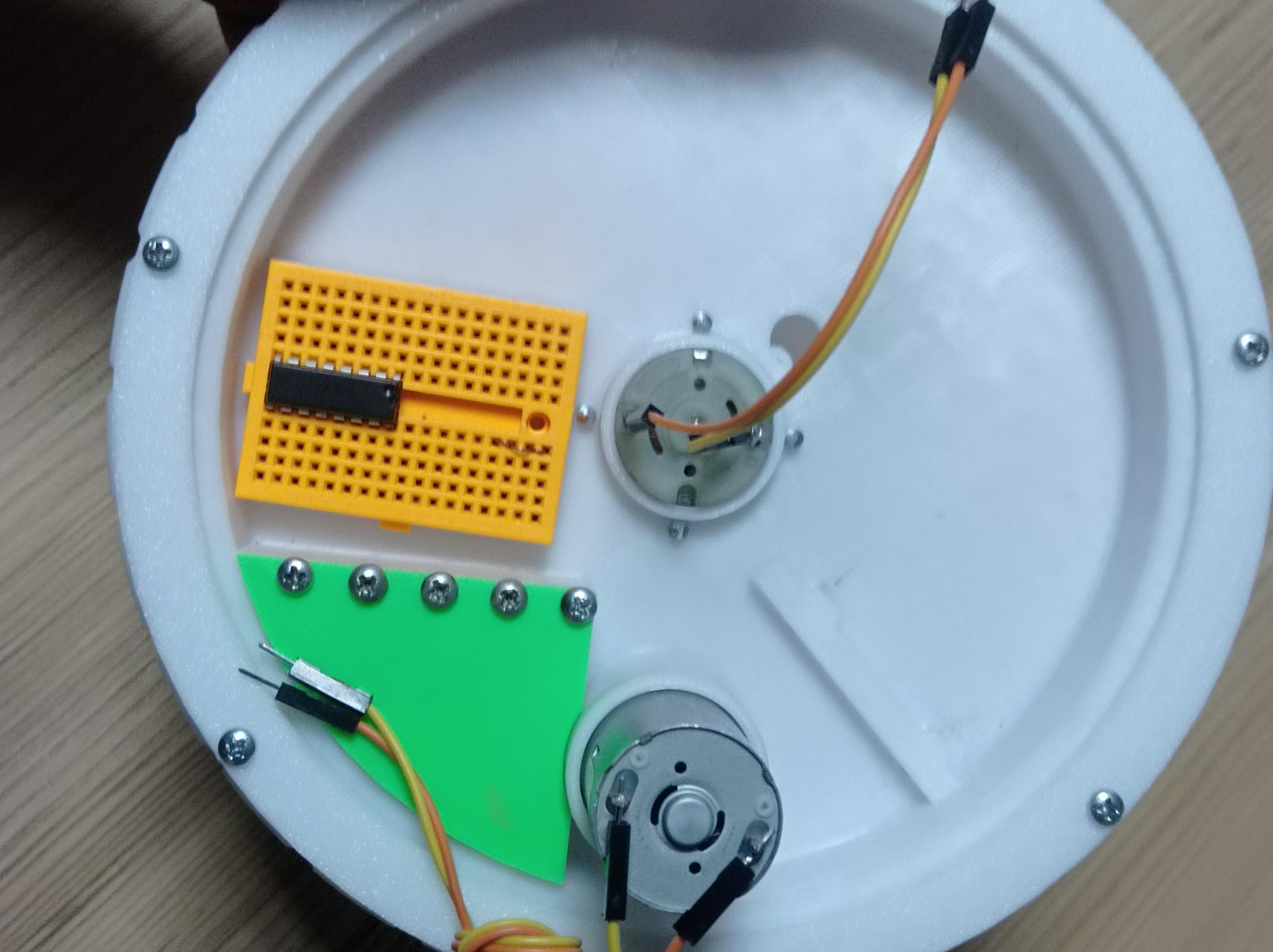
You can use any motor driver that can fit onto small breadboard or onto GyroCar.
I choosed to use L293B for its cheaper more common and doesnt have diffrent modules aslo L293B and L293D are exact same but L293B can handle bigger currents but you could use both.
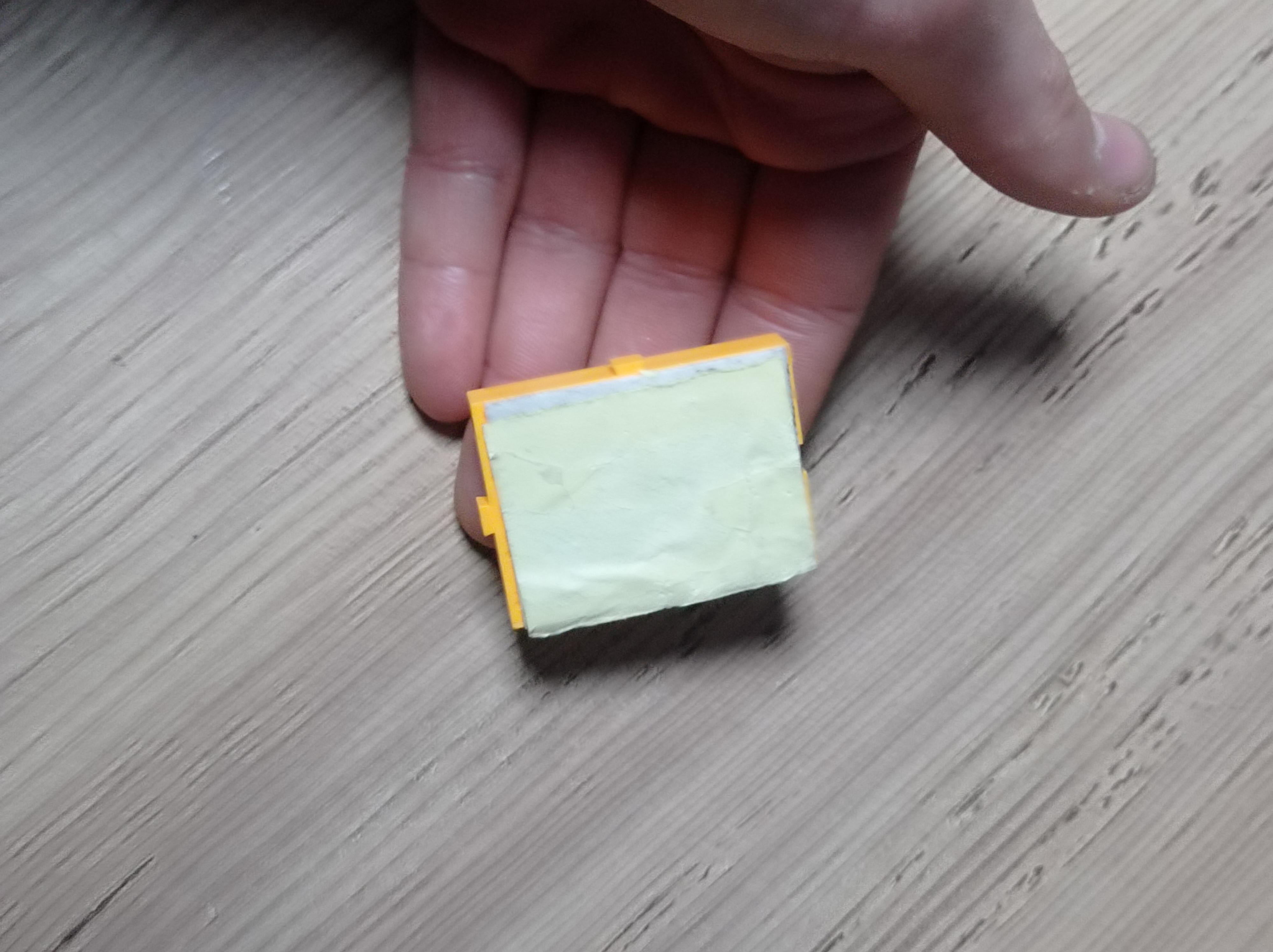
Place your driver onto Breadboard and use breadboard's own sticker (if your breadboard dont have sticker use double sided tape) to stick breadboard next to weight room.
HC06/05
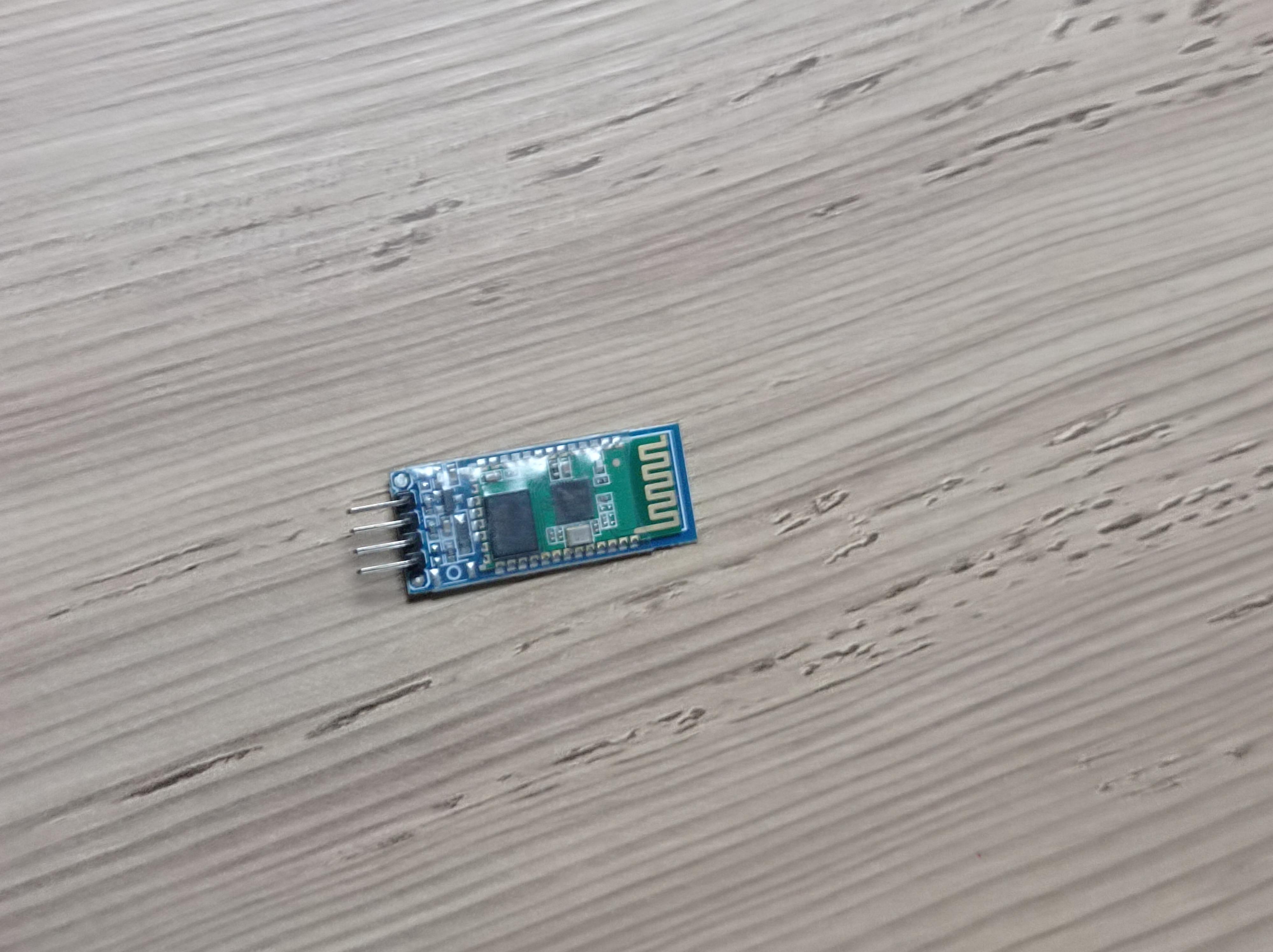

Add your bluetooth module as in the following picture.
Adding the Arduino
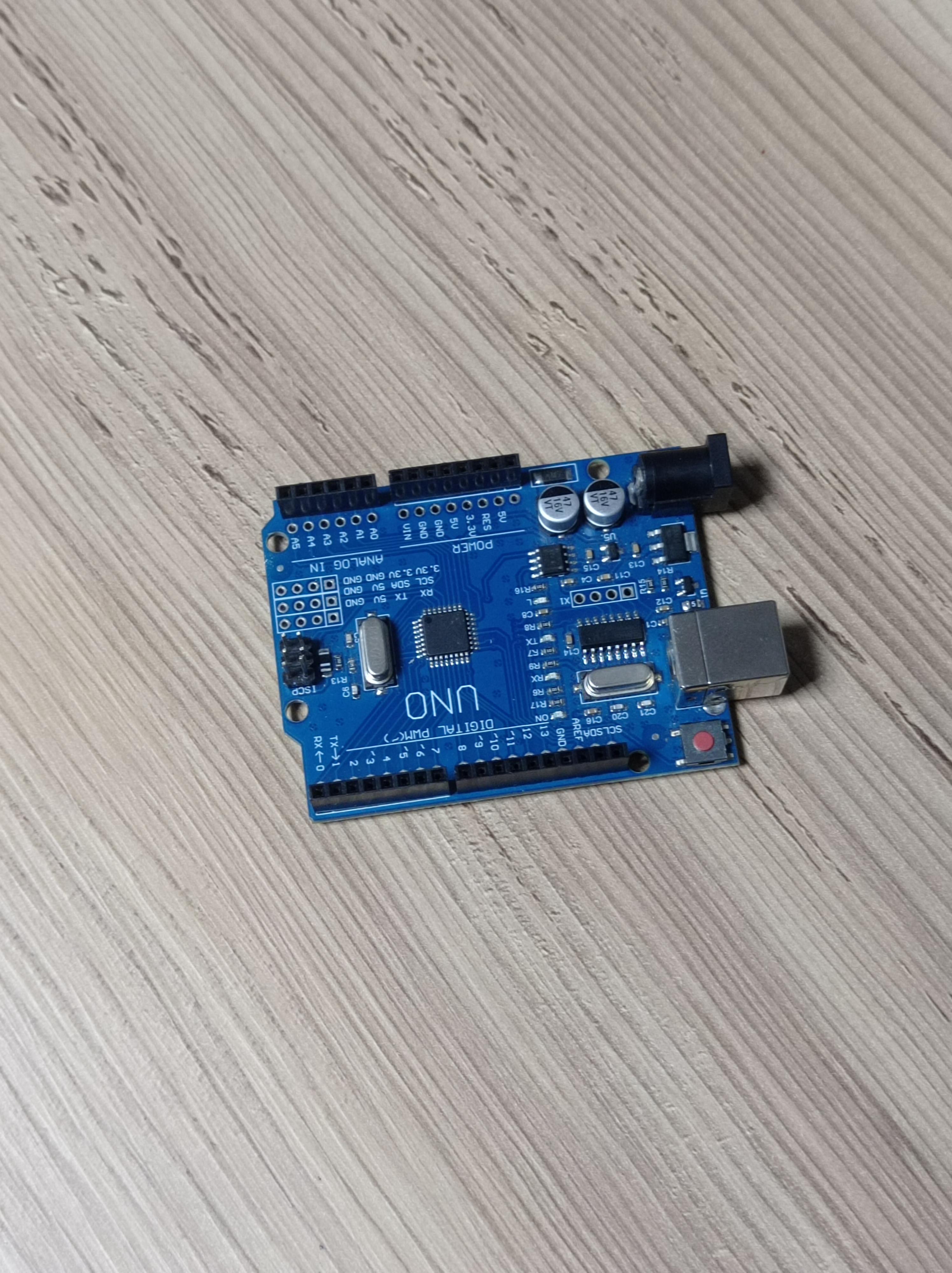
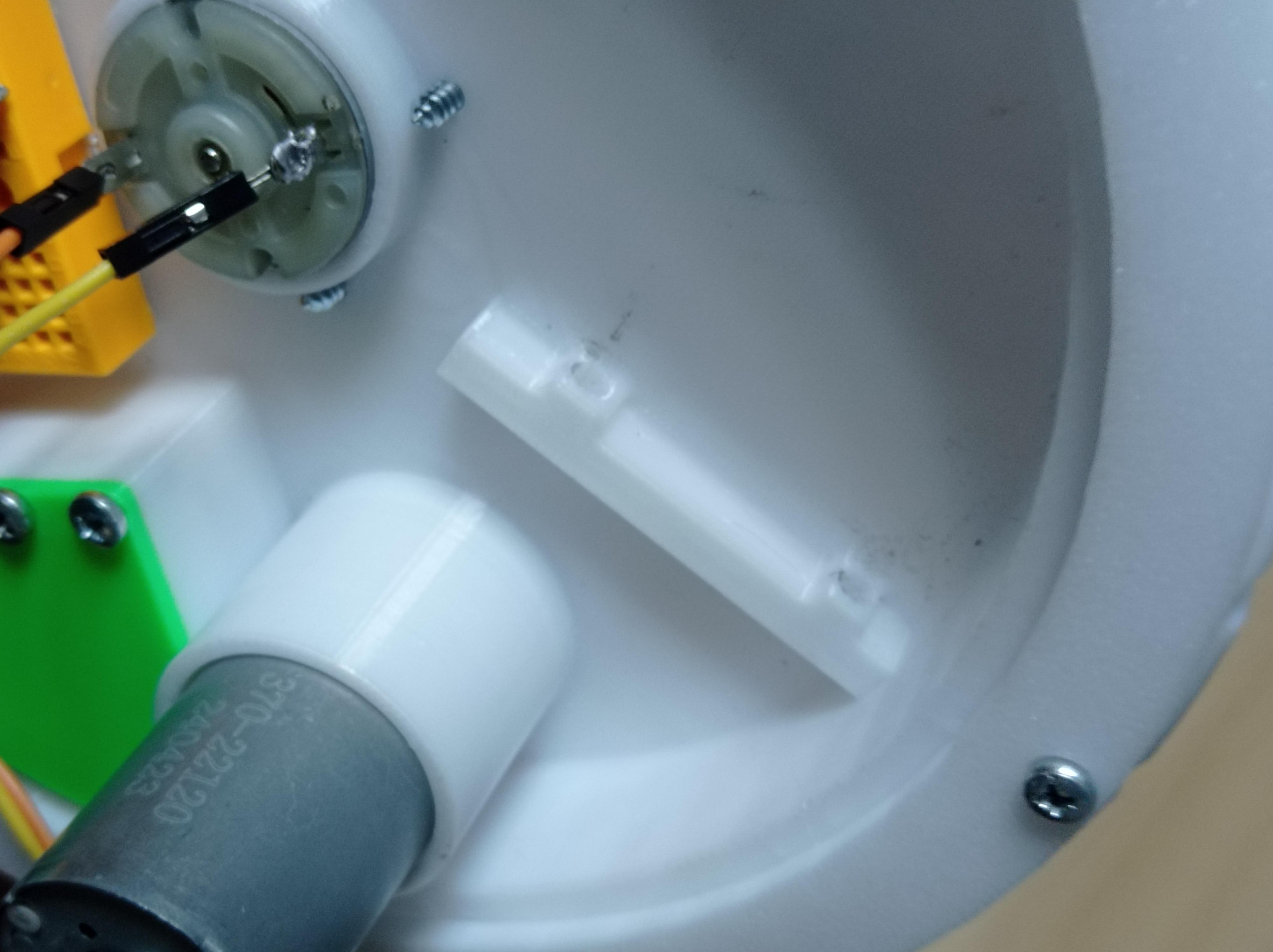

Fix your Arduino vertical to the Inner bearing with the help of 2x 5mmx 15mm Bolts with nuts, it might be difficult to tigthen it with nuts so if bolts hold Arduino, you dont need nuts but if it doesnt hold and you cant pllace nuts you can stick bolts with glue/hot glue as an alternative.
Battery and Switch Button
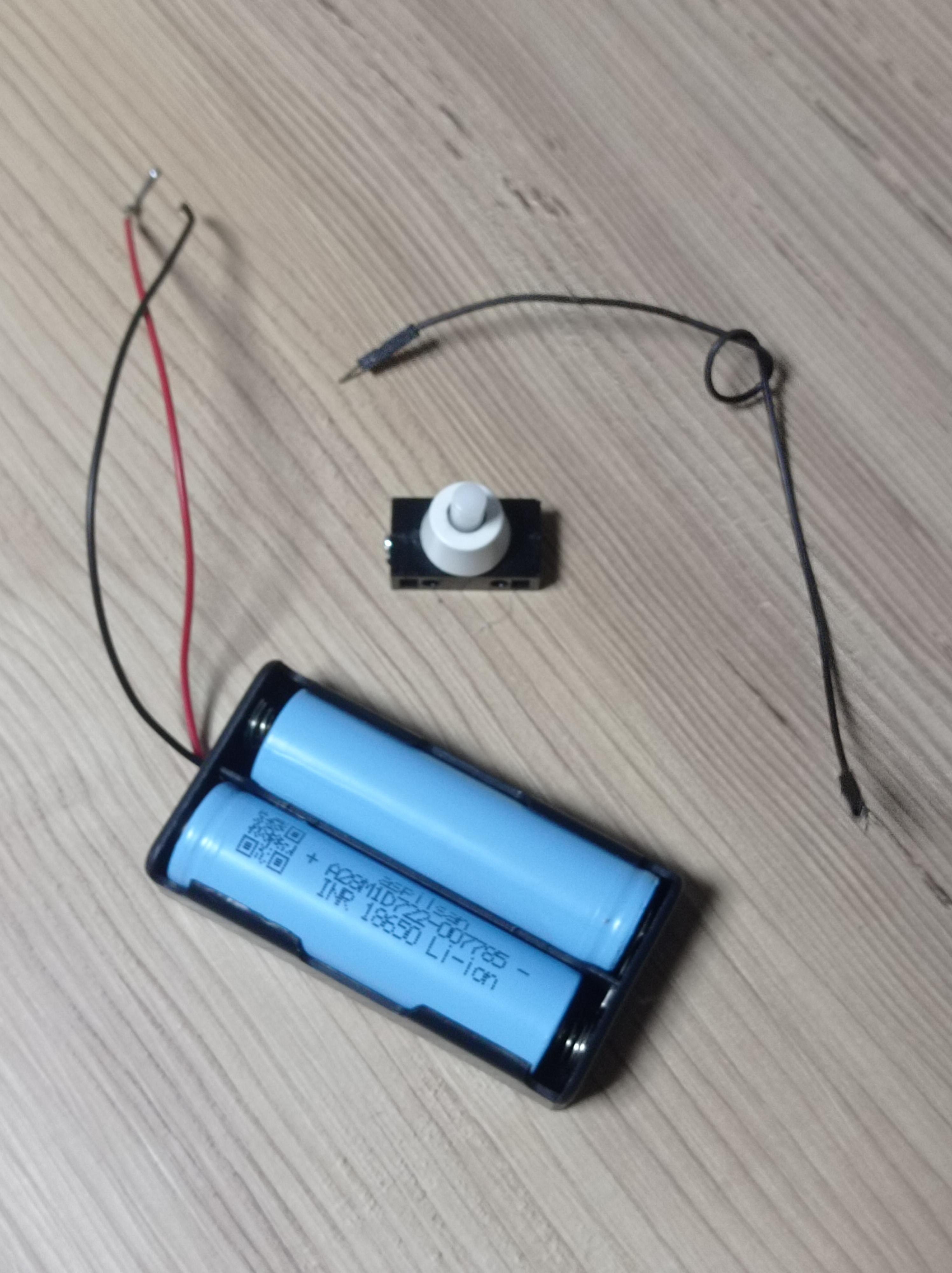
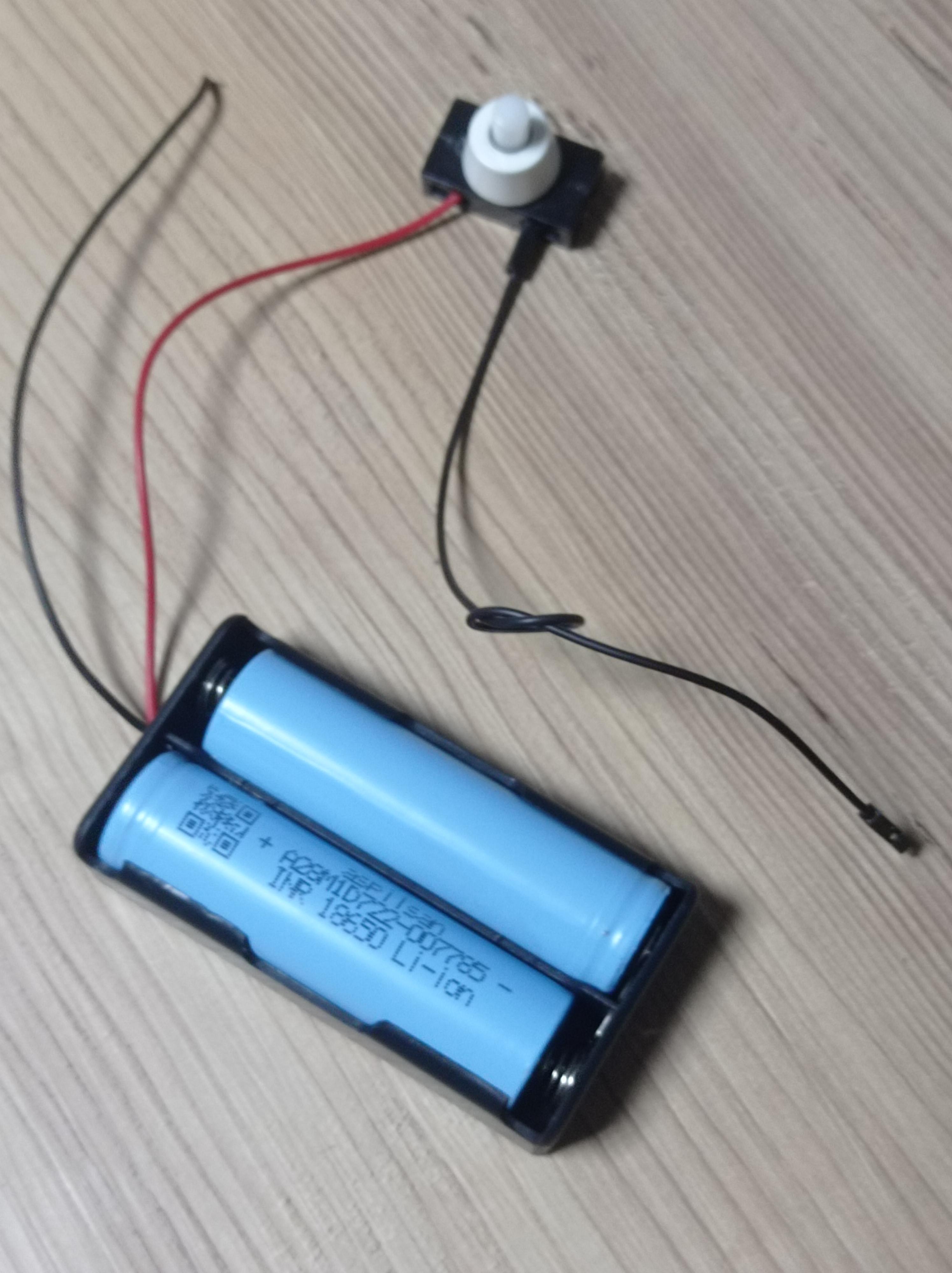
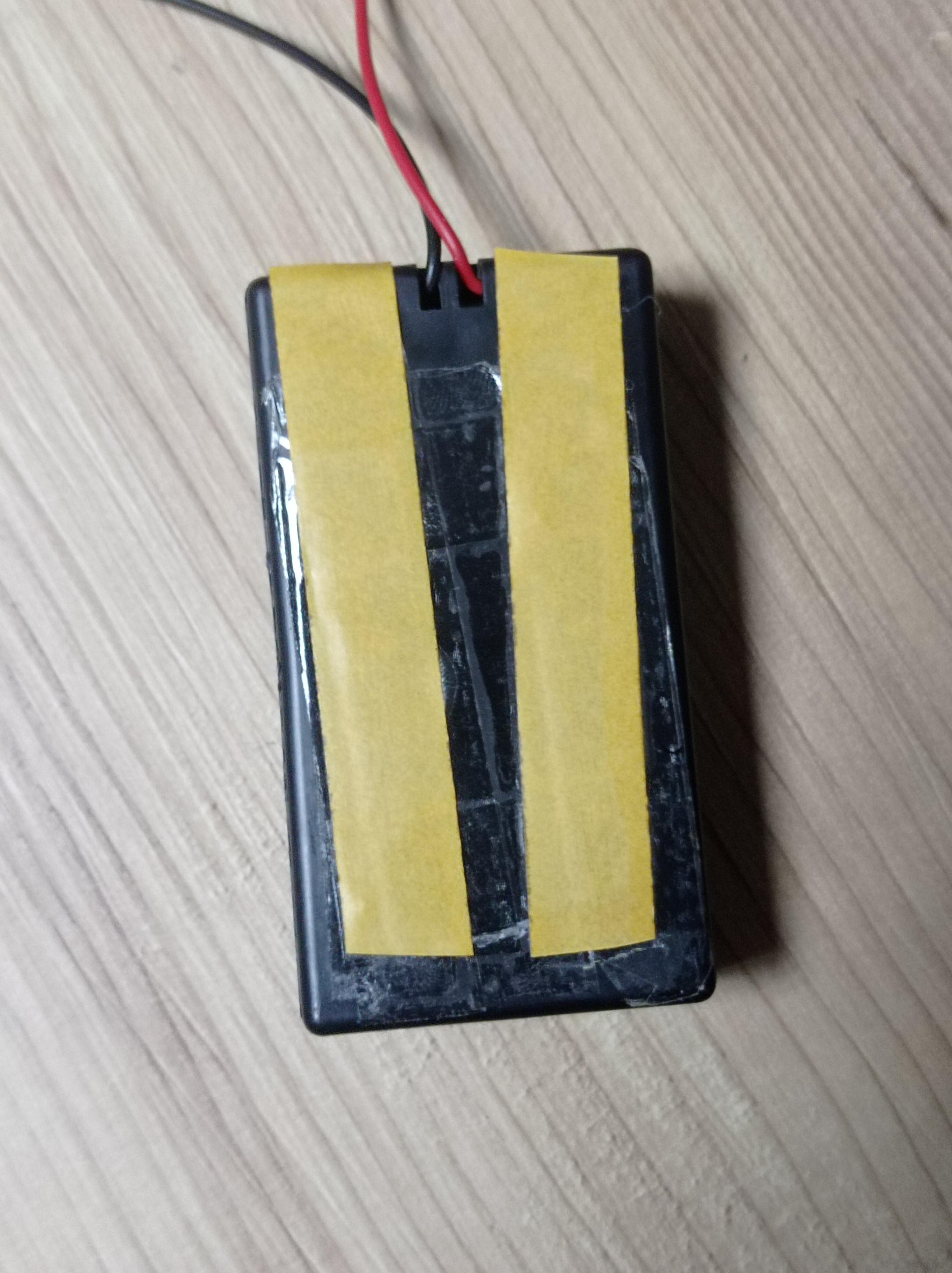

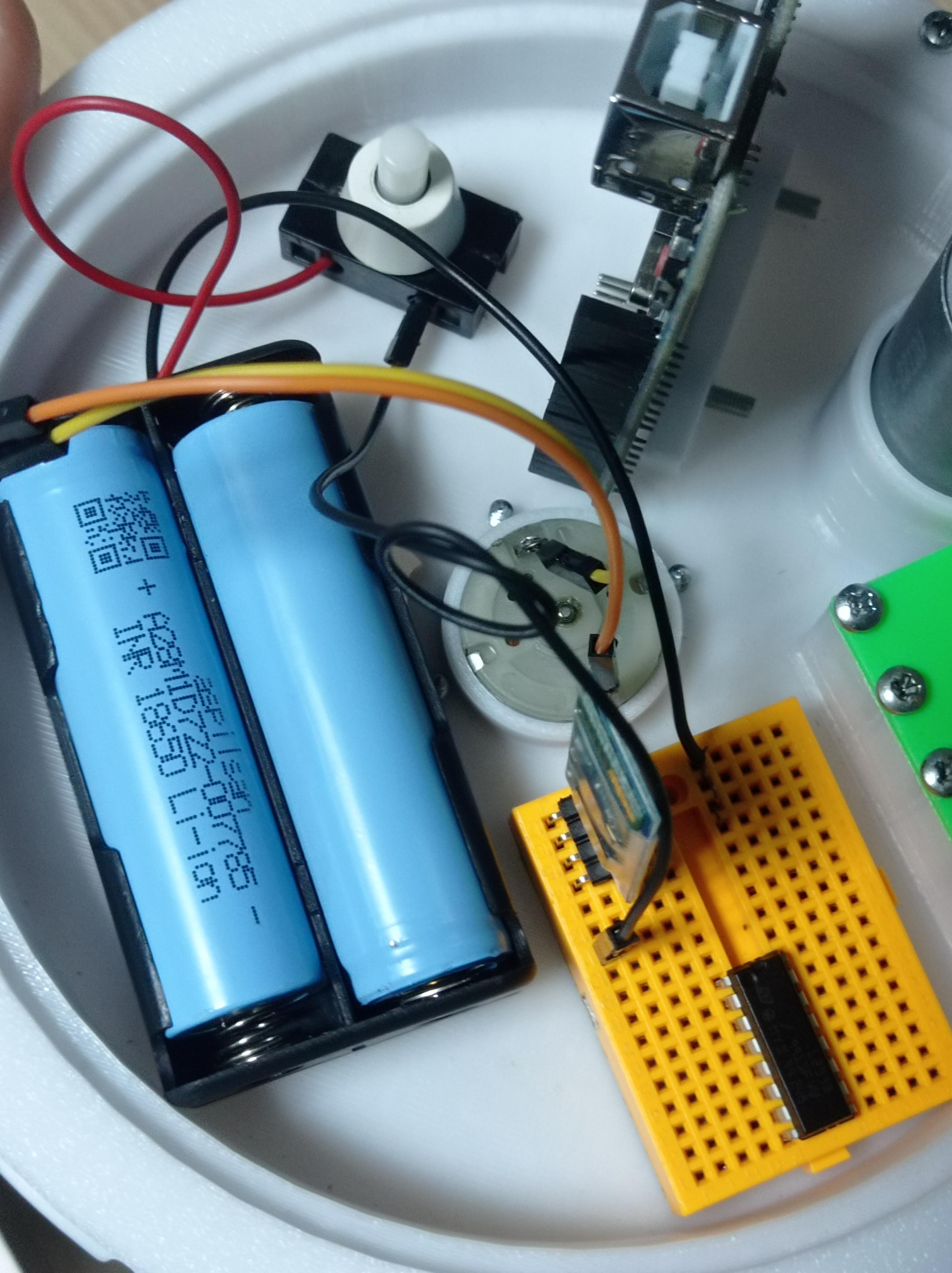
Connect "+" of battery to one side of switch (i recommend screwed switch so you dont have to solder but its up to you) and other side of battery to Bread board's empty pin line after sticking battery to Inner bearing with double sided tape !you must use multi layers of double sided tape for battery otherwise it will fall due to weight(more than 3 layers)
5V Voltage Regulator
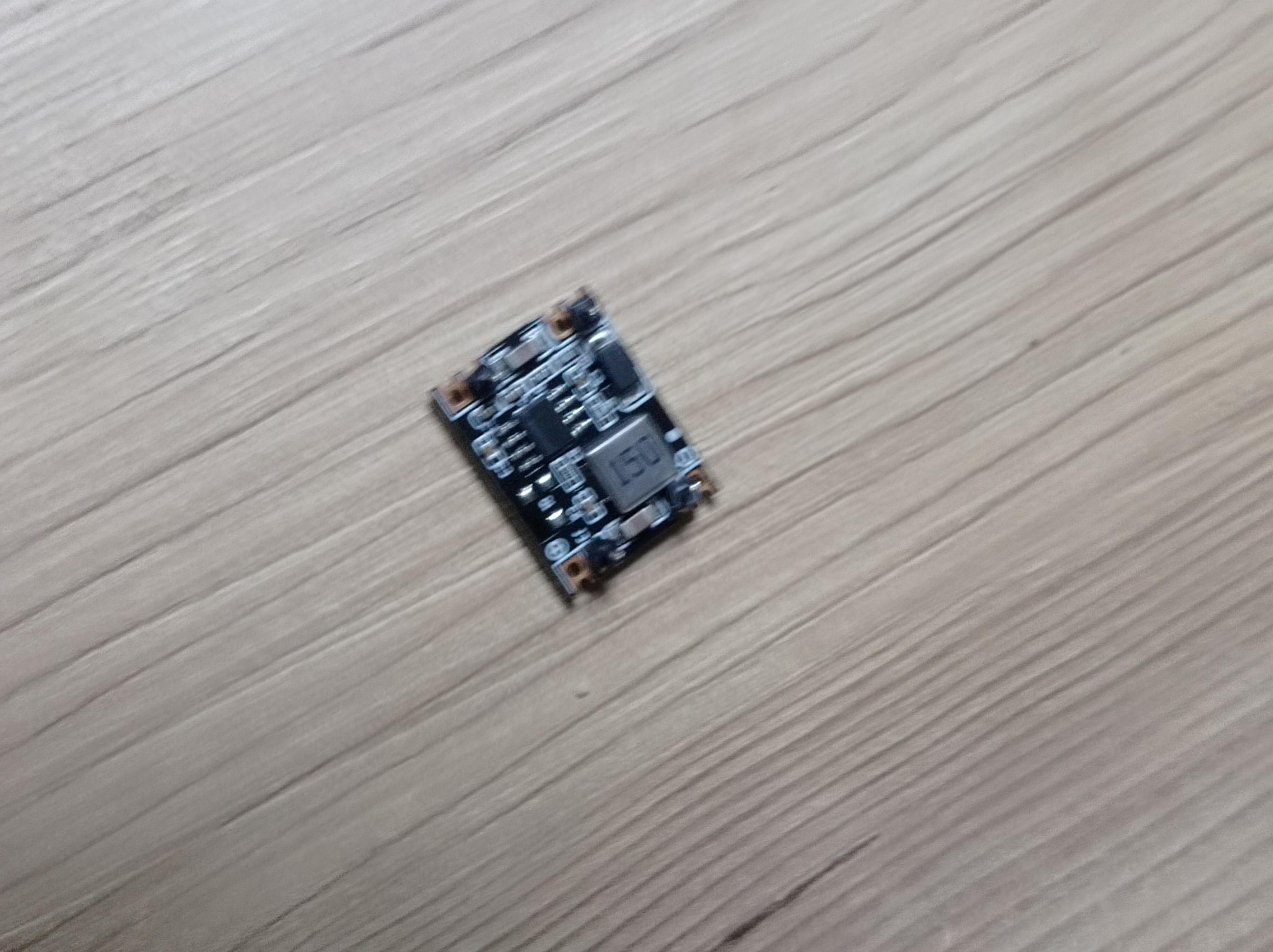
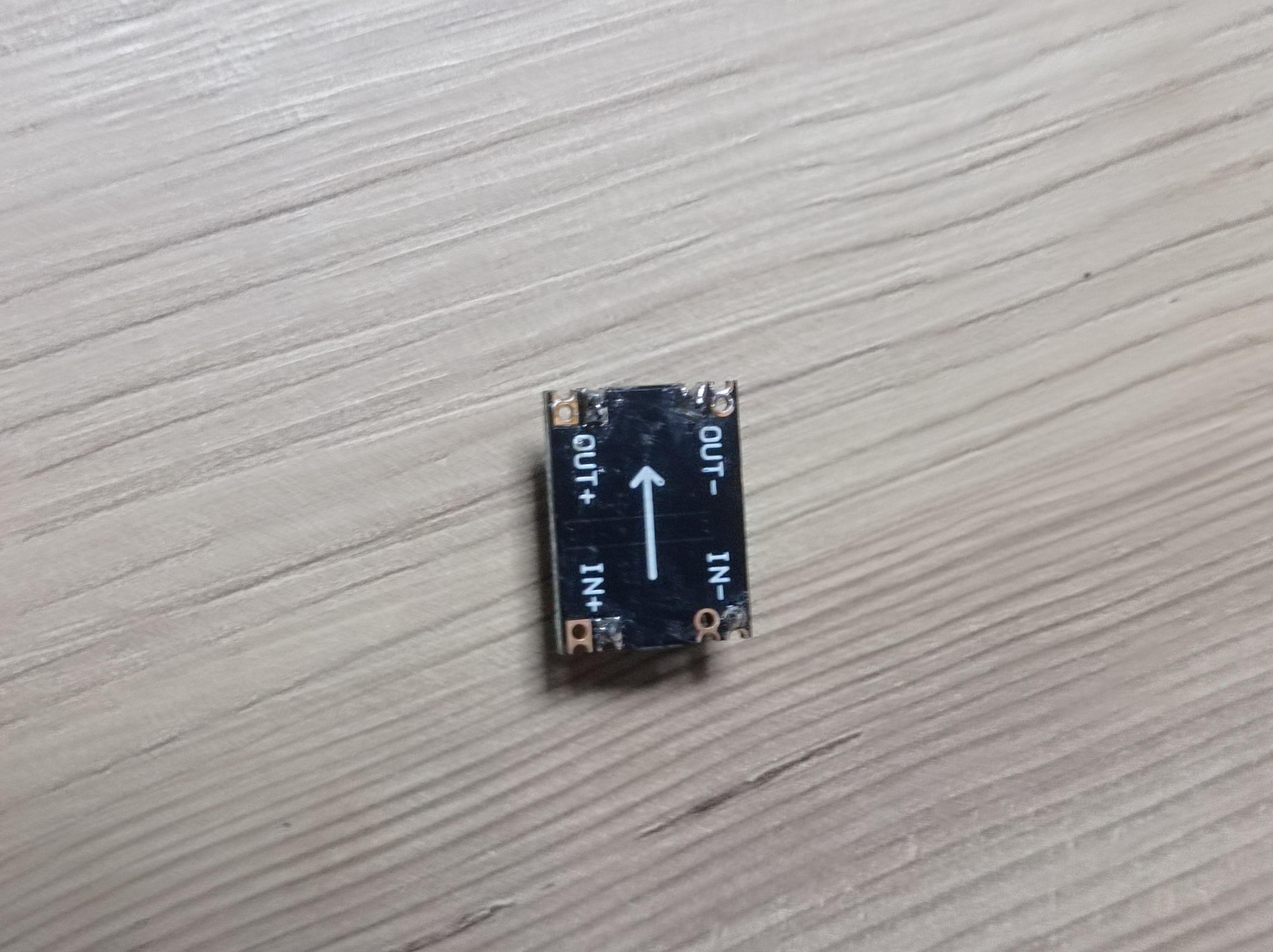
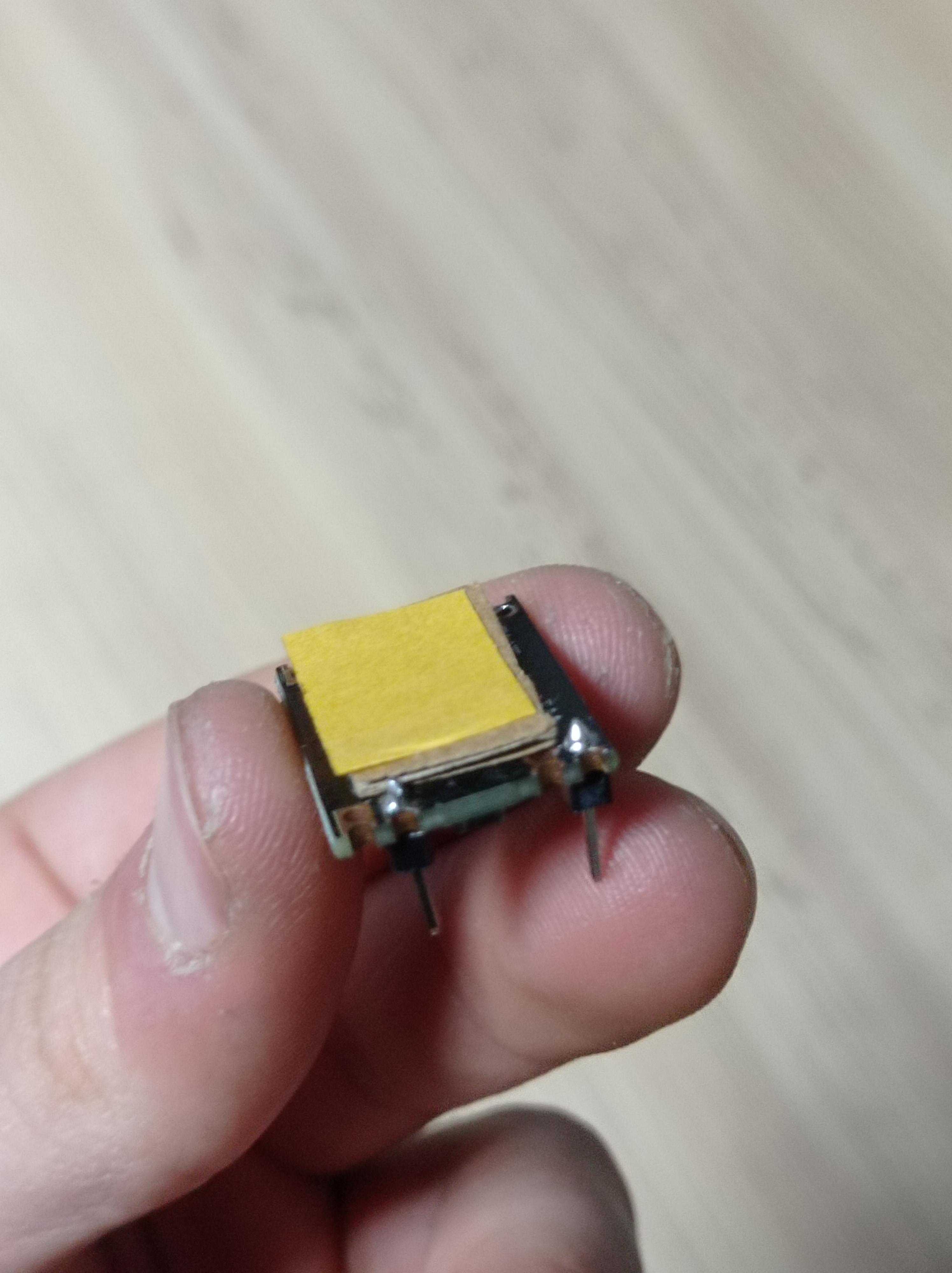
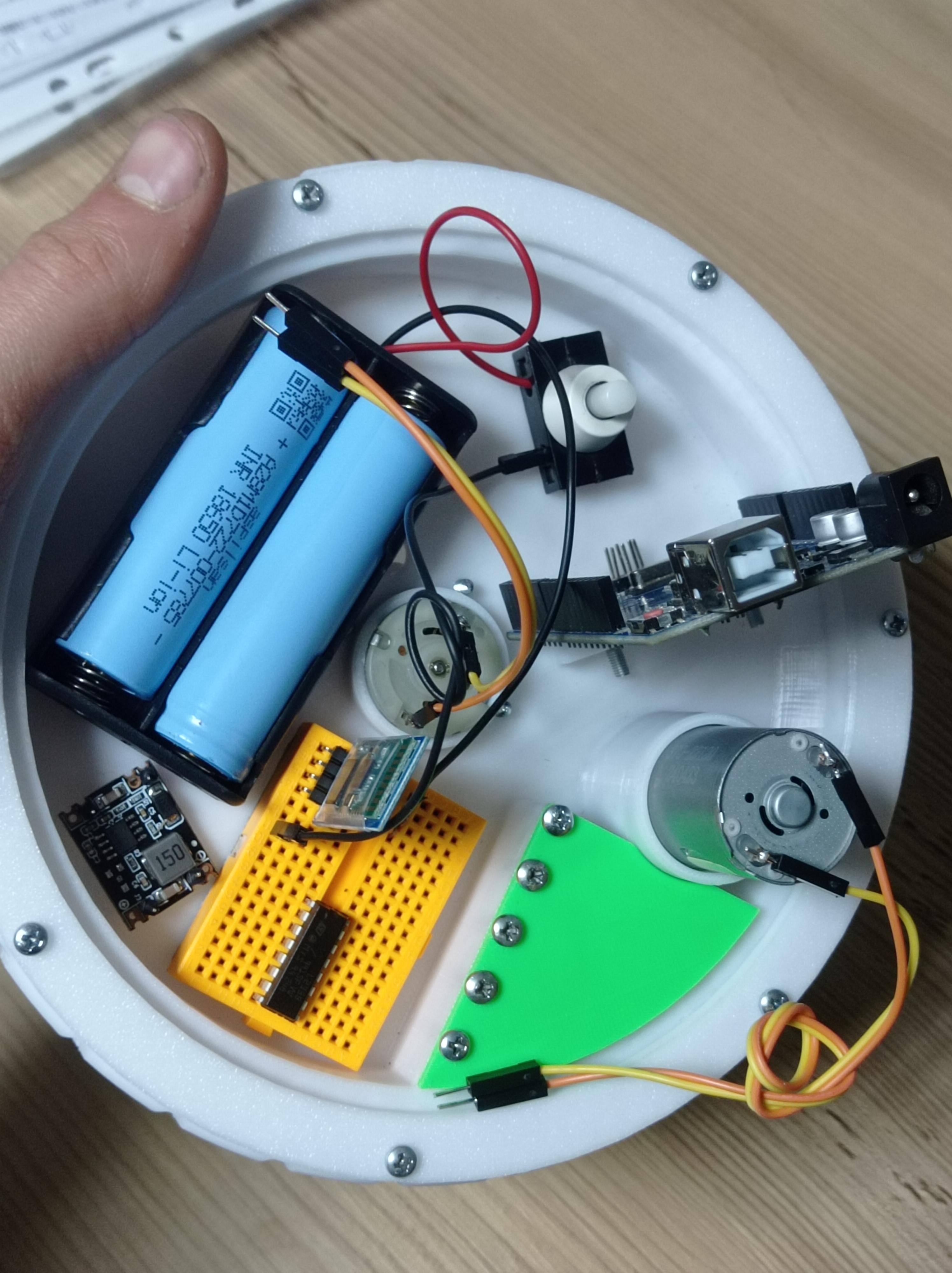
First check which ones are IN and which ones are out for your regulator and you can add cardboard layer after double sided tape layer and double sided tape layer again if its not sticking to ground due to unflat surface. Stick regulator in between battery and Breadboard.
Motor Driver Wiring and Principles


Enable 1,2 Decides the first motor's power, for example if i connect enable to a pwm pin(10) and enter that pin 200, that means motor1 will be fed with 200/255 of the current.
Input 1 & Input 2 These pins are to control the direction of the motor1, if input1 gets LOW and Input2 gets HIGH motor will run Clock wise and if opposite is entered motor will run anti-clockwise, aside from Enable pin you could also use Input pins to deciede the current that motor will get, for example if i enter input1 to a pwm pin, enter 200 and Input2 to any pin and enter the value 0/LOW, motor will get 200 of that current.
Output 1 & Output 2 These pins go to motor terminals.
GND & GND Its "-" Arduino and Battery needs to share same gnd so you can enter Arduino's gnd to one GND pin and Battery's gnd to another GND pin. (GND means Ground which is "-")
VCC 2 This is the Voltage you want to feed to the DC motors, Enter Battery's "+" to this pin. (8V in our situation)
VCC 1 This is Logic voltage Driver uses this voltage to deciede what to do, you can enter 5V pin of arduino to here or you can enter 5V regulator's "+" here.
Rest of the pins are mirrored version of explained pins, for the second motor.
HC06 Wiring
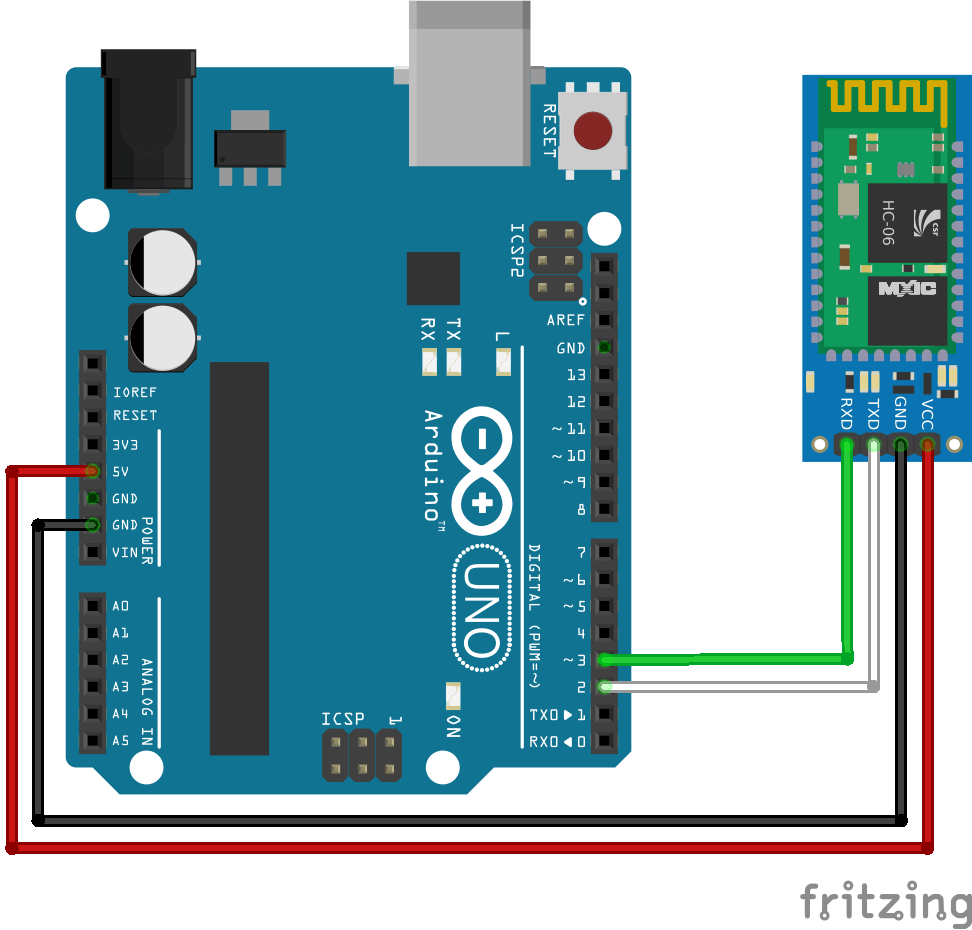
Connect TX to Pin 2 and RX to Pin 3.
Android App to Control It Via Phone

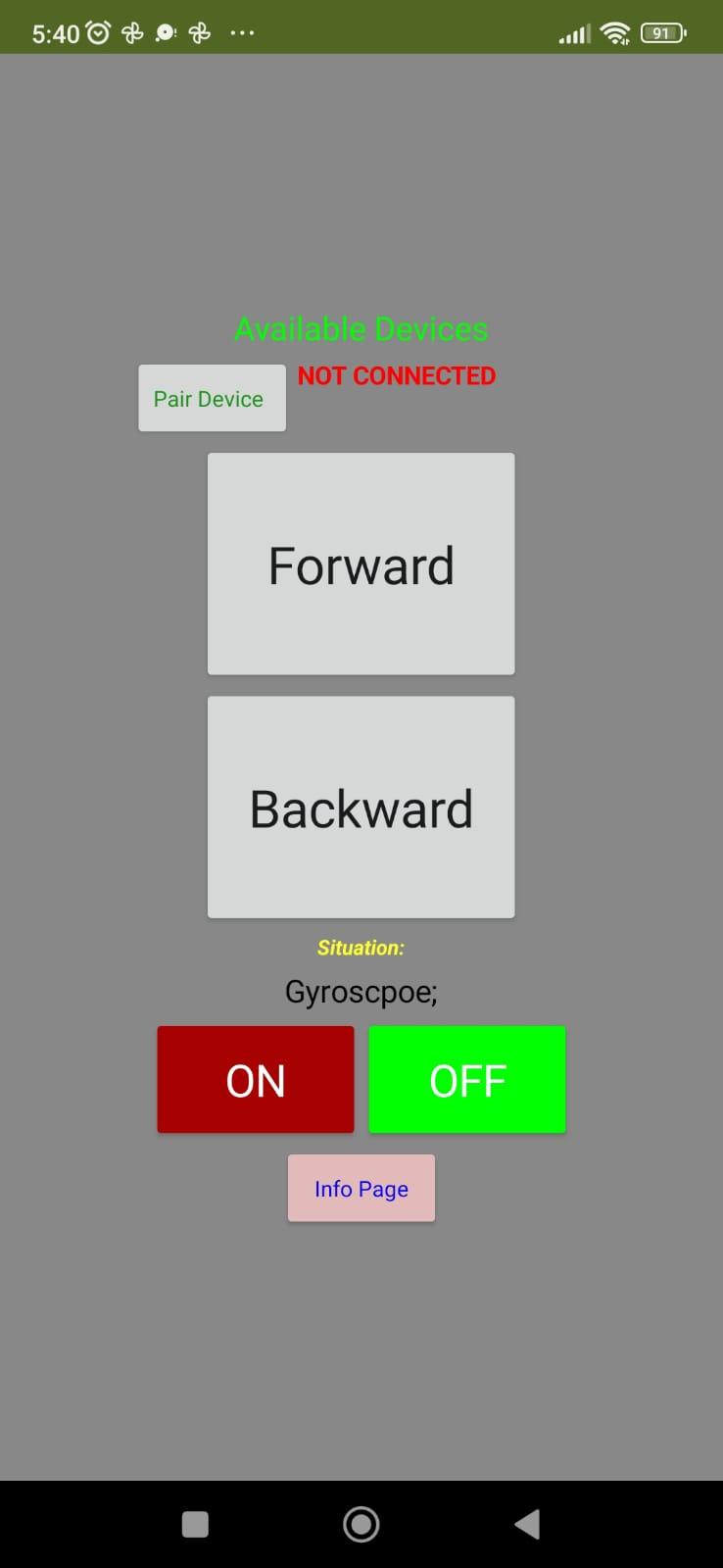
First downland an app to communicate to Bluetooth module, you can downland the app i made(Only Android) or you can use any other Ardunio bluetooth controller app.
Turn on your Circiut HC06 should be blinking red and blue then turn on your phone's bluetooth pair device via your bluetooth go to controller app and pair your device to HC06 from there, It should say "CONNECTED" Forward button Sends "F" signal and Backward Button sends "B" every 100ms,
ON button sends "Y" OFF button sends "N" once clicked
F needs to run Geared motor forward, B needs to run it backwards.
Y needs to run DC motor on one dircetion, N needs to turn it off
Downloads
Lastly
The Tzzz sound the GyroCar is making when it has to balance itself is caused by the Gyroscope's rubbing to Outer Motor holder's Screws so its cool.
You could code it via Mblock or Arduino IDE if this project becomes succesful then im planning to update it further, there are parts and mechanics that could have been made better and i want to make those upgrades.
And thank you Instructables for this epic Contest, im new to here but it seems i will be spending alotof time in Instructables
-... wait i just realized i cant join the contest.. thats not good... i wish i saw it earlier welp, ah its 6AM now, and i thought today was the last day to enter contest and i have school at 8AM lol anyways then i might just update the thing in future. But this will be my only project here.
Last note; all this project was made by a highschooler, under 19 days while going to 9 hours of school each day.