Pinball Machine


This project is a pinball machine designed as part of our final semester assignment. The pinball machine combines electronics, coding, and physical assembly to create a fully functional game. The machine includes buttons to start the game and control the flippers, servo motors for the flippers, hypersonic sensors to detect when the ball reaches the bottom and trigger a game-over screen, and an LCD display for game information, countdowns, and animations.
The goal of this project was to learn how to integrate electronics with a physical game design, program interactive features, and assemble 3D-printed and wooden components. By following this guide, another maker will be able to reproduce the pinball machine’s electronics and basic gameplay system.
Supplies


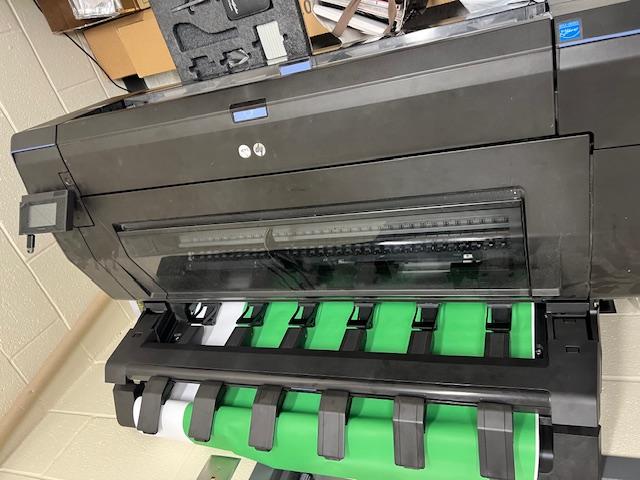
Supplies / Materials / Tools
- Arduino microcontroller and USB cable
- Breadboard
- Push buttons (2) – one for starting the game, one for flippers
- Servo motors (2) – for left and right flippers
- Hypersonic distance sensor
- LCD screen (16x2) with I2C adapter
- Jumper wires
- 3D-printed parts: flippers, launcher handle, ball cup, clock/Arduino holder
- Wood (plywood and MDF) for machine frame
- Plastic sheet for top cover
- Spring for ball launcher
- Decal printer
- Screws, nuts, bolts, and small tools (screwdrivers, pliers)
- Machines for cutting wood: table saw, jigsaw, laser cutter, scroll saw
Sketch and Plan

- Start by sketching the full pinball machine layout on paper. Include: flippers, launcher, bumpers, ball path, electronics placement, and scoreboard/LCD location.
- Decide the overall dimensions of the machine, the size of the play area, and positions for all interactive elements.
- Plan the spacing for the ball to roll smoothly without obstruction.
- Think about the order of assembly: which pieces will go first, and how electronics will be placed.
3D Modeling and CAD Work


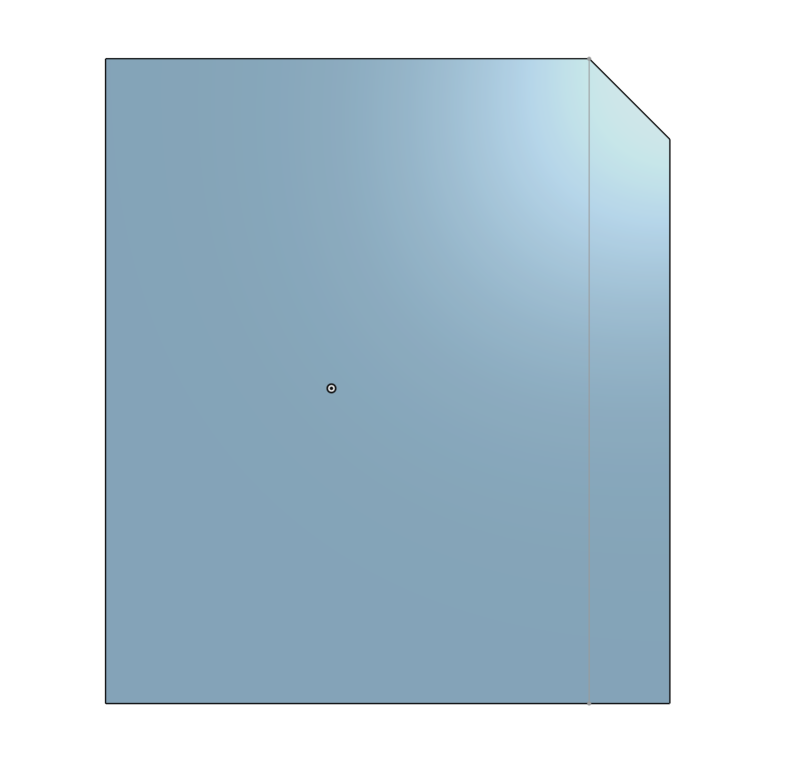


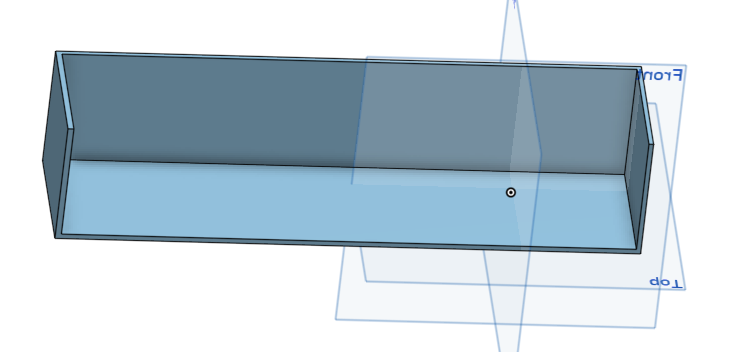


- Using CAD software, design all components of the machine: flippers, launcher handle, ball cup, bumpers, and Arduino case holder.
- Make sure all parts are dimensionally accurate to fit the wooden frame and each other.
- Check for clearance so moving parts, like the flippers, have space to rotate freely.
- Export 3D models in .STL format for 3D printing.
Cutting Materials


- Use plywood or MDF for the frame, sides, and panels.
- Cut plastic sheets for the top cover.
- Tools needed: table saw, jigsaw, clamps, sandpaper, measuring tape, scroll saw.
- Sand all edges to remove splinters and smooth the surfaces.
- Test-fit pieces together before final assembly.
3D Print Components


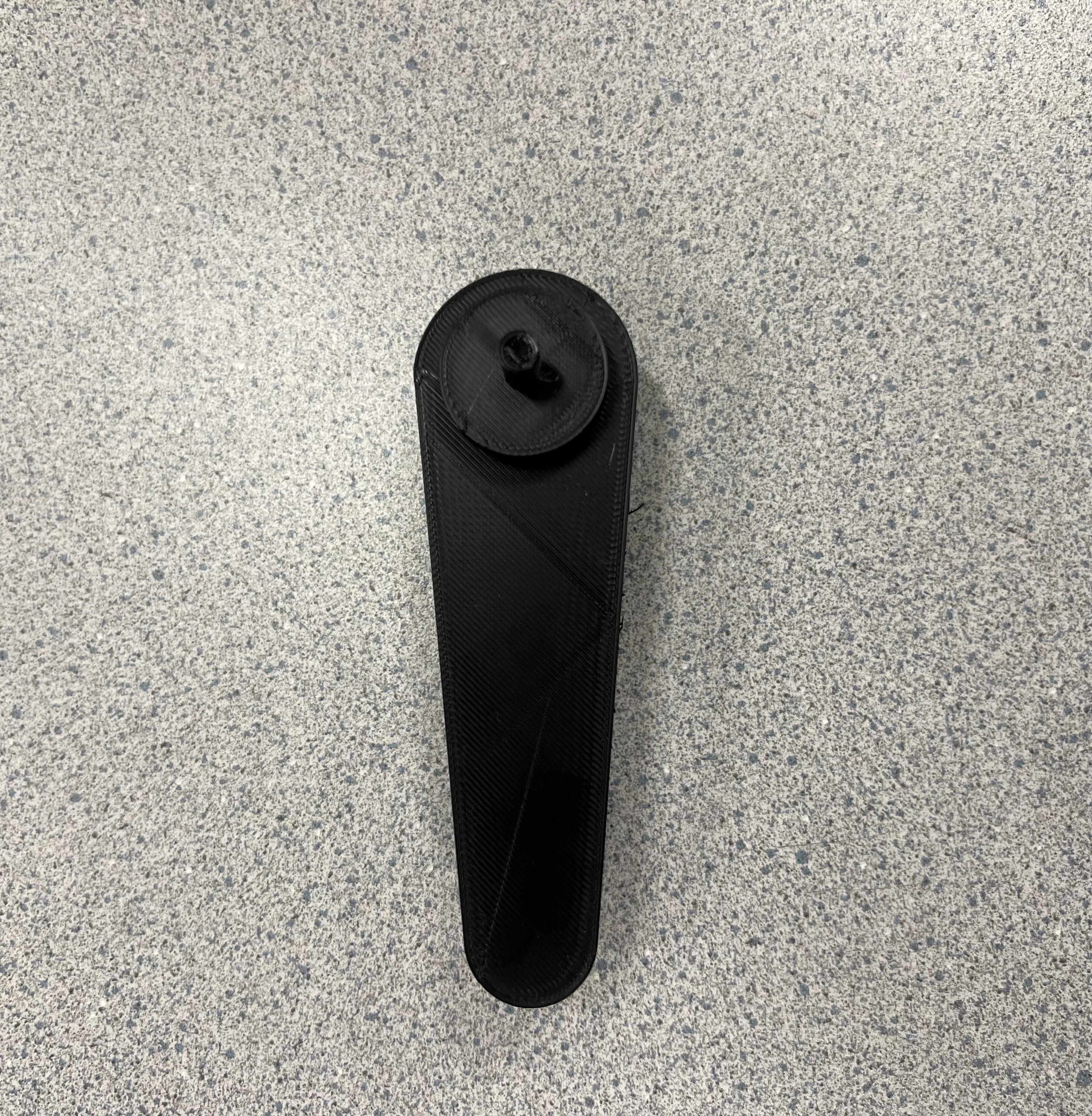

- 3D print: flippers, launcher handle, ball cup, bumpers, and Arduino case holder.
- Make sure 3D prints are dimensionally accurate and clean. Remove supports and smooth surfaces if necessary.
- Check that each 3D part fits into its designated position.
Assemble Frame and Attach Parts


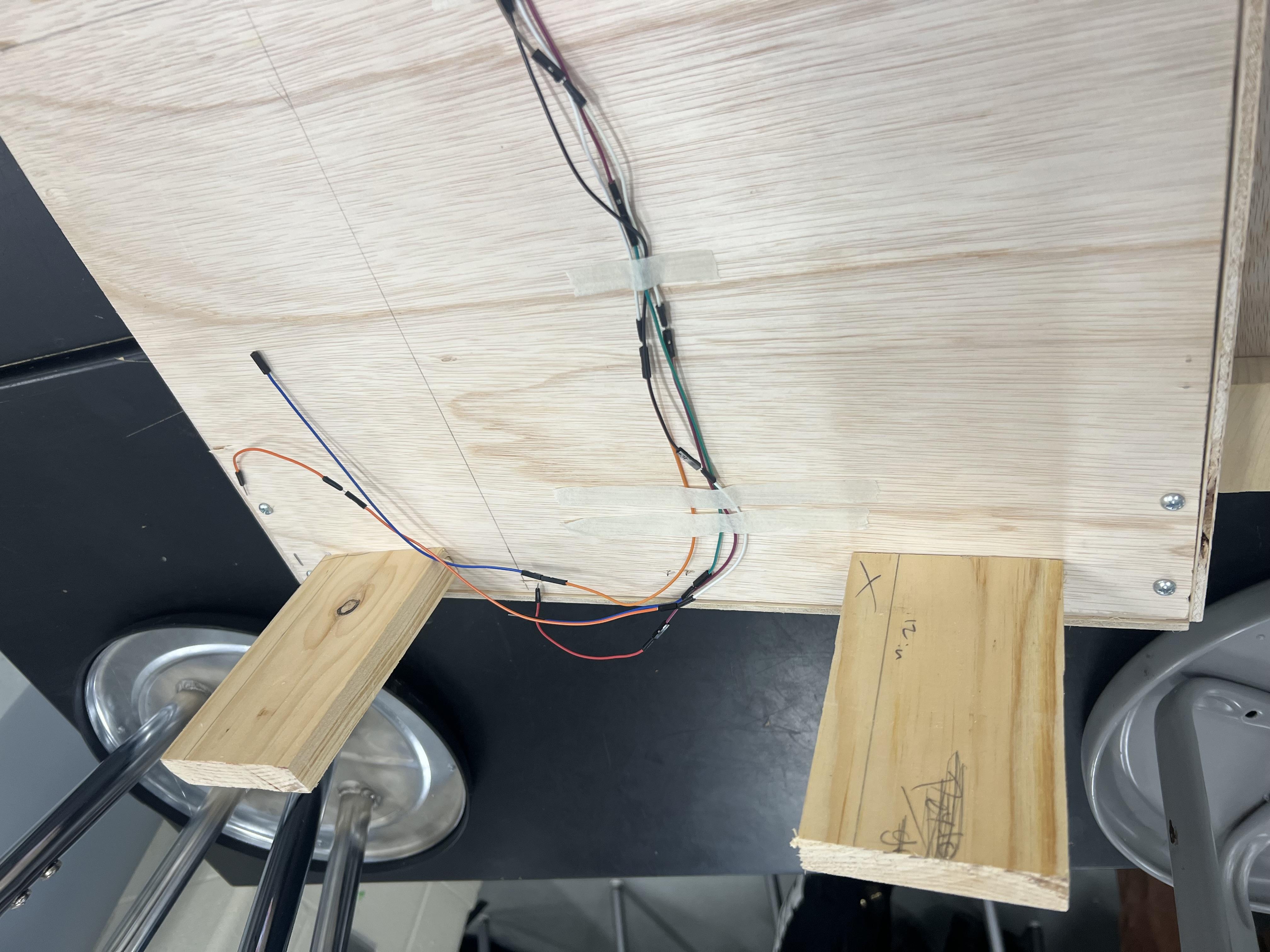
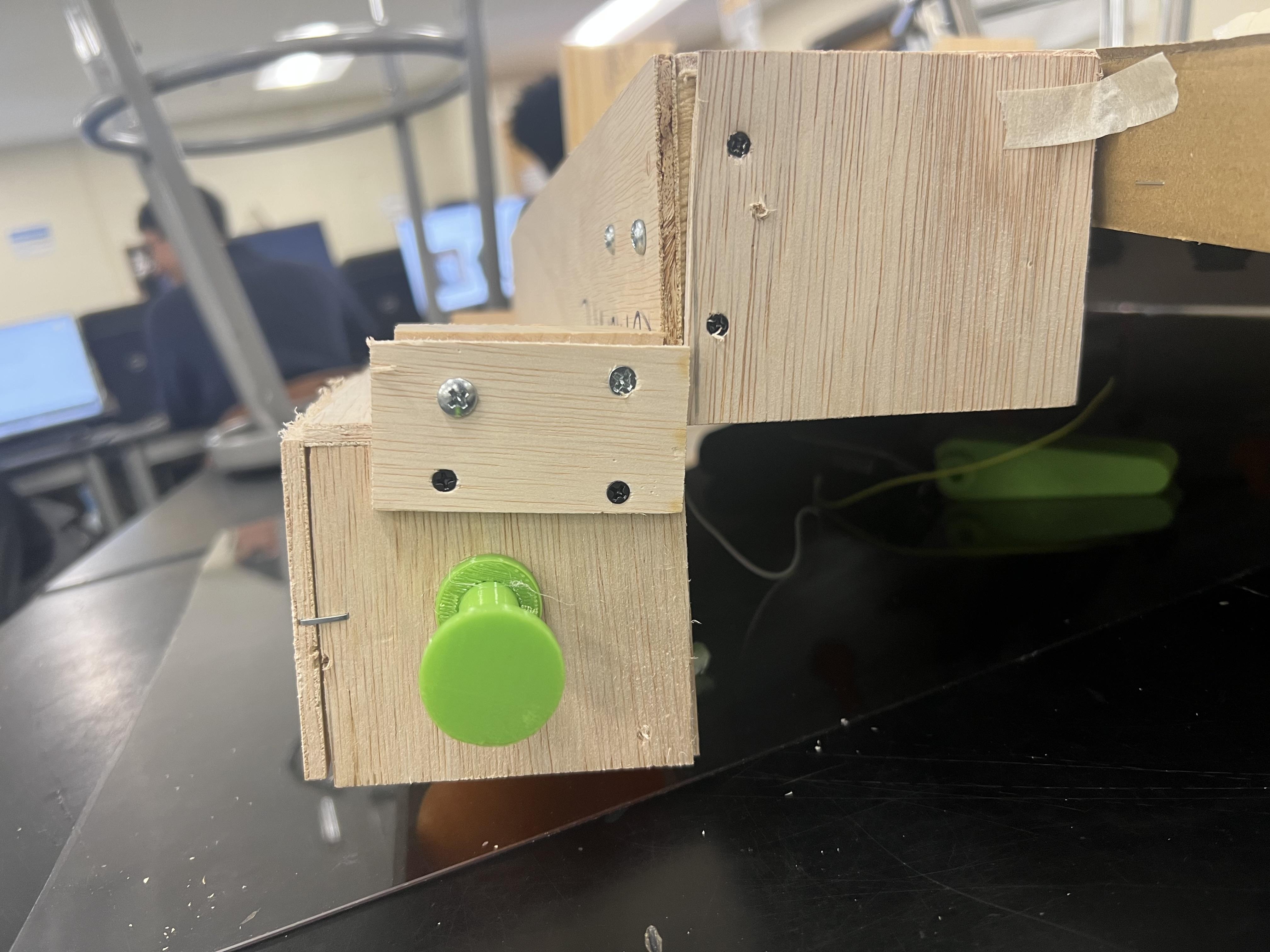

- Assemble the wooden frame using screws or nails.
- Attach the plastic top cover securely.
- Install the 3D-printed flippers, launcher handle, and ball cup into their correct positions.
- Ensure all moving parts like flippers and the launcher operate smoothly.
Apply Decals (Optional)


- Print decals using a decal printer (for example, a dolphin image) and cut them to size.
- Attach decals to the interior walls for decoration.
- Make sure they are smooth and do not interfere with ball movement.
Connect Electronics

Connect the Arduino to:
- LCD display
- Start button (to begin the game)
- Flipper button (to control servo motors)
- Servo motors for flippers
- Hypersonic sensor (to detect ball reaching the bottom and trigger game over)
Organize and secure all wires with zip ties or clips to avoid tangling.
Program Arduino
.jpeg)

Connect Arduino to your computer via USB.
Upload code that controls:
- LCD display for title, countdown, and game over screens
- Servo motors for flippers
- Hypersonic sensor to detect when the game should end
Test each component individually: LCD messages, flipper motion, and sensor detection.
Final Assembly and Testing


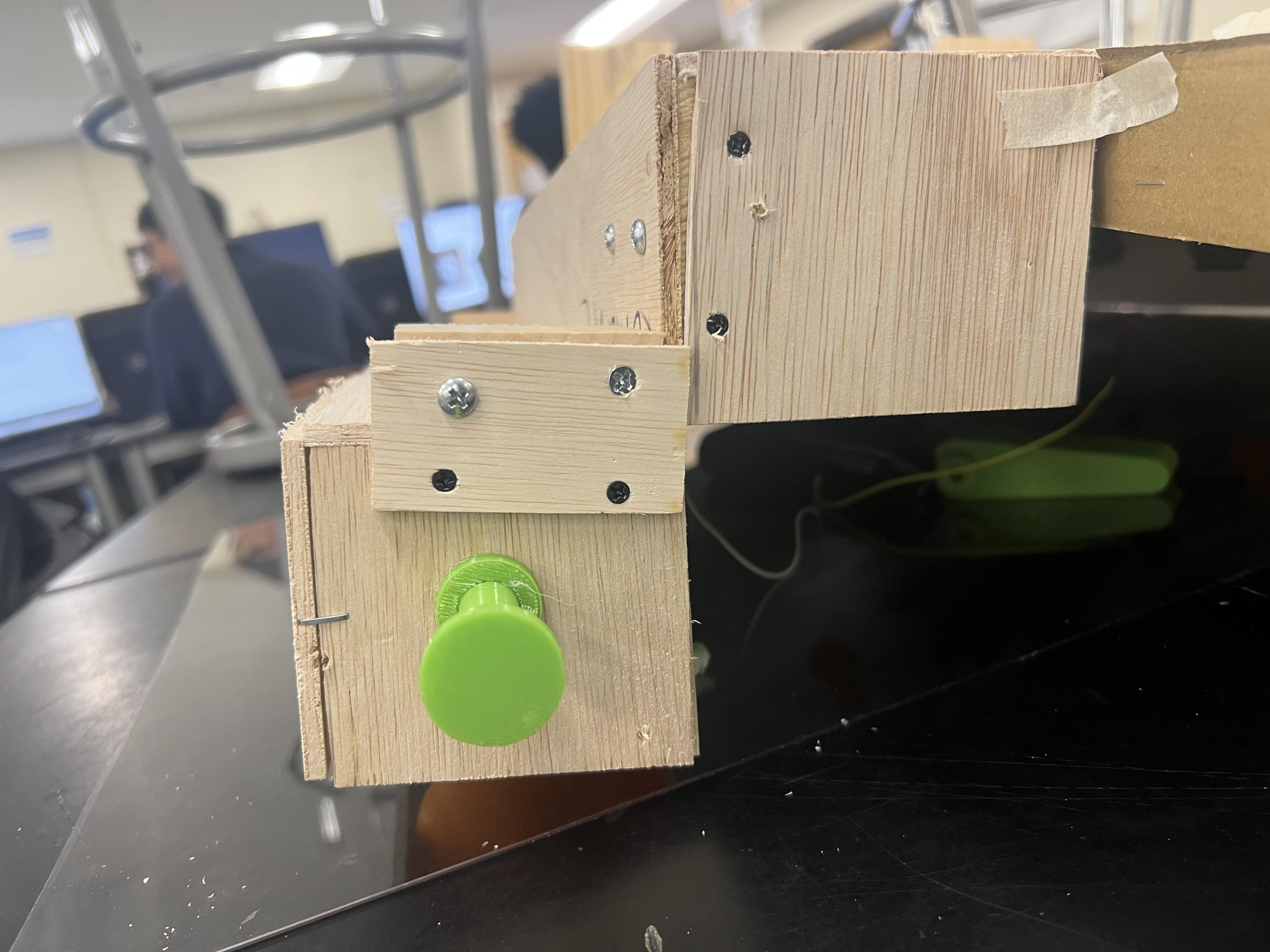

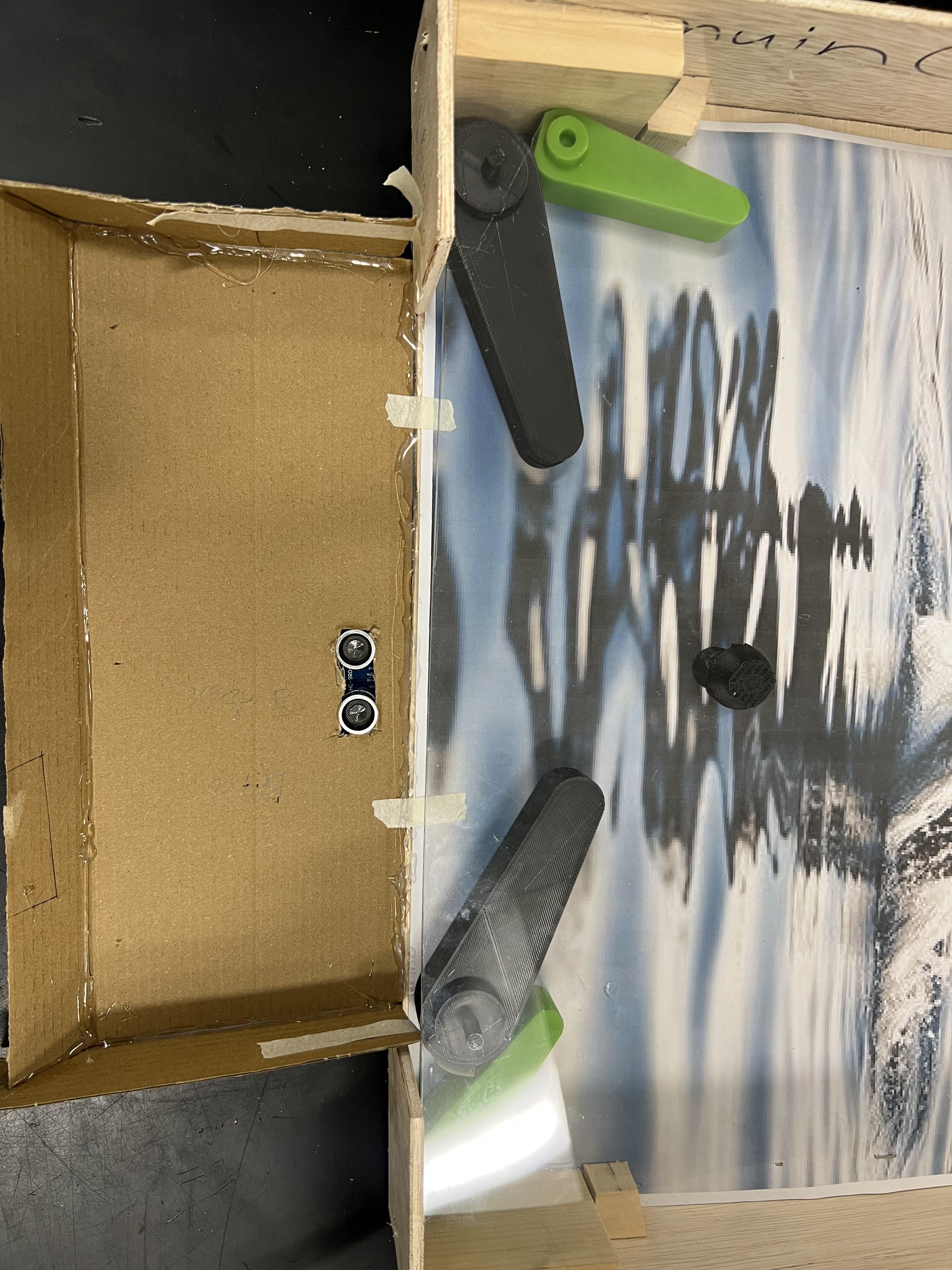
Fully assemble all parts of the pinball machine.
Place the electronics and mechanical components in their final positions.
Test functionality:
- Press the start button to begin the game
- Press the flipper button multiple times to check motion
- Verify the hypersonic sensor triggers the game over screen
- Check LCD text and animations work properly
Make minor adjustments to flippers or sensor positions if needed.
Troubleshooting
.jpeg)
- If the flippers don’t move: check servo connections, code, and button wiring.
- If the sensor doesn’t trigger the game over screen: adjust sensor distance and check Arduino wiring.
- Ensure all moving parts are unobstructed.
- Retest the machine after each adjustment.