Plant Wall Art | Laser Cut, Plywood
by alexphipps696 in Workshop > Laser Cutting
89 Views, 1 Favorites, 0 Comments
Plant Wall Art | Laser Cut, Plywood
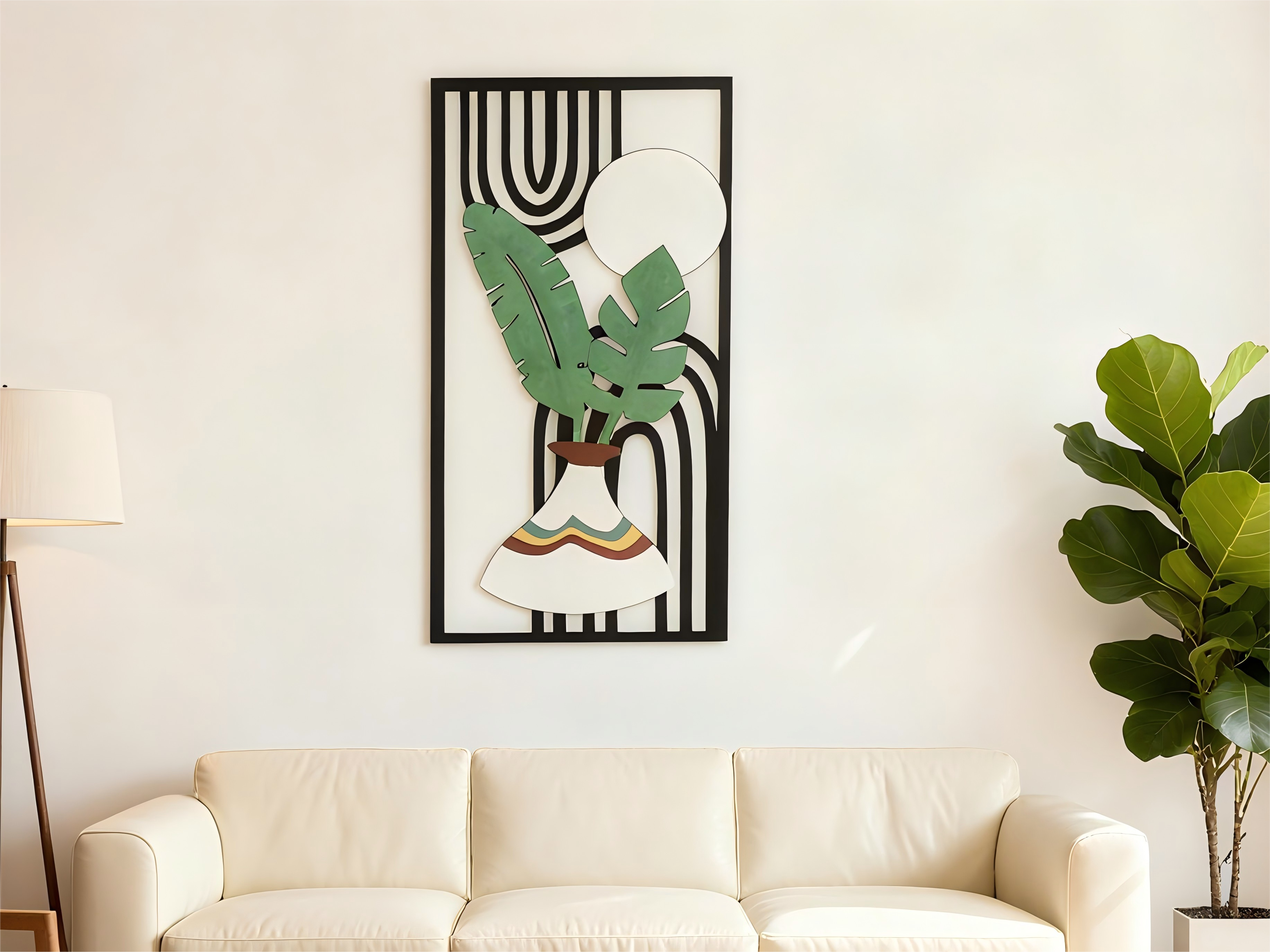
This is Alex from NEJE. I love creating crafts with laser cutters and sharing the results.
In this instructable, I'll show you how to turn plywood into a beautiful wall art piece. This layered wooden project brings depth, using just a laser cutter and paint. It's straightforward and rewarding—give it a try!
Supplies
MATERIALS:
- 3 mm plywood (50 × 50 cm at least)
- Wood glue (clear-drying)
- Acrylic paints or Spray Paints
- Optional: metallic silver marker for moon highlights
EQUIPMENT
- NEJE 20 W Diode Laser Cutter
- Light-Burn (or your preferred software)
Upload the File

This is a big project. Use 3 mm plywood to keep it lightweight for wall hanging. Adjust the overall size in your software to fit your needs (50 × 50 cm finished size recommended). The design includes registration marks for easy alignment.
Downloads

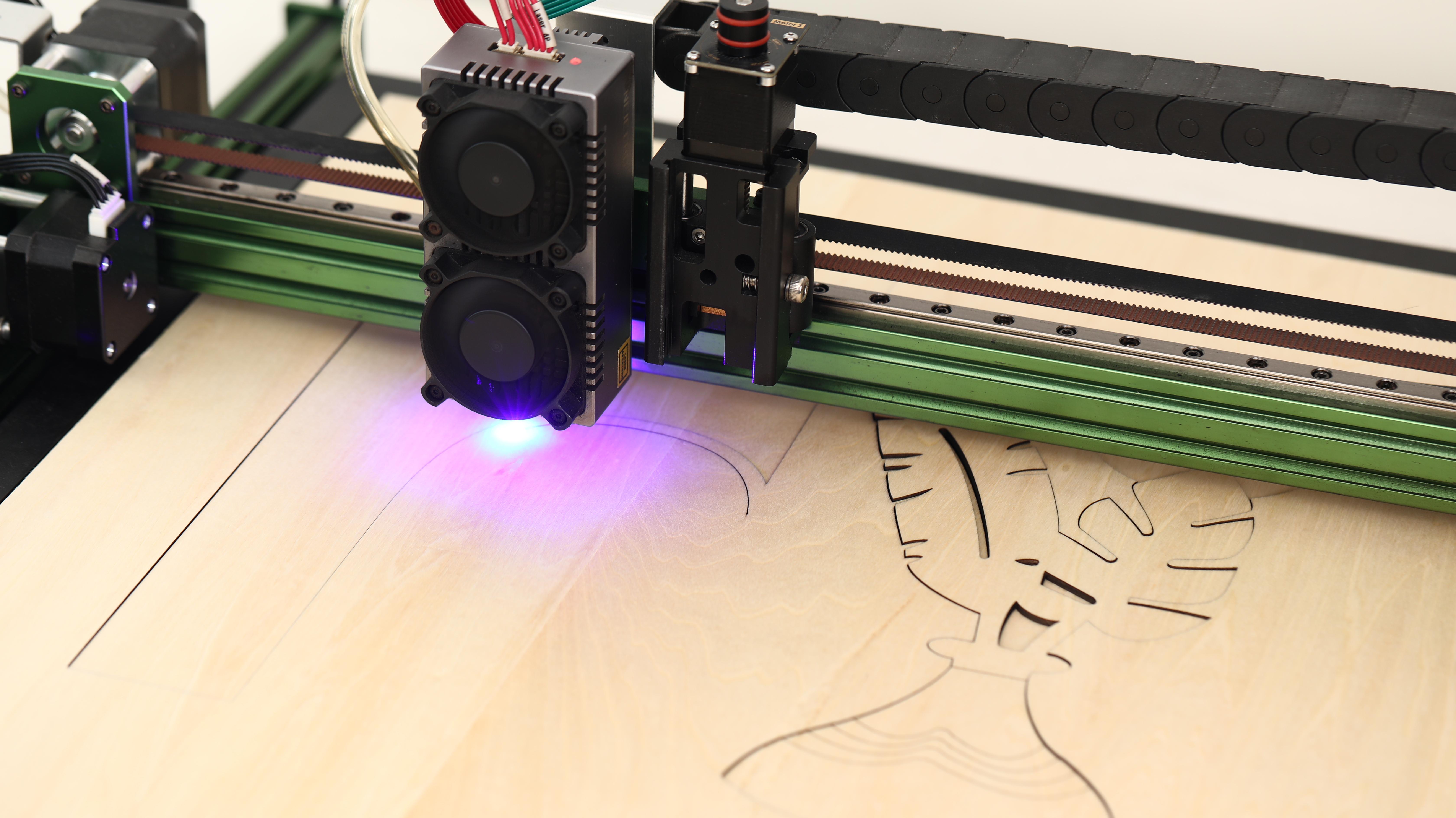
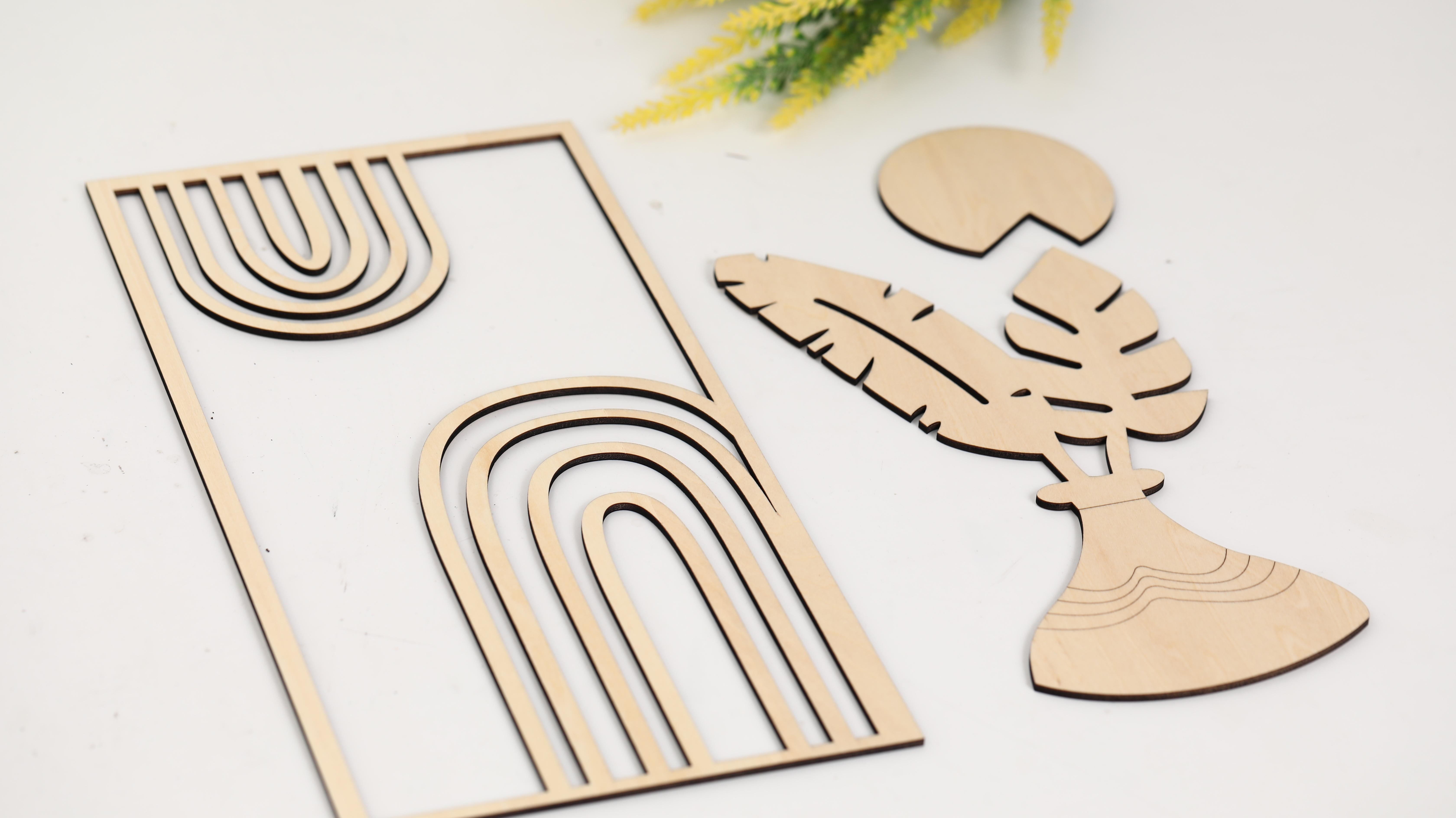
Load your file into LightBurn and position it within your work area.
- Settings: 400 mm/min, 95% power, 1 pass, Air assist on ( Line)
- For few line engraving on the vase: 5000 mm/min, 70% power ( Line)
Coloring
.JPG)
.JPG)
.JPG)
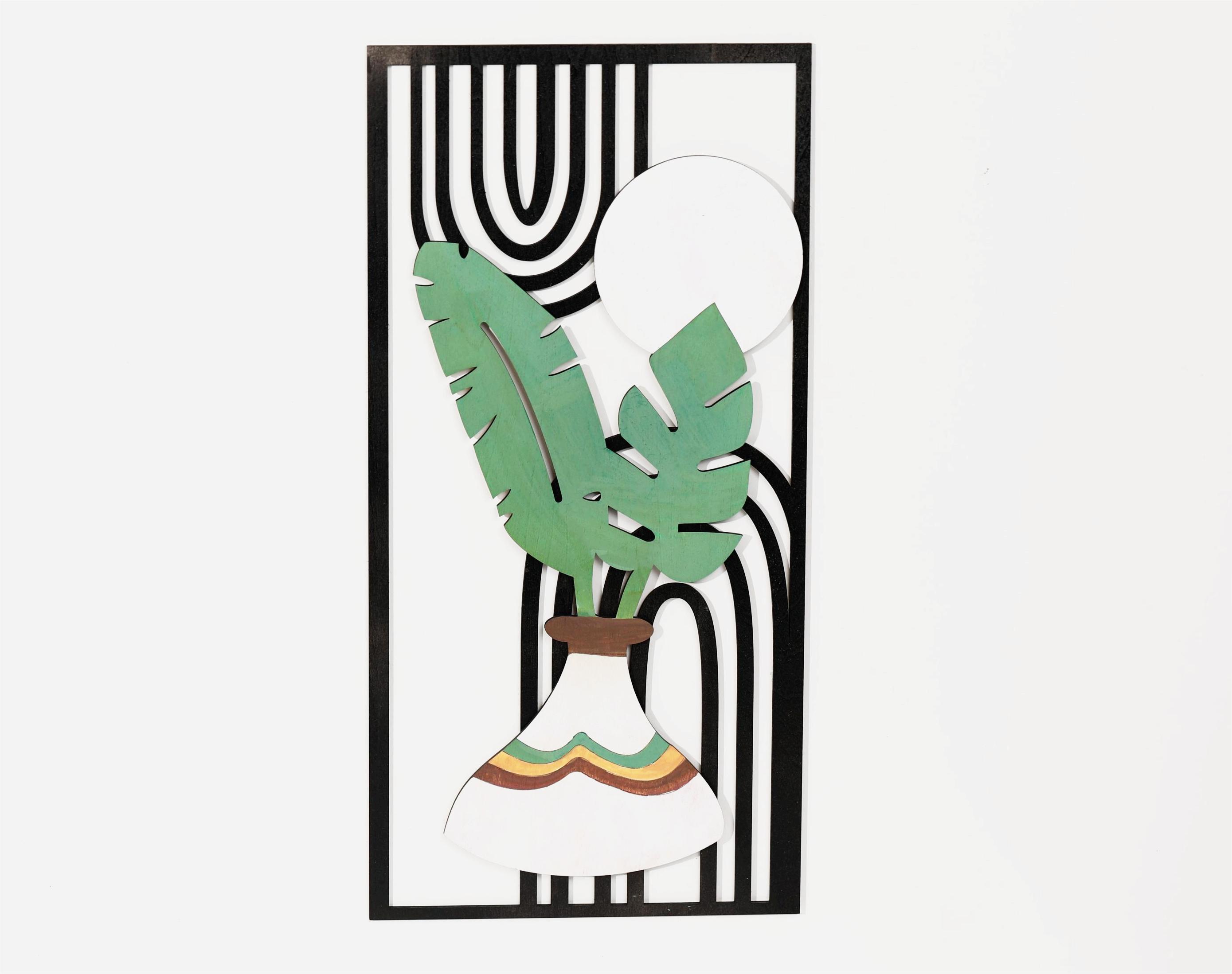
Apply the paint according to the color of the finished product, and then paste it directly after the paint has dried completely.