Pond Overflow Pump

This project will use an Arduino to help manage the water level of the back yard water feature. During heavy rain, water will overflow and seep into the basement. The Arduino monitors the water level using a horizontal liquid float switch (ie fish tank float switch) and a small bilge pump. The pump will drain the excess water to the rain down spout.
The first attempt used just a float switch that directly activated the pump. The problem was that water reached the exact trigger point any disturbance would start the pump. The water level would drop by a tiny amount causing the pump to shut off, causing a disturbance that would re-start the pump. Even rain hitting the pond would cause tiny waves that would cause the pump to cycle on then cycle off continuously. Afraid that this would, in effect, force the pump to be running 24/7, I decided to use an Arduino to control the pump.
Downloads
Supplies

Arduino Nano
Fish tank float switch
12V PWC Automatic Bilge Pump
outdoor project box
bulk-head connectors
12v 2 channel relay
100k ohm variable resistor
12vdc to 5vdc step down power supply
Arduino Schematic

I like to begin my Arduino projects by mocking up the wiring using bread boards and jumper wires. Adding each component one by one, ensuring that I have hooked them up correctly and they are giving the expected results. So follow the above diagram to construct the device.
Checking Software Logic

Here I mocked up the project. I use a 12vdc LED light to simulate the bilge pump. By actuating the float switch I can see the "pump" turn on or off. The Arduino code forces a minimum On Time (MOT) and a minimum Off Time (MOT). You will notice that moving the float switch will activate the LED light (ie the pump) and then it will stay on for 30 secs no matter what position the float takes.
Make sure you test different states to ensure you have coded it correctly and the project works as expected.
Note: The relay handles 12vdc and lots of amps. BUT, it is also triggered by 12vdc NOT 5vdc. This makes wiring easier and puts less demand on the Arduino power supply.
Manage the MOT


Once the project is put into a live environment, the minimum Off/On time (MOT) setting might not be optimum. In lieu of reprogramming the Arduino via my laptop, I integrated a 100k ohm variable resistor. By increasing the resistance we increase the MOT. Inspect the Arduino code to see how this works.
Now once the project is in action, one can easily change the amount of time the pump is forced to stay on and off.
Project Box

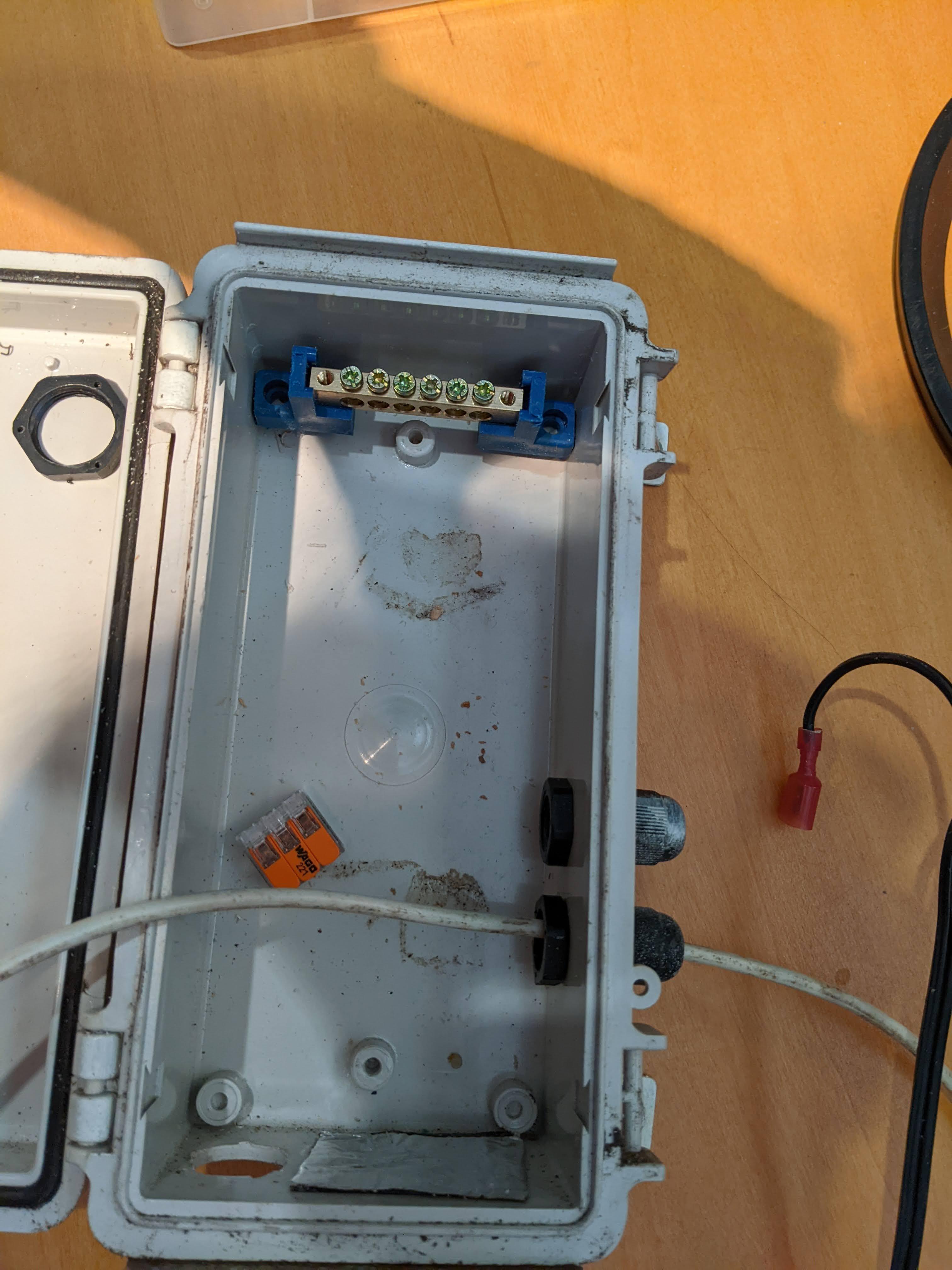


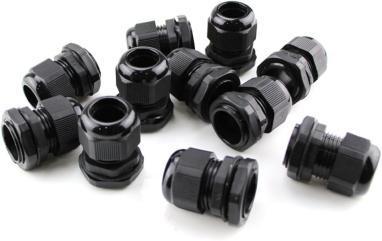
Once happy with the bench test. Mount the components in the project box. Note that the box has rubber seal at the door to make it water-tight. I also use bulkhead connectors for wire connections to maintain water-tight integrity.
You might notice that the project only needs 1 relay, but I have installed a dual channel relay. These 12v actuated relays are inexpensive but not very high quality. I have had them fail several times. So in harsh environments I install the double relay. When the first fails I just move the power wire and trigger wires to the second relay.
Installation
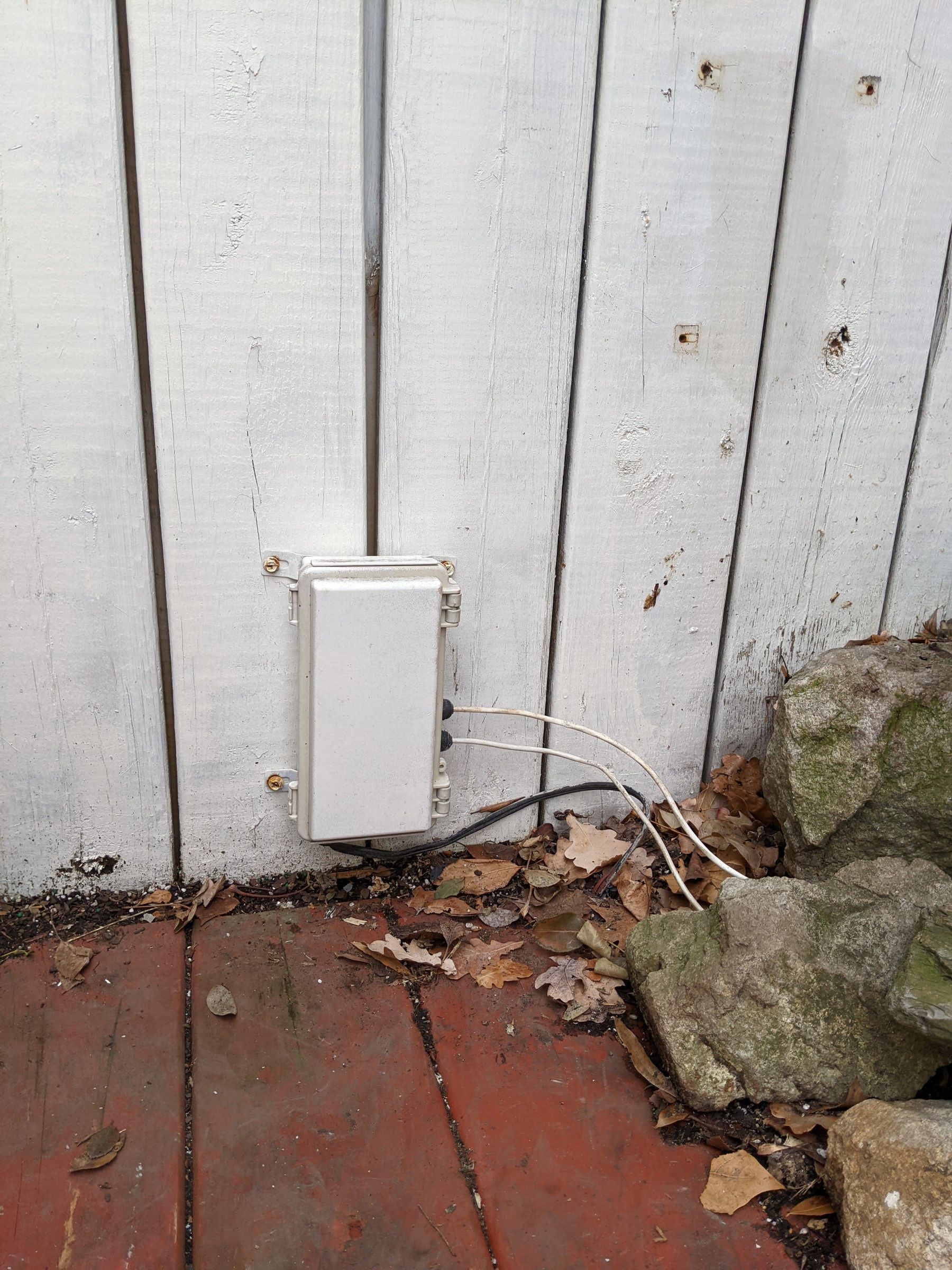

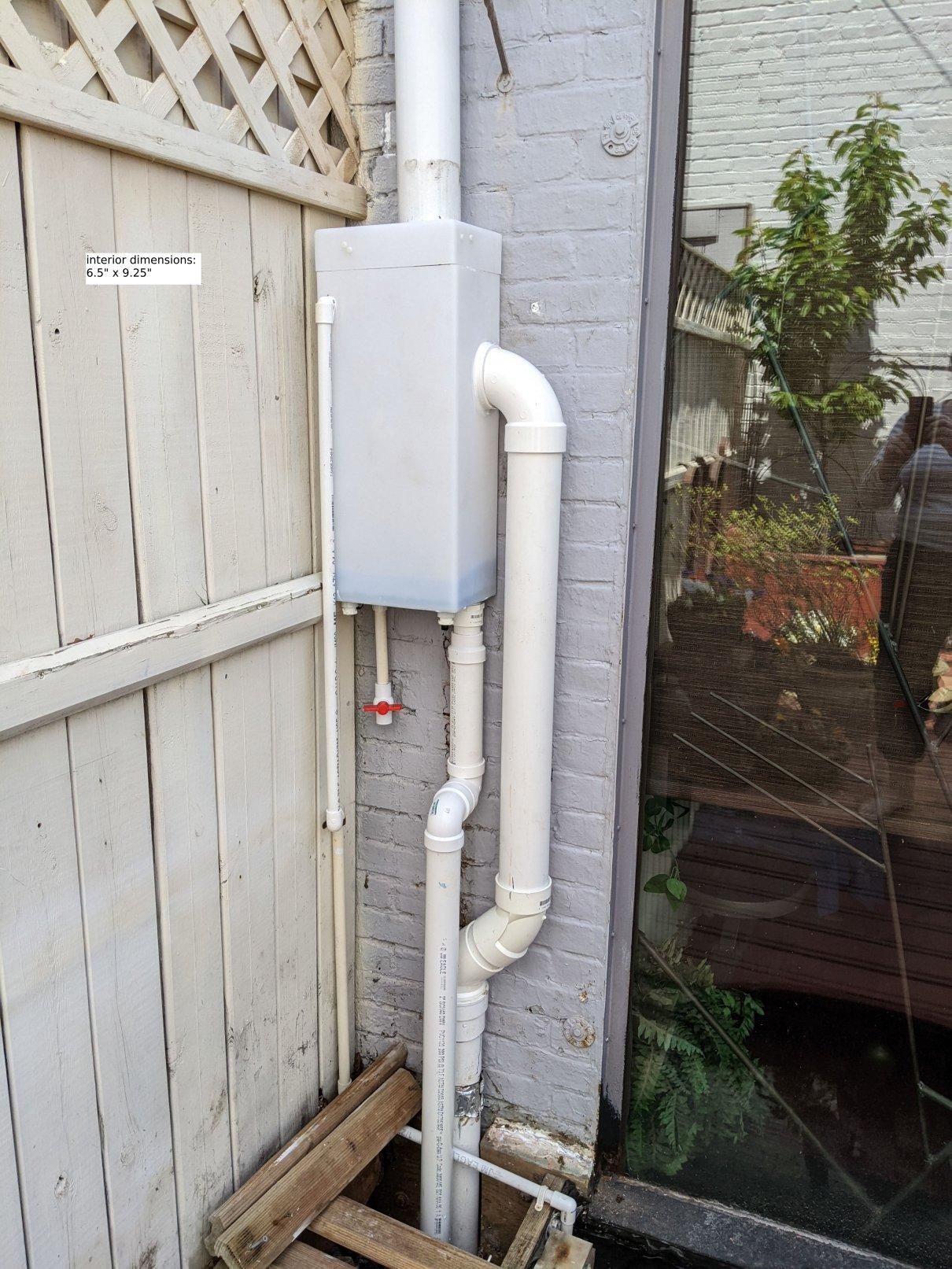
Installation was easy as I already had low voltage wiring run under the deck to our little pond. And I had run PVC pipe from the pond to the rain water down spout