Purchasing CamScanner

Purchasing CamScanner
Adding the Gmail Account

Specifying the Account

Select 'Google'
Enter Current Device Unlock Passcode.
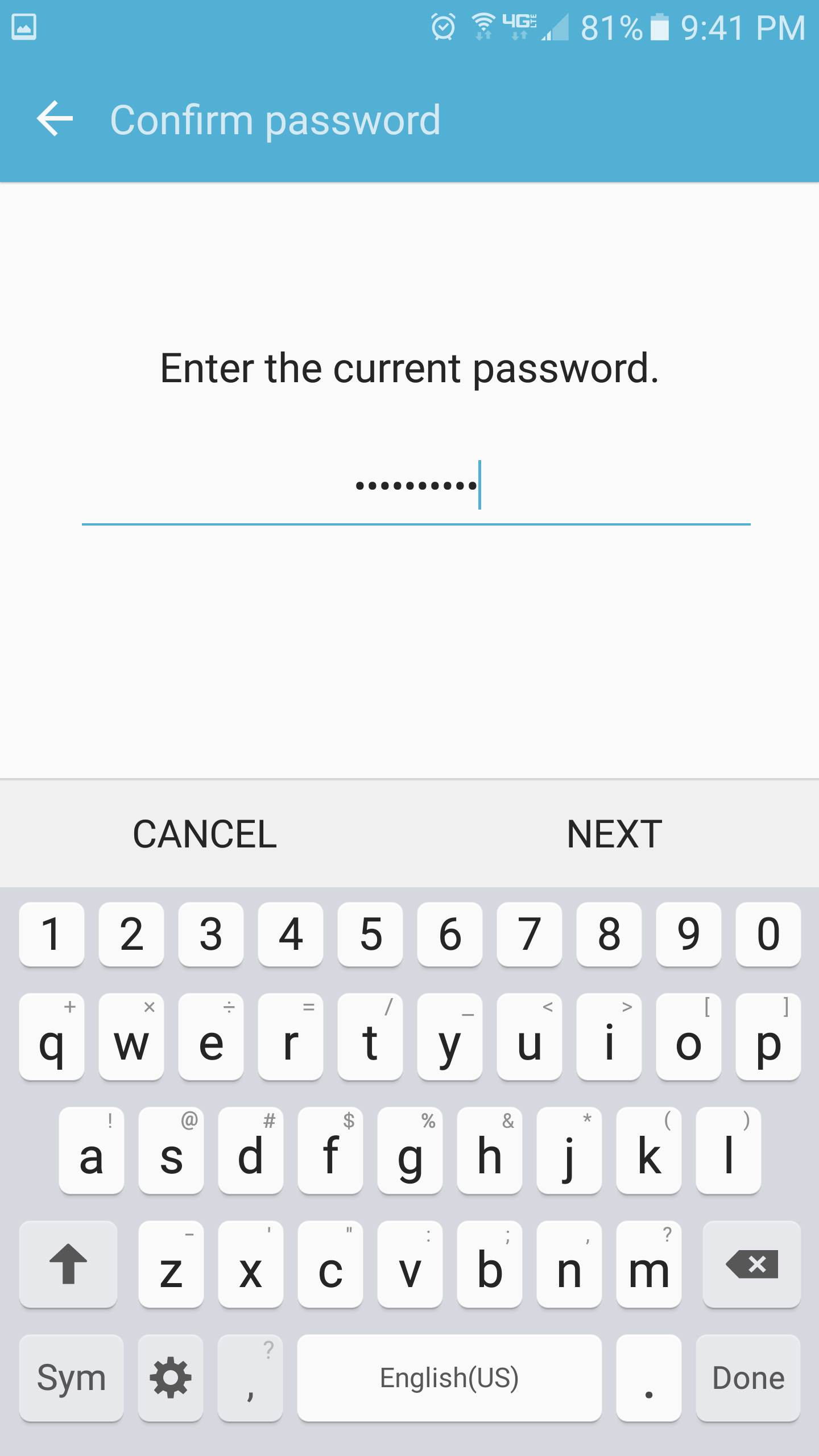
Type in device unlock code and then choose NEXT
Type the Email of the Gmail Account to Add


Type the Email of the Gmail Account to add.
Medgrp
Type the password provided by IT and choose NEXT.
Accept Terms and Service
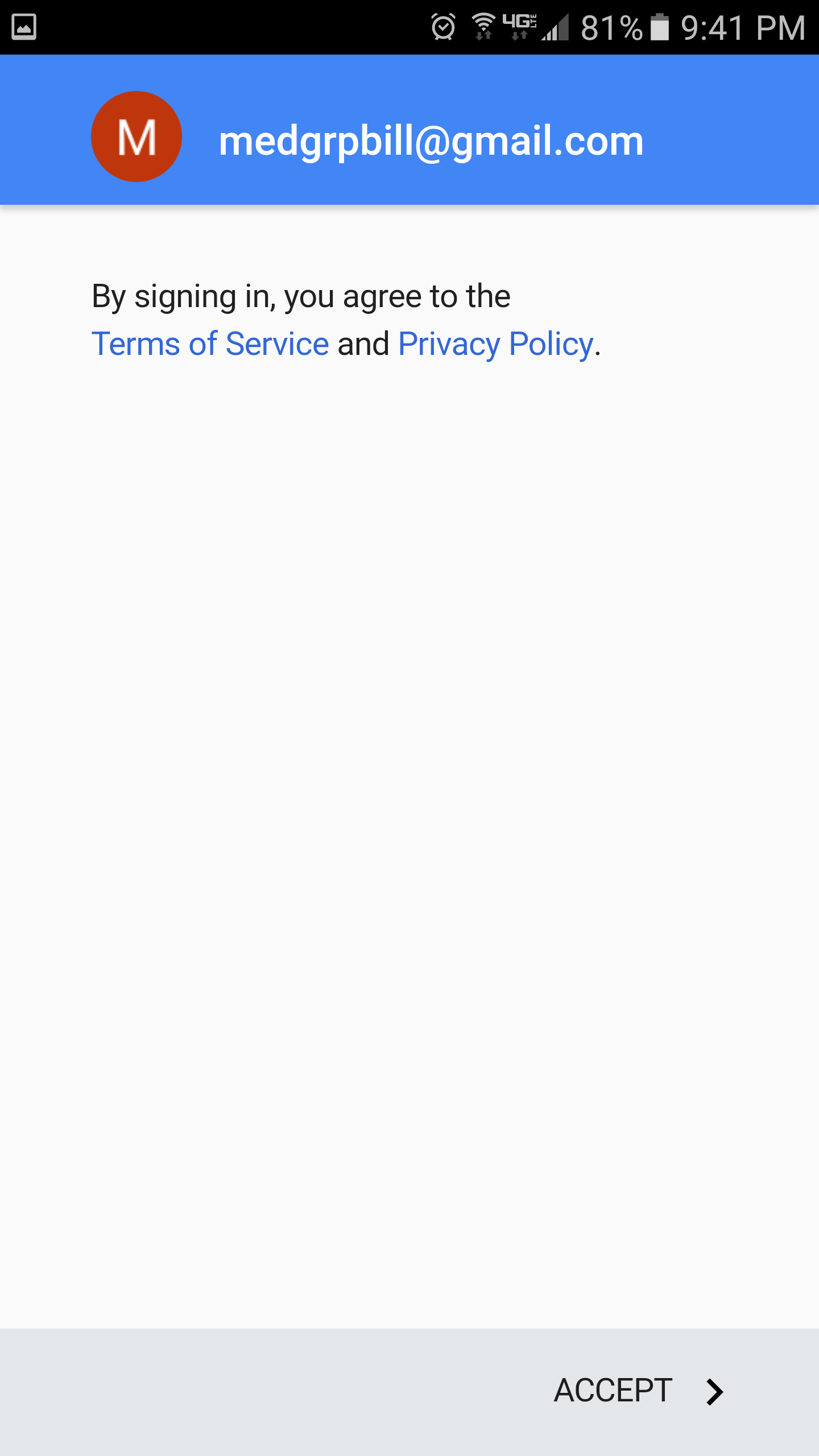
Decline or Setup Payment Info

Click Menu on Upper Left and Choose the Medgrp Acct

Click Menu icon on upper left and choose the medgrp acct
Click Drop Down Arrow to Expand Accounts

Choose Medgrpbill Gmail Account

Type 'Cam Scanner' in Search Field

Lists of Apps

Tap on the Cam Scanner (license)

Tap on 1.99
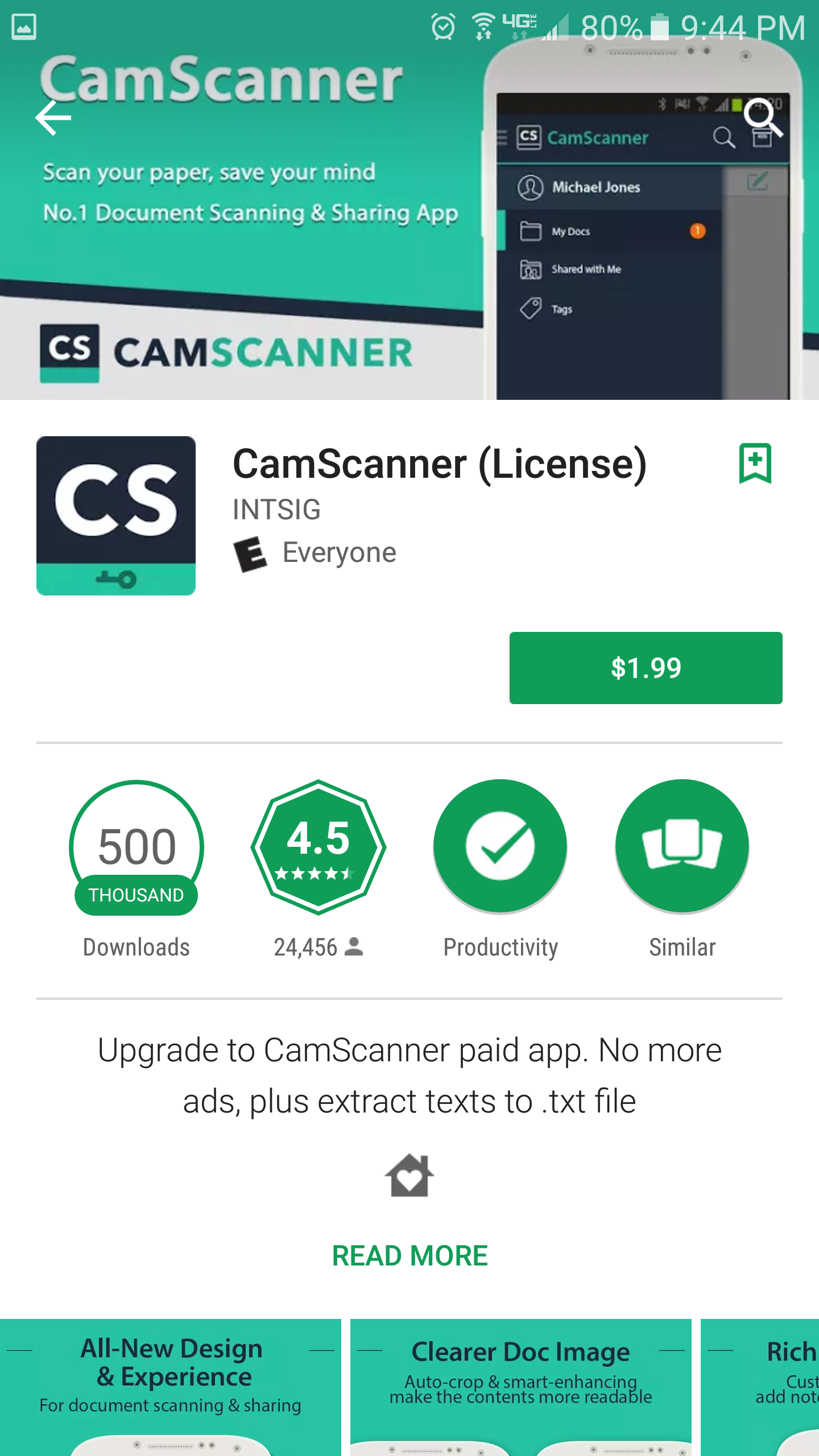
Choose 'Accept'

Choose 'Continue'
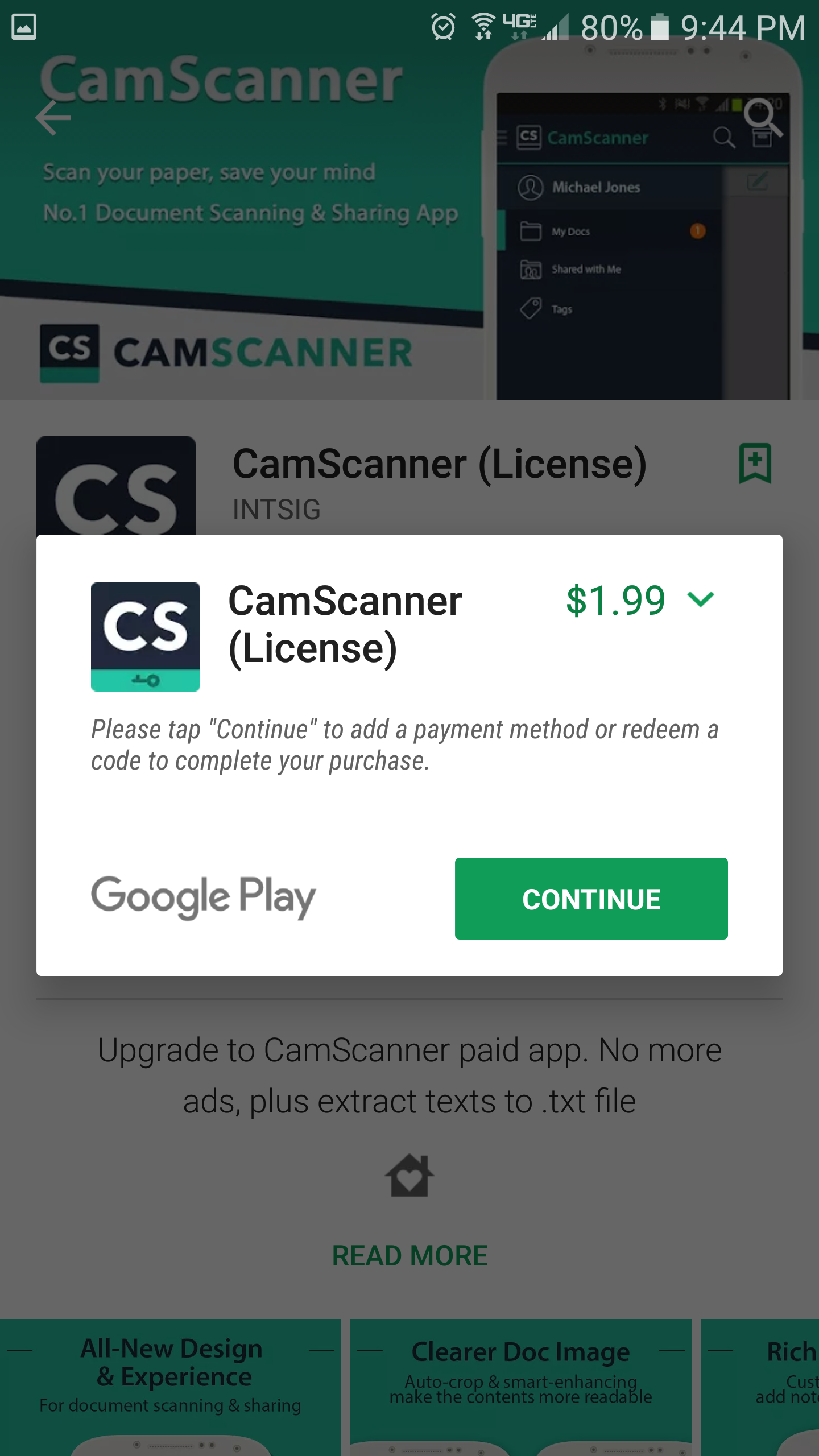
Choose 'Add Credit or Debit Card' Payment Method.

Choose 'Add credit or debit card' Payment method.
Choose 'BUY'

Choose 'BUY'
Enter Password for Gmail Account Provided by IT

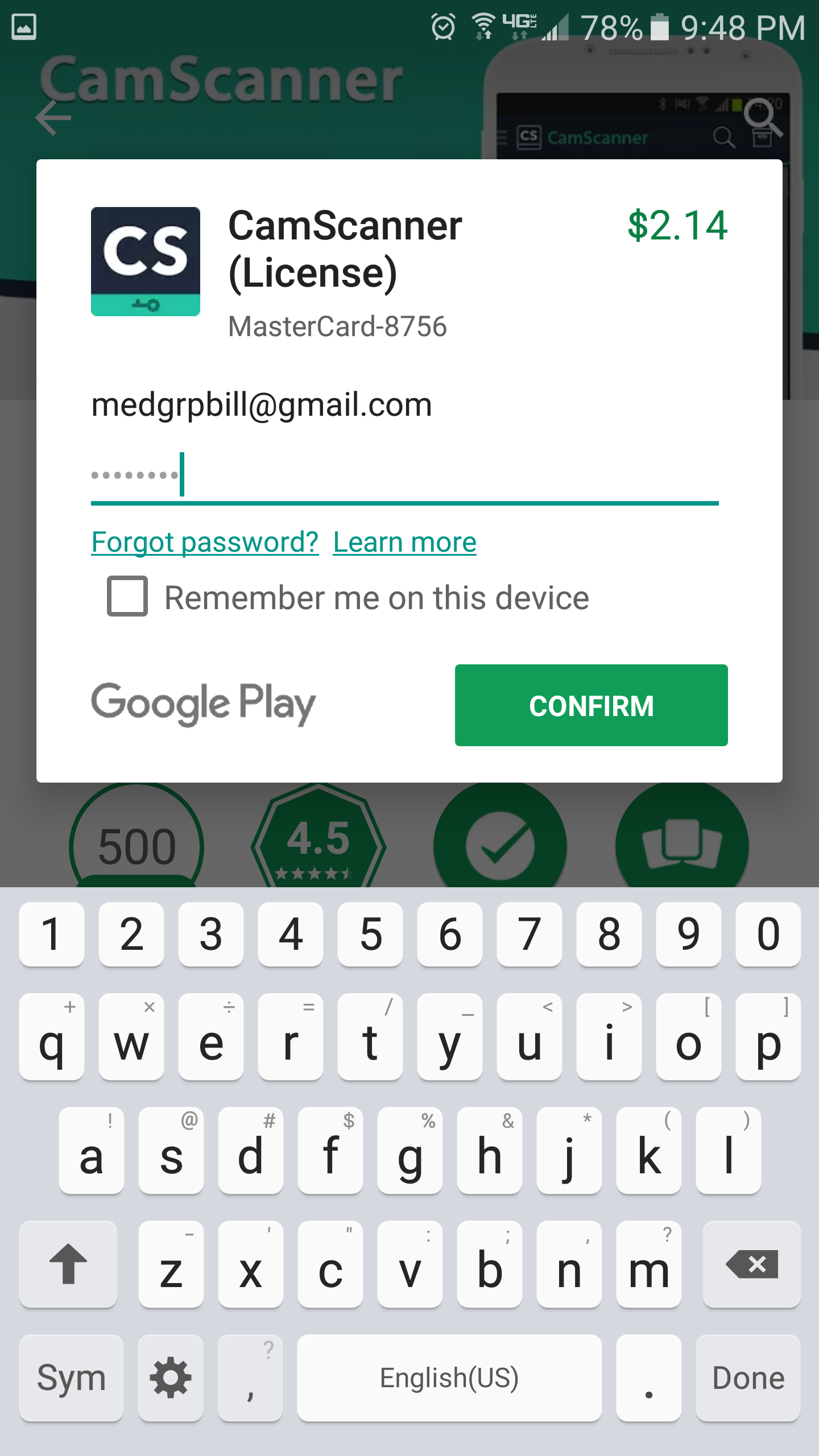
Enter password for Gmail account provided by IT.
Make sure "Remember me on this device" is UNCHECKED.
Choose 'CONFIRM'
Choose 'EVERY TIME'

Choose 'CONTINUE'

Choose 'CONTINUE'
Choose 'DOWNLOAD'

Choose 'DOWNLOAD'
Choose 'INSTALL'

Choose 'INSTALL'
Choose 'OPEN'

Choose 'OPEN'