Really Fast Nerf Dart (227 Mph!)

For this project, I set out to design the fastest Nerf-style dart possible. Instead of using a traditional Nerf gun, I engineered a custom dart powered by a model rocket engine that is launched horizontally. The design combines a 3D-printed aerodynamic body, a single Lego brick for weight, and a rocket engine to produce an incredible amount of thrust.
The goal wasn’t just to make something fast — it was to explore aerodynamics, propulsion, and engineering design. Along the way I had to think about:
• How to keep the dart stable at very high speeds
• How to safely mount a rocket engine inside a small projectile
• How to measure the dart’s speed accurately
• How to design a body shape that minimizes drag
After several design iterations and nine launches, the final dart reached a measured top speed of 227.33 mph.
In this Instructable, I’ll show you how the dart was designed, how it works, and how you can build your own rocket-powered Nerf dart.
Supplies
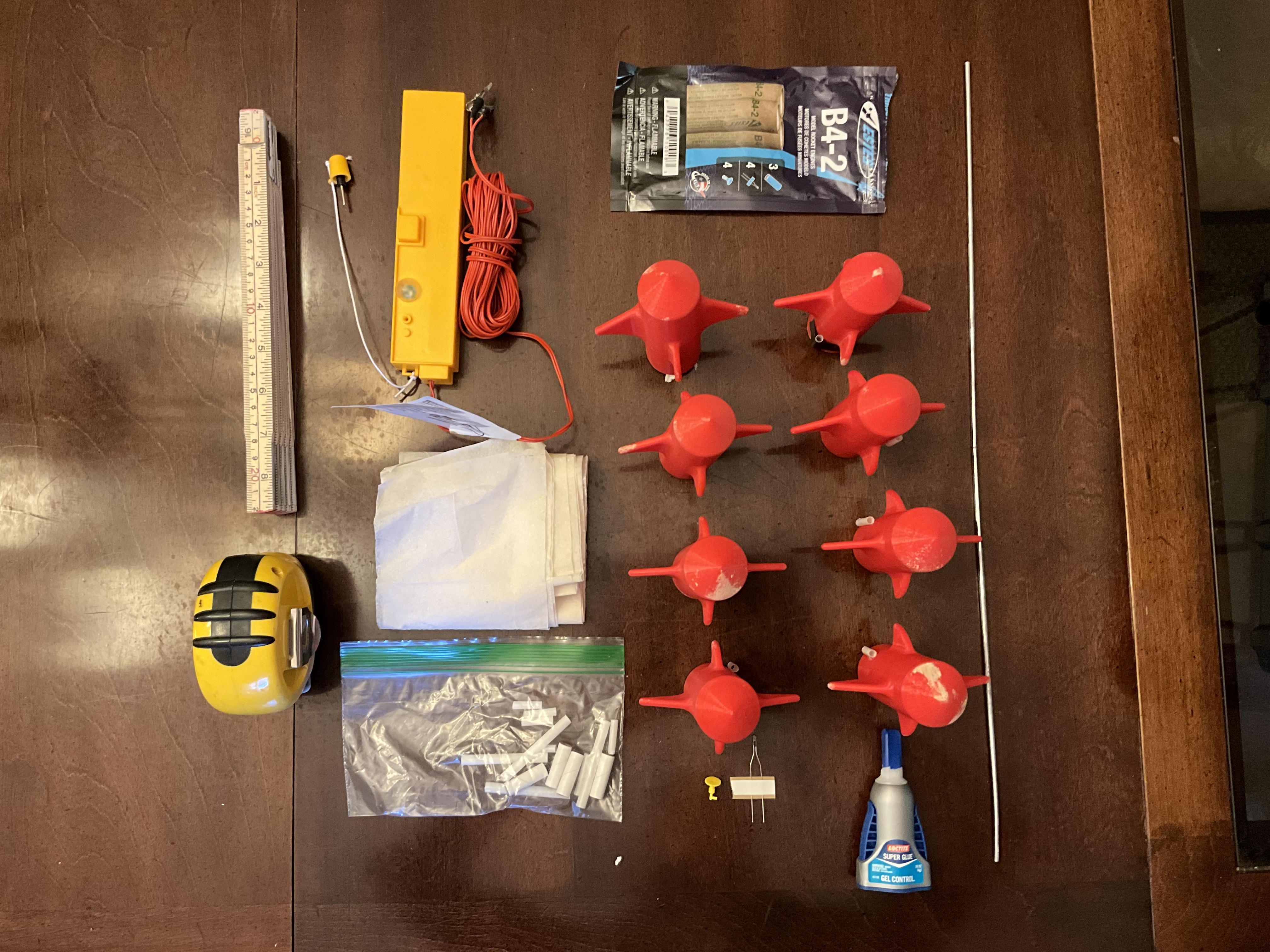
- Mega XL Nerf Darts (Link here)
- These are the largest official Nerf darts! They need to be big so that they can house the rocket engine.
- 3D Printer
- We used a Flashforge Adventurer 5M, but any 3D printer that has at least 90mm of height and 50mm of base width
- Nerf Shell (Link here)
- I made this part! The raw STL is attached, along with the config file (.3mf) in the link above in a public drive folder.
- B4-2 Rocket Engines (Link here)
- These are the rocket engines used for this project; Each pack comes with 3 engines, 4 igniters, and 4 plugs.
- Launch Controller (Link here)
- If you already have one, thats fine; we used the one linked above.
- Launch Pad (Link here)
- You actually only need half of this!
- Please use this one even if you already have one, as this is the one we tested to work.
- WOOD
- We built a stand to allow it to launch sideways out of wood; the dimensions are as follows:
- One 6' 2x4
- One 1.5' 2x4
- One 3' 2x4
- One 5" 2x4
- Screws!
- One 8" long hex screw
- Two 6" long hex screws
- Eight 1" long wood screws
- Recovery Wadding (Link here)
- We used this to make the engines fit inside the nerf dart and to allow the dart and rocket to survive!
- 3x2x1 Lego Bricks
- Kind of funny, but they are needed to make the engine fit flush with the dart
- L-Braces!
- These help support your stand!
- Launch Lugs
- These guide your rocket and attach it to the Launch rod.
- Superglue
- Used to attach Launch Lugs to the rocket
- Electrical Tape
- Generally useful if something goes wrong; can be used to attach launch lugs as well.
————————————————————
If you want to measure your rocket, this is what we used!
- Drone W/ Camera (Find your own lol)
- We used this to get a aerial view of the launch site to allow us to take measurements!
- Spray Paint
- We used white spray paint
- Yardstick
- We used this to get straight lines w/ the spray paint
- Measuring Tape
- Use one that is at least 10 feet; We spaced our lines 10 feet apart.
Making the Darts

The first thing you're going to have to do is prepare the darts. First, you're going to print your shells. Once you do (Make sure that they are 1:1 size), take your Mega XL Nerf darts and insert them into your shell. You might have to apply some pressure onto the darts to make them fit perfectly, but it's ok if it doesn't.
A Few Extra Steps...
This step is fairly simple; You're just going to put your 3x2x1 lego brick into the nerf dart, with the bumpy side facing sideways and the 2 hole long side facing up. Then, you're going to take your smallest launch lugs (1/32 in) and cut them in half. Next, attach two of them to the side of the shell using superglue or electrical tape (Make sure that they're symmetrical and fairly low down!). Then, wait at least 40 minutes for the superglue to dry. Congrats! Your darts are now launch-ready!
Choosing a Launch Location
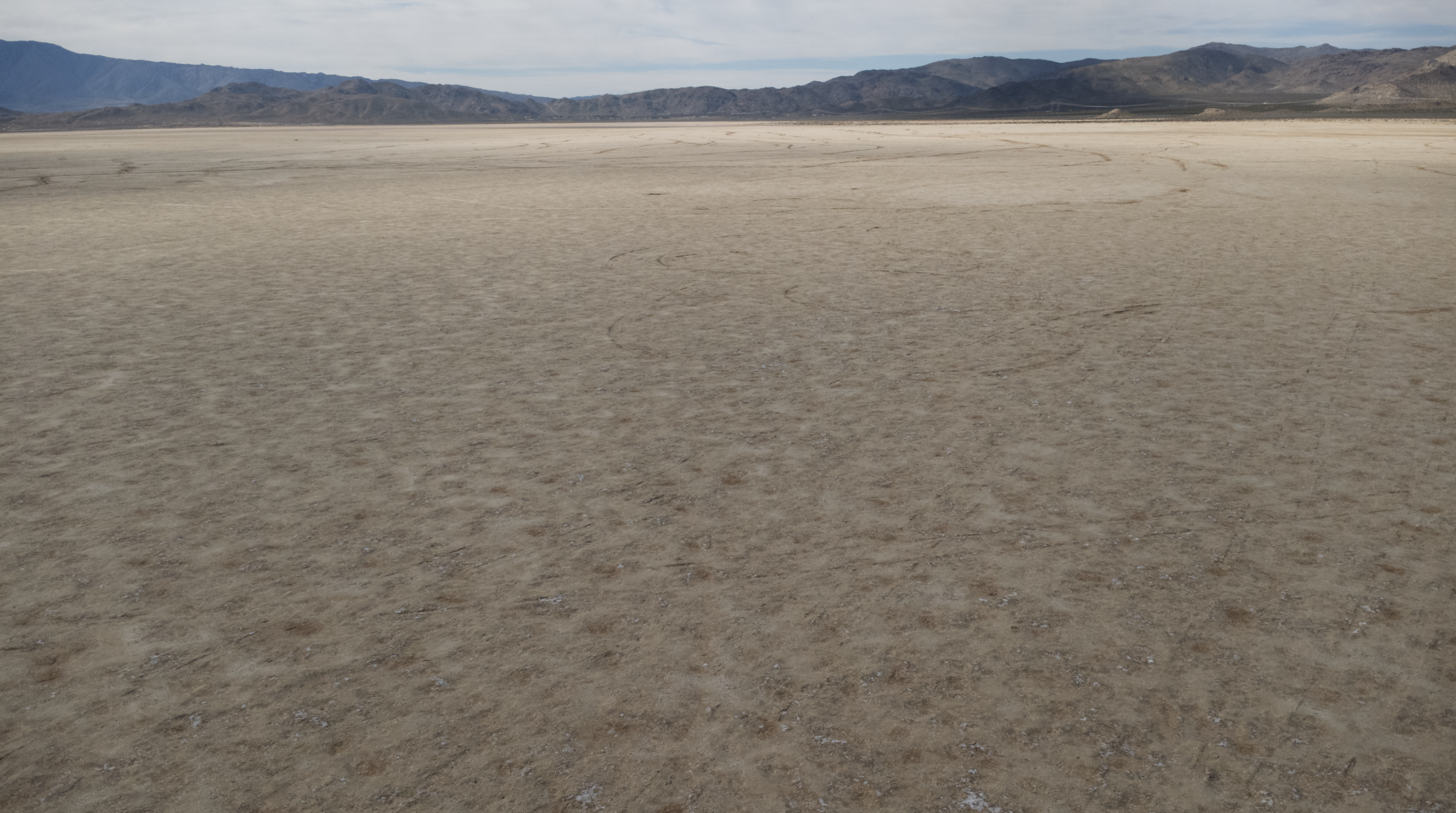
Now, you can get to choosing a spot to launch your rockets. We launched them at Lucerne Valley, but the general rule is to find a large, empty space far away from other people, like a dry lake bed in a desert.
Assembling the Stand


Take your wood, screws, and L-Braces add connect them according to the diagram. (The 1 in wood screws go with the L braces.) Then, open up your Launch Pad kid and take the Launch Rod out and assemble it. Then, take the Blast pad out. Finally, stick the launch rod into the gap on the top of the triangle as shown in the diagram, and slide the blast pad on the launch rod.
Installing Your Engines

Now, we are going to install the engines onto your darts! First, take one of your engines and one square of wadding, and wrap the wadding around your engine. There is a side that is mostly hollow and that doesn't have any solid fuel; that's the back. The fire comes out of the other side (the one with the small hole in the fuel.) Stuff the extra wadding hanging off the end onto the back. Then, carefully insert your engine into your Nerf dart. Tear off any excess wadding.
Priming Your Engines
Now, we are going to get your engines ready for flight. Take one of your igniters (wrapped in paper) and stick the grey end into the small hole in the front of the engine. Now, take one of your yellow plugs and stick it in after the igniter, holding the igniter in.
Launching Your Rocket!

Now, take one of your launch lugs and slide it (with your dart) onto the launch rod. Then, take the two alligator clips on your launch controller and clip them to the two wires coming out of your igniter. Your dart is now armed! All you have to do now is stand back and press the launch key into the hole on your controller. Once the LED on it glows red, press the button to launch!
How I Measured Speed

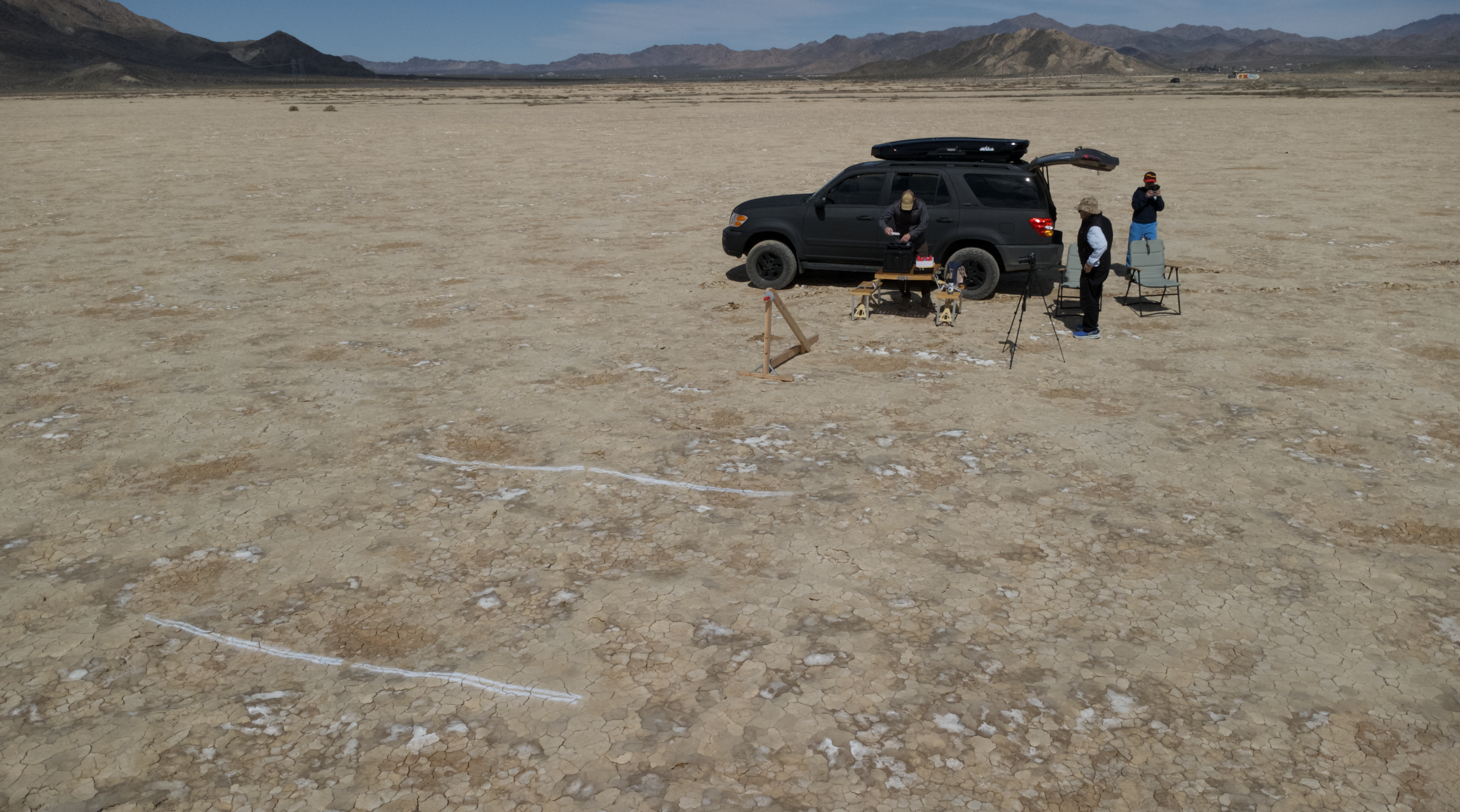
We drew lines on the ground and used the drone to see how many feet/second the darts flew! Attached are the google drive with some videos of our darts and the spreadsheet for launch speed.