Replace Pulse Switch in Vitamix Blender Model VM0197
by scrope in Workshop > Repair
239 Views, 0 Favorites, 0 Comments
Replace Pulse Switch in Vitamix Blender Model VM0197
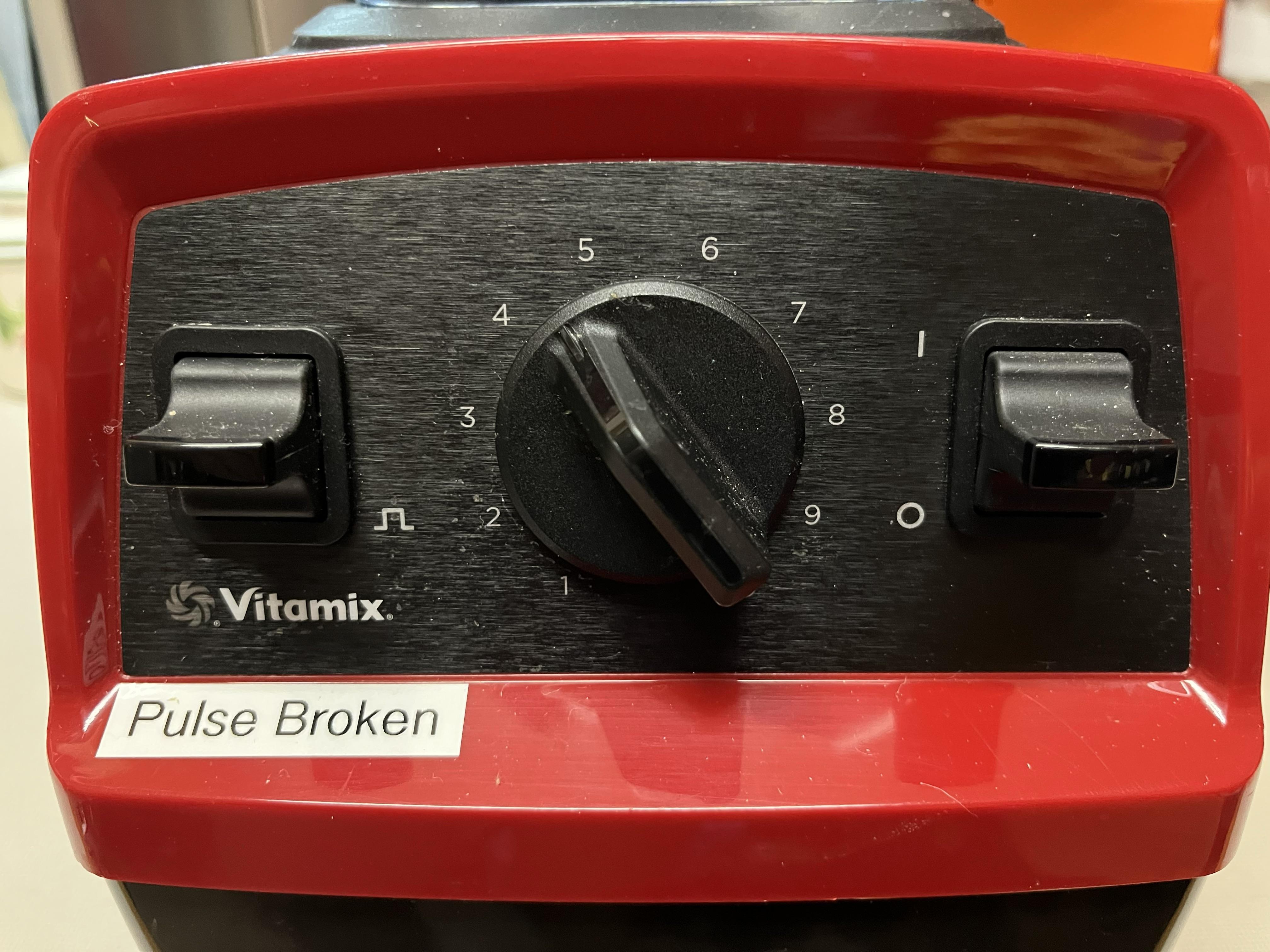
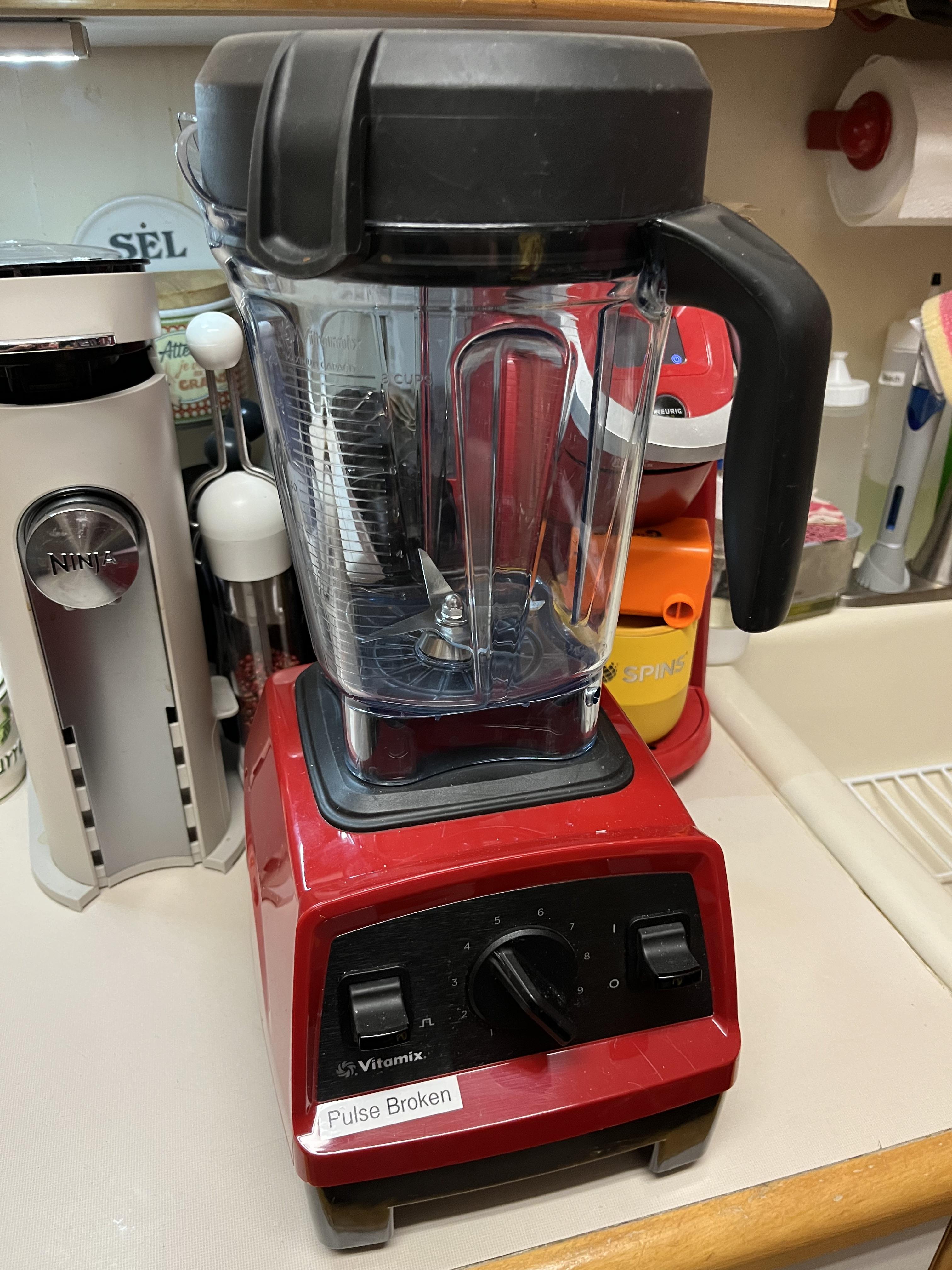
This shows how to replace the pulse switch on a Vitamix blender. This model is the VM0197 which is the Vitamix Explosion Series E310 blender.
I bought a used Vitamix blender and the pulse switch did nothing but everything else works fine. This shows how to disassemble the blender and remove/replace the switch. The same process can be used to replace the on/off switch or the variable speed potentiometer.
Supplies
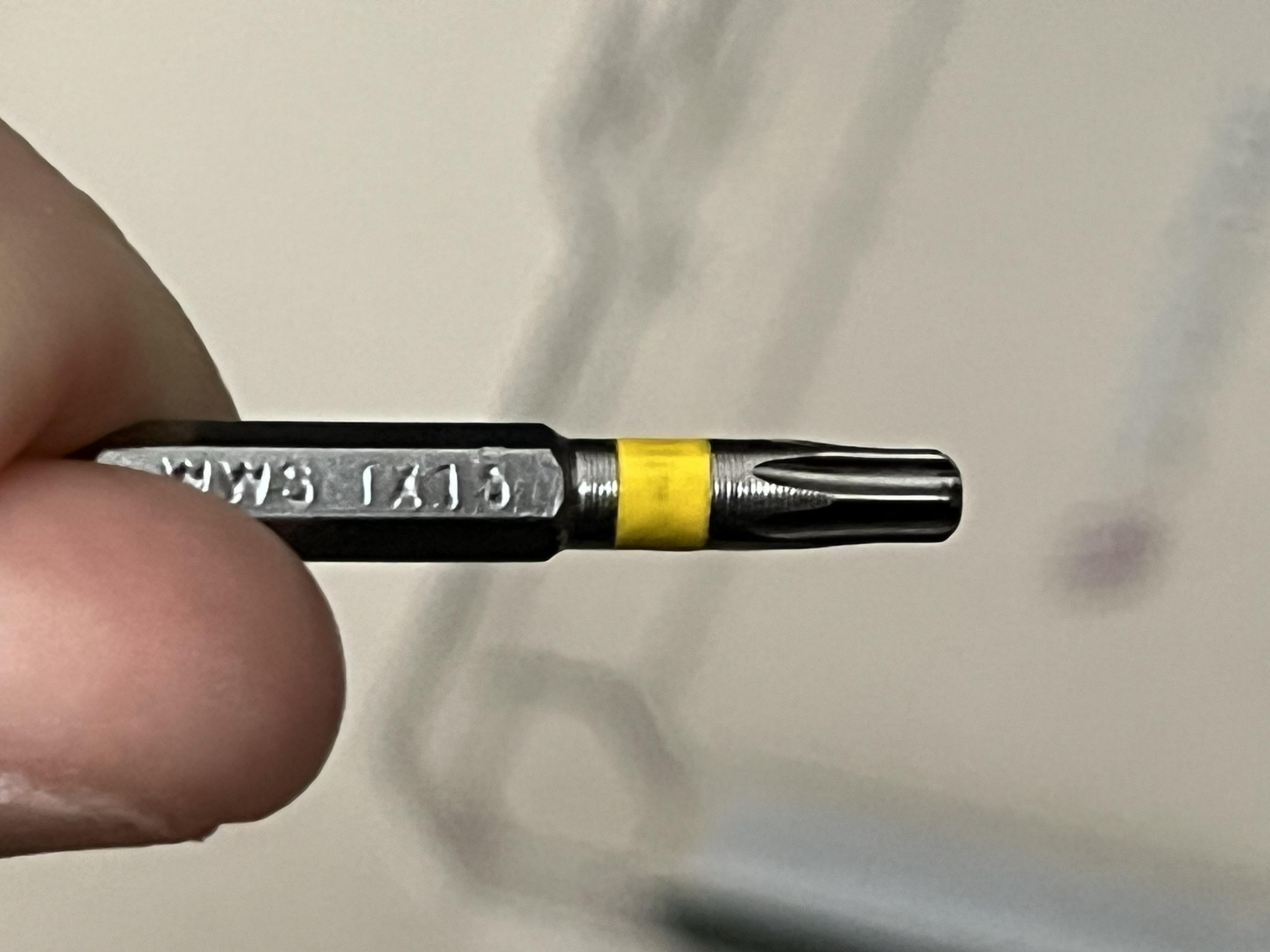
T15 Torex bit
Possibly a flat bladed screwdriver and/or small pry bar
Remove Rubber Plate
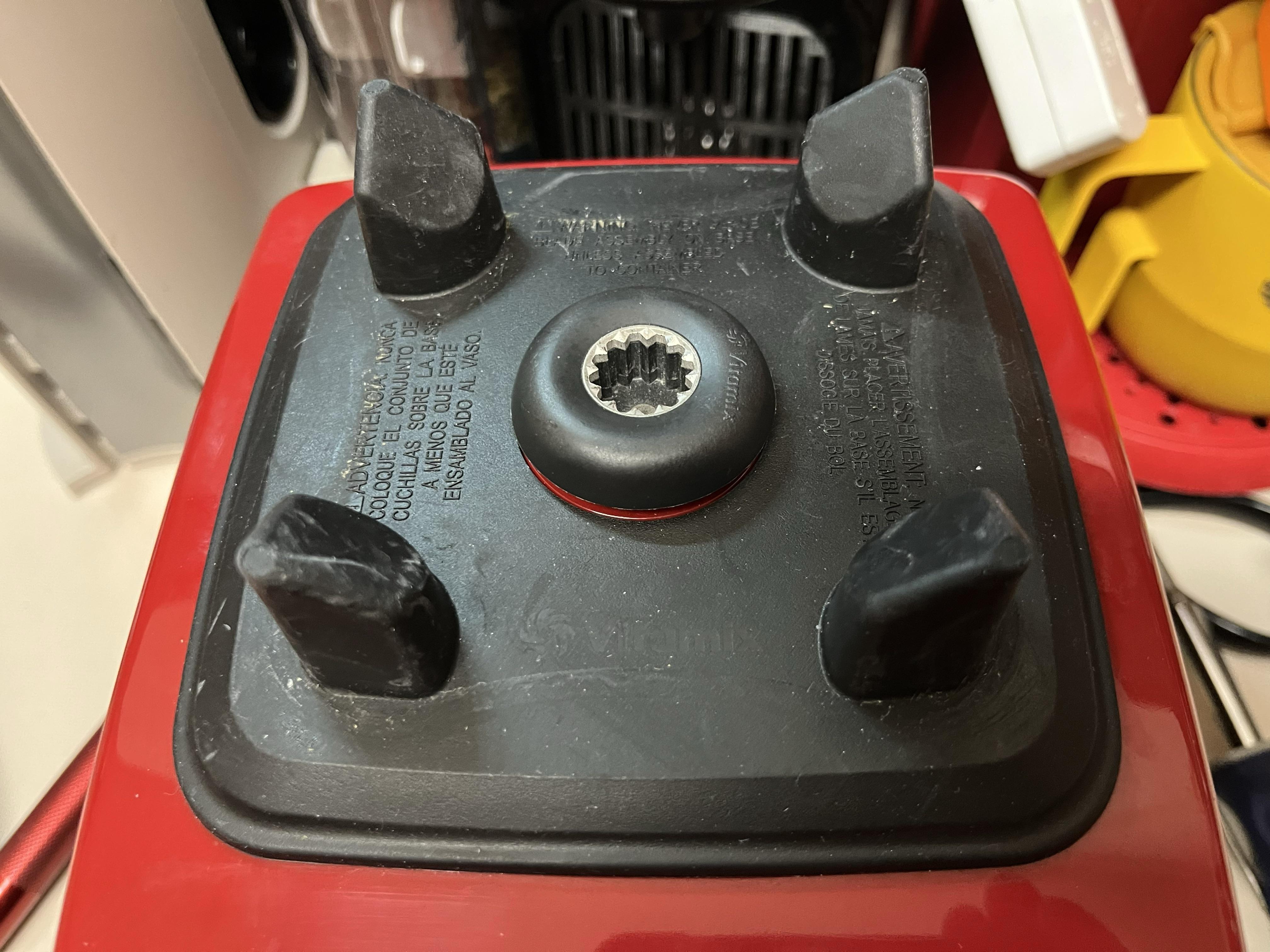
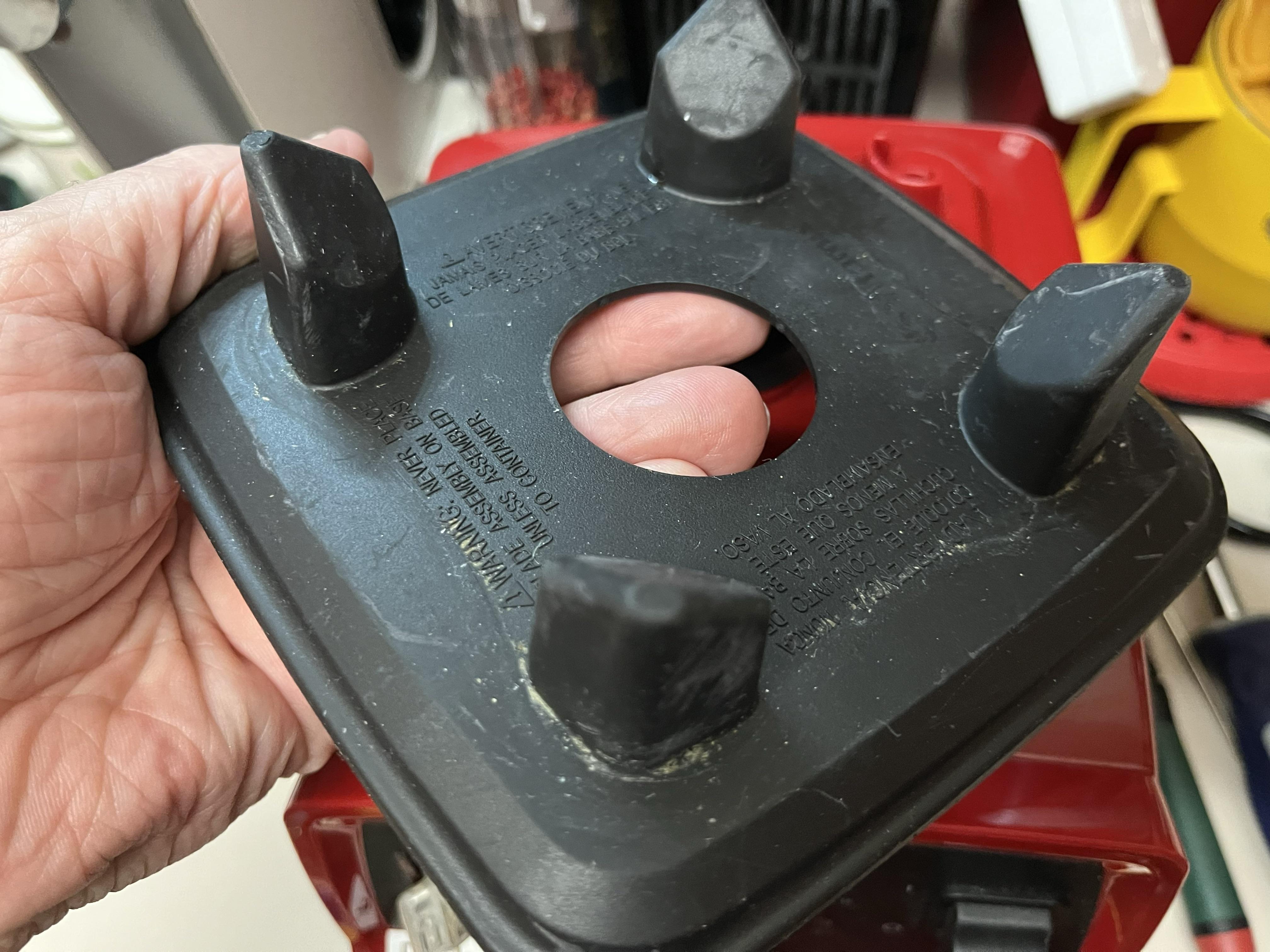
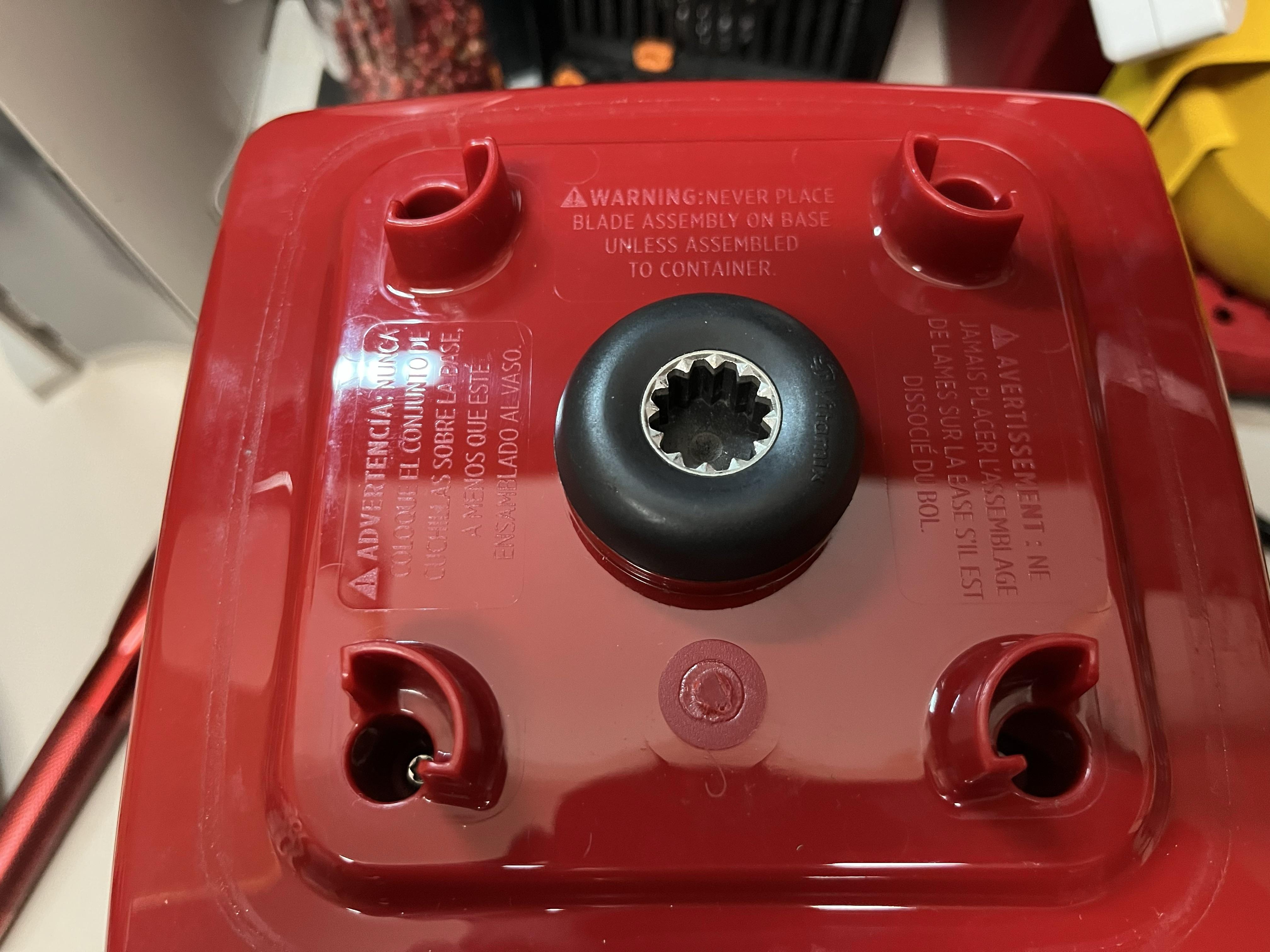
Remove the rubber plate which aligns the blender food container and provides vibration dampening. It is friction fit and is removed by grabbing the four alignment tabs and pulling upward. This is also useful if you need to clean the top of the blender if you get it dirty.
This revealed 4 holes containing screws.
Remove Screws Holding Top
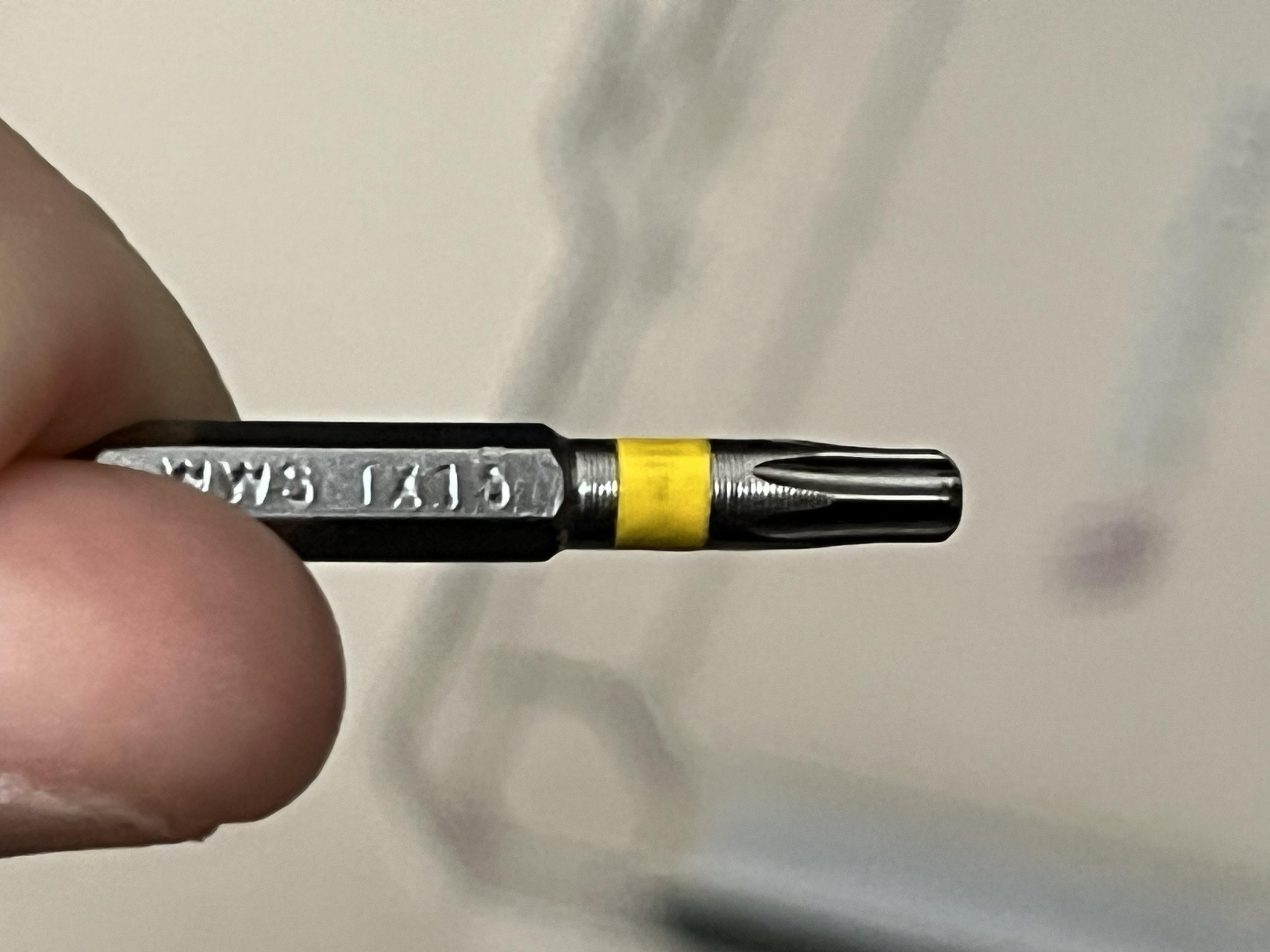
The 4 screws are Torx T15 screws. Unscrew the screws. You may or may not be able to physically remove the screws from the top but it is only necessary to unscrew them.
I was unable to remove the screws after loosening them and I needed to unscrew one or two that re-engaged while I was attempting to lift off the top.
Lift Off the Top
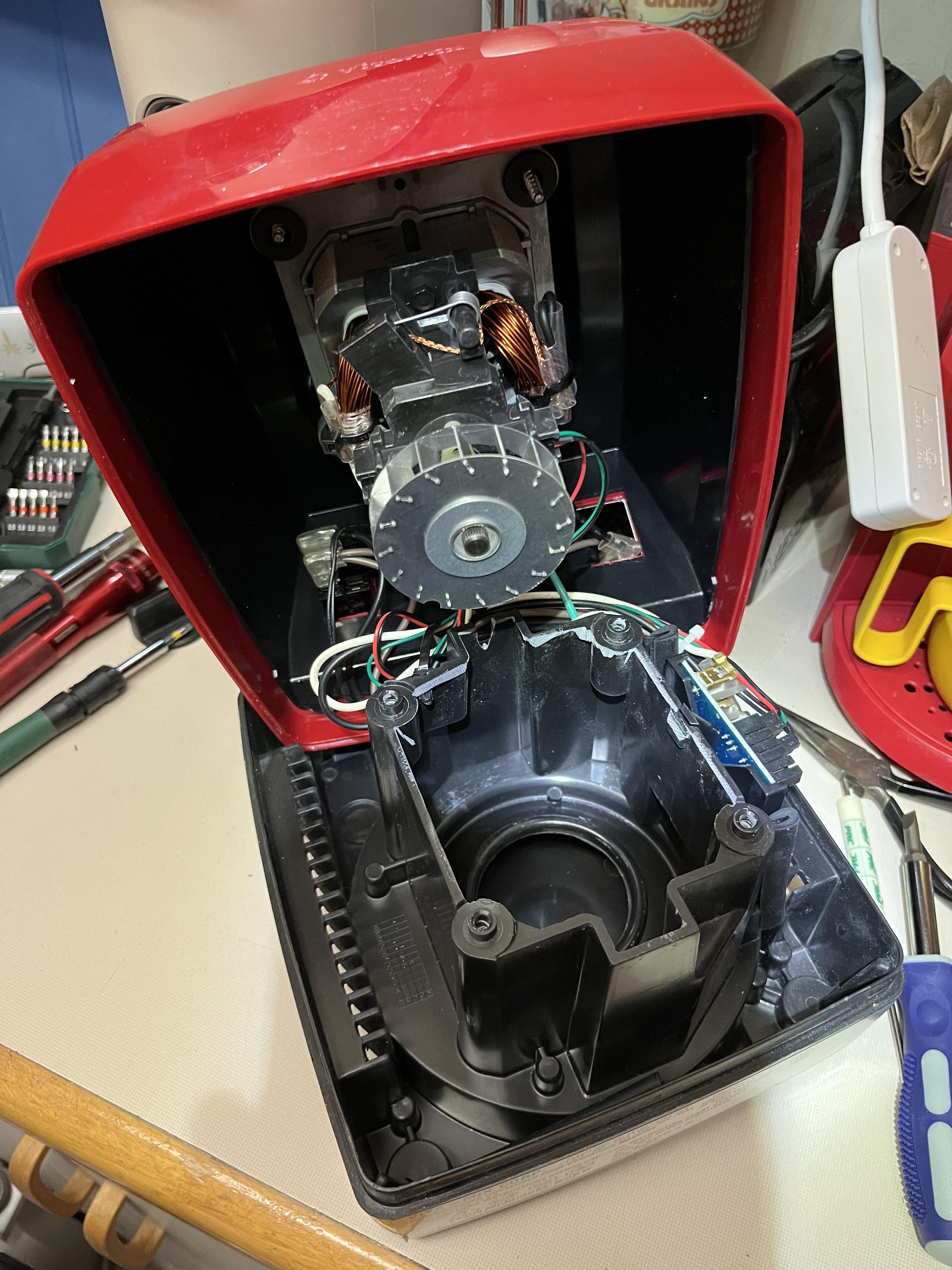
The top is connected by several wires that run from the bottom of the blender to the switches on the top. You may need to play around with how you set the top with the wires attached. The best position for me was with the switches facing down and the top and bottom at 90 degrees.
Unhook the Wires From the Switch
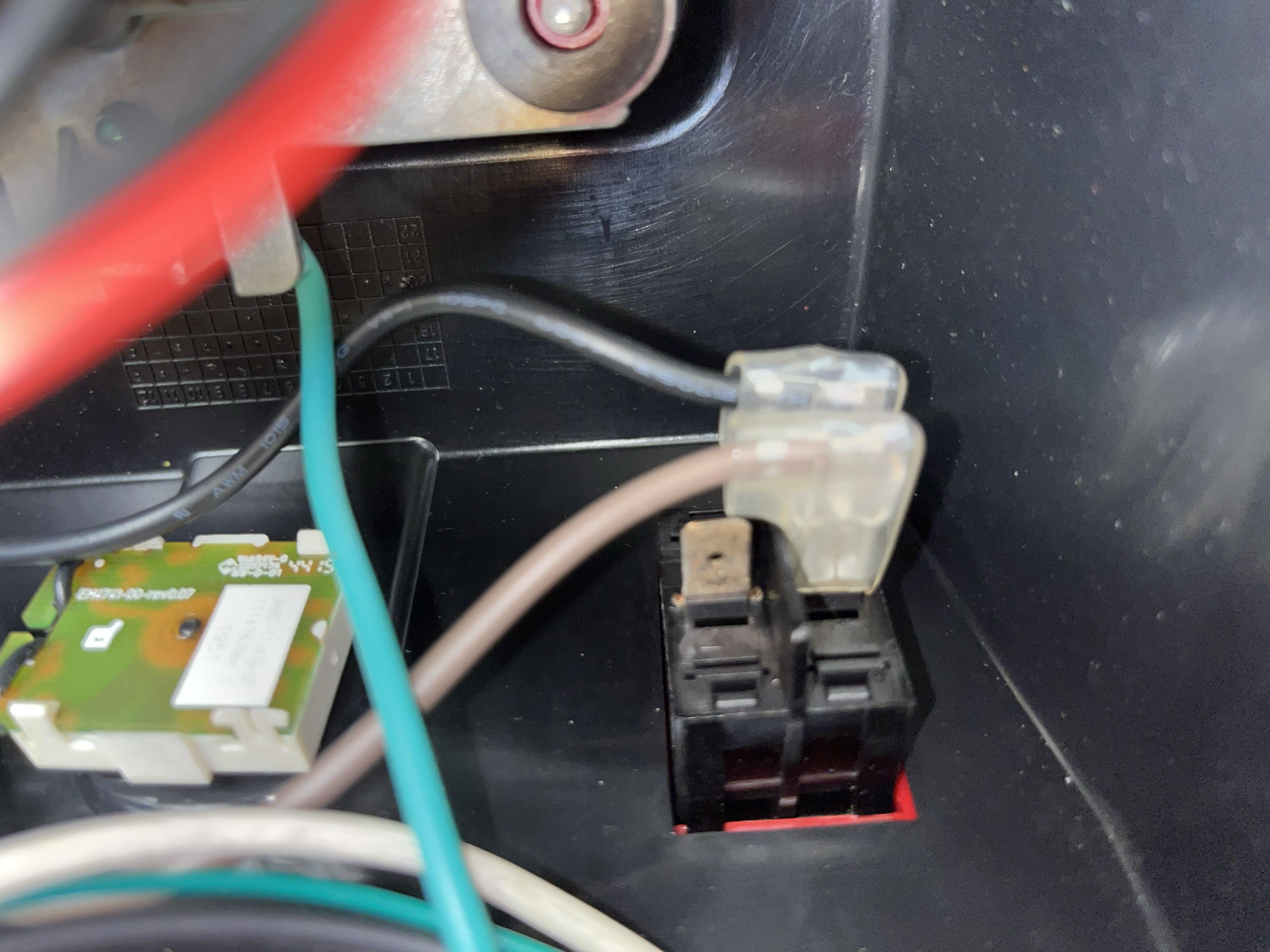
Before you can remove the switch, you need to unhook the wires from the switch posts. There are 2 of them. The black goes to the upper right and the brown to the lower right. The lower left has no wire.
I am not certain if there is a polarity to the wires. I would assume not since this switch acts as a momentary on switch but I kept the wires the same just in case. The color of the wires may be different in your blender so just keep track of them.
Remove the Switch
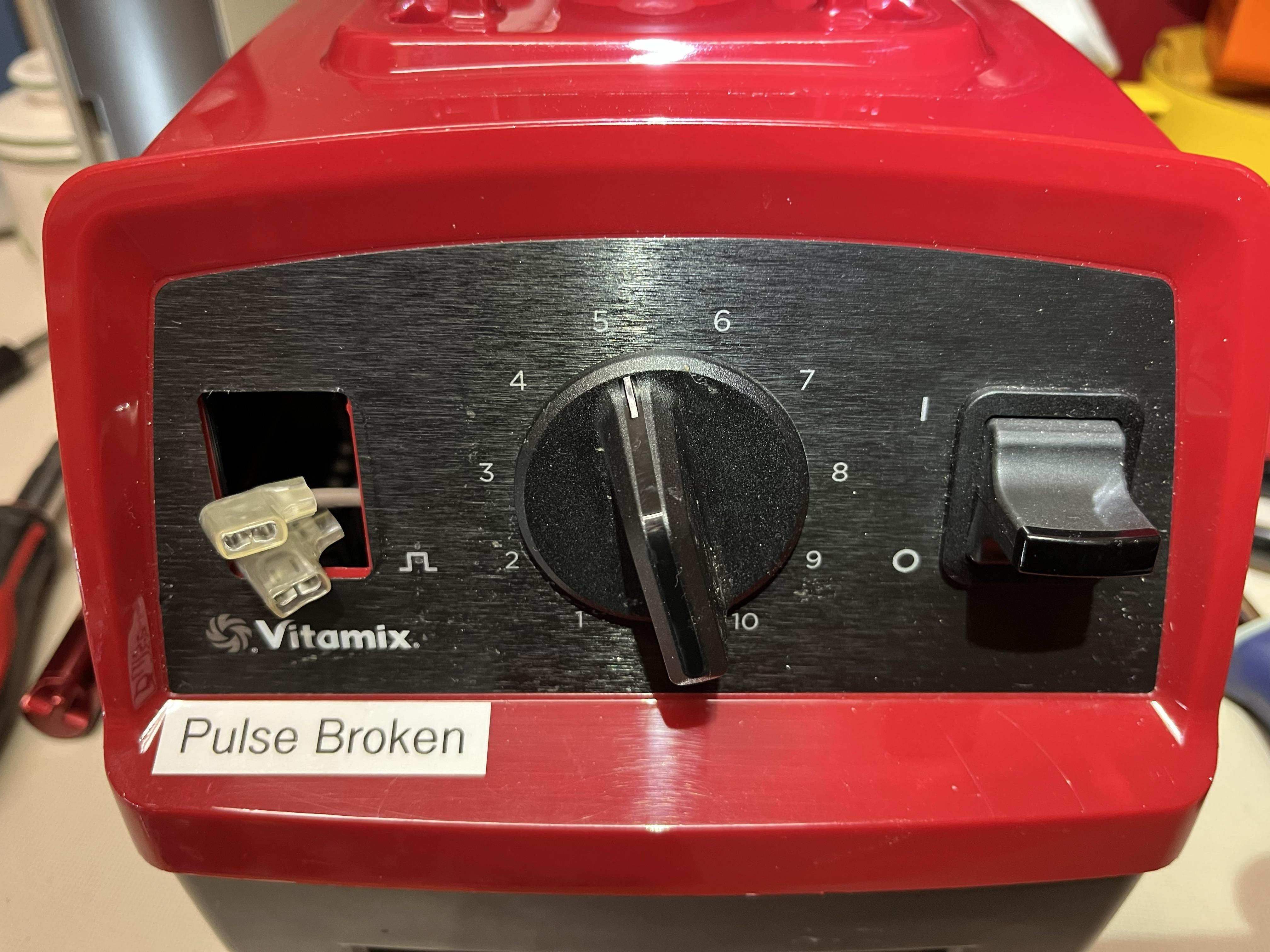
For me, this was the hardest step because the switches are held onto the front faceplate by 4 tabs on the switch. You need to press the tabs against the switch on both the top and bottom in order for the switch to slide out of the hole.
I was able to accomplish this by using a miniature pry bar to reach around to the top (back) tabs and a flat bladed screwdriver to press the bottom tabs.
Note: The blender does work without the pulse switch (although you probably shouldn't leave the wires exposed as I did for example. I am unclear if the blender is working in high or low with the switch removed but my guess is that it is in low mode.
Replace the Switch
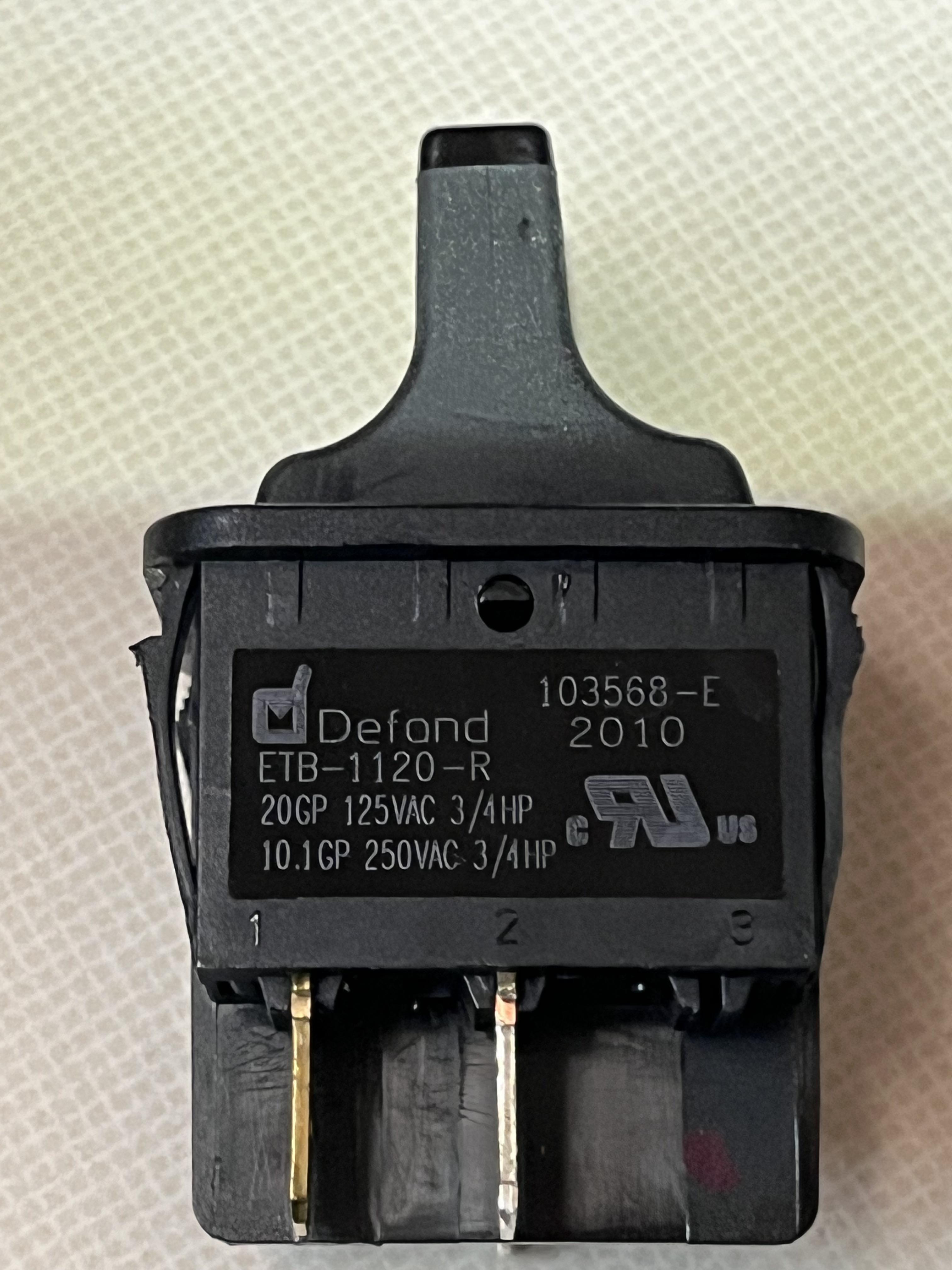
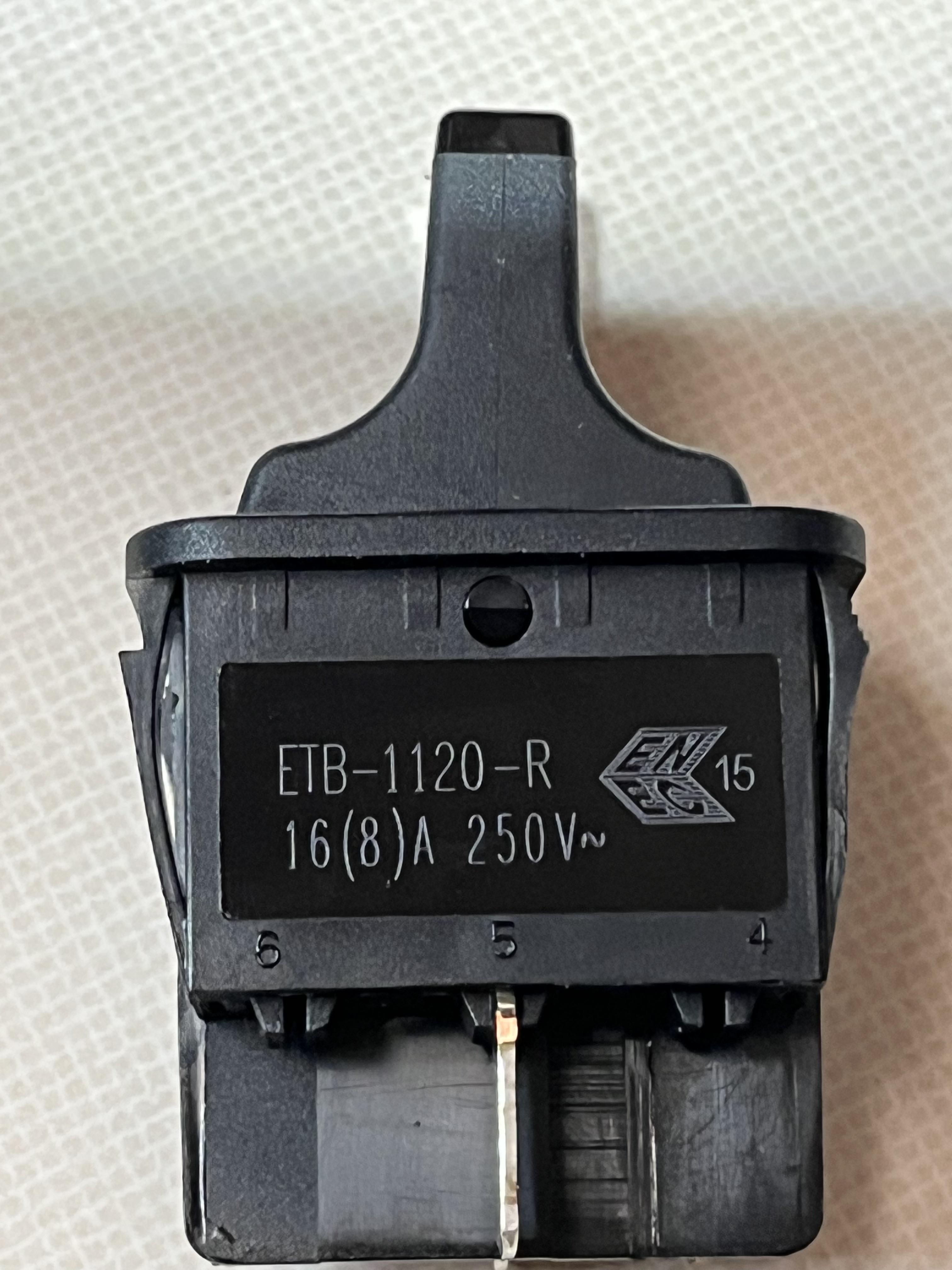
I believe the replacement switch is the Vita-Mix 15733 Momentary Pulse Switch which, at the time if writing this Instructables, is $46 from Vitamix. According to the web page, it is an on/off switch that's normally open. I have not been able to verify this so use it at your own risk.
The information on the switch is as follows:
Defond
ETB-1120-R
20GP 125VAC 3/4HP
10.1GP 250VAC 3/4HP
103568-E
2010
The other side has the following information:
ETB-1120-R
16(*)A 250V
https://www.amazon.com/Vita-Mix-15733-Momentary-Pulse-Switch/dp/B00EC8SJEA?ref_=pb_hm_dp
Reassemble the Cover
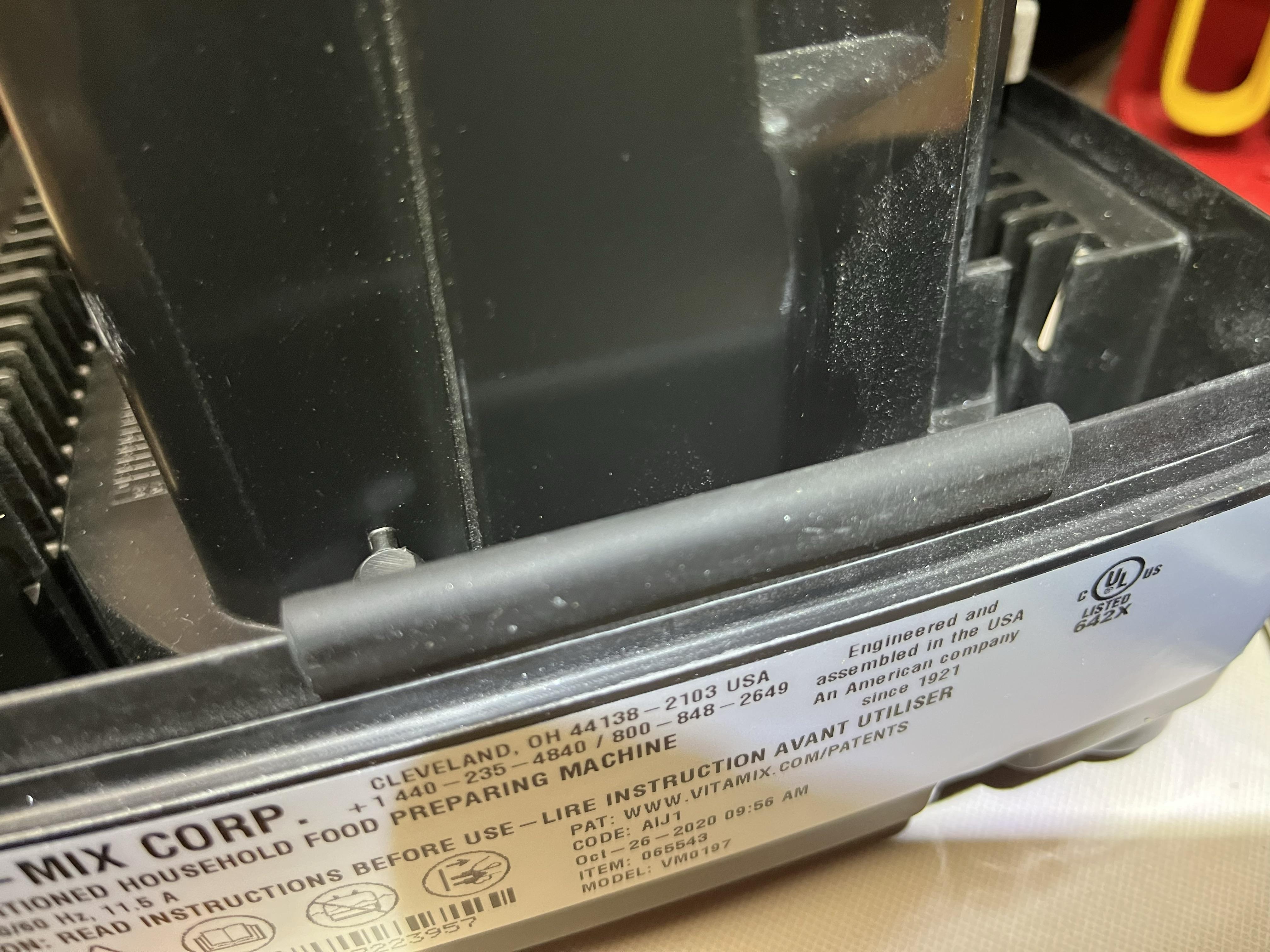
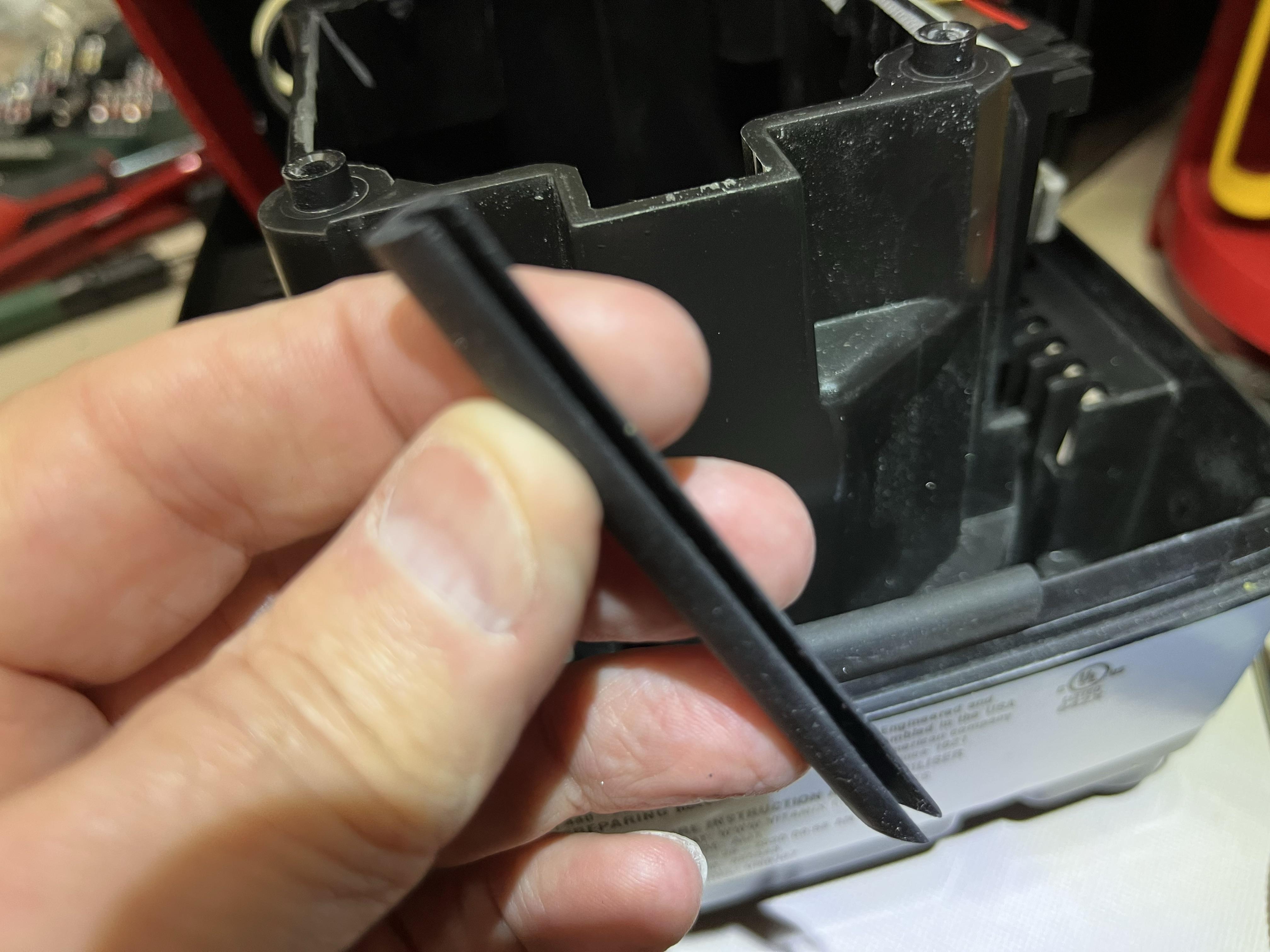
Before you reassemble the blender, verify that the 4 rubber pads are attached to the 4 sides of the bottom. I believe these provide vibration dampening and a snug fit to the top. Replace the top and perform all the steps in reverse.