Reusable Packing for Bottle

What are some of the ways that reusable packaging can impact the community positively?
Reusable delivery packaging positively impacts the community by reducing waste, conserving natural resources, and contributing to a more sustainable environment. Here are some ways reusable packaging can impact the community positively.
By using reusable packaging, businesses can significantly decrease the amount of waste generated, which helps in reducing the burden on waste management systems and landfills.
Reusable packaging systems extend the lifespan of packaging materials, reducing the demand for new production and conserving natural resources.
The energy and resources required to produce and dispose of single-use packaging are higher than those for reusable packaging, contributing to a lower carbon footprint and reducing greenhouse gas.
Implementing reusable packaging solutions encourages community members to participate in sustainability efforts, fostering a sense of community responsibility and environmental stewardship.
Companies that adopt reusable packaging often see an increase in customer loyalty and satisfaction, as customers appreciate commitment to sustainability and the reduction in waste.
By embracing reusable delivery packaging, businesses cannot only benefit from reduced environmental impact but also enhance their brand reputation and foster a positive impact on the community.
Citations
Supplies
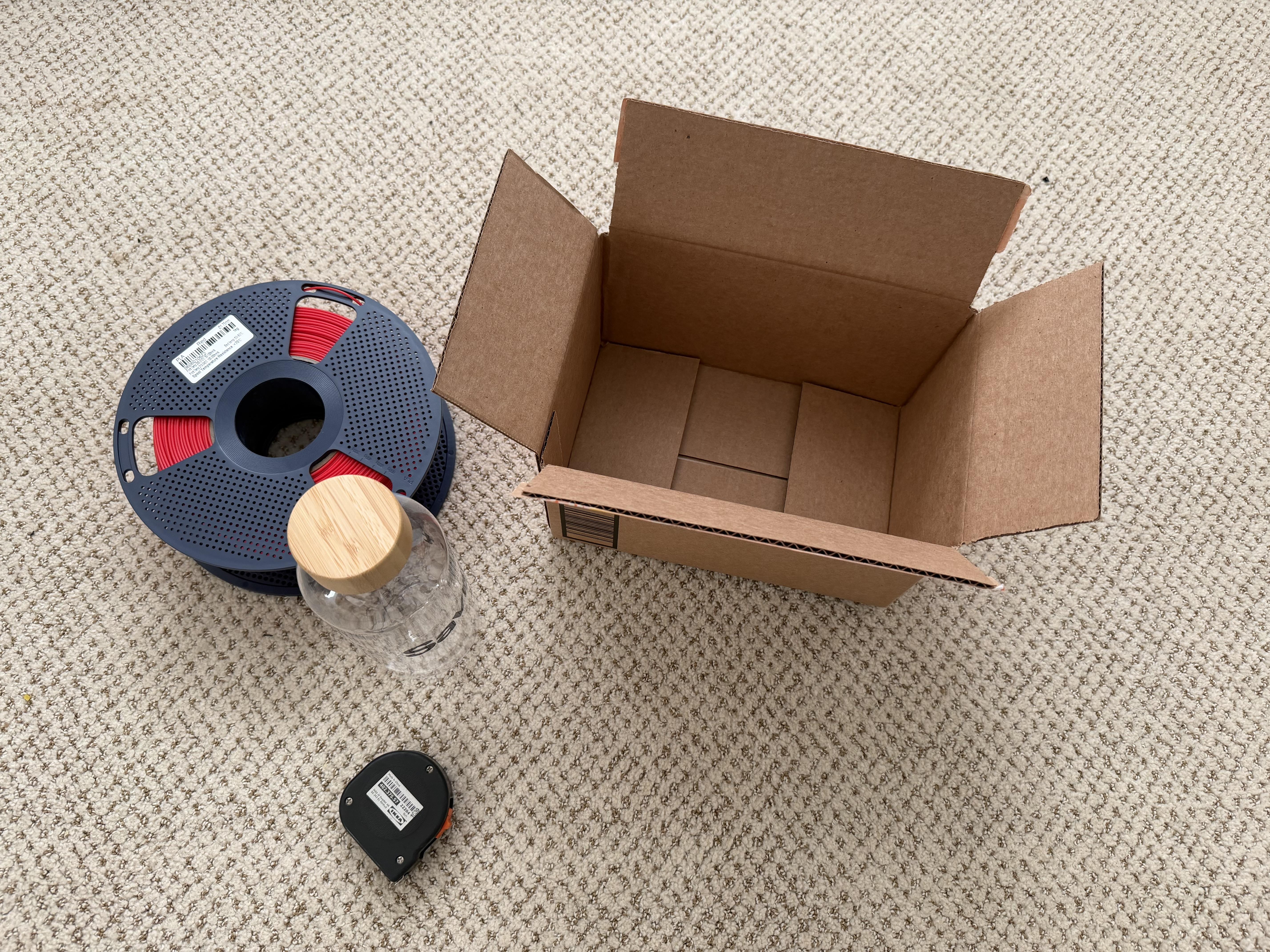
Materials
- Flashforge PLA Filament (Red)
- The Bottle that needs packing
- Box for shipping
Tools
- Flashforge Adventurer 5M 3D Printer
- Measuring Tape
Software
- Tinkercad
Measure the Bottle or Object to Package

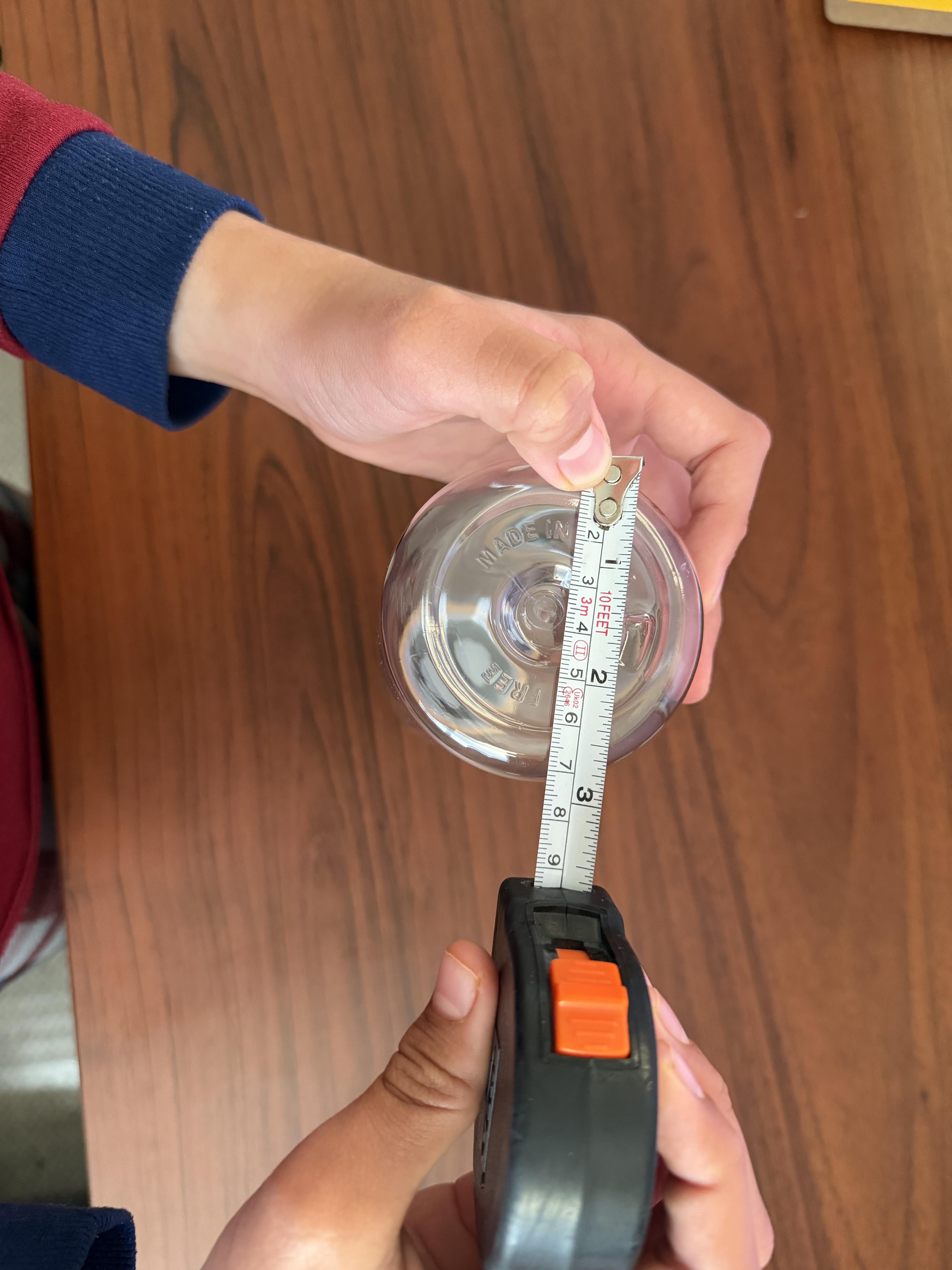

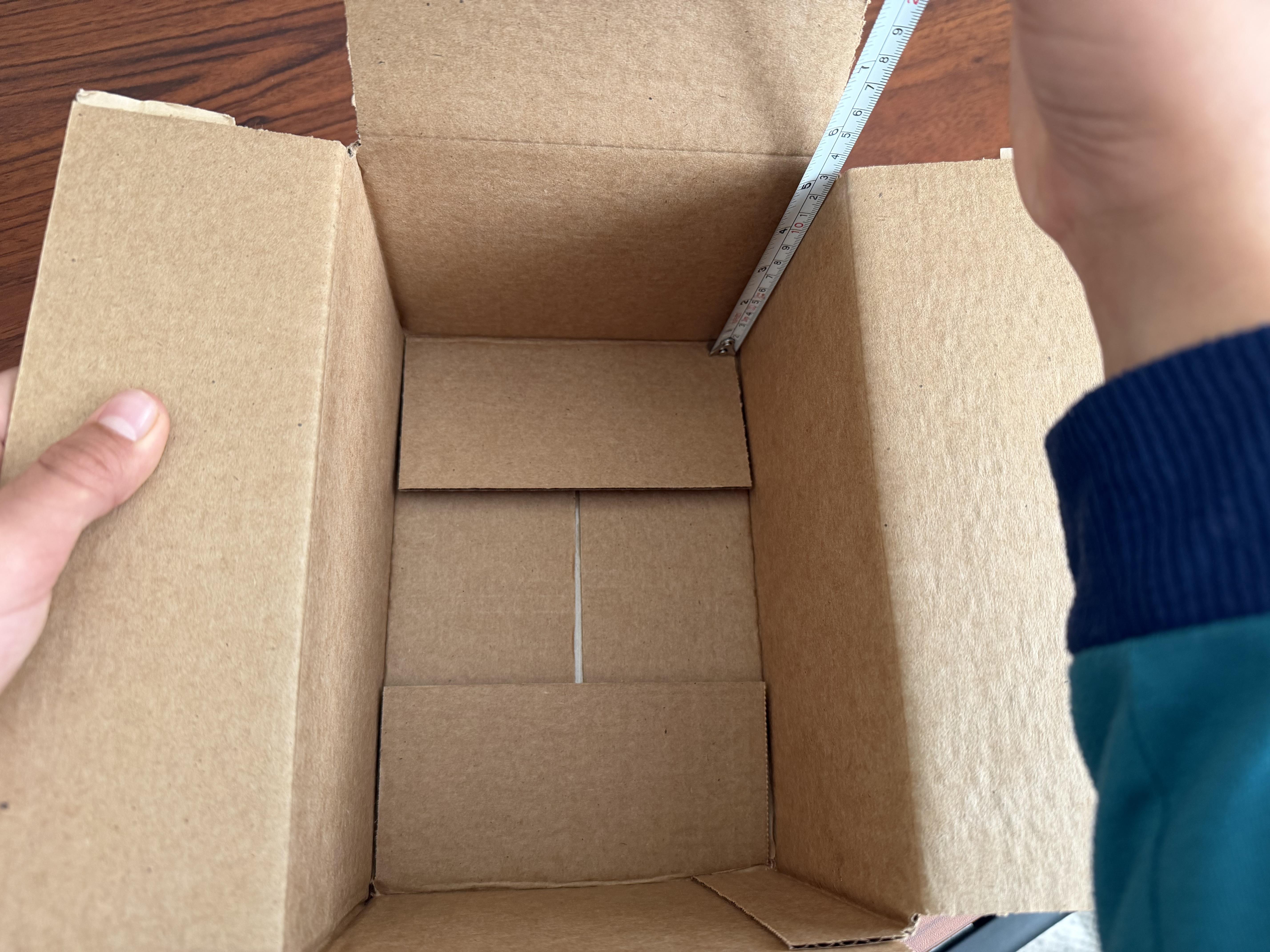
Take a measuring tape and measure the dimensions of the object that is being packaged. In this case we are packing a water bottle. We will measure the top cap's diameter and the diameter of the bottom.
Top Cap Diameter = 50mm
Bottom Diameter = 75mm
We will also mesure the inside dimension of the box that will be used for the packaging.
Box Inside Height = 125mm
Box Inside Width = 150mm
Design in Tinkercad


Design the packaging to be as minimal as possible. For this we will have design that is made of plates to hold the bottle in the box.
We will have two plates designed for the bottom portion of the bottle and we will have two plates for the top portion of the packaging.
Each portion with two plates will have 4 supports.
We will create plates in TinkerCad with the dimensions of 150mm x 125mm.
For the bottom portion, we will create a hole of 80 mm in the center of the plate and for the top portion we will create a hole of 55 mm.
In order to save the filament, we will split the top and bottom support portions into two parts. Part A and Part B.
A combination of Part A and Part B makes the support portion complete.
Export STL File From Tinkercad
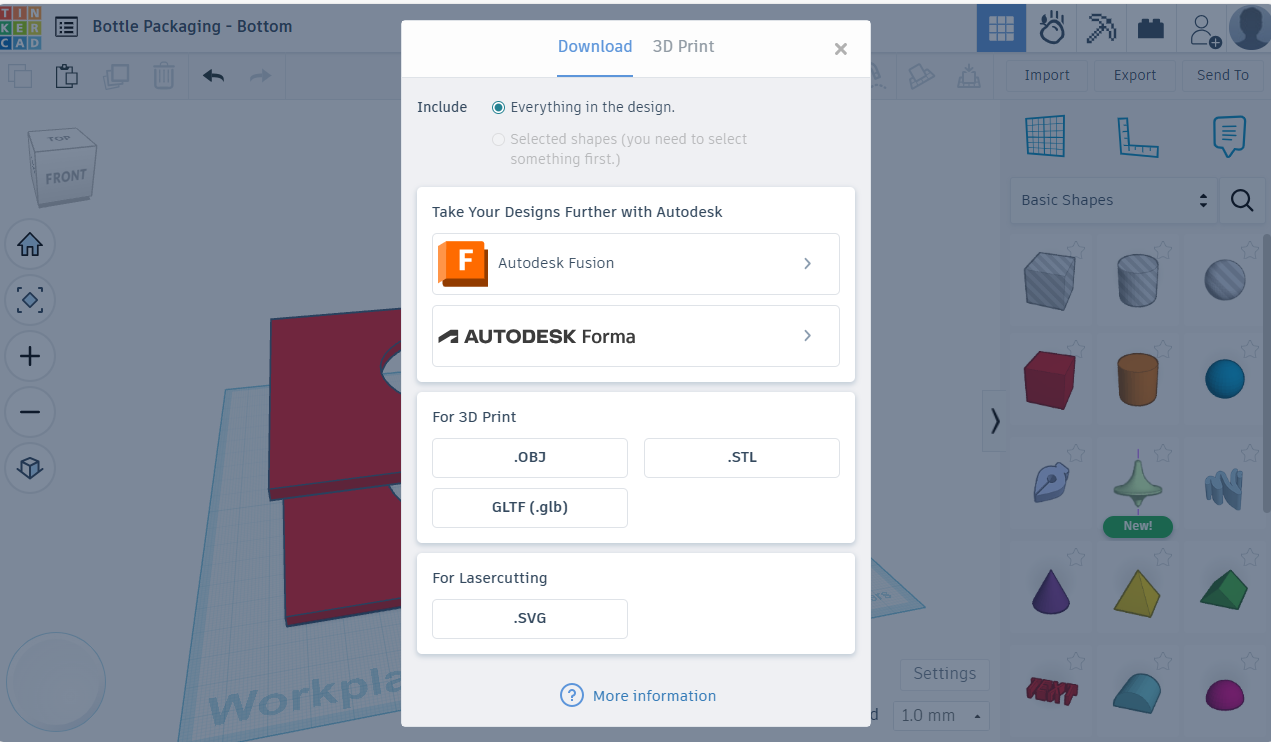
From Tinkercard, we will export all the 3D Designs into a STL file.
Since we have four total parts, we will export the designs into four files.
STL = STereoLithography
STL file format is used to store the designs that can be printed by the 3D printers
Print the Design

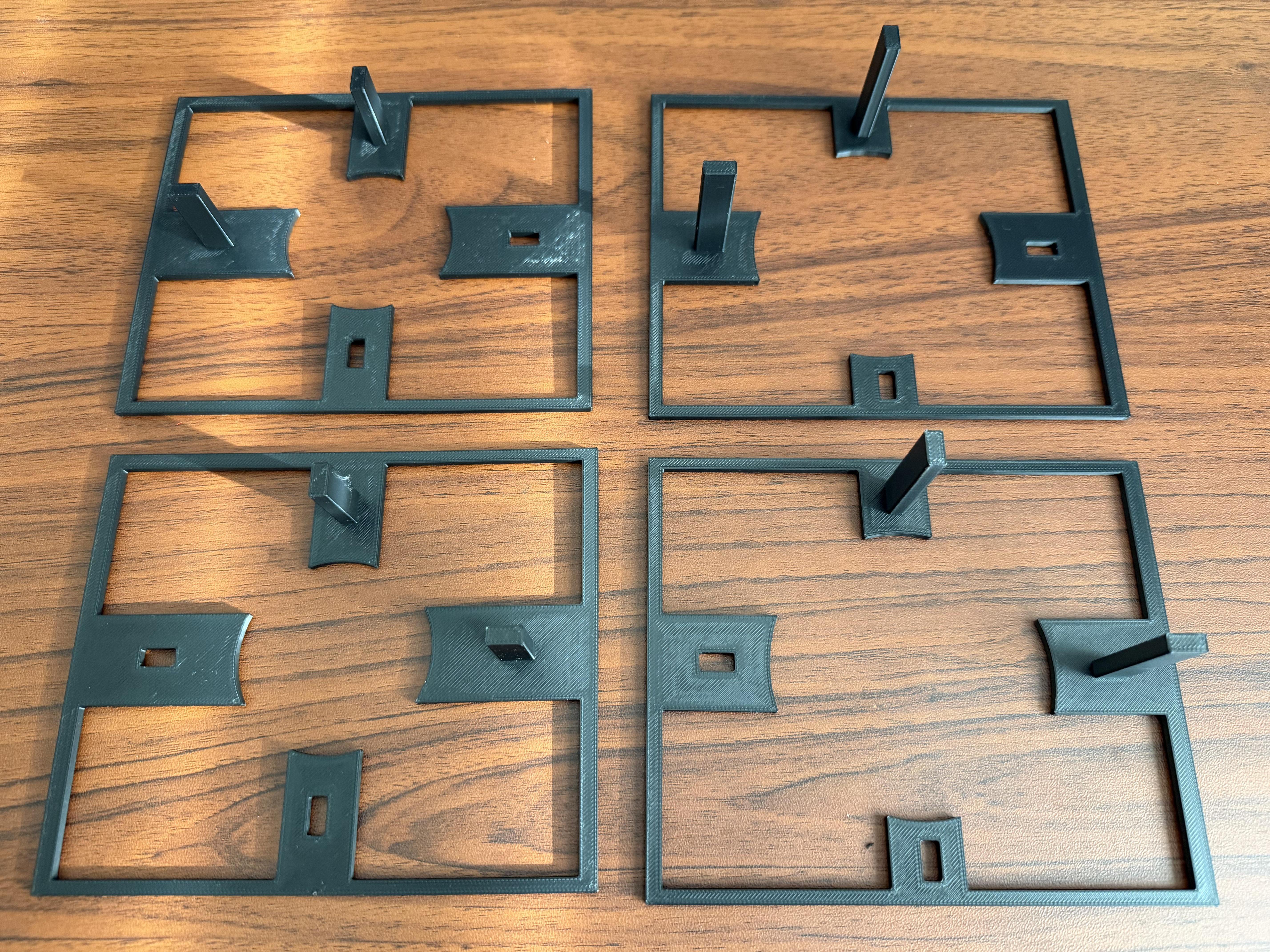
We will use Orca software provided by FlashForge to print our 3D Design.
- First we will import the STL in the Orca software and then we will slice the plate (which is a necessary step before printing the design).
- Once this step is done, we will send the design to be printed.
We will perform the steps of import and printing for all four parts. Two parts for the top packaging and two parts for the bottom packaging.
Note: 3D Printer setup, loading filament etc. are not part of these instructions
Put the Object in the Packaging
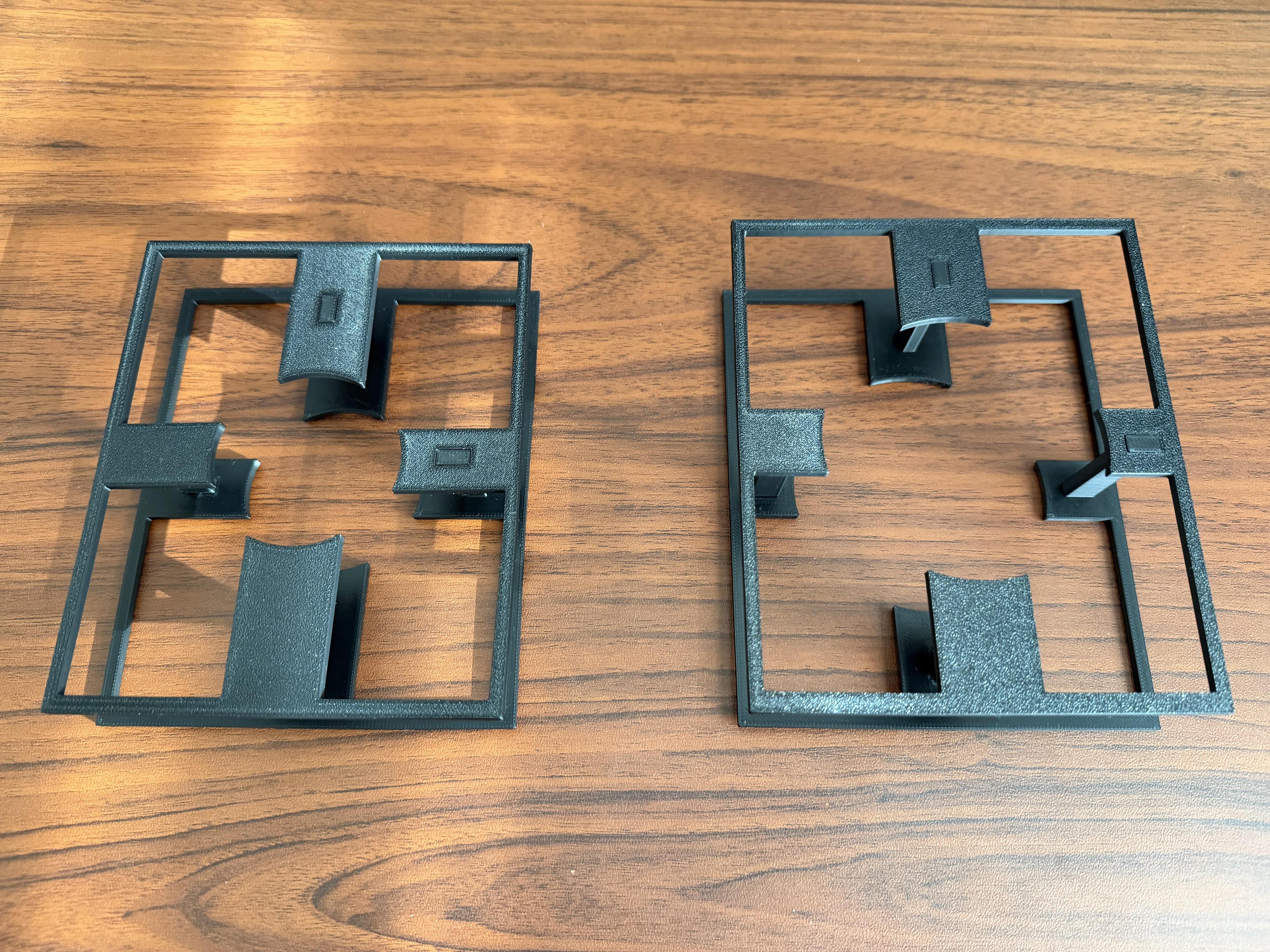
Now we will put the two parts of each portion together to make them ready for packaging.
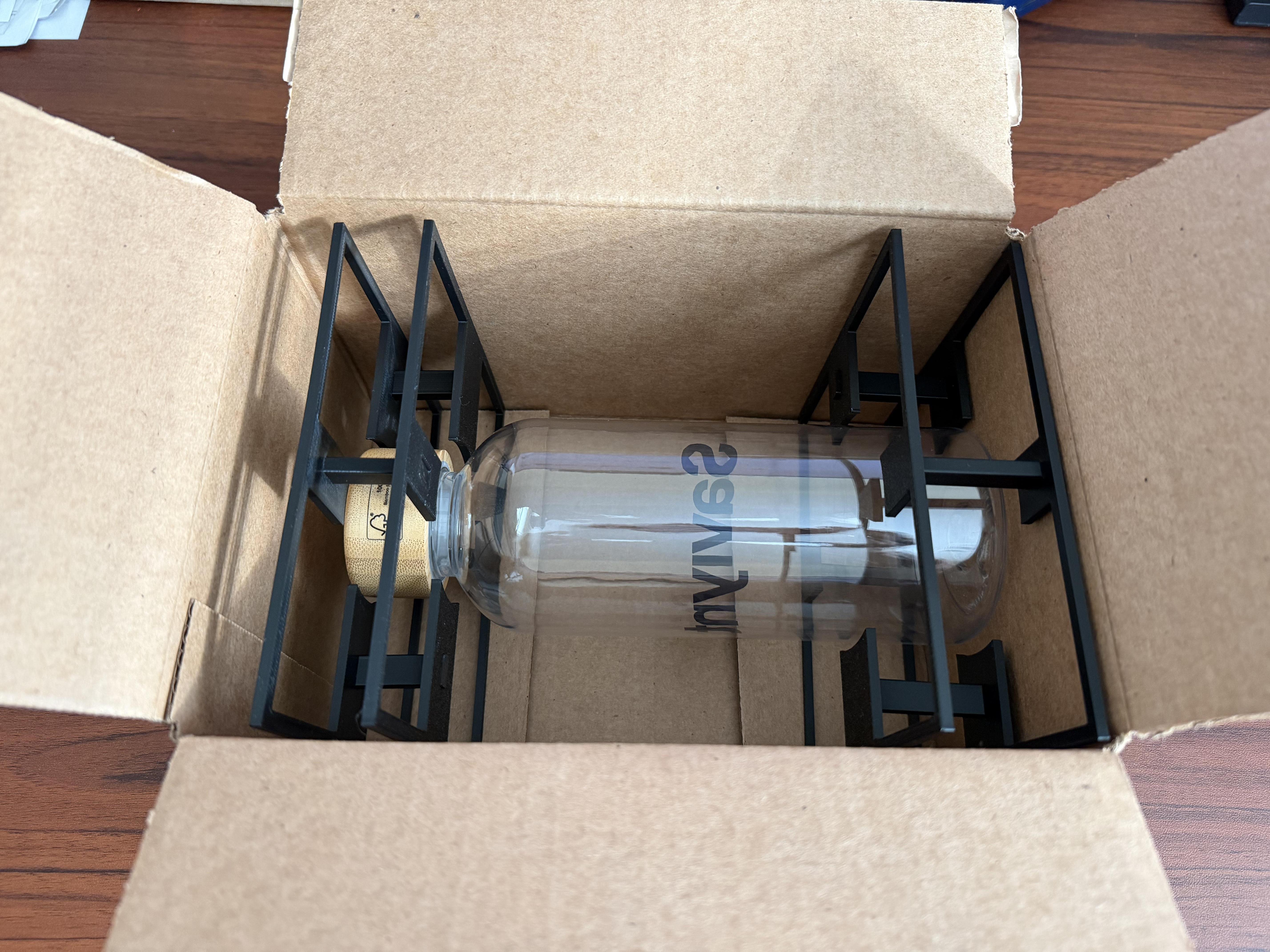
We will take the bottle to be packaged and put it in the top and bottom portion of the packaging and then put it in the box.
Close the box and we are ready for the shipping!!!!