Santa Cruz V10
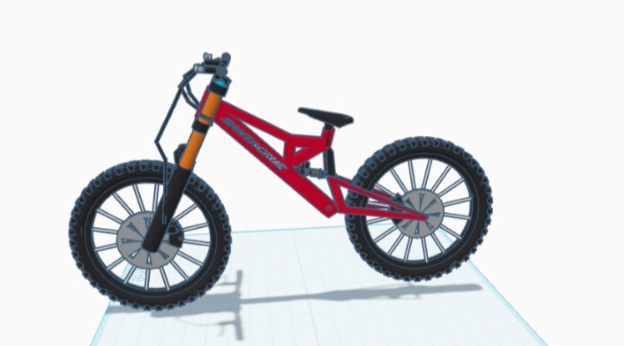
This is how to make the Santa Cruz V10 Downhill Bike in tinker cad
Supplies
you need tinkercad
Create the Spokes

First you will need 16 of thin cylinders to make the spokes(0.91 wide and 27.40 long)

now arrange them in a circle with all of them pointing out and select them all and press Ctrl+G to group
Make the Tires
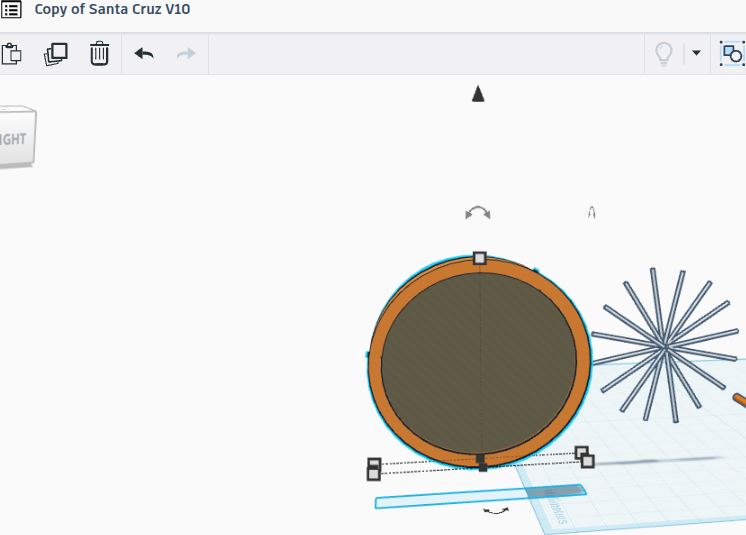

this is hard to do with texture so either use the hole block or make a thin cylinder that has a hole in it. Then Group it
Put the Spokes in the Tires
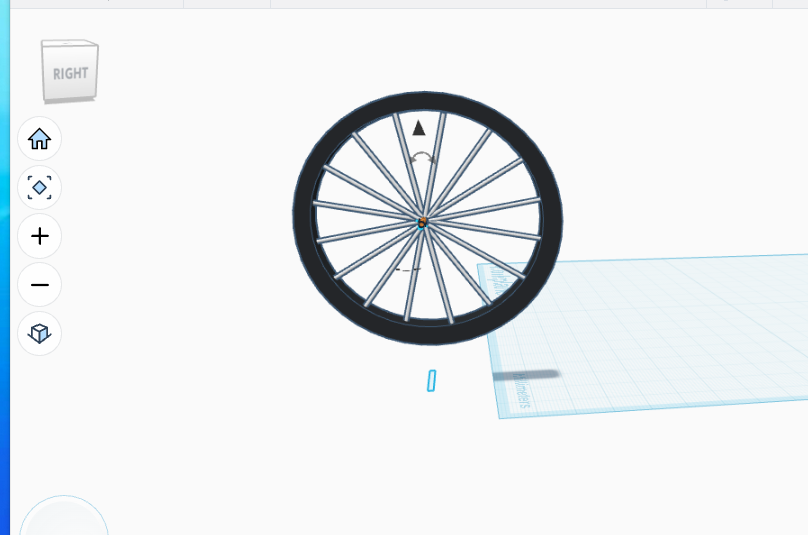
align the spokes with the tires
Now Duplicate It
Just group the spokes with the tires and Ctrl+c then Ctrl+v
Now to Make the Frame
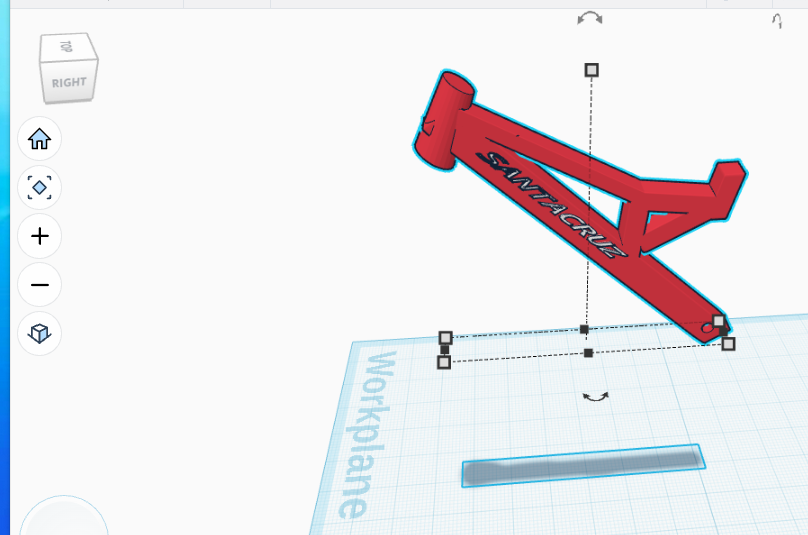
Make the frame out of different sized rectangles and a cylinder. If you want text on it make the text as a hole and make the hole by grouping it with the part you want it on and the put the text in the hole so it can look like a part of the bike.
Making the Seat
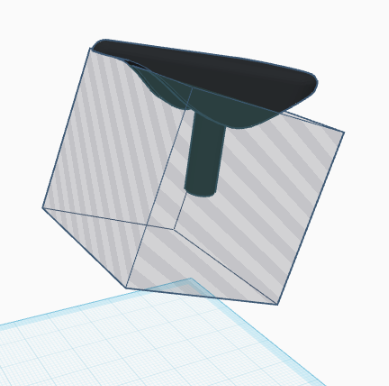
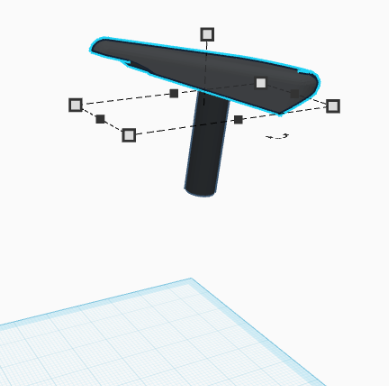
make a part that looks like a taco and then add a hole to the bottom. The put a cylinder that will be the seat post
The Rear

make a rear suspension with a spring or without spring. Find or make a brake caliper and rotor. Then make the prices that hold on the wheels.
Front Fork and Handlebars
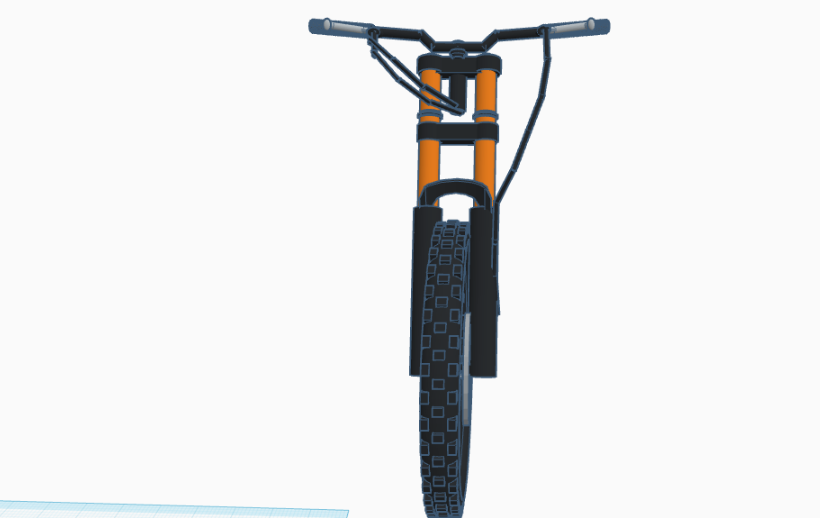
Either find or make handlebars and brakes. If you want to add brake lines you can but you don't have to. The take 4 cylinders make 2 of them the same and the other 2 the same. Then make the connector piece. Finally add the brakes from earlier and the wheel.
Put the Whole Thing Together

assemble the rest. It may take some resizing and angle changing but the finished product should look really nice