Sensora: Real-time Wireless Rain Gauge Station
by SitiNadiahTusiman in Circuits > Raspberry Pi
91 Views, 0 Favorites, 0 Comments
Sensora: Real-time Wireless Rain Gauge Station
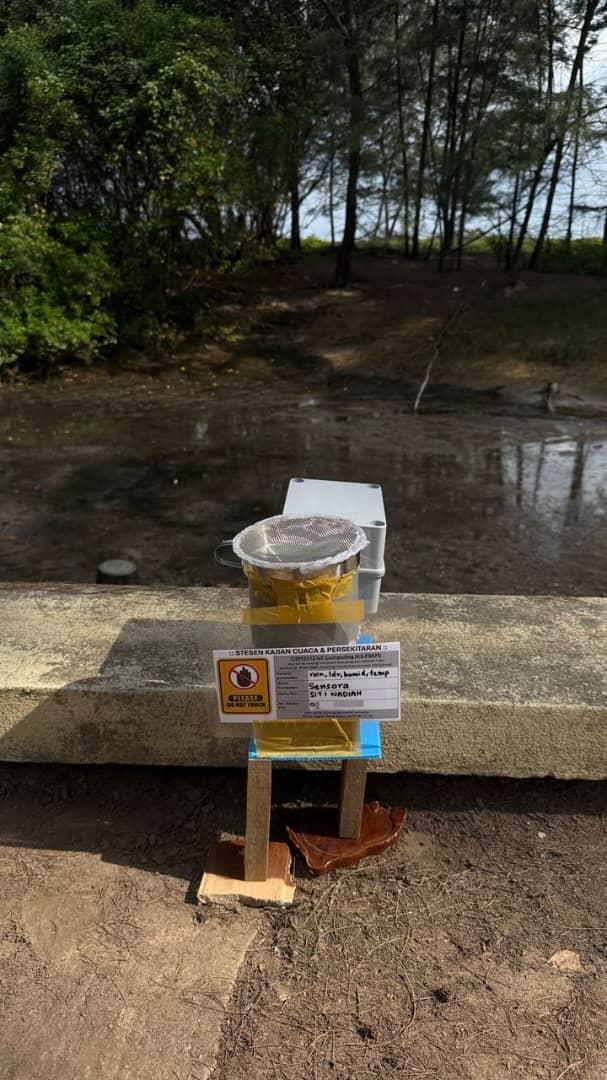
In the modern era of Smart Agriculture and Disaster Management, monitoring weather patterns such as rainfall has become essential for precise, data-driven decision-making. Traditional rain gauges often require manual measurement and constant physical presence at the site, which is highly inefficient for real-time analysis and remote monitoring. Developed by Group Sensora for the CSM3313 IoT Computing course, this project introduces an automated Real-time Wireless Rain Gauge Station powered by the Raspberry Pi to overcome these limitations.
The system designed by Sensora features a multi-sensor approach to provide a comprehensive environmental profile. At its core is a tipping bucket mechanism used for accurate precipitation measurement, where each 'tip' is registered electronically for digital data collection. Integrated with the system is an LDR (Light Dependent Resistor) sensor, which is used to determine ambient light levels. This allows the station to track light intensity throughout the day, providing additional context to the weather data collected. Furthermore, the system leverages the Raspberry Pi’s internal CPU temperature sensor to monitor the device's thermal state and provide general temperature trends during operation.
Operating as the central processing hub, the Raspberry Pi executes Python-based scripts to collect and analyze data from these sensors. By utilizing built-in Wi-Fi capabilities, Sensora’s system transmits the recorded rainfall intensity, light levels, and temperature readings wirelessly to the ThingSpeak cloud platform. This integration of Internet of Things (IoT) technology allows users to access a web-based dashboard from any location, demonstrating a robust end-to-end solution that combines hardware sensing, high-level computing, and cloud-based data visualization.
Supplies

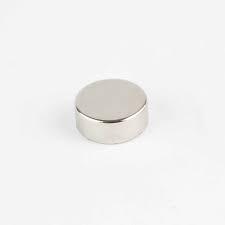
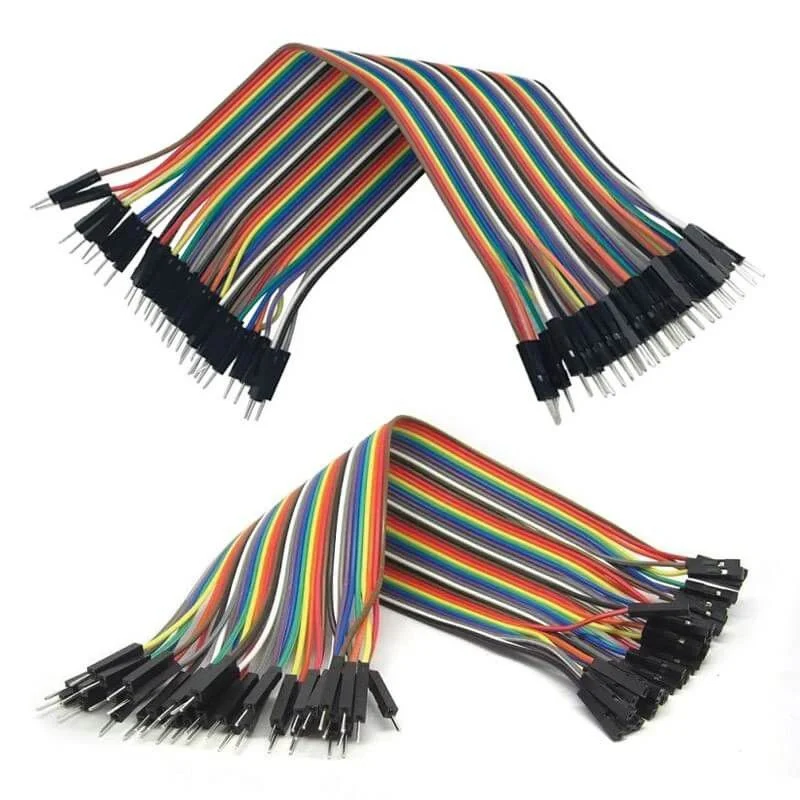

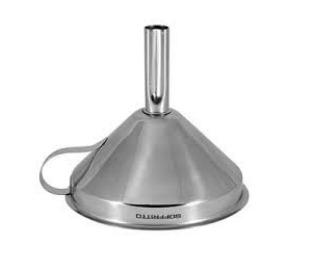
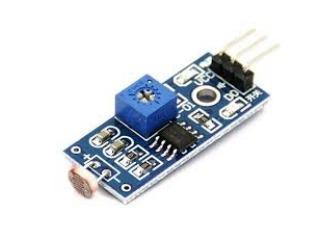
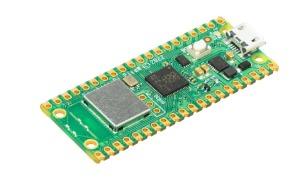
- Tipping bucket (3D printed)
- Small metal rod (pivot)
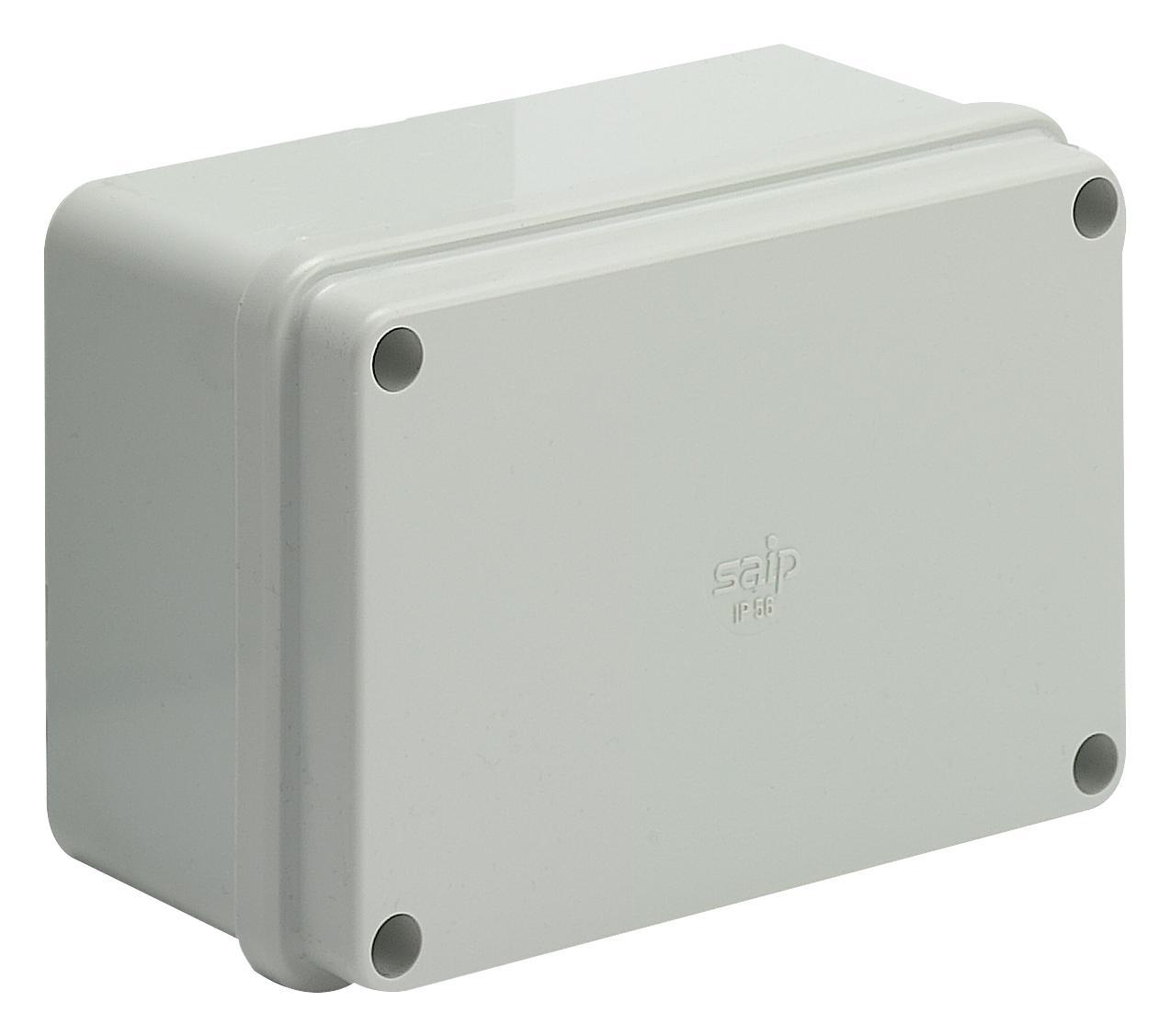
- Wheaterproof PVC electrical box (6 x 4 x 4) & (4 x 4 x 4)
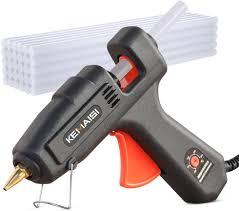
- Hot glue gun
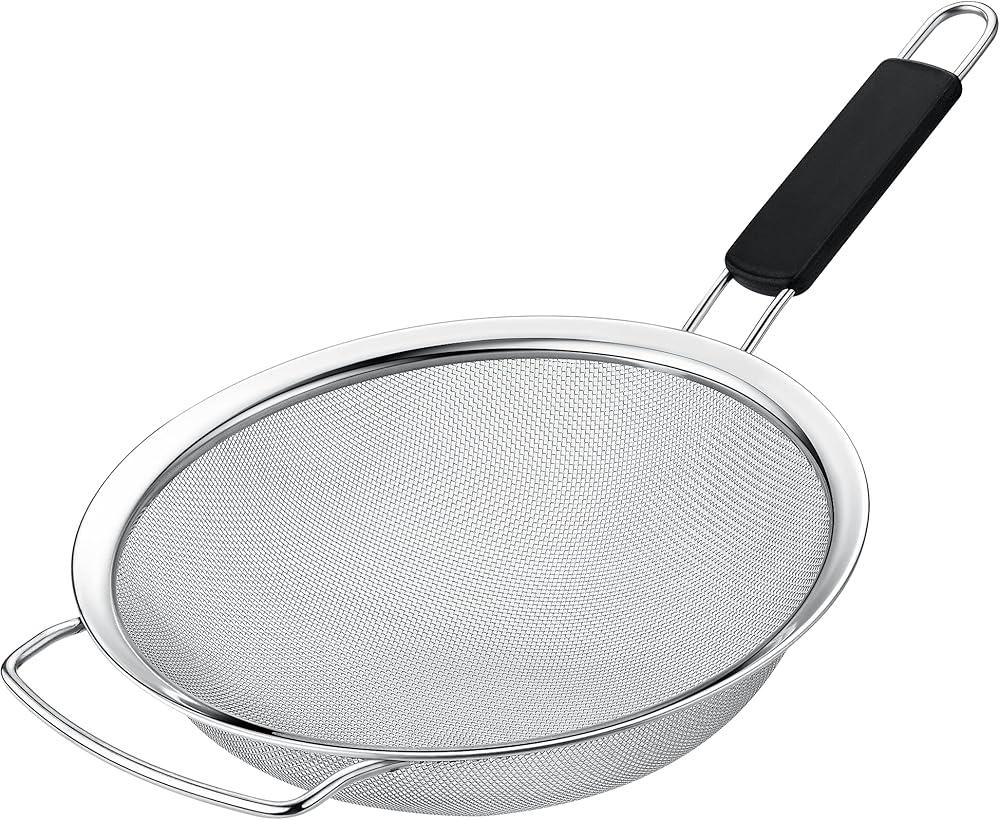
- Fine mesh (from strainer)
- Reed switch
- Small magnet
- Jumper wires
- Raspberry Pi Pico
- Breadboard (8.5 x 5.5)
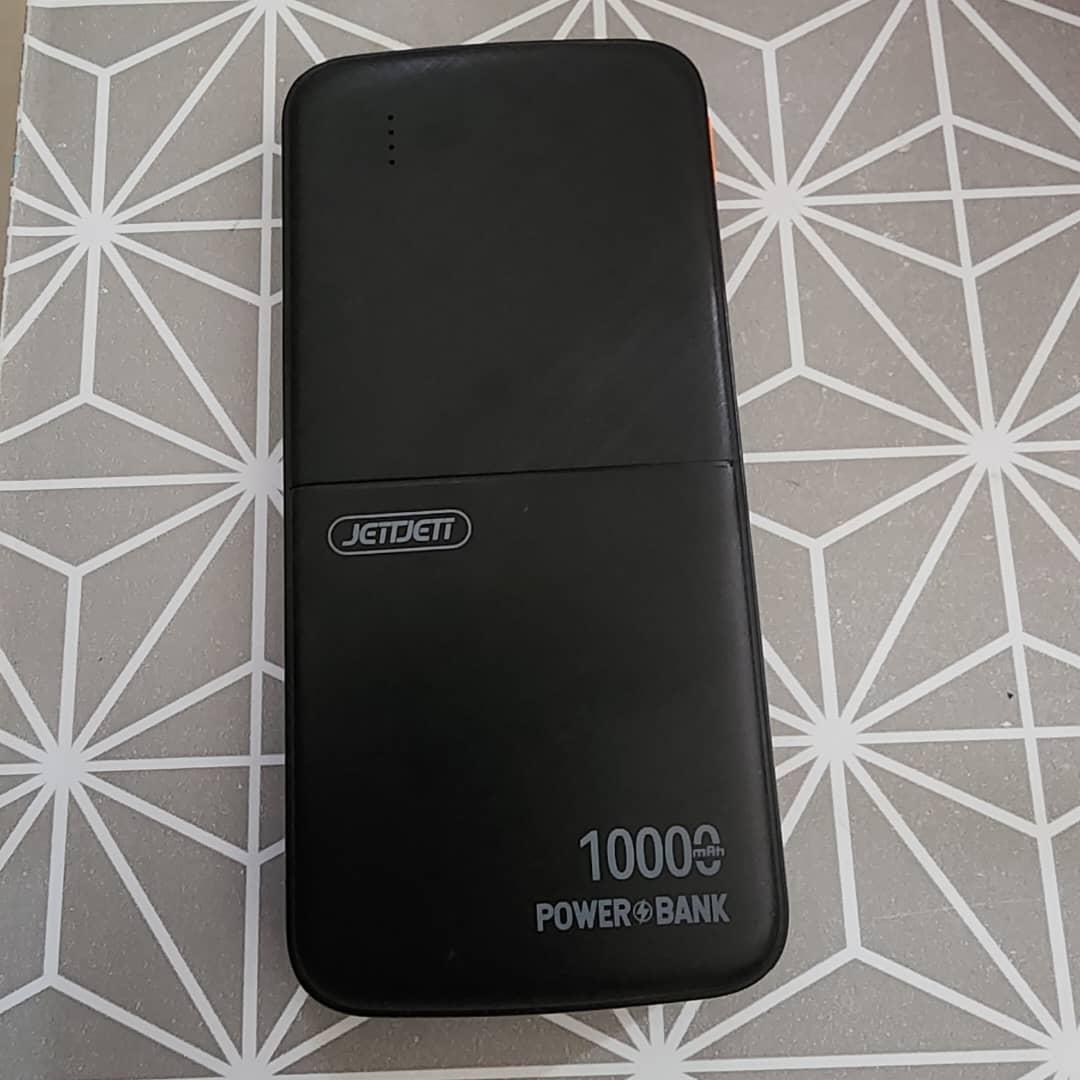
- Powerbank (10,000mah)
- Funnel
- LDR Sensor
- Impra board (any suitable size)
- cylinder pipe pvc (any suittable length)
Building Your Circuit
Here is the circuit diagram for connecting your sensors to the Raspberry Pi Pico W. This setup includes the tipping bucket rain gauge and the LDR light sensor.
This circuit uses a Voltage Divider for the light sensor. This allows the Raspberry Pi Pico to read the changing resistance of the LDR as a voltage change.
Explanation:
- LDR Light Sensor (Voltage Divider):
- The Path: Current flows from 3V3 → through the LDR → to GP26 → through the Resistor → to GND.
- Connections:
- One leg of the LDR connects to 3V3 (Pin 36).
- The other leg of the LDR connects to GP26 (Pin 31).
- One leg of your 2.2kΩ Resistor also connects to GP26 (Pin 31) (sharing the spot with the LDR leg).
- The other leg of the Resistor connects to GND (Pin 38).
- Tipping Bucket Rain Gauge:
- Connect one wire to GP15 (Pin 20).
- Connect the other wire to GND (Pin 18)
Note: The polarity (which wire goes where) does not matter for this switch. Our Python code enables an internal pull-up resistor on GP15, so no external resistor is needed.
Take your time to build the circuit carefully. Double-check all your connections against the diagram before powering on your Pico W to ensure everything is wired correctly.
Downloads
Building Rain Gauge Sensor
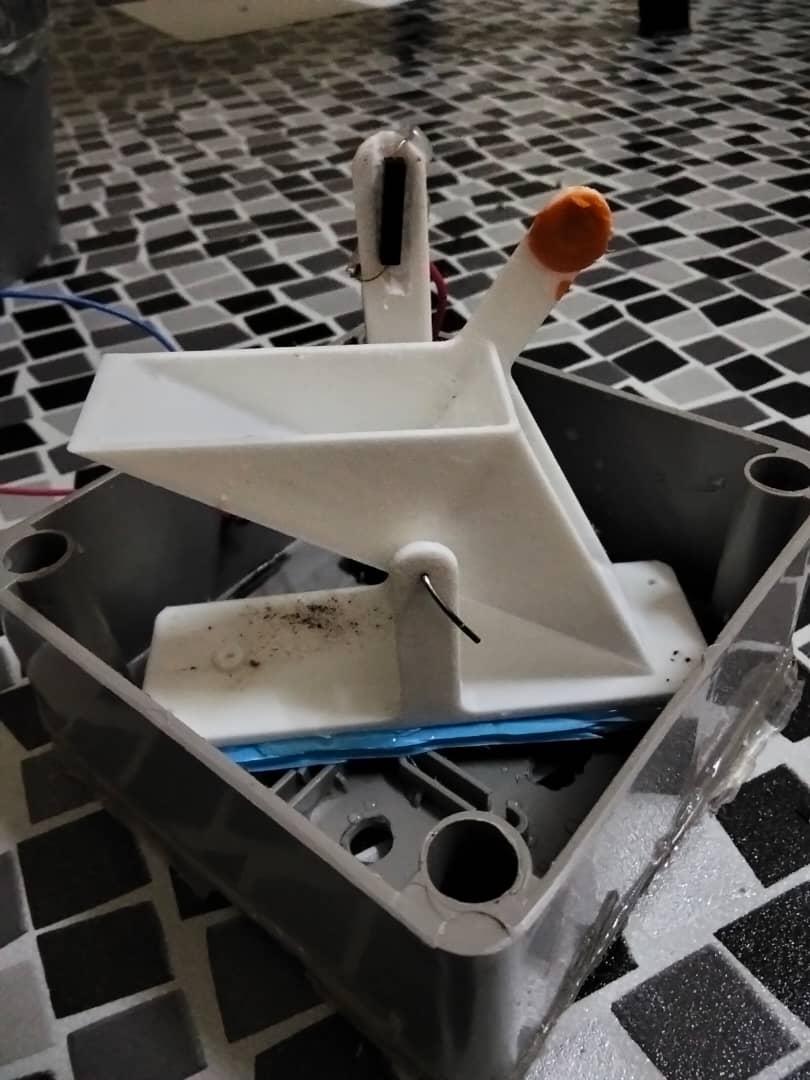
- 3D print the tipping bucket using the provided 3D model file. Ensure the printed bucket is clean, lightweight, and balanced. For our model, we use PETG material for the 3D printed model in white color with 20% infill.
- Insert a small metal rod through the center hole of the tipping bucket to act as a pivot. Mount the rod securely so the bucket can tip freely with minimal friction.
- Glue a small magnet into the designated hole on the tipping bucket. Place the reed switch near the magnet’s path. Each time the bucket tips, the magnet passes the reed switch, closing the circuit and generating one pulse. Each pulse is counted as one tip. Connect each end of the reed switch to a jumper wire. One wire is connected to the GND pin of the Raspberry Pi Pico, while the other wire is connected to a GPIO pin.
- Place the rain gauge inside a safe enclosure, such as an electrical junction box, to protect it from environmental damage. Create a small hole in the enclosure to allow the wires connected to the reed switch to pass through. Place the funnel directly above the center of the tipping bucket. Ensure the funnel outlet allows water to fall into only one side of the bucket at a time. Attach a fine mesh at the top of the funnel to prevent leaves, insects, and debris from entering. Ensure the enclosure allows rain to enter the funnel freely while protecting the electronics.
Calculation and Calibration
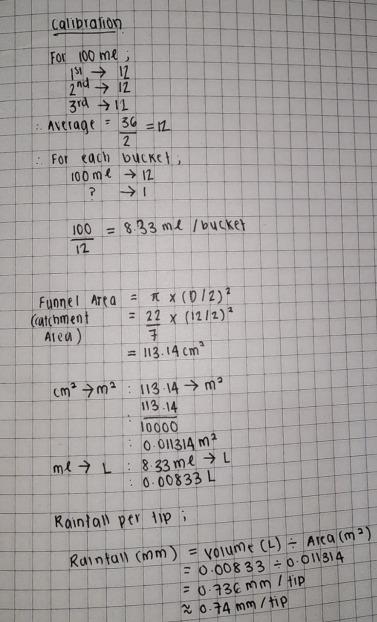
Calibrate the rain gauge based on the specifications of the 3D-printed tipping bucket.
Pour a known volume of water slowly through the funnel and count the number of tips
produced.
Use this data to determine the rainfall amount per tip.
For the 3D-printed tipping bucket model, the calibration results. Please refer to the image provided.
Software
- WIFI Power Management
- This snippet is demonstrating how to handle connectivity in a battery-conscious way.
- Key Highlight: The wlan.active(False) command is is physically switched off the WLAN radio in Pico W devices. This is the main way to save power for sensors deployed in the field. refer to wifi_power_management_snippet_code.pdf.
- Sensor Data Processing
- This snippet is demonstrating how to handle connectivity in a battery-conscious way.
- Key Highlight: The brightness function is normalizing the data by turning a strange number like 34,500 into a percentage and more understandable for user perspectives (0 – 100%). Refer internal_temperature_snippet_code.pdf and light_intensity_(ldr)_snippet_code.pdf.
- Rain Gauge Processing
- This snippet demonstrates how the project tracks physical movement (the tipping bucket) in the background.
- Key Highlight: This logic must run constantly in the main loop to ensure no rain is missed even the system is waiting for the next upload time. Refer to rain_gauge_snippet_code.pdf.
- Cloud Data Transmission
- This uses the urequests library to send the processed data to the ThingSpeak dashboard.
- Key Highlight: The use of f-strings makes the URL construction clean and readable while response.close() is important to ensure MicroPython stability. Refer cloud_data_transmission_snippet_code.pdf.
Dashboard and Thingspeak
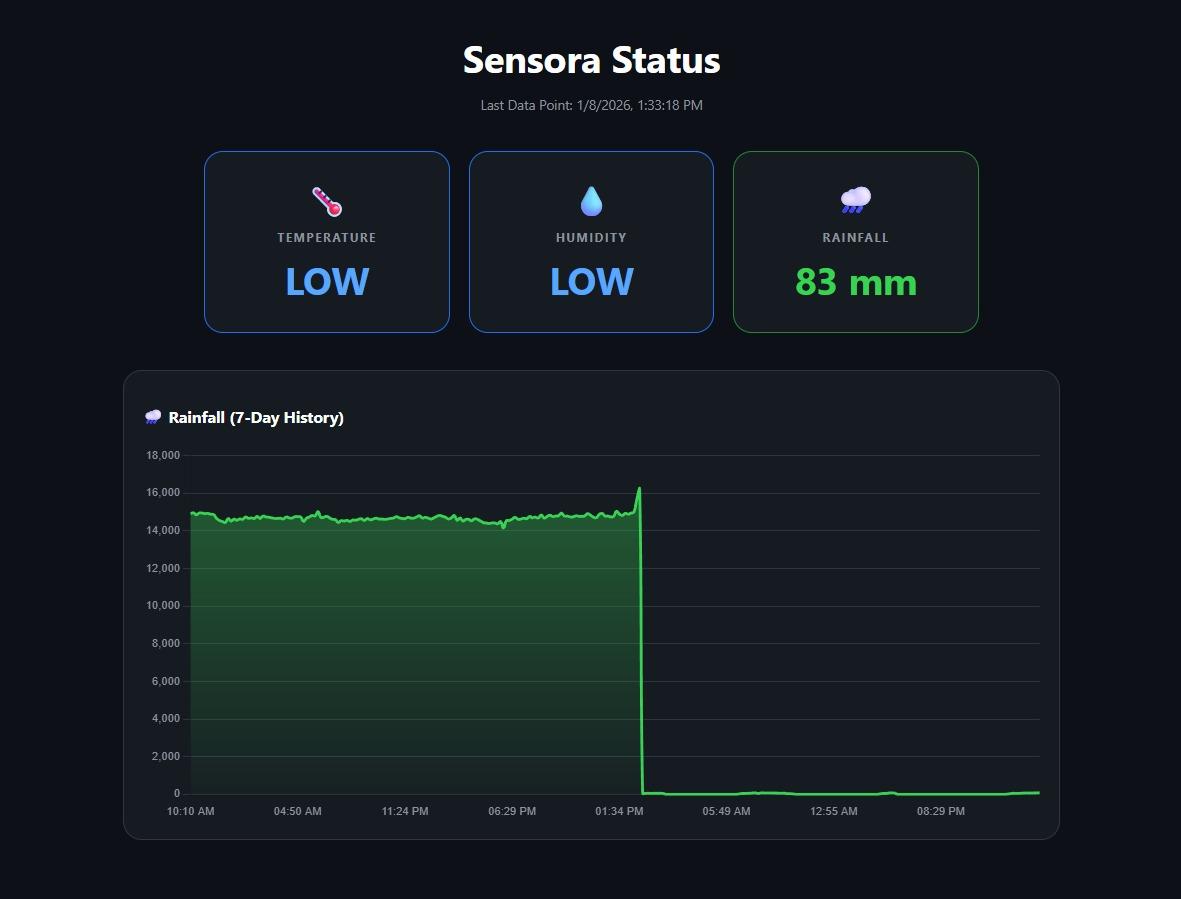
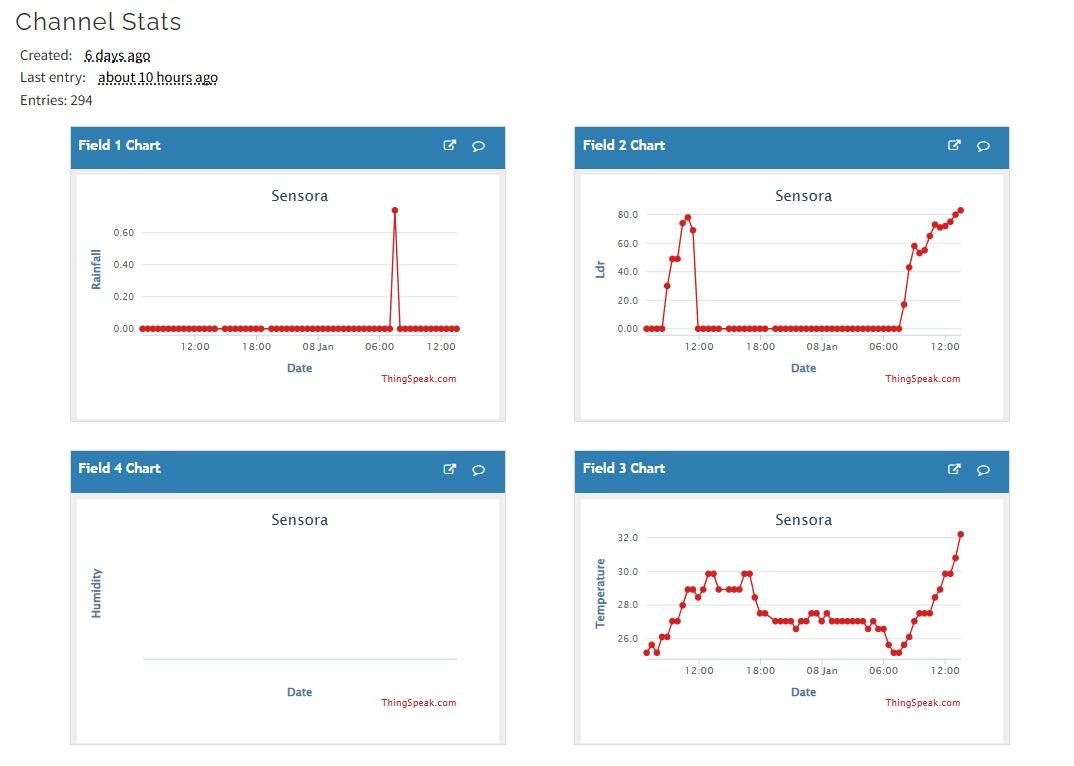
The Sensora dashboard visualizes real-time environmental data collected by sensors and uploaded to the ThingSpeak platform. The system monitors rainfall, light intensity (LDR), and temperature. These parameters are essential for understanding environmental conditions and detecting changes over time.
- The Field 1 Chart represents rainfall measurements over time.
- For most of the monitoring period, the rainfall value remains at 0, indicating no rain. A sudden spike appears at one point, showing a short rainfall event. After the spike, the value returns to zero, suggesting the rain was brief and did not continue.
- Field 2 Chart – Light Intensity (LDR)
- The Field 2 Chart shows light intensity levels measured using an LDR sensor. Higher values are observed during daytime, indicating strong ambient light. The values drop to near zero during nighttime, showing low or no light. The repeating rise and fall pattern corresponds to the day–night cycle.
- Field 3 Chart – Temperature
- The Field 3 Chart illustrates temperature variations over time. Temperature gradually increases during the day, reaching higher values in the afternoon. A drop in temperature is observed during the night and early morning. The temperature rises again after sunrise.
In conclusion, the Sensora environmental monitoring system successfully demonstrates the ability to collect, transmit, and visualize real-time environmental data using the ThingSpeak platform. The rainfall, light intensity (LDR), and temperature charts show consistent and logical patterns that accurately reflect real-world environmental conditions.
The rainfall data confirms the system’s capability to detect rain events only when they occur, while the light intensity readings clearly follow the natural day–night cycle. Similarly, the temperature measurements exhibit normal daily fluctuations, decreasing at night and increasing during the day. These trends indicate that the sensors are functioning reliably and that the data transmission process is stable.
Overall, the Sensora dashboard proves to be an effective and reliable solution for continuous environmental monitoring. The system can be further enhanced by adding sensor location data, alert mechanisms, or data analytics features, making it suitable for applications such as smart agriculture, weather monitoring, and IoT-based environmental studies.