Servo Motor Power Supply for Robot Arms
by tekyinblack in Circuits > Robots
323 Views, 6 Favorites, 0 Comments
Servo Motor Power Supply for Robot Arms
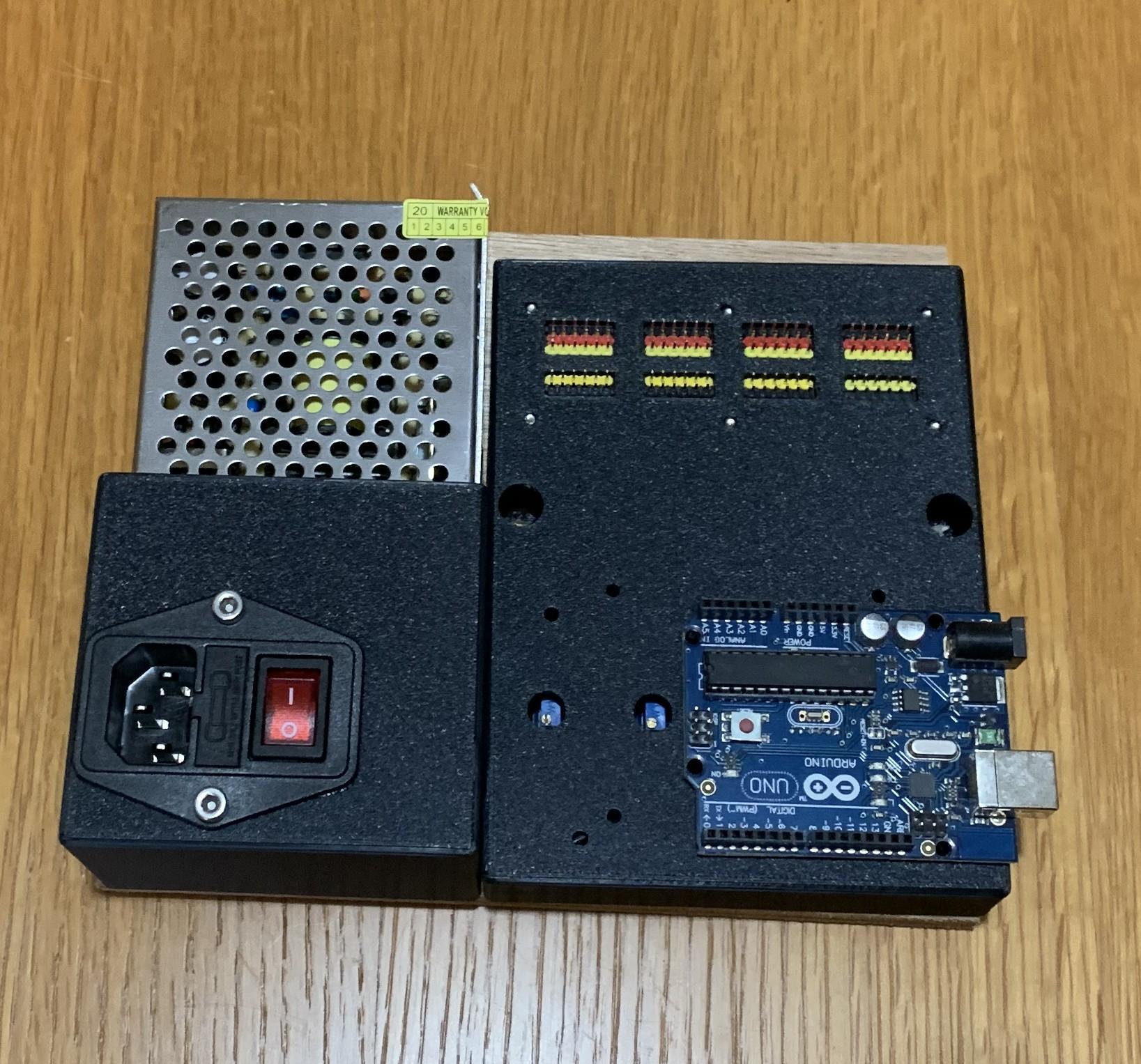
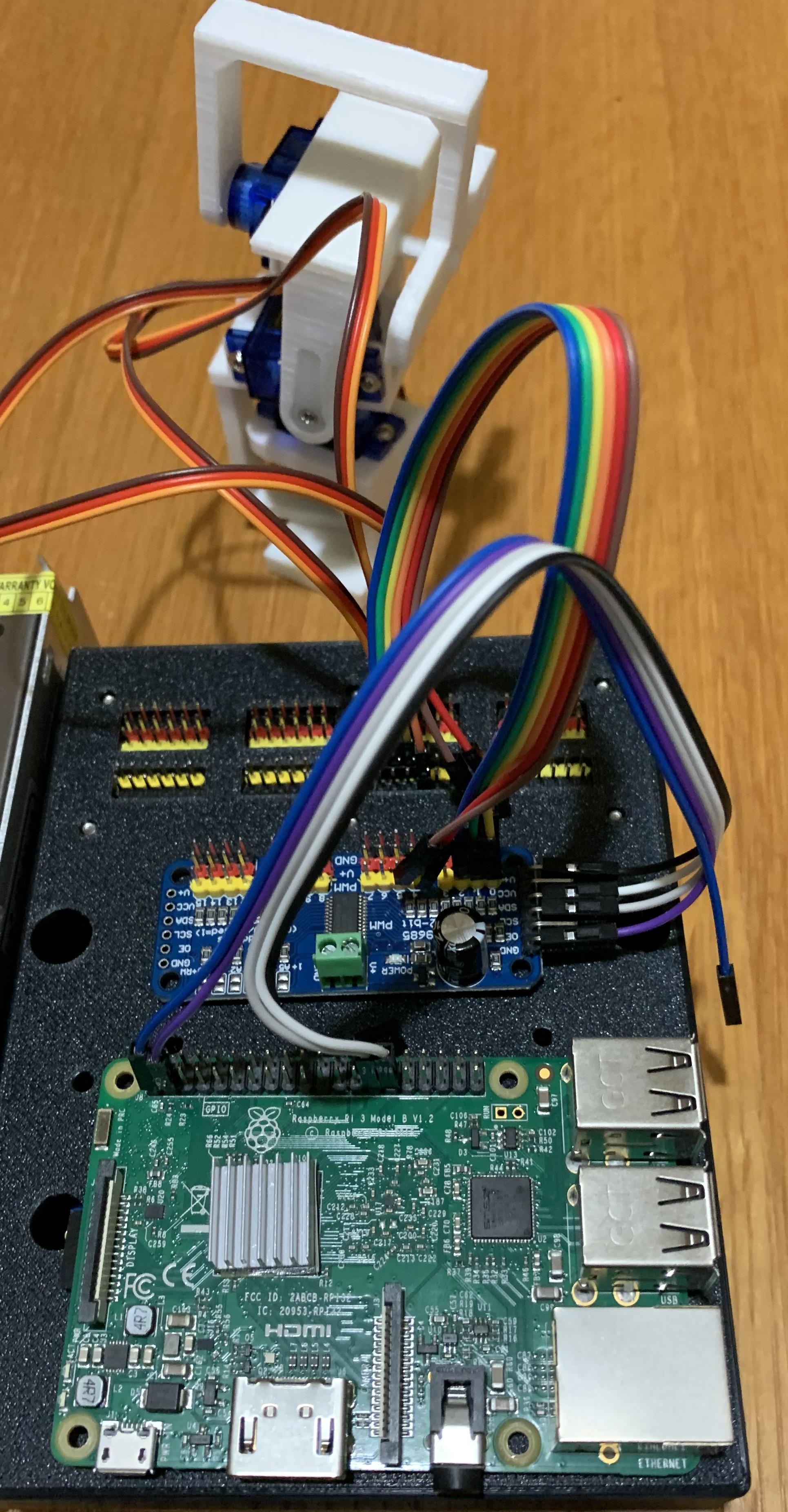


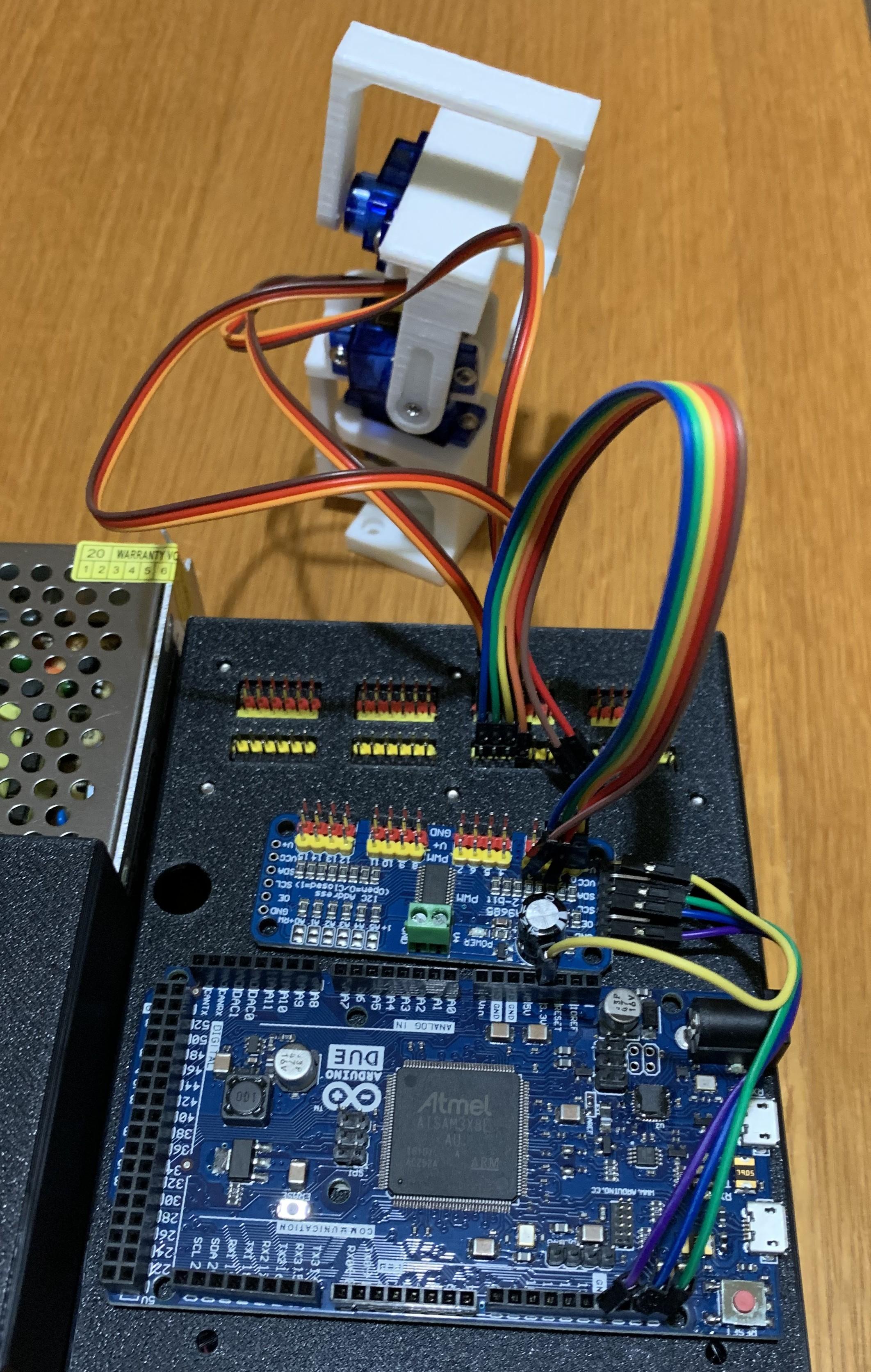
For many robot projects, a default power supply is used to run the servo motors, frequently at 5V from the PCB, and this doesn't always provide sufficient power, and not the amount of power that running the servo at it's maximum rated voltage does.
As an example, a common SG90 servo at 4.8V supply has a stall torque of 1.2kg/cm, but at 6V supply, this rises to 1.8kg/cm.
This project builds a separate power supply to interface between the microcontroller, be it Arduino, Pico, Raspberry Pi, ESP32, ESP8266, STM or Pic and the servos in use.
Three power rails are configured, but more could be added, as well as a default 5V to run the microcontroller board and other circuits. Again this is up to the builder and this could instead be configured for say 3.3V
The 3D print file for the circuit cover has been designed to accommodate a Raspberry Pi, an Arduino Uno or Arduino Duo/Mega as well as a common PCA9685 16-way servo driver board.
This project uses mains electricity, ensure that you connect up the mains wiring correctly, especially the earth.
Supplies


12V 5A modular switched mode power supply
IEC mains socket with switch and fuse
IEC mains lead with the appropriate mains plug
4 x LM2950 buck convertors
dupont pcb sockets and pins to suit your version.
hookup wire for the appropriate current
3D printed parts or an appropriate enclosure
Make 3d Printed Parts

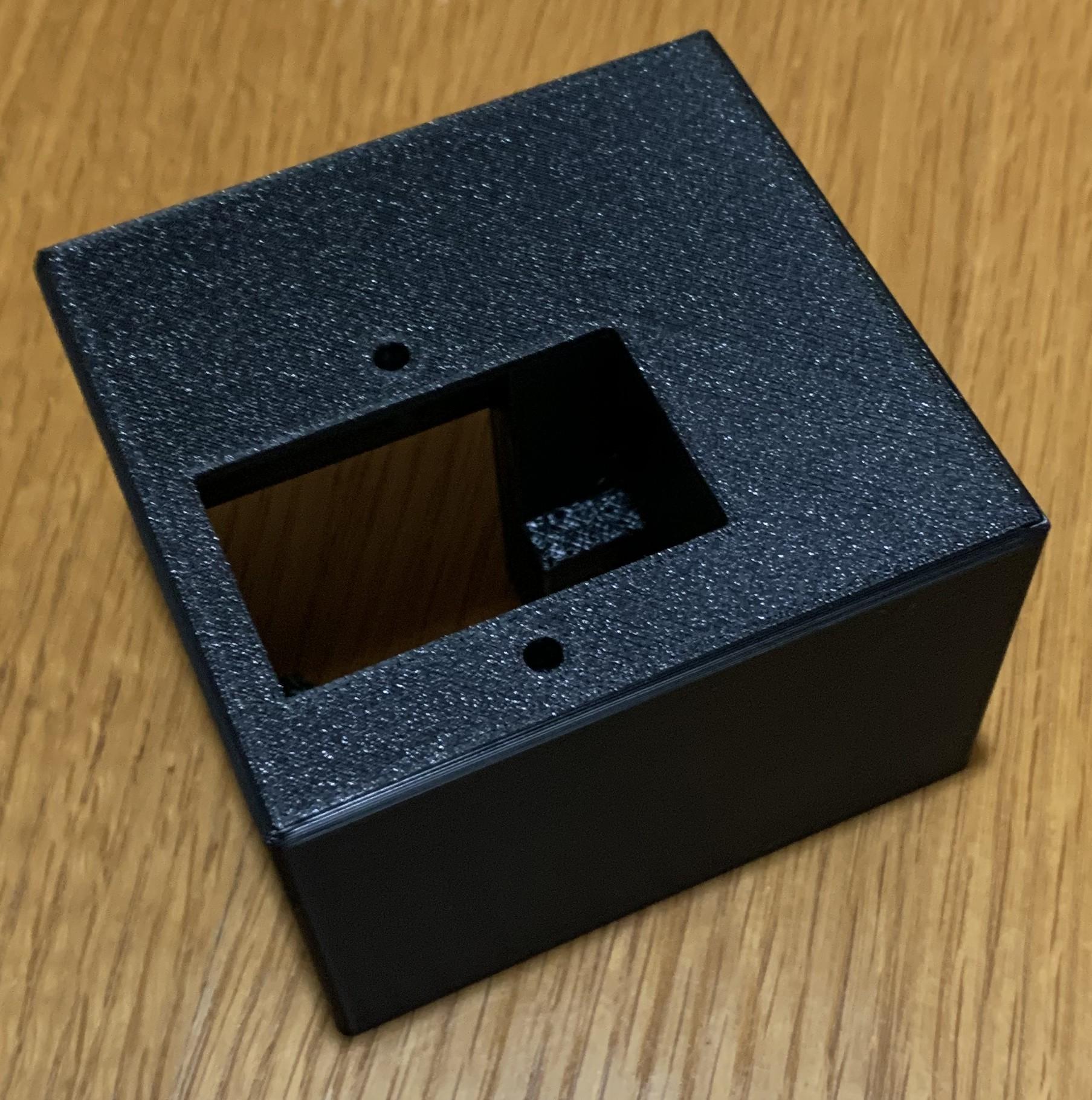
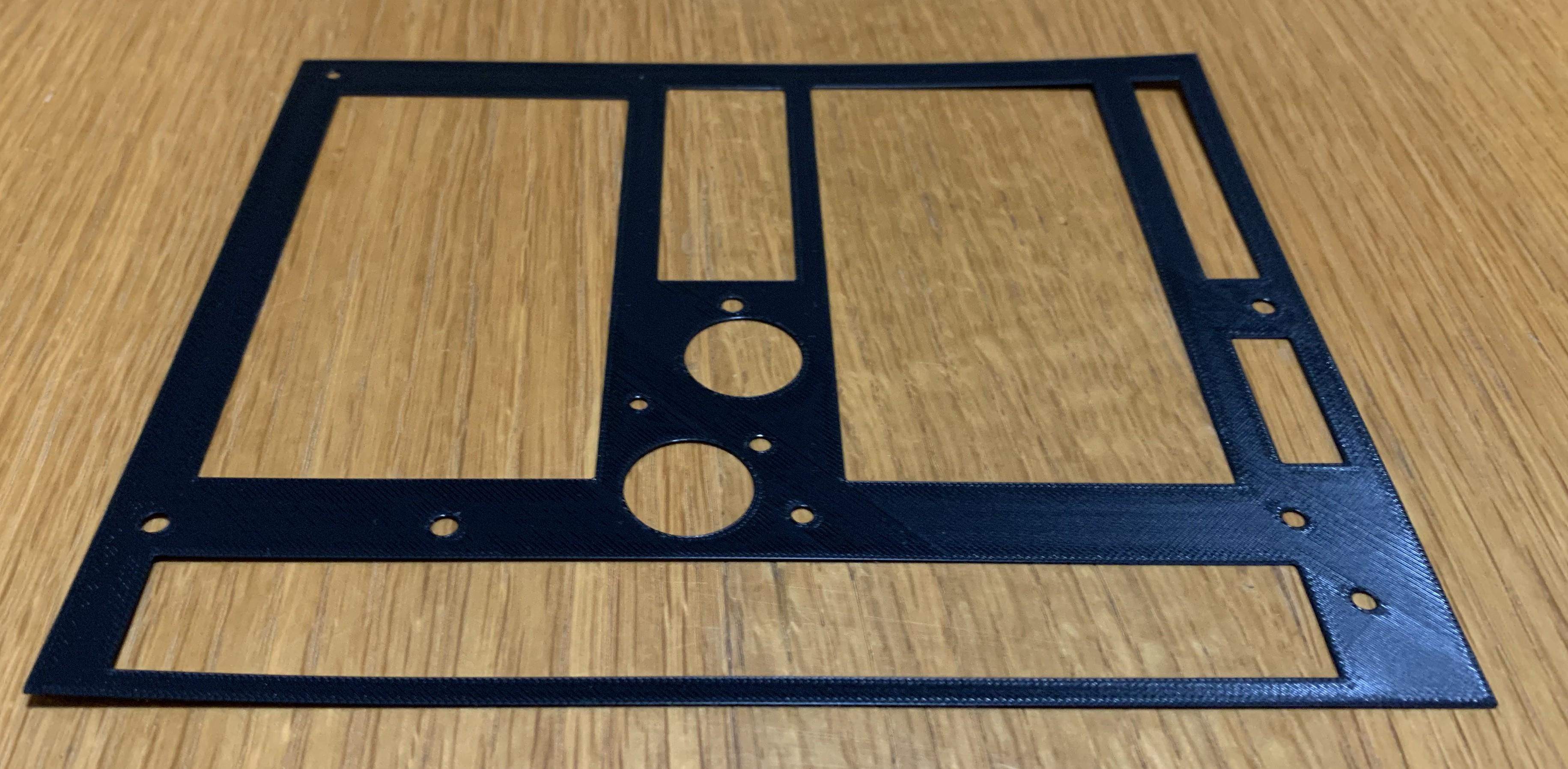
There are 3 prints required, a cowl to hold the IEC socket and mains switch, a frame to hold the buck convertors and a cover for the buck convertors which also holds the power strips, input and output pins, and has holes to support mounting a Raspberry Pi or Arduino (Uno, Duo, Mega) board. A fourth template design is included to either help mark out the holes for a baseboard, or if modified, can be printed as a baseboard.
It has been designed on TinkerCAD, and stl files attached.
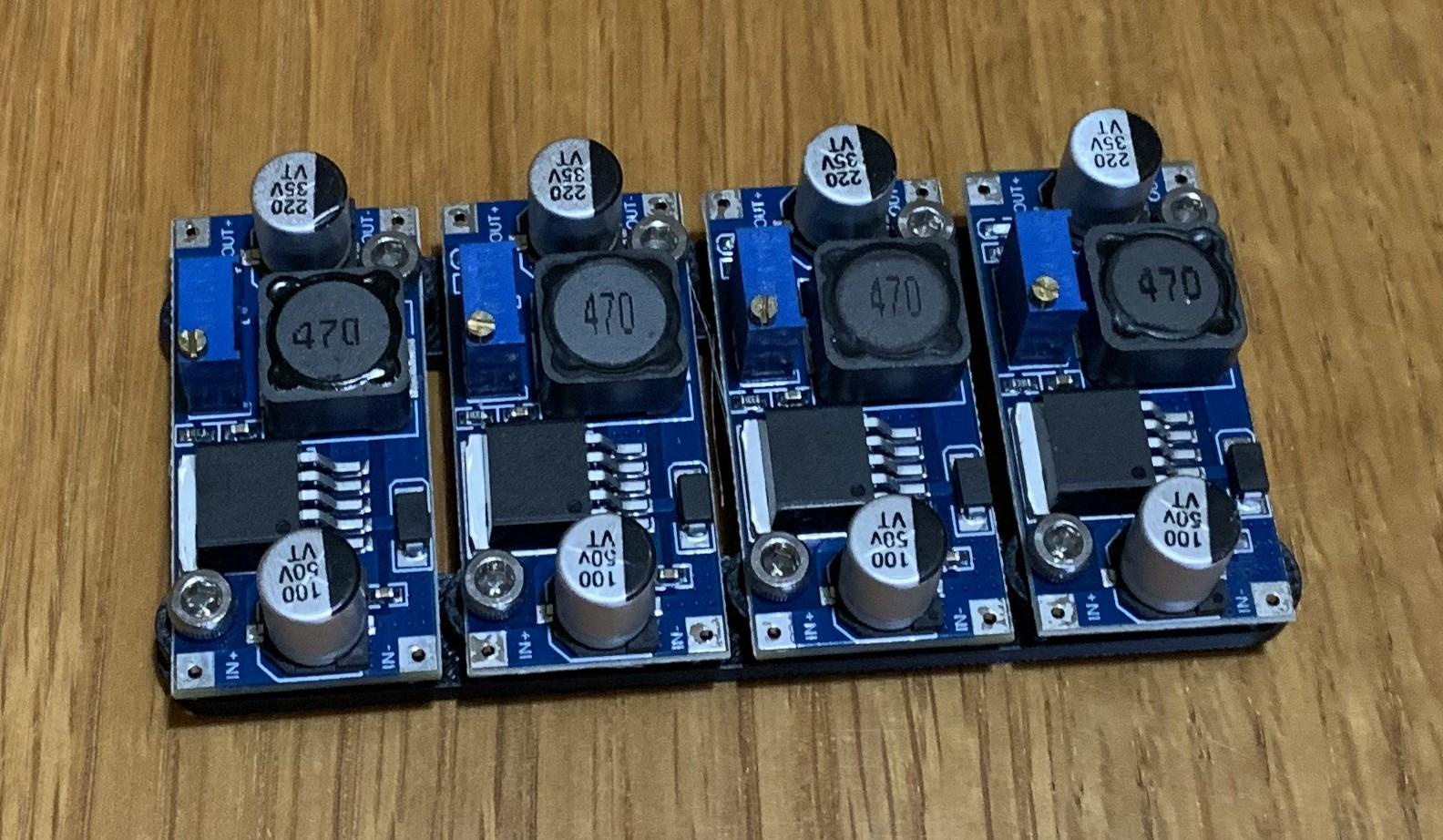
Assemble the Buck Convertors


Make the Power Switch Bar and Test


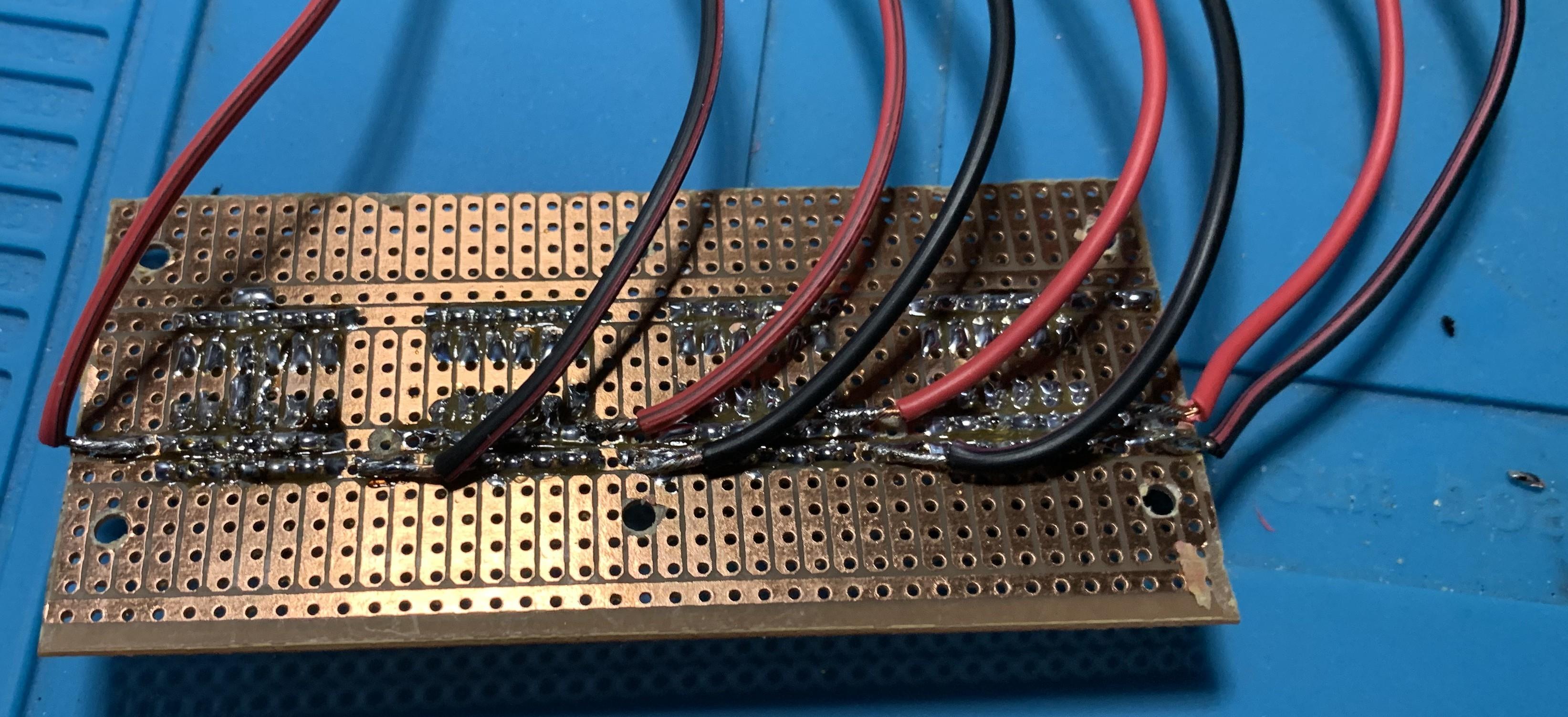
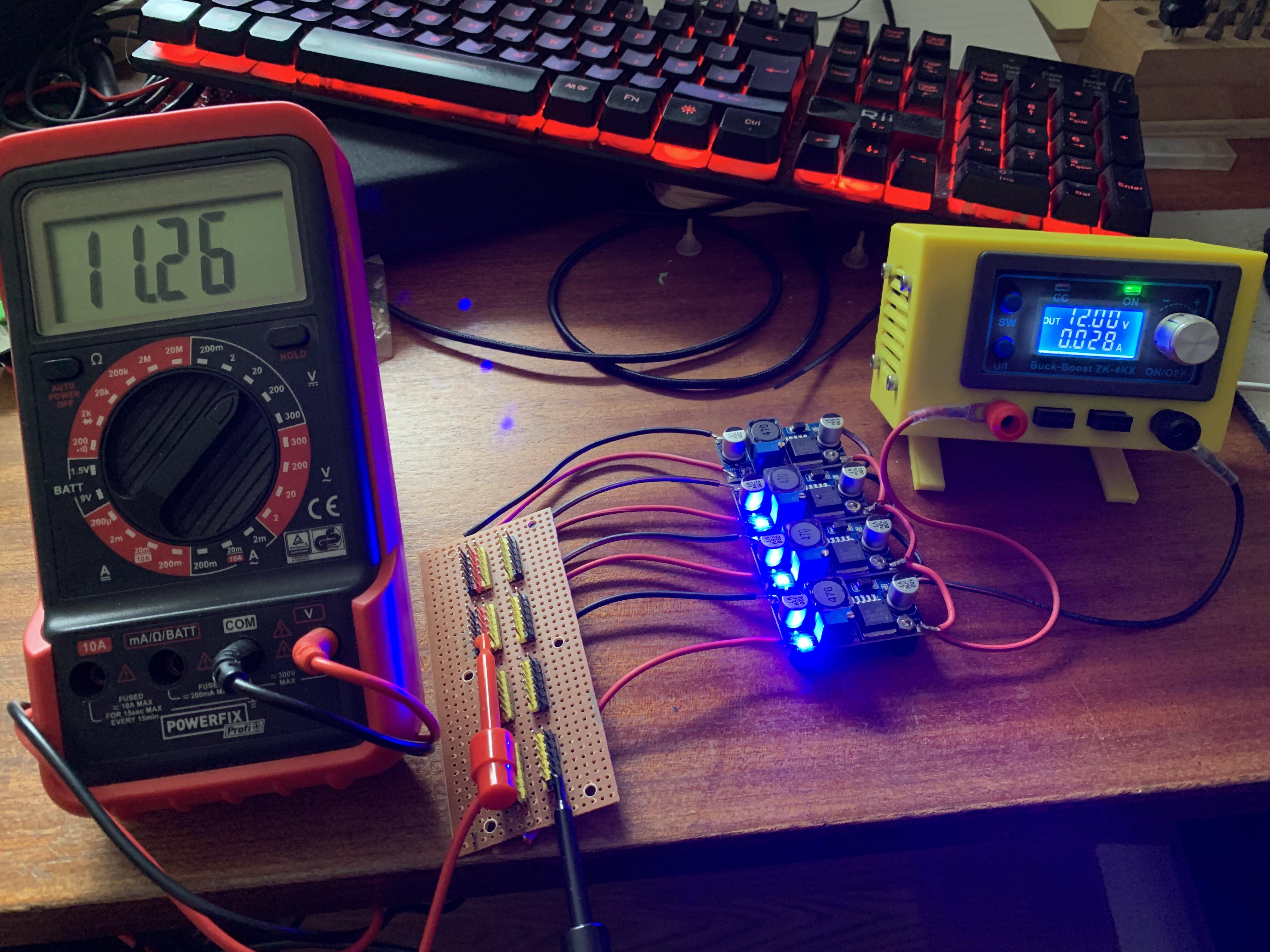
Cut a piece from the stripboard roughly the size and shape shown in the pictures, about 39 holes wide.
Solder PCB pins onto the stripboard shown, and cut the tracks where there is a black square.
Coloured pins have been used in the circuit shown in the picture to make identification easier.
Wire the Mains Socket
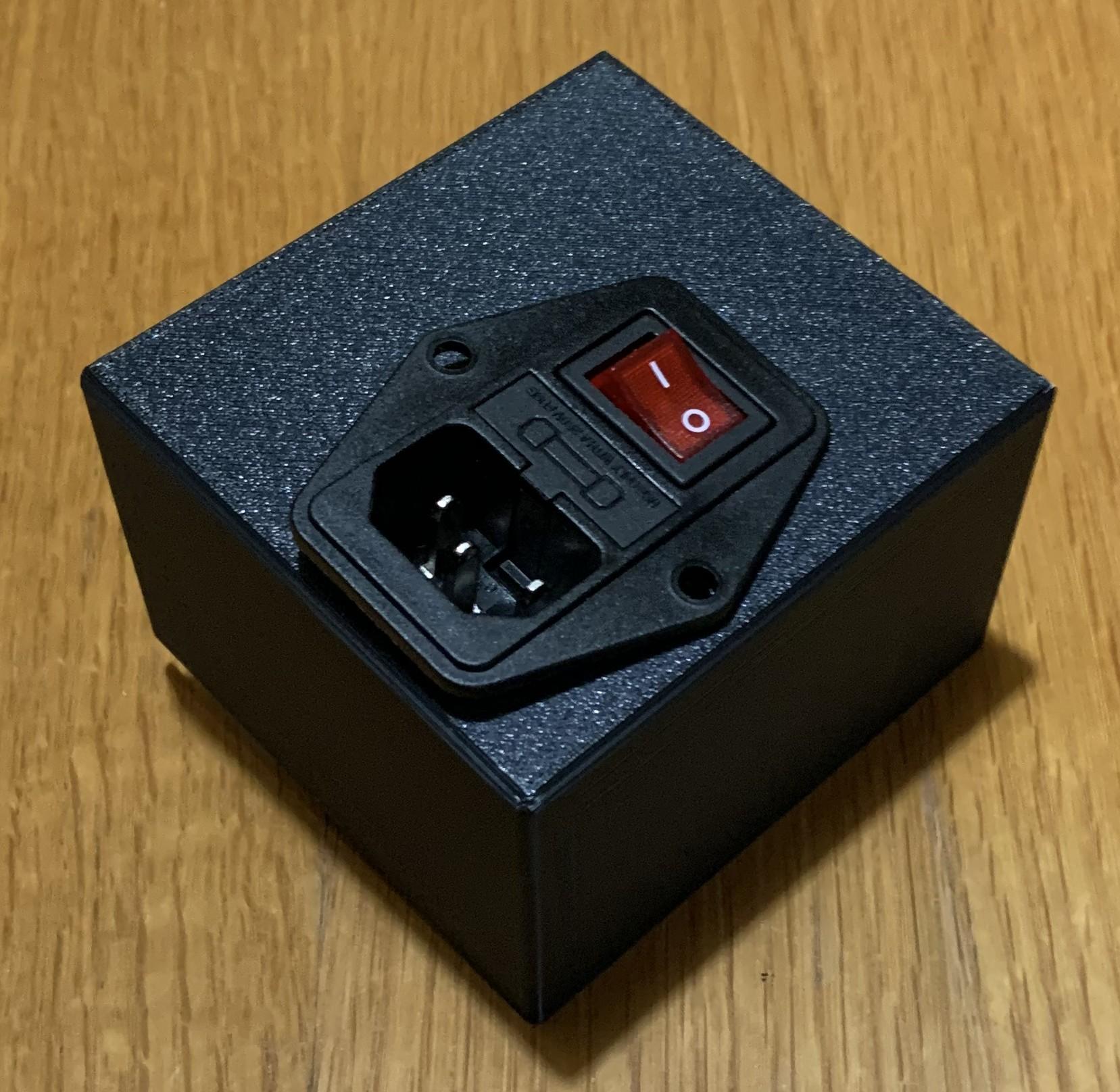


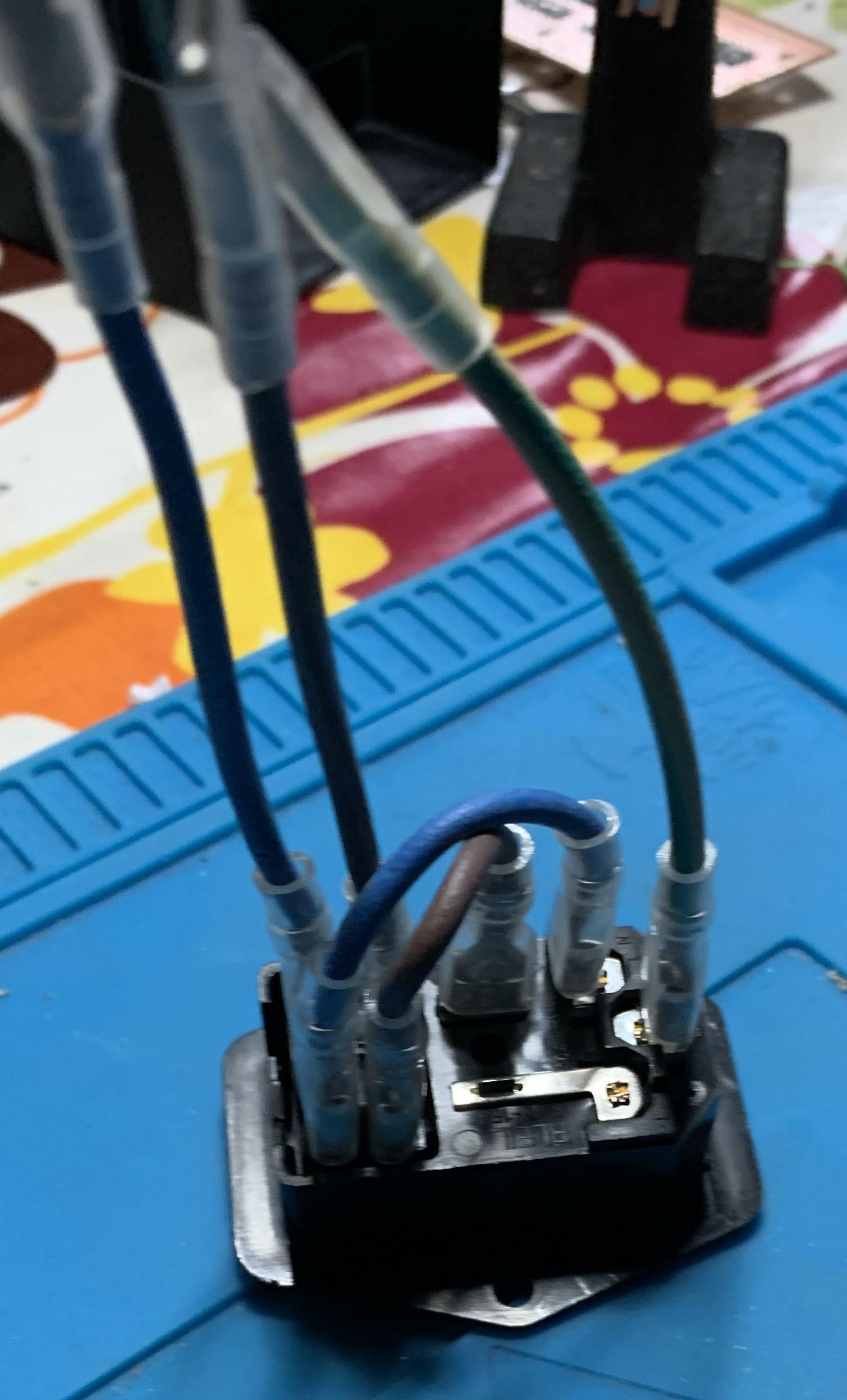

Spade connectors are shown in the pictures with insulated coverings to provide a degree of double insulation for the mains connections.
Assemble
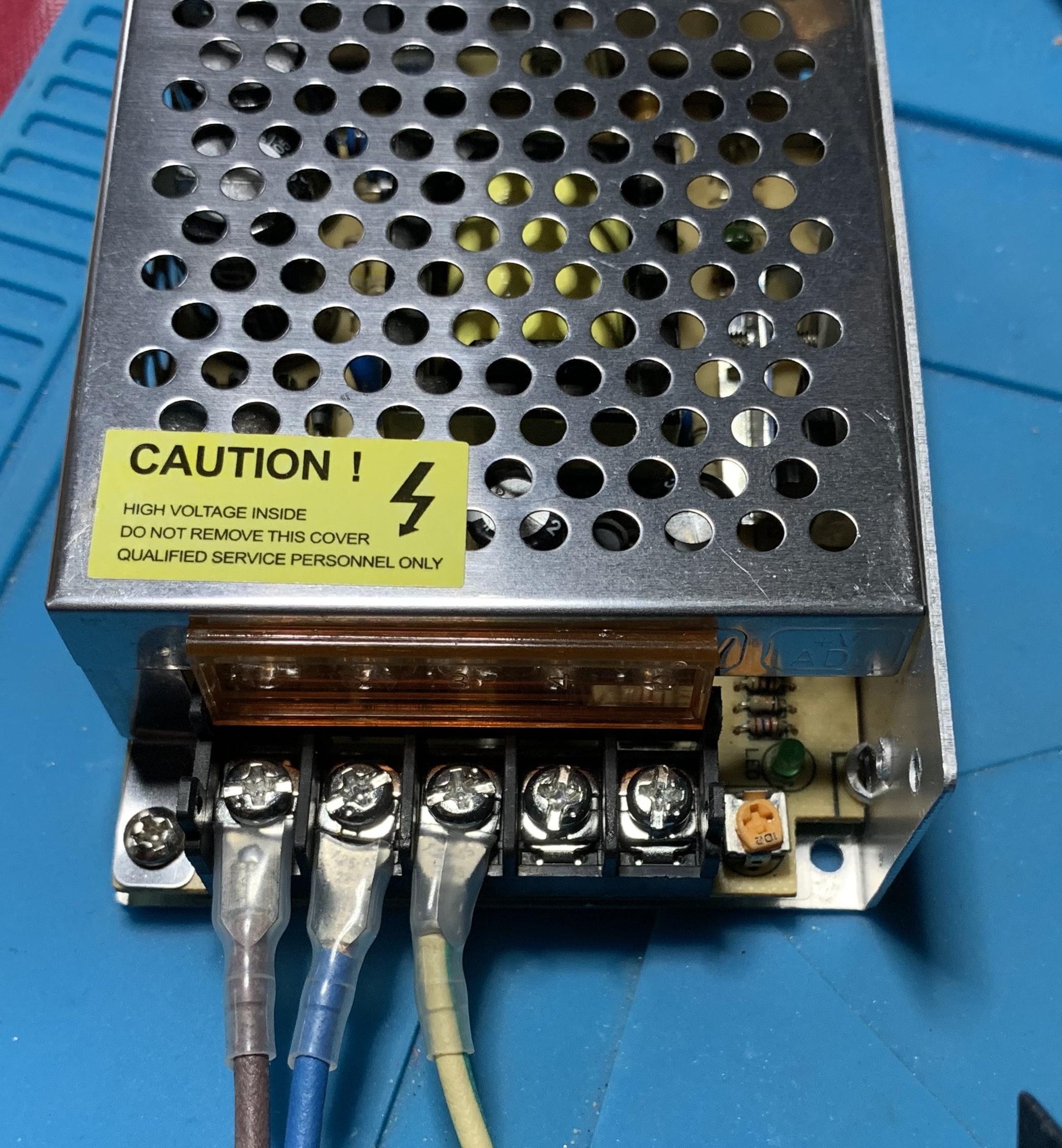
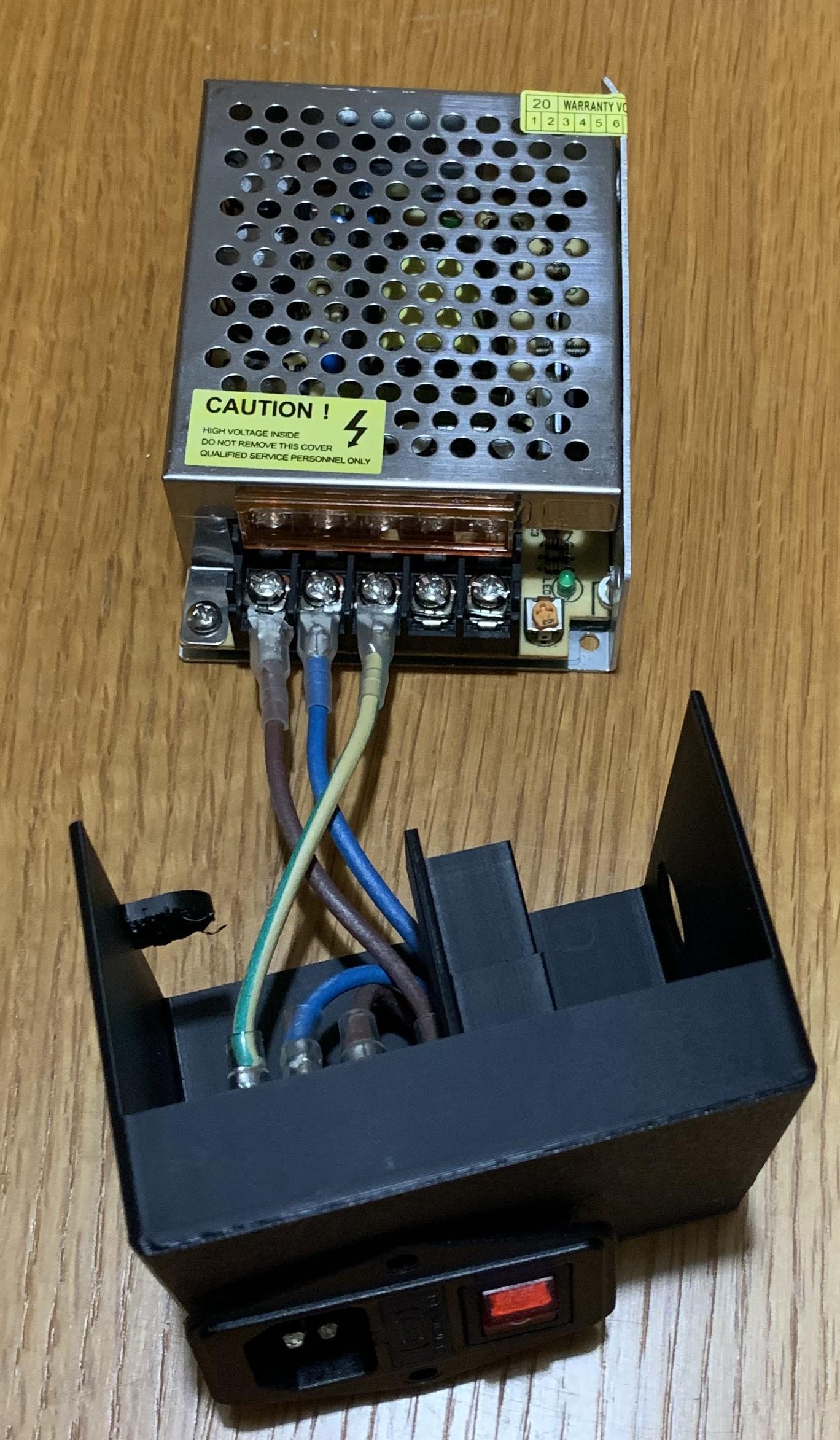
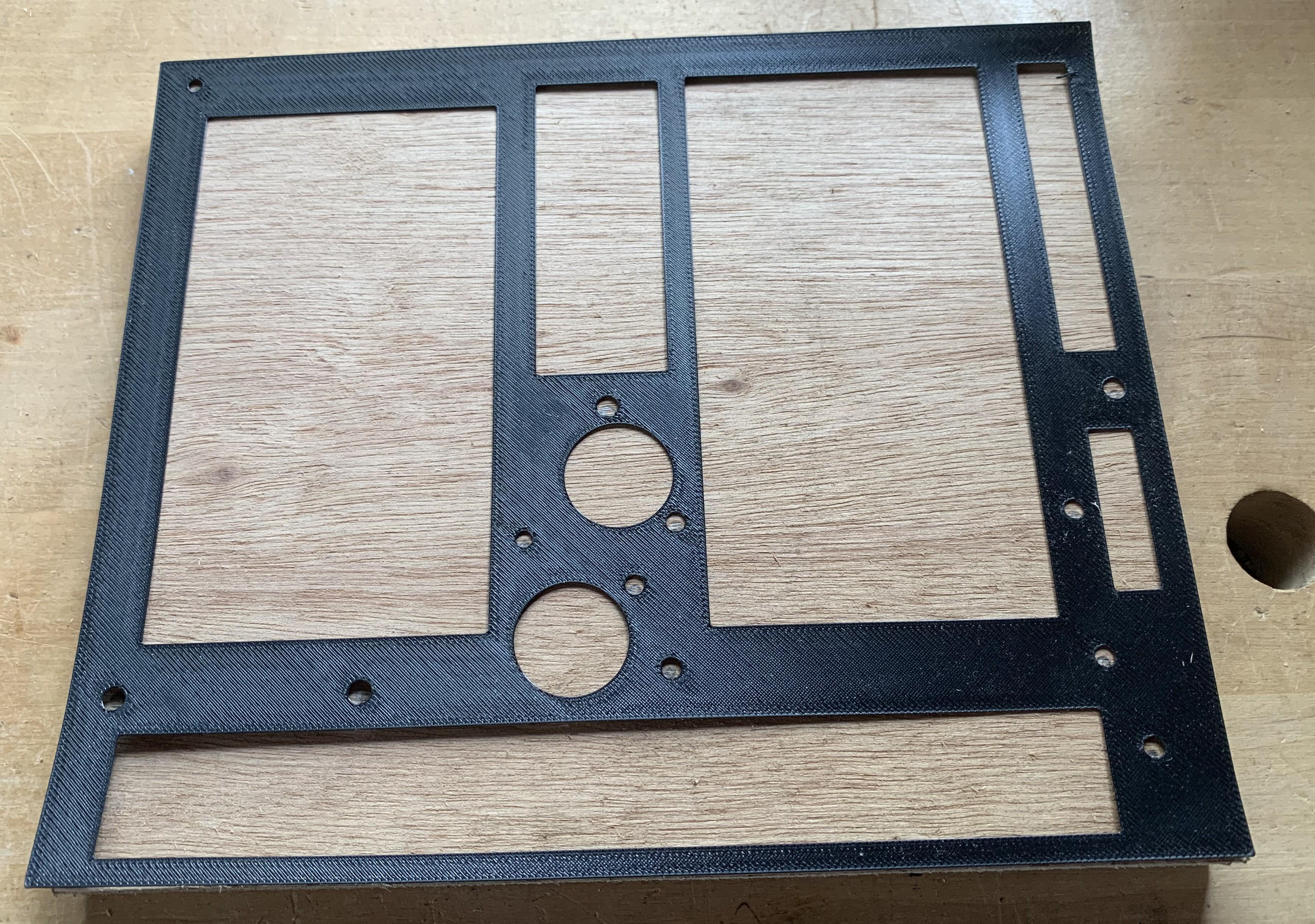
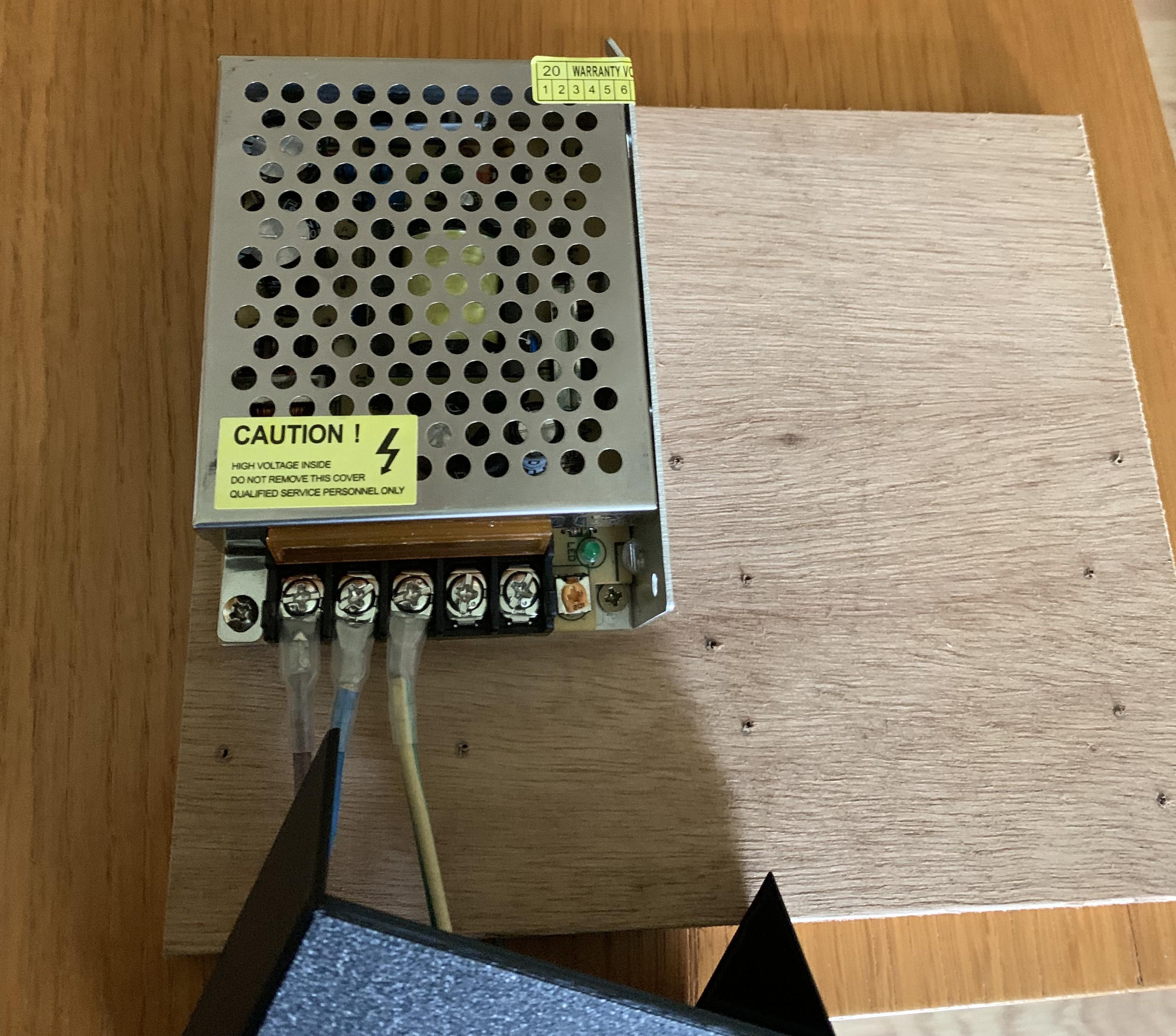
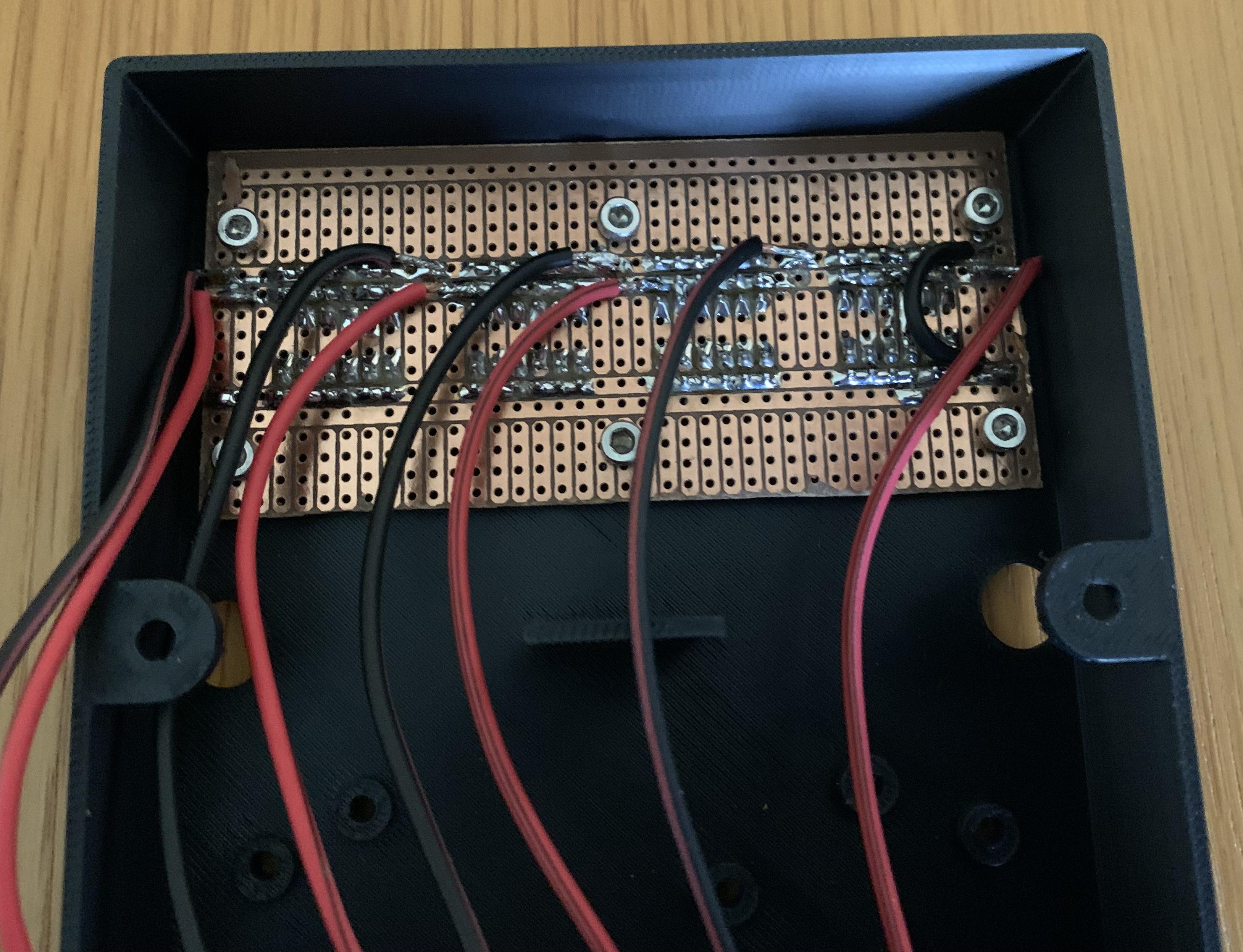

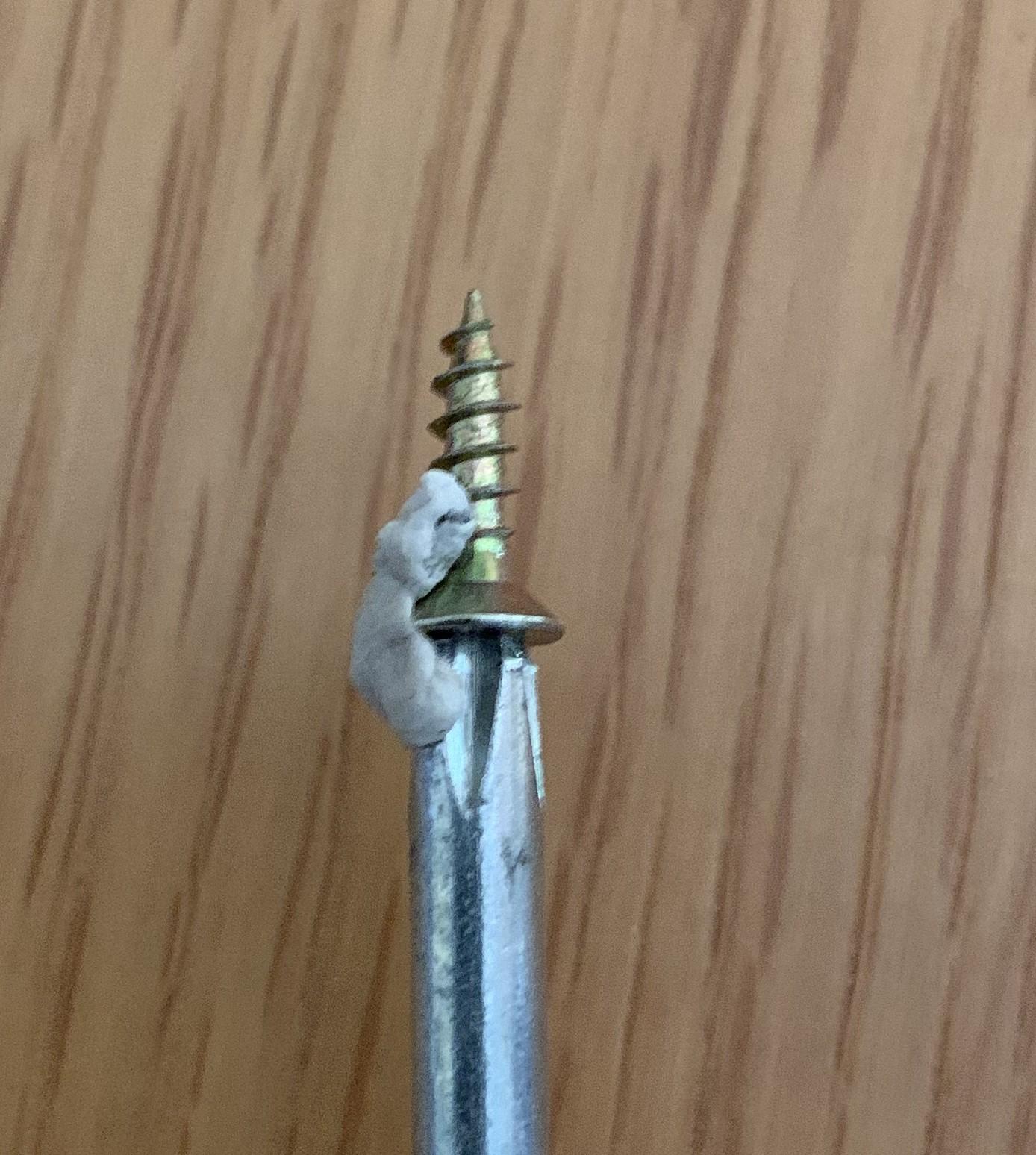


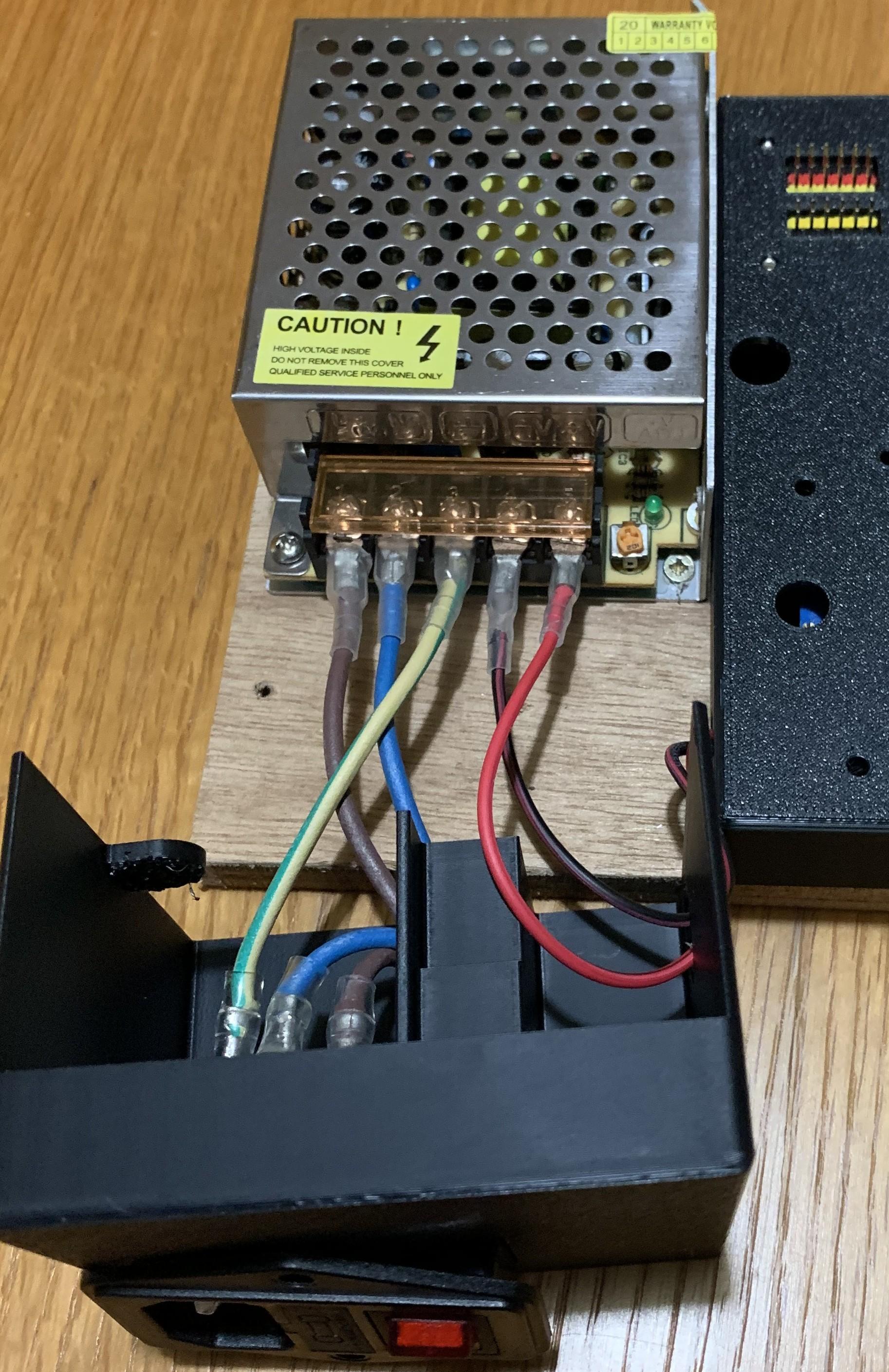
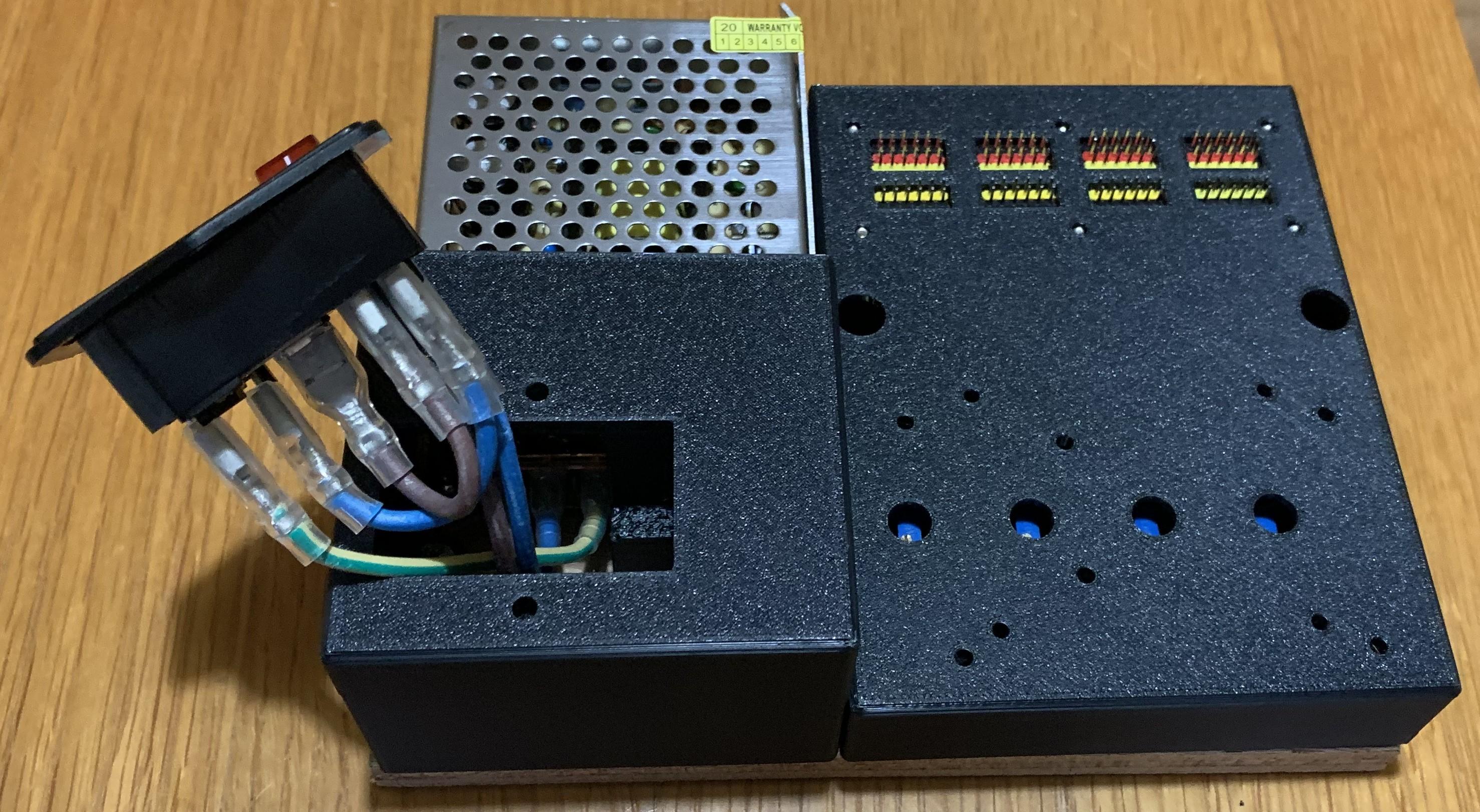
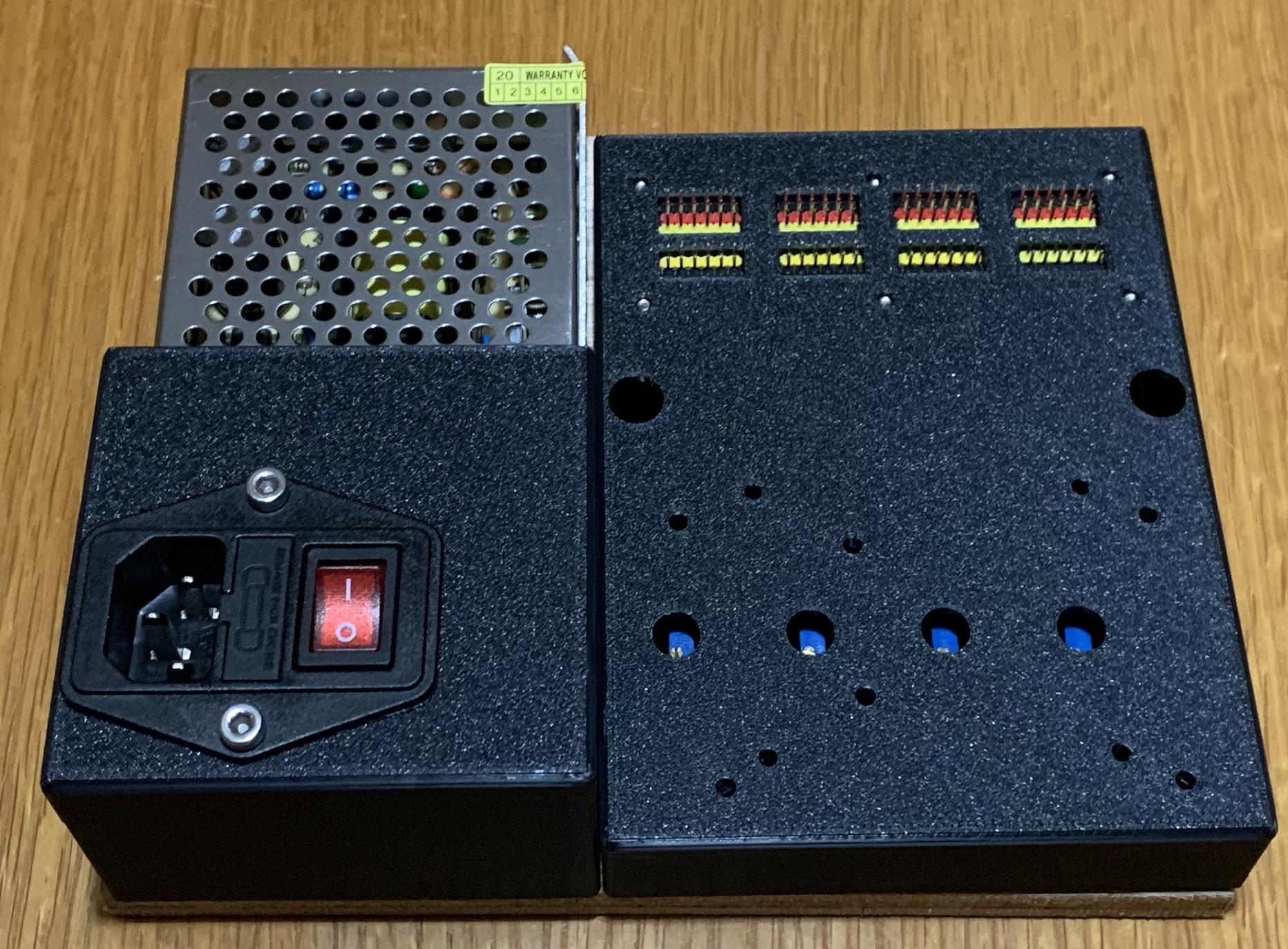
Mark out the base board with the locations of the screw holes for the 12V PSU, the inlet cowl, the buck convertor frame and the circuit board cover. The baseboard .stl file has these locations and this can be printed onto A4 to help locate them. Alternatively, print the baseboard on a 3D printer in preparation for attaching the components to it.
- Pass the cables from the mains inlet socket through the top of the mains cowl and attach them to the 12V PSU. Ensure these are safely secured, especially the earth lead.
- Screw the 12V PSU in place an the base board
- Attach the pin stripboard to the circuit cover with short M3 bolts
- Screw the buck convertor frame in place on the base board with the convertors attached.
- Pass the cables from the convertors through the hole in the side of the circuit cover and screw the circuit cover down to the base board. To do this, it helps to hold the screws with bluetac when they are being inserted
- Pass the wires from the buck convertors through the hole in the side of the mains cowl and attach to the 12V power supply.
- Screw the mains cowl in place, making sure not to trap wires underneath the cowl.
- Fit the mains socket in place and fix with two M4 screws
- Fit the circuit cover in place and screw down
Setup and Test the Voltages
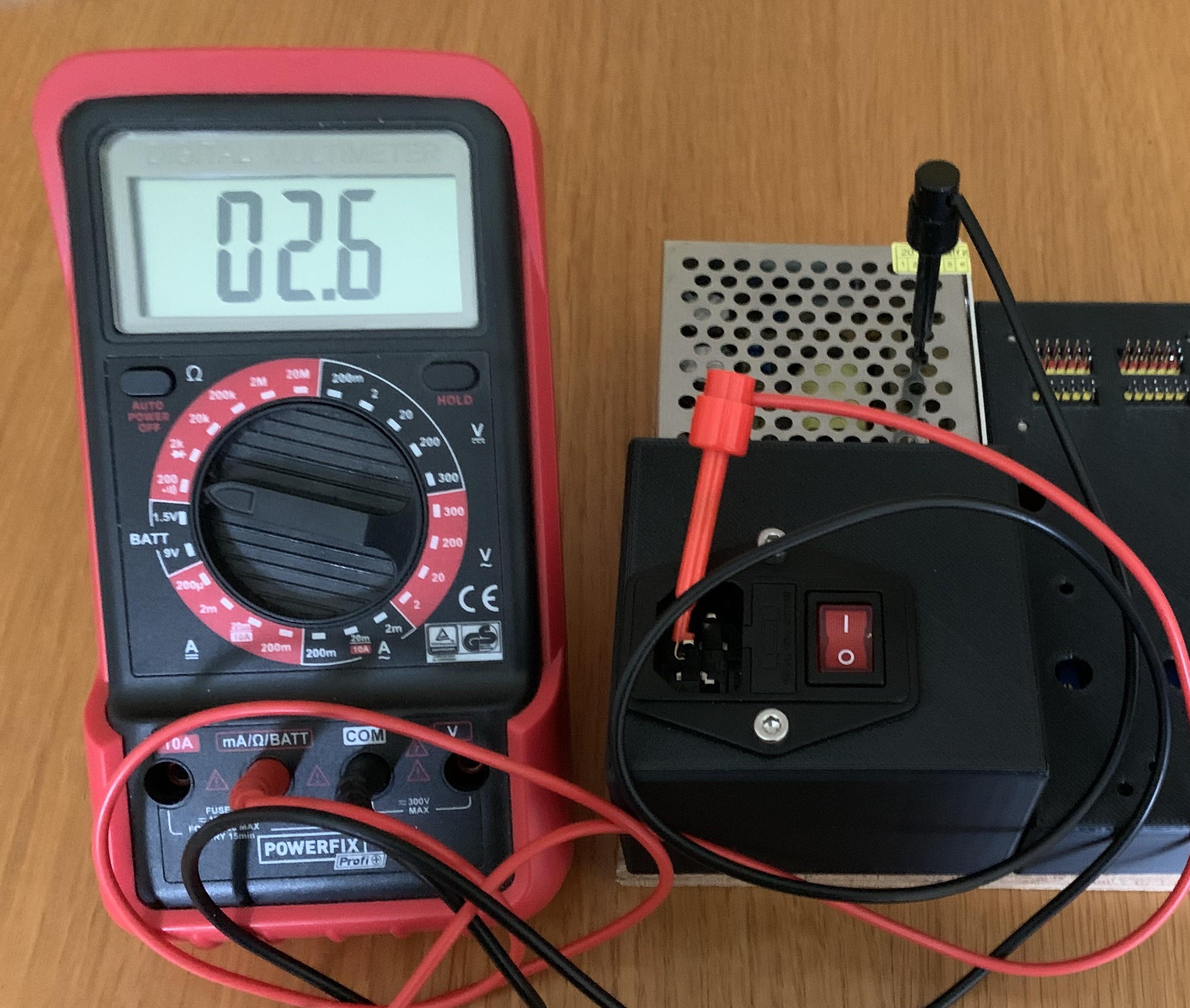
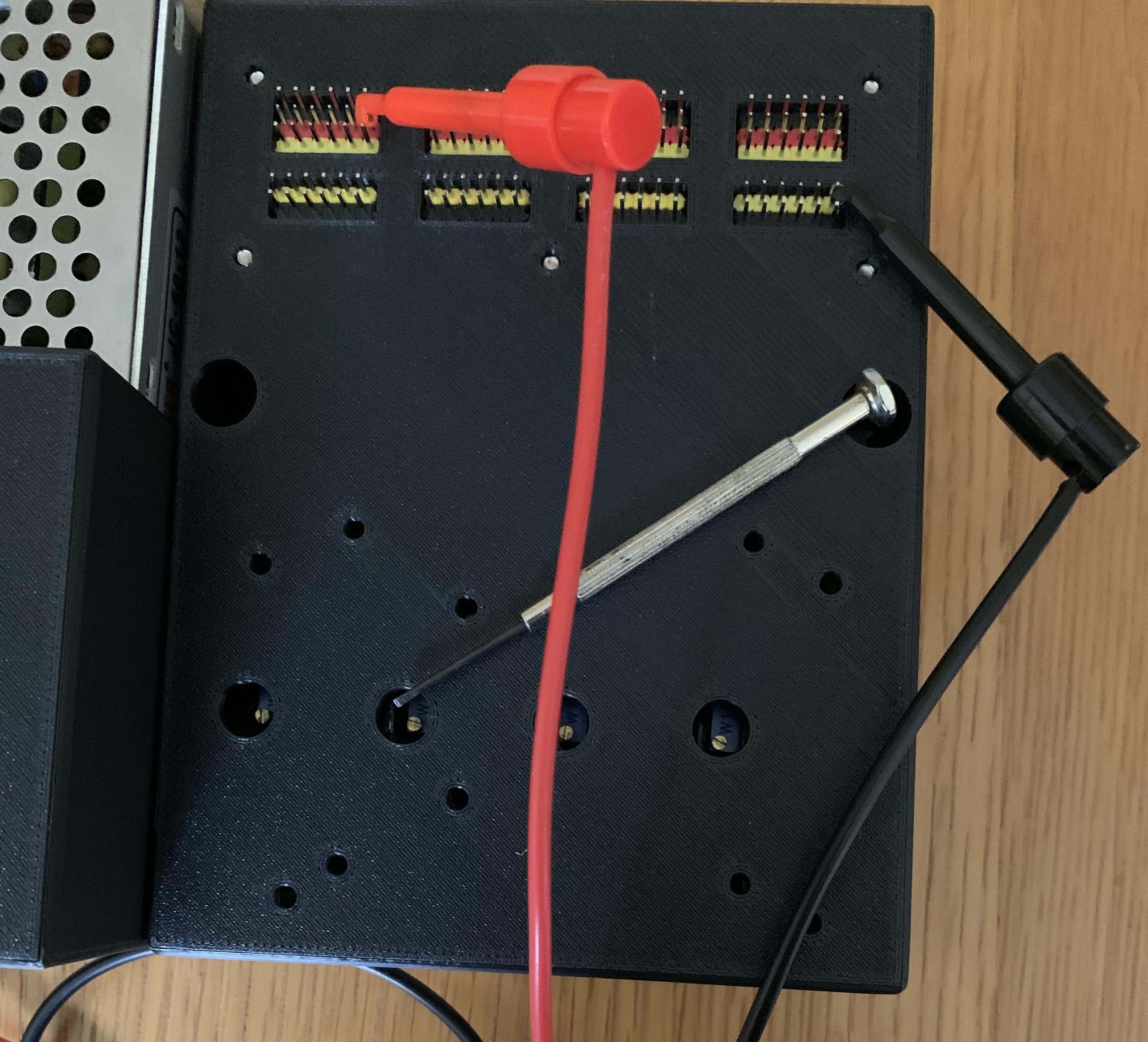

Test the earth connectivity from the socket to the power supply case.
Switch on and test the voltages at each of the servo sockets.
Using a small screwdriver, adjust the voltages by turning the controls accessible through the holes in the circuit cover until they read the desired values, mine were 8.4V, 7.2V, 6V and 5V to cover the common servos I use and to supply microcontroller boards.
Once all the voltages are correct, mark the circuit cover to indicate the supplied voltage to avoid errors in the future. Attach a microcontroller running a suitable test program and servos to the output pins to verify operation.
Test With a Controller and Servos
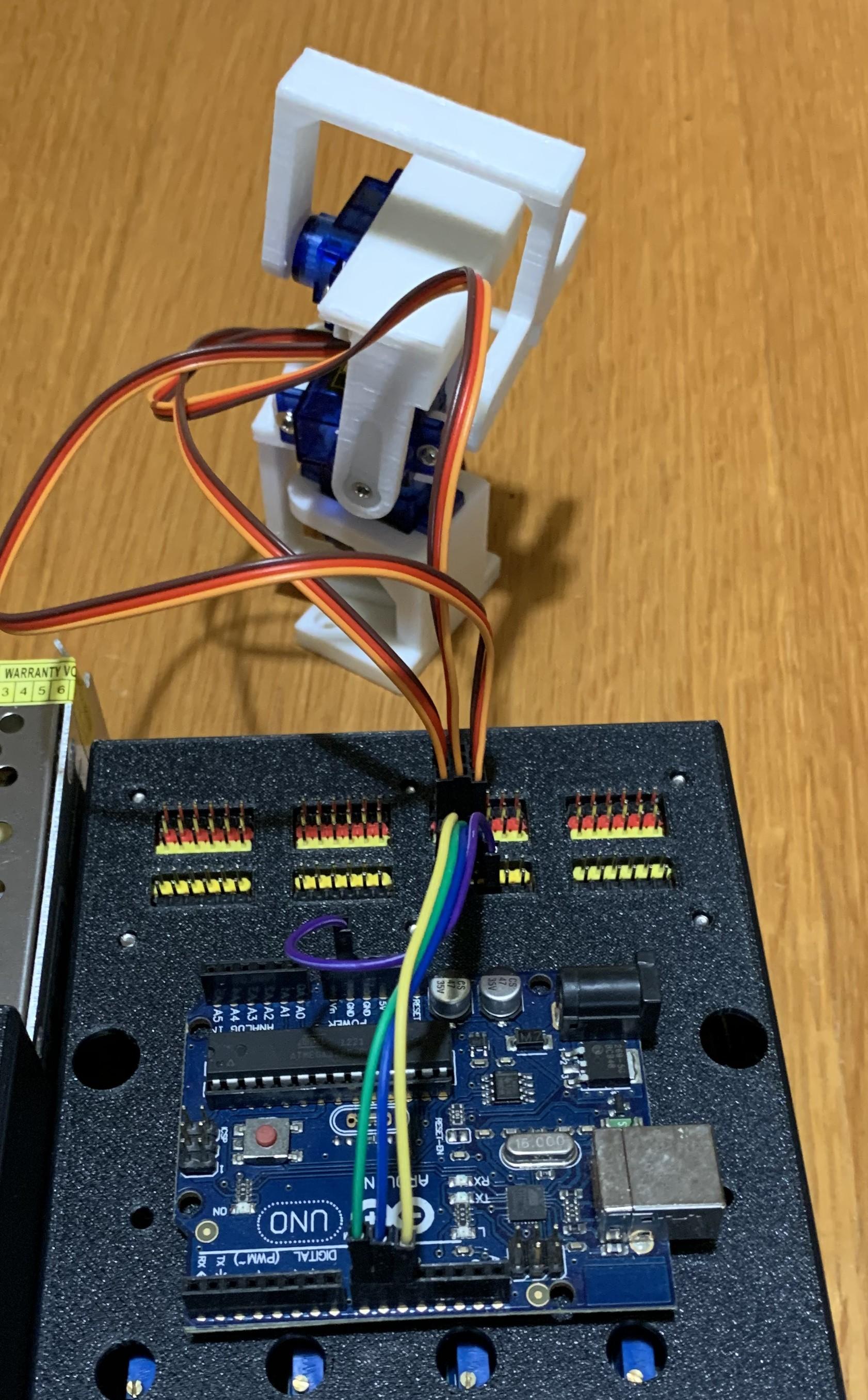
Testing here has been arranged with a small robot arm, published in an instructable elsewhere, and an Arduino Uno. Code for this is held on github here. This is for a 3DOF arm with a gripper controlled from a serial console.