"Shut Your Pi-Hole" Bookmarks
by jfranklin04 in Design > 3D Design
45 Views, 0 Favorites, 0 Comments
"Shut Your Pi-Hole" Bookmarks
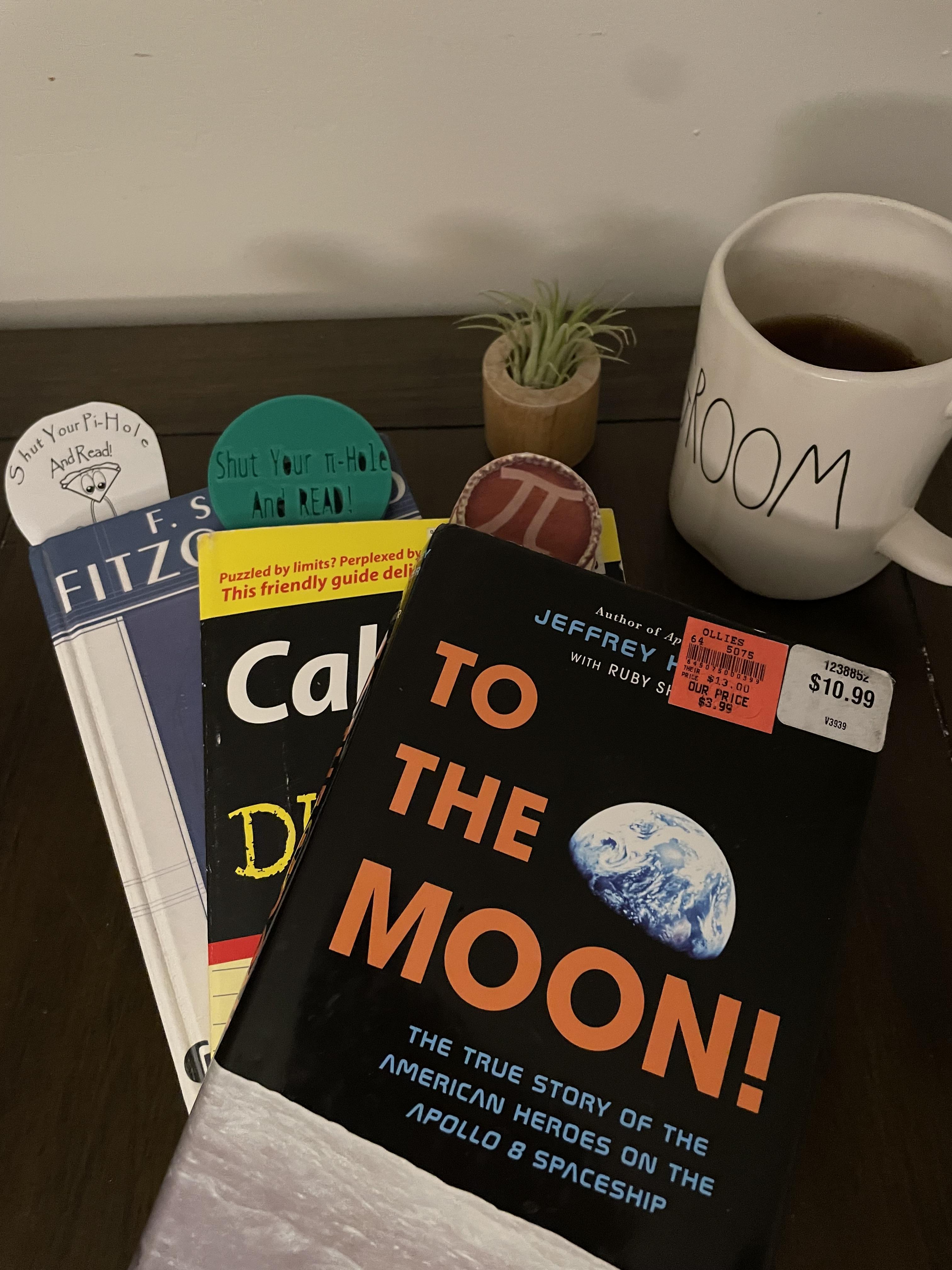
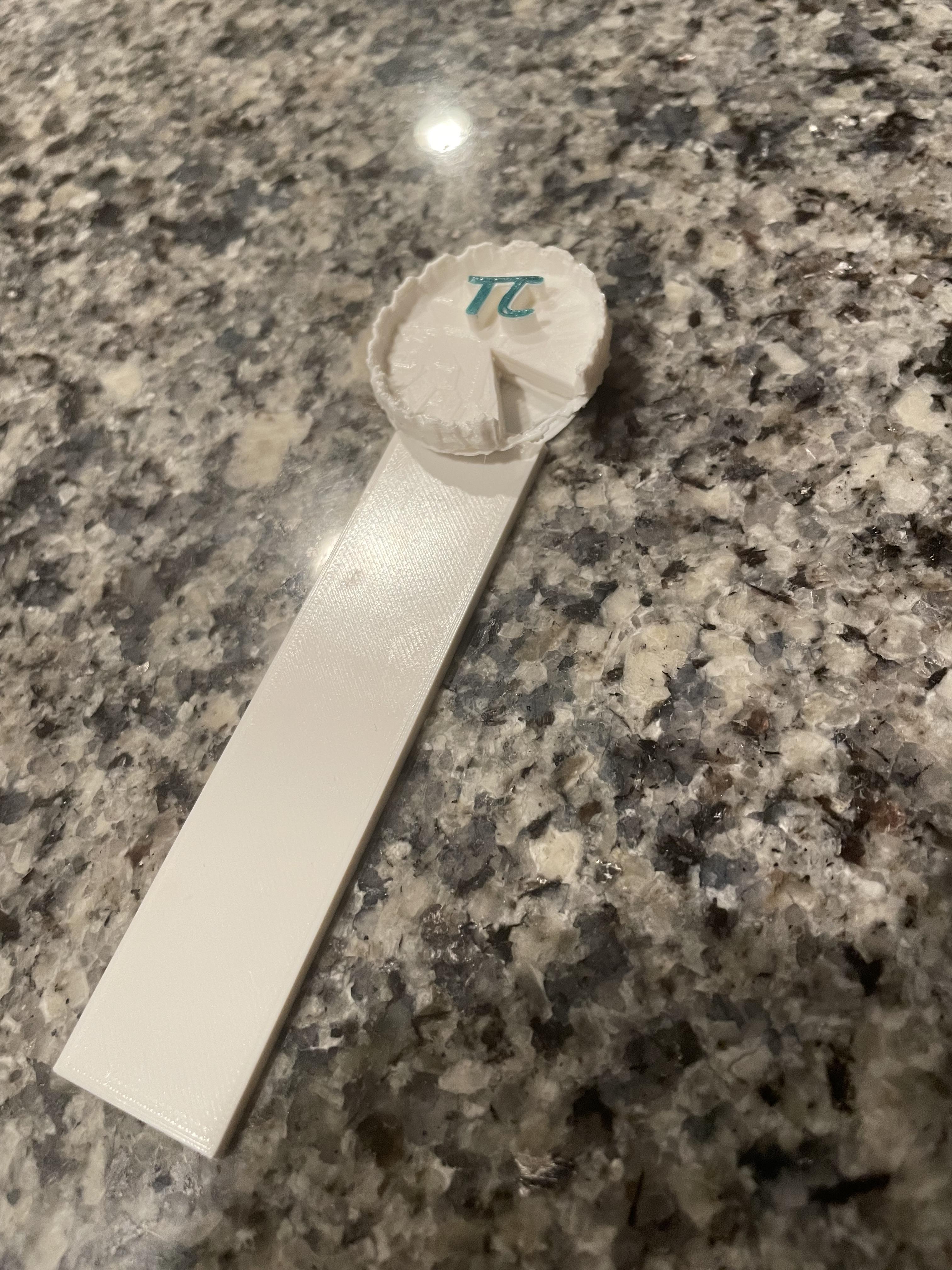

Disclaimer : When you put your love for PI on display, people will wonder one of two things:
- "Do they have a screw loose?"
. . .or. . .
2. "I wonder why they love STEAM so much?" (Science Technology Engineering Art Math)
Pi, 3.14, π, a constant that has been pondered, computed and utilized for centuries. From simple geometry to Euler's Formula, you are bound to encounter this number at least 3(.14) times in your life. The foundation of the radian representation, deserves its own recognition! Hence, PI DAY! Luckily for me, the Instructables powers-that-be created an All things Pi Contest!
For all the math teachers, math lovers, or math buffs out there, PI Day is a holiday where it is encouraged to nerd/geek out for a day and put the great 3.14 on display. If you are reading this, I'm assuming you nerd out 24/7/365.
However, PI Day is a unique opportunity to put that nerdiness on display. To bring more people into the math-lovers fold. It could be at school or university, it could be at work, in public spaces or even be setting up activities for littles to celebrate the occasion. Anything to get people curious, because that is the first step to truly exploring anything.
This project is a subtle, yet effective, way to show your admiration for the sweetest constant of all time.
Supplies

Bookmark in two-ways!
2D and 3D!
2D : For Paper Bookmarks
- Printer Access
- Cardstock/Printer Paper
- Ability to make digital art (Visio, Paint 3D, Word, or any online tool)
- Scissors
- Lamination or Packing tape for durability*
*Typically only needed if using raw printer paper. It is for durability but also gives more stiffness to the bookmark. I found that cardstock is thick enough on its own.
3D : PLA Bookmarks
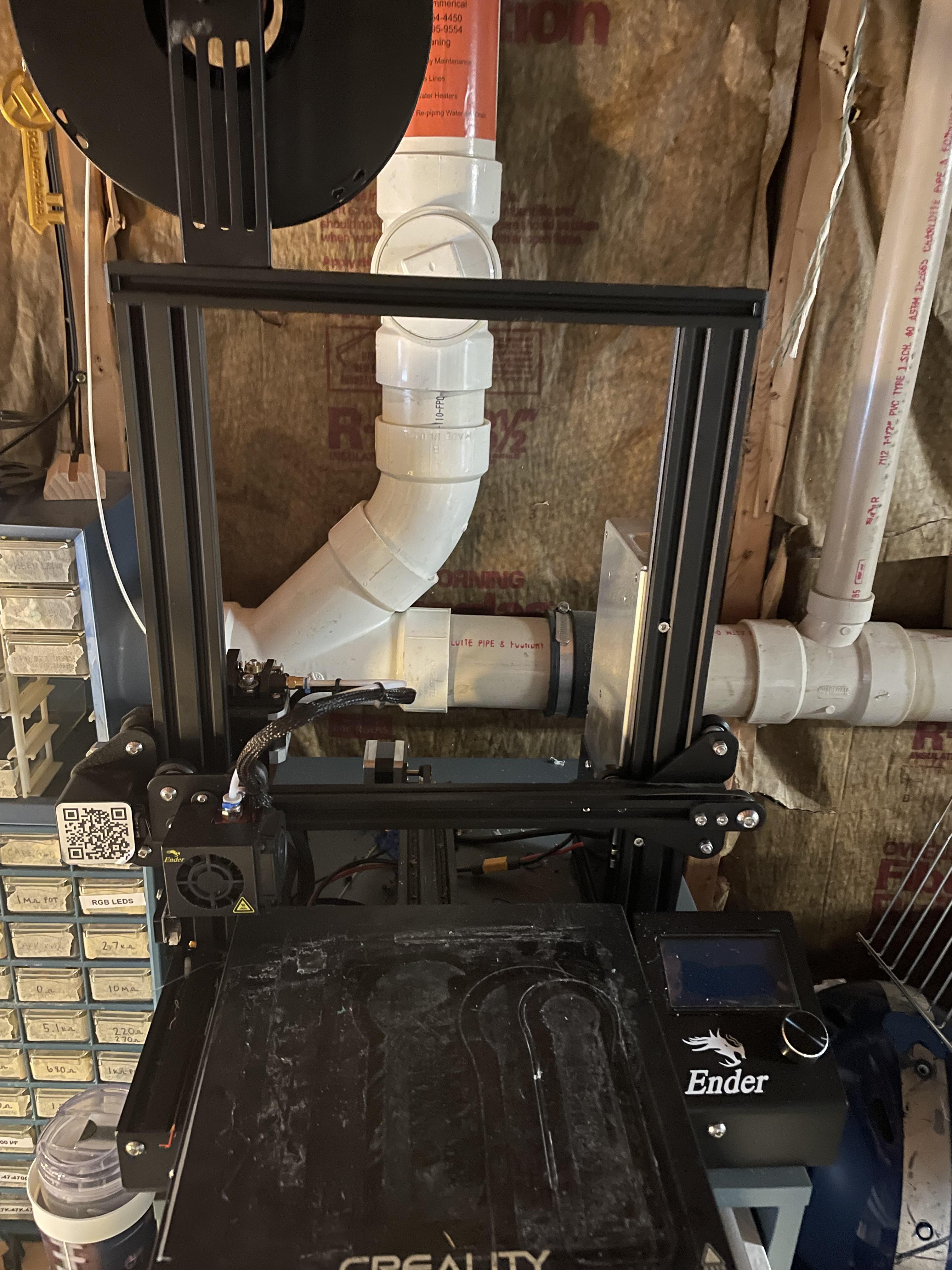
- 3D Printer Access (EnderPro 3)
- 3D Design Software (TinkerCAD)
- PLA Filament (1.75mm PLA)
Overview


Bookmarks can be broken up into 2 main parts:
- Head
- Body
The head is what sticks out of your book and the body is what slides into the book that holds your page.
Both the 2D and 3D bookmarks will follow this structure!
Make the Head


This design can be anything Pi-related. Picture of a Pie, symbol of Pi whatever your heart desires! If you like the wittiness of "Shut Your Pi-Hole and Read!" you are in luck because those are the completed templates I'm providing! I decided I wanted the head to be circular well, because. . . Pi.
Create the Head (2D)
Again you can use any designer you choose. For my 2D-Bookmarks I used the following:
- MS Word - I used "WordArt" to make my curved text.
- Paint 3D - For my little mascot
- Visio - Put it all together
Note : There are websites that allow you to make curved wording as well if you don't have MS-Word
Create the Head (3D)
I used Tinkercad for my 3D design.
- Create a Circle Object(about 60mm OD)
- Create a "Text" shape in the "Basic Shapes" Library
- Copy your digits of PI into the "Text" Box
- Sans-Mono
- Height ≥ than the bookmark thickness (So in my example ≥ 3mm)
- Turn your "Text" object into a hole
- Push/extrude the text object through your Circle/Head
- Then overlay whatever text you choose to
Make the Body


No. . . I did not memorize the first 100+ digits of Pi. . . but if you want to look at the first million digits I got the site just for you.
https://www.piday.org/million/
I decided to fill the body with as many digits that would fit on the body portion of the bookmark.
For the 3D-Printed Version I decided to rotate the digits so 90° for printability and readability.
Create the outline (2D)
Paint-3D, Visio or online art editors are all acceptable. Attach a rectangle to the head created in the previous step. Then overlay whatever text you choose to. I chose to fill the body with pi (pun intended).
Create the outline (3D)
I used Tinkercad for my 3D design.
- Create a rectangle (about 55mm x 100mm x 3mm)
- Create a "Text" shape in the "Basic Shapes" Library
- Copy your digits of PI into the "Text" Box
- Sans-Mono
- Height ≥ than the bookmark thickness (So in my example ≥ 3mm)
- Turn your "Text" object into a hole
- Push/extrude the text object through your rectangle
- Then overlay whatever text you choose to.
TinkerCad Notes (3D Version Only)


Disclaimer : If any of these assumptions are not true. PLEASE LEAVE A COMMEMT! I would love to save time during my next TinkerCAD design.
- Line-Wrapping text isn't a thing. So If you wan t multiple lines you have to copy and paste 3 Text-Hole objects.
- I like to cut out the left-behind portions of my letters/numbers in tinkercad so the printer doesn't have to work as hard (Ex. The inside of an "O" , the bump on "P", triangle of an "A" etc.).
3D Printer Settings (3D Version Only)


I used an Ender 3 Pro and CURA software as my G-Code compiler.
My Cura Settings
- Generic PLA
- Resolution -Super Quality
- Infill Density - 30%
- Infill Pattern - Gyroid
- No Support
- No Adhesion
(Took about 5 hours)
The Third Way - MAKE YOUR OWN


Thanks!
This Instrucable is easy as pi for anyone who has printer access. I have made my 2D or 3D templates available for everyone to use. However, I think making it your own, putting a twist on it, giving it a witty quote that'll make me say "Oh I wish π thought of that", is even sweeter!
Make it out of wood, make it out of cardboard, give it tassels, put your artistic spin on it, make it a craft for your class or scouts! The thing I love about Instructables is everyone shares their ideas, collaborate, and remix!
Files!!
I have attached my "Shut Your Pi-Hole" and "Pi's Pie" bookmarks as cutout PDFs (2D-Versions)!
I have attached the G-code for the "Pi-Pie" and "Shut your π-Hole" (3D-Versions).
I also made my project public on Tinkercad for anyone who wants a template:
https://www.tinkercad.com/things/lfs6vP9WUWw-pi-day-bookmark-v2?sharecode=ToPv3YiieTwm7urGPEJI3_nQ2ePjKlIxJN_FHM1gHZ0
My Promise
If I see someone else submit a Pi-Bookmark to the "All things Pi Contest" using my template, I promise I won't be sending a strongly worded comment/email. I encourage it! We share ideas around here!!
Thanks for reading and as always comments, notes, and criticisms are always welcome and encouraged!