Srinivasa Says: a Pi-Memorization Memory Game
by agarnung in Circuits > Microcontrollers
16 Views, 2 Favorites, 0 Comments
Srinivasa Says: a Pi-Memorization Memory Game


~Challenge your brain with the infinite decimals of π in this Simon-style electronic game.~
Named after the legendary mathematician Srinivasa Ramanujan, who had an uncanny intuition for infinite series and π, this project is a "Simon Says" style game with a mathematical twist. Instead of random colors, you must follow the actual sequence of Pi: 3.14159...
Unlike standard memory games that use random sequences, Srinivasa Says uses the constant nature of Pi to help you memorize its digits through musical notes. It’s a perfect project for Pi Day, combining bare-metal programming, custom PCB design, and 3D printing.
Downloads
Supplies

To build this project, you will need:
Core Electronics:
- Microcontroller: ATmega328P-PU (DIP-28 package).
- Clock: 16 MHz Quartz Crystal + 2x 22pF capacitors.
- Audio: Passive Piezo Buzzer.
- Volume Control: 10k Trimmer (Potentiometer).
- Visuals: 5mm LEDs (Red for error, Green for success) + 2N3904 NPN Transistors (drivers).
Power & Interface:
- USB-C Connector (for 5V power).
- Buttons: 10x Tactile switches (0-9 digits) + 3x control buttons.
- PCB: Custom designed (Gerber files attached).
Software & Tools:
- Microchip Studio (or Atmel Studio) for C programming.
- AVRDUDE + USBASP Programmer.
- BambuLab A1 mini (or any 3D printer) for the enclosure.
The Electronic Design (Theory & Schematics)

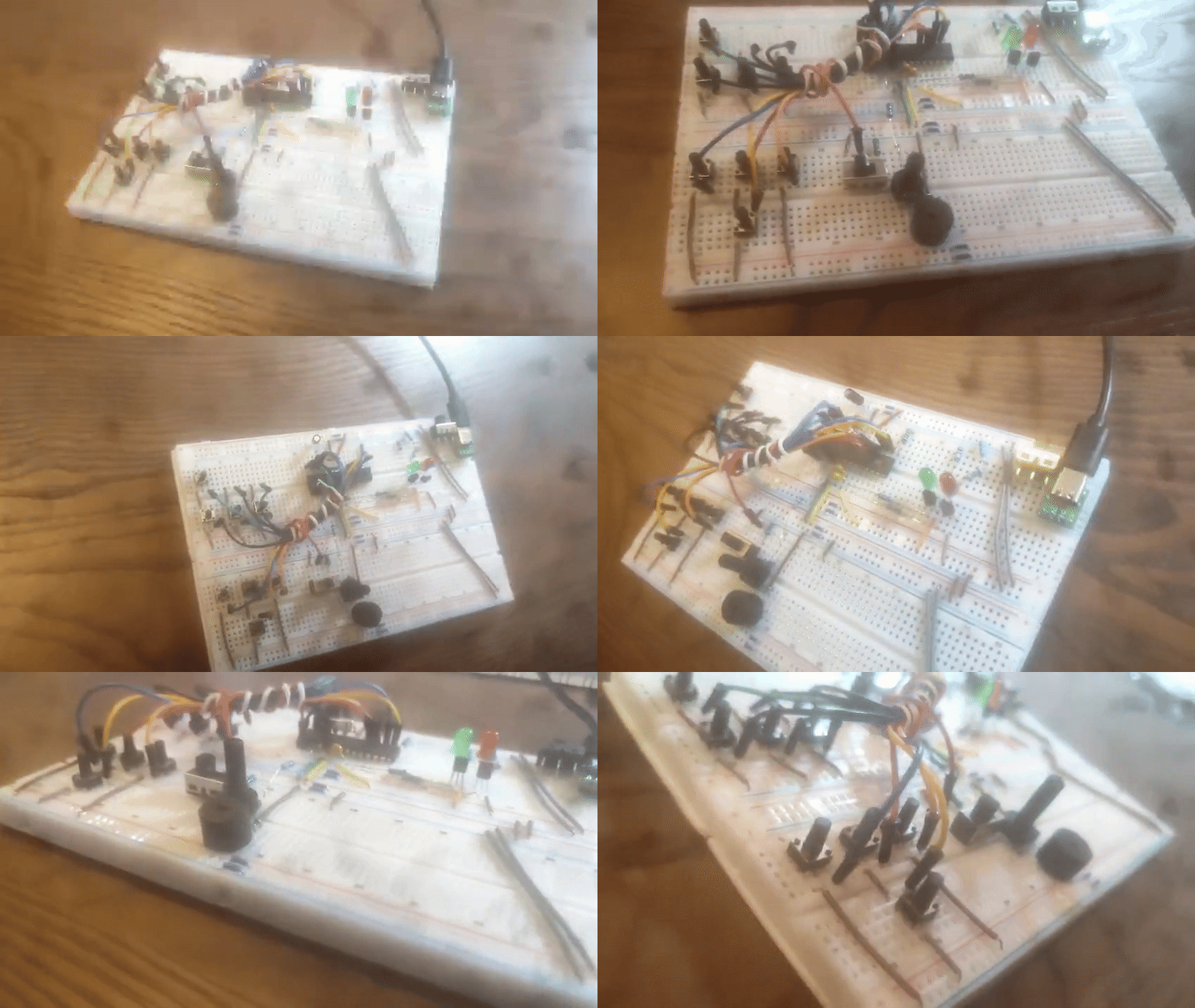
The heart of the system is a standalone ATmega328P.
Key Design Choices:
- LED Drivers: Instead of connecting LEDs directly to the MCU, I used 2N3904 transistors. This ensures the MCU pins don't exceed their current rating and provides consistent brightness.
- Volume Management: A 10k trimmer works as a variable resistor in series with the buzzer. I added a 37 Omega resistor to prevent short circuits when the volume is at maximum.
- Decoupling: 100nF capacitors are placed close to the VCC and AVCC pins to filter high-frequency noise.
Check the electronic design here.
Bare-Metal Firmware (C Code)

This project moves away from the Arduino IDE to use pure C (AVR-Libc). This allows for precise control over the hardware timers.
Tone Generation: We use Timer1 in CTC mode (Clear Timer on Compare Match). The frequency of each note is calculated using:
OCR1A=FCPU/(2⋅Prescaler⋅fnote)−1
The Logic: The Pi sequence is stored in a constant array. The game compares the user's button press with the corresponding index in the pi_digits[] array.
Check the firmware source code here.
Downloads
Step 3: Custom PCB & 3D Printed Enclosure
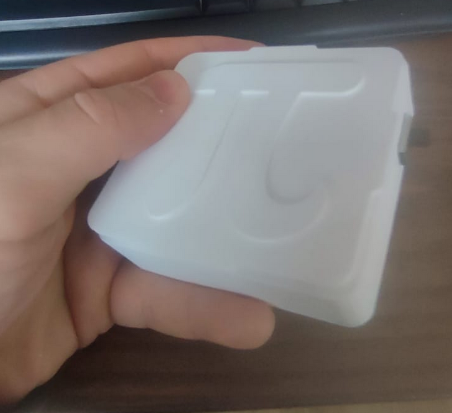
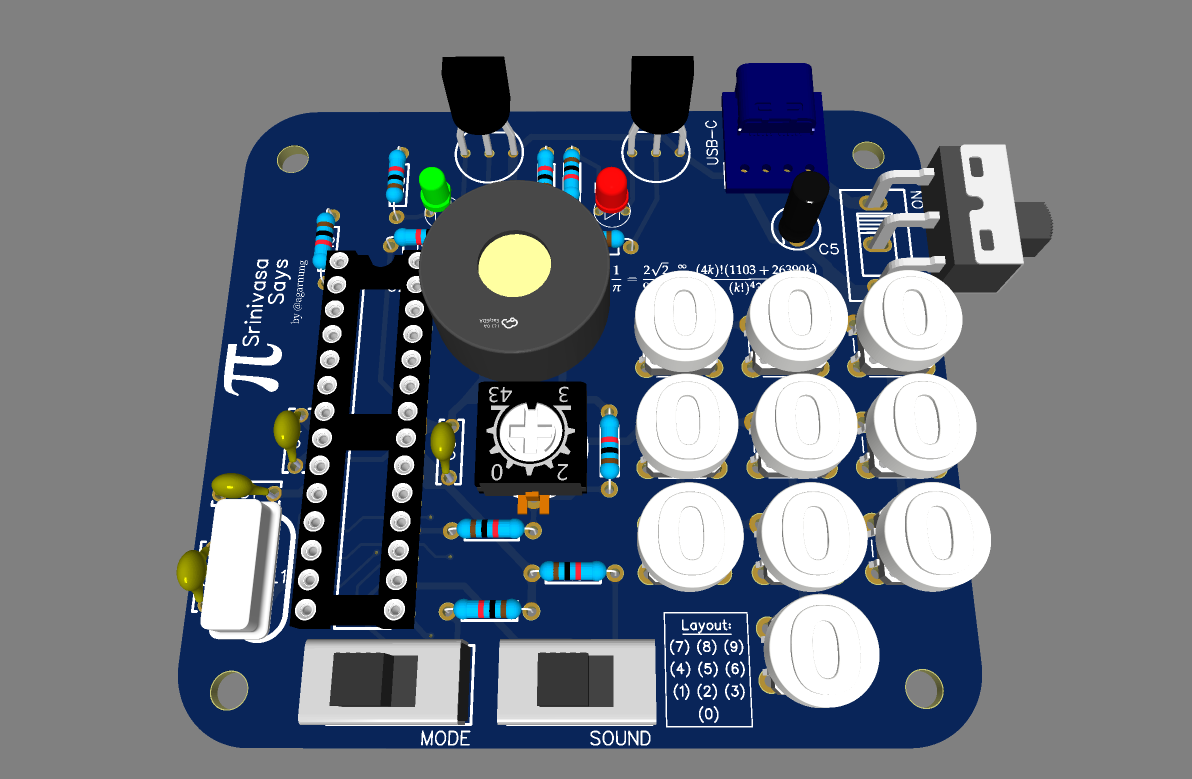

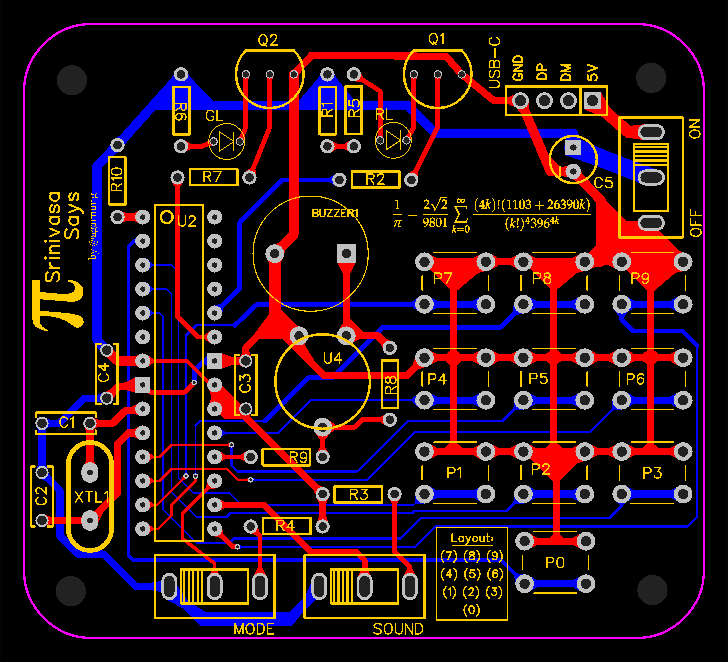
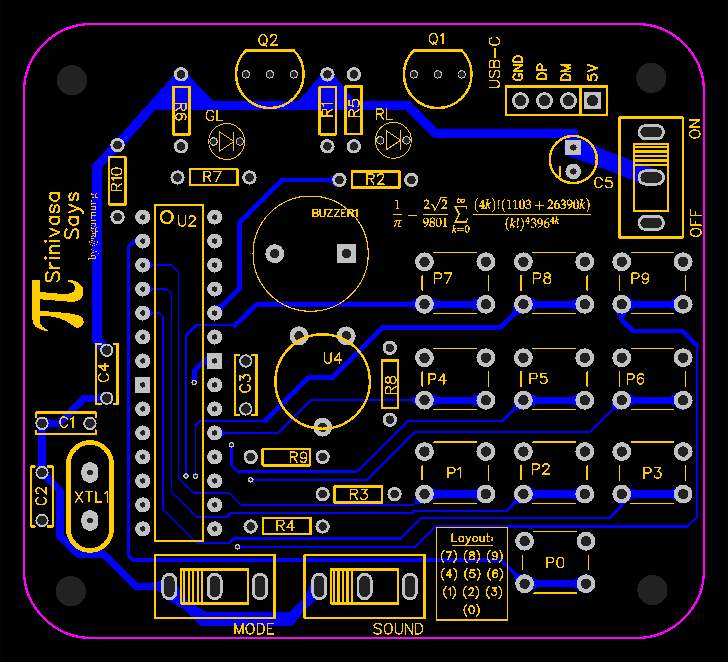
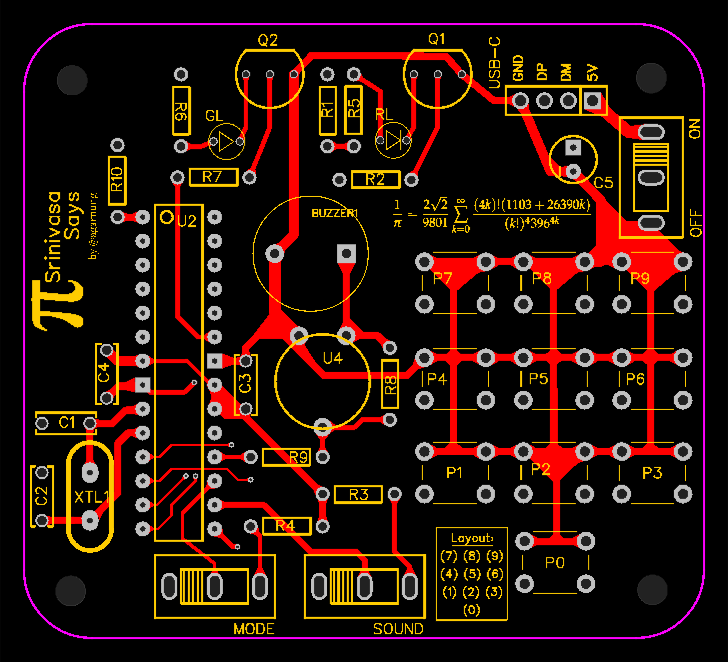

To make the project portable and "pro", I designed a custom PCB in EasyEDA.
Manufacturing:
- The PCB was manufactured via JLCPCB.
- The enclosure was modeled in Blender/Fusion 360 to fit the PCB perfectly.
- 3D Printing: Printed in PETG-HF for durability. I also designed custom button caps to fit the long-neck tactile switches.
Check the mechanical design here.
Programming the ATmega328P
Since we are not using an Arduino board, we need an external programmer.
- Connect the USBASP to the ISP pins of the ATmega328P.
- Set the Fuses (Low: 0x7F, High: 0xD9) to enable the 16MHz external crystal.
- Upload the .hex file using AVRDUDE: avrdude -c usbasp -p m328p -U flash:w:srinivasa.hex:i
Check the compiled files here.
How to Play
Power On: Toggle the rocker switch.
The Challenge: The device will play the first digit of Pi (3) with a specific tone.
Input: Press the "3" button.
Progression: If correct, you'll hear a success beep, and the sequence grows: 3, then 1, then 4...
Game Over: If you fail, the red LED lights up and a "Low-frequency" error tone sounds. Can you beat the world record?
Downloads
Conclusions
Creating Srinivasa Says has been a journey through the intersection of mathematics, embedded systems, and industrial design. Moving away from standard development boards to a standalone ATmega328P allowed for a deeper understanding of AVR architecture and power management.
Key Takeaways:
- Hardware vs. Software: Implementing volume control via a physical trimmer proved to be more efficient and "noise-free" than a software-based PWM approach.
- Precision Matters: Using an external 16MHz crystal was essential to maintain the musical integrity of the notes, ensuring that "Pi" always sounds the same.
- Customization: 3D printing custom button caps transformed a simple PCB into a professional-feeling handheld device.
This project is a tribute to Srinivasa Ramanujan and a reminder that even the most complex mathematical constants, like π, can be turned into a fun, tactile, and musical experience.
What's Next? For version 2.0, I plan to implement EEPROM storage to save high scores and develop a lot of other modalities, by just replacing the firmware.
P.S.: I've memorized more than 90 digits, how can you? :)