The Anti Productivity Button
by natashakolesch in Circuits > Arduino
11 Views, 0 Favorites, 0 Comments
The Anti Productivity Button

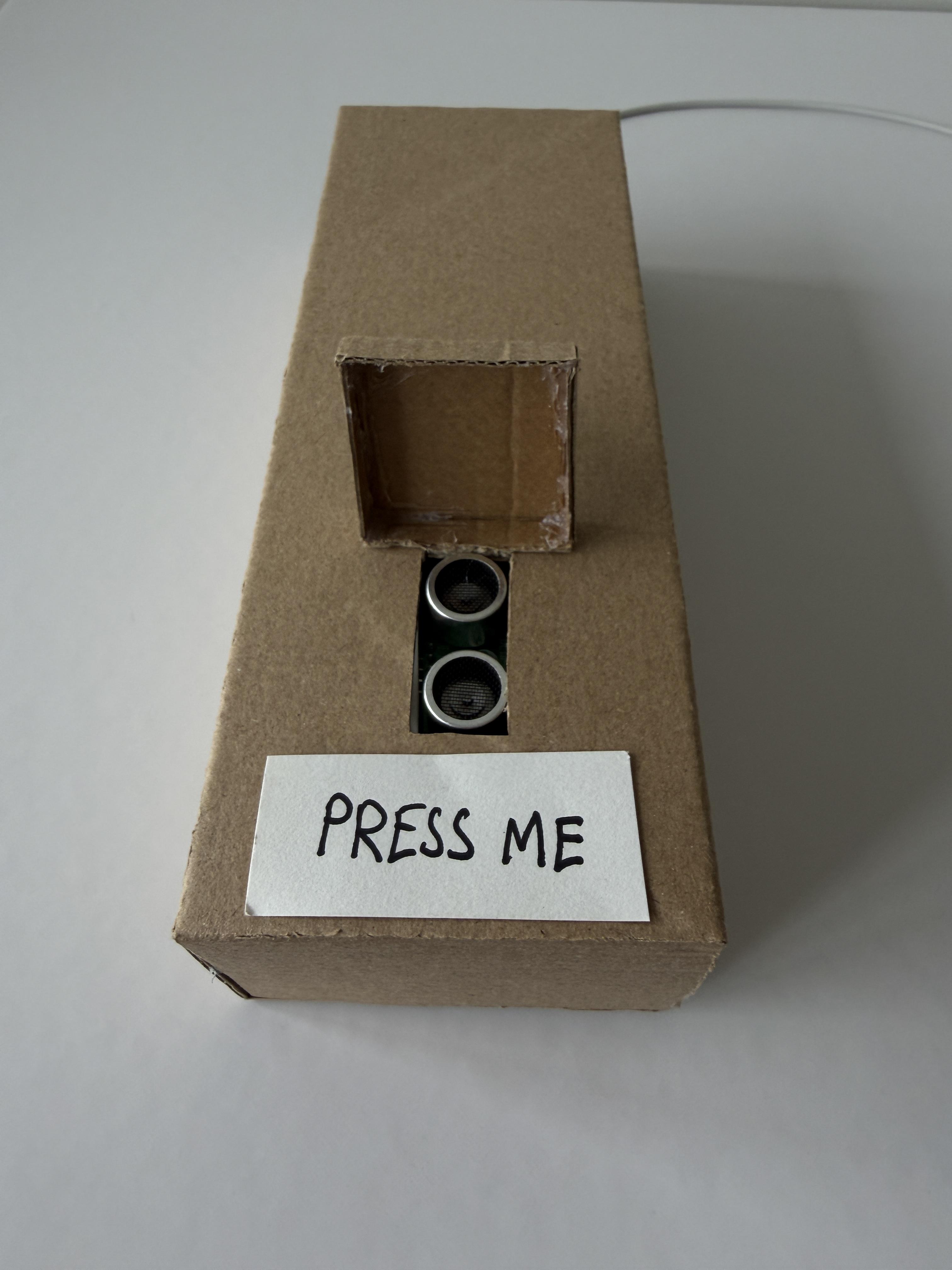
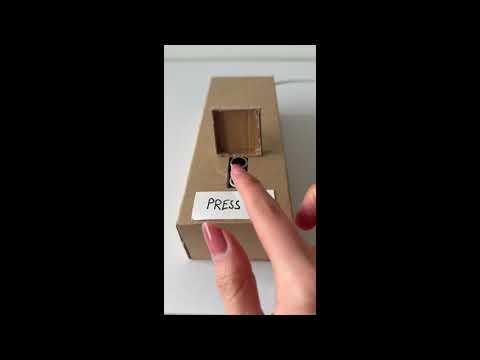
Do you feel guilty when you're not “doing something”?
Does the glowing presence of a button labelled DO SOMETHING demand action?
Our Anti-Productivity Button solves this problem by refusing your productivity.
When a hand approaches within 10 cm, the system reacts instantly, a servo-driven flap swings shut and physically prevents interaction. The object cancels the action before it happens. Automation eliminates agency.
This project was created as part of the Physical Computing course (ARC385) at the John H. Daniels Faculty of Architecture, Landscape and Design HBA in Architectural Studies program at the University of Toronto.
Natasha Kolesch
Supplies

Supplies
Components
- x1 Arduino Nano
- x1 HC-SR04 Ultrasonic Sensor
- x1 DS-R005 Micro Servo
- x1 Breadboard
- Jumper wires
- USB cable for Arduino
Non-Electrical Components
- Cardboard (hand cut)
- Hot glue or superglue
- Paper label: “DO SOMETHING”
- Small hinge or taped servo flap
Tools
- Utility knife
- Cutting mat
- Metal ruler
- Hot glue gun
Step 1: Inputs & Outputs
Understanding the Logic
The Anti-Productivity Button uses distance detection as its input to control a single physical output.
Input
- HC-SR04 Ultrasonic Sensor
- Detects a hand within 10 cm.
Output
- DS-R005 Servo Motor
- Rotates 90° to close a flap over the button area.
When the sensor detects a hand approaching within 10 cm:
- The flap swings closed.
- It stays closed briefly.
- It reopens.
- The system resets immediately.
The action prevents action.

Step 2: Circuit Layout
We aimed to keep the circuit minimal and compact, allowing it to fit inside a small cardboard housing.
Ultrasonic Sensor → Arduino Nano
- VCC → 5V
- GND → GND
- TRIG → D3
- ECHO → D4
Servo → Arduino Nano
- Red → 5V
- Brown → GND
- Yellow → D9
We recommend:
- Testing the ultrasonic sensor first (print distance to Serial Monitor).
- Then, test the servo independently.
- Then, combine both systems.
Step 3: Fabrication
Unlike many laser-cut projects, this structure was entirely hand-cut from cardboard.
The form was designed around the logic of concealment:
- The ultrasonic sensor sits exposed at the front.
- The servo is mounted internally.
- A lightweight cardboard flap is attached to the servo horn.
- The flap rotates downward to block the button label.
The housing was sized to fit:
- Arduino Nano
- Breadboard
- Servo body
- Wiring clearance
One side panel was left removable for debugging, code adjustments, and wire adjustments.
Because cardboard is lightweight, the flap must also be light. Excess weight will cause the servo to stall.
Step 4: Code
The system works by sending an ultrasonic pulse and measuring return time to calculate distance. If the measured distance is less than or equal to 10 cm, the servo rotates.
Key logic condition:
if (distance > 0 && distance <= 10)
Timing is crucial. Without short delays, the flap will repeatedly trigger.
Troubleshooting tips:
- If the servo moves constantly, add a short delay after reopening.
- If distance reads 0, check ECHO wiring.
- If measurements fluctuate, create a small cardboard tunnel around the sensor.
Step 5: Conceptual Reflection
This project is intentionally simple mechanically but conceptually critical.
It explores:
- Automation without utility
- Efficiency that negates purpose
- Reaction that prevents interaction
- Architecture as behavioural control for psychological urges
Unlike traditional useful Arduino machines, this device does not assist productivity, it actively obstructs it.
It reflects on efficiency culture, where automation promises to optimize action, yet often removes agency.
The machine performs labor to prevent labor.
Challenges & Lessons Learned
- Sensor Sensitivity
- PIR sensors were initially tested but proved too unstable indoors. Ultrasonic sensing provided more reliable distance control.
- Distance Calibration
- Determining the correct threshold (5 cm vs 10 cm) required iterative testing using Serial Monitor.
- Servo Behavior
- Without delays, the flap opened and closed continuously. Proper timing stabilized the system.
- Material Constraints
- Cardboard flexibility required reinforcing the servo mounting area.
If iterated again:
- Add an LCD screen that says “No.”
- Introduce slower servo motion for more theatrical effect
- Add a sound cue when triggered
- Hide the sensor more discreetly within the structure