The Fastest Passive Runner on Earth
by Jarom in Workshop > 3D Printing
159 Views, 1 Favorites, 0 Comments
The Fastest Passive Runner on Earth
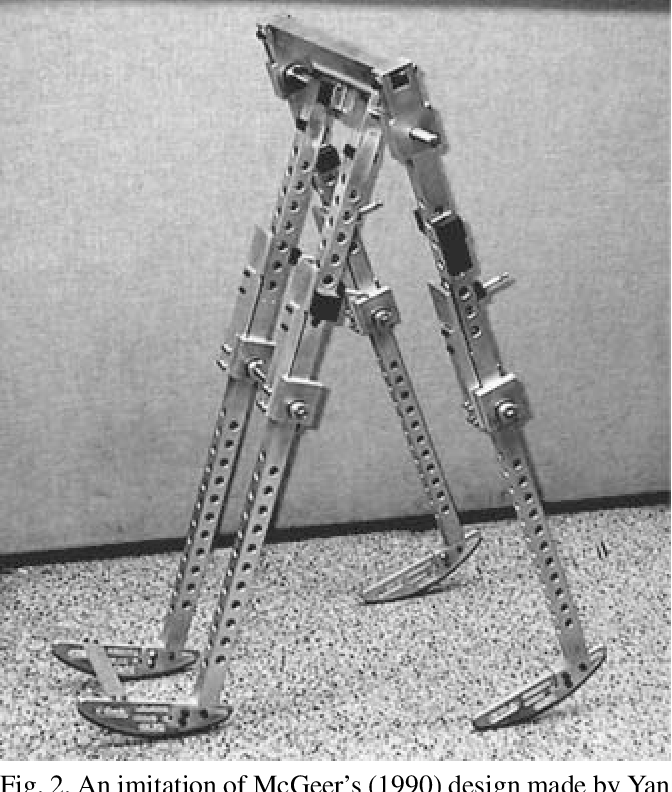
In the late 1980s, roboticist Tad McGeer demonstrated something that completely challenged how we think about walking robots.
He built a machine with no motors, no batteries, and no control system and yet, it walked.
This device, known as the Passive dynamic walker, relies purely on physics. When placed on a slight downhill slope of 3 degrees the legs swing naturally like pendulums, and the geometry of the mechanism creates a stable walking gait.
The idea is simple but profound:
- Gravity injects energy.
- Collisions at heel strike dissipate energy.
- The walker’s geometry and mass distribution determine stability.
- If everything is tuned correctly, a stable limit cycle emerges.
In other words, walking can be a passive dynamic phenomenon. However McGeer and I see the world differently. He created a passive walker. I on the other hand wanted to create a Passive Runner. In this method I trade the stability of the walker for good old two legged speed.
That’s exactly what this project explores.
I replicated the McGeer passive walker and then optimized it to walk on an incline close to 7 degrees, dramatically increasing its speed while preserving purely passive dynamics. The result: one of the fastest passive walkers ever built.
Soon enough i’ll explain:
- The physics behind passive dynamic walking
- how I built and tuned mine to achieve maximum speed
Now, lets get into it
Supplies



Required Materials
- Access to a 3D printer
- Minimum build volume: 250 mm × 250 mm print bed
- (All structural components are designed to fit within this footprint.)
- 6 skateboard ball bearings
- Standard 608 bearings (8 mm inner diameter, 22 mm outer diameter, 7 mm width)
- Sandpaper
- Assorted grits (for smoothing the pin parts that hold the knees and hips together)
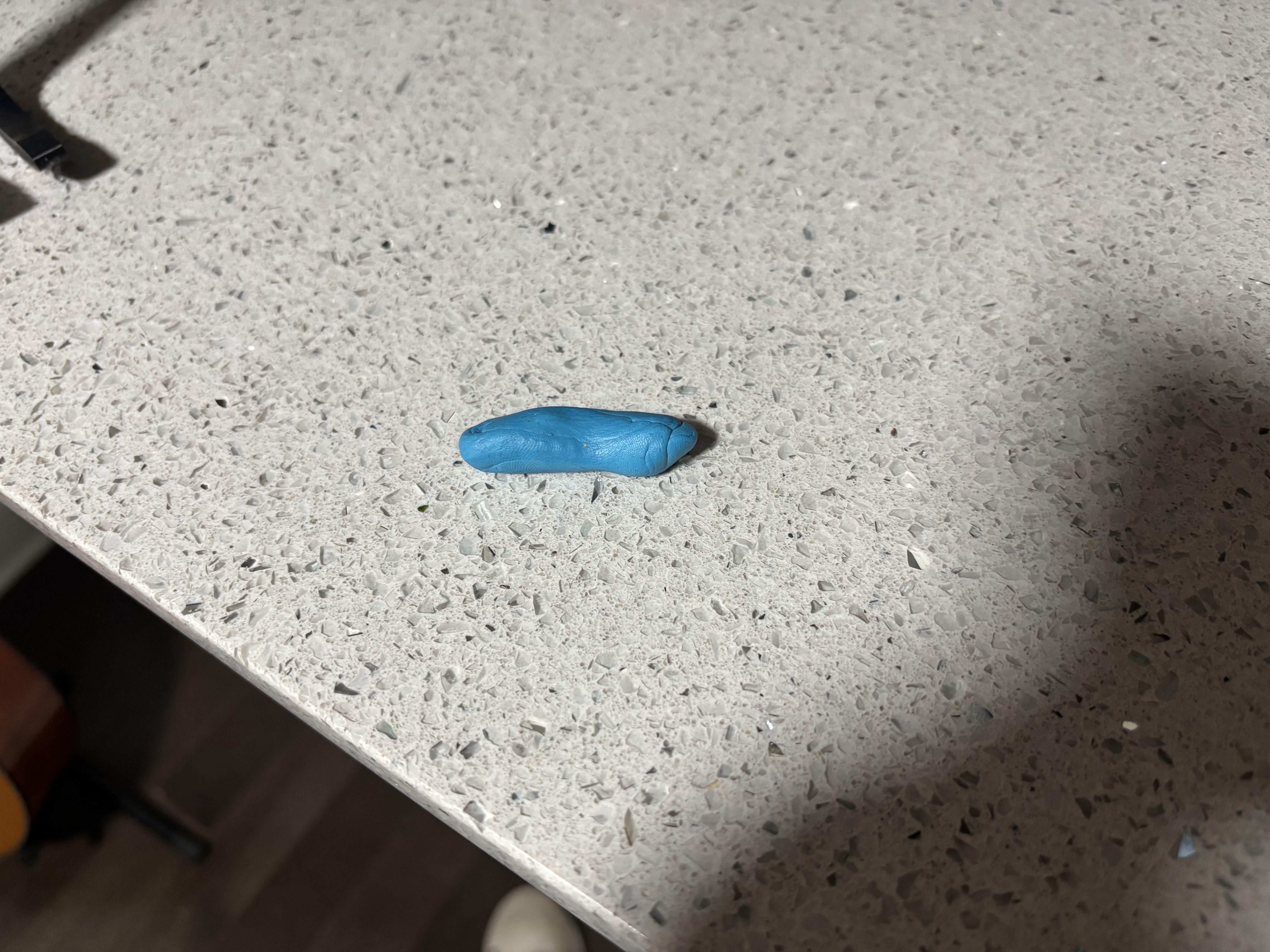
- Wall Tack
- Tables and other surfaces before very slippery for the passive walker without some tack at the bottom of the feet to make them stick
Physics Simulation

Like all things in life, they abide by the laws of physics. Although a tricky subject at times, McGeer did the hard part for us and has lined out four easy steps to calculate the stride of our passive walker.
It's as simple as solving 4 dynamic systems:
- Numerically solve for the position the 3 linkage system (hind leg able to bend and the front leg locked) for the moment the front leg locks
- Assume the front leg locks in an inelastic collision and solve for its velocity
- Numerically solve for the position the 2 linkage system has the heel of the front leg hit the floor
- Solve for the speed of the hind and front leg in the elastic collision
If you know your differential equations like a true mechanical engineer or have access to Claude Pro you'll be able to create a simulator in no time. Just make sure your upper legs are heavier than your lower ones or else the knee doesn't like to bend. Make sure the start and the end of the simulation are as close as possible to each other and gradient decent over the starting conditions and femur length.
Assembly


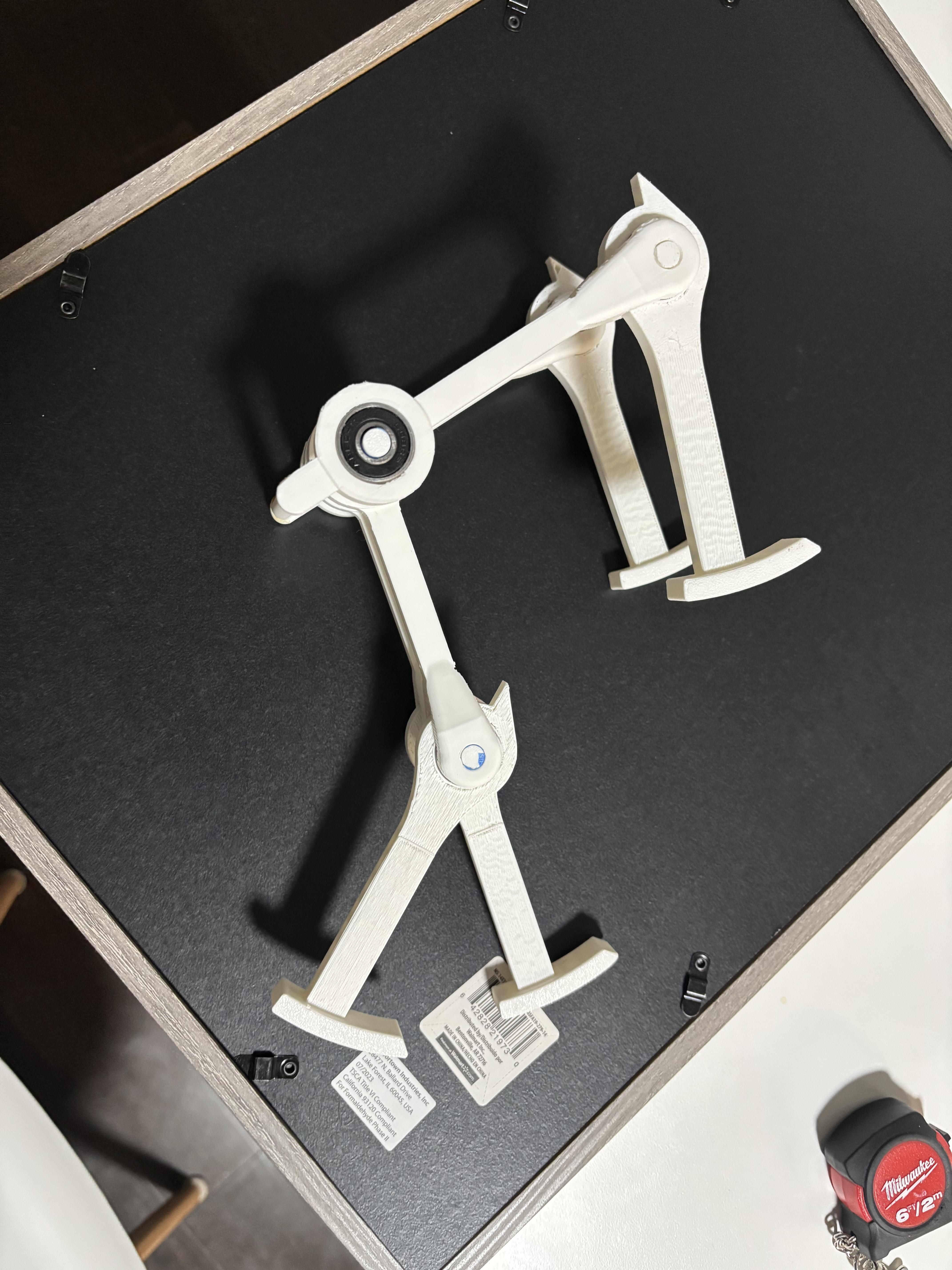
Now that we have numerically solved for the optimal weight and length for the legs, we need to build our creation!
- Print out 2 outer leg femurs, print out 2 inner leg femurs, print out 4 shins, 2 short knee axles, 1 longer knee axle, and then one hip axle and then finally one secondary cross pin.
- Sand down the axles for the knees and the hips
- Sand down the inside of the joints
- Insert the ball bearings
- Insert the axle through the outer knees that have an upper notch to them that will hold the secondary cross pin as in image 3
- Insert the longer pin through the knees of both of the inner knees to keep them together and lock step.
- Insert the hip axle
- Insert the secondary cross pin to the outer legs to keep them moving in unison
- Place wall tack on the bottom of the feet for them to stick to the inclined surface
All CAD is on onshape:
https://cad.onshape.com/documents/65594804c152ad9c432672dc/w/2ad2462fcd27dbb8ea344c04/e/11bdb2de63a17052e69b8d5e?renderMode=0&uiState=69a7abf97d61ec3c535d44c8
Attempt 1 Failure
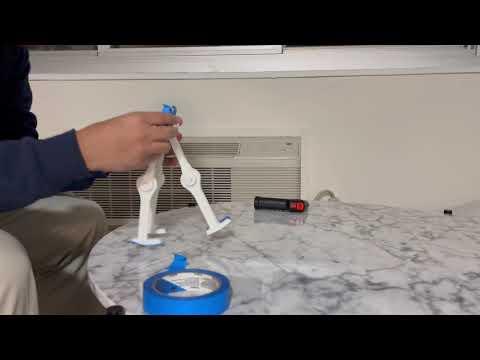
The first time I attempted this project, I had used McGeer's exact equations, however, they lack knee weights which my design definitely needed to take into consideration due to the heavy ball bearings. The second thing I mis-understood was the fact that the radius of the foot has to be ahead of the to make sure the legs lock at the knees.
Attempt 2 Success
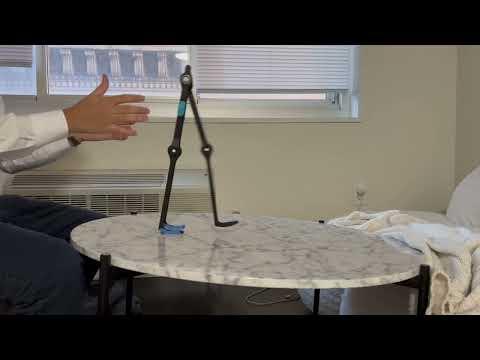
The second time it worked like a charm! Getting all the way up to ~1 mph or 1.3 ft/s! I hope you enjoy and are able to make this great little toy as well.