The Photographer Stool

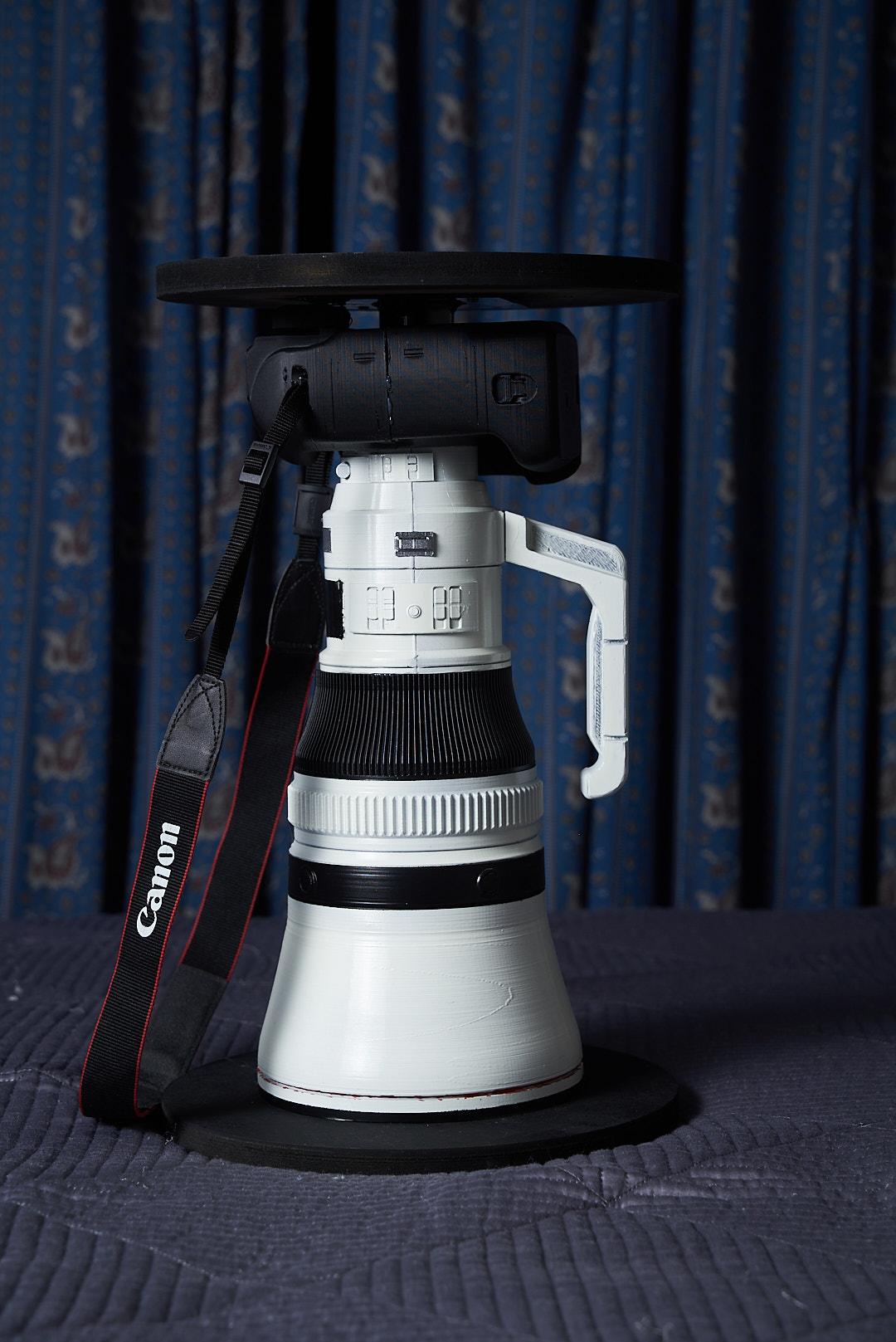


As a photographer I love stuff that shows our passion, like t-shirts, hoodies, keychains, accessories, jewelry, mugs, etc. So... in this tutorial I made a stool that looks like a camera and a lens.
All this was an inspiration by a Instagram reel of a photographer sitting on his Nikon Camera. (https://www.instagram.com/p/DPoULYmjT7A/)
I am quite sure Professional camera can support a lot of weight and extreme situations but this stool just looks awesome.
Supplies
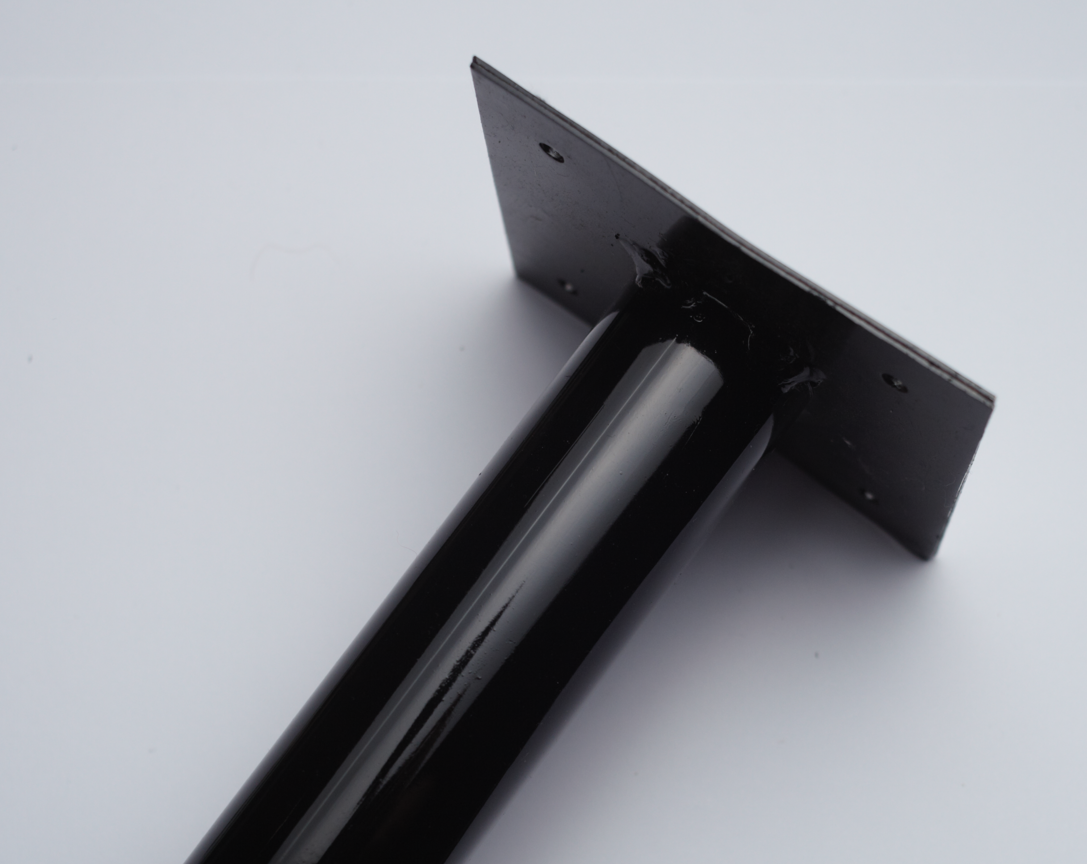
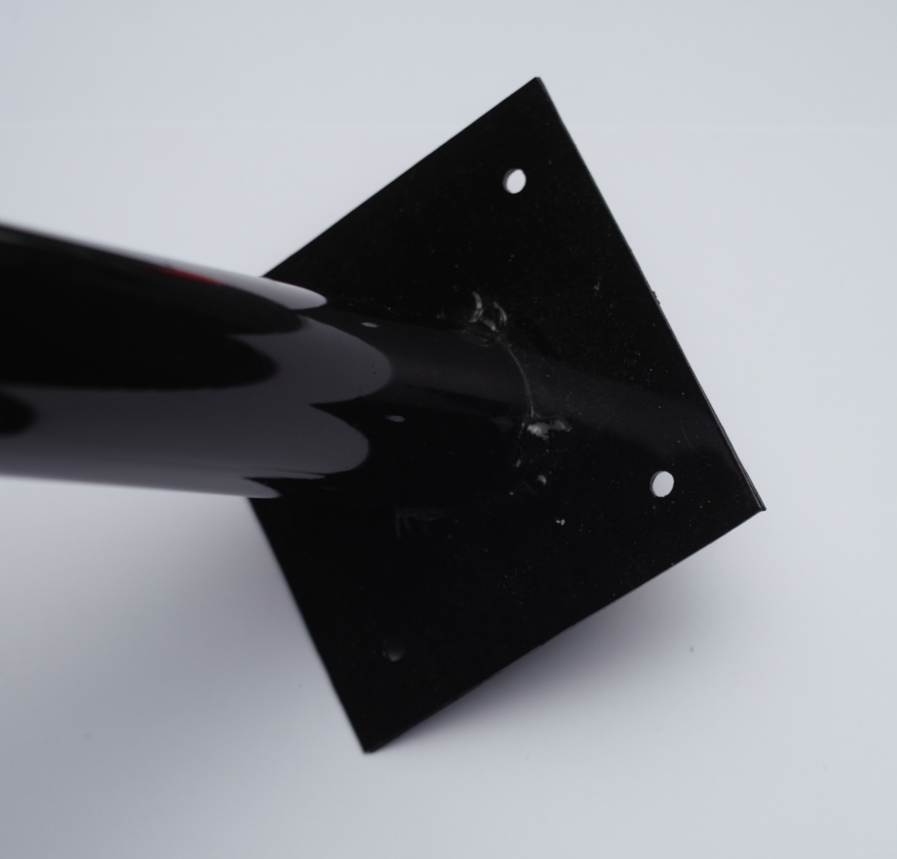
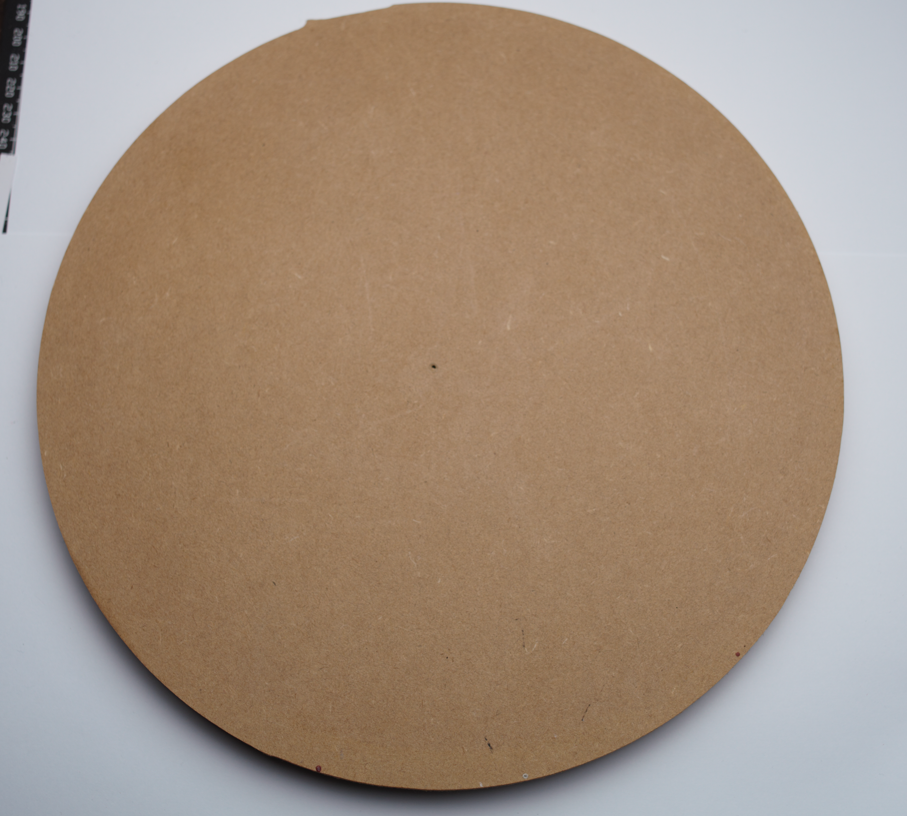
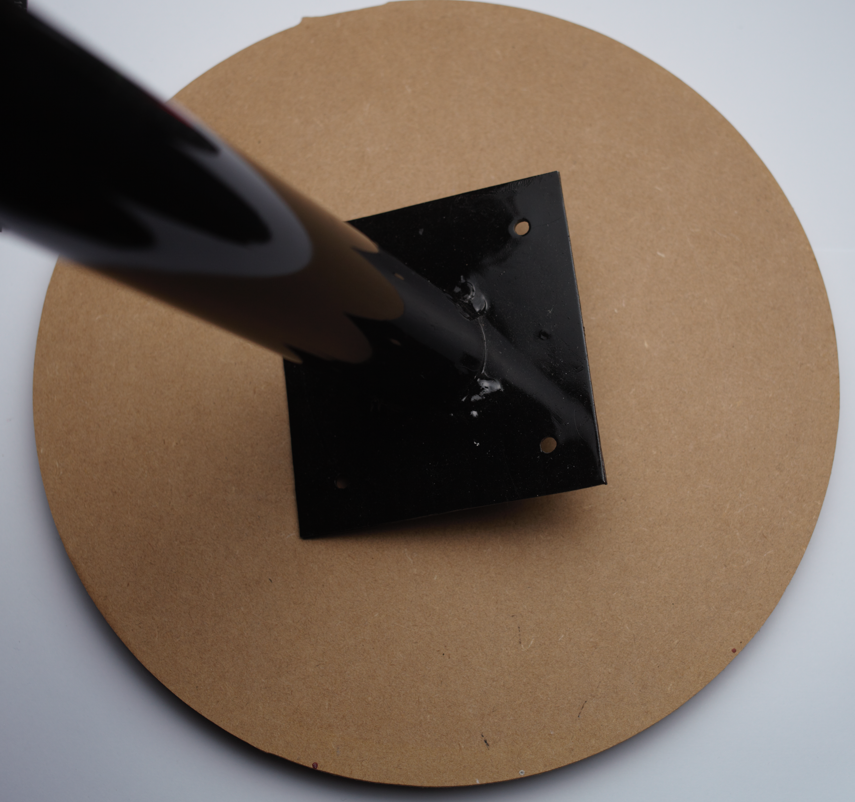
For this you will need:
2 - 10" round MDF from your local hardware store
2 - pole base (https://a.co/d/0fnCaFNb)
1 - 1 1/2 inches pipe
This 3 parts depends on how sturdy you want your stool. You can increase the thickness of the pipe and the couples and make/buy a larger round MDF.
8 - 1 inch screws
Epoxy Glue/Hot Glue
Black Matte Paint
White/Light Grey Matte Paint
Sanding paper
Tools:
3d Printer
A lot of patience
Metal Saw
Screwdriver
Knife
Hot glue gun
Disclaimer: this is a decorative stool so DO NOT TRY TO STEP ON THE STOOL.
Printing Your Camera Model



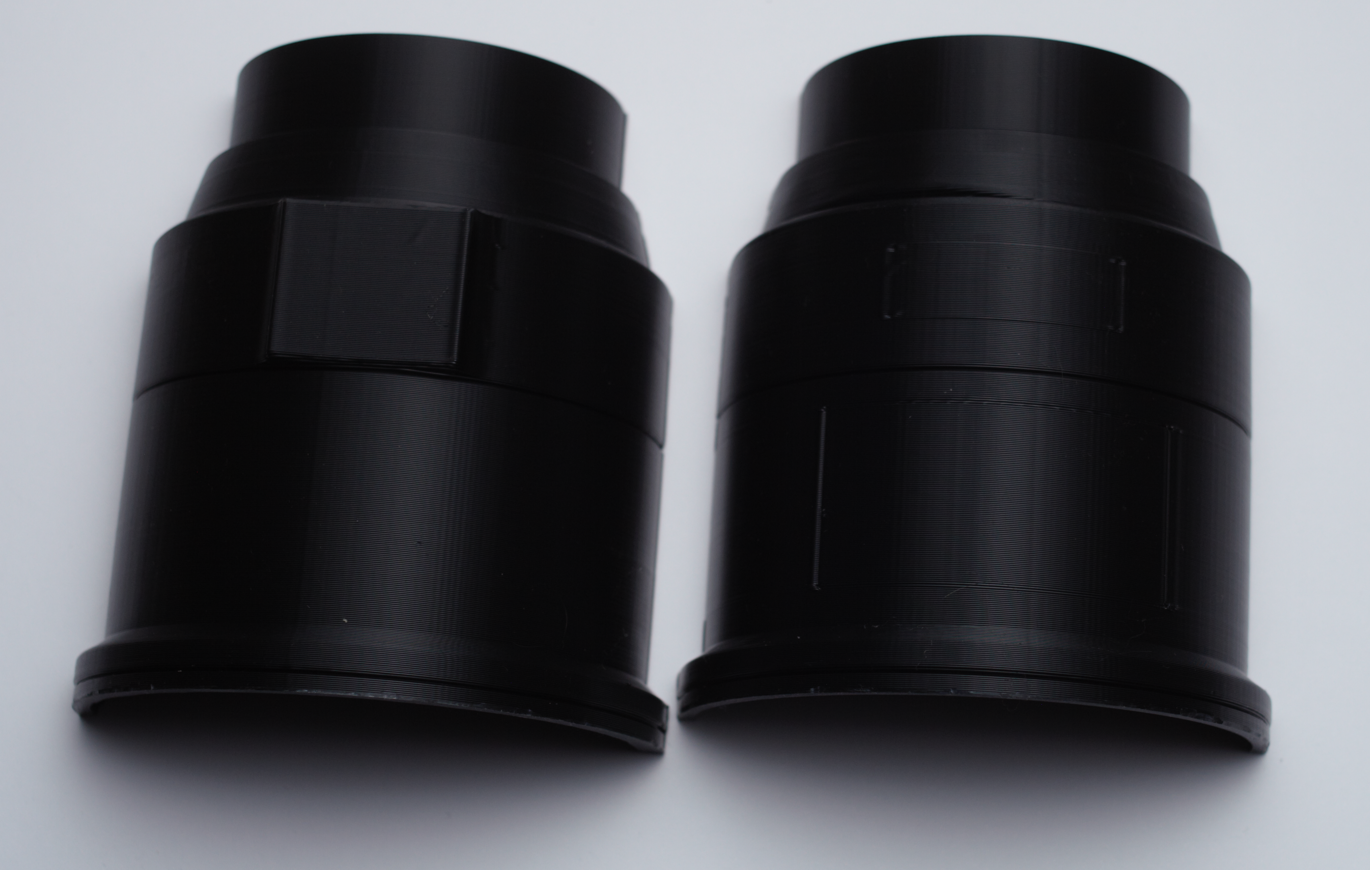
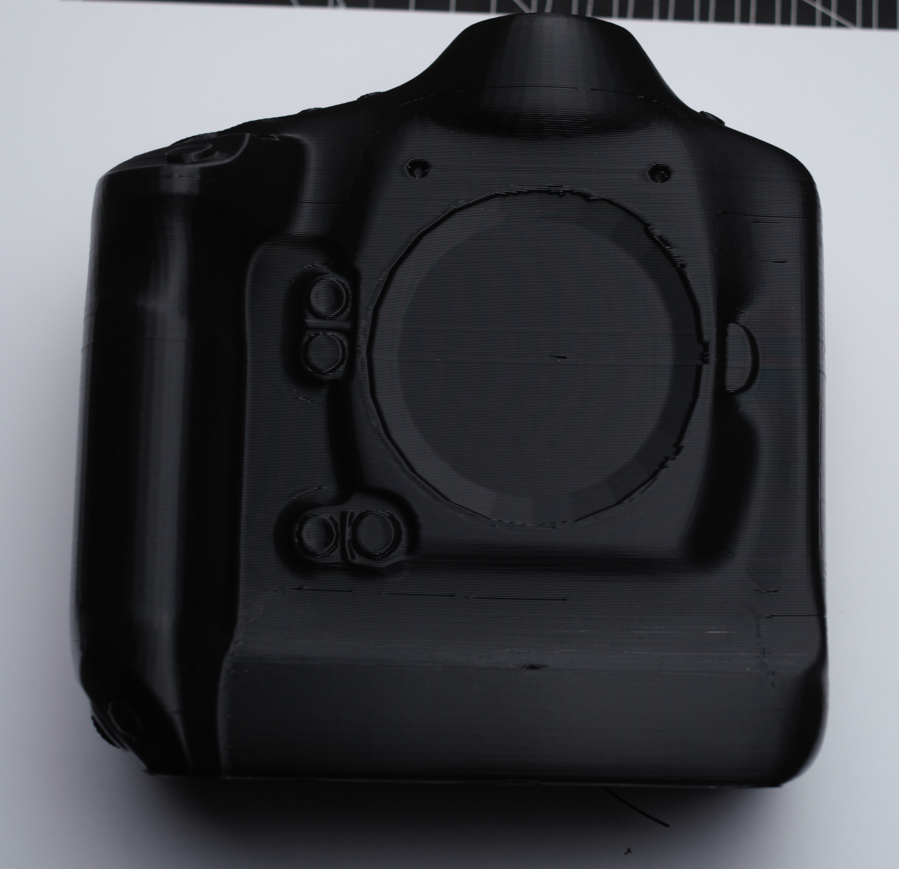
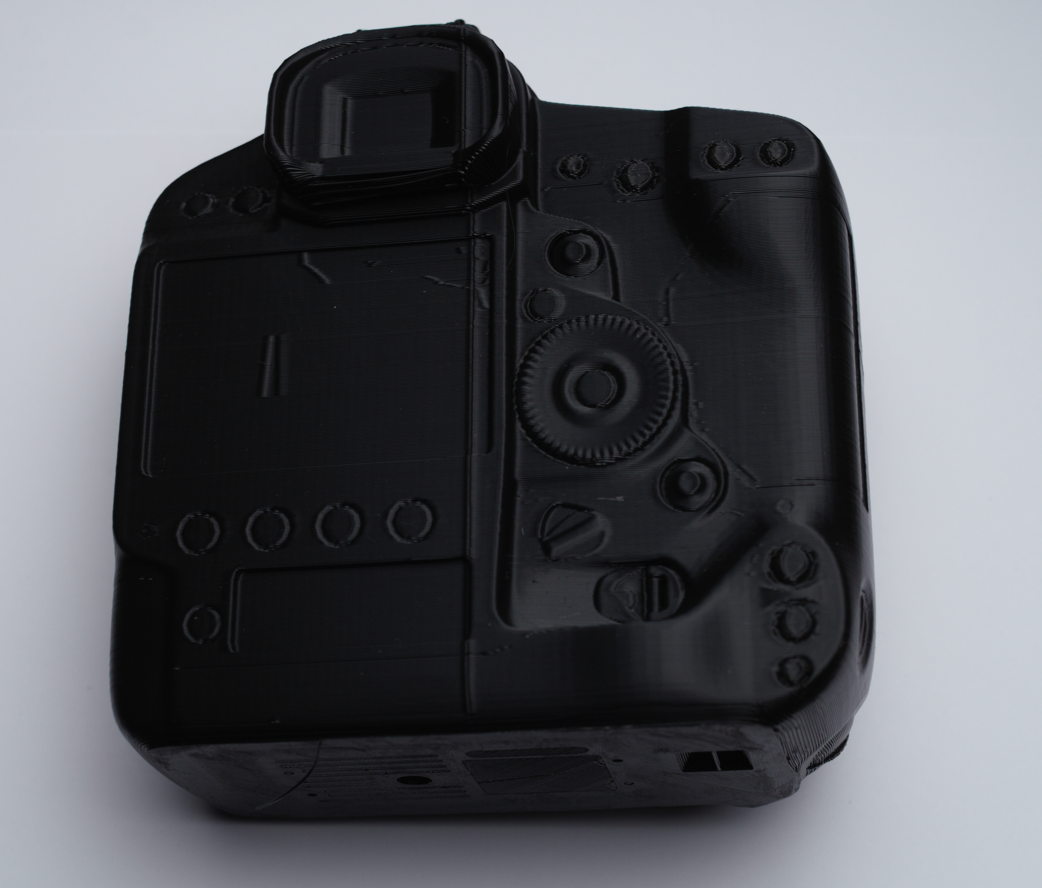

I suggest first printing your 3d Camera Model to know the exact length that you will need your pipe for your stool.
I found these great 3d model in the page of grabcad.com Here you can find great 3d models.
With these great 3d model we can open them into Fusion360 if you have to edit them.
I have to edit them because I had to split the model in half to print them and assemble them. If your printer is big enough to print this step is not necessary.
Create a cylinder with the thickness of the pipe you will use for the structure increase a little bit this thickness and use the union function the cut the cylinder in the 3d model you create a hole for your pipe
You will only need to export these model into STL to configure your 3d printer parameters
Printing the camera and the lens model will take quite a time so be patient. My 3 models took around 32Hrs in totals in a standard quality, if you want more details it will require more printing time.
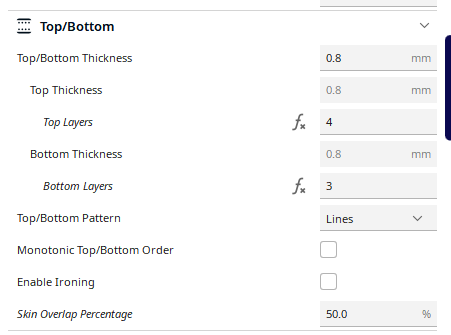
I will print this models with any infill material only the walls. For these I enter 0% Infill material and the wall count 3 or 4. you can add more walls if you want and sturdy model, but this will not add sturdiness to your stool.
Painting Your 3d Models


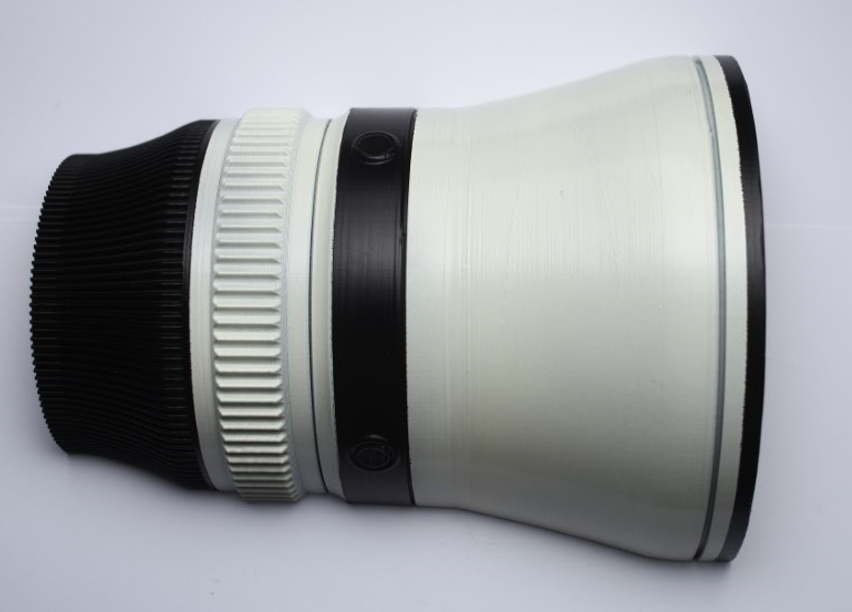
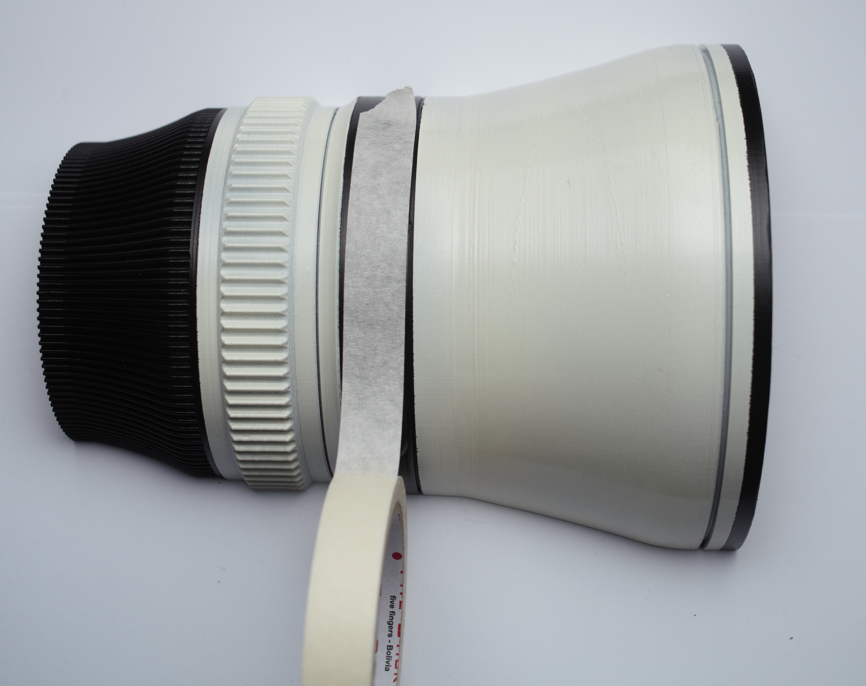
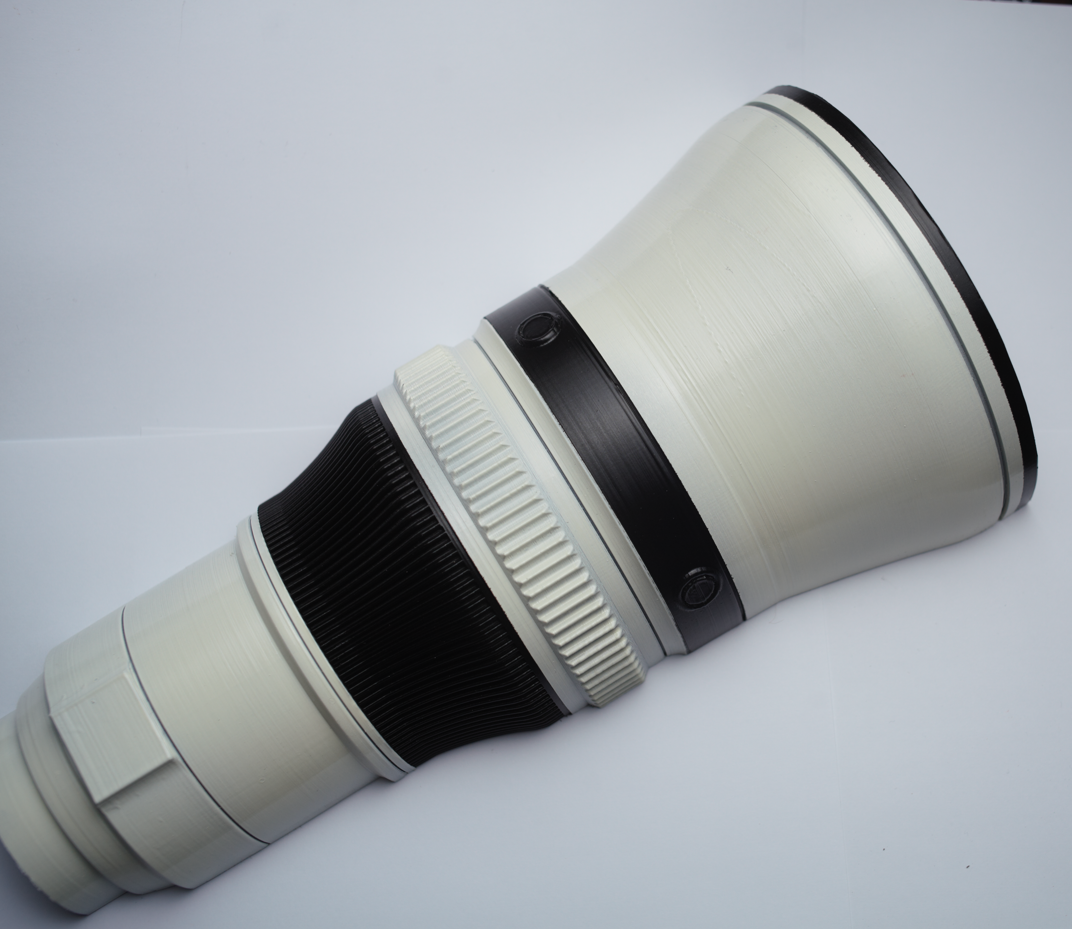
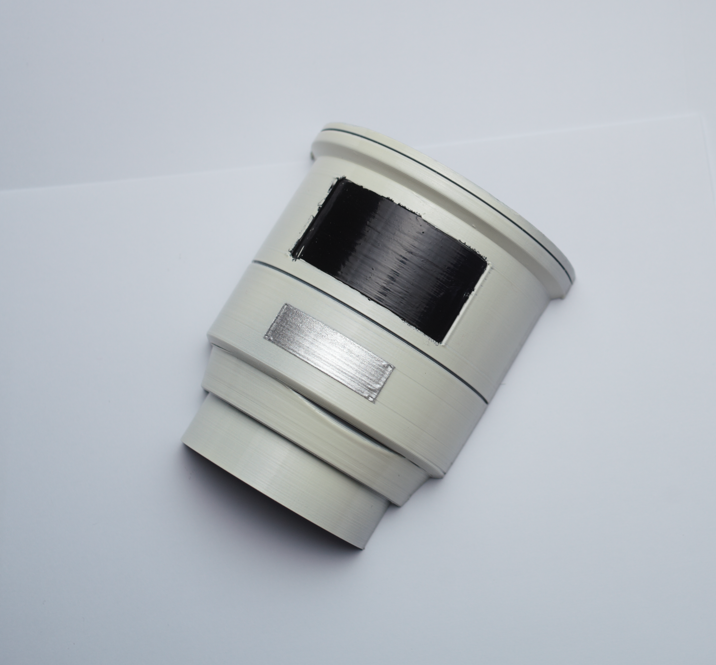
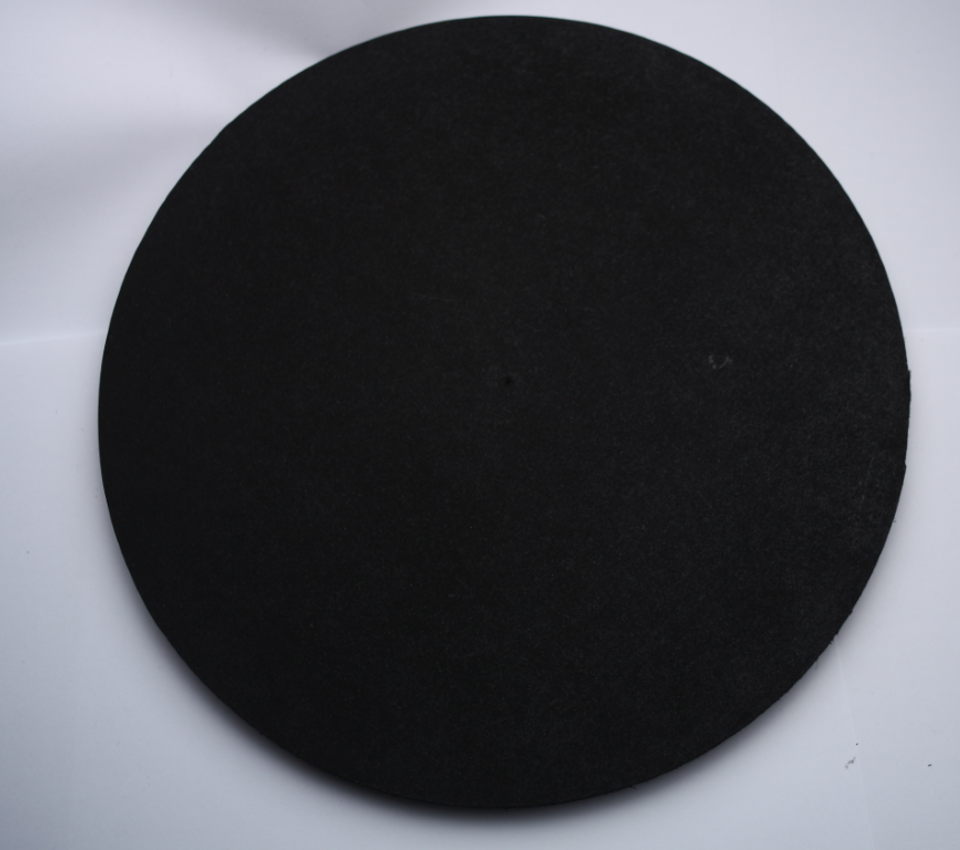
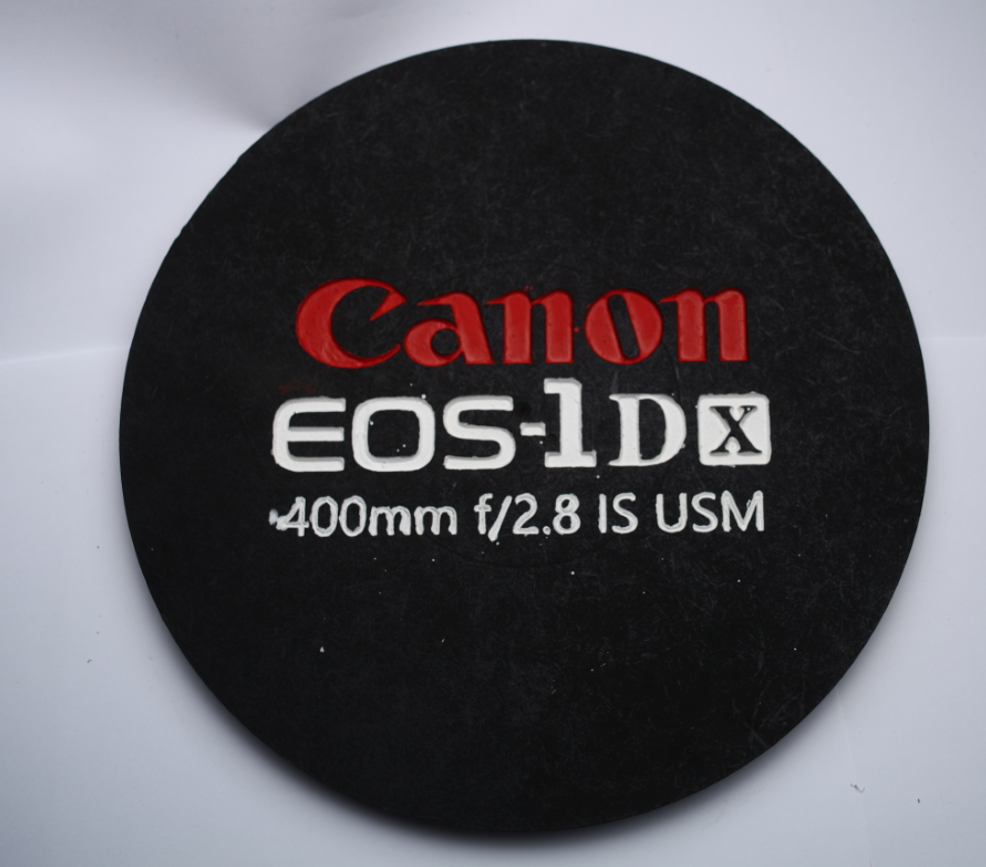


Once you have printed your camera and lens, you will have to paint the model. you can paint them like you want, but I will try to follow the regular scheme color. I printed a Canon 1DX and a 400mm lens. These 2 models will require black matte paint for the main body and white with a touch of light grey for the lens with some details and the iconic red strip of the Canon lenses.
You can use first a couple of coats of primer over the 3d printer material (I used PLA).
Then apply a couple of coats of the paint for every model, this step is really easy if you find the exact colors for your finish.
If you want to look your 3d model more realistic you can add some details like the labels of the controls or the brand of your camera.
Assembling Your Photographer Stool
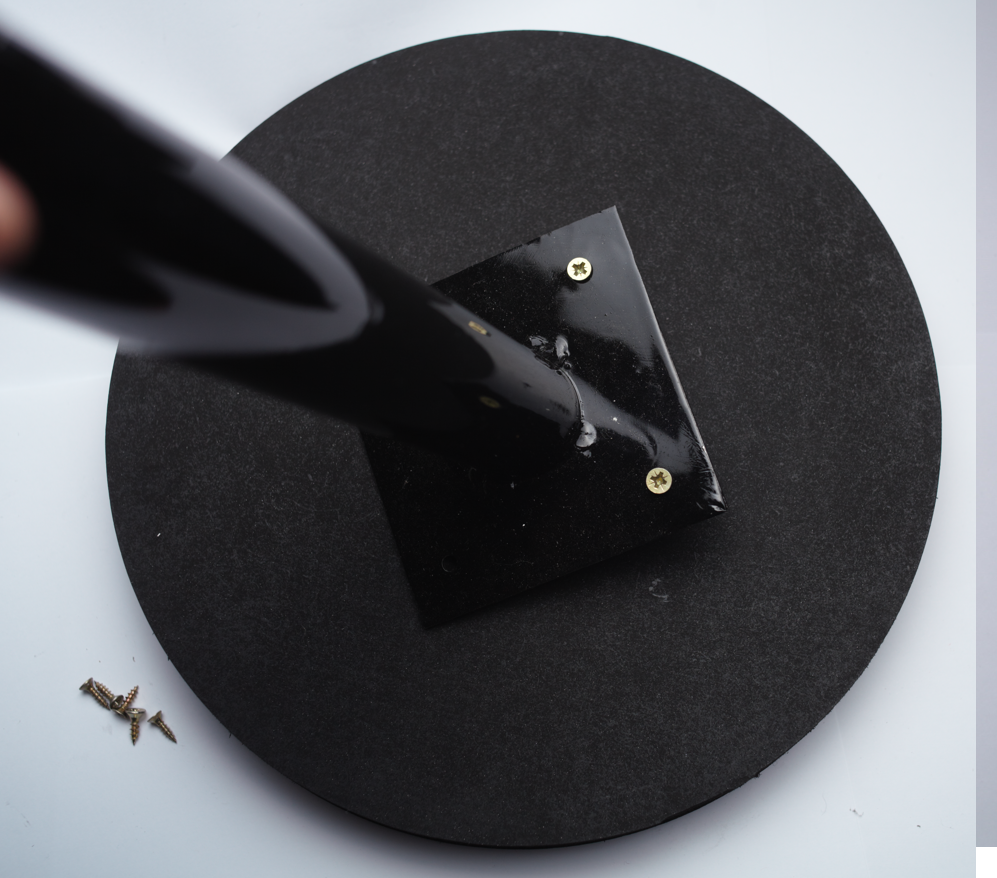
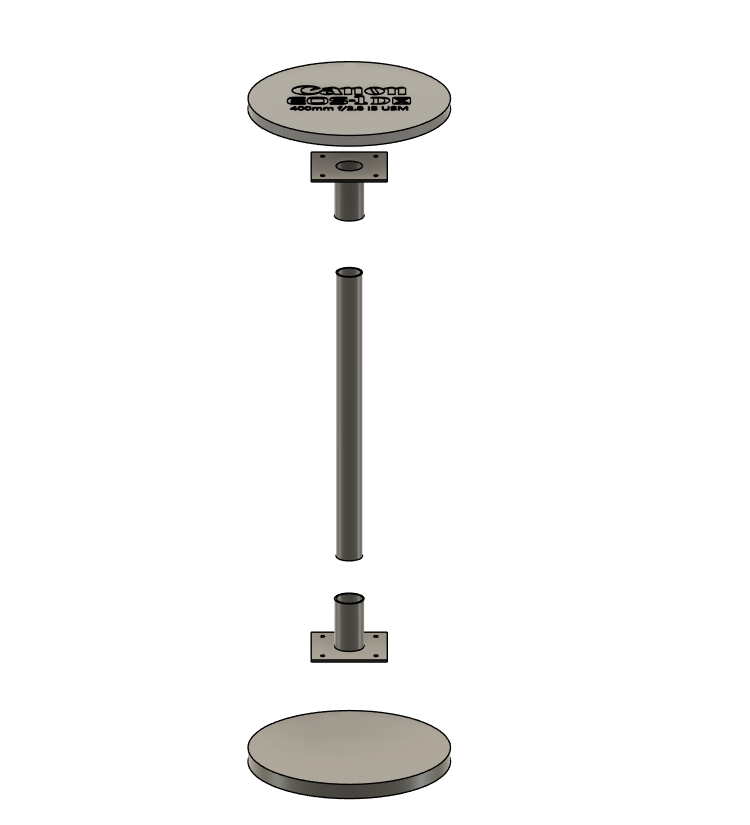
The assembly is quite simple.
- Center the pole base in the base and top and screw them.
- Measure the pipe and cut the right length.
- Insert the pipe and secure it
- Insert the 3d model assembly.
- Glue the 3d models using epoxy glue or hot glue.
- Insert the top and secure it.
Adjusting the last screw might be hard so you can use a rubber sheet to insert the top and keep it in place.
And it is done!
Fool Your Colleagues With Your Stool

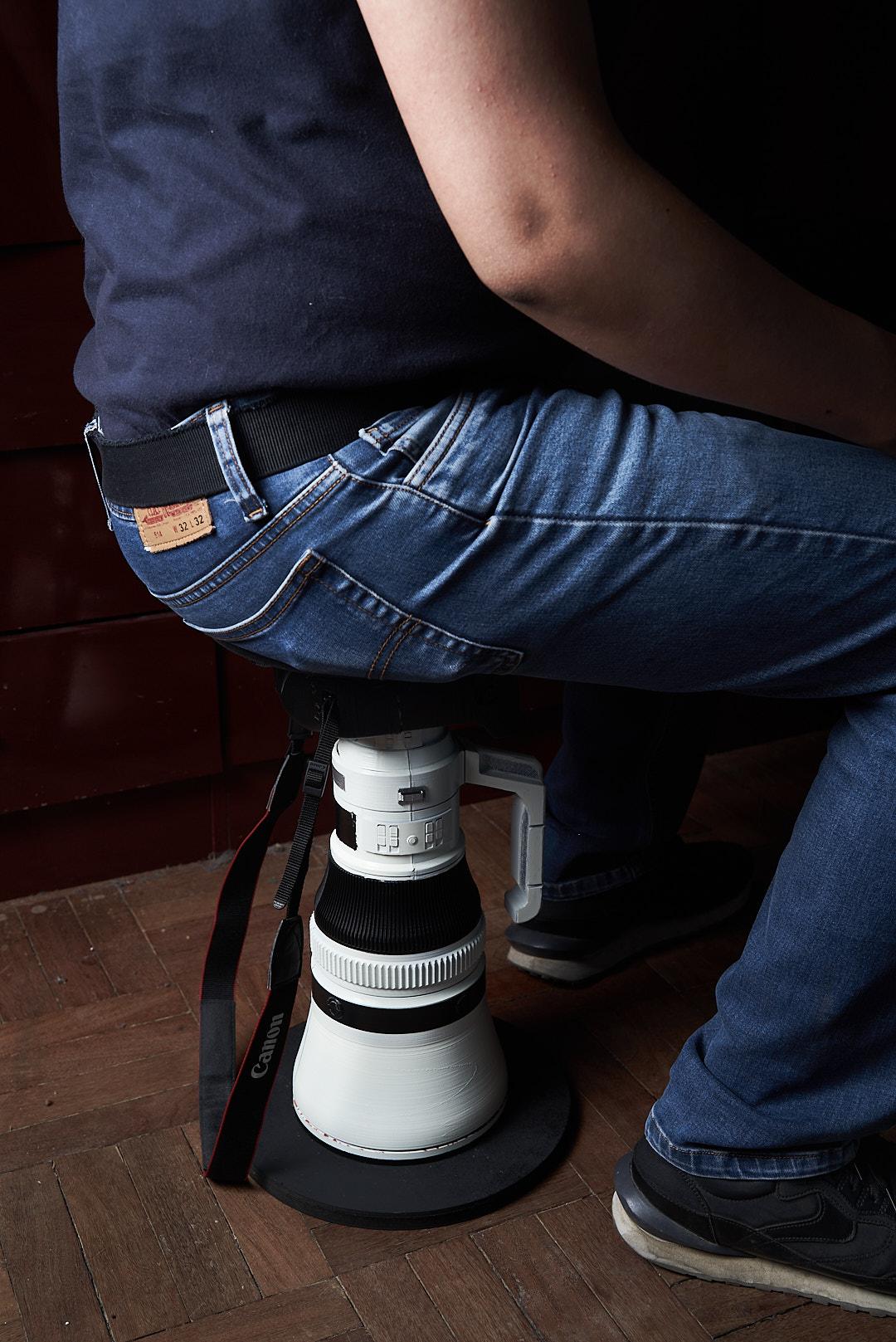
Every photographer makes a little bit of fun of another brand that it's not your Brand. So you can make this stool as a joke for your colleagues or just because you believe that your Brand it is tough to resist anything!
I am a Canon user and always loved the toughness of the 1DX and never had a 400mm f2.8 but to look to a model it is just great.
Thanks for your time and support.