Turn a Broken Samsung Smart TV Into a ESP32 Wi-Fi Internet Radio
by Voltage Ventures in Circuits > Arduino
221 Views, 3 Favorites, 0 Comments
Turn a Broken Samsung Smart TV Into a ESP32 Wi-Fi Internet Radio
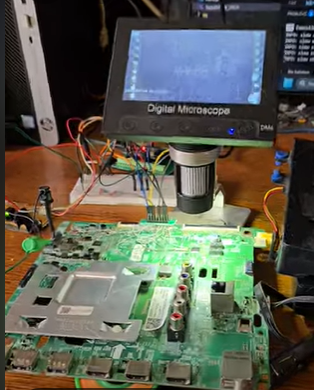
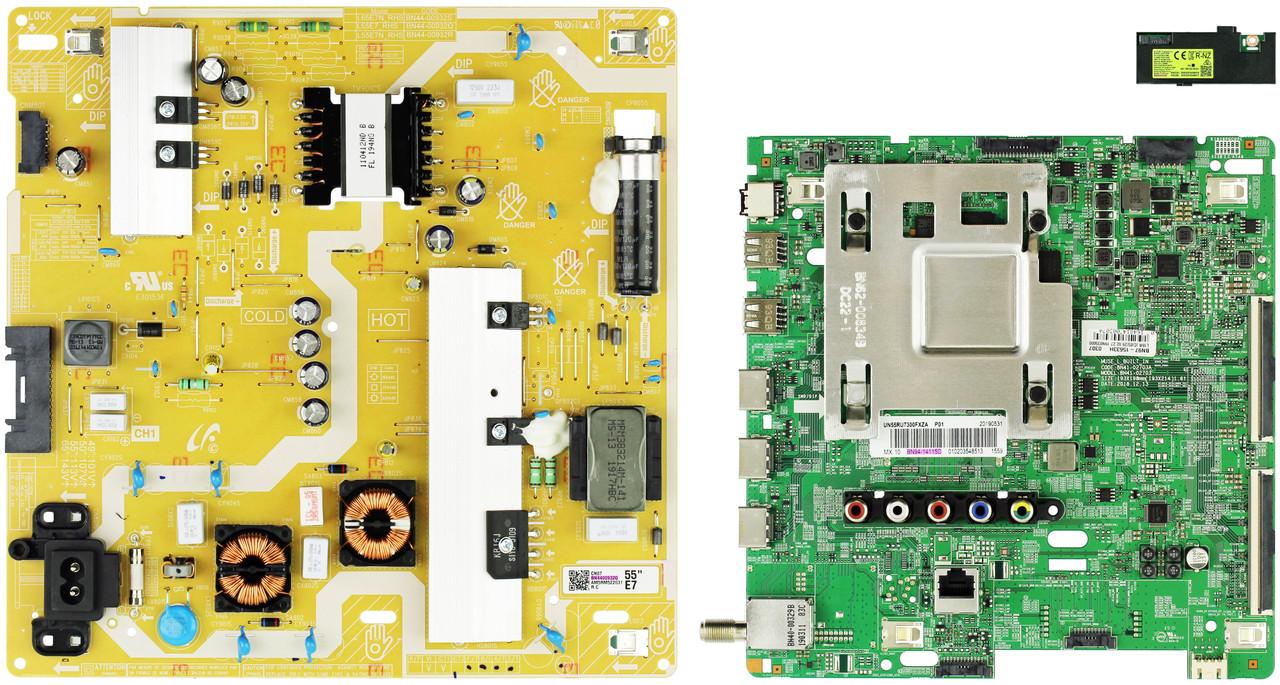

Modern smart TVs contain powerful Class-D audio amplifiers that are usually thrown away when the screen breaks.
In this project, I repurpose the original Samsung TV audio board and turn it into a Wi-Fi internet radio, using an ESP32 — without schematics, and without a full datasheet.
To make this work, I sniffed the original I²C communication between the TV’s main processor and the audio amplifier (TAS5749M / TAS5727 family), then cloned the initialization sequence so the amplifier behaves exactly like it did in the TV.
Result: a high-quality stereo internet radio using recycled hardware.
Supplies
Hardware
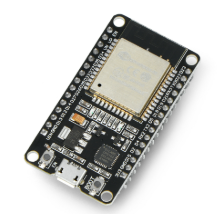
- ESP32 development board
- Samsung TV mainboard (audio section intact)
- Class-D speaker outputs or TV speakers
- Logic analyzer (Saleae / FX2 / clone)
- Breadboard + jumper wires
- 12 V power supply
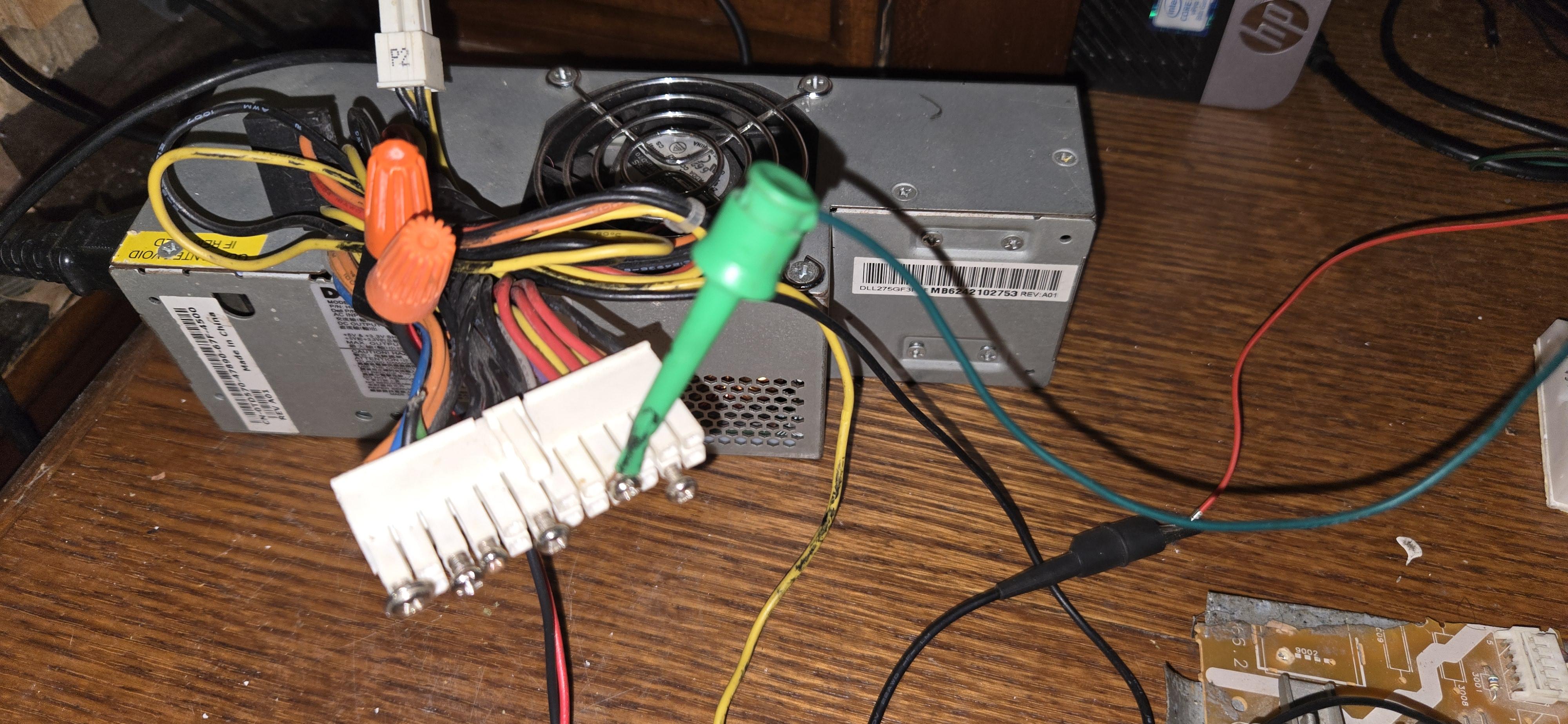
Power Supply: Using a PC 12 V Supply
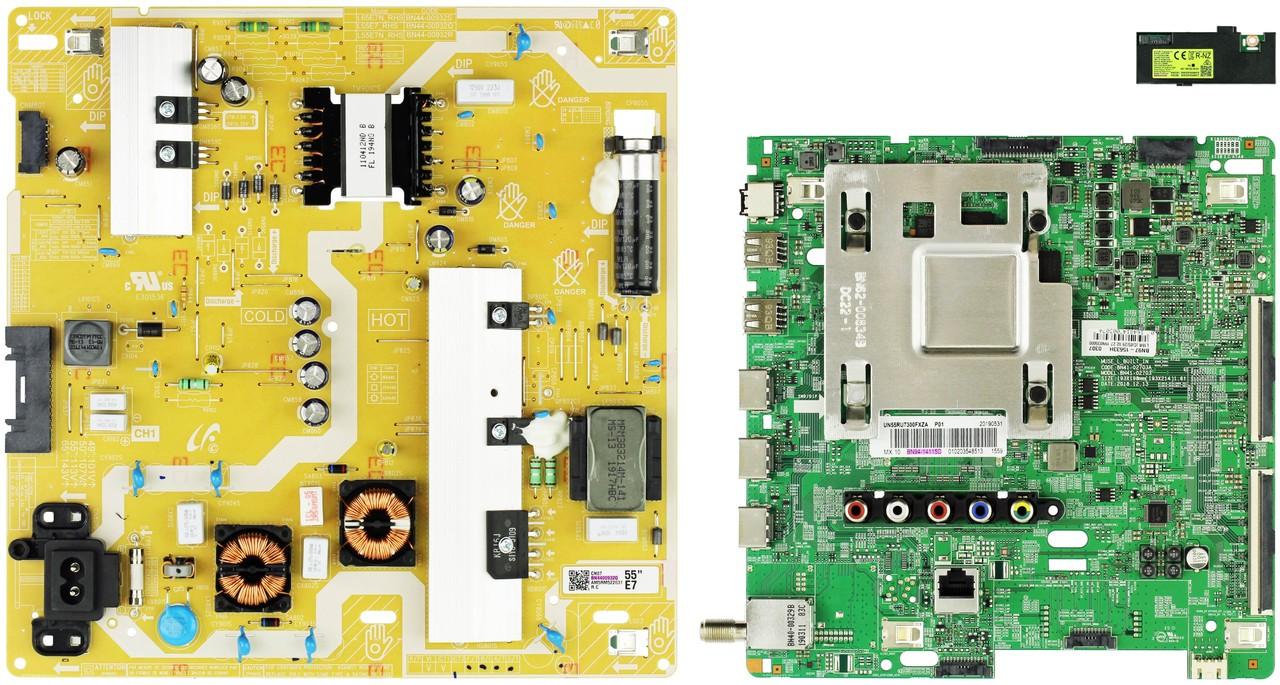
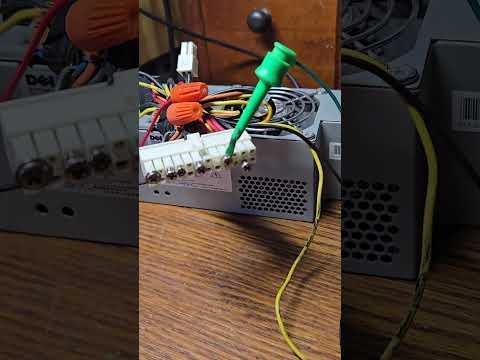
Instead of using the original Samsung TV power board, I powered the audio amplifier using a standard PC ATX power supply (12 V rail).
Why I Did Not Use the Original TV Power Board
- The original TV power board is:
- Large and bulky
- Hard to reuse outside the TV
- Designed to communicate with the TV mainboard
- It often requires:
- Enable signals
- Standby control
- Proprietary sequencing
- For a standalone project, this adds unnecessary complexity.
Benefits for Experimentation and Safety
Using a PC power supply allowed me to:
- Safely power the amplifier during reverse engineering
- Probe I²C and I²S signals without risking the TV board
- Quickly power-cycle the system during firmware testing
- Avoid accidental damage to proprietary hardware
- This was especially important while sniffing the original I²C traffic and testing undocumented behavior of the TAS5749M.
Software
- PlatformIO
- PulseView (sigrok)
- ESP32-audioI2S library
The Samsung TV Audio Board
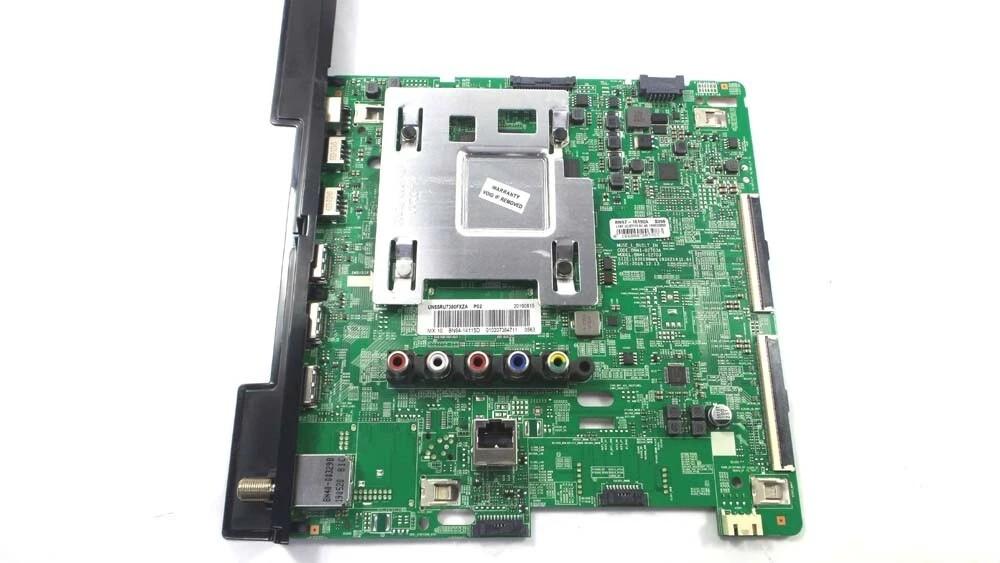
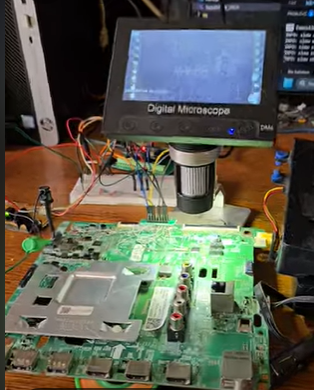
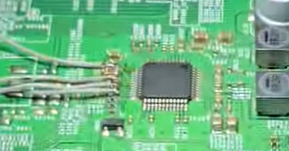
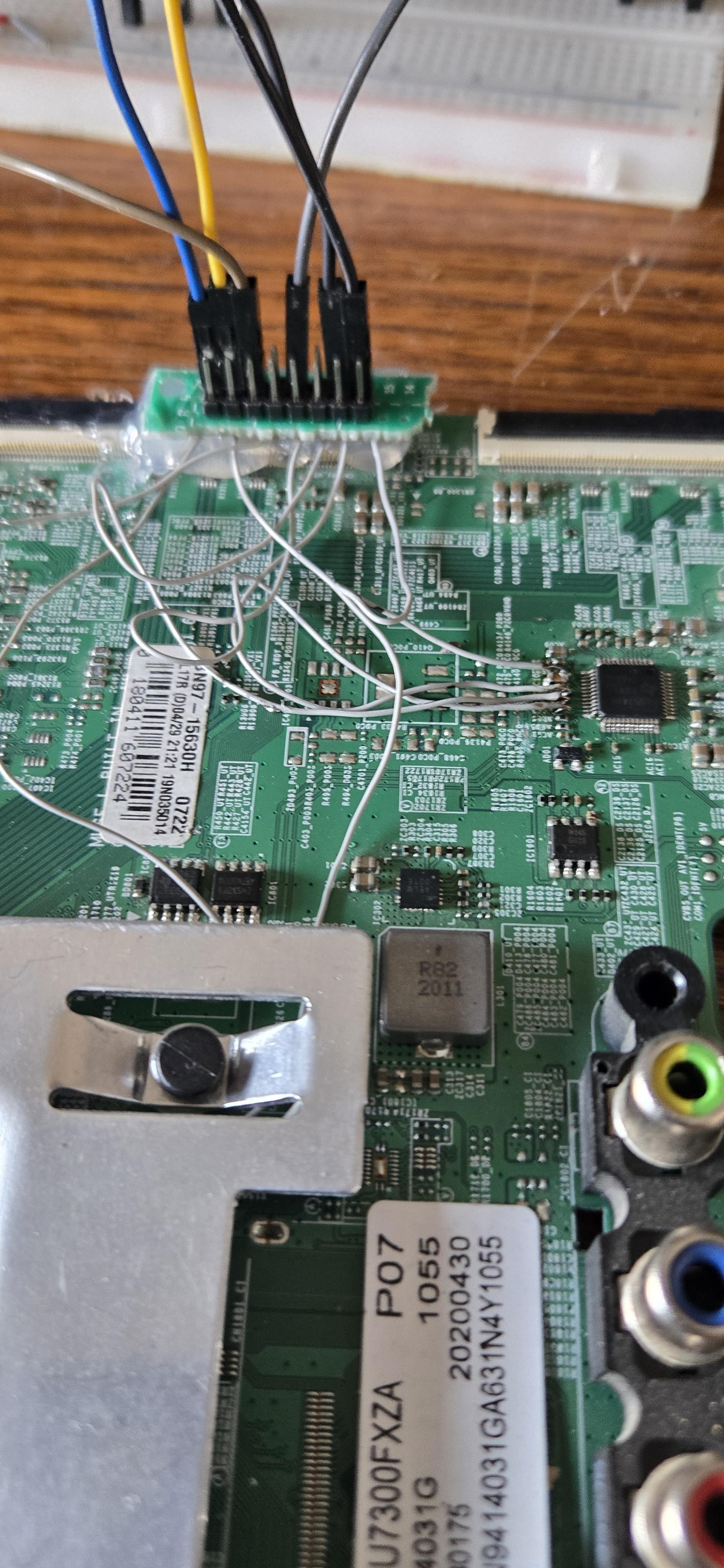

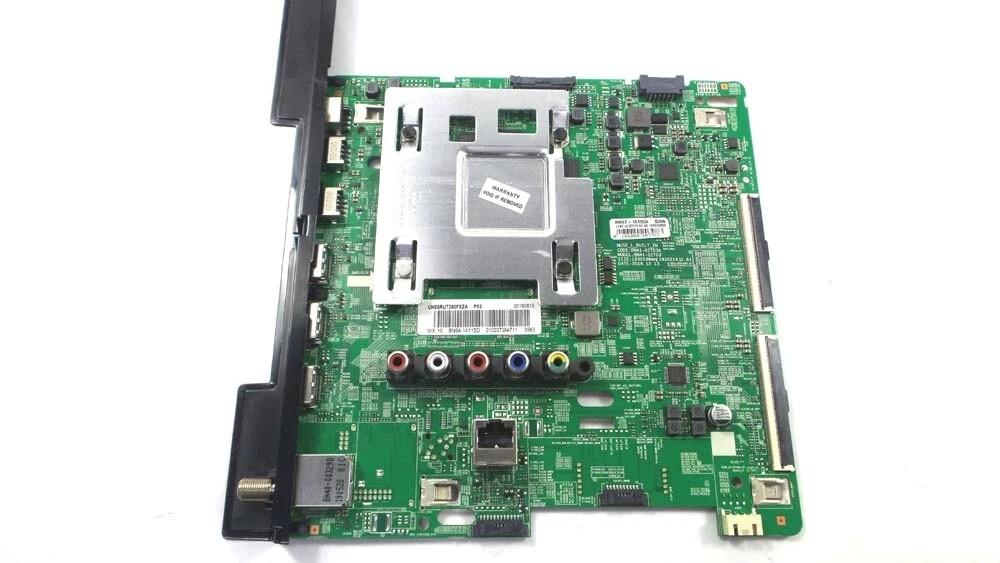
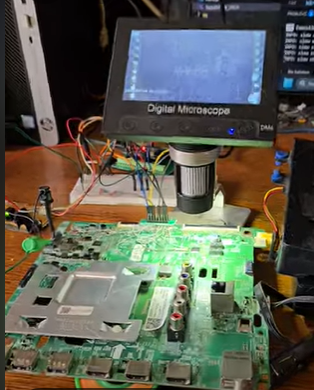
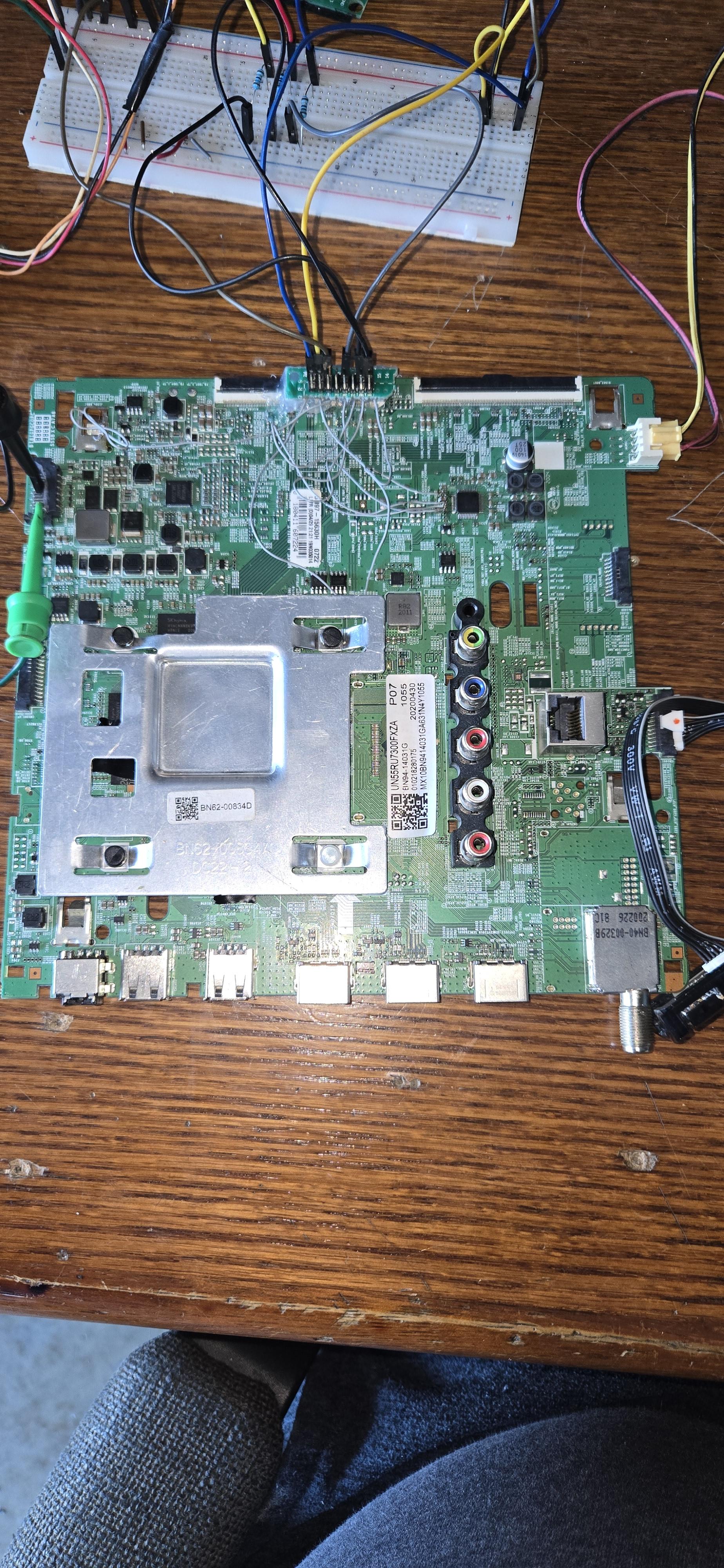
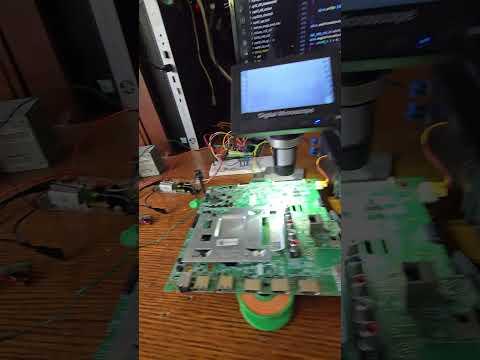
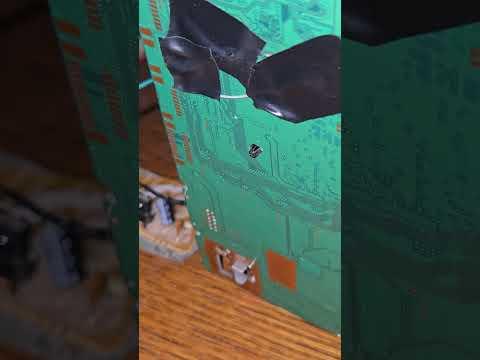
This is the original Samsung TV mainboard.
Even though the LCD panel is broken, the audio section is fully functional and includes:
- TAS5749M digital audio amplifier
- Built-in DSP
- High-power Class-D output stage
- External MCLK clock source already on the board
The amplifier communicates using:
- I²S for audio
- I²C for control
Finding the Audio Interface Pins
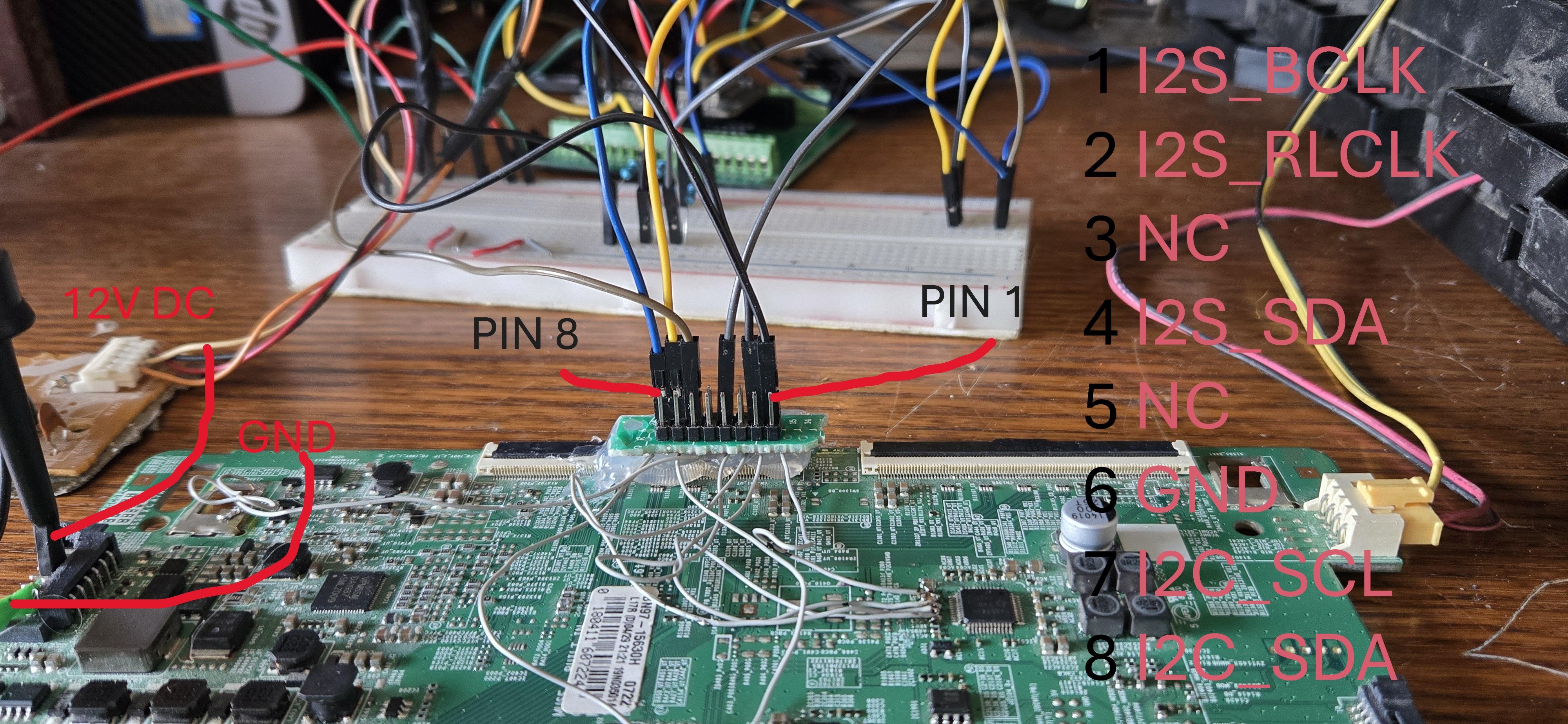
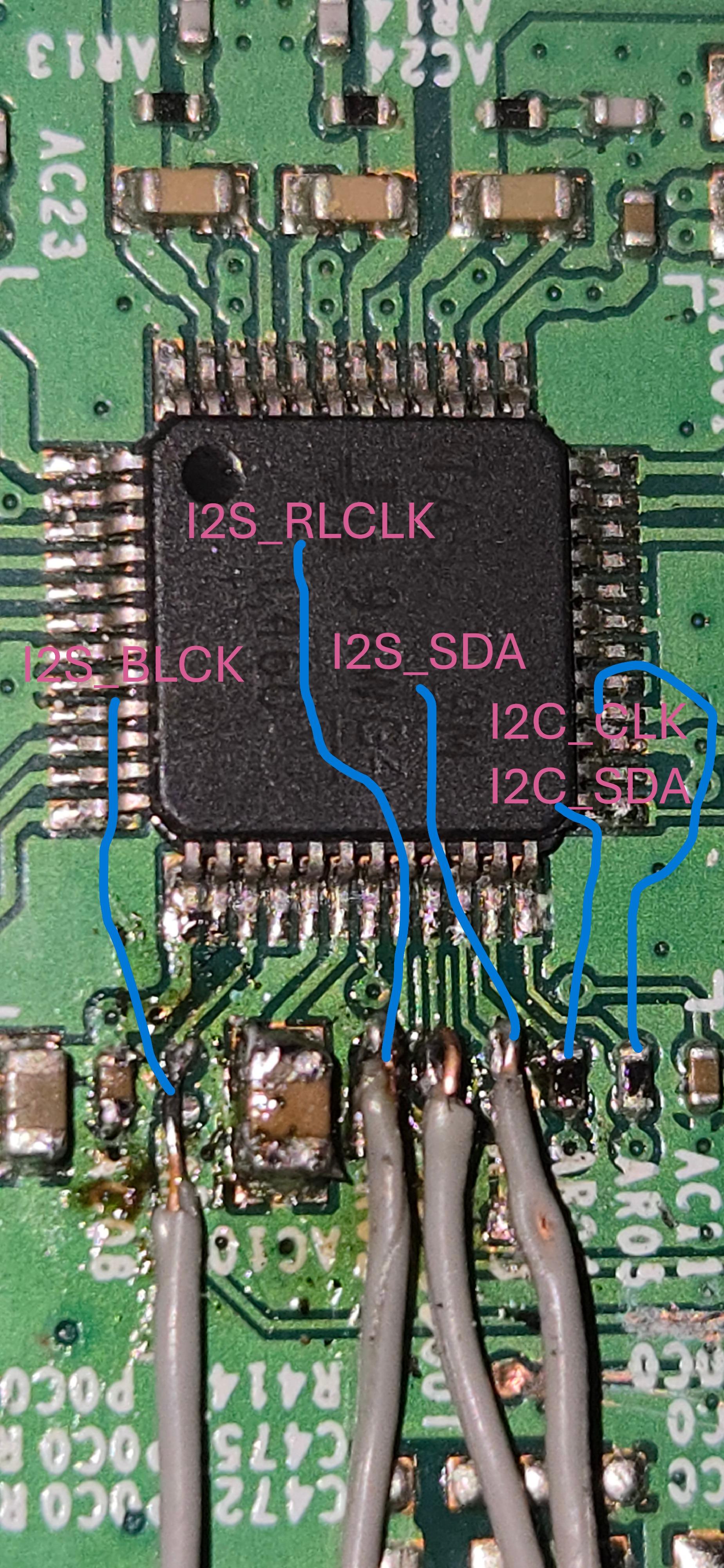
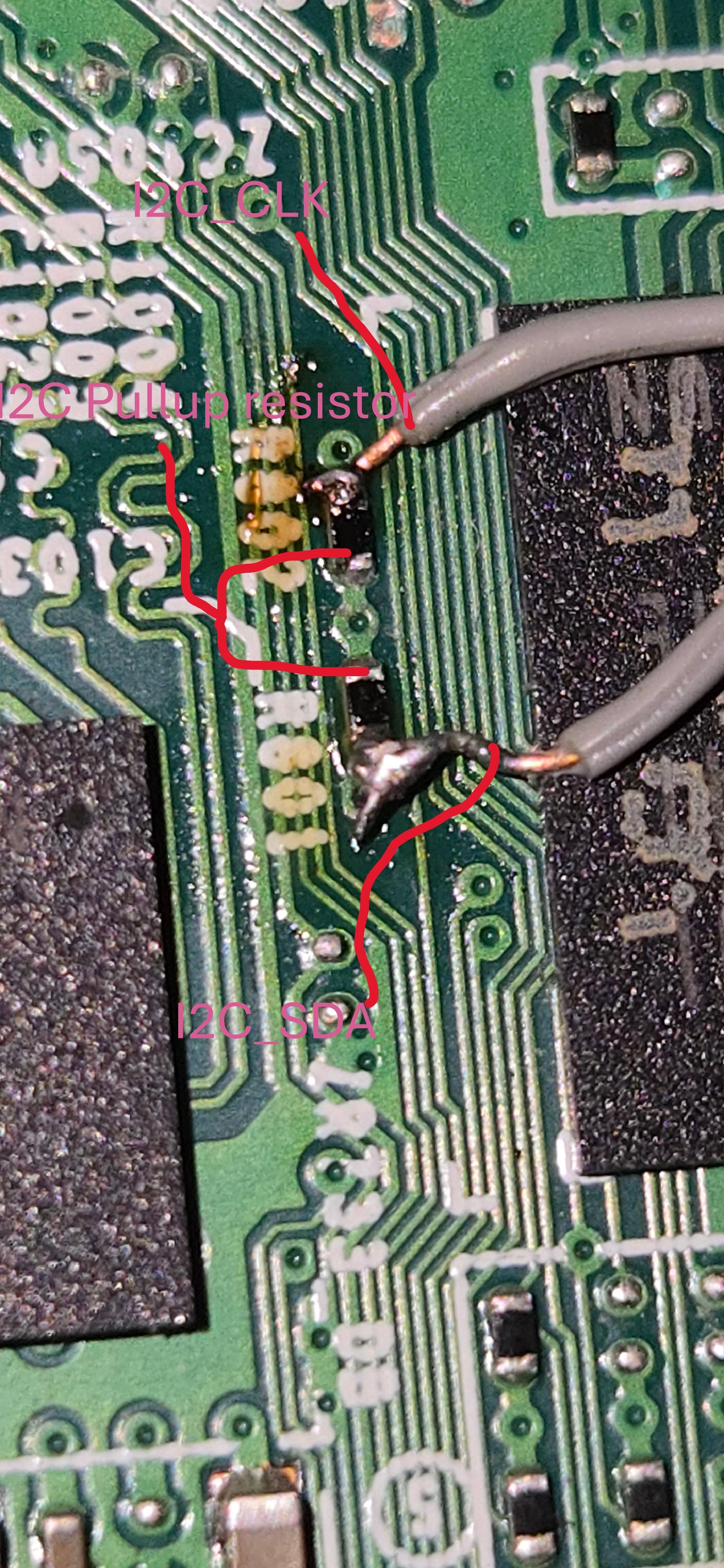
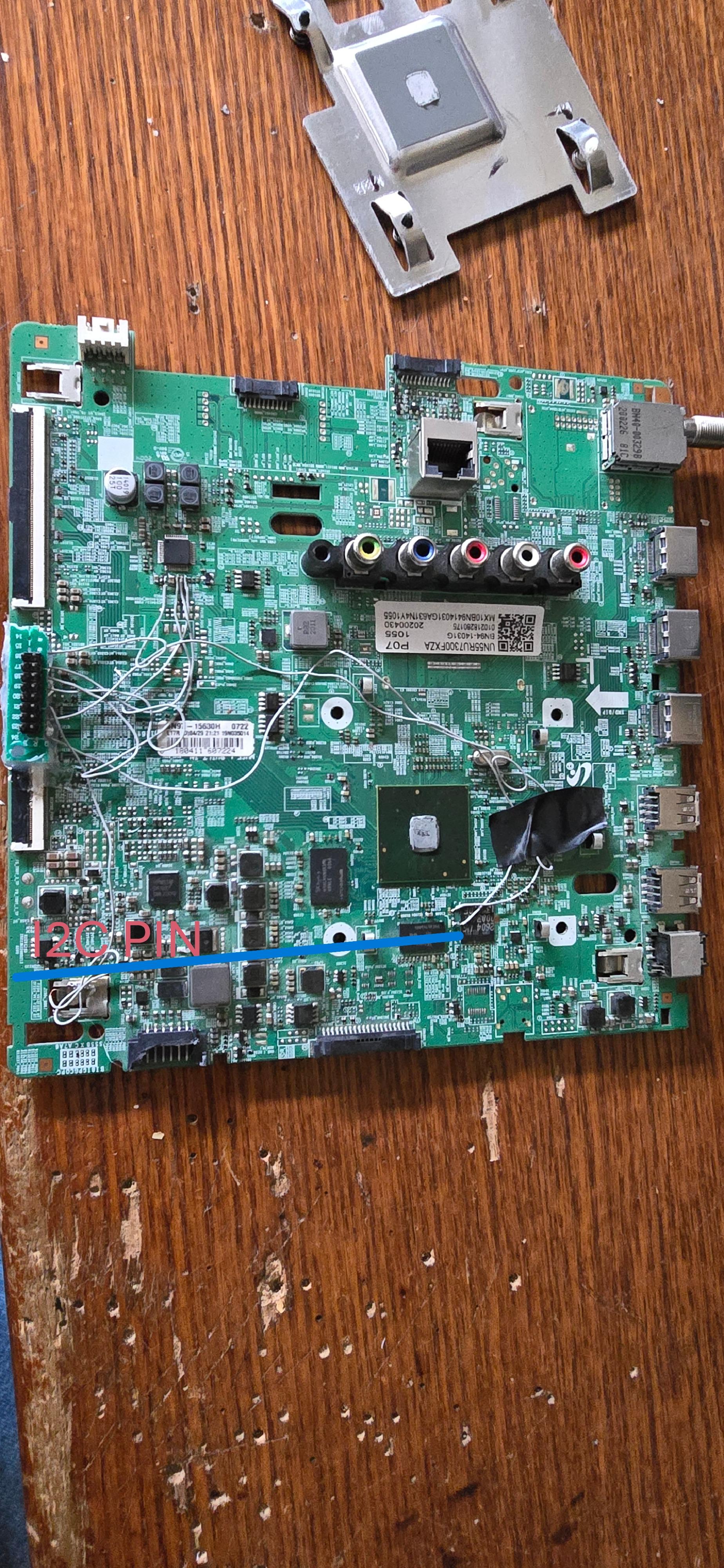
Identifying and Isolating the Audio Interface
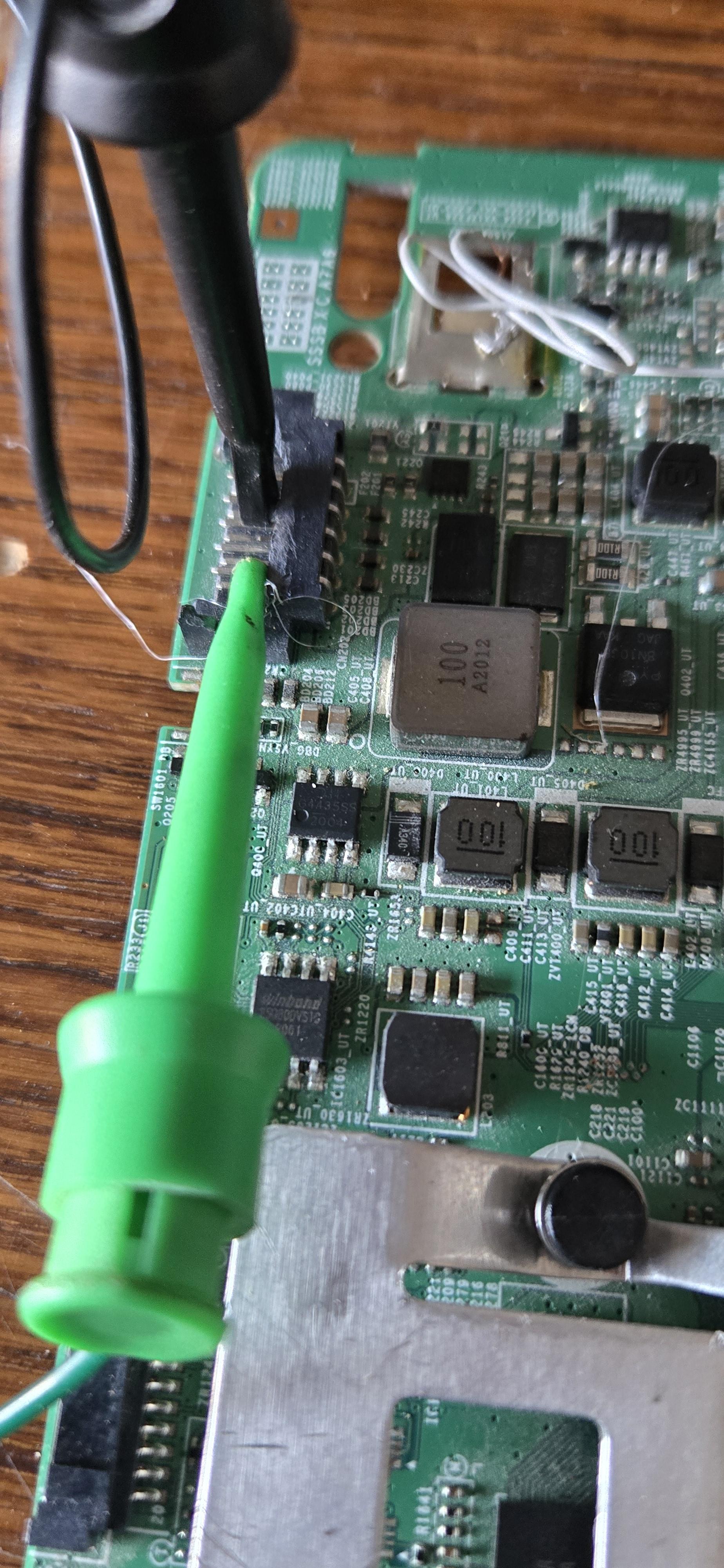
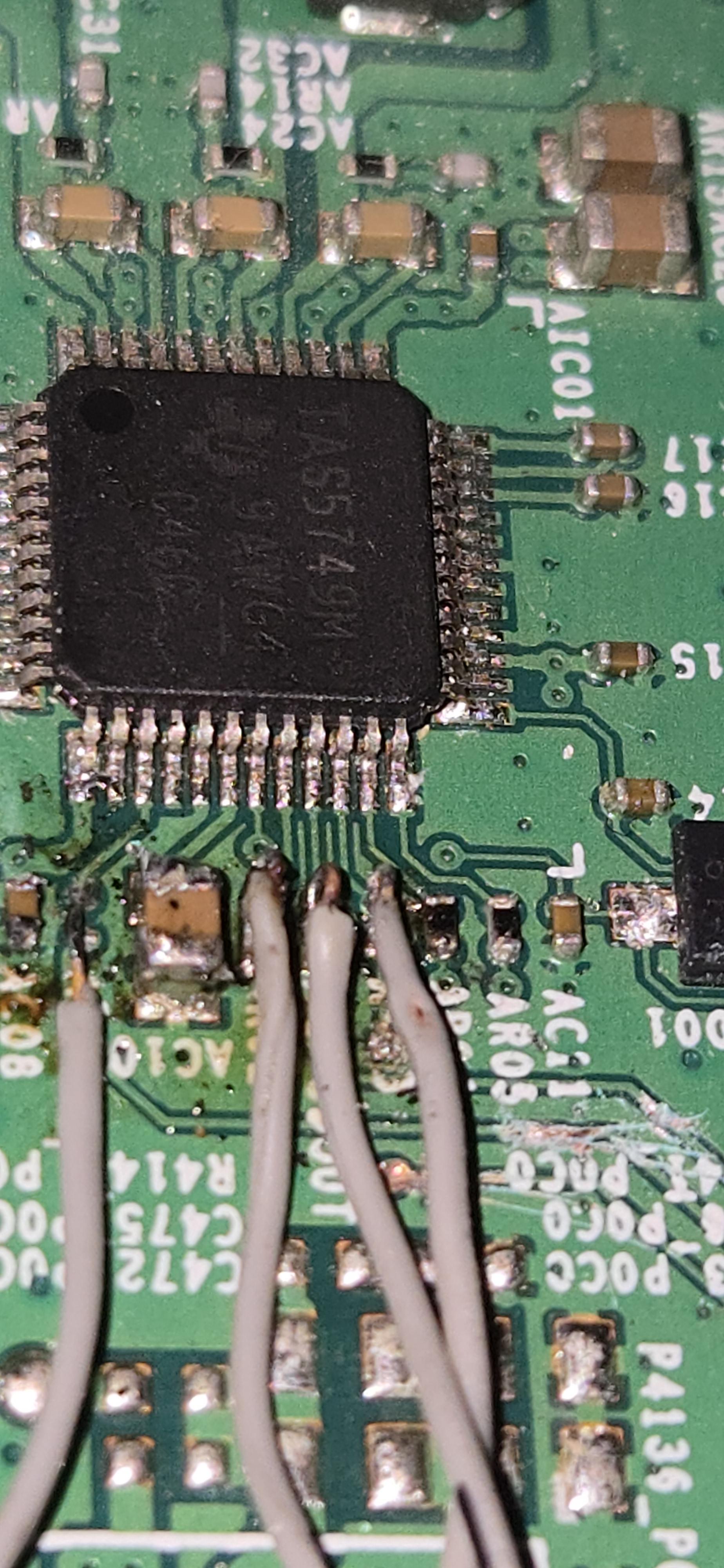
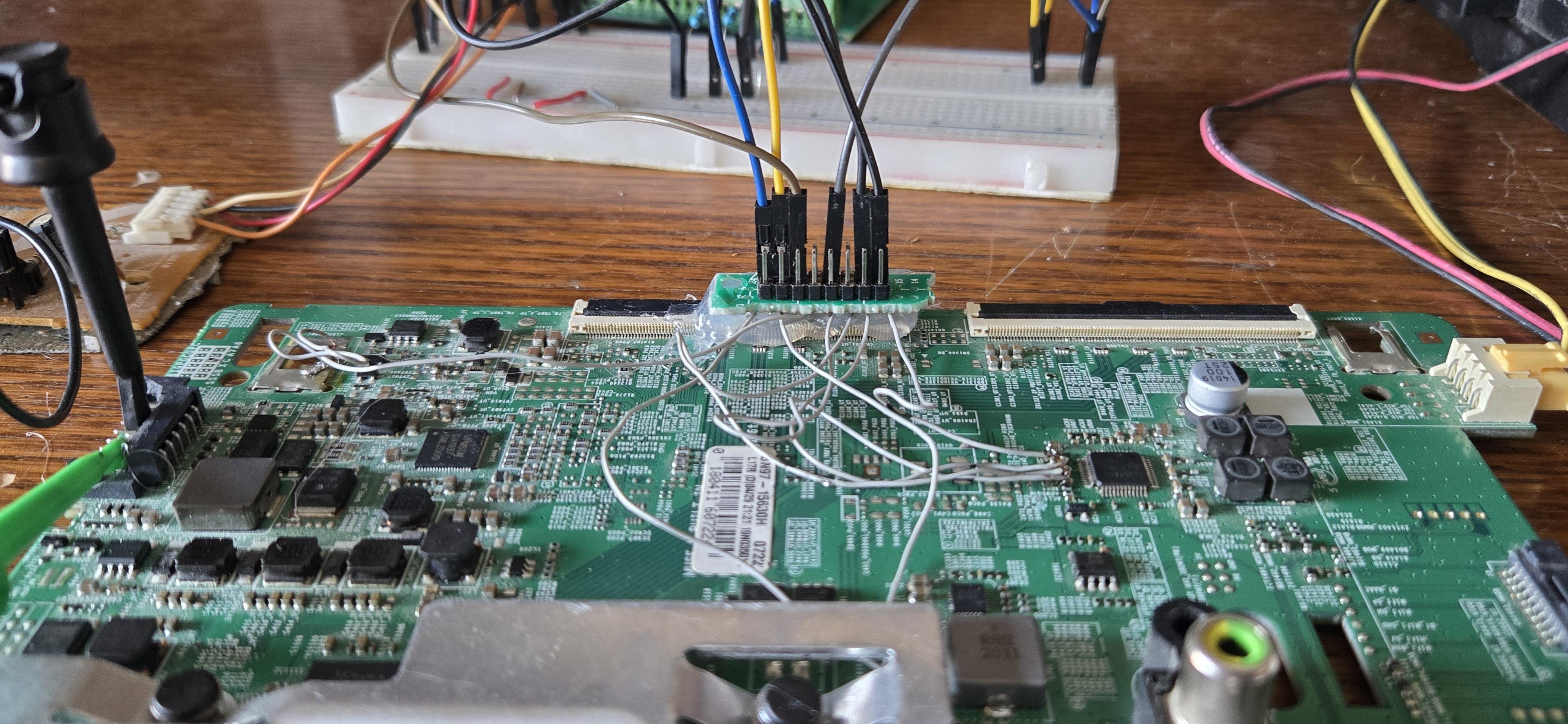
After tracing the PCB and probing the signals on the original Samsung TV mainboard, I identified the digital audio and control interface connected to the TAS5749M audio amplifier.
PinFunction
1 I2S_BCLK
2 I2S_LRCLK
3 Not Connected
4 I2S_DATA
5 Not Connected
6 Ground
7 I²C_SCL
8 I²C_SDA
Why I Cut the PCB Traces (Very Important)
In the original TV, these signals are driven by the Samsung SoC.
To safely take control of the TAS5749M using an ESP32, I physically cut the PCB traces leading to this connector.
This ensures:
- ✔ No bus contention on I²C
- ✔ No clock conflicts on MCLK / LRCLK
- ✔ No risk of two processors driving the same line
- ✔ Full, exclusive control of the amplifier by the ESP32
After isolating the traces, the TAS5749M is completely controlled by the ESP32, exactly as if it were the original TV processor.
Why This Step Is Necessary
Digital audio amplifiers like the TAS5749M are extremely sensitive to:
- Competing clock sources
- Multiple I²C masters
- Undefined logic levels during boot
Leaving the original SoC connected can cause:
- Random mute states
- Missing clocks
- DSP lock failures
- Silent output with no obvious errors
By isolating the amplifier, the system becomes:
- Predictable
- Repeatable
- Safe to experiment with
Final Result
With the original traces disconnected and the ESP32 connected:
- The TAS5749M initializes correctly
- BCLK behavior matches the original Samsung design
- Audio starts instantly after I²C initialization
- The amplifier behaves exactly as it did inside the TV
This isolation step was critical to the success of the project.
Always double-check trace cuts with a multimeter before applying power.
Class-D amplifiers can be damaged by floating or shorted control lines.
Sniffing the Original I²C Traffic
Why I Had to Sniff the Original I²C (No Datasheet Available)
One of the biggest challenges in this project was that no public datasheet is available for the TAS5749M used in Samsung TVs.
Although the TAS5749M belongs to the TI TAS57xx family, Samsung uses a custom-configured variant with:
- Undocumented registers
- TV-specific DSP behavior
- Non-standard power-up and mute sequences
Because of this, the amplifier will not produce any audio unless it receives the exact initialization sequence expected by the Samsung firmware.
The Only Solution: Reverse Engineering
Since no official documentation exists online, the only practical solution was to observe how the TV itself controls the amplifier.
I did this by:
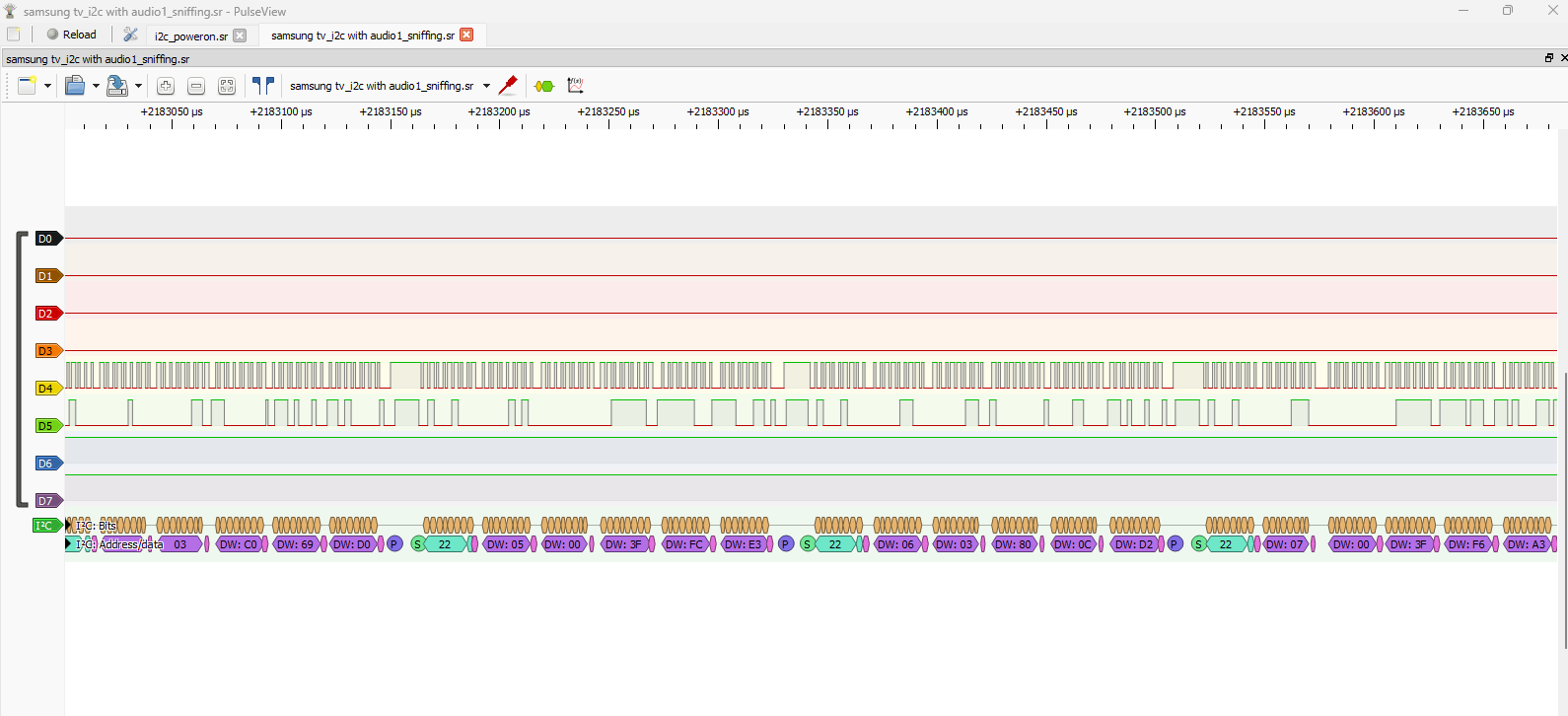
- Attaching a logic analyzer to the TV’s I²C bus
- Capturing the communication during TV startup
- Decoding the data using PulseView
This revealed:
- The amplifier’s 7-bit I²C address (0x22)
- The exact order of register writes
- The moment when mute is released and audio clocks become active
Without this step, the amplifier stays silent, even if:
- MCLK is present
- LRCLK is present
- Valid I²S audio is applied
Cloning the Samsung Initialization
Once the I²C traffic was captured, I recreated the same sequence on the ESP32.
This effectively tricks the amplifier into thinking it is still connected to the original Samsung TV processor.
As a result:
- BCLK becomes active
- DSP unlocks
- Audio output starts immediately
This reverse-engineering step is what made the entire project possible.
Why This Matters
This approach allows:
- Reuse of high-quality TV audio hardware
- Operation without vendor support or datasheets
- Full control over a complex Class-D amplifier using open tools
It also shows that logic analyzers are just as important as oscilloscopes when working with modern digital audio hardware.
Downloads
ESP32 Internet Radio
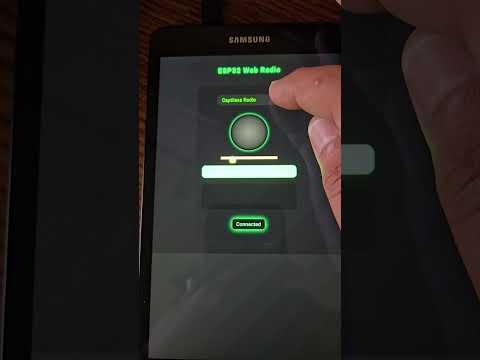
The ESP32 connects to Wi-Fi and streams internet radio stations using I²S audio output.
Features:
- 48 kHz I²S audio
- Hardware DSP inside TAS5749M
- Clean, loud output using original TV speakers
- No external DAC required
Development Environment: PlatformIO + Visual Studio Code
All firmware for this project was developed using PlatformIO inside Visual Studio Code, rather than the Arduino IDE.
Why PlatformIO?
PlatformIO provides a professional embedded development environment with:
- ✔ Automatic library management
- ✔ Reproducible builds
- ✔ Better dependency control
- ✔ Integrated serial monitor and debugger
- ✔ Clean project structure
This was especially important for this project because it combines:
- Wi-Fi networking
- I²S audio streaming
- Low-level I²C control
- Real-time DSP clocking
Project Configuration
The ESP32 firmware was built using:
- Board: ESP32 Dev Module
- Framework: Arduino (via PlatformIO)
- IDE: Visual Studio Code
All dependencies were managed using PlatformIO’s platformio.ini, making the project easy to clone and rebuild.
Using PlatformIO means:
- Anyone can rebuild the project with the exact same library versions
- No hidden Arduino IDE settings
- No manual library installation
This is especially important when working with:
- Audio timing
- DSP clocks
- Undocumented hardware behavior
Downloads
TAS5749M

TAS5749M I2C
#include <Arduino.h>
#include <Wire.h>
/* =======================
TAS5727 CONFIG
======================= */
#define TAS_ADDR 0x22
#define TAS_RESET_PIN 4
void TAS5749_Write(uint8_t reg, uint8_t val) {
Wire.beginTransmission(TAS_ADDR);
Wire.write(reg);
Wire.write(val);
Wire.endTransmission();
}
void tasWrite(uint8_t reg, uint8_t val) {
Wire.beginTransmission(TAS_ADDR);
Wire.write(reg);
Wire.write(val);
Wire.endTransmission();
}
uint8_t tasRead(uint8_t reg) {
uint8_t val = 0;
Wire.beginTransmission(TAS_ADDR);
Wire.write(reg); // Register to read
if (Wire.endTransmission(false) != 0) { // Send repeated start
Serial.println("I2C write failed");
return 0xFF;
}
Wire.requestFrom(TAS_ADDR, 1); // Request 1 byte
if (Wire.available()) {
val = Wire.read();
} else {
Serial.println("I2C read failed");
val = 0xFF;
}
return val;
}
void printTASRegisters() {
Serial.println("Reading TAS5727 registers:");
for (uint8_t reg = 0x00; reg <= 0x77; reg++) {
uint8_t val = tasRead(reg);
Serial.print("Reg 0x");
Serial.print(reg, HEX);
Serial.print(": 0x");
Serial.println(val, HEX);
delay(10);
}
}
/* =======================
TAS5727 I2C
======================= */
uint8_t volumePercentToTAS(int percent) {
percent = constrain(percent, 0, 100);
return map(percent, 0, 100, 0x60, 0x00);
}
void setVolume(int percent) {
// currentVolume = percent;
tasWrite(0x07, volumePercentToTAS(percent)); // master volume
}
void TAS5749_I2C_INT() {
tasRead(0x01);
tasWrite(0x02, 0x01);
TAS5749_Write(0x00, 0x00);
TAS5749_Write(0x1B, 0x03);
TAS5749_Write(0x10, 0x02);
TAS5749_Write(0x15, 0x48);
TAS5749_Write(0x0B, 0x80);
TAS5749_Write(0x0C, 0xD4);
TAS5749_Write(0x0D, 0x80);
TAS5749_Write(0x0E, 0xD4);
TAS5749_Write(0x08, 0x80);
TAS5749_Write(0x12, 0x88);
TAS5749_Write(0x7E, 0x01);
TAS5749_Write(0x7E, 0x00);
TAS5749_Write(0x16, 0x96);
TAS5749_Write(0x04, 0x01);
TAS5749_Write(0x7E, 0x00);
TAS5749_Write(0x01, 0x00);
TAS5749_Write(0x7E, 0x00);
TAS5749_Write(0x01, 0x00);
TAS5749_Write(0x16, 0x96);
TAS5749_Write(0x04, 0x01);
delay(20);
tasWrite(0x03, 0x01);
tasWrite(0x04, 0x03);
tasWrite(0x04, 0xFF); //FF
Serial.println("TAS5749M initialized.");
delay(10);
}
Downloads
Final Setup

The final setup uses:
- Original TV speakers
- Original TV amplifier
- ESP32 as the audio source
This is a fully working internet radio, built from parts that would otherwise be e-waste.
Final Thoughts
This project shows that:
- Broken TVs are a gold mine for audio hardware
- Reverse engineering with a logic analyzer is incredibly powerful
- You don’t always need a datasheet to make things work
Possible upgrades:
- Web interface for station selection
- Presets stored in flash
- Volume control synced to amplifier registers
- Bluetooth audio input